Iceland 2009
GROTTO FILLED WITH WATER, MIX WITH HISTORY AND END AT THE SEA
DAY 5 : THURSDAY AUGUST 13, 2009 (2/2)
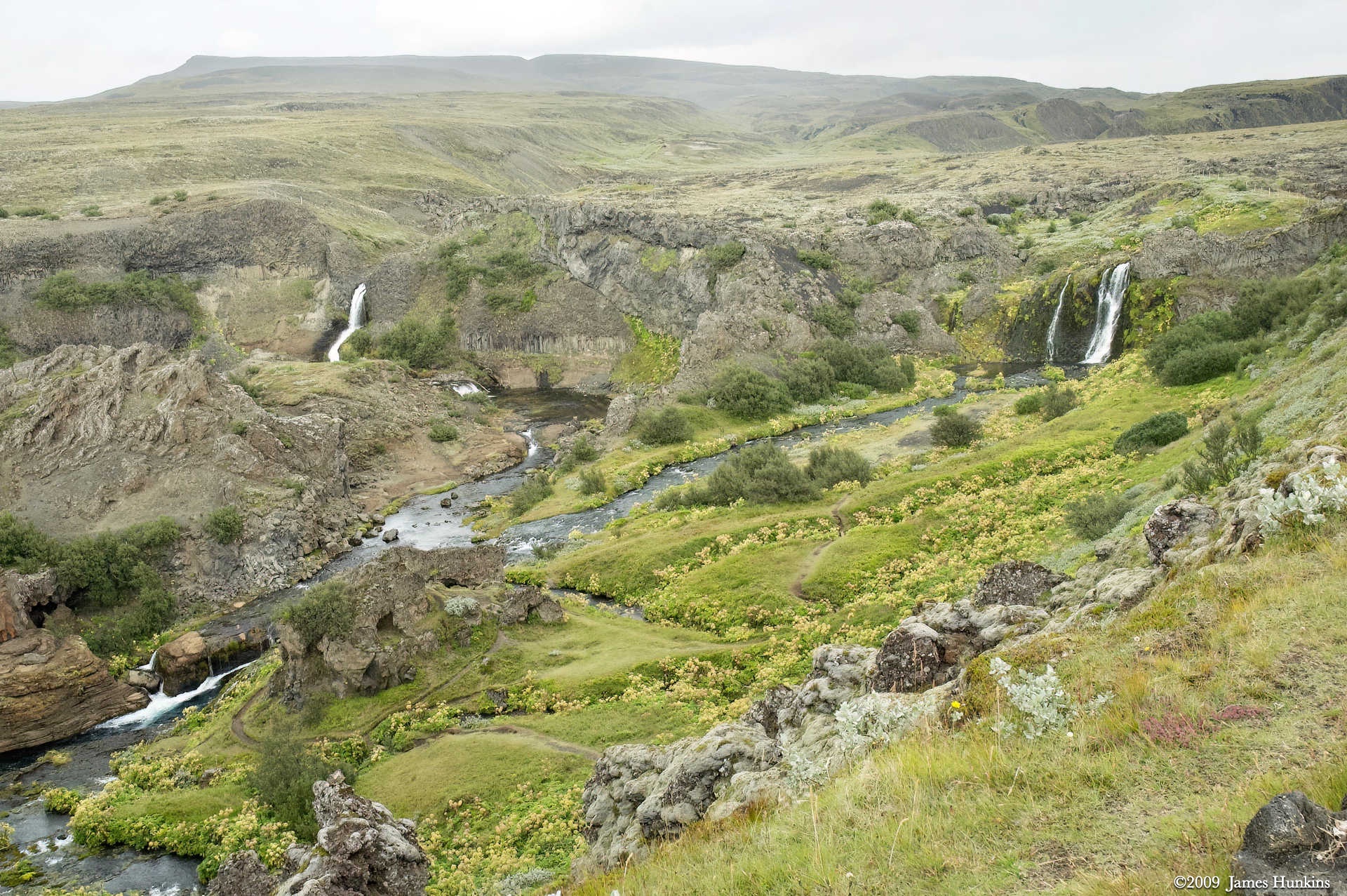
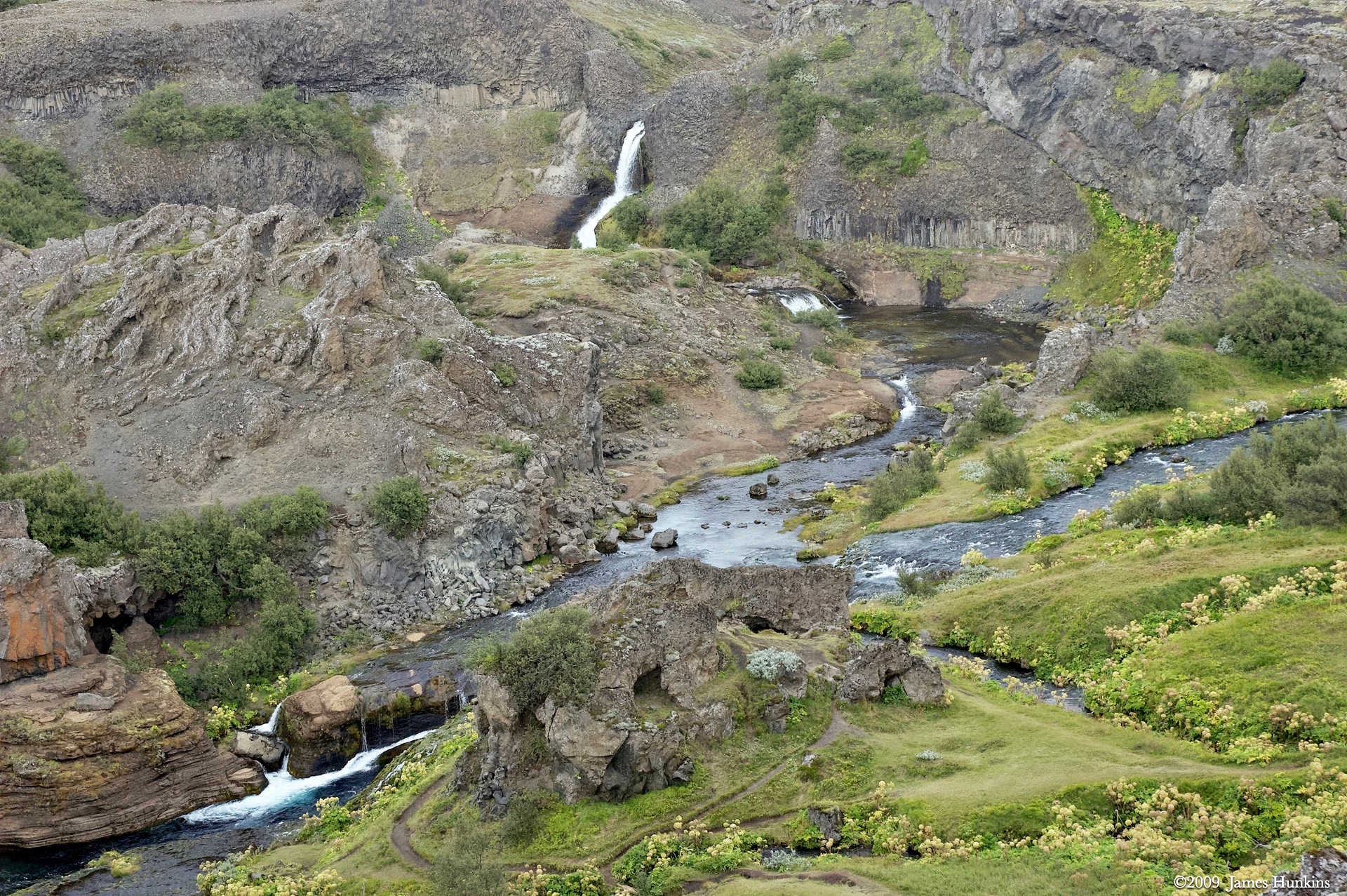
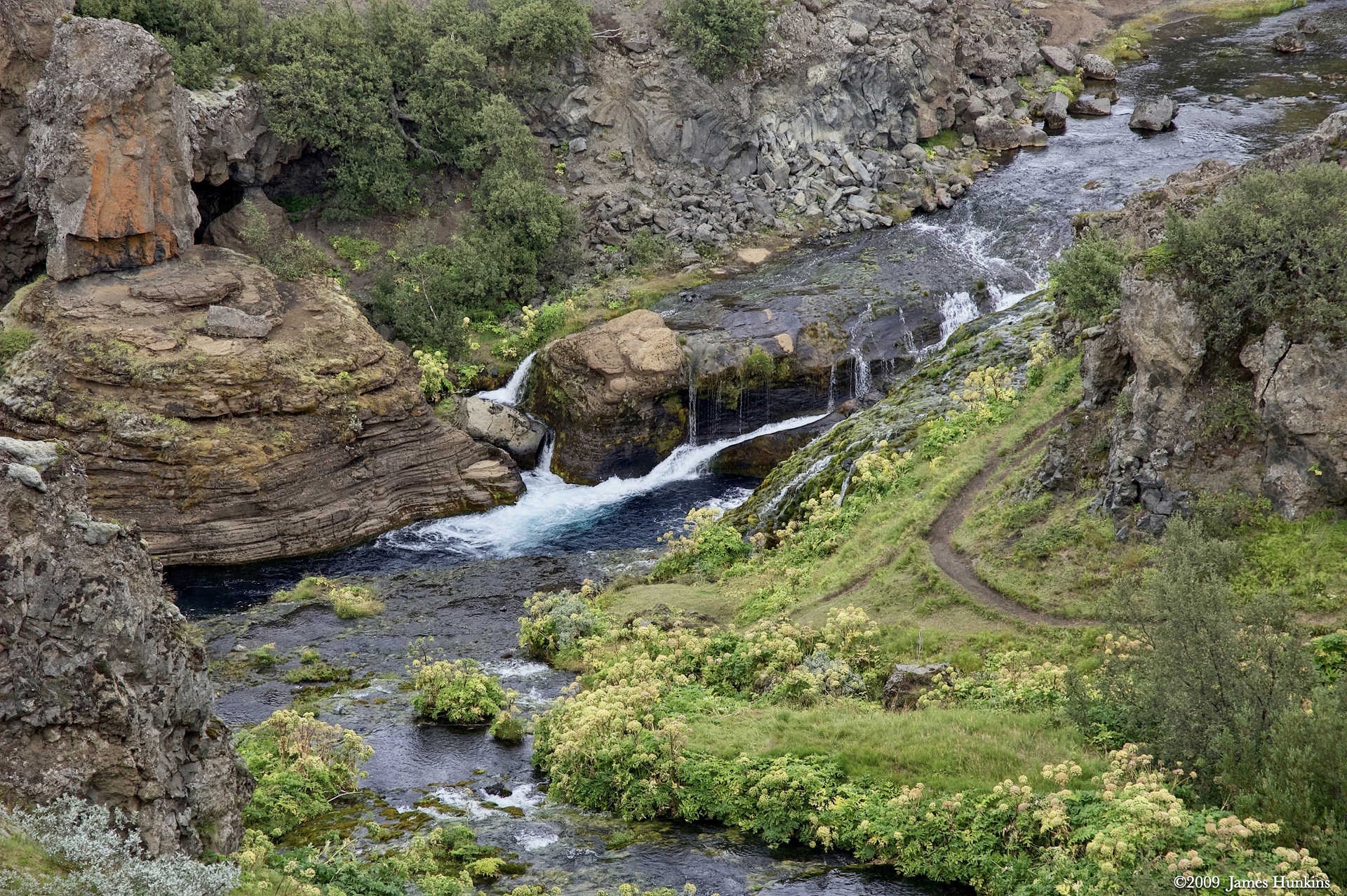
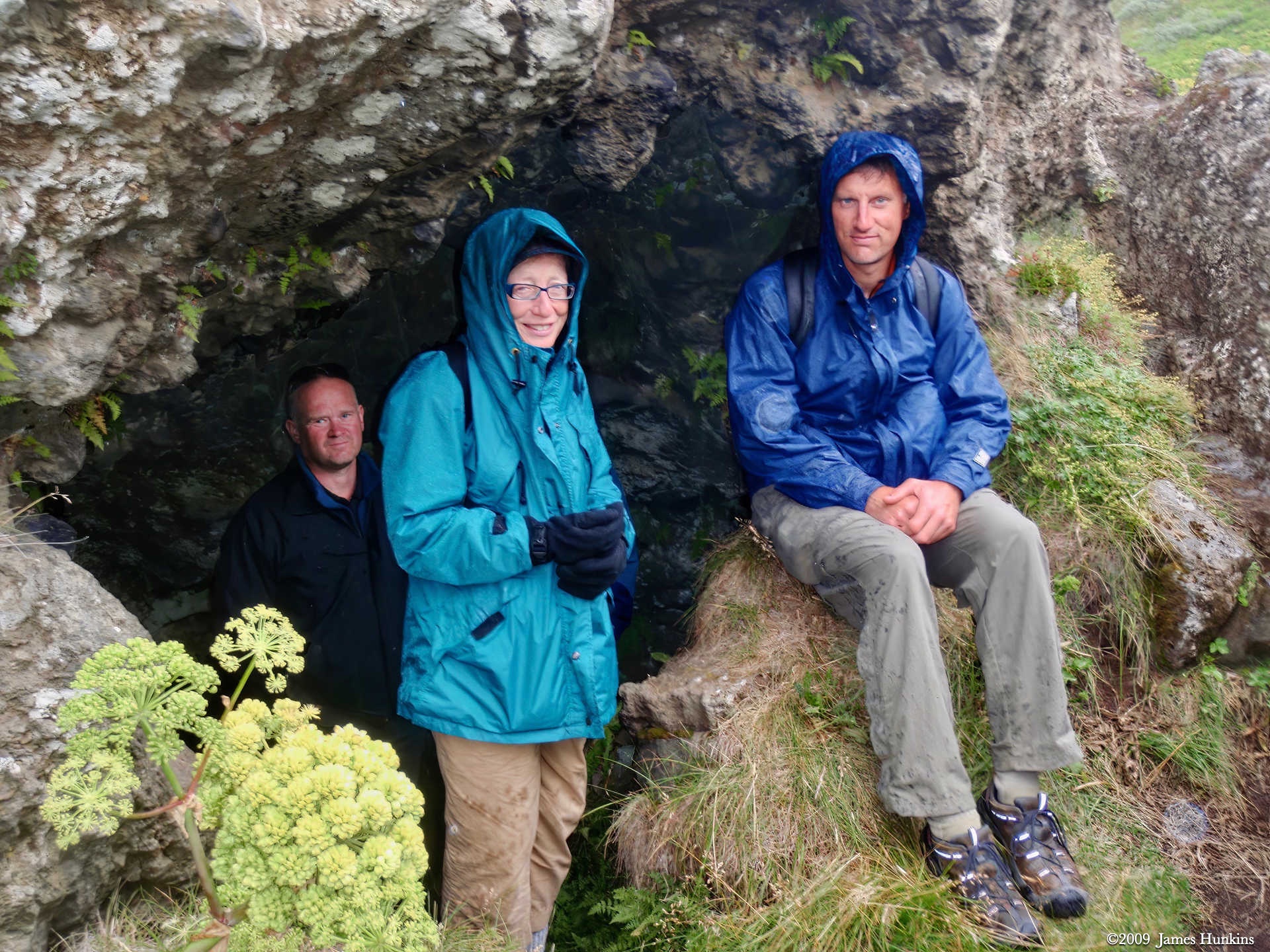
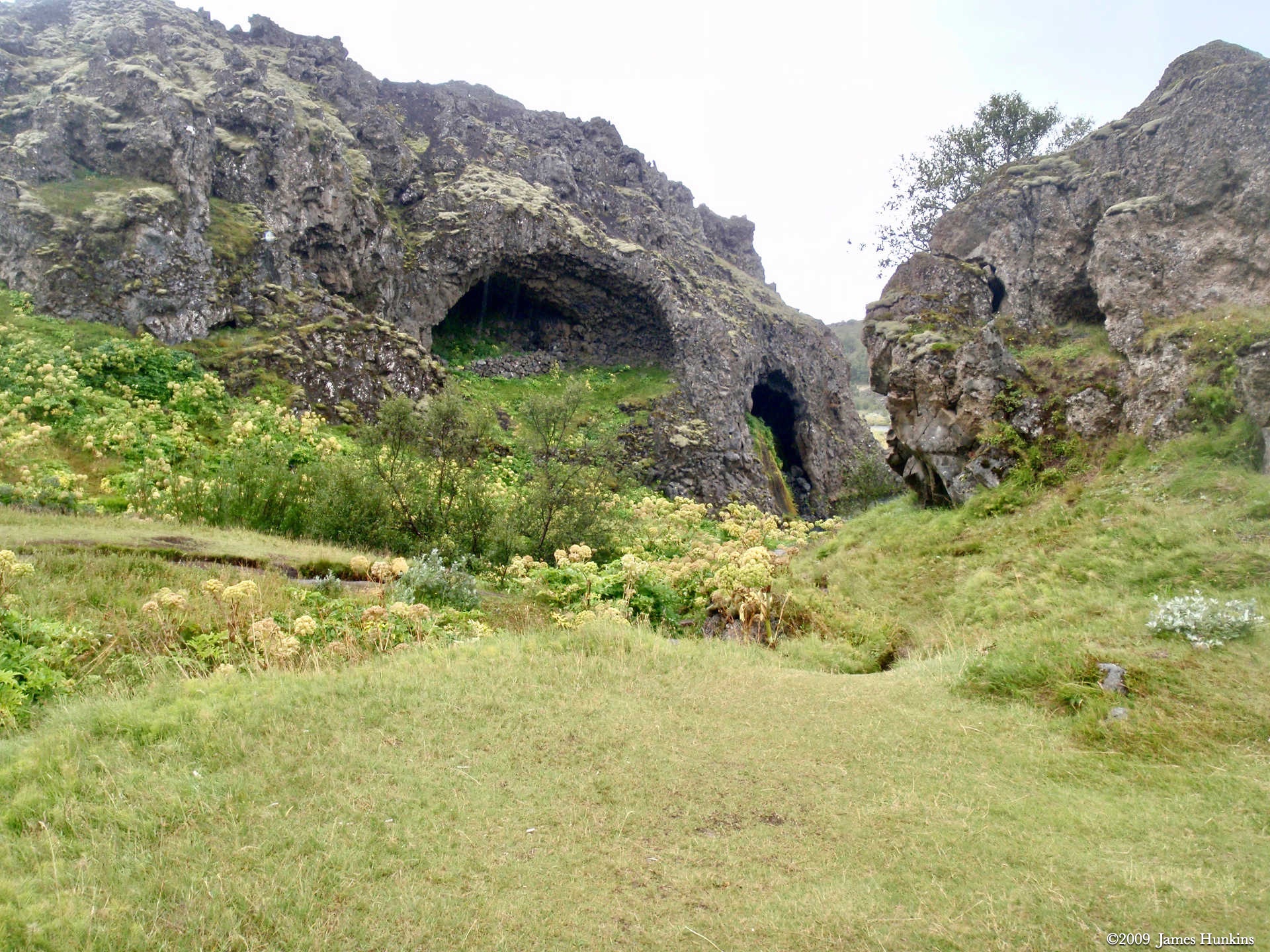
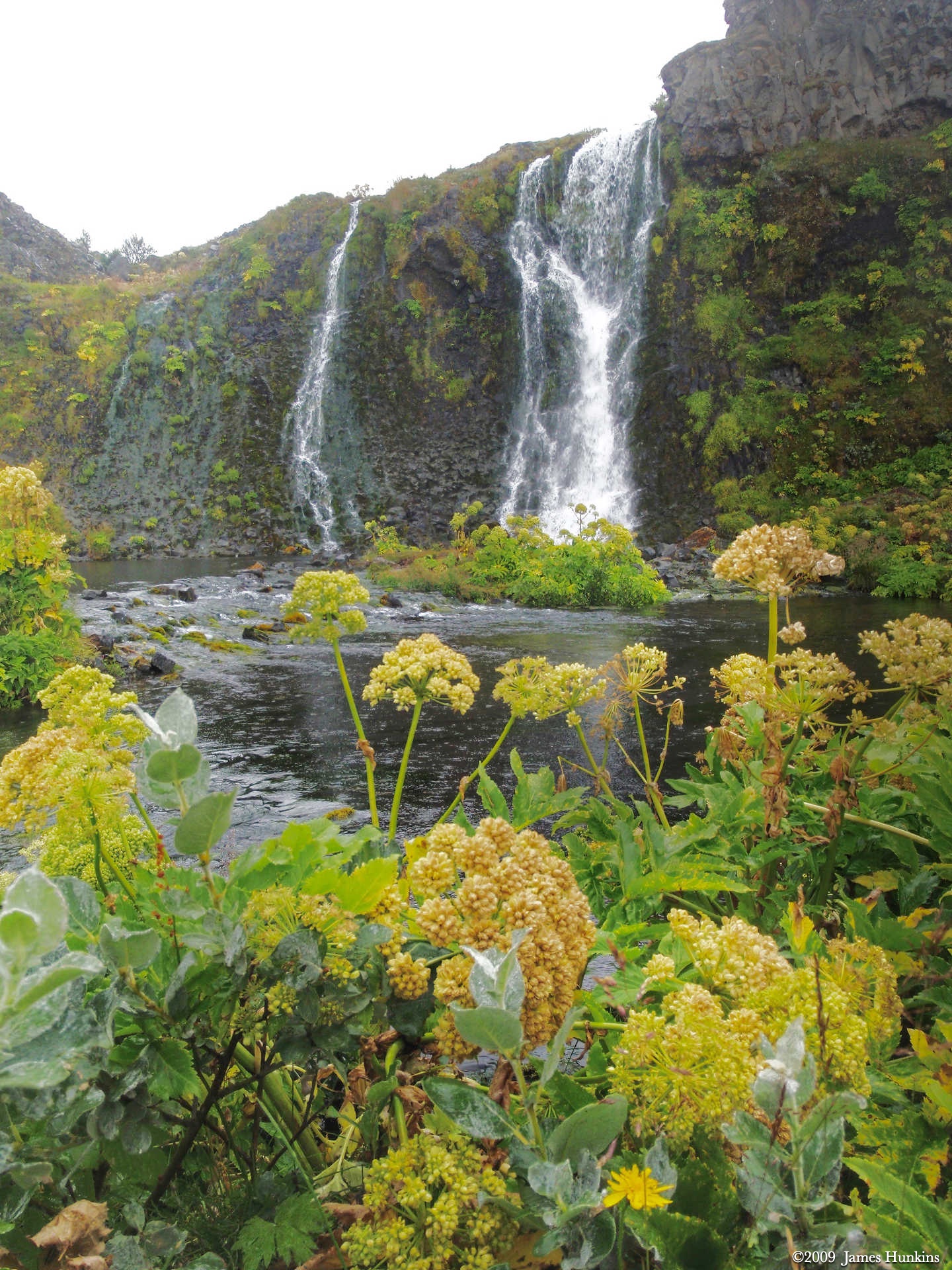
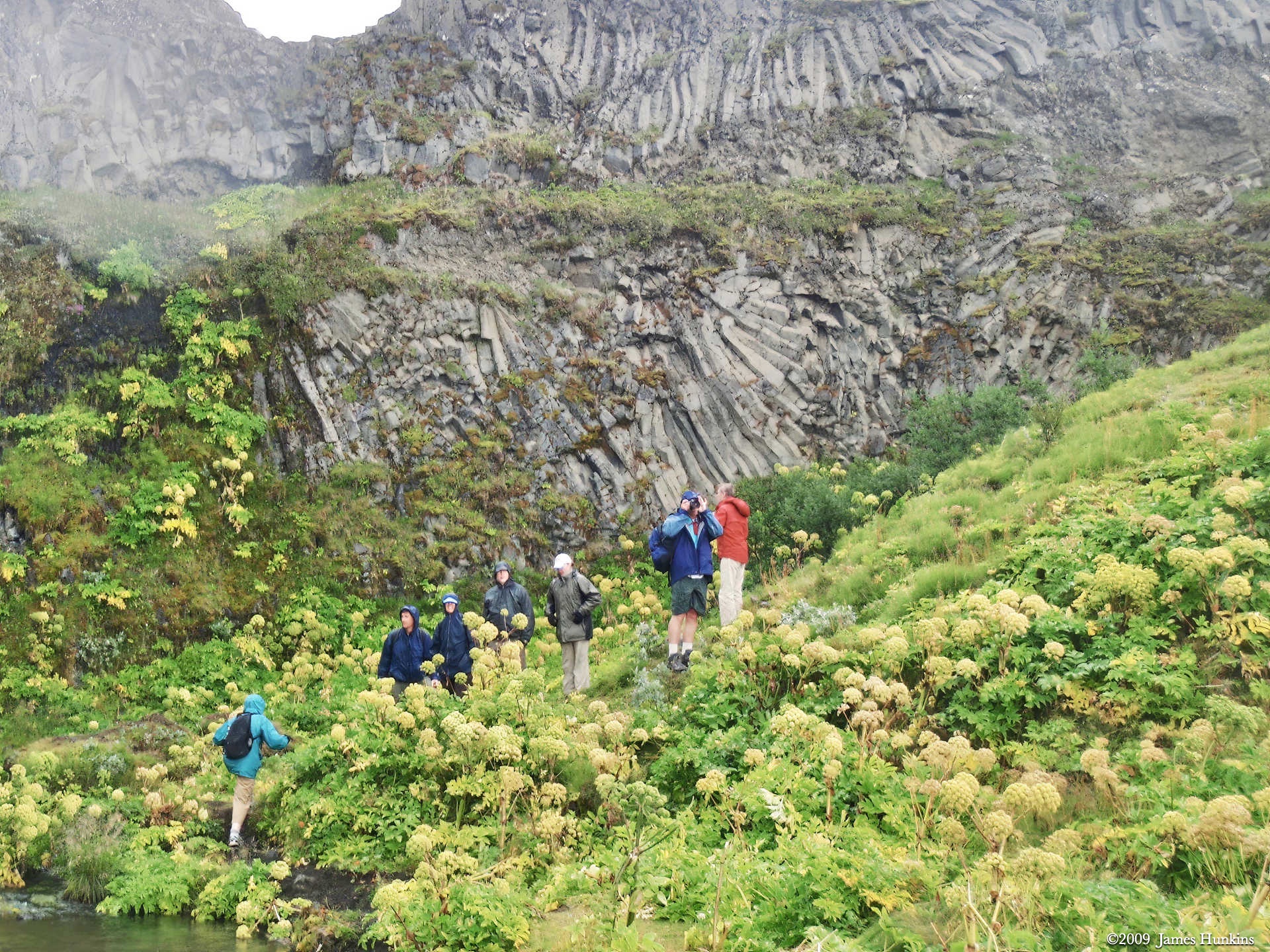
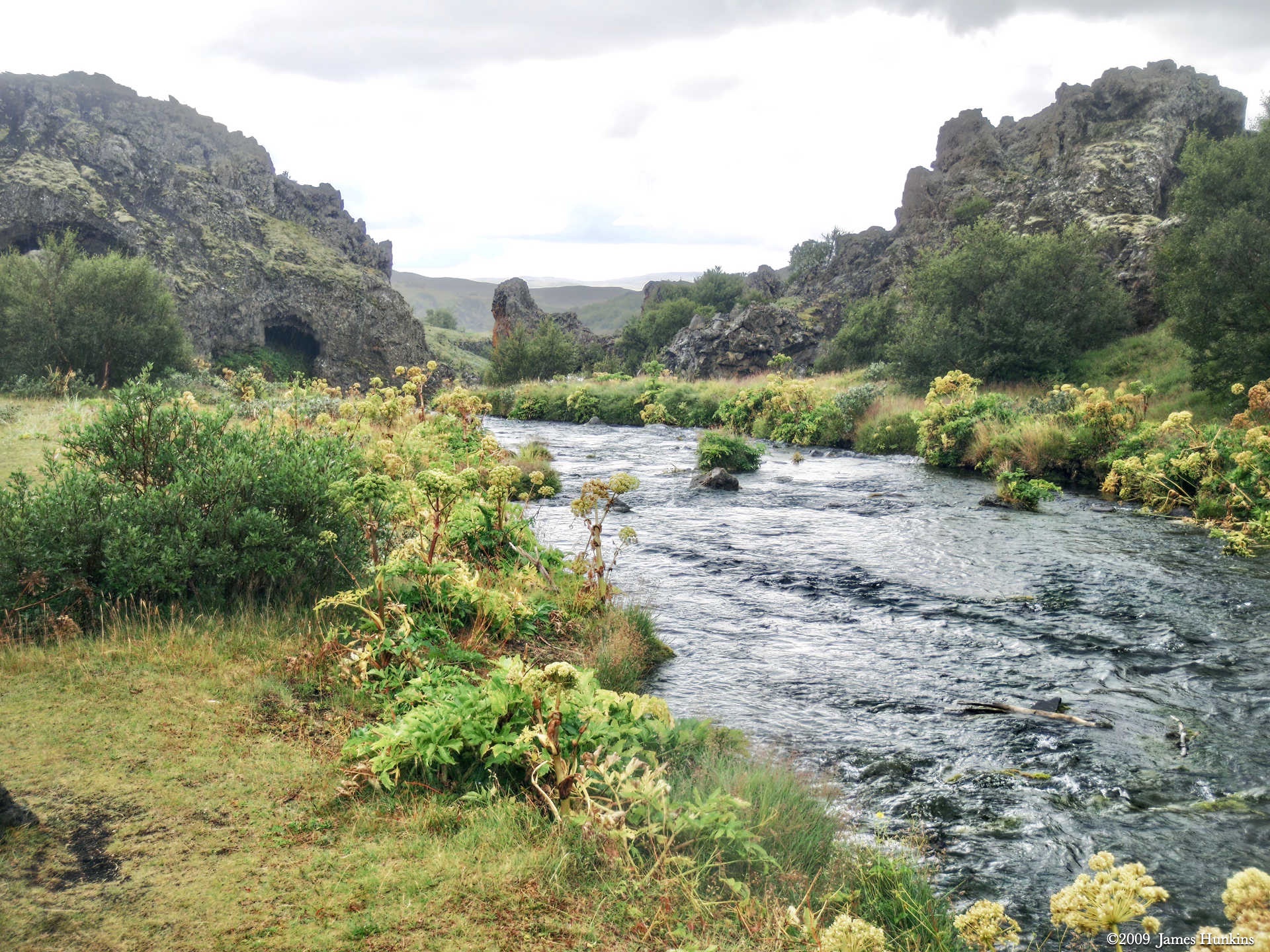
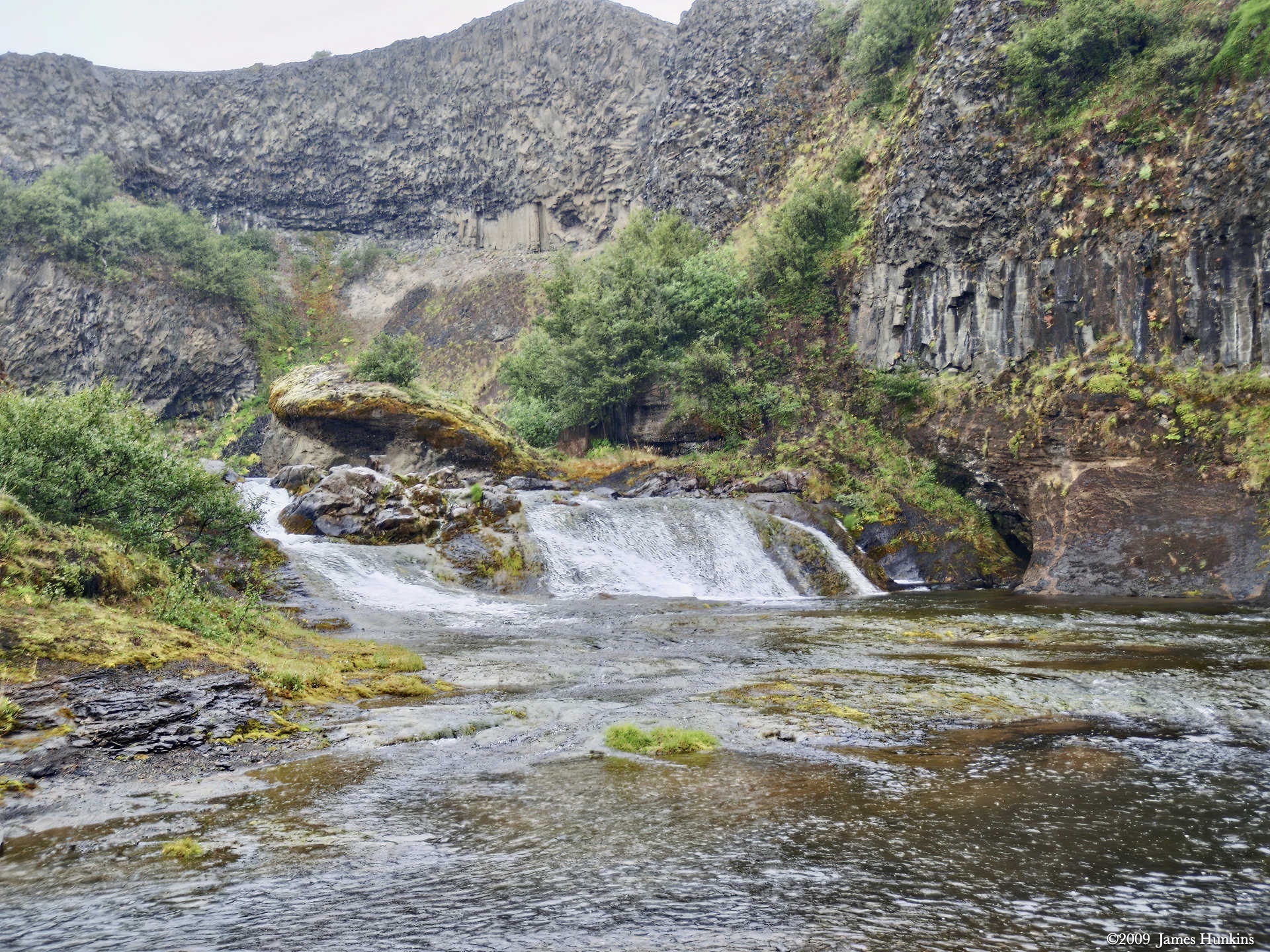
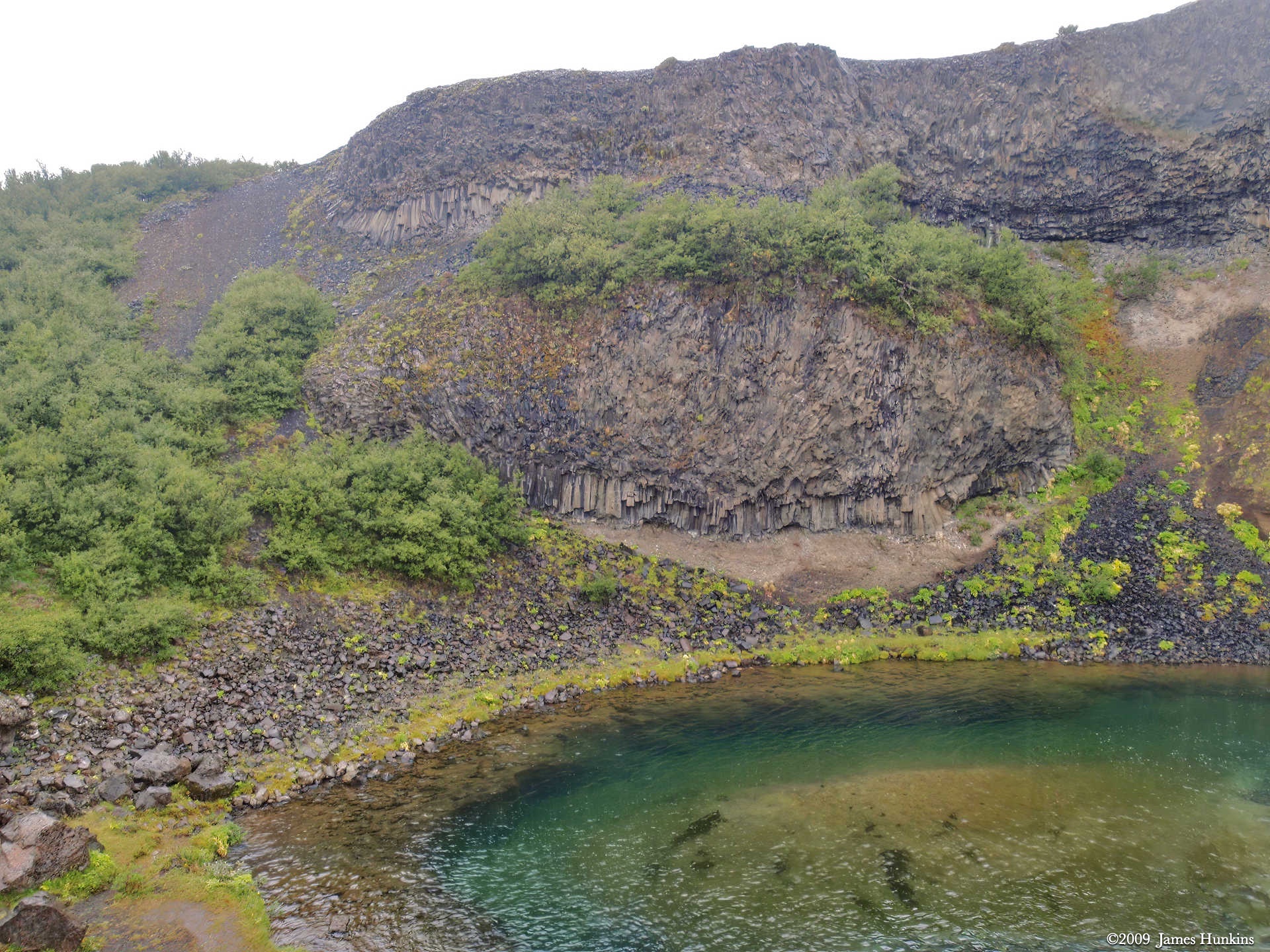
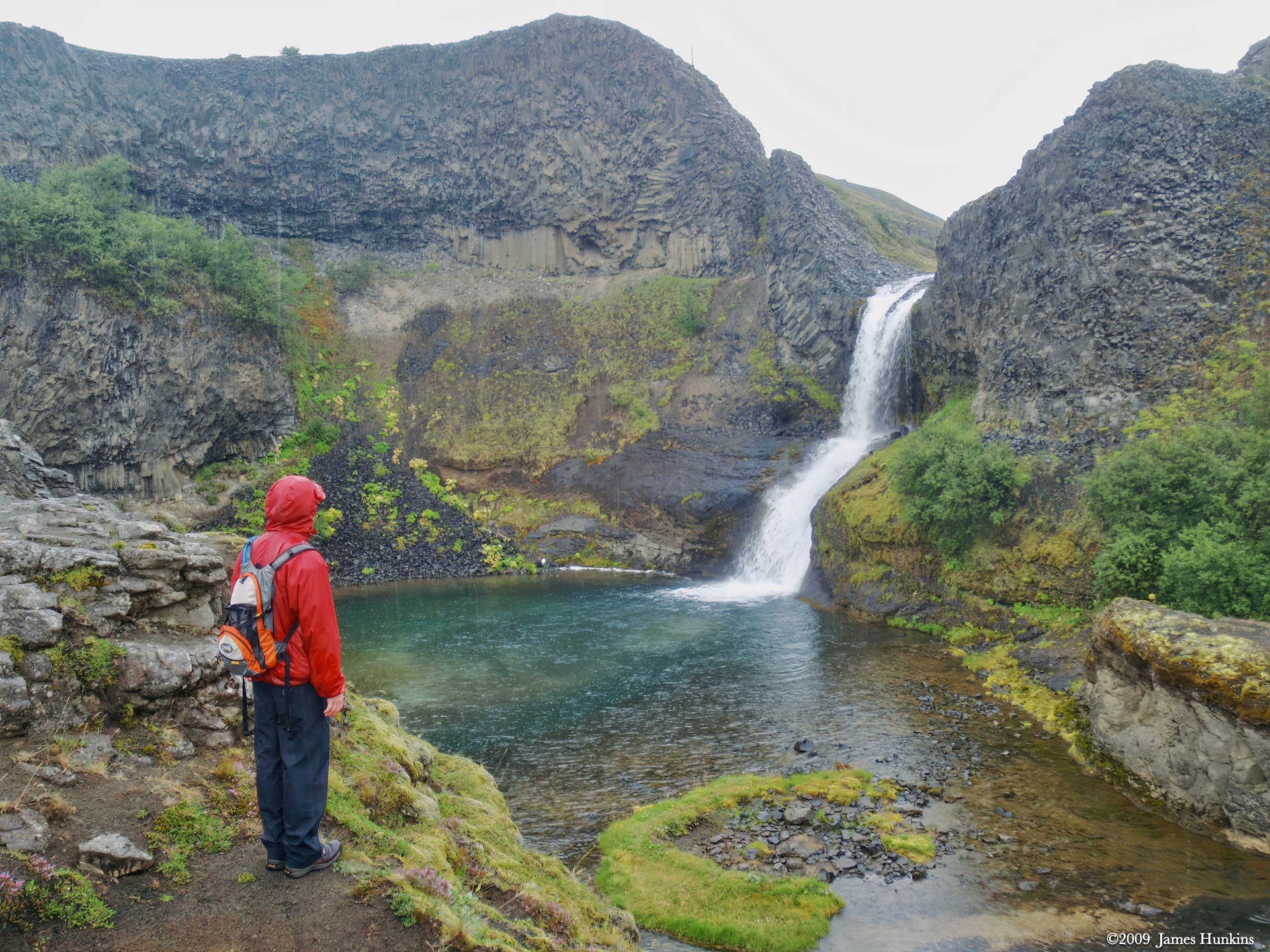
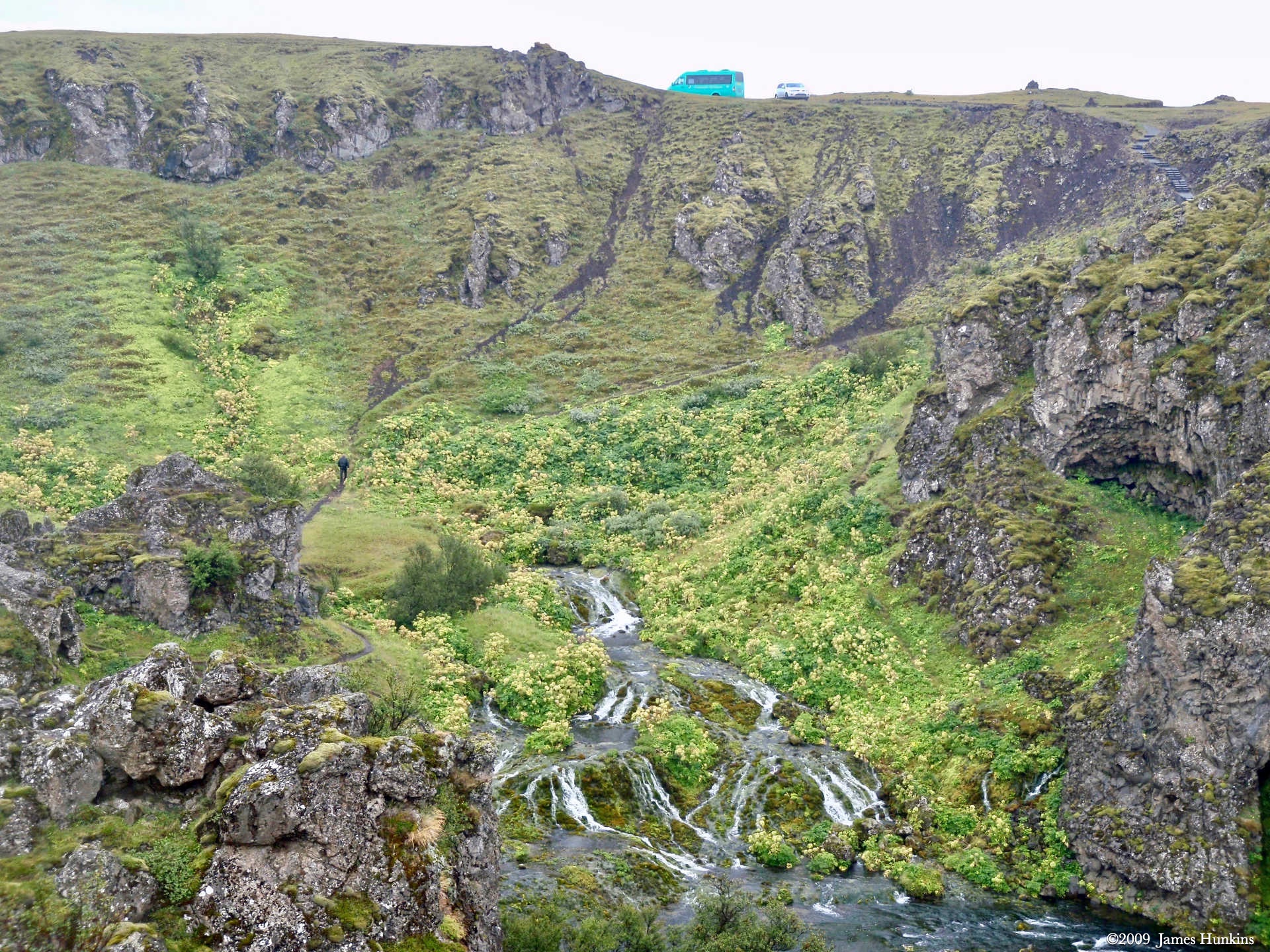
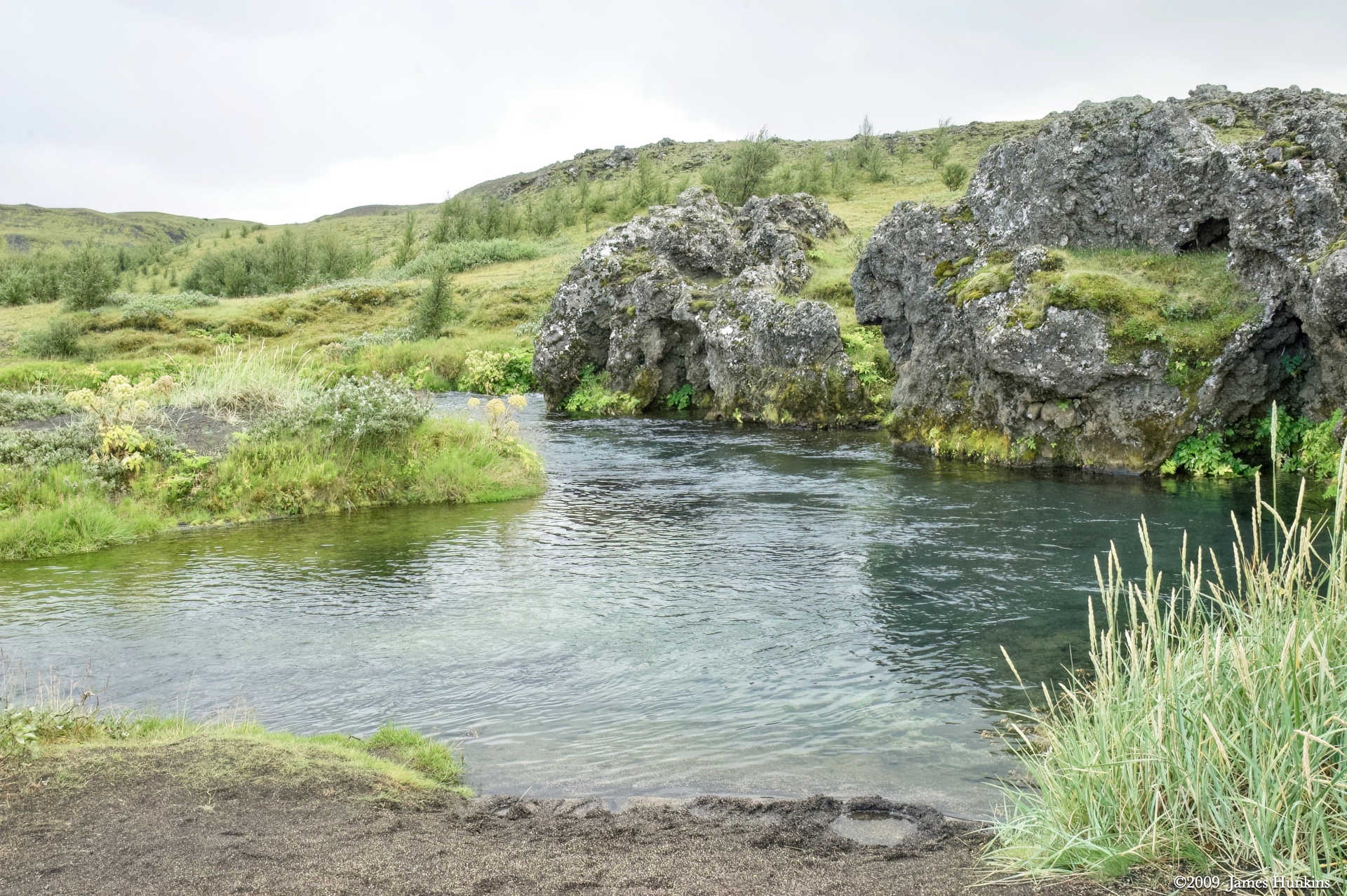
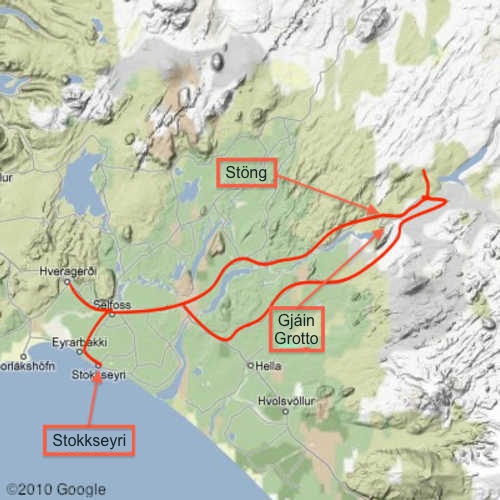
After lunch, we discovered that it is possible for one rain cloud to follow you for hours. As we hiked through the Gjáin (a grotto of smaller waterfalls along with wet creek crossings), we could see the sun on all sides of us. But the constant rain only added to the otherworldly feeling of this place.
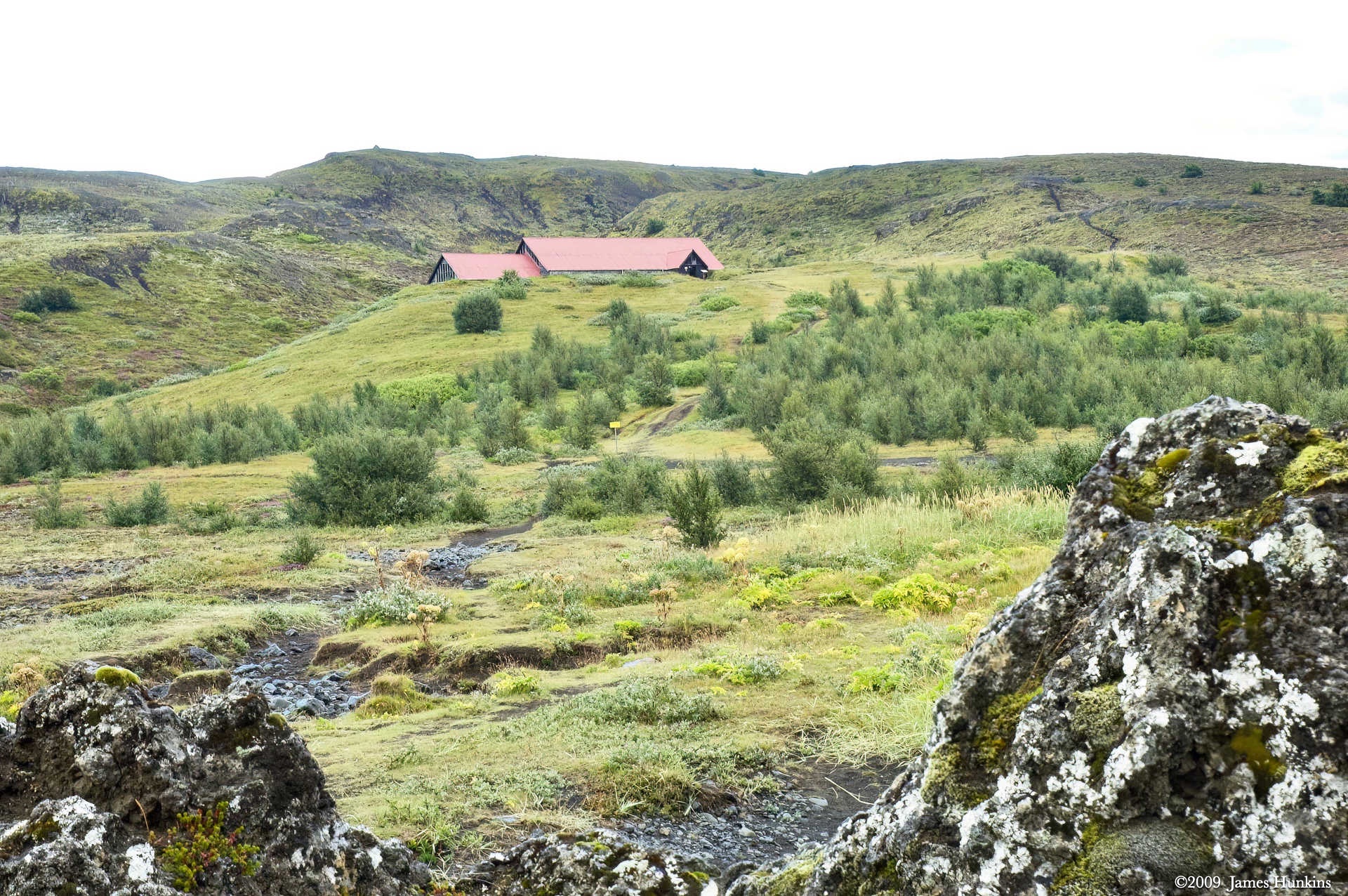
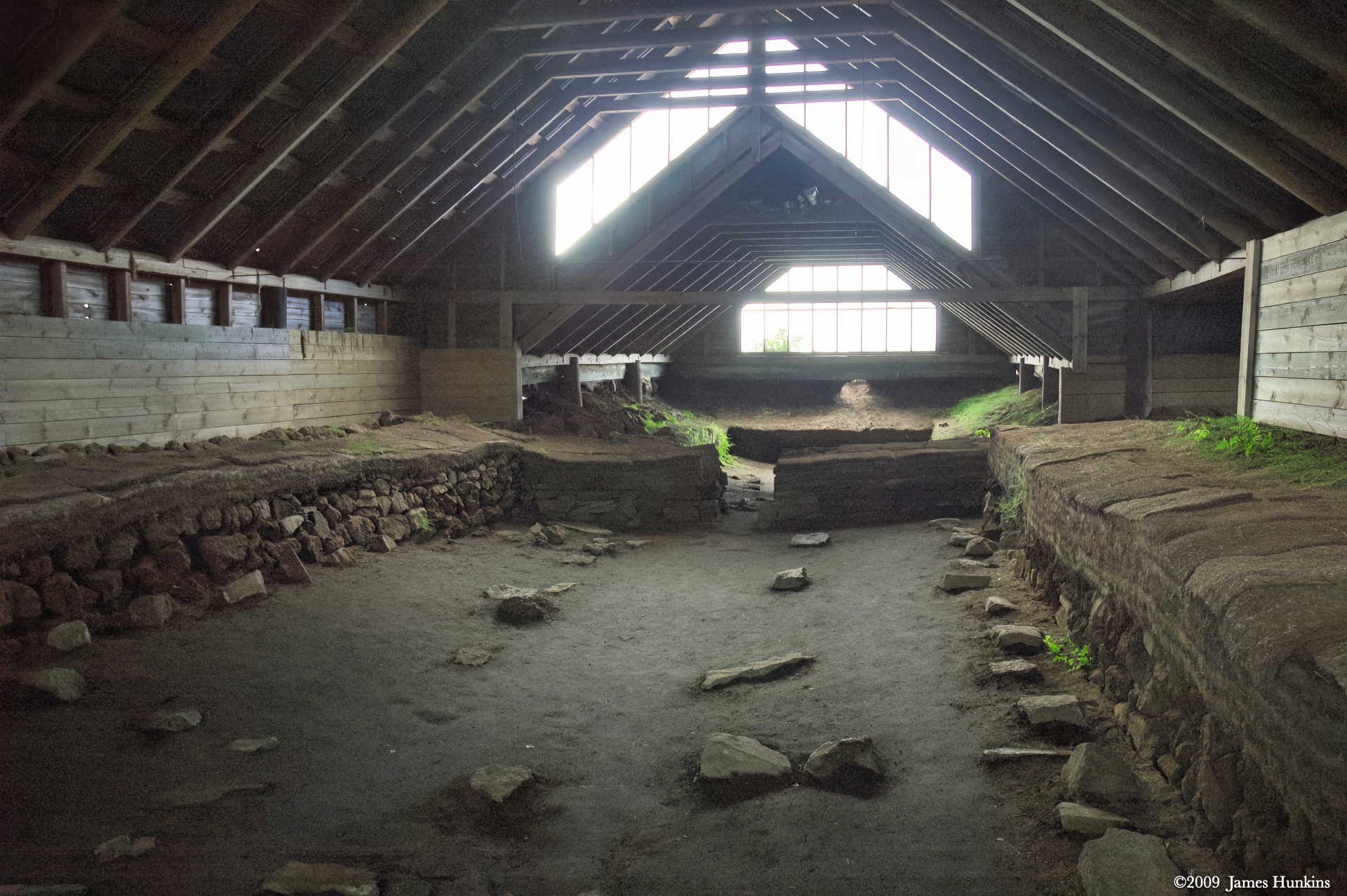
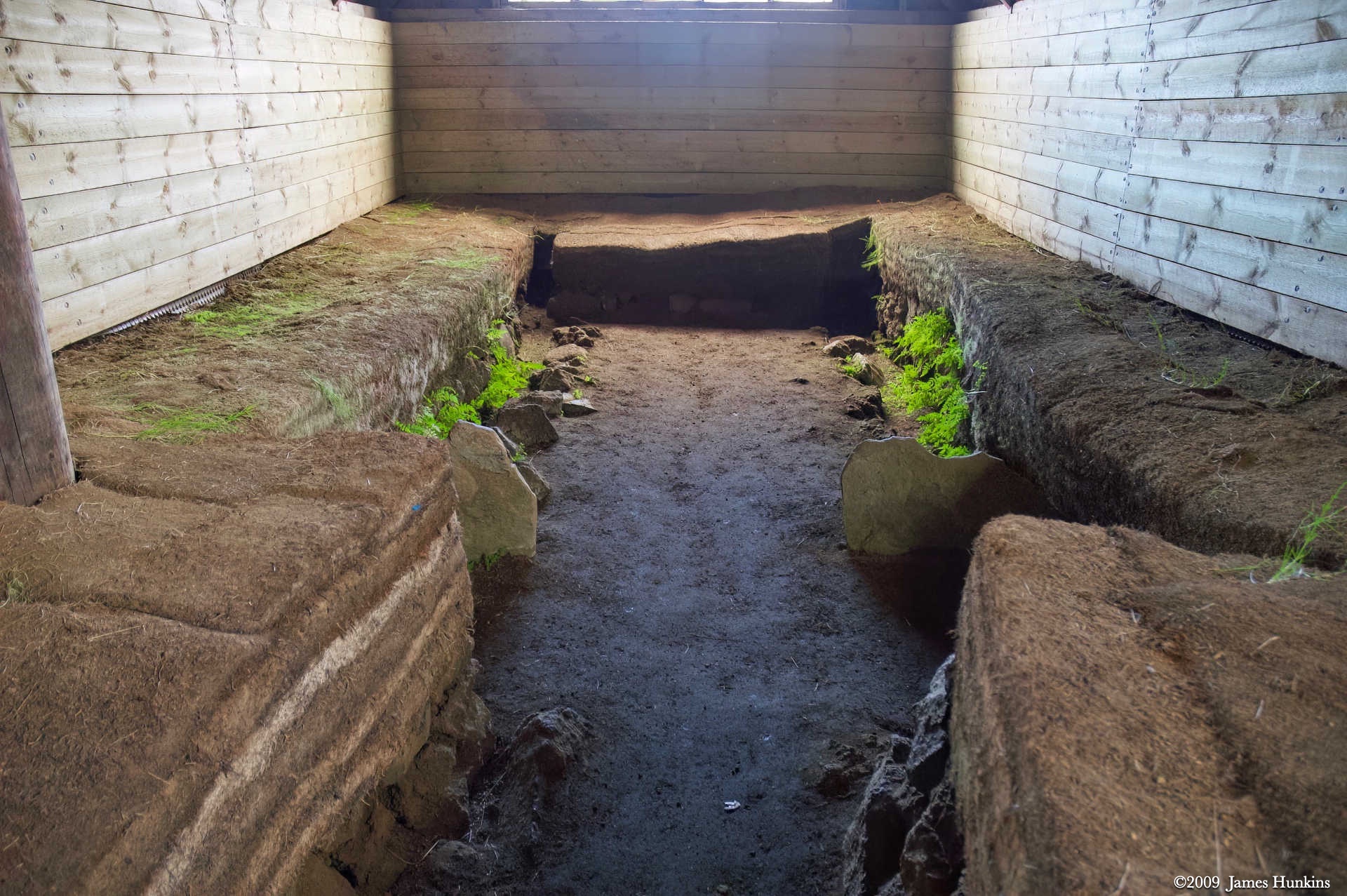
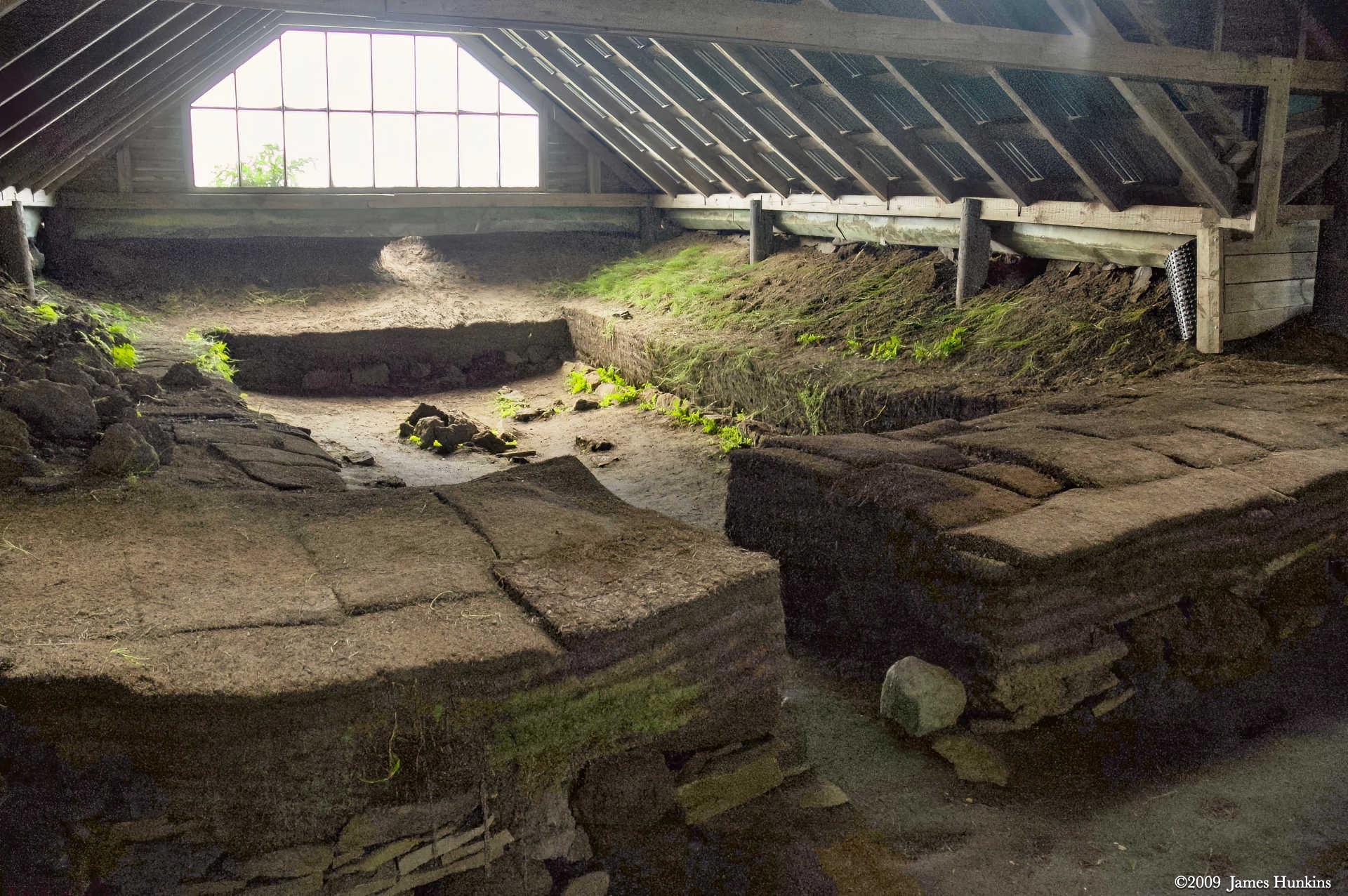
Climbing up out of the grotto area, we arrived at a covered area that was the archaeological site for Stöng. Stöng was a Viking-era farm and longhouse. It was buried under a Hekla eruption in 1104. You can see the original base rocks of the wall and then the layers of turf that built them up.
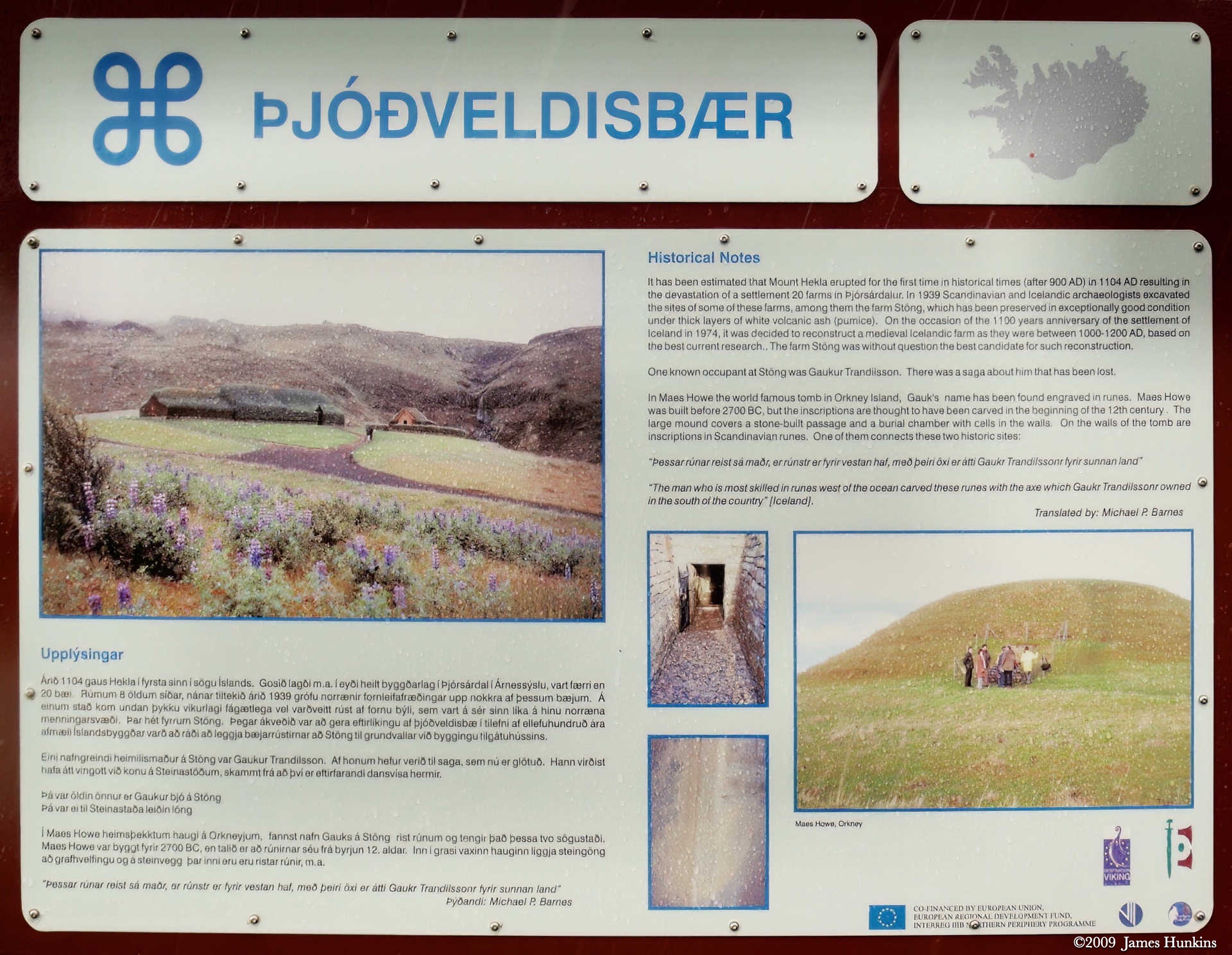
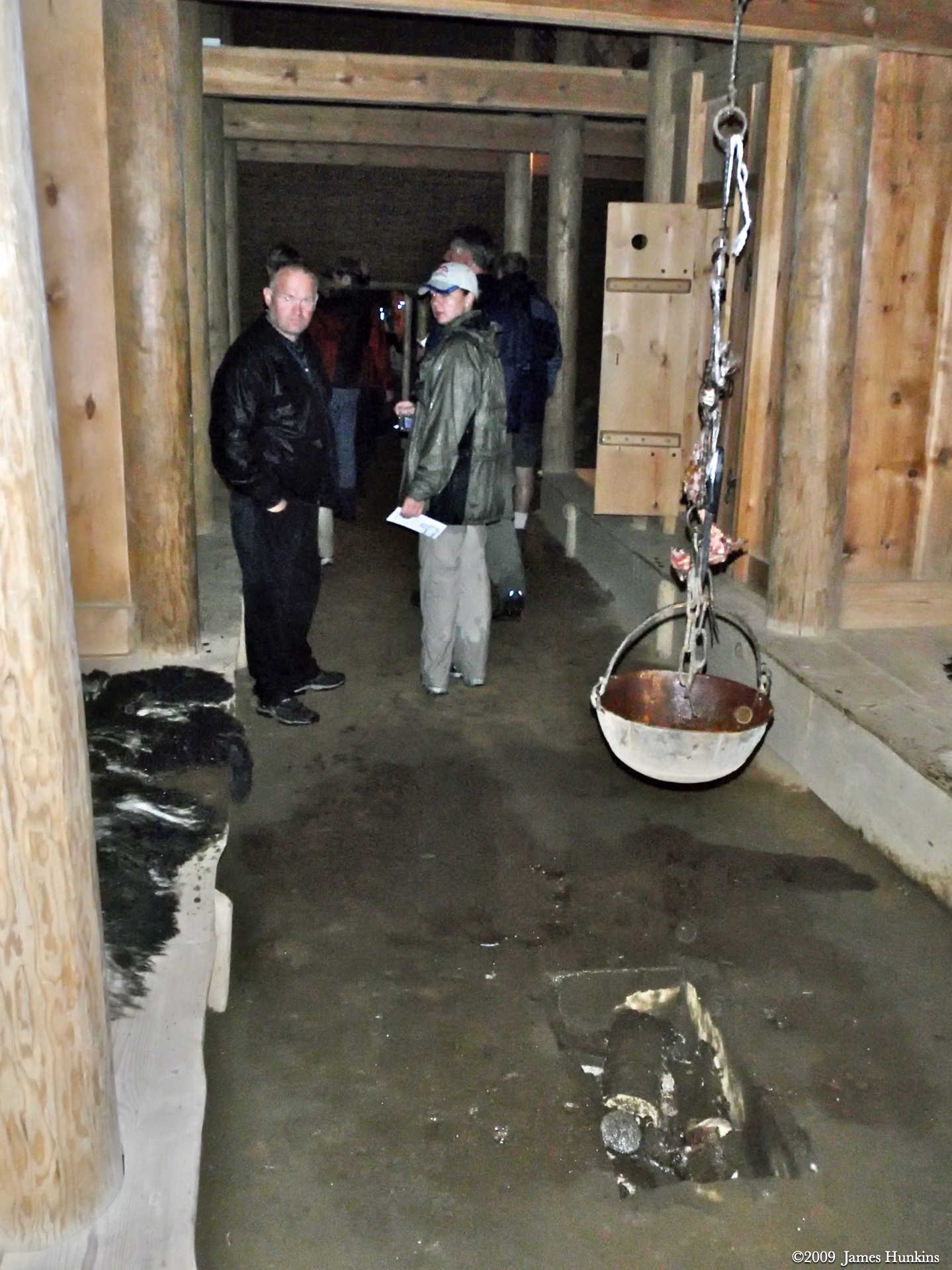
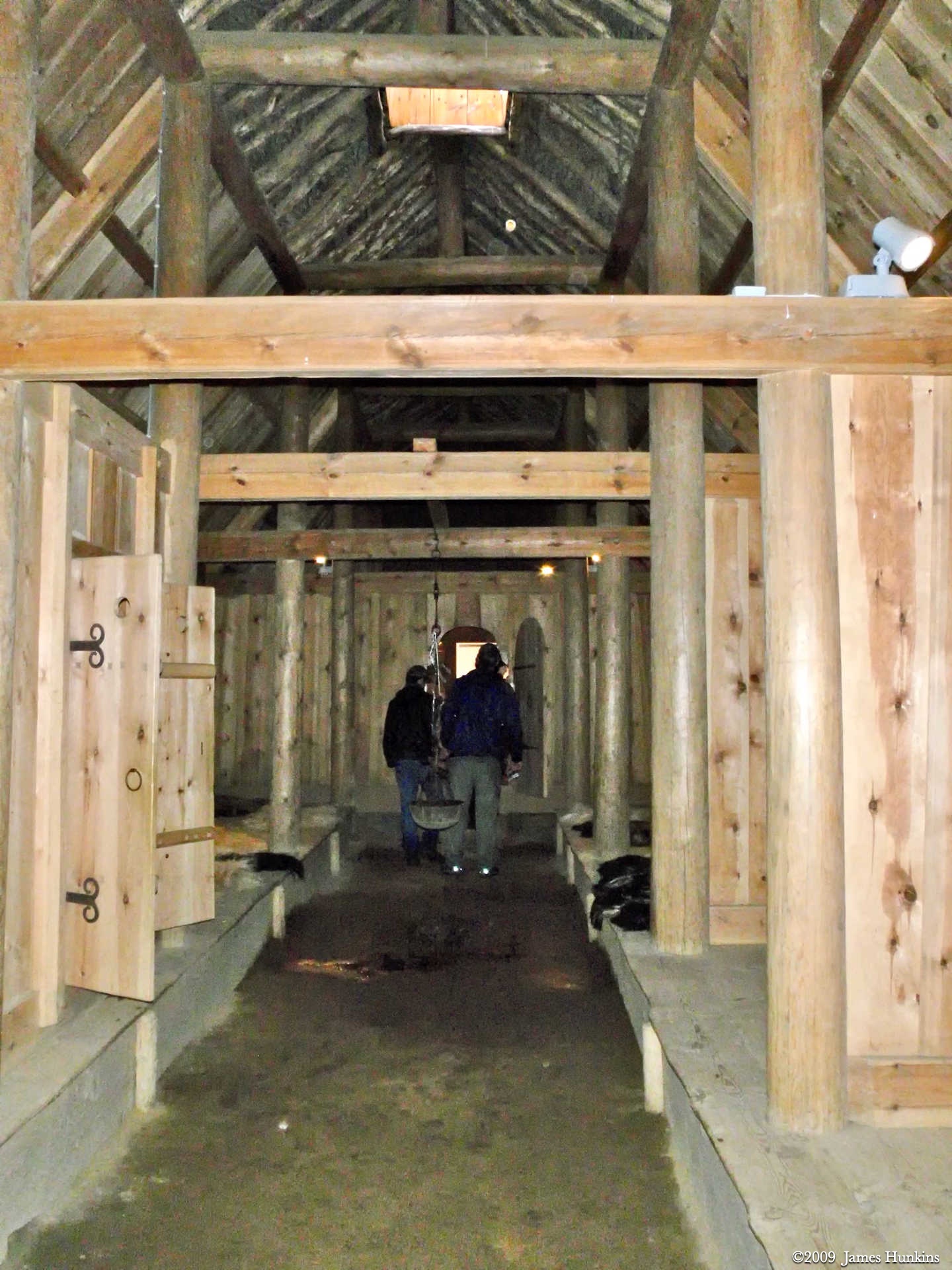
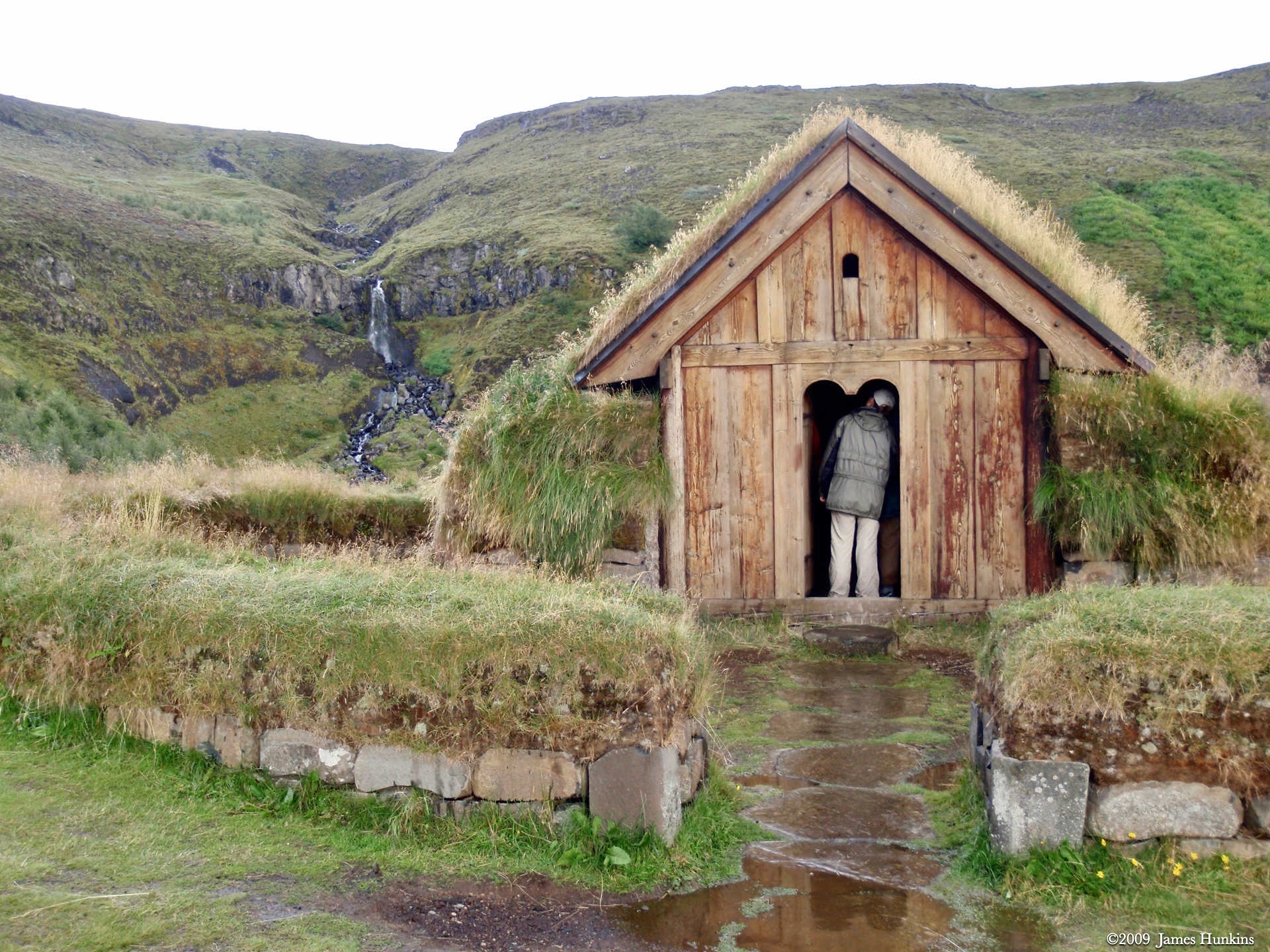
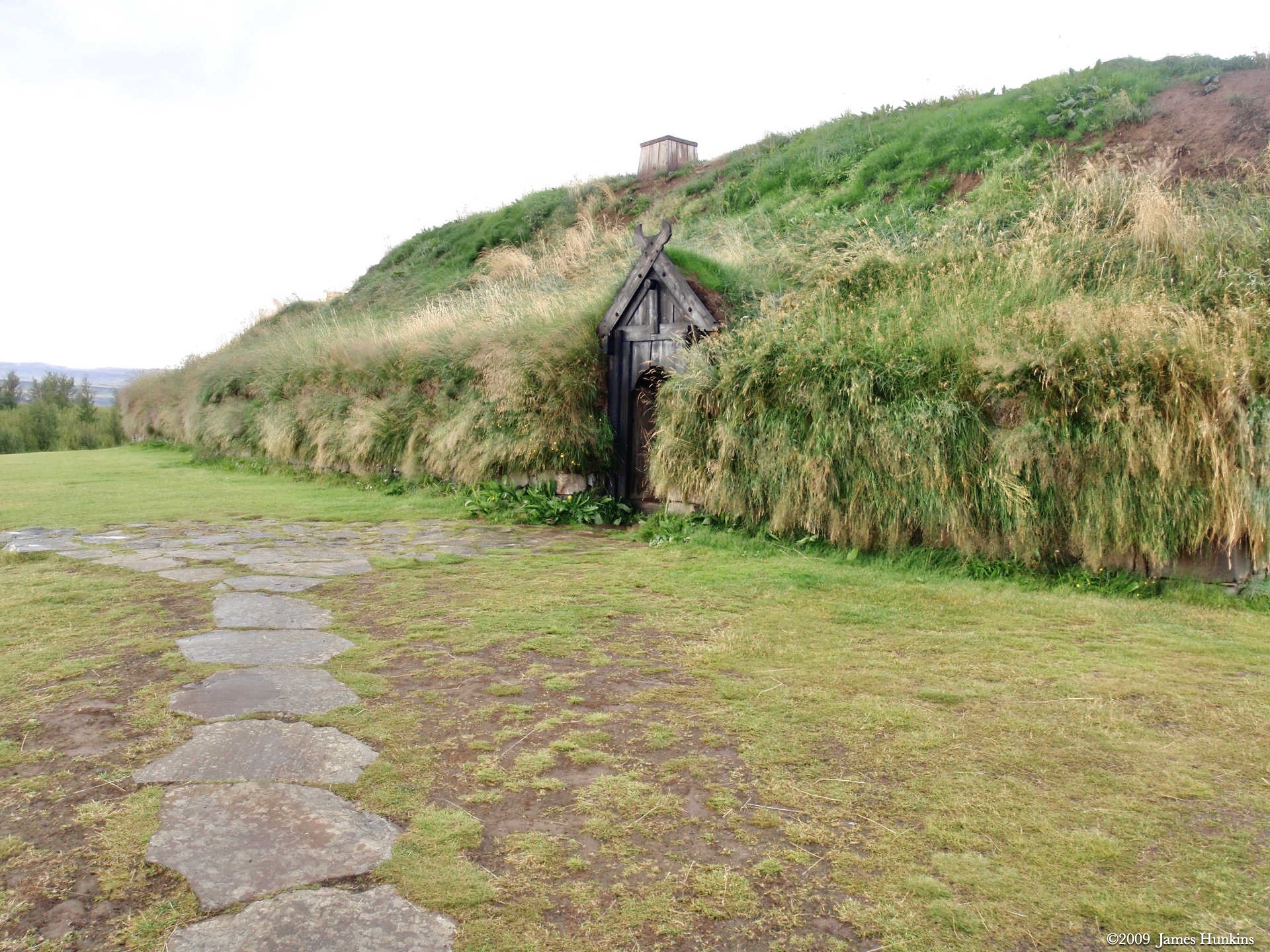
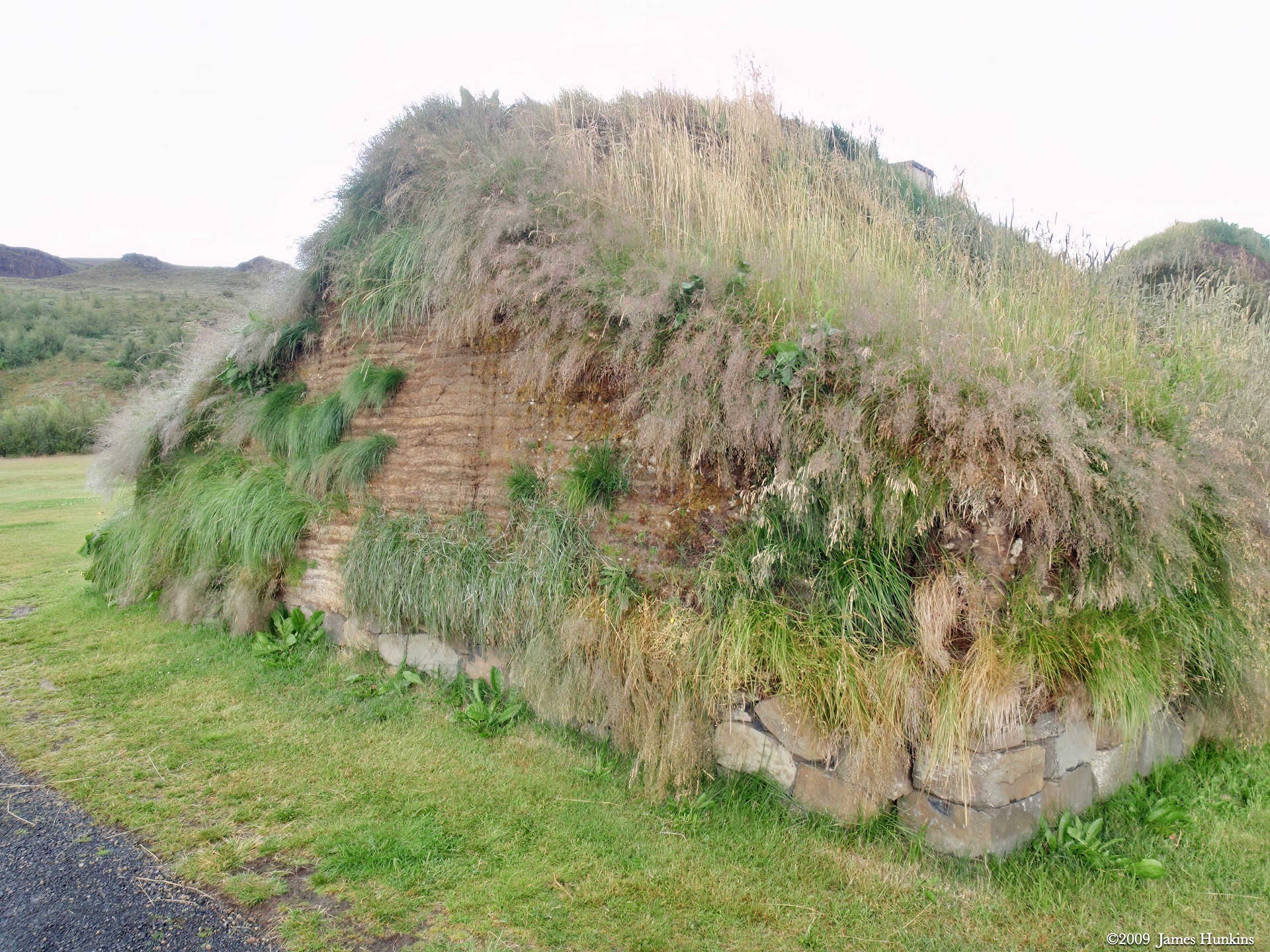
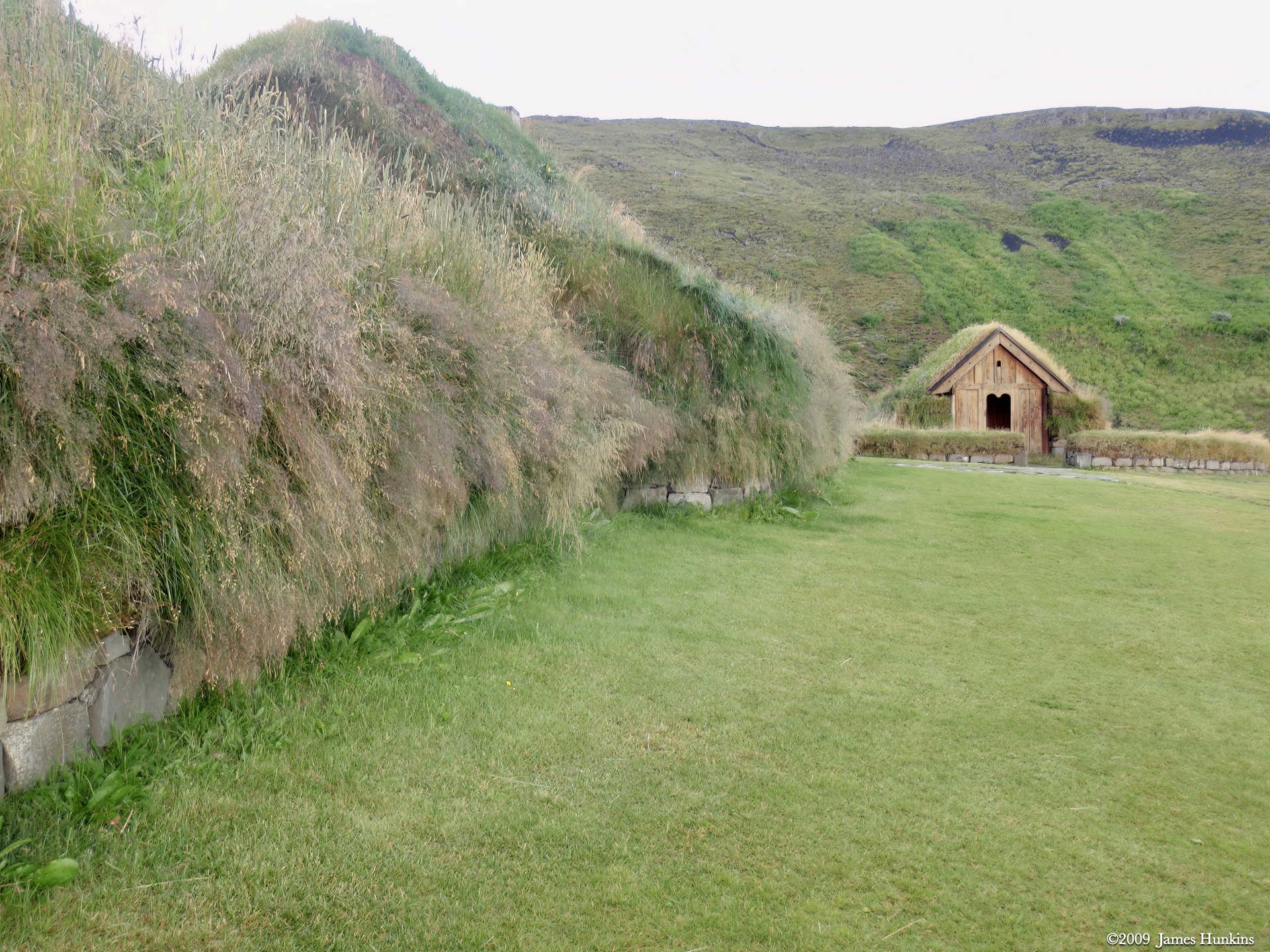
From there, we took a short ride to Þjóðveldisbærinn Stöng, a replica of Stöng. It was created in 1974 to celebrate 1100 years since the original Icelandic settlement. It was very interesting to see how the longhouse was built, with the sod roof and walls with internal timber supports. Looking down one long hall, it was pretty easy to imagine the place packed with people either sitting or sleeping on the long benches down both sides. The ‘washroom’, kitchen, and storage rooms were all there. There was even a doored-off area along one of the benches for the master of the longhouse. I think that I will stick to my brick house with central heating and plumbing, thank you.
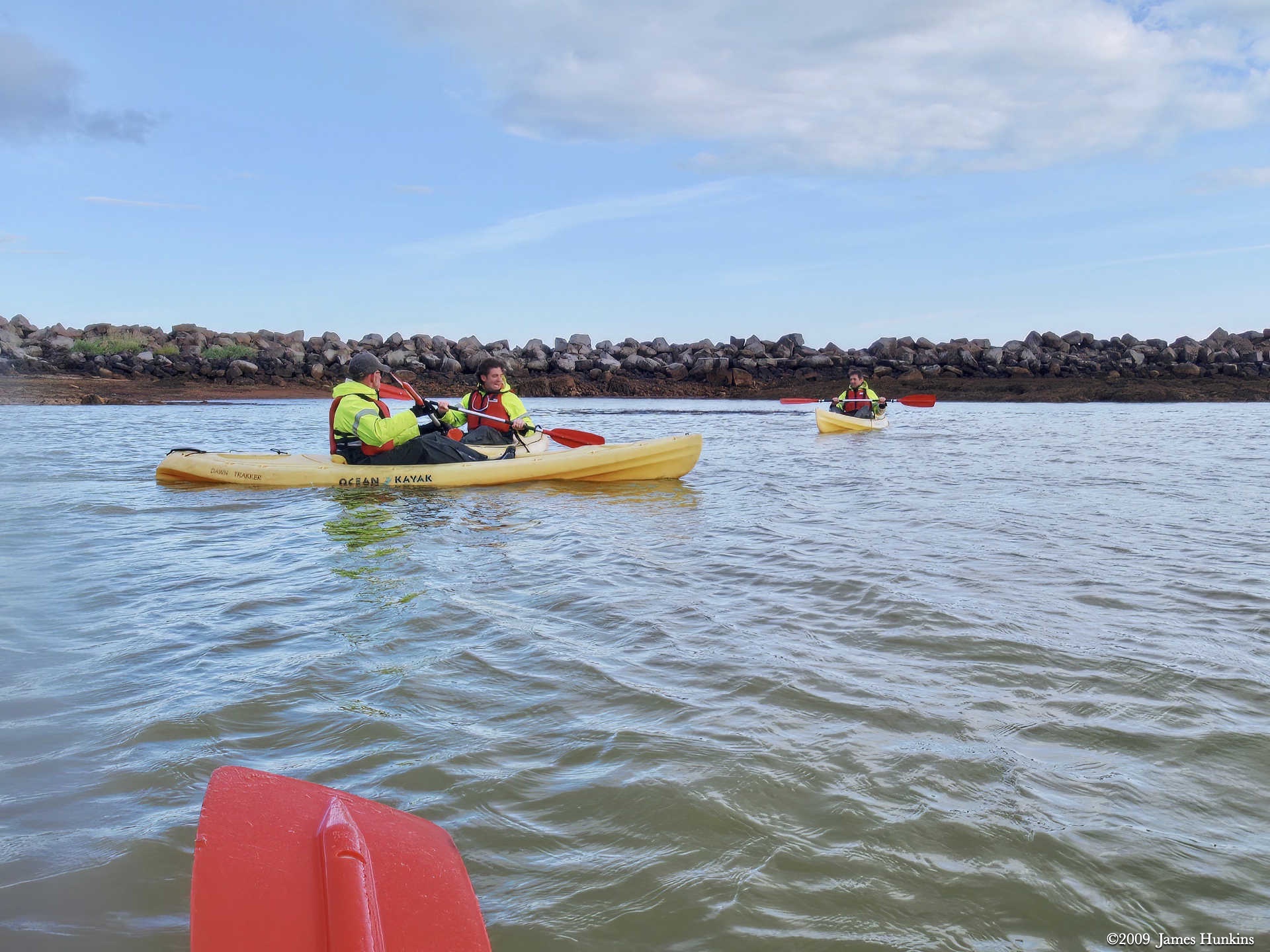
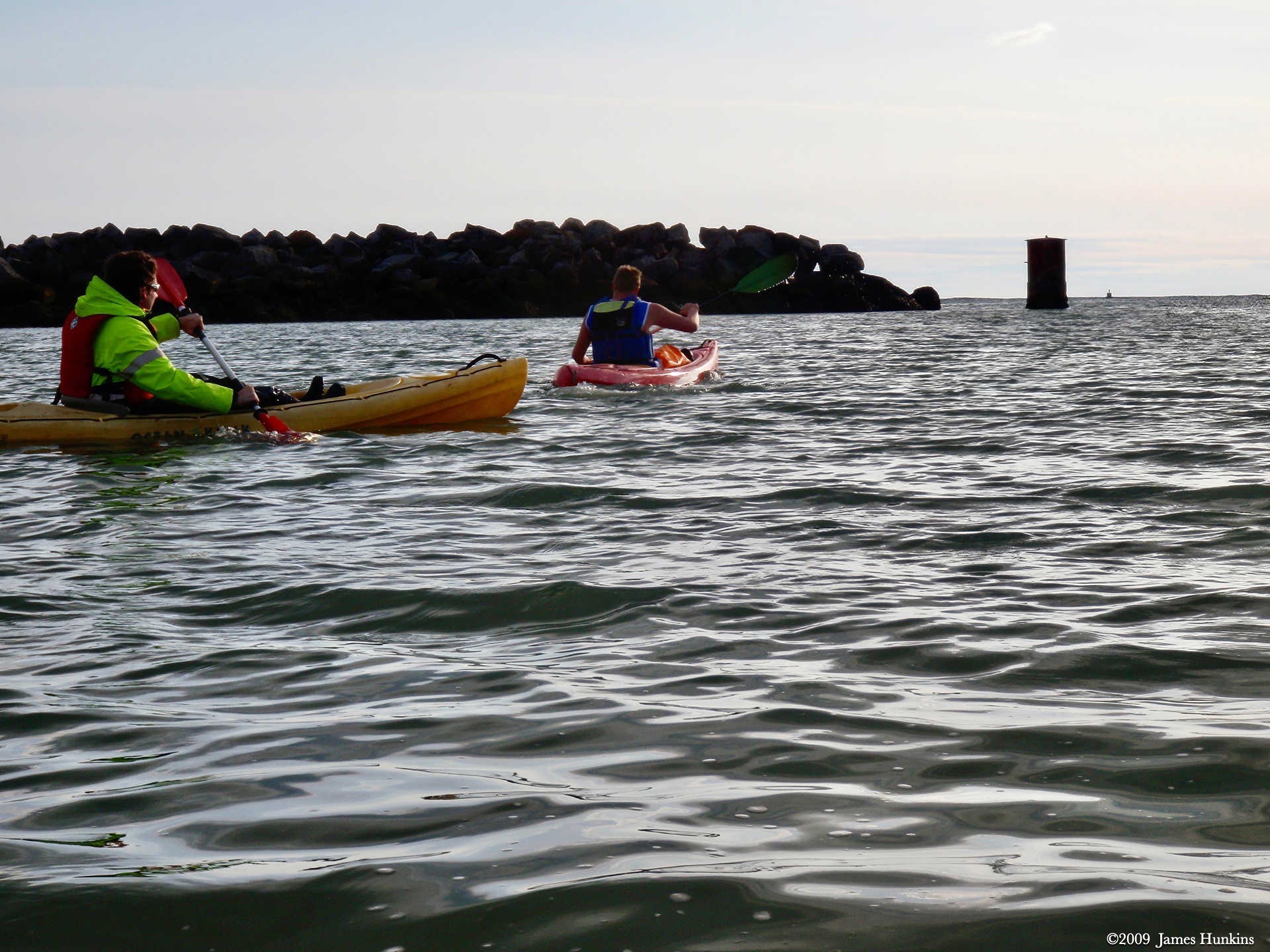
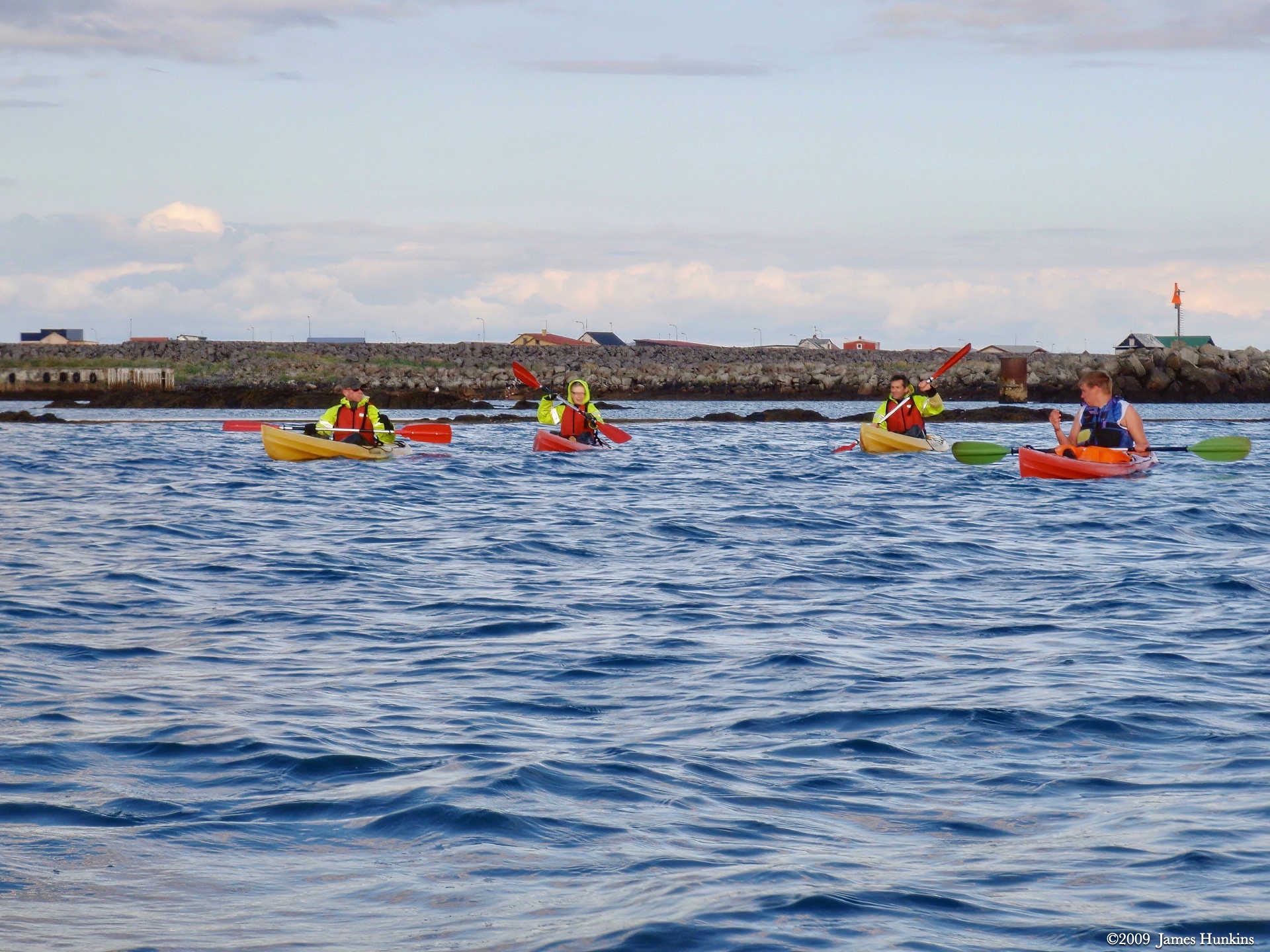
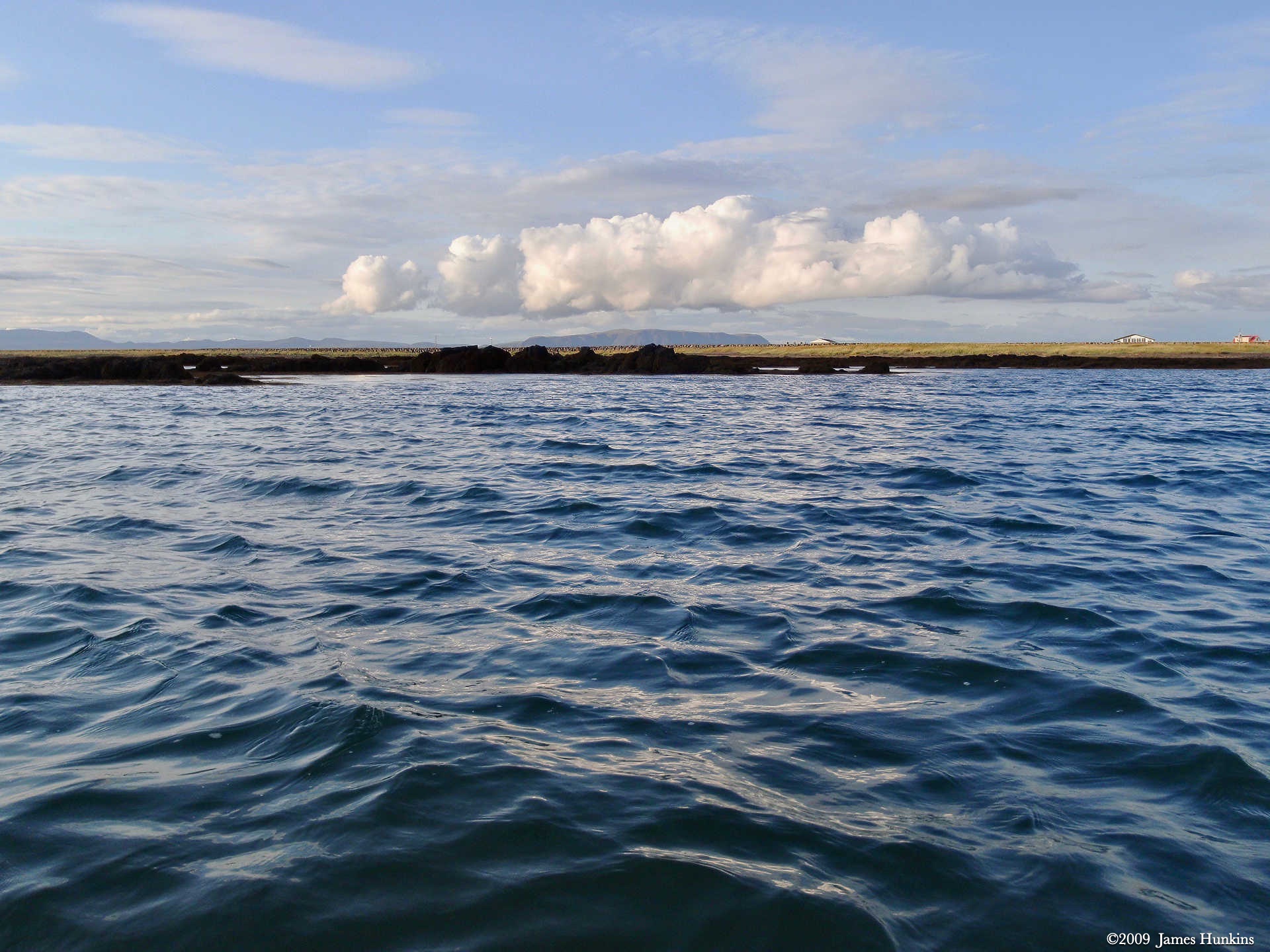
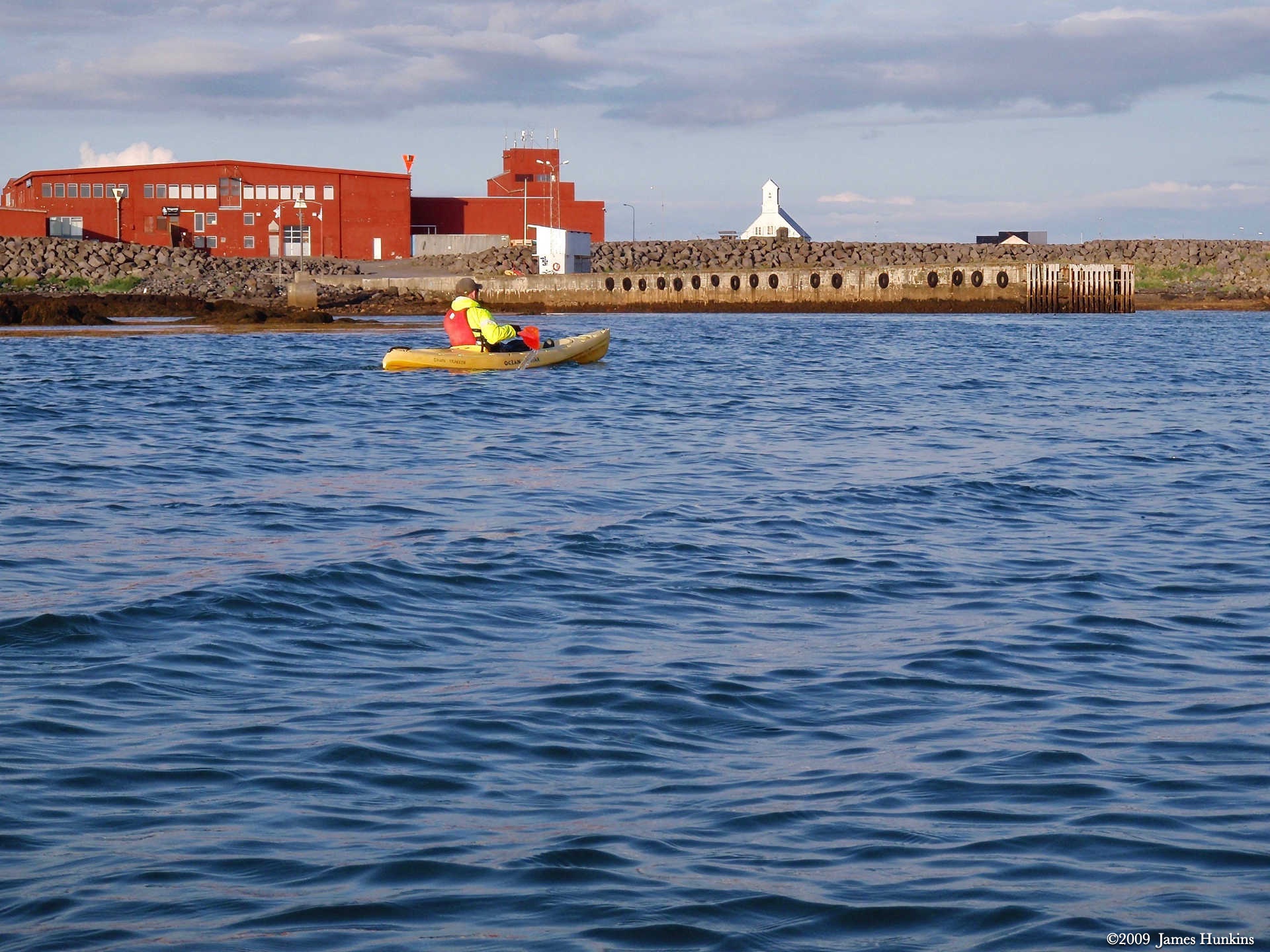
To finish the day off, we got a chance to do a bit of sea kayaking at Stokkseyri, a coastal town in the farming district region of Flói.
Before dinner, we enjoyed another hot pot soak. And then the dinner to dream for—all-you-can-eat lobster at the Fjöruborðið restaurant. No kidding about all-you-can-eat— large serving bowls were brought out to the tables completely full of small, delicious lobster and small round potatoes. The lobster was rich and had an excellent texture; definitely cold water raised and not from a farm.
VIEWING HELP
To close this window, click the X in the upper right hand corner. Or click anywhere outside of this window's area.
Photos from each day are shown in thumbnail (small) form. Panoramas are either wide or tall images, while normal photos are small rectangles. All photos shown in the PHOTO SHOWCASE section can be enlarged for better viewing. Photos will enlarge to fit your browser window width. Therefore, to view them at larger sizes simply make your browser window wider.
If there is any issue or the need to inquire/comment about an image, please refer to the Image ID label (see below) of the specific image along with the trip name found at the top of the browser window.
Video Clips
Depending on the browser, some of the controls may not always be supported.
Most videos will start playing automatically. Sound is automatically off even if included with a video. See D, E below for sound control.
A few small videos are set to loop endlessly, while most just play to the end.
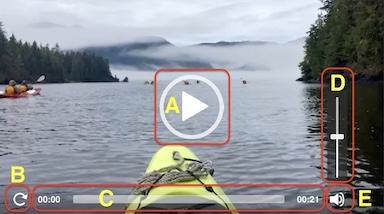
- A: To start or stop a video, click in this area (even if the symbol is not visible)
- B: If a browser shows this symbol, clicking on it will restart the video from the beginning
- C: Progress bar - will display total video time on the right.
- D, E: This seems to have the most variants between browsers. If the video description says 'w/ sound’, you can adjust the volume with this control
If neither is visible, move the cursor to the E area and either E and/or D will be visible
If E is visible but not D, click on E
Once D is visible, slide the bar up or down to adjust the volumn
Panoramas
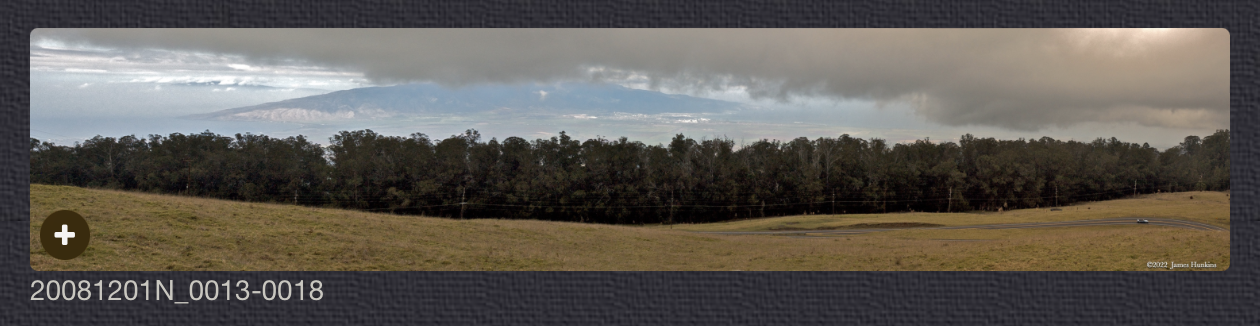
Clicking anywhere on a panorama thumbnail will cause the image to expand to fill the browser width. Clicking again anywhere in the browser window or scrolling the browser window will cause the expanded image to shrink back to its smaller thumbnail size.
The Image ID and description is found just below the thumbnail image on the left side.
Individual Photographs
If you click on any photo thumbnail, it will open a larger viewer which can be used to walk through all of the standard photos on the page. Once open, to go forward click on the > on the right side of the enlarged image. To scan backwards, click on the < on the left side. To close the larger images either click on the X in the upper right hand corner of the browser window or anywhere outside of the enlarged image.
The Image ID label can be found by hovering a cursor over the thumbnail image (may not be available on some tablets/phones) or, once enlarged, from the lower left hand side just under the image.
Additionally, in the same area as the Image ID (or the upper left corner for newer/updated sites) a count showing the current image number versus the total number of images available for viewing.

For newer or updated sites (look for the orange checkbox in the header of a sites main page), additional buttons have been added when viewing a full size image. From left to right, the buttons are:
- Email: will open an email with information and a link to the current image
- WhatsApp: if WhatsApp is on your system, will open a browser window to open WhatsApp and create a message with information and a link to the current image
- FaceBook: Will open a browser window to open Facebook and create a message with information and a link to the current image
- full screen: will take over the entire display versus just the browser in most systems; ESC returns to the brower only mode
- magnify: enlarges the image within the browser or full screen; if the image is larger than can be displayed it can be scrolled
- exit: will close the large image viewer returning to the thumbnails




Links:
PHOTO SHOWCASE
- click on any thumbnail image for a larger view/slideshow
-
 090813_0112NWaterfalls and stream going through the rocky Gjáin (grotto)
 -
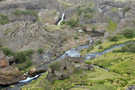 090813_0113NWaterfalls and stream going through the rocky Gjáin (grotto)
 -
 090813_0114NWaterfalls and stream going through the rocky Gjáin (grotto)
 -
 090813_0115NPath along stream in the Gjáin
 -
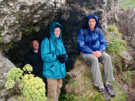 090813_0119OFellow hikers sheltering momentarily from the persistent rain
 -
 090813_0122OPath dropped down into the grotto through lush vegetation
 -
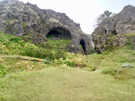 090813_0123OAlcove formations (caves) in the rock found in Gjáin
 -
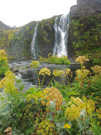 090813_0124OTwin waterfalls with flowering plants in the foreground
 -
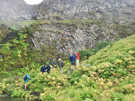 090813_0125OHikers standing below fractured formations in basalt cliffs
 -
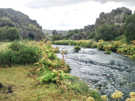 090813_0126OStream going through the stone formations in Gjáin
 -
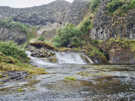 090813_0128OFractured basalt cliffs towering over low waterfall
 -
 090813_0129OHikers scrambling over large stones fallen from fracturing basalt cliffs
 -
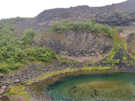 090813_0134OCircle of emerald green in a pond with basalt cliffs behind it
 -
 090813_0138OHiker gazing at rushing waterfall plunging into emerald pond waters
 -
 090813_0141OWaterfall plunging into a pond surrounded by stony formations
 -
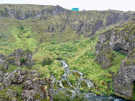 090813_0143OStreams emerging from of the sides of the hill with our vans on top of the cliff
 -
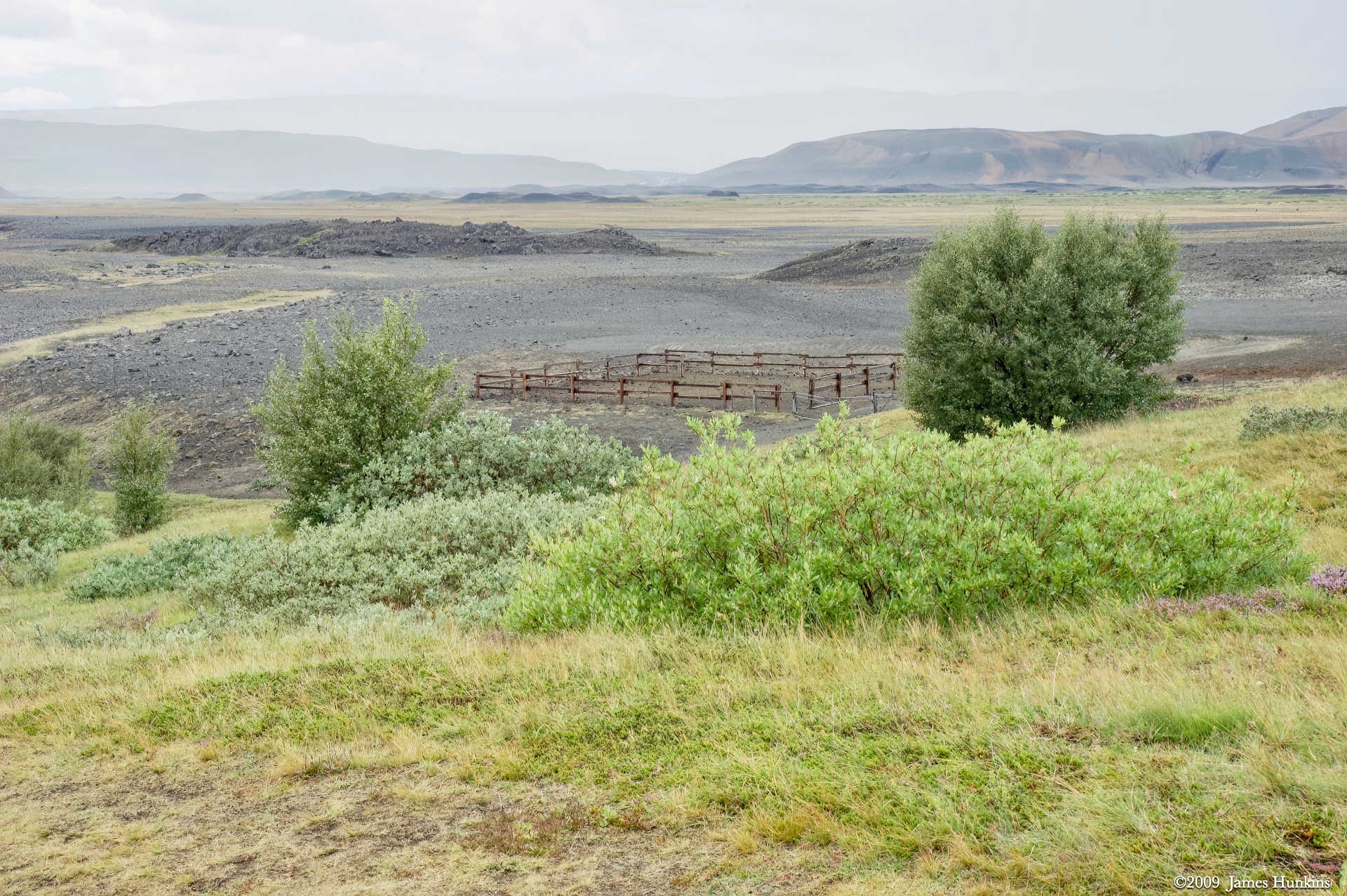
 090813_0145NA corral fence in a rocky flat area surrounded by hills
 -
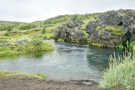 090813_0146NThe stream leaving Gjáin
 -
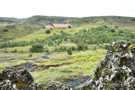 090813_0147NFirst sight of Stöng (Viking settlement manor)
 -
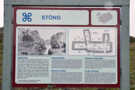 090813_0149NInformation sign for Stöng
 -
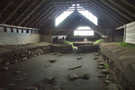 090813_0150NInside a protective building over the Stöng excavation site showing earthen walls
 -
 090813_0154NStöng excavation of a room showing earthen walls
 -
 090813_0155NInside a protective building over the Stöng excavation site showing earthen walls
 -
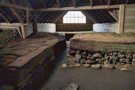 090813_0157NInside a protective building over the Stöng excavation site showing earthen walls
 -
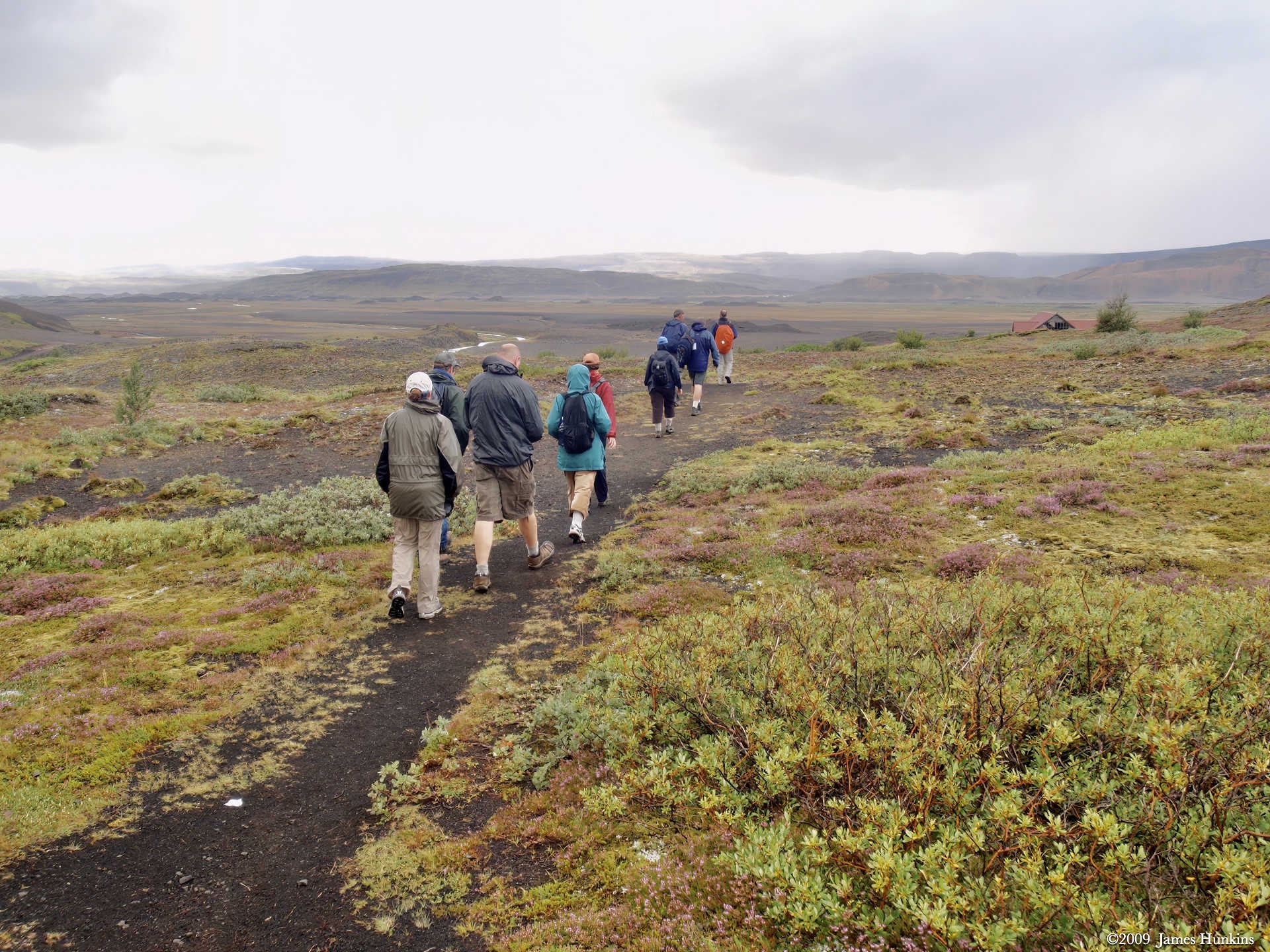
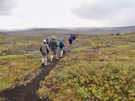 090813_0160OHikers on the trail leaving Stöng
 -
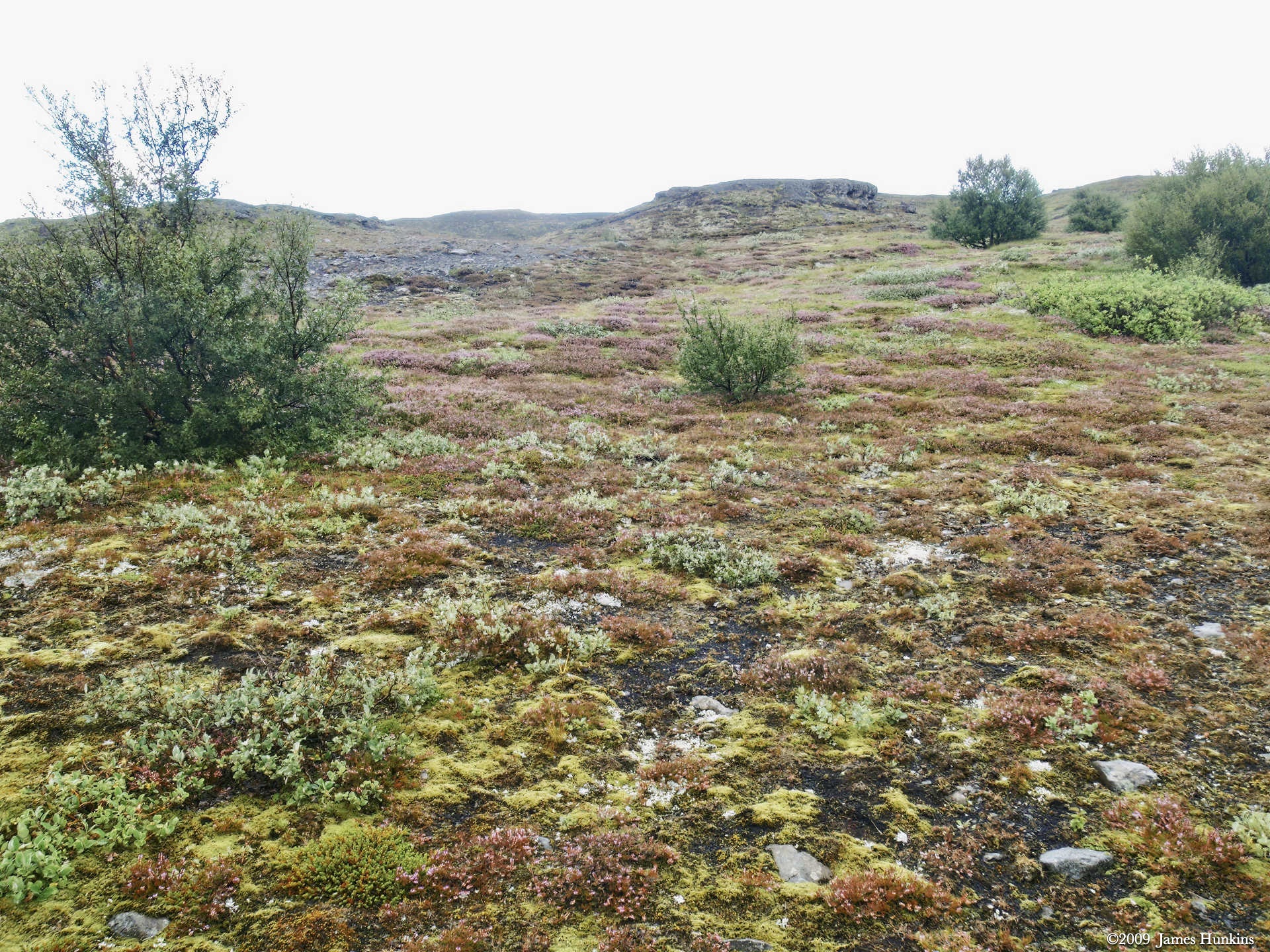
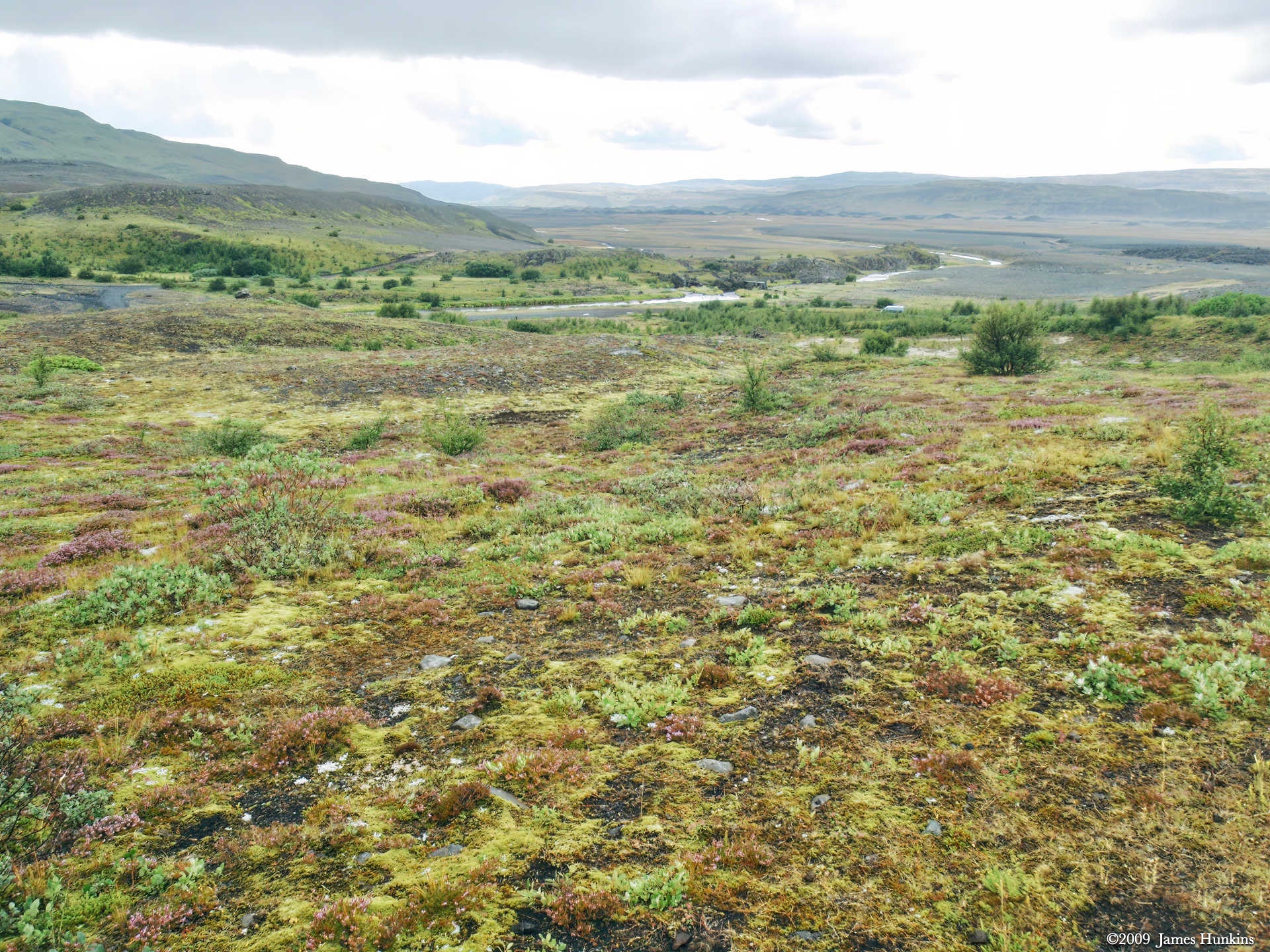
 090813_0162OColorfull ground cover on black rocky soil with a few shrubs
 -
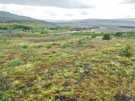 090813_0163OOverlooking wide valley
 -
 090813_0164OInformation sign for the Þjóðveldisbærinn Stöng
 -
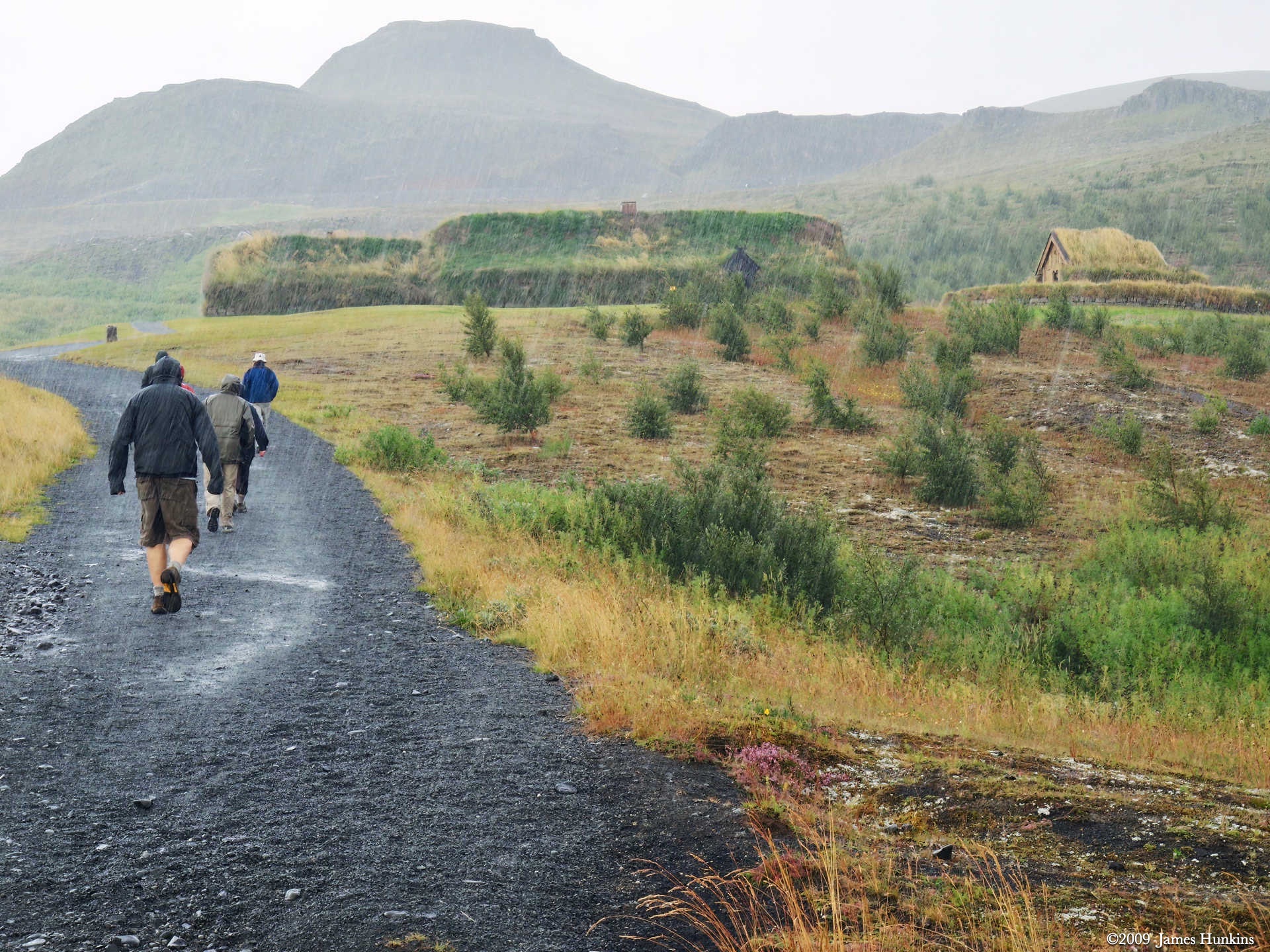
 090813_0165OWalking up the trail in heavy rain, heading to the reconstructed Stöng
 -
 090813_0168NInside the reconstructed Stöng with a cooking area in the middle and sleeping/sitting areas on the sides
 -
 090813_0170NInside the reconstructed Stöng with a cooking area in the middle and sleeping/sitting areas on the sides
 -
 090813_0173OThe entry into the reconstructed Stöng with a waterfall in the background
 -
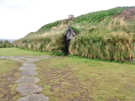 090813_0174OFront entry to the reconstructed Stöng with its earthen walls and roof
 -
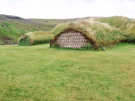 090813_0175OEnds of the Stöngs, one showing the architecture under the grass covering
 -
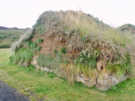 090813_0176OEnd of a Stöng showing the lower stone walls and then layered sod walls
 -
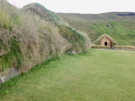 090813_0177OSide view of the main Stöng with the smaller building in the background
 -
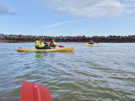 090813_0178OKayaking in the bay at Stokkseyri Village (in the sun!)
 -
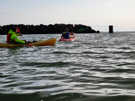 090813_0181OKayaking in the bay at Stokkseyri Village (in the sun!)
 -
 090813_0184OKayaking in the bay at Stokkseyri Village (in the sun!)
 -
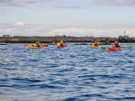 090813_0187OKayaking in the bay at Stokkseyri Village (in the sun!)
 -
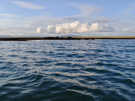 090813_0190OIn the bay, looking at volcanic table mountains in the distance and a few buildings near the shore
 -
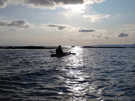 090813_0191OSilhouette of lone kayaker as the day ends
 -
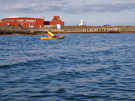 090813_0200OLone kayaker in the bay at Stokkseyri Village