EUROPE AND NORTH AMERICA - SPREADING AWAY FROM EACH OTHER
DAY 6 : FRIDAY AUGUST 14, 2009
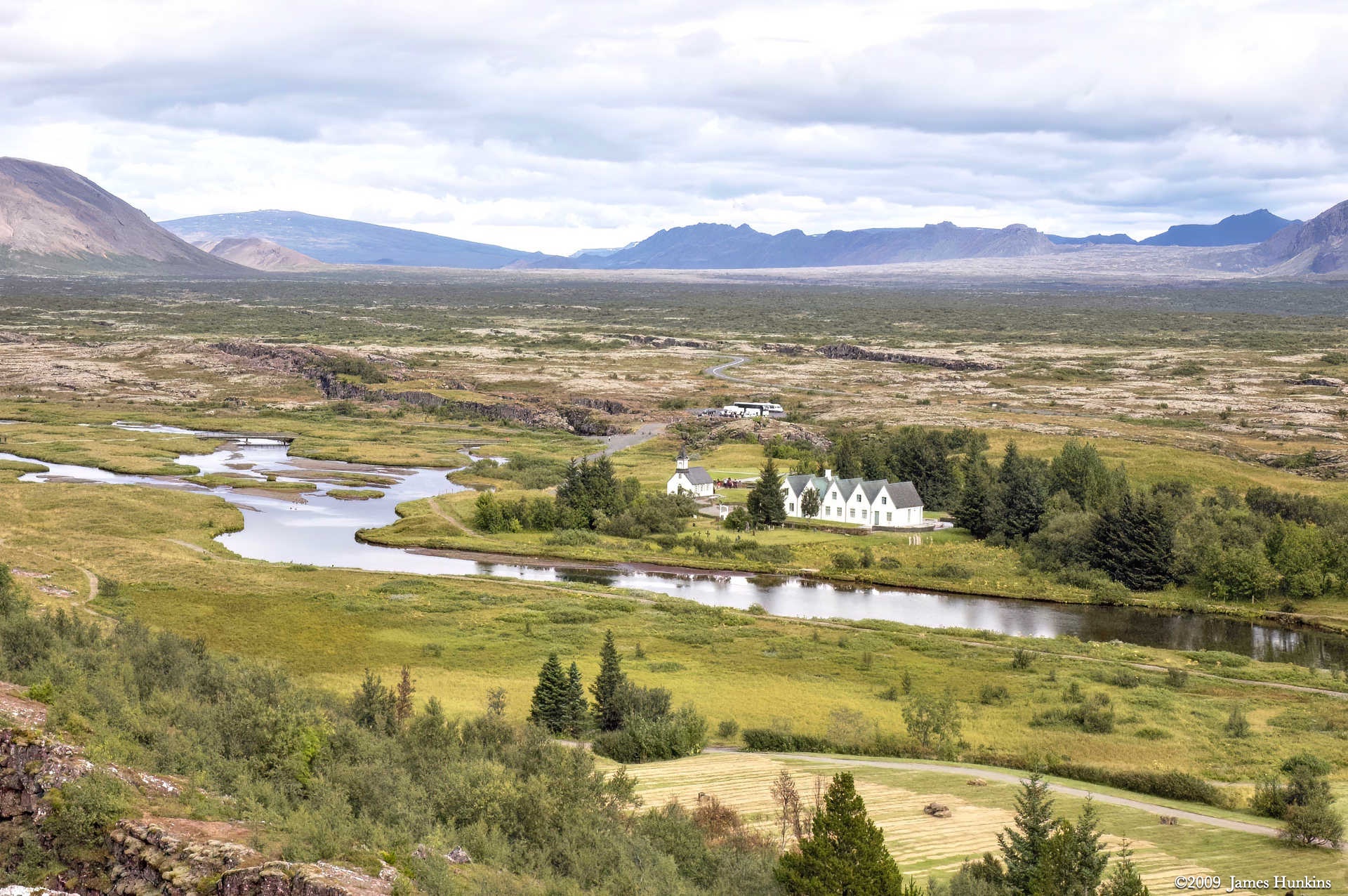
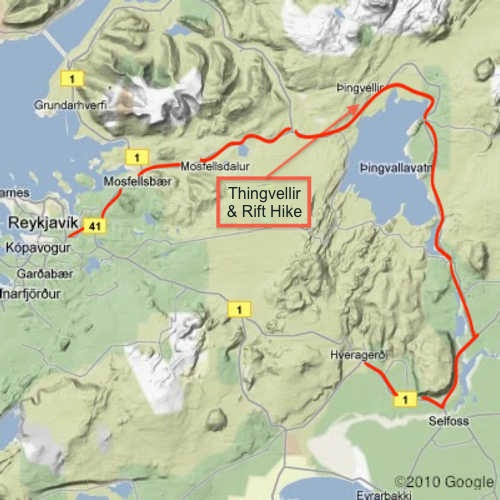
This day was a visit to the Þingvellir (Thingvellir) National Park. The area (an UNESCO World Heritage site) is not only beautiful but has many interesting points related to it.
- It was the location of the world’s first parliament, the Althing, which first met in 930 AD. There was an annual meeting of chieftains at this location for over 300 years. Leaders were elected, cases argued, and disputes settled (not always without violence though).
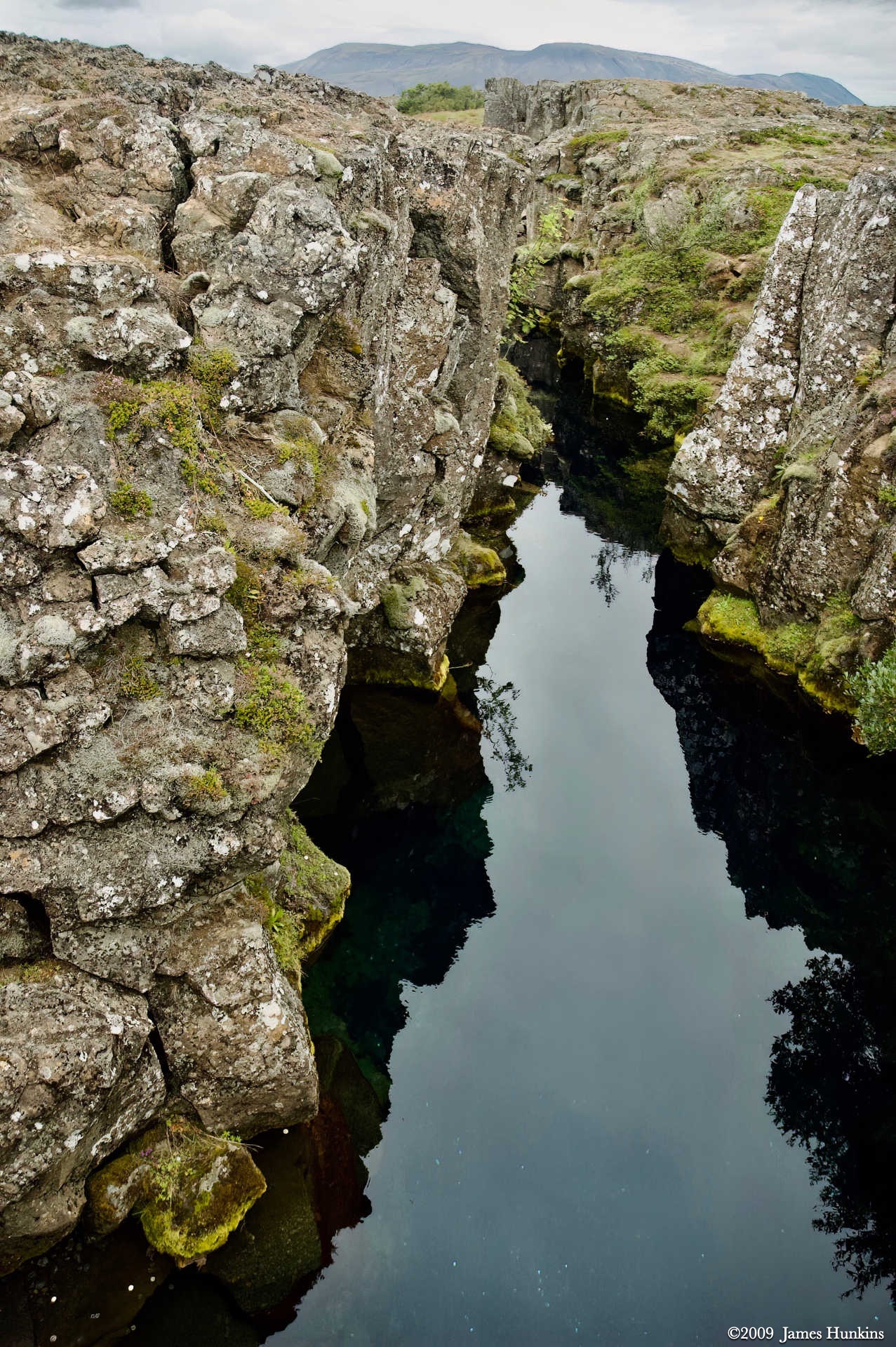
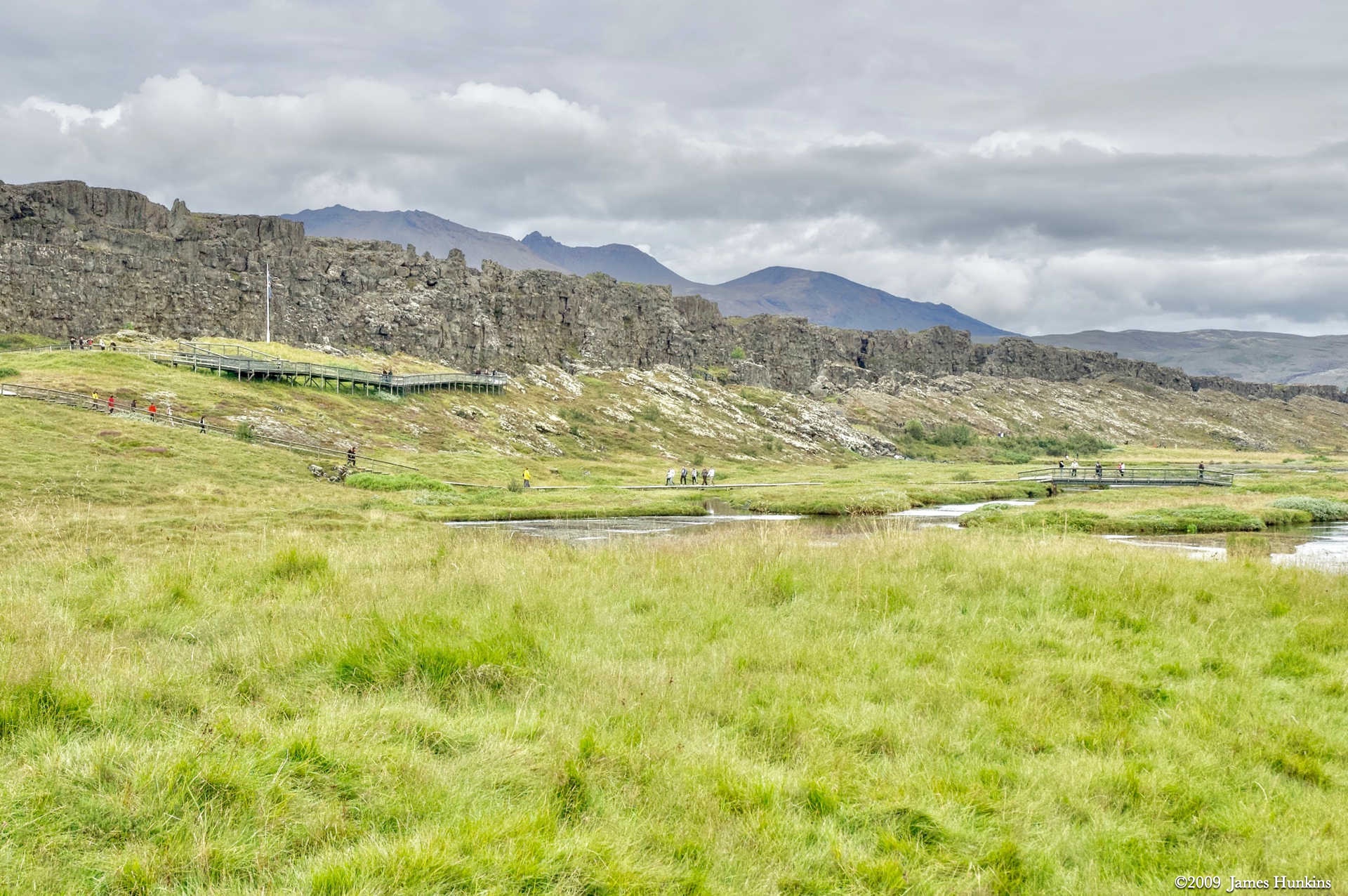
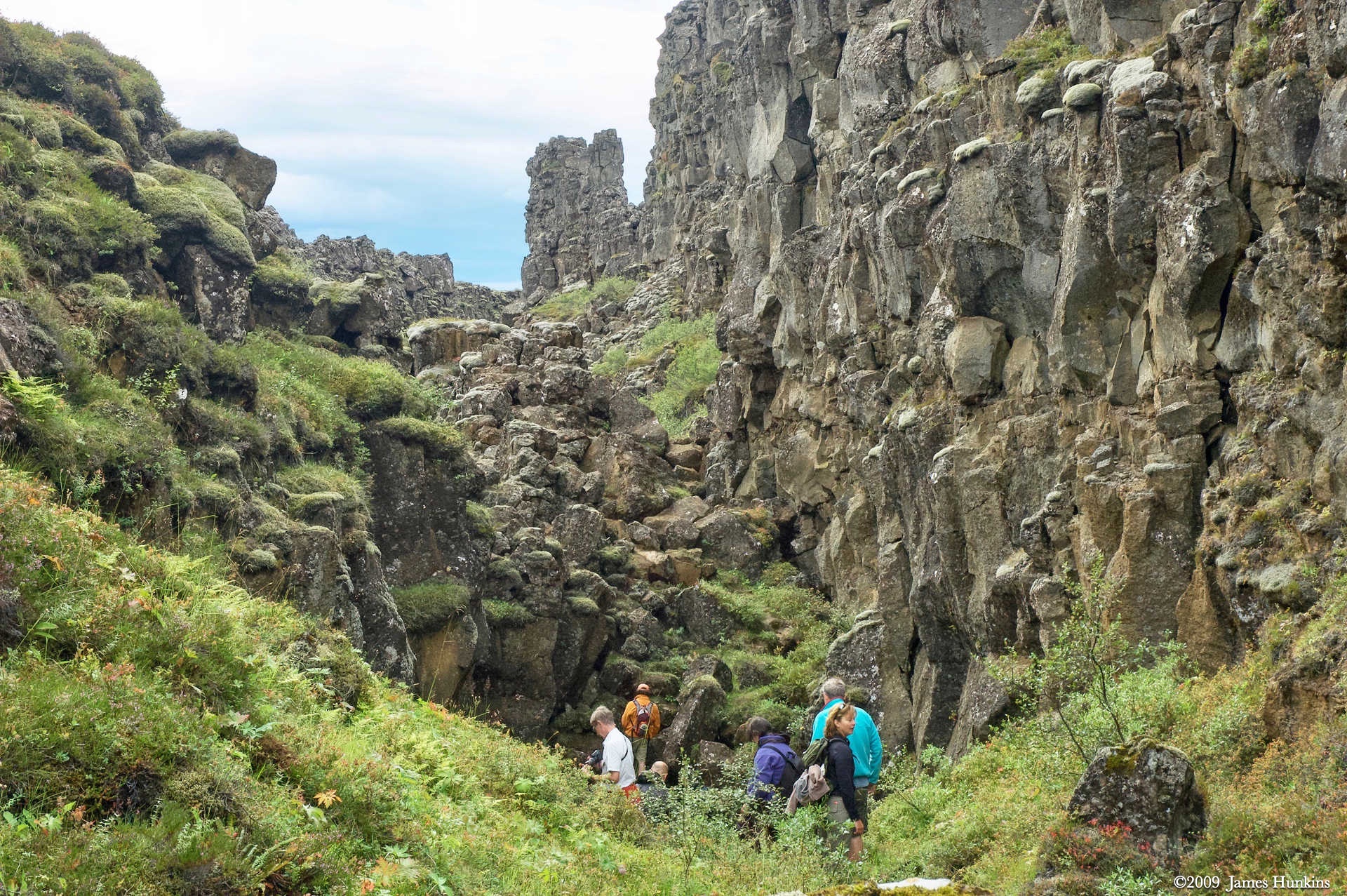
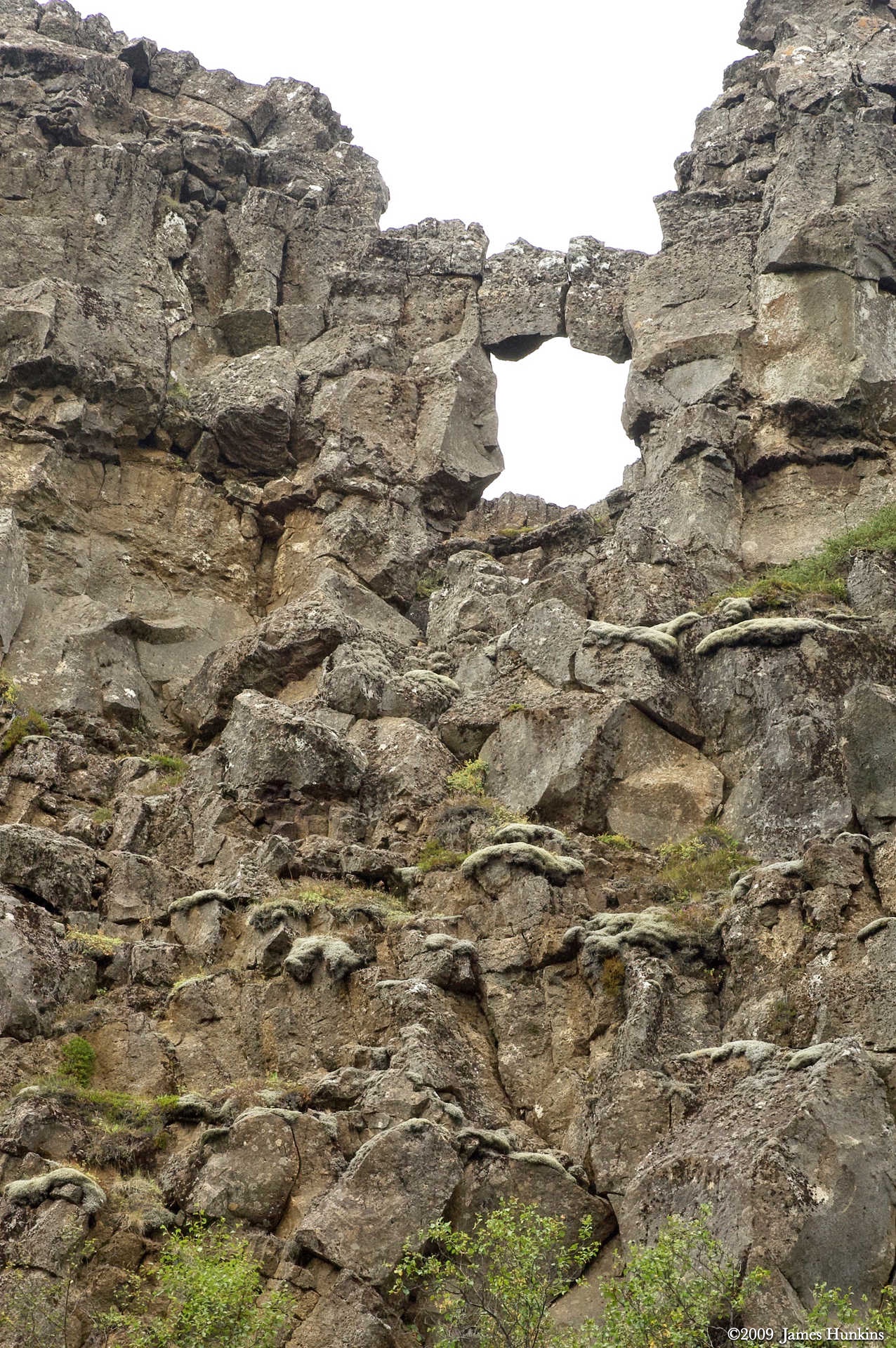
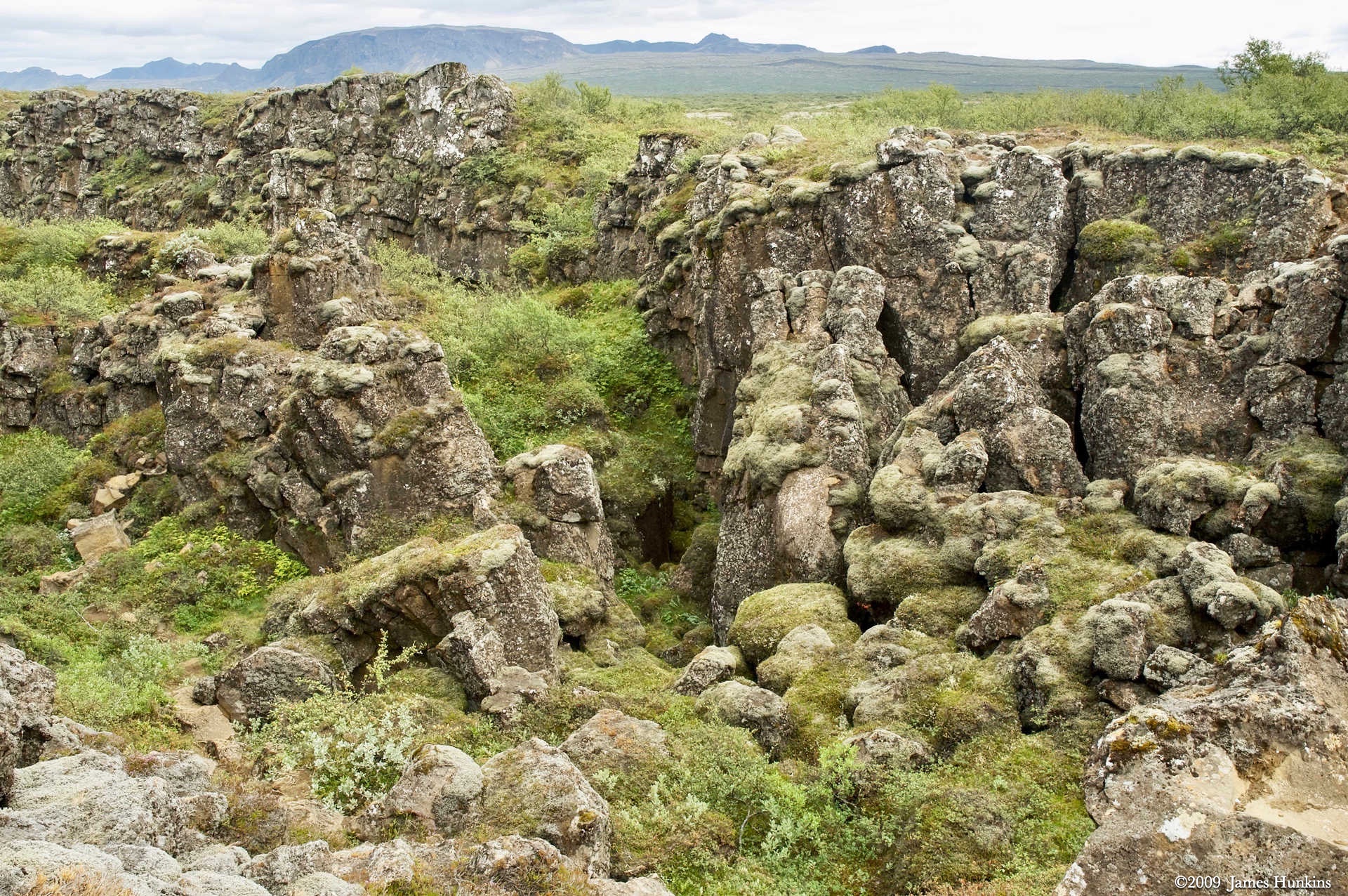
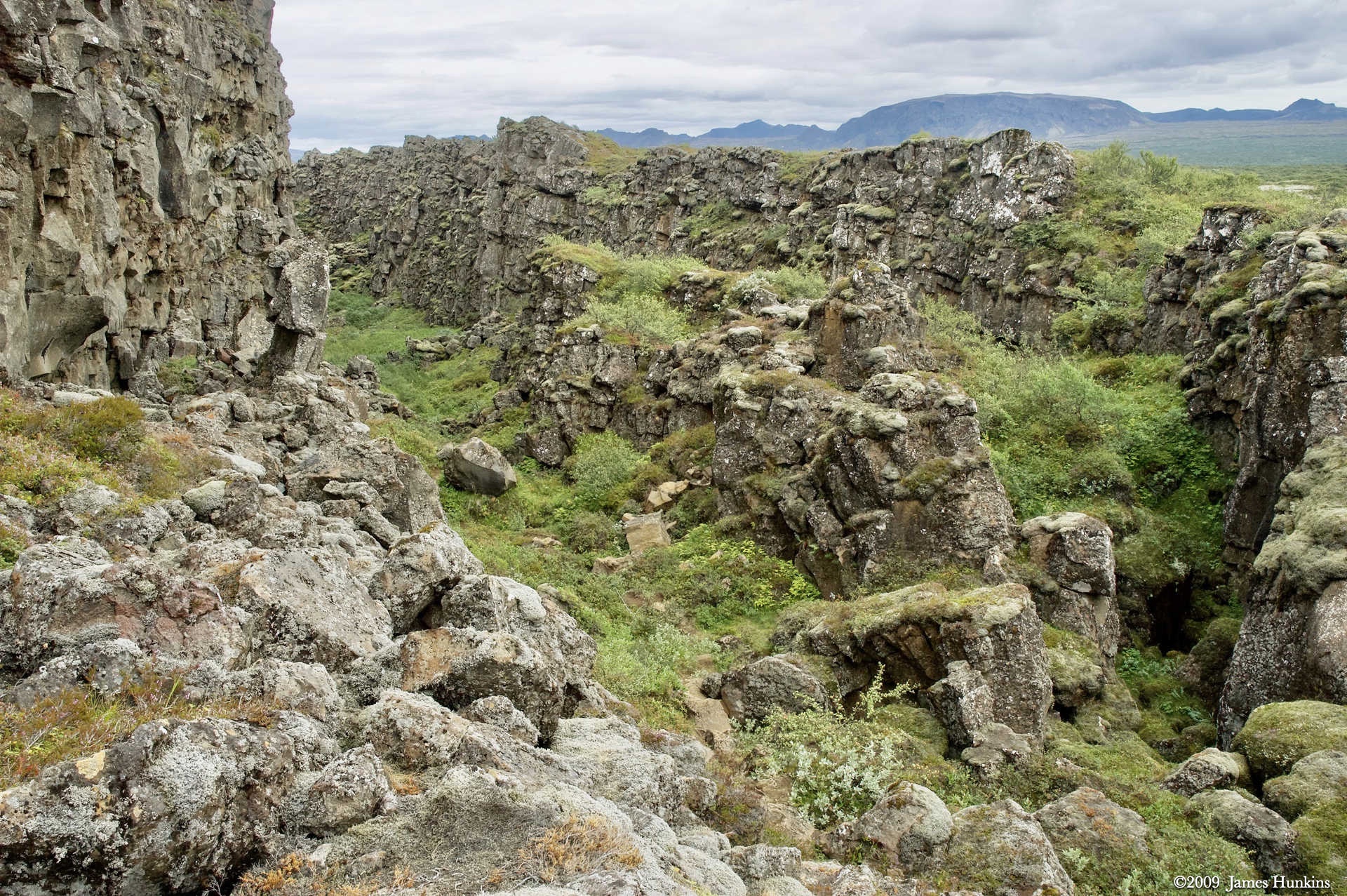
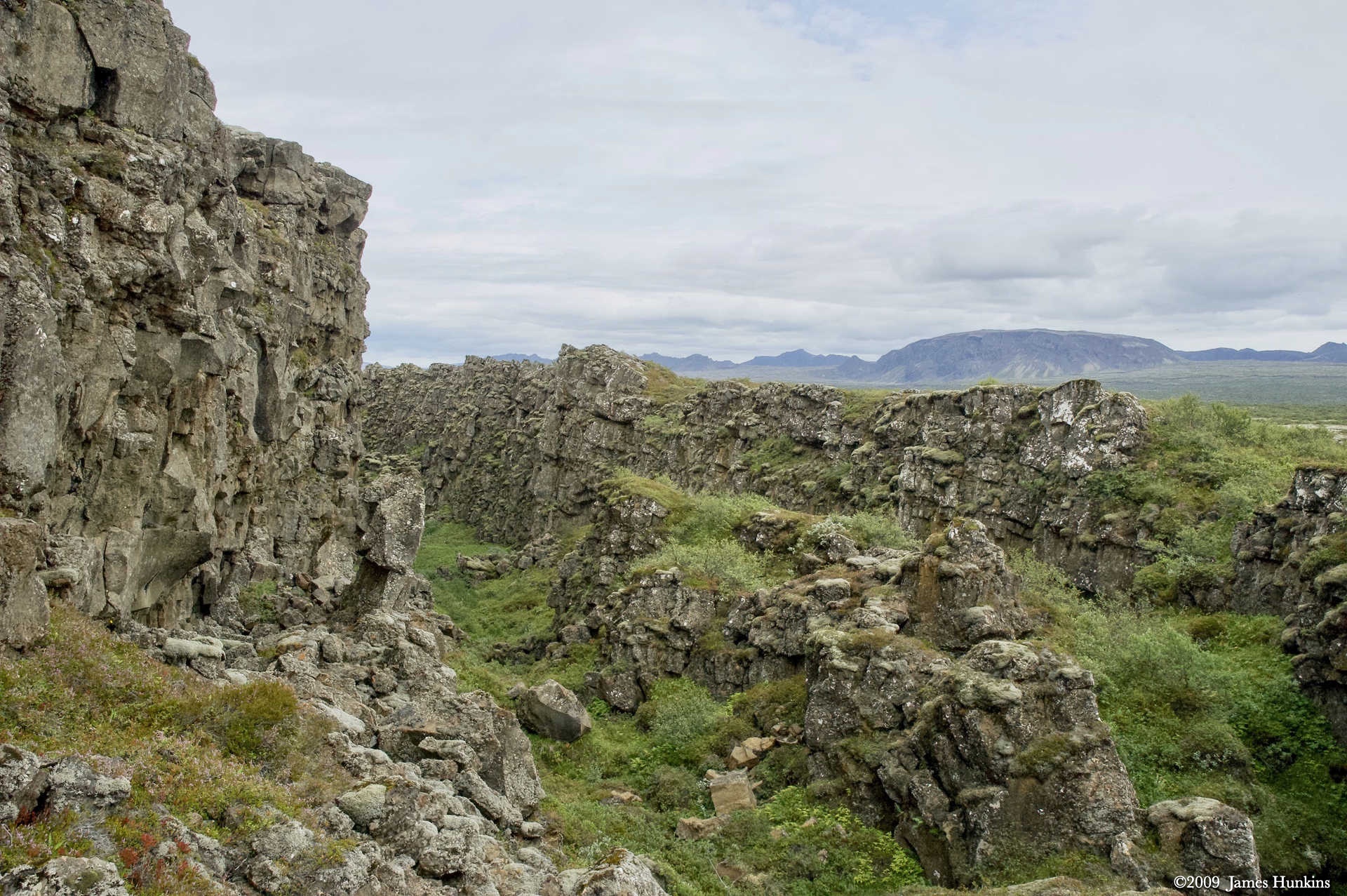
- The park is on a major geological point (as is all of Iceland) where the North American and the Eurasian plates are pulling away from each other. Another formation is called the Iceland plume which is a geological hotspot.
This geological fact gives us two things that are unique to this park.
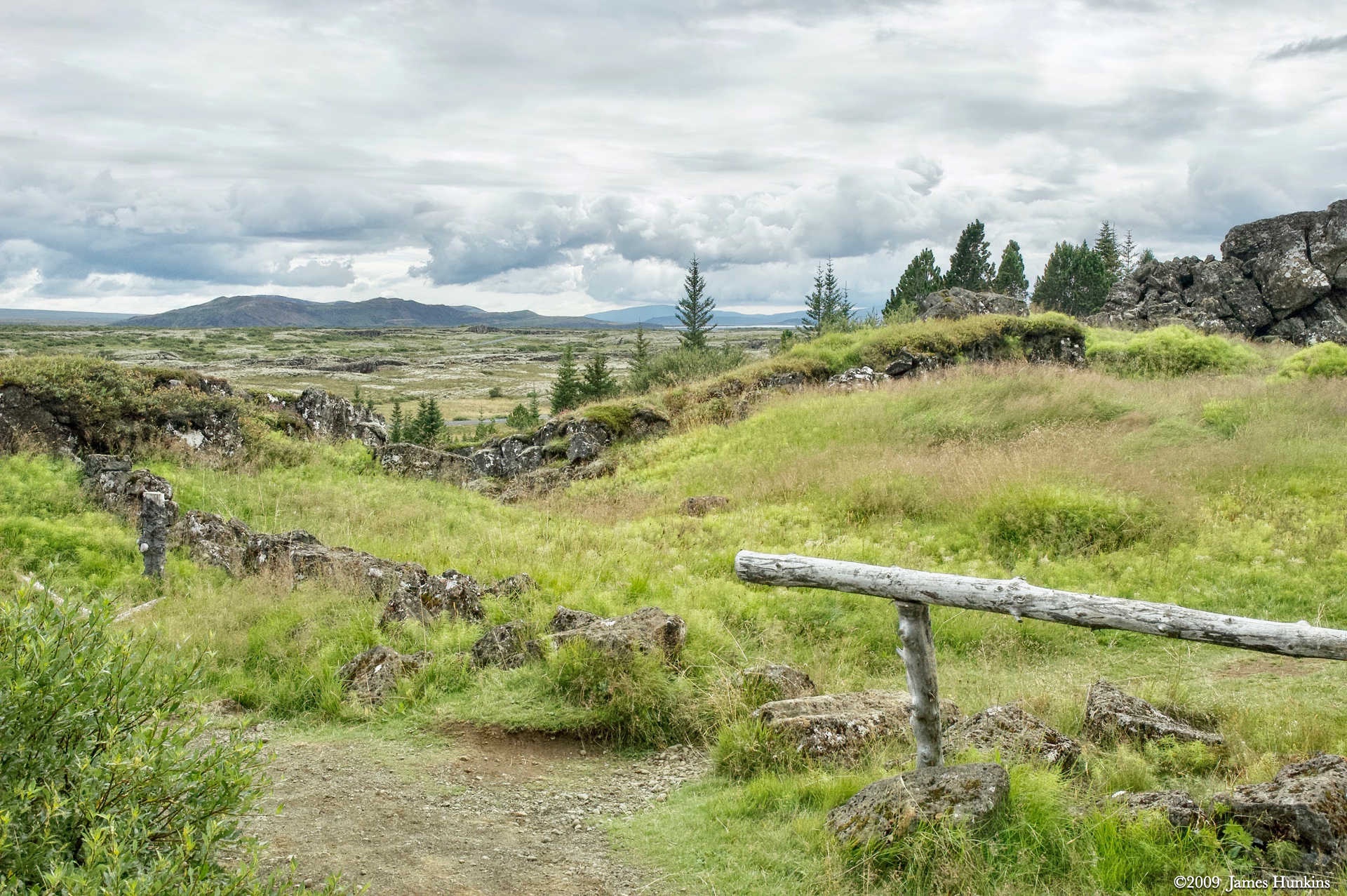
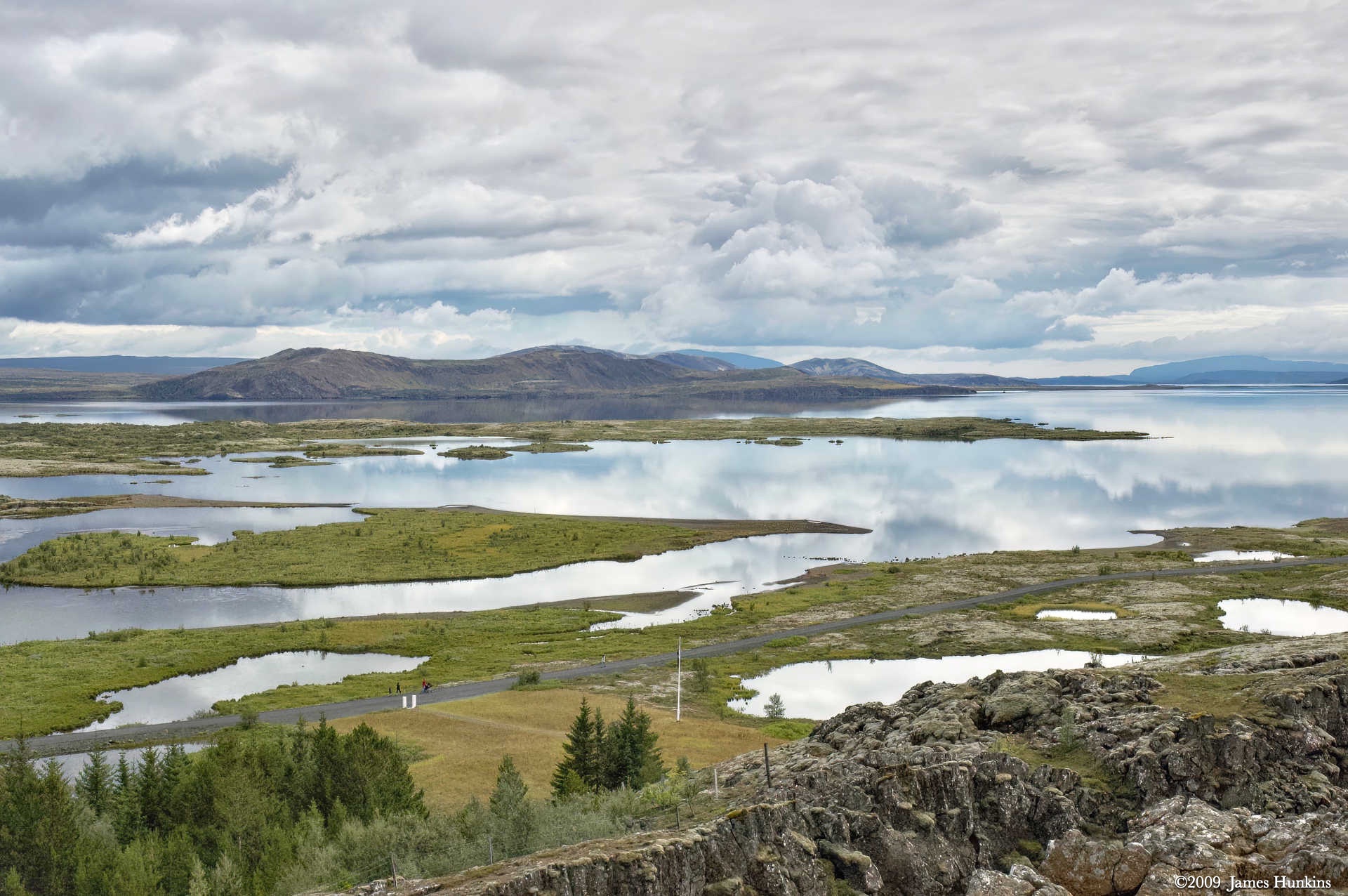
The lake (Þingvallavatn) is growing as the two plates separate causing the local ground to sink lower. But since this is a volcanic area, periodically a volcano barely visible in the distance in the lake pictures erupts and fills in the valley. The lake then reforms as the land sinks again. Over and over.
The lake also has some unique types of fish in response to this geological cycle.
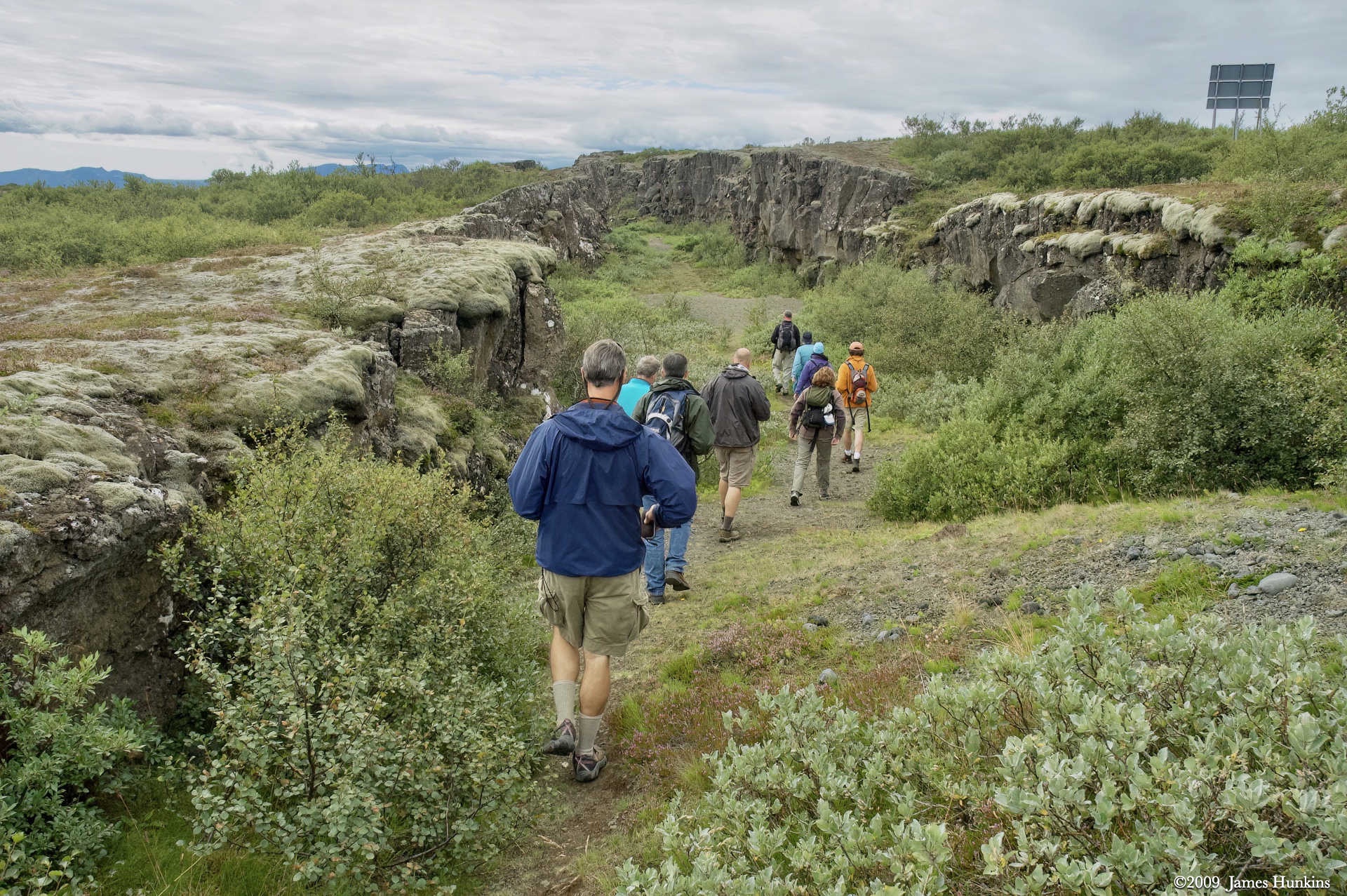
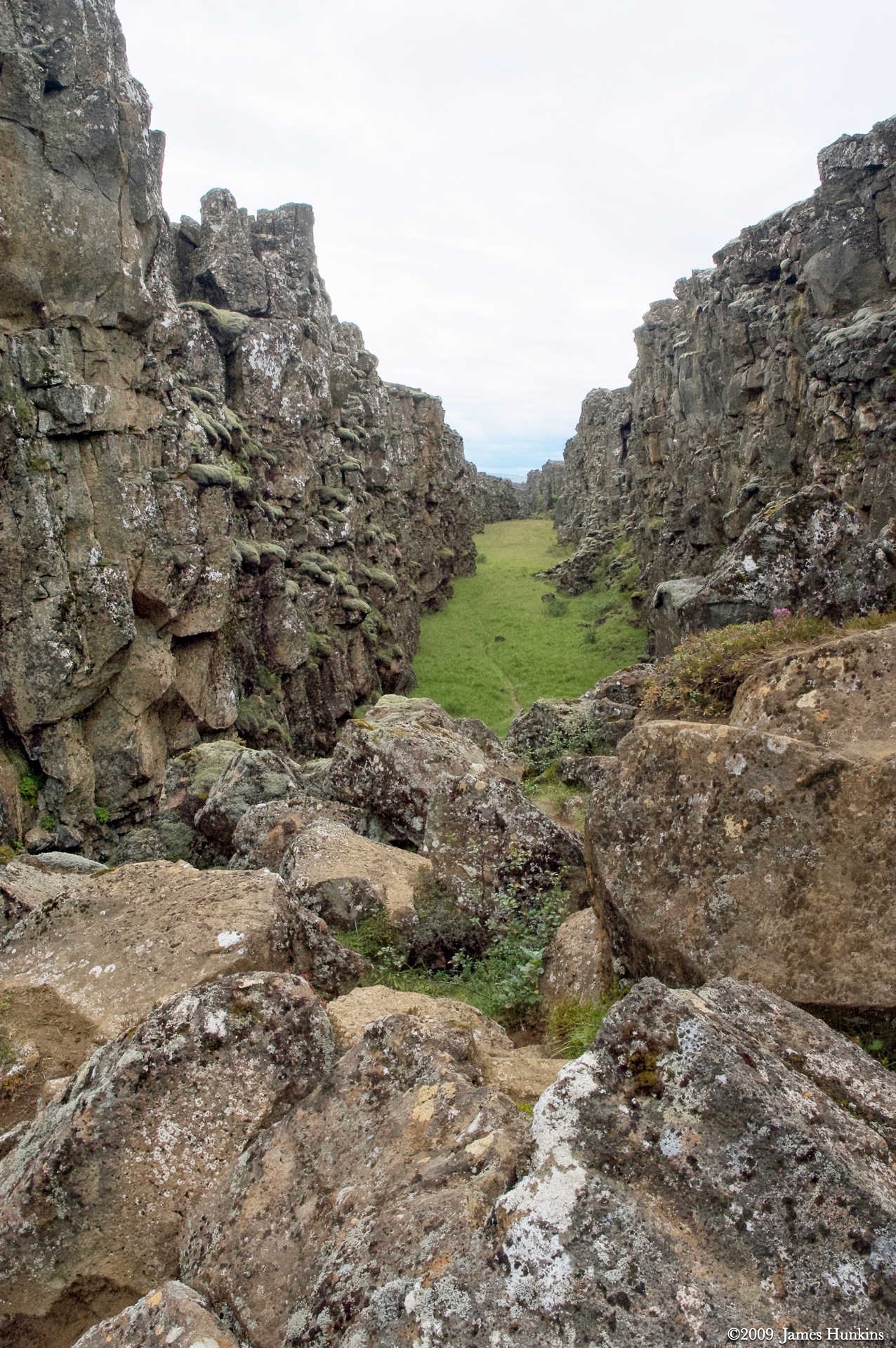
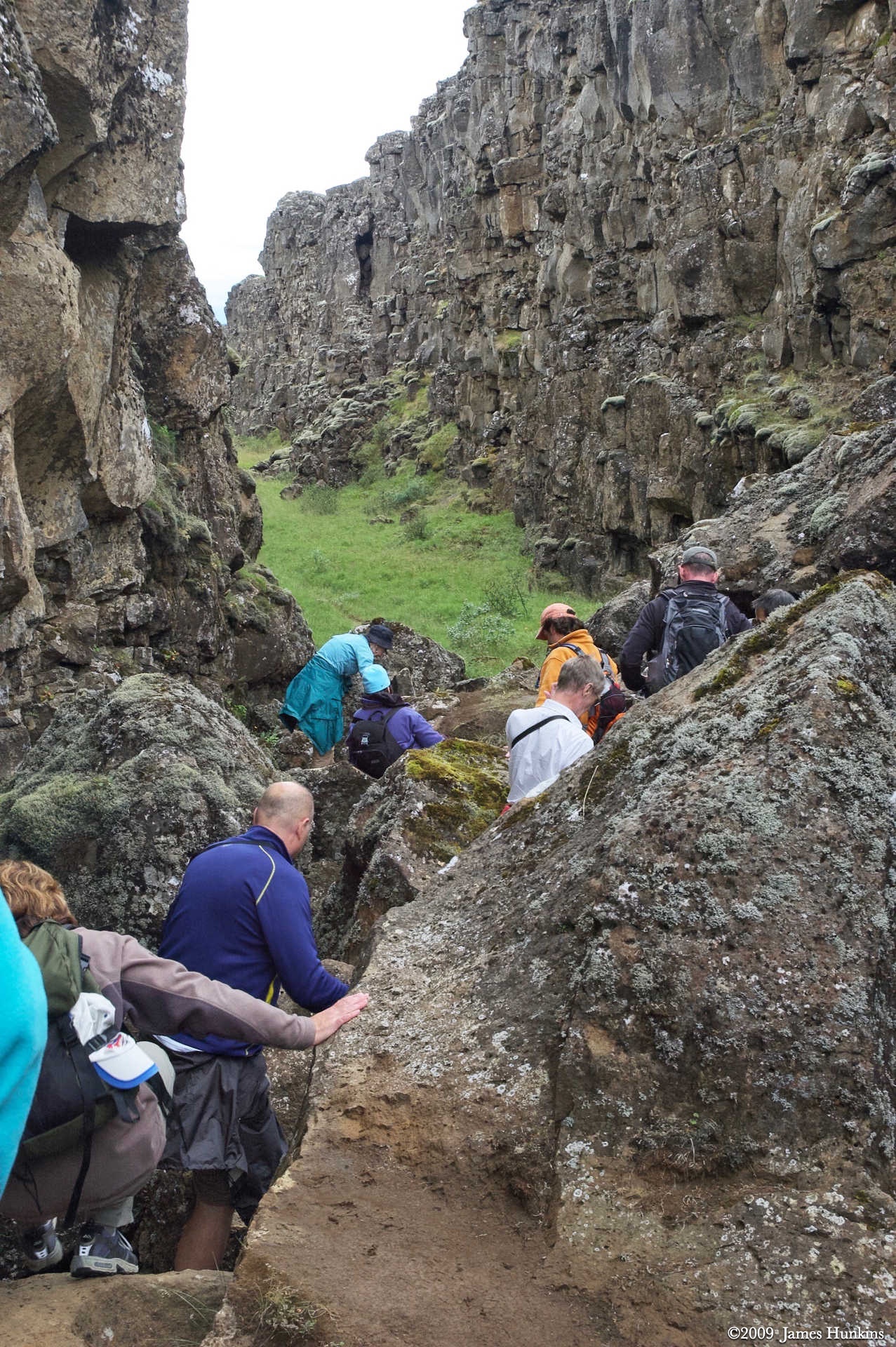
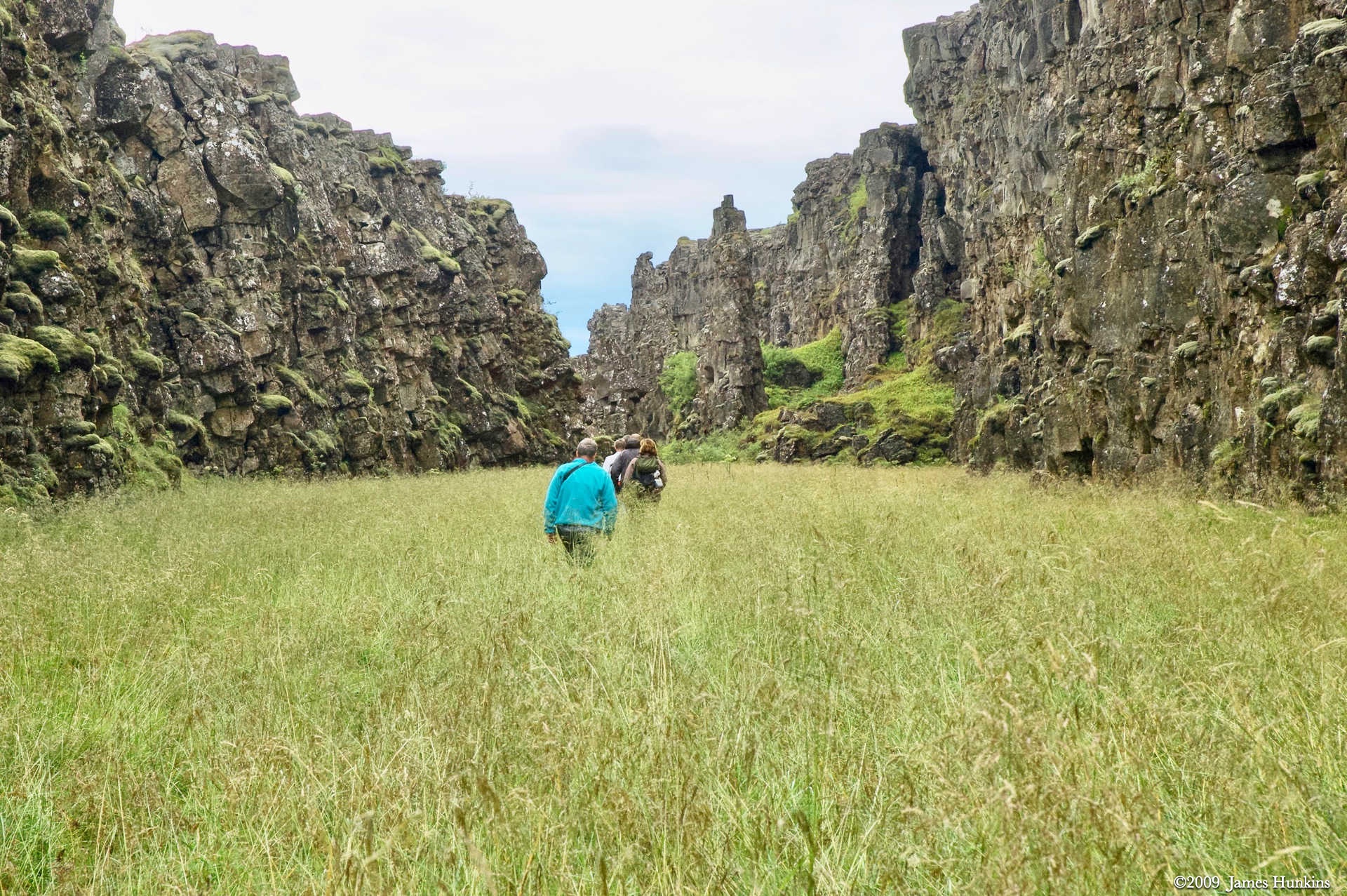
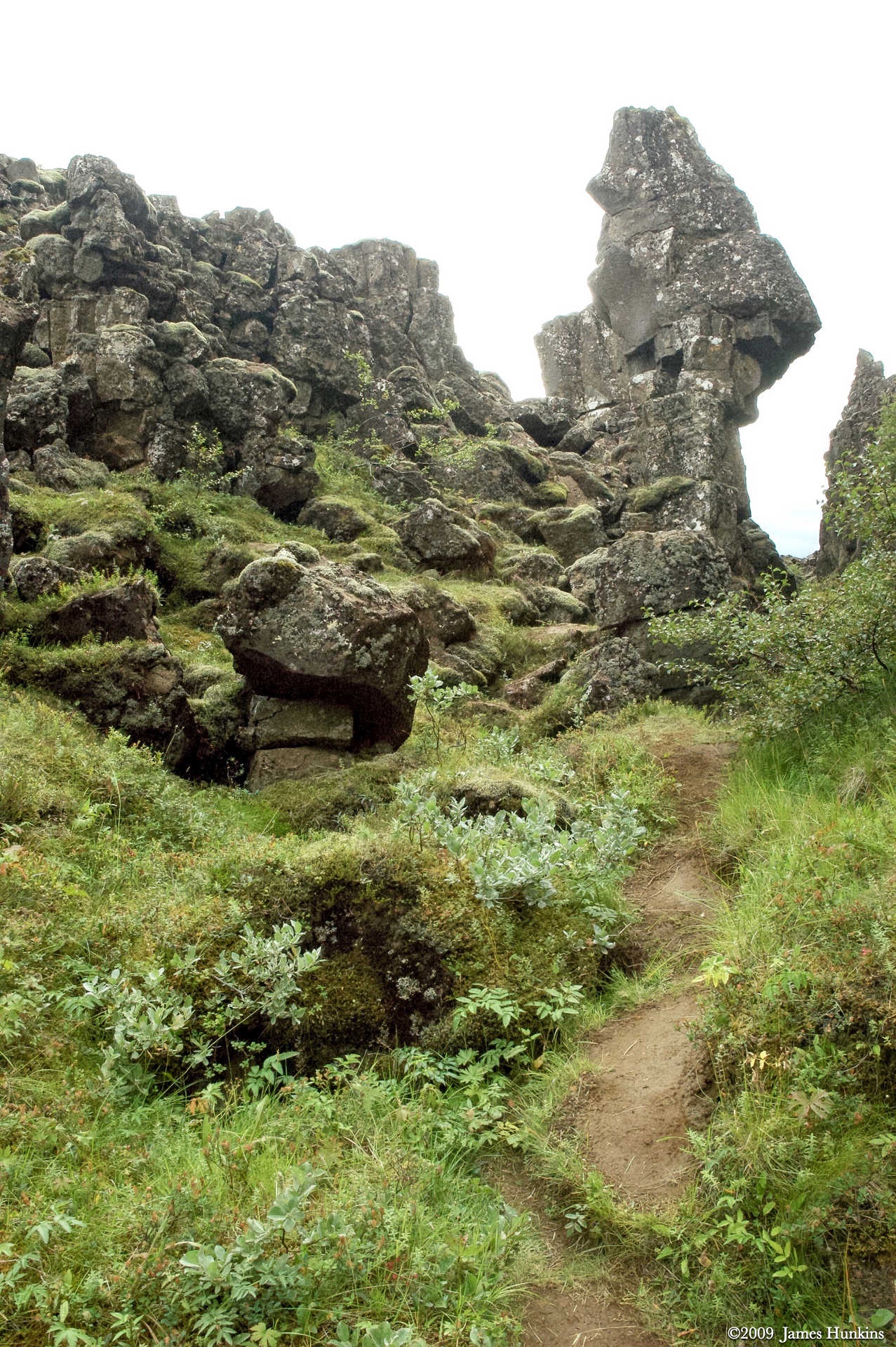
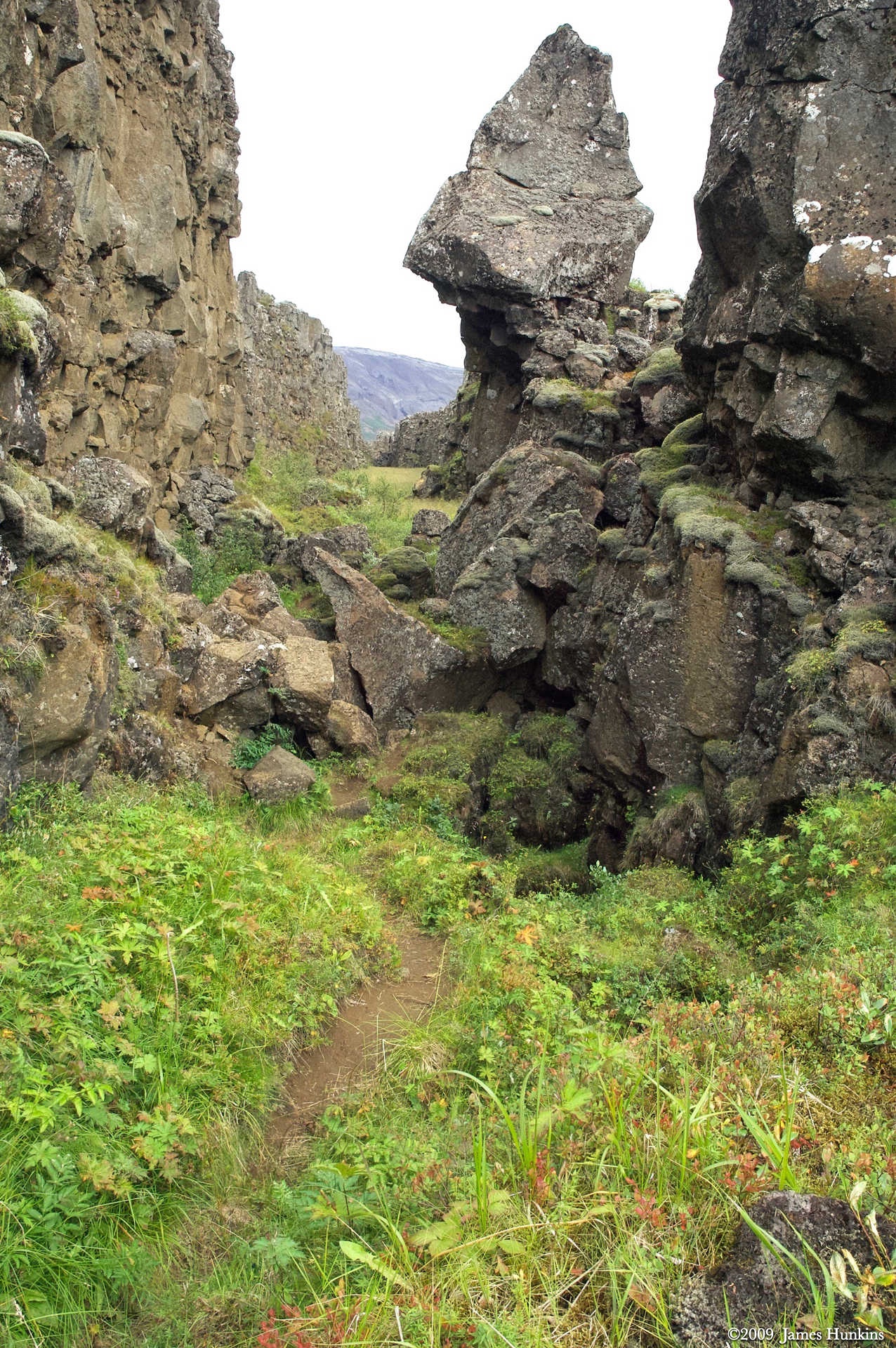
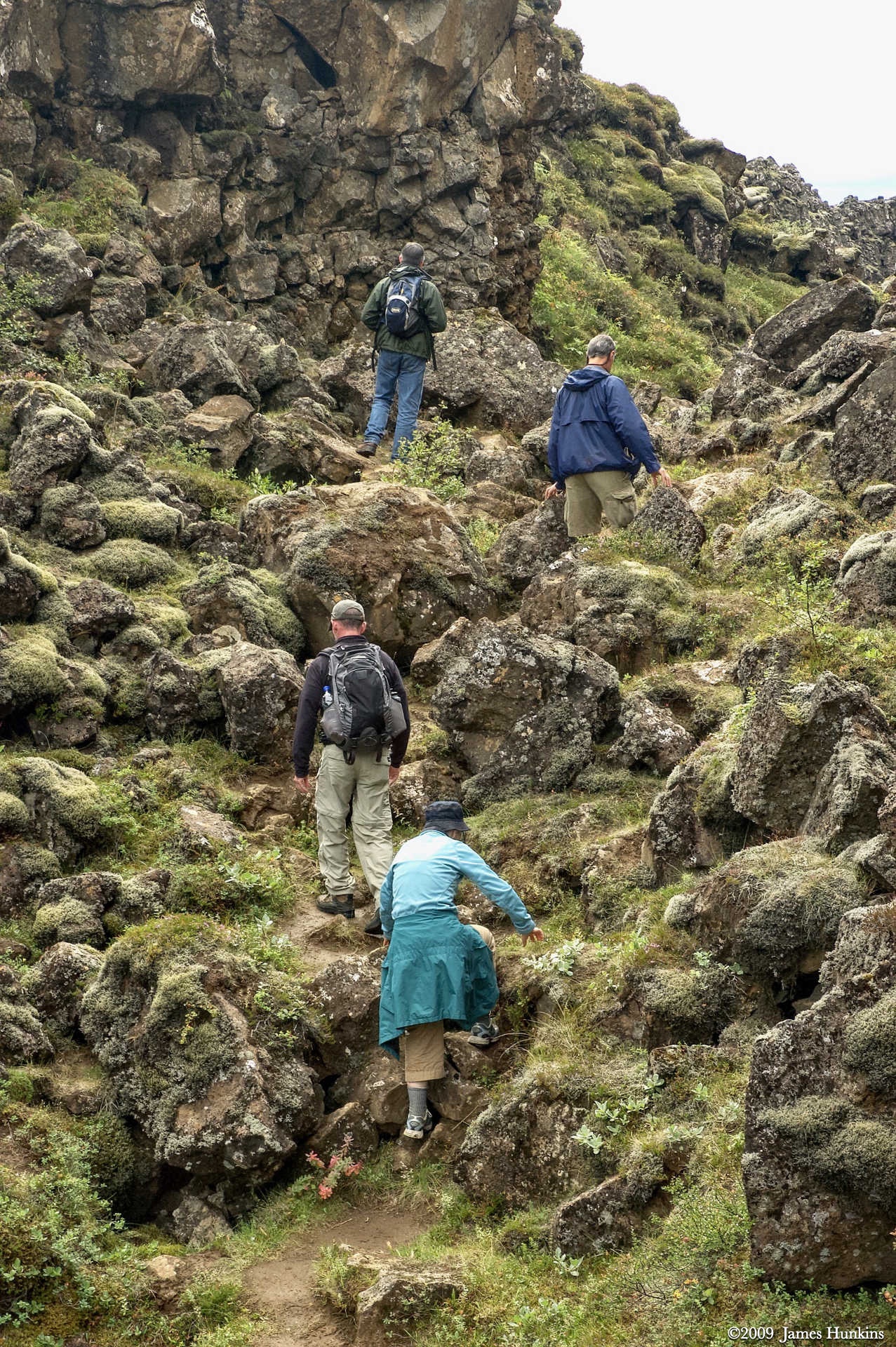
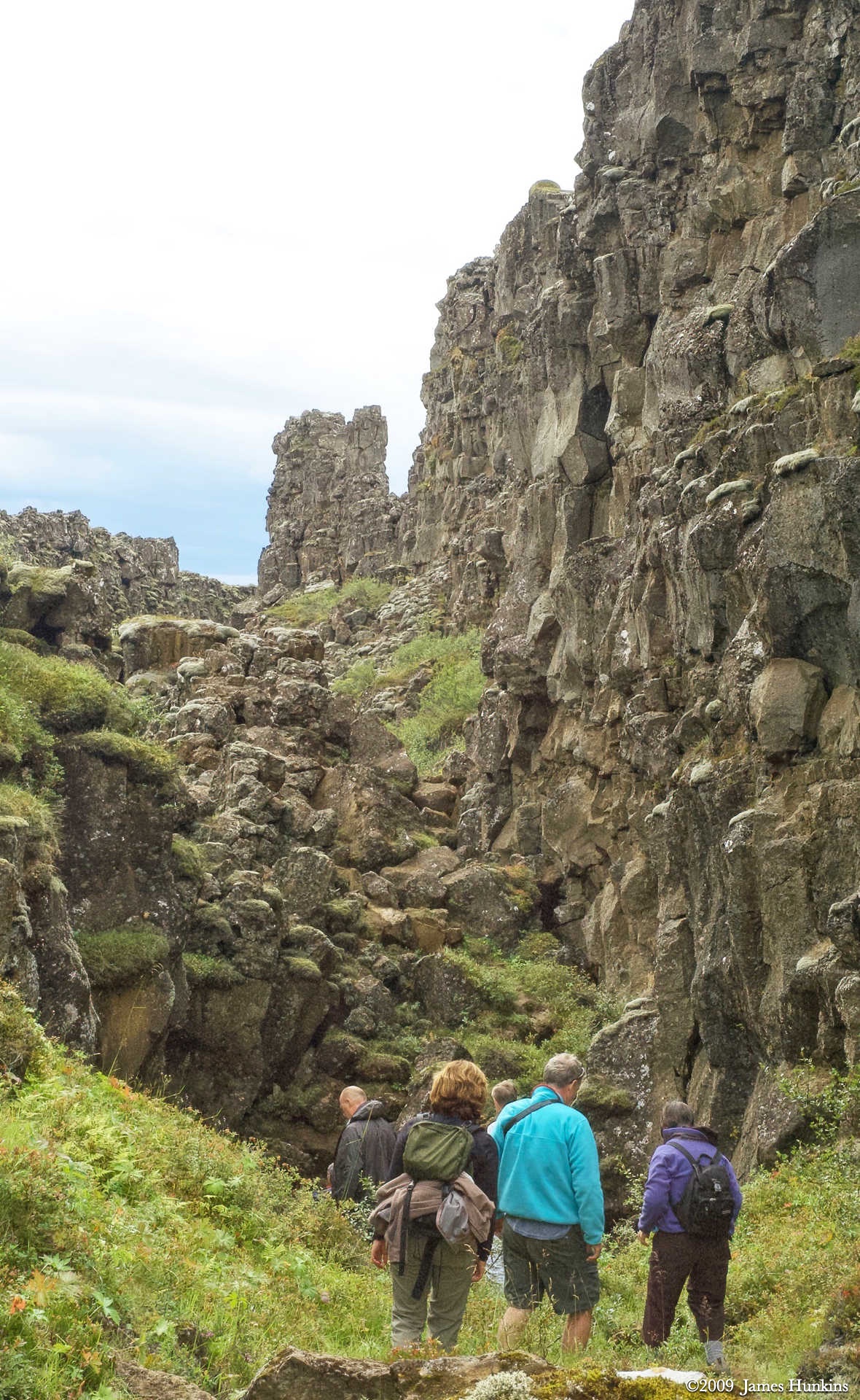
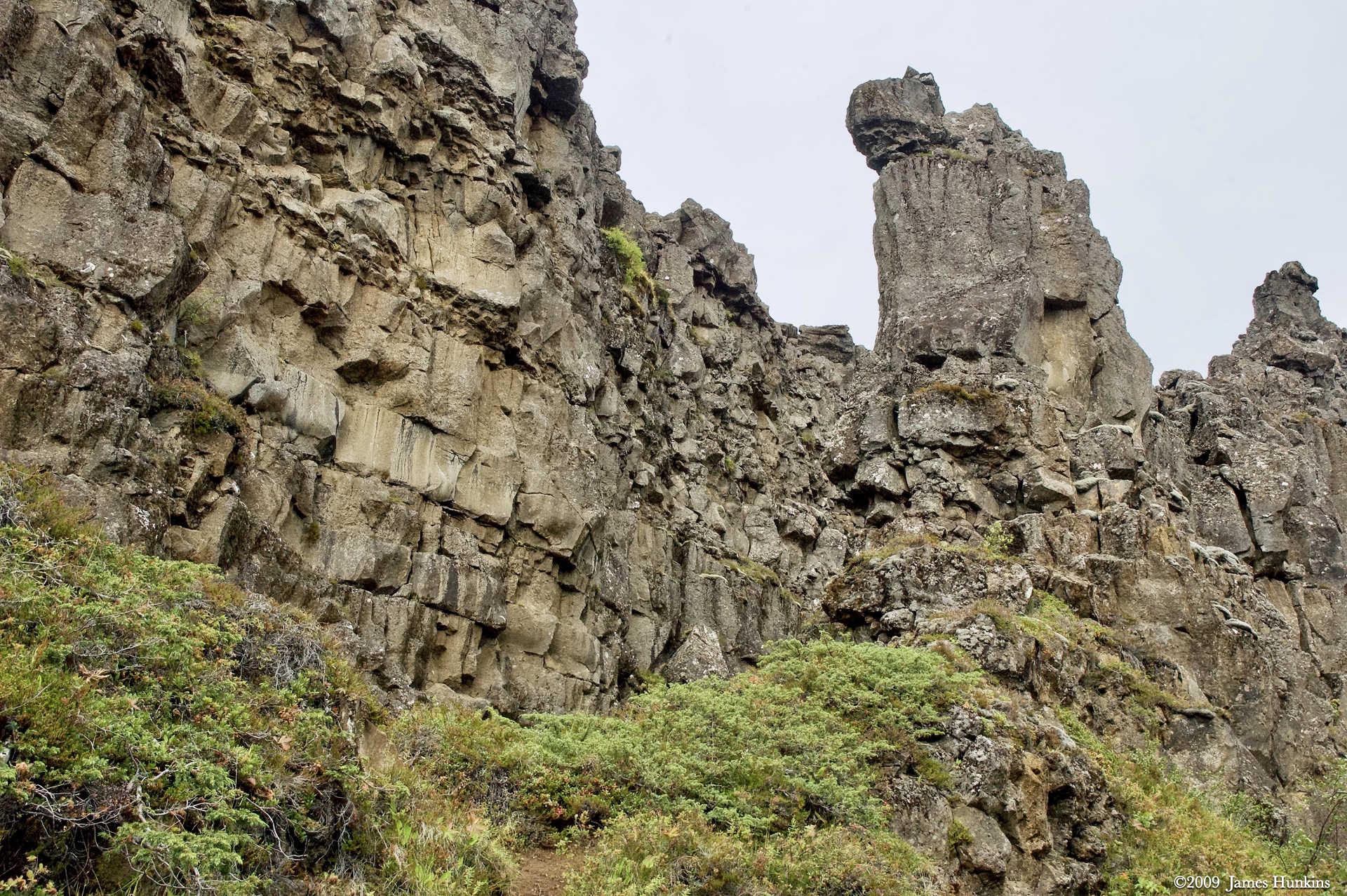
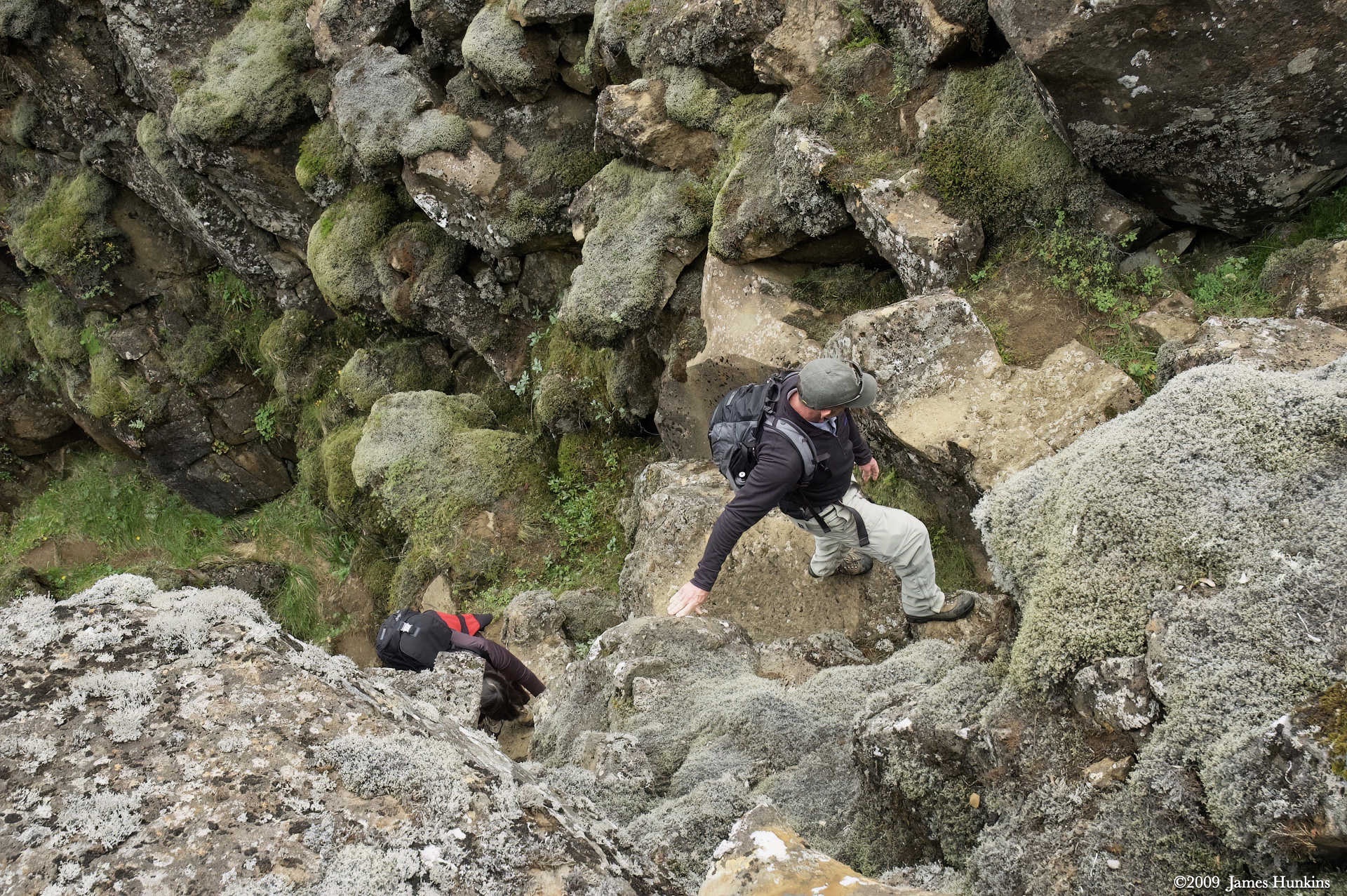
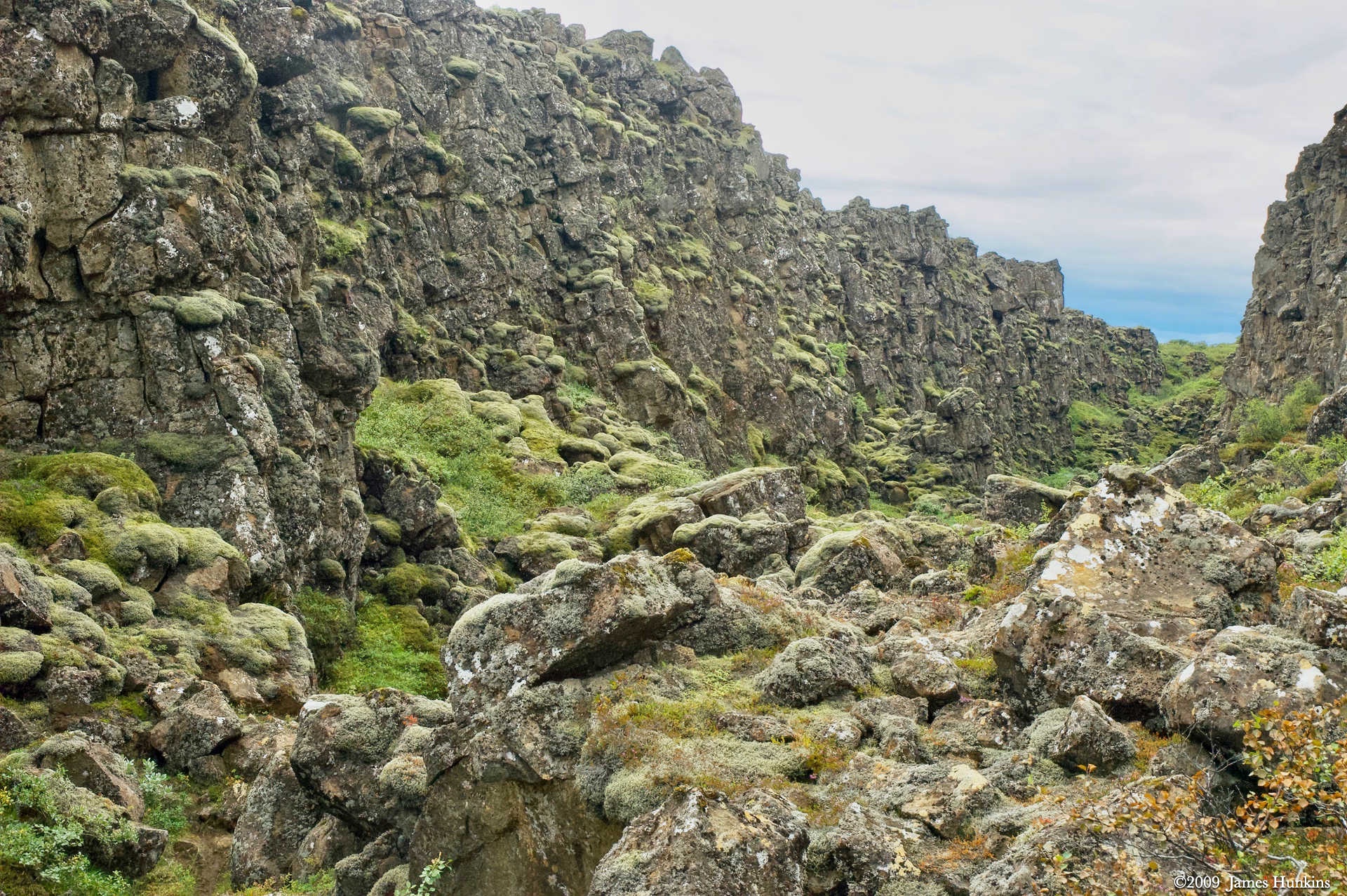
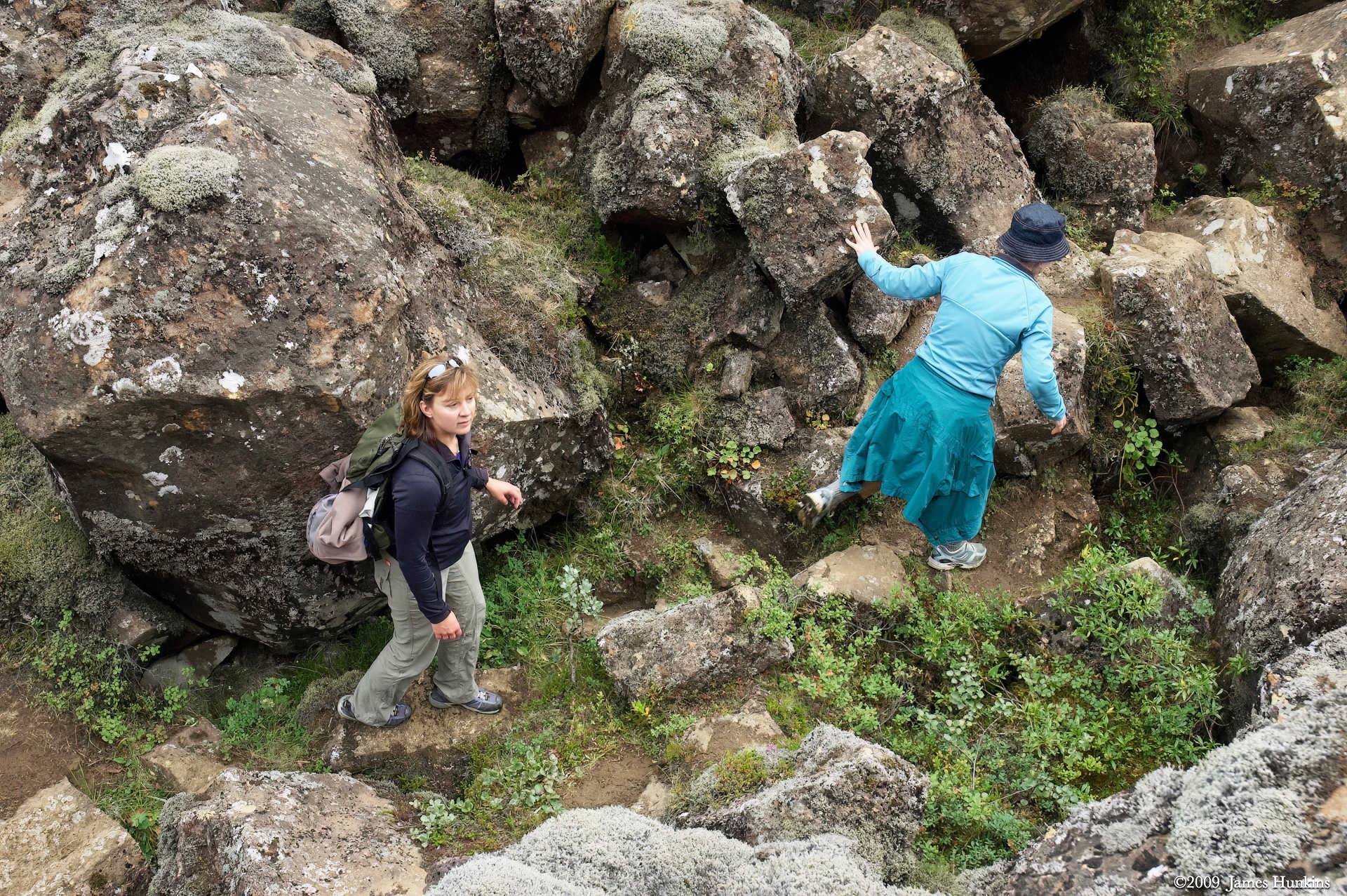
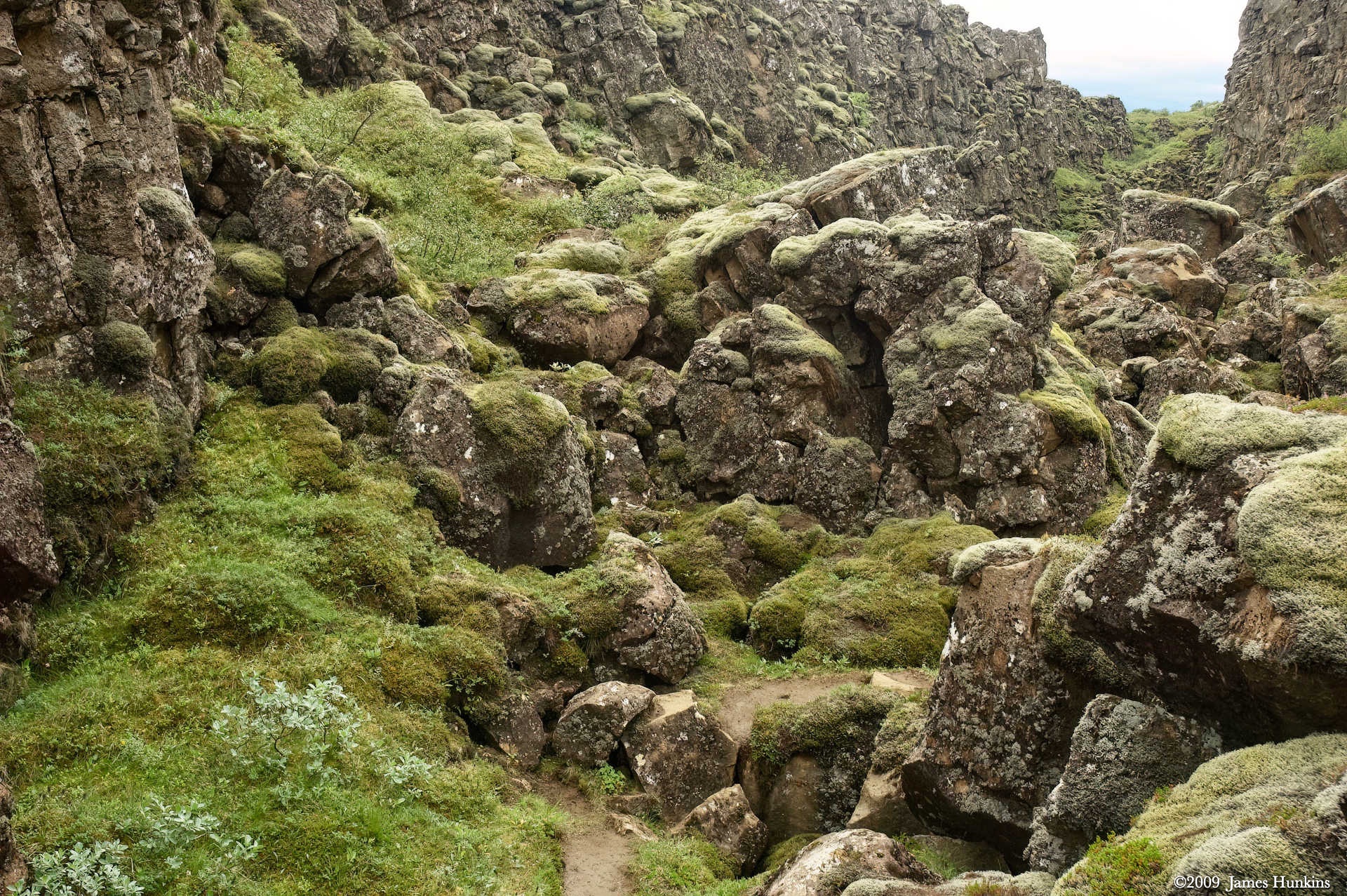
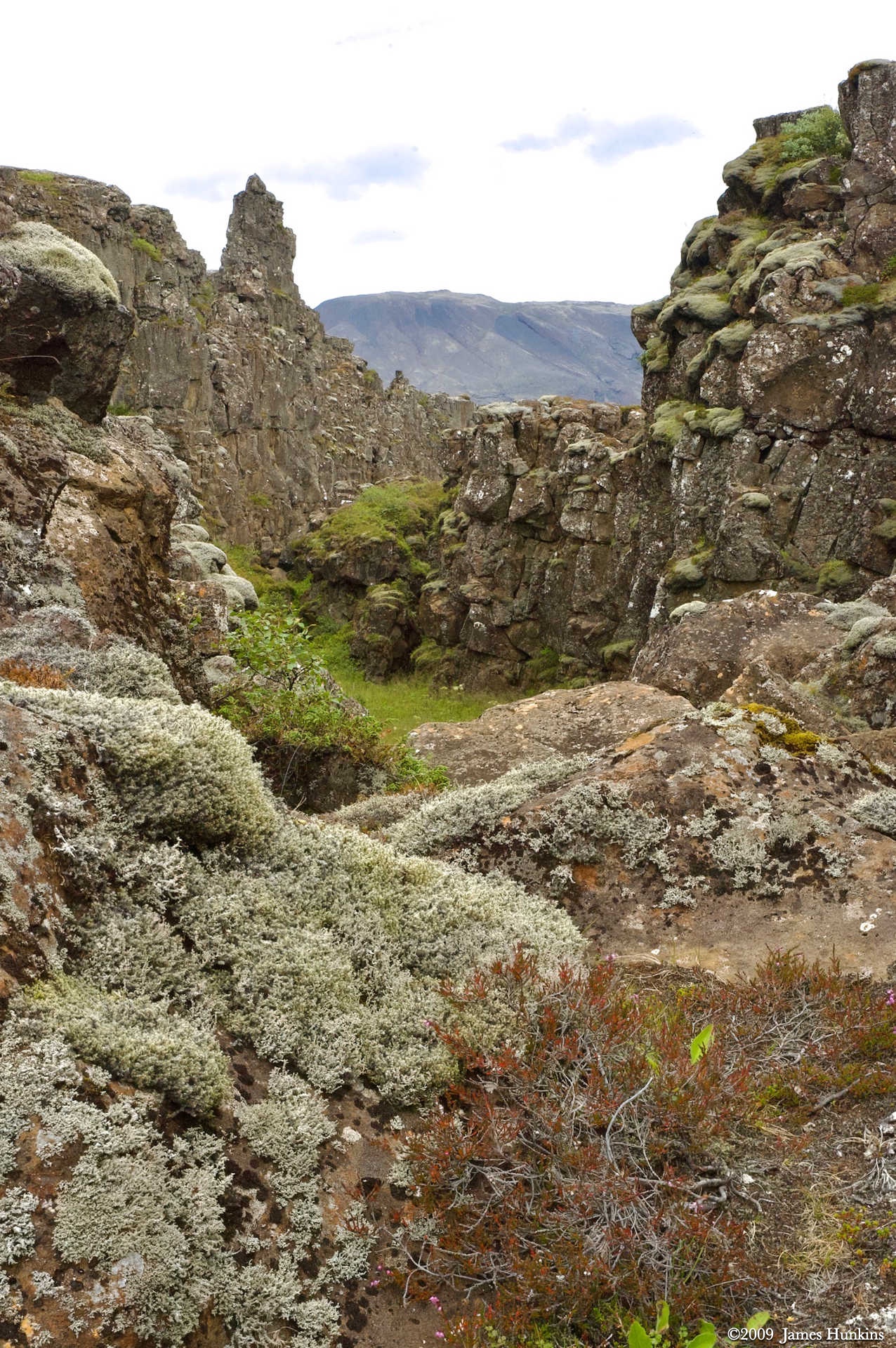
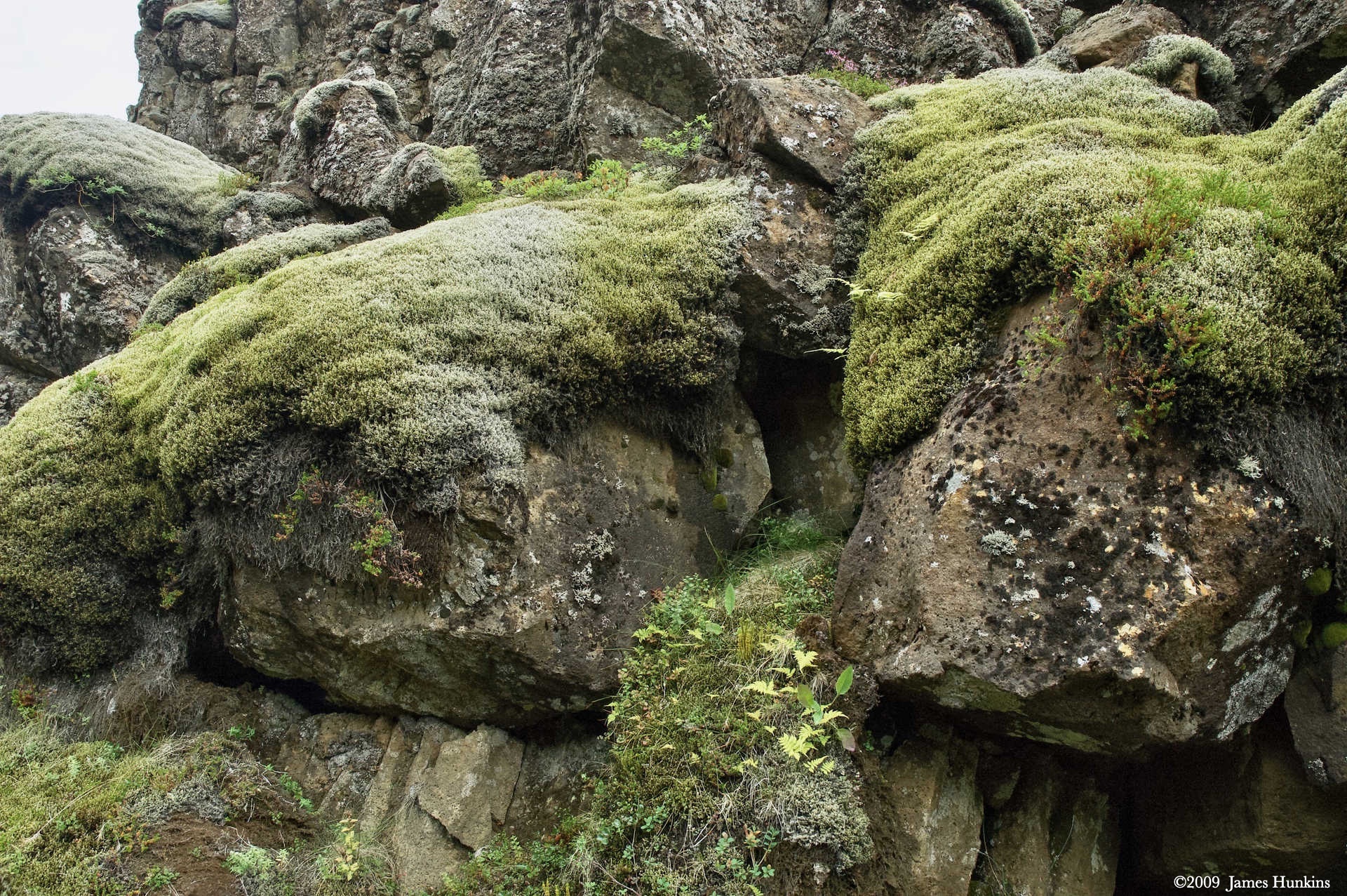
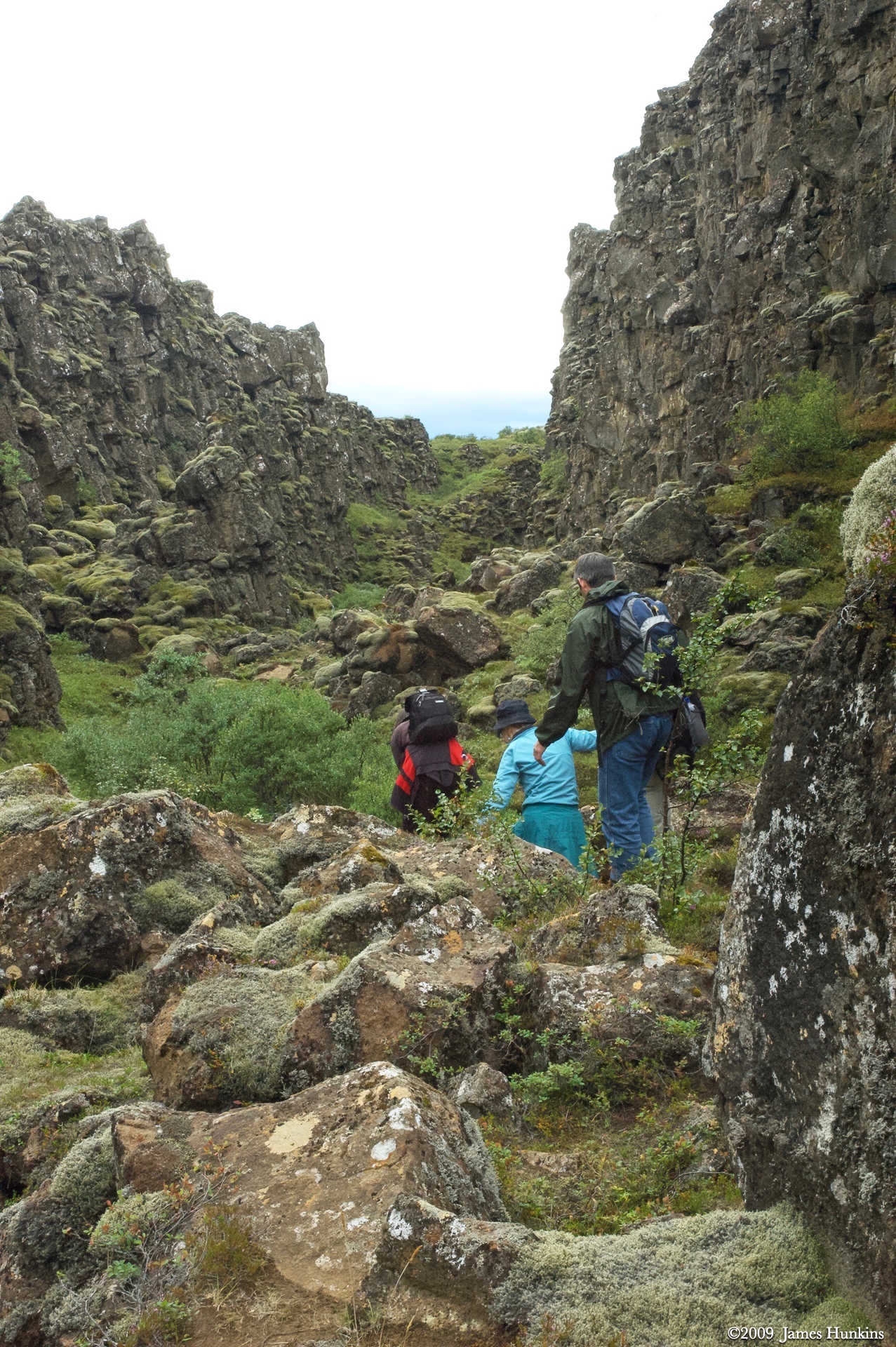
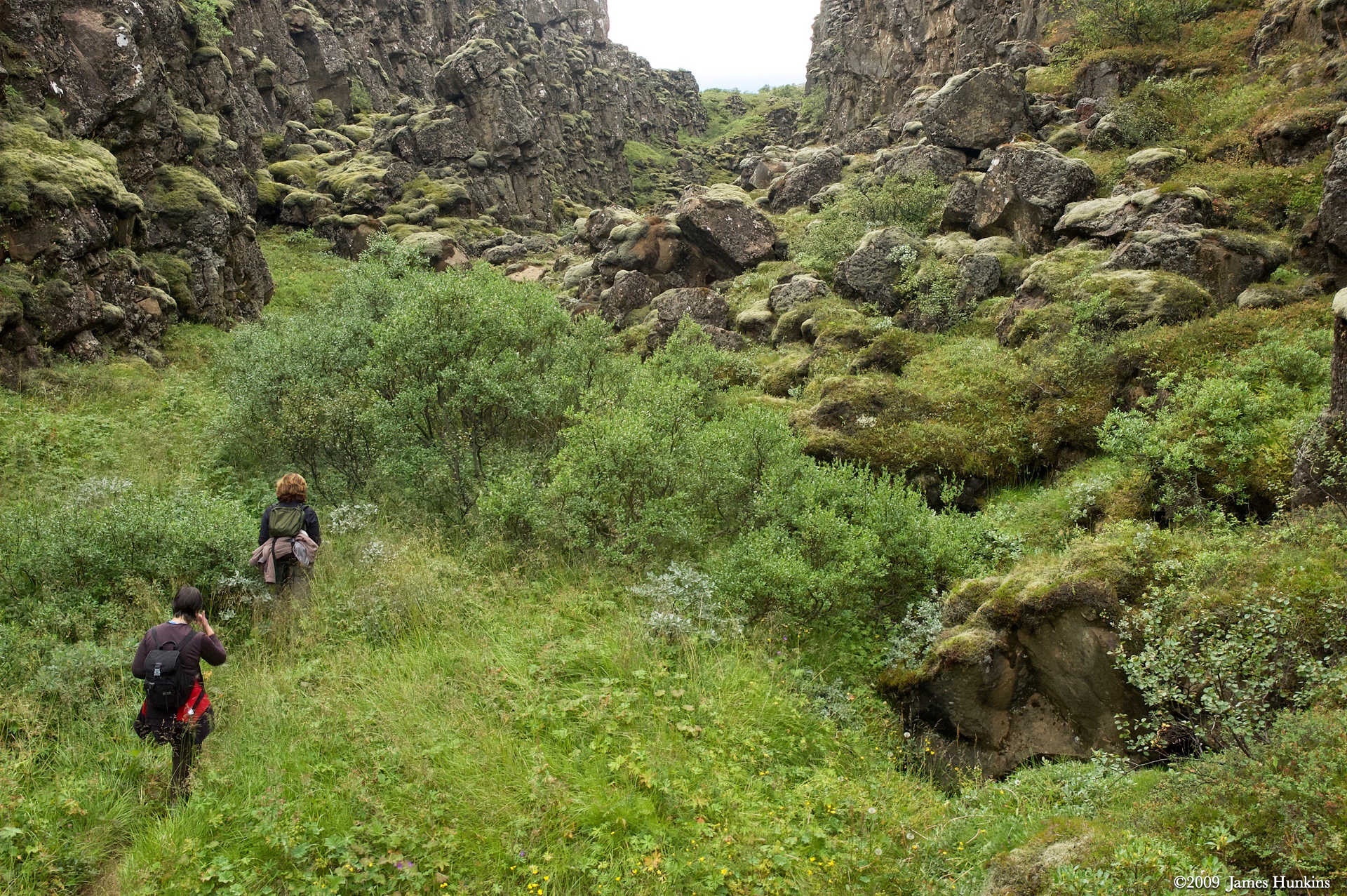
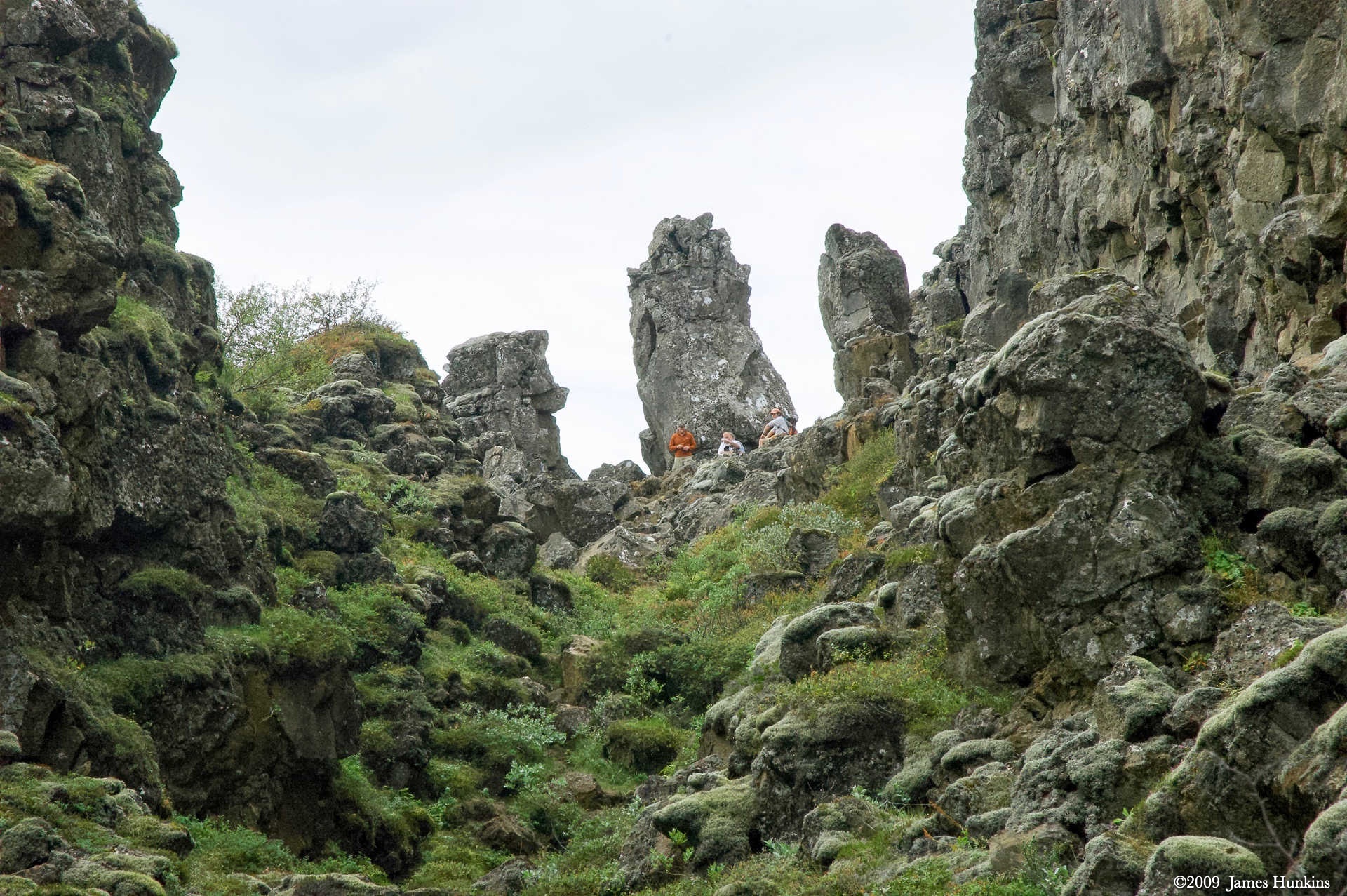
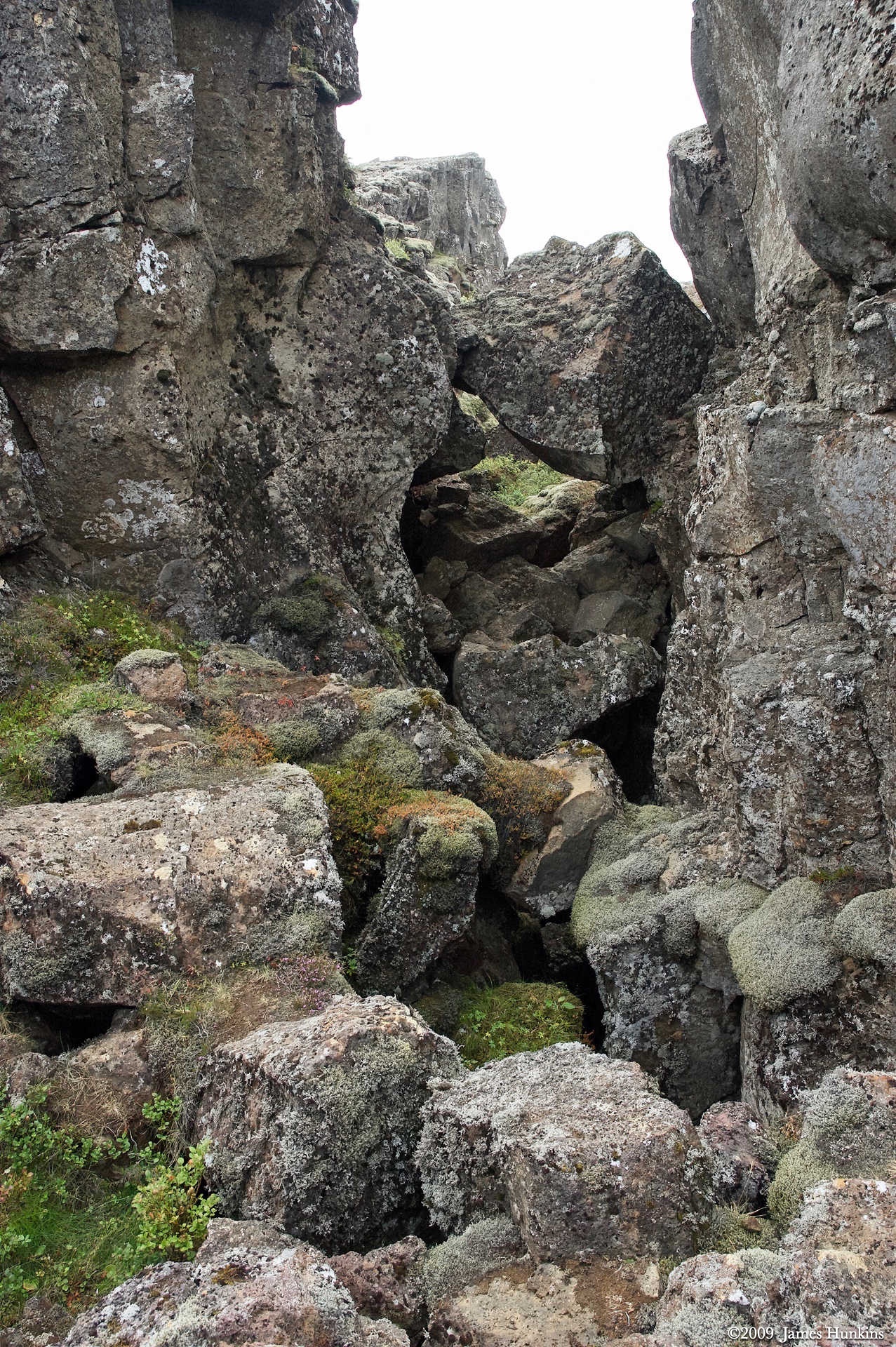
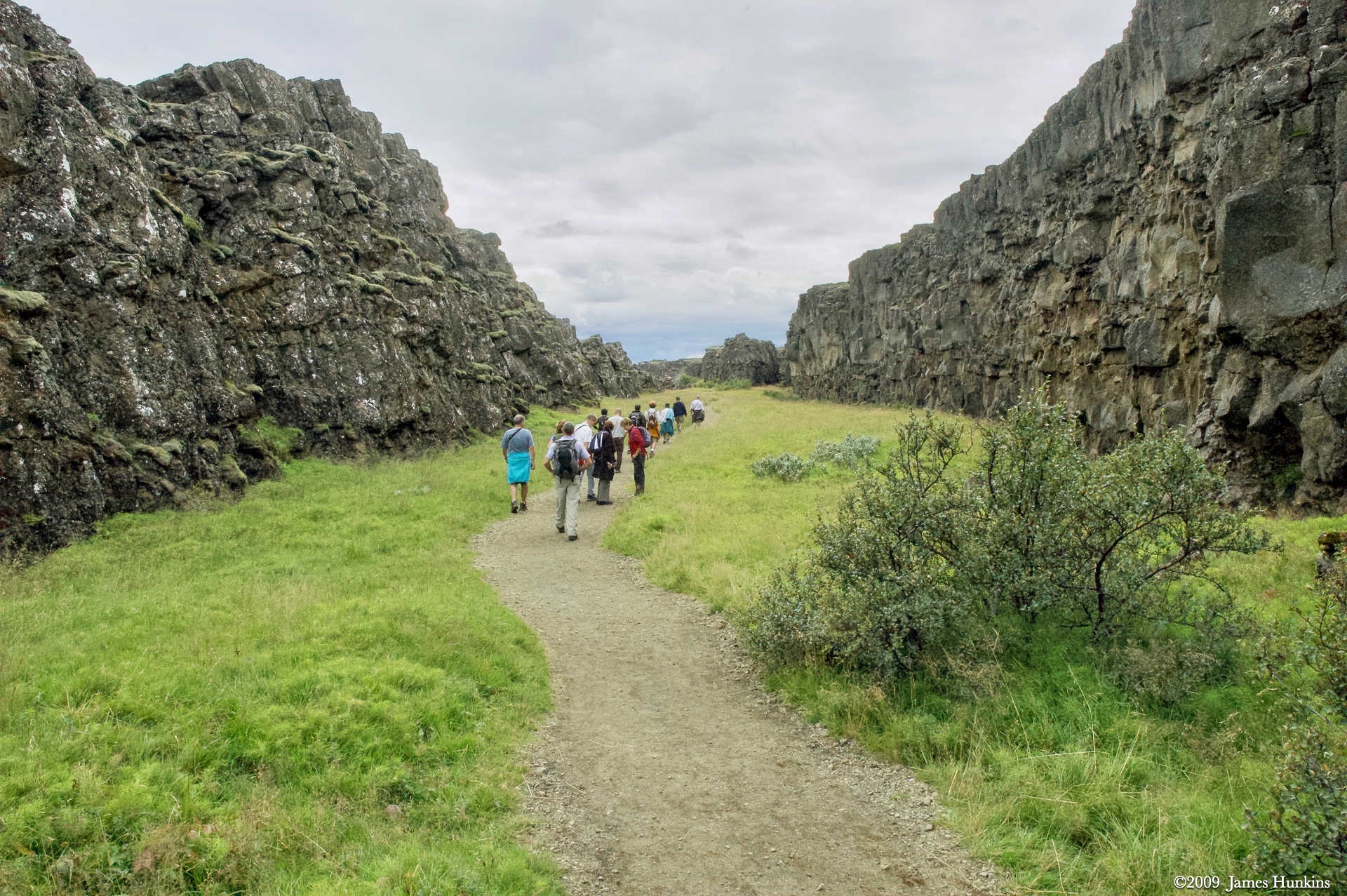
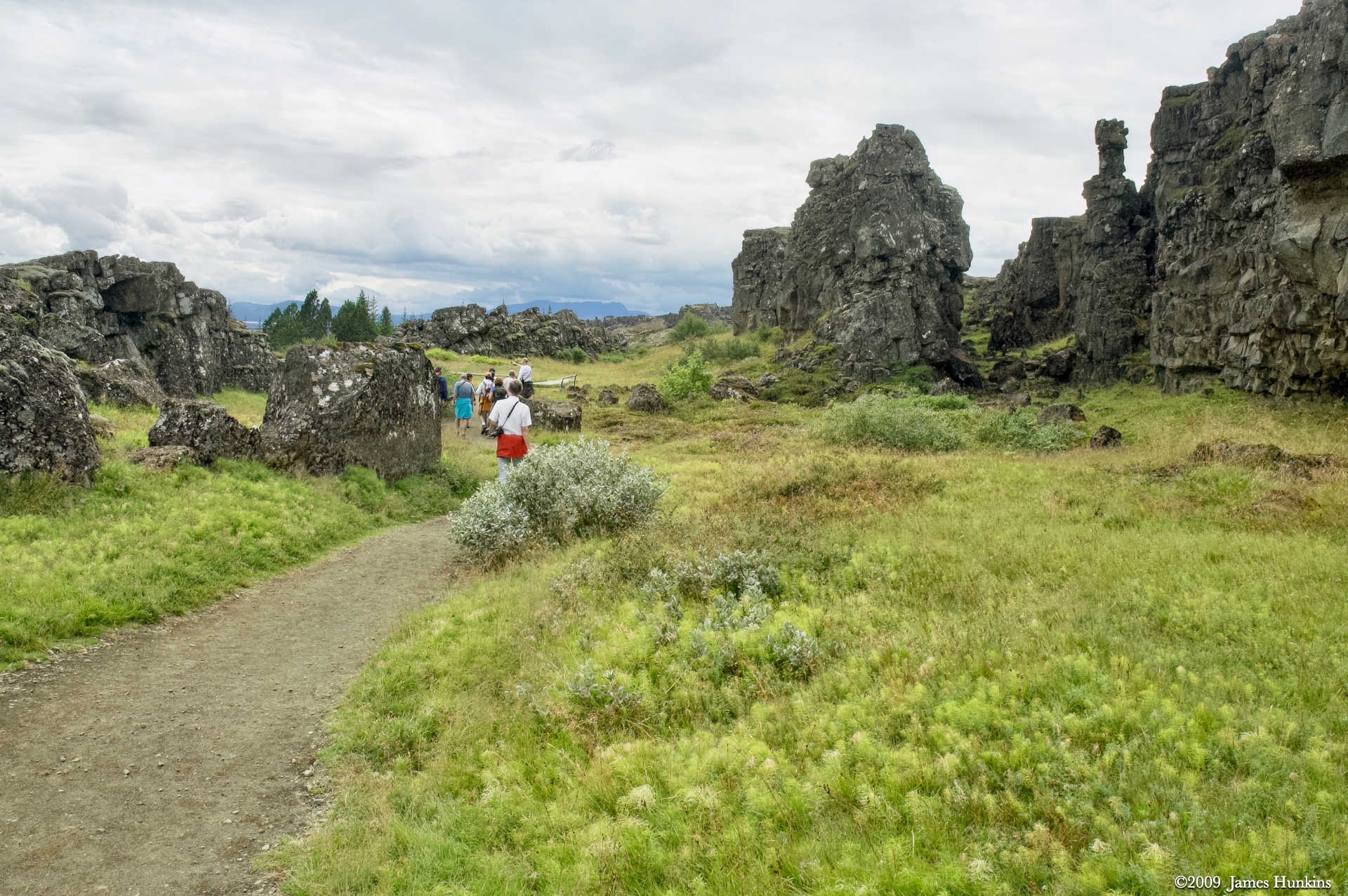
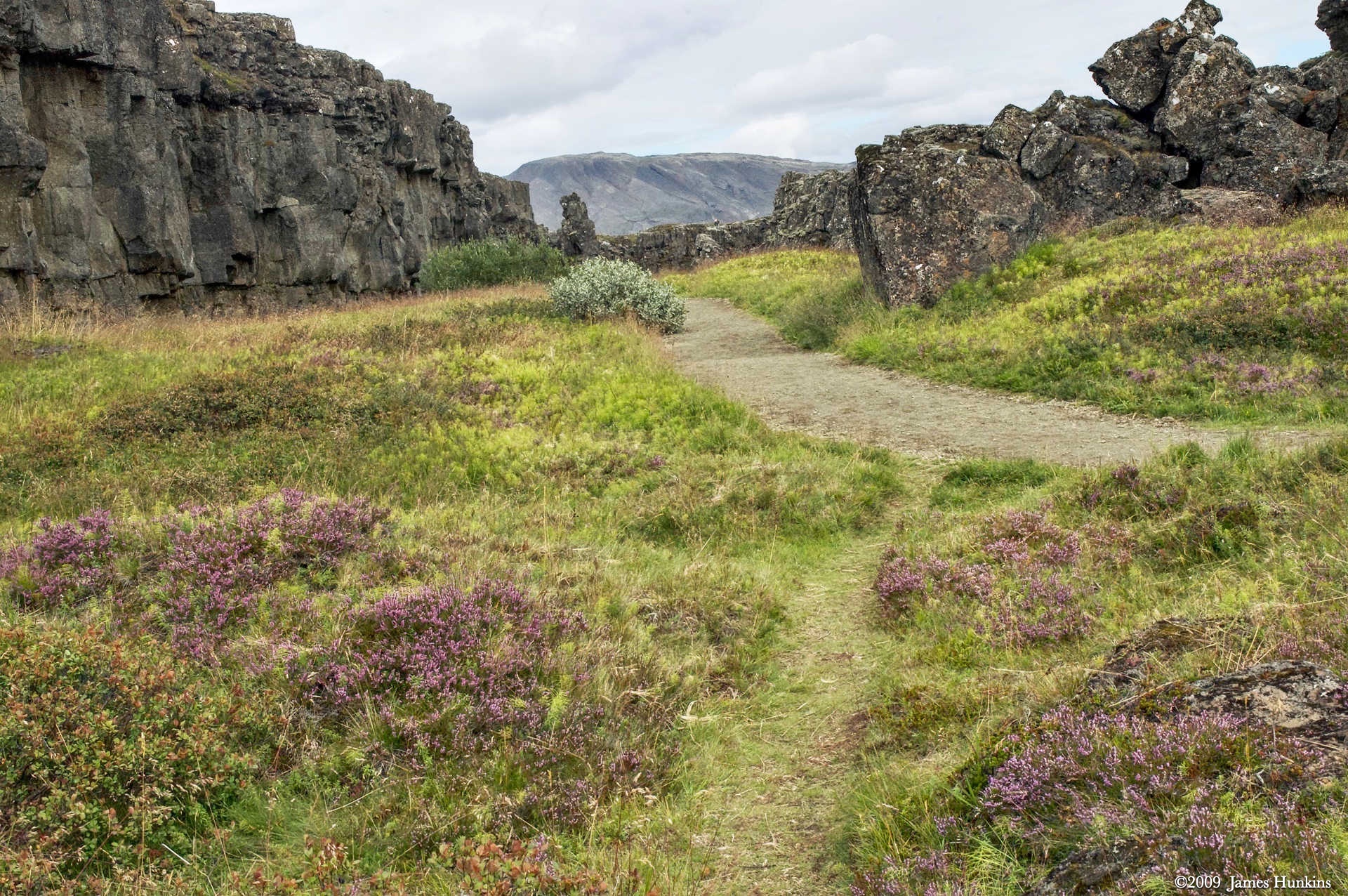
A trail follows the actual split between the two continental plates. Traveling from North to South, the right wall in the pictures is the North American Plate. On the left side, a less steep wall (in some areas) is the Eurasian Plate.
It was both fascinating and very humbling at the same time.
VIEWING HELP
To close this window, click the X in the upper right hand corner. Or click anywhere outside of this window's area.
Photos from each day are shown in thumbnail (small) form. Panoramas are either wide or tall images, while normal photos are small rectangles. All photos shown in the PHOTO SHOWCASE section can be enlarged for better viewing. Photos will enlarge to fit your browser window width. Therefore, to view them at larger sizes simply make your browser window wider.
If there is any issue or the need to inquire/comment about an image, please refer to the Image ID label (see below) of the specific image along with the trip name found at the top of the browser window.
Video Clips
Depending on the browser, some of the controls may not always be supported.
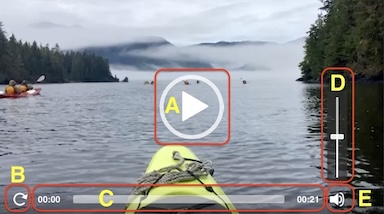
Most videos will start playing automatically. Sound is automatically off even if included with a video. See D, E below for sound control.
A few small videos are set to loop endlessly, while most just play to the end.
- A: To start or stop a video, click in this area (even if the symbol is not visible)
- B: If a browser shows this symbol, clicking on it will restart the video from the beginning
- C: Progress bar - will display total video time on the right.
- D, E: This seems to have the most variants between browsers. If the video description says 'w/ sound’, you can adjust the volume with this control
If neither is visible, move the cursor to the E area and either E and/or D will be visible
If E is visible but not D, click on E
Once D is visible, slide the bar up or down to adjust the volumn
Panoramas
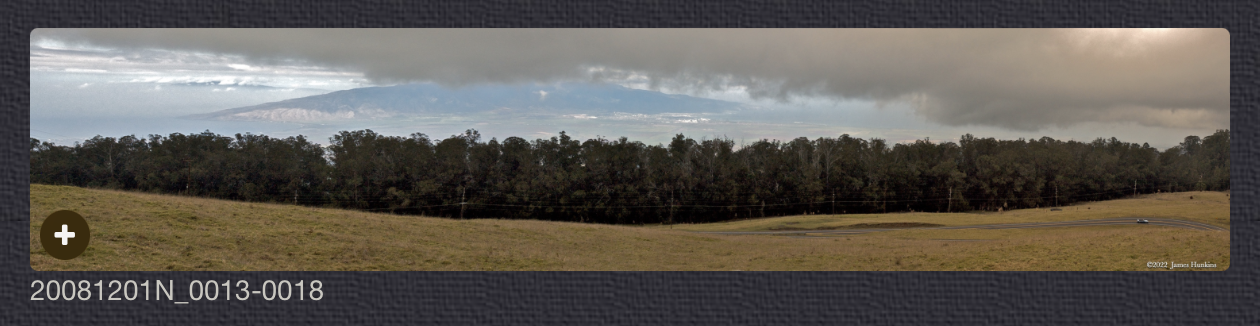
Clicking anywhere on a panorama thumbnail will cause the image to expand to fill the browser width. Clicking again anywhere in the browser window or scrolling the browser window will cause the expanded image to shrink back to its smaller thumbnail size.
The Image ID and description is found just below the thumbnail image on the left side.
Individual Photographs
If you click on any photo thumbnail, it will open a larger viewer which can be used to walk through all of the standard photos on the page. Once open, to go forward click on the > on the right side of the enlarged image. To scan backwards, click on the < on the left side. To close the larger images either click on the X in the upper right hand corner of the browser window or anywhere outside of the enlarged image.
The Image ID label can be found by hovering a cursor over the thumbnail image (may not be available on some tablets/phones) or, once enlarged, from the lower left hand side just under the image.
Additionally, in the same area as the Image ID (or the upper left corner for newer/updated sites) a count showing the current image number versus the total number of images available for viewing.

For newer or updated sites (look for the orange checkbox in the header of a sites main page), additional buttons have been added when viewing a full size image. From left to right, the buttons are:
- Email: will open an email with information and a link to the current image
- WhatsApp: if WhatsApp is on your system, will open a browser window to open WhatsApp and create a message with information and a link to the current image
- FaceBook: Will open a browser window to open Facebook and create a message with information and a link to the current image
- full screen: will take over the entire display versus just the browser in most systems; ESC returns to the brower only mode
- magnify: enlarges the image within the browser or full screen; if the image is larger than can be displayed it can be scrolled
- exit: will close the large image viewer returning to the thumbnails




Links:
PHOTO SHOWCASE
- click on any thumbnail image for a larger view/slideshow

-
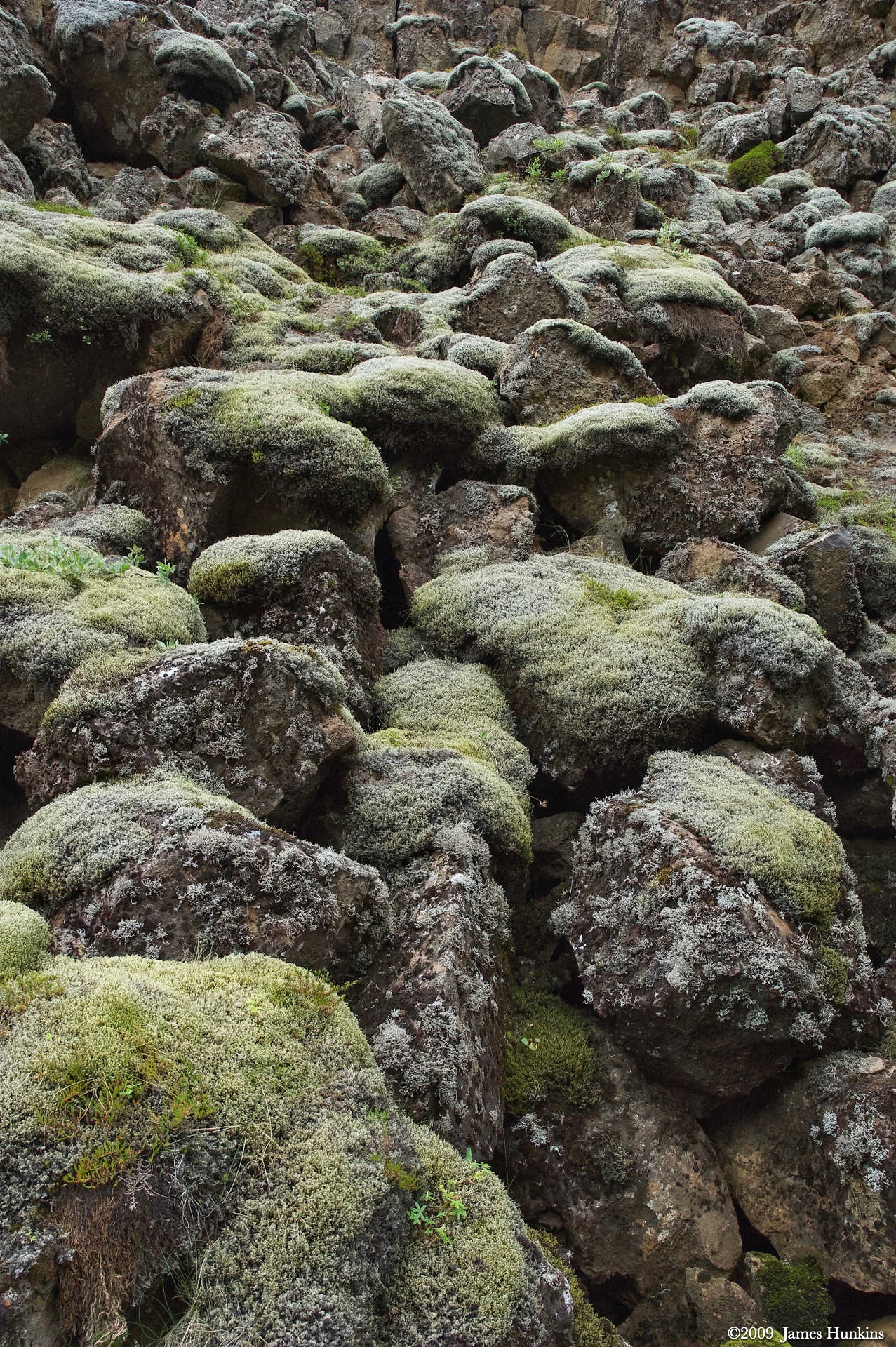
 090814_0002NVolcanic mountains with lichen covered ground in the foreground
 -
 090814_0003NPart of the continental plate separation
 -
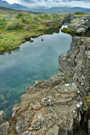 090814_0005NPart of the continental plate separation
 -
 090814_0009NThingvallakirkja church (Thingvellir)
 -
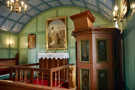 090814_0008NInside the Thingvallakirkja church (Thingvellir)
 -
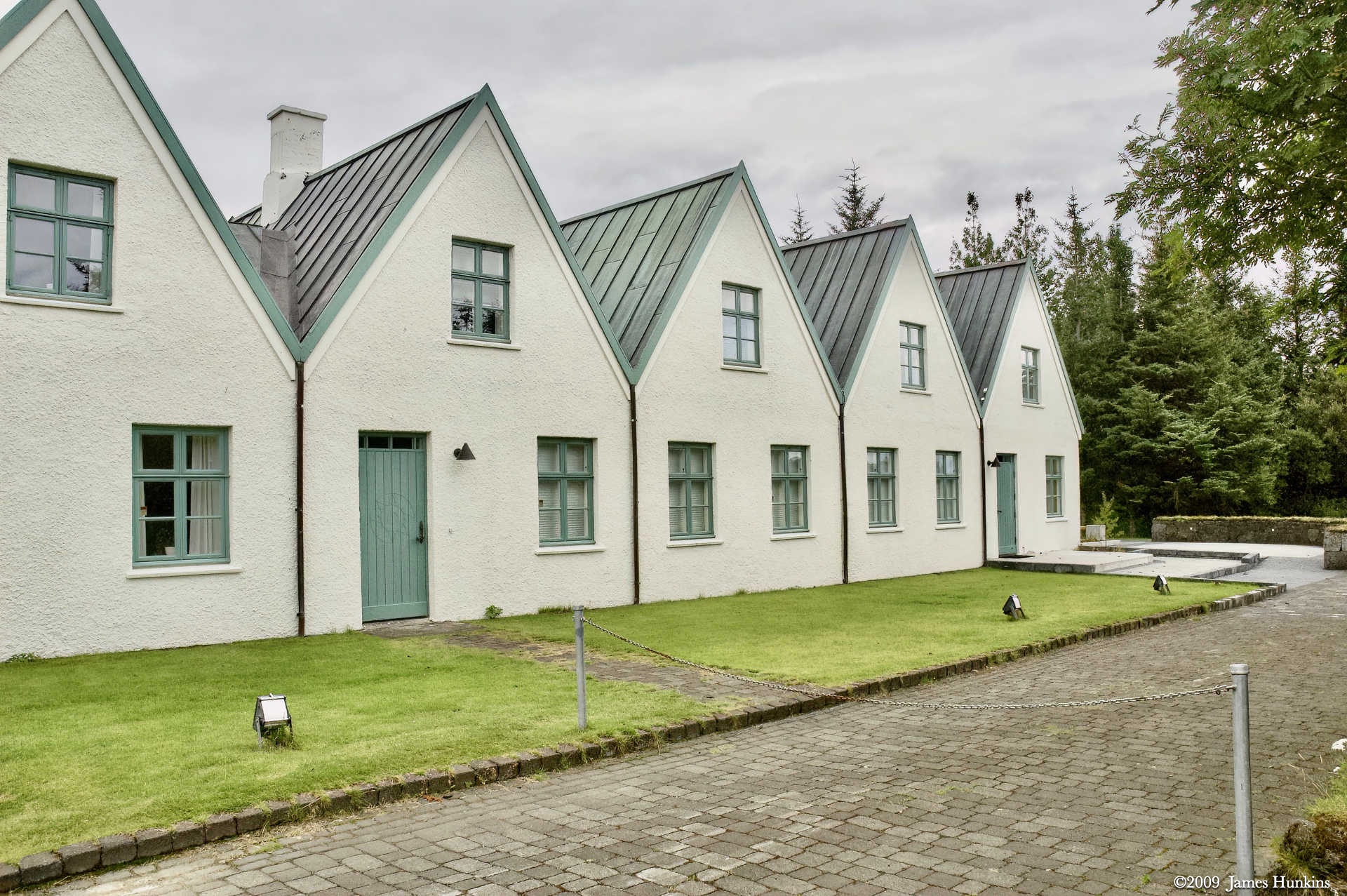
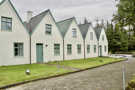 090814_0010NBuidlings next to Thingvallakirkja
 -
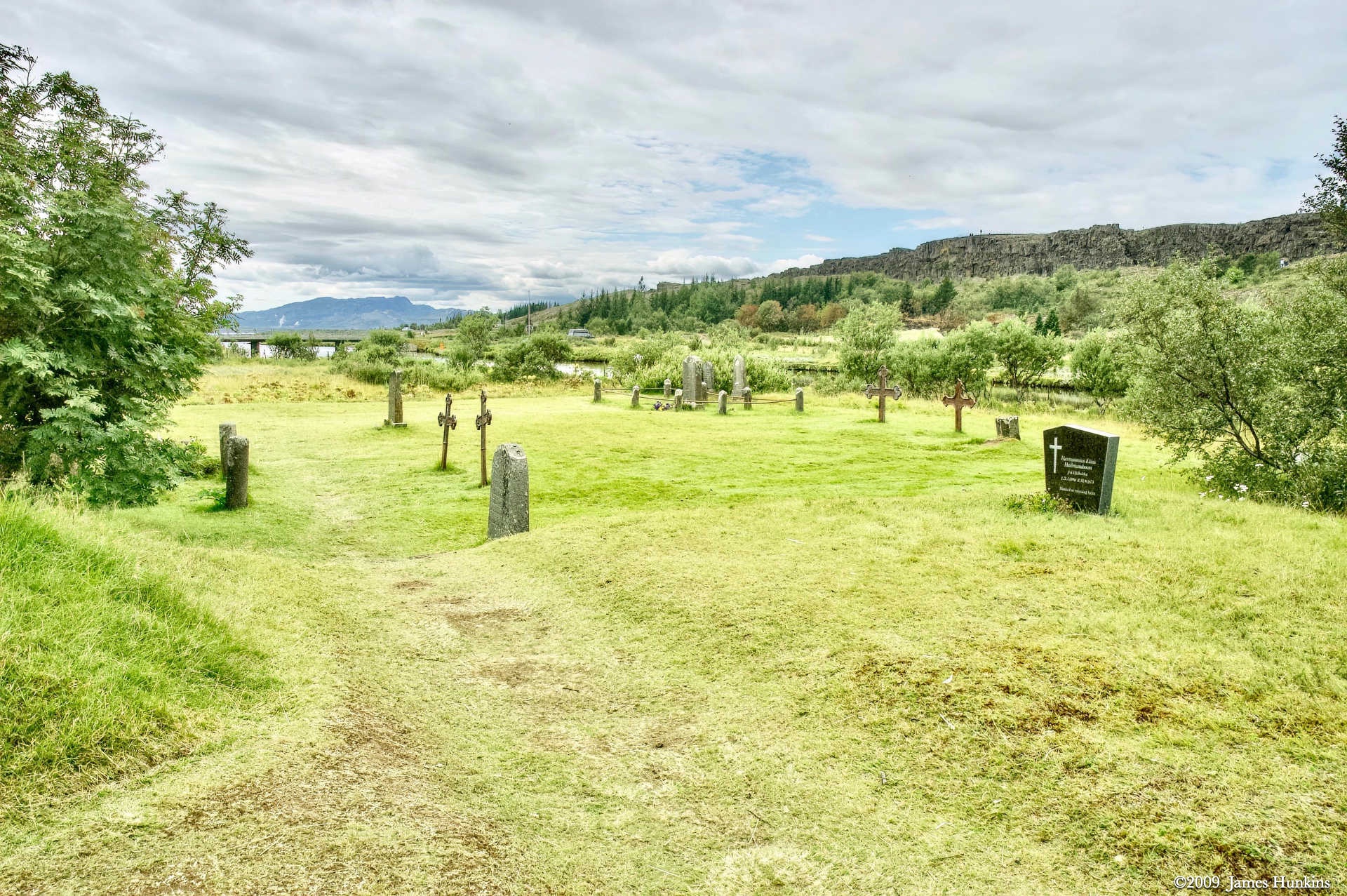
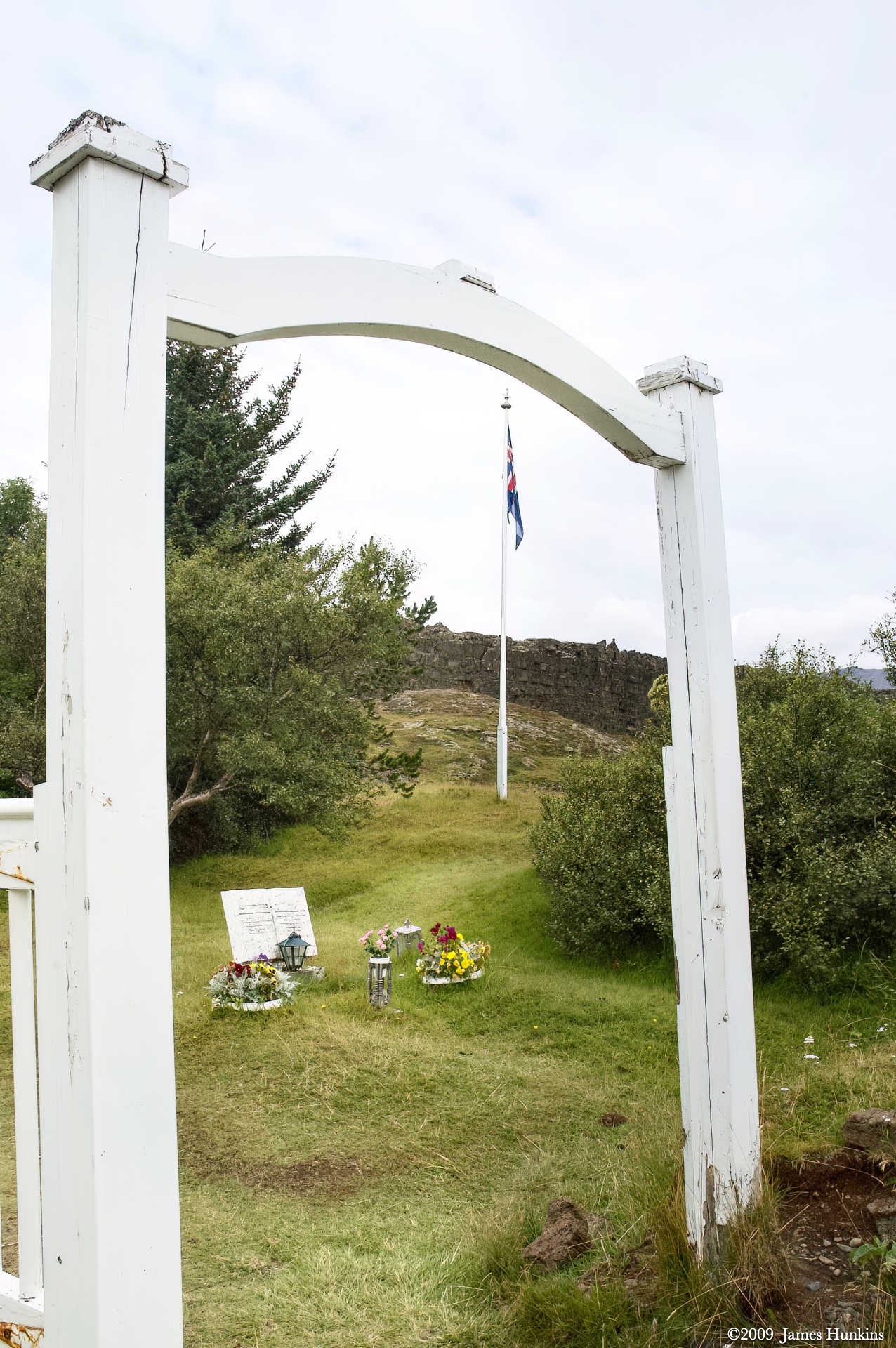
 090814_0011NGraveyard next to Thingvallakirkja
 -
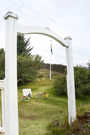 090814_0012NGraveyard next to Thingvallakirkja
 -
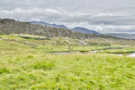 090814_0013NThis cliff was home to the first parliament - Althing
 -
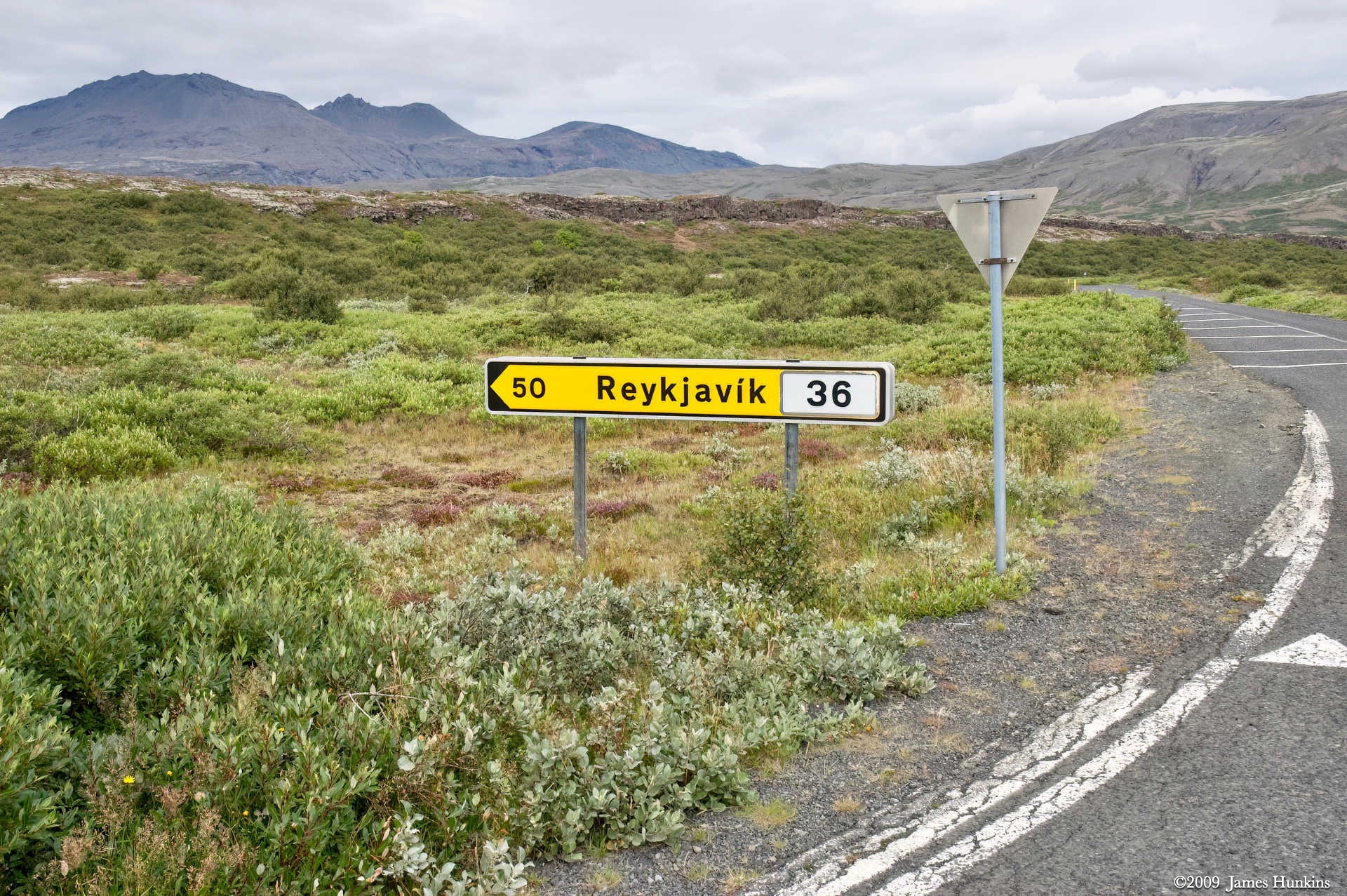
 090814_0014NRoadsign at the edge of Þingvellir National Park
 -
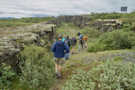 090814_0015NStart of the trail in the split between the two continents
 -
 090814_0016NHikers in the rift between continents
 -
 090814_0020NHiker in the rift between continents
 -
 090814_0022NThe trail through the rift requires some scrambling
 -
 090814_0024NThe sides of the rift get very tall
 -
 090814_0025NMore scrambling through the rift
 -
 090814_0028NHikers in the rift between continents
 -
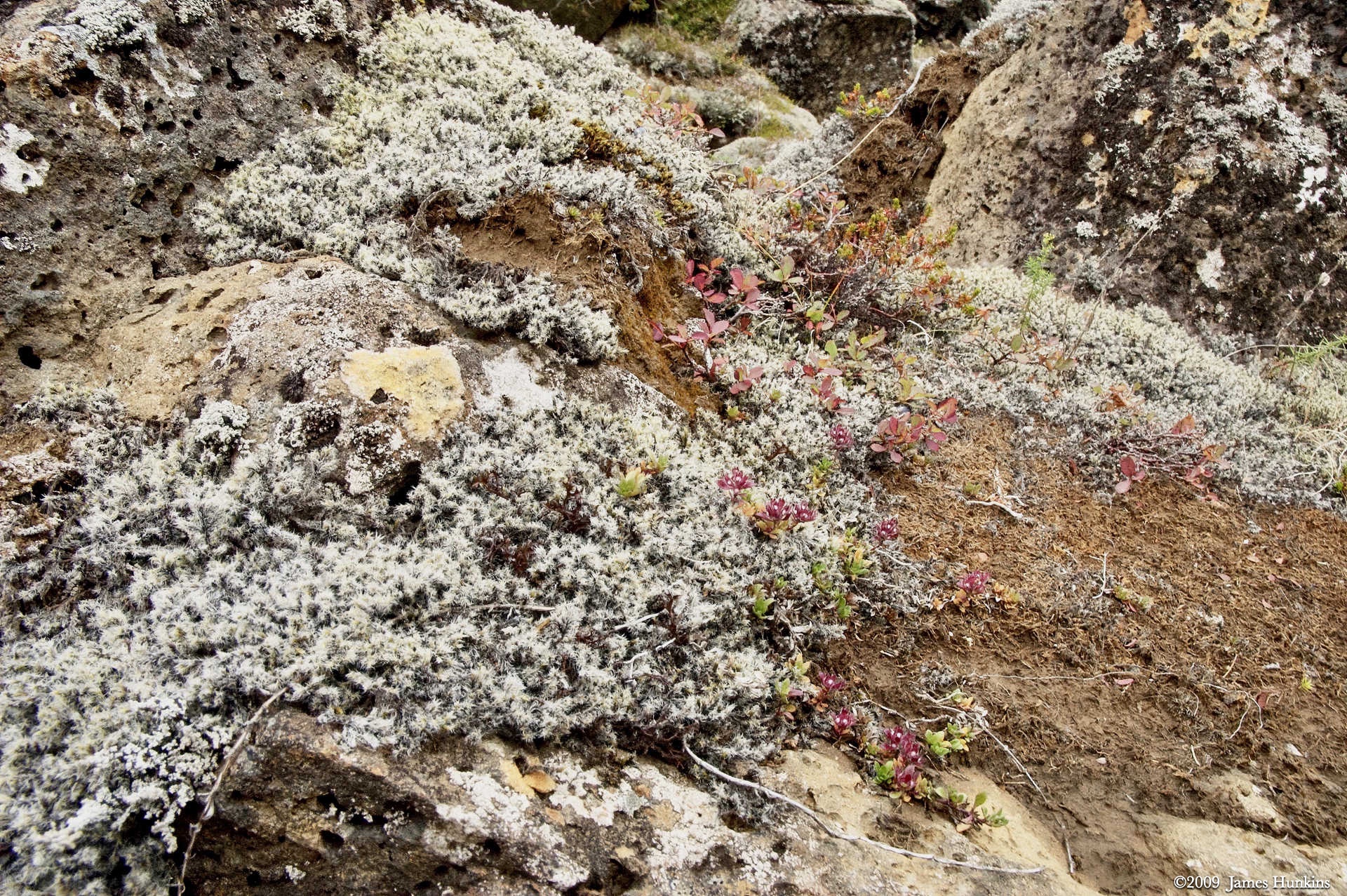
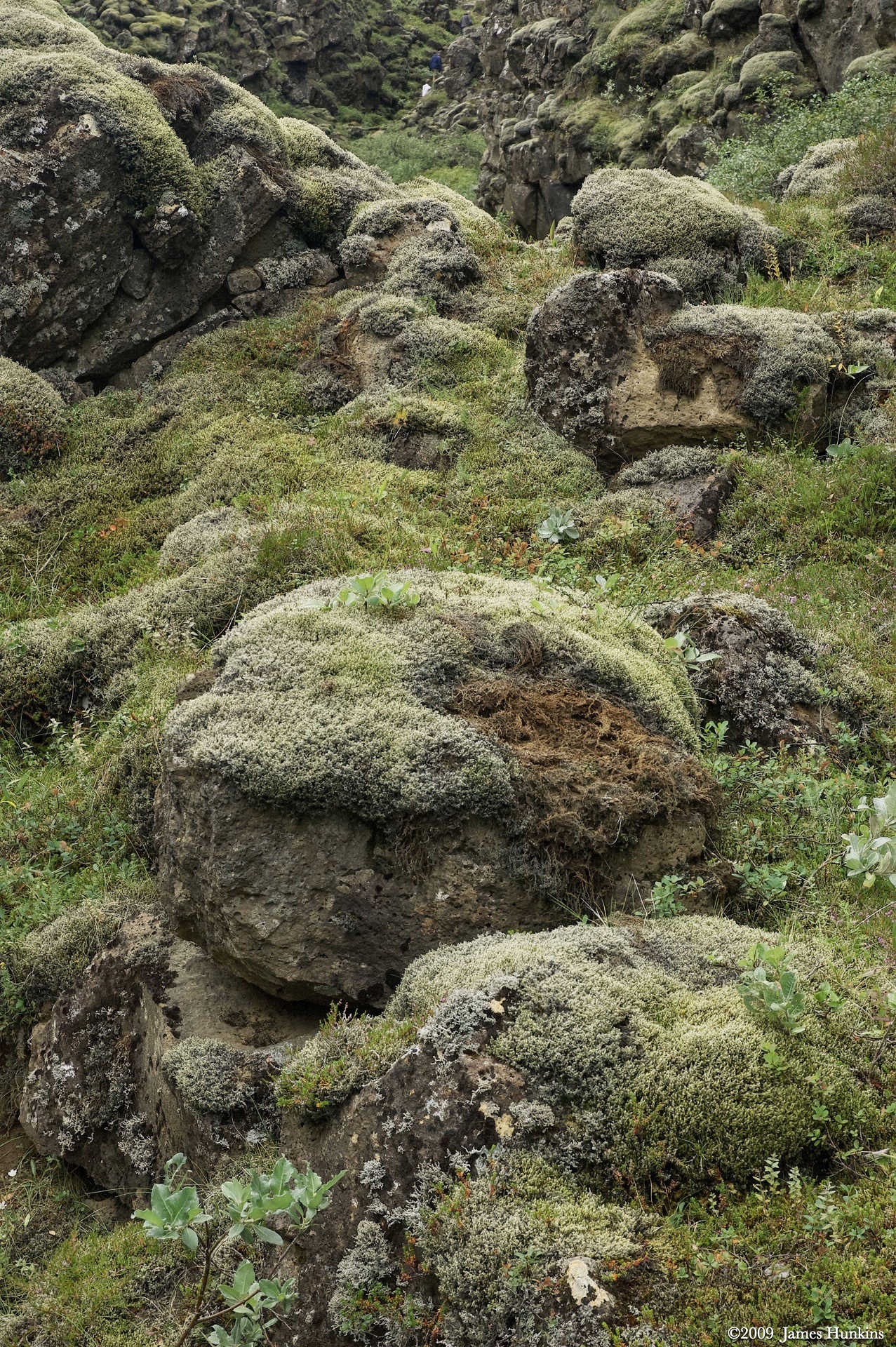
 090814_0029NSoft lichen covers much of the stone in the rift
 -
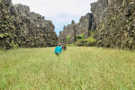 090814_0030NHikers walking through tall grass in the rift
 -
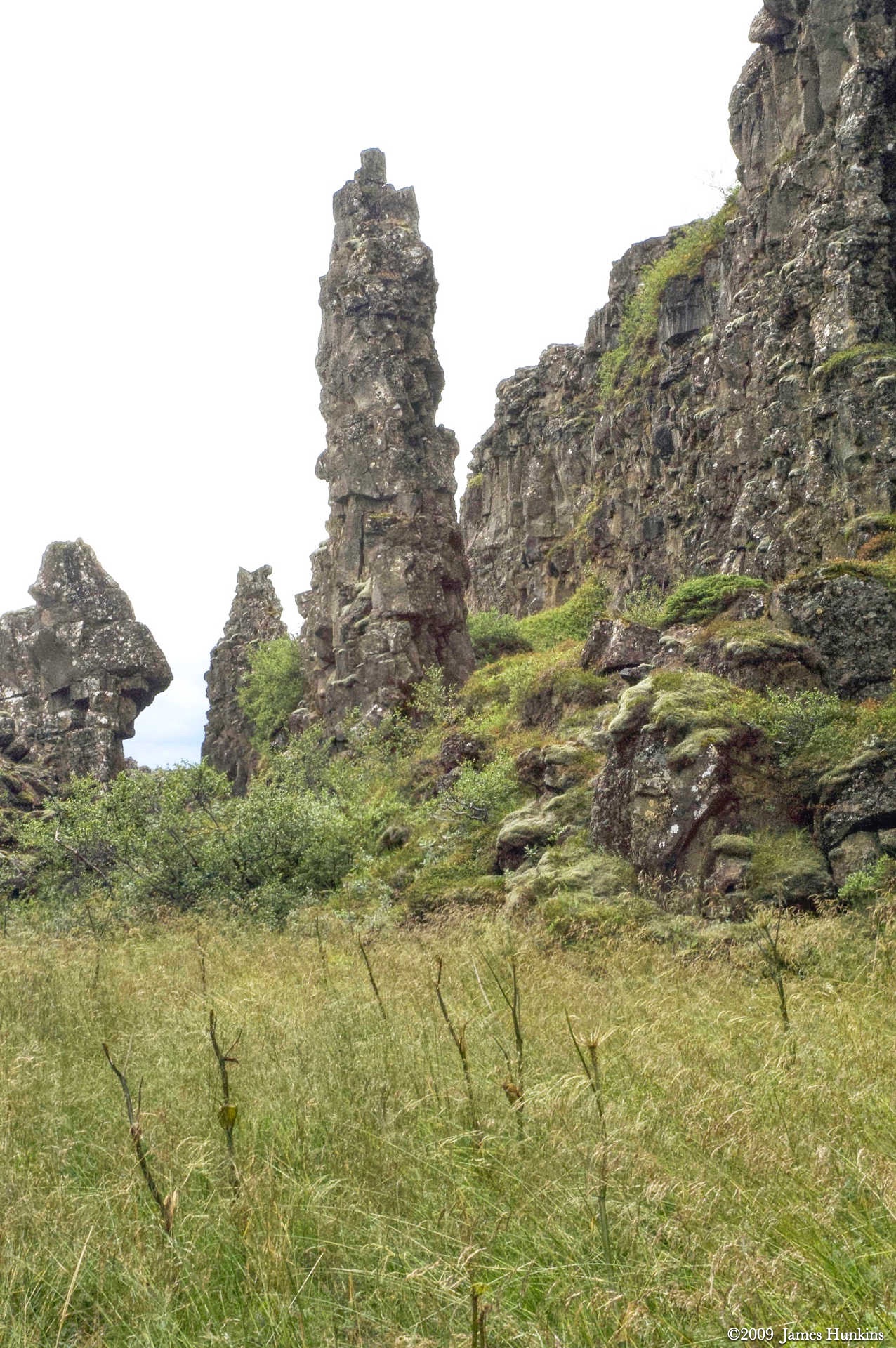
 090814_0033NUnique basalt spire in the rift
 -
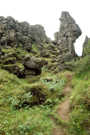 090814_0036NUnique basalt spire in the rift
 -
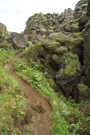 090814_0037NThe trail climbs over occasional blockages
 -
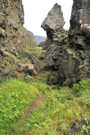 090814_0038NThe trail goes under one of the spires with the overhang
 -
 090814_0039NScrambling over an obstruction
 -
 090814_0042NThe trail goes through massive basalt formations
 -
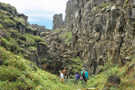 090814_0043NThe trail goes through massive basalt formations
 -
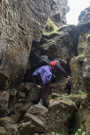 090814_0047NA few parts of the trail require some simple climbing skills
 -
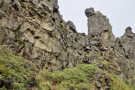 090814_0049NRugged basalt formations along the rift sides
 -
 090814_0050NLooking down at hikers scrambling up the trail
 -
 090814_0052NLooking ahead towards the end of the rift, the ground is covered with large stones
 -
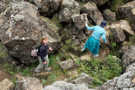 090814_0055NLooking down at hikers scrambling along the trail
 -
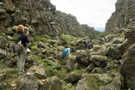 090814_0057NThe trail requires scrambling over and around large boulders
 -
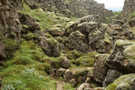 090814_0059NThe trail requires scrambling over and around large boulders
 -
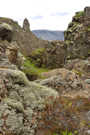 090814_0060NThere is a large variety of beautiful ground cover in the rift
 -
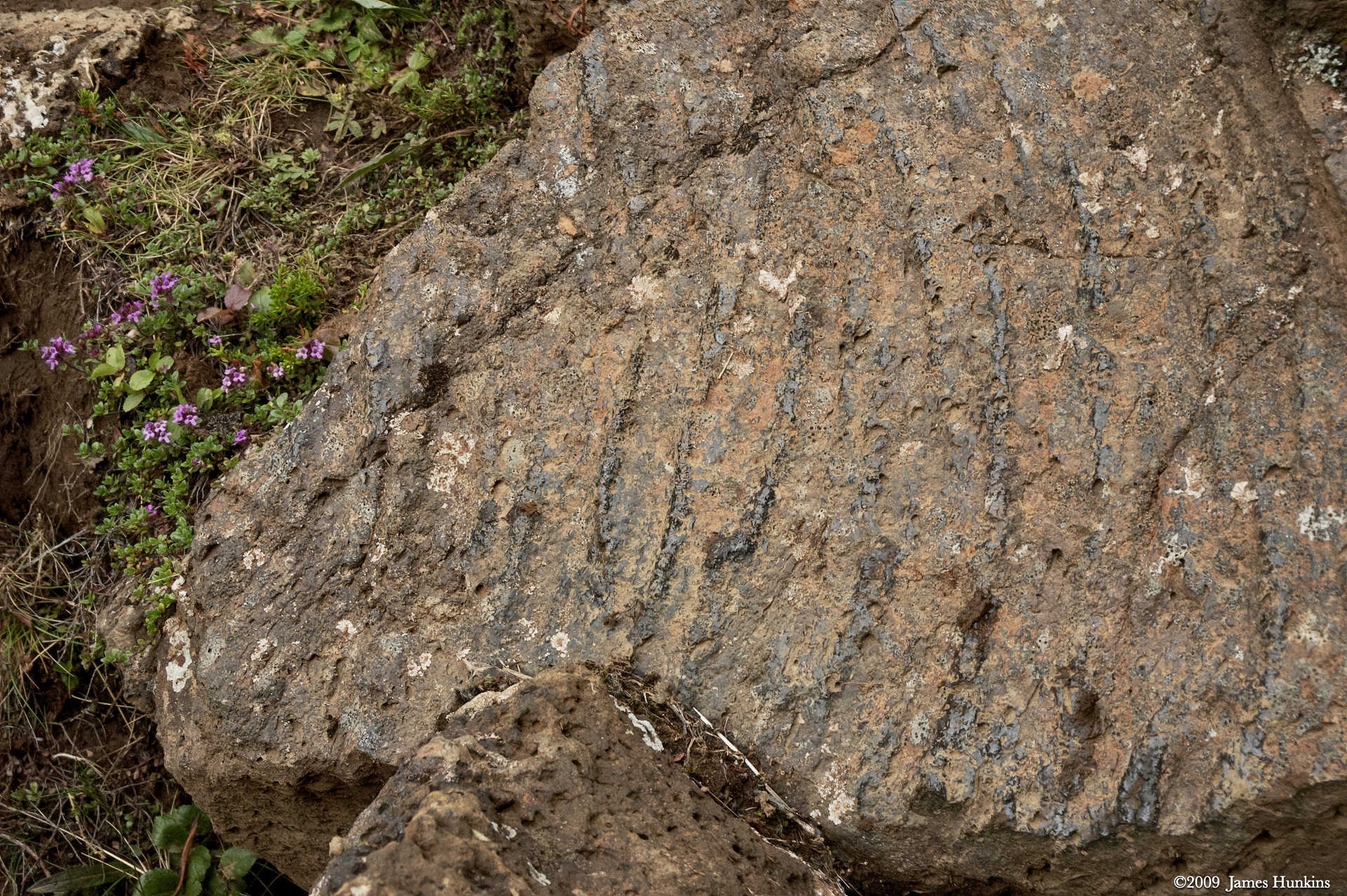
 090814_0062NThin layers of black material in the stone
 -
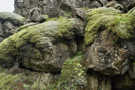 090814_0063NThe lichen on the rocks almost glows
 -
 090814_0064NThere is a large variety of beautiful ground cover in the rift
 -
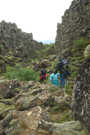 090814_0065NThe trail continues to wind through the stone and brush
 -
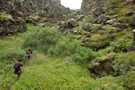 090814_0068NTwo hikers going through brilliant green vegetation
 -
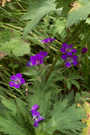 090814_0069NBright purple flowers against dark green leaves
 -
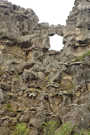 090814_0071NAn arch with a serious crack in its middle
 -
 090814_0073NSoft lichen covers much of the stone in the rift
 -
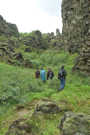 090814_0074NHikers going through brilliant green vegetation
 -
 090814_0075NHikers taking a break under a stone pillar
 -
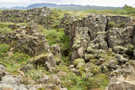 090814_0077NLooking down at the lichen covered boulders near the end of the rift
 -
 090814_0079NLooking back at the rift with volcanic mountains in the background
 -
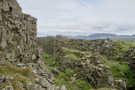 090814_0085NLooking back at the rift with volcanic mountains in the background
 -
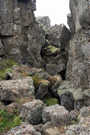 090814_0090NMassive stones on the side of the rift
 -
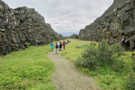 090814_0091NHikers going along the trail as it nears the end of the rift
 -
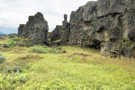 090814_0092NComing out into the open, the basalt formations continue on one side for a while
 -
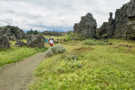 090814_0093NComing out into the open, large basalt pieces are scattered about
 -
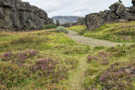 090814_0098NThe trail leaving the rift goes through patches of purple wildflowers
 -
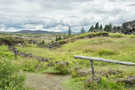 090814_0102NNear the end of the trail, a rail to tie horses
 -
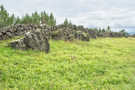 090814_0104NA ridge of basalt with trees along its upper edge
 -
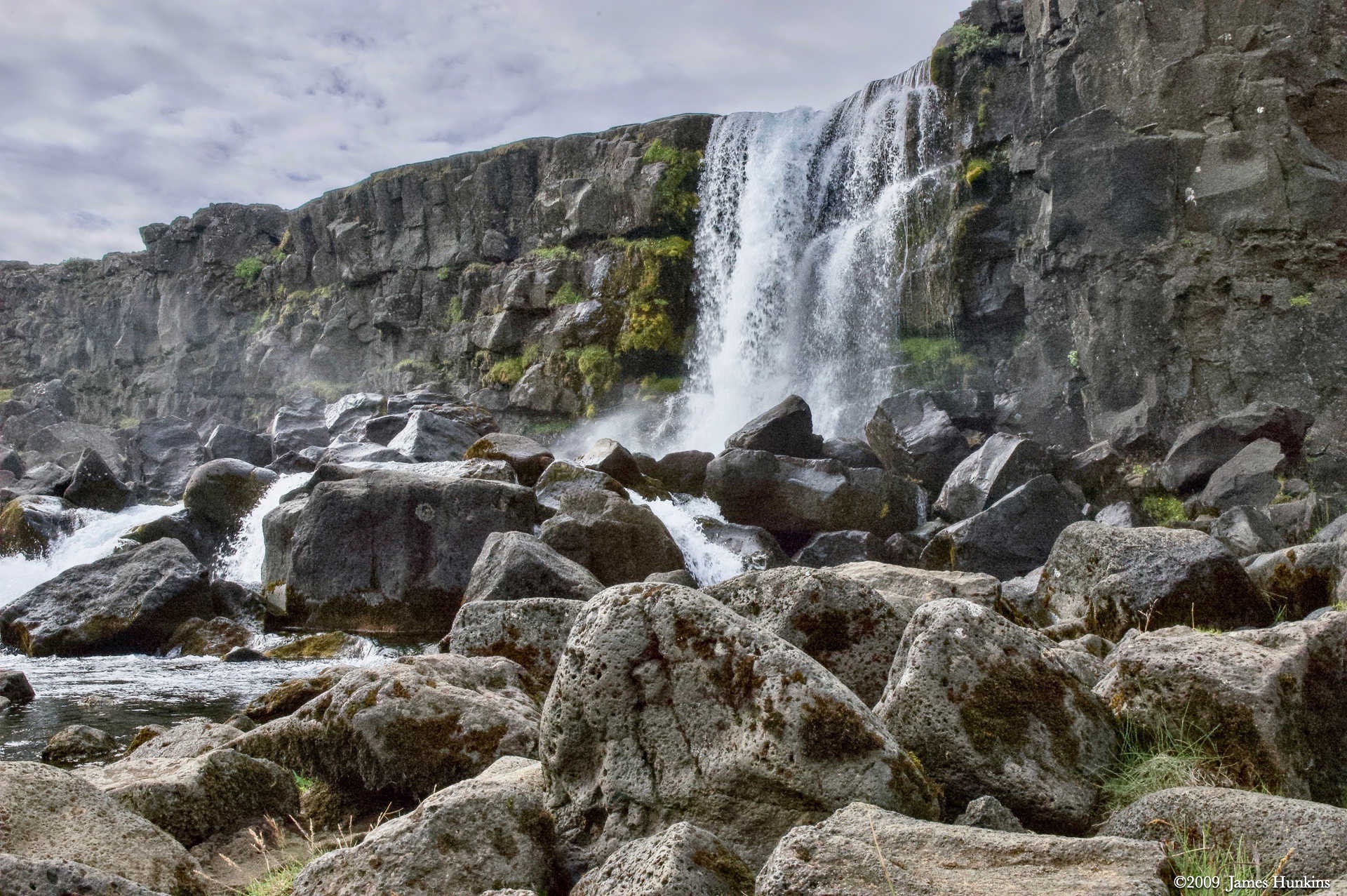
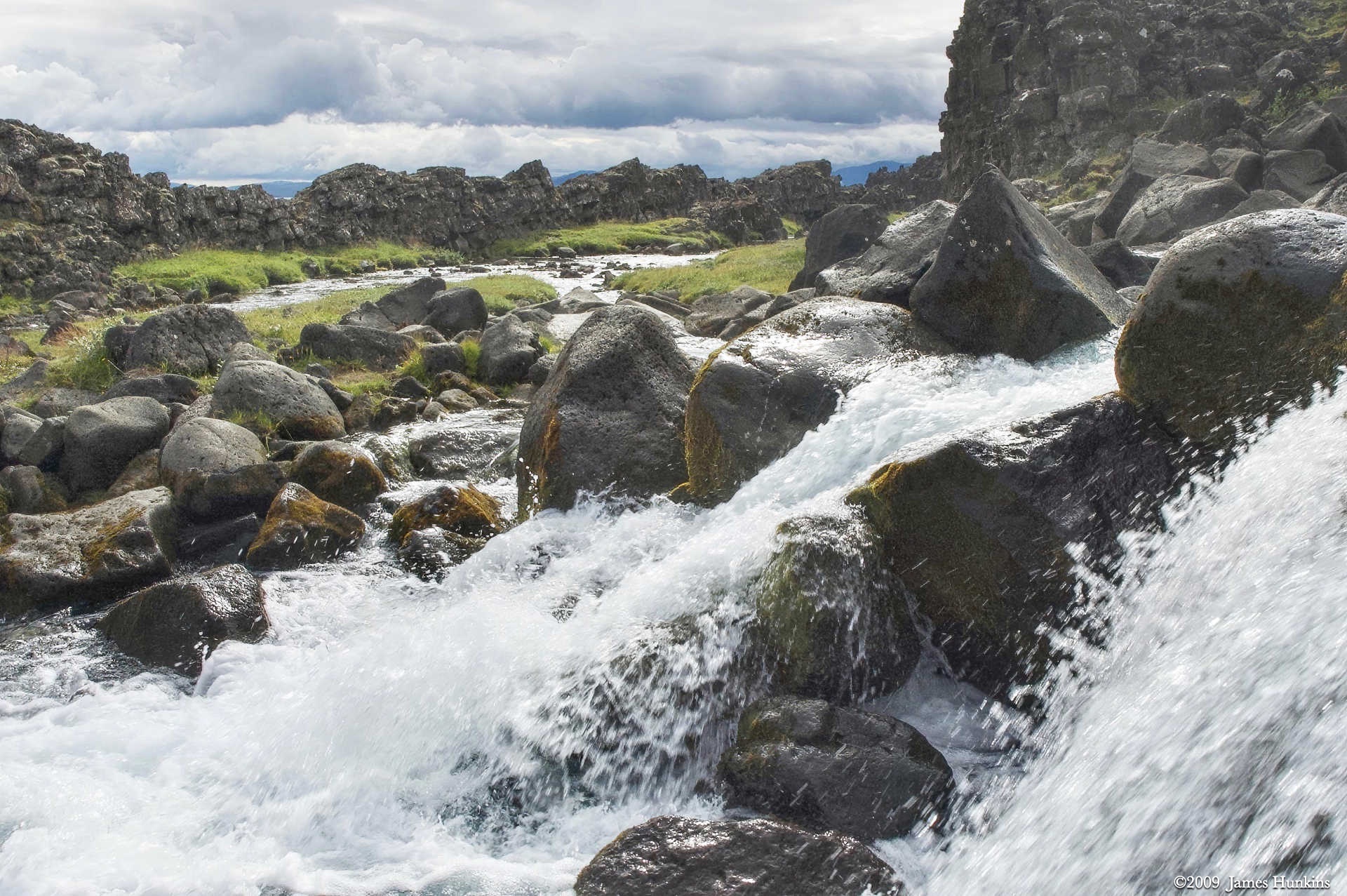
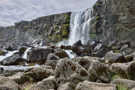 090814_0109NA waterfall dropping over the basalt ledge
 -
 090814_0118NRushing water tumbling at the base of the waterfall
 -
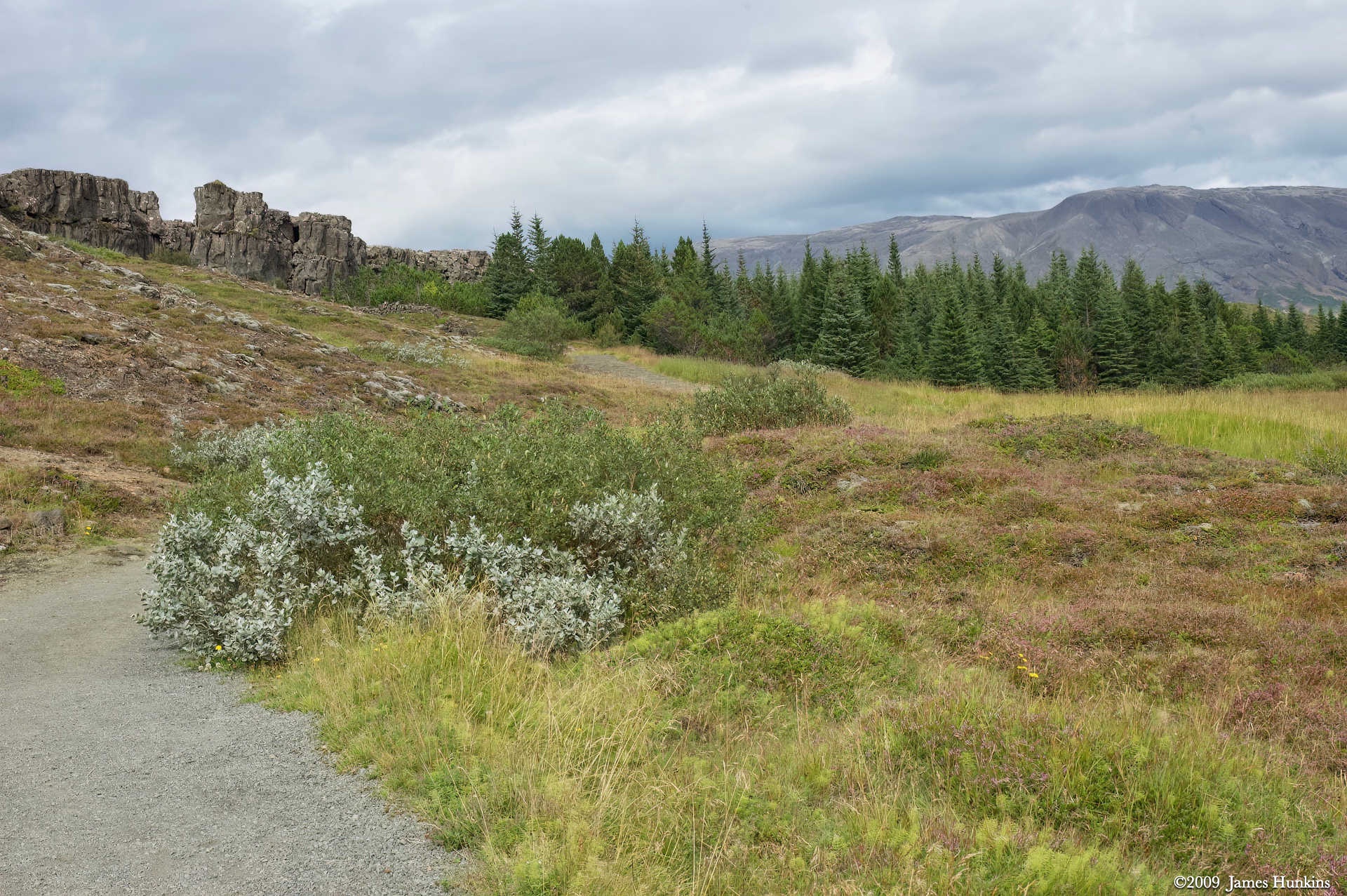
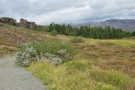 090814_0122NThe trail winds down into a forest with mountains in the background
 -
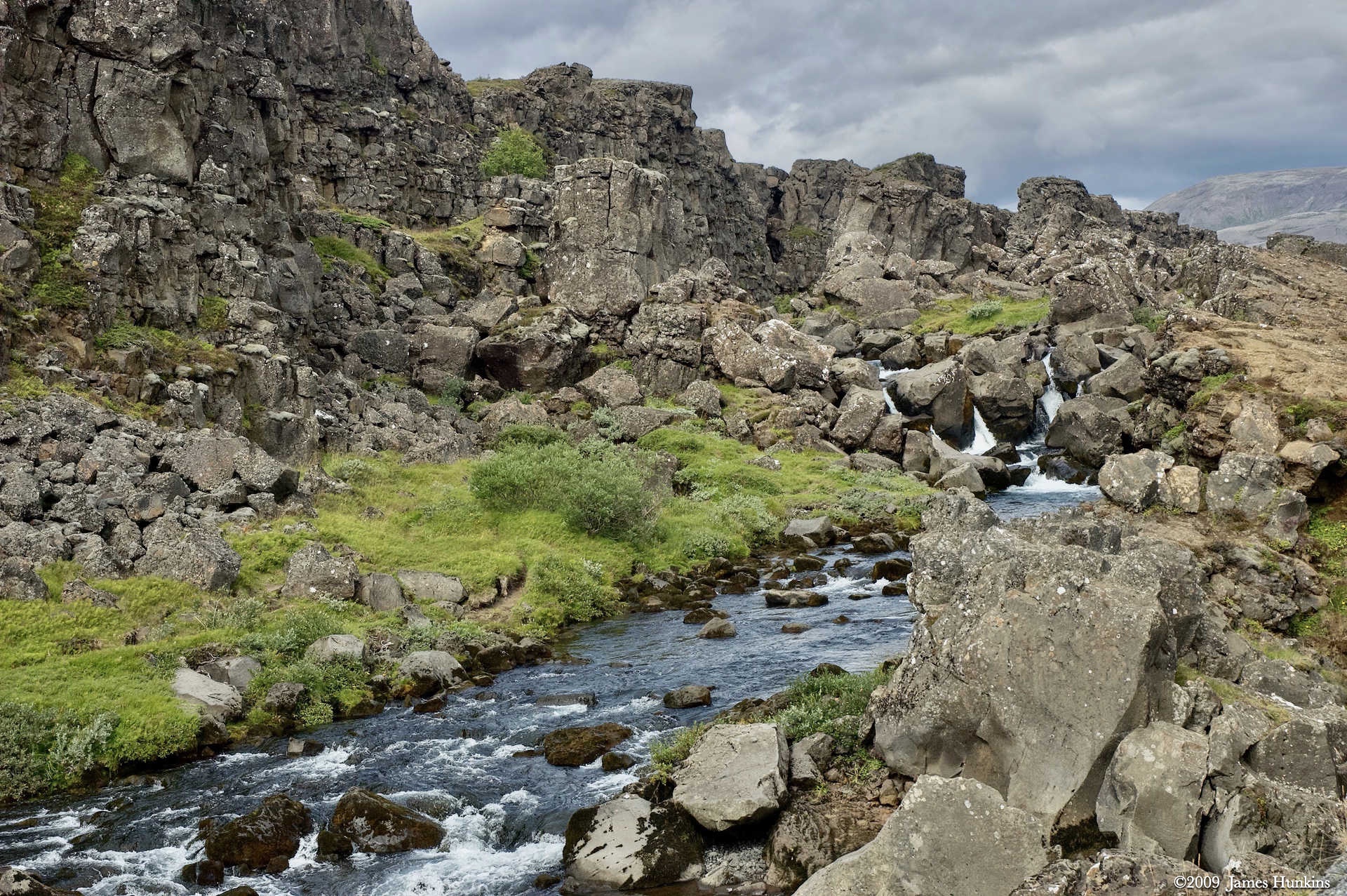
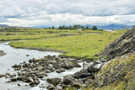 090814_0123NStream from the waterfall flows towards Þingvallavatn
 -
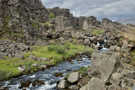 090814_0124NLooking back up at the stream tumbling over stone near the waterfall
 -
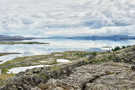 090814_0126NÞingvallavatn
 -
 090814_0127NÞingvallavatn
 -
 090814_0134NThingvallakirkja church and buildings near Þingvallavatn with volcanic mountains in the distance