Iceland 2009
CRATERS, WATER AND ICE
DAY 4 : WEDNESDAY AUGUST 12, 2009 (1/2)
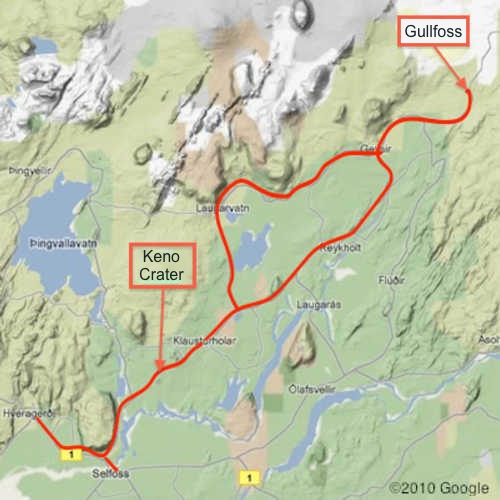
Day 4 was a full day of driving a rather long loop - but well worth it.
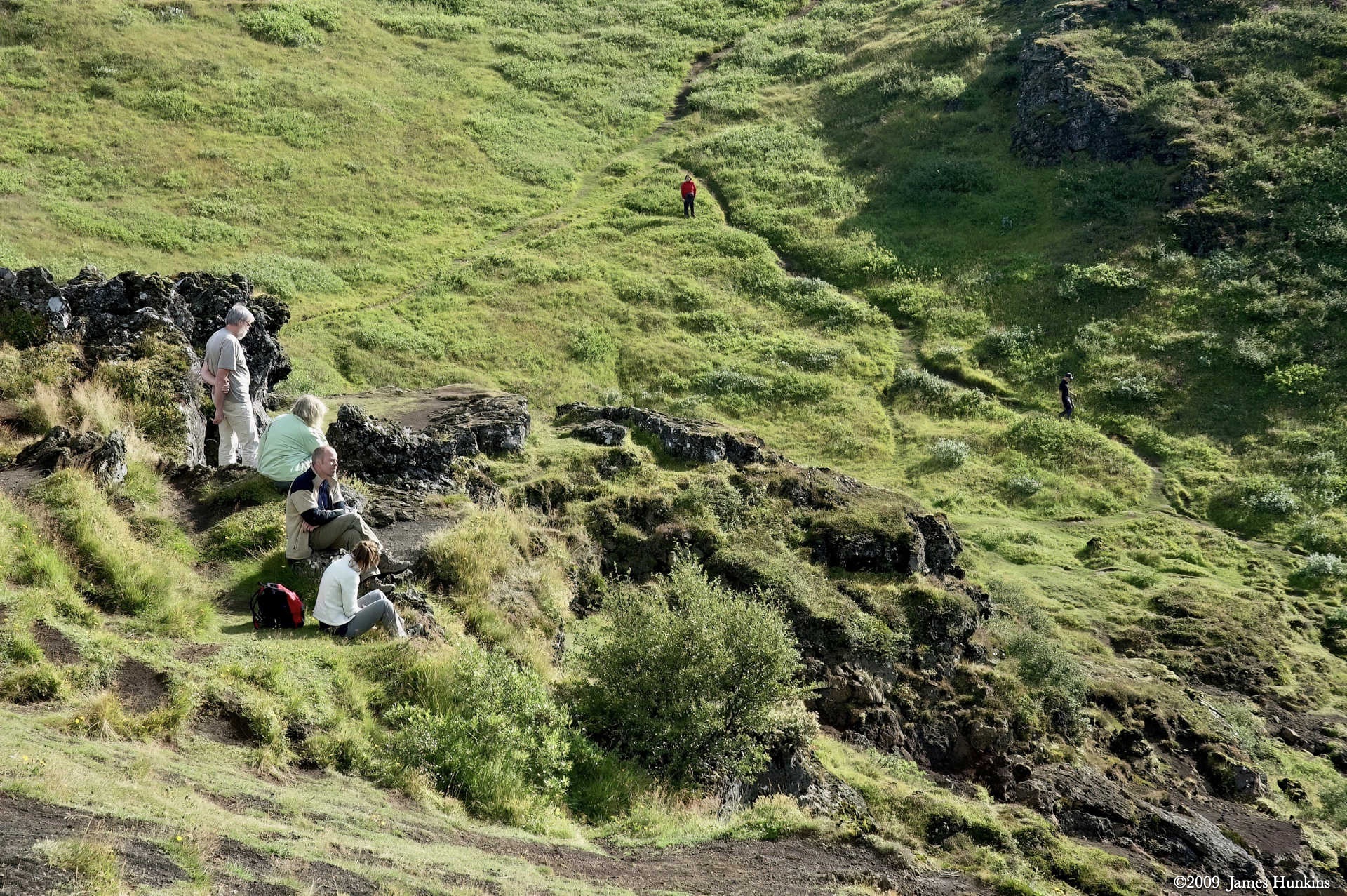
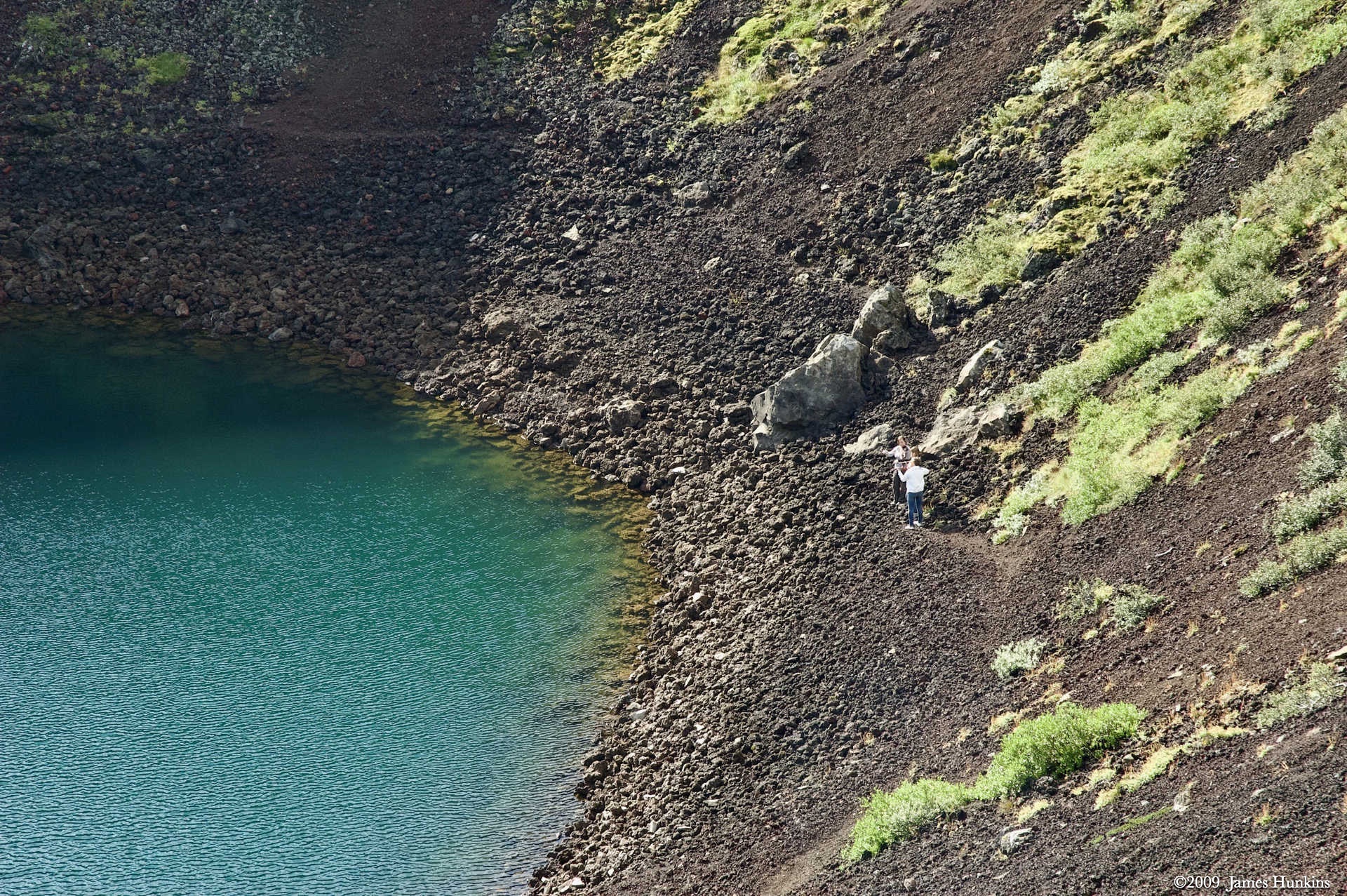
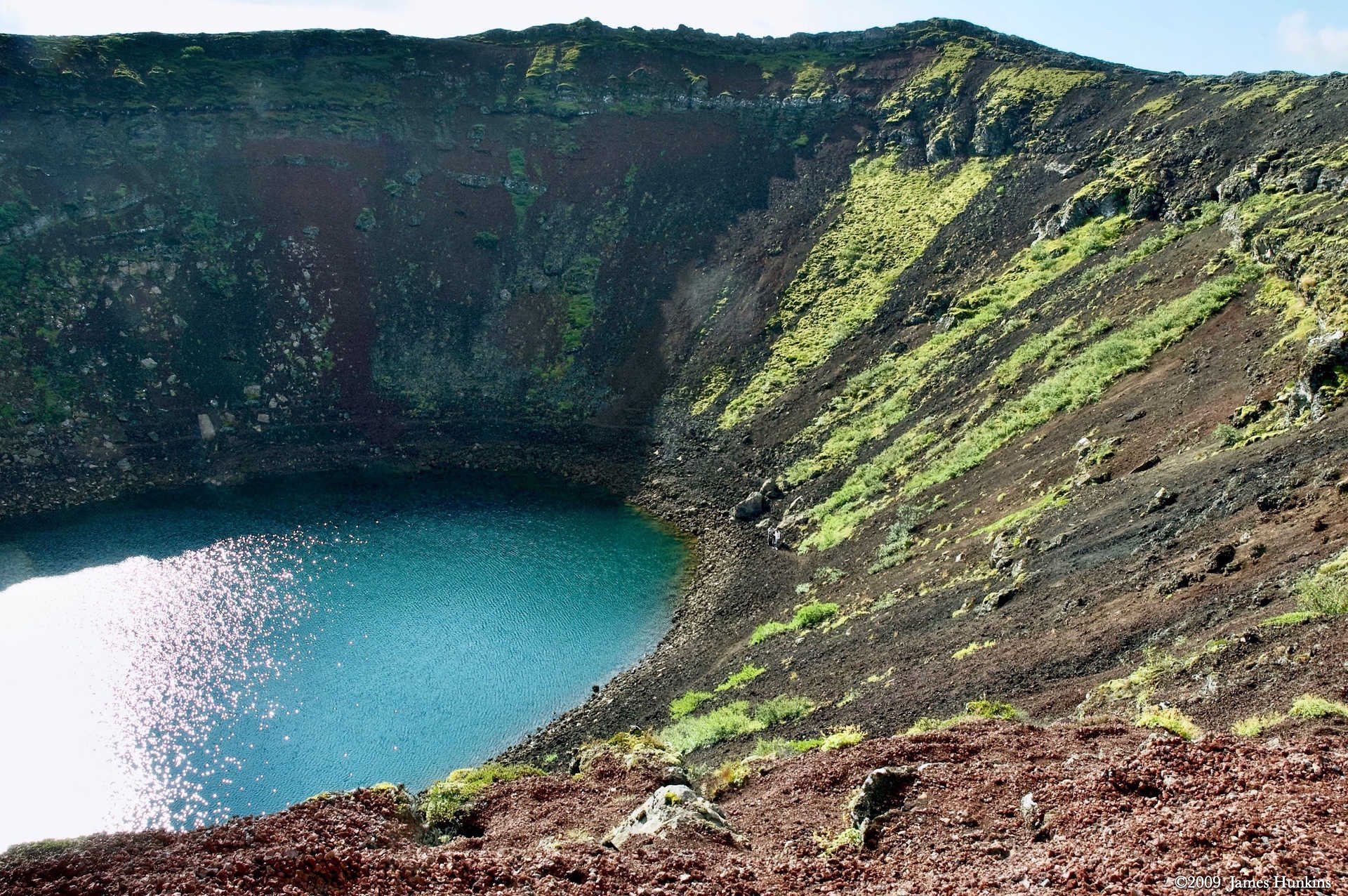
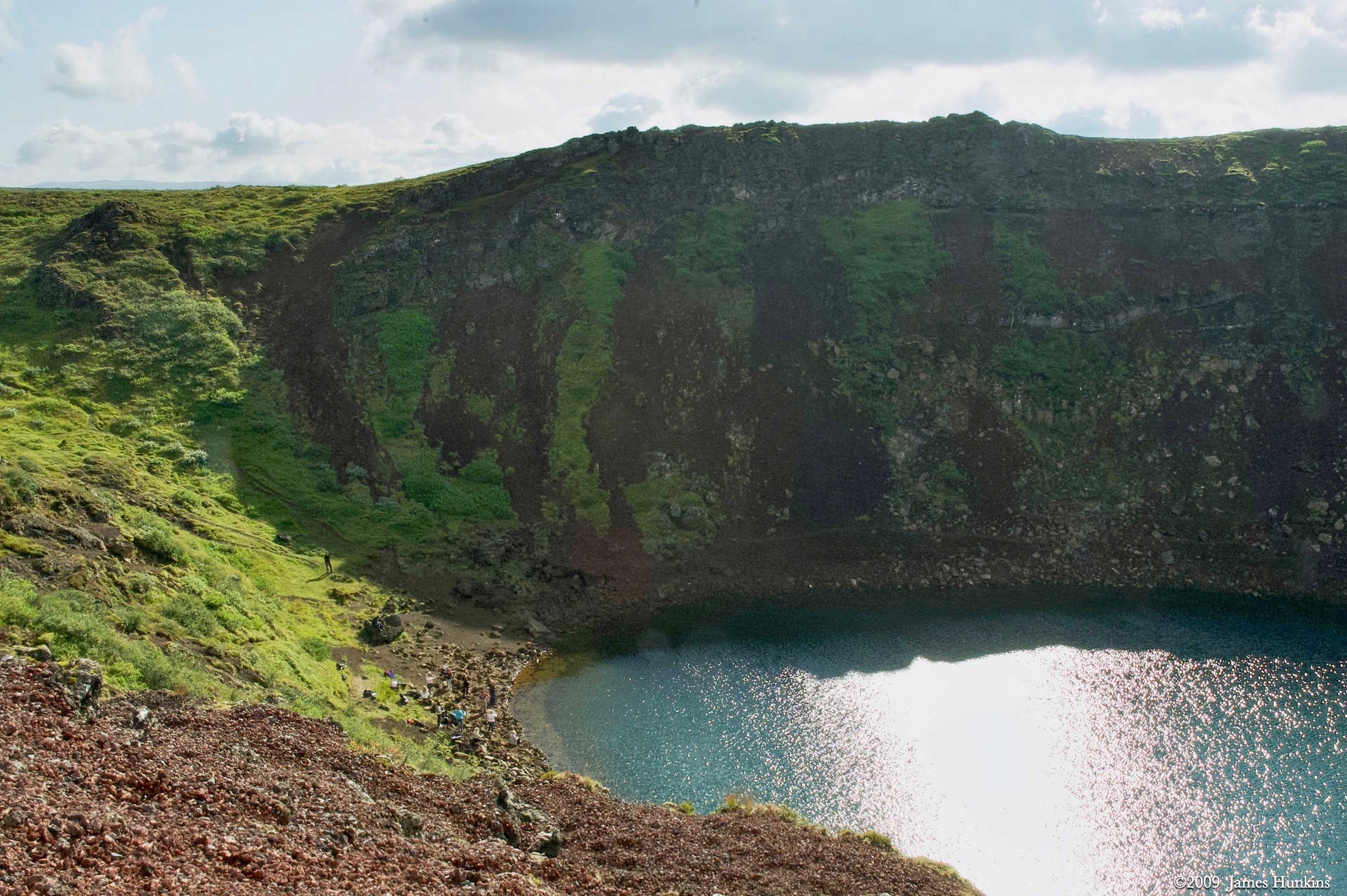
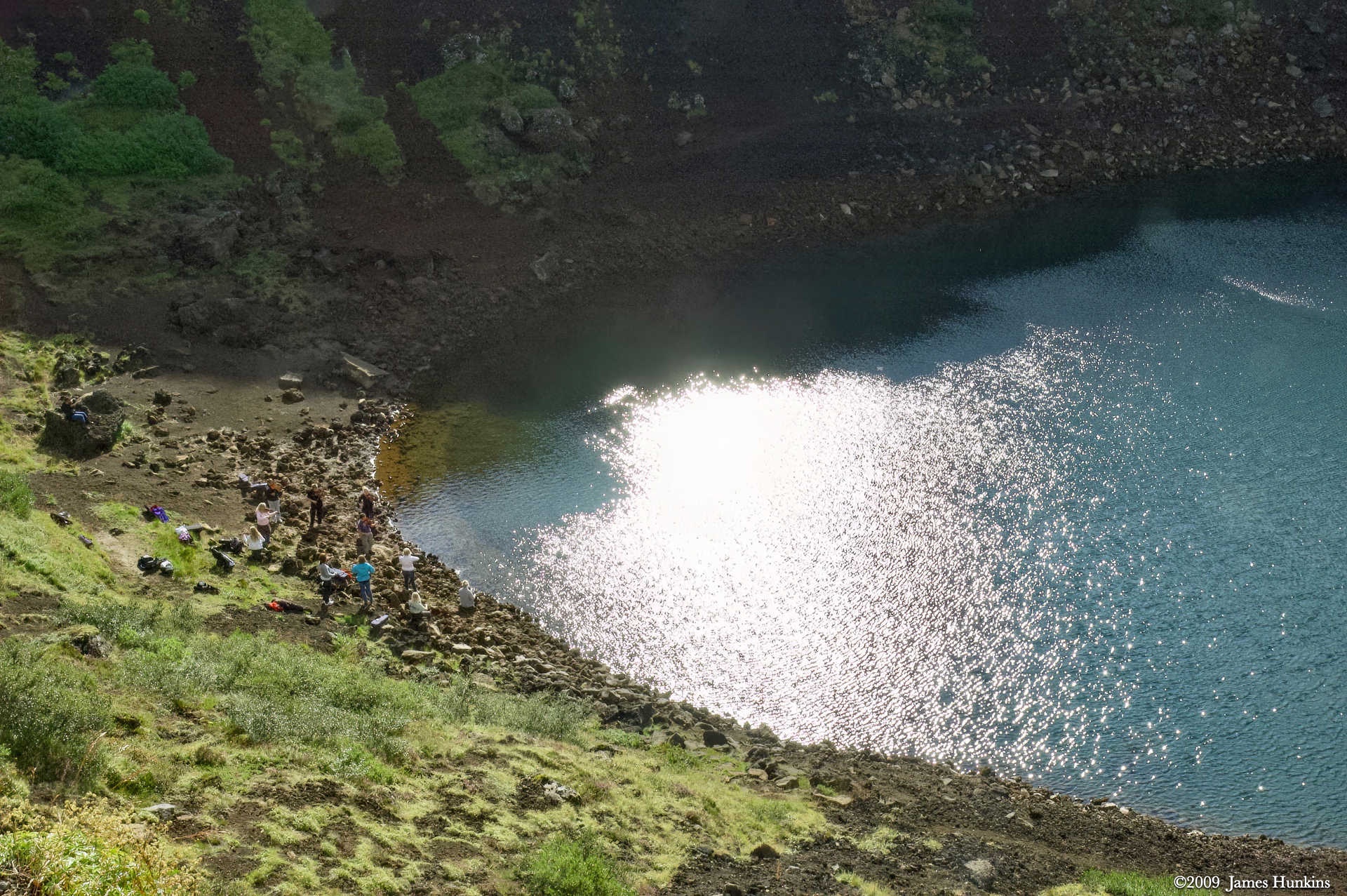
We started with a stop at Keriò, a volcanic crater filled with a small lake. To our amazement, we were greeted with orchestral music in the distance. Looking down into the crater, on the shore of the lake, was a series of musicians in one area and another few musicians at the other end of the lake. They were having some kind of outdoor concert. The acoustics by the lake shore must have been amazing with the reflections off the crater walls.
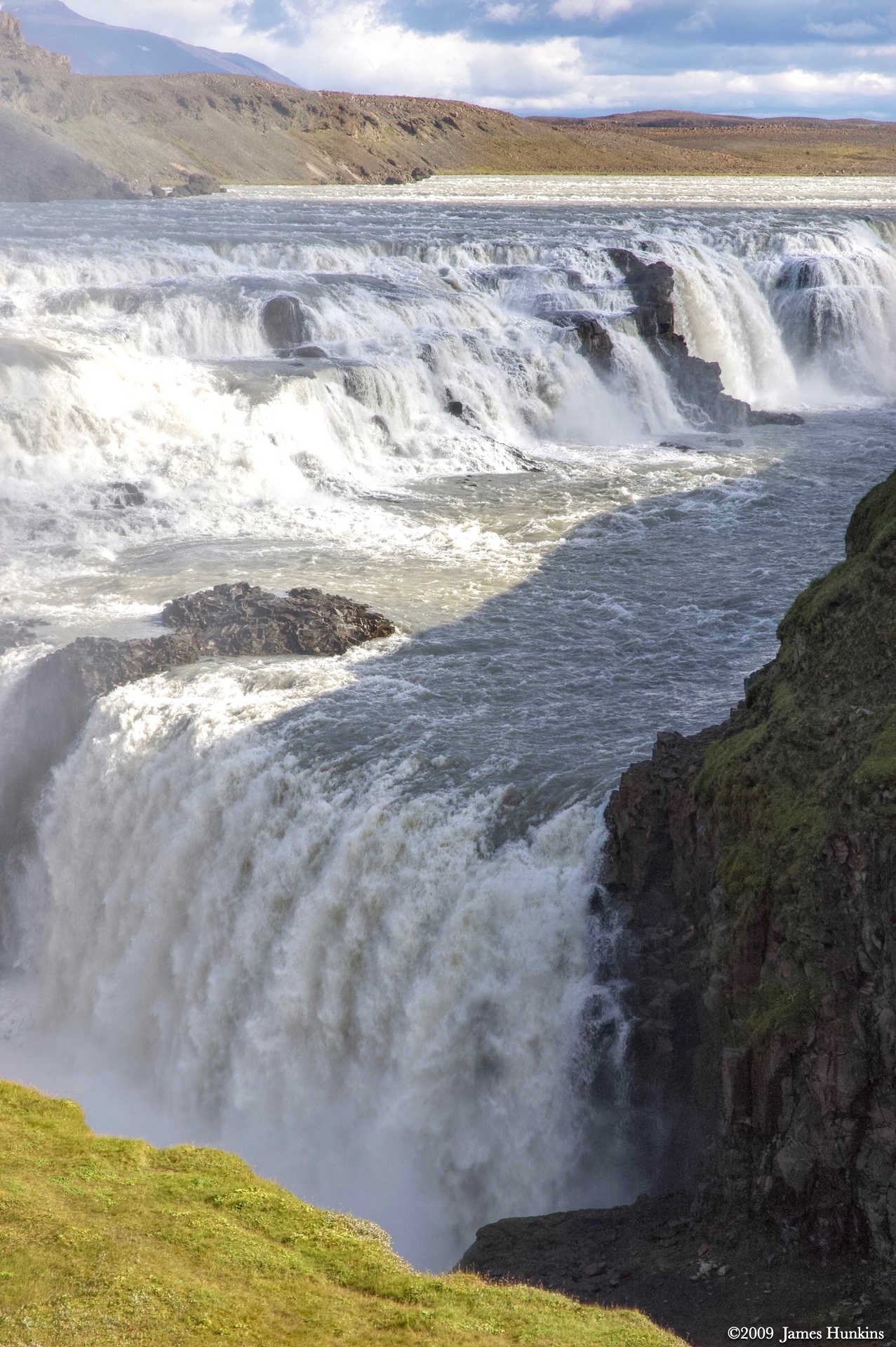
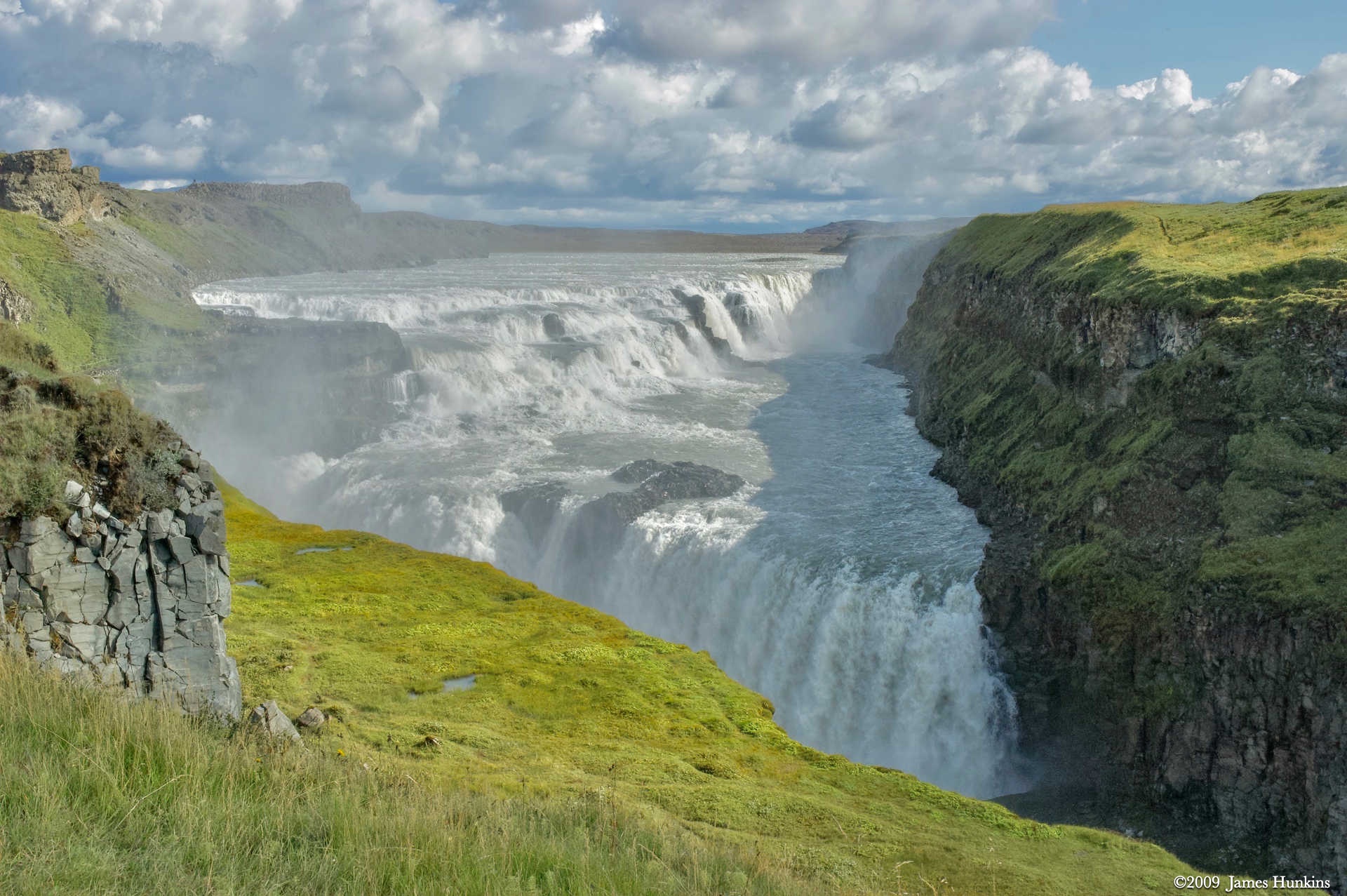
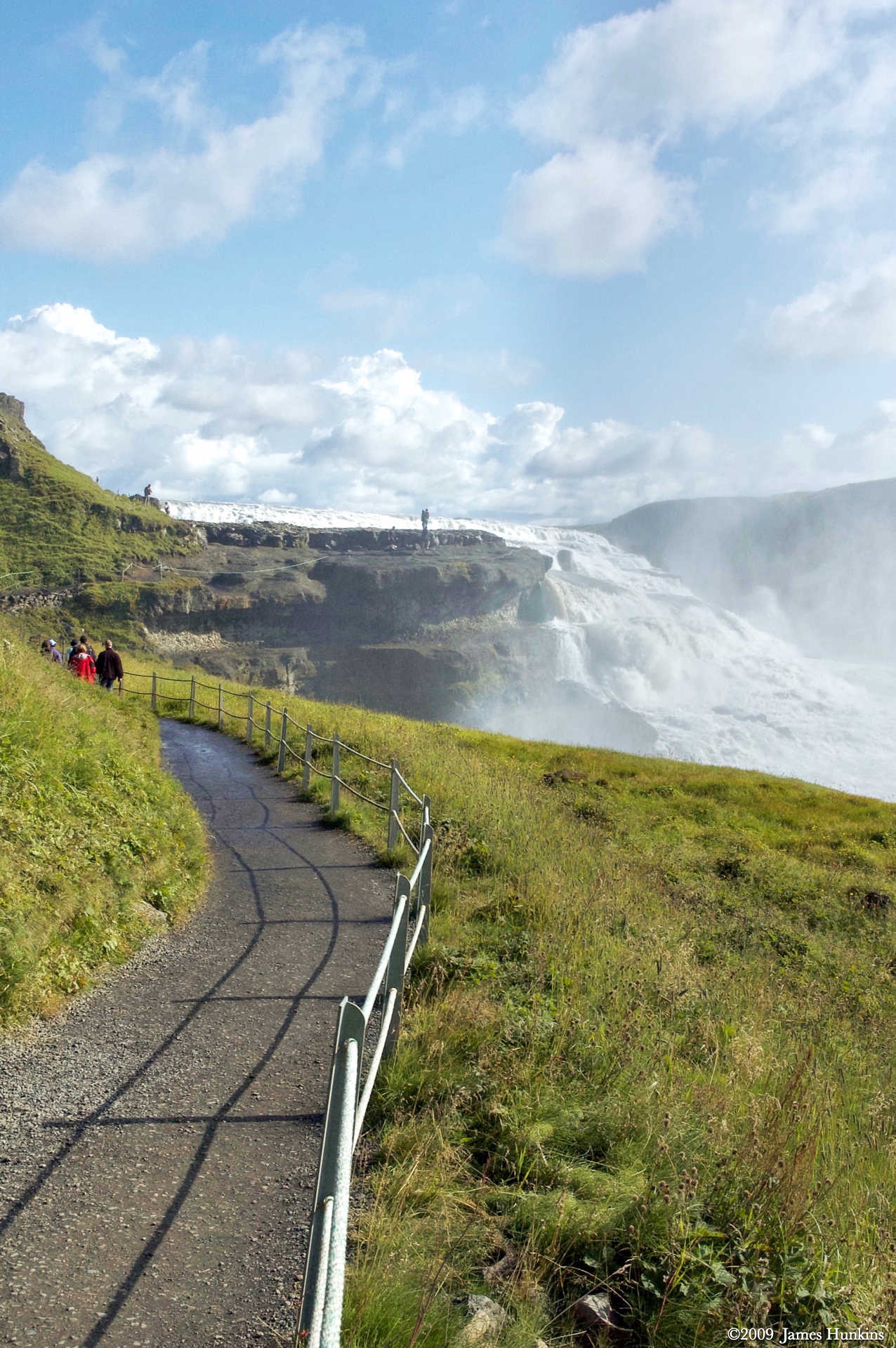
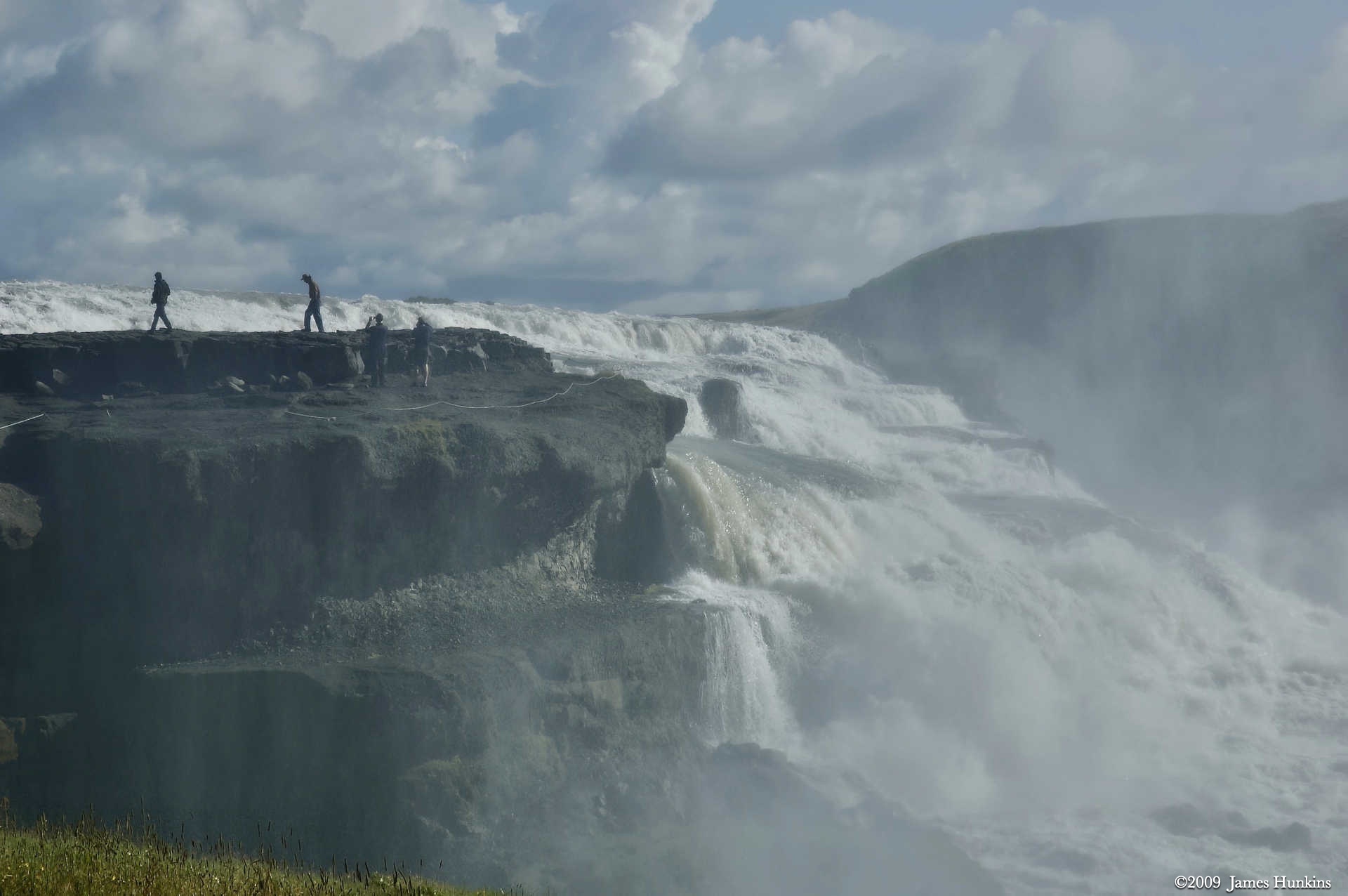
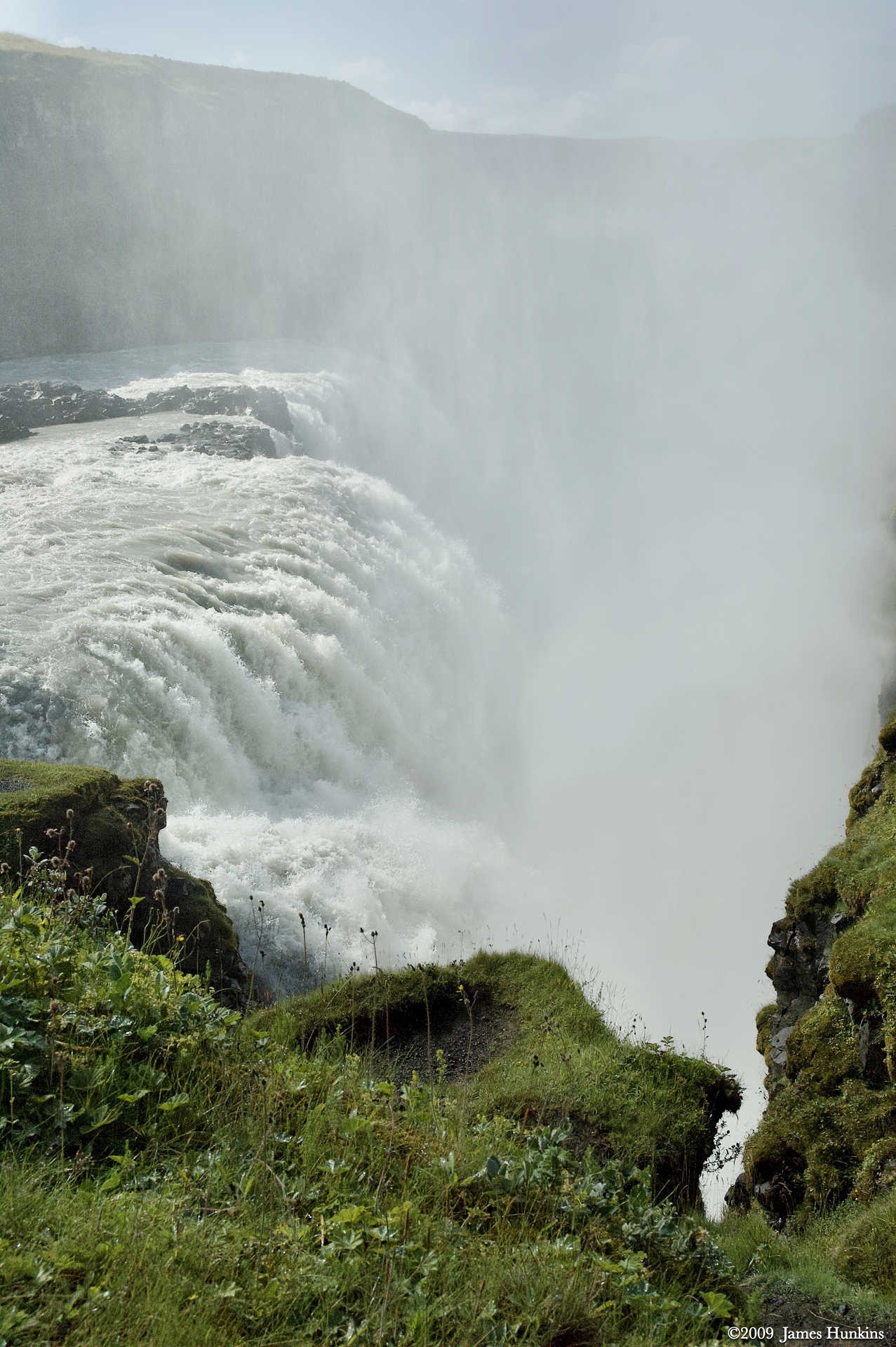
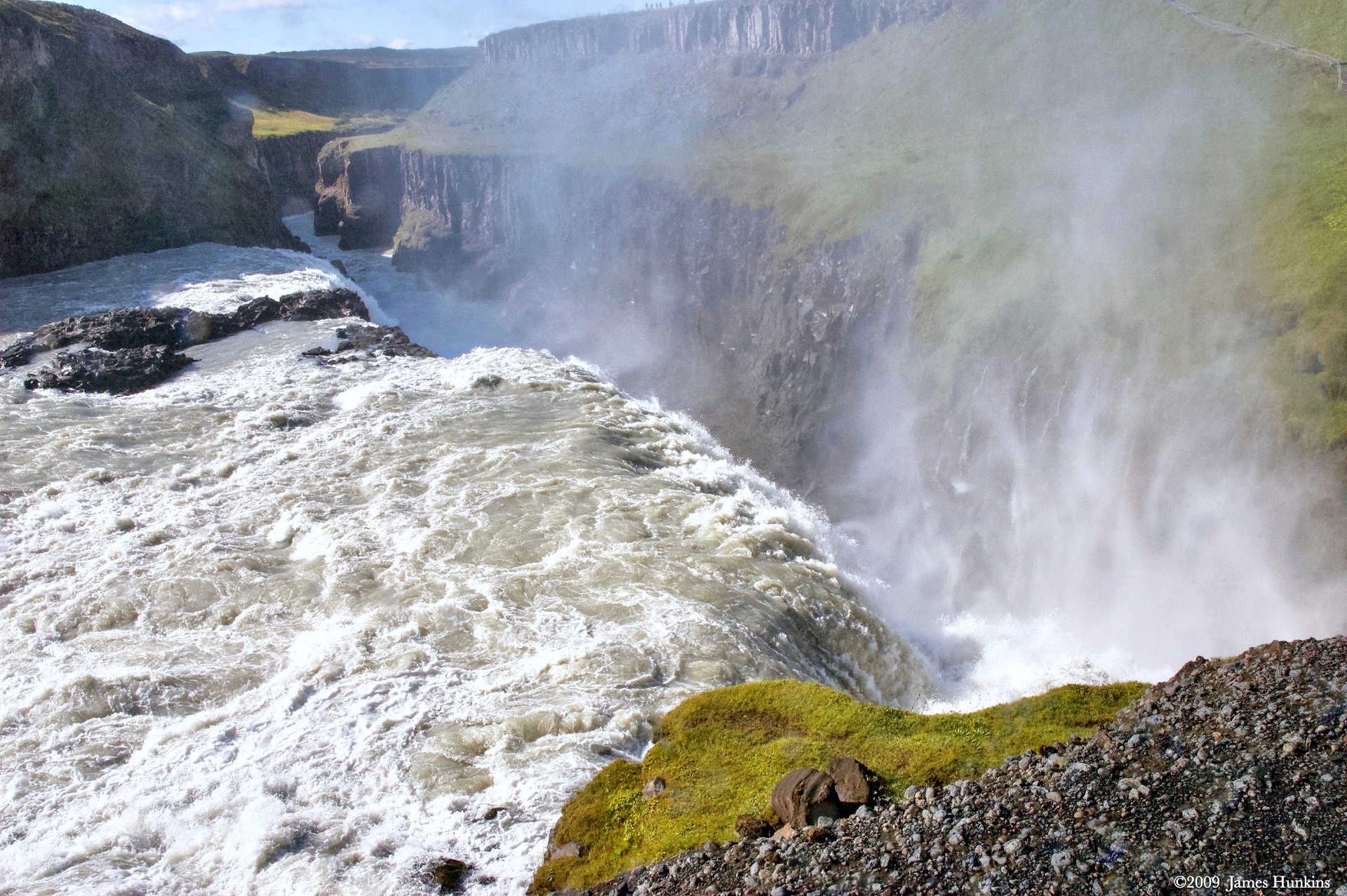
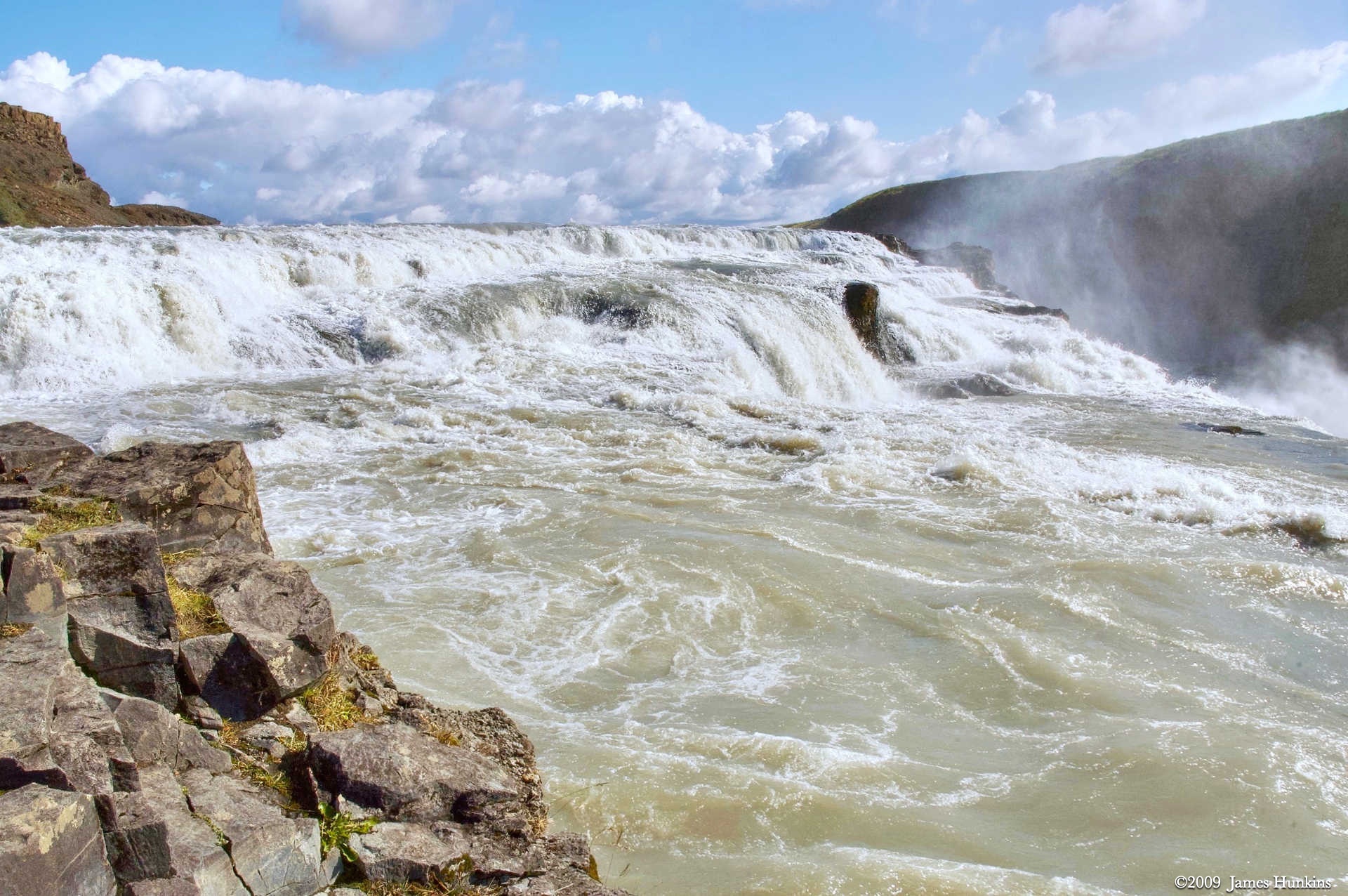
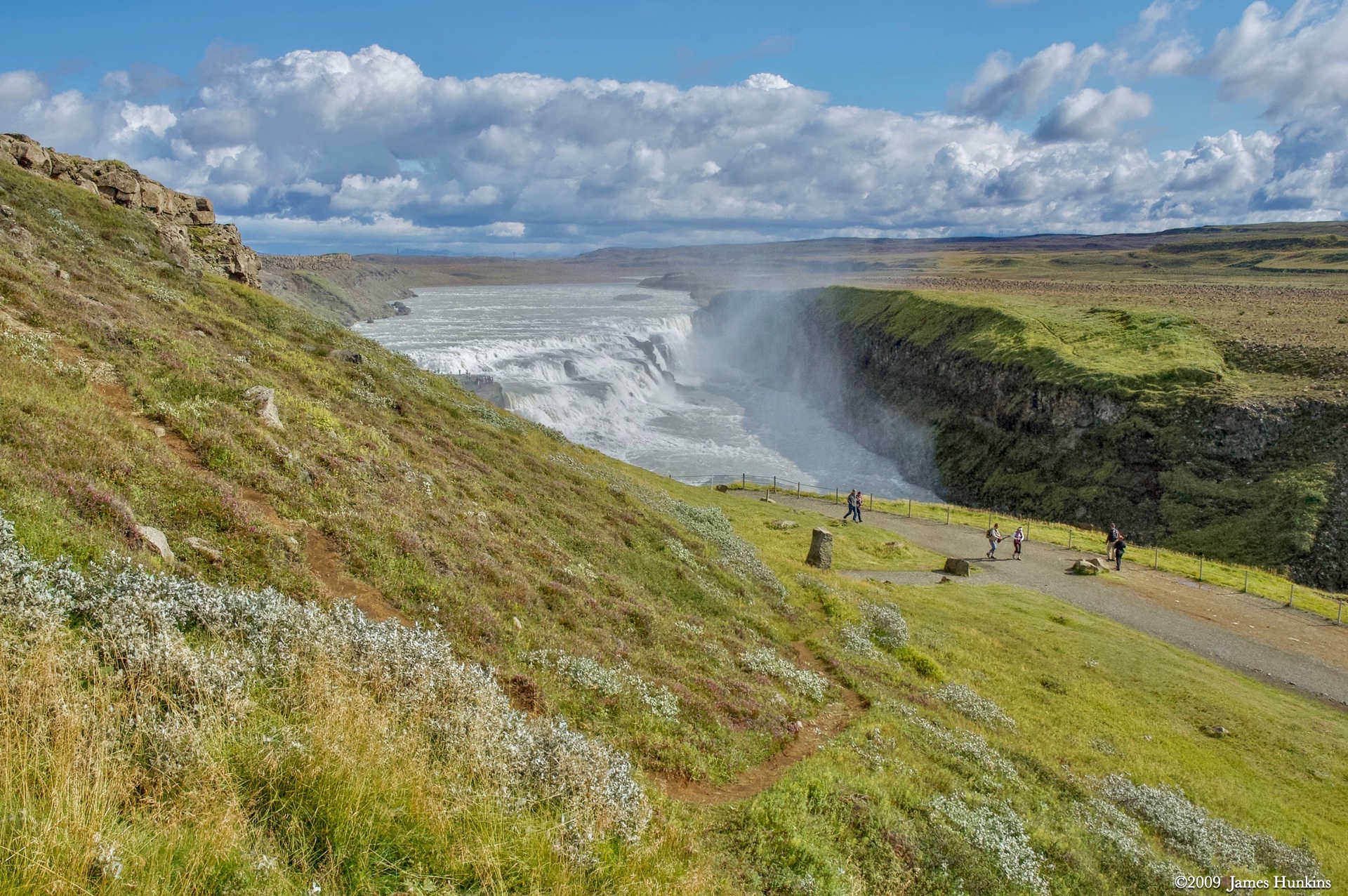
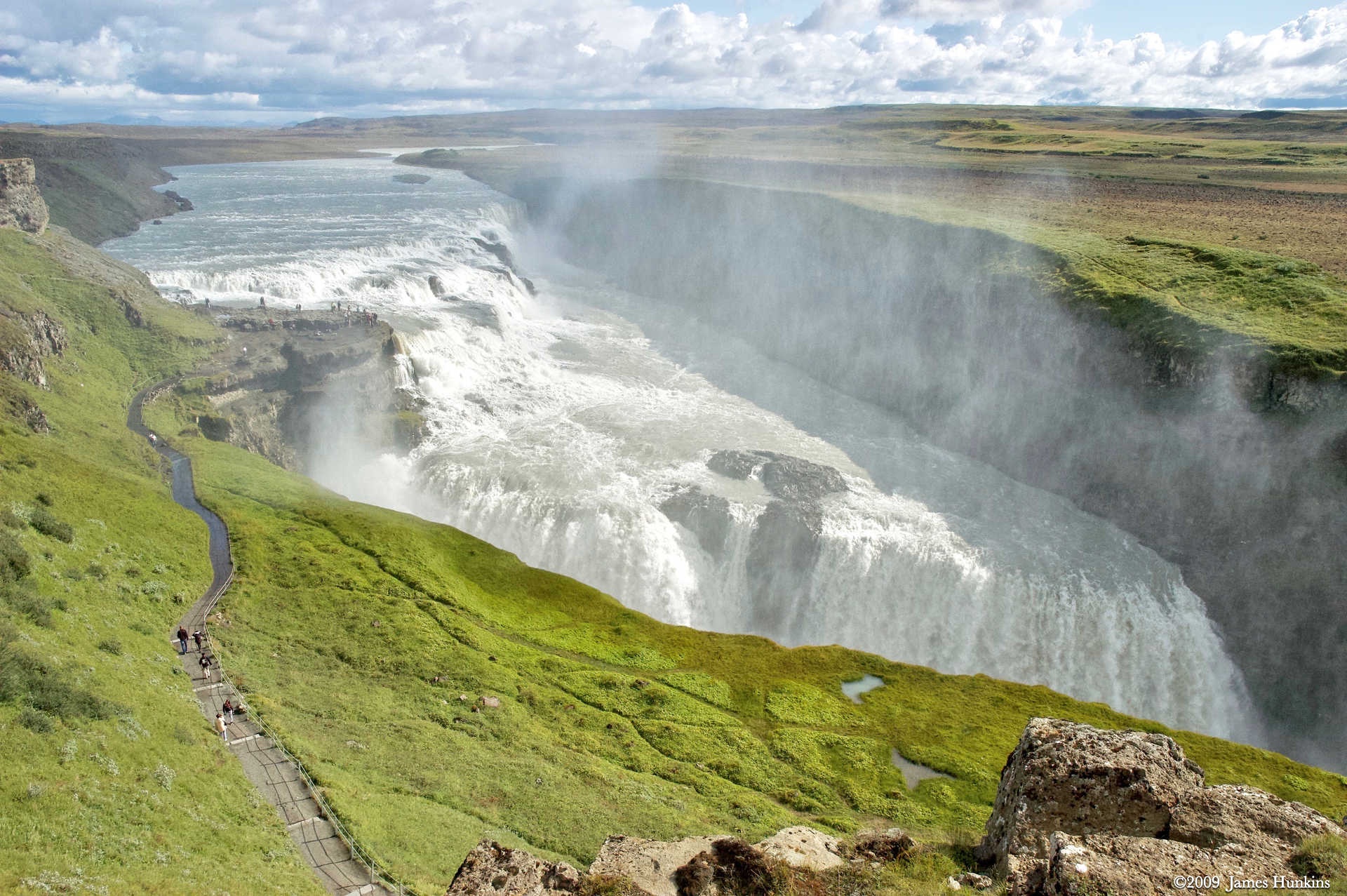
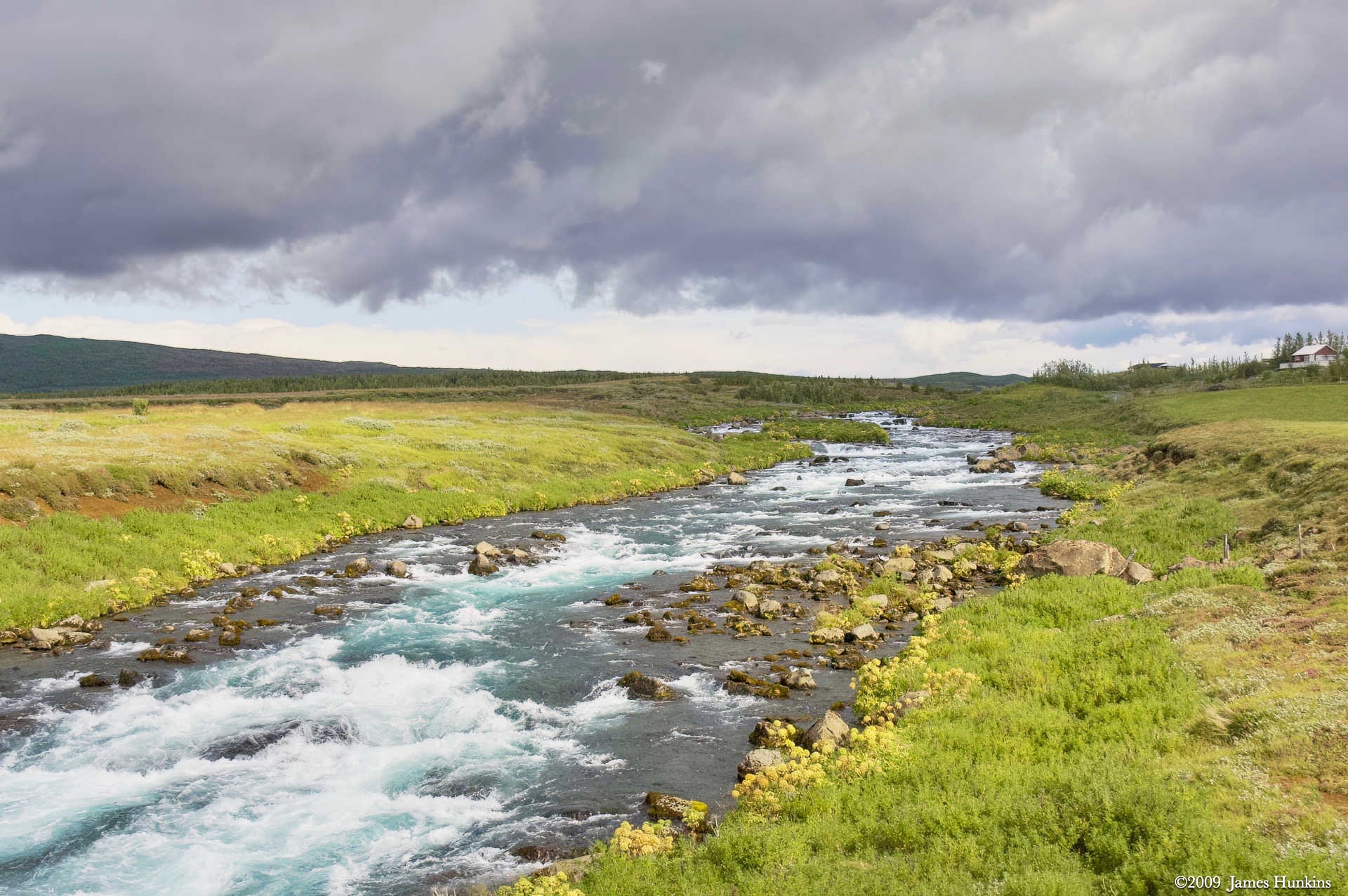
Next stop was the huge Gullfoss waterfall on the Hvita River. While I am used to Niagara Falls, which is considered by many to be a pretty large cascade, Gullfoss took my breath away. Its power was incredible.
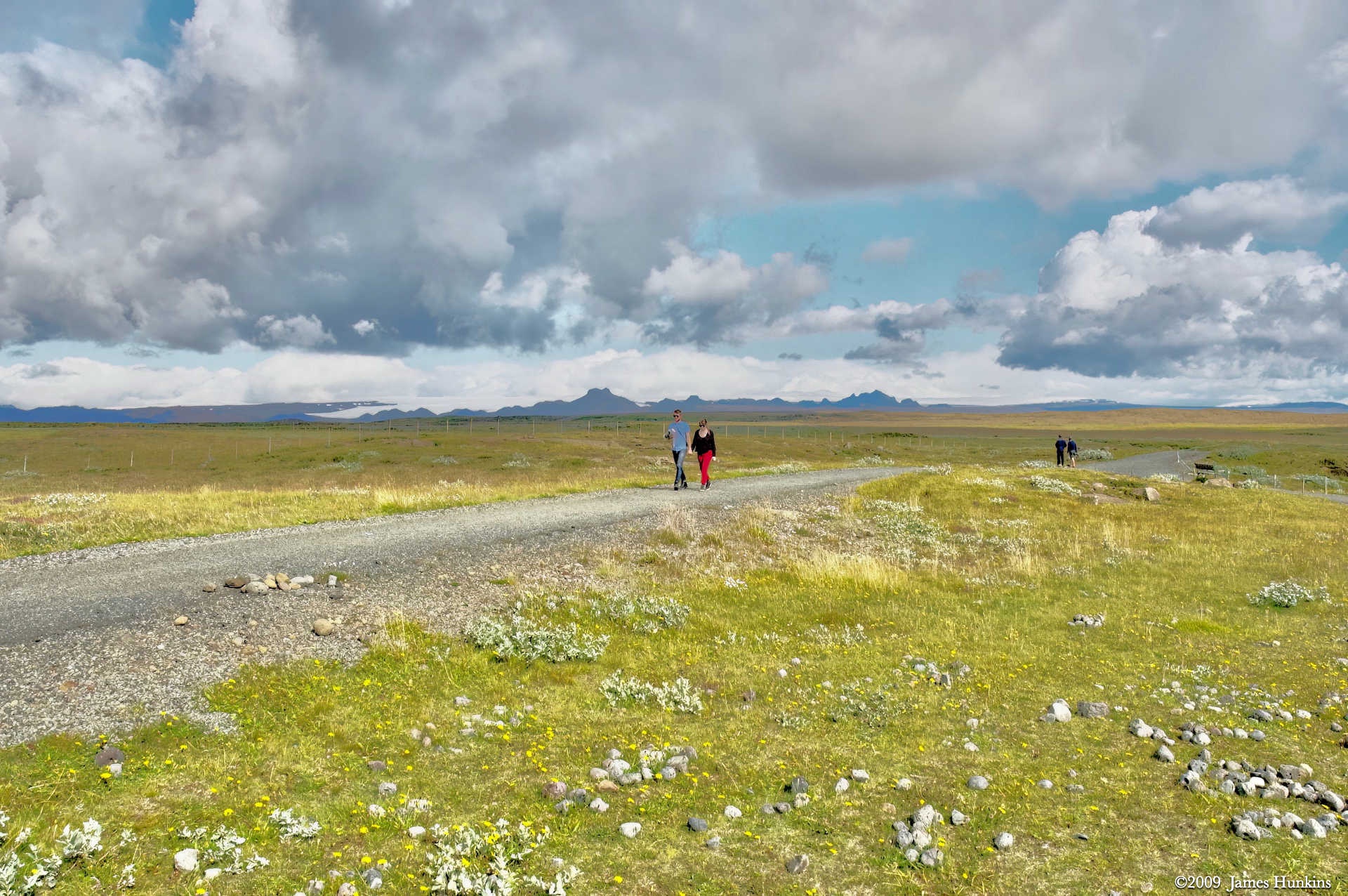
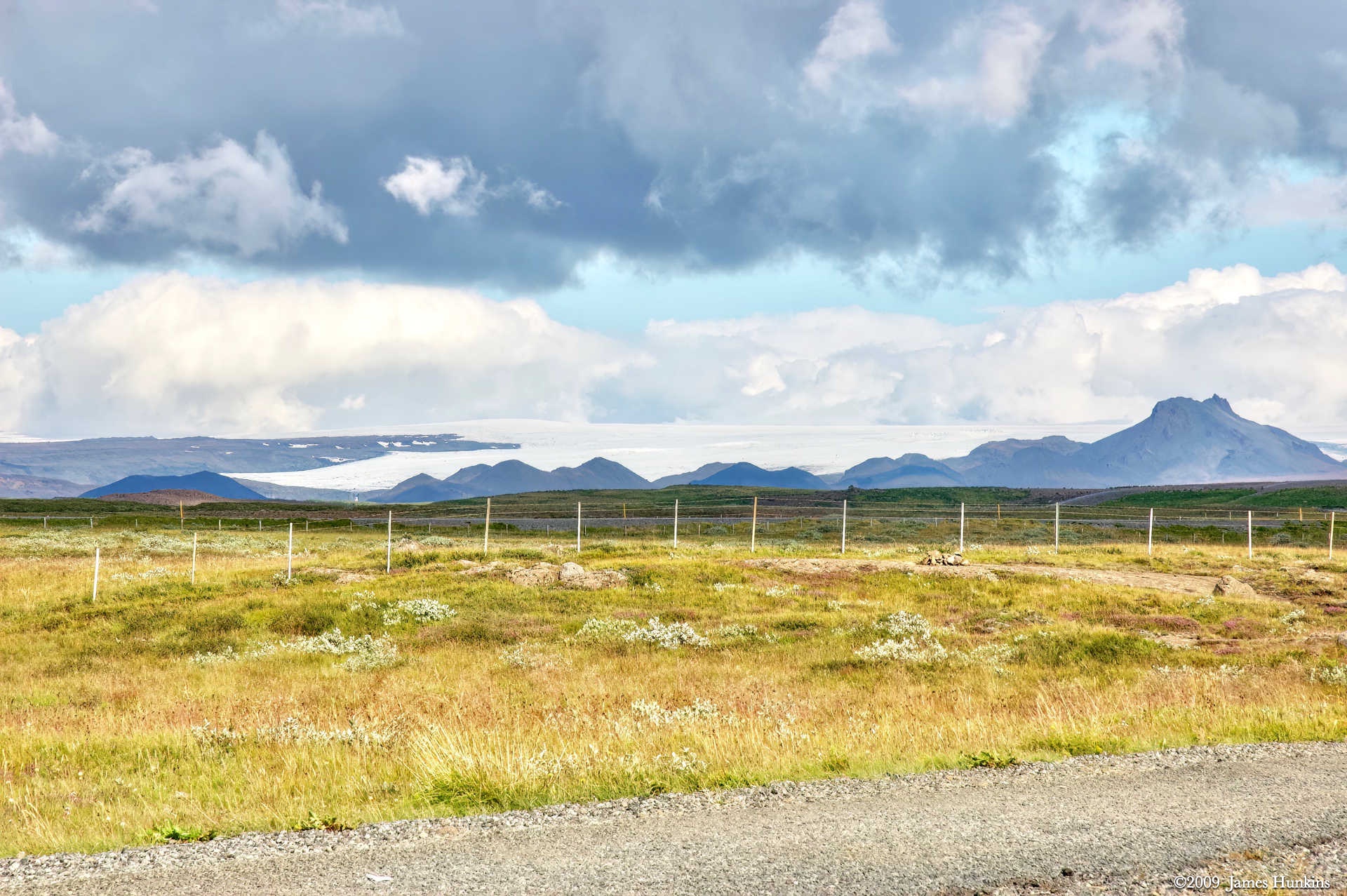
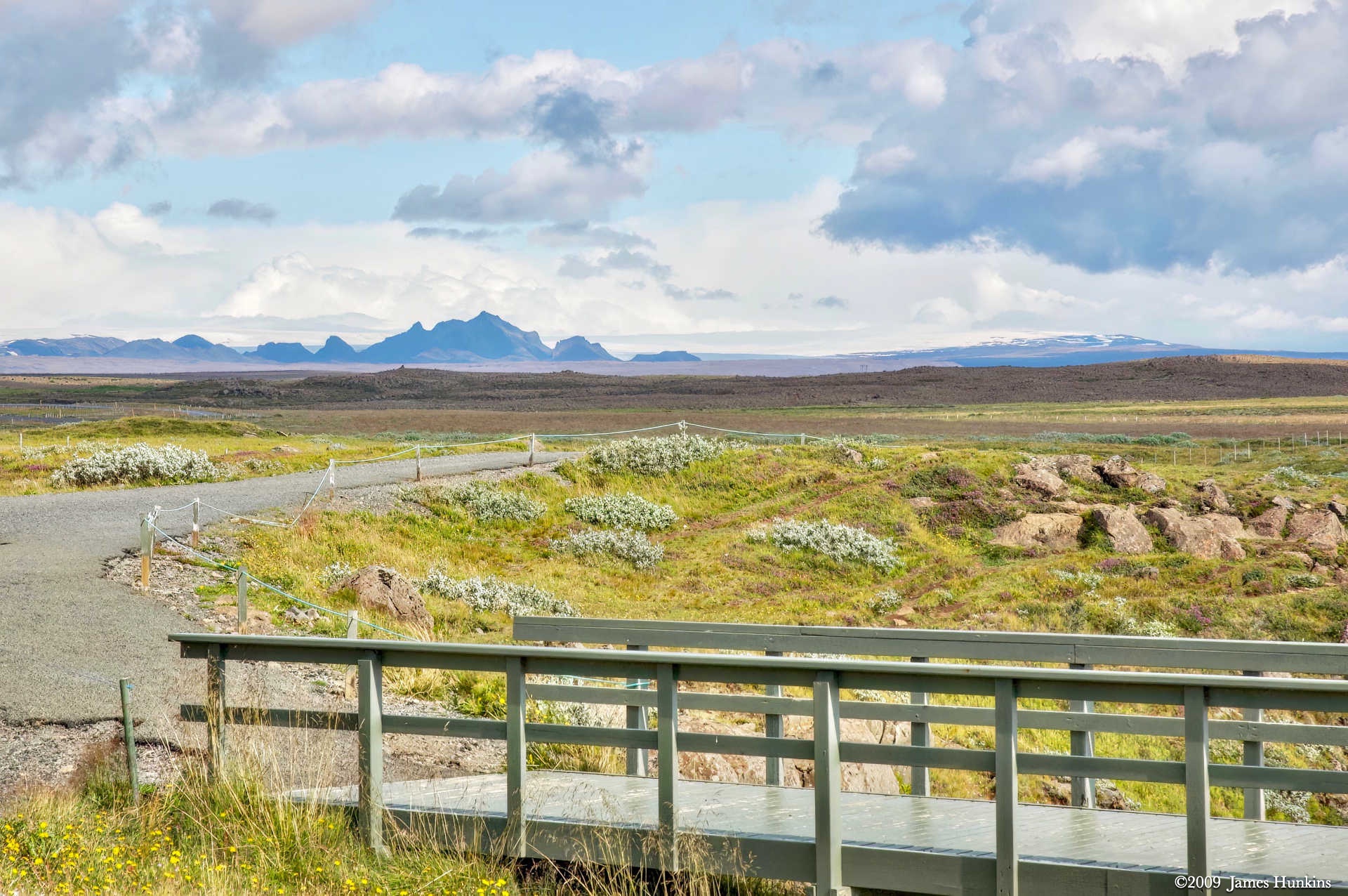
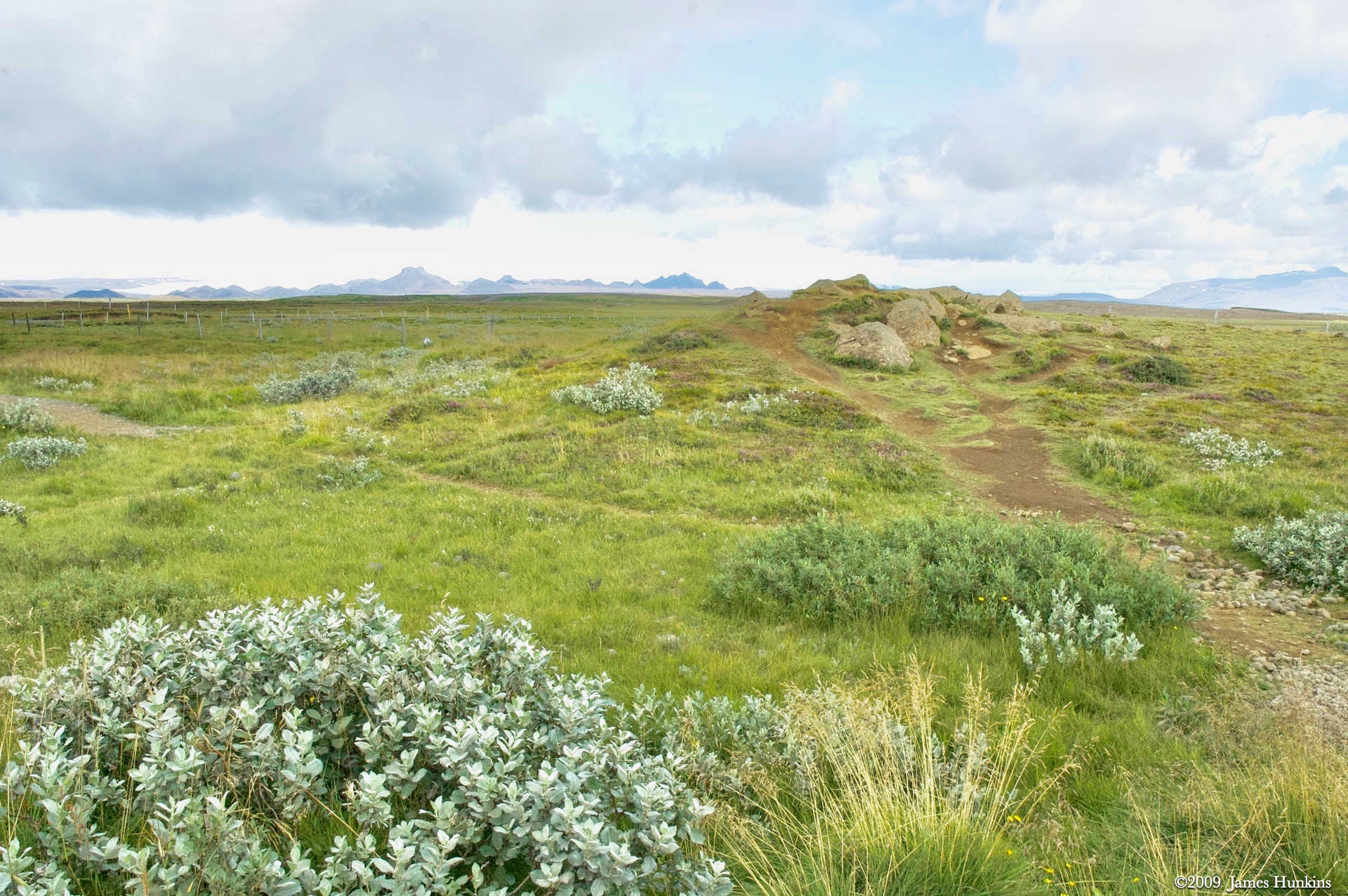
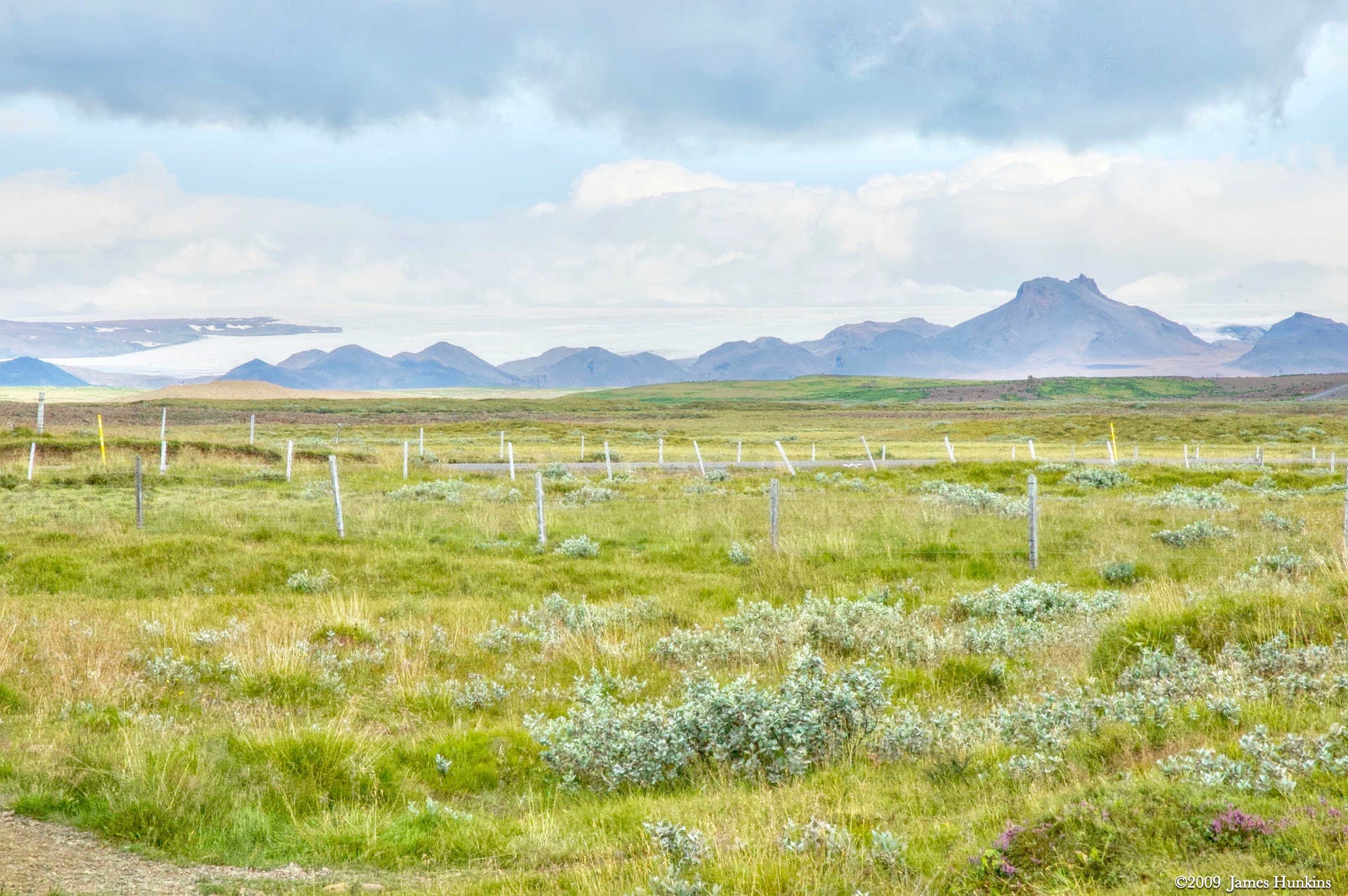
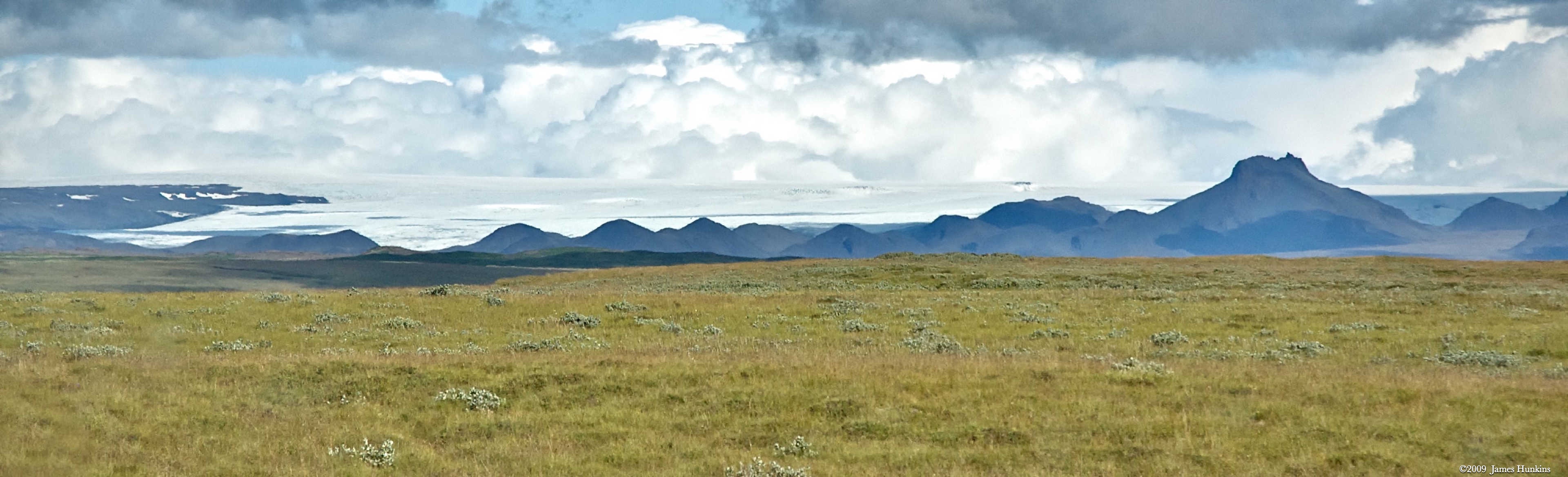
When you look up the river towards the mountains, you can see a massive ice sheet that feeds this incredible river. The first panorama below shows the ice sheet going up the mountains with some smaller volcanic formations in the foreground.
The falls has two drops, 11 and then 21 meters. Water flows at an average speed of 109 cubic meters per second. During the heaviest floods, jökulhlaup (glacial outbursts) flows of 2000 cubic metres per second were recorded.
There was a plan at one point to dam up the river for power generation. But the story has it that Sigridur Tomssdottier, the daughter of Thomasson, saved the waterfall by picketing the investors and even threatening to throw herself into the falls. This was well before the environmental movement - she died in 1957 at a young age of 87 years. A monument was placed near the falls in her honor.
VIEWING HELP
To close this window, click the X in the upper right hand corner. Or click anywhere outside of this window's area.
Photos from each day are shown in thumbnail (small) form. Panoramas are either wide or tall images, while normal photos are small rectangles. All photos shown in the PHOTO SHOWCASE section can be enlarged for better viewing. Photos will enlarge to fit your browser window width. Therefore, to view them at larger sizes simply make your browser window wider.
If there is any issue or the need to inquire/comment about an image, please refer to the Image ID label (see below) of the specific image along with the trip name found at the top of the browser window.
Video Clips
Depending on the browser, some of the controls may not always be supported.
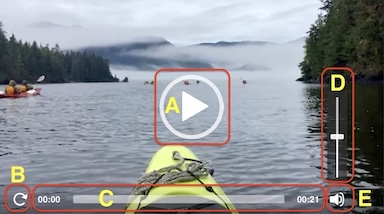
Most videos will start playing automatically. Sound is automatically off even if included with a video. See D, E below for sound control.
A few small videos are set to loop endlessly, while most just play to the end.
- A: To start or stop a video, click in this area (even if the symbol is not visible)
- B: If a browser shows this symbol, clicking on it will restart the video from the beginning
- C: Progress bar - will display total video time on the right.
- D, E: This seems to have the most variants between browsers. If the video description says 'w/ sound’, you can adjust the volume with this control
If neither is visible, move the cursor to the E area and either E and/or D will be visible
If E is visible but not D, click on E
Once D is visible, slide the bar up or down to adjust the volumn
Panoramas
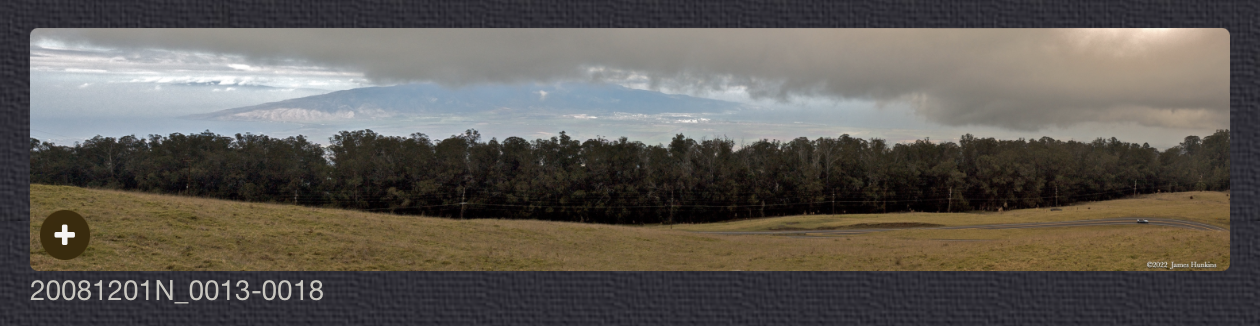
Clicking anywhere on a panorama thumbnail will cause the image to expand to fill the browser width. Clicking again anywhere in the browser window or scrolling the browser window will cause the expanded image to shrink back to its smaller thumbnail size.
The Image ID and description is found just below the thumbnail image on the left side.
Individual Photographs
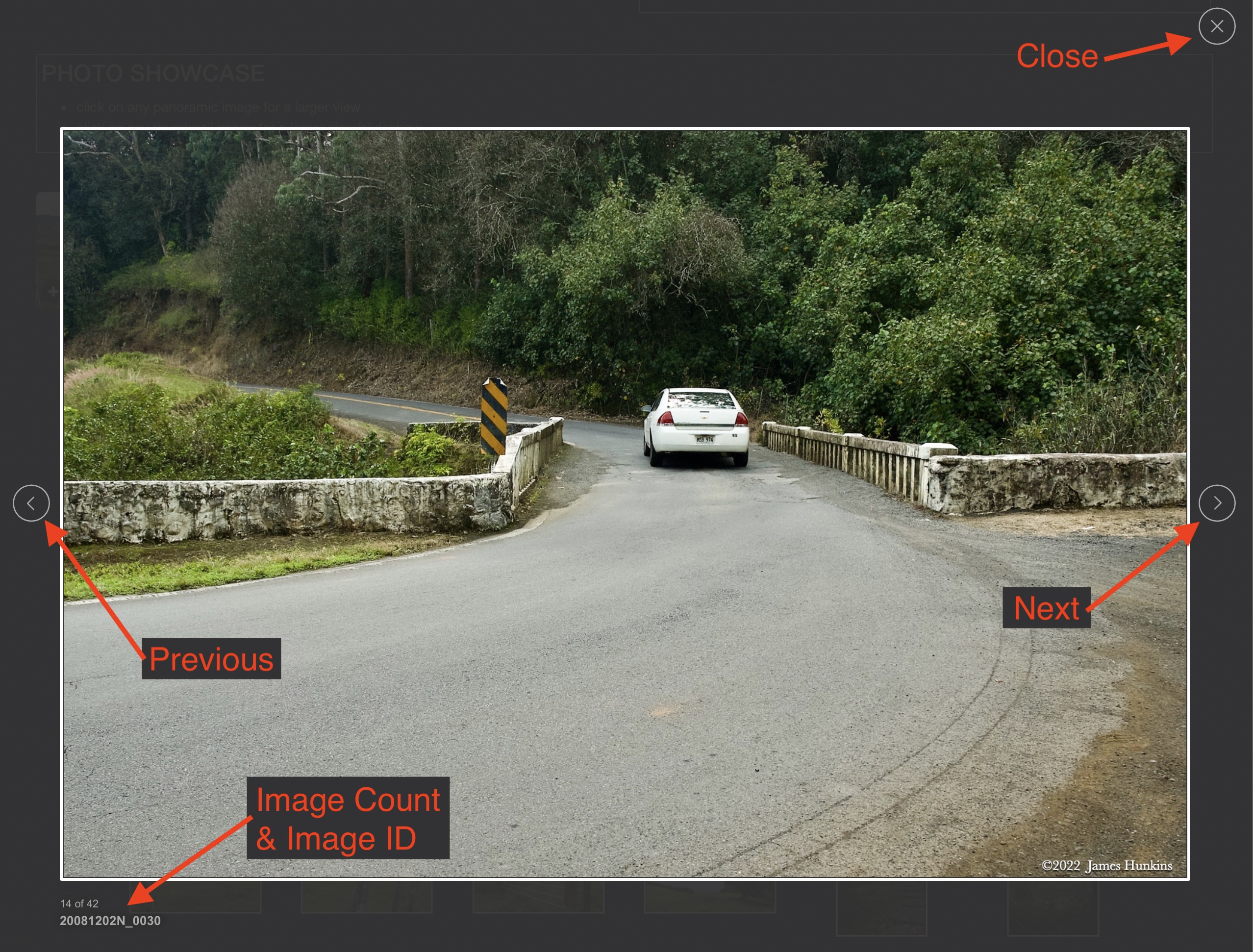
If you click on any photo thumbnail, it will open a larger viewer which can be used to walk through all of the standard photos on the page. Once open, to go forward click on the > on the right side of the enlarged image. To scan backwards, click on the < on the left side. To close the larger images either click on the X in the upper right hand corner of the browser window or anywhere outside of the enlarged image.
The Image ID label can be found by hovering a cursor over the thumbnail image (may not be available on some tablets/phones) or, once enlarged, from the lower left hand side just under the image.
Additionally, in the same area as the Image ID (or the upper left corner for newer/updated sites) a count showing the current image number versus the total number of images available for viewing.

For newer or updated sites (look for the orange checkbox in the header of a sites main page), additional buttons have been added when viewing a full size image. From left to right, the buttons are:
- Email: will open an email with information and a link to the current image
- WhatsApp: if WhatsApp is on your system, will open a browser window to open WhatsApp and create a message with information and a link to the current image
- FaceBook: Will open a browser window to open Facebook and create a message with information and a link to the current image
- full screen: will take over the entire display versus just the browser in most systems; ESC returns to the brower only mode
- magnify: enlarges the image within the browser or full screen; if the image is larger than can be displayed it can be scrolled
- exit: will close the large image viewer returning to the thumbnails




Links:
PHOTO SHOWCASE
- click on any panoramic image for a larger view
- click on any thumbnail image for a larger view/slideshow
-
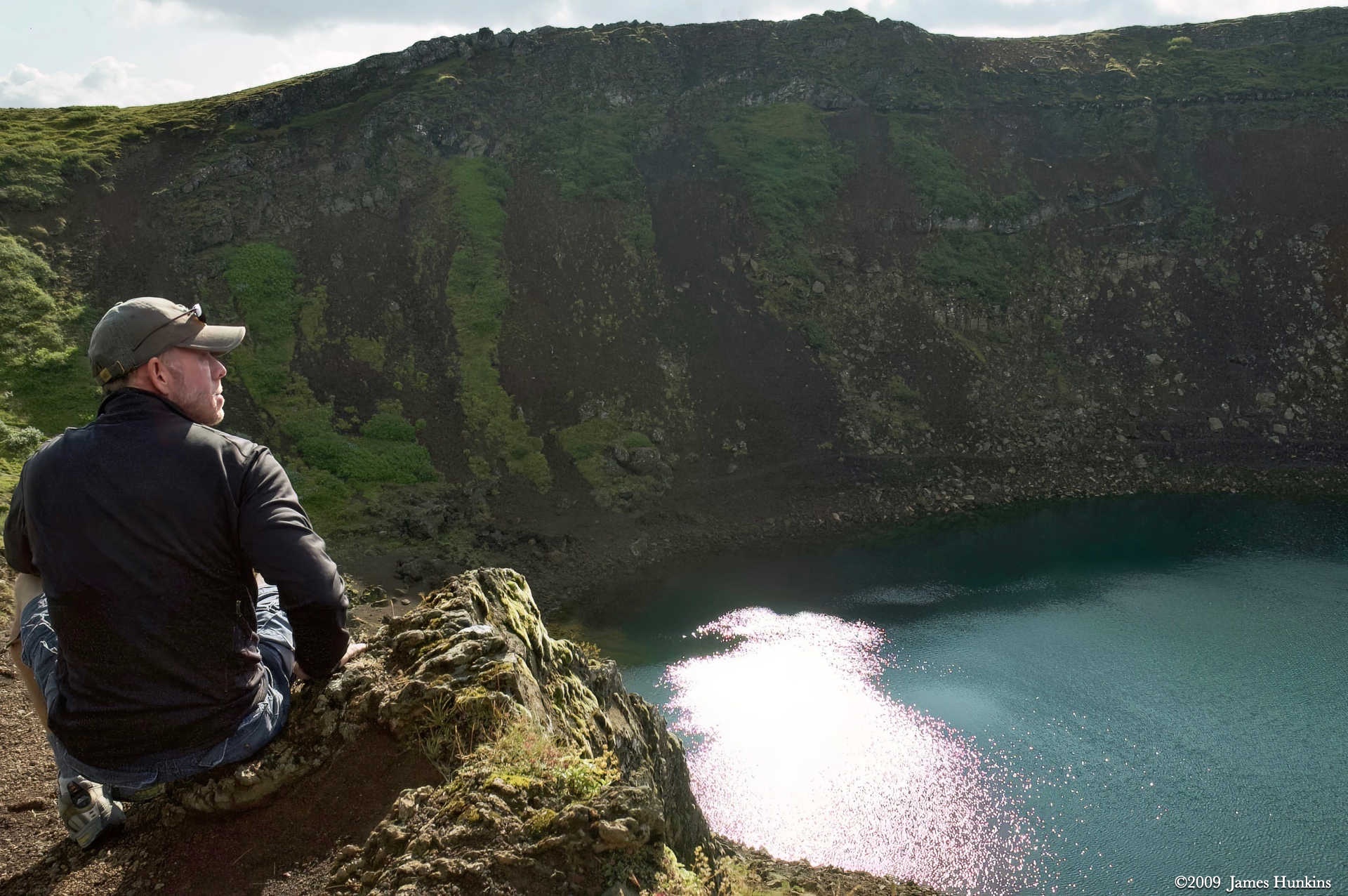
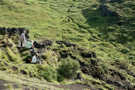 090812_0002NSitting on the rim of Keriò Crater
 -
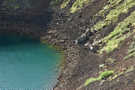 090812_0004N2 people playing instruments by lake in Keriò Crater
 -
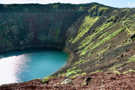 090812_0007NLake in Keriò Crater
 -
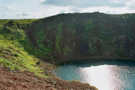 090812_0009NLake in Keriò Crater
 -
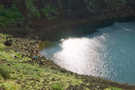 090812_0011NPeople on the shore of lake in Keriò Crater
 -
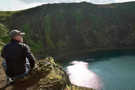 090812_0020NOur guide overlooking the lake in Keriò Crater
 -
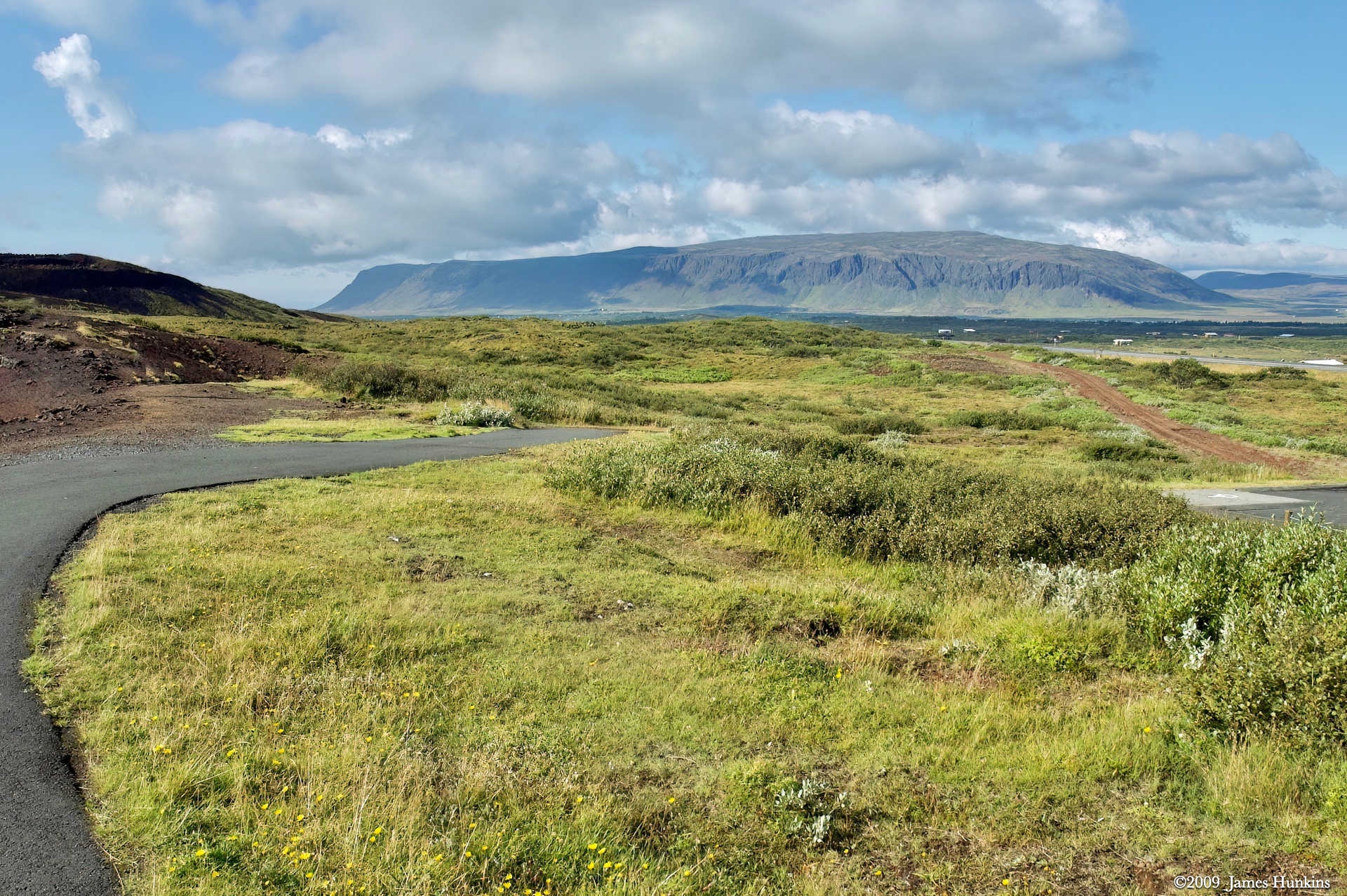
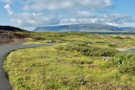 090812_0022NCurve in road with volcanic table mountain in background
 -
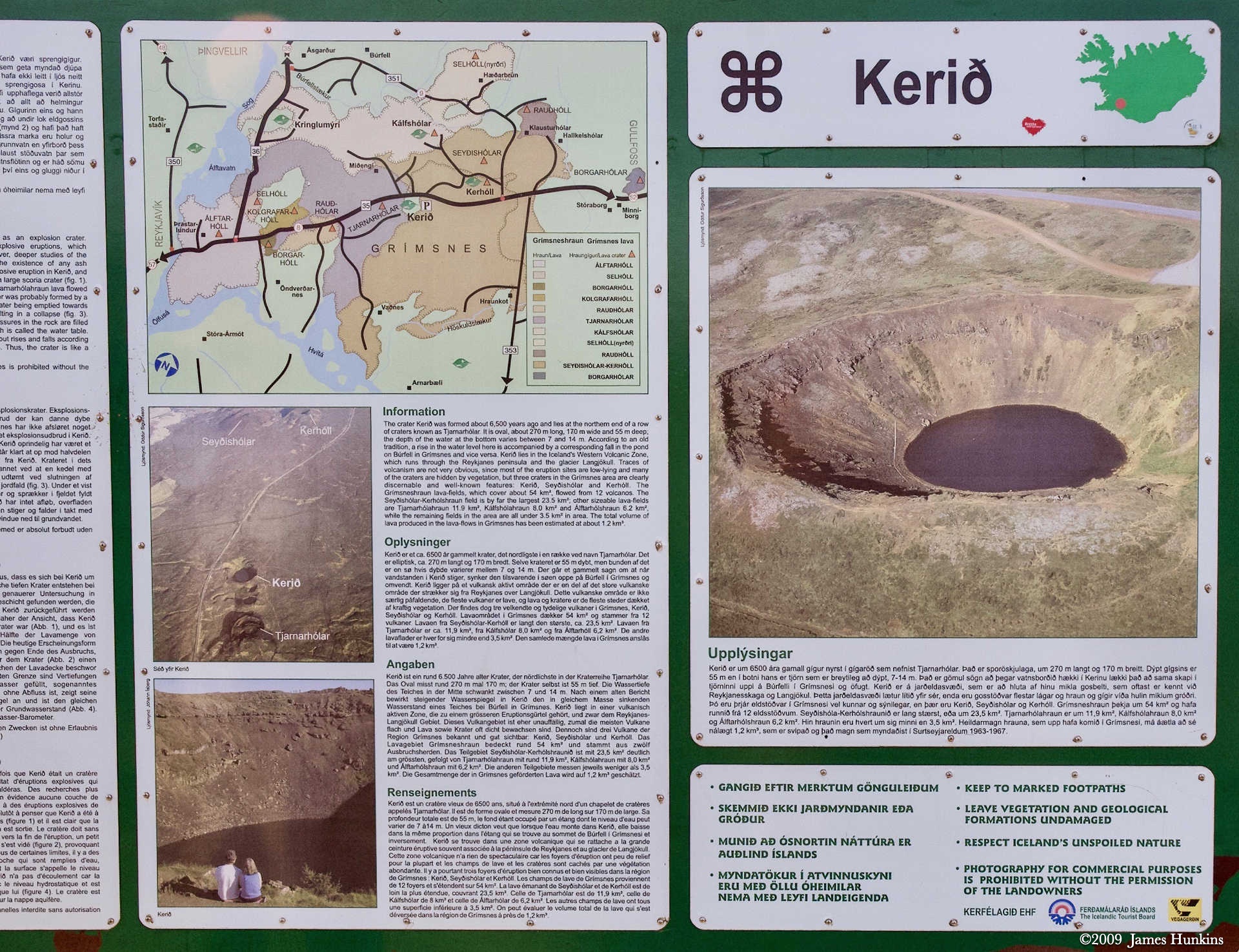
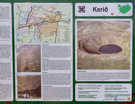 090812_0023NInformation sign for Keriò Crater
 -
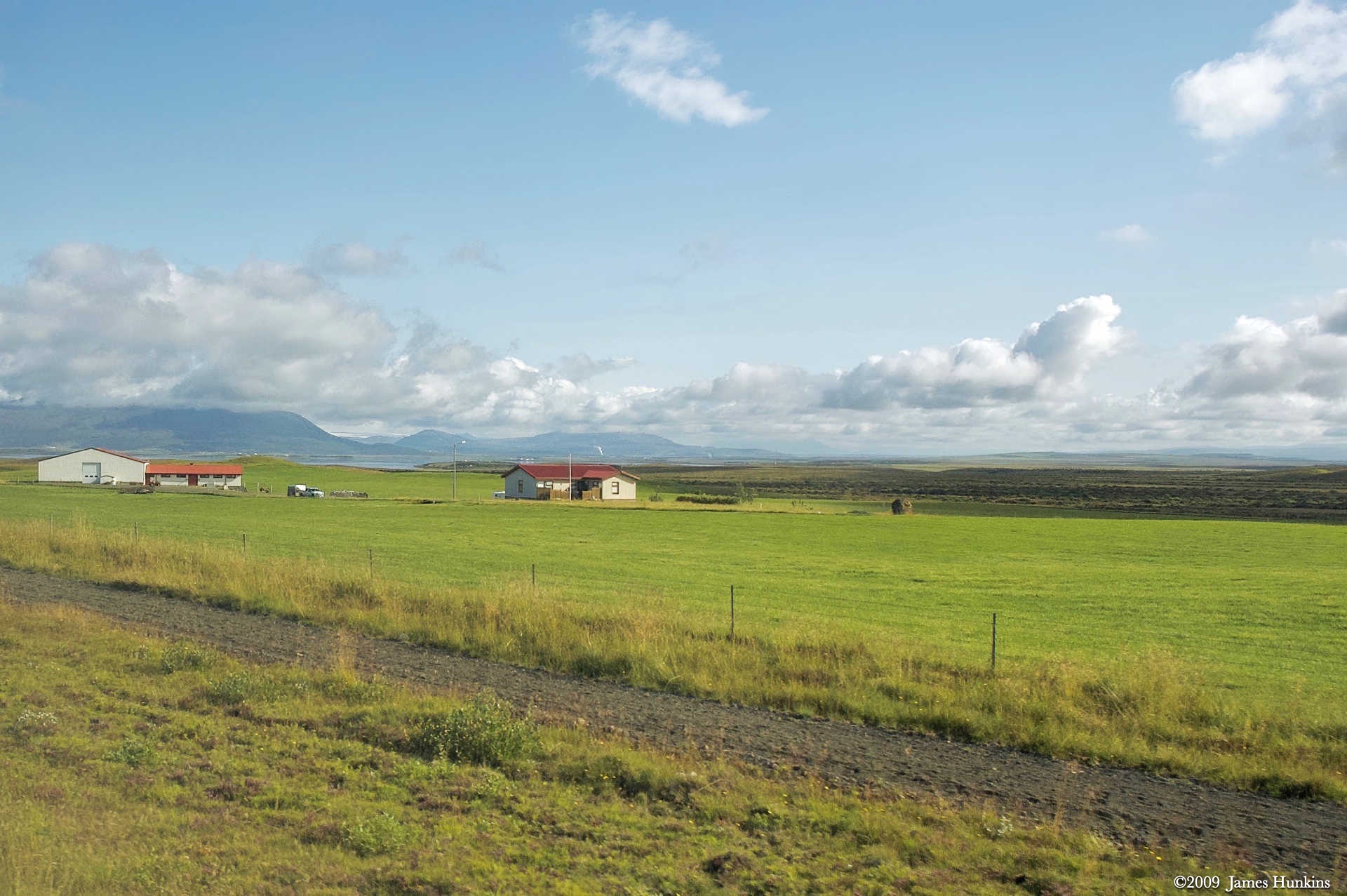
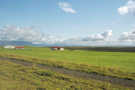 090812_0025NOpen farmland
 -
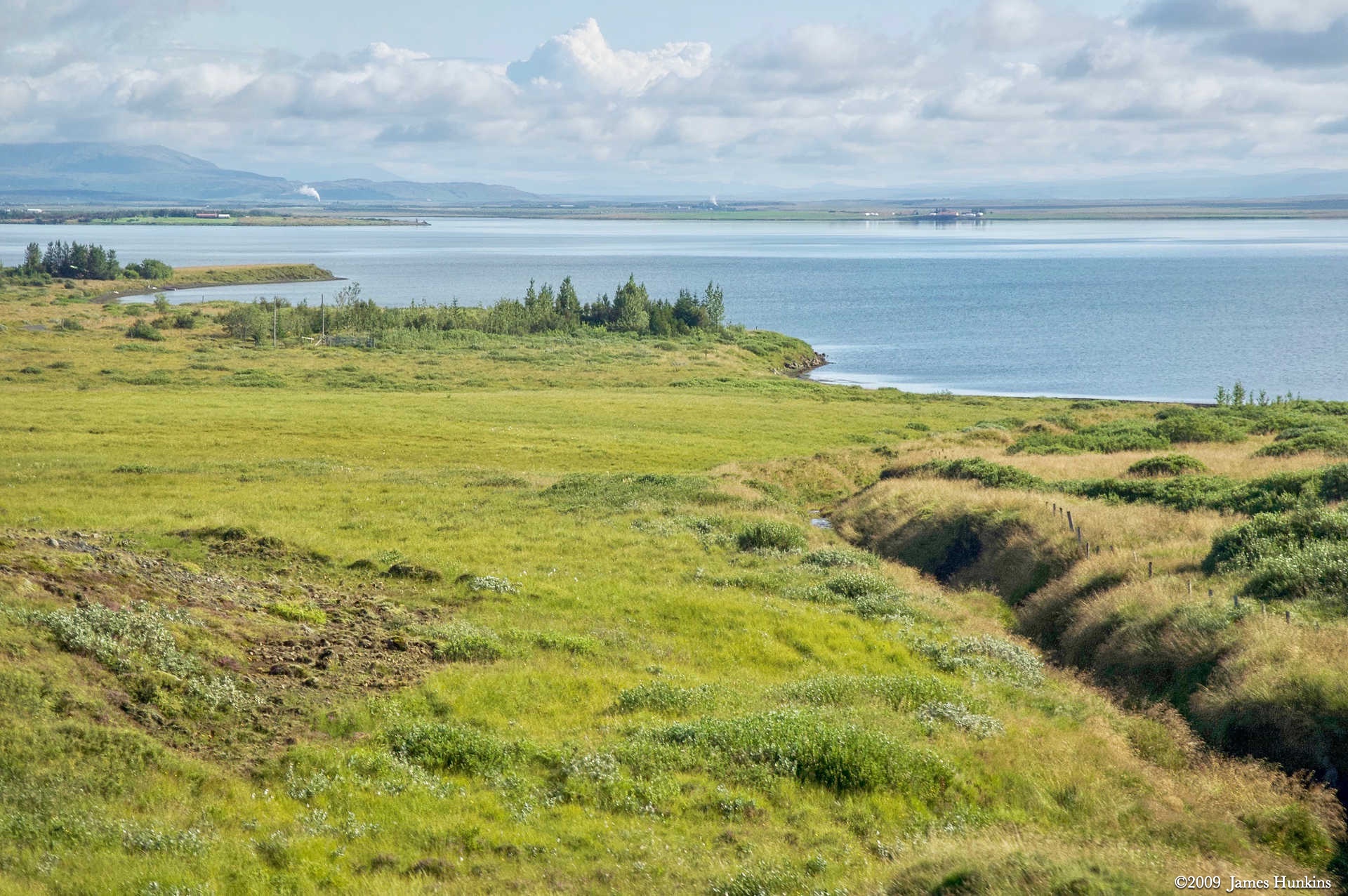
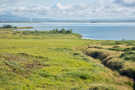 090812_0028NApavatn (lake)
 -
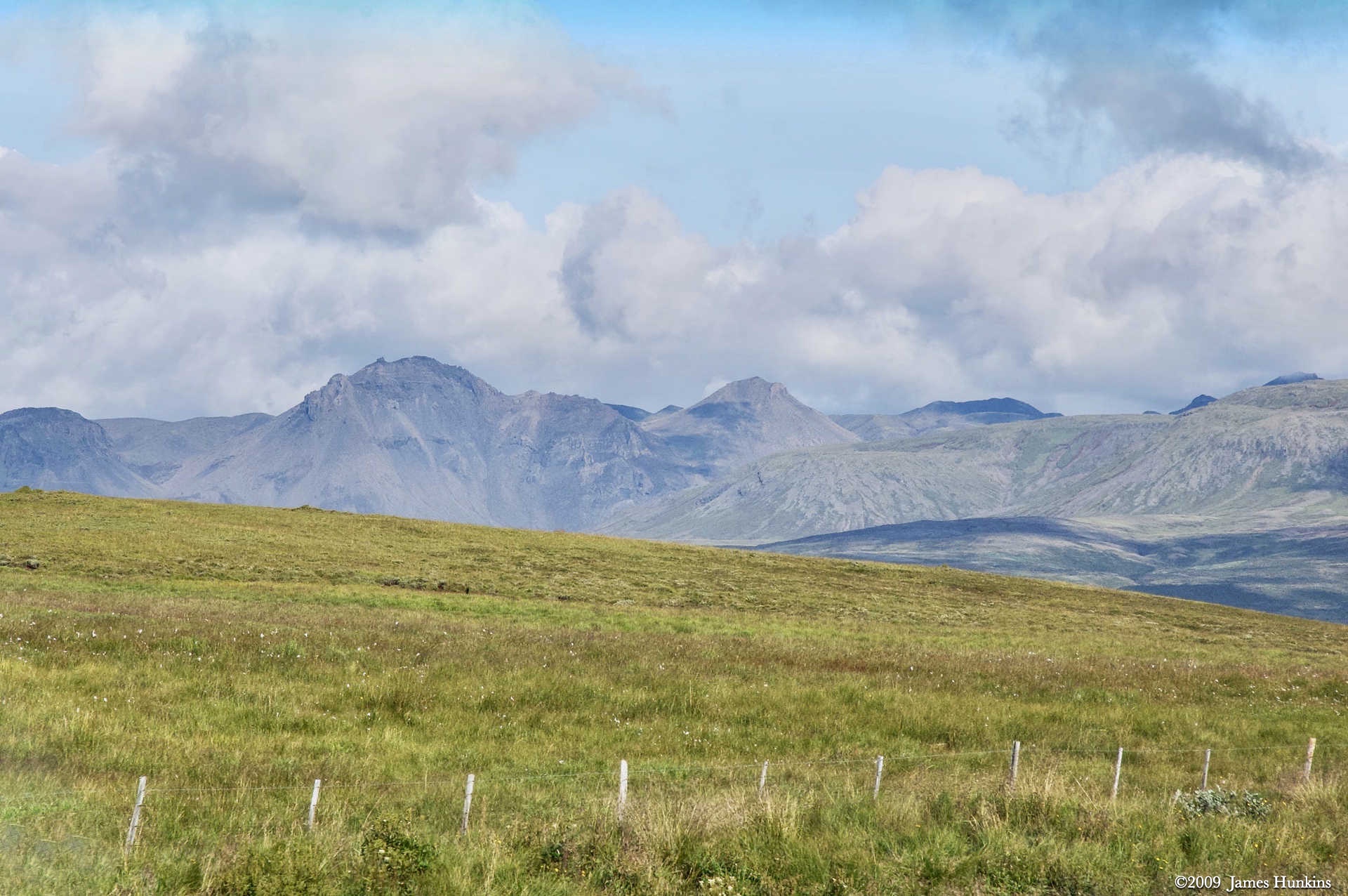
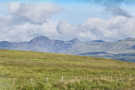 090812_0029NVolcanic mountains north of Laugarvatn
 -
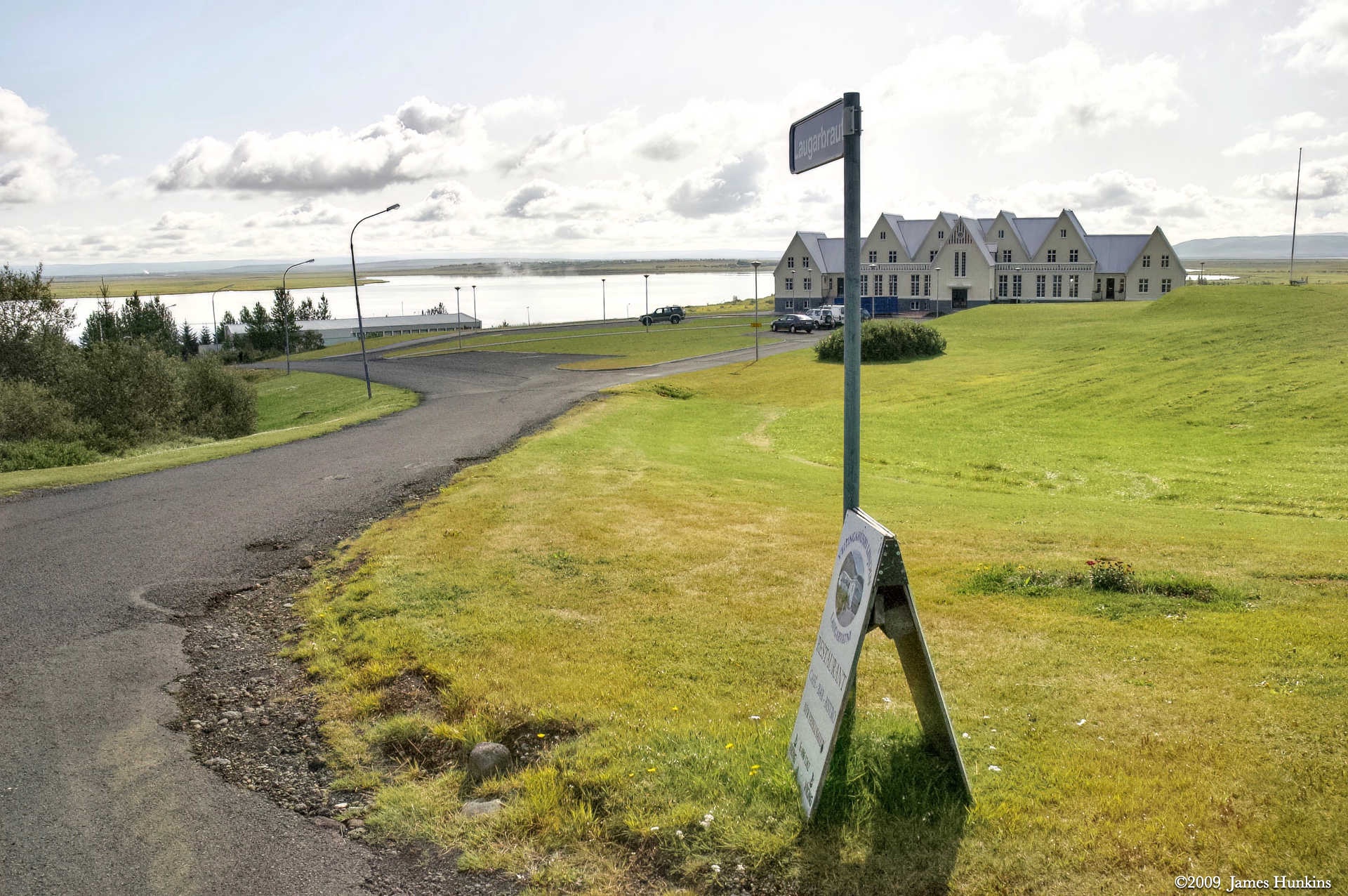
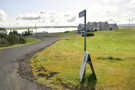 090812_0030NLaugarbraut by Laugarvatn (lake)
 -
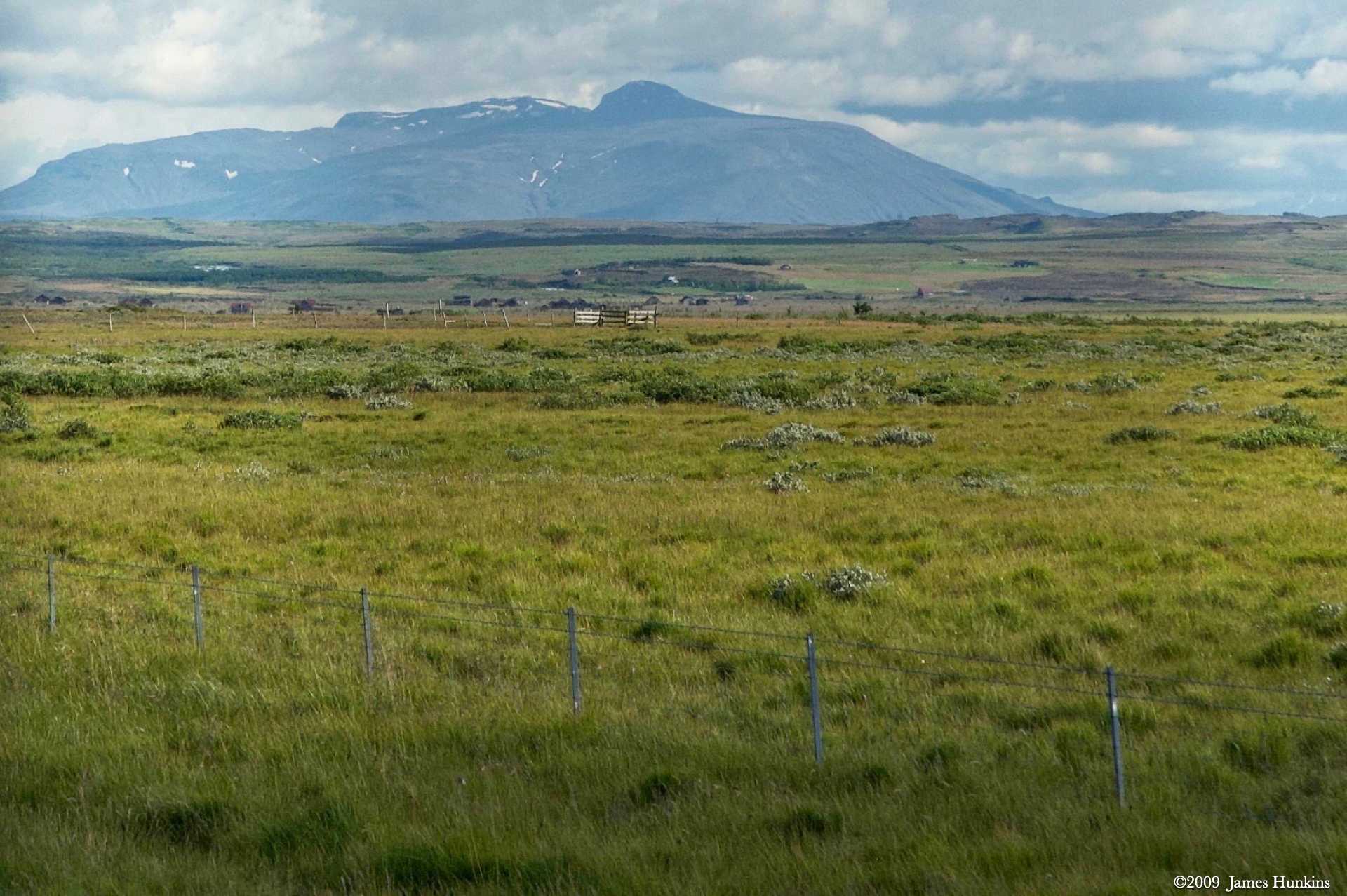
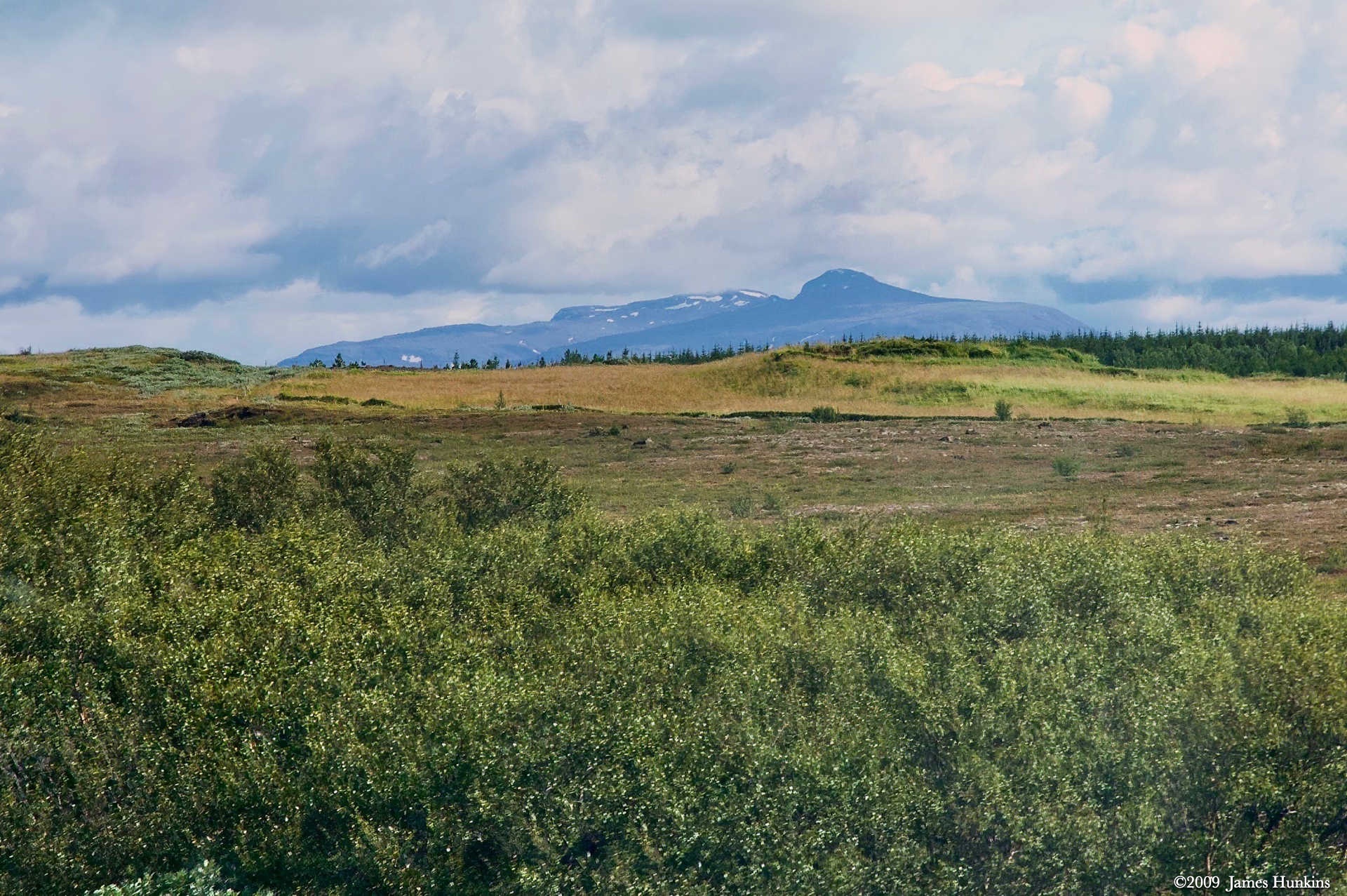
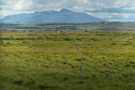 090812_0031NHekla Volcano in 2009
 -
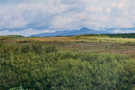 090812_0032NHekla Volcano in 2009
 -
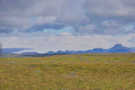 090812_0034NIce sheet in volcanic mountains above Gullfos
 -
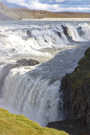 090812_0039NGullfoss
 -
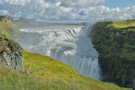 090812_0042NGullfoss
 -
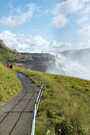 090812_0050NPath leading to Gullfoss
 -
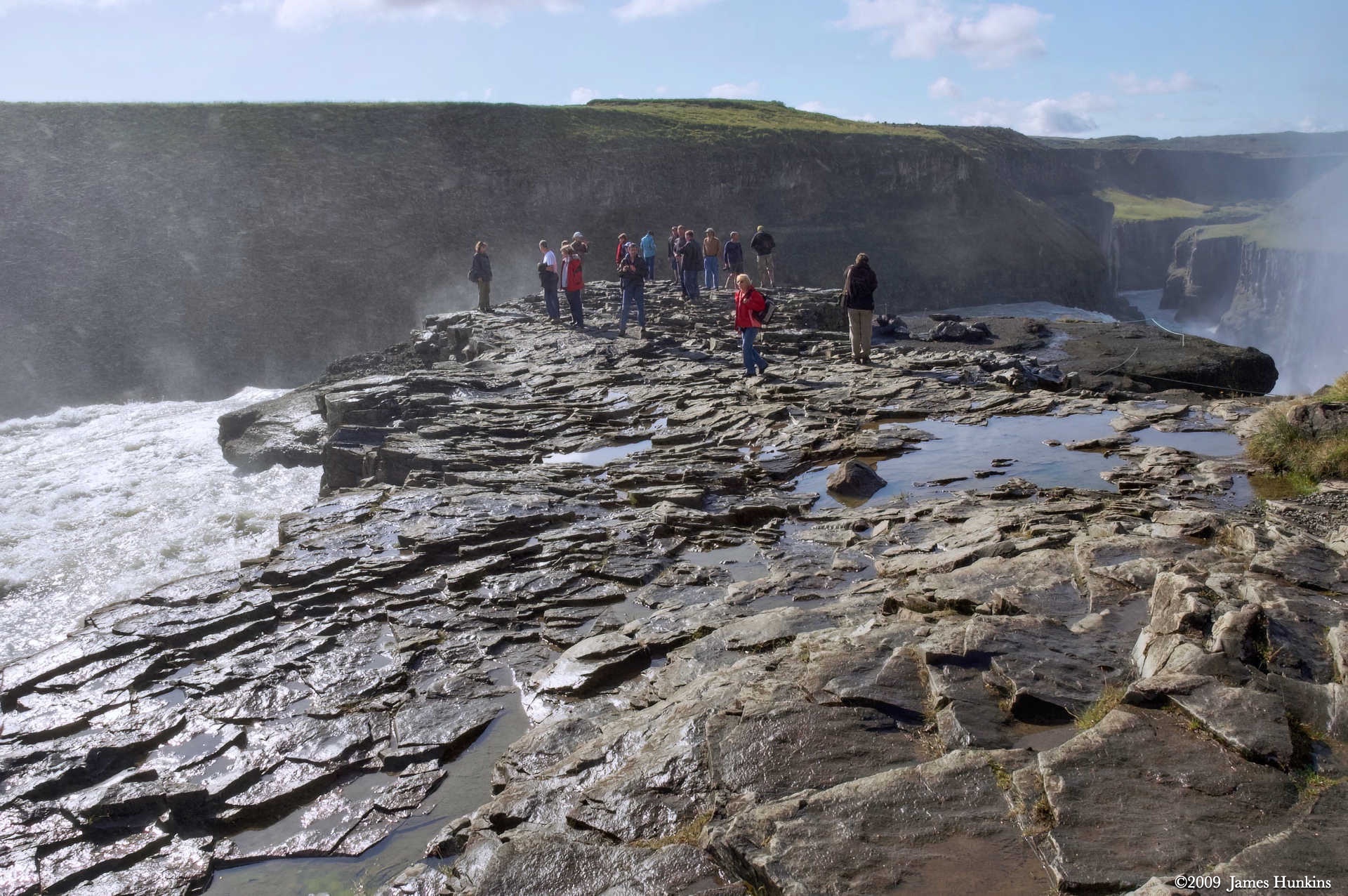
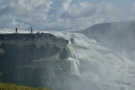 090812_0051NPeople on rocks beside Gullfoss
 -
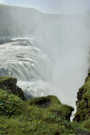 090812_0052NGullfoss
 -
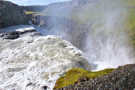 090812_0055NGullfoss dropping into the canyon below
 -
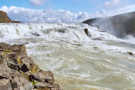 090812_0056NGullfoss
 -
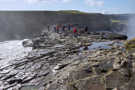 090812_0057NPeople on rocks beside Gullfoss
 -
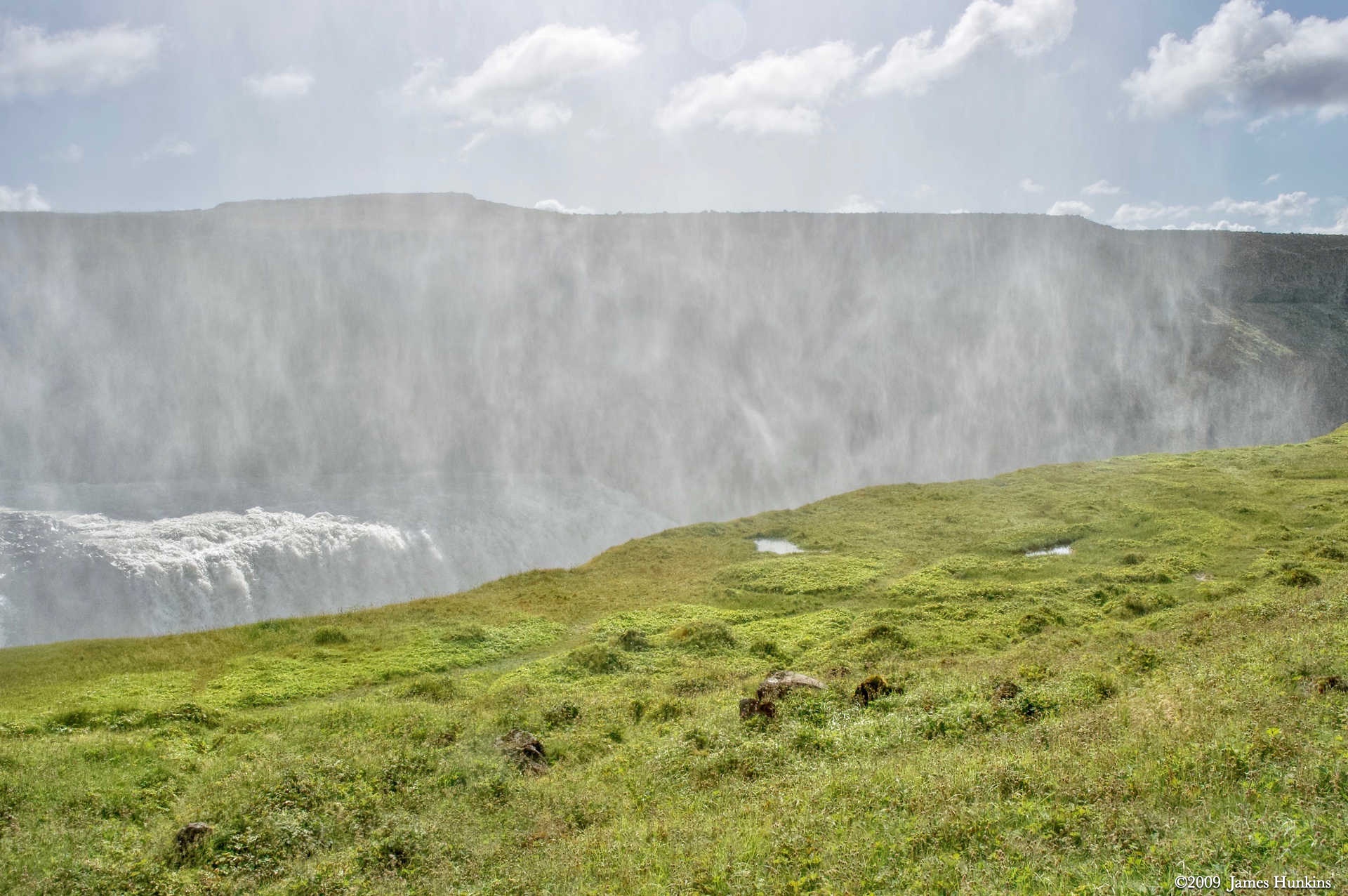
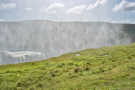 090812_0072NMist rising from Gullfoss as it drops into a canyon
 -
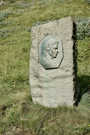 090812_0073NSigríður Tómasdóttir lead efforts to preserve Gullfoss
 -
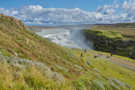 090812_0075NGullfoss
 -
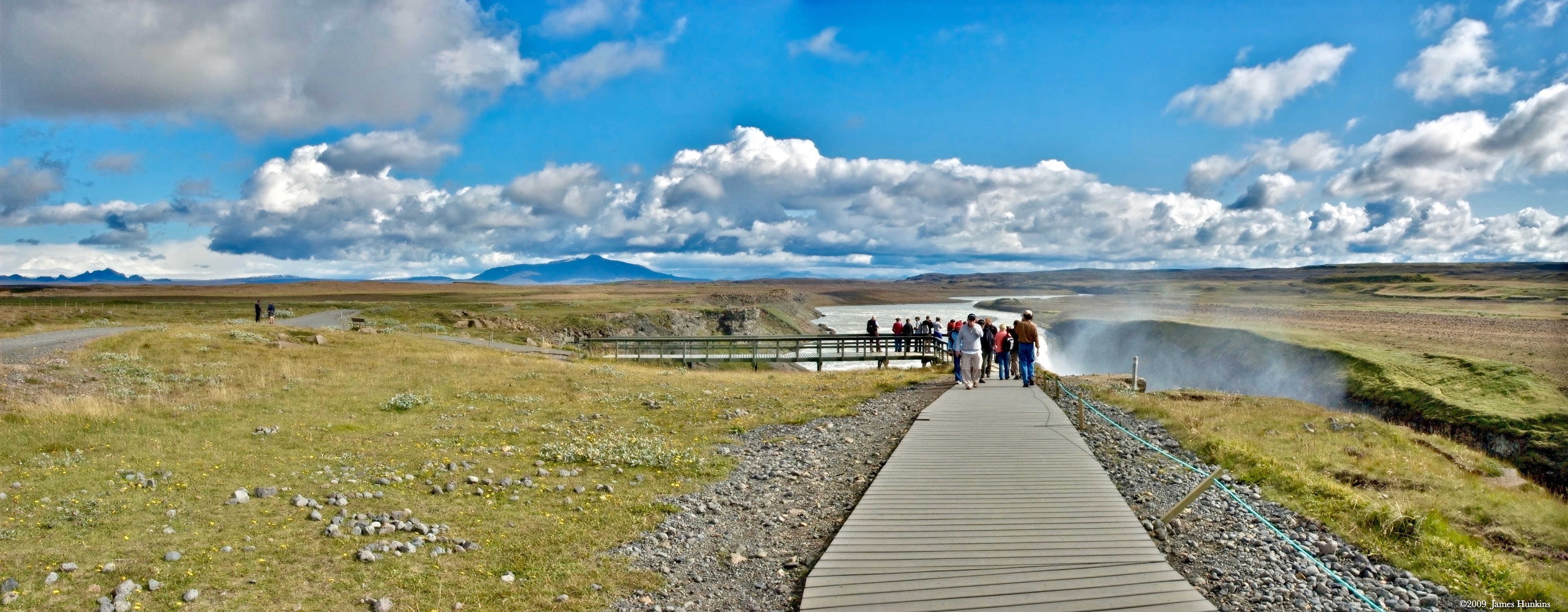
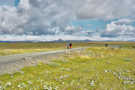 090812_0080NWalkway above Gullfoss with ice sheet in the background
 -
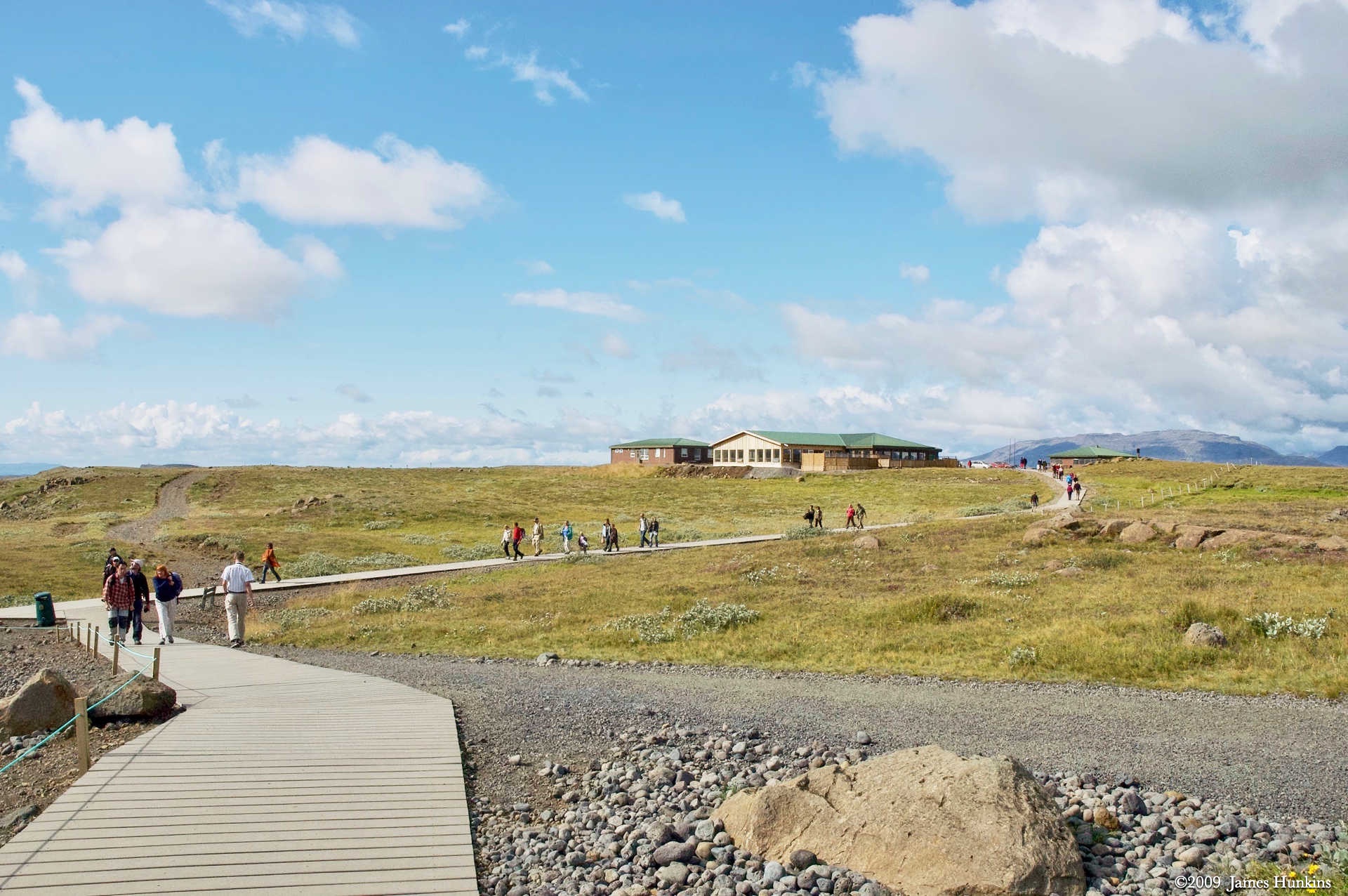
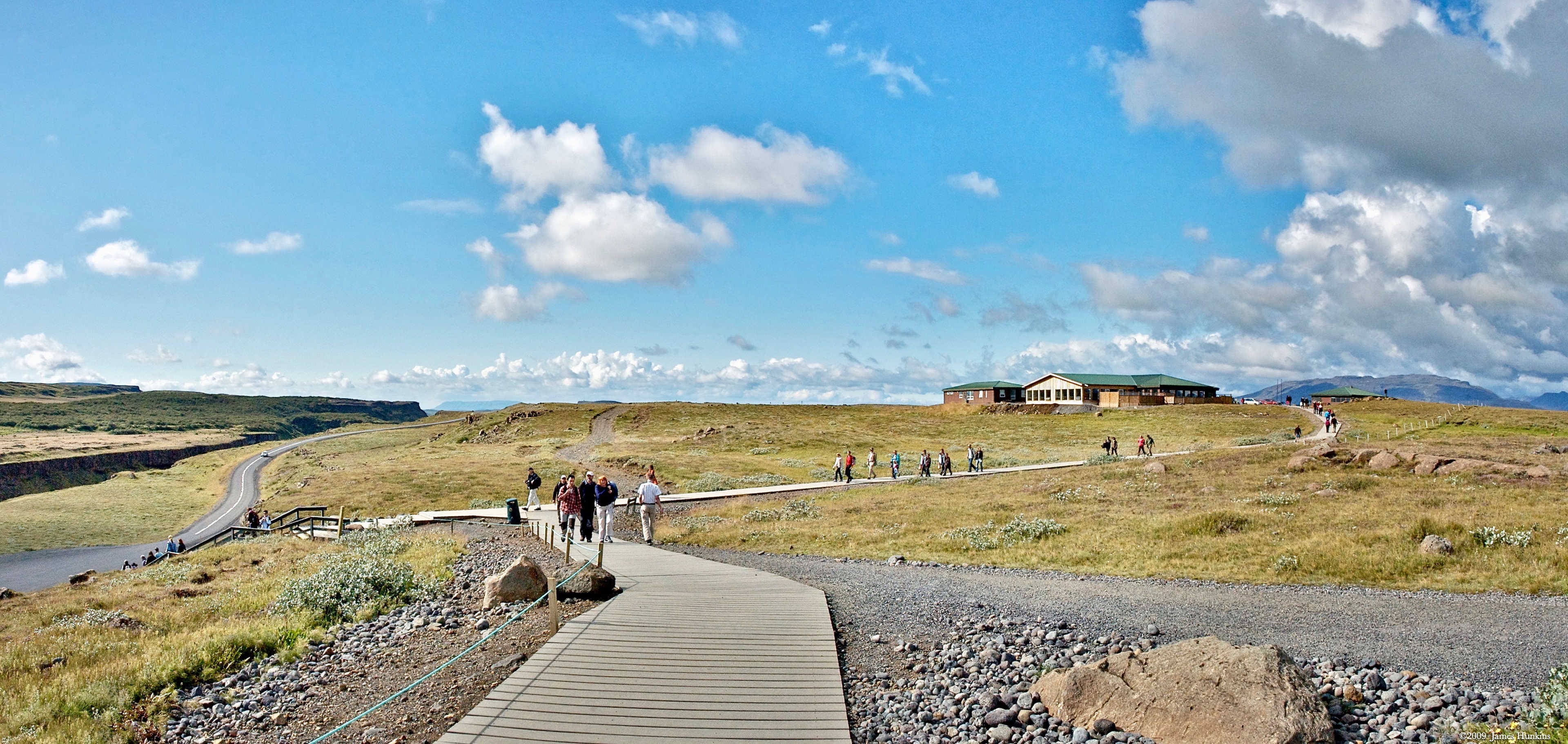
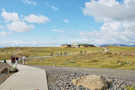 090812_0086NGullfoss walkway to the visitor’s center
 -
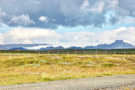 090812_0088NIce sheet in volcanic mountains near Gullfoss
 -
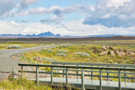 090812_0091NIce sheet in volcanic mountains near Gullfoss
 -
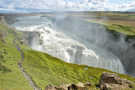 090812_0096NGullfoss
 -
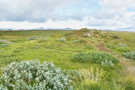 090812_0100NIce sheet in volcanic mountains in the distance near Gullfoss
 -
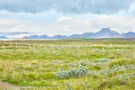 090812_0101NIce sheet in volcanic mountains near Gullfoss
 -
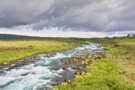 090812_0104NStream near Gullfoss