Iceland 2009
TURBULENCE FROM BELOW, THE SKY AND ALL AROUND
DAY 4 : WEDNESDAY AUGUST 12, 2009 (2/2)
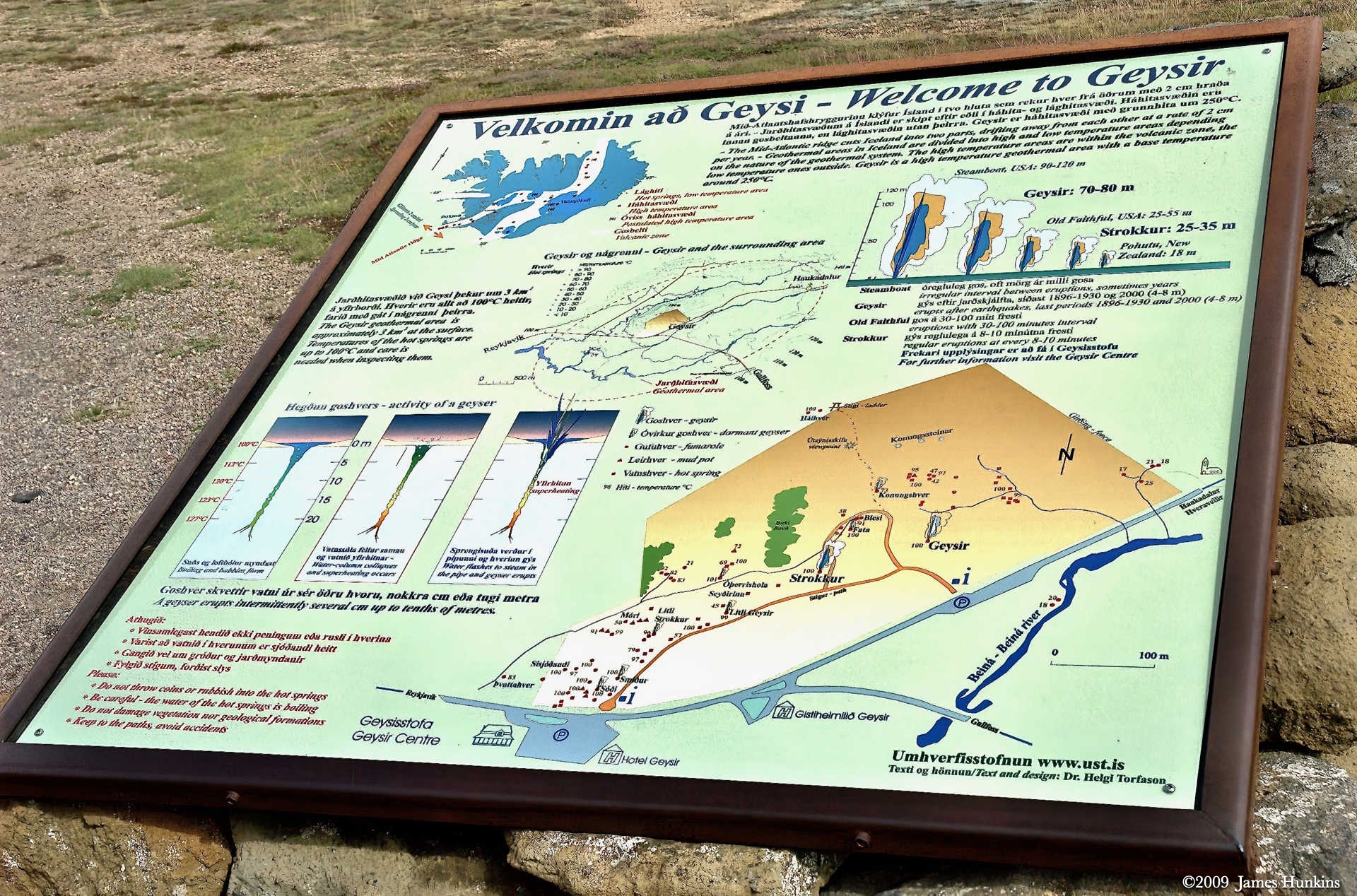
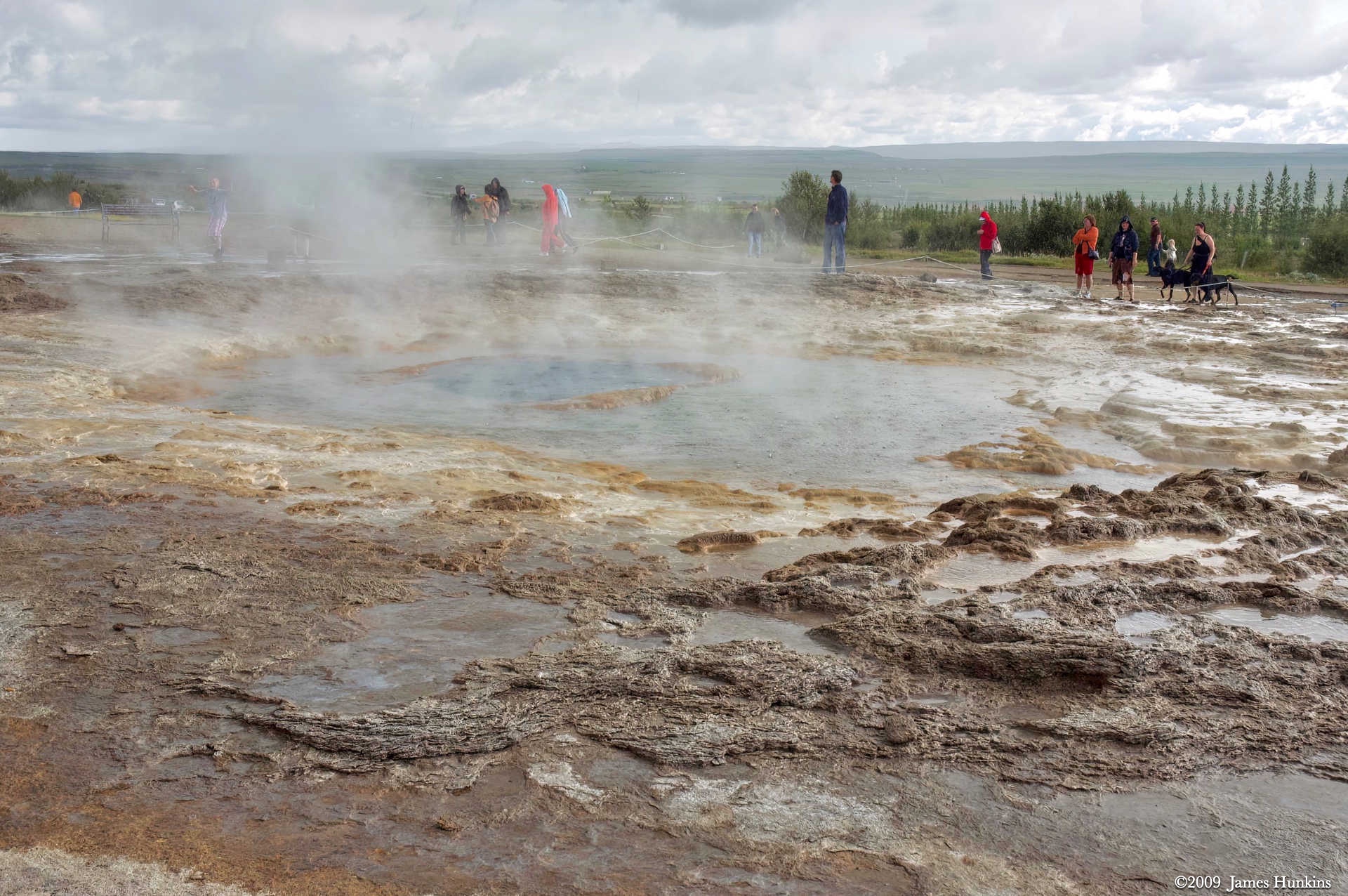
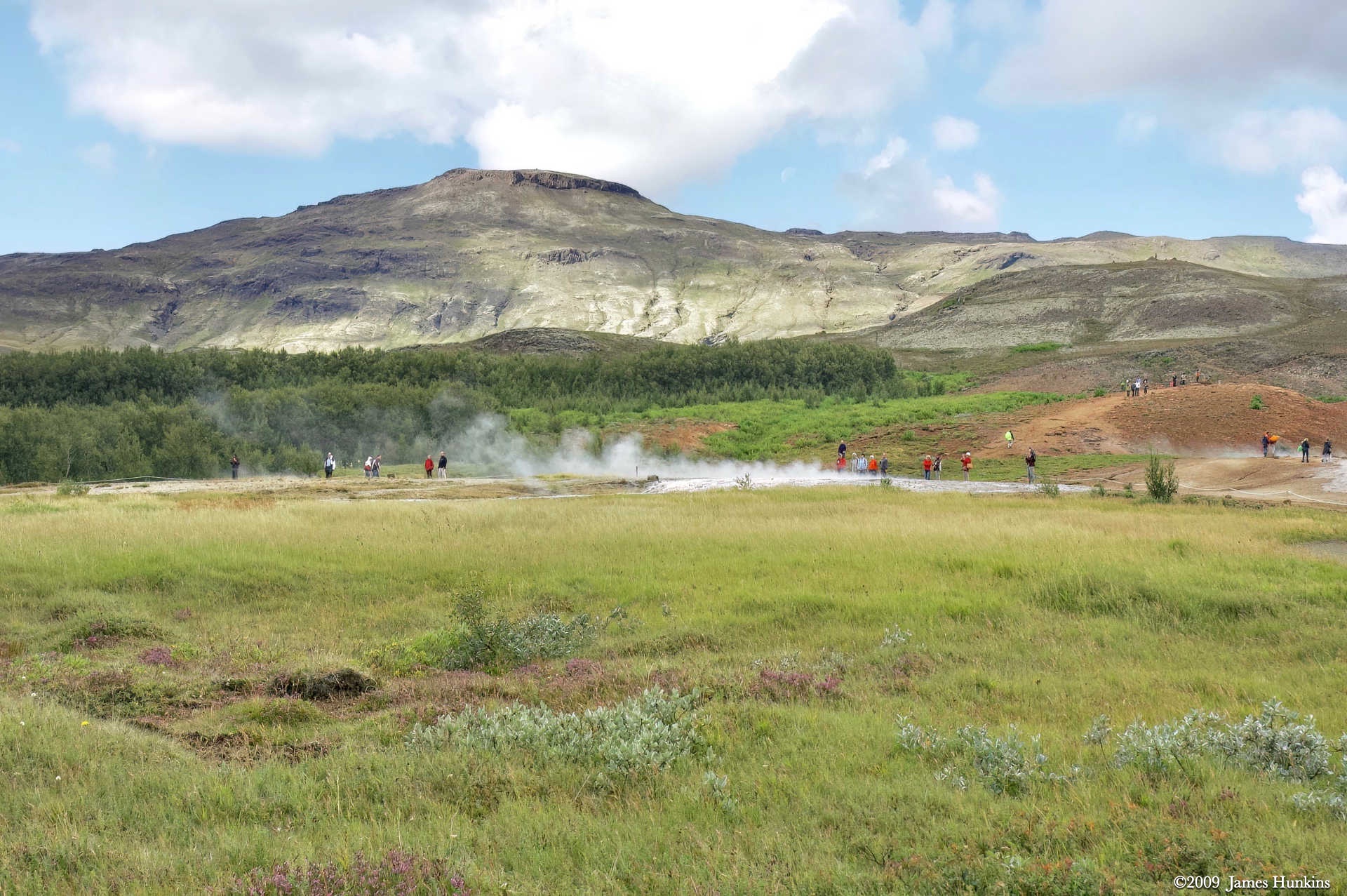
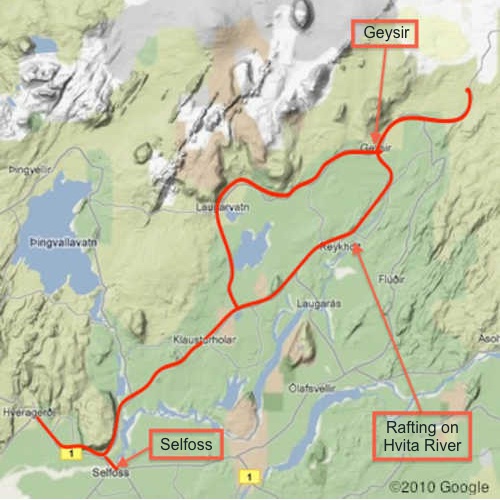
Continuing with a day of water everywhere, we stopped by the ‘Geysers’. In this field of intense thermal activity, the two most famous geysers are Strokkur and Geysir (Geysir means gusher in Icelandic; now you know where the English word geyser comes from).
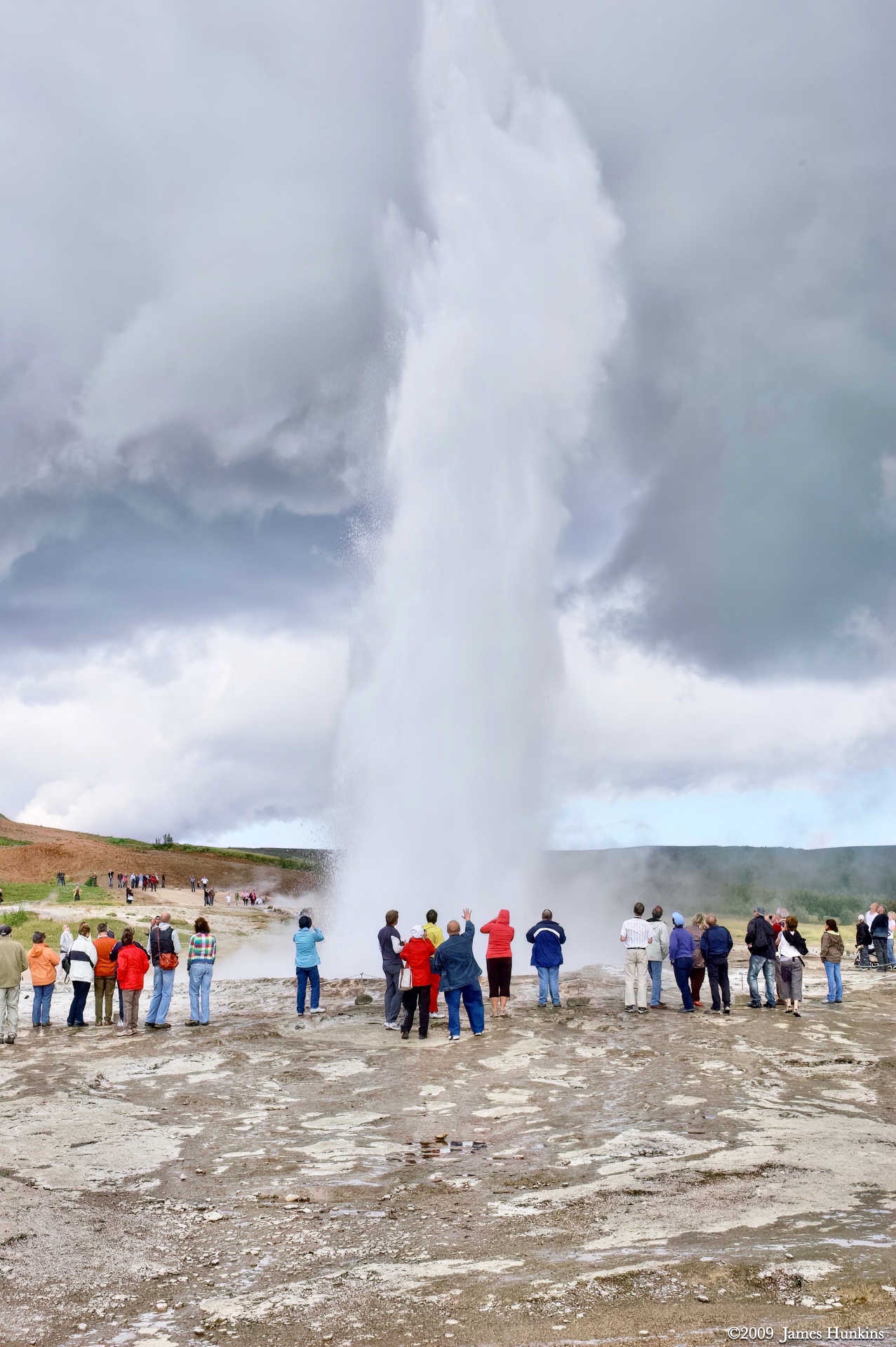
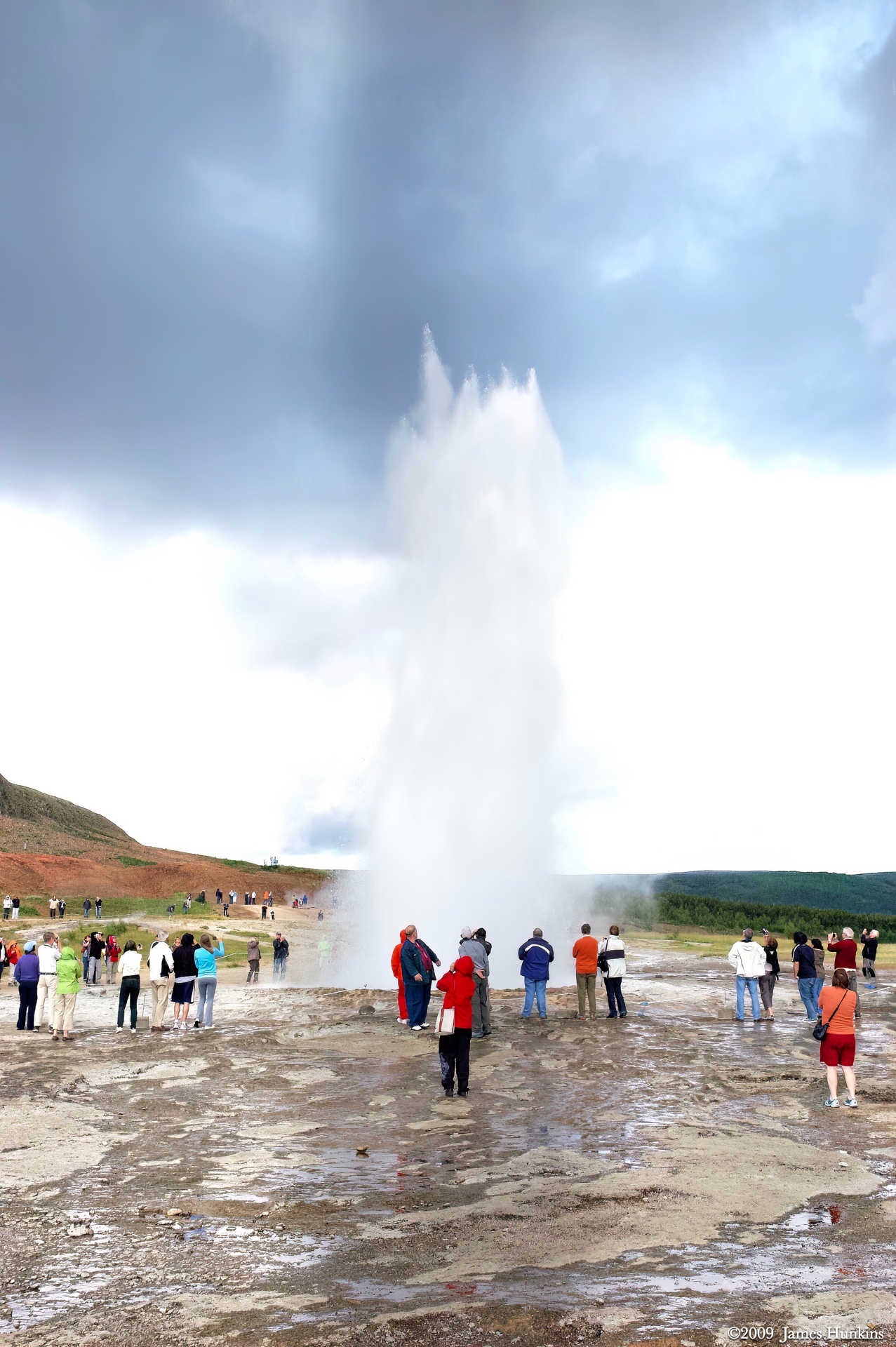
Strokkur (the Churn) is very active and erupts every 10 minutes or so, shooting boiling water 20-30 meters high.
Geysir was the granddaddy of all geysers but stopped erupting in 1916. It used to shoot every 1/3 of an hour and reach 60 to 80 meters in the air. It had an 18 m wide opening.
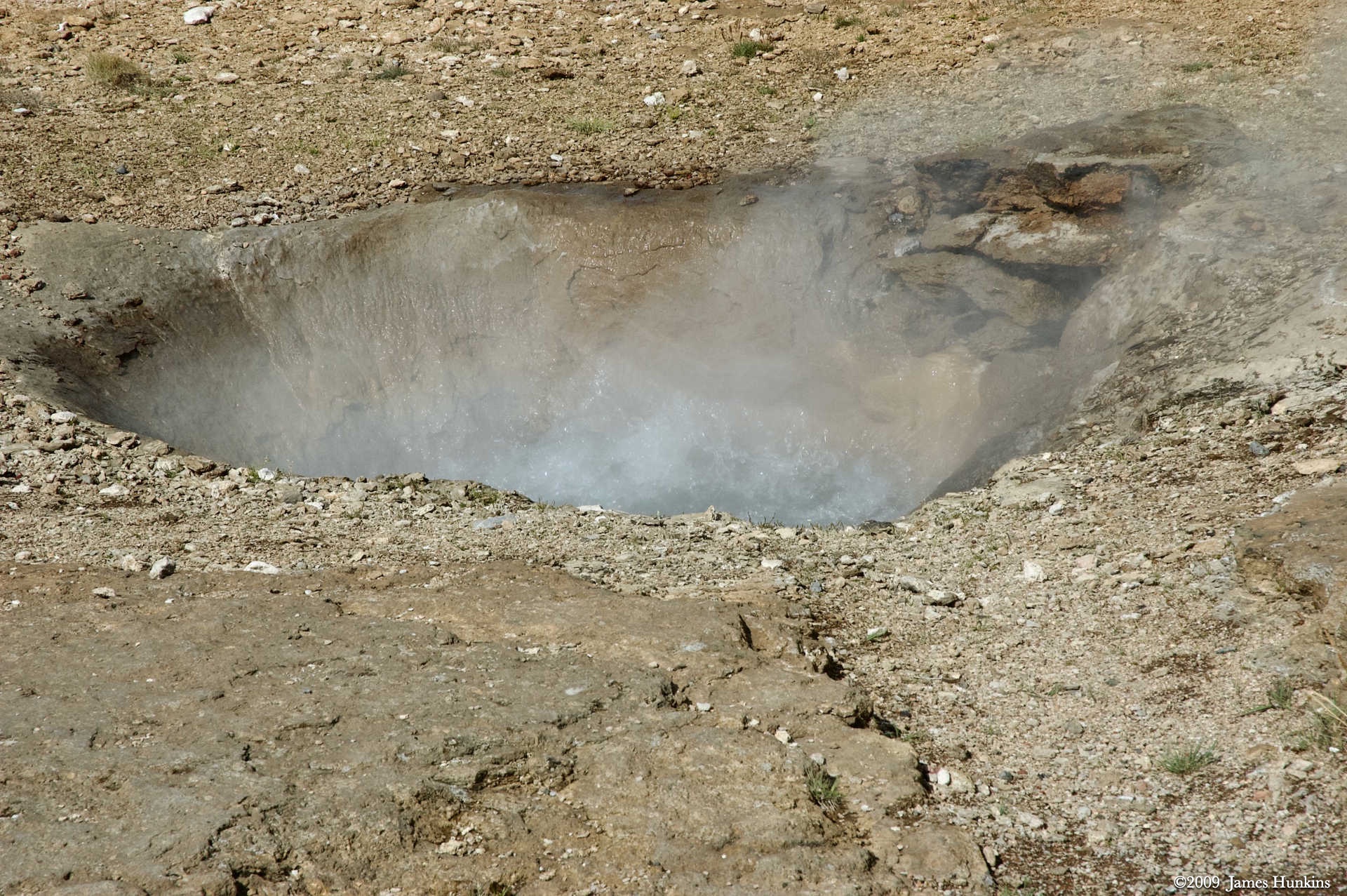
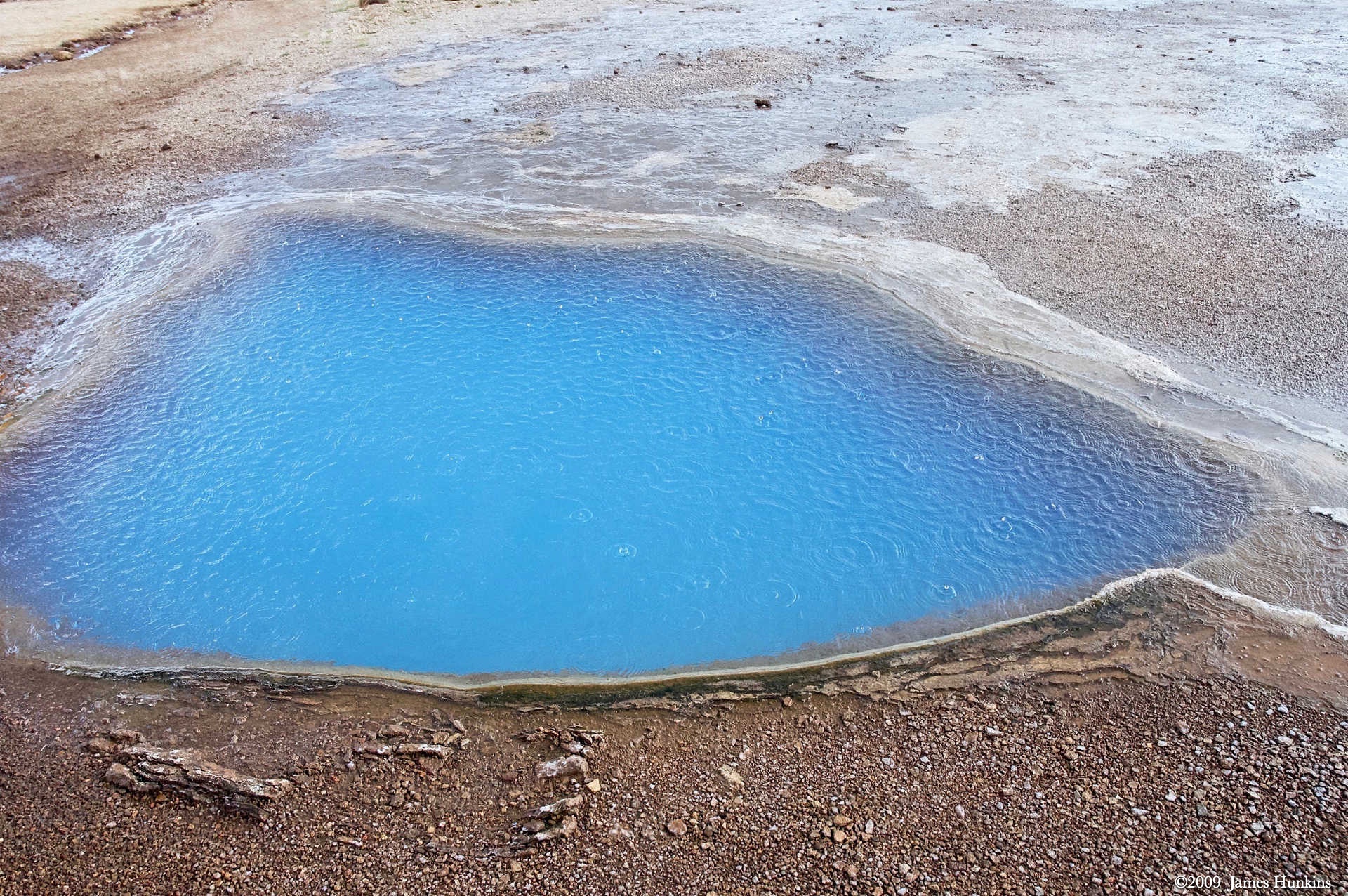
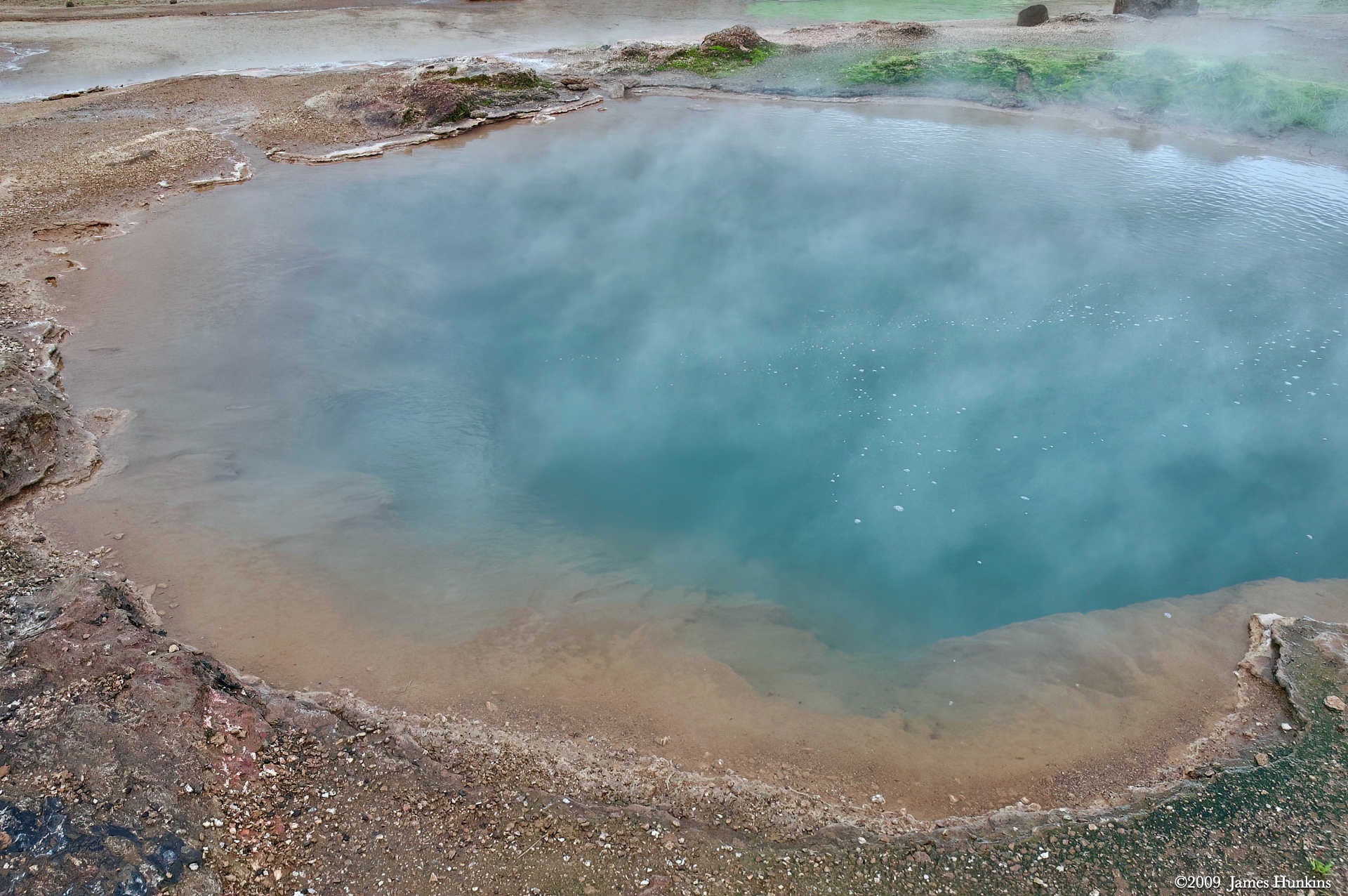
The area is also rich in mud pots, steam vents, and hot and cold springs. This includes some primitive life in the acidic boiling water, adding beautiful coloration.
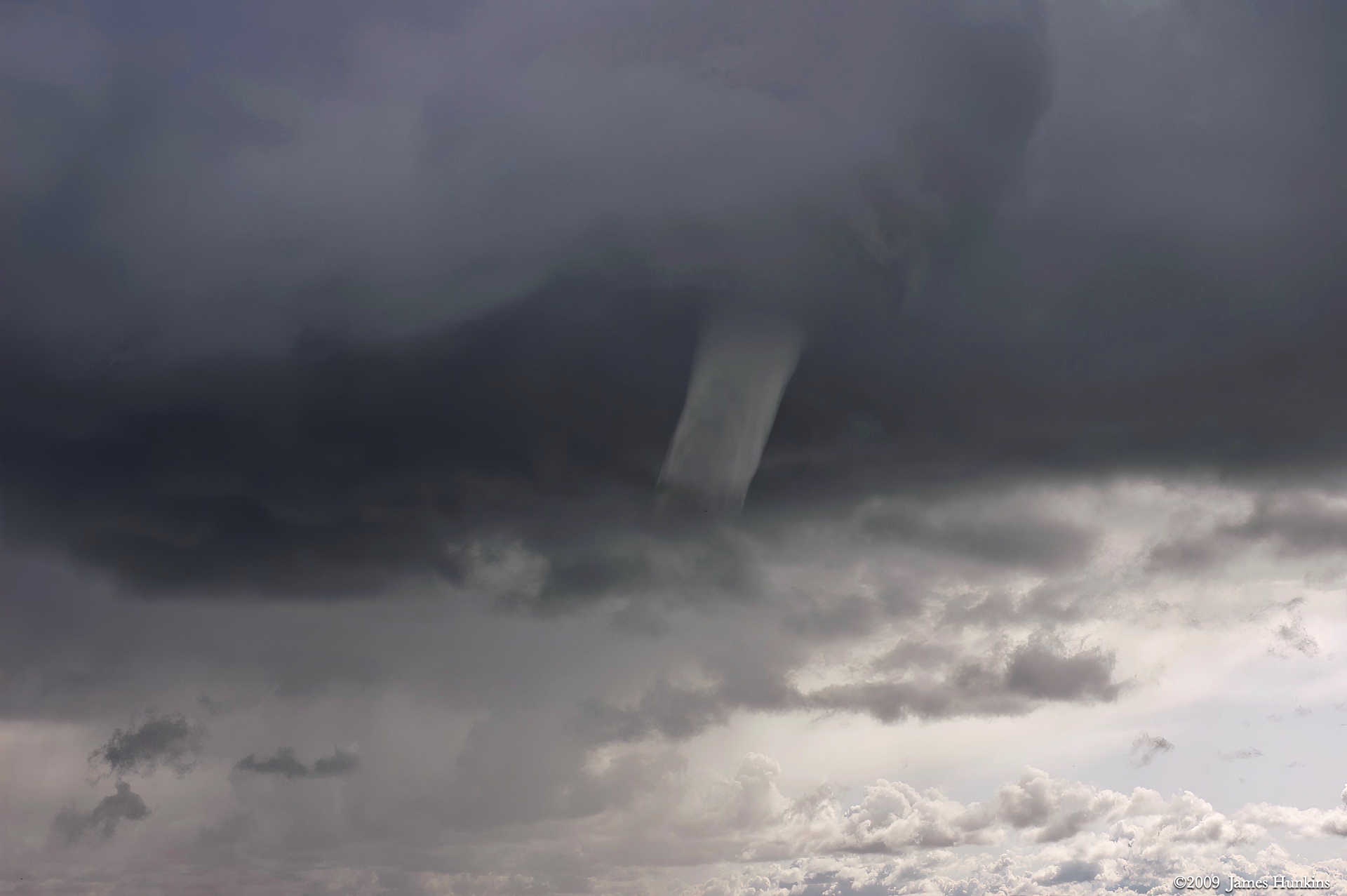
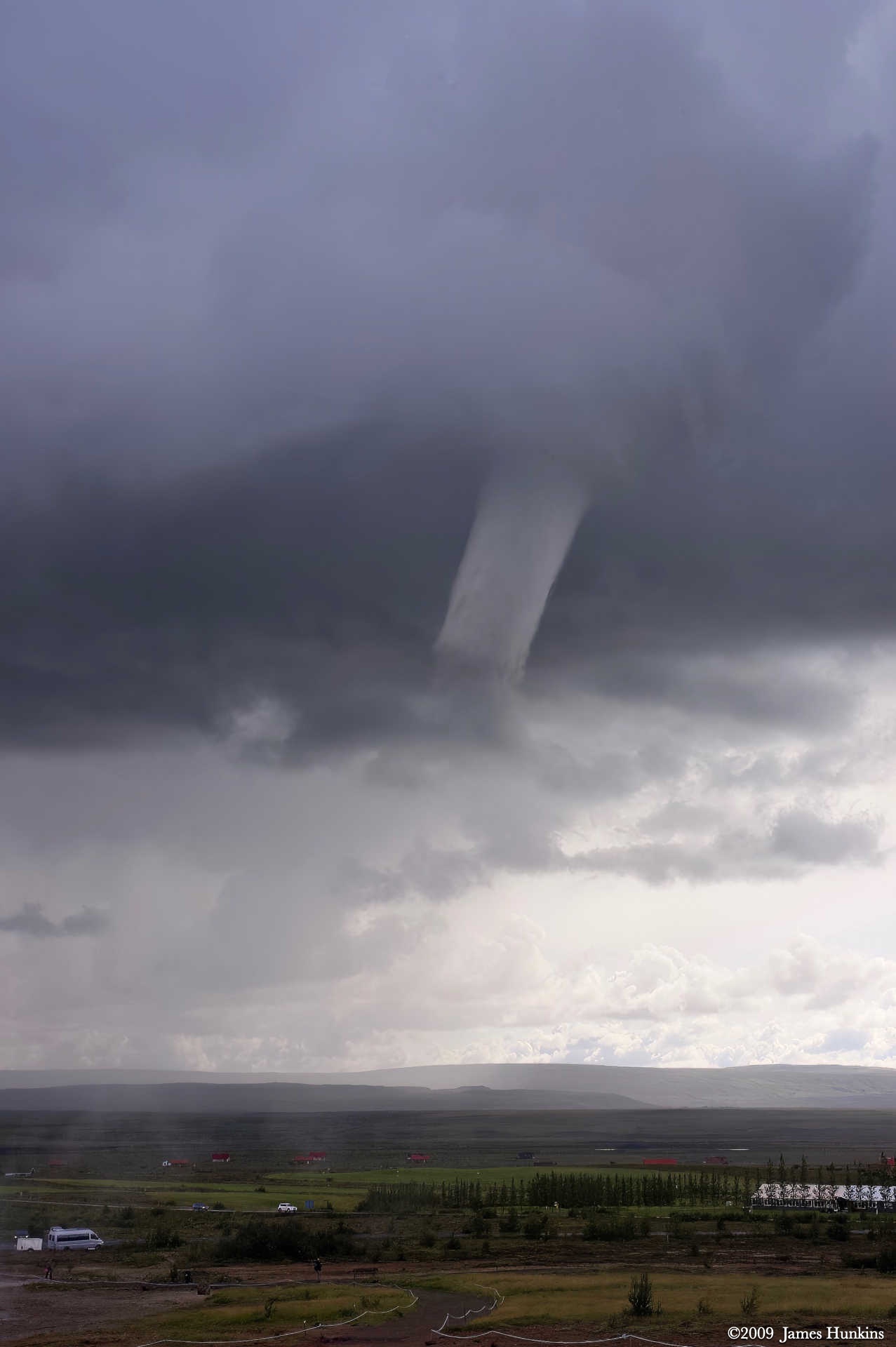
As if the water shooting from the ground wasn’t enough, a very fast and narrow cold front whipped through the area, and we got to see a funnel cloud form and stick around for a while. Don’t think that these are very common in Iceland - no one seemed to know what to make of it. I was looking for a shelter, but that wasn’t available. So we just watched and took pictures until the funnel finally disappeared without touching ground.
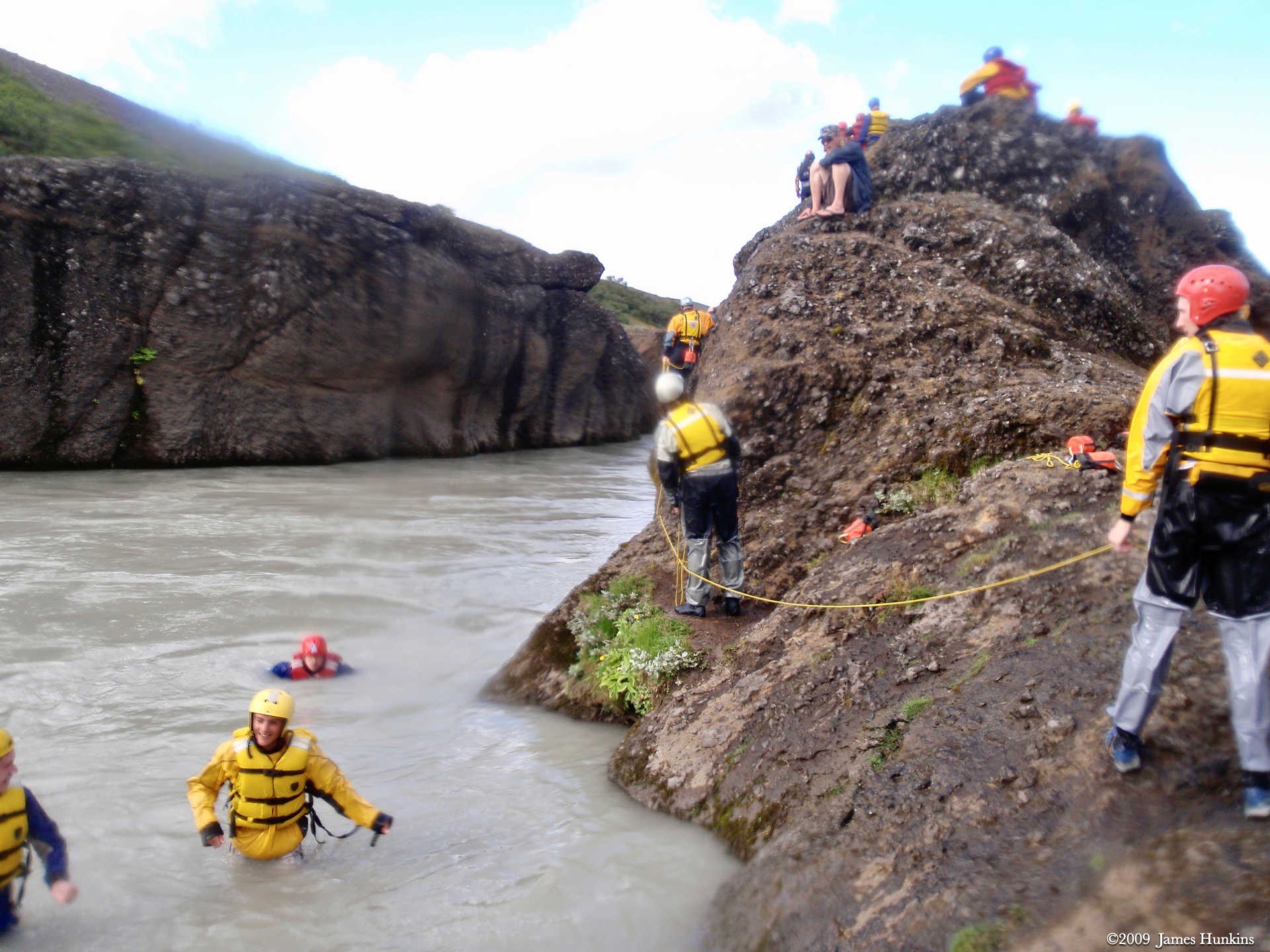
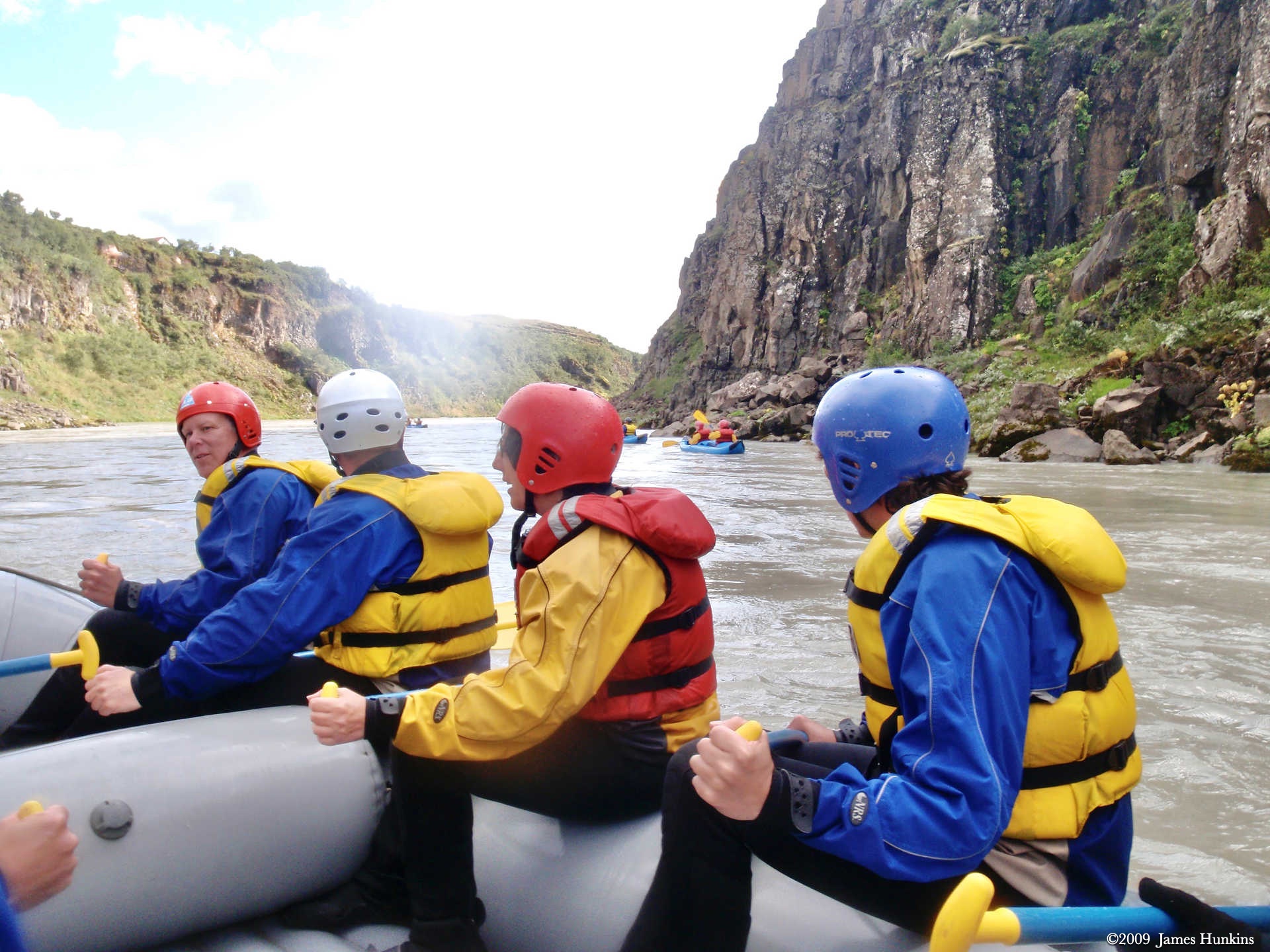
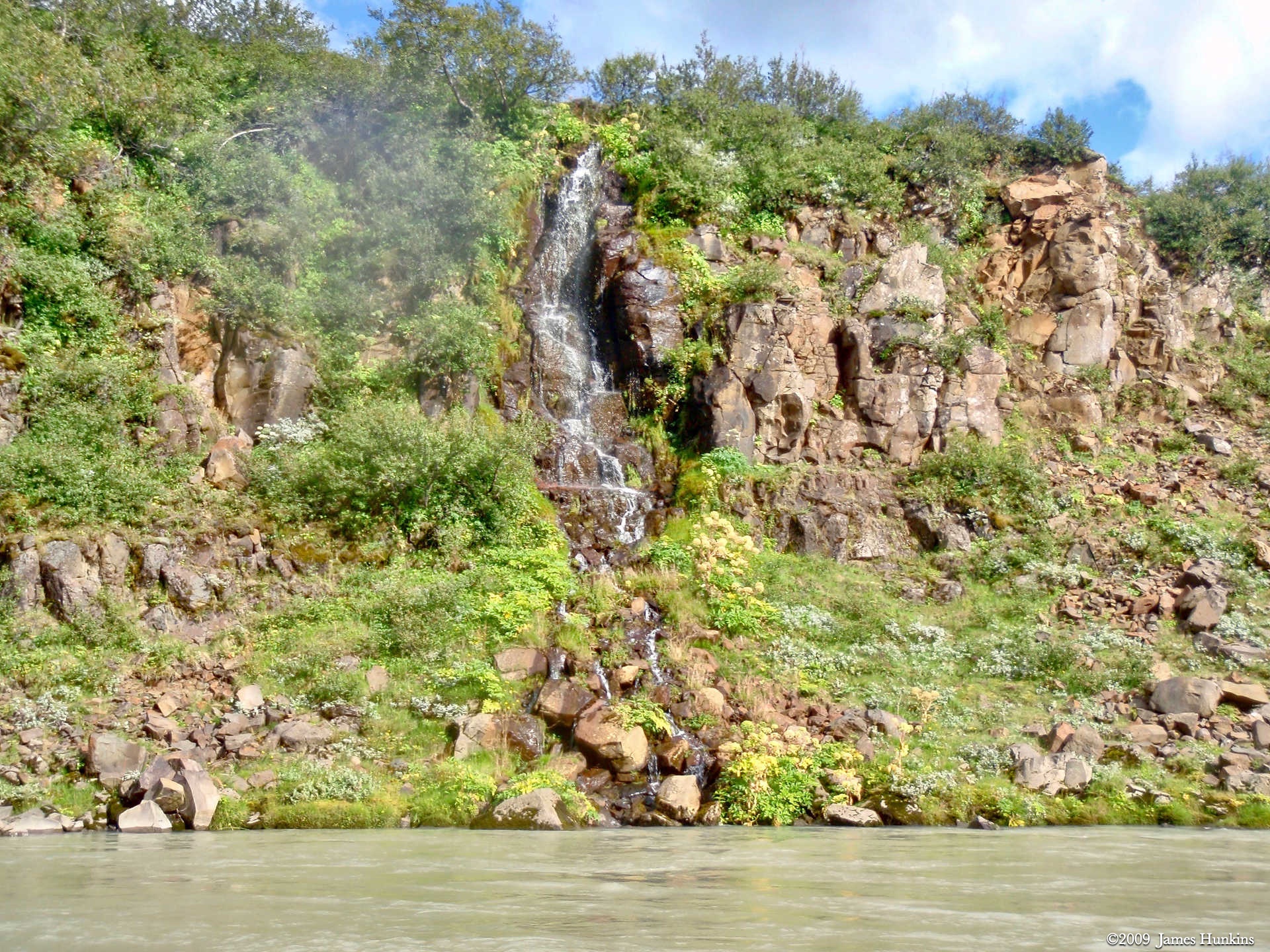
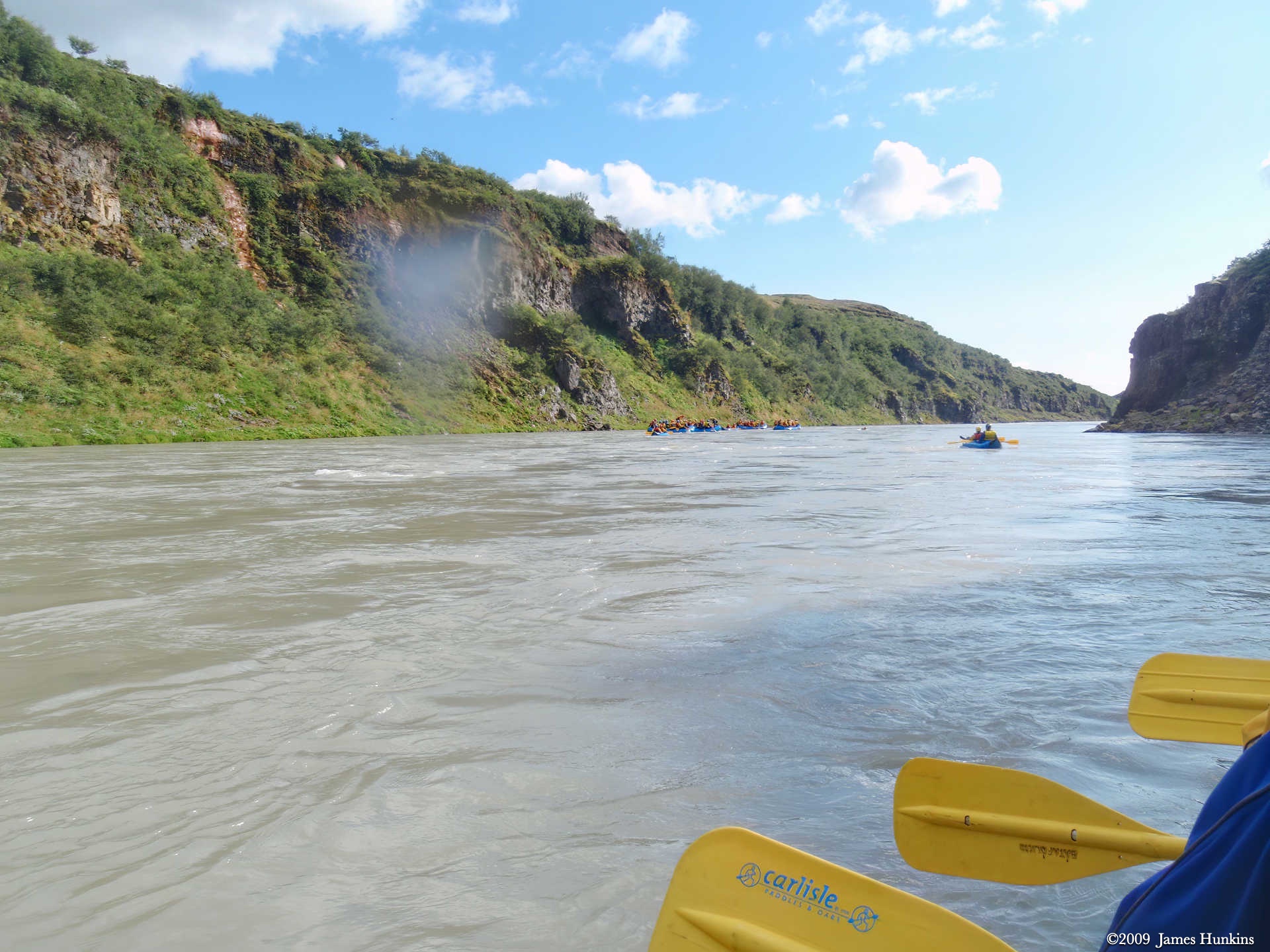
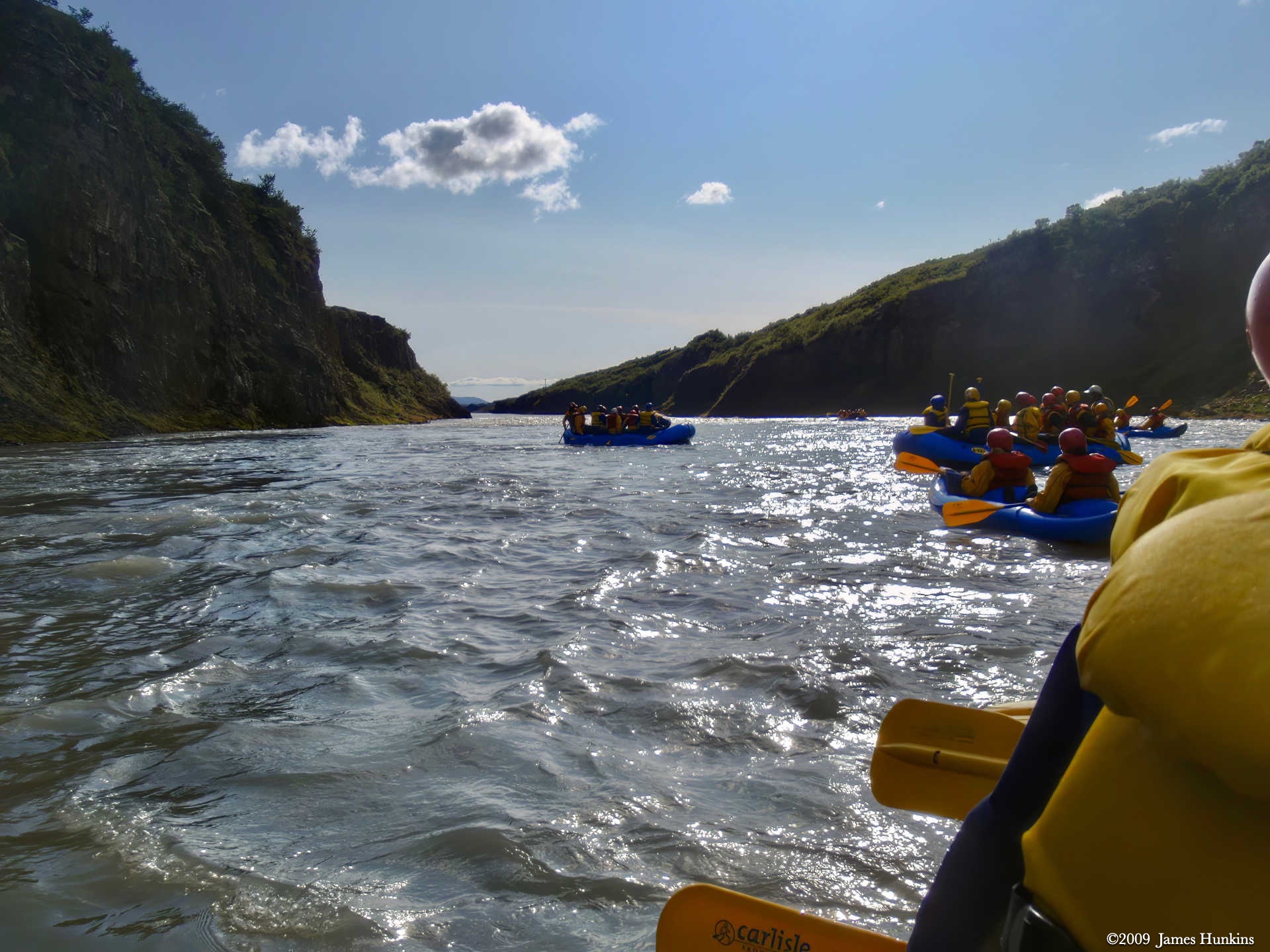
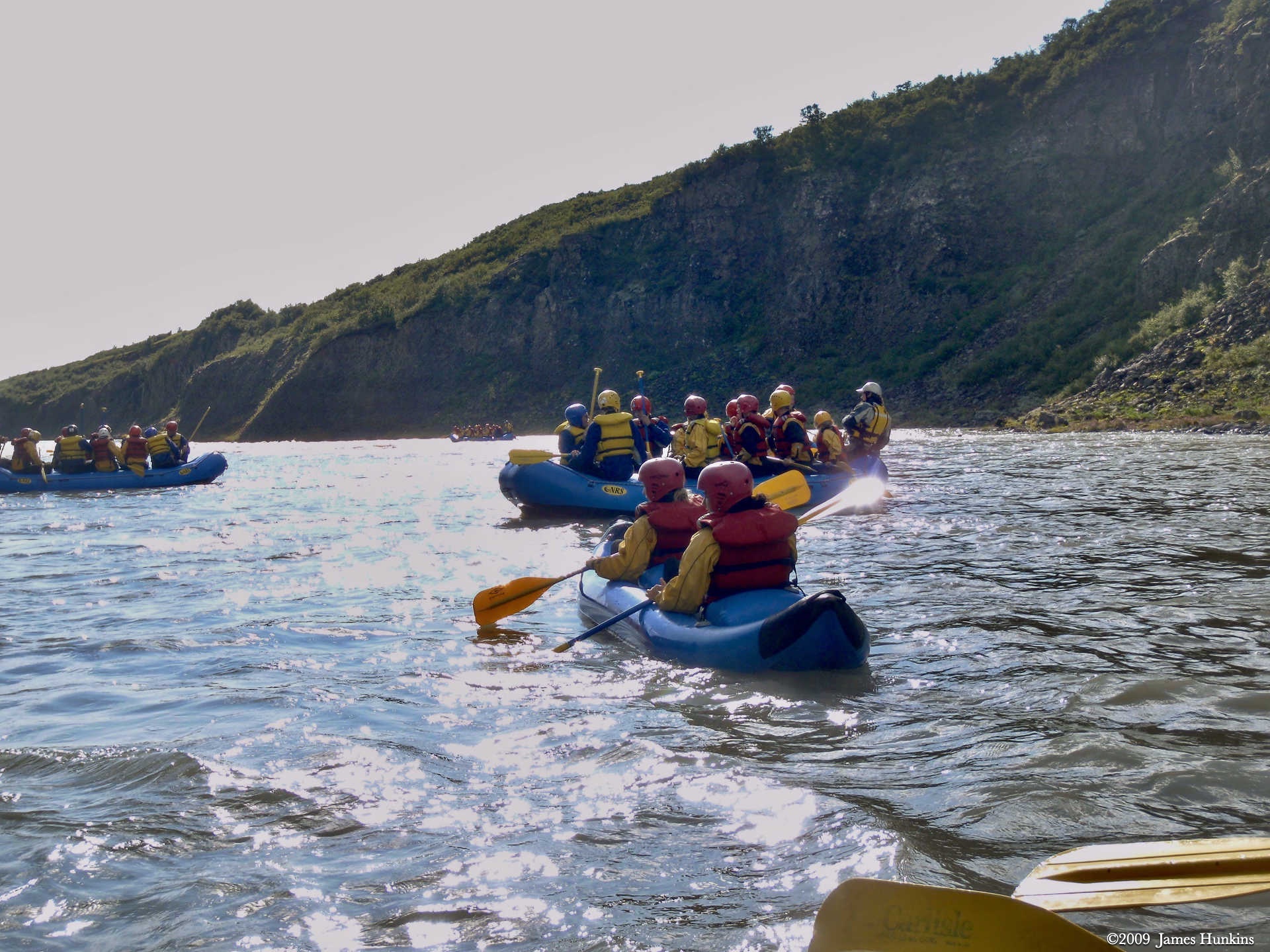
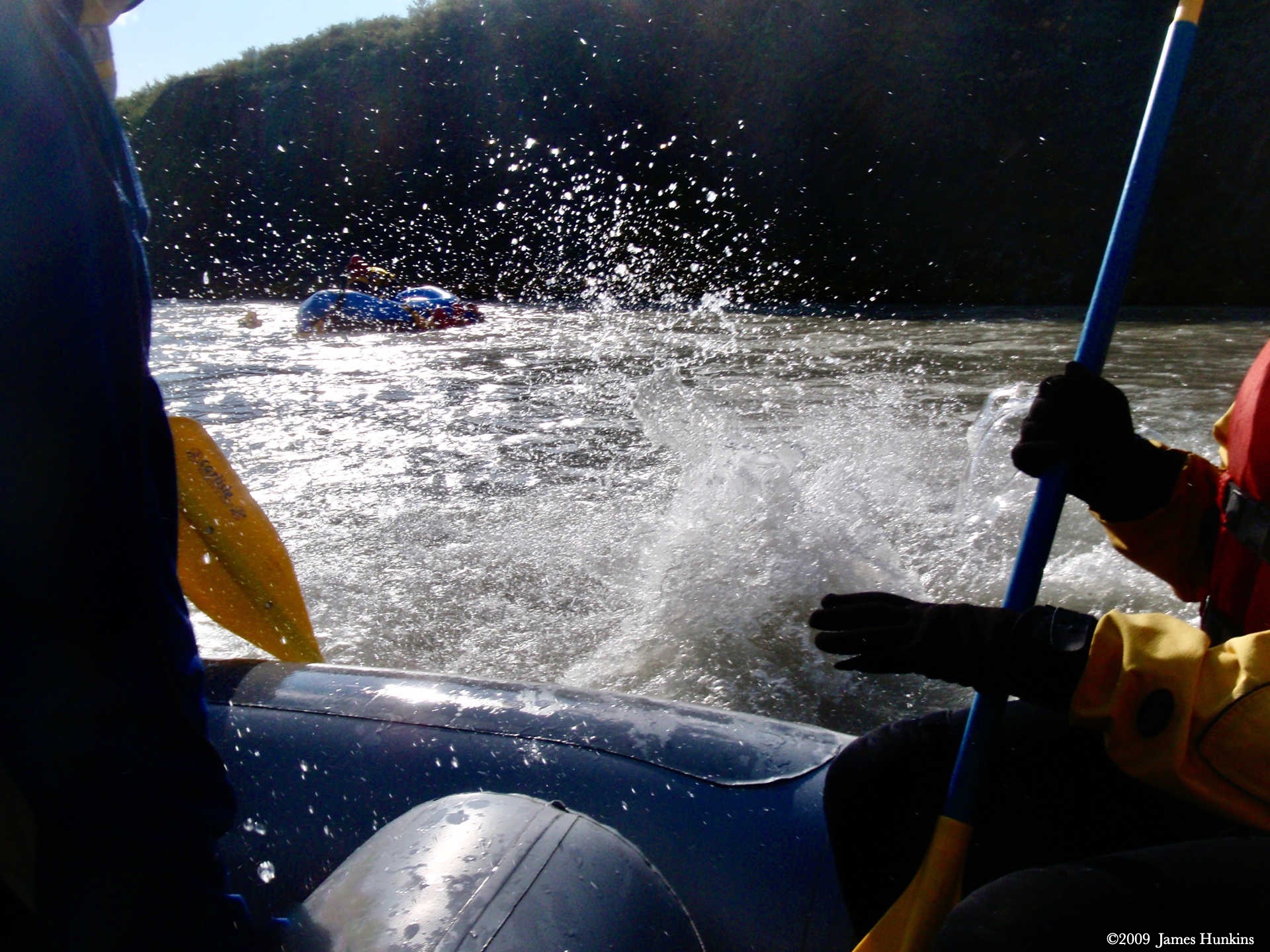
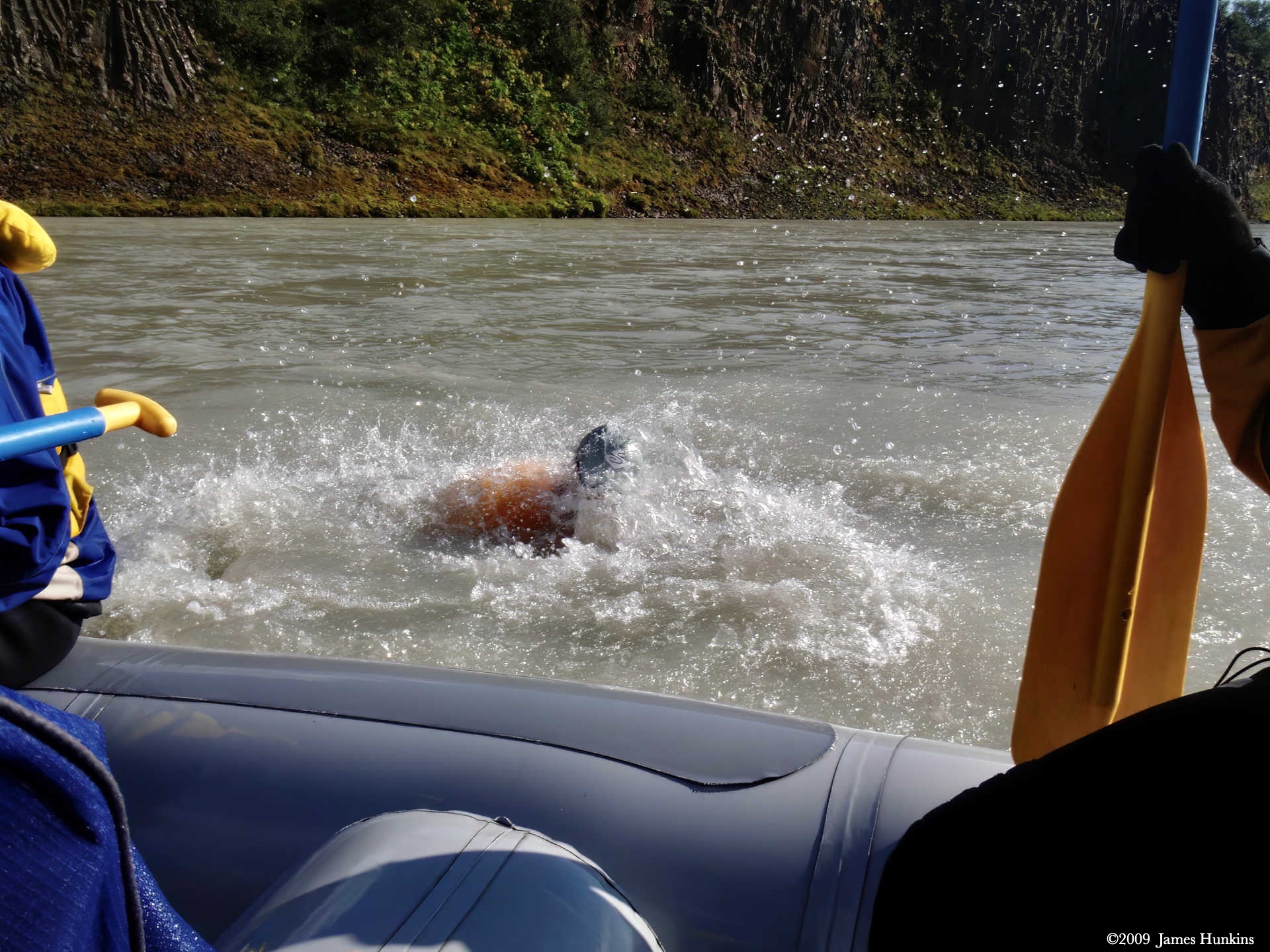
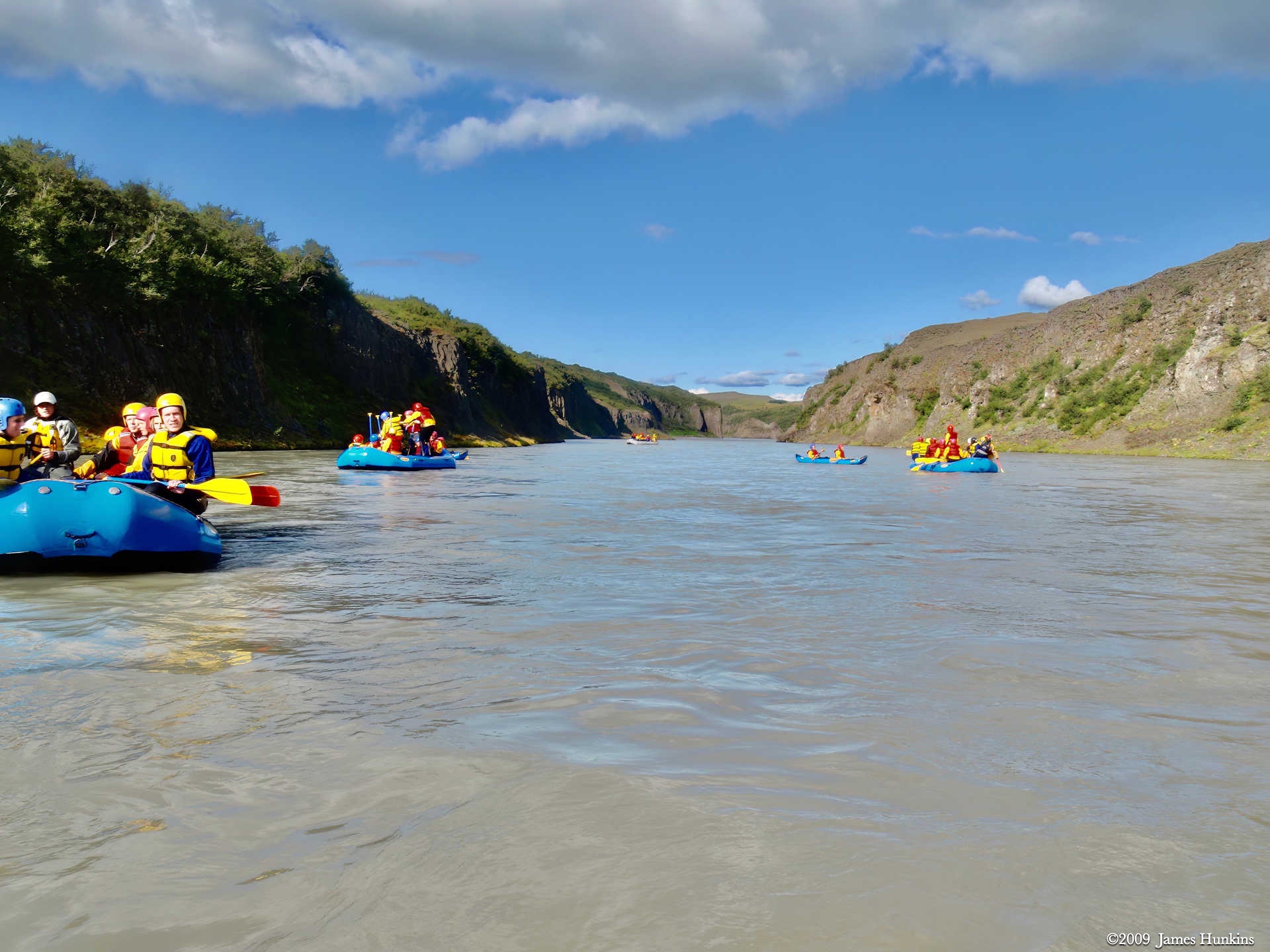
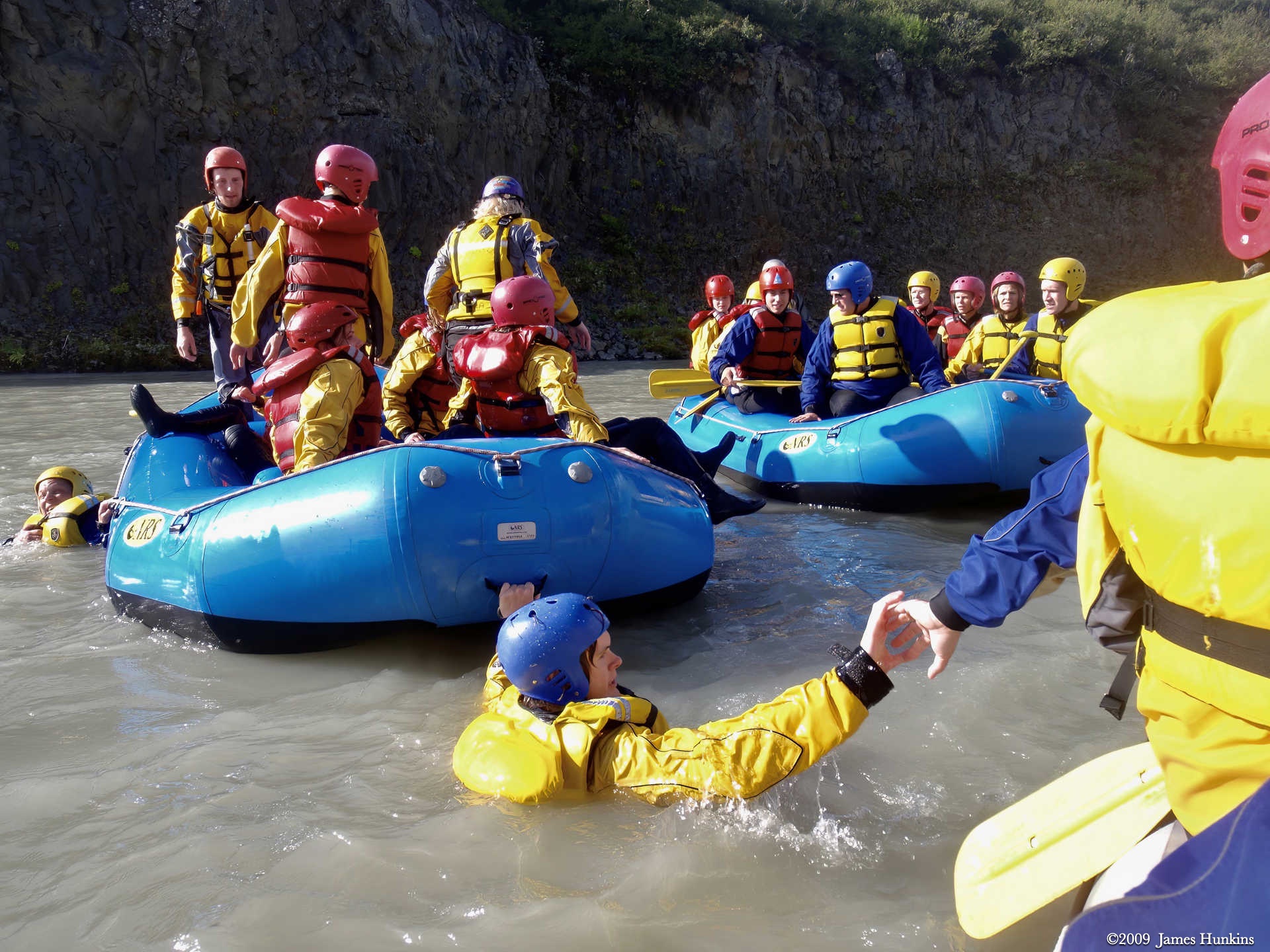
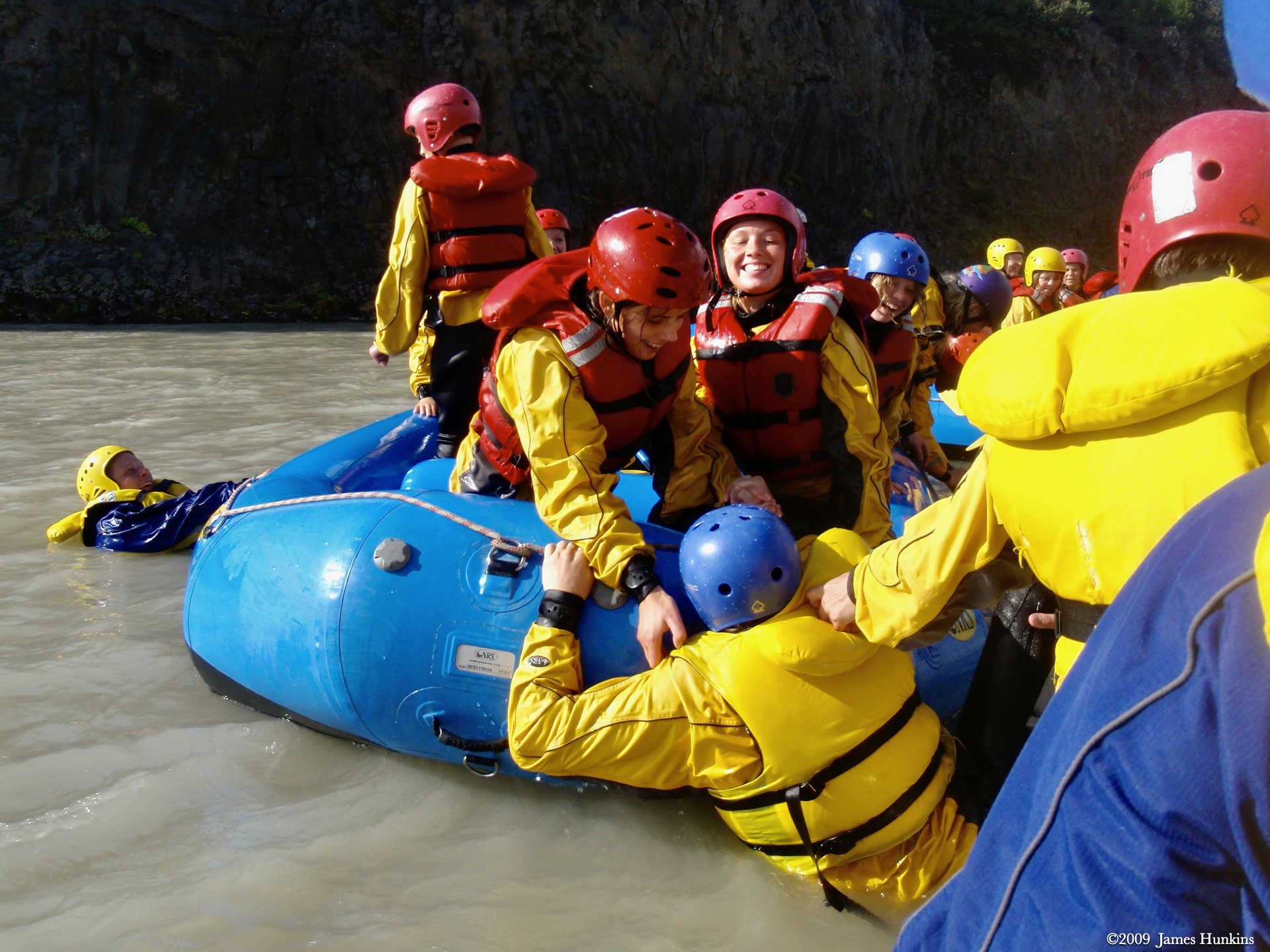
Following the Hvita River, we went river rafting (and cliff jumping) where the river goes through a very deep cut in the rock before opening up into a slow and beautiful valley.
To finish off this very full day, a visit to the town of Selfoss introduced us to the public pool and hot pots (hot tubs without the bubbles). And then a pleasant Thai meal at the Menam restaurant.
Talk about enough activity for one day!
VIEWING HELP
To close this window, click the X in the upper right hand corner. Or click anywhere outside of this window's area.
Photos from each day are shown in thumbnail (small) form. Panoramas are either wide or tall images, while normal photos are small rectangles. All photos shown in the PHOTO SHOWCASE section can be enlarged for better viewing. Photos will enlarge to fit your browser window width. Therefore, to view them at larger sizes simply make your browser window wider.
If there is any issue or the need to inquire/comment about an image, please refer to the Image ID label (see below) of the specific image along with the trip name found at the top of the browser window.
Video Clips
Depending on the browser, some of the controls may not always be supported.
Most videos will start playing automatically. Sound is automatically off even if included with a video. See D, E below for sound control.
A few small videos are set to loop endlessly, while most just play to the end.
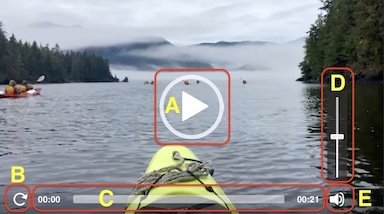
- A: To start or stop a video, click in this area (even if the symbol is not visible)
- B: If a browser shows this symbol, clicking on it will restart the video from the beginning
- C: Progress bar - will display total video time on the right.
- D, E: This seems to have the most variants between browsers. If the video description says 'w/ sound’, you can adjust the volume with this control
If neither is visible, move the cursor to the E area and either E and/or D will be visible
If E is visible but not D, click on E
Once D is visible, slide the bar up or down to adjust the volumn
Panoramas
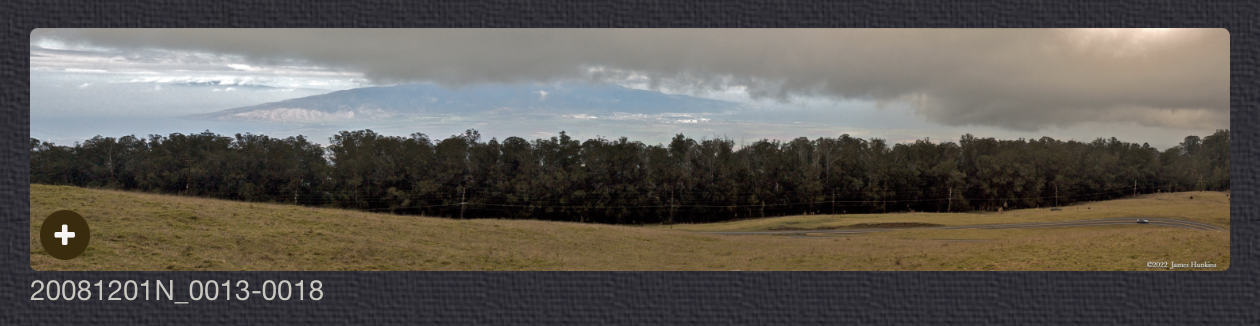
Clicking anywhere on a panorama thumbnail will cause the image to expand to fill the browser width. Clicking again anywhere in the browser window or scrolling the browser window will cause the expanded image to shrink back to its smaller thumbnail size.
The Image ID and description is found just below the thumbnail image on the left side.
Individual Photographs
If you click on any photo thumbnail, it will open a larger viewer which can be used to walk through all of the standard photos on the page. Once open, to go forward click on the > on the right side of the enlarged image. To scan backwards, click on the < on the left side. To close the larger images either click on the X in the upper right hand corner of the browser window or anywhere outside of the enlarged image.
The Image ID label can be found by hovering a cursor over the thumbnail image (may not be available on some tablets/phones) or, once enlarged, from the lower left hand side just under the image.
Additionally, in the same area as the Image ID (or the upper left corner for newer/updated sites) a count showing the current image number versus the total number of images available for viewing.

For newer or updated sites (look for the orange checkbox in the header of a sites main page), additional buttons have been added when viewing a full size image. From left to right, the buttons are:
- Email: will open an email with information and a link to the current image
- WhatsApp: if WhatsApp is on your system, will open a browser window to open WhatsApp and create a message with information and a link to the current image
- FaceBook: Will open a browser window to open Facebook and create a message with information and a link to the current image
- full screen: will take over the entire display versus just the browser in most systems; ESC returns to the brower only mode
- magnify: enlarges the image within the browser or full screen; if the image is larger than can be displayed it can be scrolled
- exit: will close the large image viewer returning to the thumbnails




Links:
PHOTO SHOWCASE
- click on any thumbnail image for a larger view/slideshow
-
 090812_0105NInformation sign for Geysir
 -
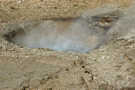 090812_0106NHot pool in Geysir
 -
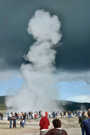 090812_0107NStrokkur Geysir
 -
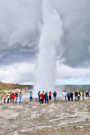 090812_0109NStrokkur Geysir
 -
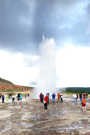 090812_0110NStrokkur Geysir
 -
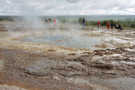 090812_0115NHot pool in Geysir
 -
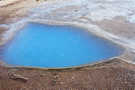 090812_0116NHot pool in Geysir
 -
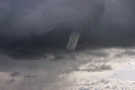 090812_0117NFunnel cloud at Geysir
 -
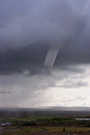 090812_0119NFunnel cloud at Geysir
 -
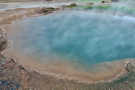 090812_0127NHot pool in Geysir
 -
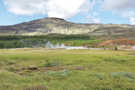 090812_0131NGeothermal area in Geysir
 -
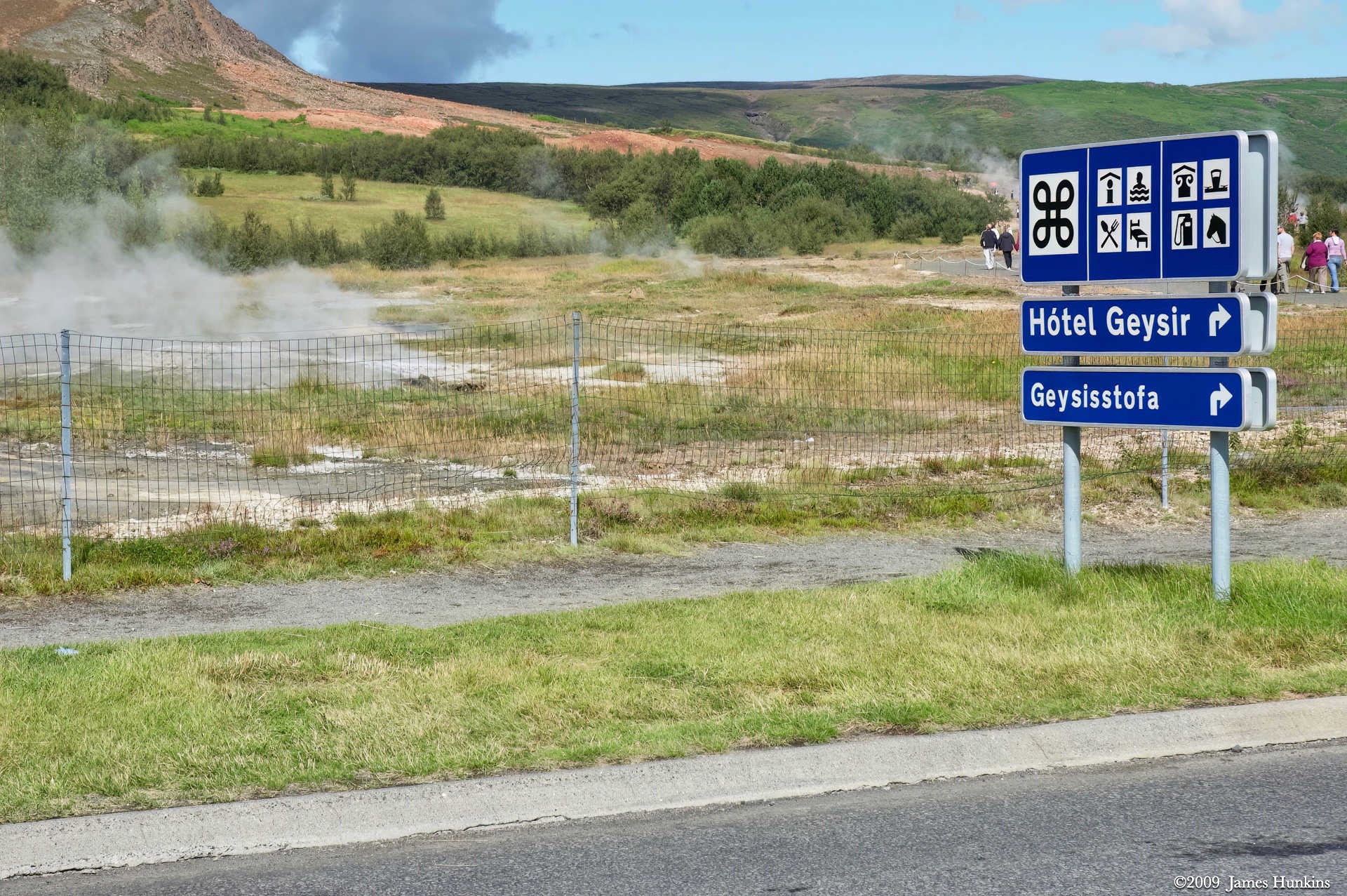
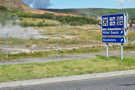 090812_0132NGeysir road sign with steam rising from hot pools behind fence
 -
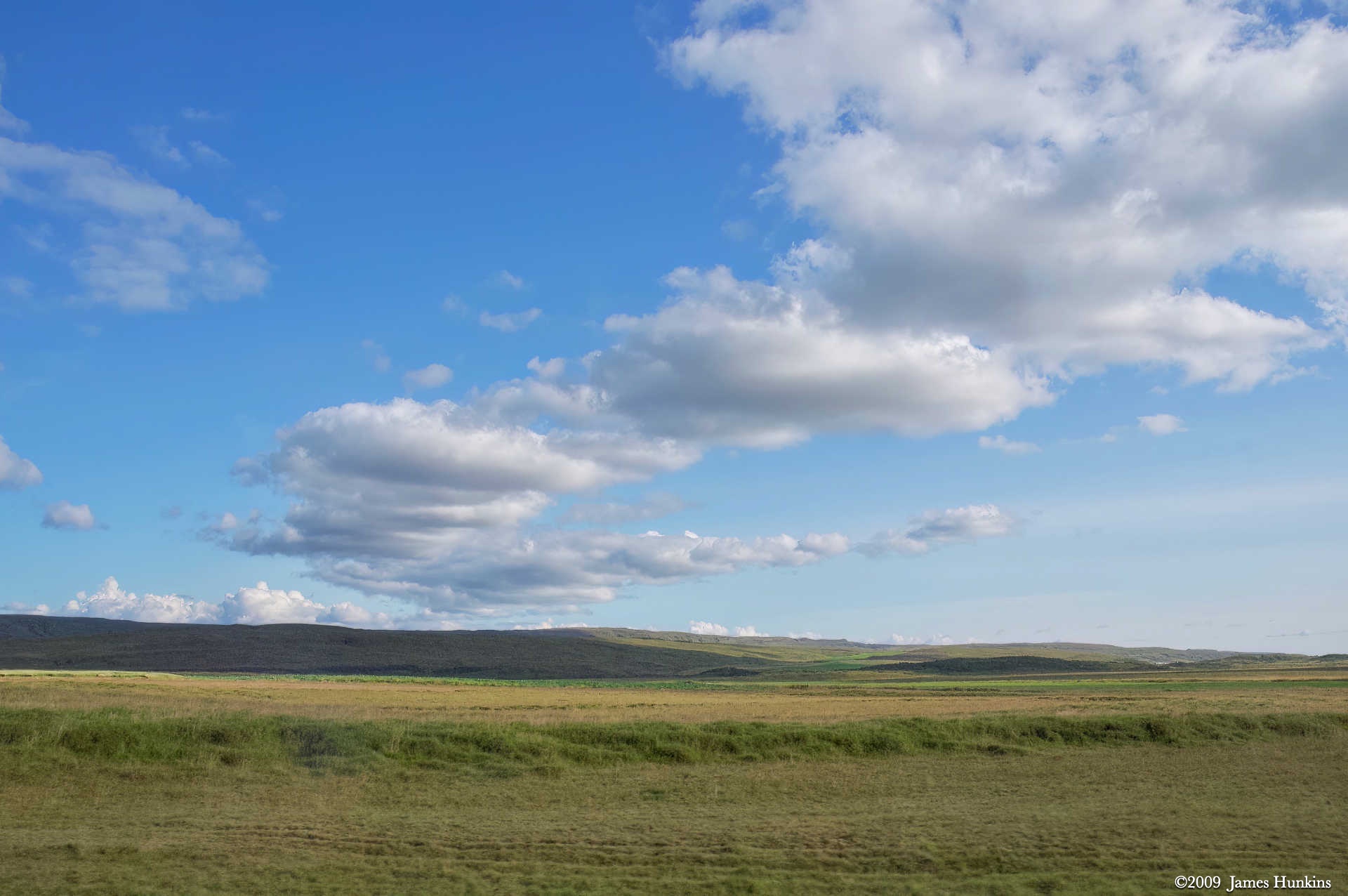
 090812_0134NString of clouds shadowing open area near Geysir
 -
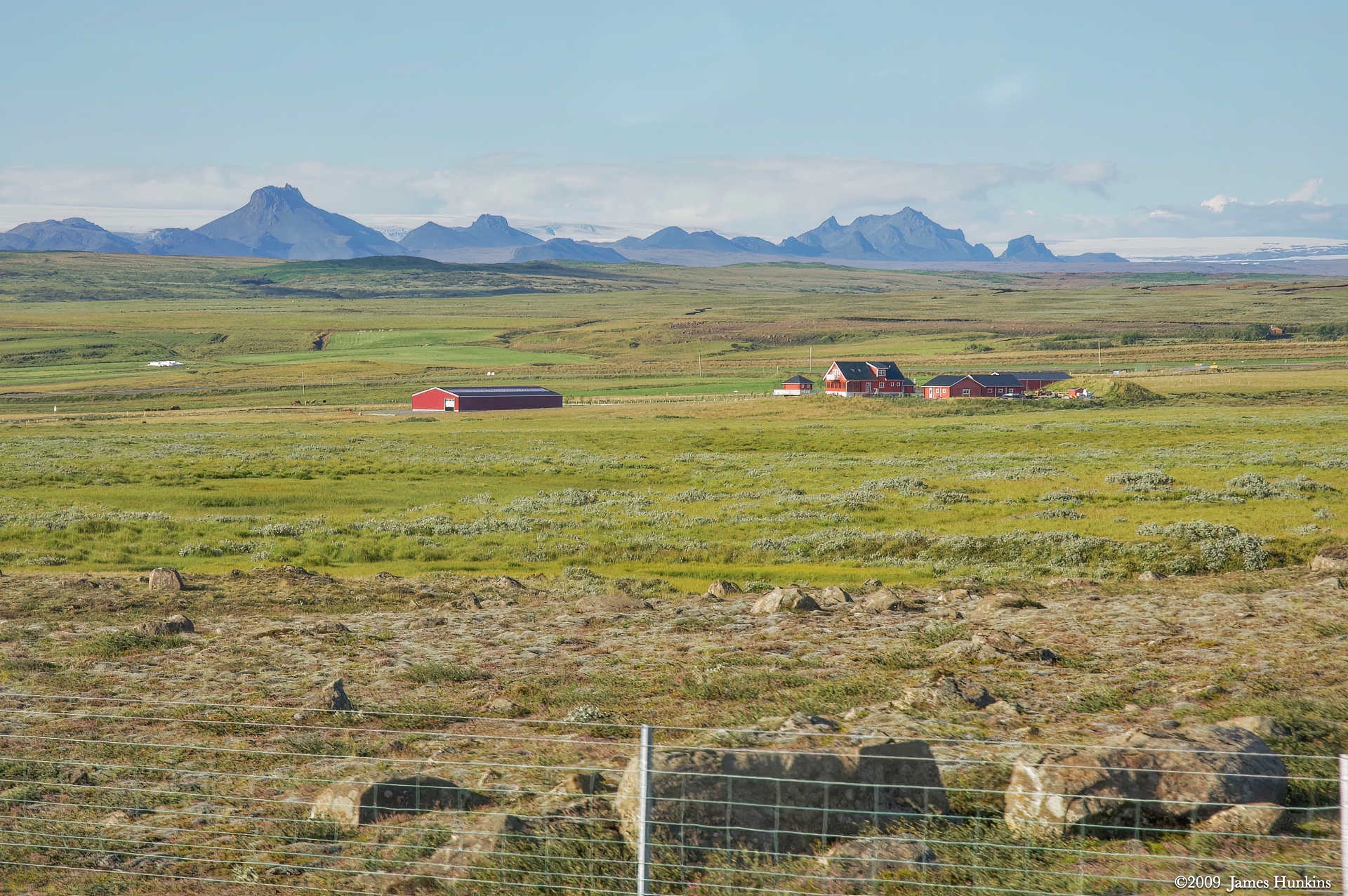
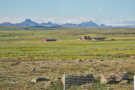 090812_0137NFarm below volcanic mountains and icesheet
 -
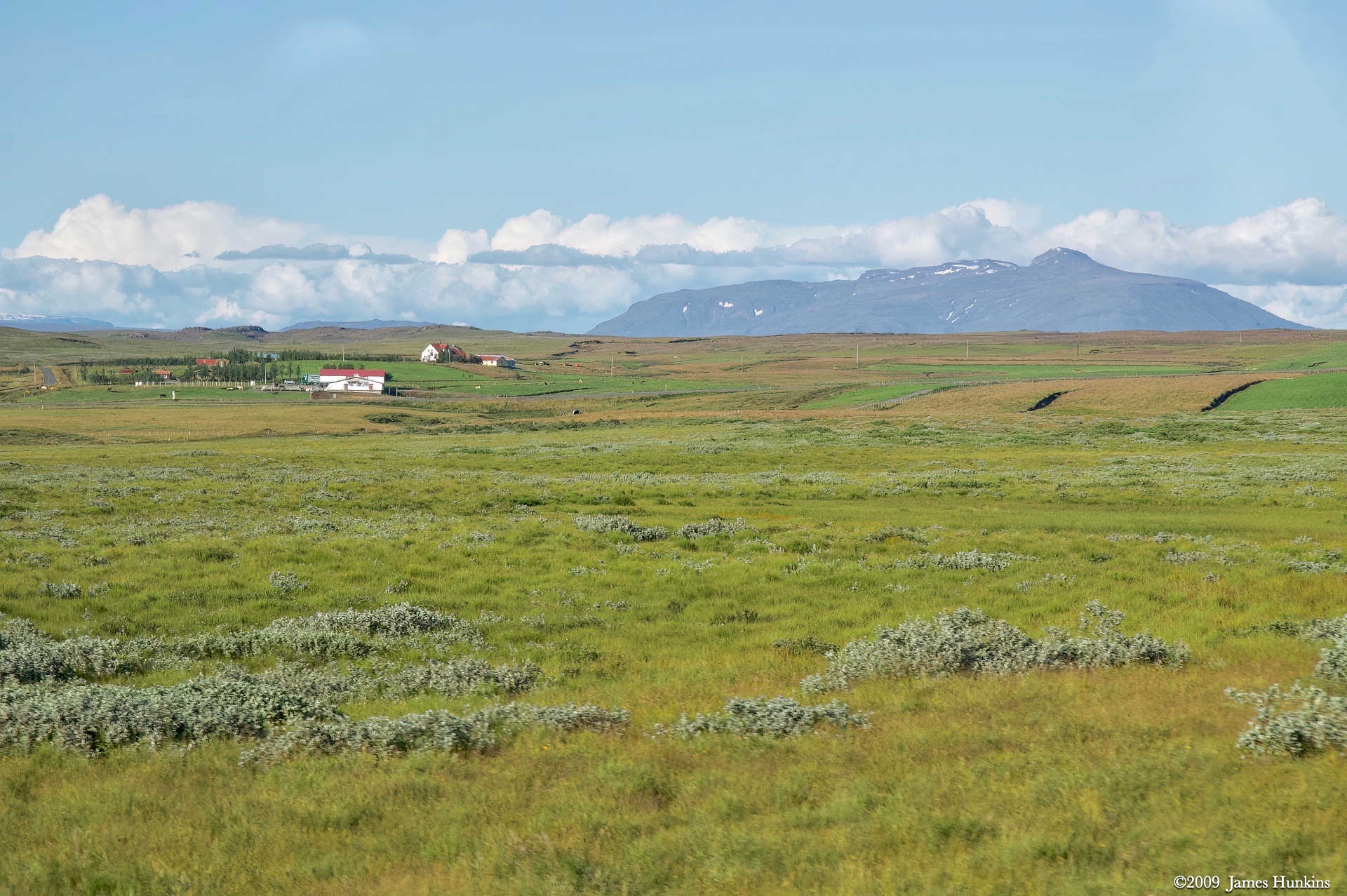
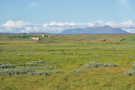 090812_0139NFarm and fields wth Hekla Volcano in the distance
 -
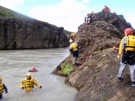 090812_0142OPeople on rock to ‘cliff’ jump into the river
 -
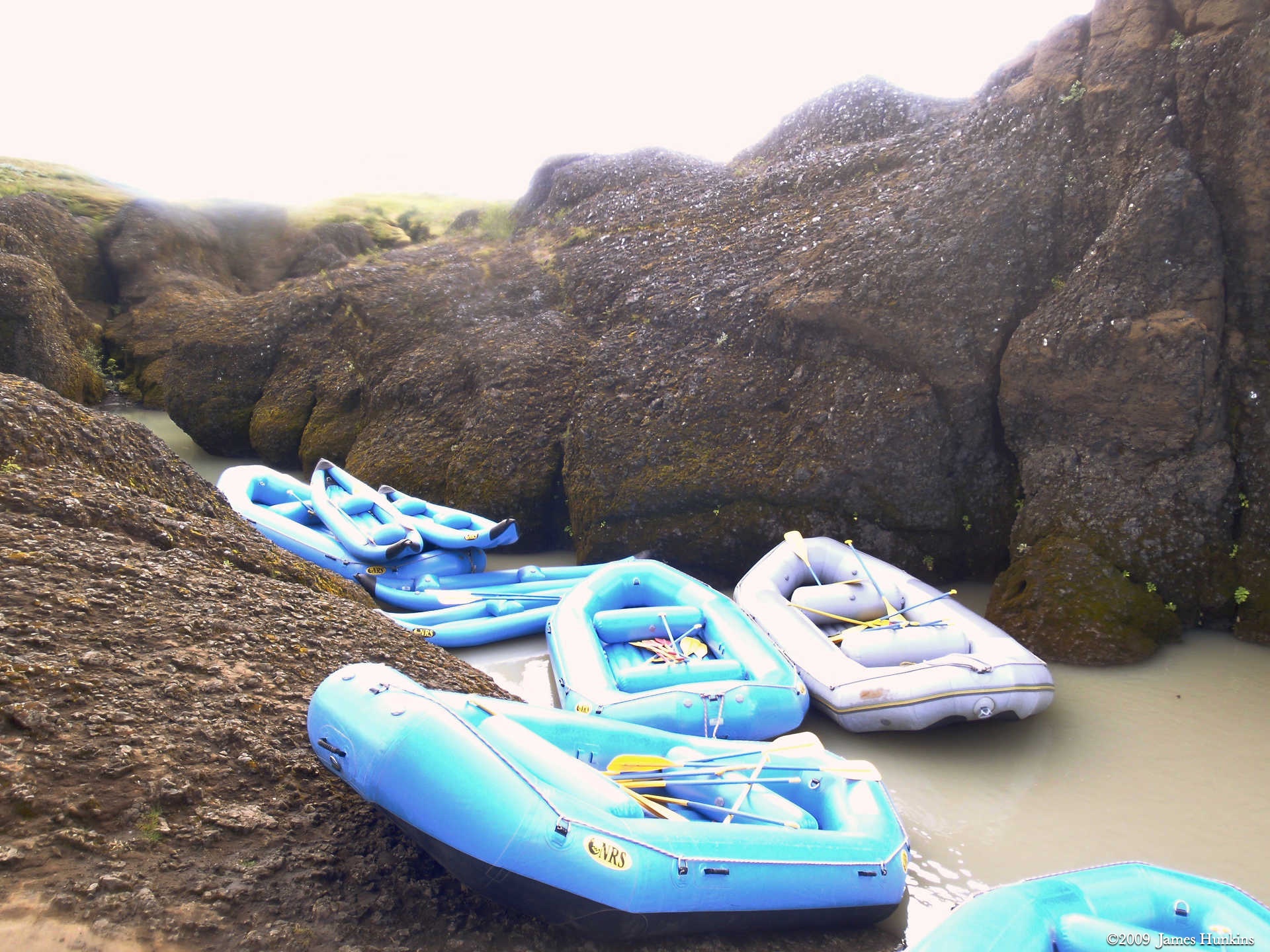
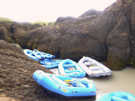 090812_0144OBlue and purple inflatable rafts parked next to rocks
 -
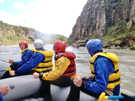 090812_0149OPeople sitting on the front of a river raft on the river; volcanic cliffs on the right
 -
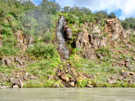 090812_0151OStream dropping down a cliff into the river
 -
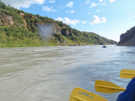 090812_0153OYellow paddles of our river raft with other rafts in front of us on the river
 -
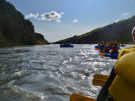 090812_0159OSeveral river rafts on the river as it heads into open areas
 -
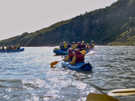 090812_0160OSeveral river rafts going by cliffs on the right
 -
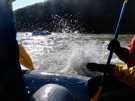 090812_0162OBig splash as our river raft flies over a ridge in the river
 -
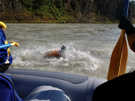 090812_0163OOne of our raft’s passengers jumps into the river
 -
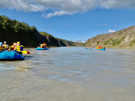 090812_0164OLooking back up the river with several rafts behind us
 -
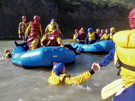 090812_0165OA couple of people take a refreshing dip in the river surrounded by our three rafts
 -
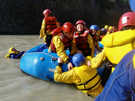 090812_0166OSeveral people struggle to pull a person back into the raft