Iceland 2009
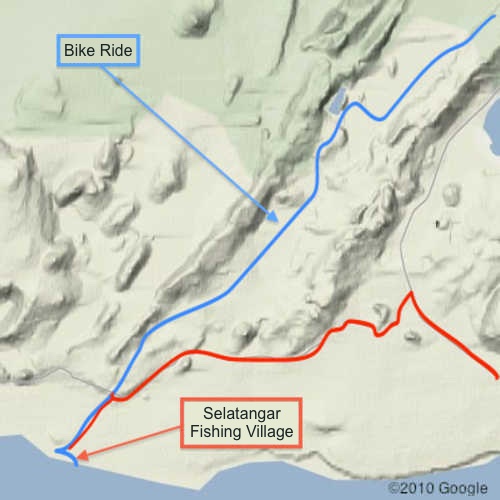
BIKE RIDE ACROSS THE REYKJANES PENINSULA : THE RIFT VALLEY
DAY 2 : MONDAY AUGUST 10, 2009 (2/3)
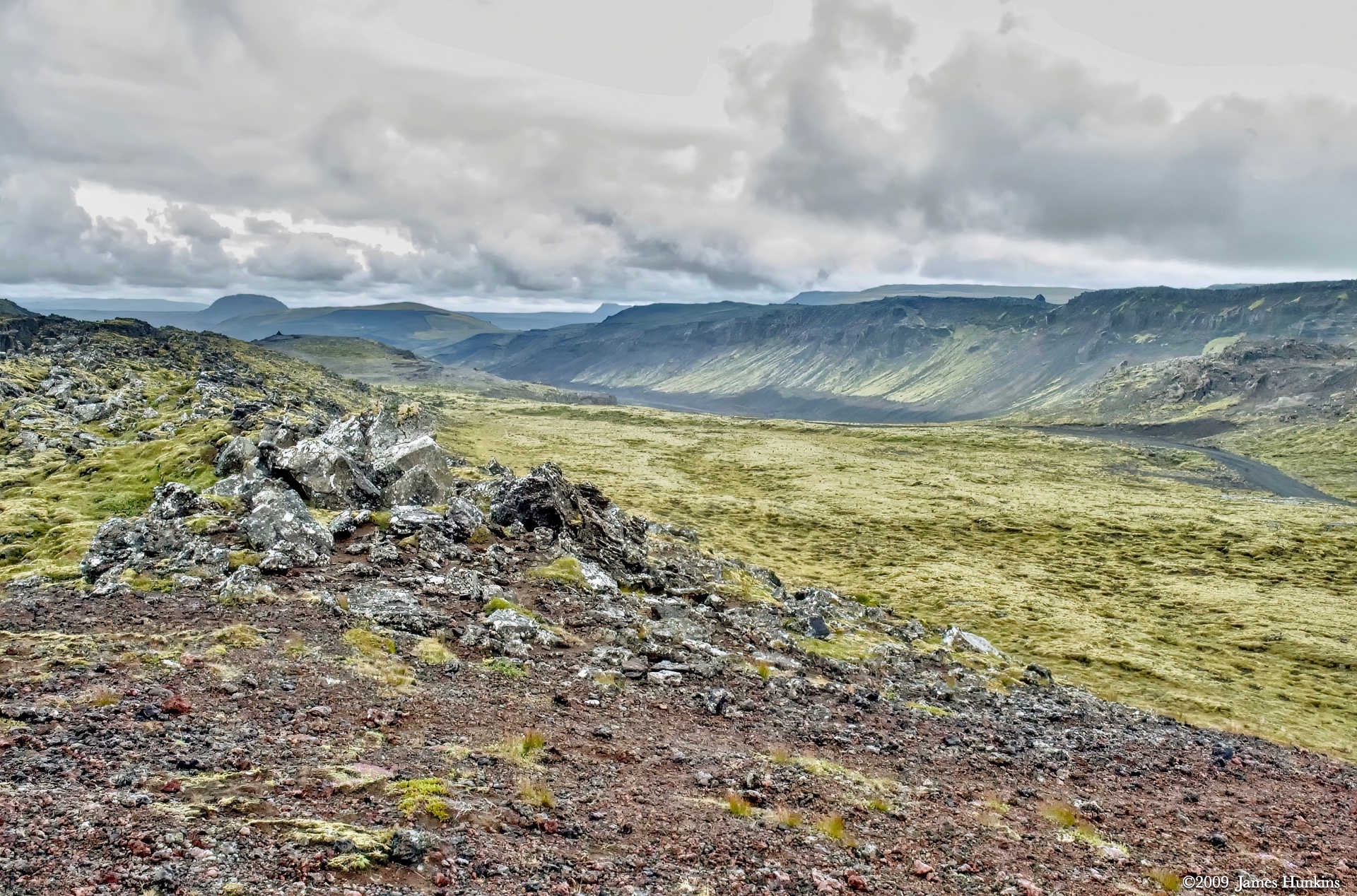
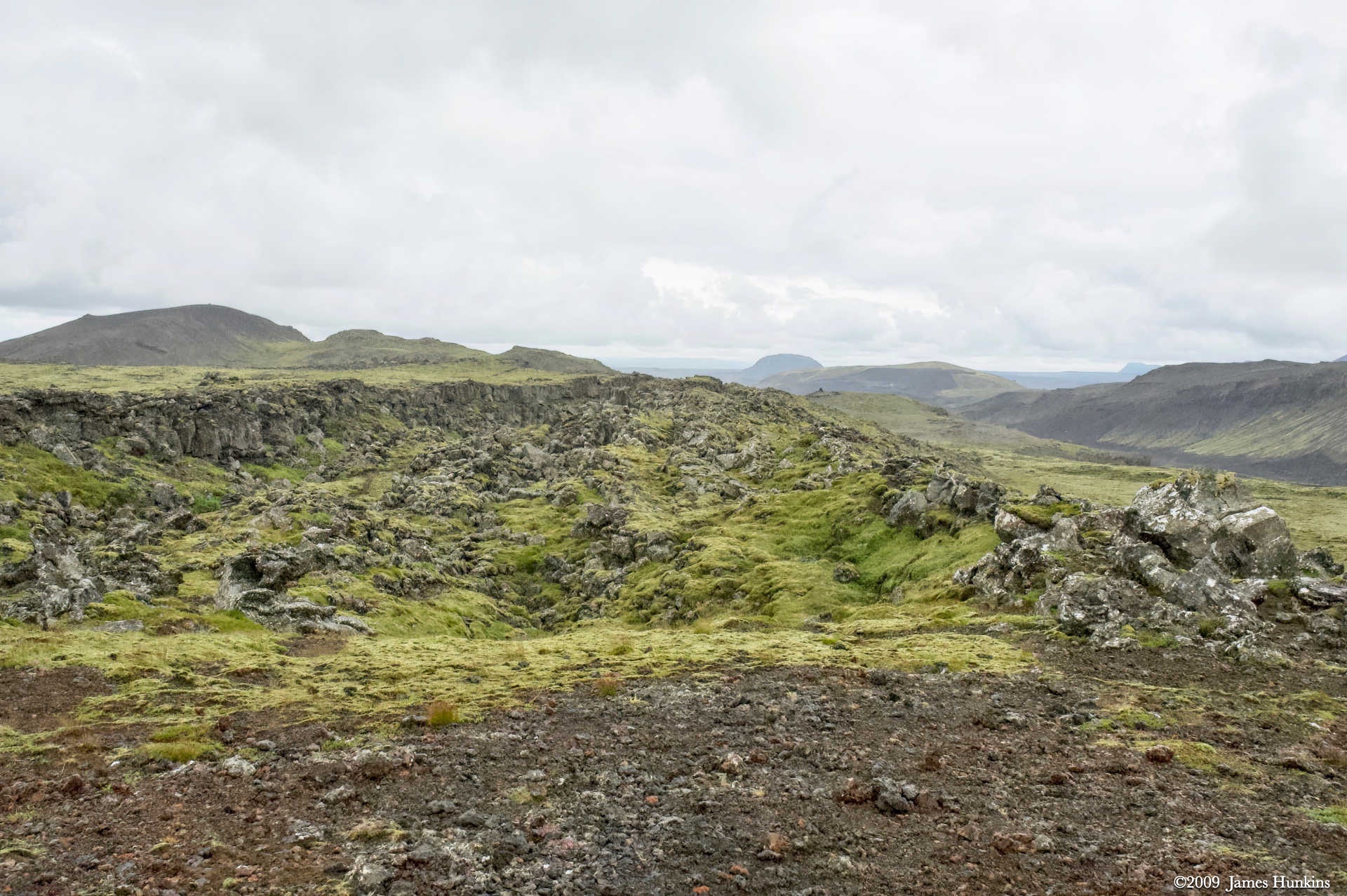
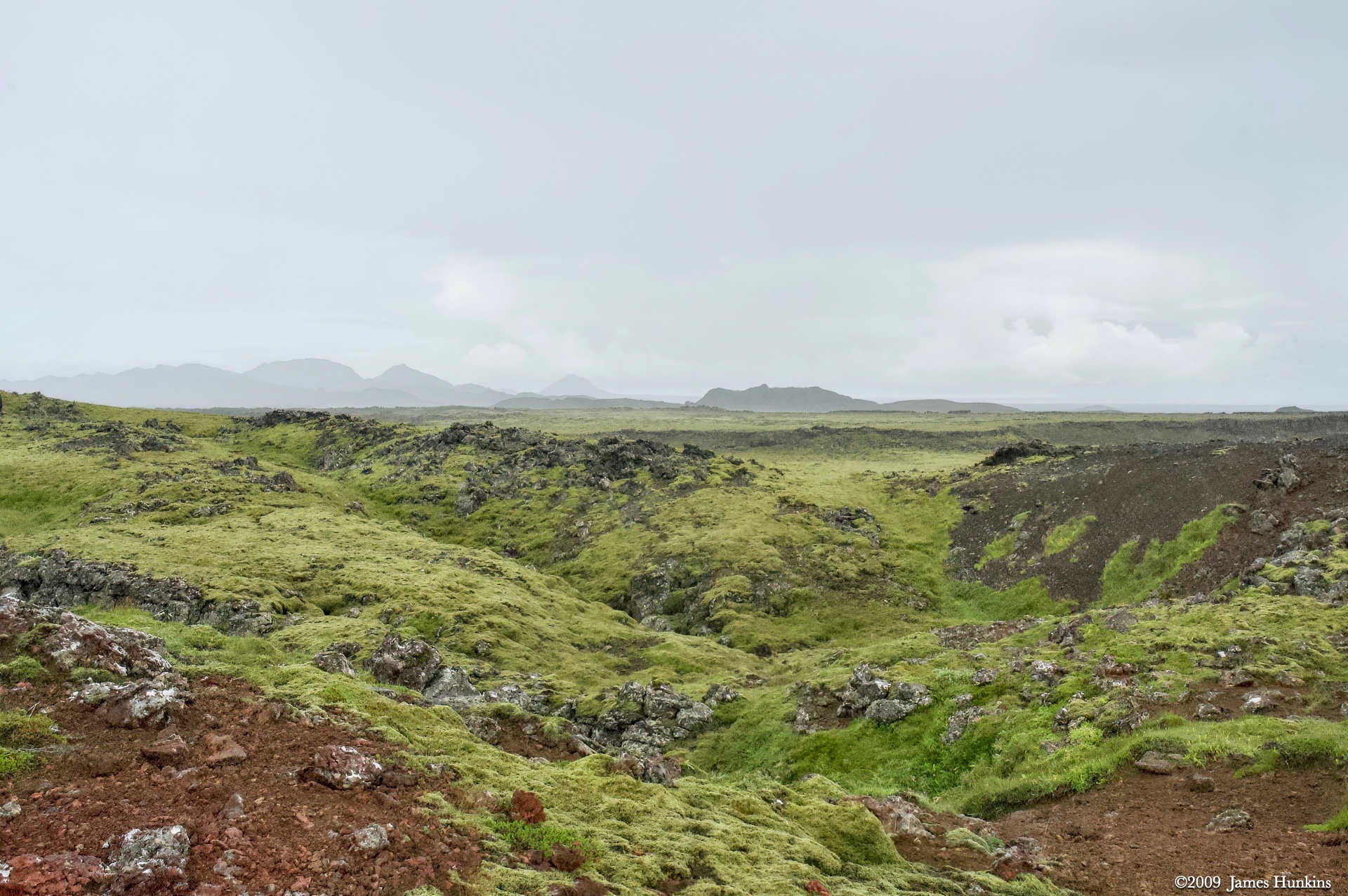
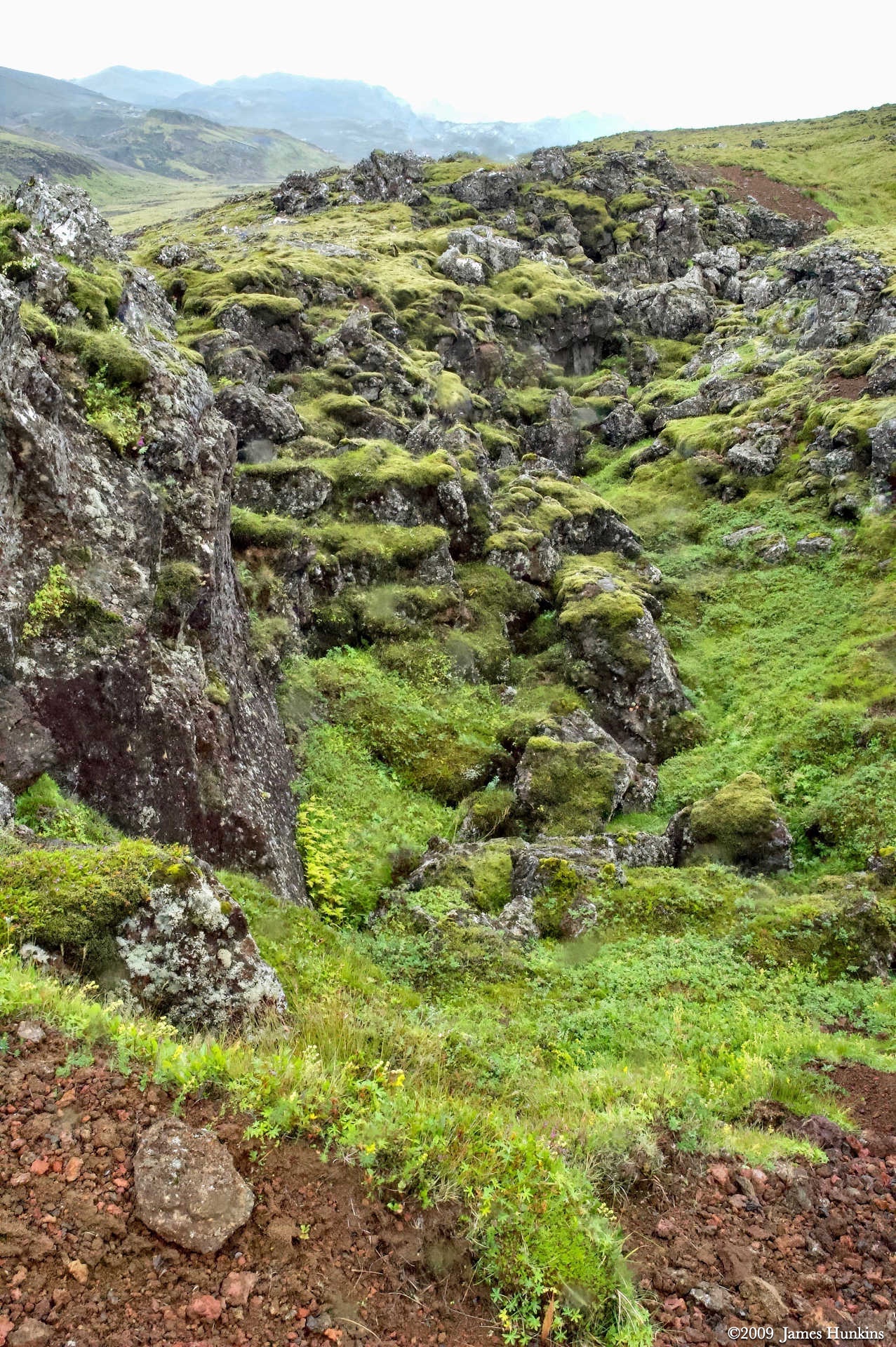
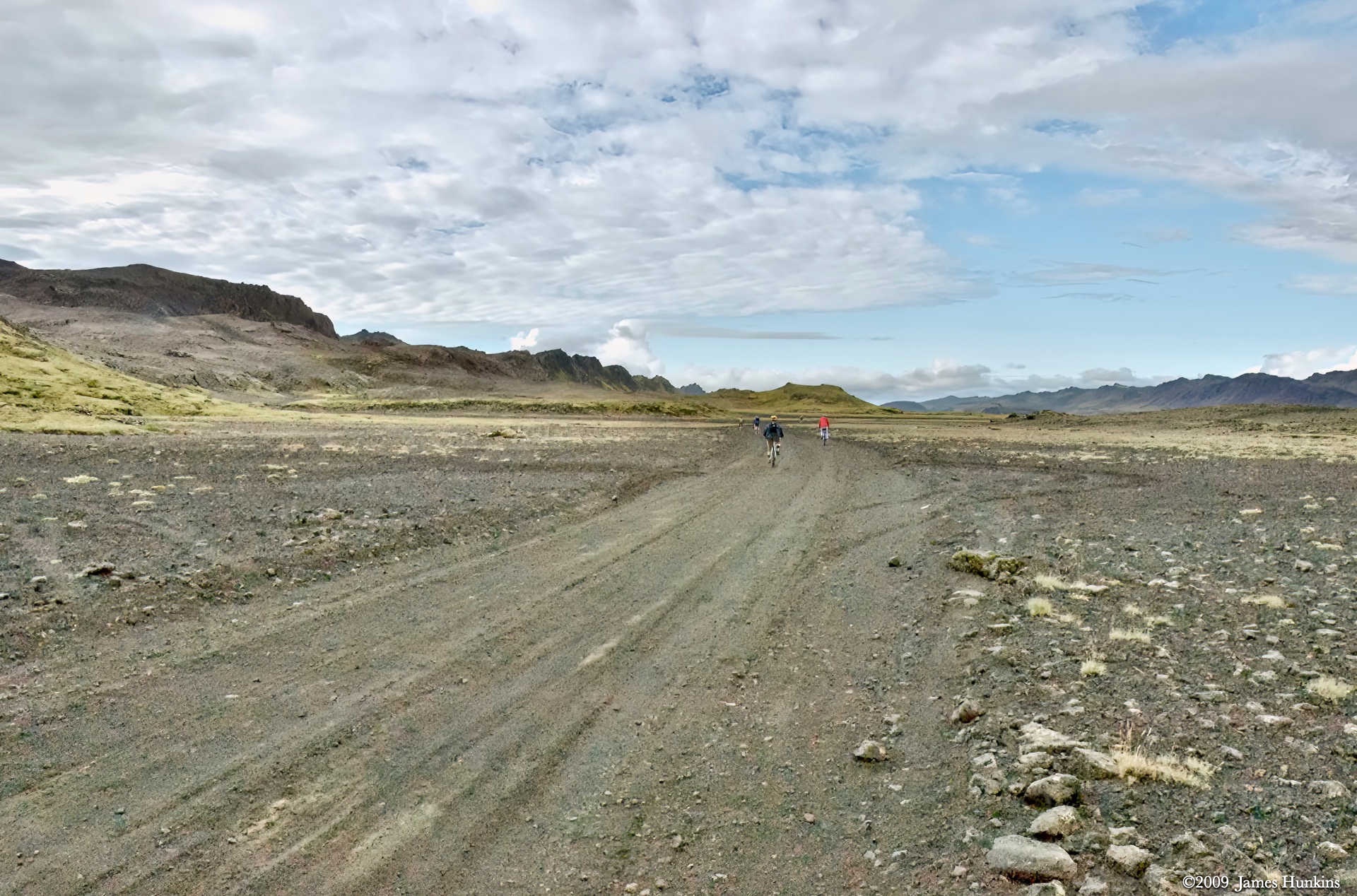
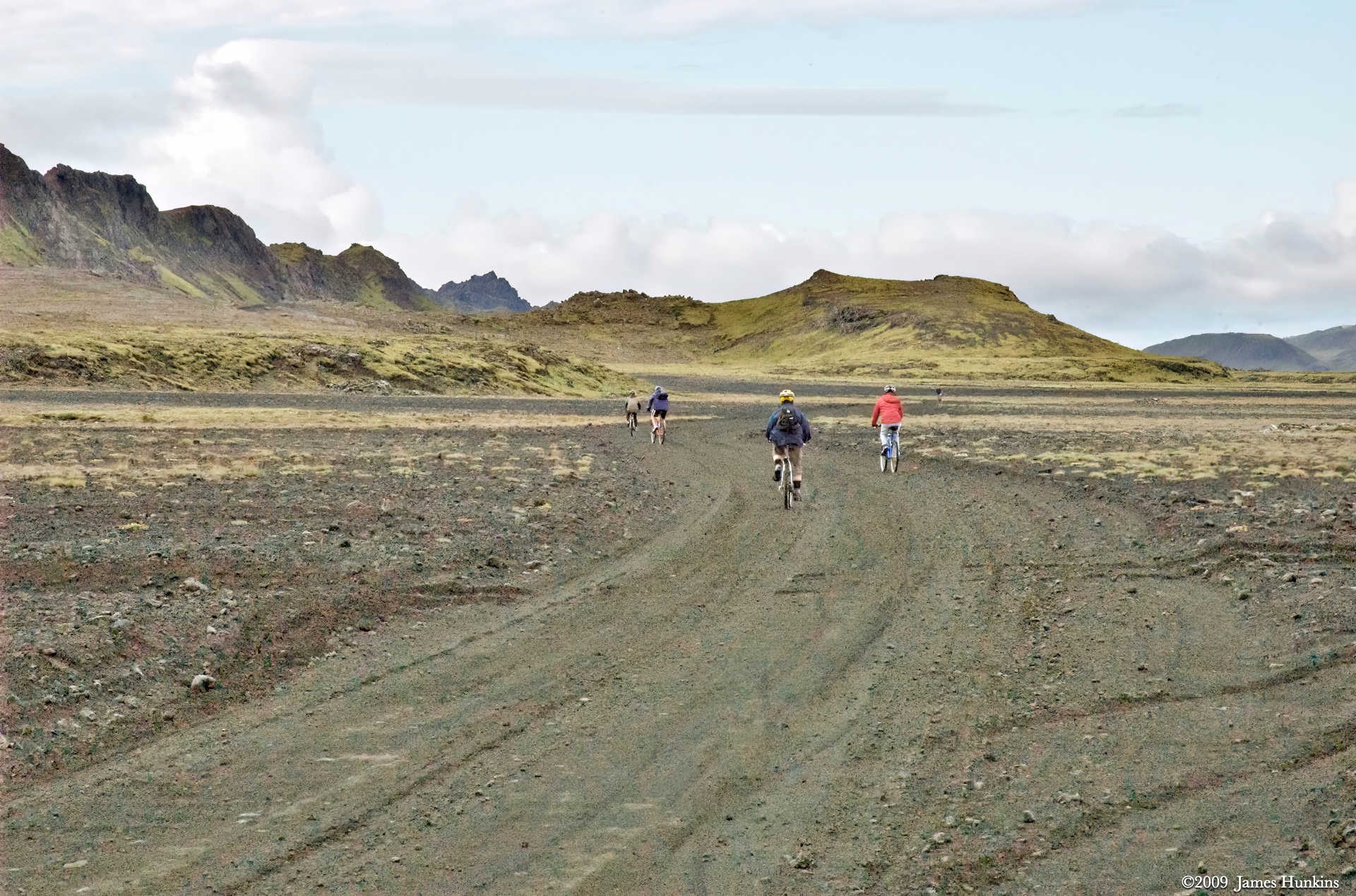
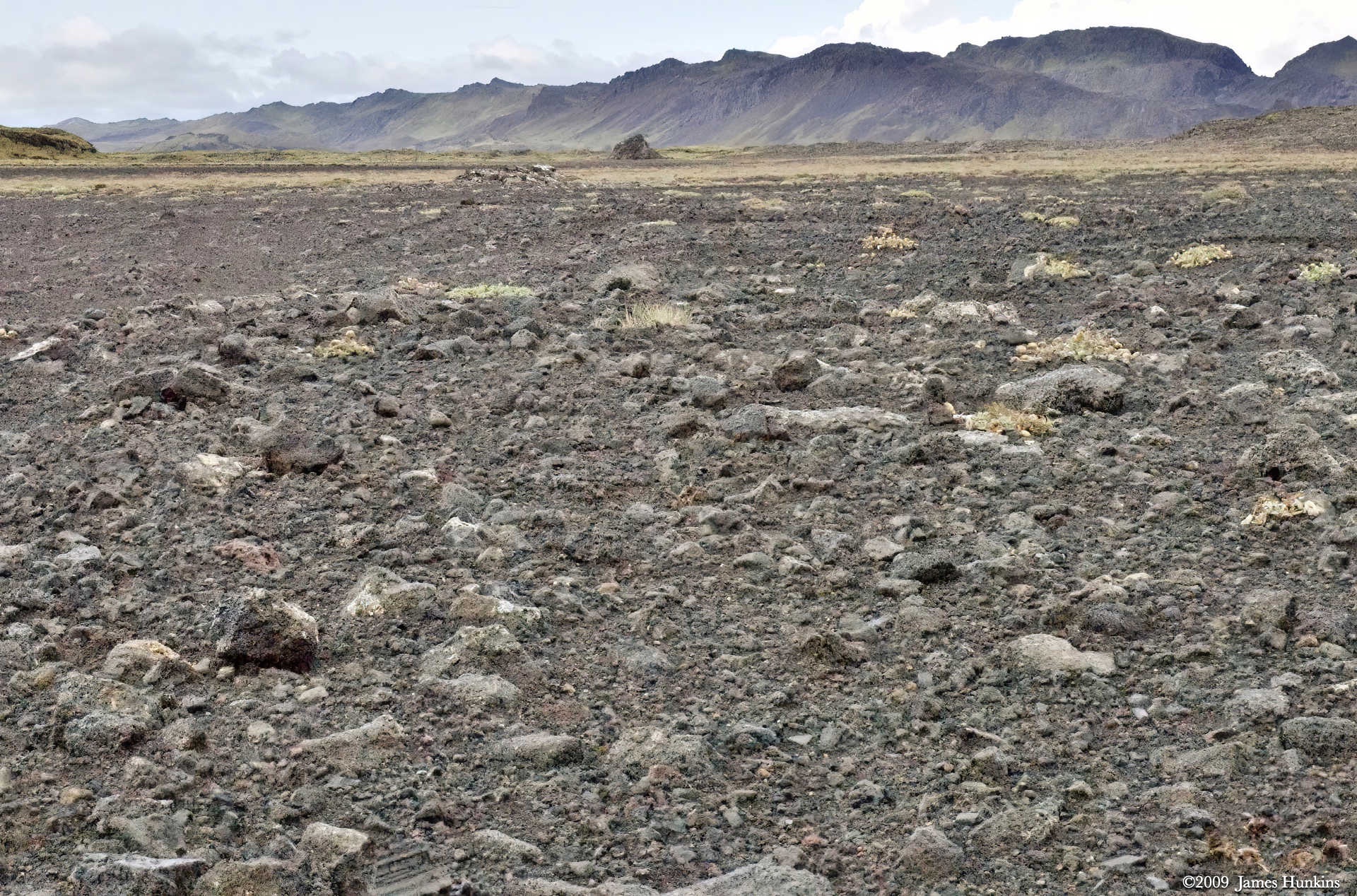
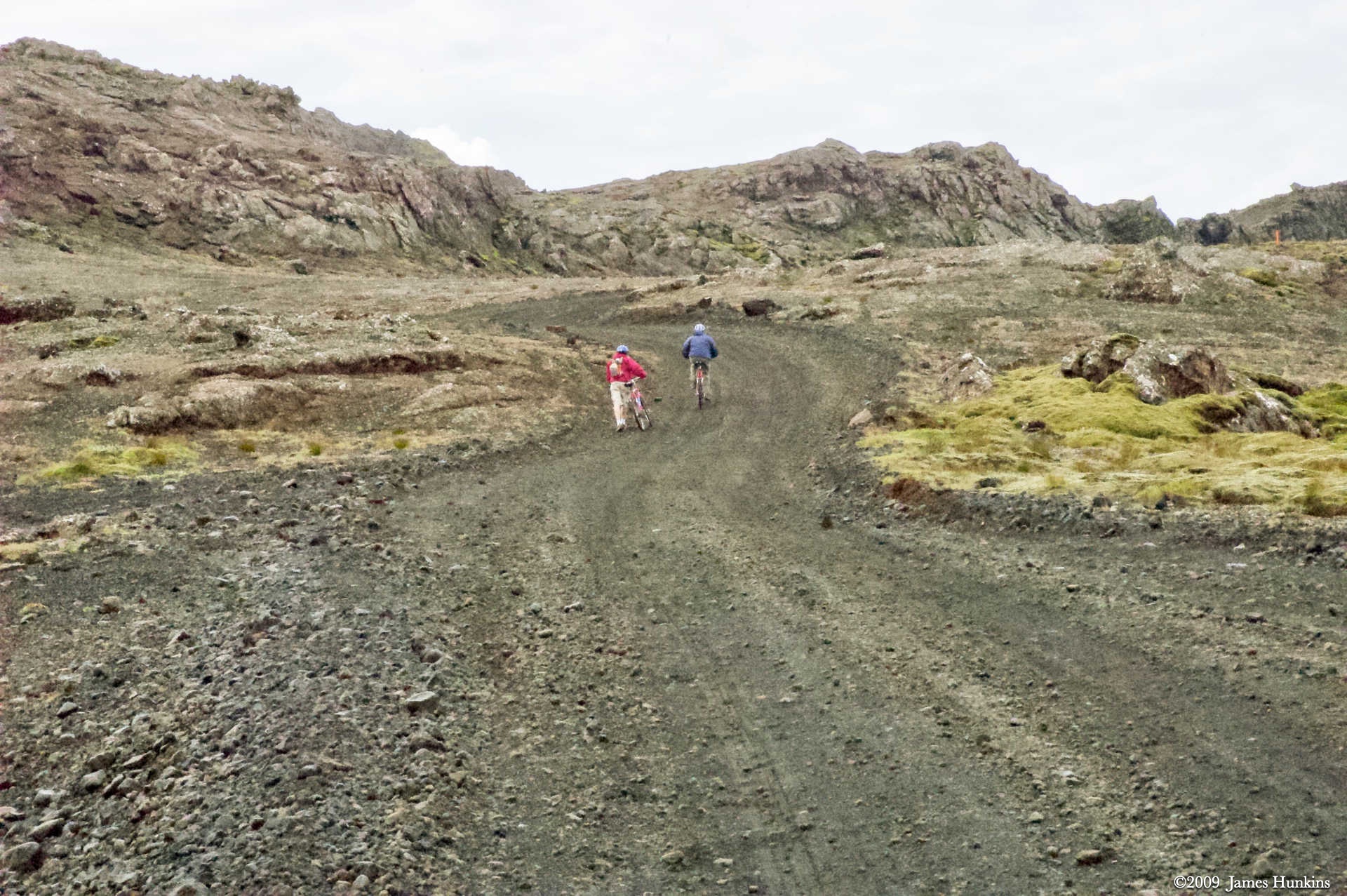
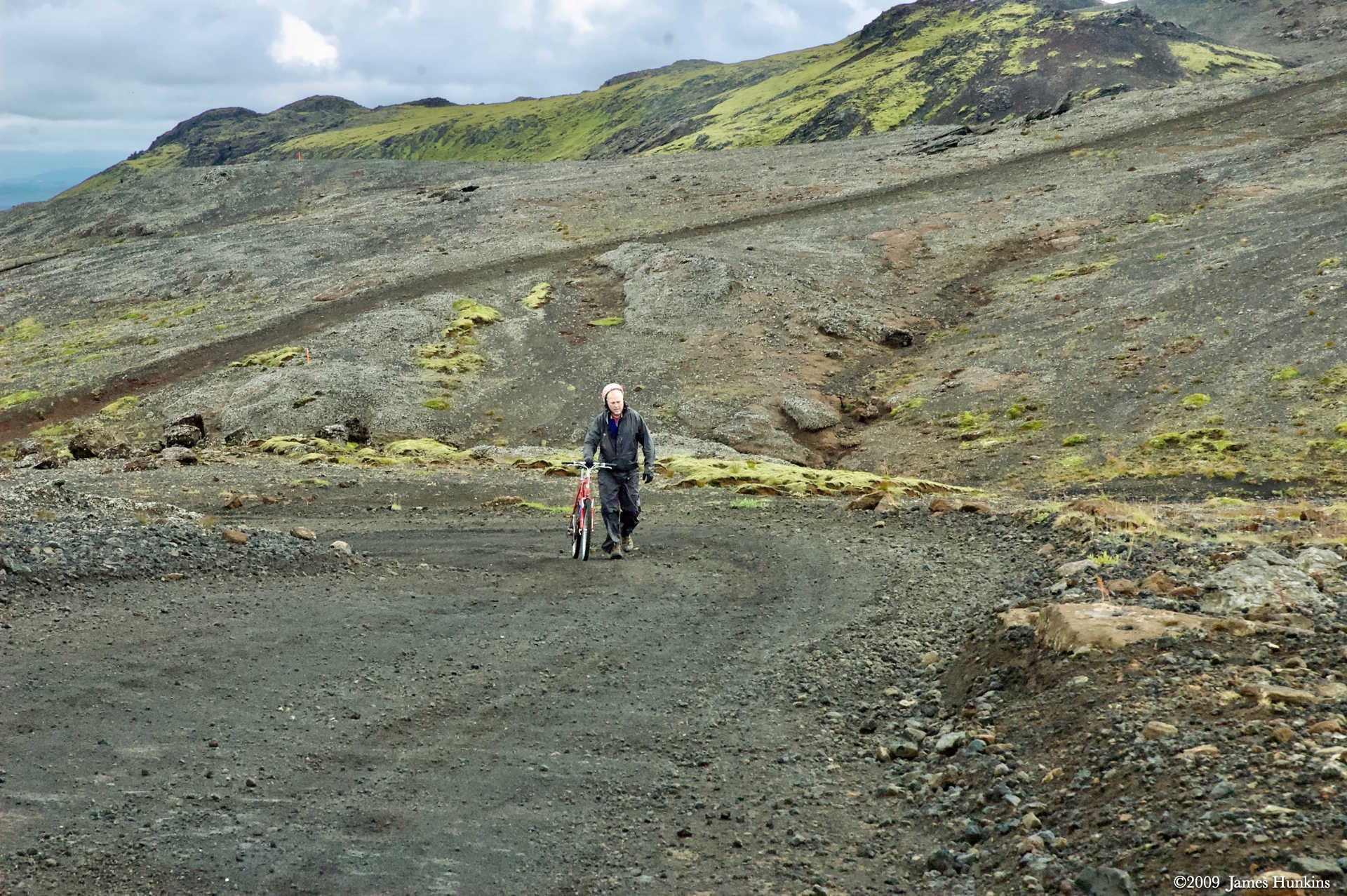
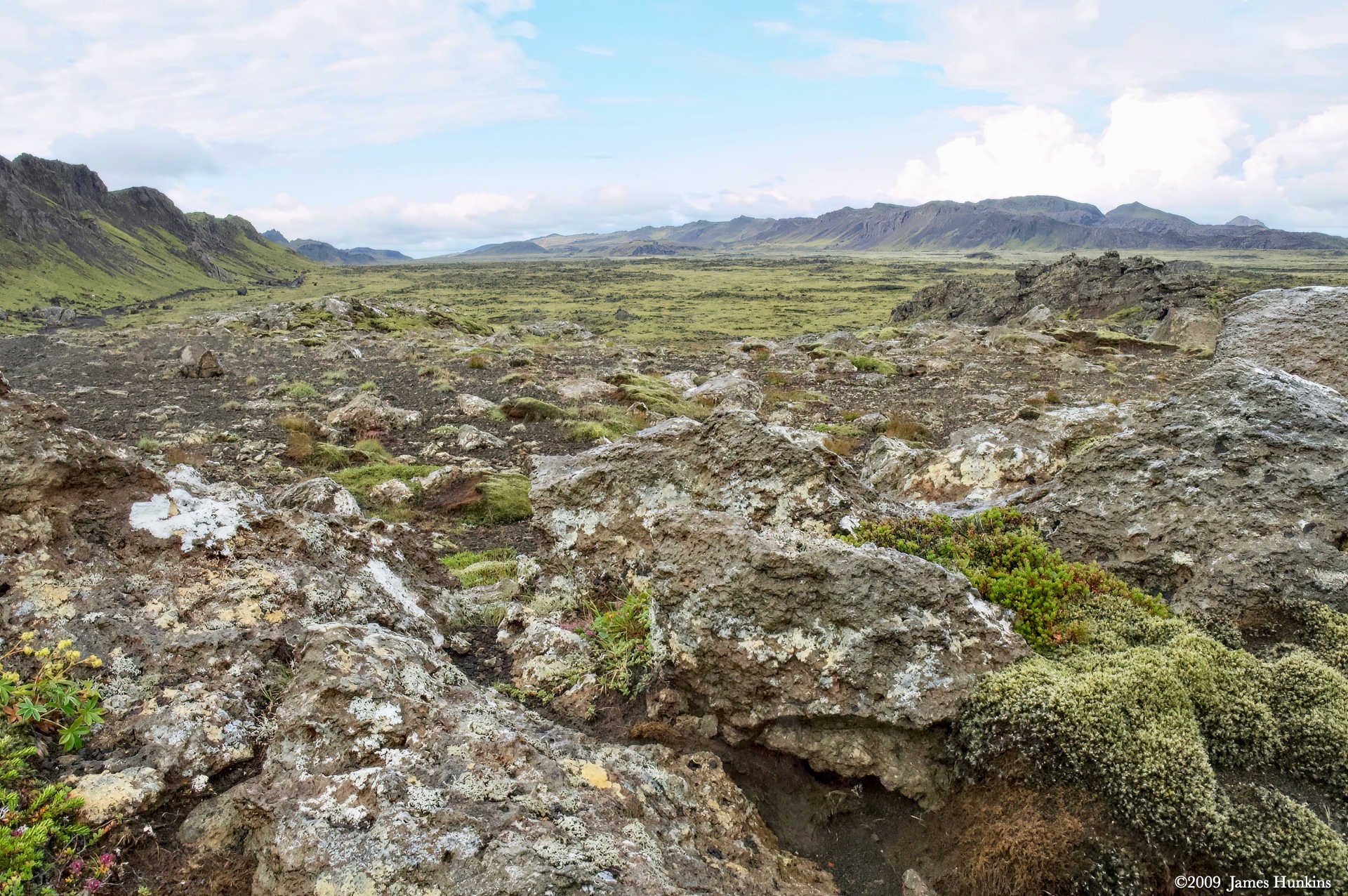
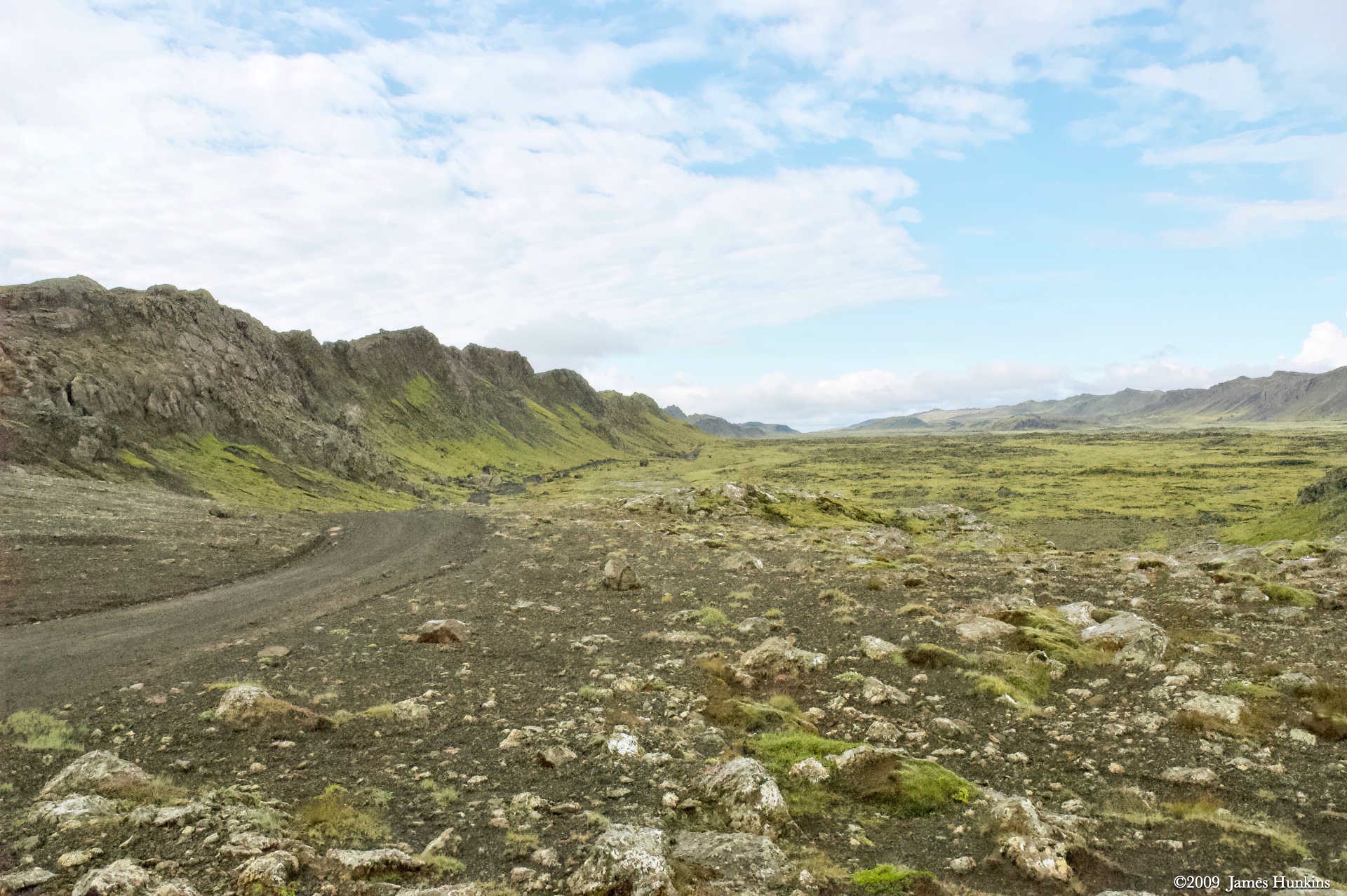
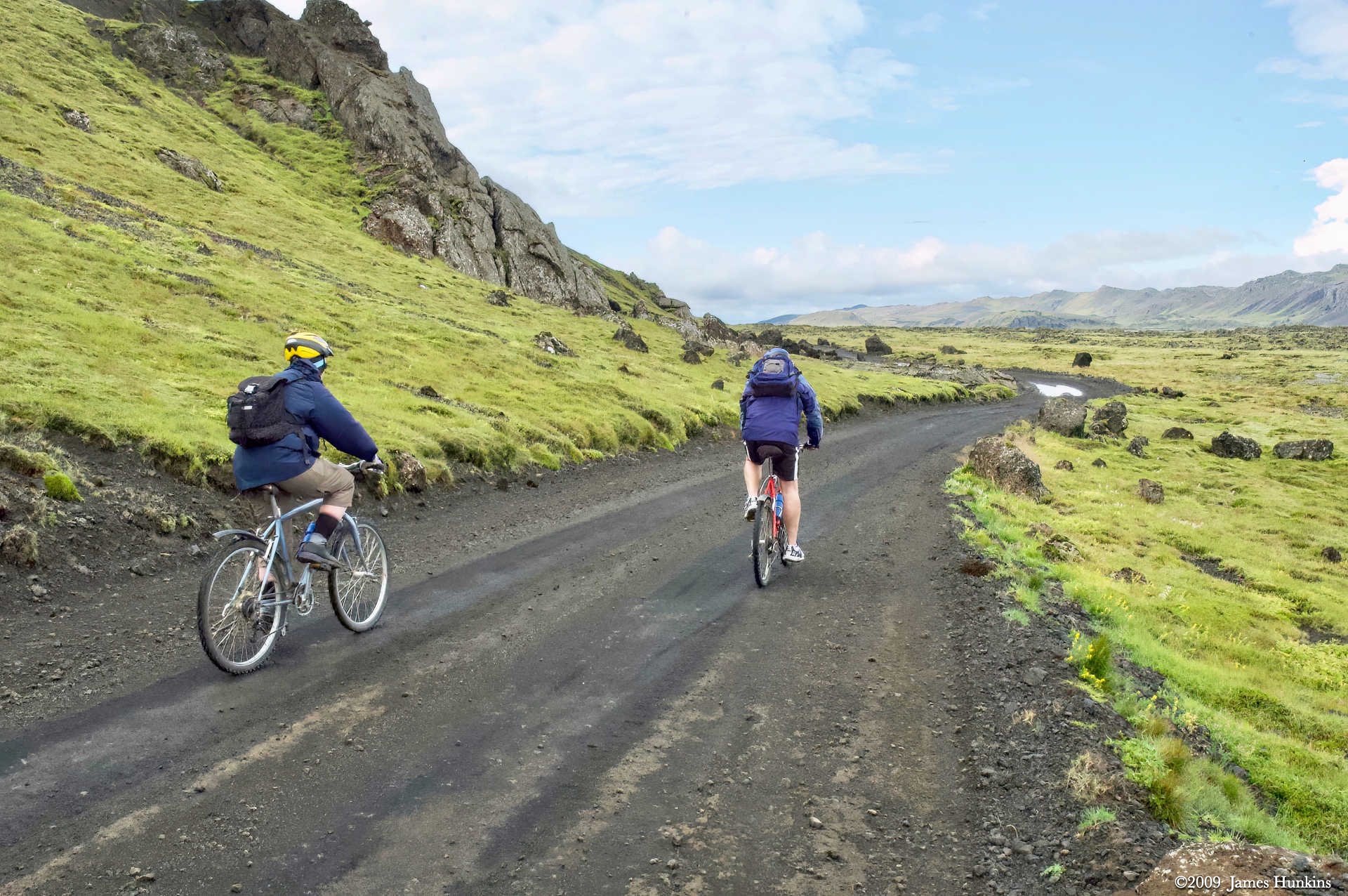
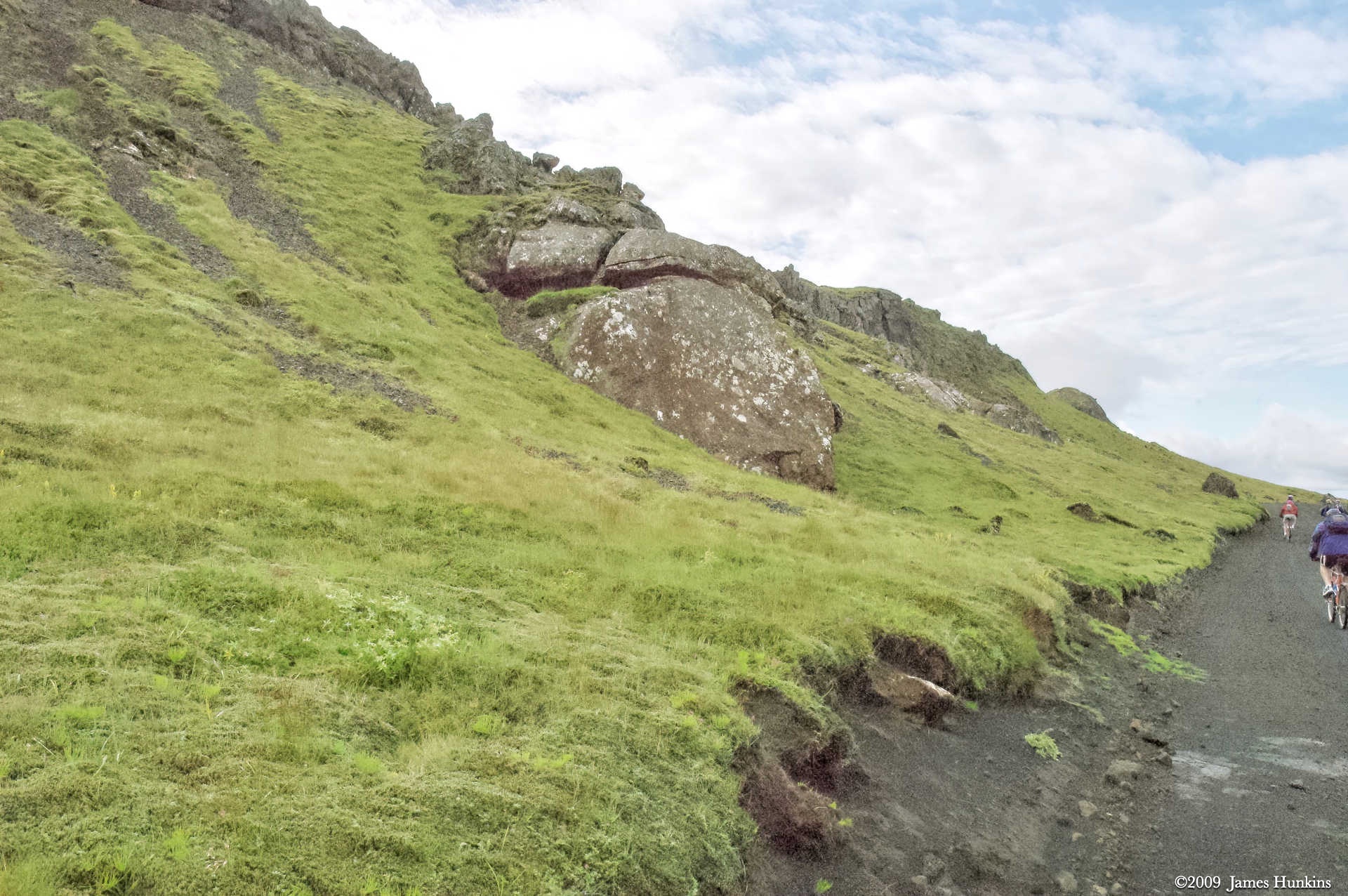
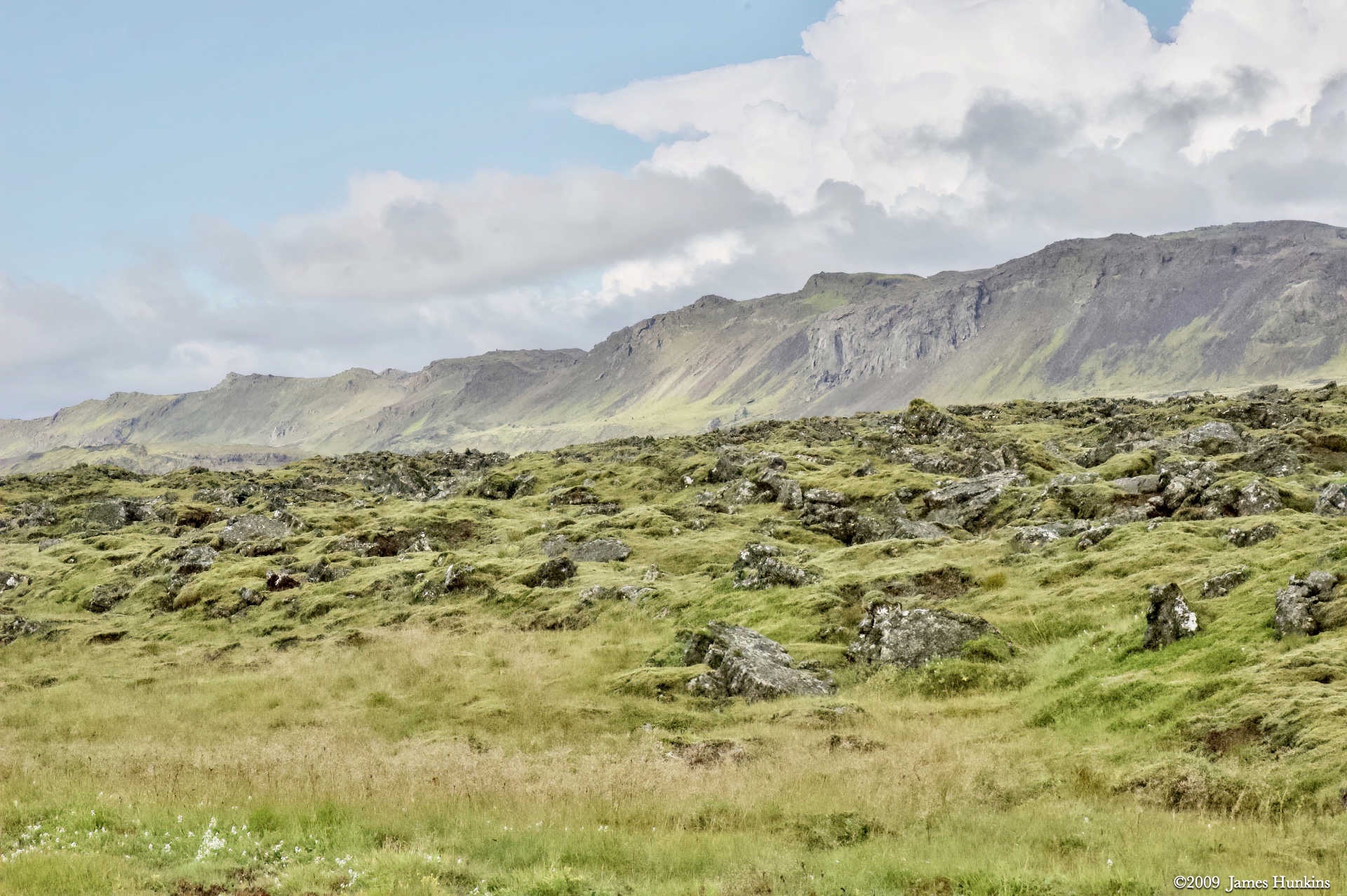
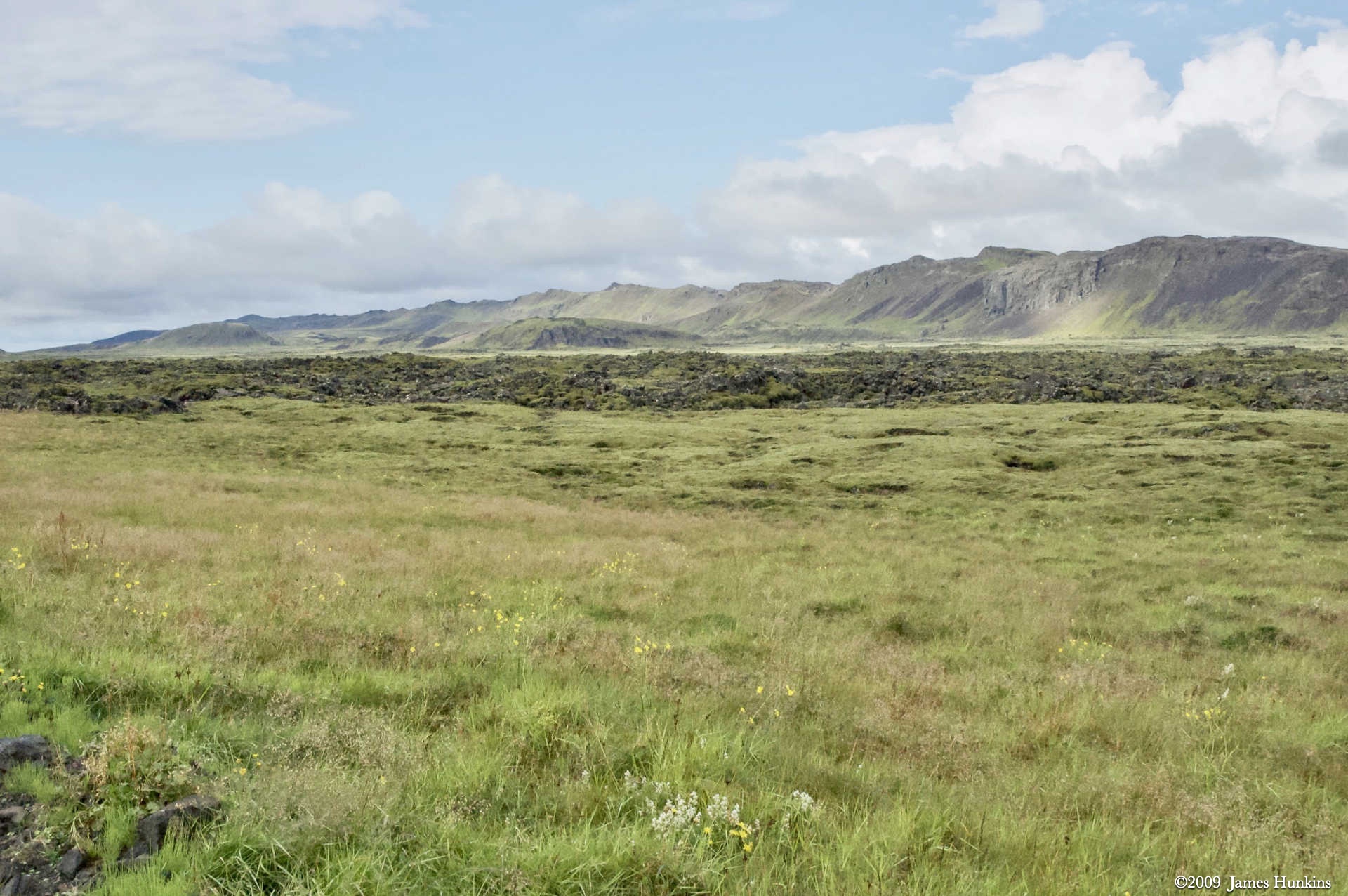
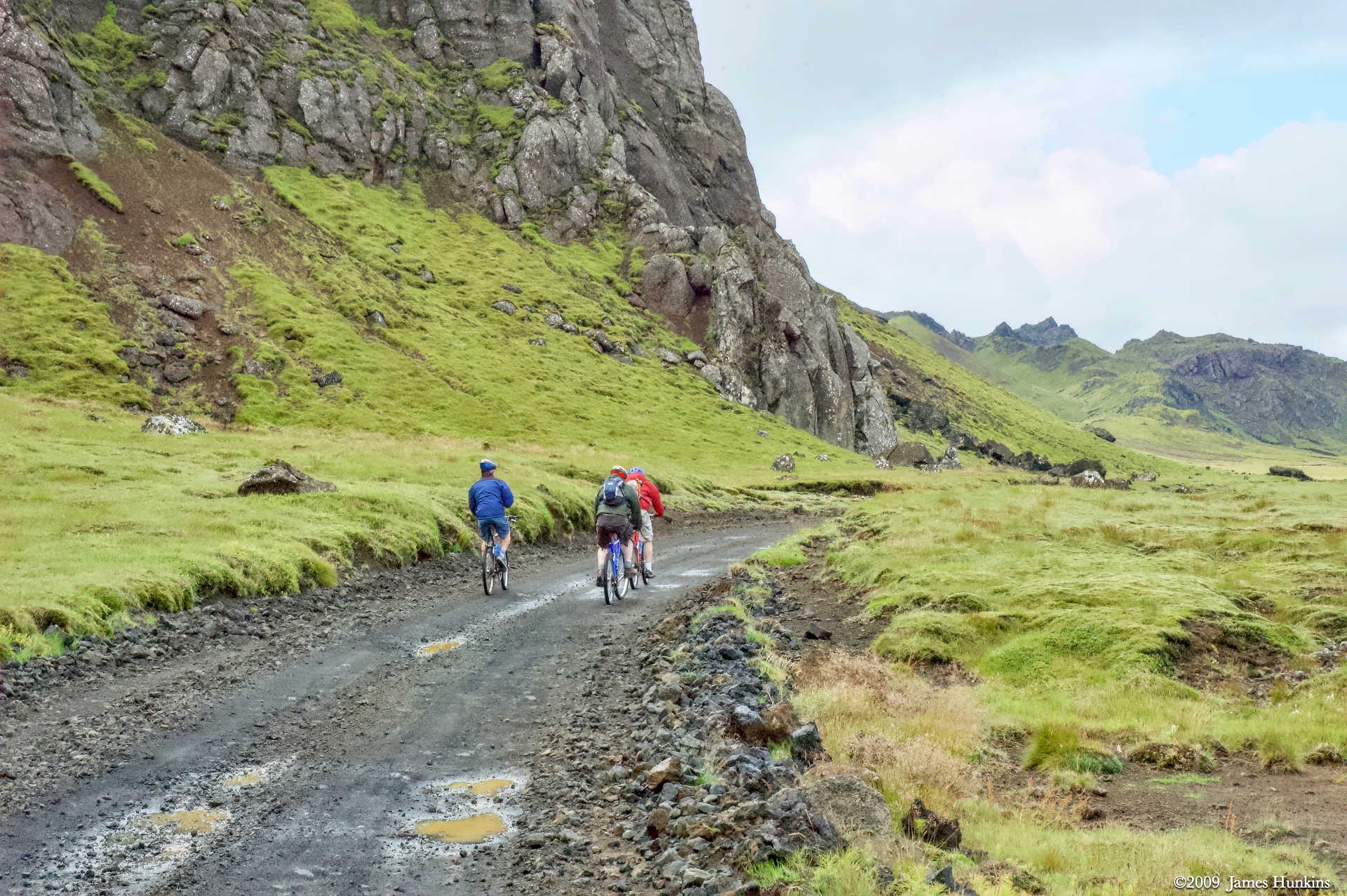
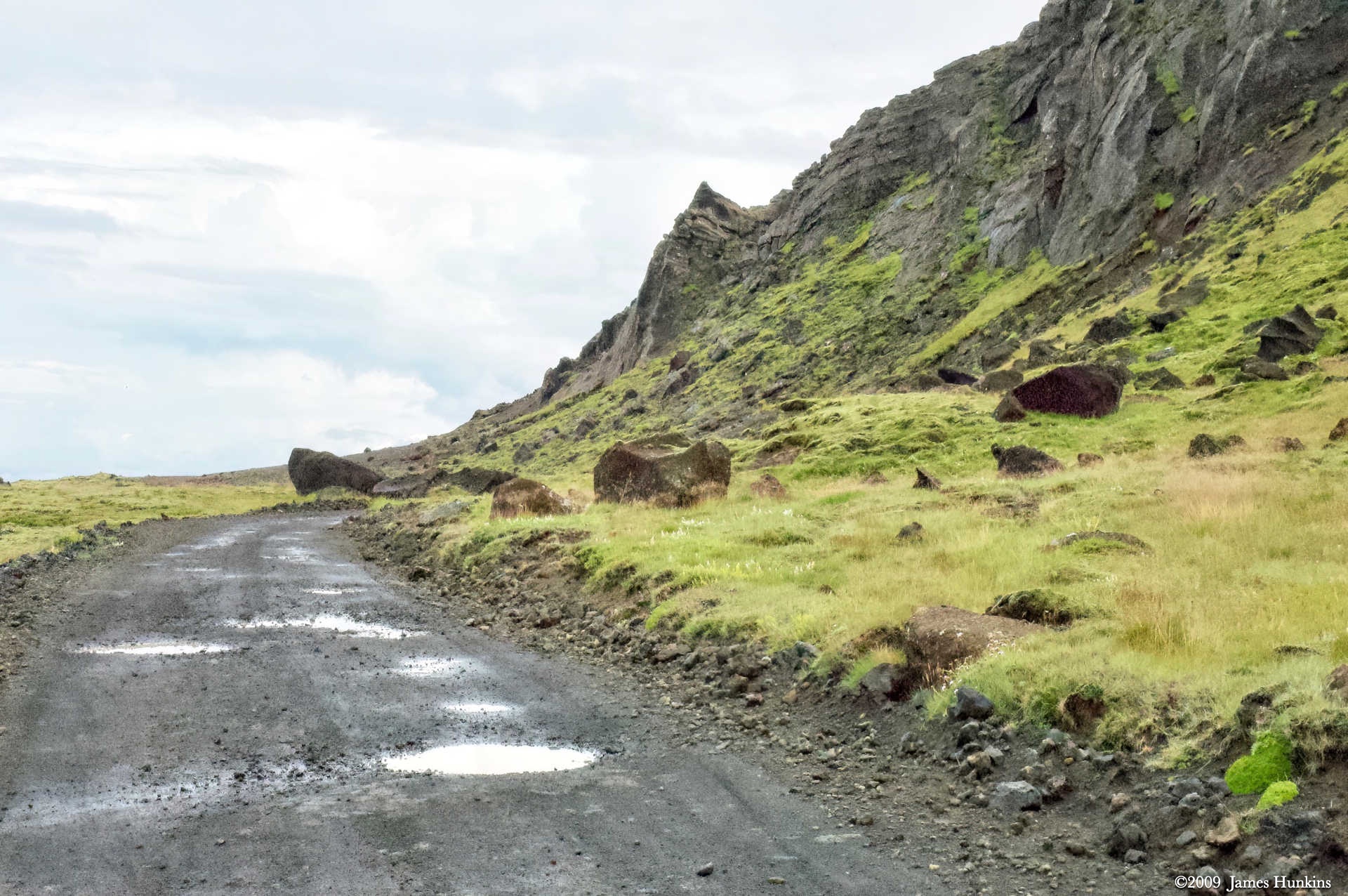
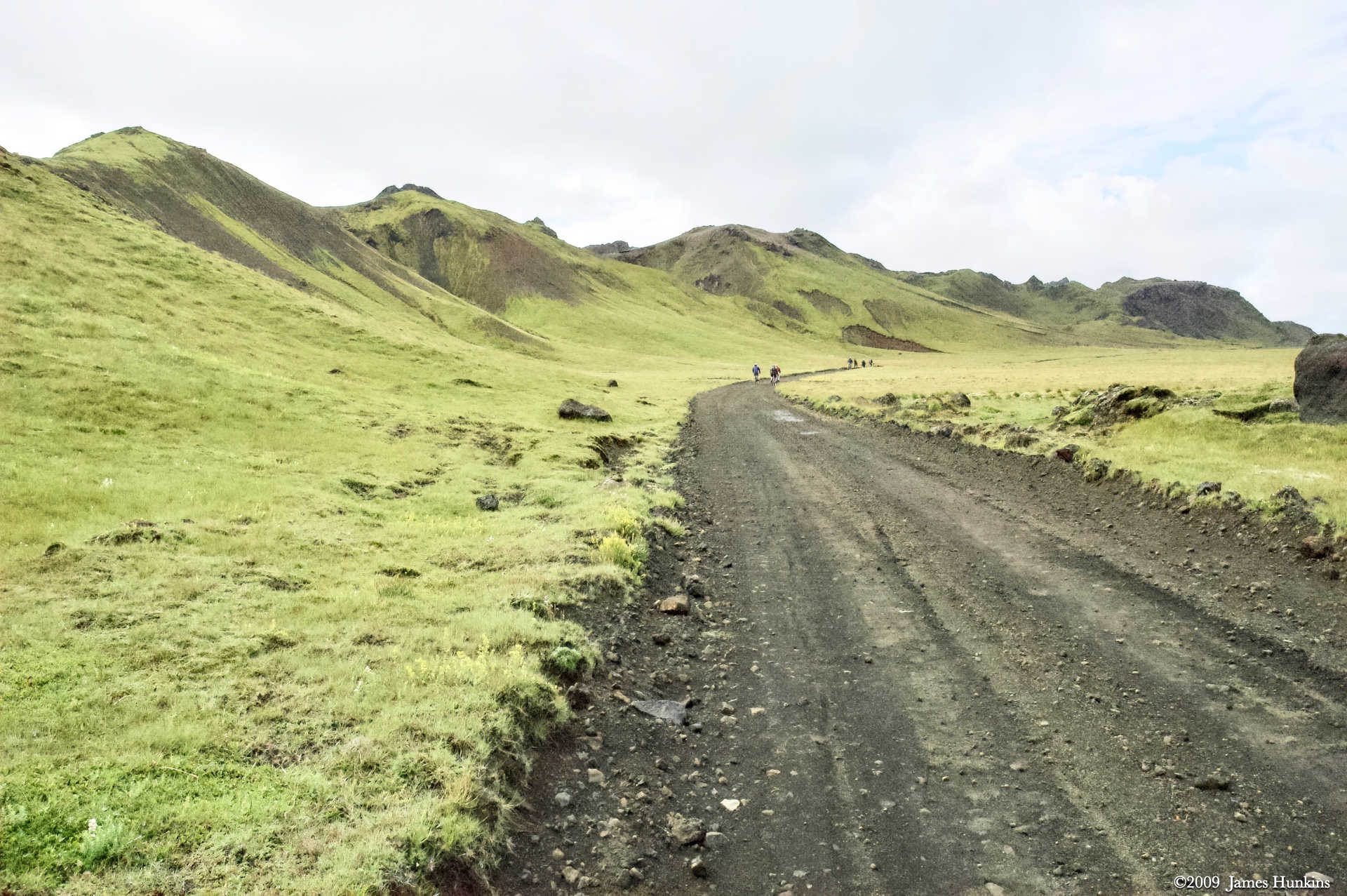
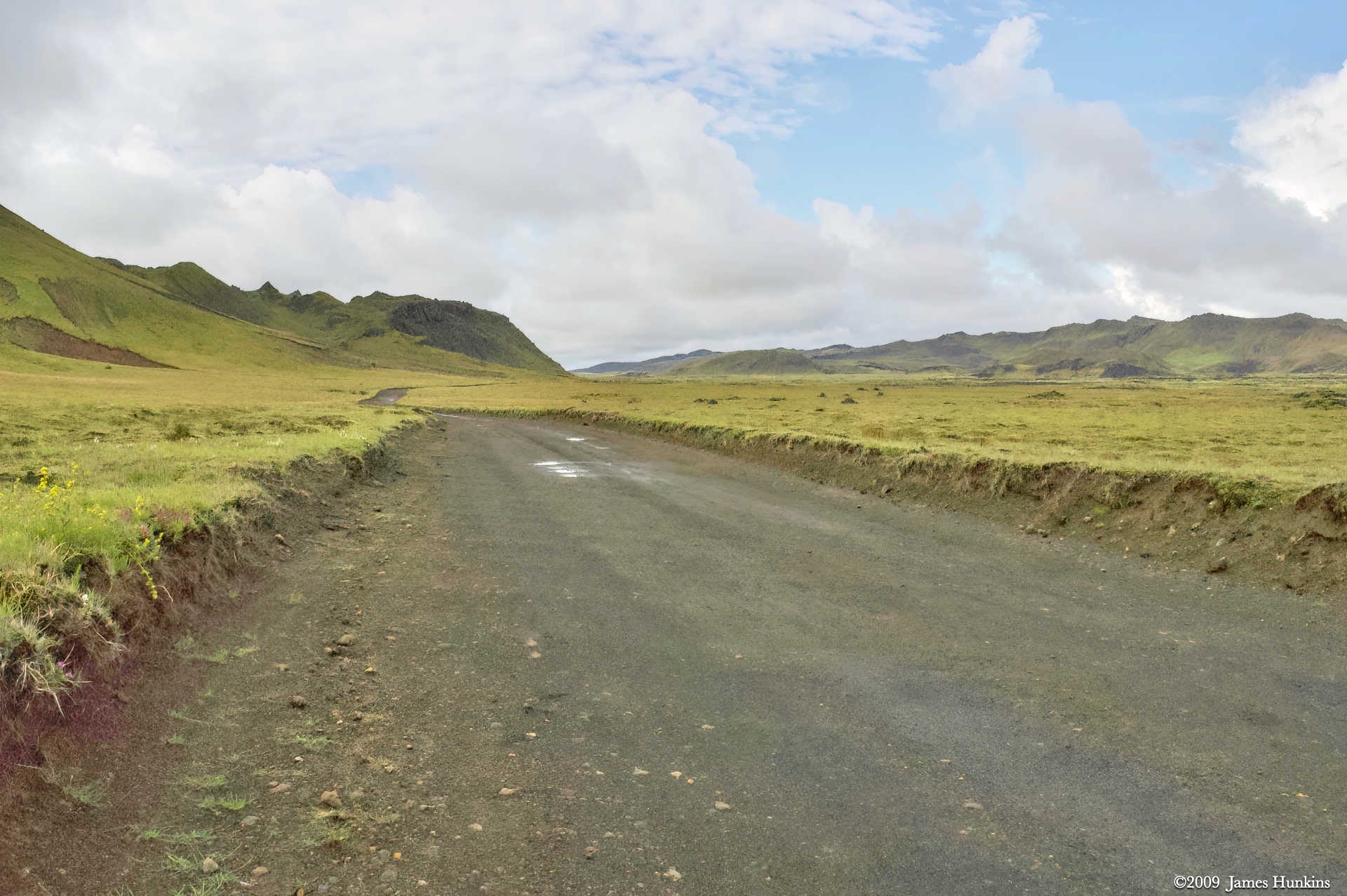
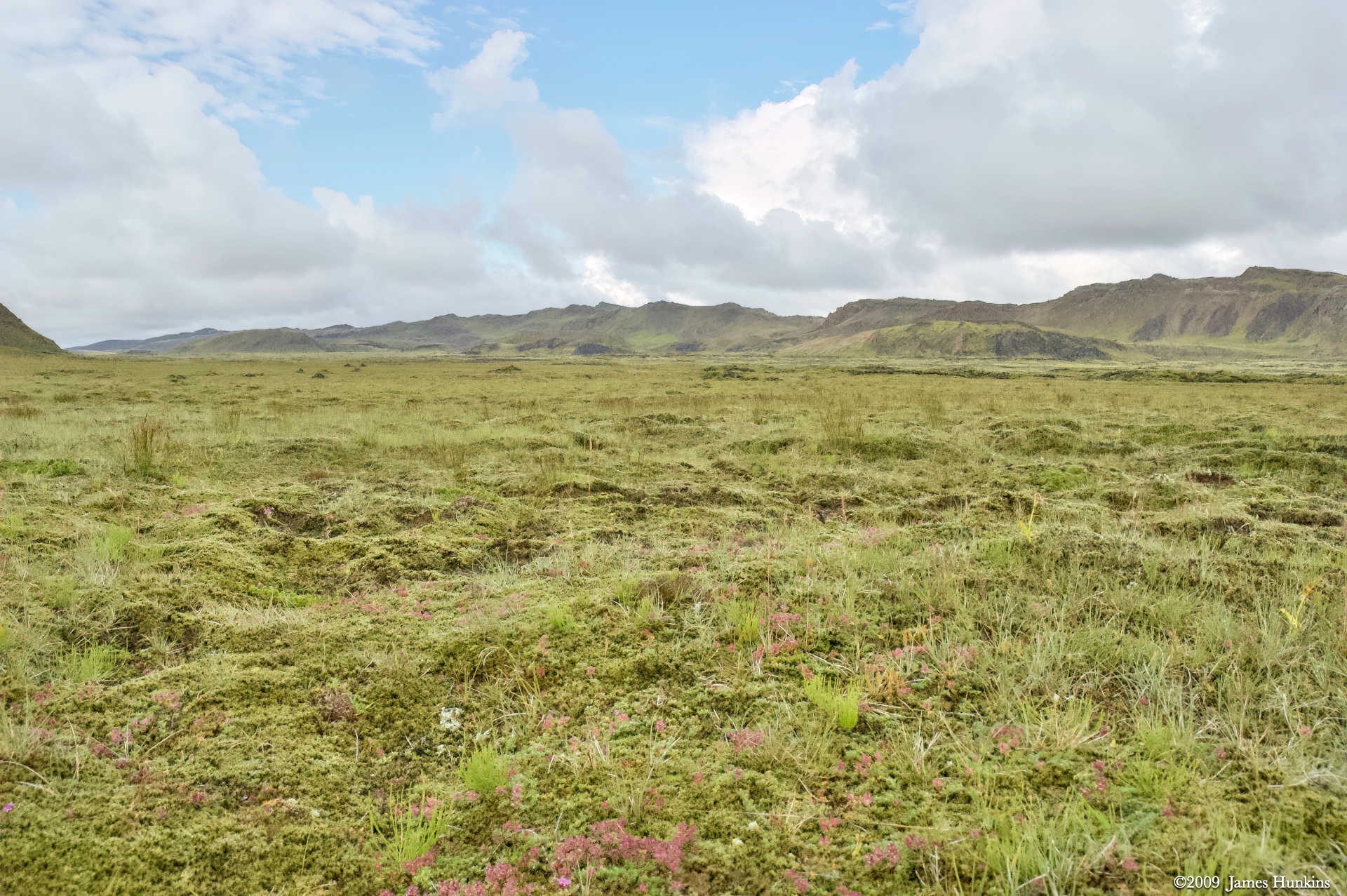
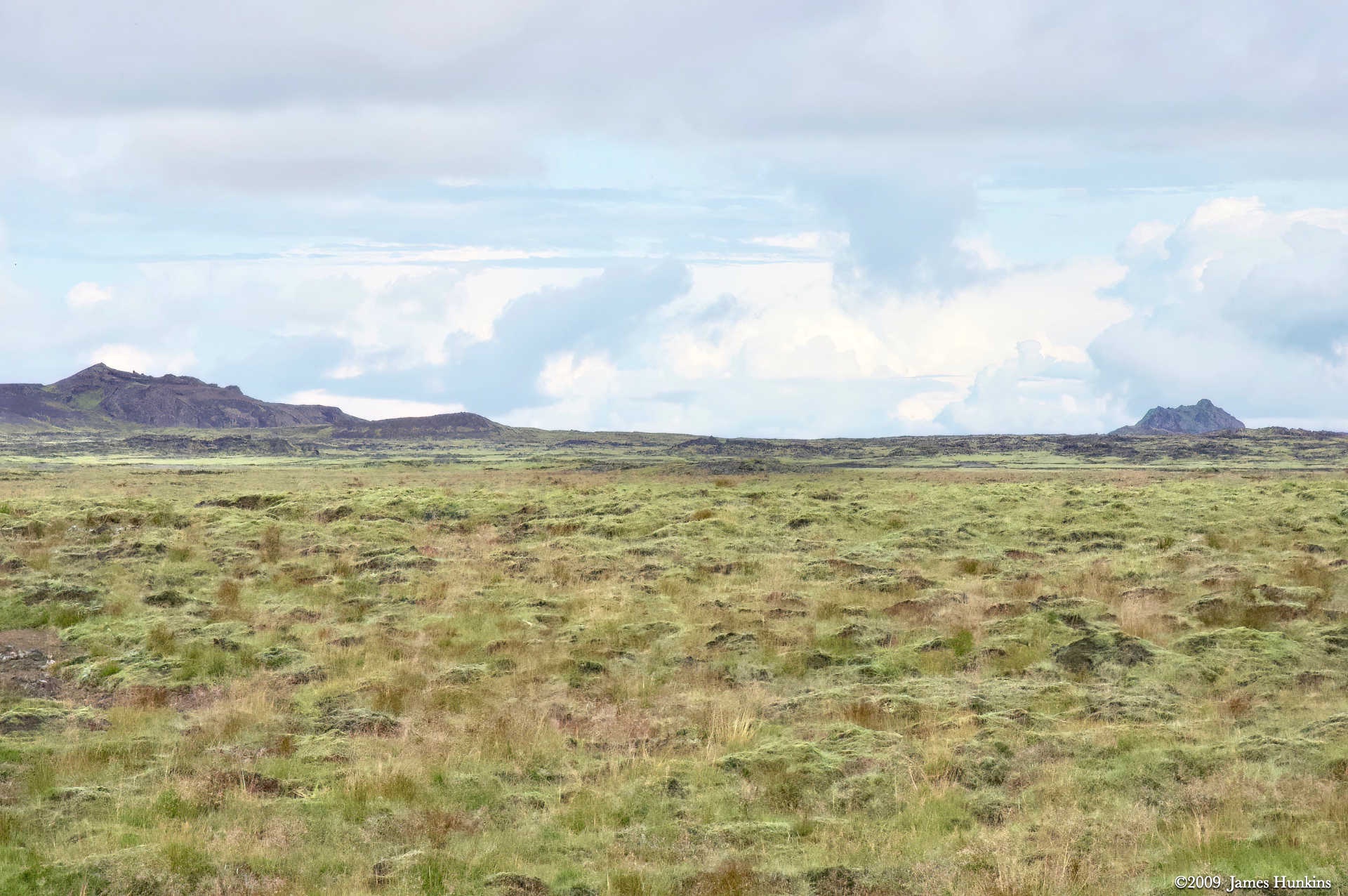
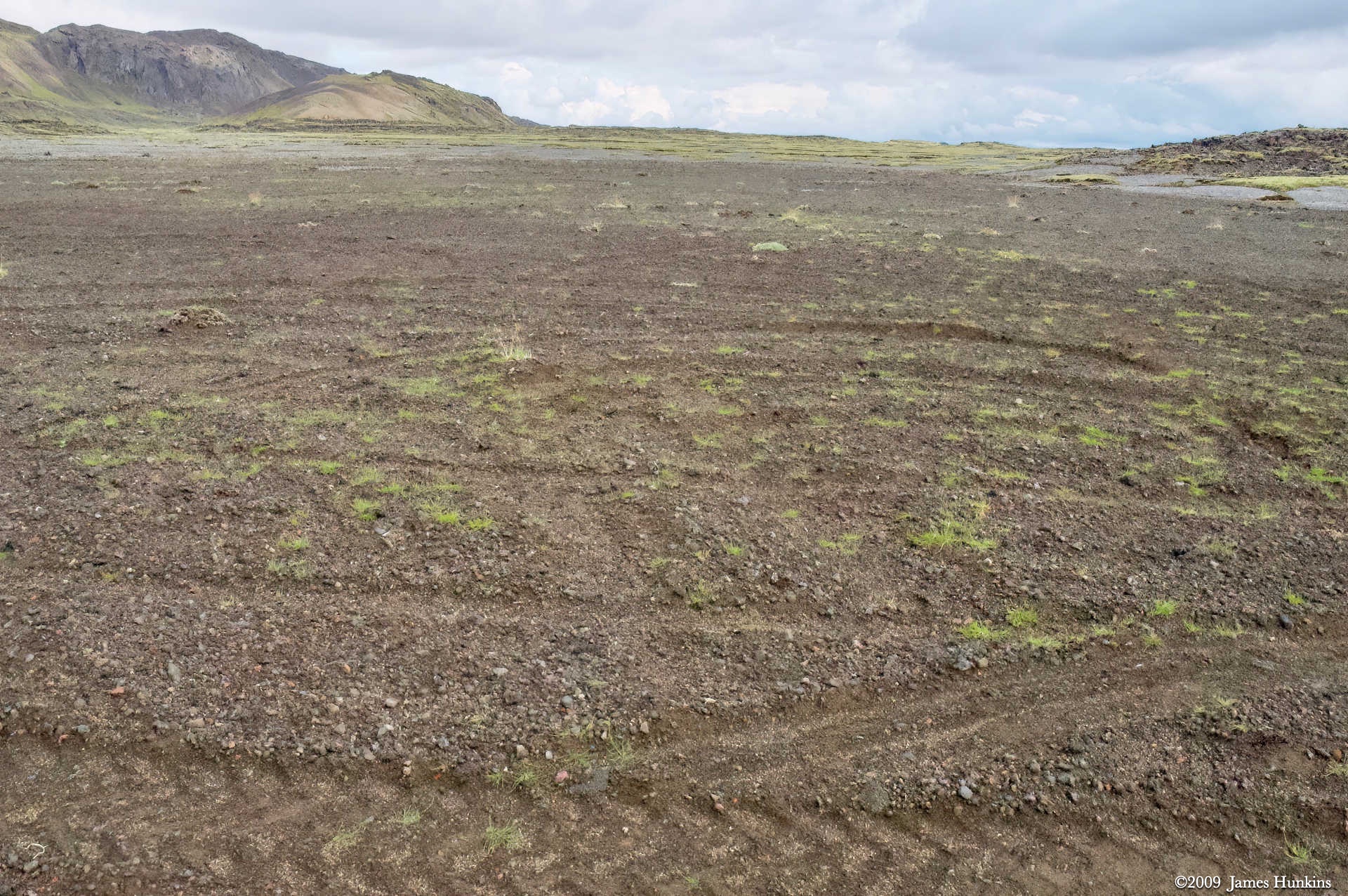
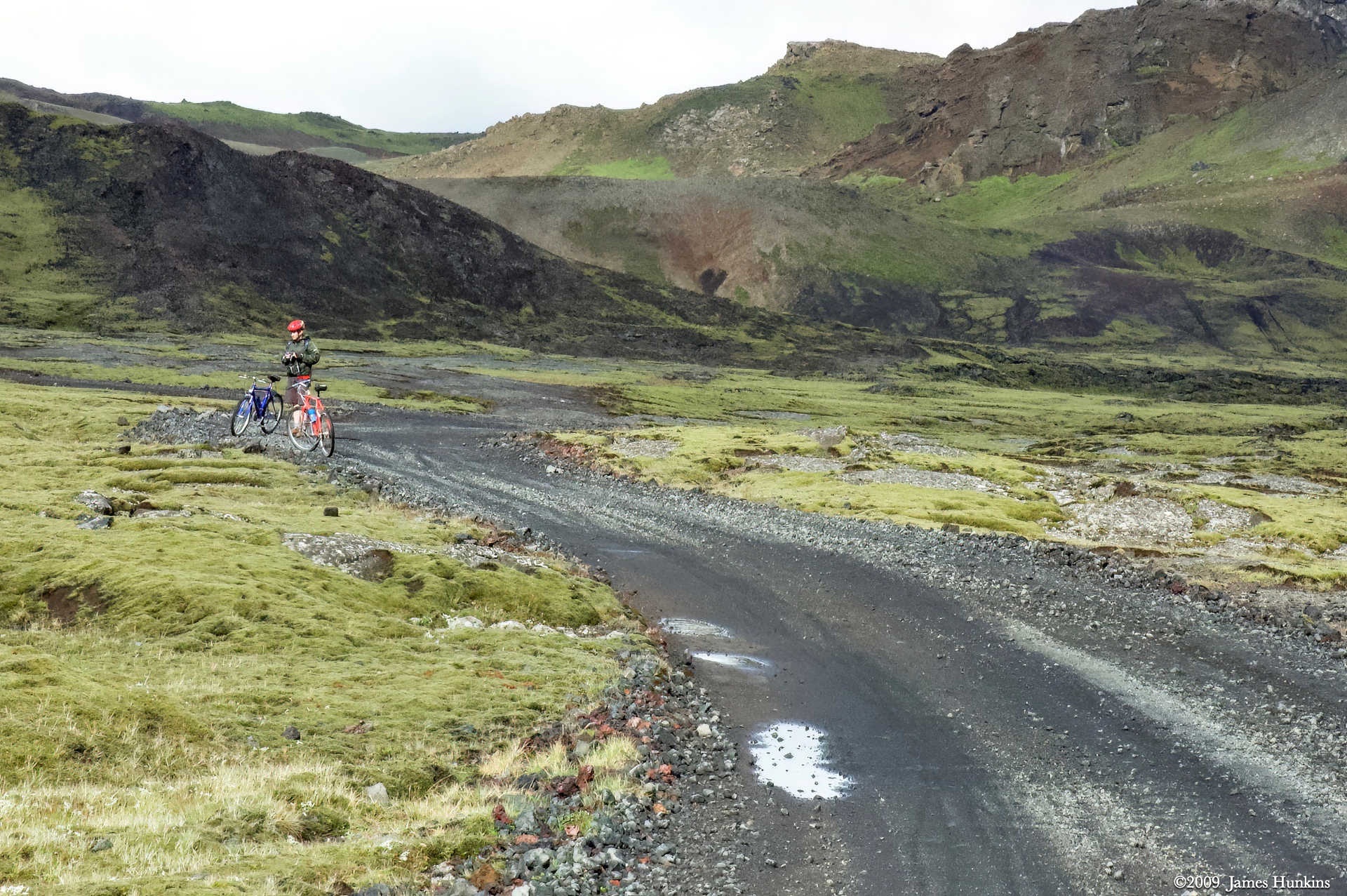
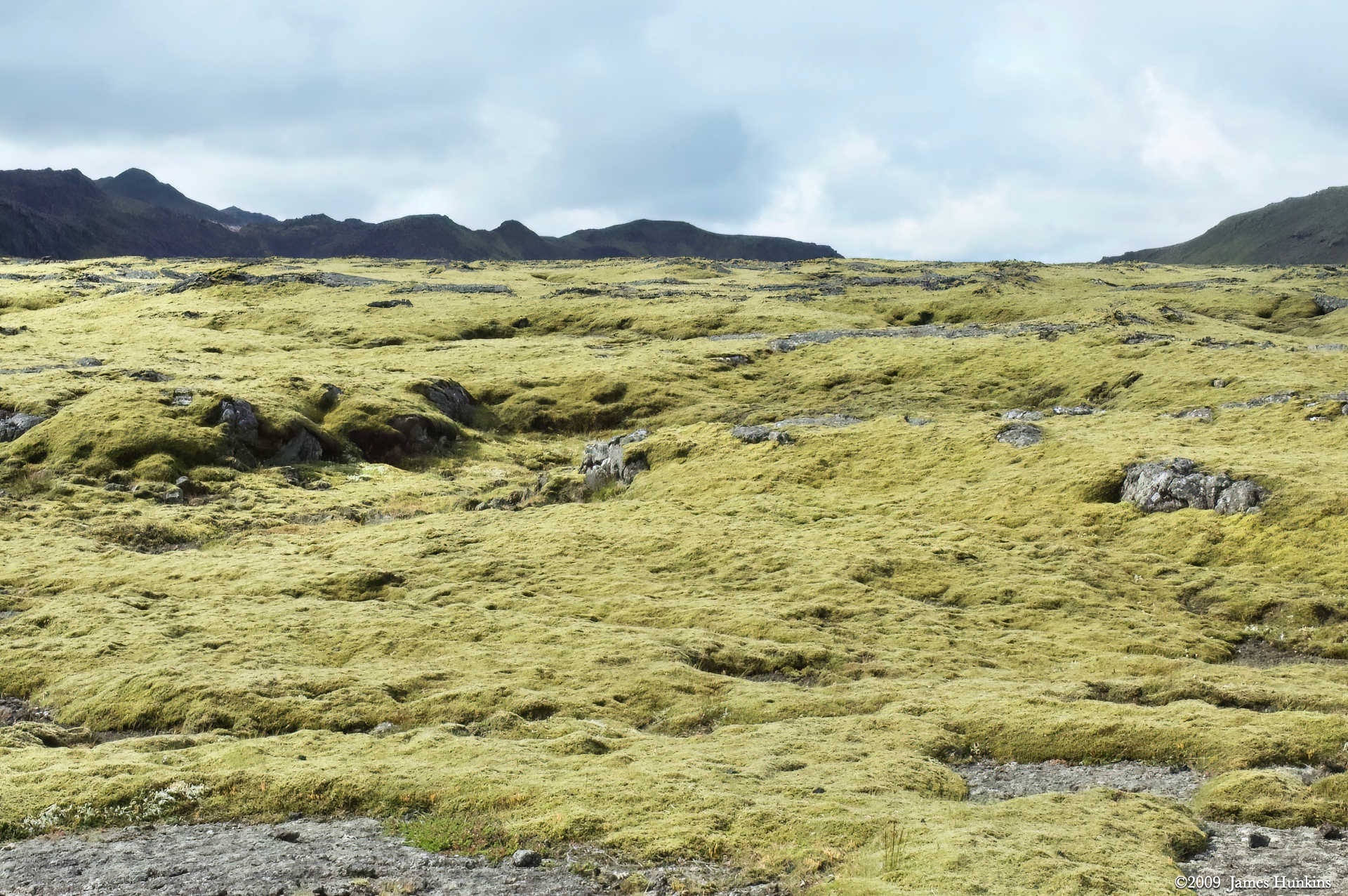
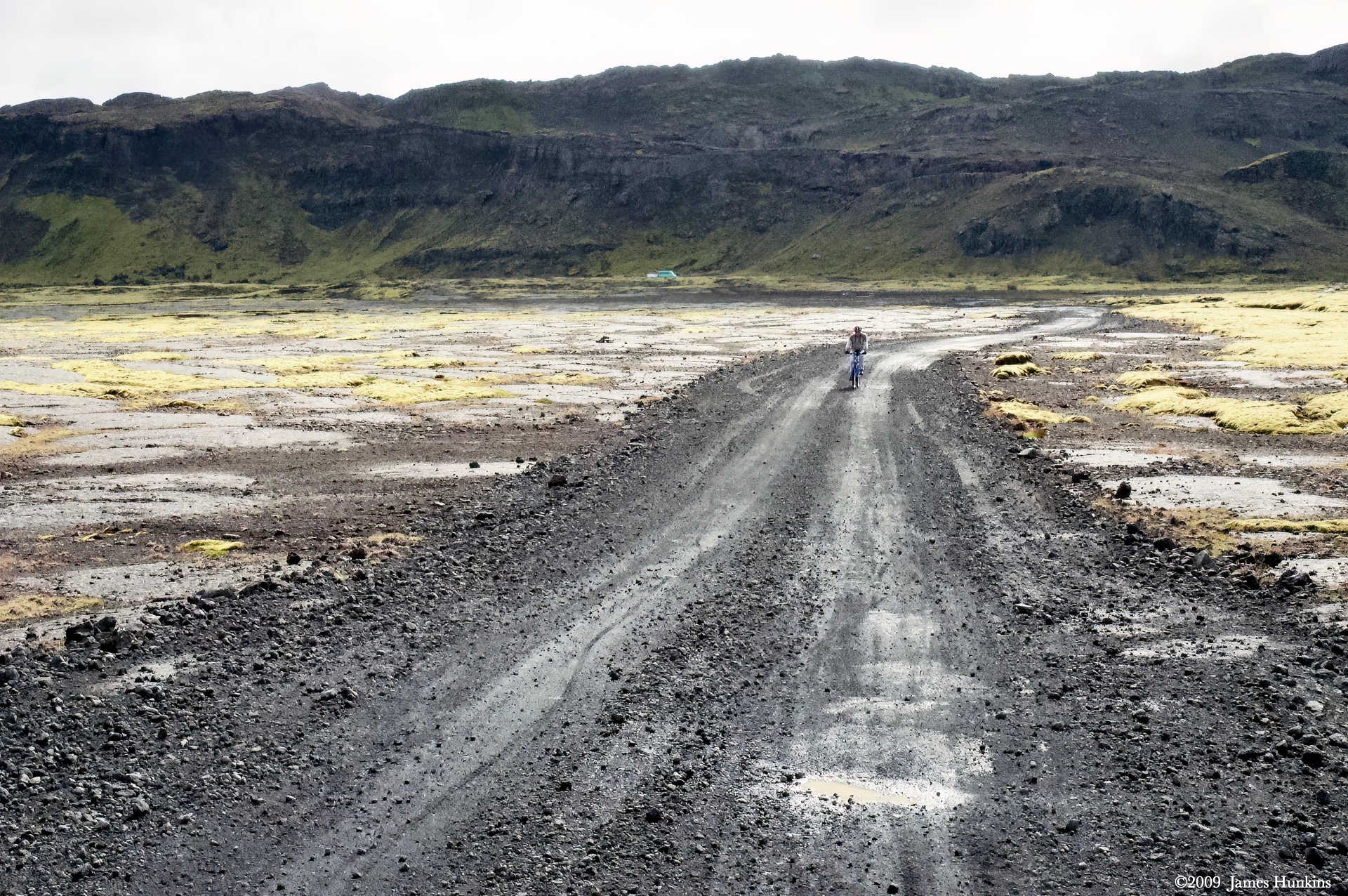
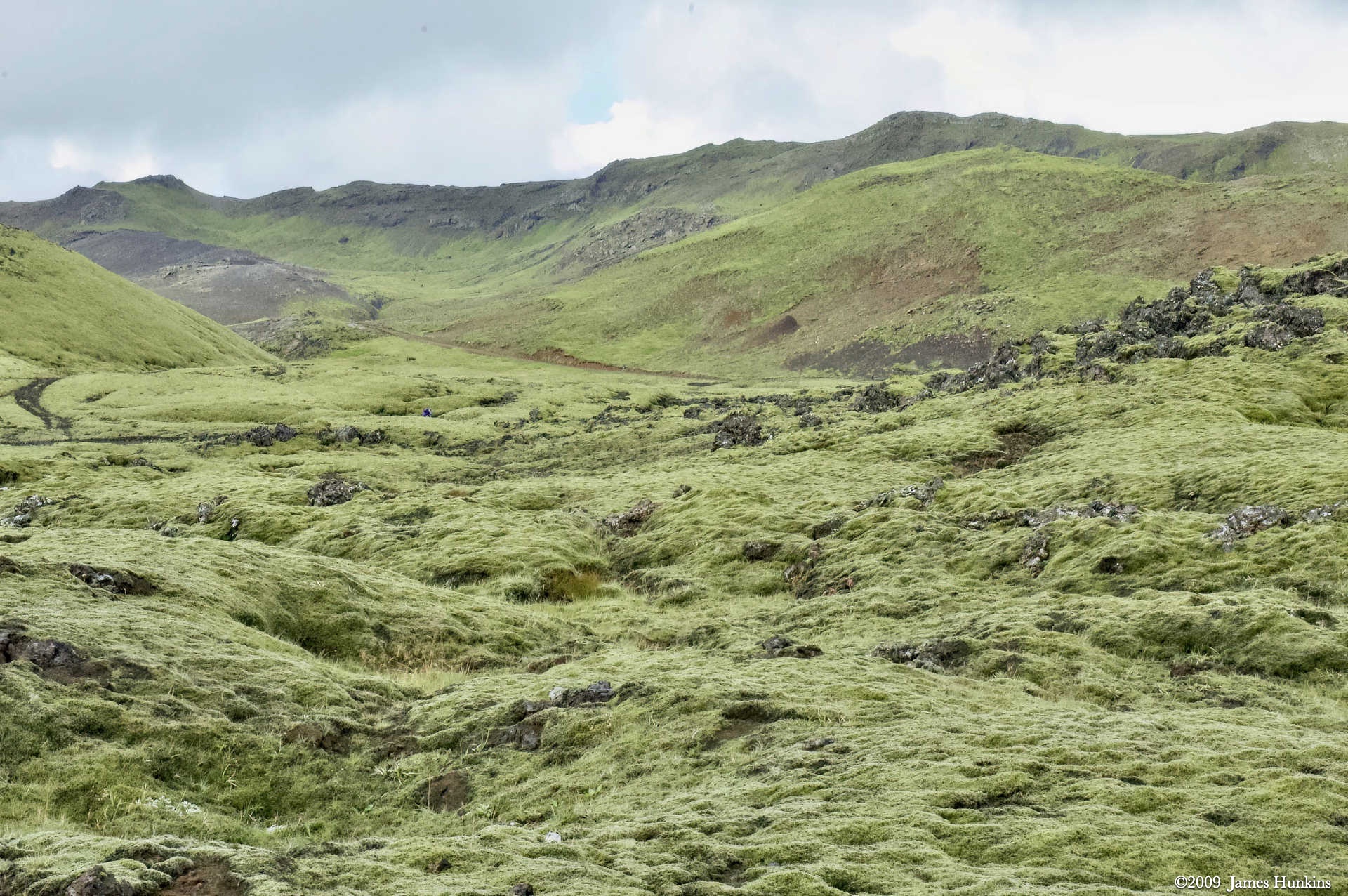
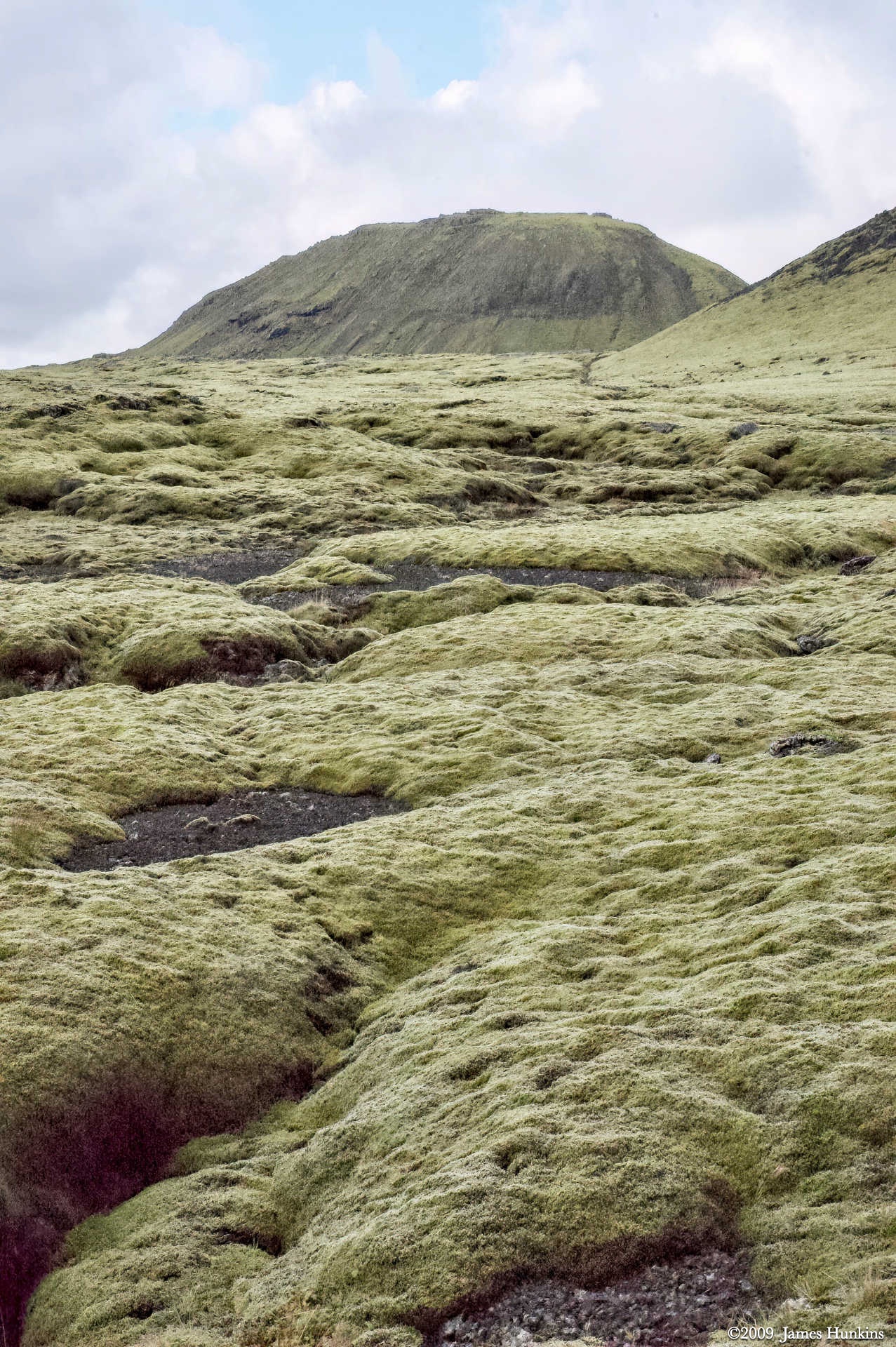
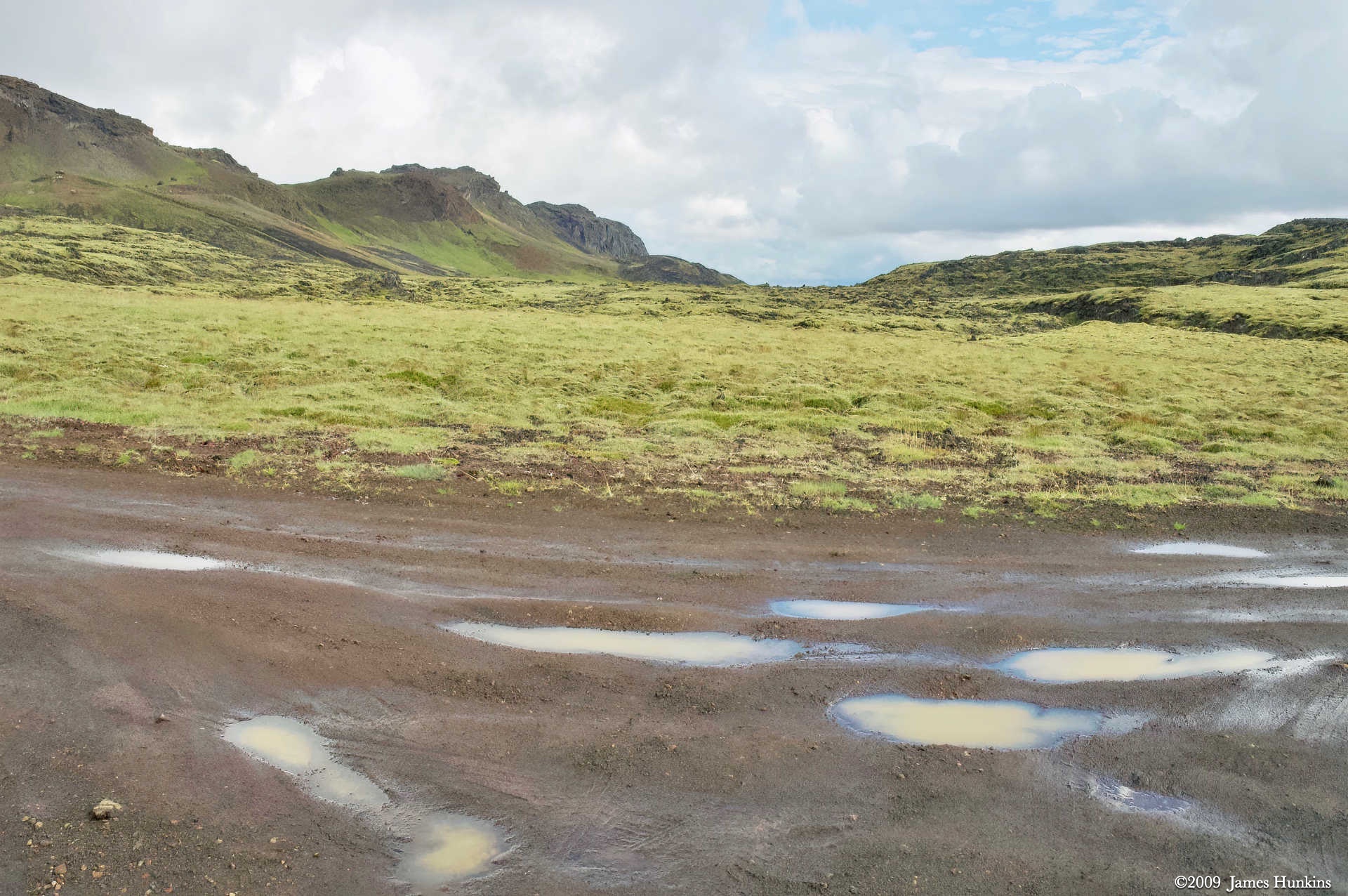
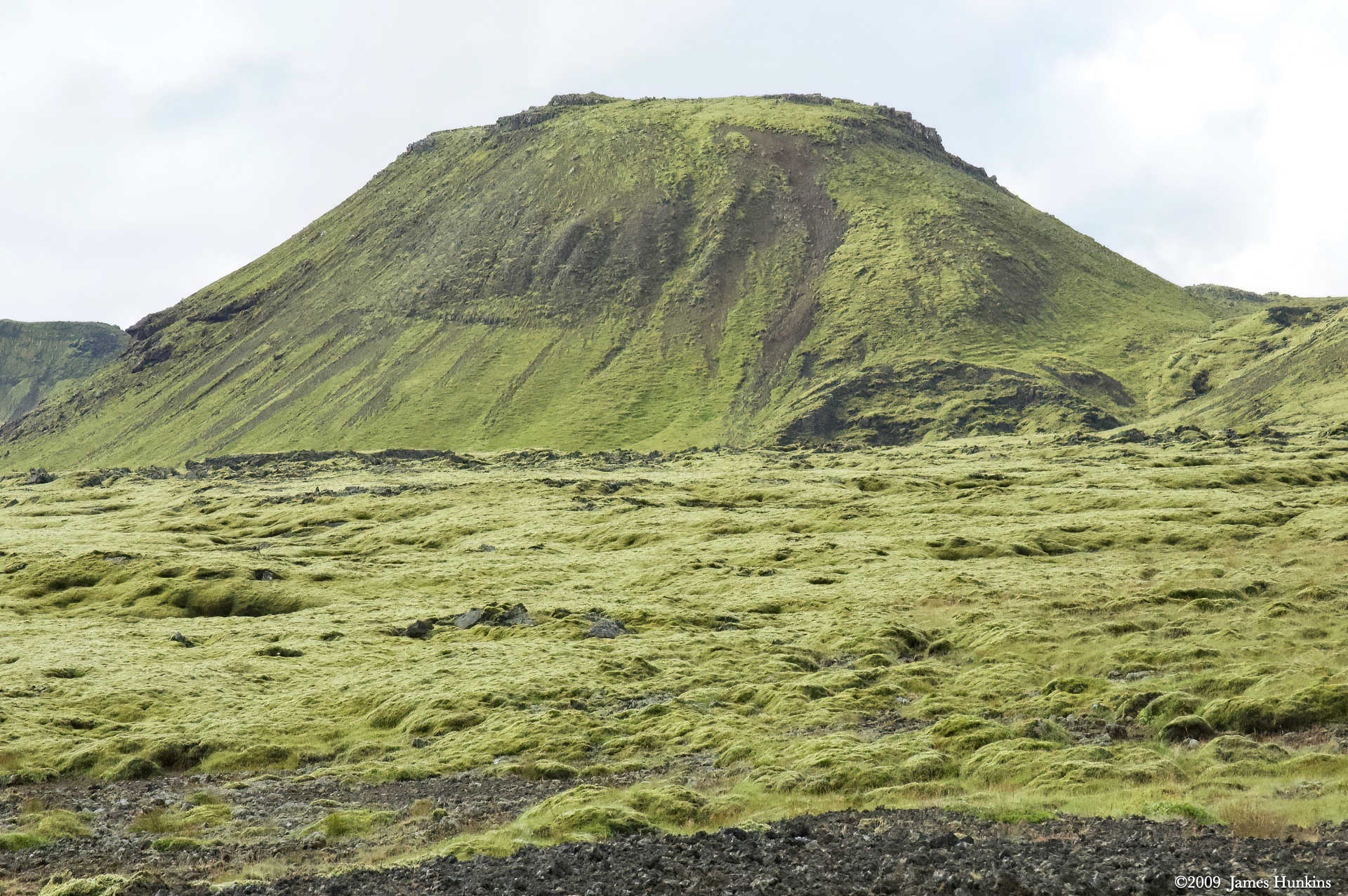
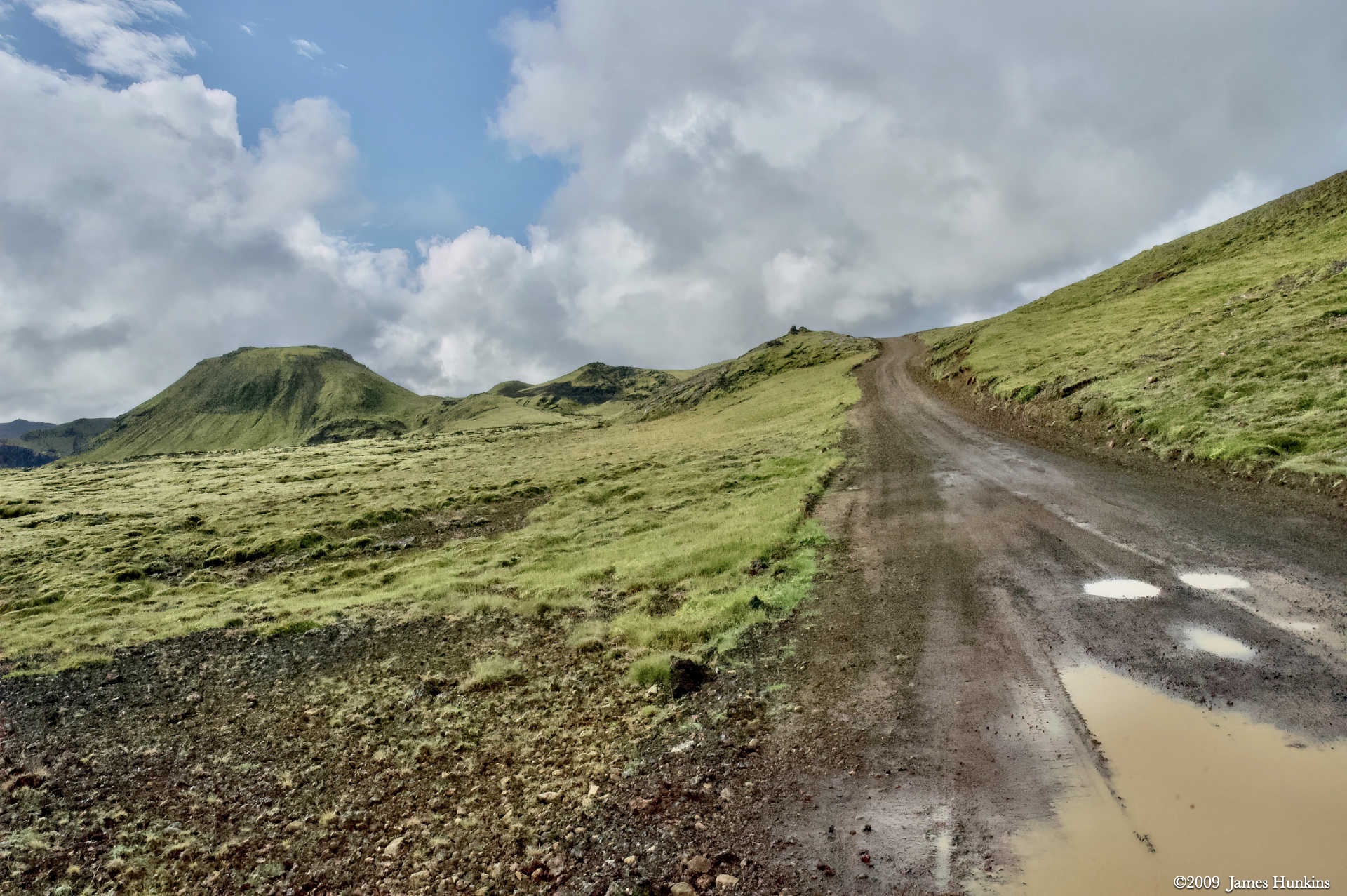
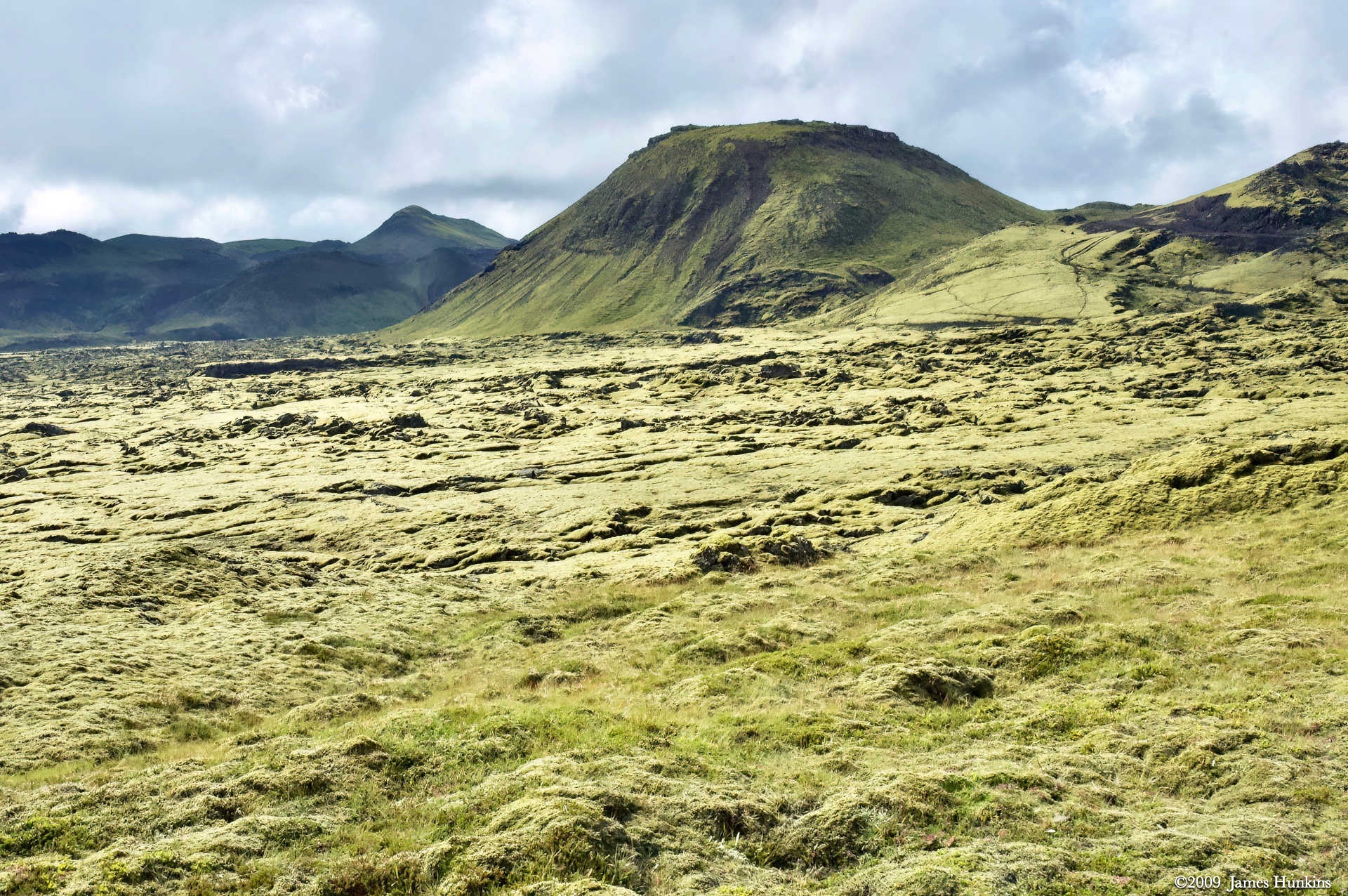
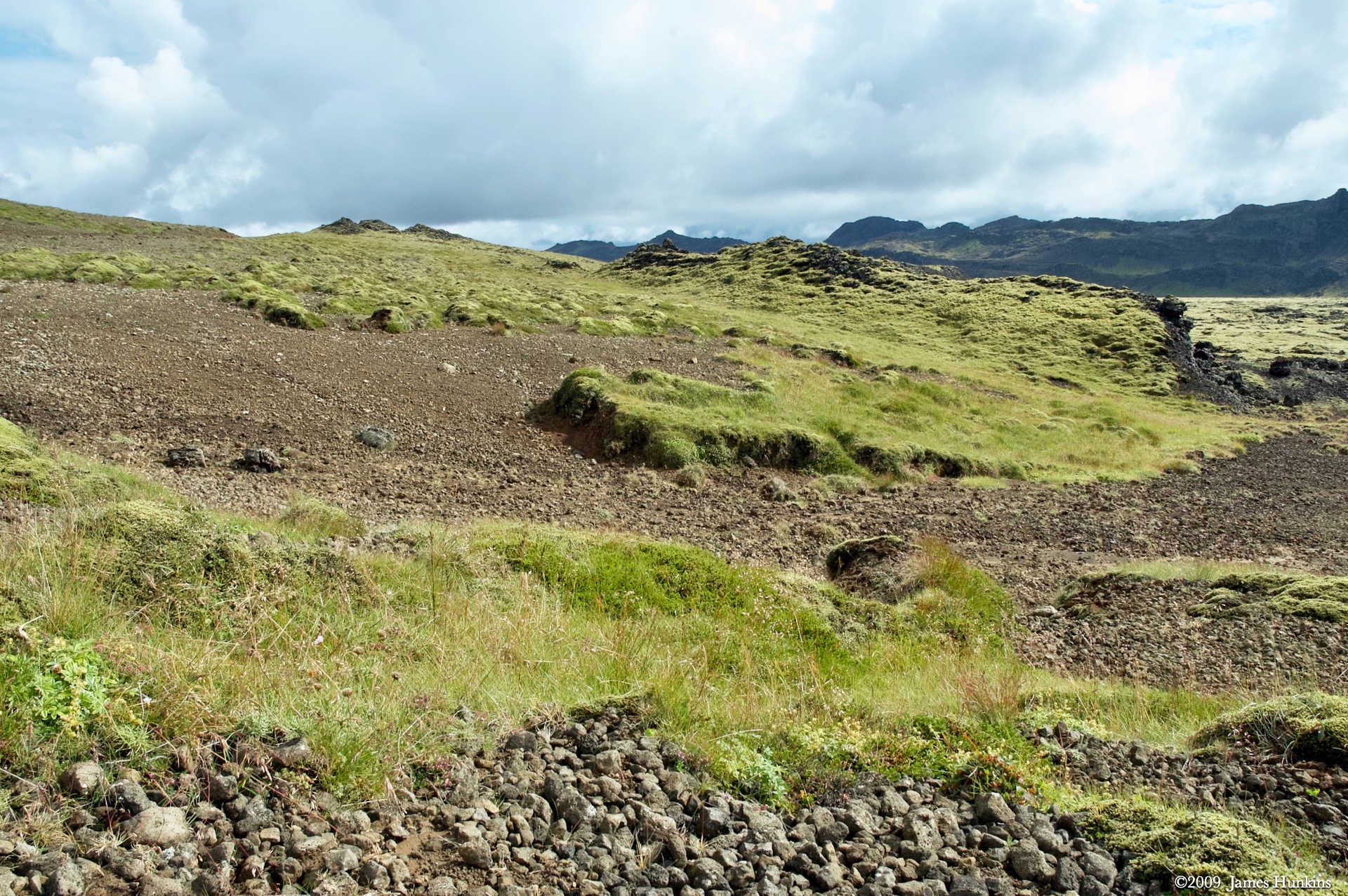
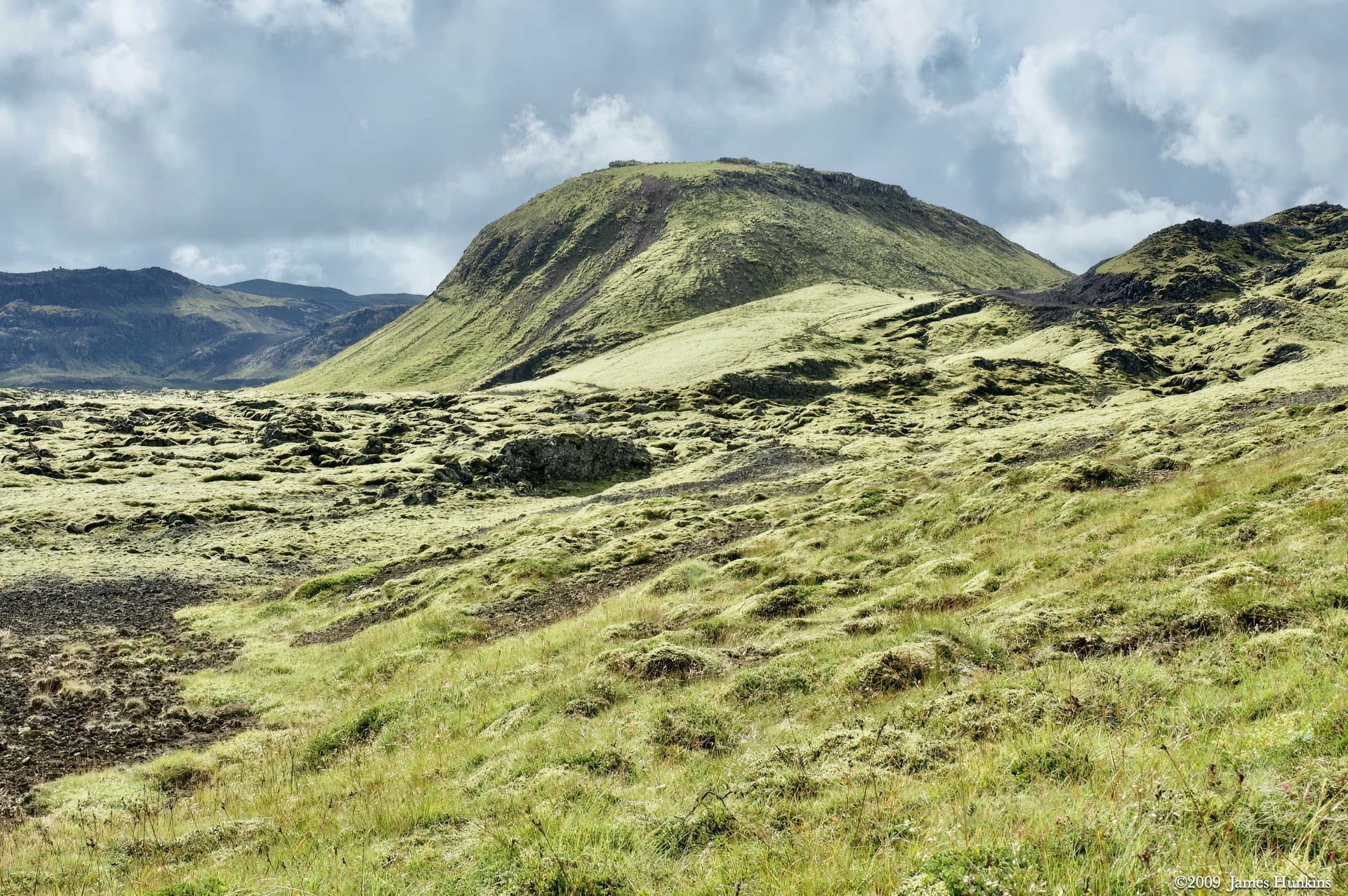
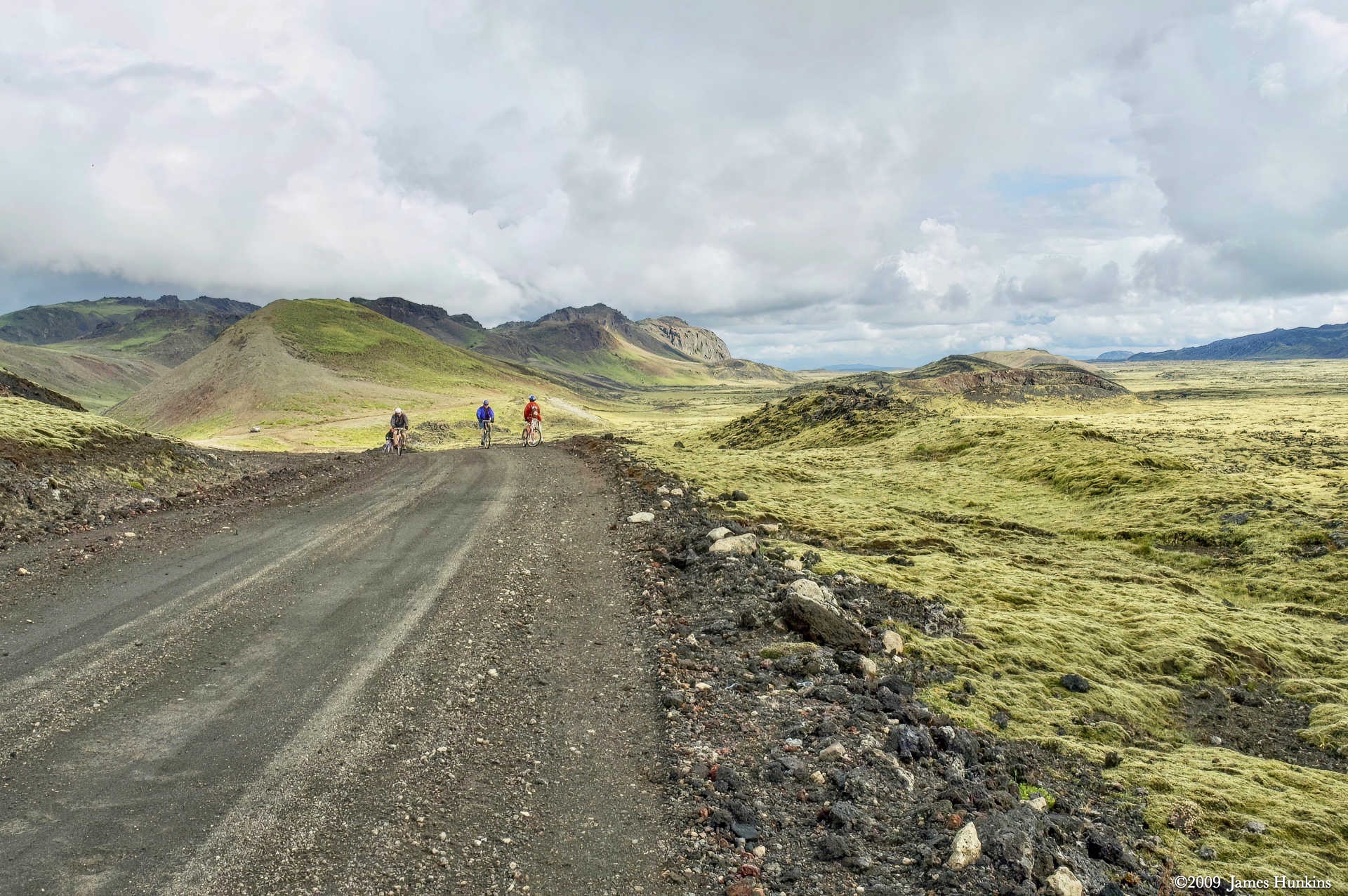
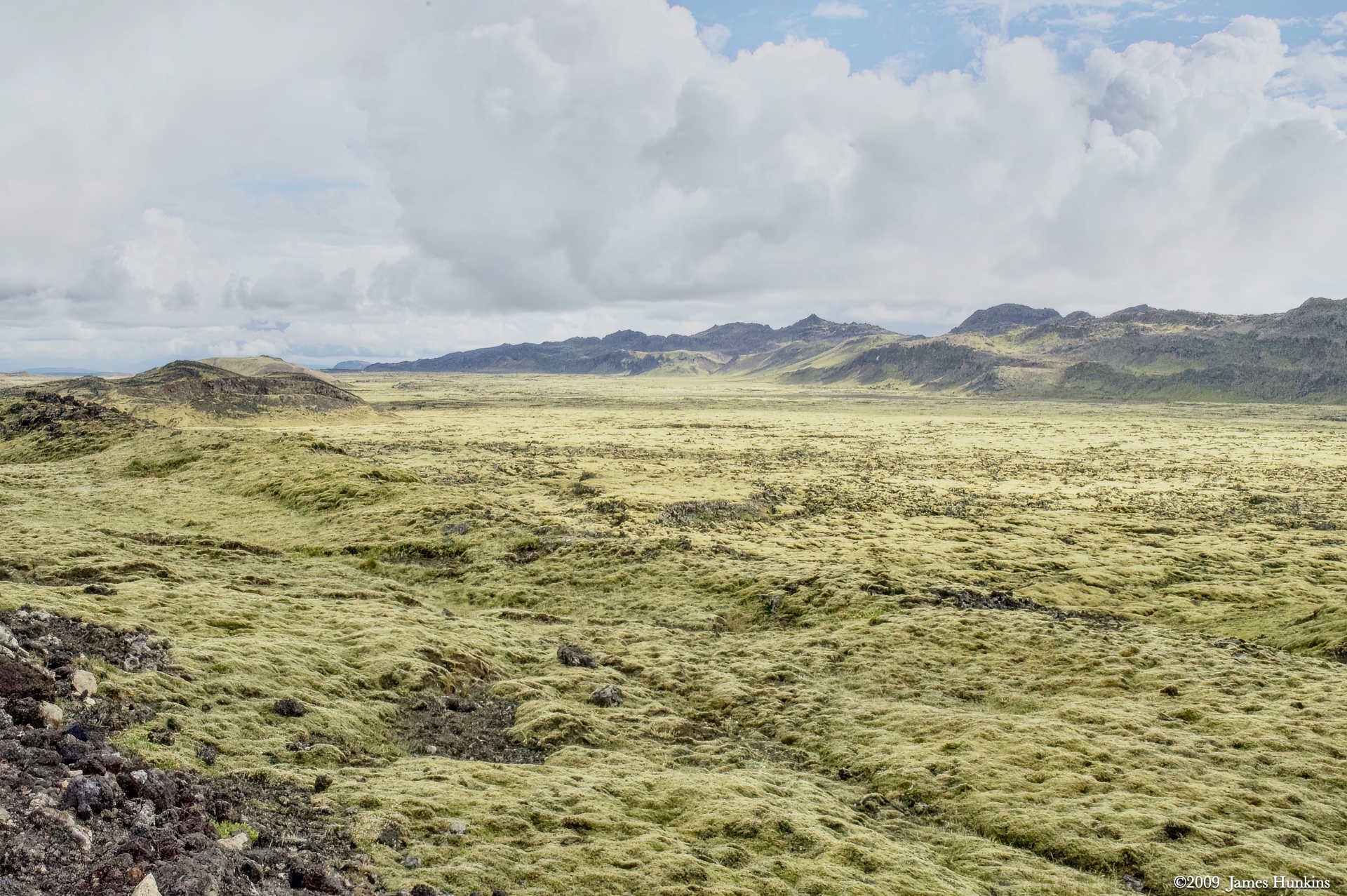
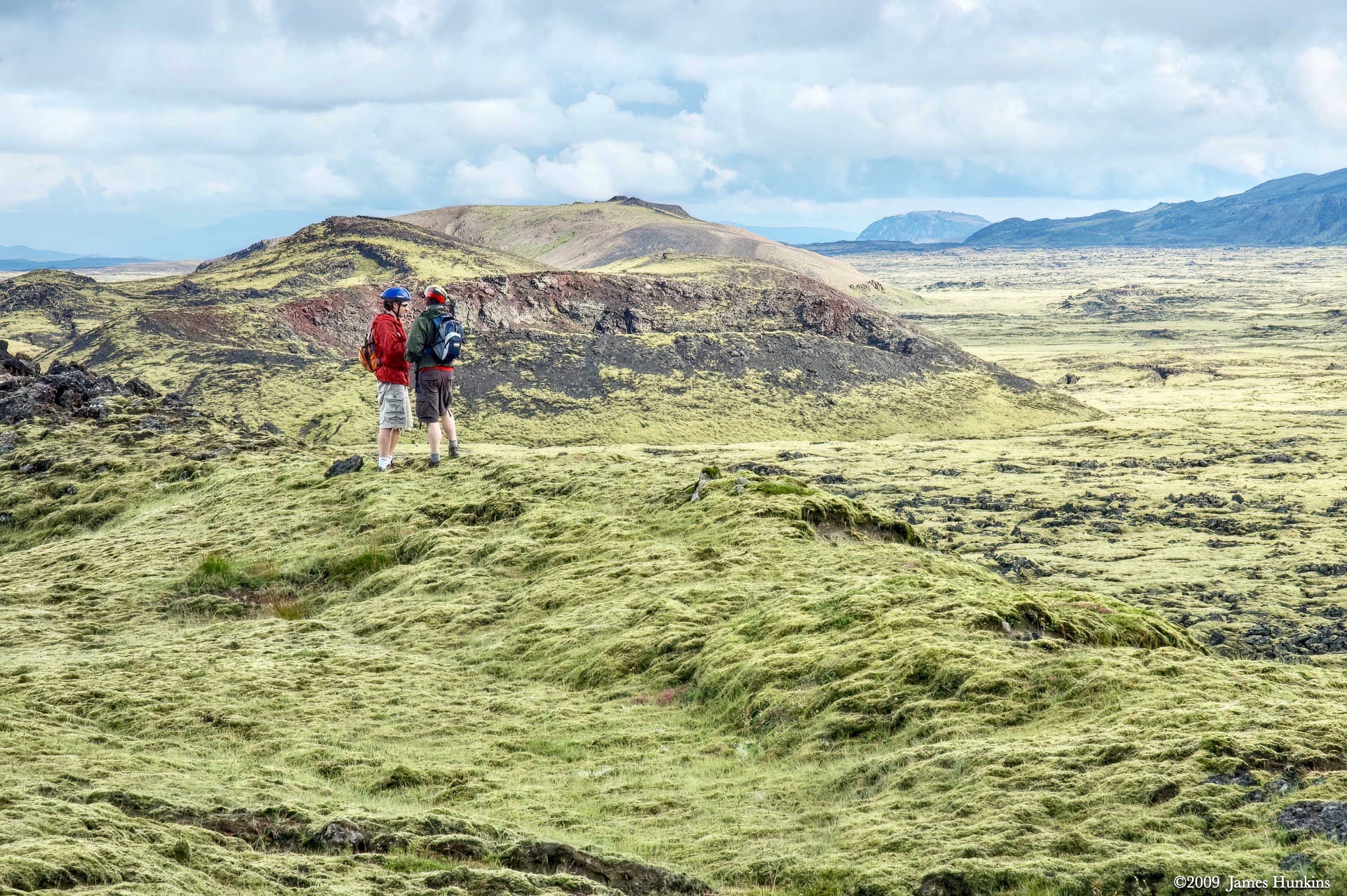
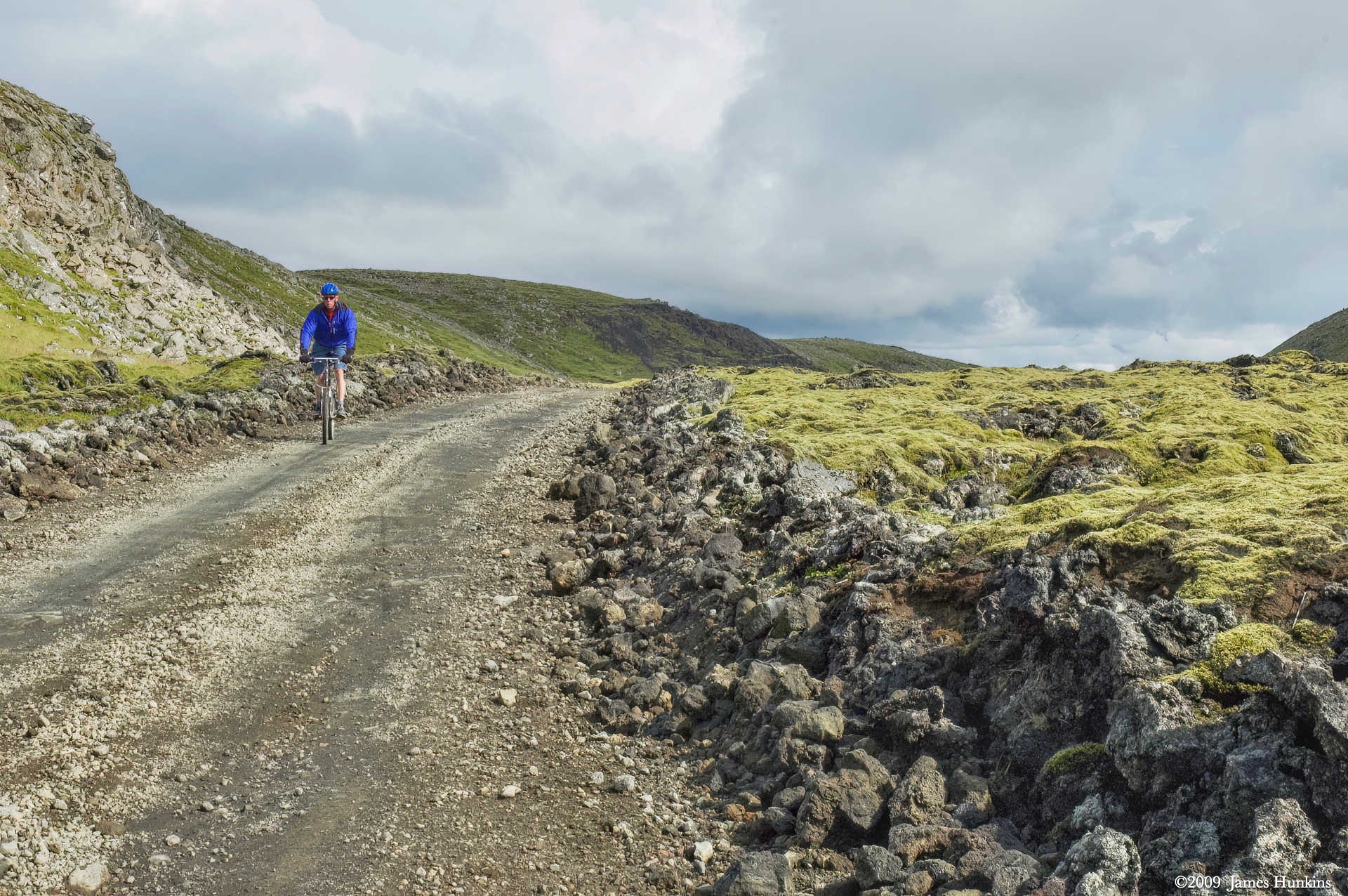
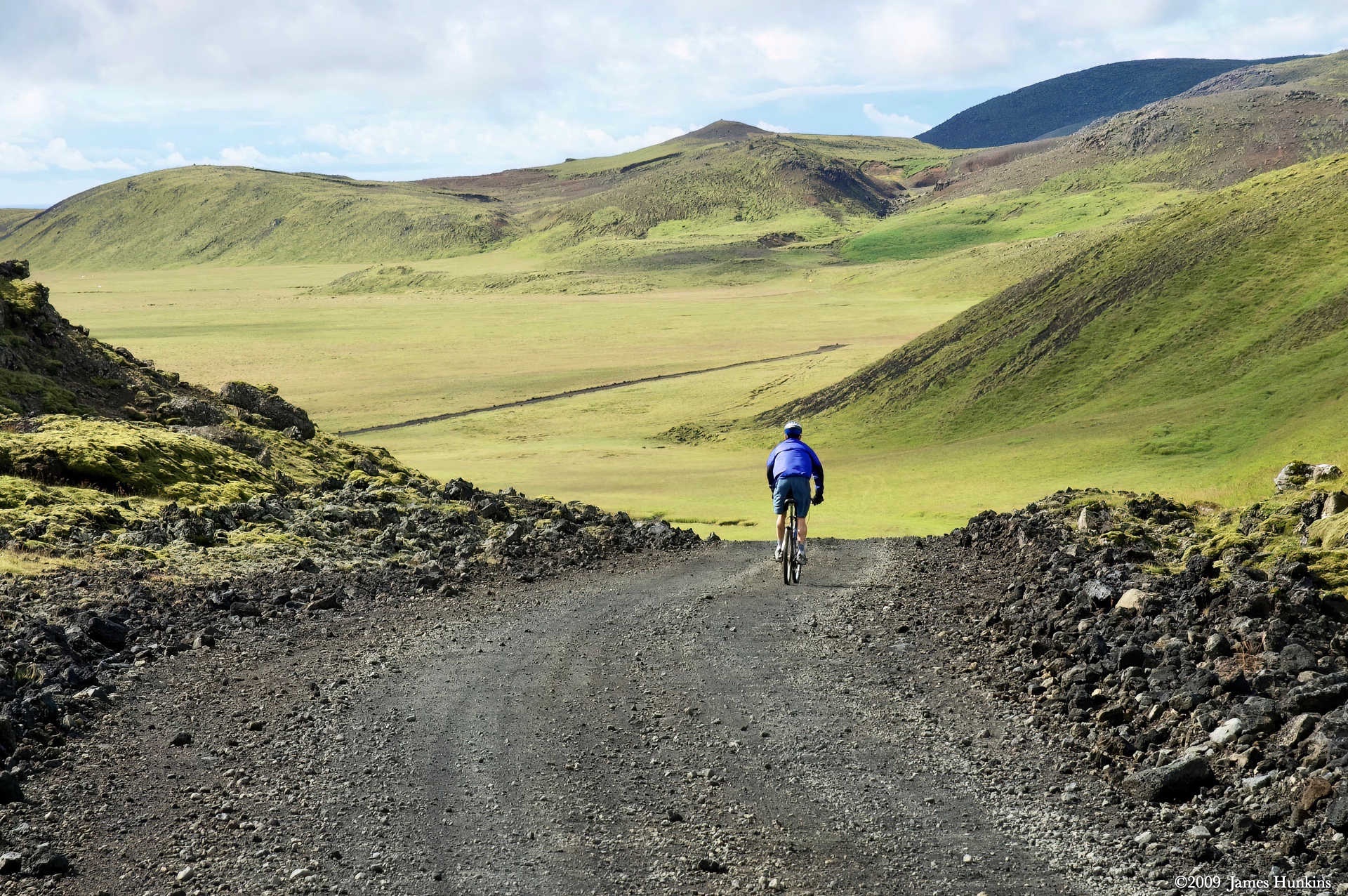
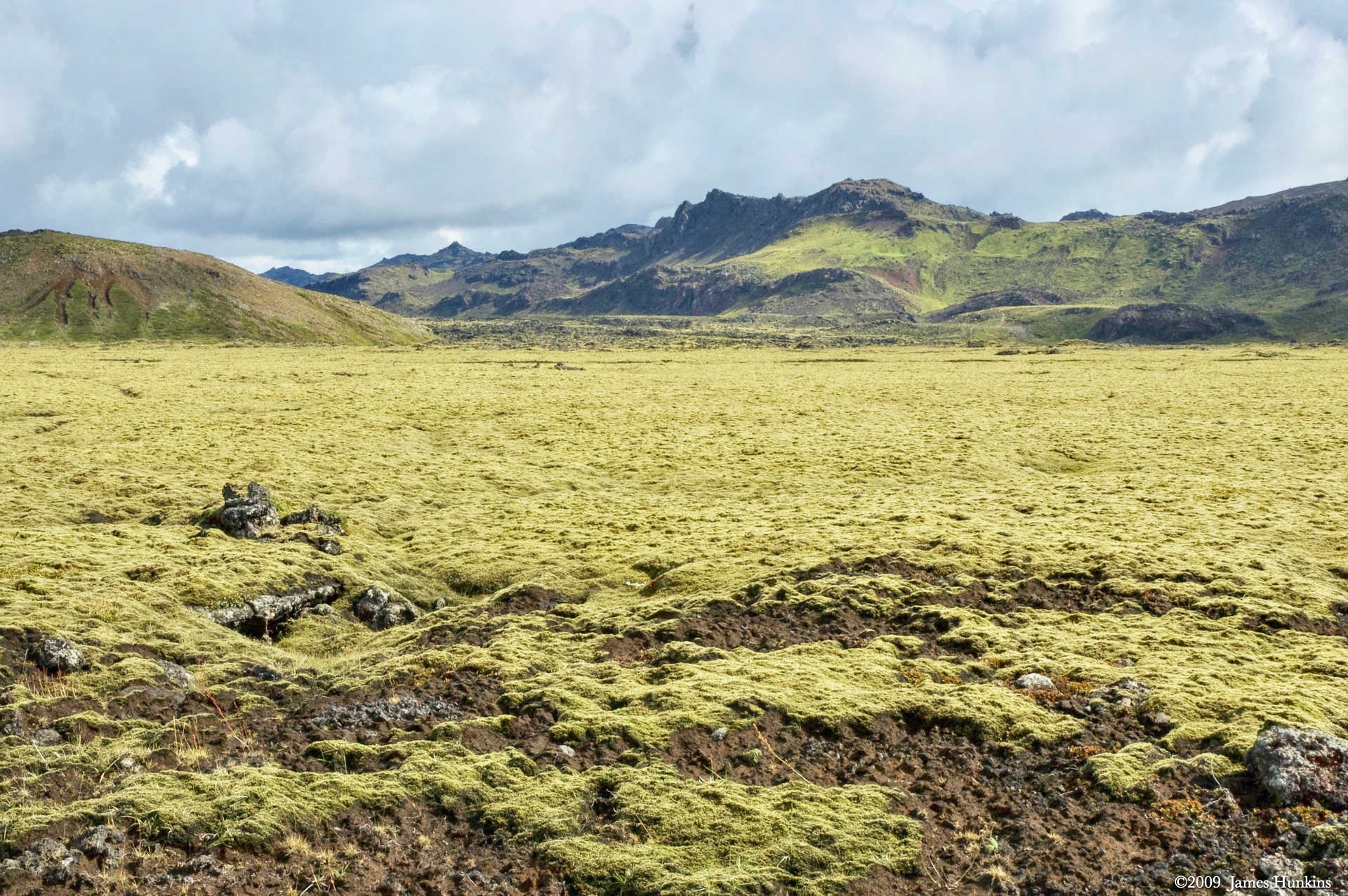
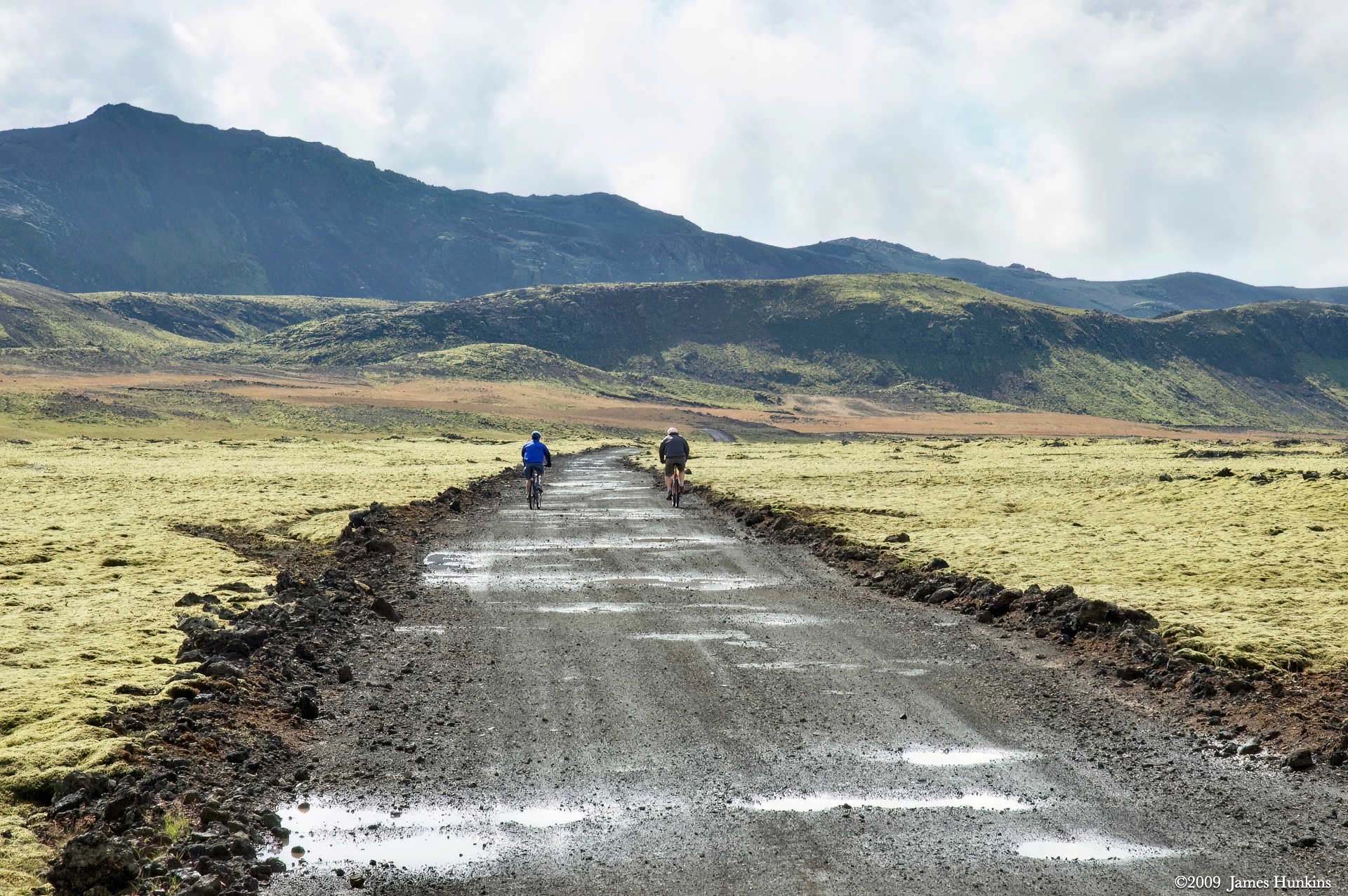
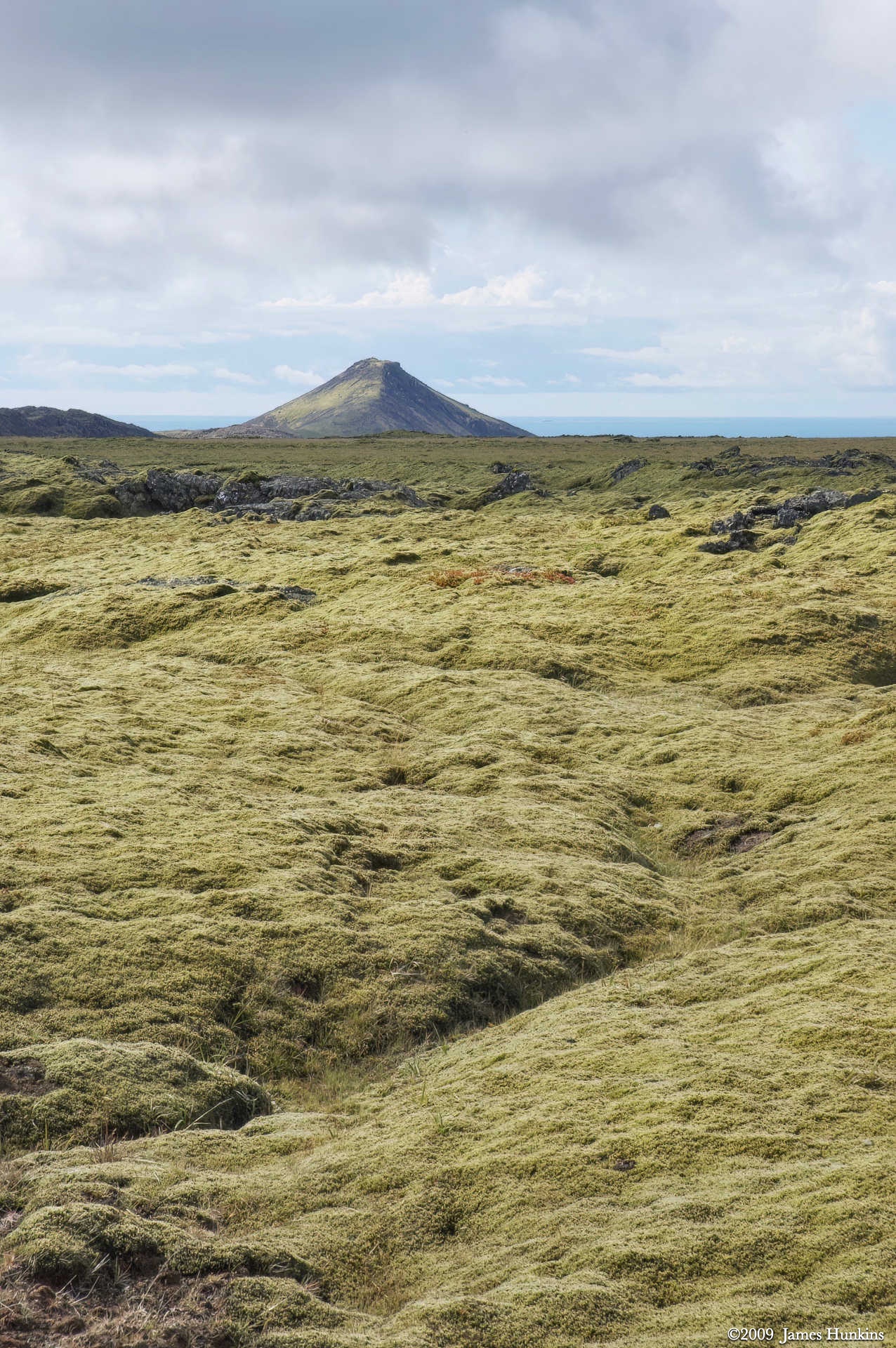
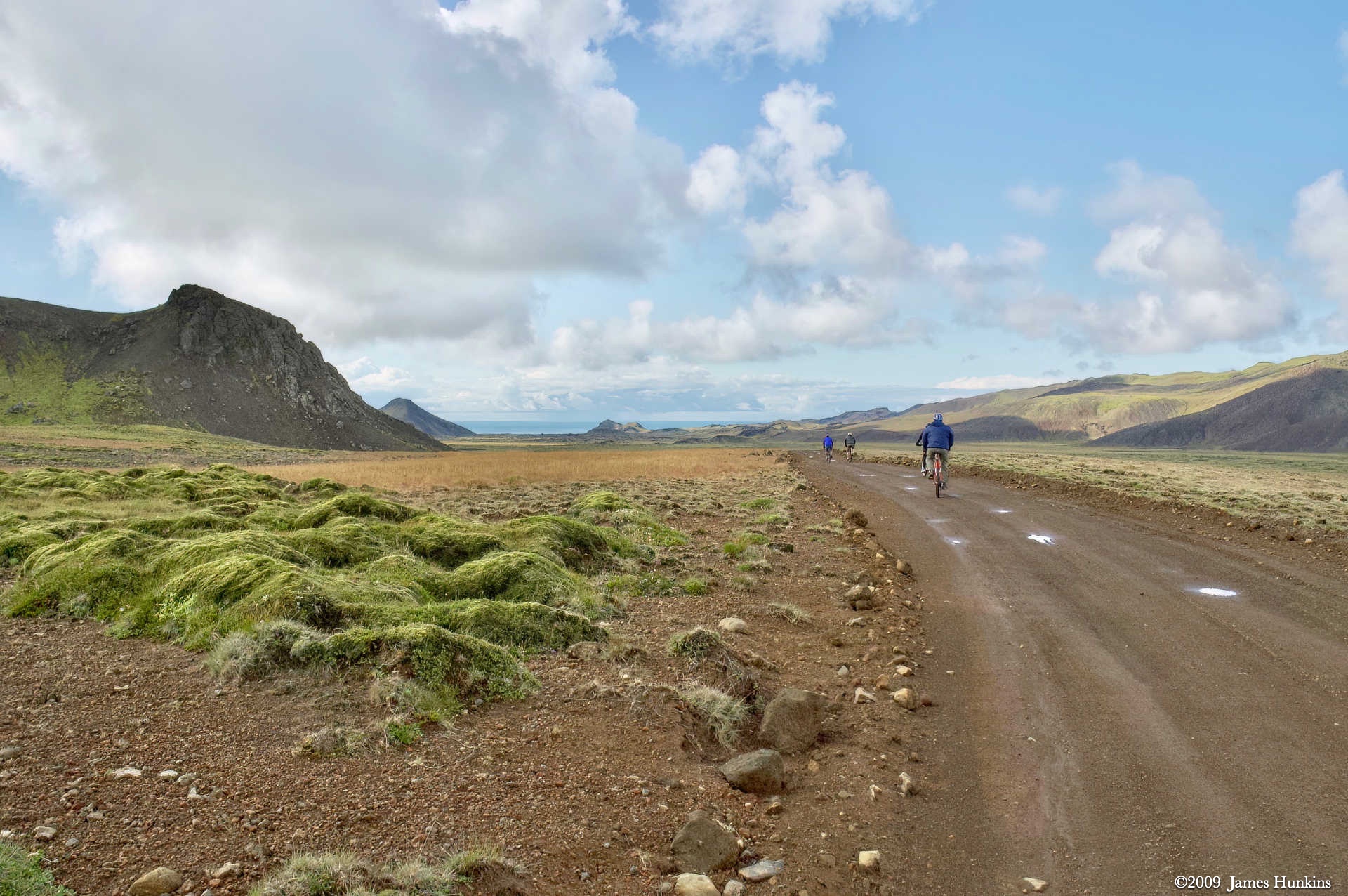
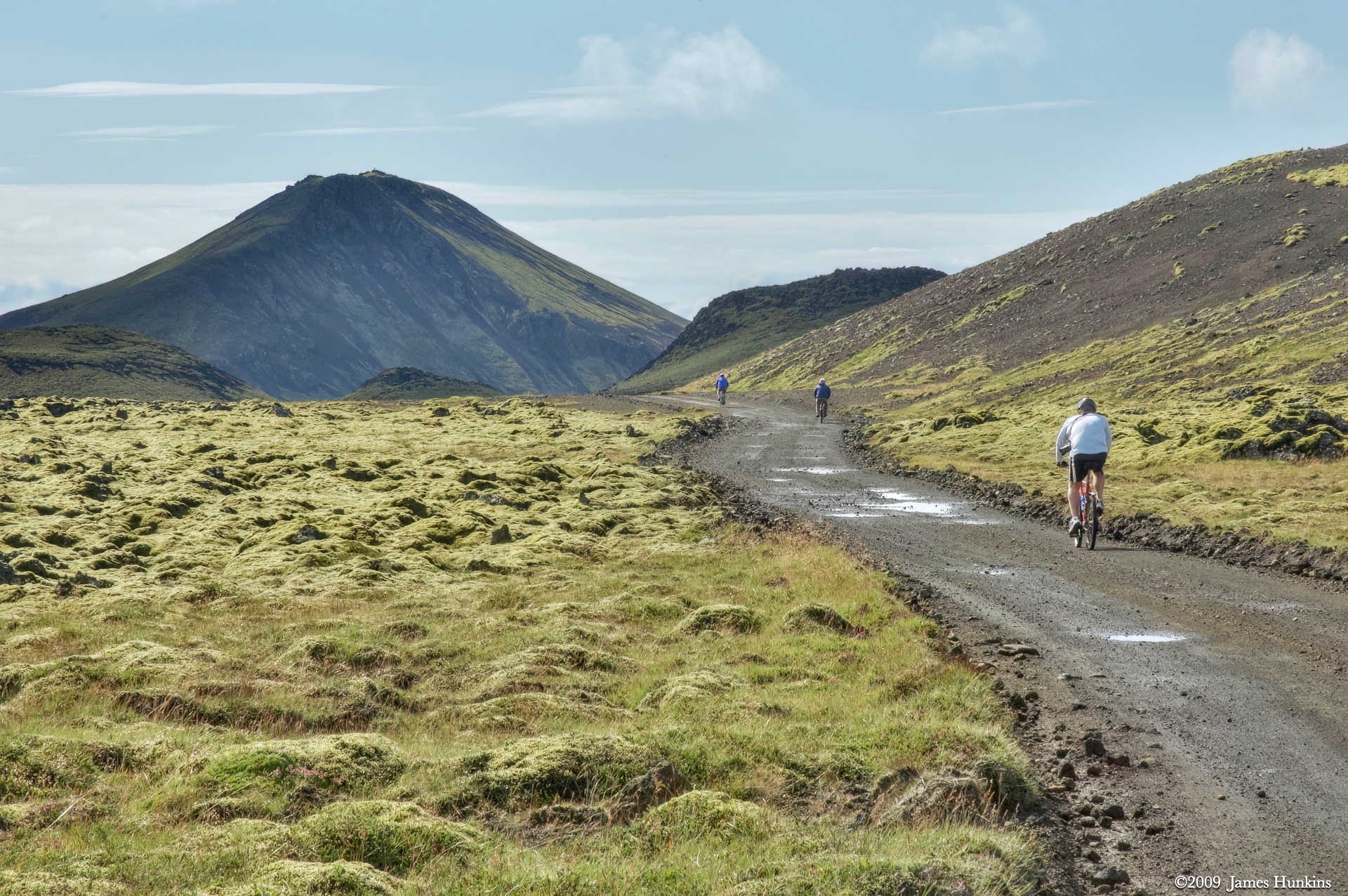
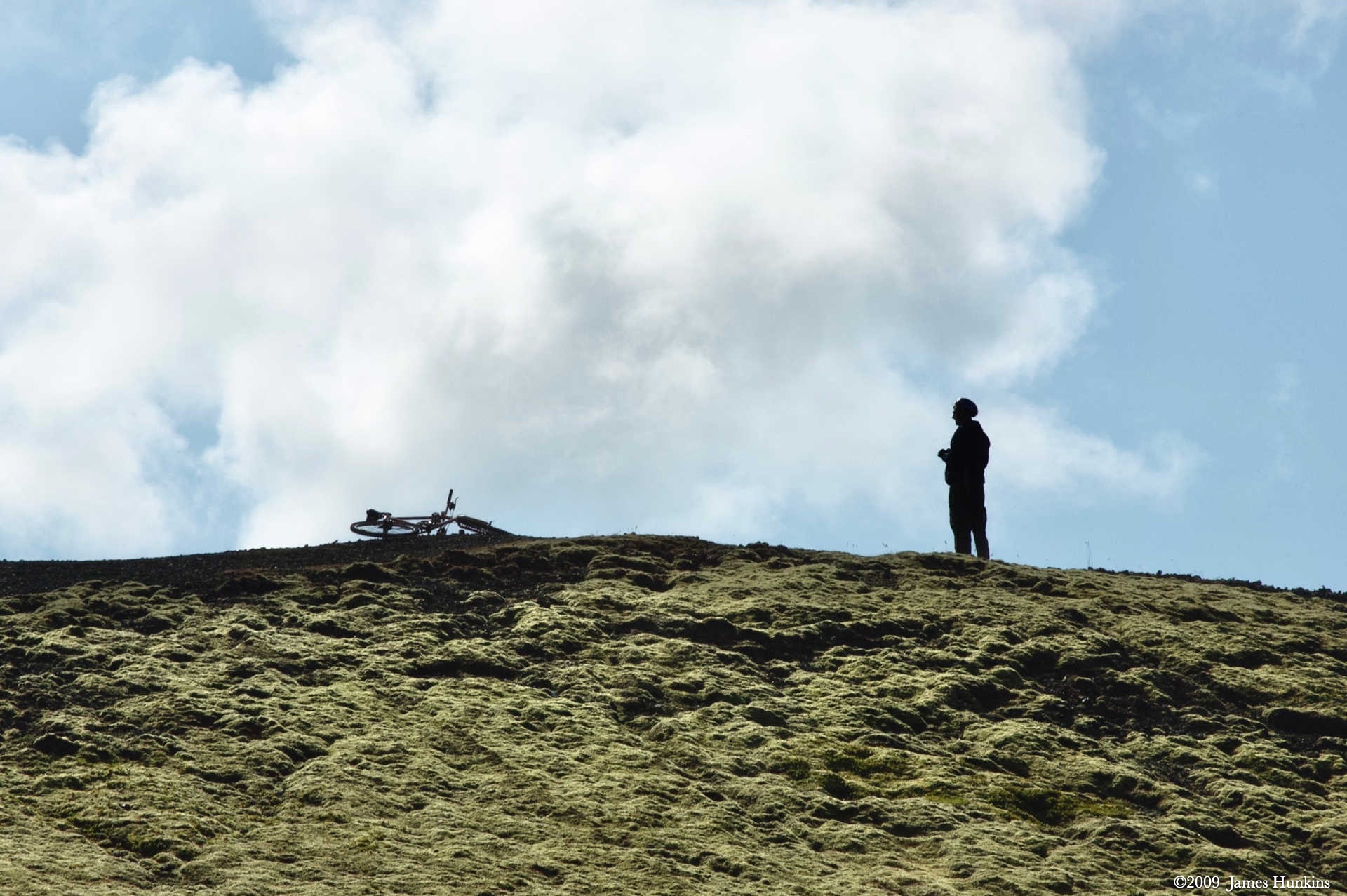
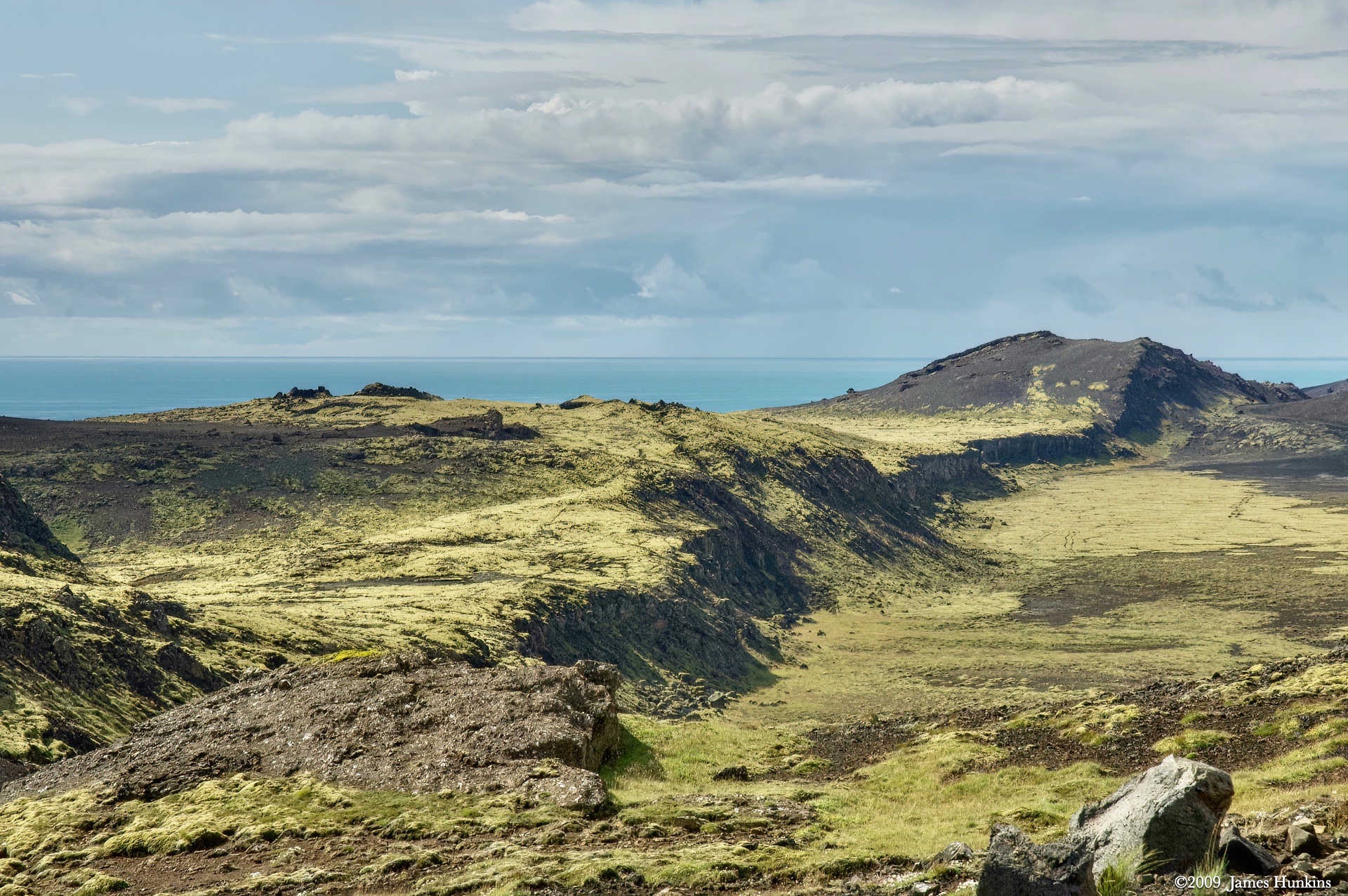
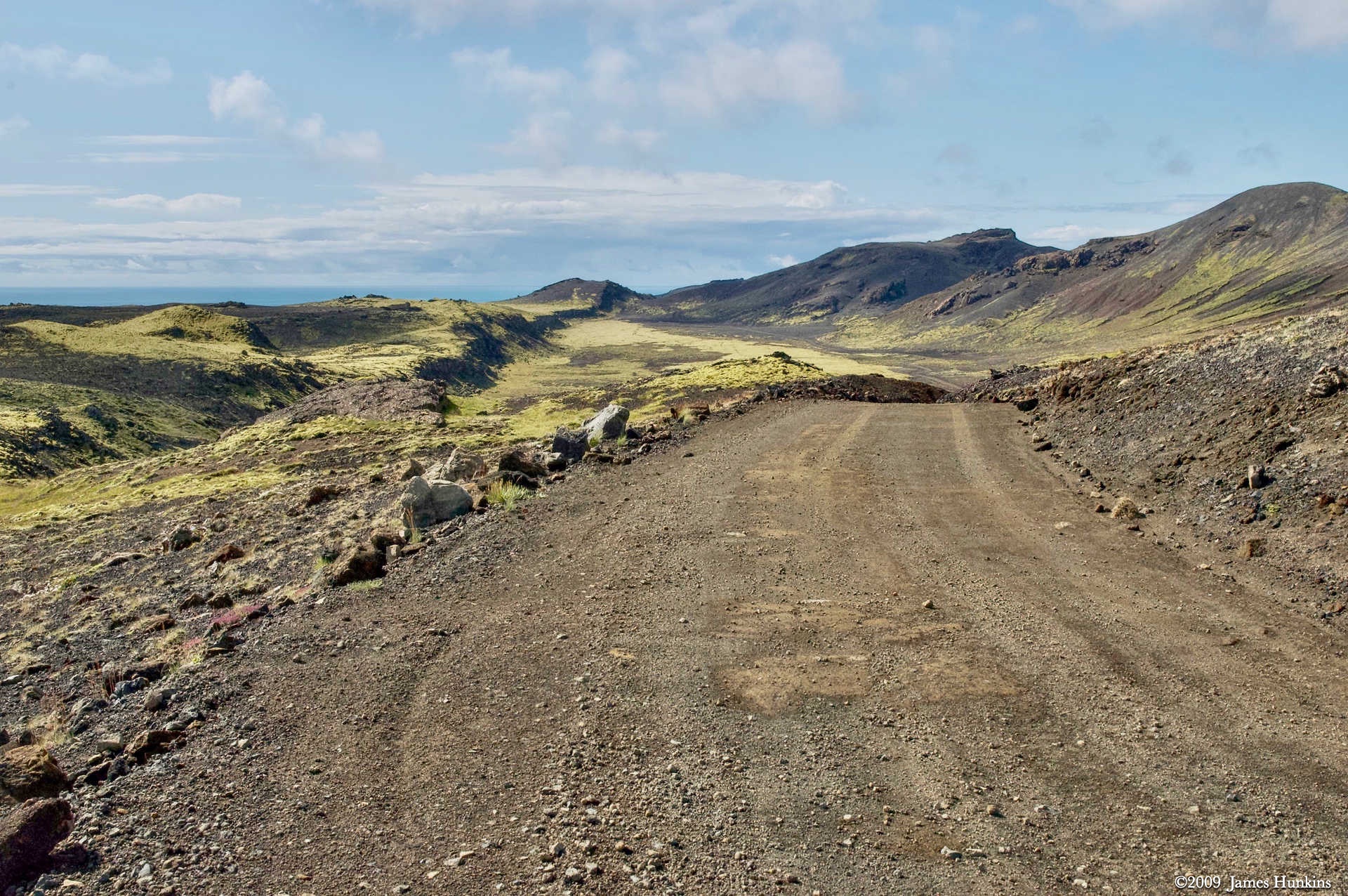
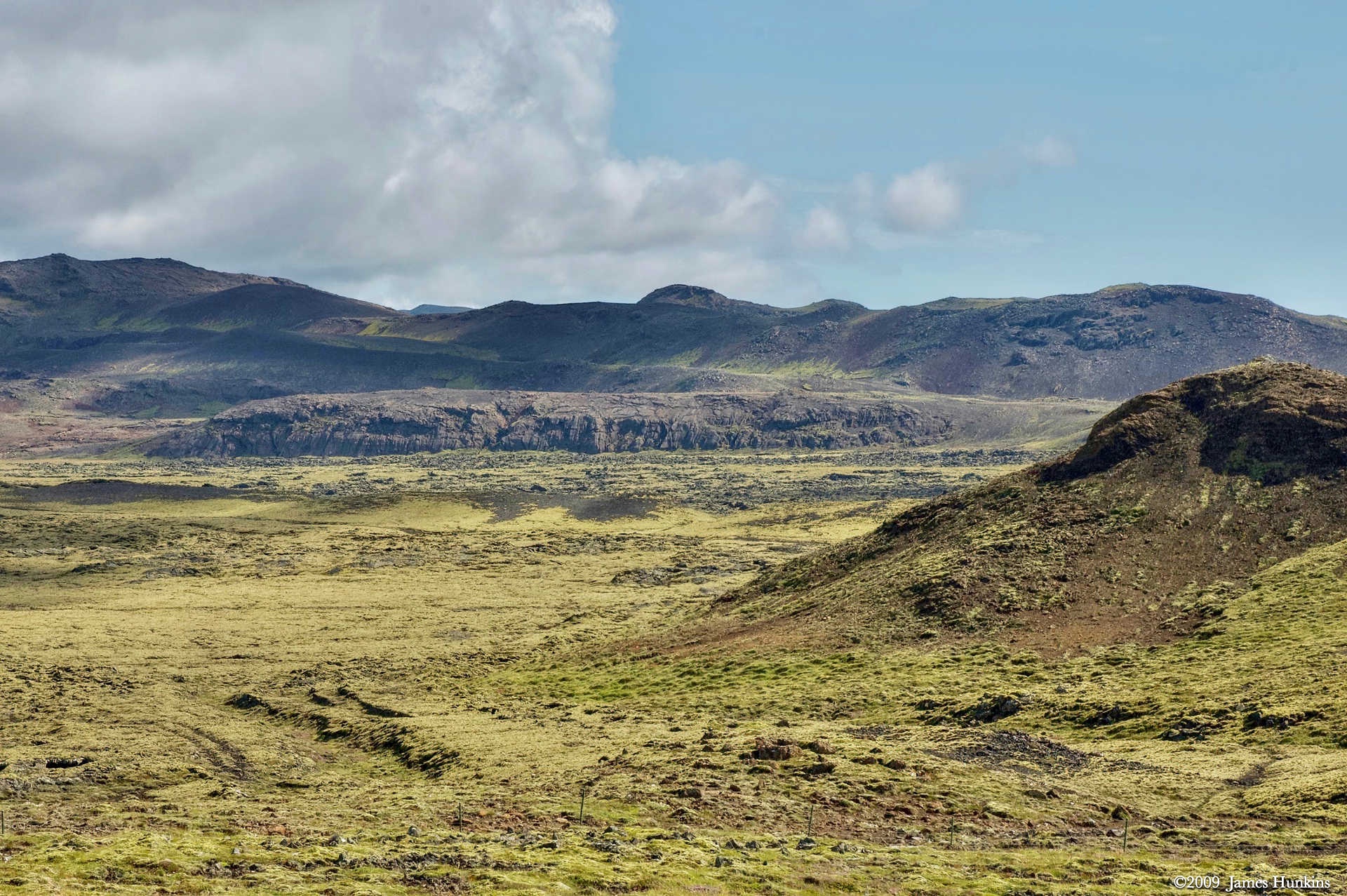
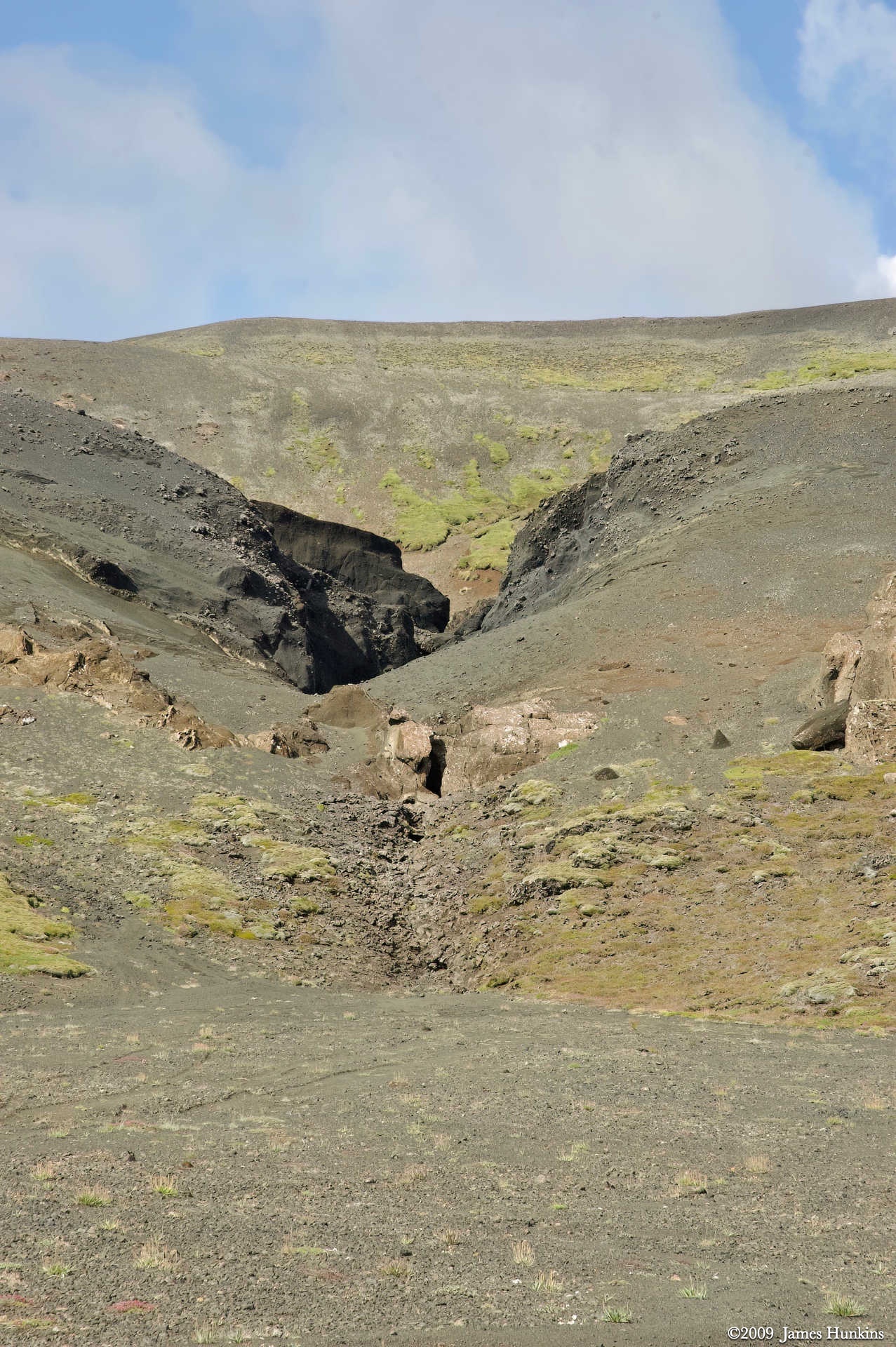
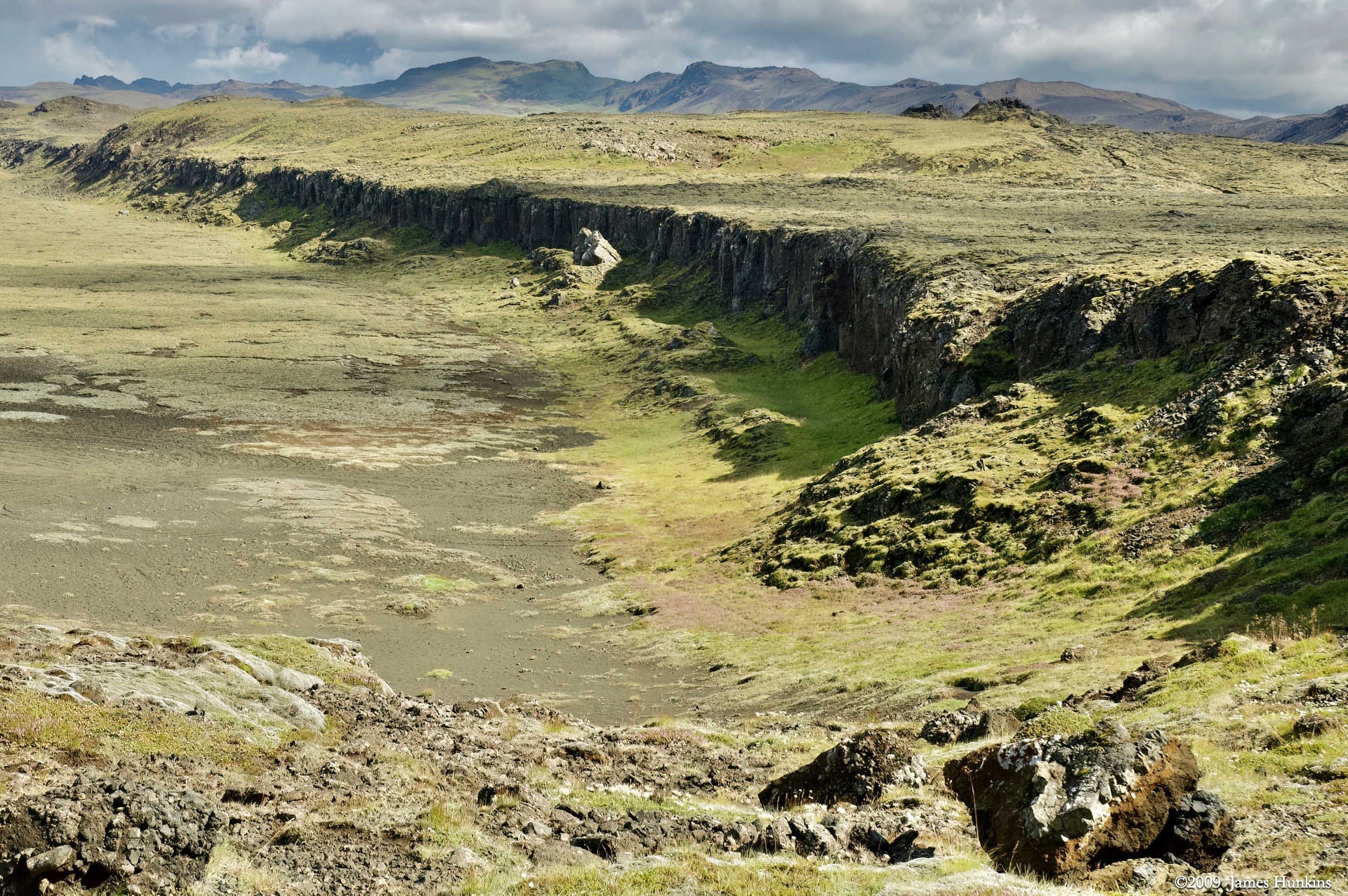
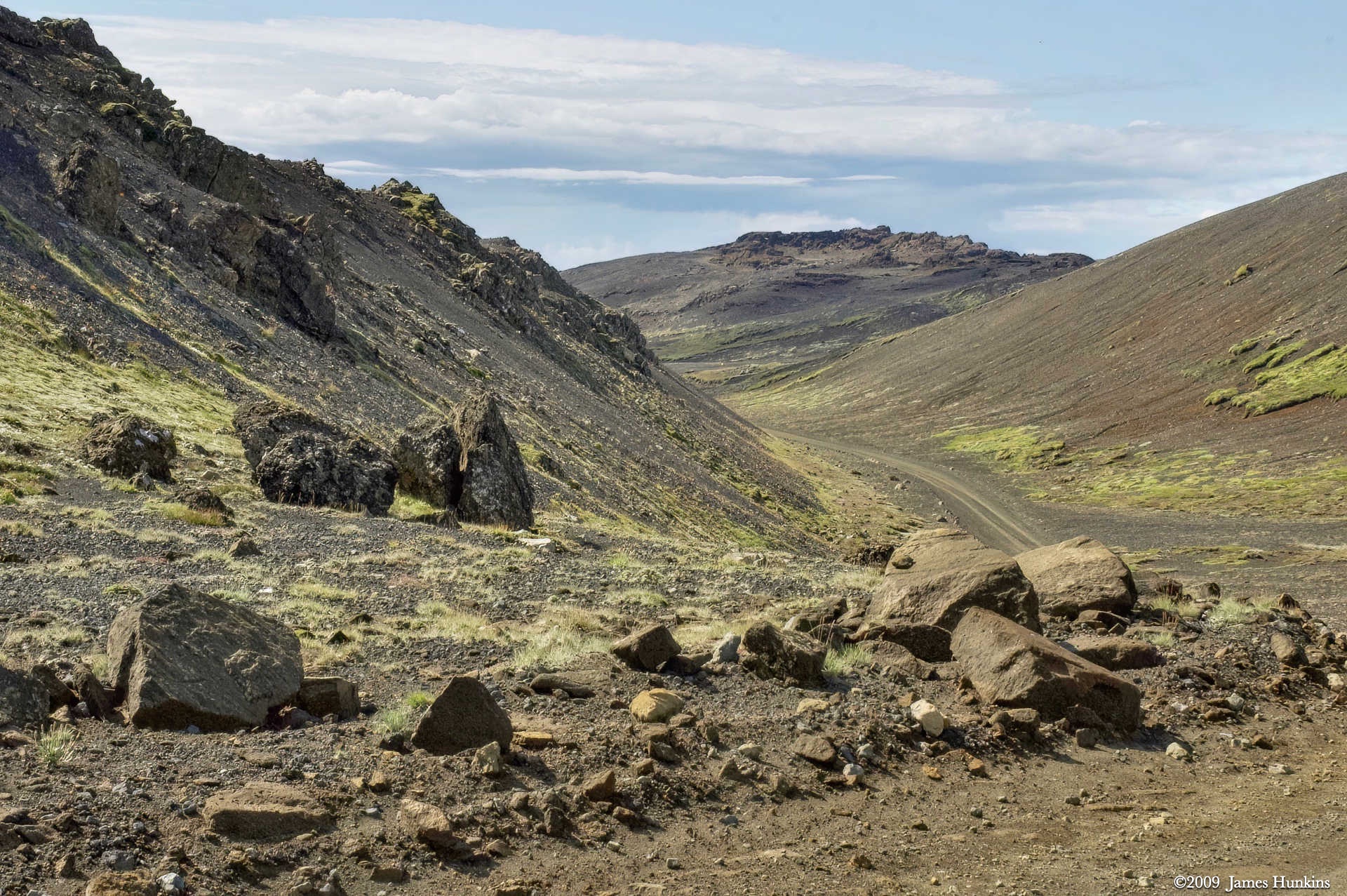
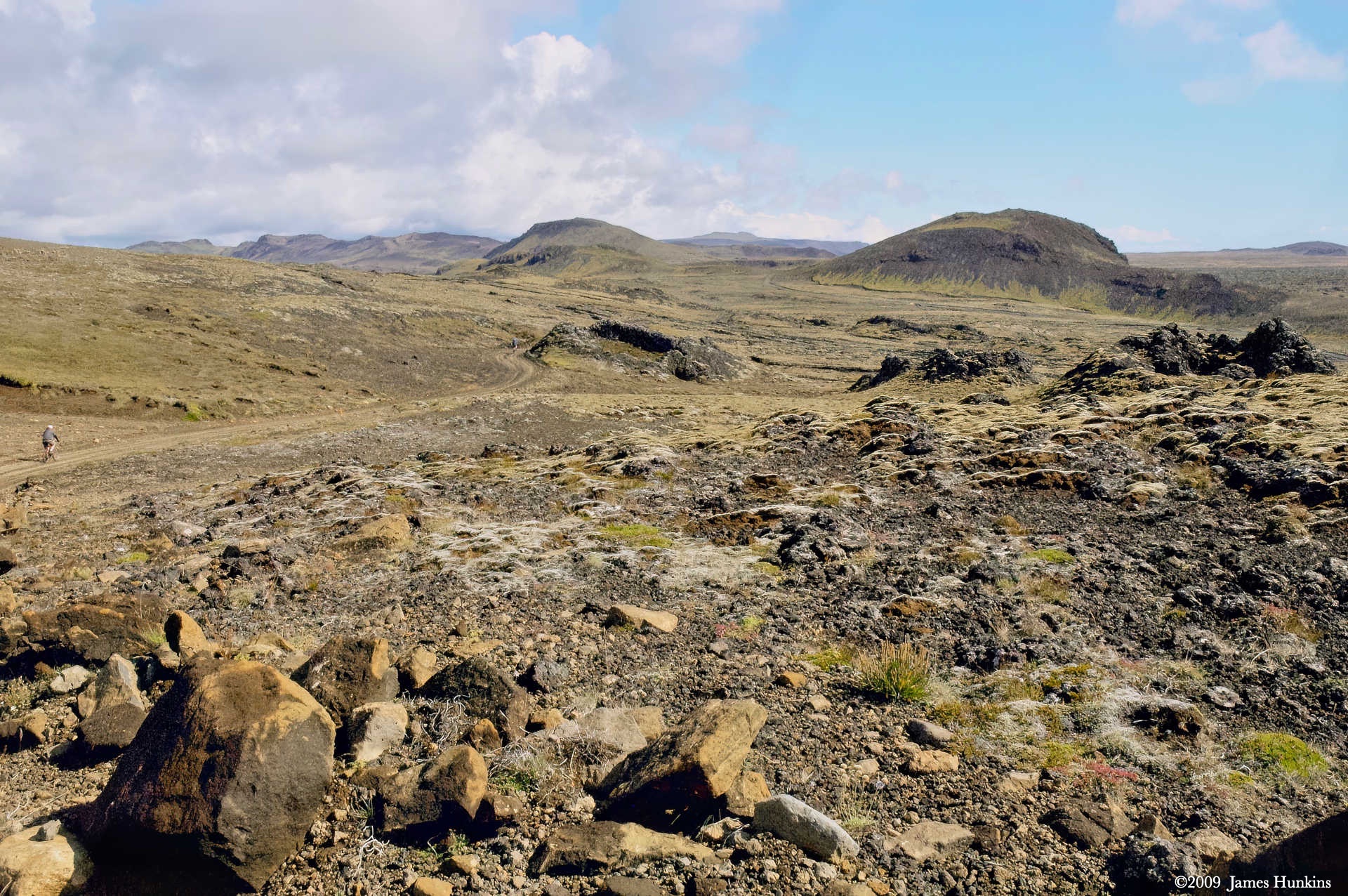
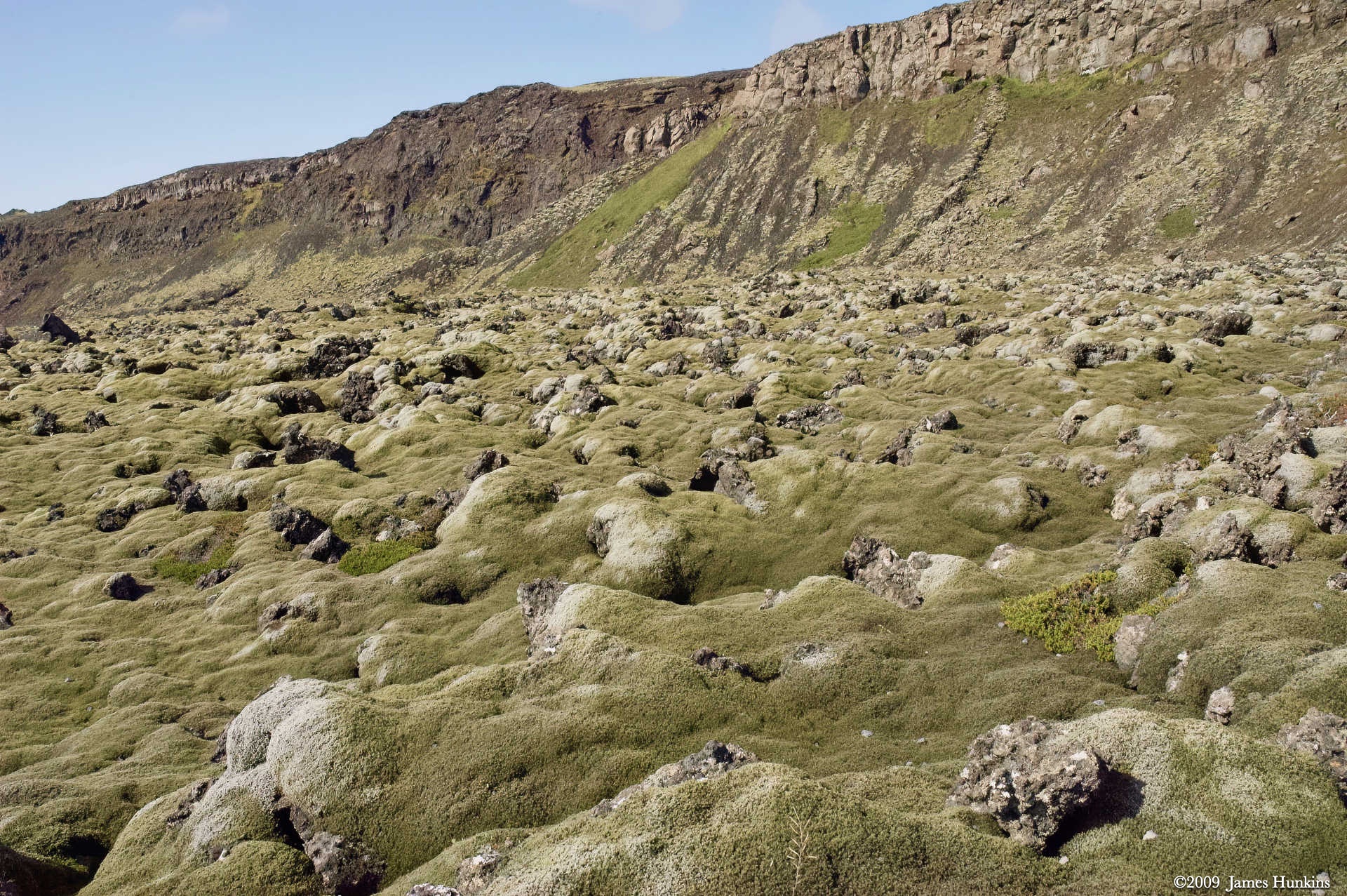
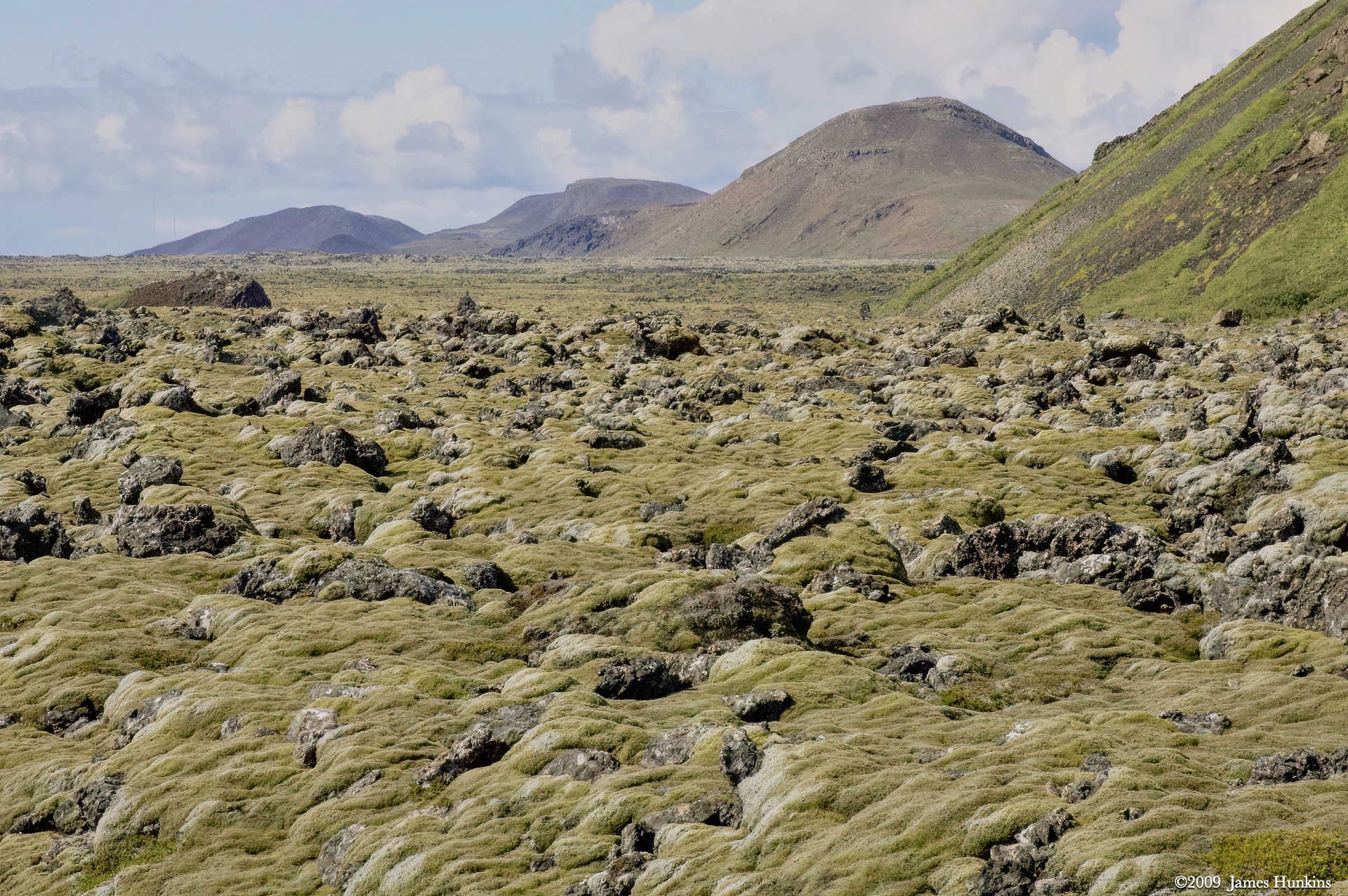
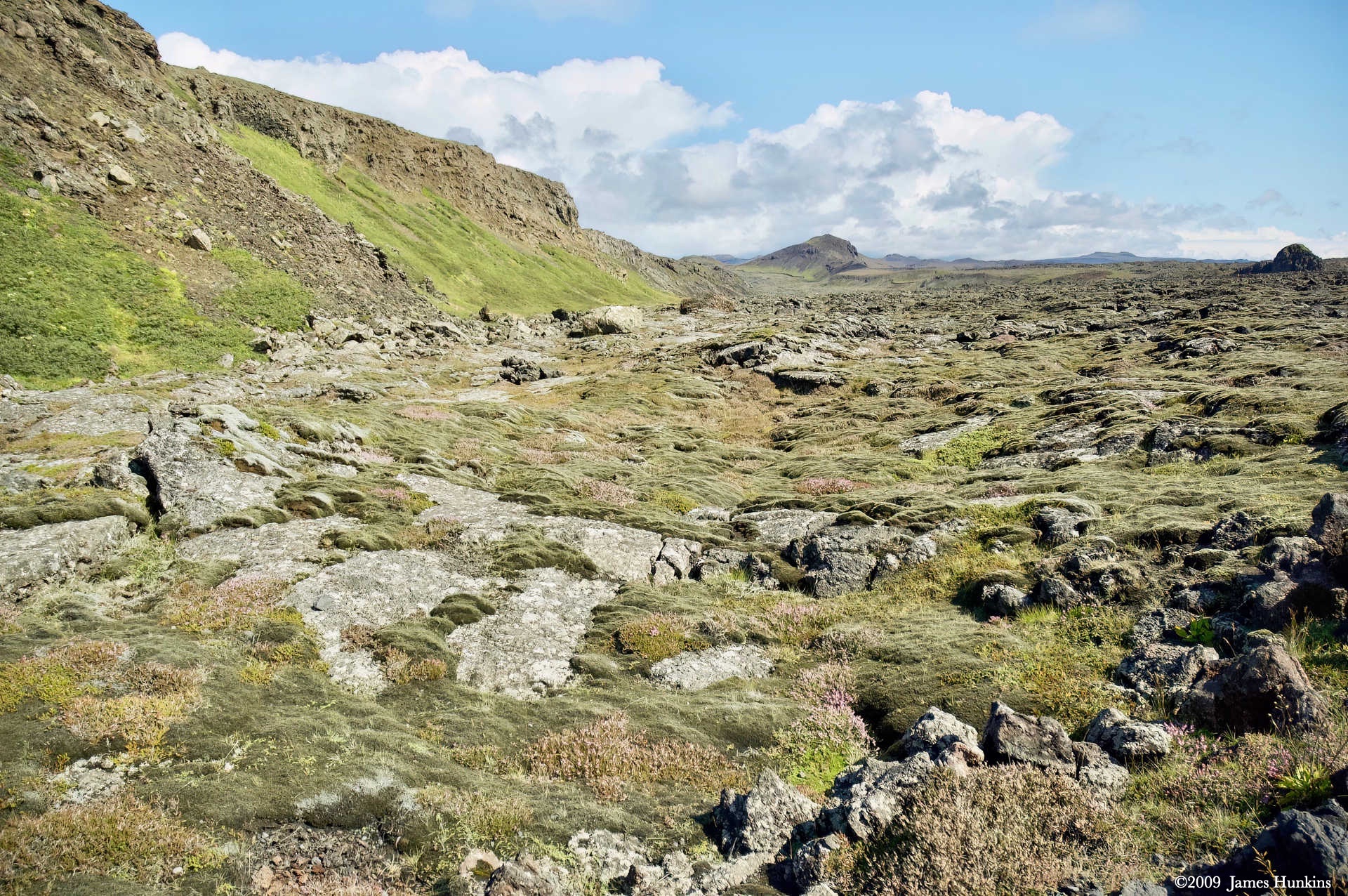
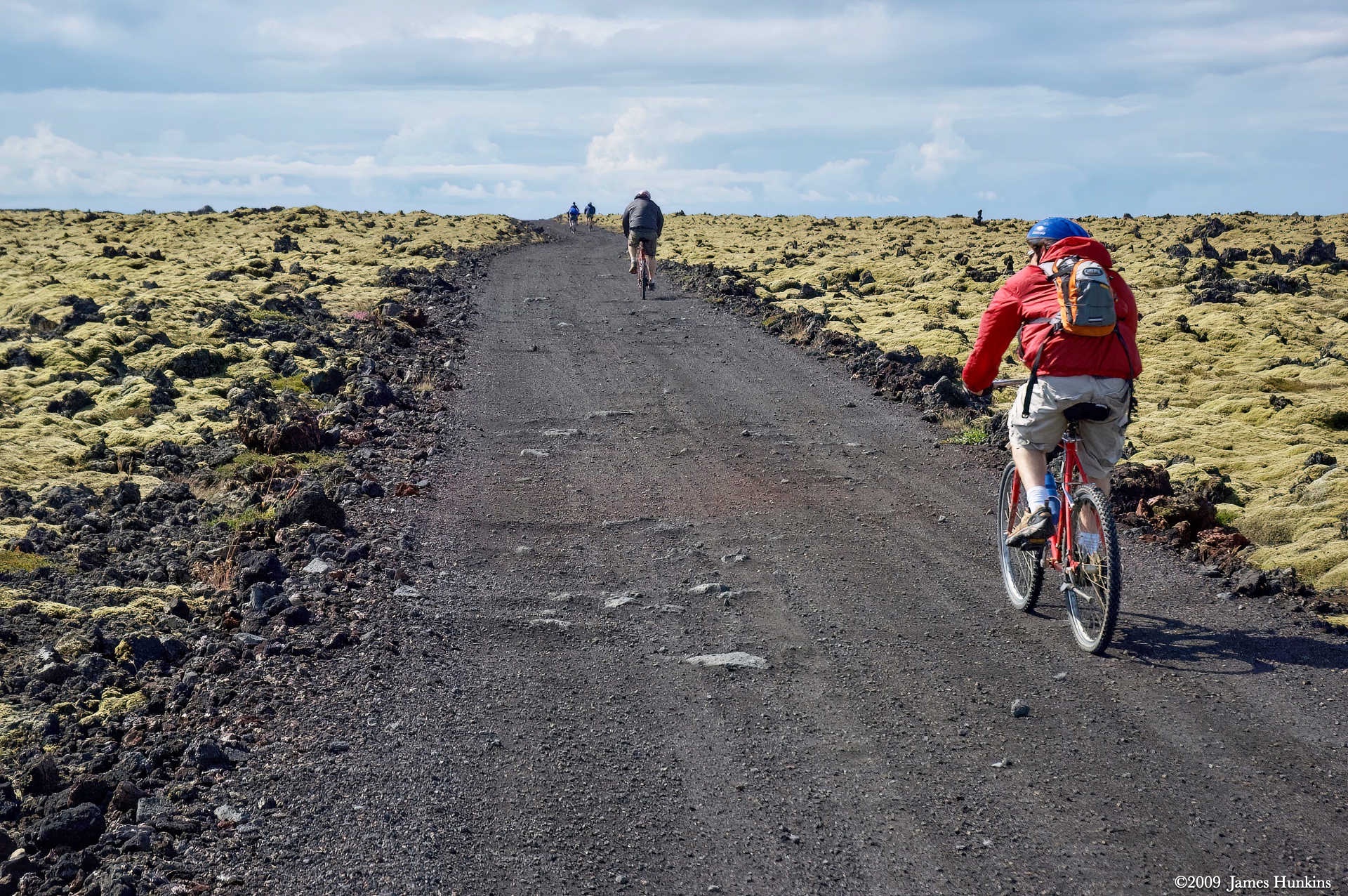
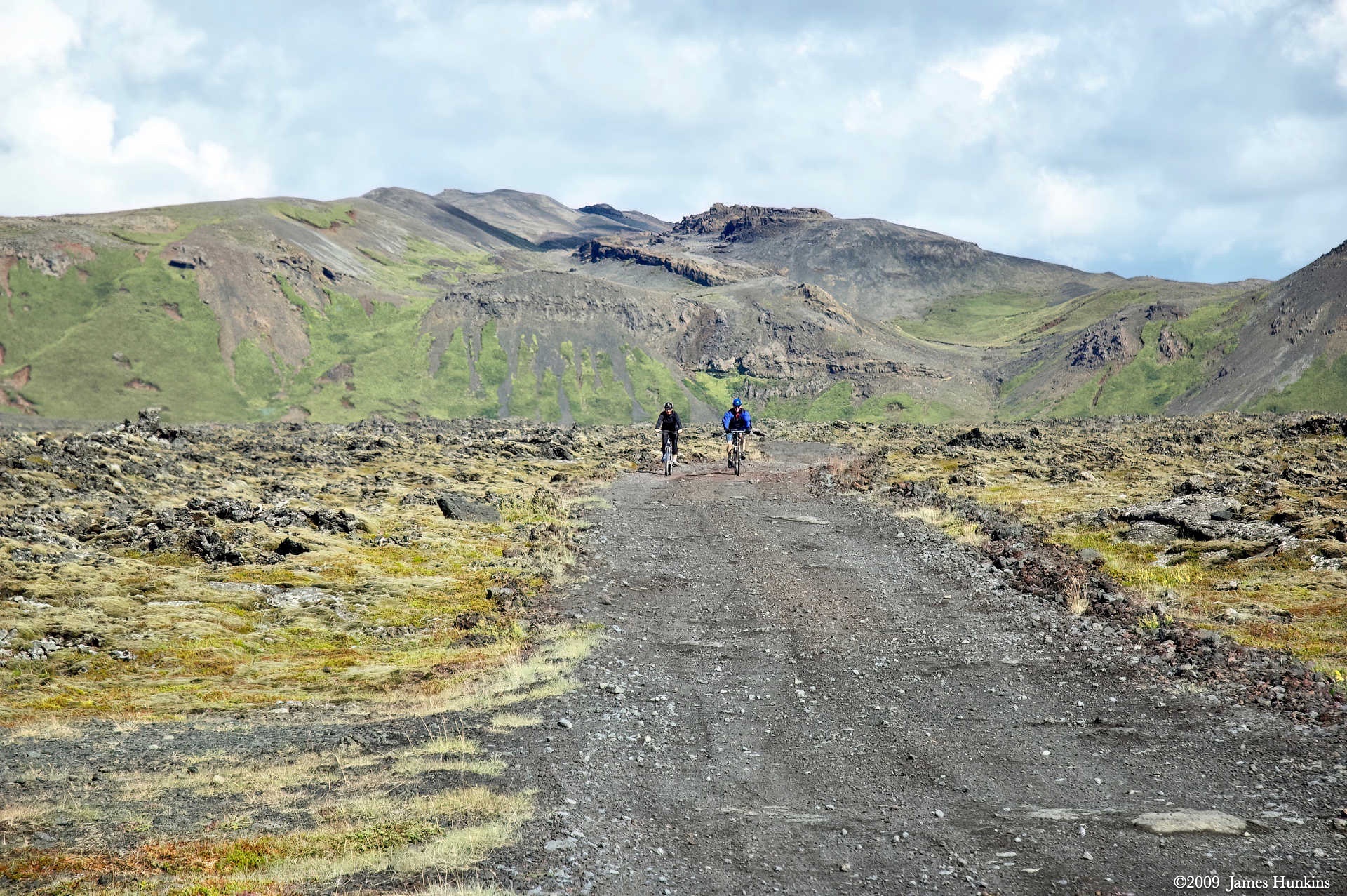
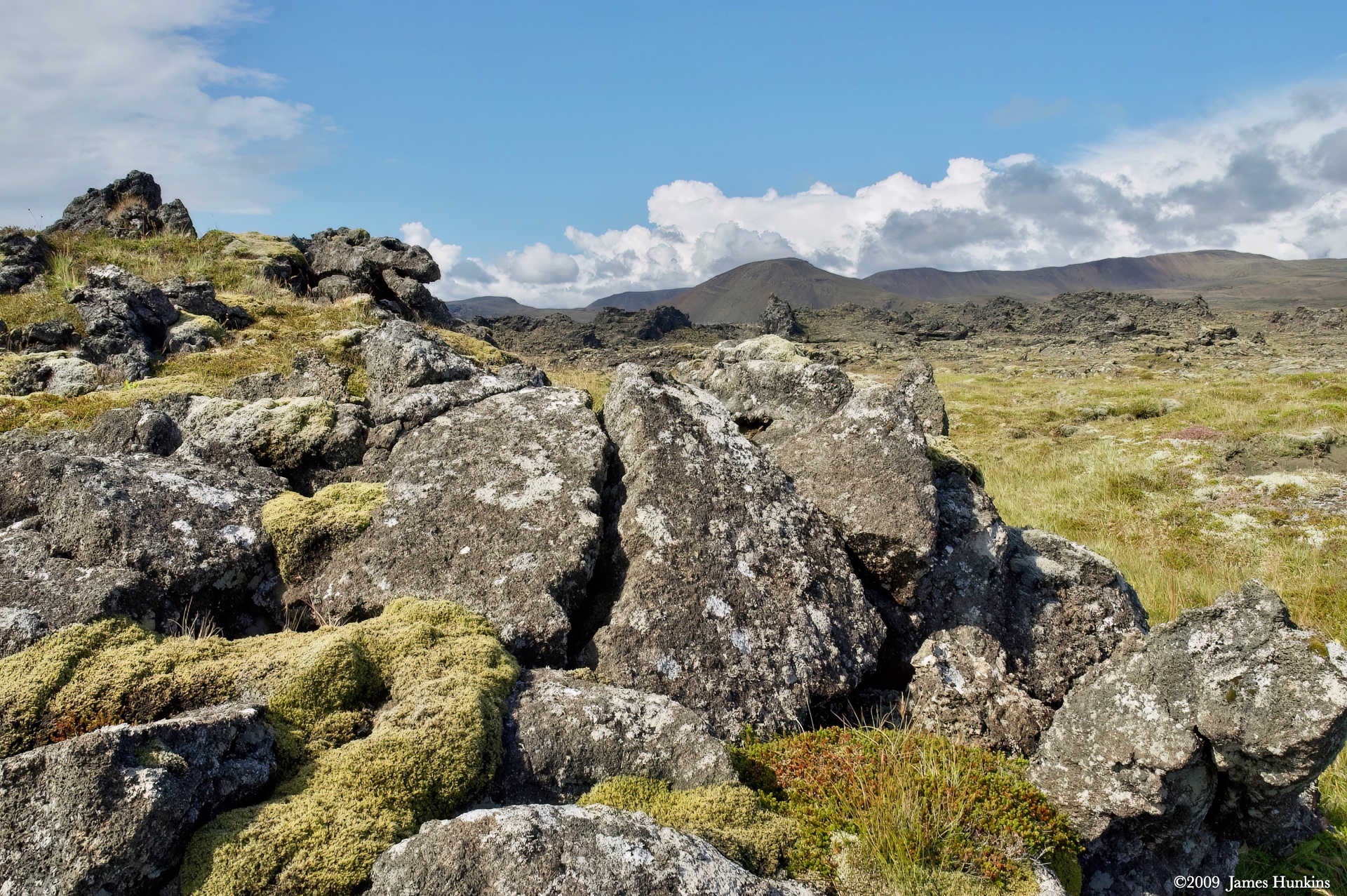
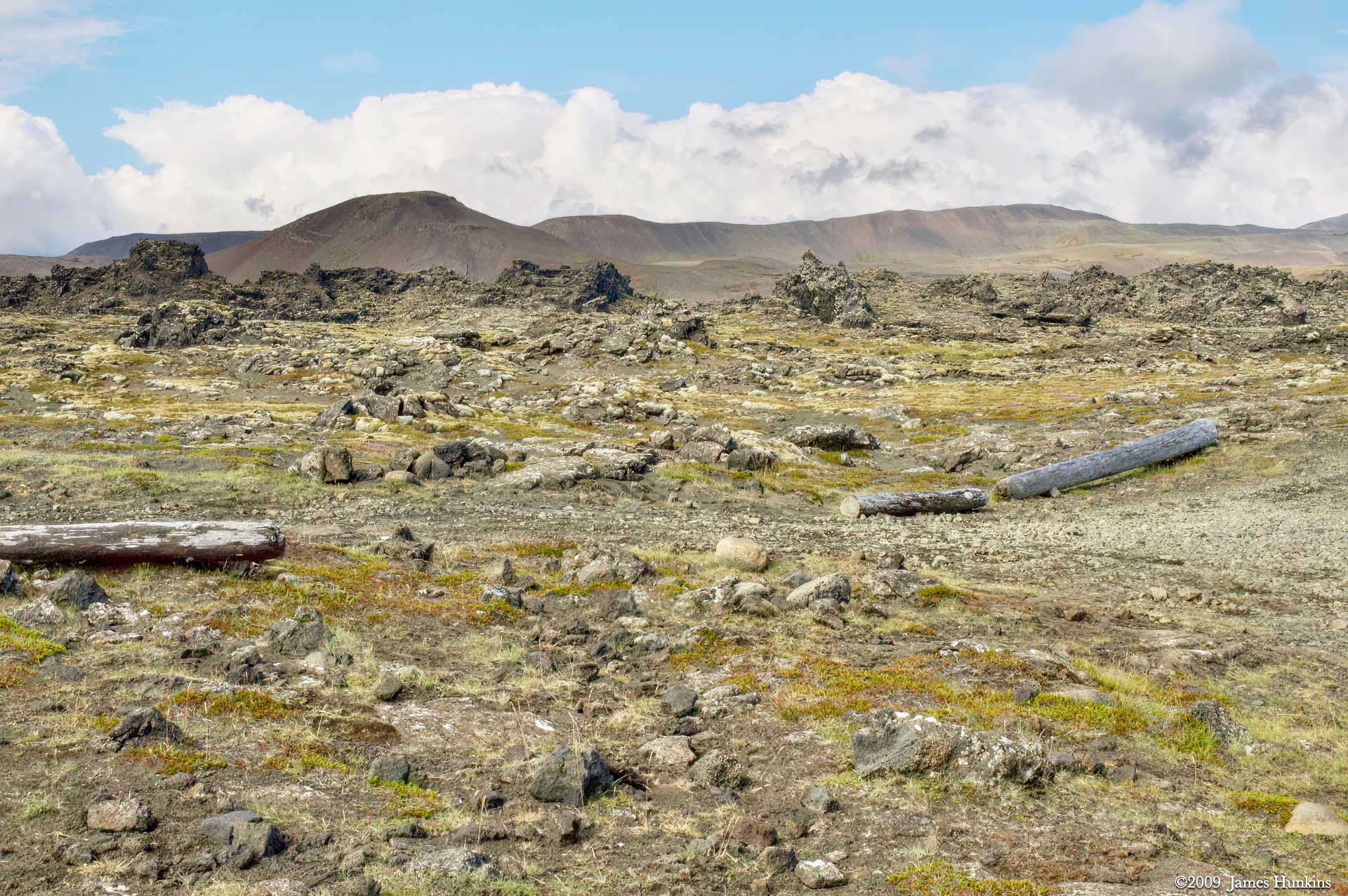
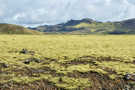
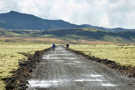
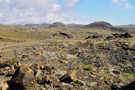
Lava, water, and lichen everywhere you looked. That is basically what the bike ride through the rift valley on the Reykjanes Peninsula presented to us. Most of the ride itself was very pleasant with an overcast sky and very comfortable temperatures. There were a few small hills to climb that were pretty steep. As usual, I had to go for making it to the top of each without stopping or falling over :)
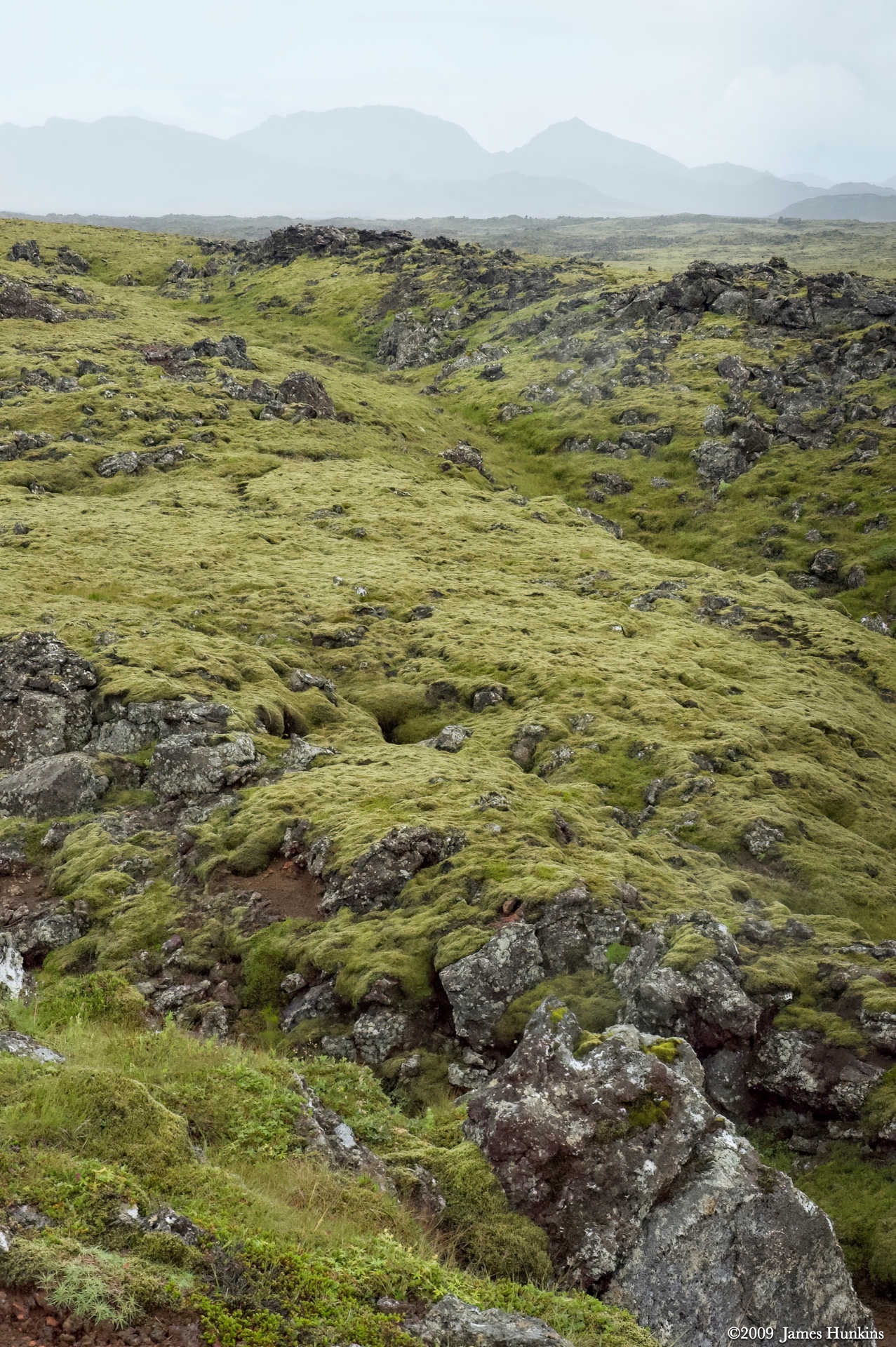
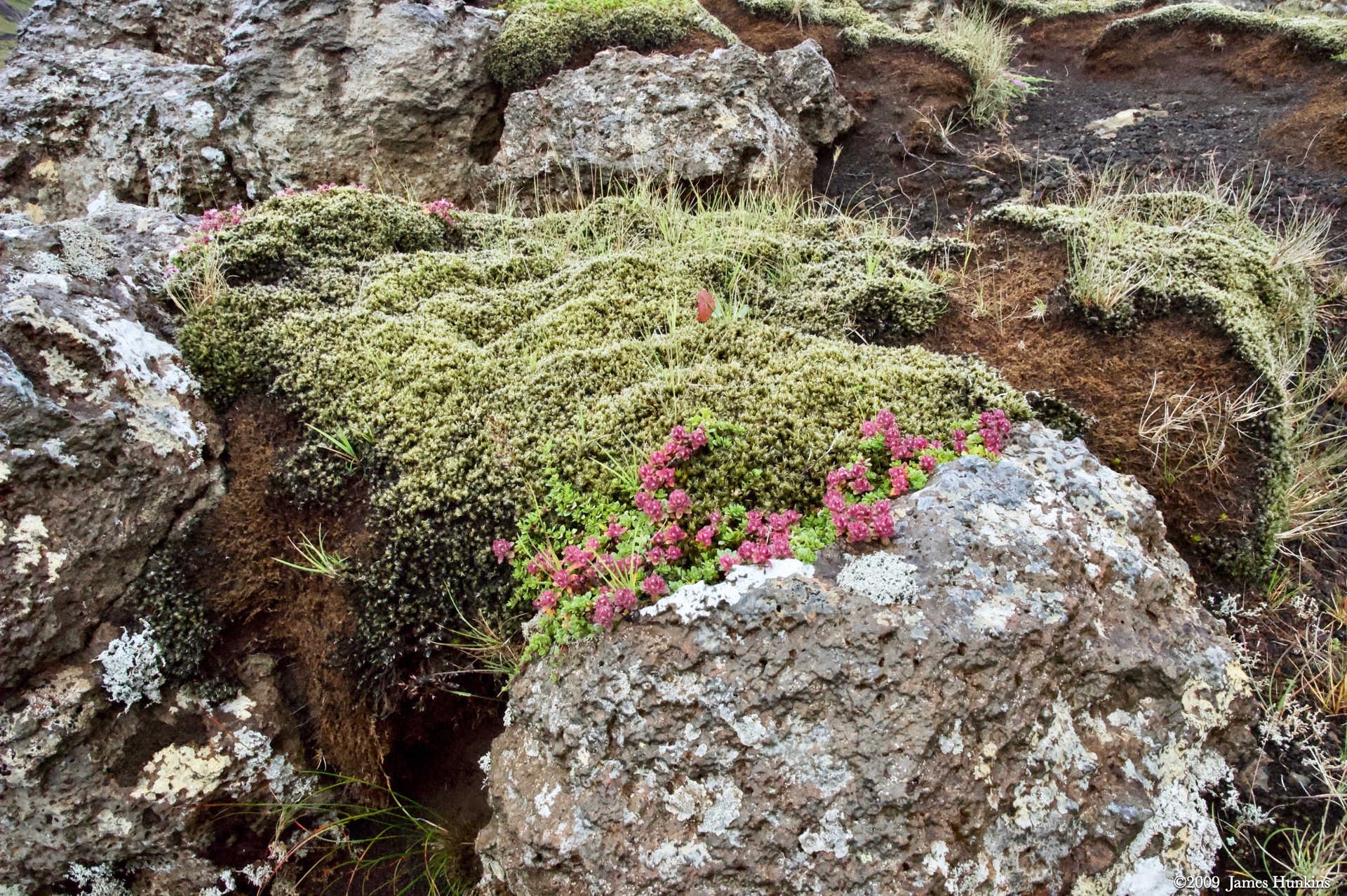
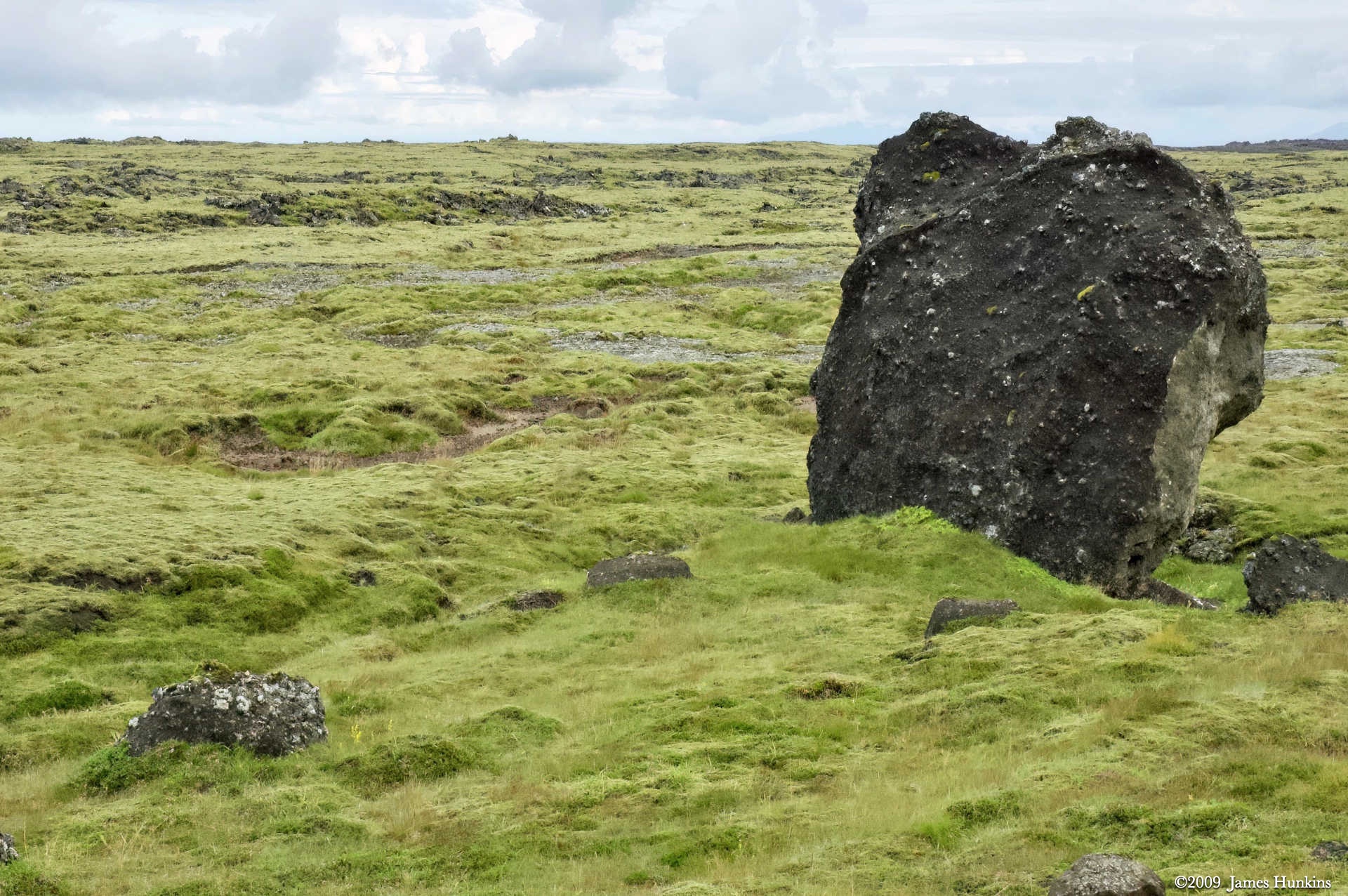
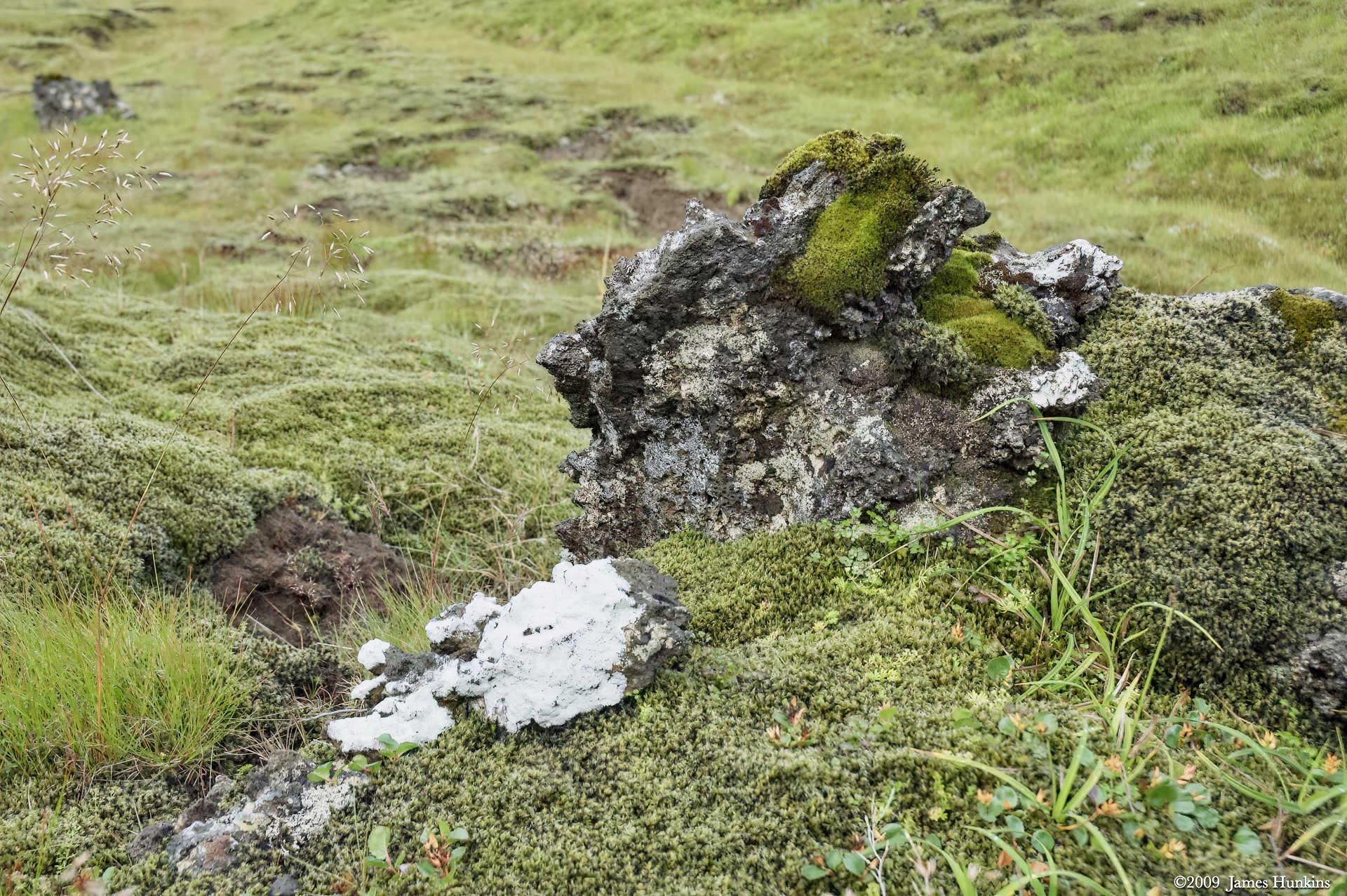
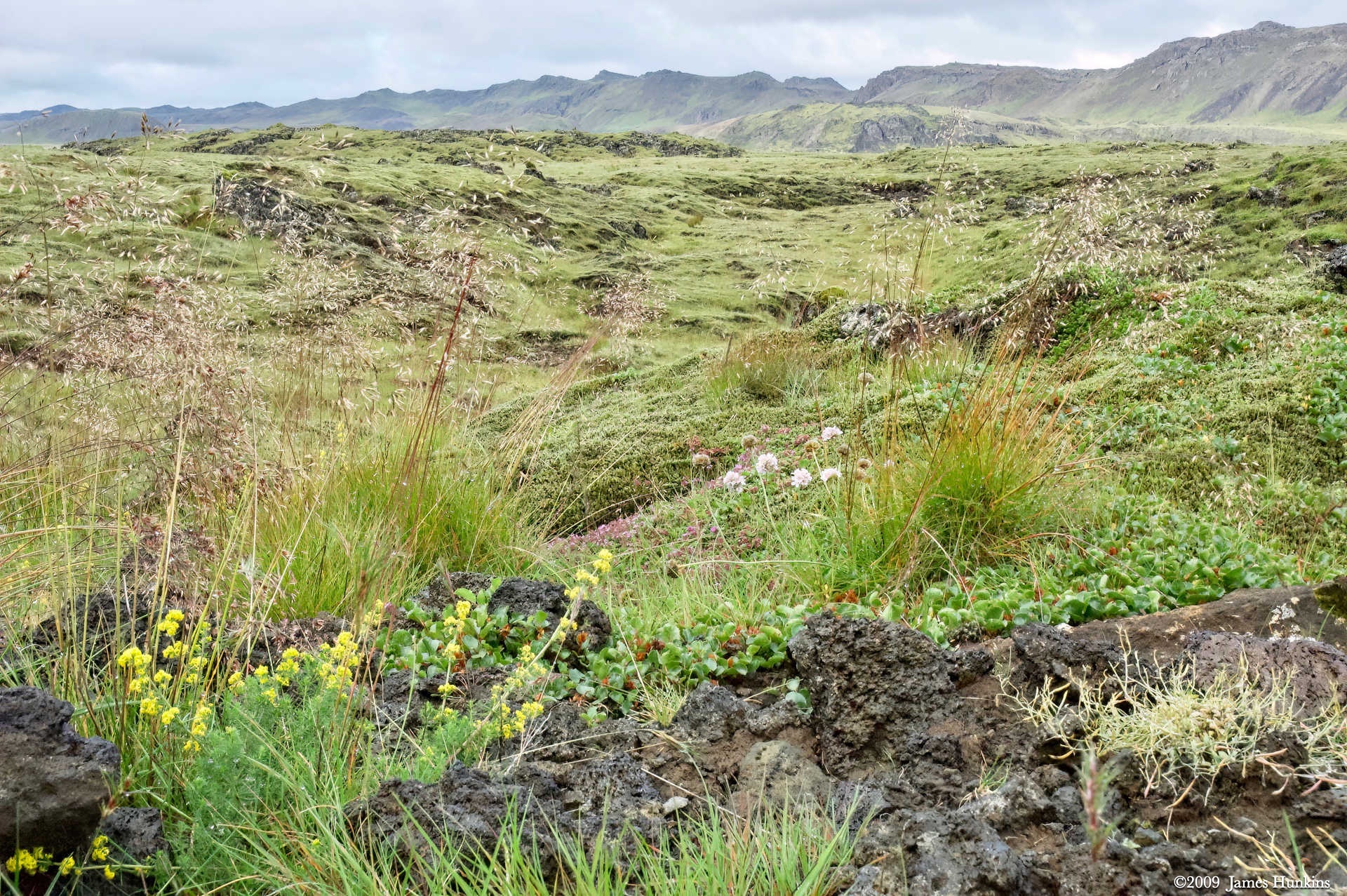
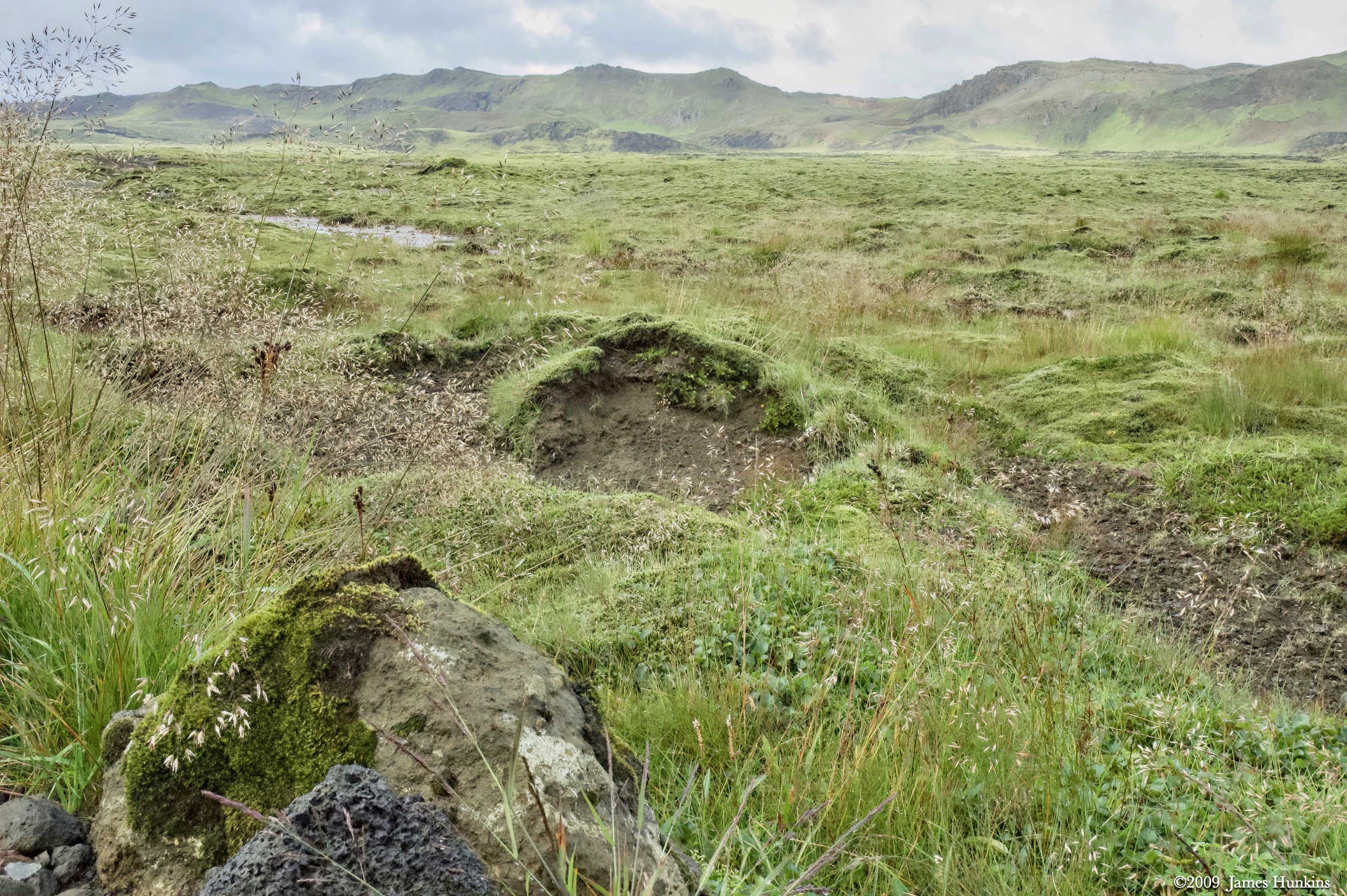
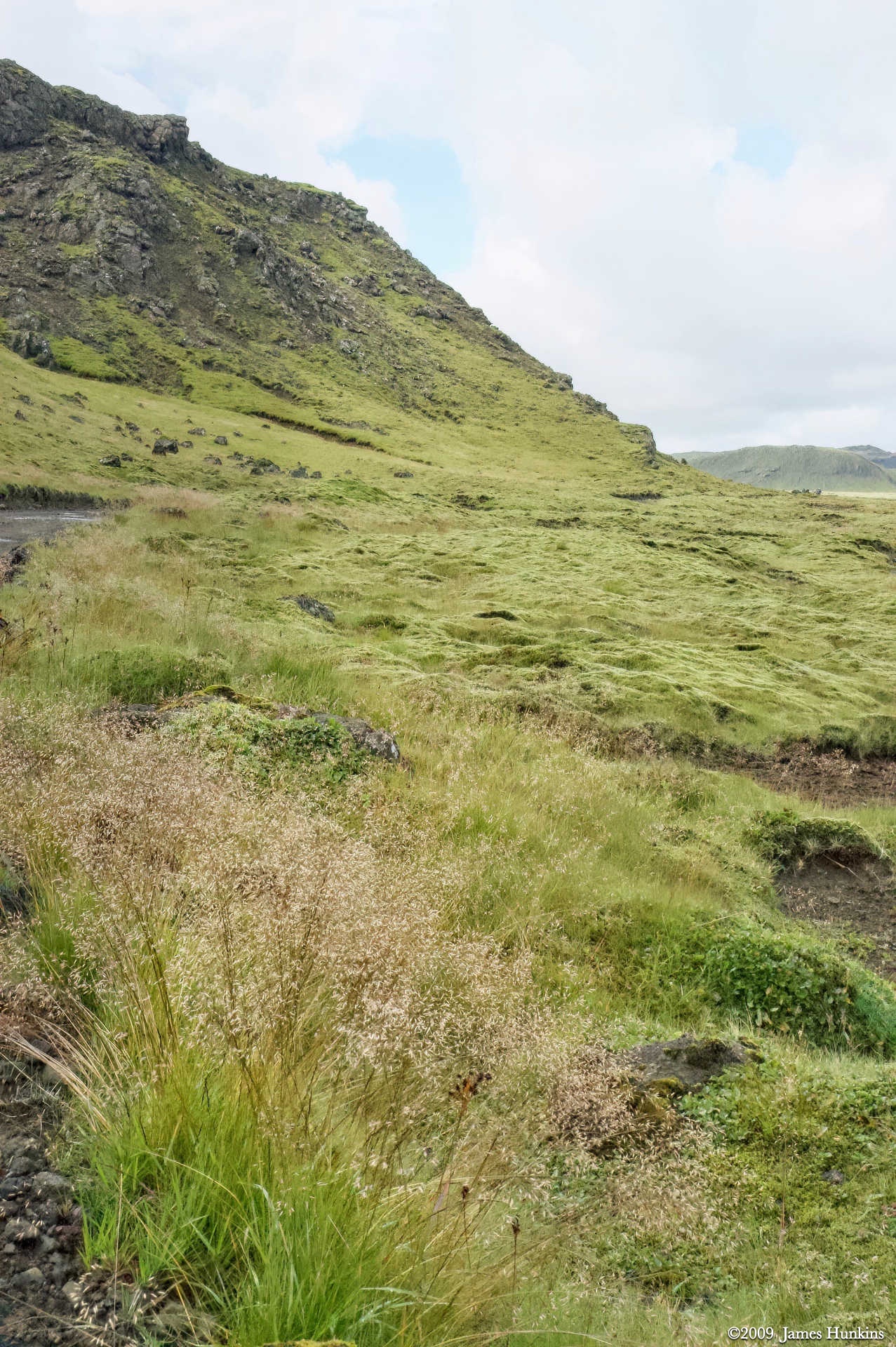
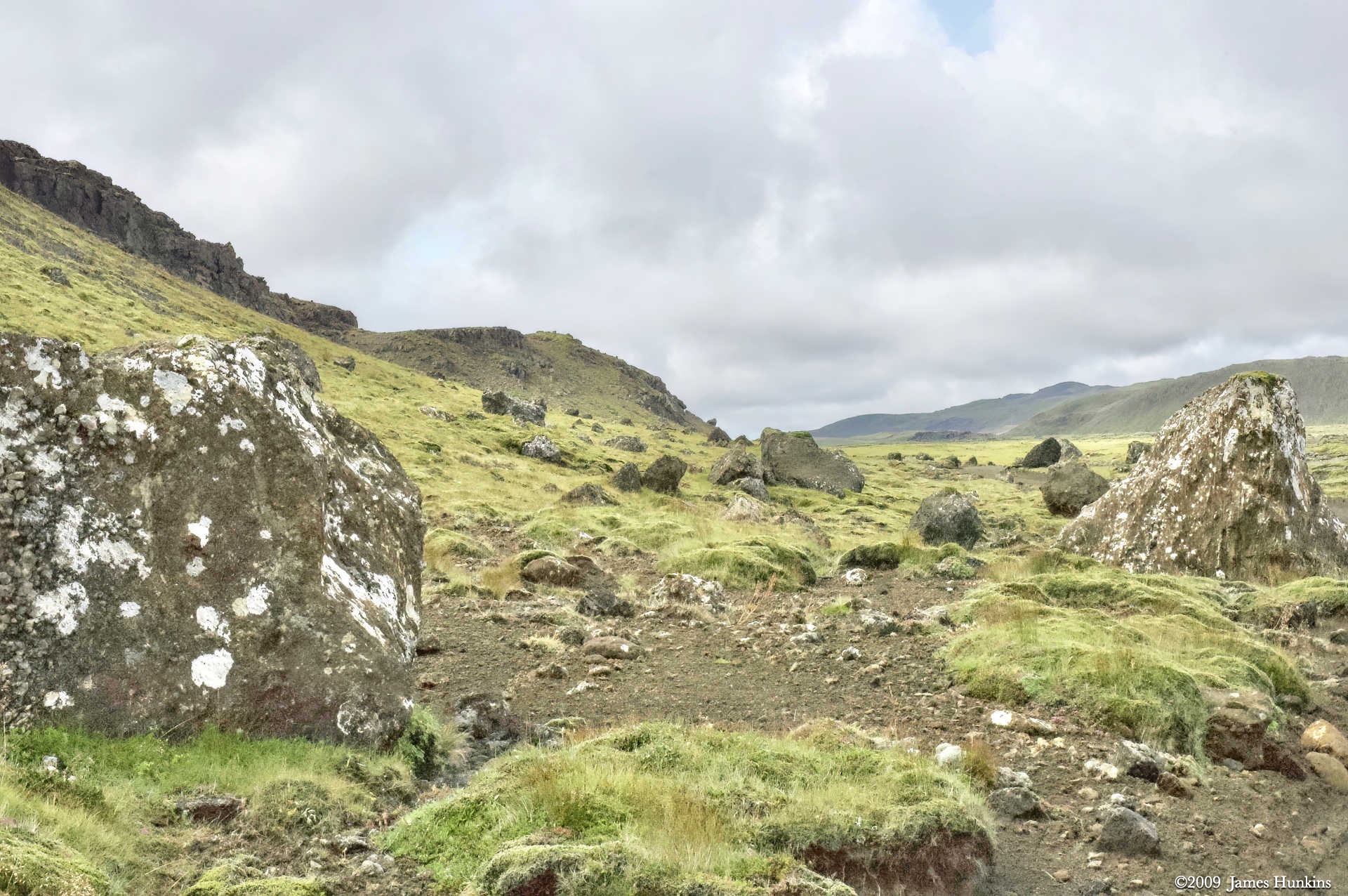
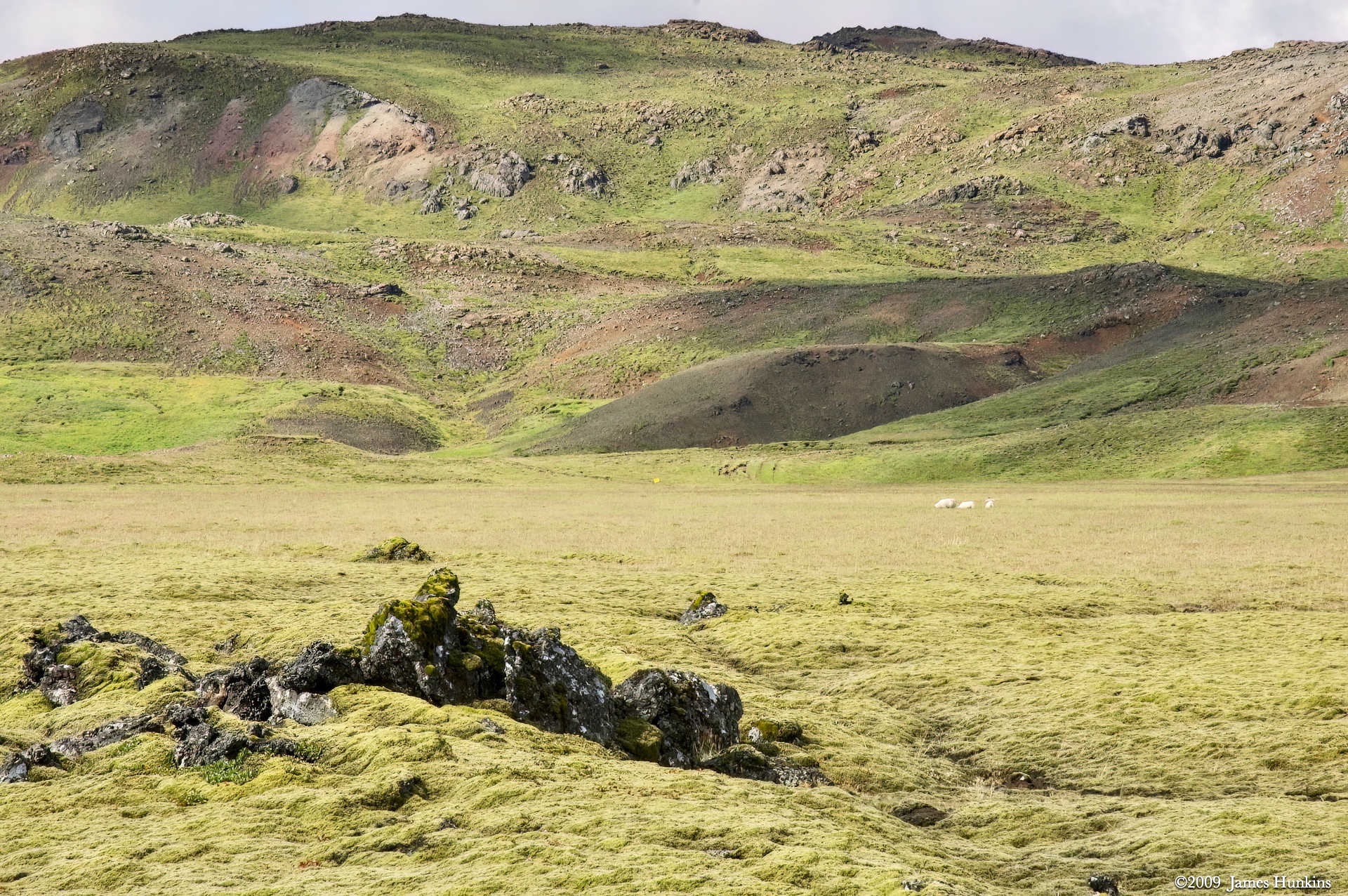
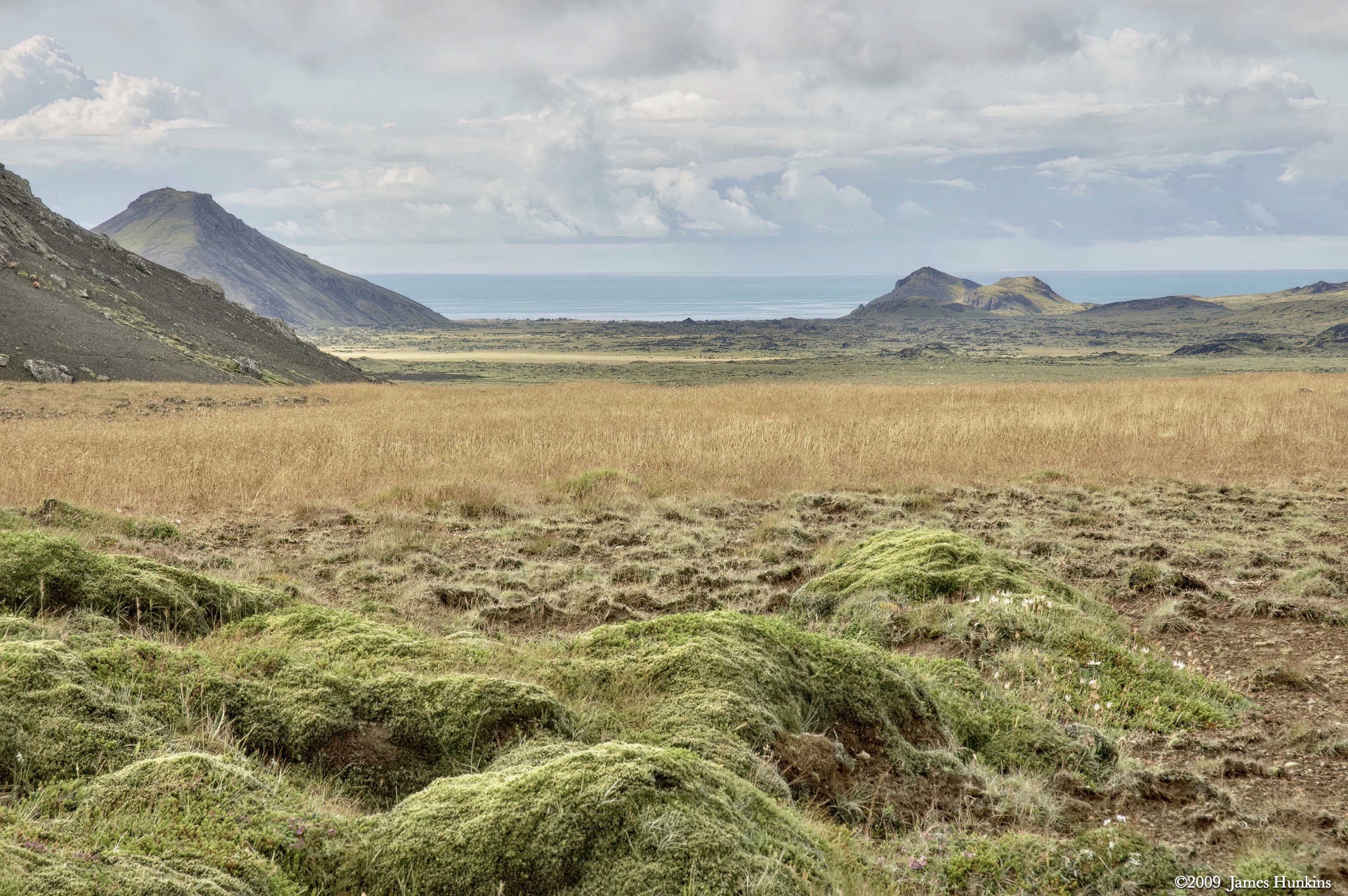
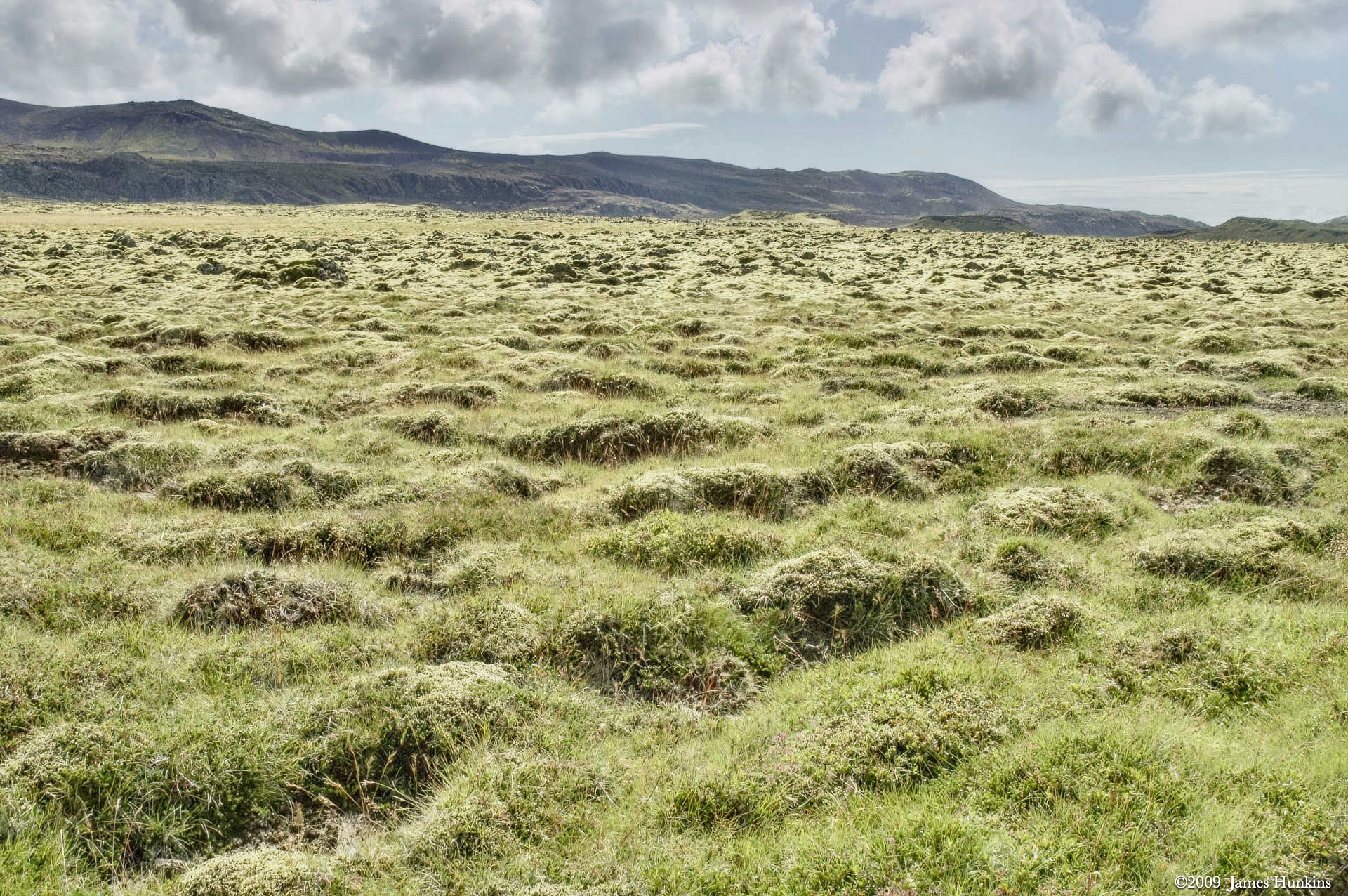
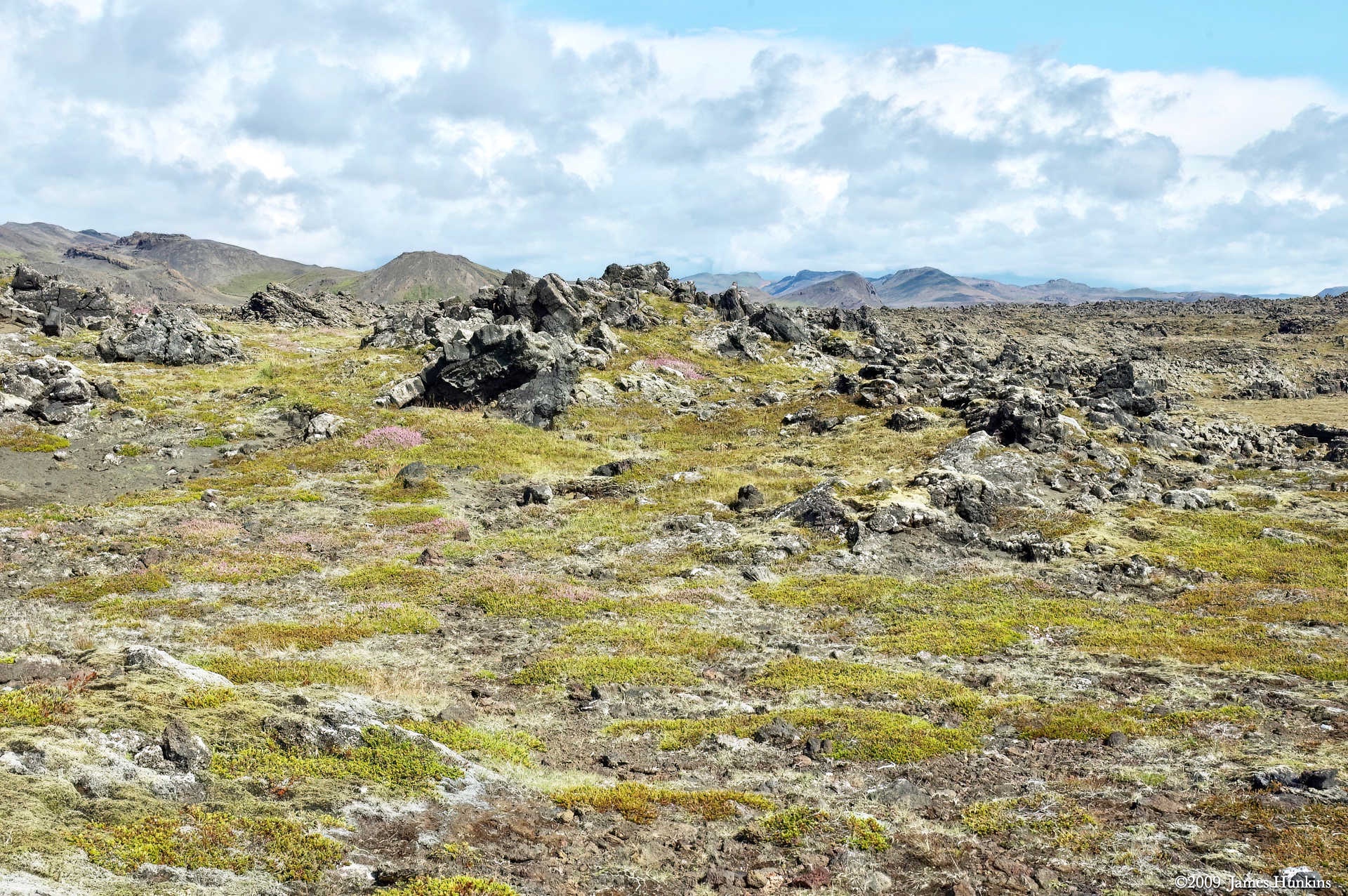
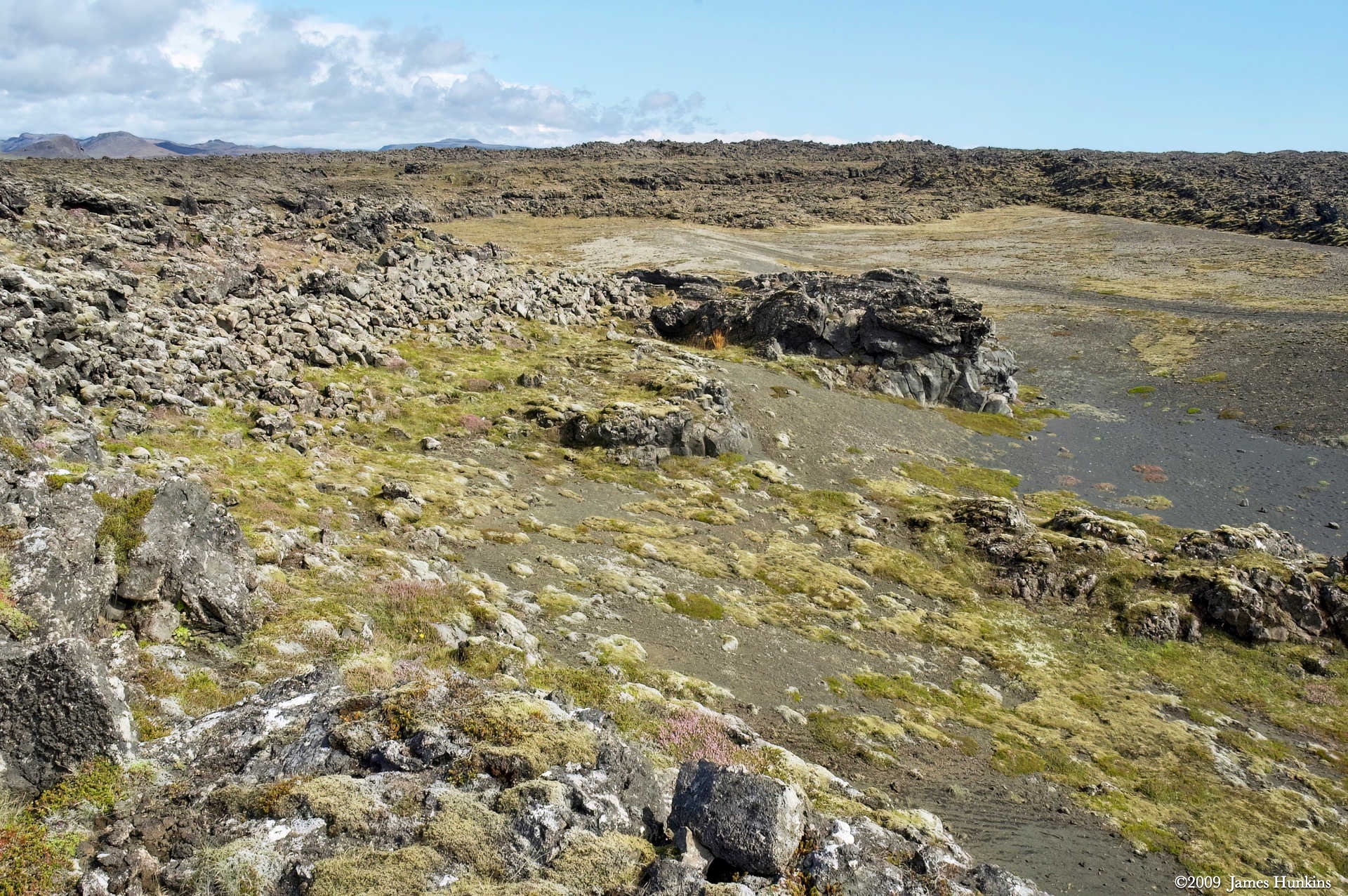
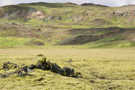
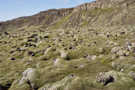
From the pictures, you can see the green covering everything - this is not a moss but mostly lichen. It covers lava all throughout this peninsula. Walking on it was like walking on pillows - very strange.
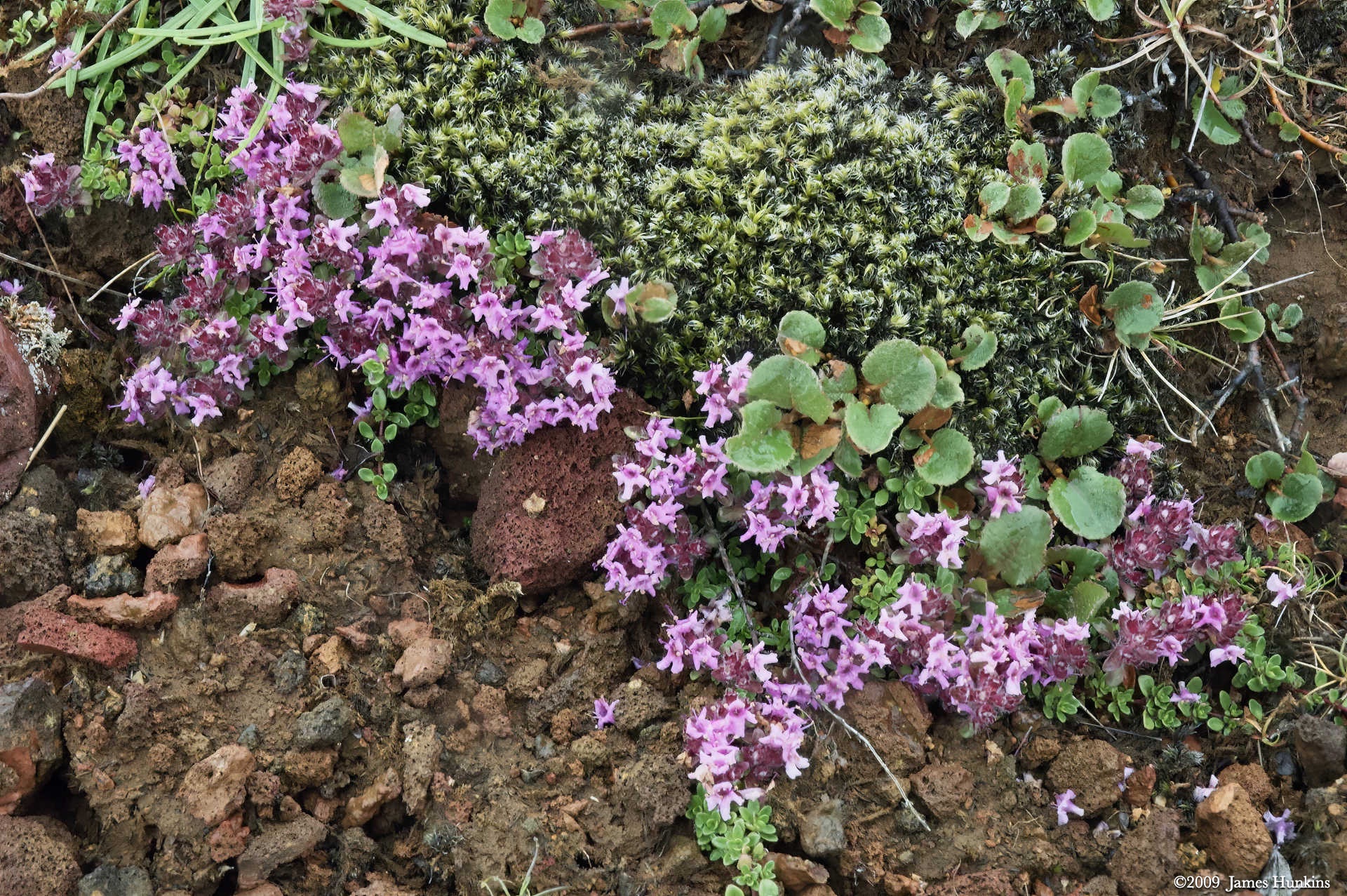
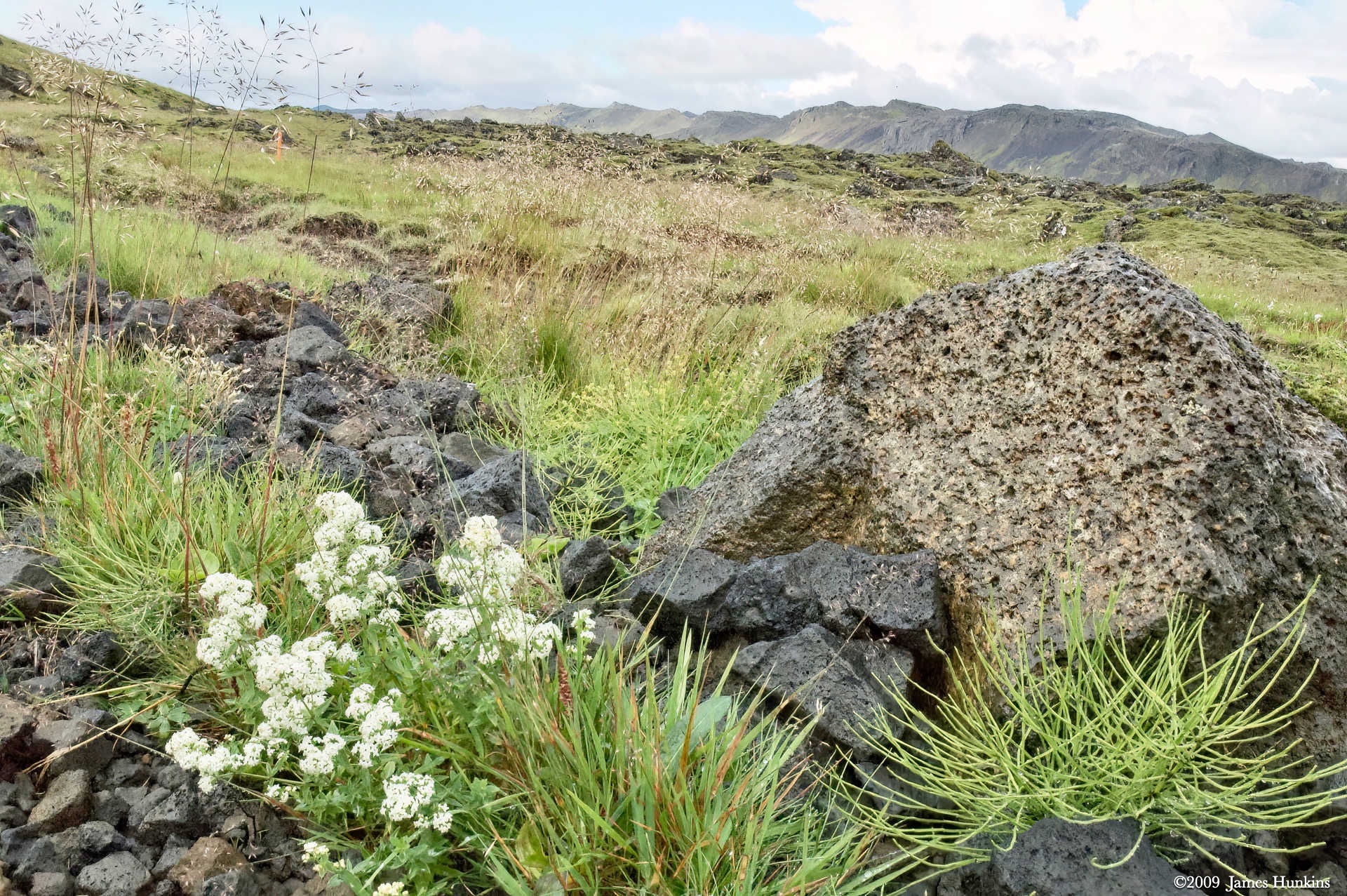
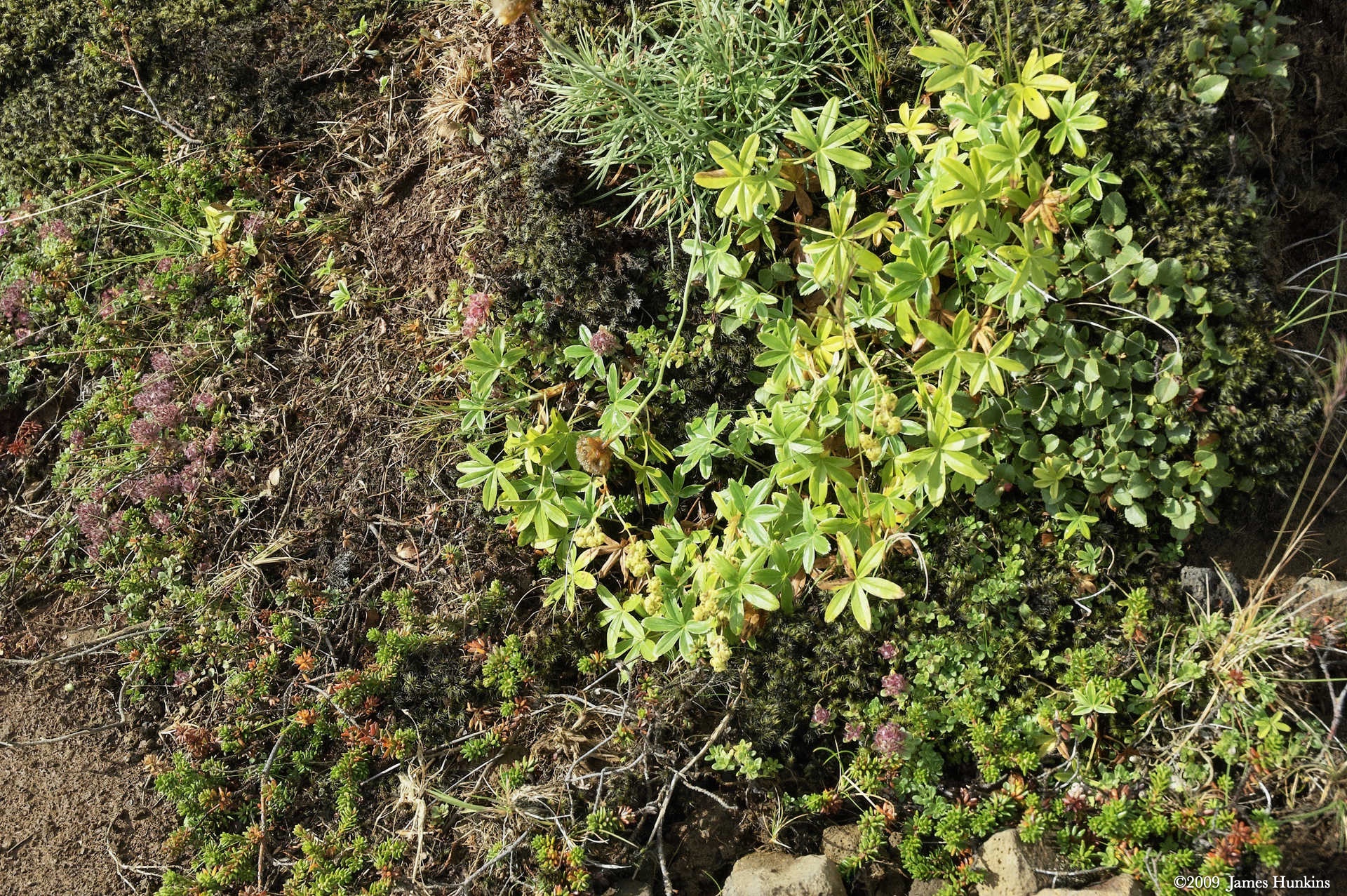
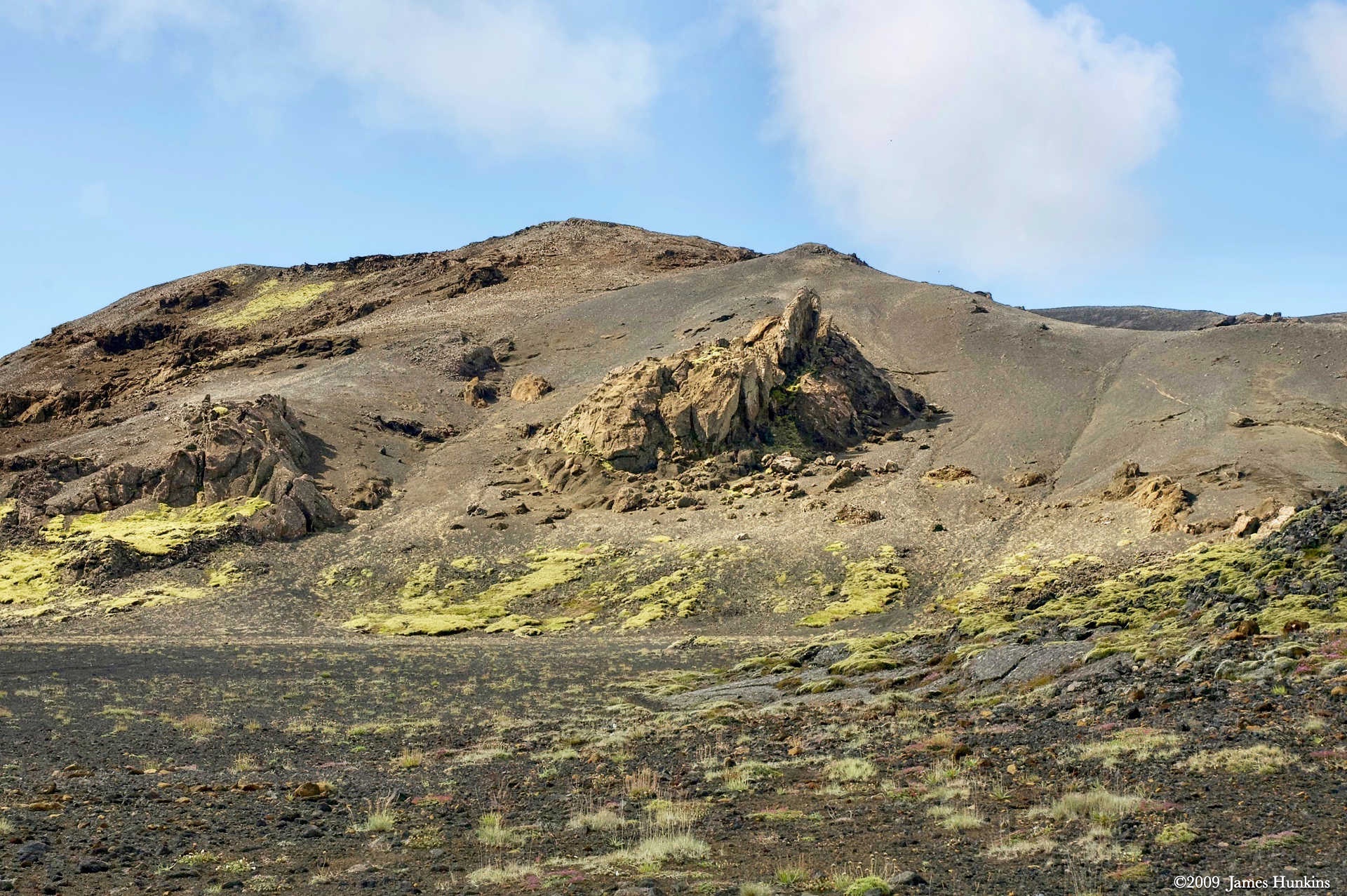
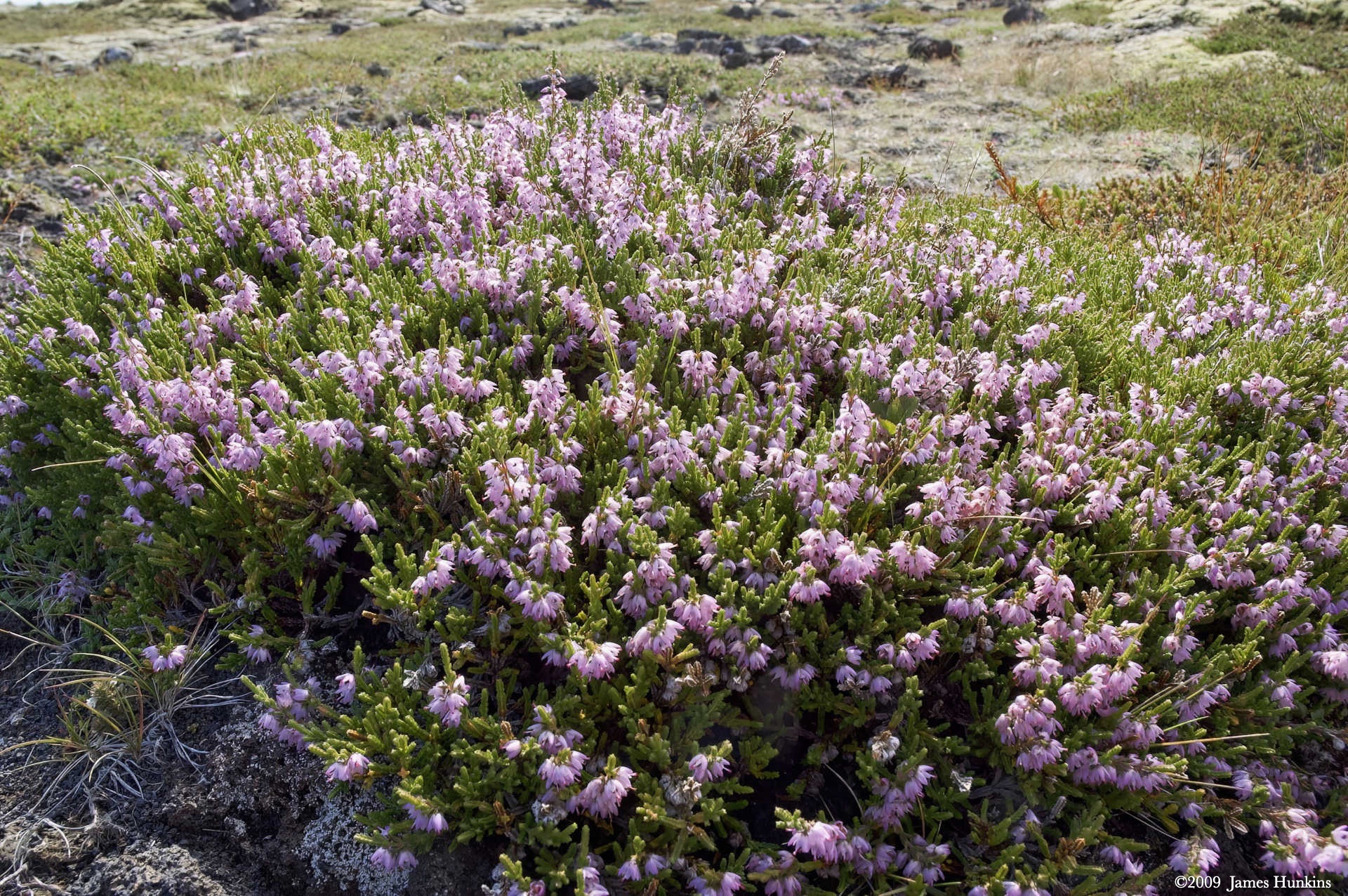
Looking at individual lava chunks, you could see other colors of ‘traditional’ lichen types along with low flowers scattered about.
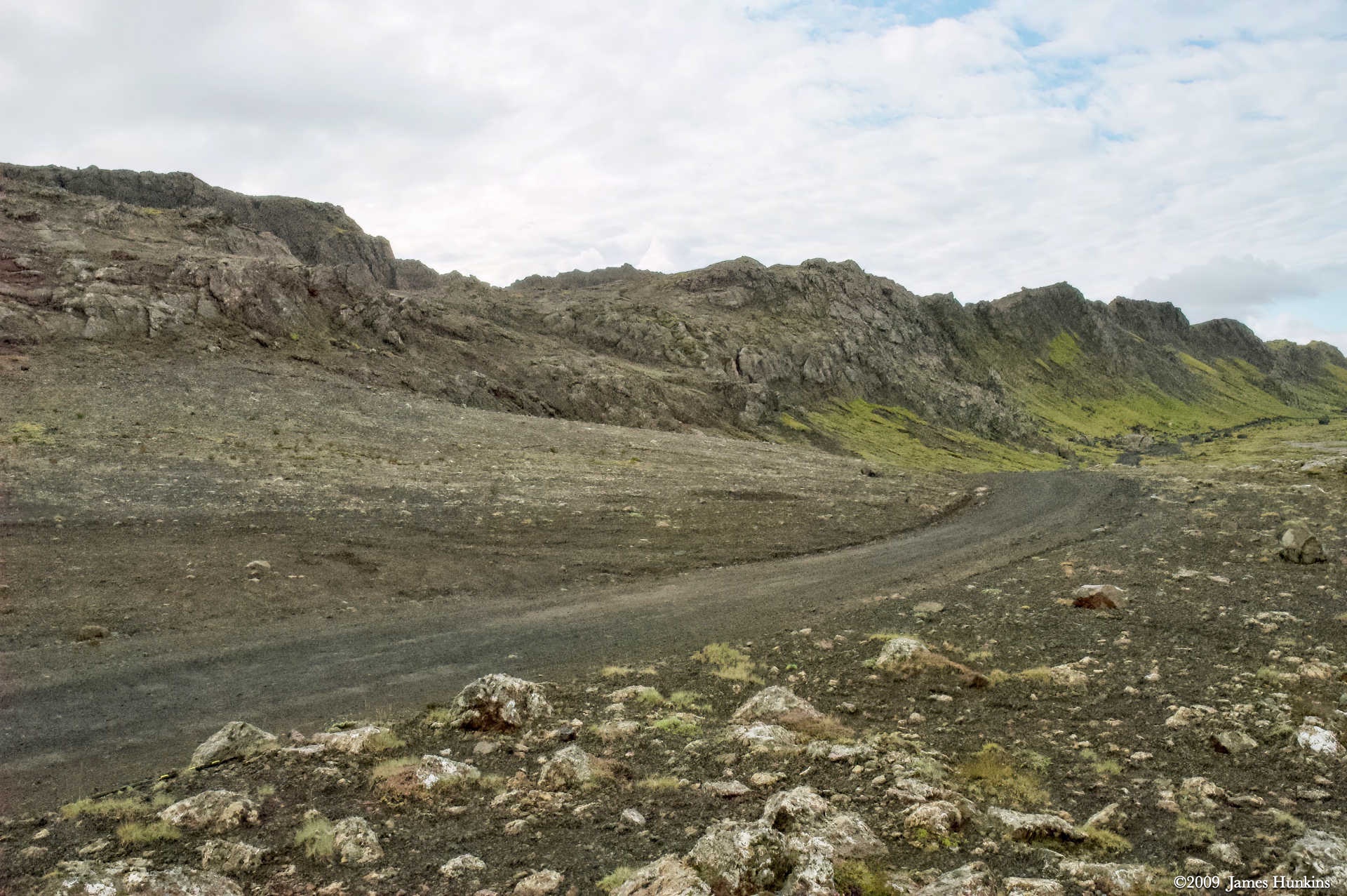
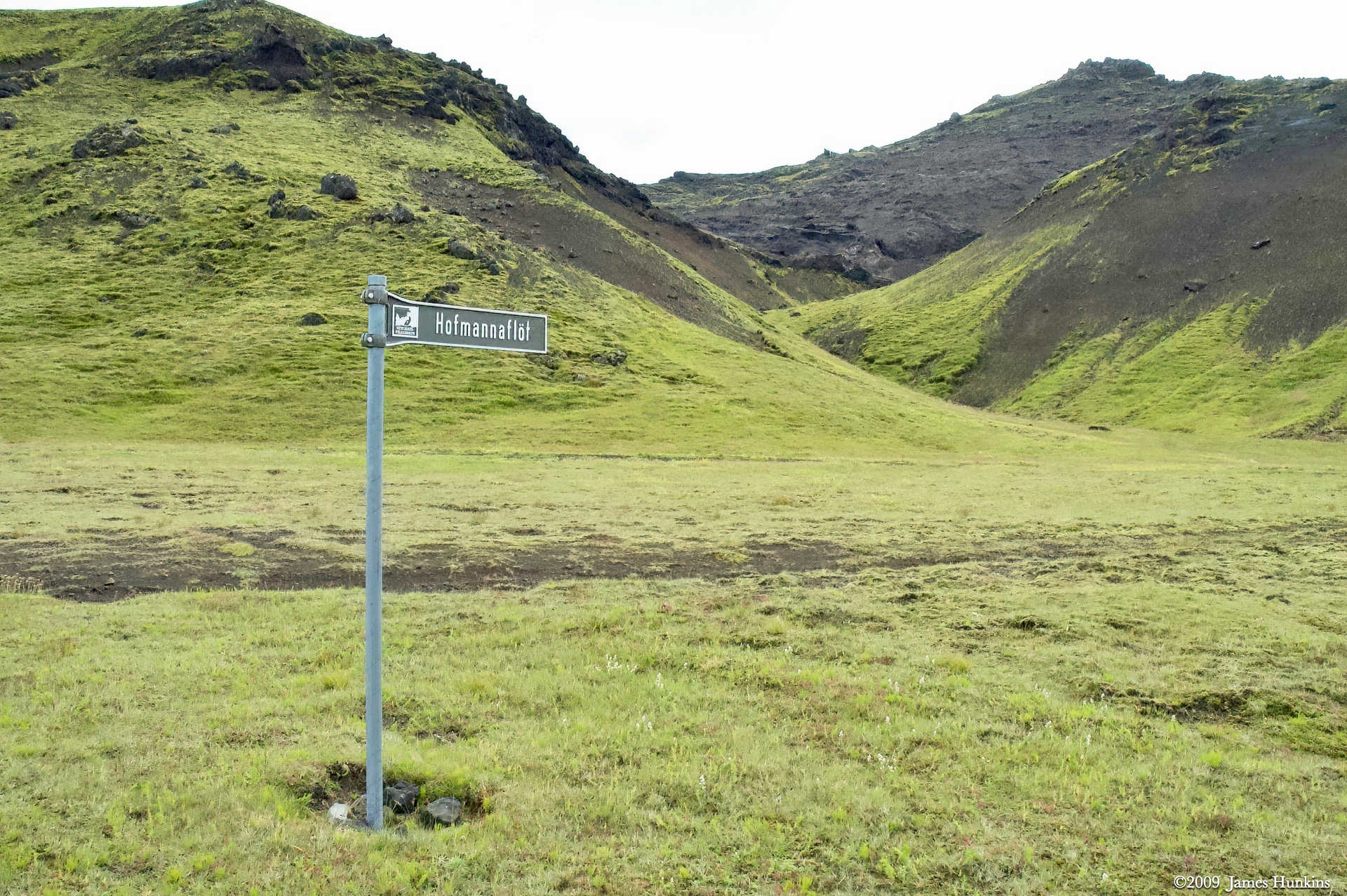
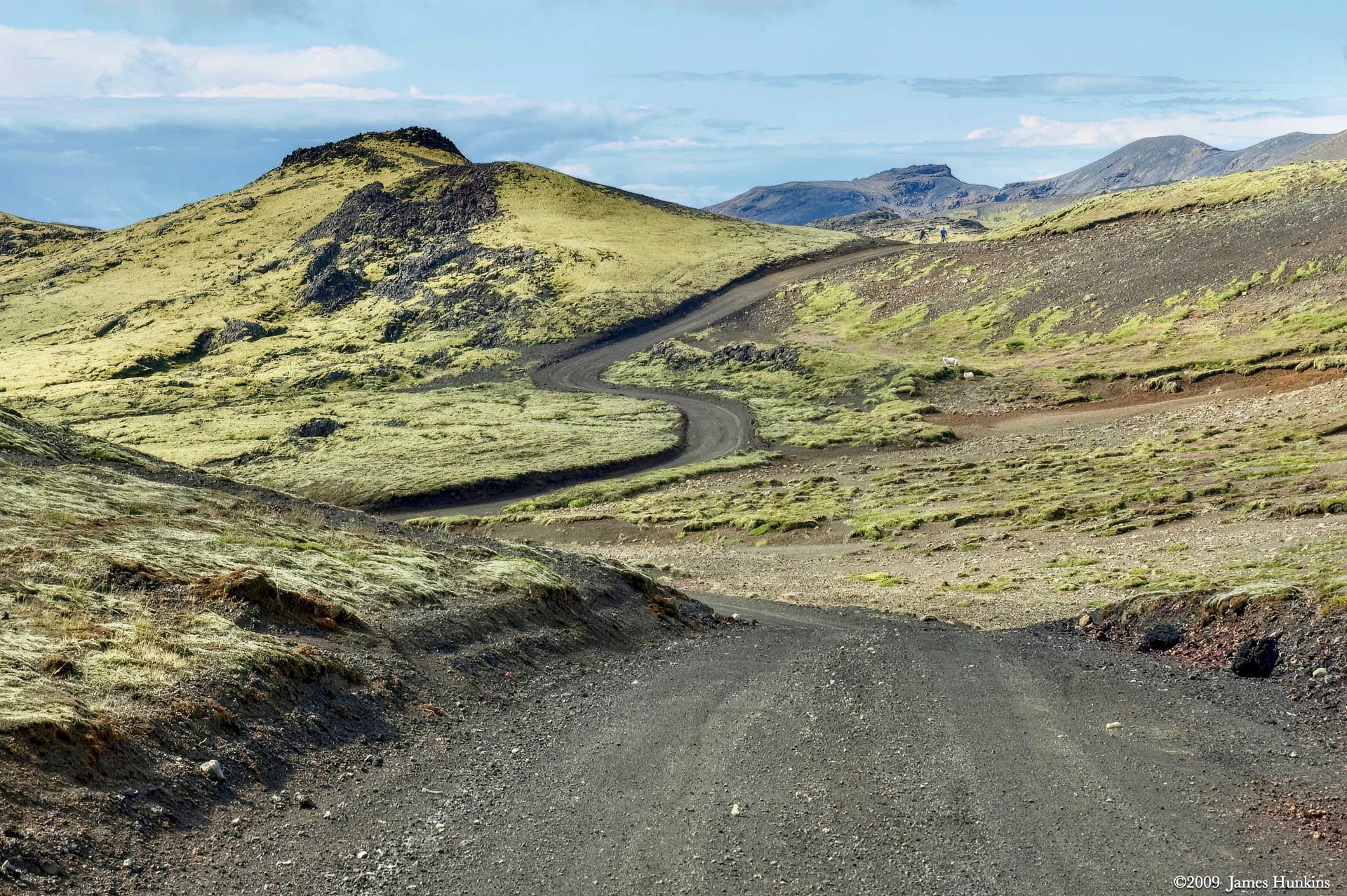
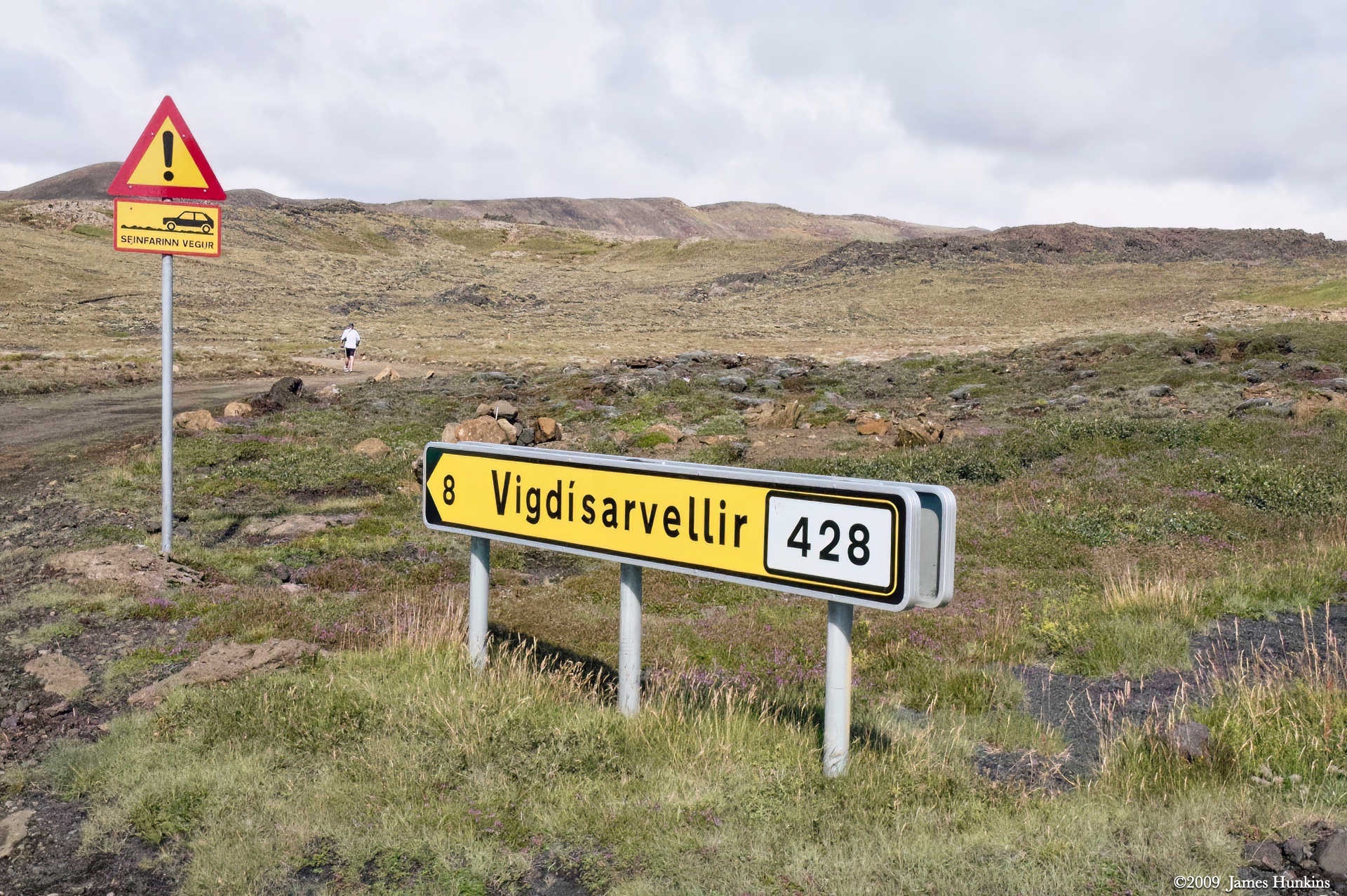
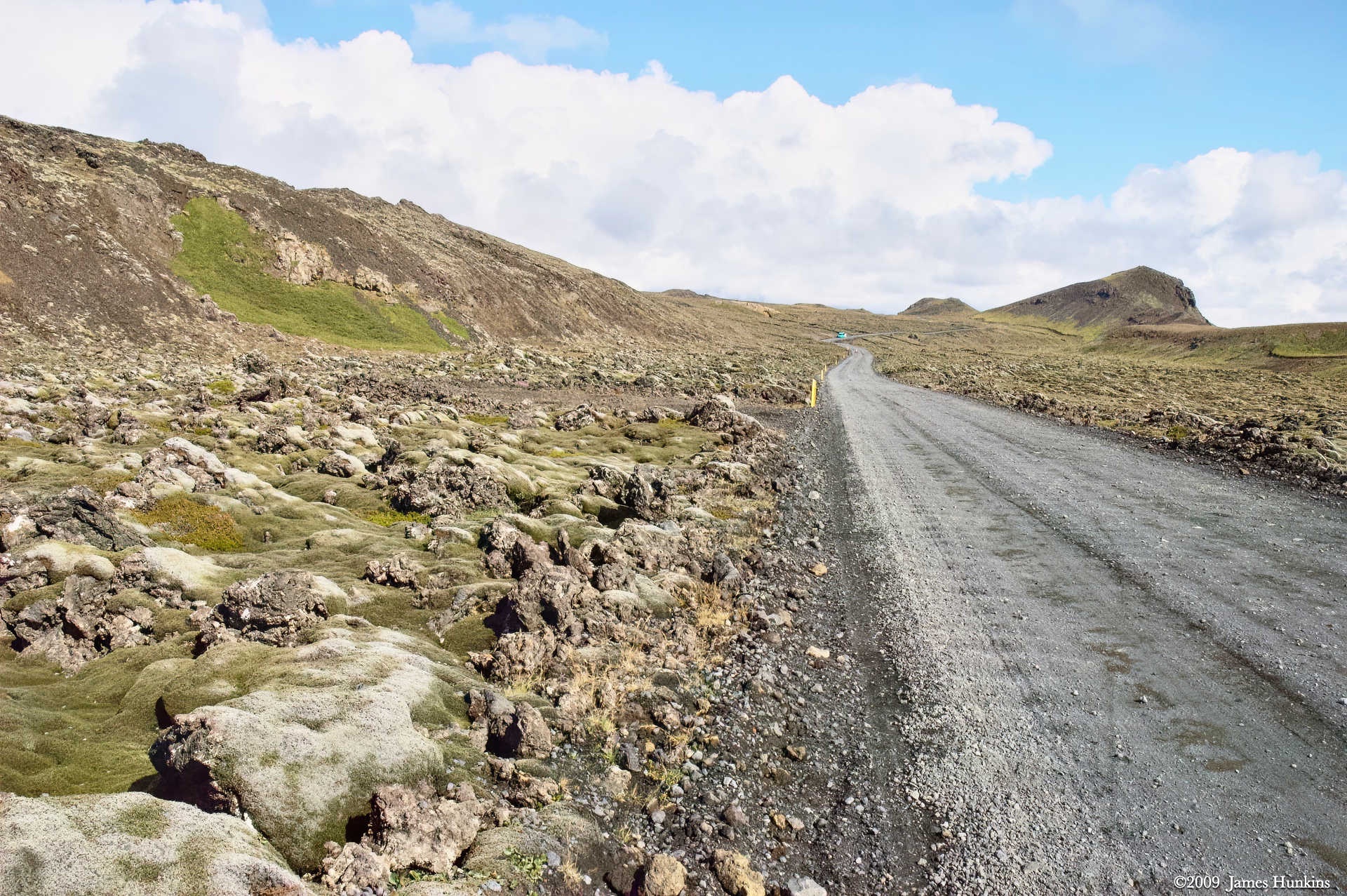
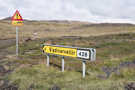
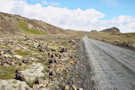
What appeared to be a road sign was actually pointing to geological formations. You can see that the road went flat for a long way, following the rift between the continental plates.
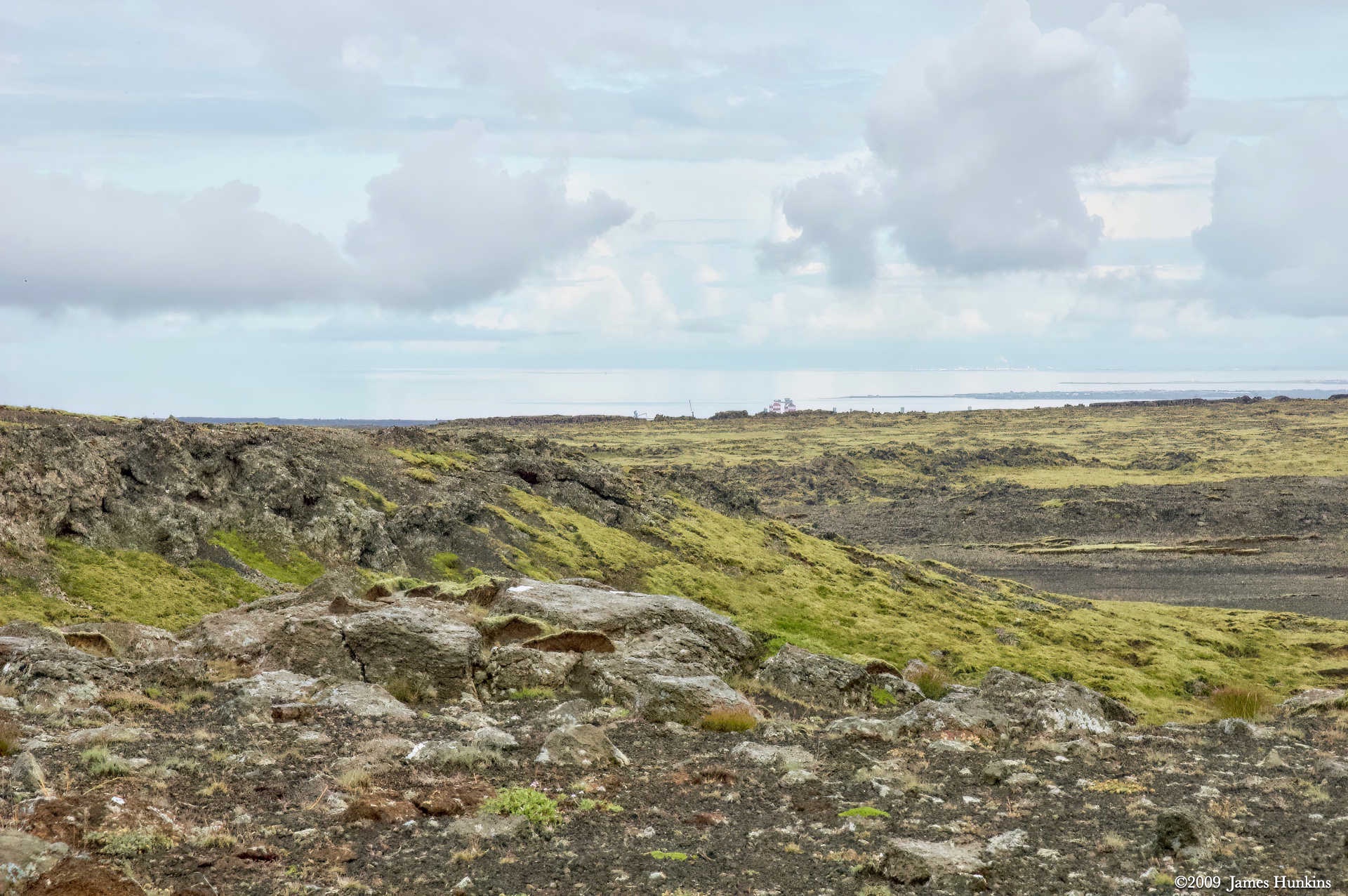
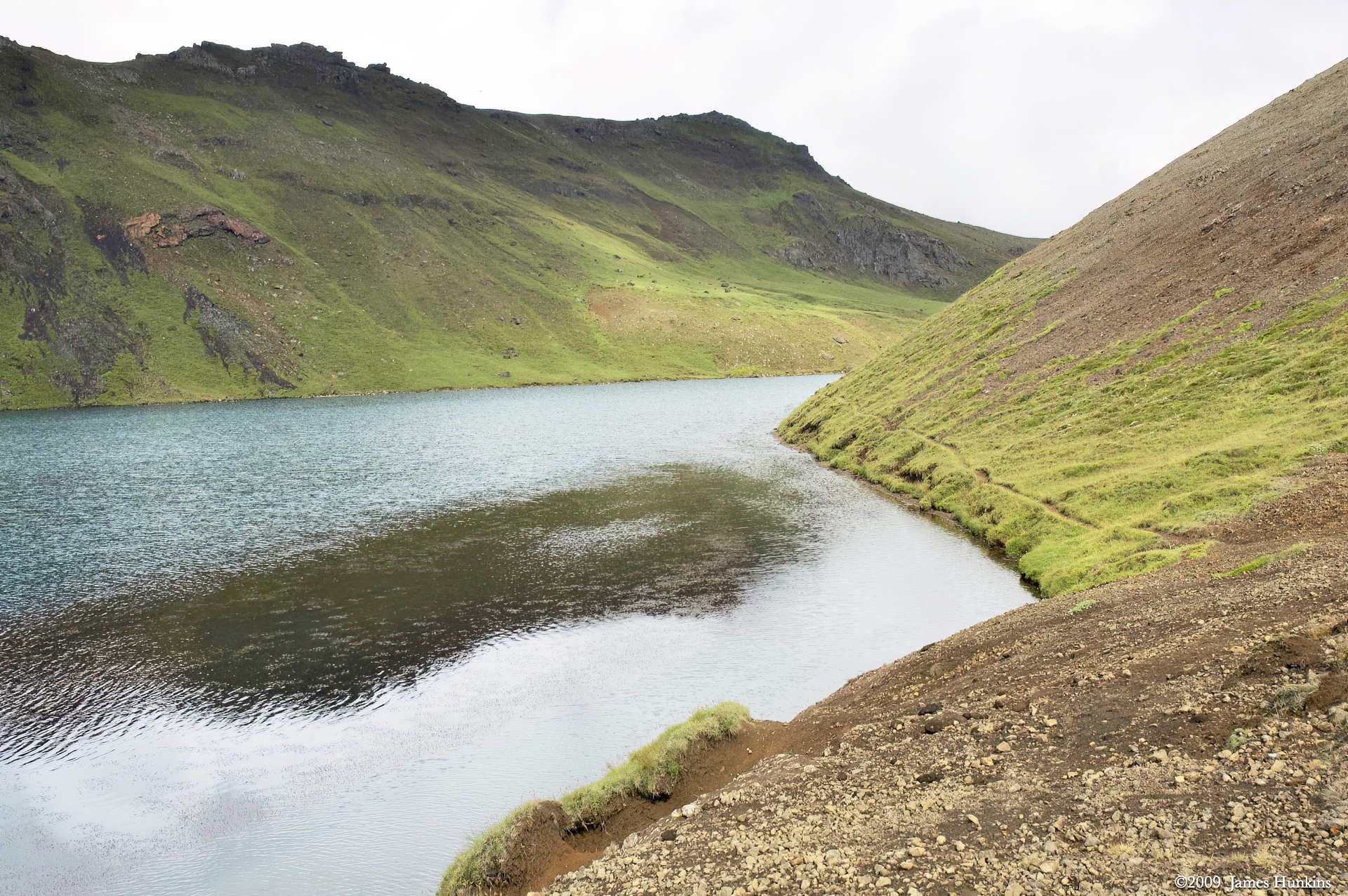
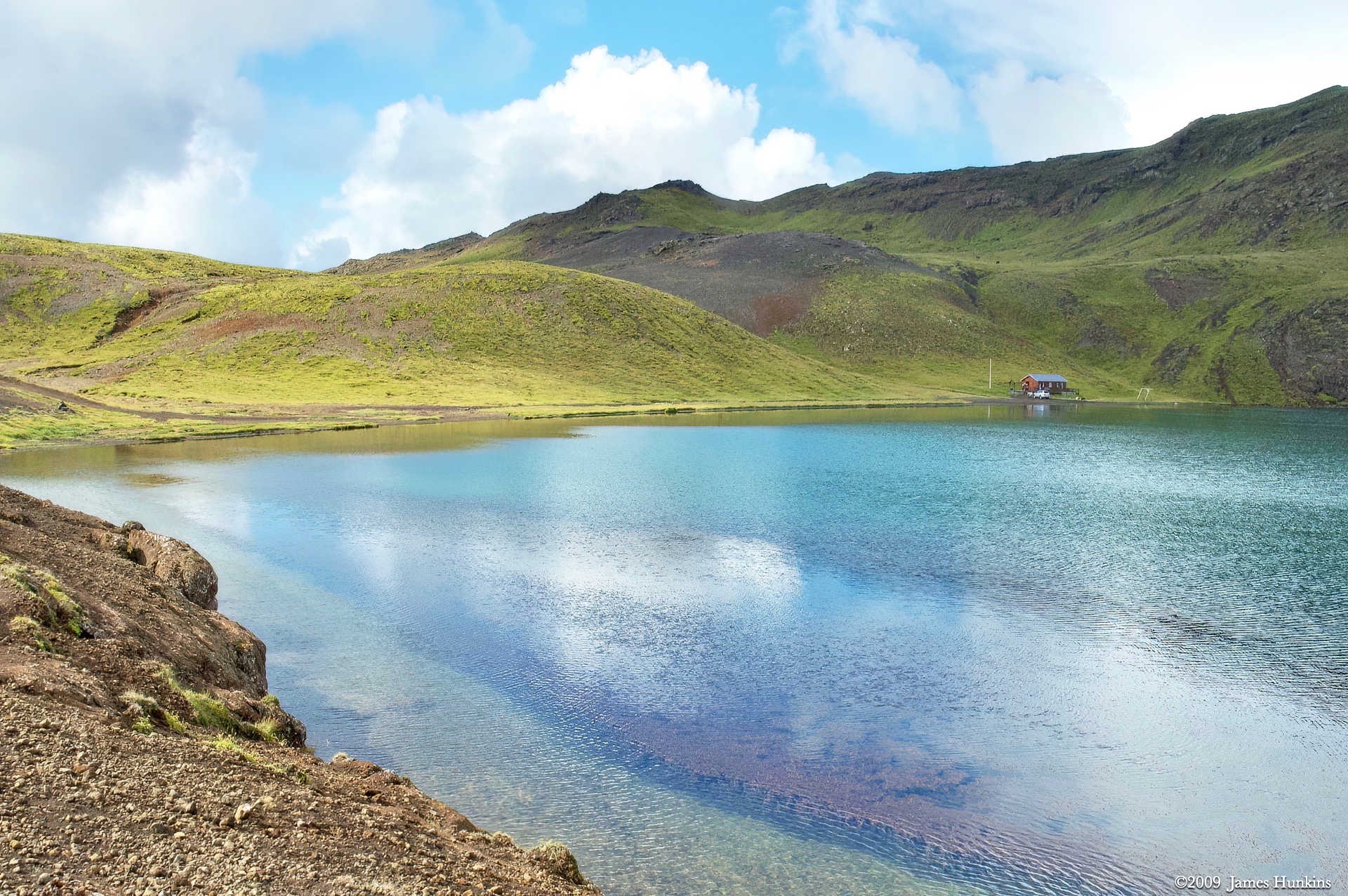
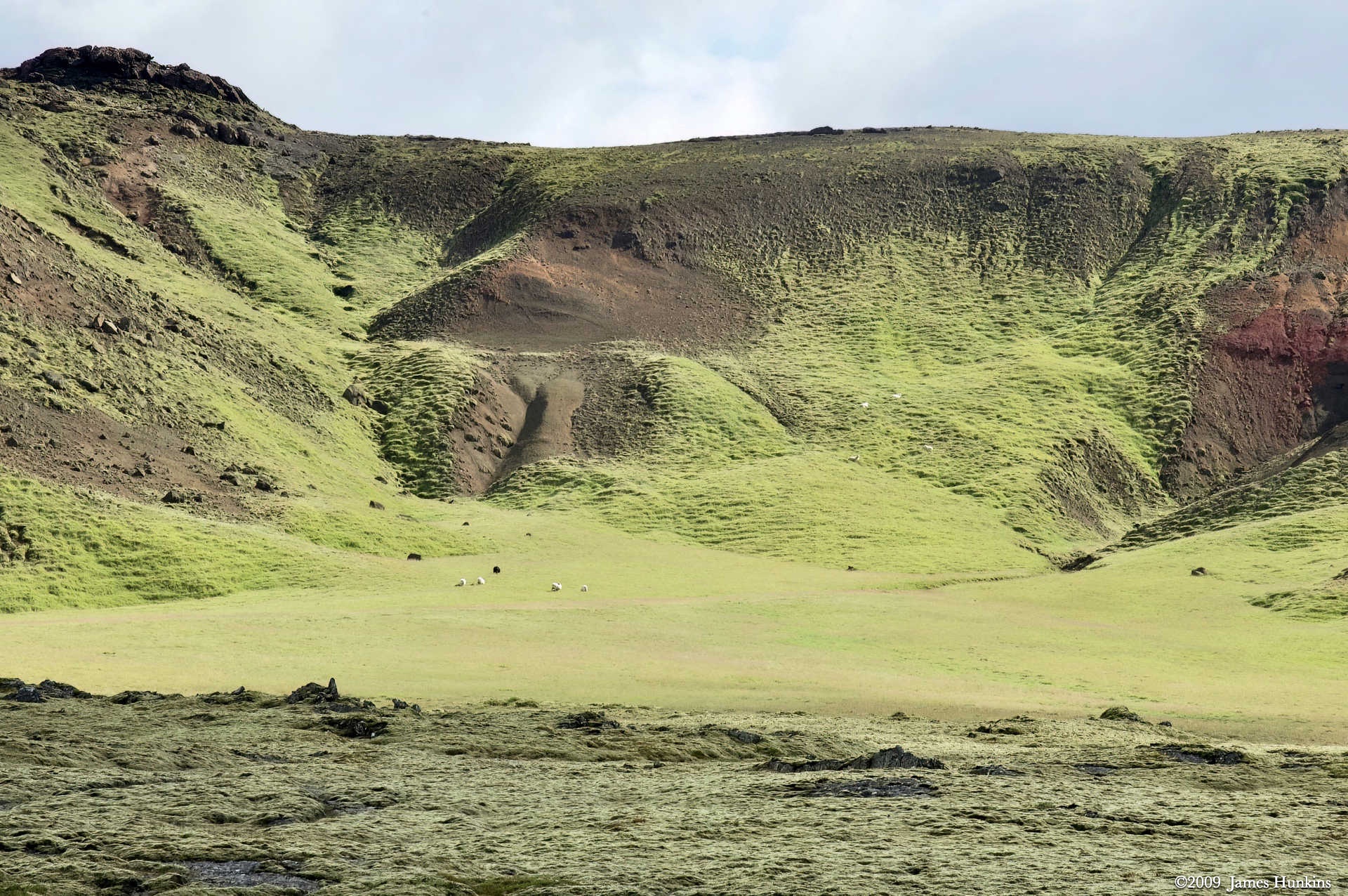
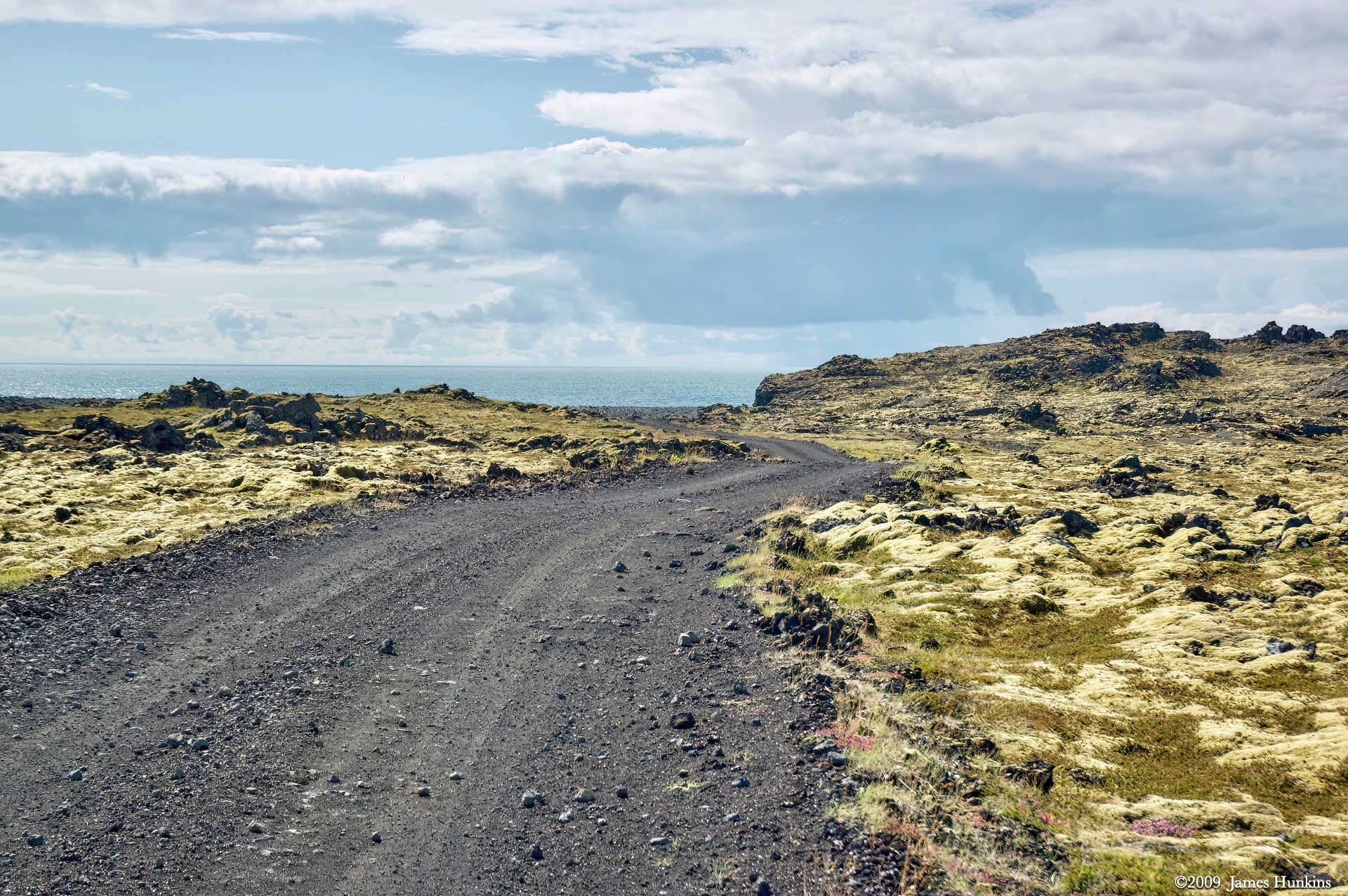
Further along the ride, we passed a small lake with a cabin tucked into its side. Then, as we got closer to the ocean, you could start to see small volcanic cinder cones.
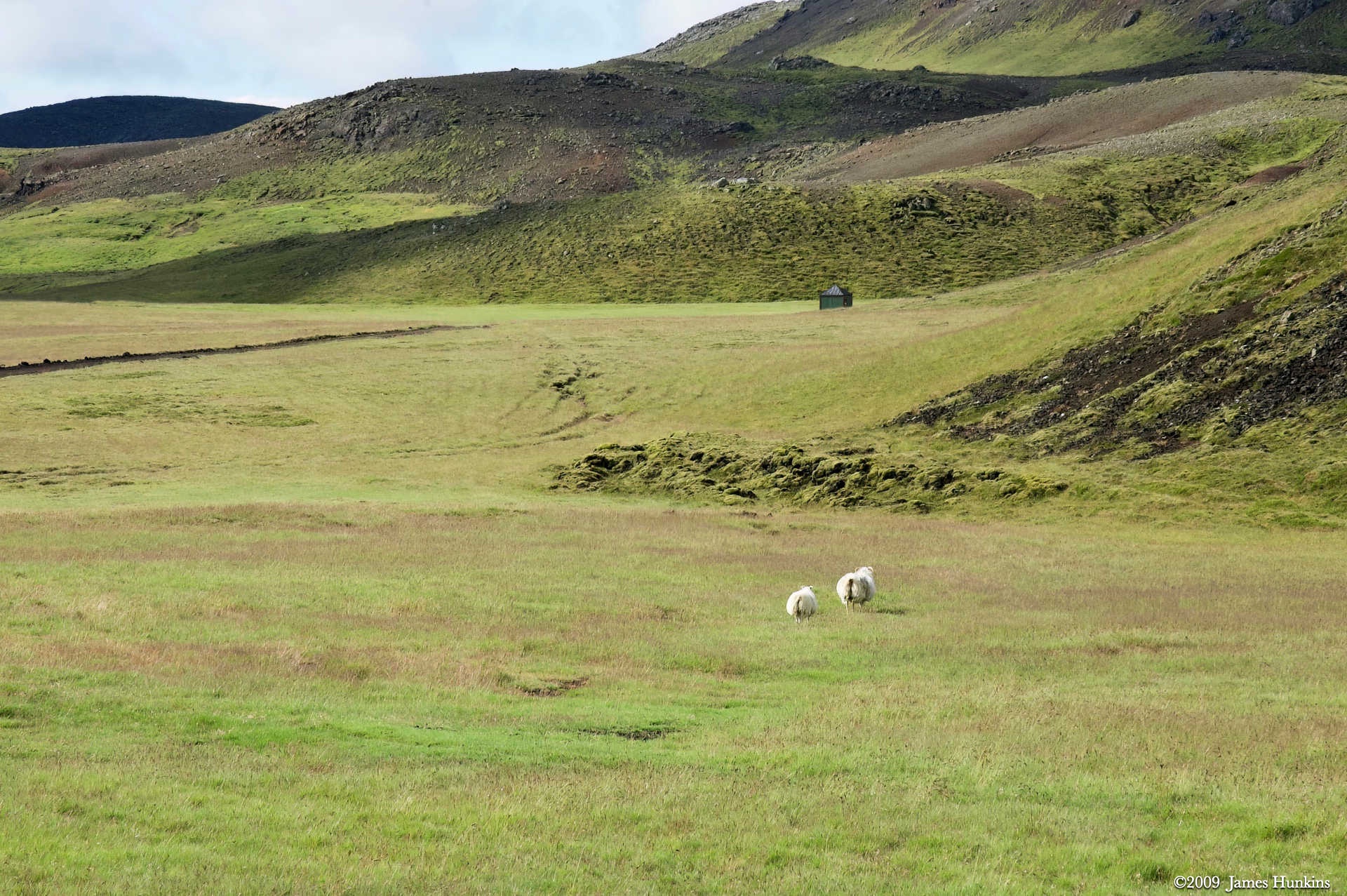
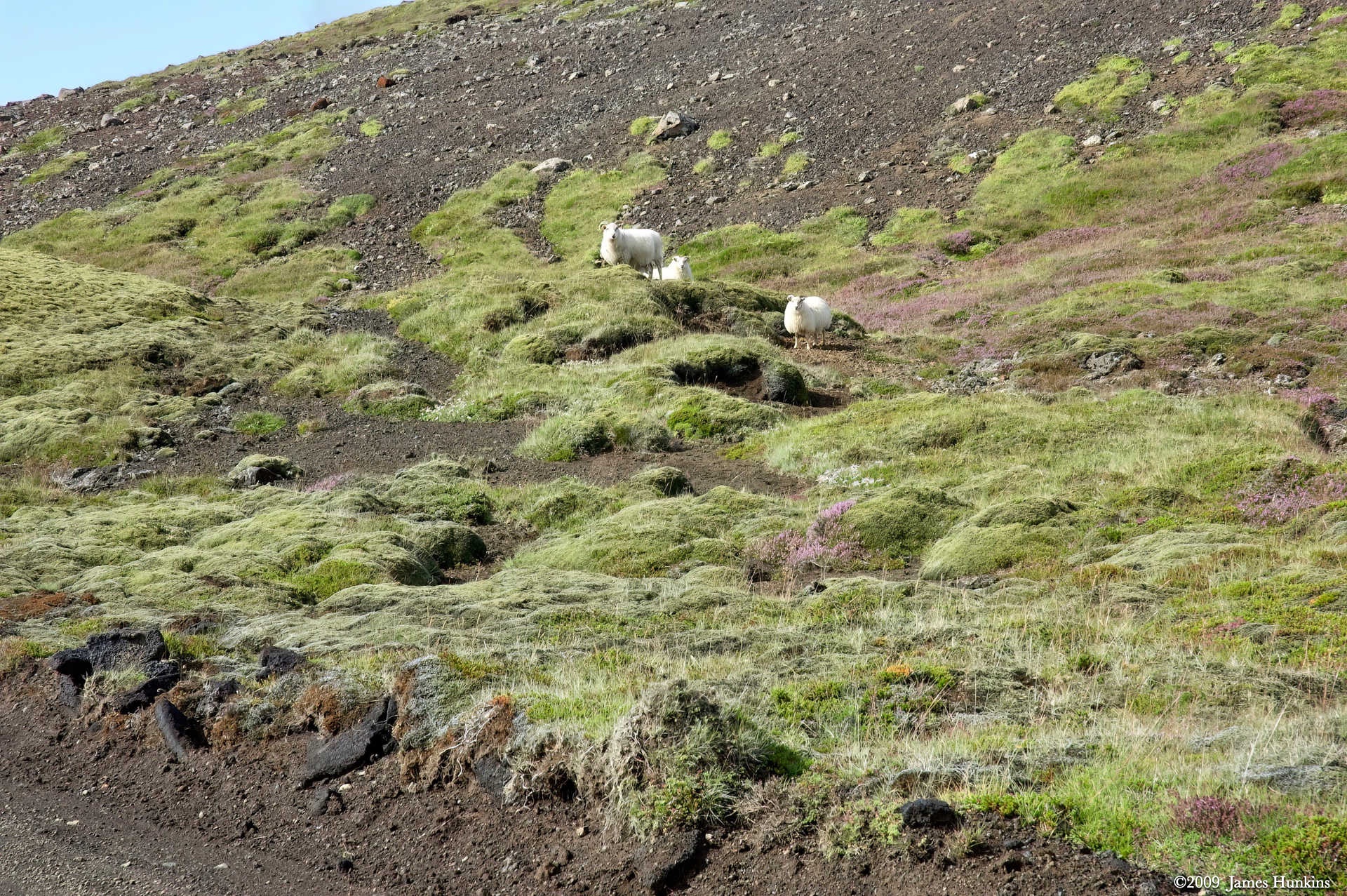
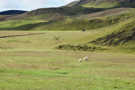
Before lunch, we ran into our first experience with local wildlife - sheep. Big wooly types; just had to think about sweaters and Icelandic blankets.
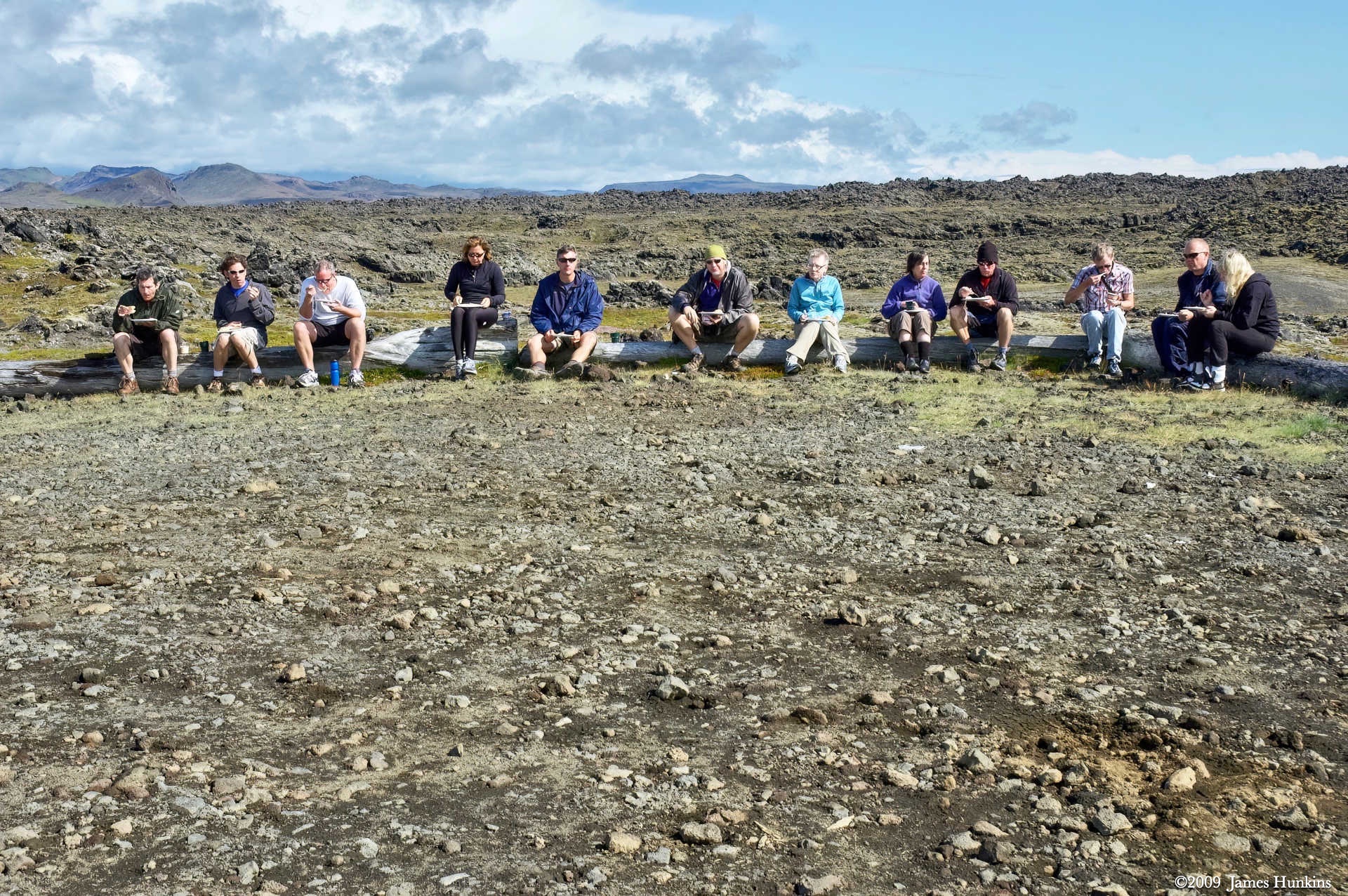
Finally, it was time for a light and delicious lunch which included different local meats, cheeses, and breads.
VIEWING HELP
To close this window, click the X in the upper right hand corner. Or click anywhere outside of this window's area.
Photos from each day are shown in thumbnail (small) form. Panoramas are either wide or tall images, while normal photos are small rectangles. All photos shown in the PHOTO SHOWCASE section can be enlarged for better viewing. Photos will enlarge to fit your browser window width. Therefore, to view them at larger sizes simply make your browser window wider.
If there is any issue or the need to inquire/comment about an image, please refer to the Image ID label (see below) of the specific image along with the trip name found at the top of the browser window.
Video Clips
Depending on the browser, some of the controls may not always be supported.
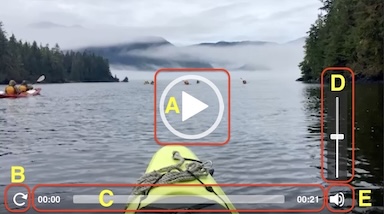
Most videos will start playing automatically. Sound is automatically off even if included with a video. See D, E below for sound control.
A few small videos are set to loop endlessly, while most just play to the end.
- A: To start or stop a video, click in this area (even if the symbol is not visible)
- B: If a browser shows this symbol, clicking on it will restart the video from the beginning
- C: Progress bar - will display total video time on the right.
- D, E: This seems to have the most variants between browsers. If the video description says 'w/ sound’, you can adjust the volume with this control
If neither is visible, move the cursor to the E area and either E and/or D will be visible
If E is visible but not D, click on E
Once D is visible, slide the bar up or down to adjust the volumn
Panoramas
Clicking anywhere on a panorama thumbnail will cause the image to expand to fill the browser width. Clicking again anywhere in the browser window or scrolling the browser window will cause the expanded image to shrink back to its smaller thumbnail size.
The Image ID and description is found just below the thumbnail image on the left side.
Individual Photographs
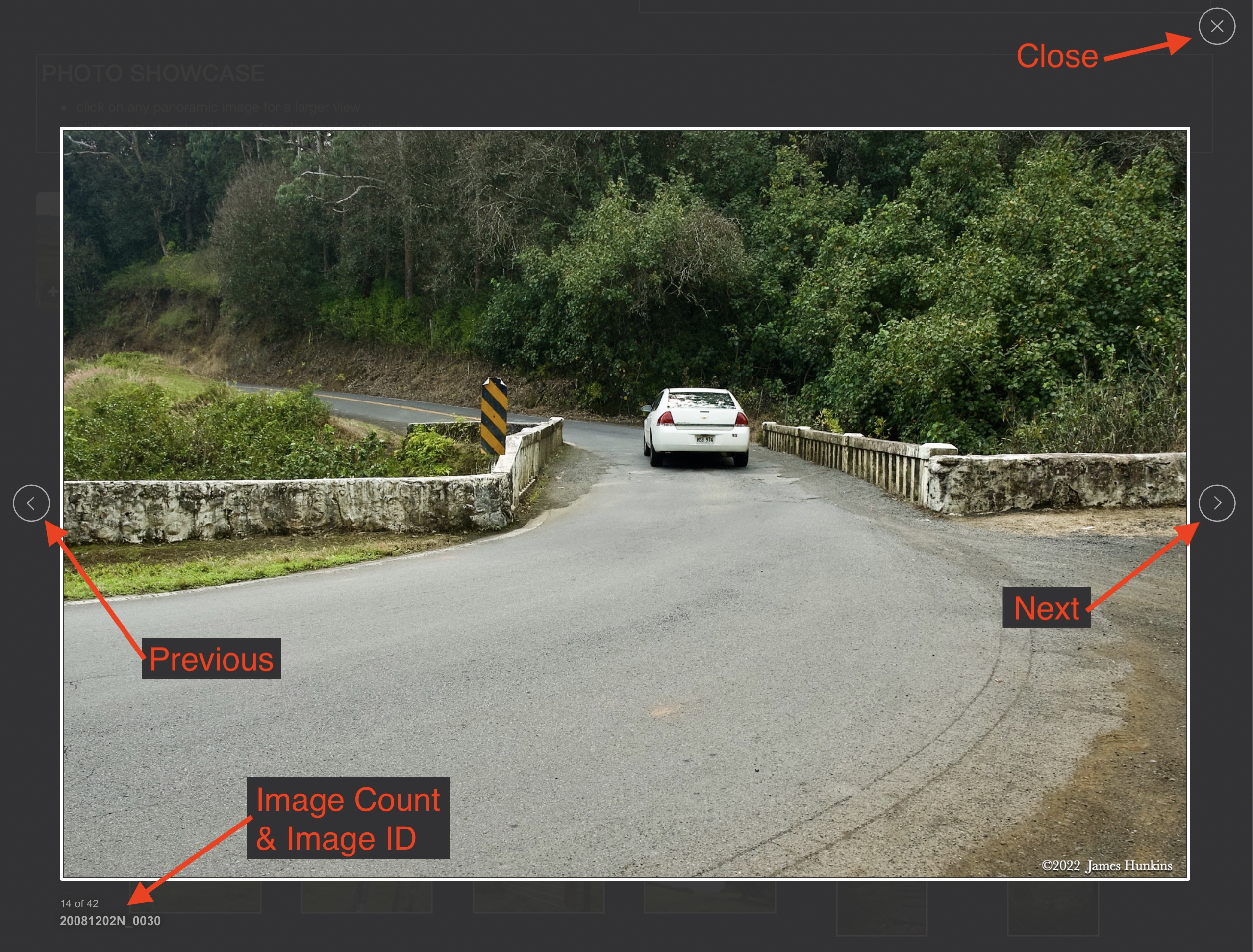
If you click on any photo thumbnail, it will open a larger viewer which can be used to walk through all of the standard photos on the page. Once open, to go forward click on the > on the right side of the enlarged image. To scan backwards, click on the < on the left side. To close the larger images either click on the X in the upper right hand corner of the browser window or anywhere outside of the enlarged image.
The Image ID label can be found by hovering a cursor over the thumbnail image (may not be available on some tablets/phones) or, once enlarged, from the lower left hand side just under the image.
Additionally, in the same area as the Image ID (or the upper left corner for newer/updated sites) a count showing the current image number versus the total number of images available for viewing.

For newer or updated sites (look for the orange checkbox in the header of a sites main page), additional buttons have been added when viewing a full size image. From left to right, the buttons are:
- Email: will open an email with information and a link to the current image
- WhatsApp: if WhatsApp is on your system, will open a browser window to open WhatsApp and create a message with information and a link to the current image
- FaceBook: Will open a browser window to open Facebook and create a message with information and a link to the current image
- full screen: will take over the entire display versus just the browser in most systems; ESC returns to the brower only mode
- magnify: enlarges the image within the browser or full screen; if the image is larger than can be displayed it can be scrolled
- exit: will close the large image viewer returning to the thumbnails




Links:
PHOTO SHOWCASE
- click on any thumbnail image for a larger view/slideshow
-
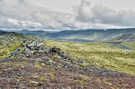 090810_0002NStones and lichen overlooking rift valley on Reykjanes Peninsula
 -
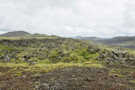 090810_0006NStones and lichen overlooking rift valley on Reykjanes Peninsula
 -
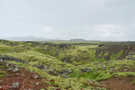 090810_0011NStones and lichen in rift valley on Reykjanes Peninsula
 -
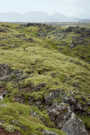 090810_0012NStones and lichen in rift valley on Reykjanes Peninsula
 -
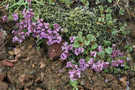 090810_0014NSmall wild flowers and ground cover
 -
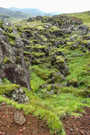 090810_0015NStones and lichen in rift valley on Reykjanes Peninsula
 -
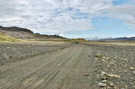 090810_0016NBikers on road through rift valley on Reykjanes Peninsula
 -
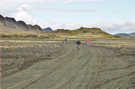 090810_0021NBikers on road through rift valley on Reykjanes Peninsula
 -
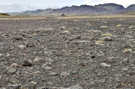 090810_0023NDesolate volcanic stones and surface in rift valley
 -
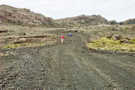 090810_0024NBikers on road through rift valley on Reykjanes Peninsula
 -
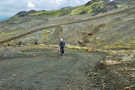 090810_0026NBikers on road through rift valley on Reykjanes Peninsula
 -
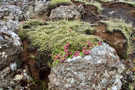 090810_0029NSmall wild flowers, lichen and ground cover
 -
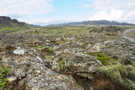 090810_0030NRift valley on Reykjanes Peninsula
 -
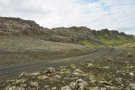 090810_0031NRoad through rift valley on Reykjanes Peninsula
 -
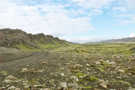 090810_0032NRoad through rift valley on Reykjanes Peninsula
 -
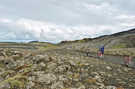 090810_0040NBikers on road through rift valley on Reykjanes Peninsula
 -
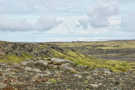 090810_0041NLeaving rift valley on Reykjanes Peninsula with a glimpse of the ocean
 -
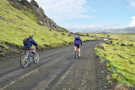 090810_0043NBikers on road through rift valley on Reykjanes Peninsula
 -
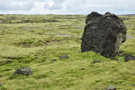 090810_0045NLarge volcanic stone sitting on top of lichen carpet
 -
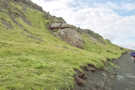 090810_0046NBikers on road through rift valley on Reykjanes Peninsula
 -
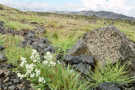 090810_0048NWild flowers and ground cover in volcanic rocks in rift valley
 -
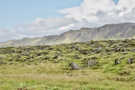 090810_0050NLichen field and rocks looking at cliffs along rift valley on Reykjanes Peninsula
 -
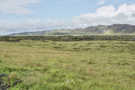 090810_0051NLichen field and rocks looking at cliffs along rift valley on Reykjanes Peninsula
 -
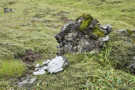 090810_0052NWhite lichen and ground cover in rift valley
 -
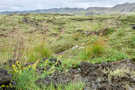 090810_0055NSmall wild flowers, lichen and ground cover in rift valley
 -
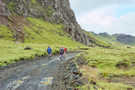 090810_0056NBikers on road through rift valley on Reykjanes Peninsula
 -
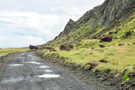 090810_0057NRoad underneath cliff lining rift valley on Reykjanes Peninsula
 -
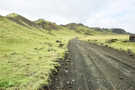 090810_0058NBikers on road surrounded by lichen carpet and ridges in rift valley
 -
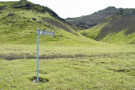 090810_0061NRoad sign in rift valley
 -
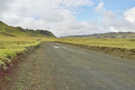 090810_0062NRoad through rift valley on Reykjanes Peninsula
 -
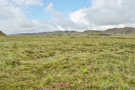 090810_0063NGround cover and flowers in rift valley on Reykjanes Peninsula
 -
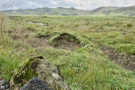 090810_0066NGround cover in rift valley on Reykjanes Peninsula
 -
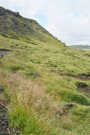 090810_0067NGround cover in rift valley on Reykjanes Peninsula
 -
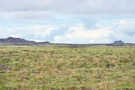 090810_0068NGround cover in rift valley on Reykjanes Peninsula
 -
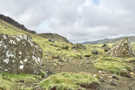 090810_0069NPieces of volcanic rocks with white lichen in rift valley
 -
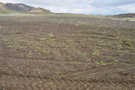 090810_0071NGravel flat area with tire tracks in rift valley
 -
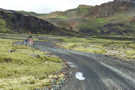 090810_0074NBikers on road through rift valley on Reykjanes Peninsula
 -
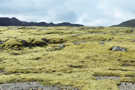 090810_0076NLichen carpet in rift valley
 -
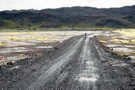 090810_0077NLoan biker on road with support van in the background in rift valley
 -
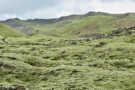 090810_0079NLichen carpet with road in the background climbing up out of the rift valley
 -
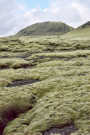 090810_0081NLichen carpet looking up at a rock dome formation
 -
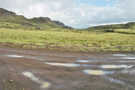 090810_0082NWater puddles on road looking down rift valley
 -
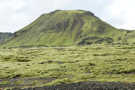 090810_0084NLichen carpet looking up at large dome formation in rift valley
 -
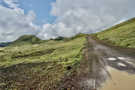 090810_0086NRoad heading up out of rift valley
 -
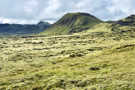 090810_0096NLooking back at lichen carpet with dome formation and cliffs along rift valley
 -
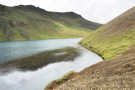 090810_0099NA small lake with a trail along its edge in rift valley
 -
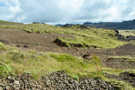 090810_0101NMore lichen and rocks and gravel along edge of rift valley
 -
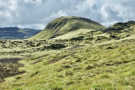 090810_0102NLooking back at lichen carpet with dome formation and cliffs along rift valley
 -
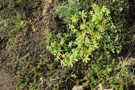 090810_0103NSmall flowers and ground cover
 -
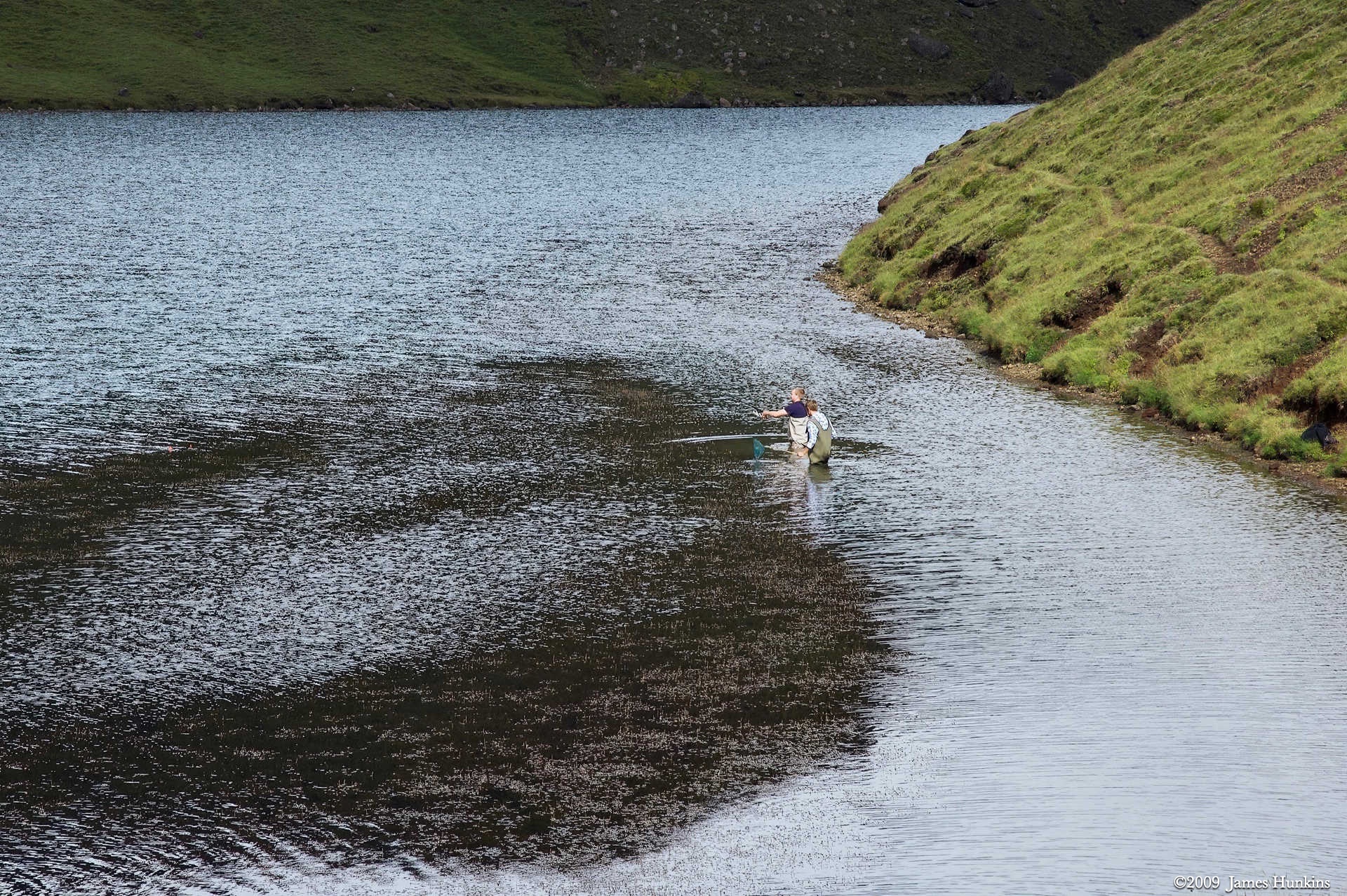
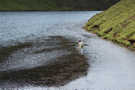 090810_0104NTwo fishermen standing in shallow water of small lake in rift valley
 -
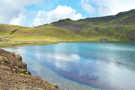 090810_0105NBlue waters of small lake with cabin on distant shore with lichen covered hills behind
 -
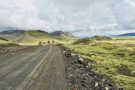 090810_0107NBikers on road through rift valley on Reykjanes Peninsula
 -
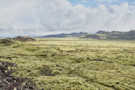 090810_0110NLichen covered ground at end of rift valley with ocean barely visible in distance
 -
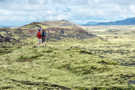 090810_0114NTwo travel companions talking on ridge with hills and cliffs of rift valley in the background
 -
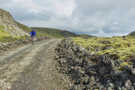 090810_0115NBiker on road through rift valley on Reykjanes Peninsula
 -
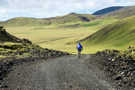 090810_0118NBiker on road heading down a hill at the end of the rift valley on Reykjanes Peninsula
 -
 090810_0119NTwo sheep and a small hut in the background
 -
 090810_0120NLichen carpet with ridges of rift valley in the background
 -
 090810_0121NVolcanic stone emerging out of lichen carpet with ridge valley edges behind
 -
 090810_0122NBikers on road through rift valley on Reykjanes Peninsula
 -
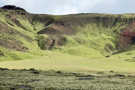 090810_0132NLichen carpet with patches of red soil peaking through on the rift valley cliffs
 -
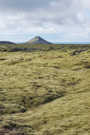 090810_0133NLichen carpet with a lone volcanic cone in the distance, ocean in the background
 -
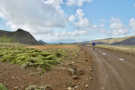 090810_0135NBikers on road leaving the rift valley with ocean in the background
 -
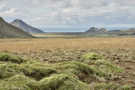 090810_0136NEnd of rift valley looking out at the distant ocean
 -
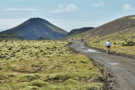 090810_0144NBikers on road leaving the rift valley with one last peak to the left
 -
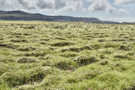 090810_0147NLichen covered ground
 -
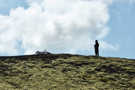 090810_0148NBiker standing with his bike laid down on a ridge
 -
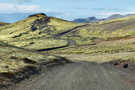 090810_0150NRoad doing a last bit of curves at the end of the rift valley
 -
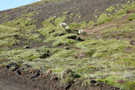 090810_0152NThree sheep watching the bikers go by
 -
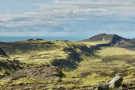 090810_0155NView of the ocean at the end of the bike ride
 -
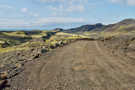 090810_0156NRoad heading to the ocean at the end of the ride
 -
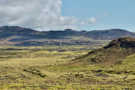 090810_0157NLast look at the ridges along the rift valley at its end
 -
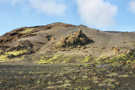 090810_0159NWorn down hill at end of rift valley with a yellow (sulfur?) looking outcropping
 -
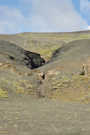 090810_0163NA crack in the rocks leading back to a steep ridge
 -
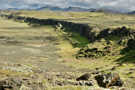 090810_0165NLooking back at the volcanic cliffs lining the rift valley
 -
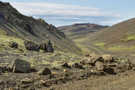 090810_0168NRoad leading out of the rift valley
 -
 090810_0173NSingle biker on road leading out of the rift valley
 -
 090810_0174NA rare road sign at the end of the ride with a biker on the road
 -
 090810_0175NThick lichen on the rocks at the base of the rift valley cliff
 -
 090810_0176NRoad heading out of the rift valley with support van in the distance
 -
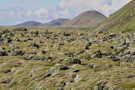 090810_0180NThick lichen on the rocks nearing the ocean
 -
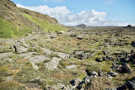 090810_0182NJumbled rocky terrain as we were nearing the ocean
 -
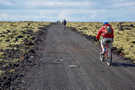 090810_0184NBikers on the road nearing the ocean
 -
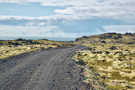 090810_0185NThe road as it nears the visible ocean
 -
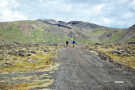 090810_0186NLooking back at the road with two bikers leaving the rift valley
 -
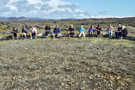 090810_0190NOur biking group enjoying a local lunch at the end of the ride
 -
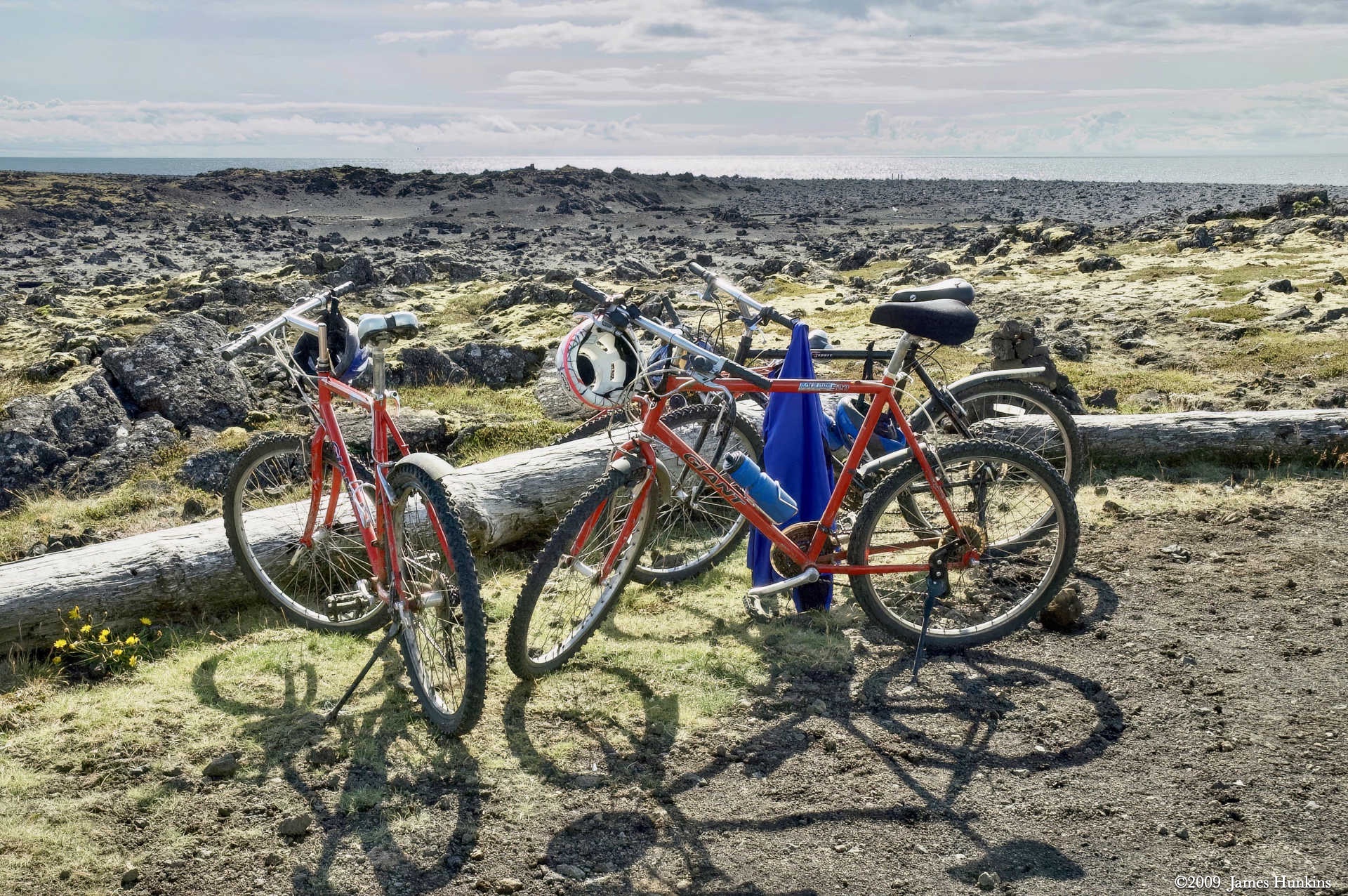
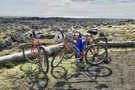 090810_0191NBikes taking a break with the ocean in the background
 -
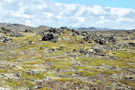 090810_0192NLooking back at where we had ridden from
 -
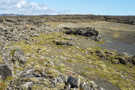 090810_0193NThe rocky terrain is changing as we walk towards the ocean
 -
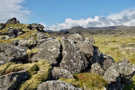 090810_0194NStill finding lichen everywhere on volcanic stone
 -
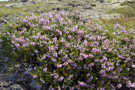 090810_0196NLarge group of dainty purple wild flowers
 -
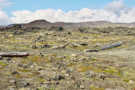 090810_0197NDriftwood logs from the ocean looking back at the rift valley we just ridden out from