Iceland 2009
BIKE RIDE ACROSS THE REYKJANES PENINSULA - THE SEA AND NEW HOME
DAY 2 : MONDAY AUGUST 10, 2009 (3/3)
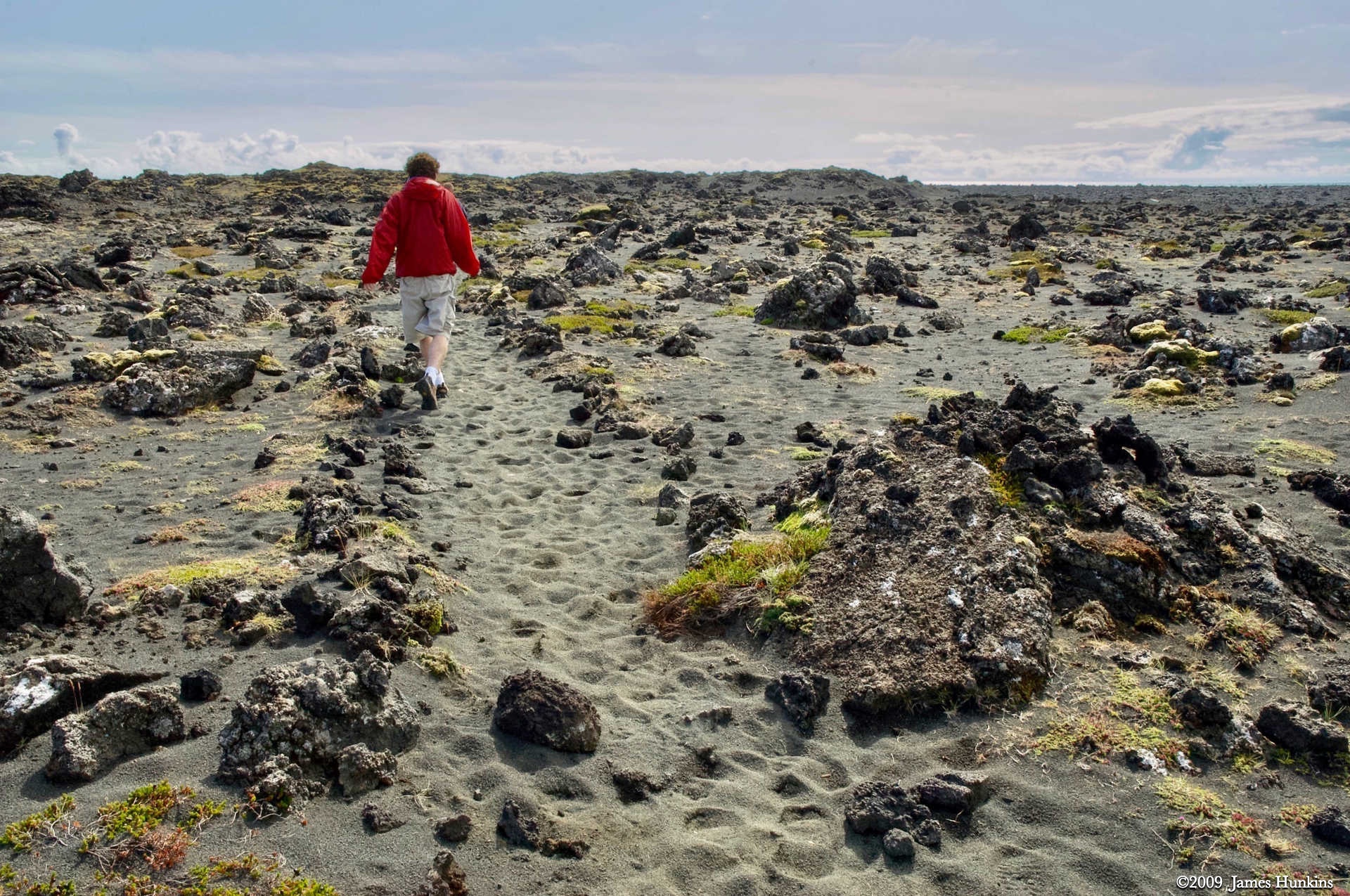
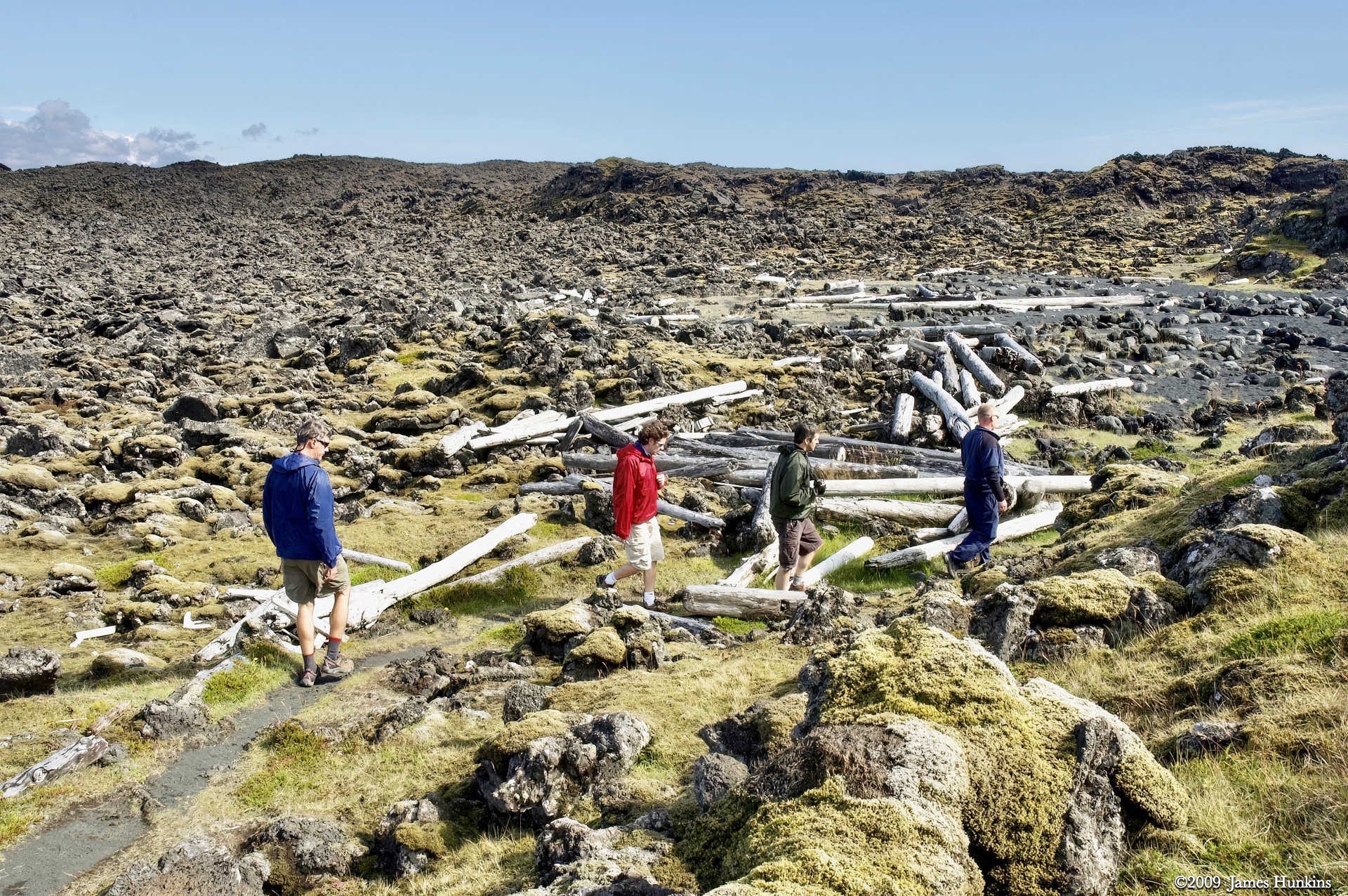
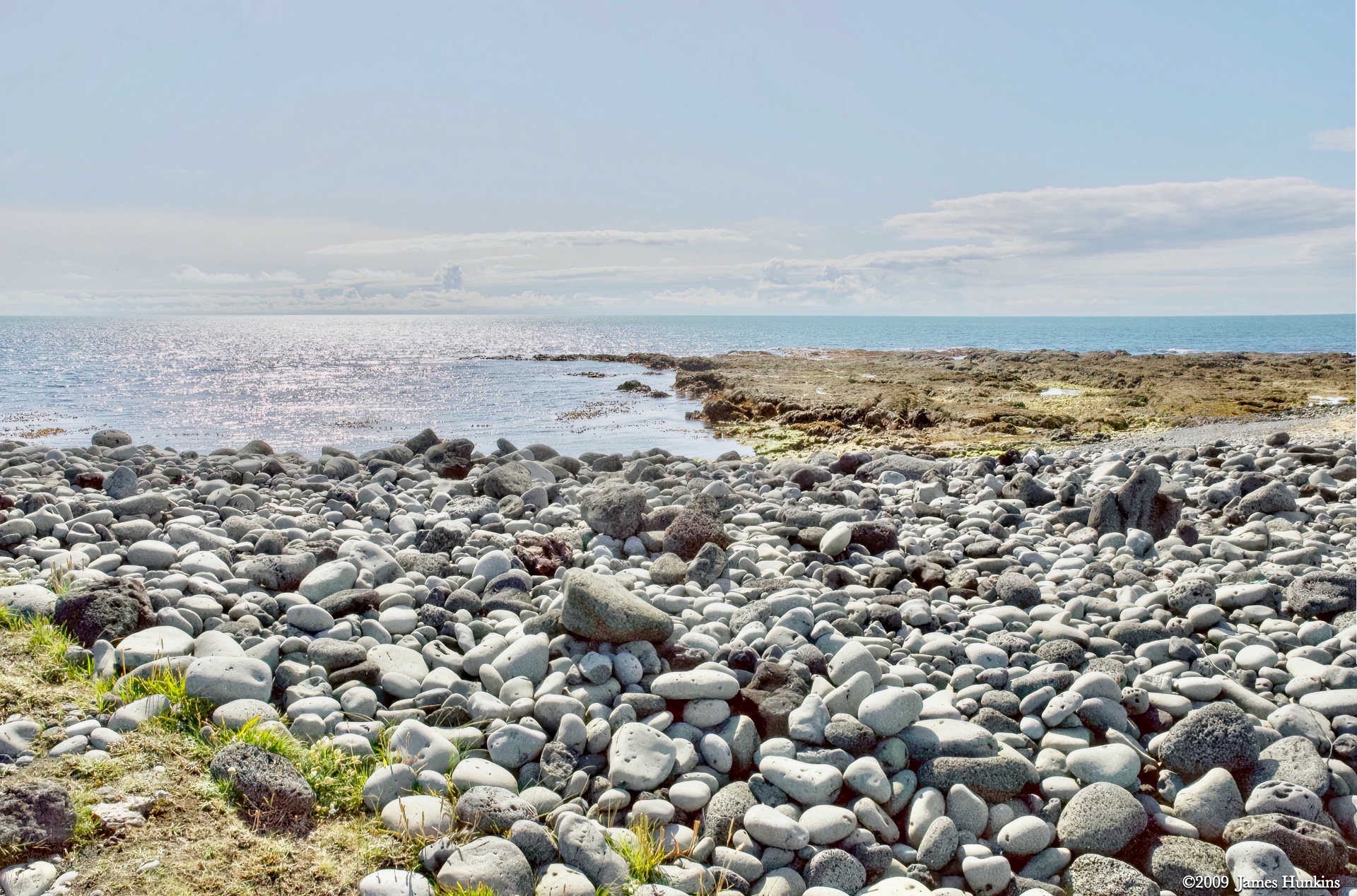
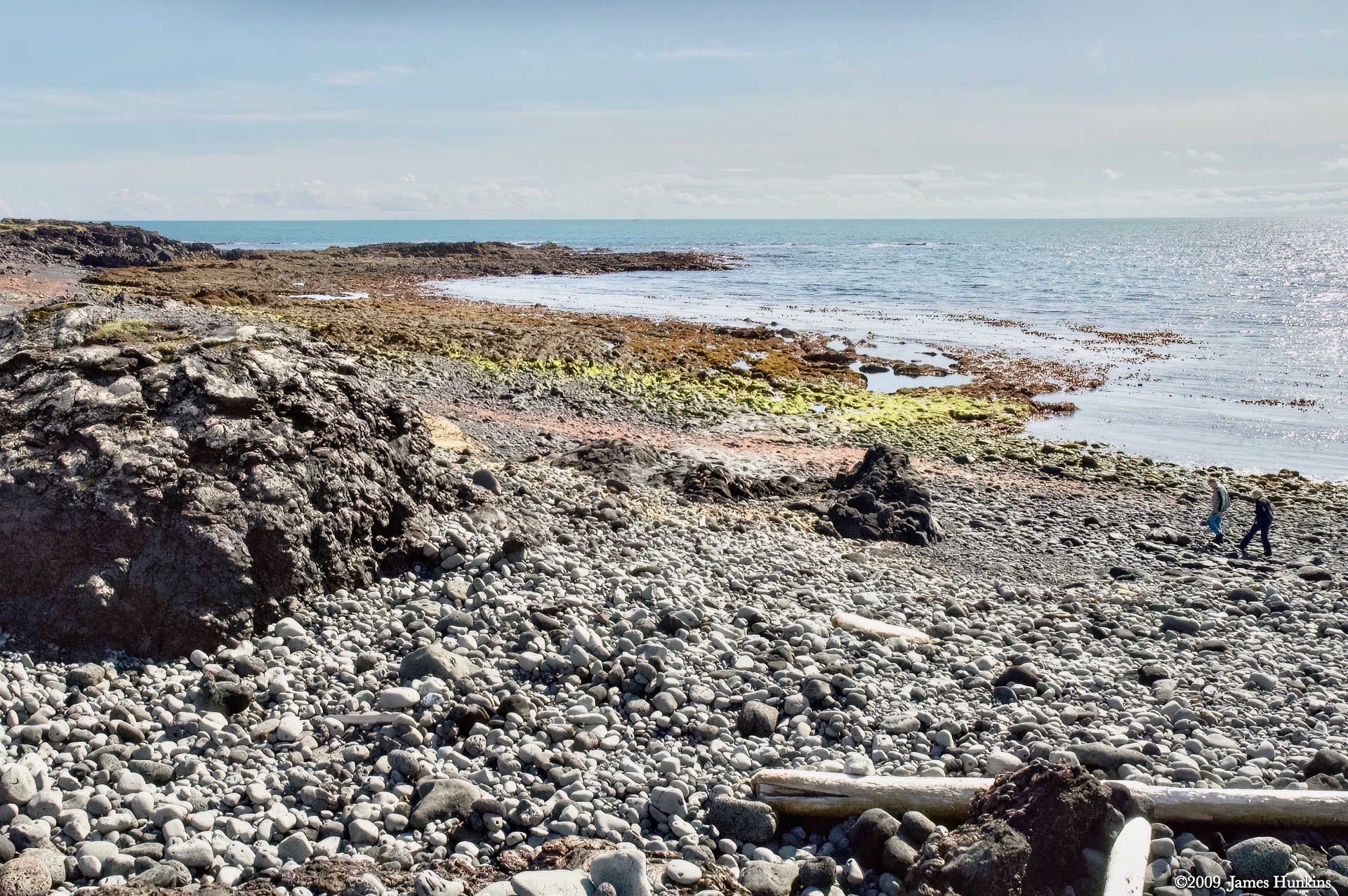
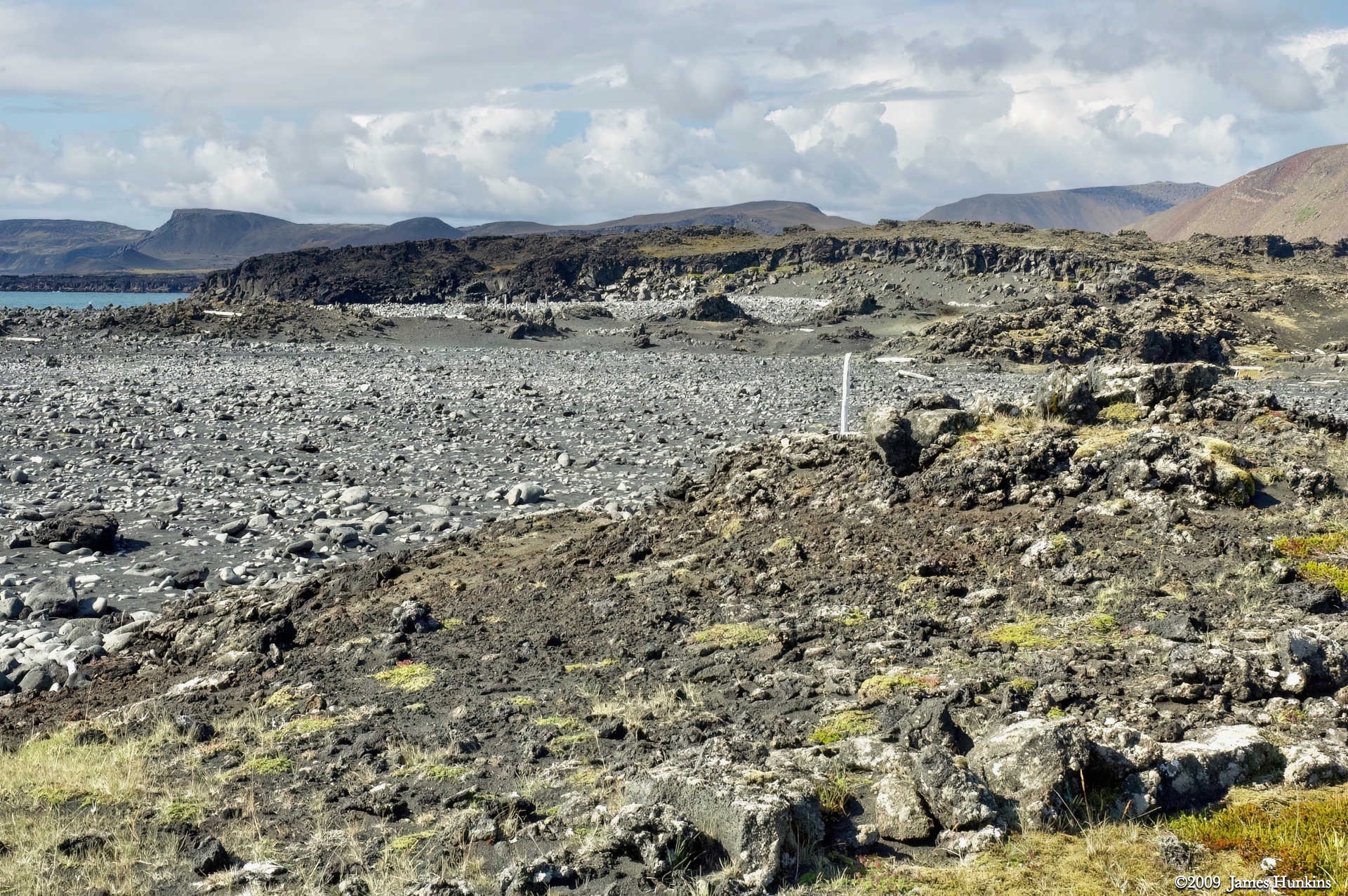
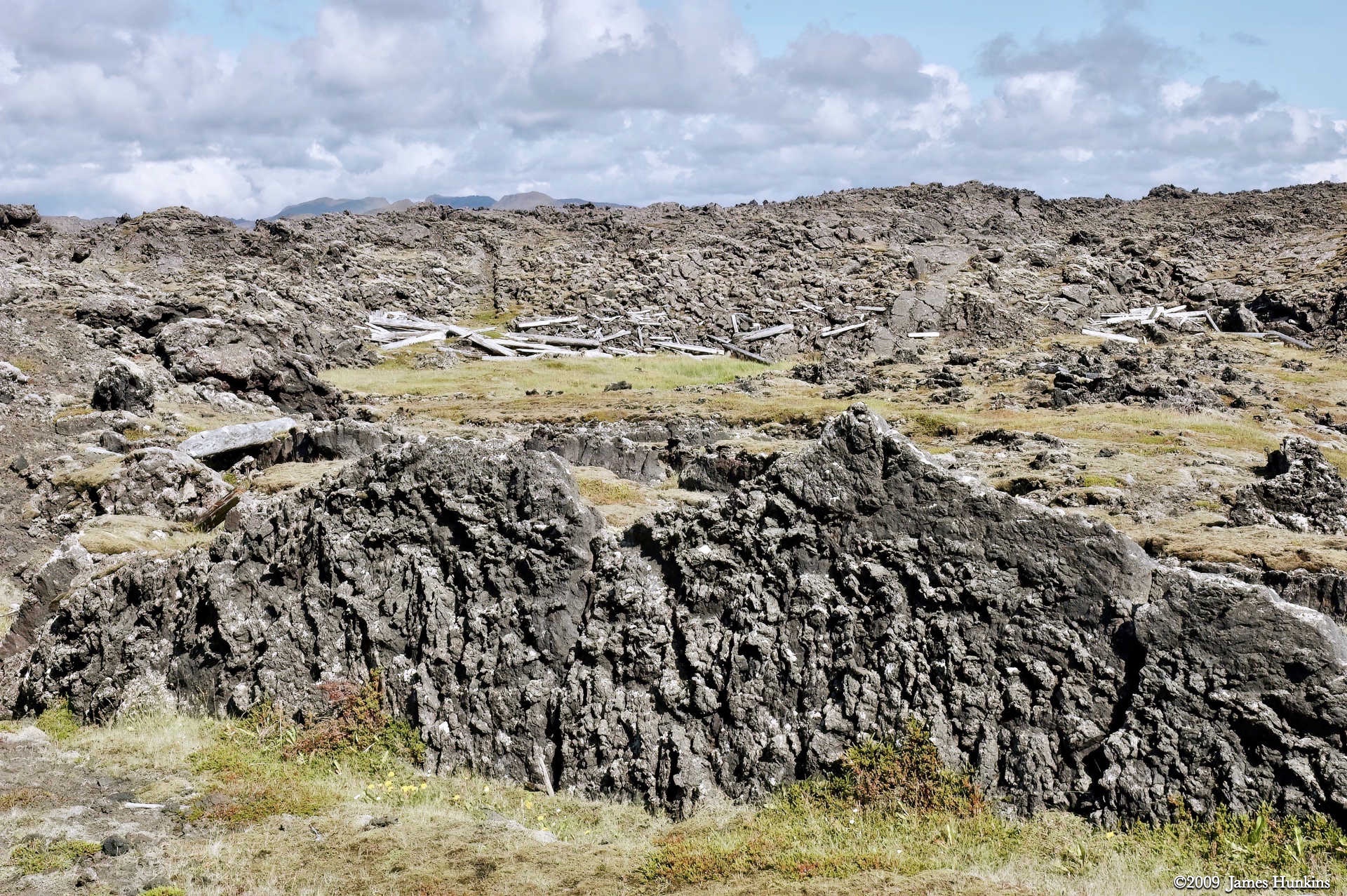
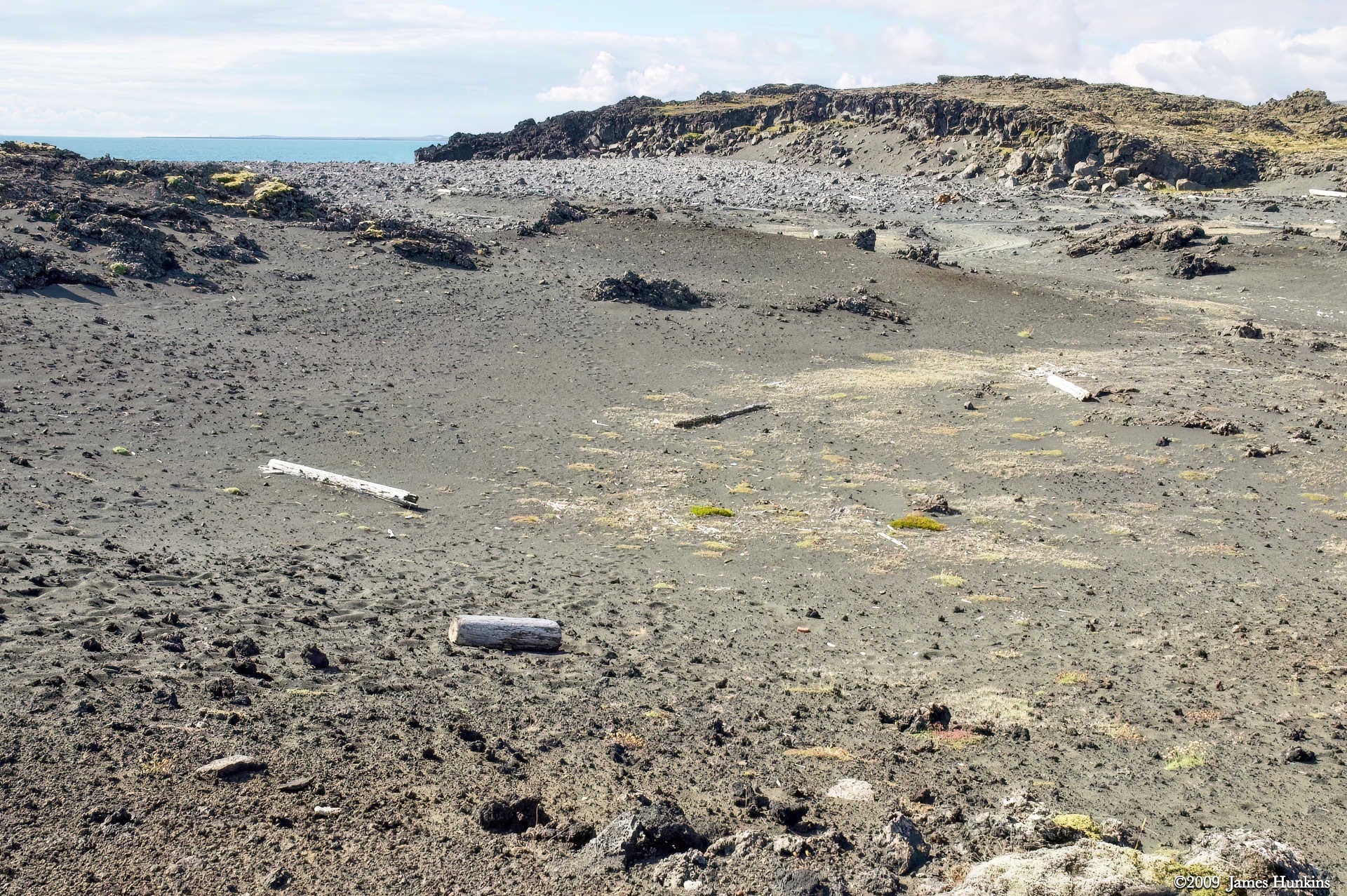
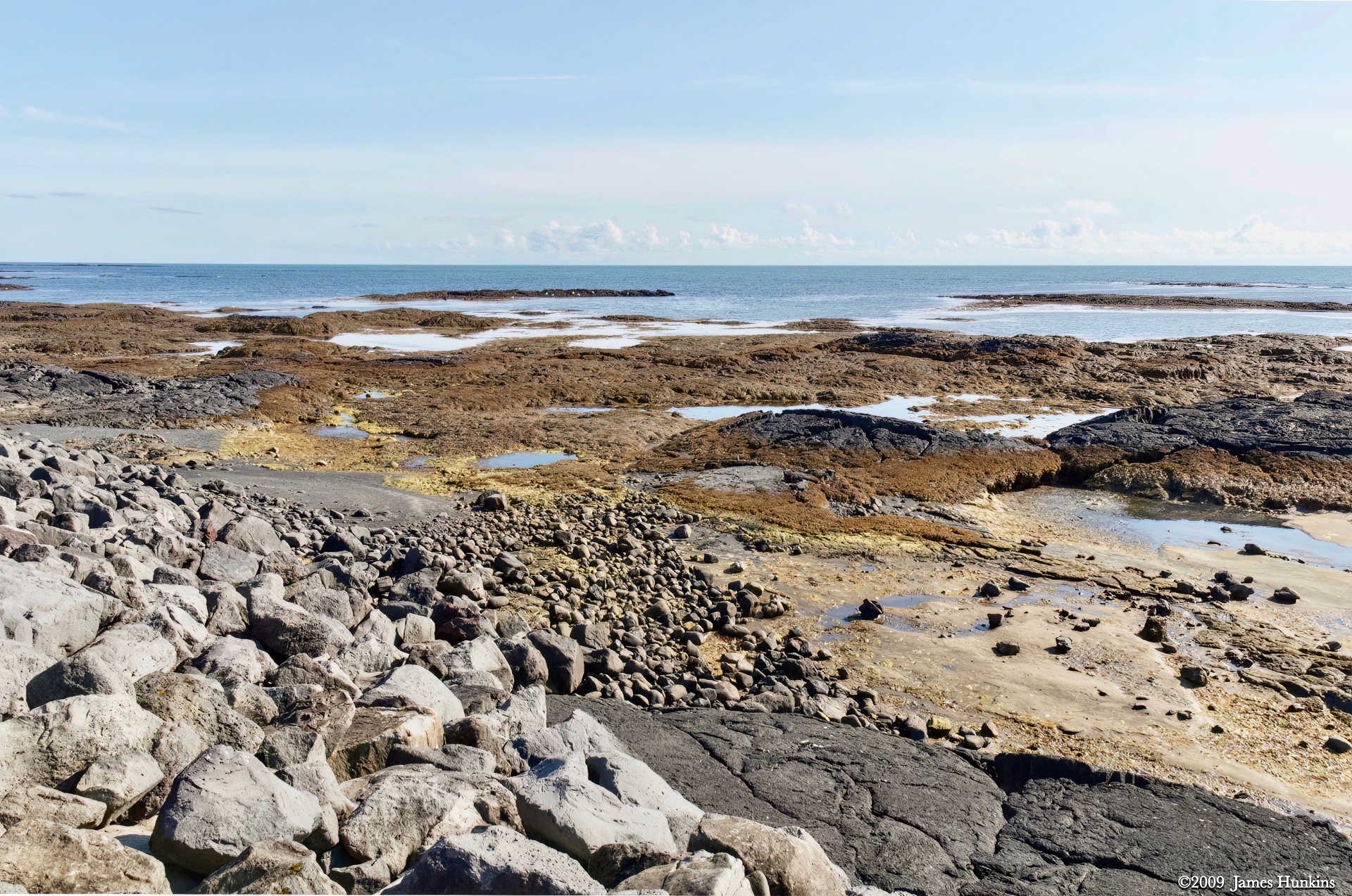
Wandering down from our lunch spot, we crossed a rocky area strewn with coarse sand and driftwood. Realizing how far in from the ocean it was gives a real impression of how severe the winter storms coming off the open waters can be.
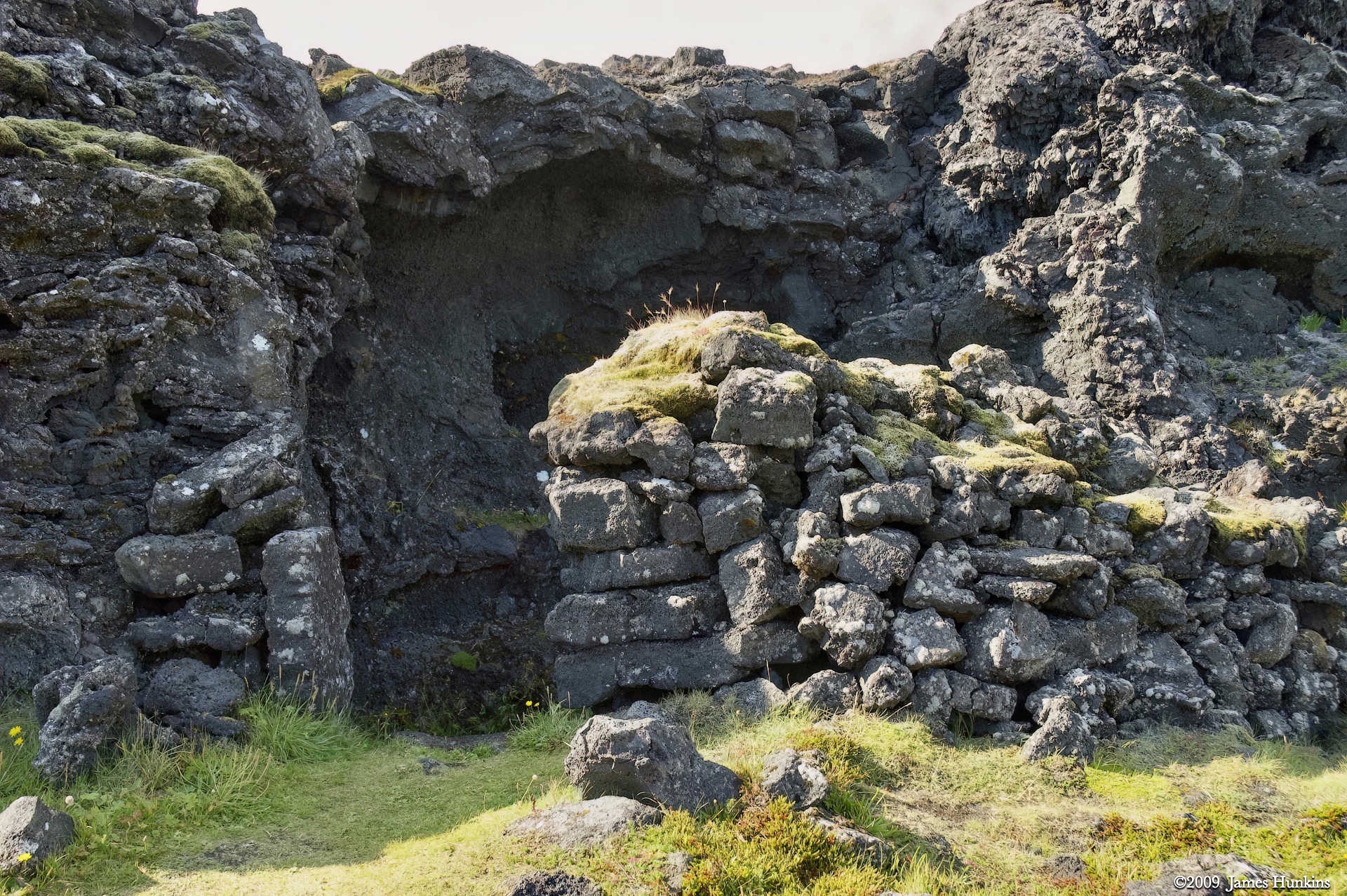
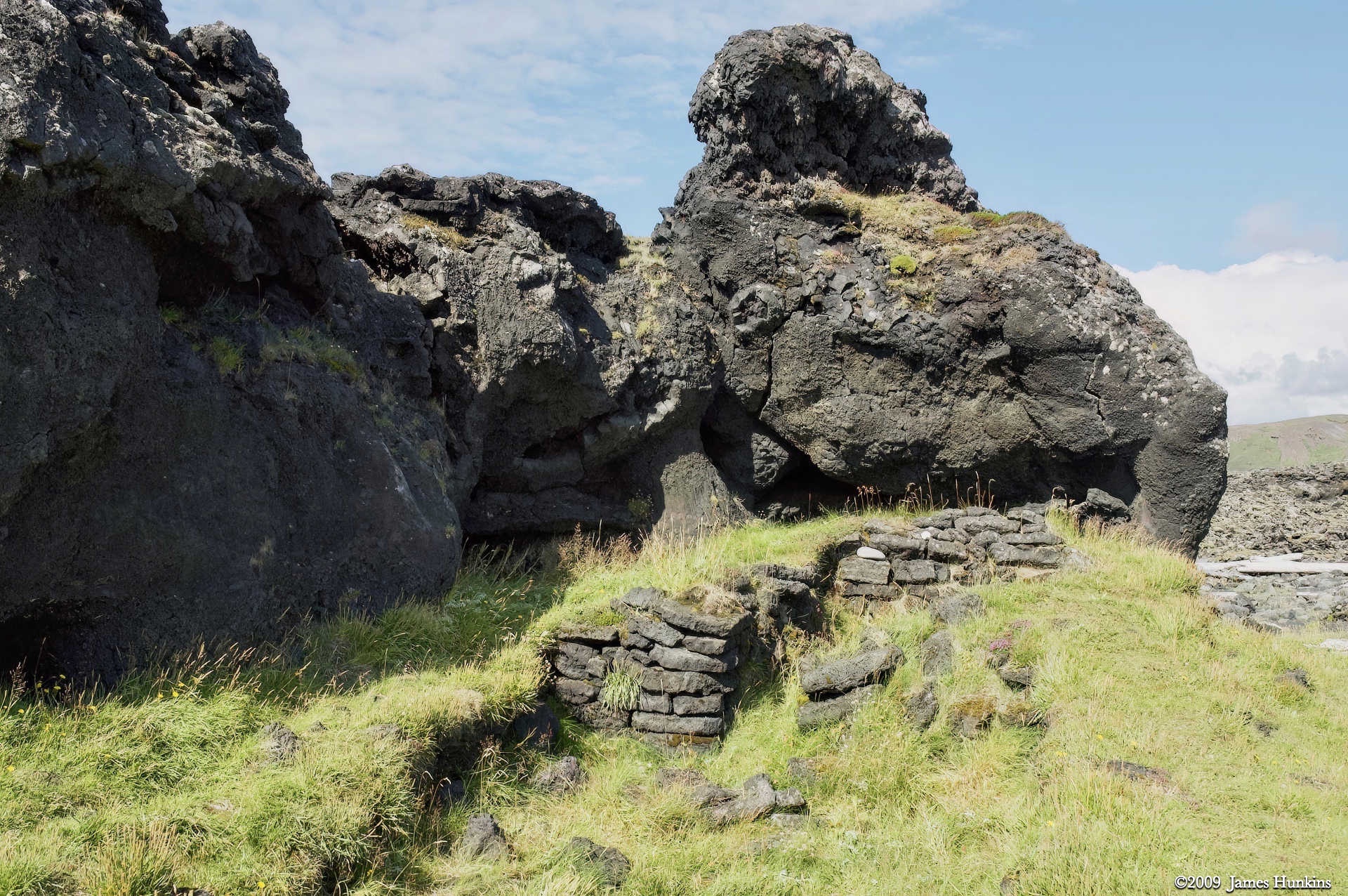
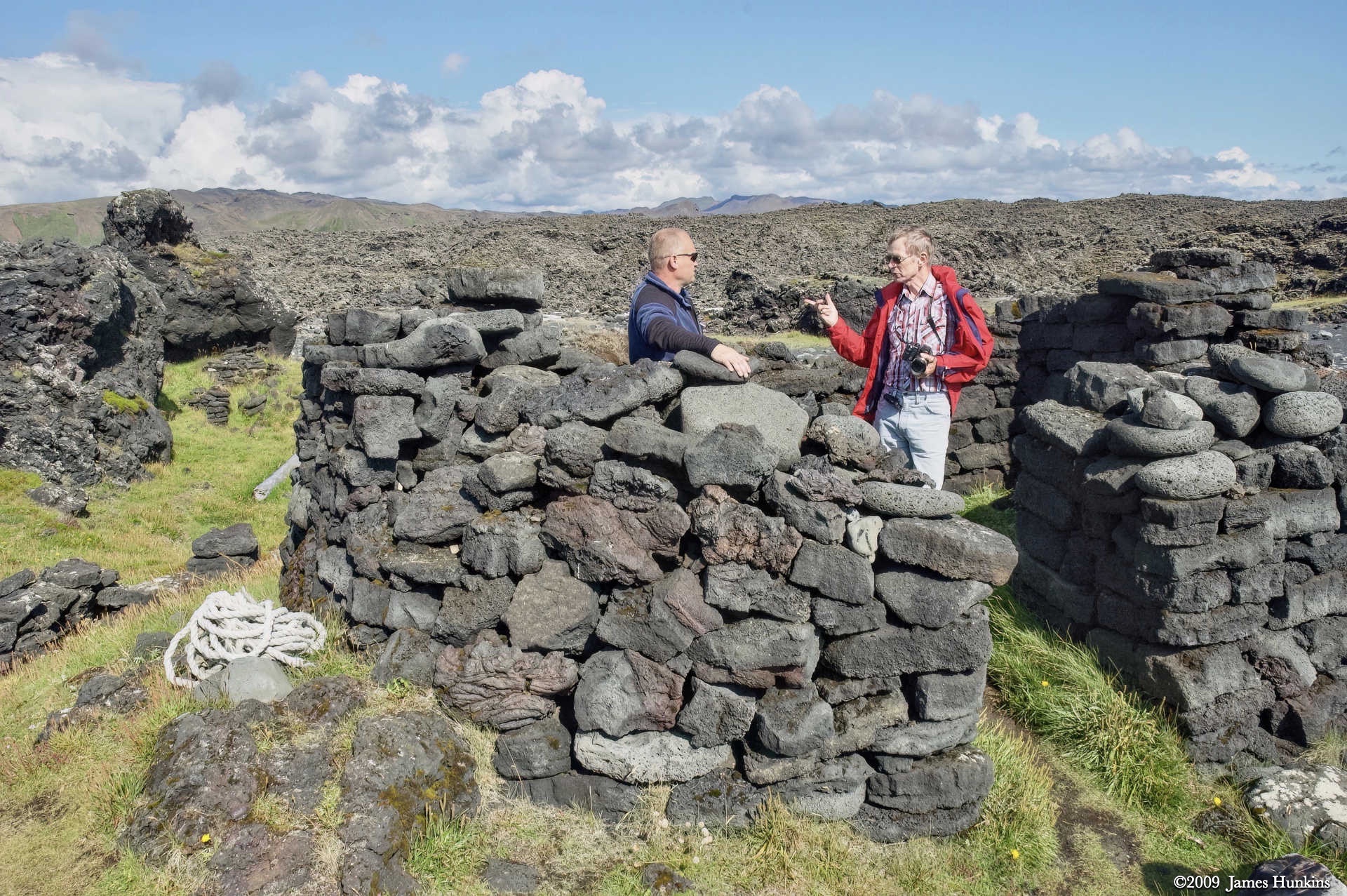
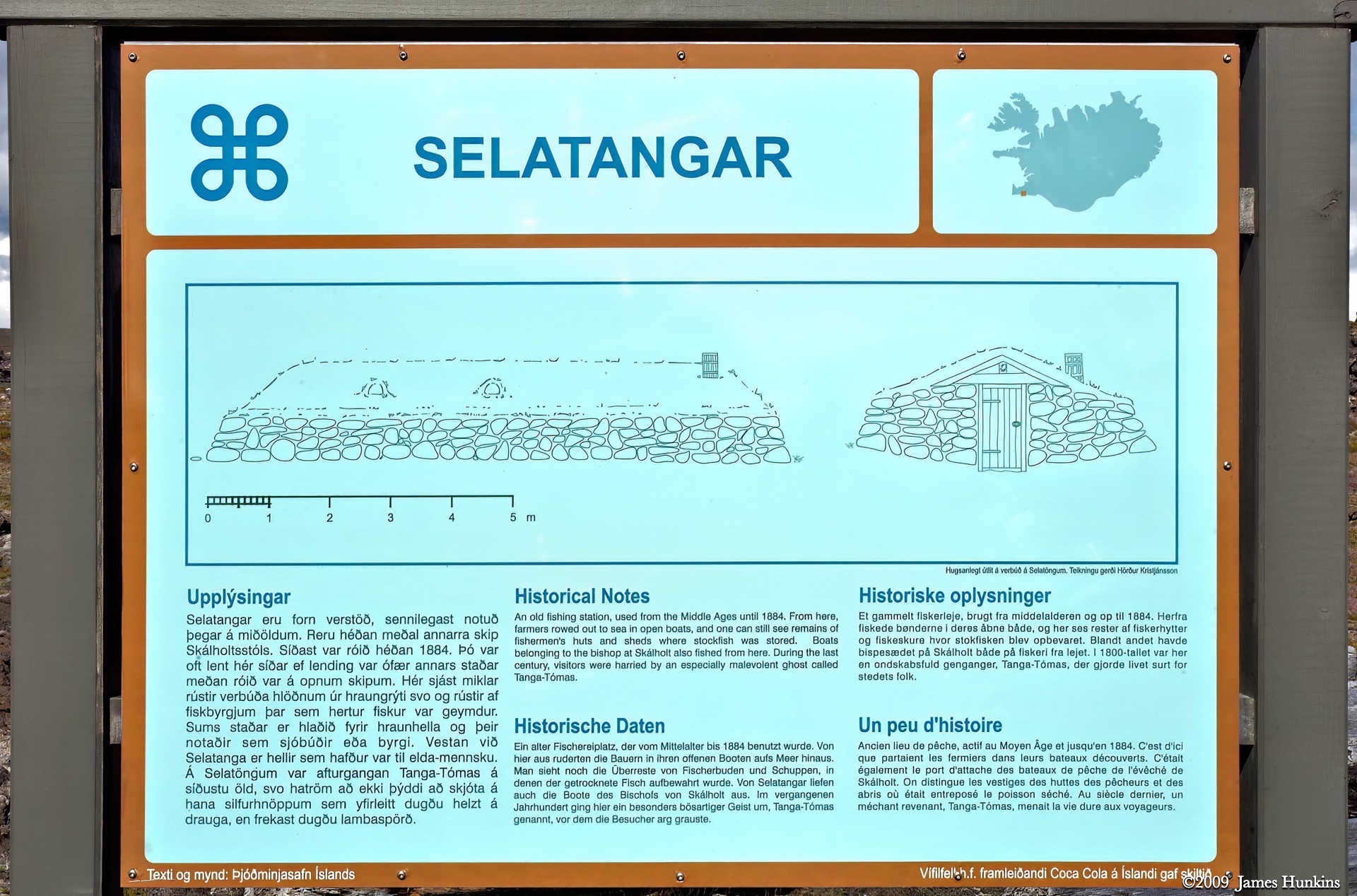
As we got to the shore, we came across a series of ruins, basically what was left of the fishermen’s huts and sheds of the fishing station of Selatangar. There was a haunted feeling to the place where young men were sent to stay during the winter while the masters of the long huts stayed where it was comfortable (there is a lot more to this story when you dig into the history of Iceland).
The haunted feeling may even be explained by the local story that the ghost of Tanga-Tómas still haunts this lonely place.
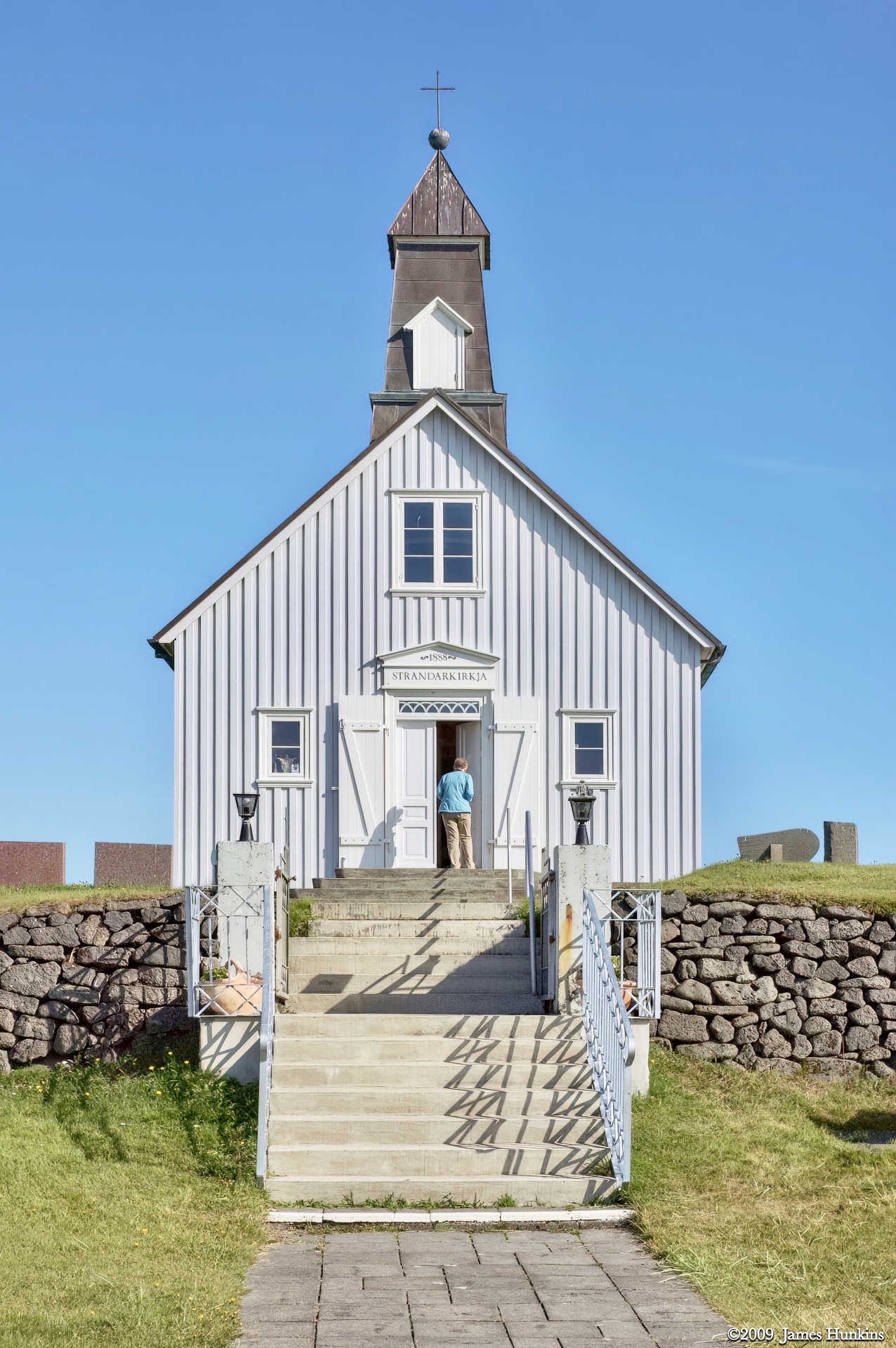
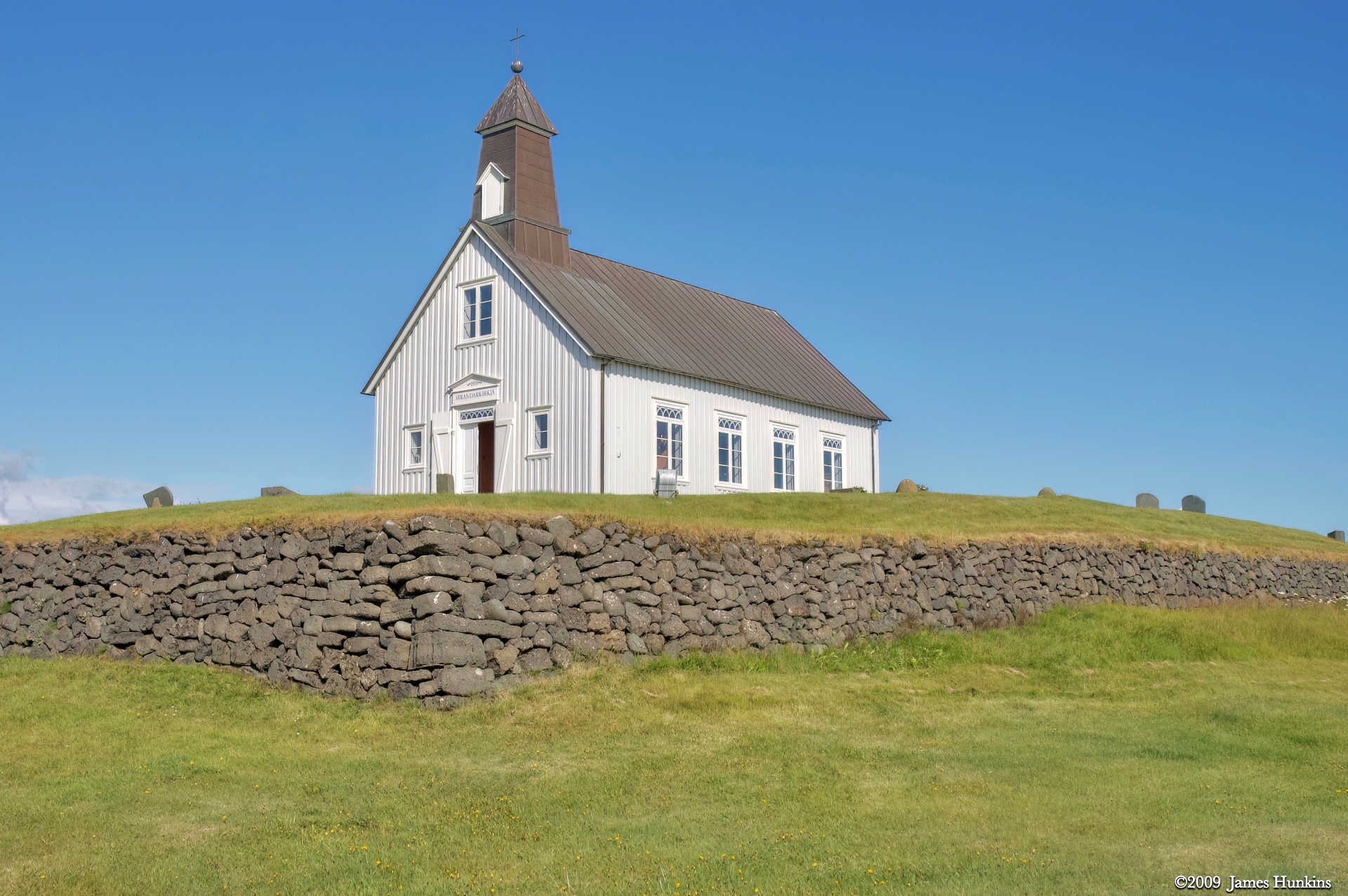
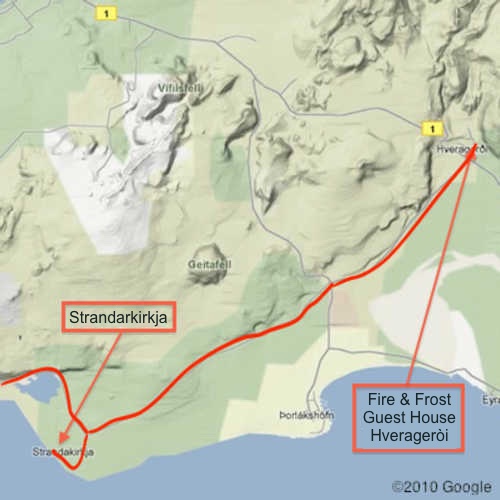
The next stop was the Strandarkirkja, a small white church on the coast. It was deceptive as Strandarkirkja is actually the richest church in Iceland, even though it appeared so simple and is far away from most farms and towns. The church was originally built by men who were in a violent storm near its location. The story goes that the men saw a light on the shore here and considered it a miracle. In appreciation for being saved, they built the church. To this day, people still contribute to it as it is said to bring luck.
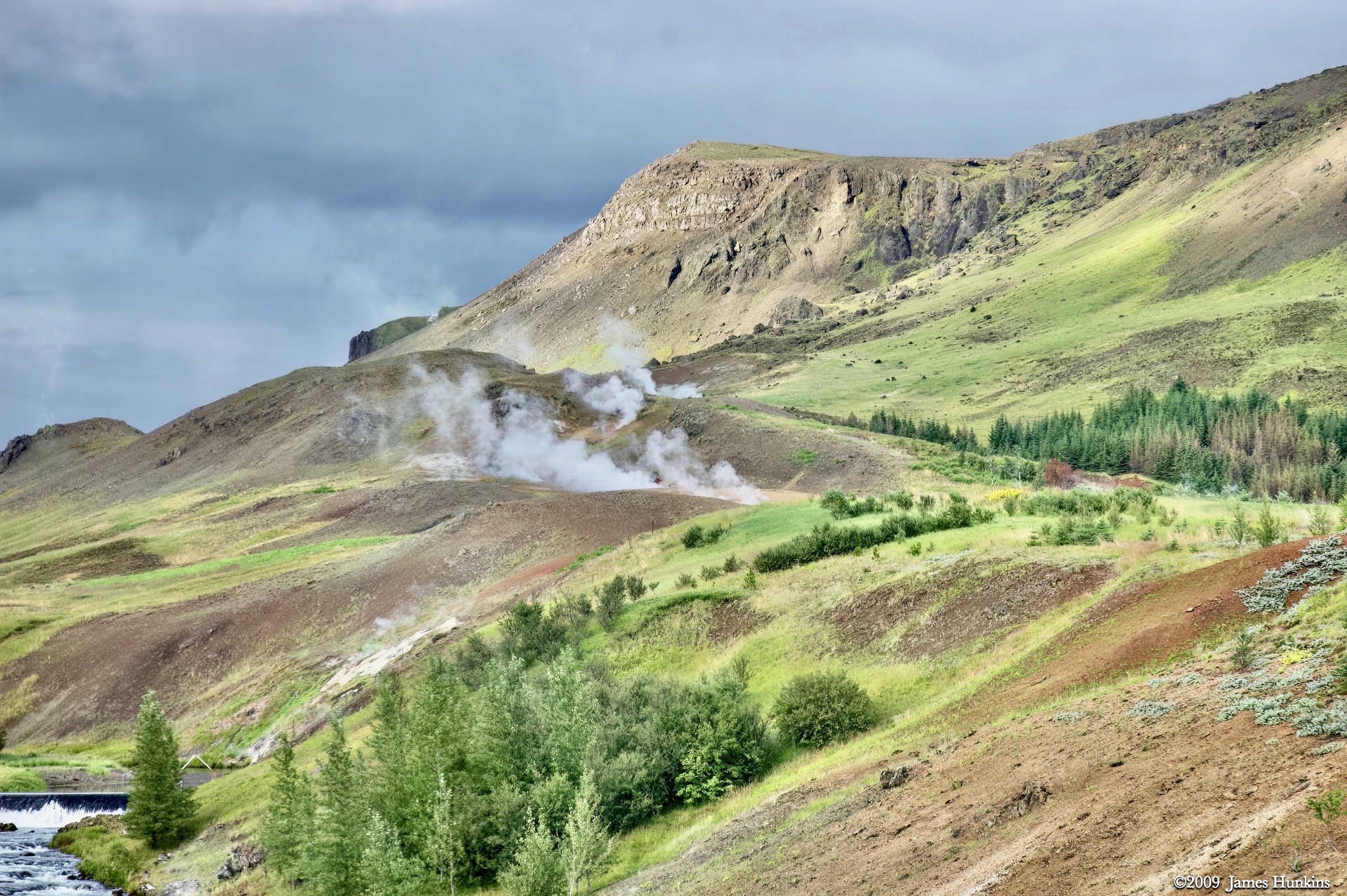
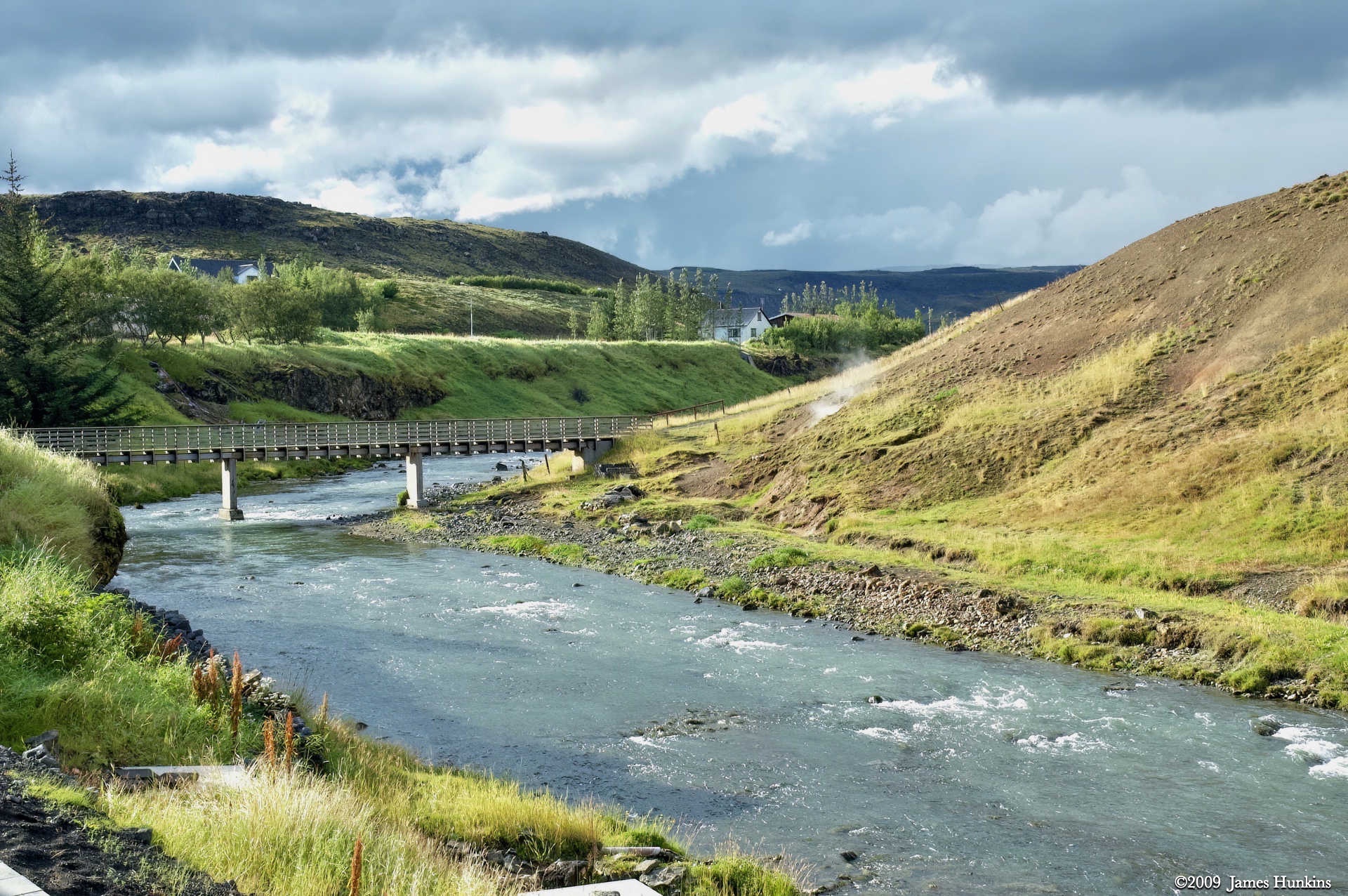
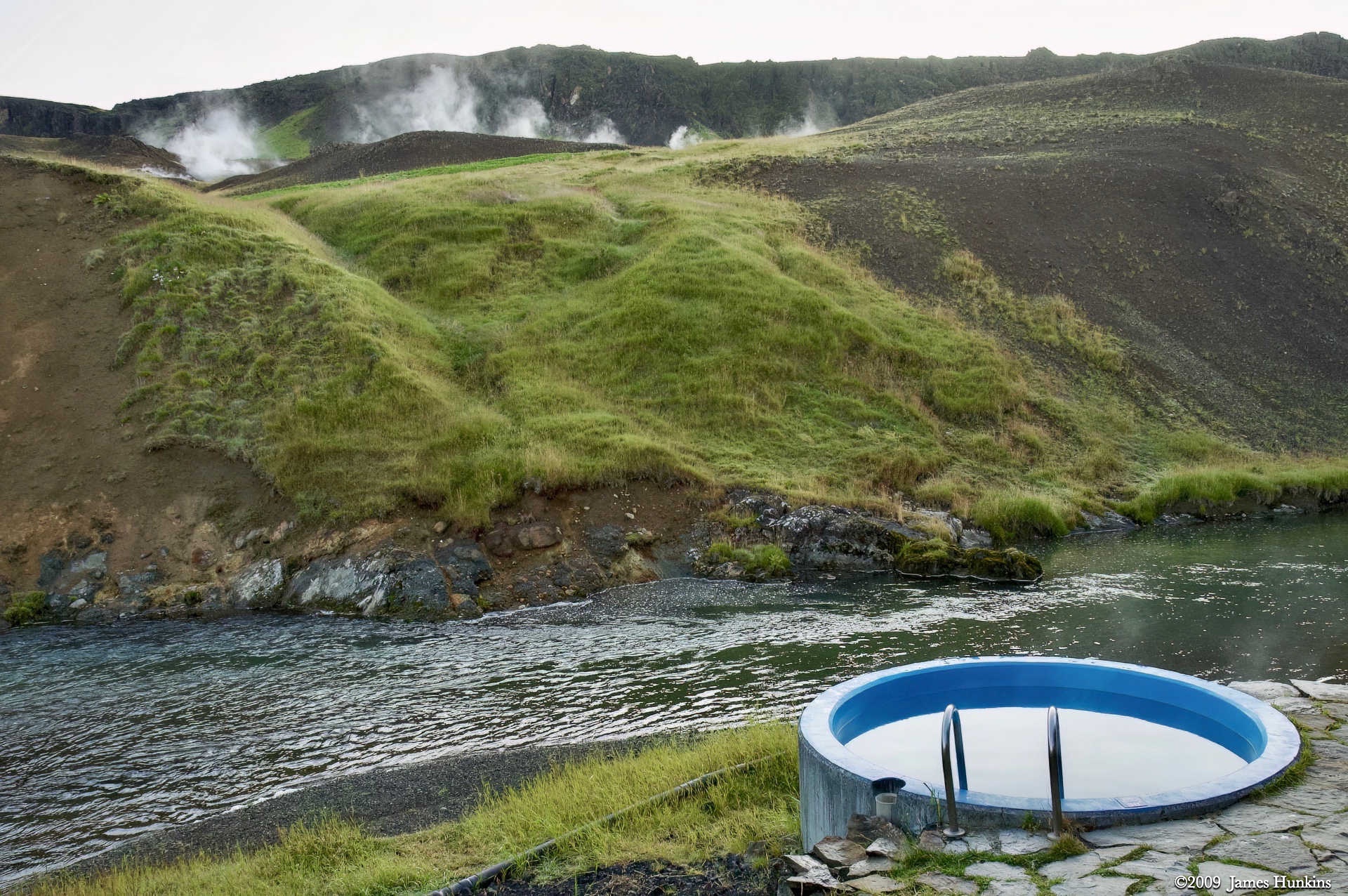
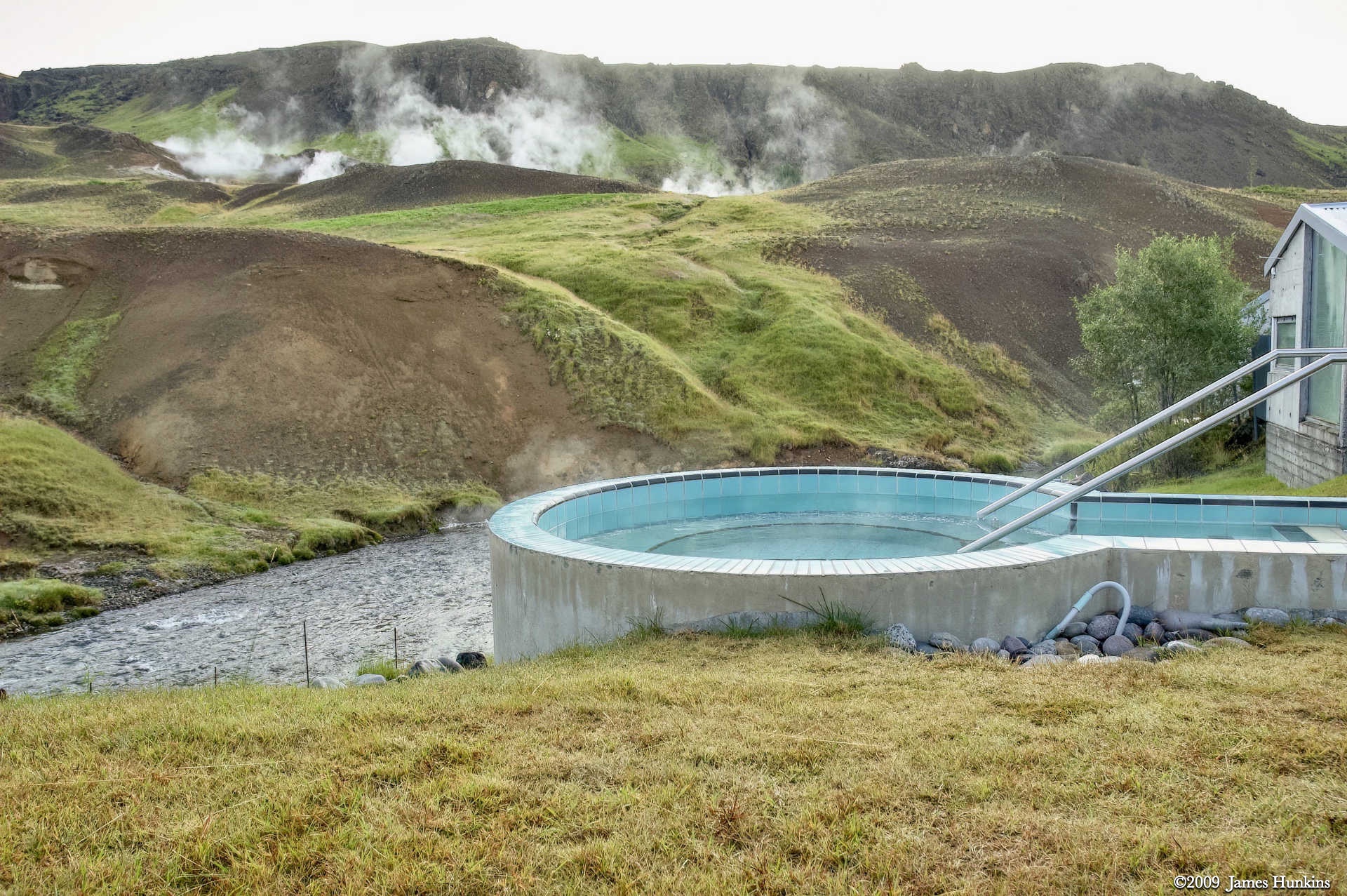
Back into the bus, we packed for the ride to the Fire and Frost Guest House in the Hengil region. This area is very thermally active and has many hot springs. There was even a sulfurous spring in the parking lot of the guest house, along with ones up on the hill above the river. The final shot in this series shows steam coming up out of the same river - this is where a hot spring enters into the river from under the water surface.
VIEWING HELP
To close this window, click the X in the upper right hand corner. Or click anywhere outside of this window's area.
Photos from each day are shown in thumbnail (small) form. Panoramas are either wide or tall images, while normal photos are small rectangles. All photos shown in the PHOTO SHOWCASE section can be enlarged for better viewing. Photos will enlarge to fit your browser window width. Therefore, to view them at larger sizes simply make your browser window wider.
If there is any issue or the need to inquire/comment about an image, please refer to the Image ID label (see below) of the specific image along with the trip name found at the top of the browser window.
Video Clips
Depending on the browser, some of the controls may not always be supported.
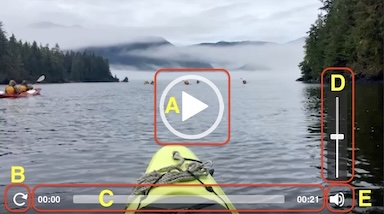
Most videos will start playing automatically. Sound is automatically off even if included with a video. See D, E below for sound control.
A few small videos are set to loop endlessly, while most just play to the end.
- A: To start or stop a video, click in this area (even if the symbol is not visible)
- B: If a browser shows this symbol, clicking on it will restart the video from the beginning
- C: Progress bar - will display total video time on the right.
- D, E: This seems to have the most variants between browsers. If the video description says 'w/ sound’, you can adjust the volume with this control
If neither is visible, move the cursor to the E area and either E and/or D will be visible
If E is visible but not D, click on E
Once D is visible, slide the bar up or down to adjust the volumn
Panoramas
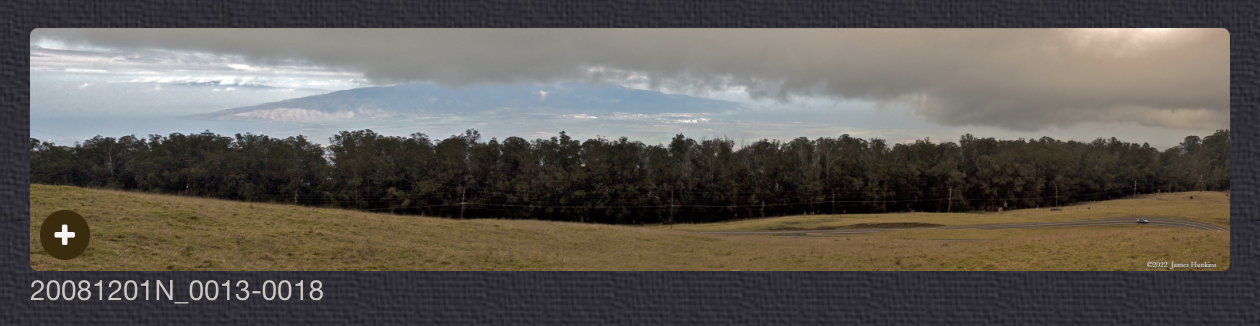
Clicking anywhere on a panorama thumbnail will cause the image to expand to fill the browser width. Clicking again anywhere in the browser window or scrolling the browser window will cause the expanded image to shrink back to its smaller thumbnail size.
The Image ID and description is found just below the thumbnail image on the left side.
Individual Photographs
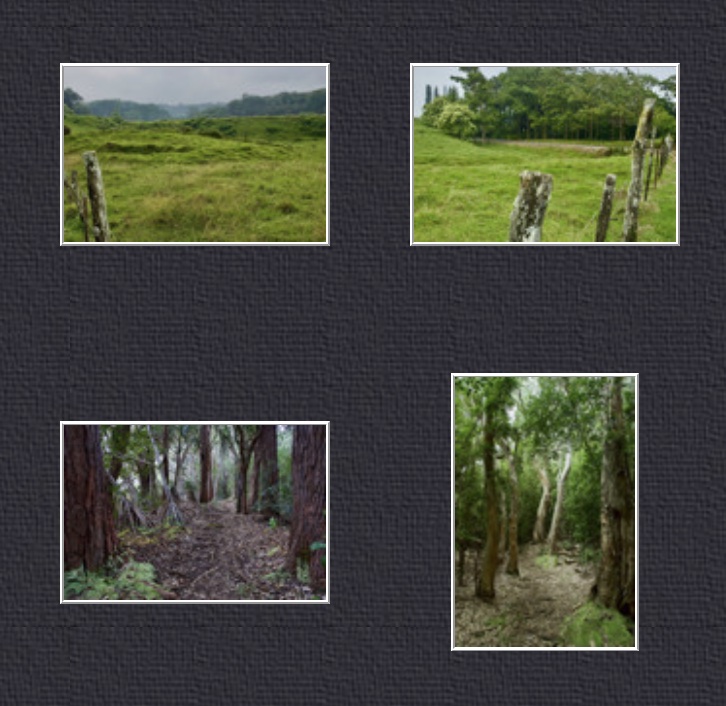
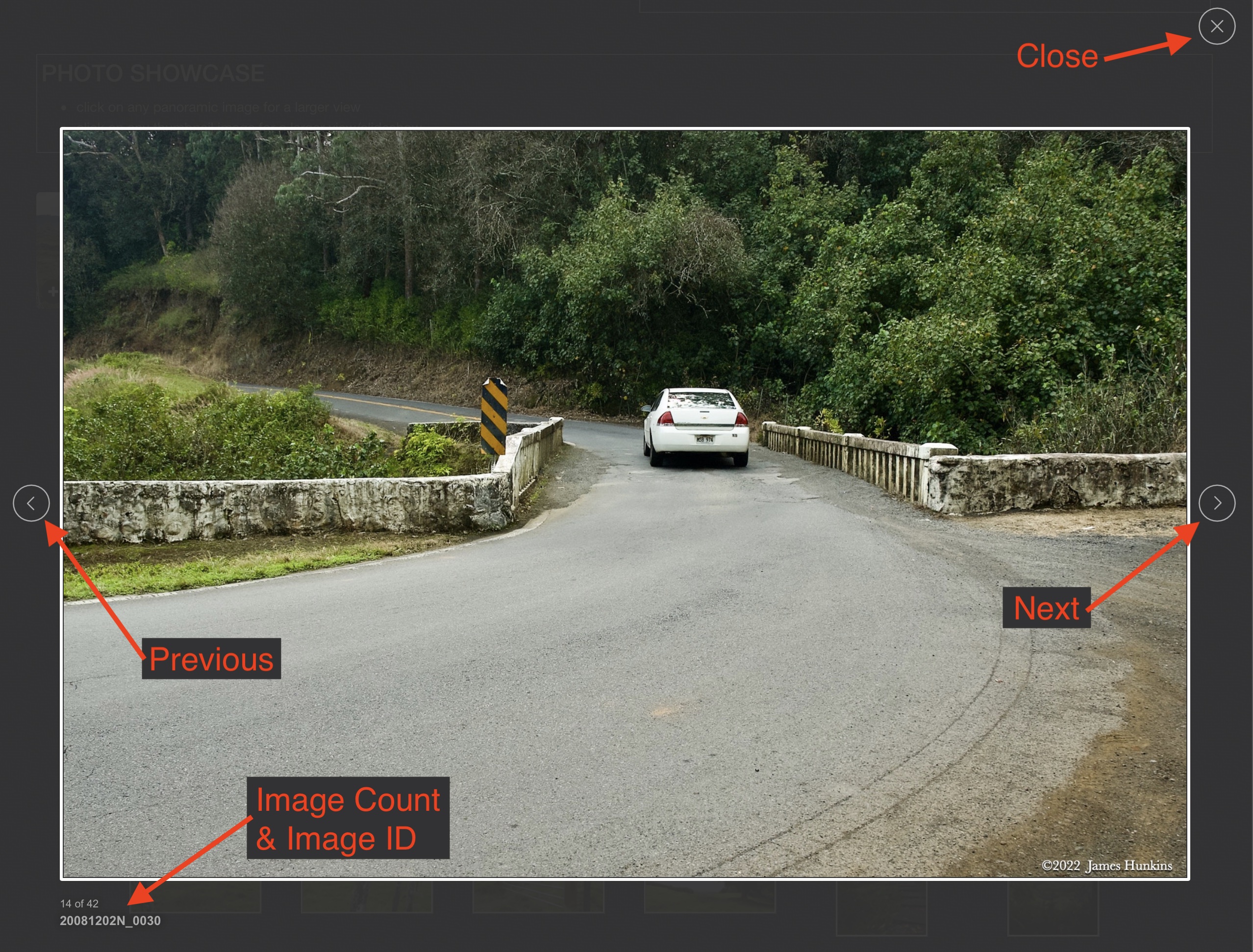
If you click on any photo thumbnail, it will open a larger viewer which can be used to walk through all of the standard photos on the page. Once open, to go forward click on the > on the right side of the enlarged image. To scan backwards, click on the < on the left side. To close the larger images either click on the X in the upper right hand corner of the browser window or anywhere outside of the enlarged image.
The Image ID label can be found by hovering a cursor over the thumbnail image (may not be available on some tablets/phones) or, once enlarged, from the lower left hand side just under the image.
Additionally, in the same area as the Image ID (or the upper left corner for newer/updated sites) a count showing the current image number versus the total number of images available for viewing.

For newer or updated sites (look for the orange checkbox in the header of a sites main page), additional buttons have been added when viewing a full size image. From left to right, the buttons are:
- Email: will open an email with information and a link to the current image
- WhatsApp: if WhatsApp is on your system, will open a browser window to open WhatsApp and create a message with information and a link to the current image
- FaceBook: Will open a browser window to open Facebook and create a message with information and a link to the current image
- full screen: will take over the entire display versus just the browser in most systems; ESC returns to the brower only mode
- magnify: enlarges the image within the browser or full screen; if the image is larger than can be displayed it can be scrolled
- exit: will close the large image viewer returning to the thumbnails




Links:
PHOTO SHOWCASE
- click on any thumbnail image for a larger view/slideshow
-
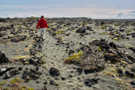 090810_0199NPerson walking over rock strewn sandy area by the ocean
 -
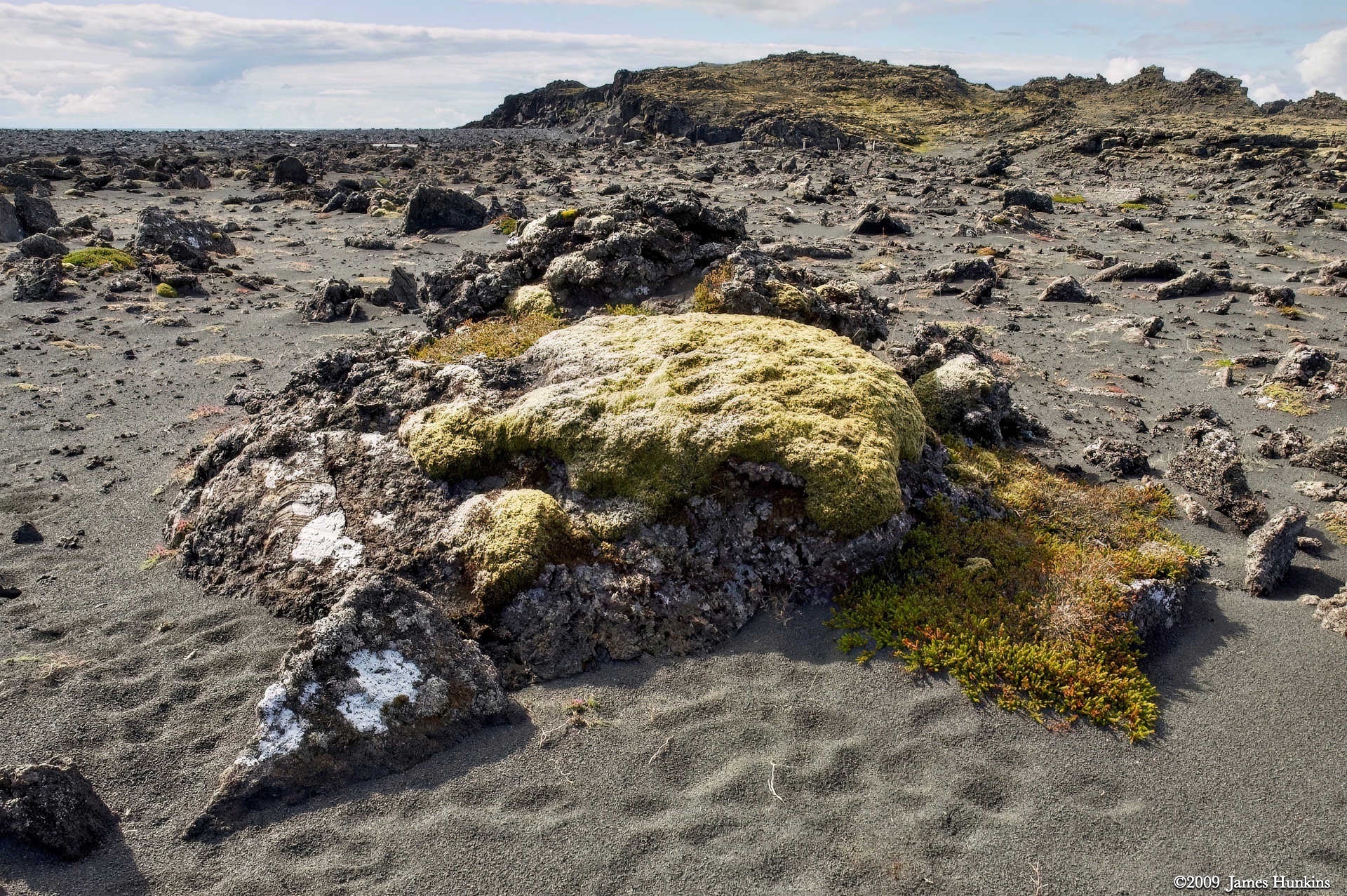
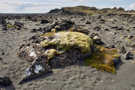 090810_0200NLichen covering rock on sandy beach strewn with volcanic rock
 -
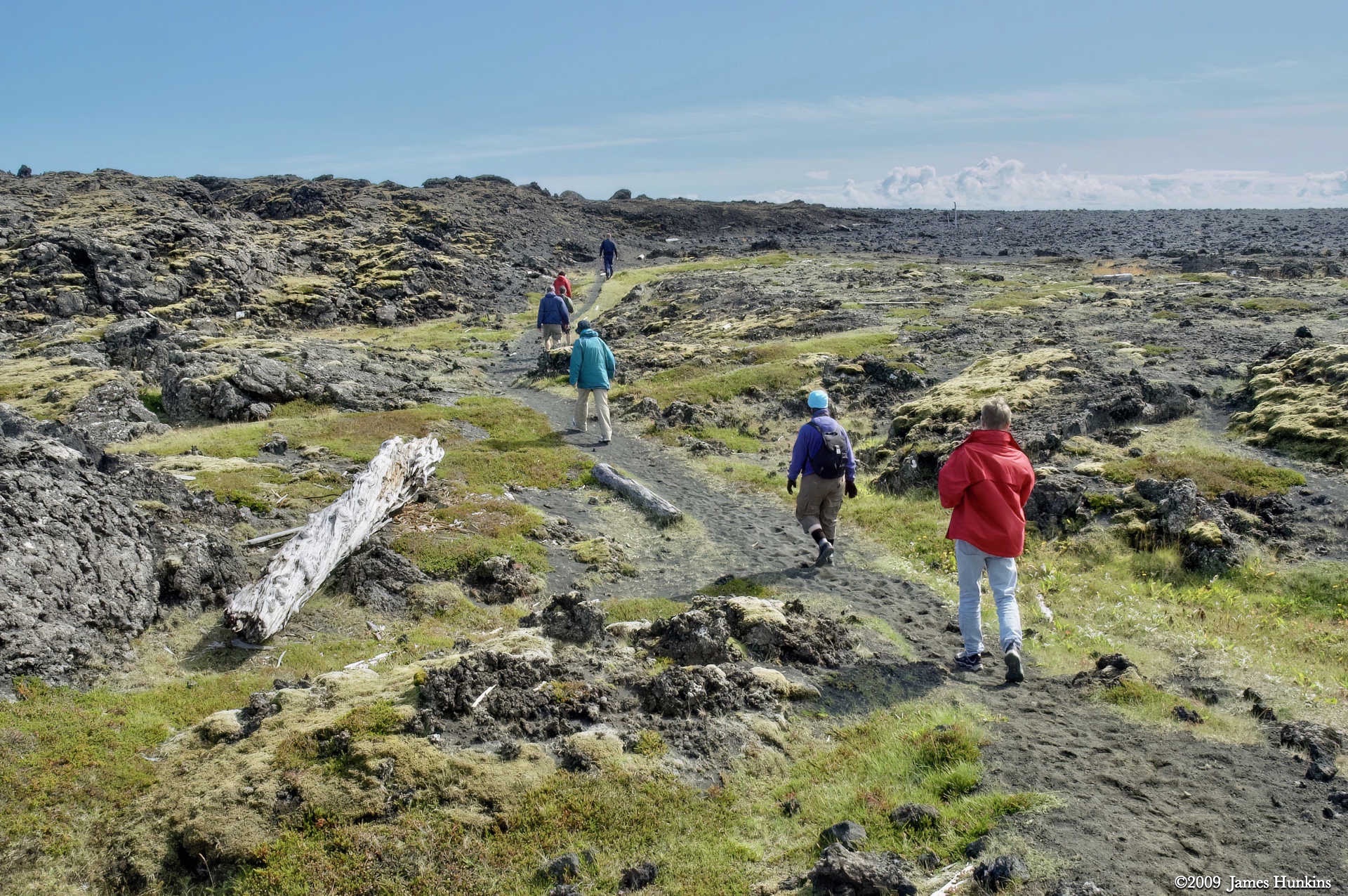
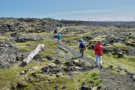 090810_0201NPeople walking along trail towards rocky/sandy beach
 -
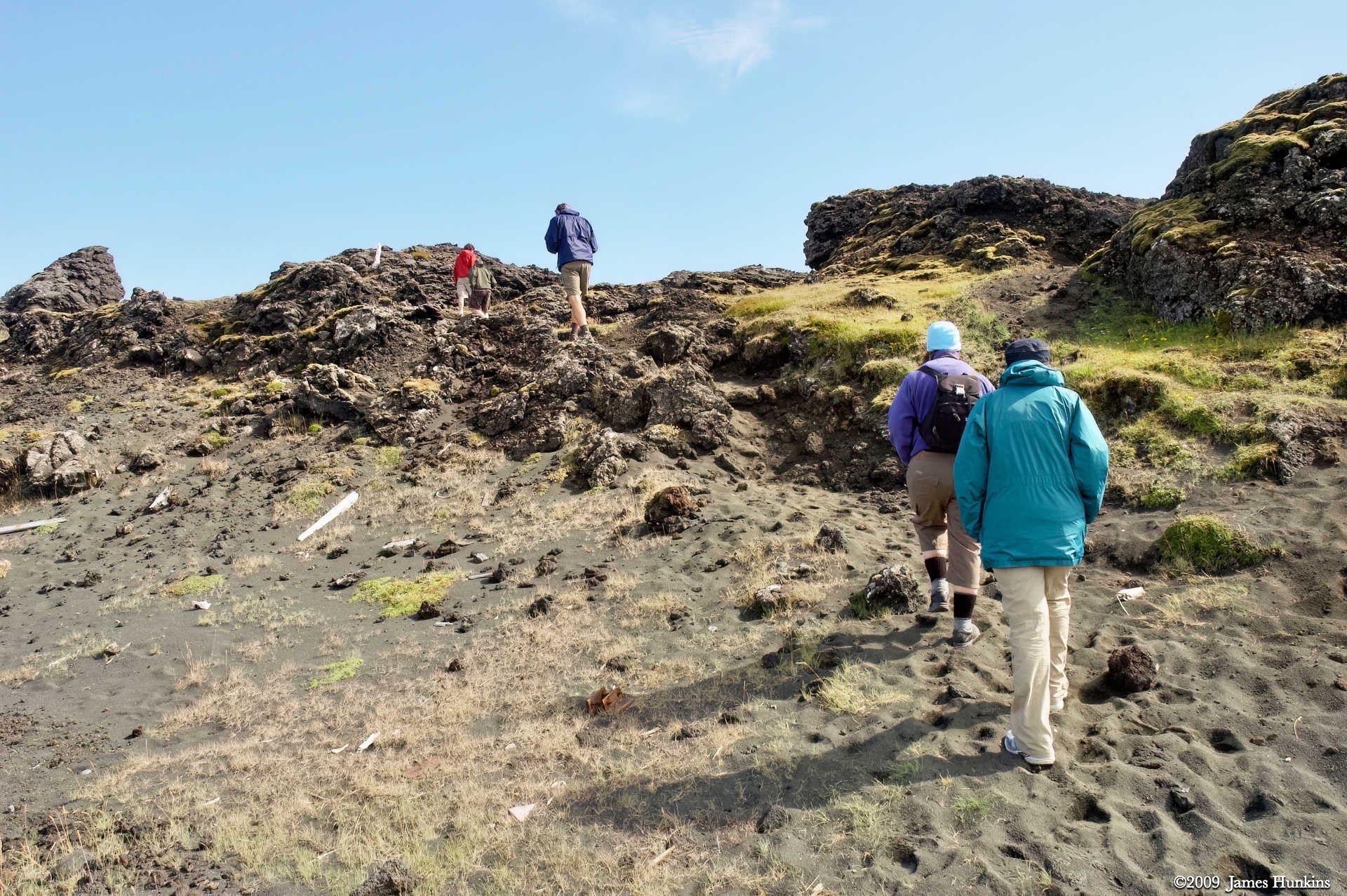
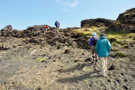 090810_0202NPeople walking along trail over hill approaching rocky/sandy beach
 -
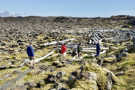 090810_0203NPeople on trail through large driftwood logs approaching beach
 -
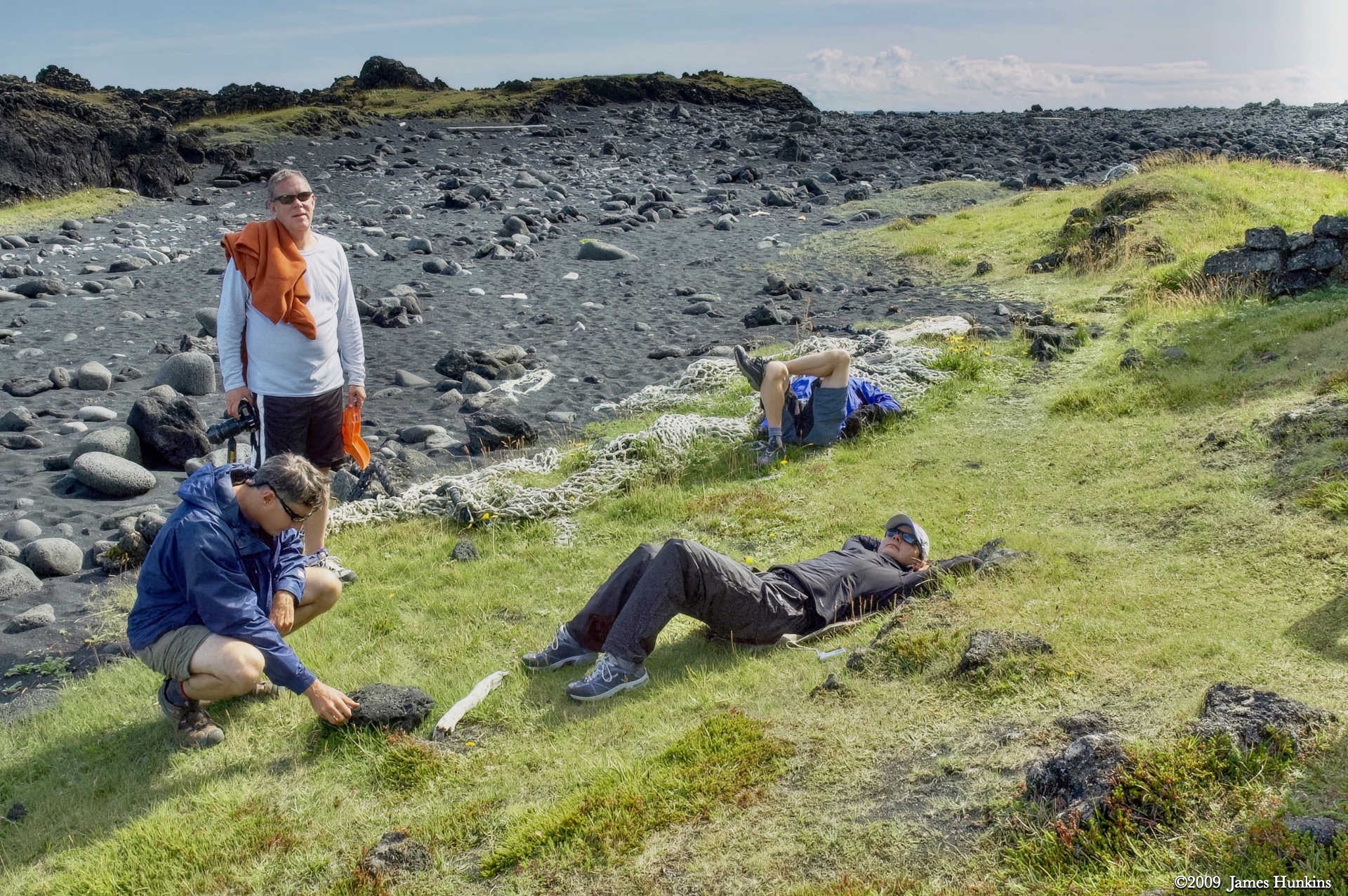
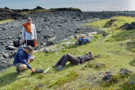 090810_0205NPeople relaxing on green area next to rock strewn sandy beach
 -
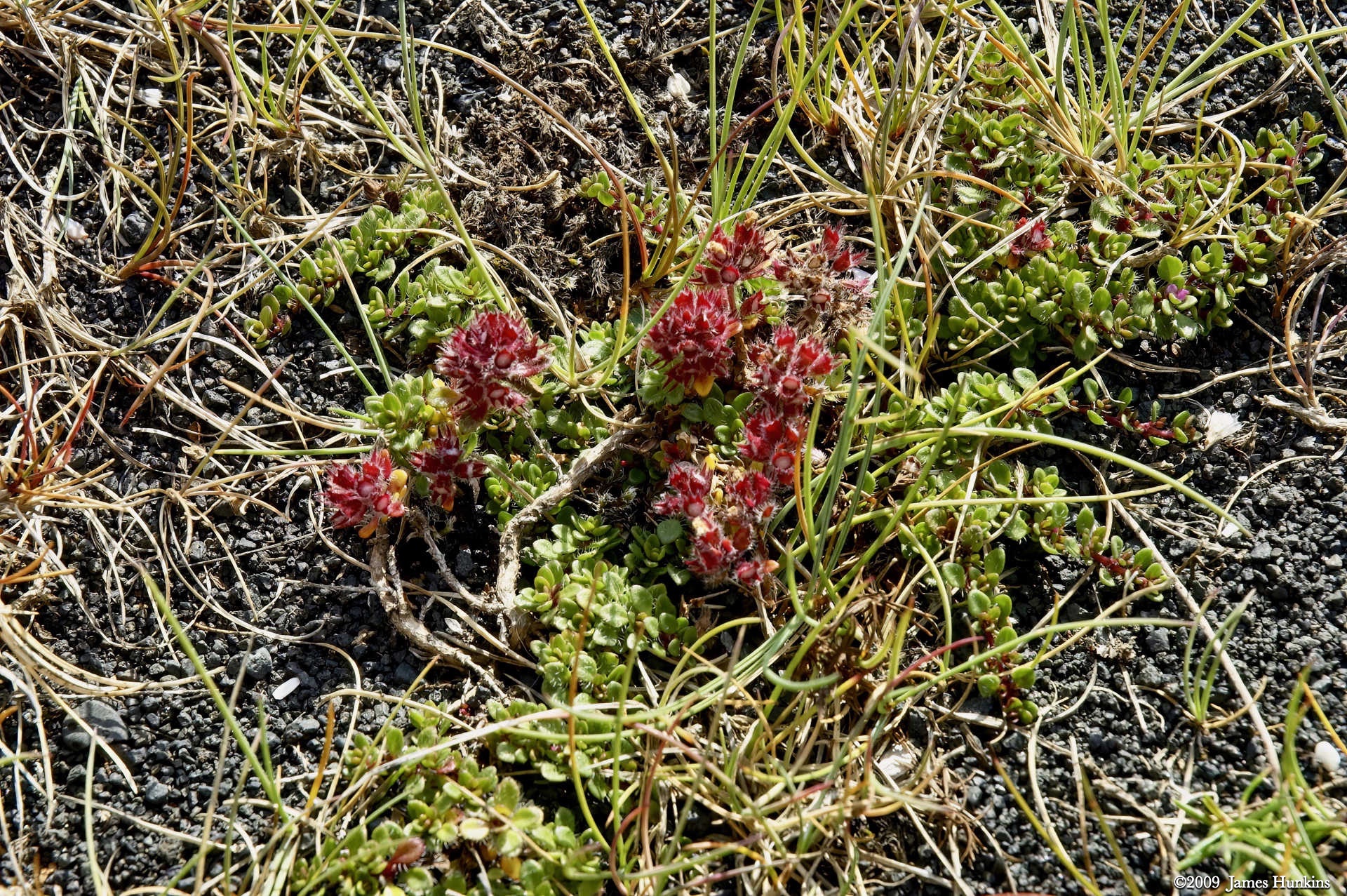
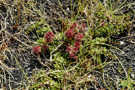 090810_0207NSmall red wildflowers
 -
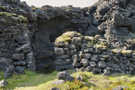 090810_0209NStony remnants of a fisherman shelter by the beach
 -
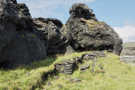 090810_0210NRemnants of a stone wall used as a fisherman shelter
 -
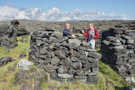 090810_0211NTwo people standing in a circular stone wall, remains of a fisherman shelter
 -
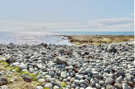 090810_0212NWater worn rounded stone field at the ocean’s edge
 -
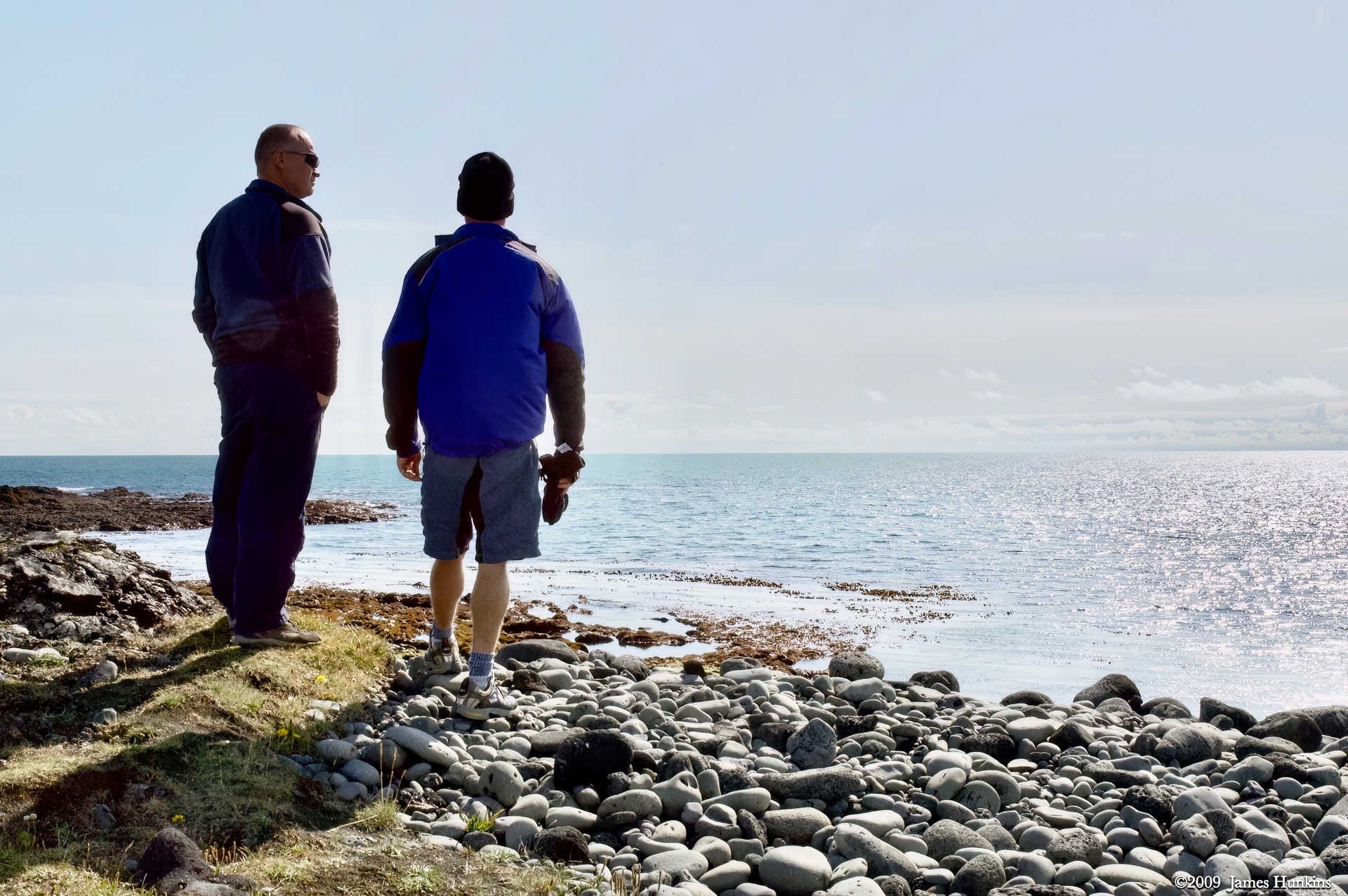
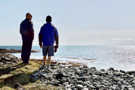 090810_0217NTwo people looking at the ocean next to a stone field
 -
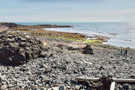 090810_0218NTwo people walking across a stone field by the ocean
 -
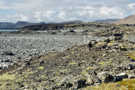 090810_0224NWhite post markers in stony/sandy beach areas
 -
 090810_0225NRocky terrain with driftwood logs in the distance by the ocean
 -
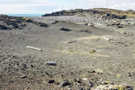 090810_0226NSandy depression next to a rocky field leading to the ocean
 -
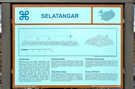 090810_0227NInformation sign for Selatangar
 -
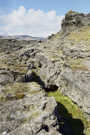 090810_0228NRocky formations with a crack near the ocean
 -
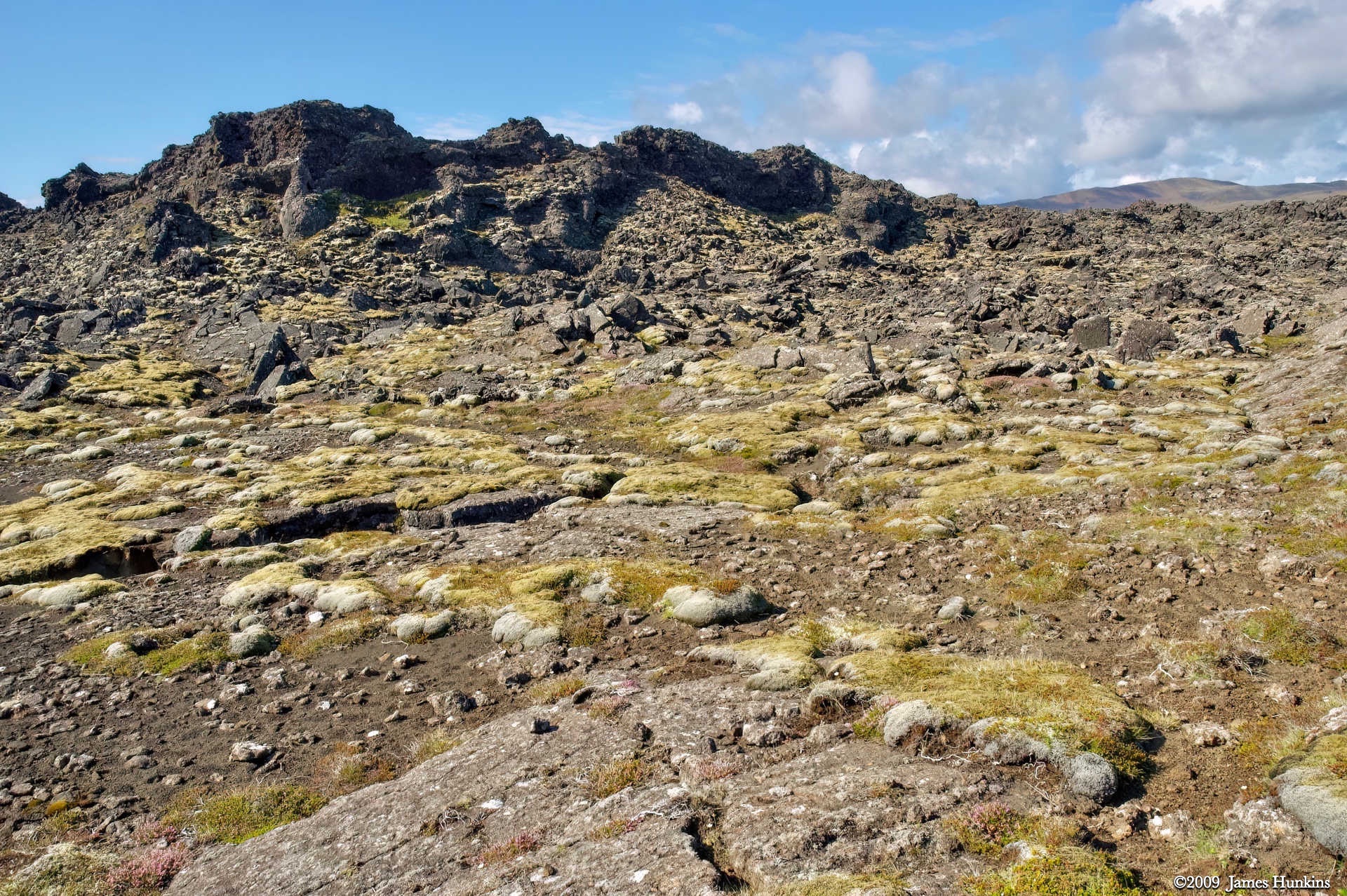
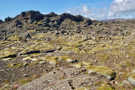 090810_0229NSmall rocky hill above lichen covered stony ground
 -
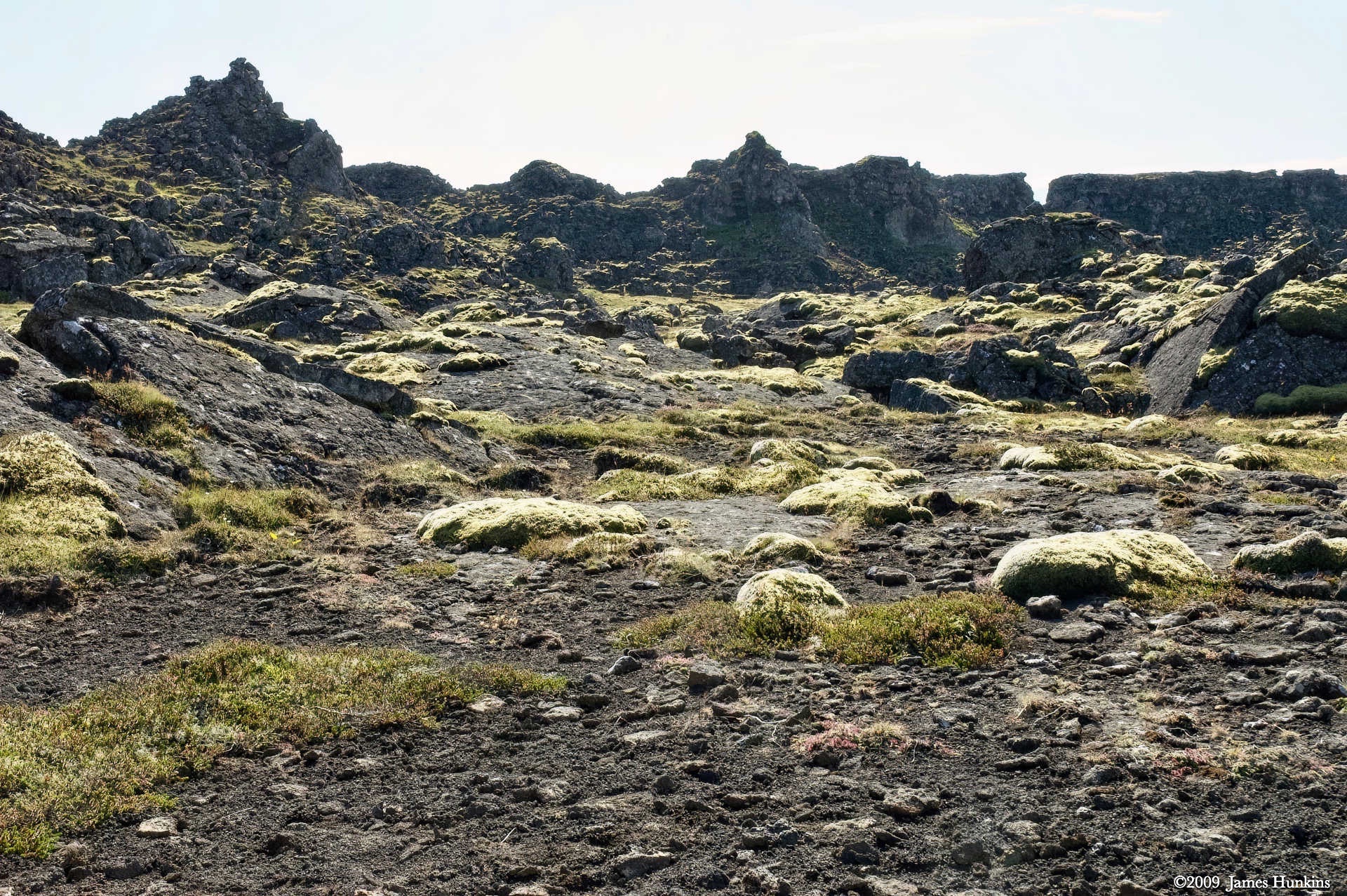
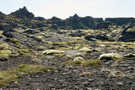 090810_0230NStony ground with lichen looking back at rock outcroppings next to ocean
 -
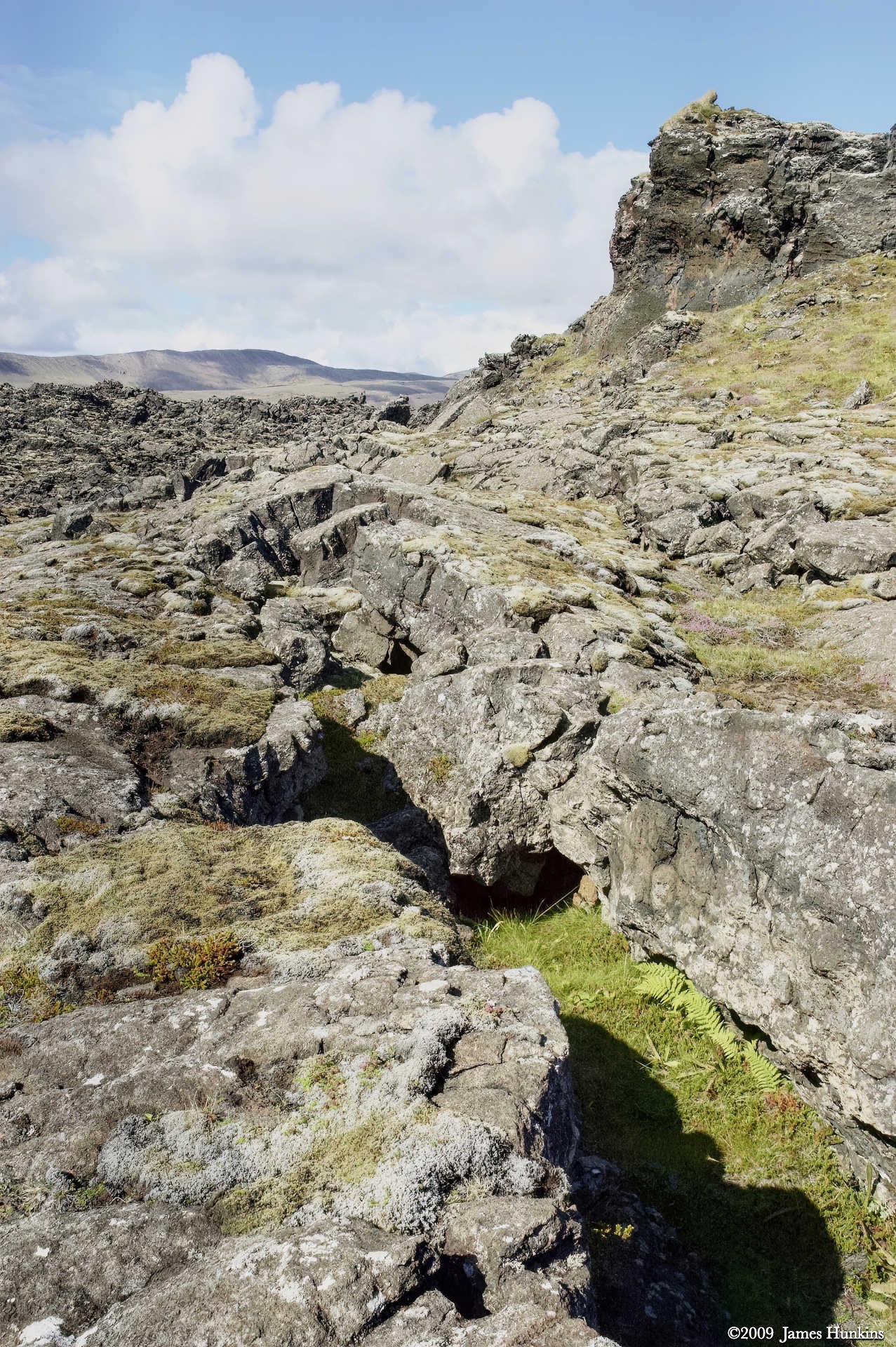
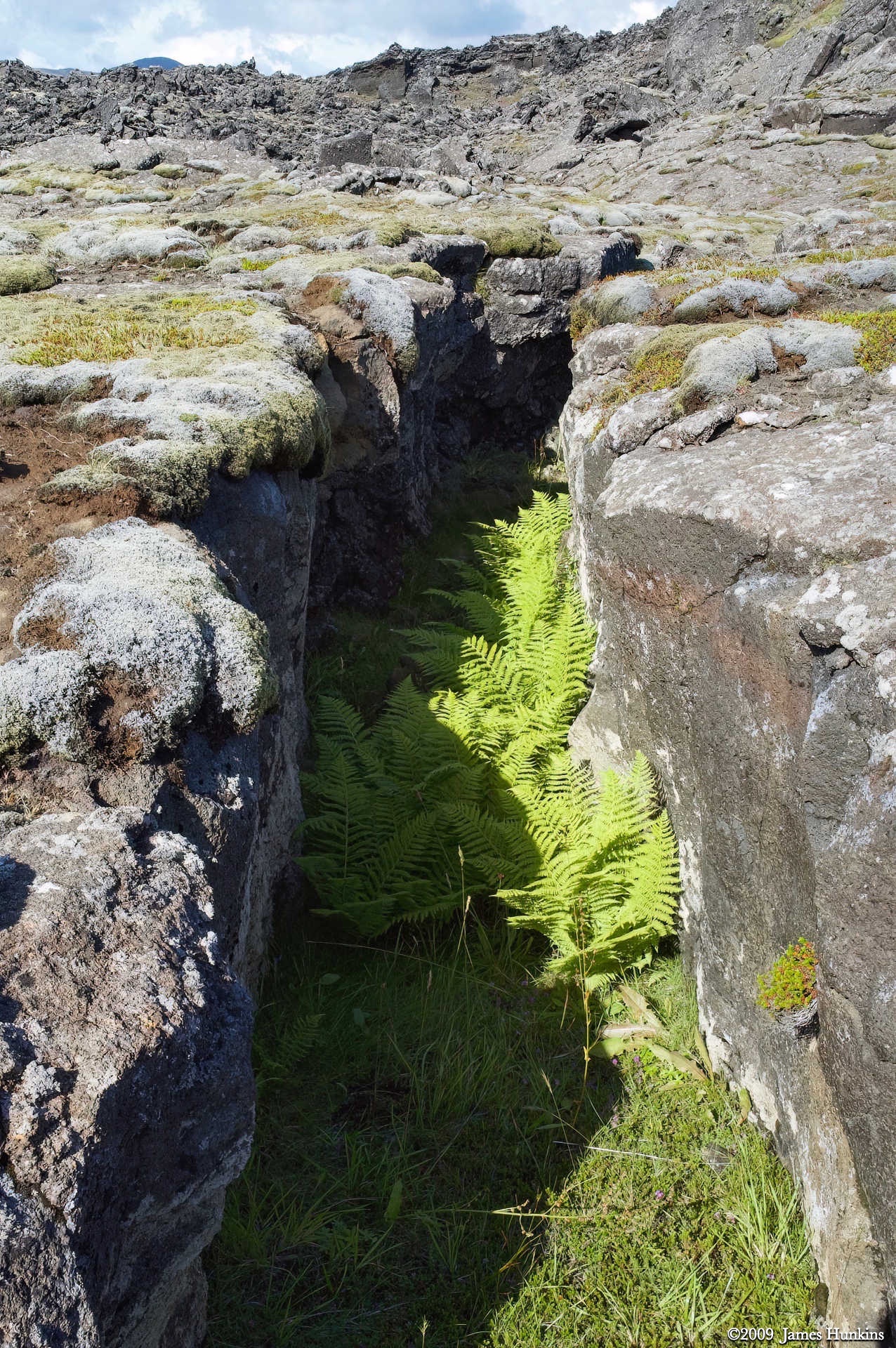
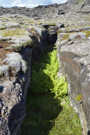 090810_0231NCrevice in the old lava bed with a fern growing in its depths
 -
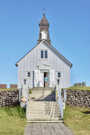 090810_0234NStrandakirkja Church
 -
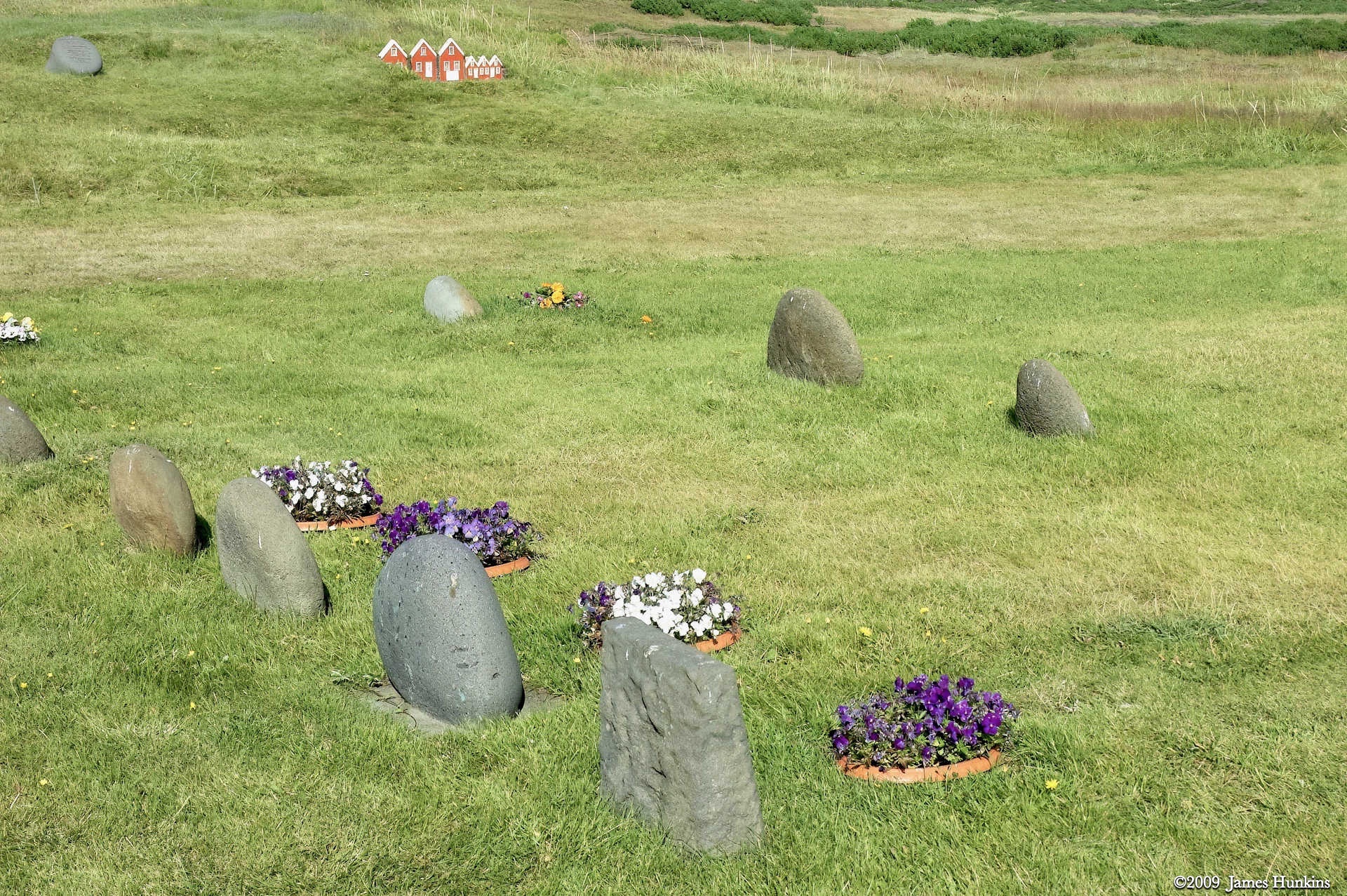
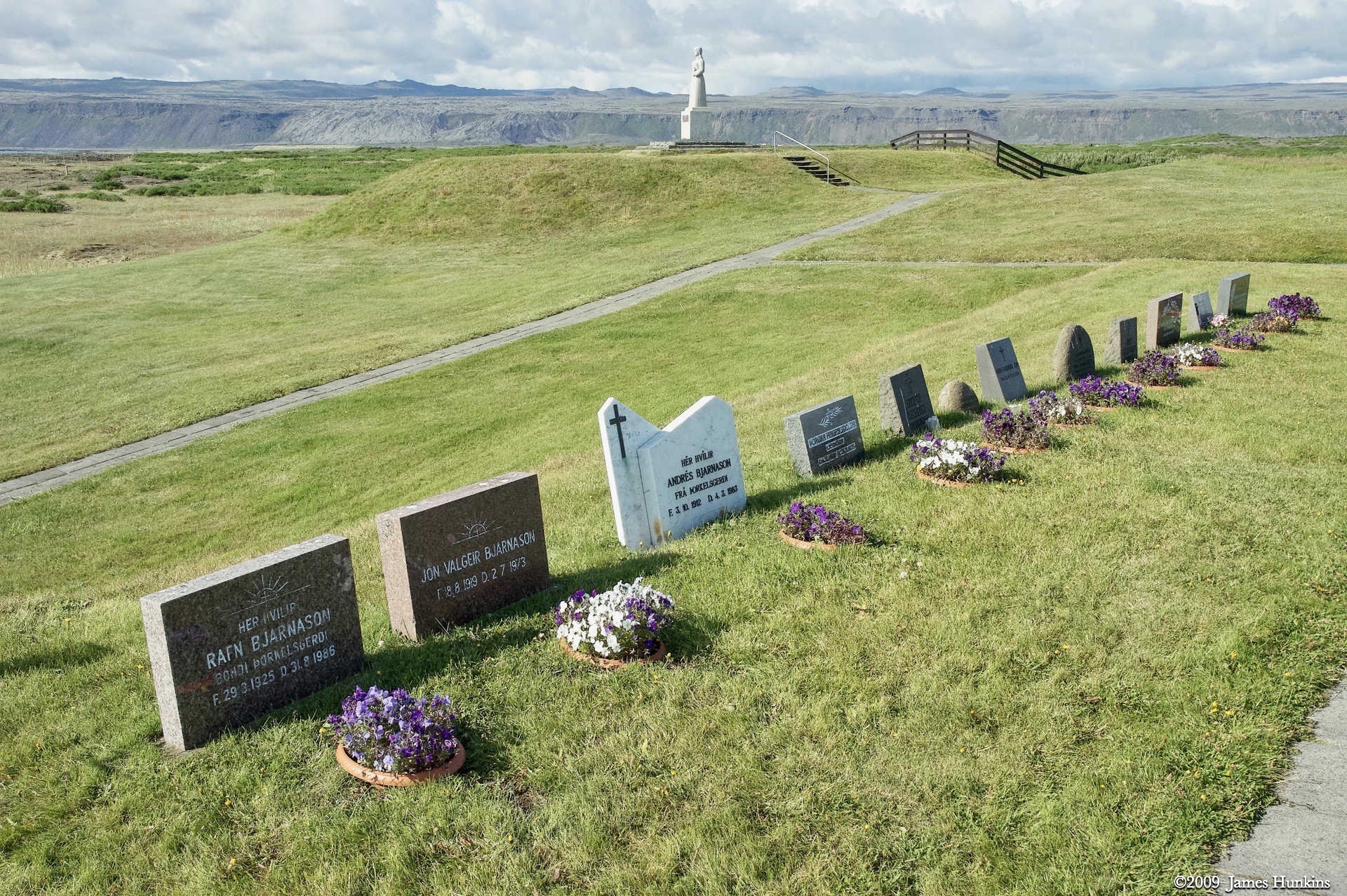
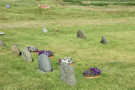 090810_0235NGraves at Strandakirkja Church
 -
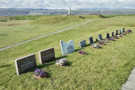 090810_0236NGraves at Strandakirkja Church
 -
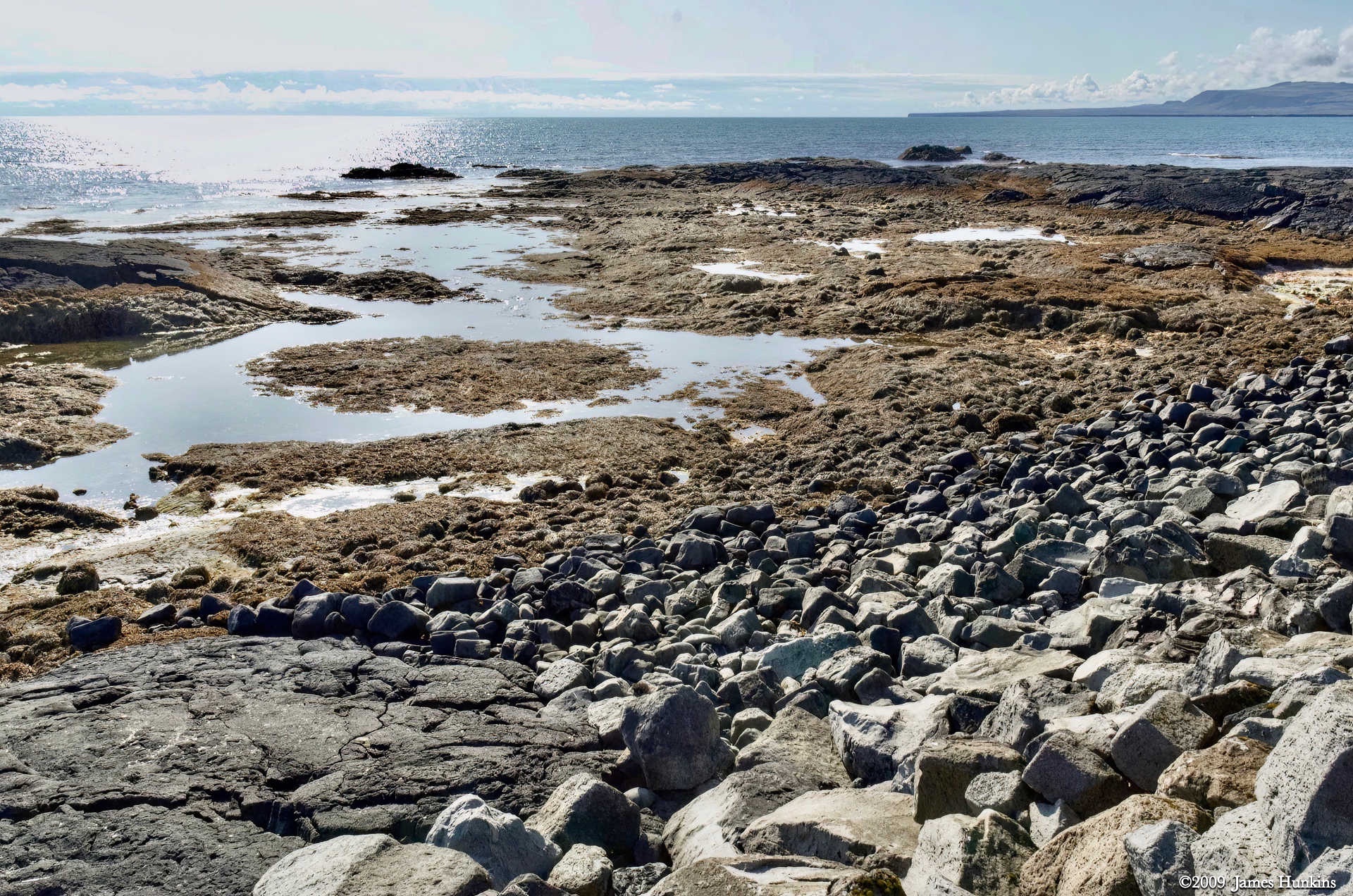
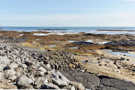 090810_0237NTide pools by the ocean with colorful plants growing on the low rocky surfaces
 -
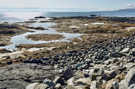 090810_0239NLooking down a large rock bed at tide pools
 -
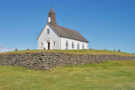 090810_0241NStrandakirkja Church
 -
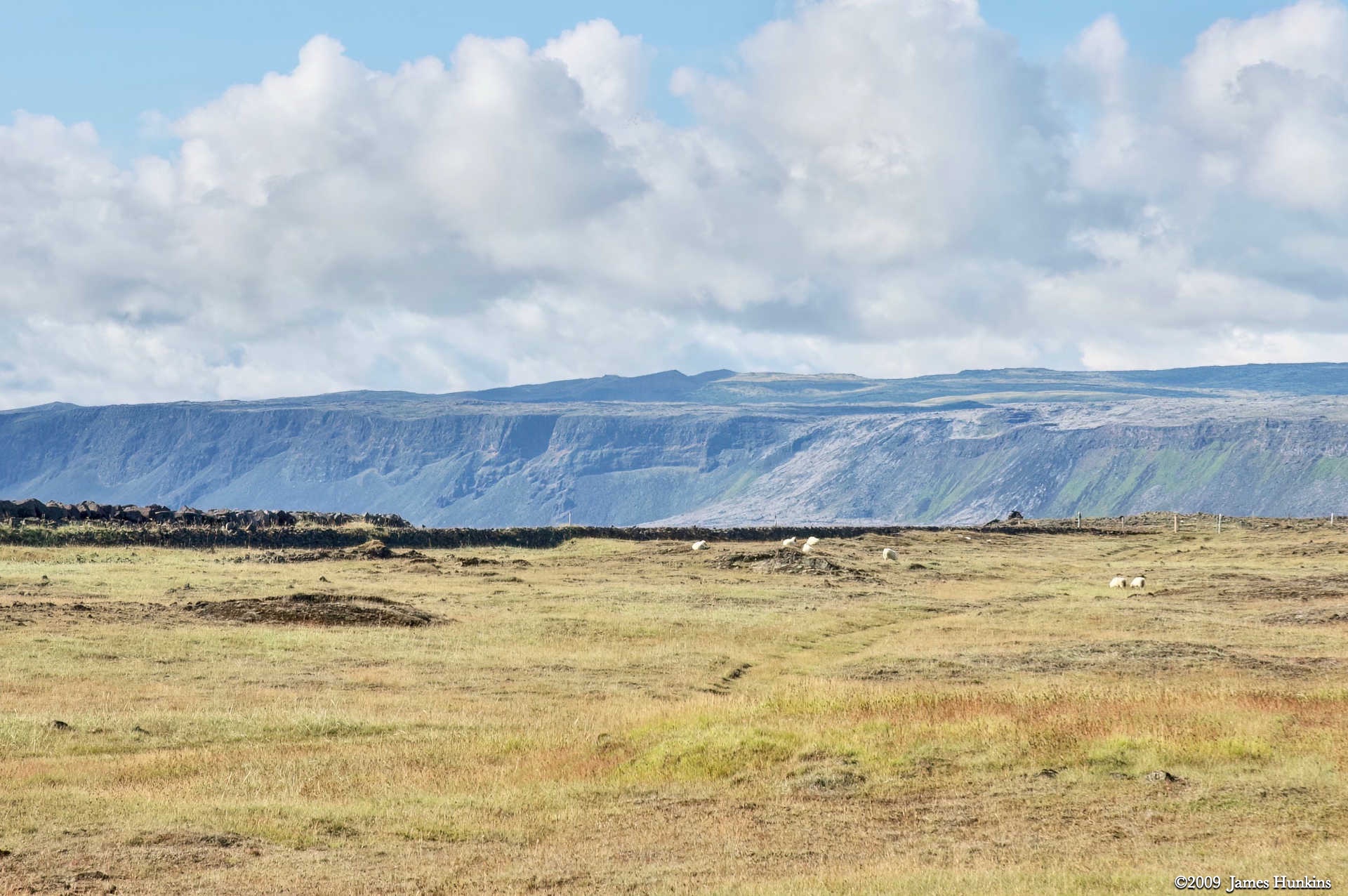
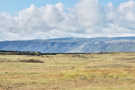 090810_0242NGrassy land by the ocean looking back at lava built cliffs
 -
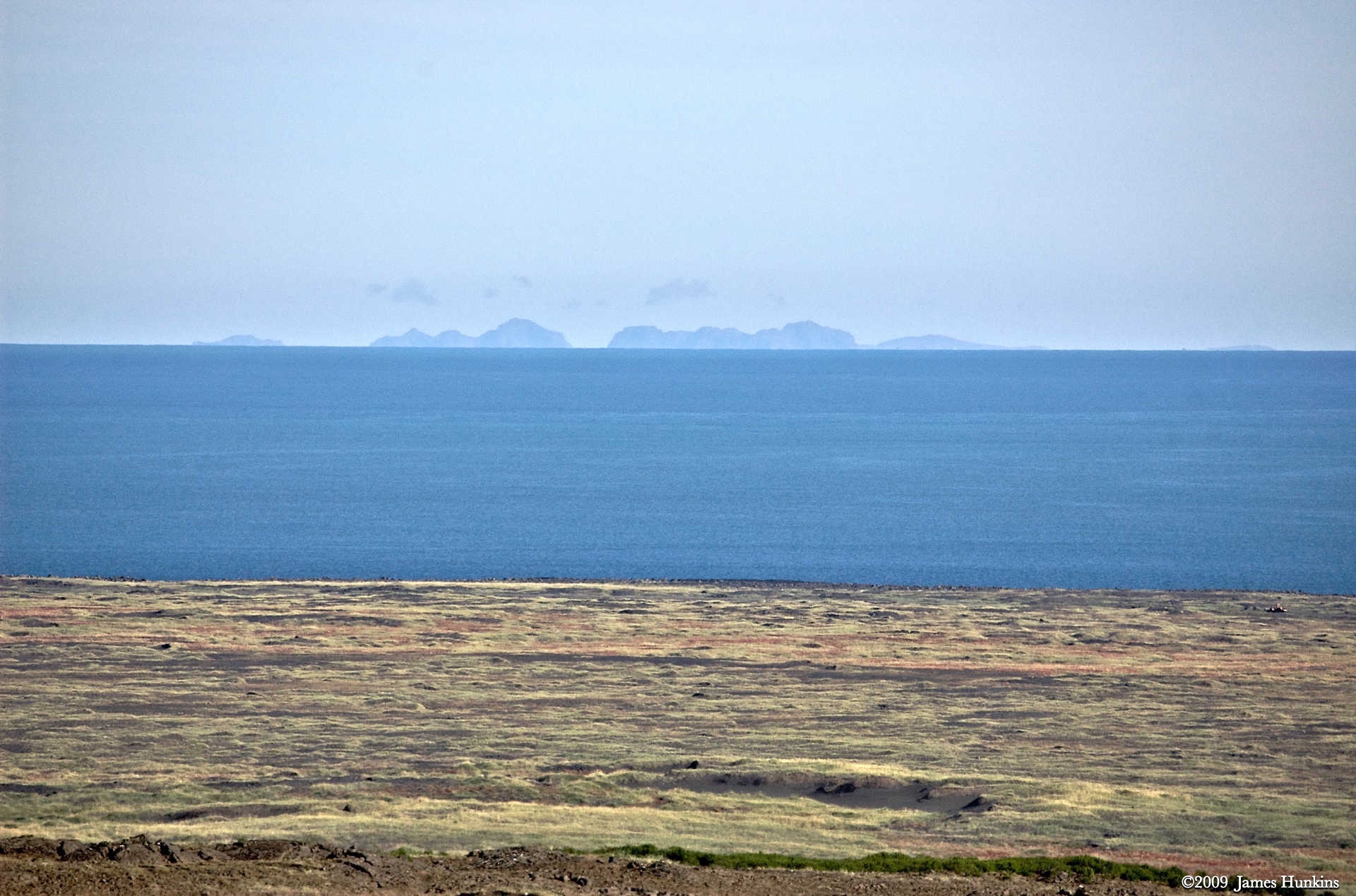
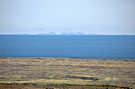 090810_0243NVolcanic islands off coast of Iceland
 -
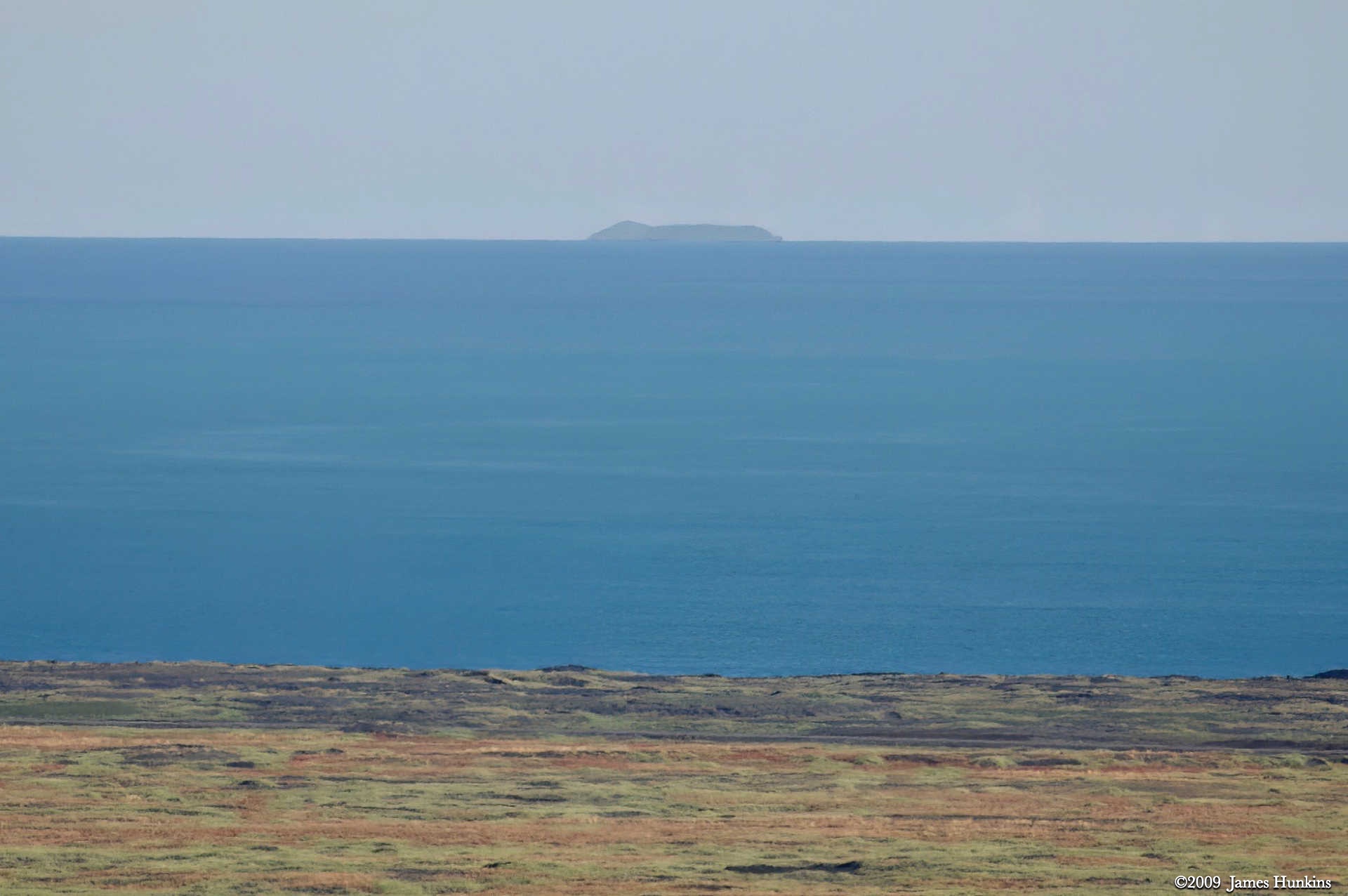
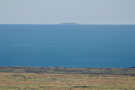 090810_0244NNew volcanic island - Surtsey (1963)
 -
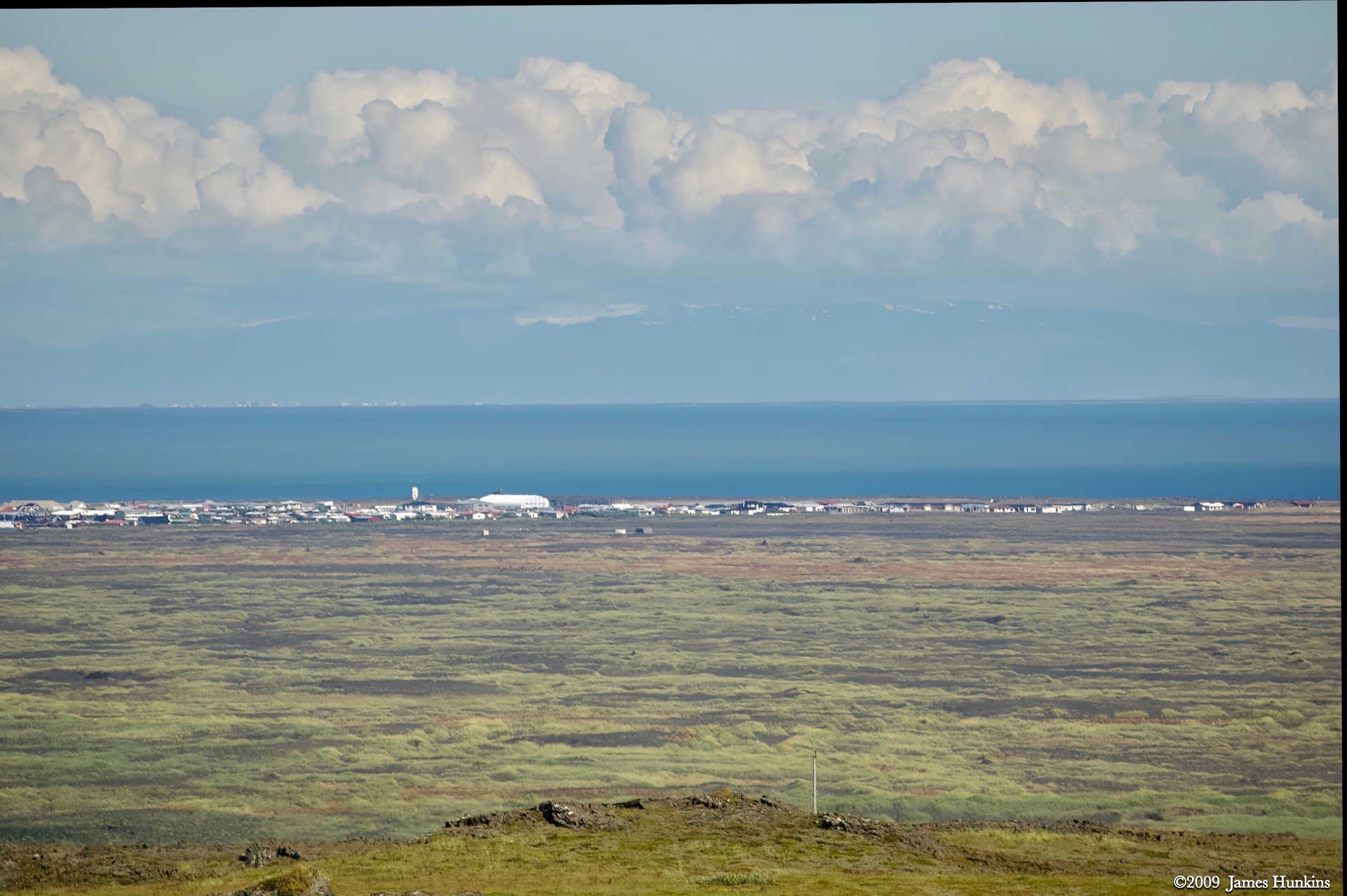
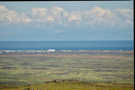 090810_0246NSmall town on the ocean near Strandakirkja
 -
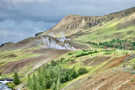 090810_0248NGeothermal foothills above Hveragerði village
 -
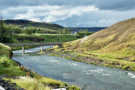 090810_0251NVarmá River near Fire and Frost Guest House
 -
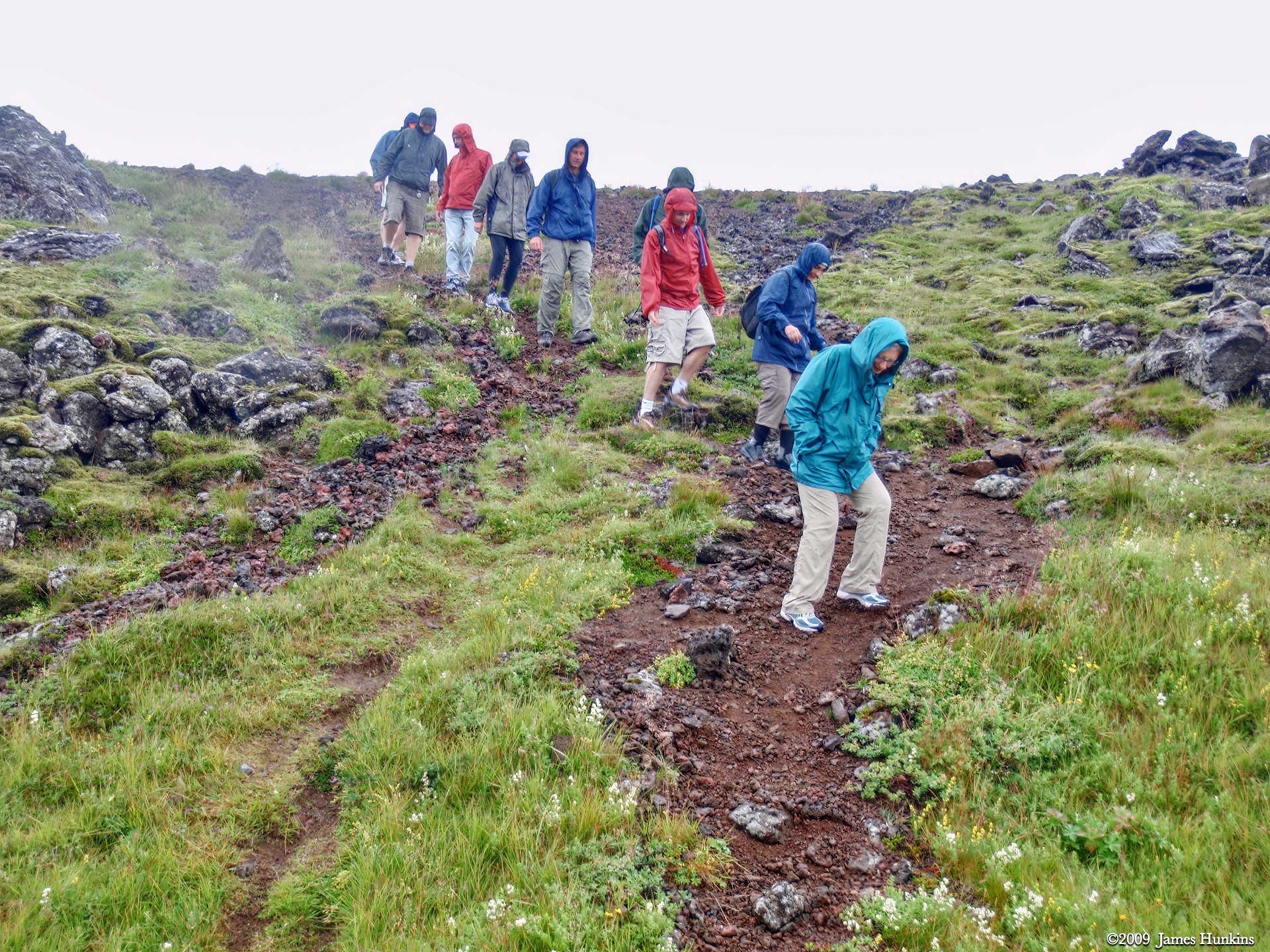
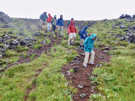 090810_0255OWalking near the Fire and Frost Guest House
 -
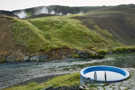 090810_0256NSteam vents above the Fire and Frost Guest House
 -
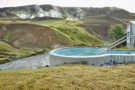 090810_0257NFire and Frost hot pot with steam vents in the background