Iceland 2009
BIKE RIDE ACROSS THE REYKJANES PENINSULA - THE PANORAMIC VIEW
DAY 2 : MONDAY AUGUST 10, 2009 (1/3)
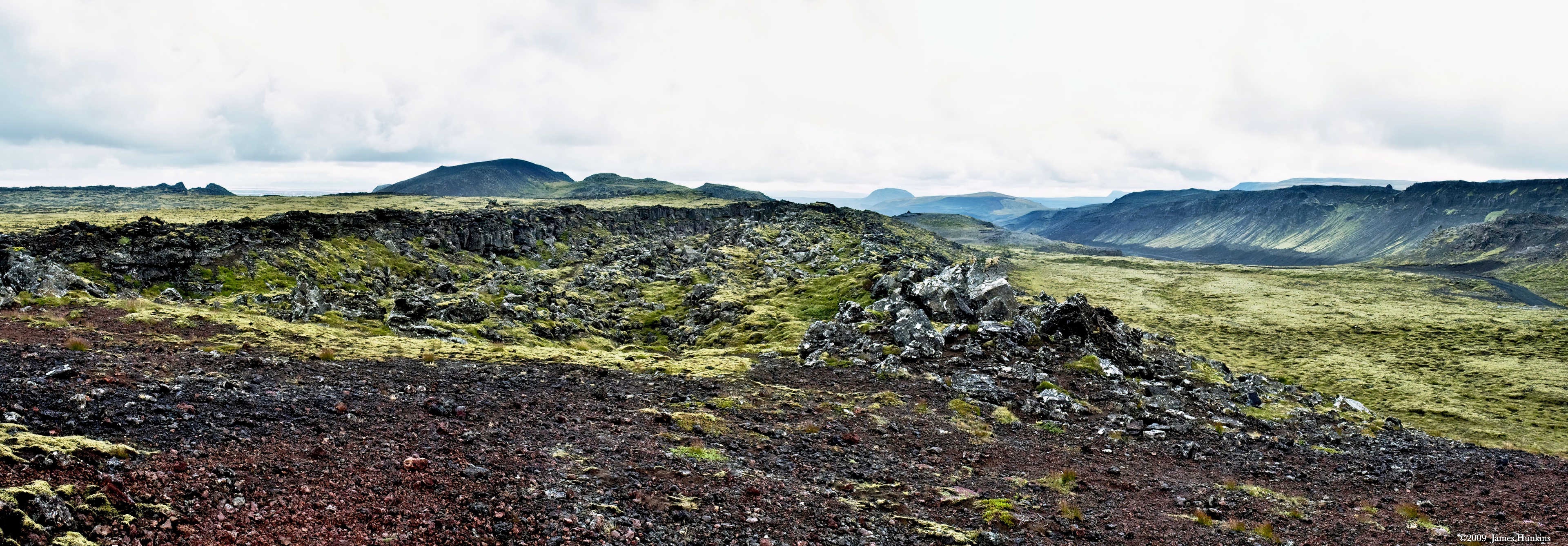
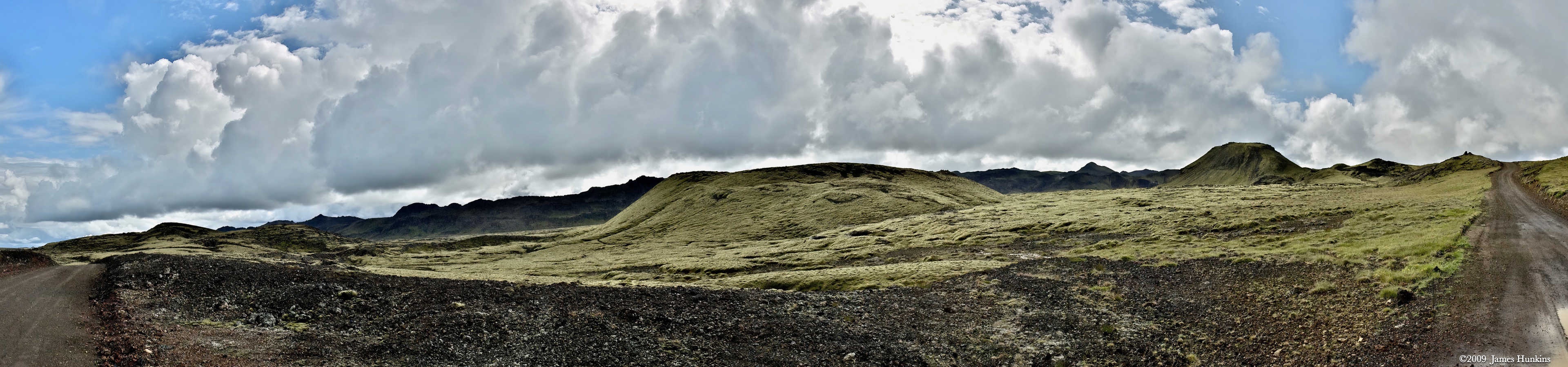
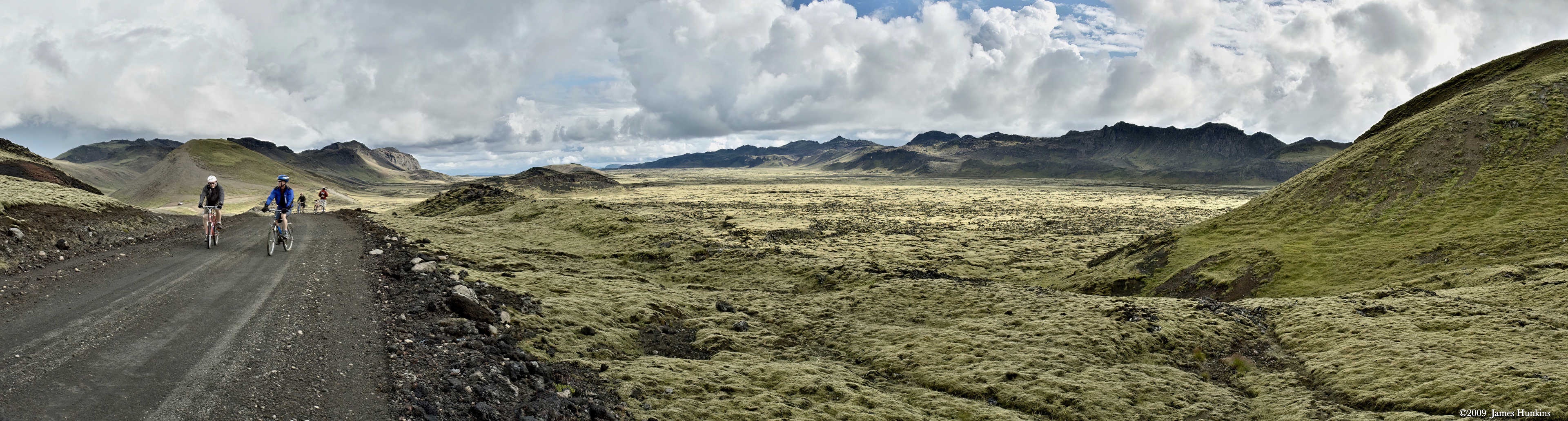
This day was set to cover some distance on a bicycle across the rugged Reykjanes Peninsula. The area is all volcanic and very rugged. Little plant life can grow, but there is a lichen that covers all the lava flows, looking like a thick, mossy blanket. When you step onto the lichen, you start to sink just a little bit— almost like walking on pillows.
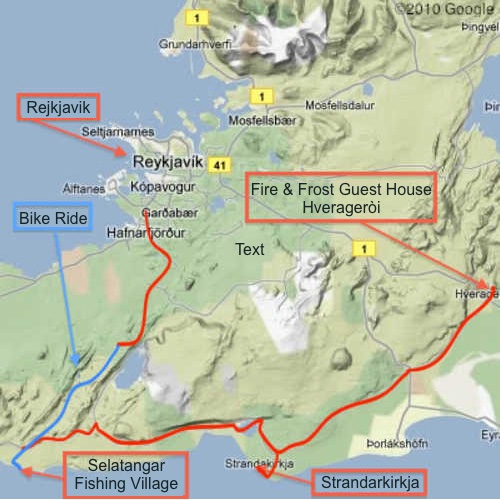
We were driven down from Reykjavík to the start of a rift valley (where two continental plates are separating, which is the cause of the never-ending volcanic activity in Iceland). The bike ride followed the blue line on the map and ended up near a haunted fishing village. Here, we enjoyed a wonderful Icelandic lunch (served by our local Icelandic guide, Haldor, and his wonderful daughter).
On this page, you will find some panoramic photos that hopefully will give some feel for the dramatic and beautiful landscape in this rift valley.
The following two pages have individual shots of this valley ride and then the haunted fishing village. After that, we rode the van to Strandarkirkja, a small white church. We finished the drive at our home for the next several days, the Fire and Frost Guest House in Hveragerði.
VIEWING HELP
To close this window, click the X in the upper right hand corner. Or click anywhere outside of this window's area.
Photos from each day are shown in thumbnail (small) form. Panoramas are either wide or tall images, while normal photos are small rectangles. All photos shown in the PHOTO SHOWCASE section can be enlarged for better viewing. Photos will enlarge to fit your browser window width. Therefore, to view them at larger sizes simply make your browser window wider.
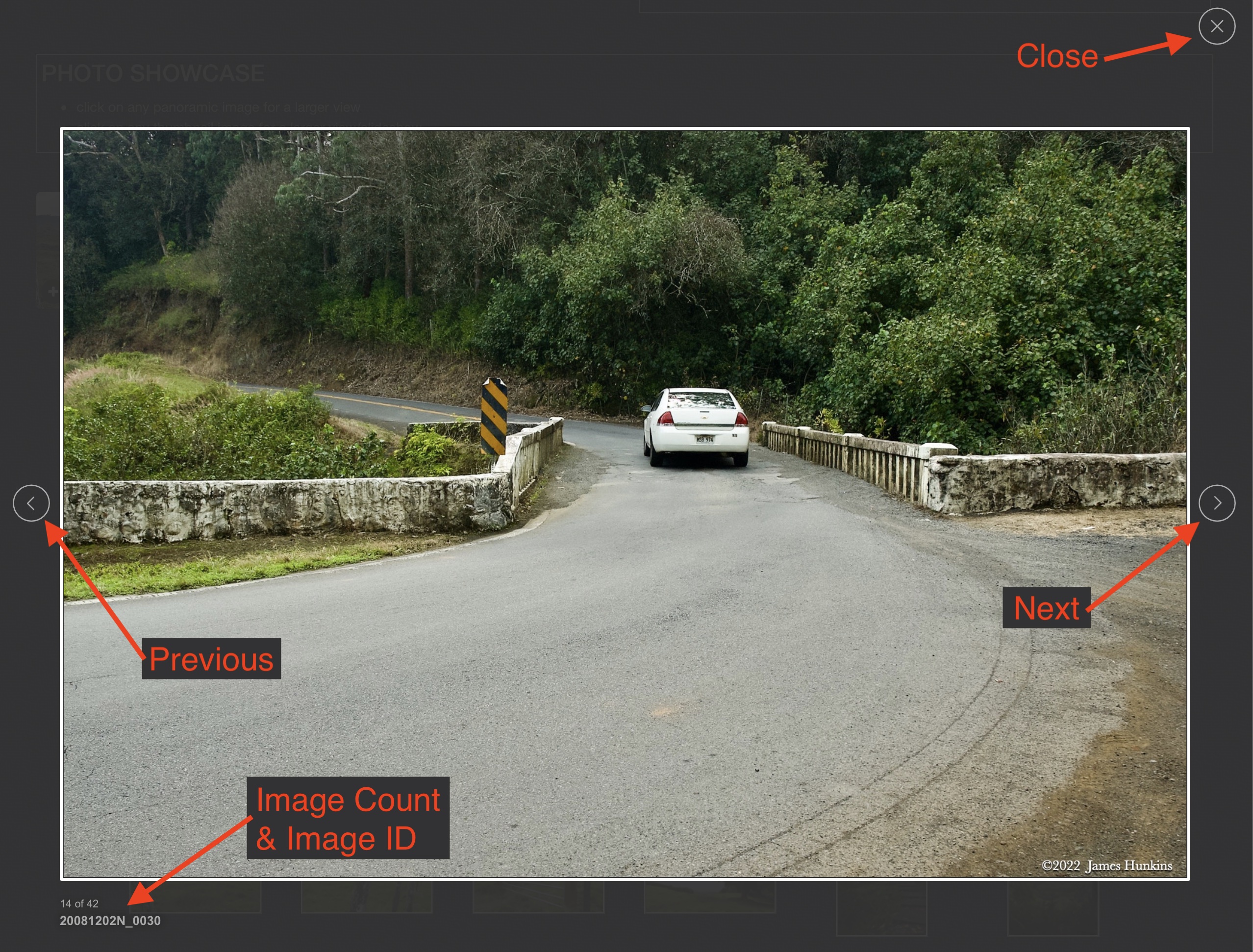
If there is any issue or the need to inquire/comment about an image, please refer to the Image ID label (see below) of the specific image along with the trip name found at the top of the browser window.
Video Clips
Depending on the browser, some of the controls may not always be supported.
Most videos will start playing automatically. Sound is automatically off even if included with a video. See D, E below for sound control.
A few small videos are set to loop endlessly, while most just play to the end.
- A: To start or stop a video, click in this area (even if the symbol is not visible)
- B: If a browser shows this symbol, clicking on it will restart the video from the beginning
- C: Progress bar - will display total video time on the right.
- D, E: This seems to have the most variants between browsers. If the video description says 'w/ sound’, you can adjust the volume with this control
If neither is visible, move the cursor to the E area and either E and/or D will be visible
If E is visible but not D, click on E
Once D is visible, slide the bar up or down to adjust the volumn

Panoramas
Clicking anywhere on a panorama thumbnail will cause the image to expand to fill the browser width. Clicking again anywhere in the browser window or scrolling the browser window will cause the expanded image to shrink back to its smaller thumbnail size.
The Image ID and description is found just below the thumbnail image on the left side.
Individual Photographs
If you click on any photo thumbnail, it will open a larger viewer which can be used to walk through all of the standard photos on the page. Once open, to go forward click on the > on the right side of the enlarged image. To scan backwards, click on the < on the left side. To close the larger images either click on the X in the upper right hand corner of the browser window or anywhere outside of the enlarged image.
The Image ID label can be found by hovering a cursor over the thumbnail image (may not be available on some tablets/phones) or, once enlarged, from the lower left hand side just under the image.
Additionally, in the same area as the Image ID (or the upper left corner for newer/updated sites) a count showing the current image number versus the total number of images available for viewing.

For newer or updated sites (look for the orange checkbox in the header of a sites main page), additional buttons have been added when viewing a full size image. From left to right, the buttons are:
- Email: will open an email with information and a link to the current image
- WhatsApp: if WhatsApp is on your system, will open a browser window to open WhatsApp and create a message with information and a link to the current image
- FaceBook: Will open a browser window to open Facebook and create a message with information and a link to the current image
- full screen: will take over the entire display versus just the browser in most systems; ESC returns to the brower only mode
- magnify: enlarges the image within the browser or full screen; if the image is larger than can be displayed it can be scrolled
- exit: will close the large image viewer returning to the thumbnails




Links:
PHOTO SHOWCASE
- click on any panoramic image for a larger view