Alaska 2023
SUKOI INLET
DAY 8 : FRIDAY SEPT 22, 2023
This is another place that was added at the captain’s discretion and, for kayakers, was quite a treat.
You might notice no links on this page - I could not find anything with any content for Sukai Inlet. A few links led to pages asking if anyone had information on this location - but nothing.
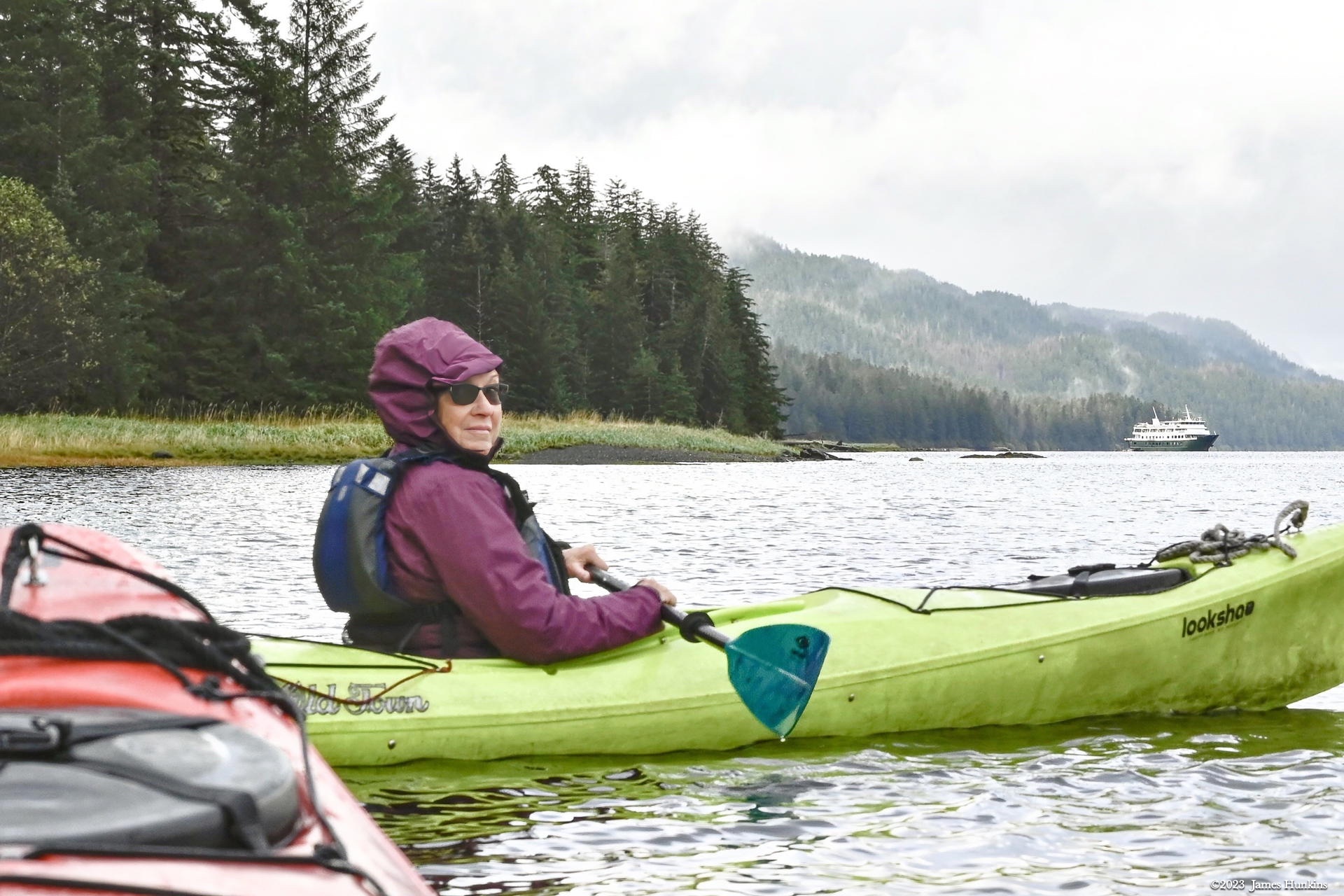
This was my favorite kayaking day. First of all, normally only the guides use single kayaks while passengers used double kayaks. However, our group had an odd number of people so they asked if someone would like to take a double kayak out on their own. Of course, ‘me, me, me!’ came out of my mouth.
A challenge for a single person in a double kayak - how do you make up for the person in front other than paddling extra hard. After all, without that weight up front, the kayak would tend to tilt up and be nearly impossible to guide. Our creative crew though had a solution. They added a dead weight in the front seat (no, not a passenger who would not paddle but instead a very large and heavy stone).
Off we went. I had to work harder to keep up with everyone. And every time I took out my larger camera from its dry space, my kayak started to turn sideways (the deadweight is not a perfect solution) and drift with the current. Not a problem - quick photos and back to some fun paddling to catch up each time.
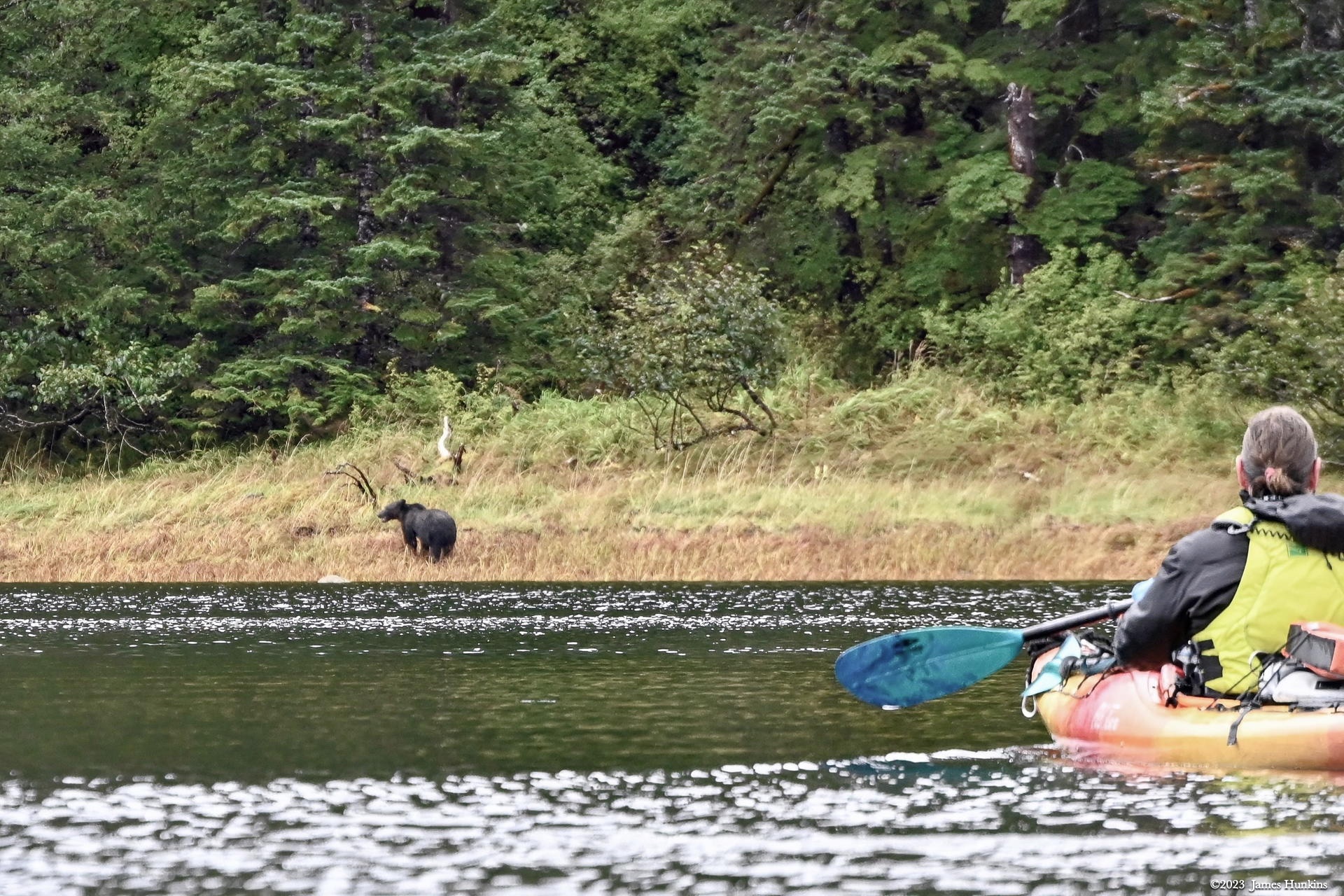
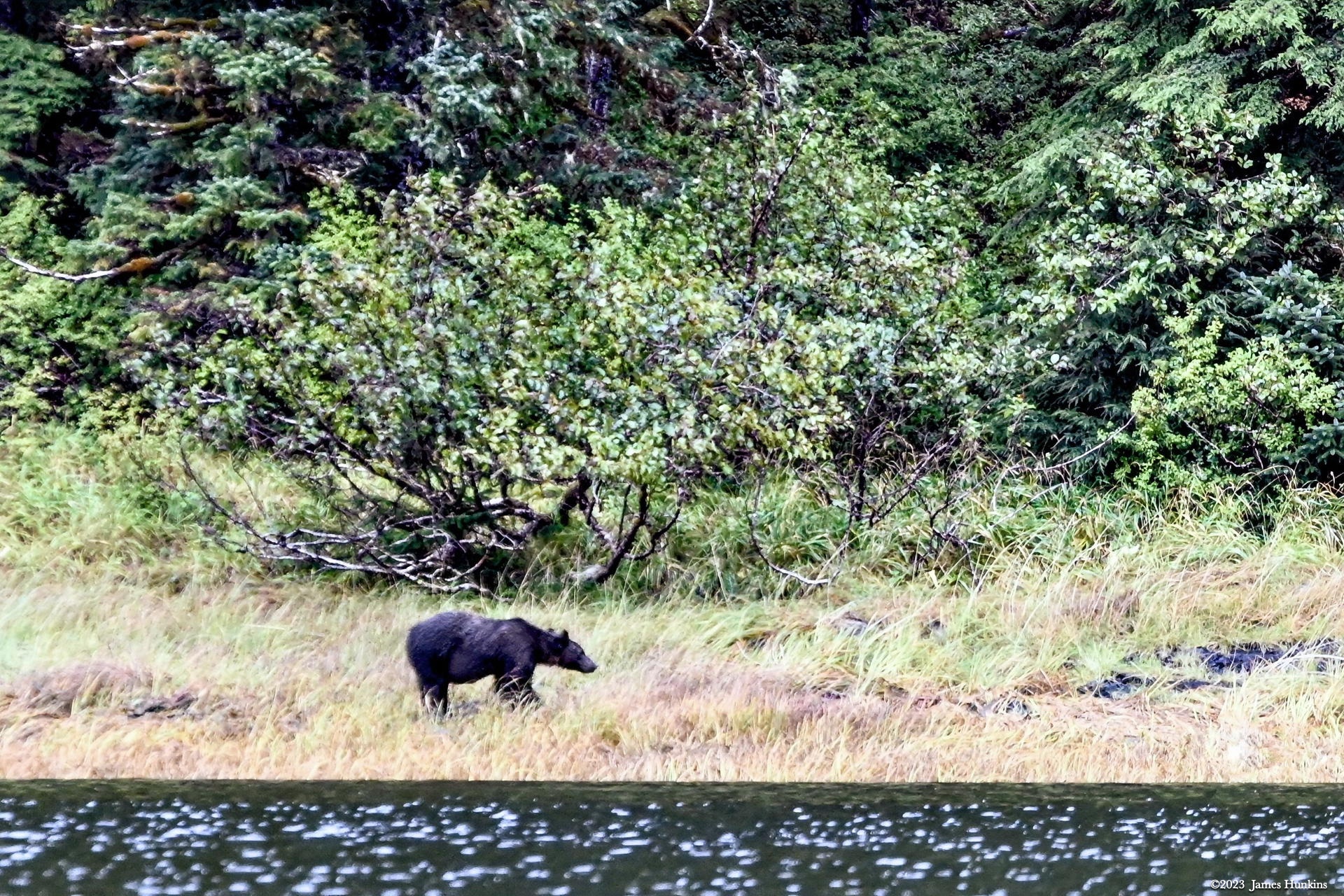
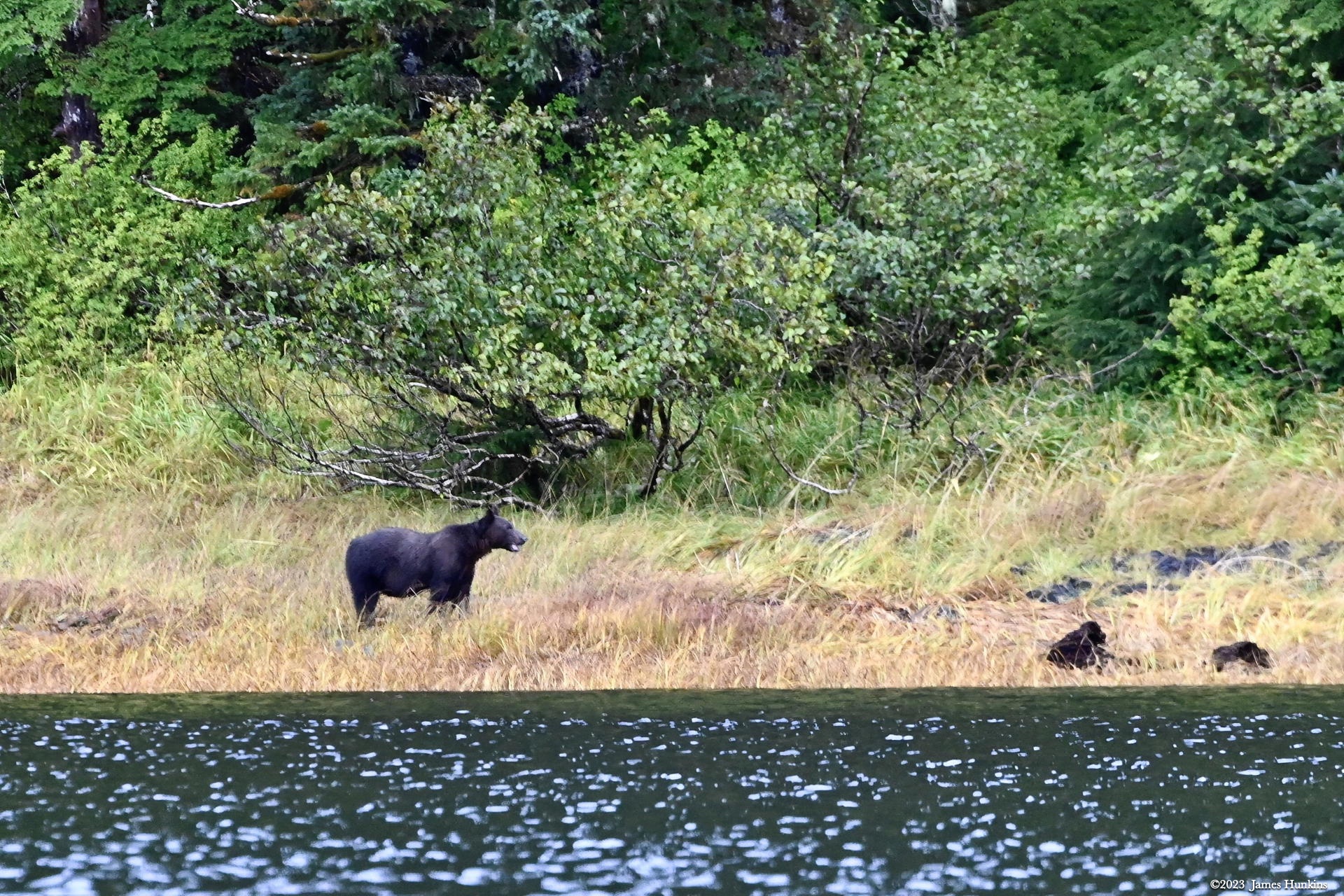
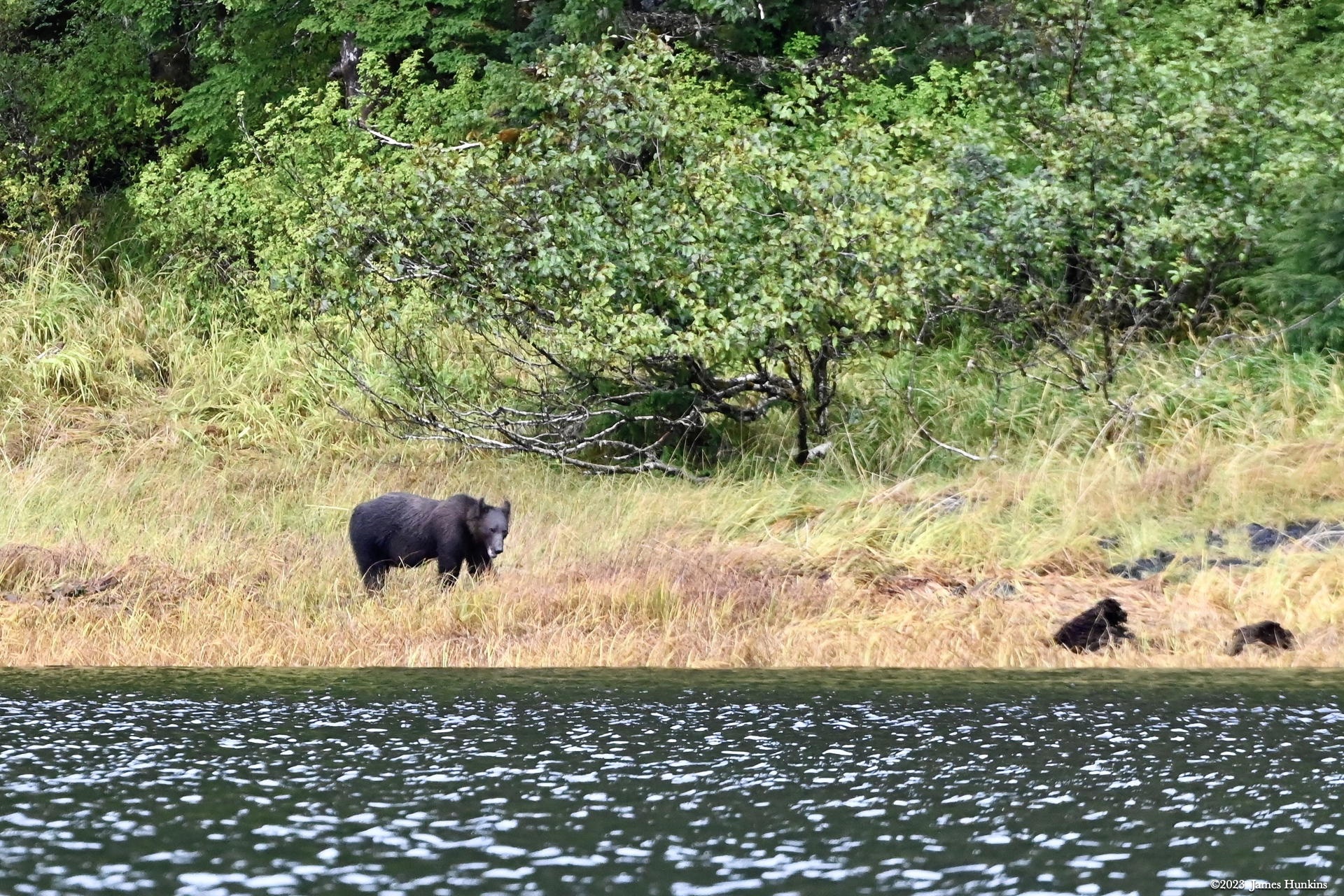
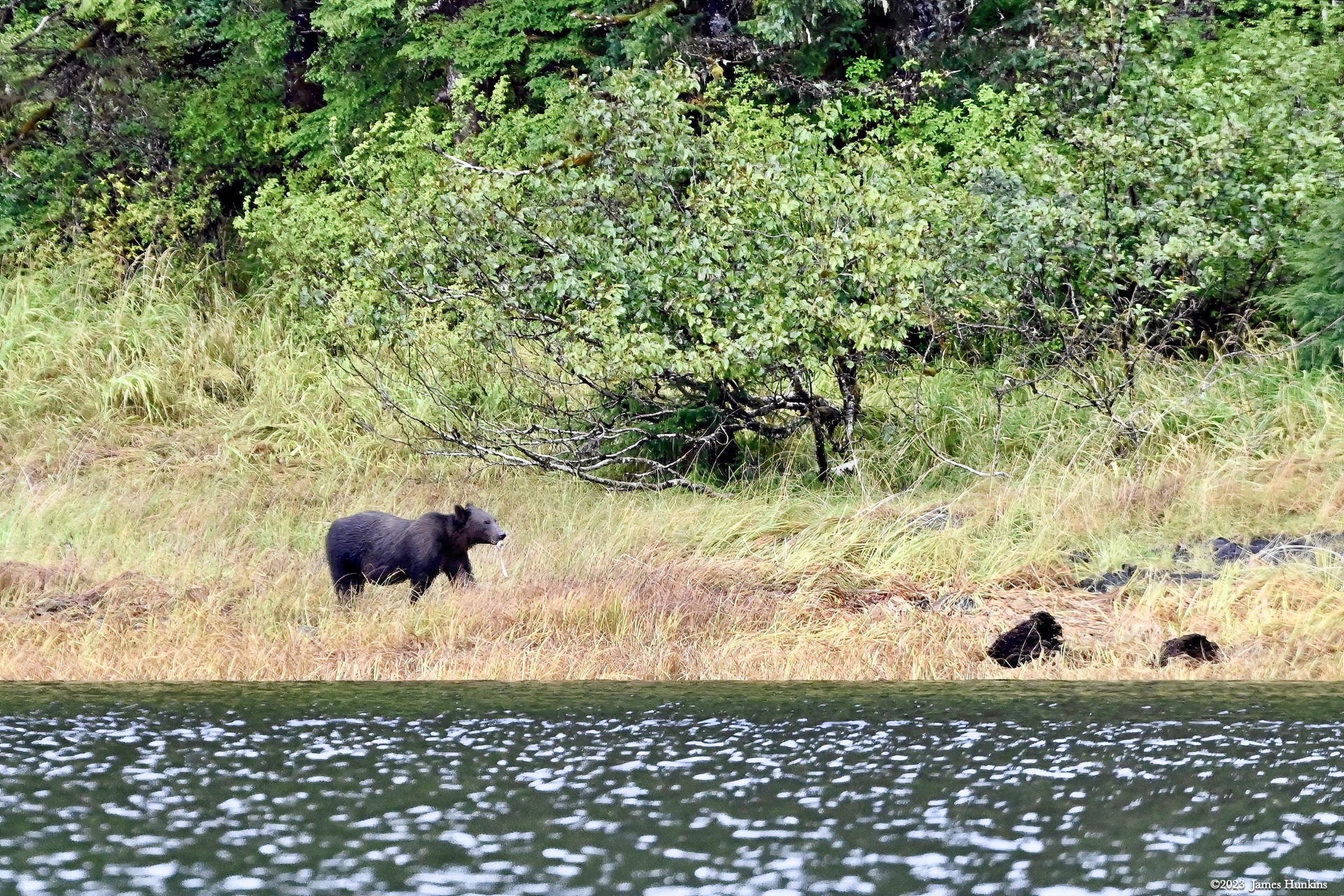
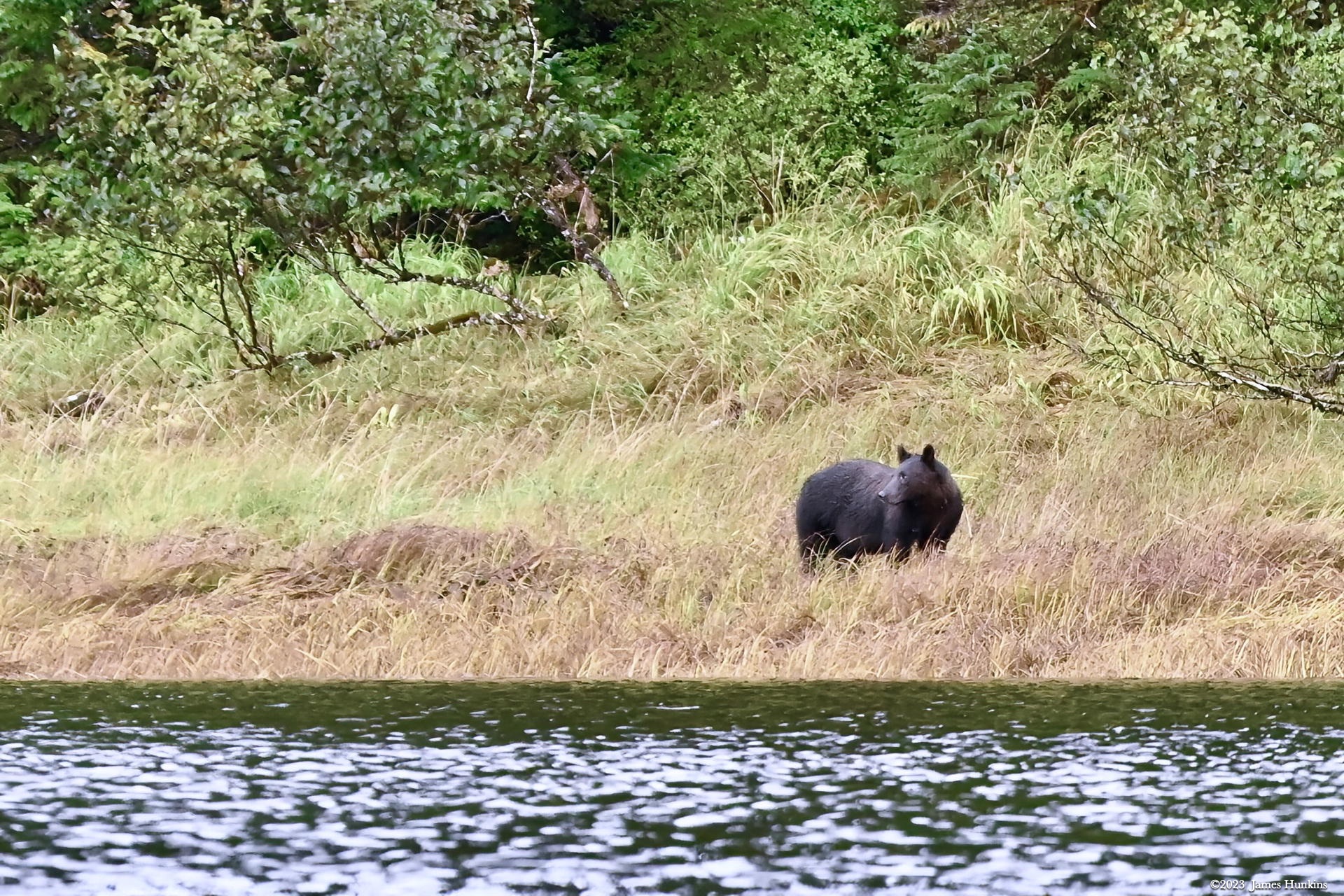
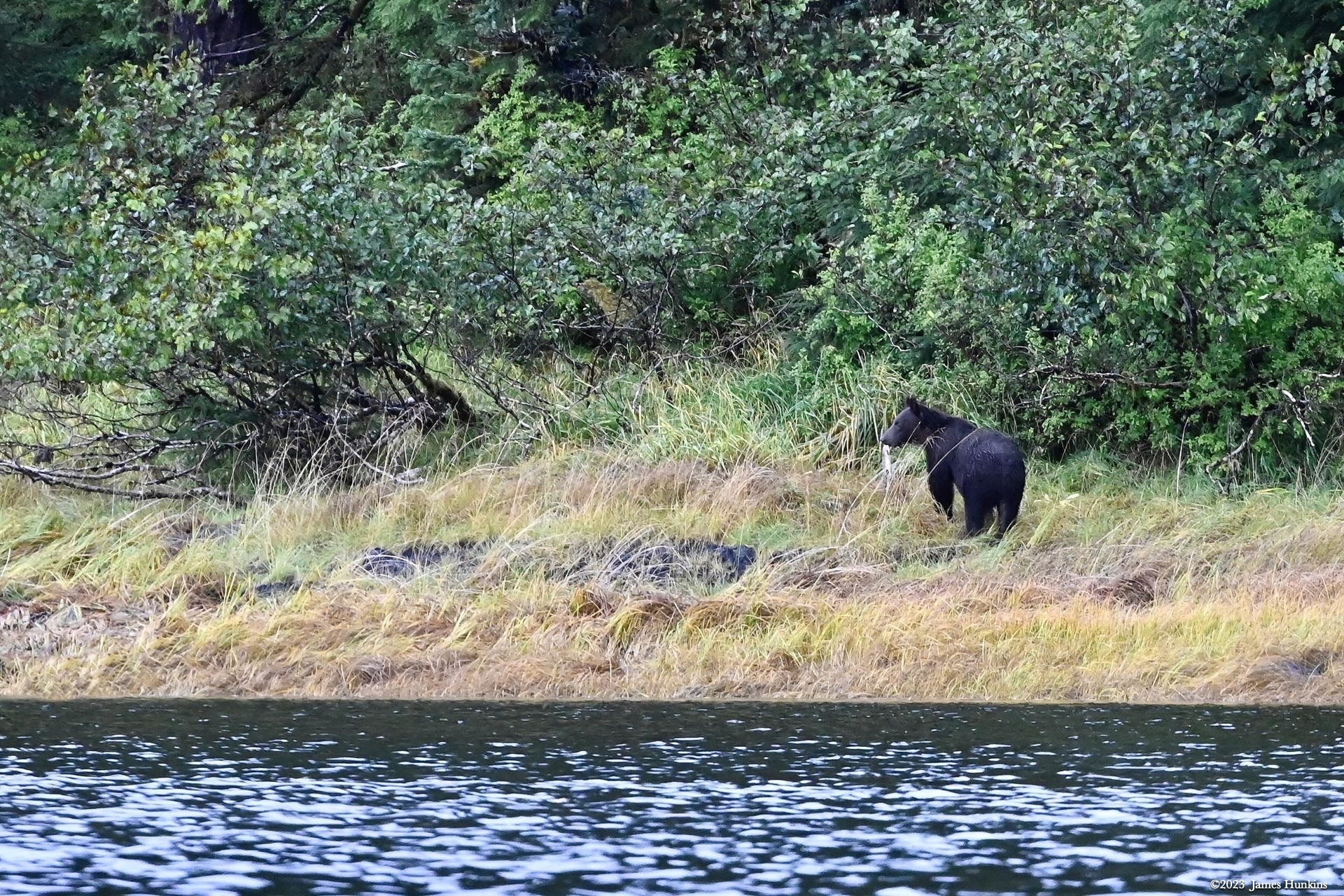
As we headed up the inlet, we were able to watch a black bear on the shore meandering along. One of our guides had to remind one kayak to back off (bear do swim) but other than that it was just nice. The bear didn’t seem to mind us watching him as he wandered about. At one point he picked up what looked like it might have been a fish and headed back into the woods.
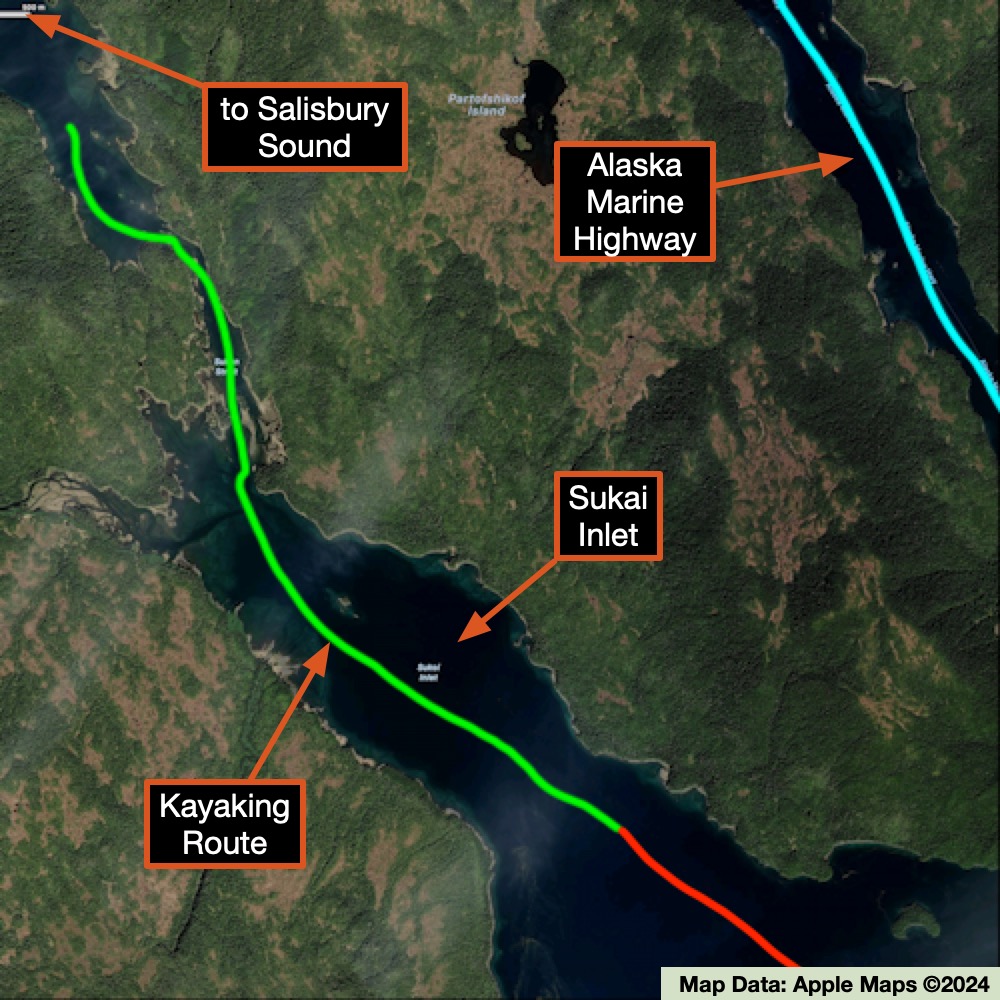
If you look at the map on this page you see that the inlet narrows to what is basically a stream-size route. It turns out that depending on the sea level, this allows one to kayak through to a different inlet, the Salisbury Sound. Of course, we did just that and enjoyed the experience of paddling up a stream (albeit very slow-moving). We enjoyed the challenge o getting around some shallow areas and tight turns - a perfect day.
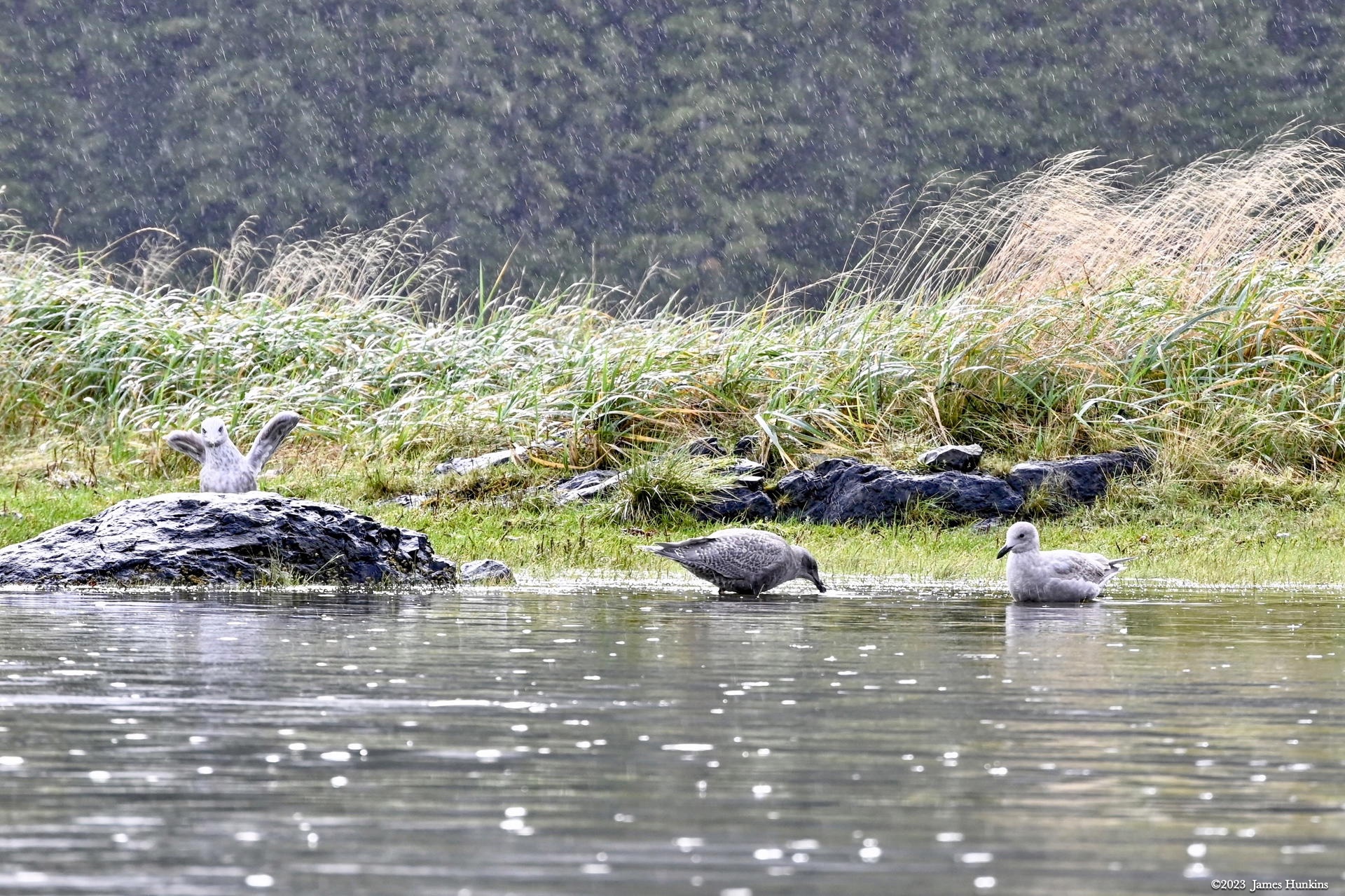
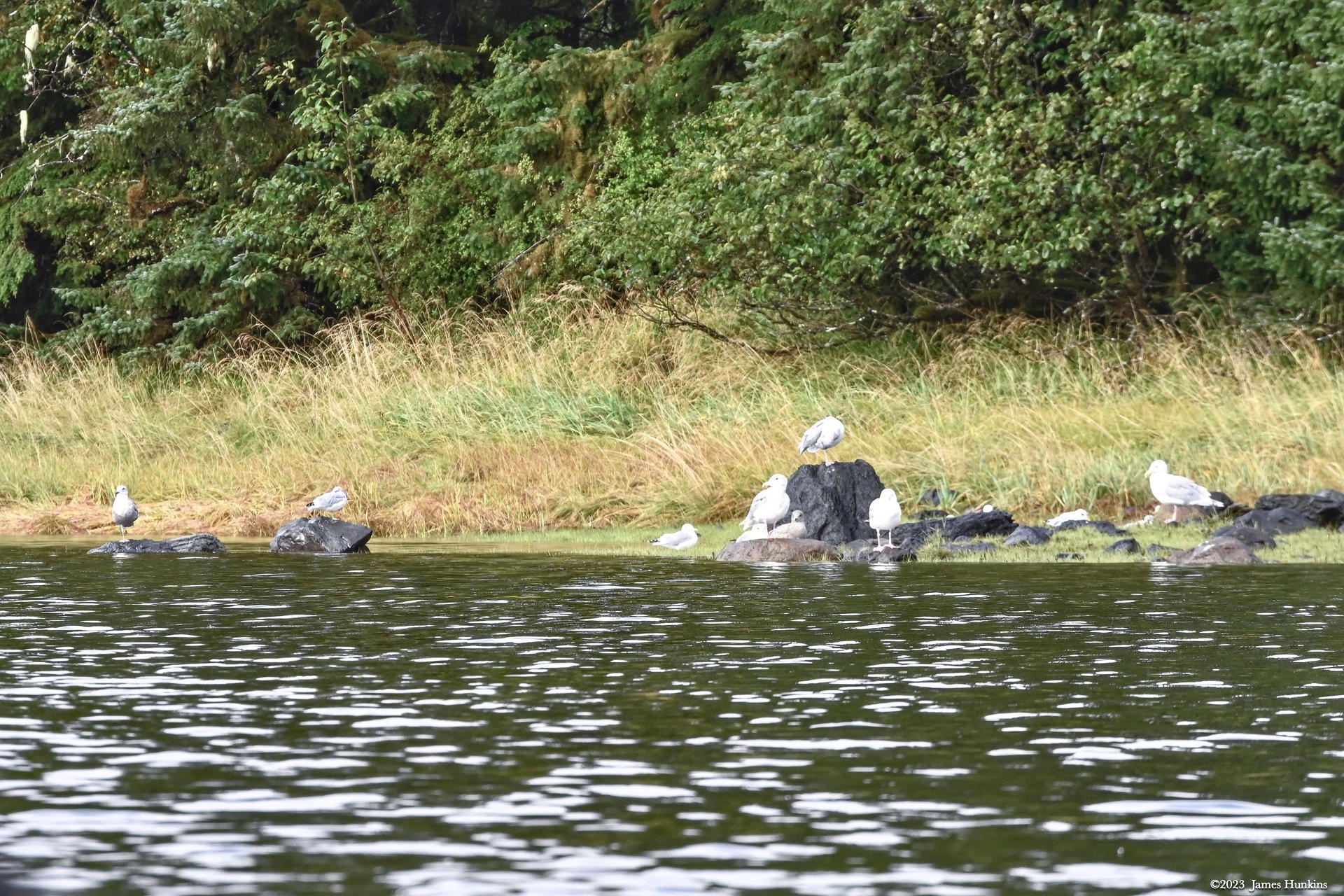
At the end, we headed back down the ‘stream’ to our inlet, enjoyed the birds along the shoreline and a pleasant steady rain to rejoin our ship. It was time for our last dinner together.
VIEWING HELP
To close this window, click the X in the upper right hand corner. Or click anywhere outside of this window's area.
Photos from each day are shown in thumbnail (small) form. Panoramas are either wide or tall images, while normal photos are small rectangles. All photos shown in the PHOTO SHOWCASE section can be enlarged for better viewing. Photos will enlarge to fit your browser window width. Therefore, to view them at larger sizes simply make your browser window wider.
If there is any issue or the need to inquire/comment about an image, please refer to the Image ID label (see below) of the specific image along with the trip name found at the top of the browser window.
Video Clips
Depending on the browser, some of the controls may not always be supported.
Most videos will start playing automatically. Sound is automatically off even if included with a video. See D, E below for sound control.
A few small videos are set to loop endlessly, while most just play to the end.
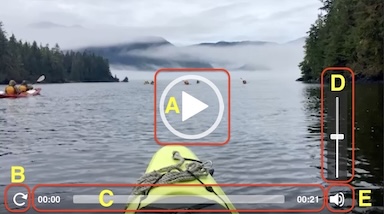
- A: To start or stop a video, click in this area (even if the symbol is not visible)
- B: If a browser shows this symbol, clicking on it will restart the video from the beginning
- C: Progress bar - will display total video time on the right.
- D, E: This seems to have the most variants between browsers. If the video description says 'w/ sound’, you can adjust the volume with this control
If neither is visible, move the cursor to the E area and either E and/or D will be visible
If E is visible but not D, click on E
Once D is visible, slide the bar up or down to adjust the volumn
Panoramas
Clicking anywhere on a panorama thumbnail will cause the image to expand to fill the browser width. Clicking again anywhere in the browser window or scrolling the browser window will cause the expanded image to shrink back to its smaller thumbnail size.
The Image ID and description is found just below the thumbnail image on the left side.
Individual Photographs
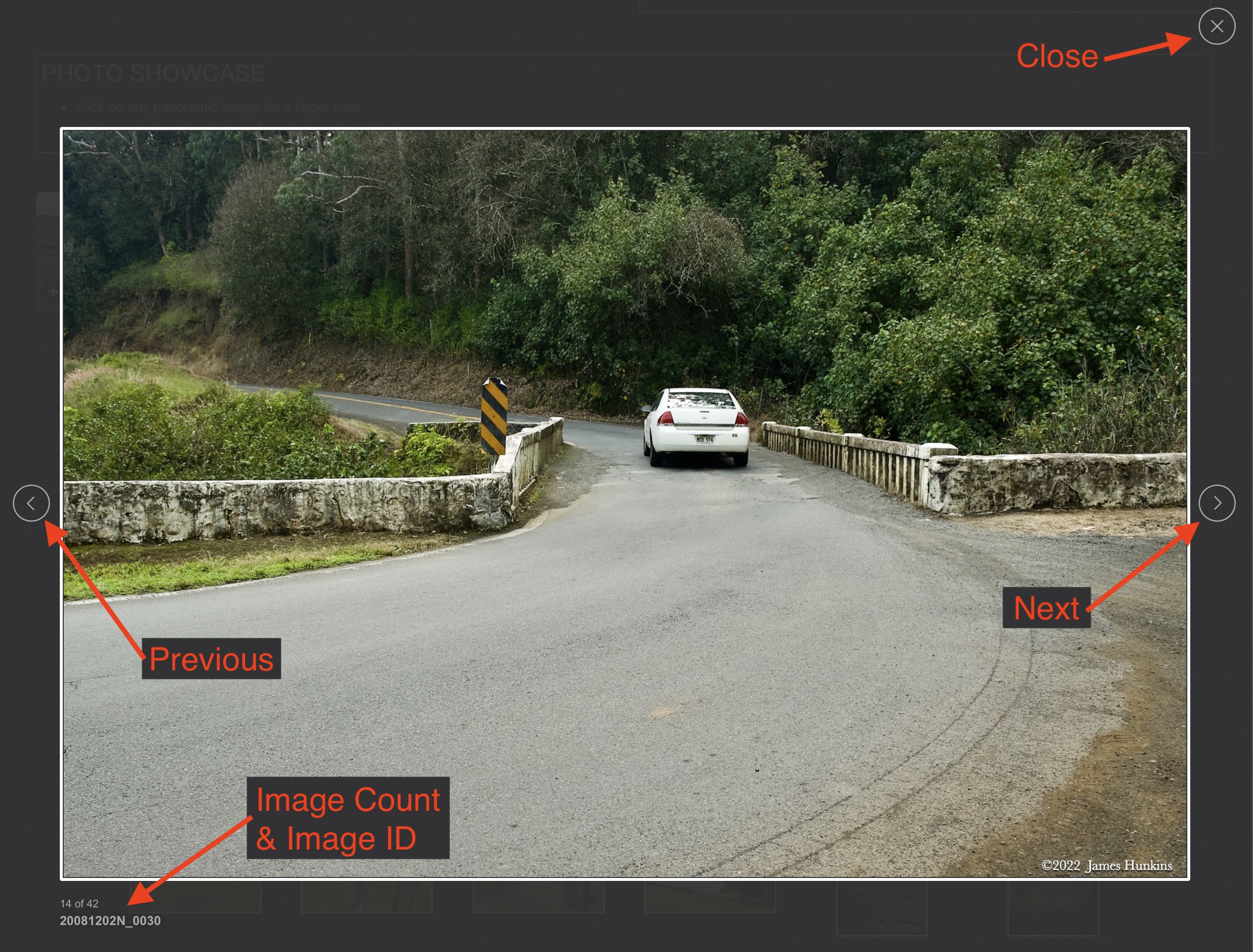
If you click on any photo thumbnail, it will open a larger viewer which can be used to walk through all of the standard photos on the page. Once open, to go forward click on the > on the right side of the enlarged image. To scan backwards, click on the < on the left side. To close the larger images either click on the X in the upper right hand corner of the browser window or anywhere outside of the enlarged image.
The Image ID label can be found by hovering a cursor over the thumbnail image (may not be available on some tablets/phones) or, once enlarged, from the lower left hand side just under the image.
Additionally, in the same area as the Image ID (or the upper left corner for newer/updated sites) a count showing the current image number versus the total number of images available for viewing.

For newer or updated sites (look for the orange checkbox in the header of a sites main page), additional buttons have been added when viewing a full size image. From left to right, the buttons are:
- Email: will open an email with information and a link to the current image
- WhatsApp: if WhatsApp is on your system, will open a browser window to open WhatsApp and create a message with information and a link to the current image
- FaceBook: Will open a browser window to open Facebook and create a message with information and a link to the current image
- full screen: will take over the entire display versus just the browser in most systems; ESC returns to the brower only mode
- magnify: enlarges the image within the browser or full screen; if the image is larger than can be displayed it can be scrolled
- exit: will close the large image viewer returning to the thumbnails




Links: (none)
PHOTO SHOWCASE
- click on any thumbnail image for a larger view/slideshow
-
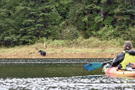 2309220003PTime for the kayak to back up a bit - distance from a bear is a good thing!
 -
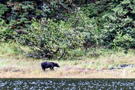 2309220006PAlaska Brown Bear
 -
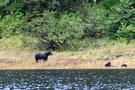 2309220009PAlaska Brown Bear
 -
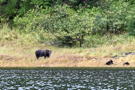 2309220011PAlaska Brown Bear
 -
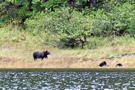 2309220018PThe bear is carrying something in his mouth
 -
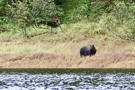 2309220021PAlaska Brown Bear
 -
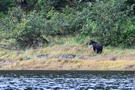 2309220029PSomething good to eat as he carries it off into the woods
 -
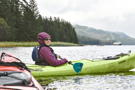 2309220034POne of our kayaking group with our ship in the background
 -
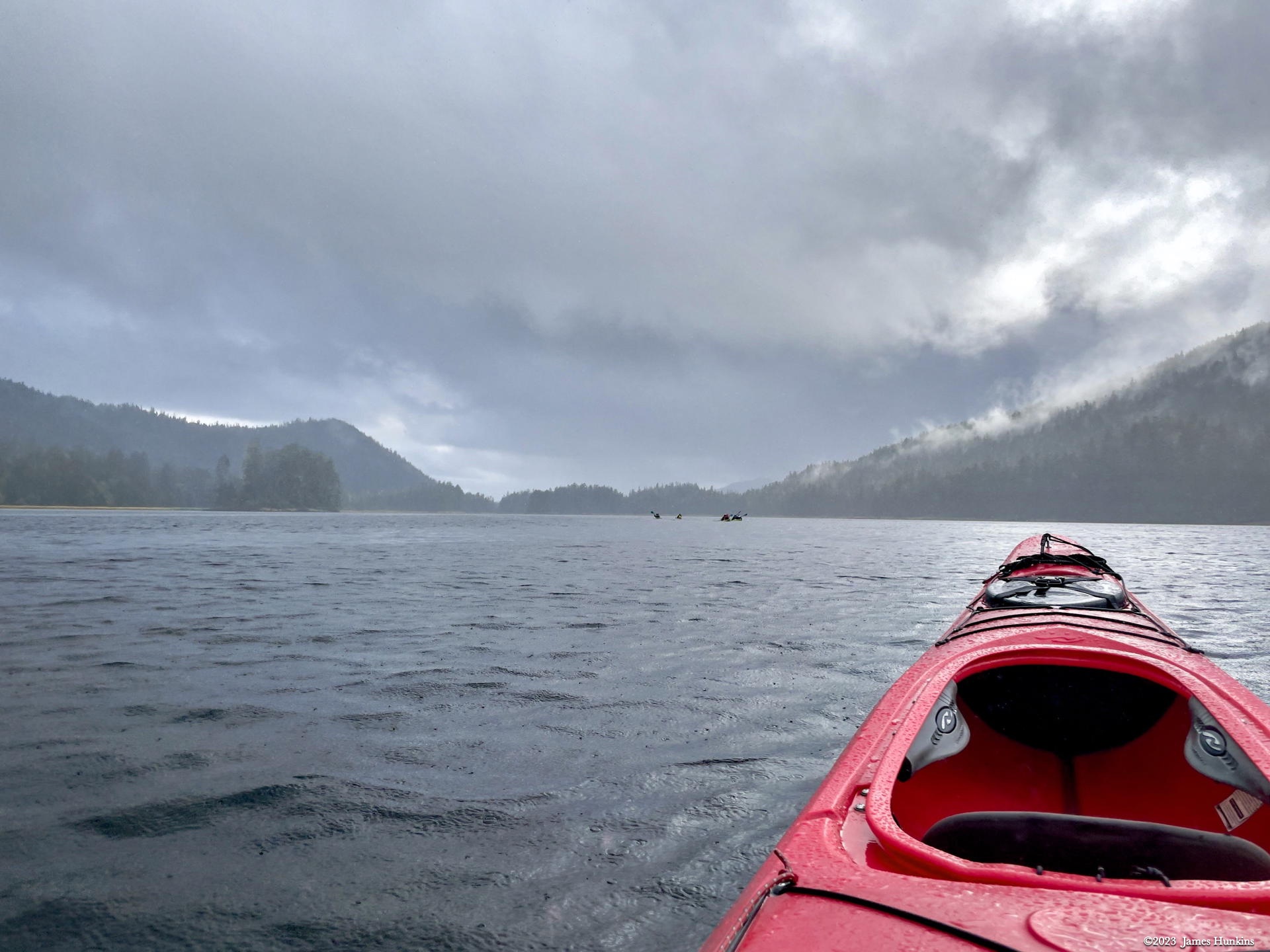
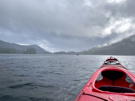 2309220036PHeading up the inlet - fellow kayakers in the distance
 -
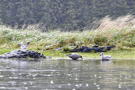 2309220040PThe birds didn’t seem to mind the rain, even without raincoats or umbrellas!
 -
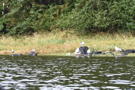 2309220049PSea birds perched comfortably on rocks along the shoreline
 -
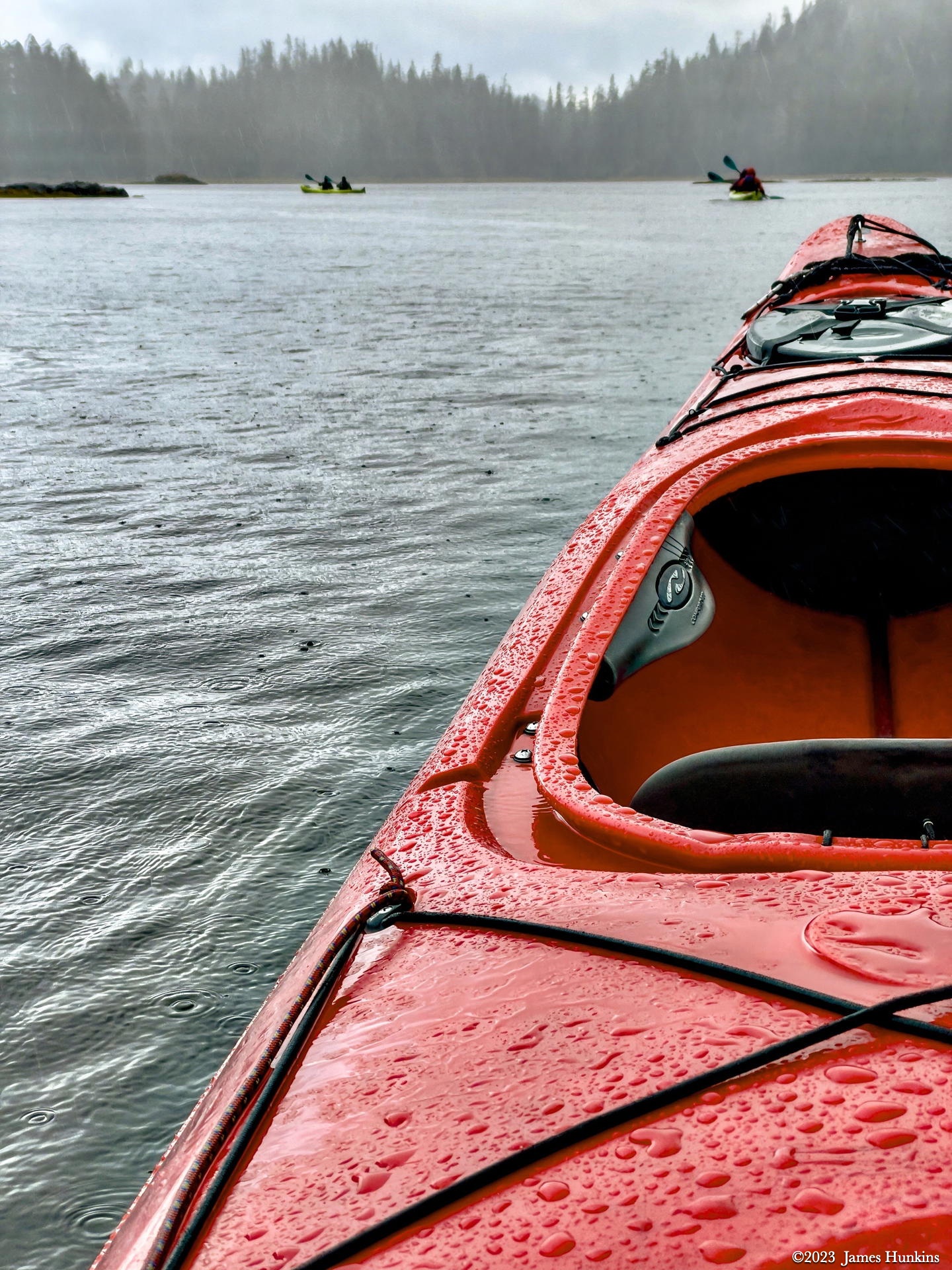
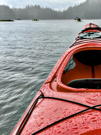 2309220052PI seemed to have lost my kayaking partner!?
 -
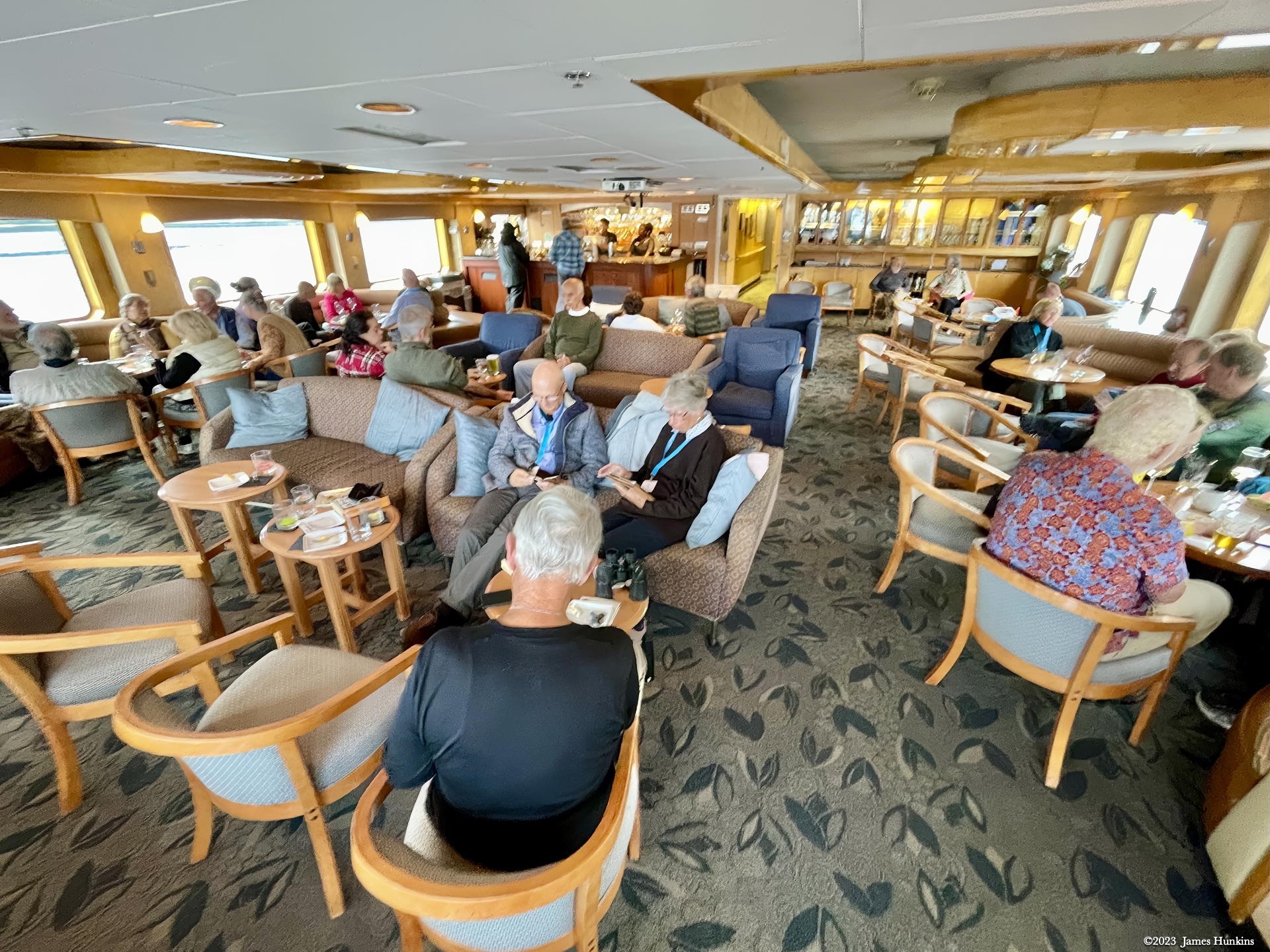
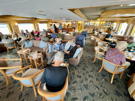 2309220055PTime to relax in our ship’s comfortable lounge/bar area
 -
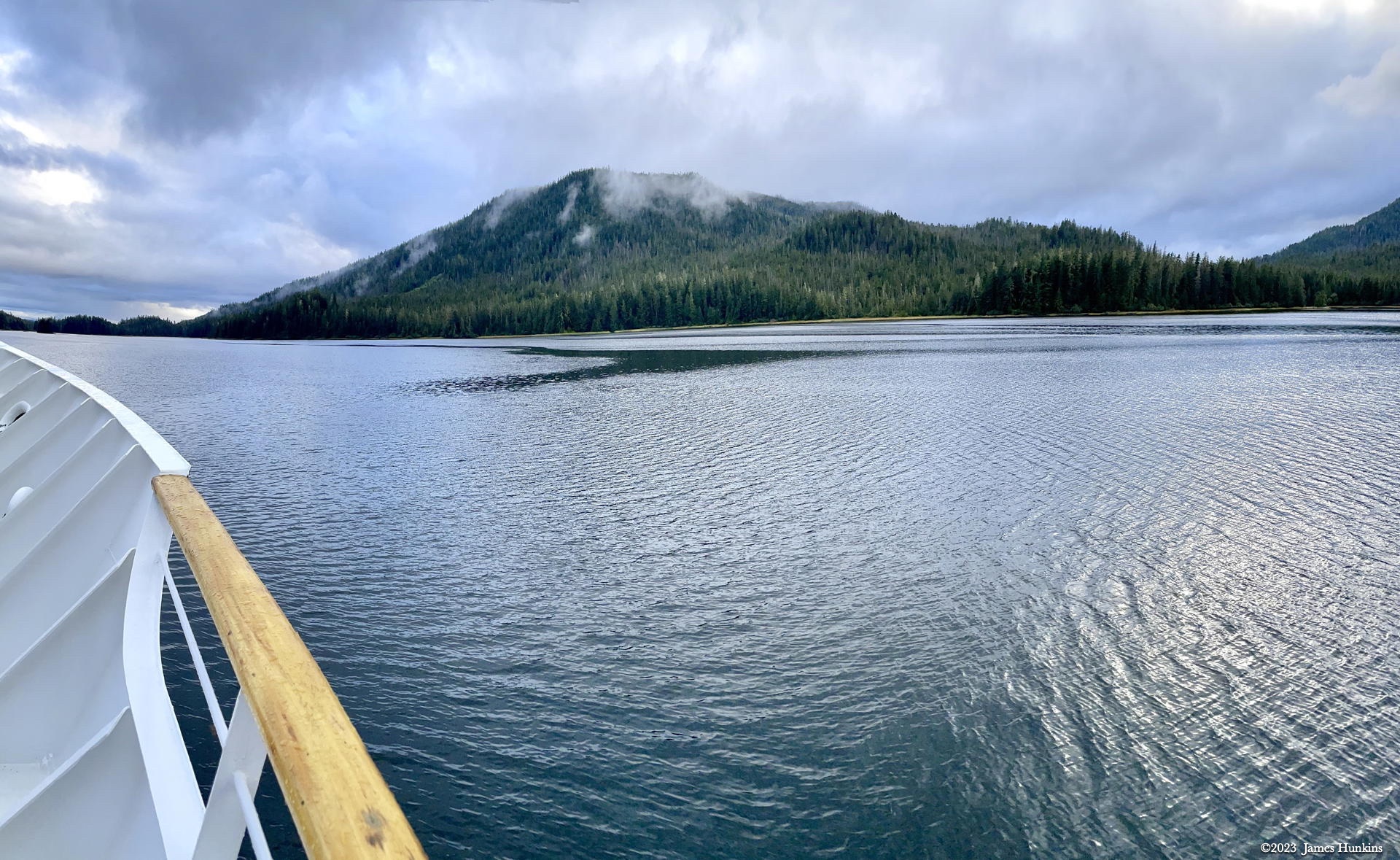
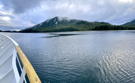 2309220056PHeading out toward Sitka the next morning
 -
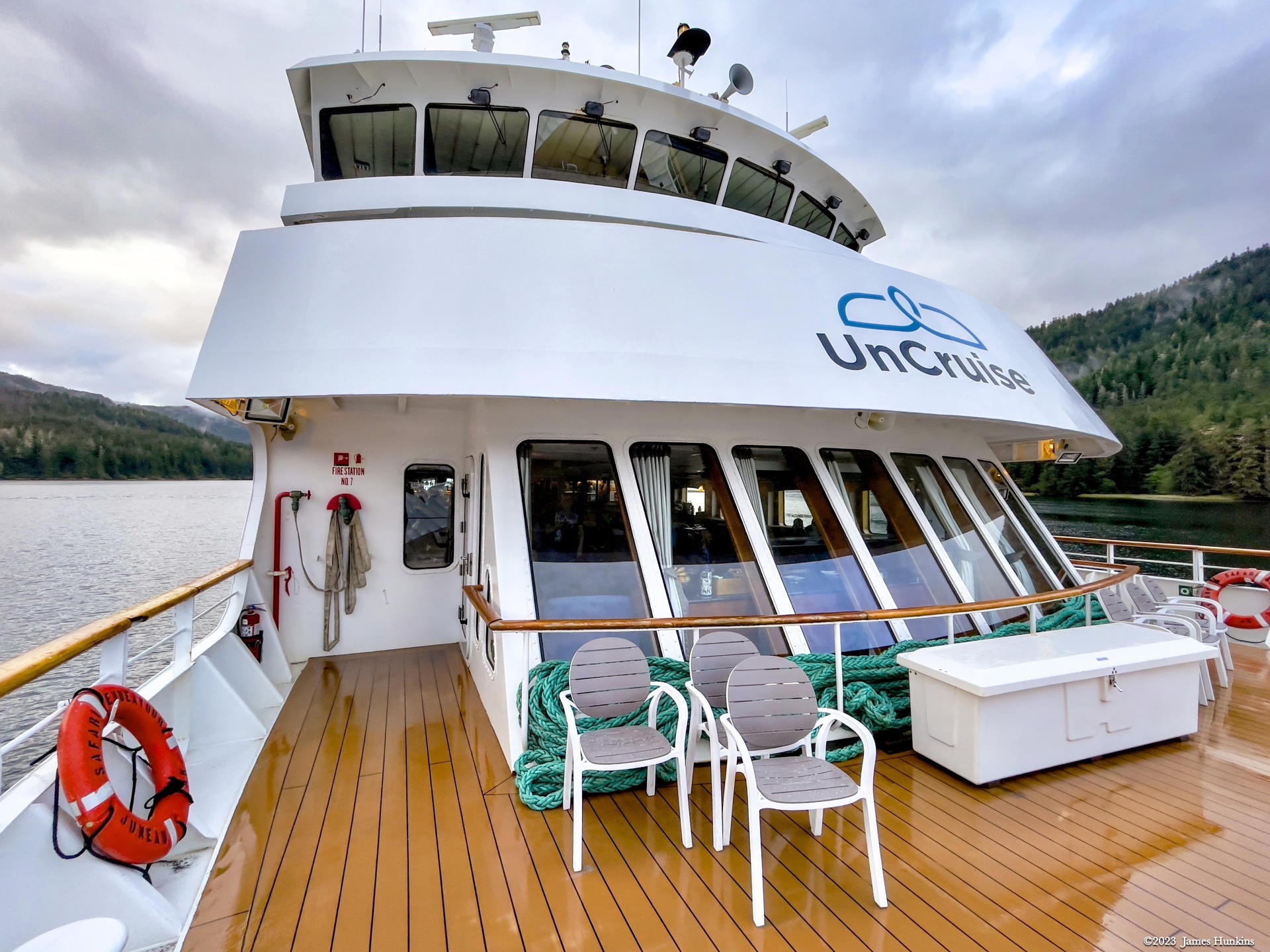
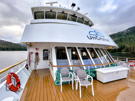 2309220058PFrom our forward deck (forecastle)