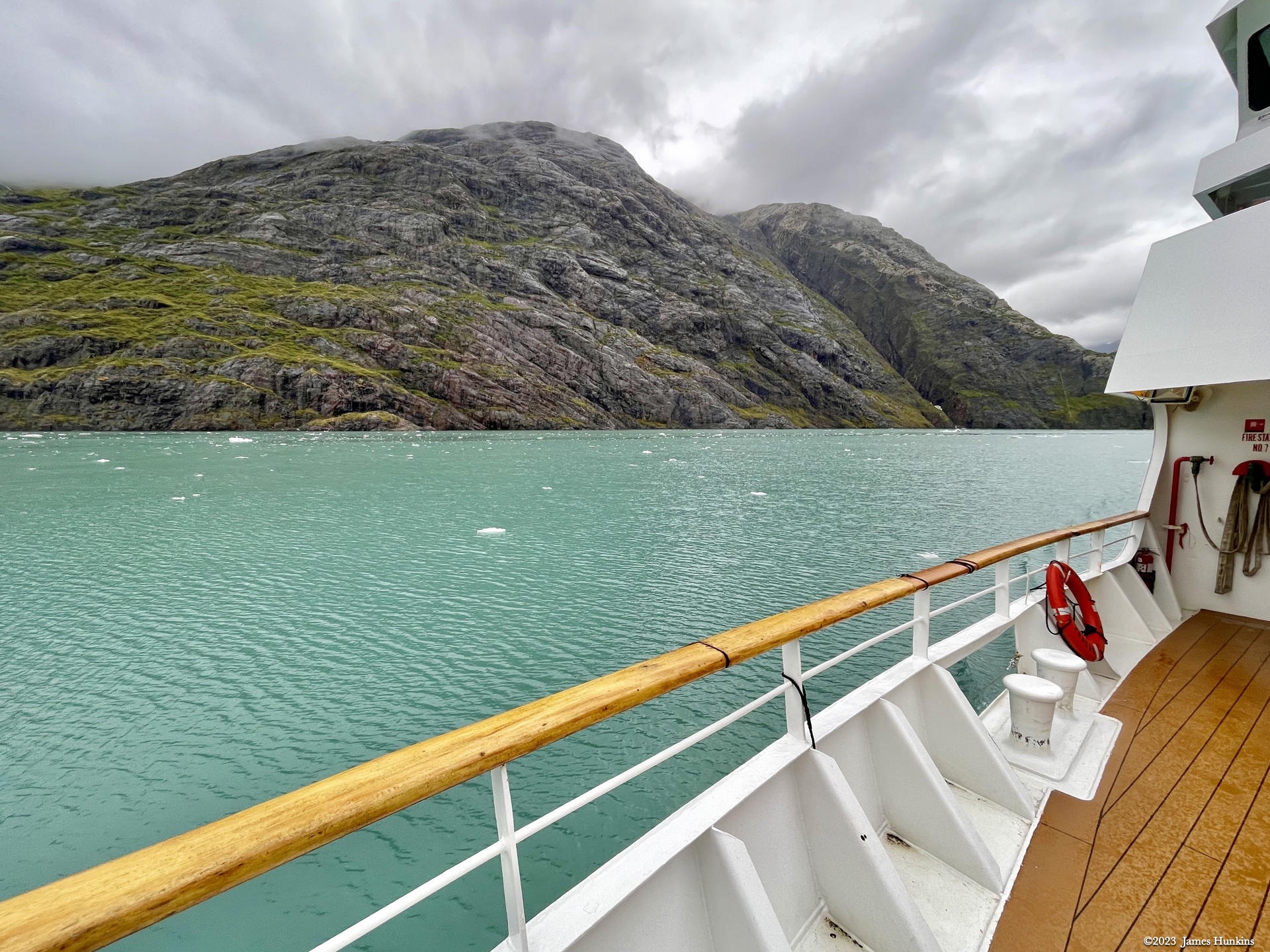
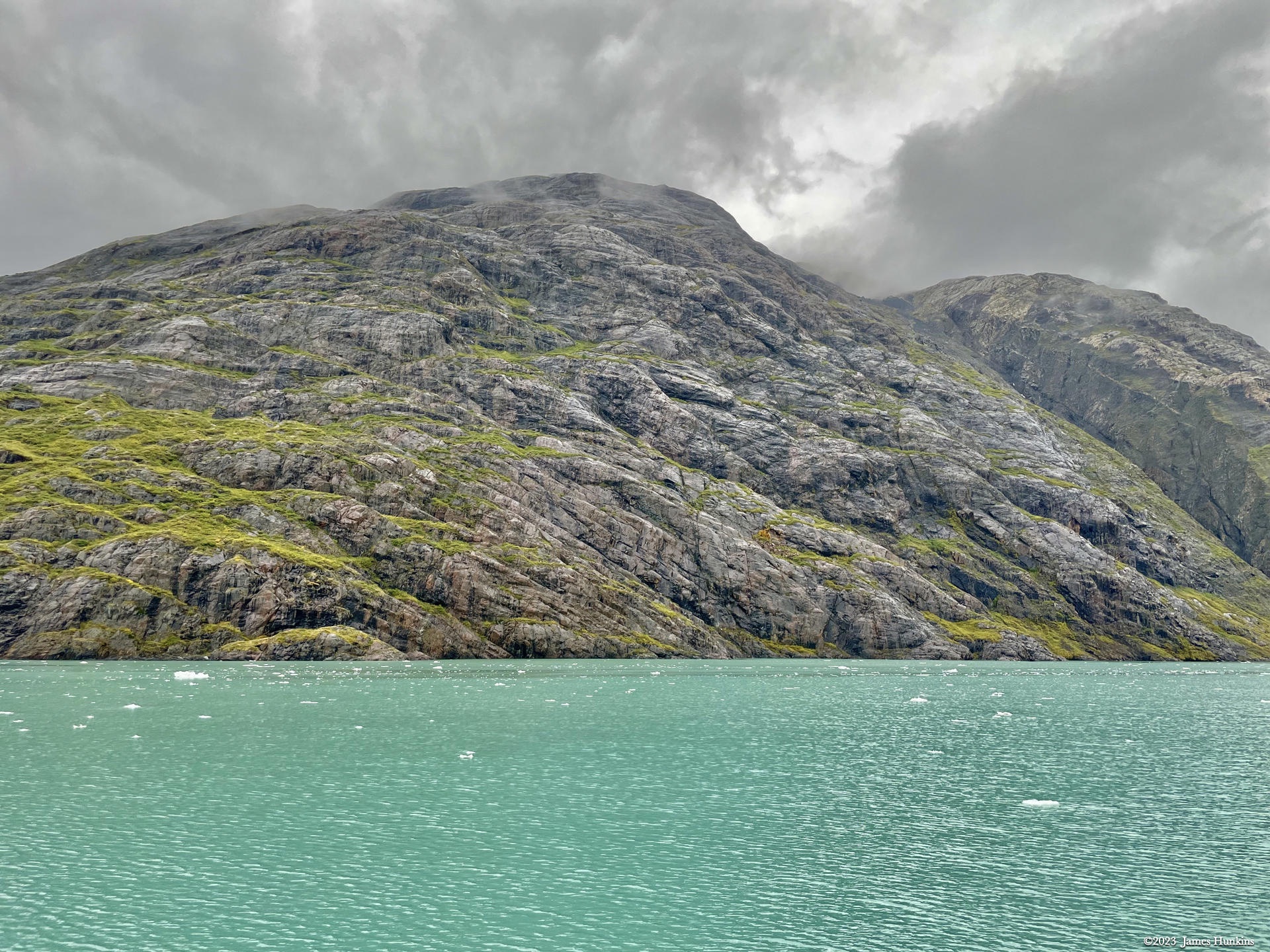
Alaska 2023
GLACIER BAY: TIDAL INLET, JOHNS HOPKINS GLACIER
DAY 4 : MONDAY SEPT 18, 2023
Today was a nice combination of geology, onshore bushwhacking, wildlife viewing, and a massive glacier.
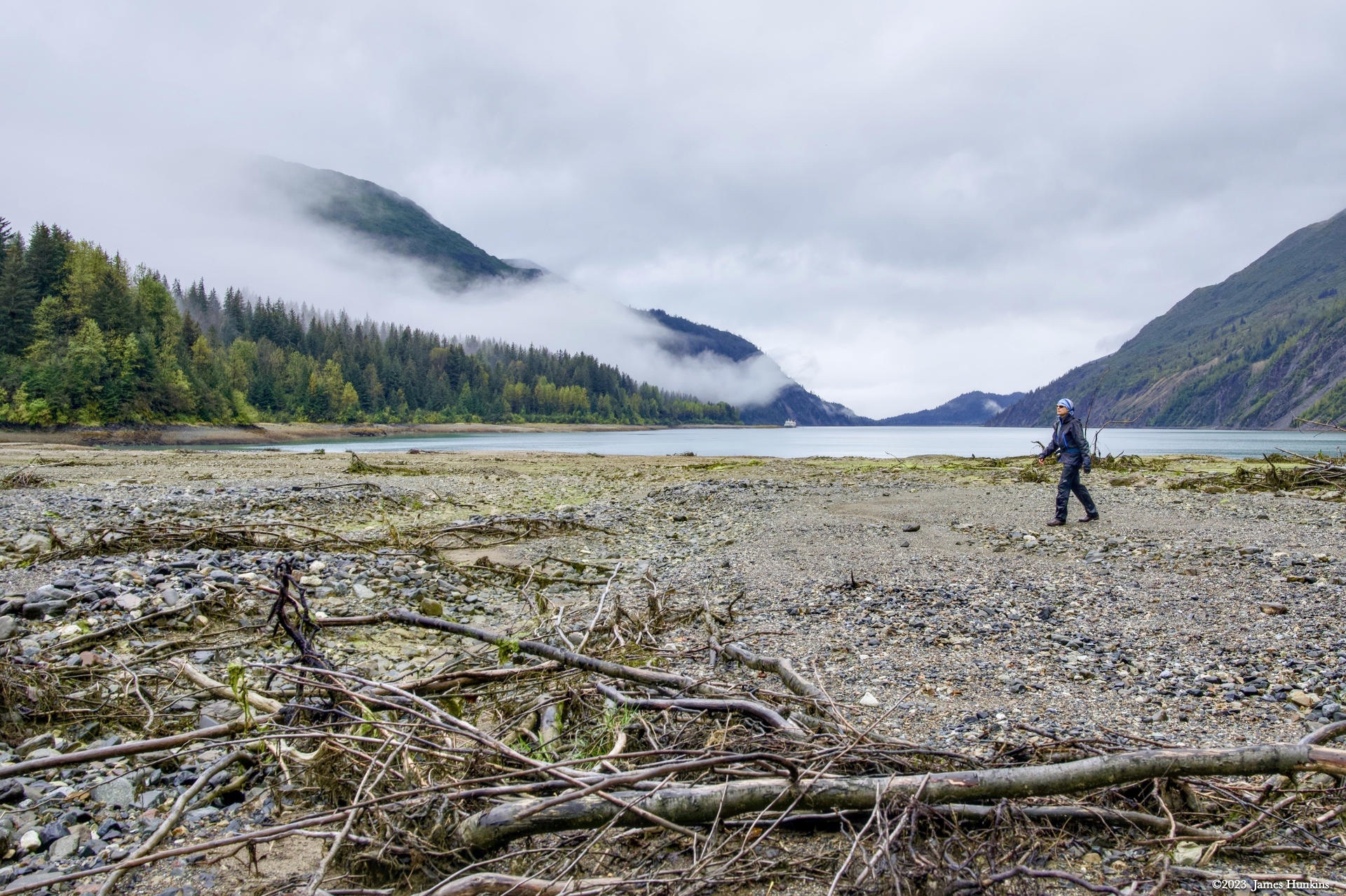
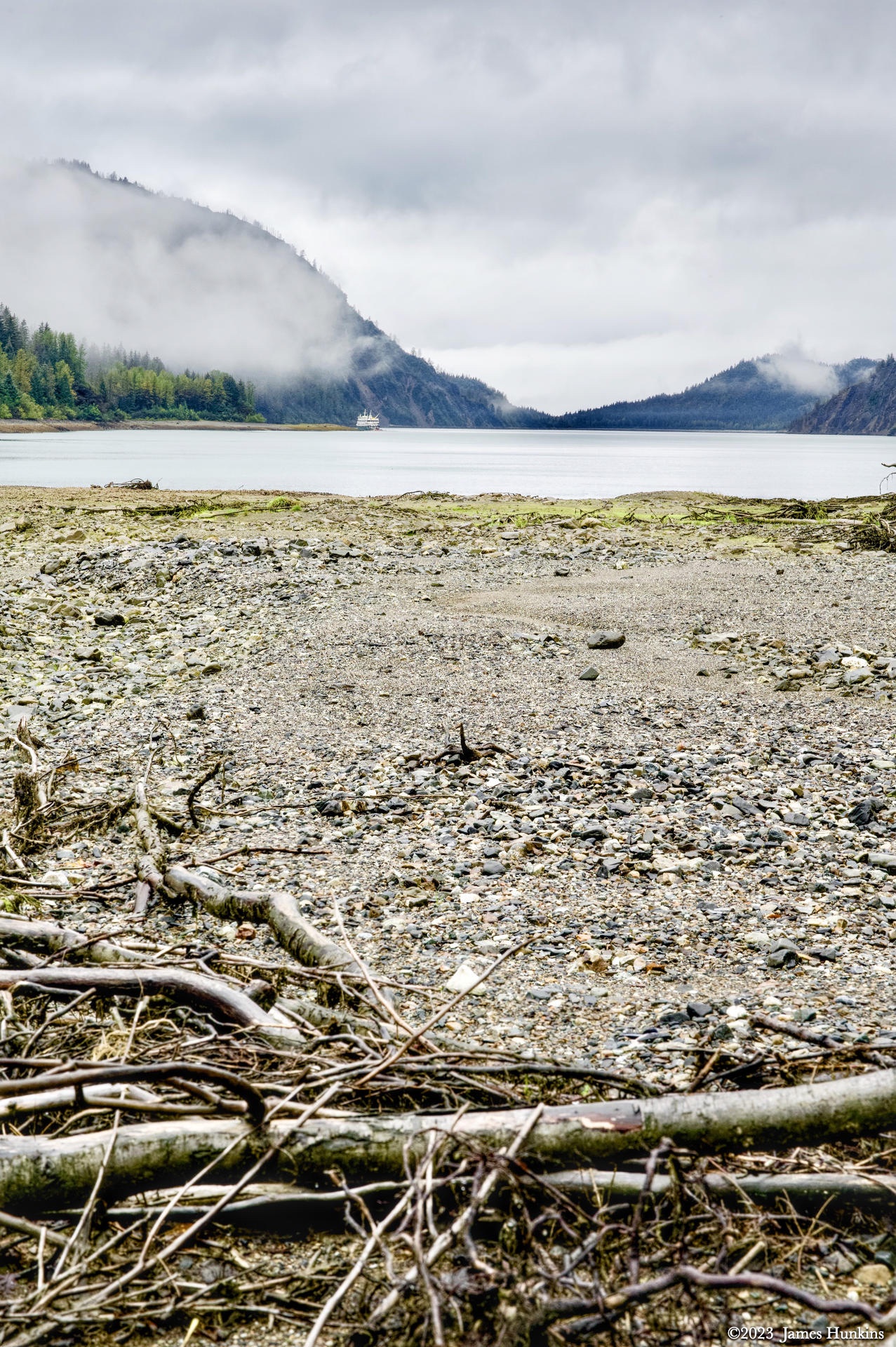
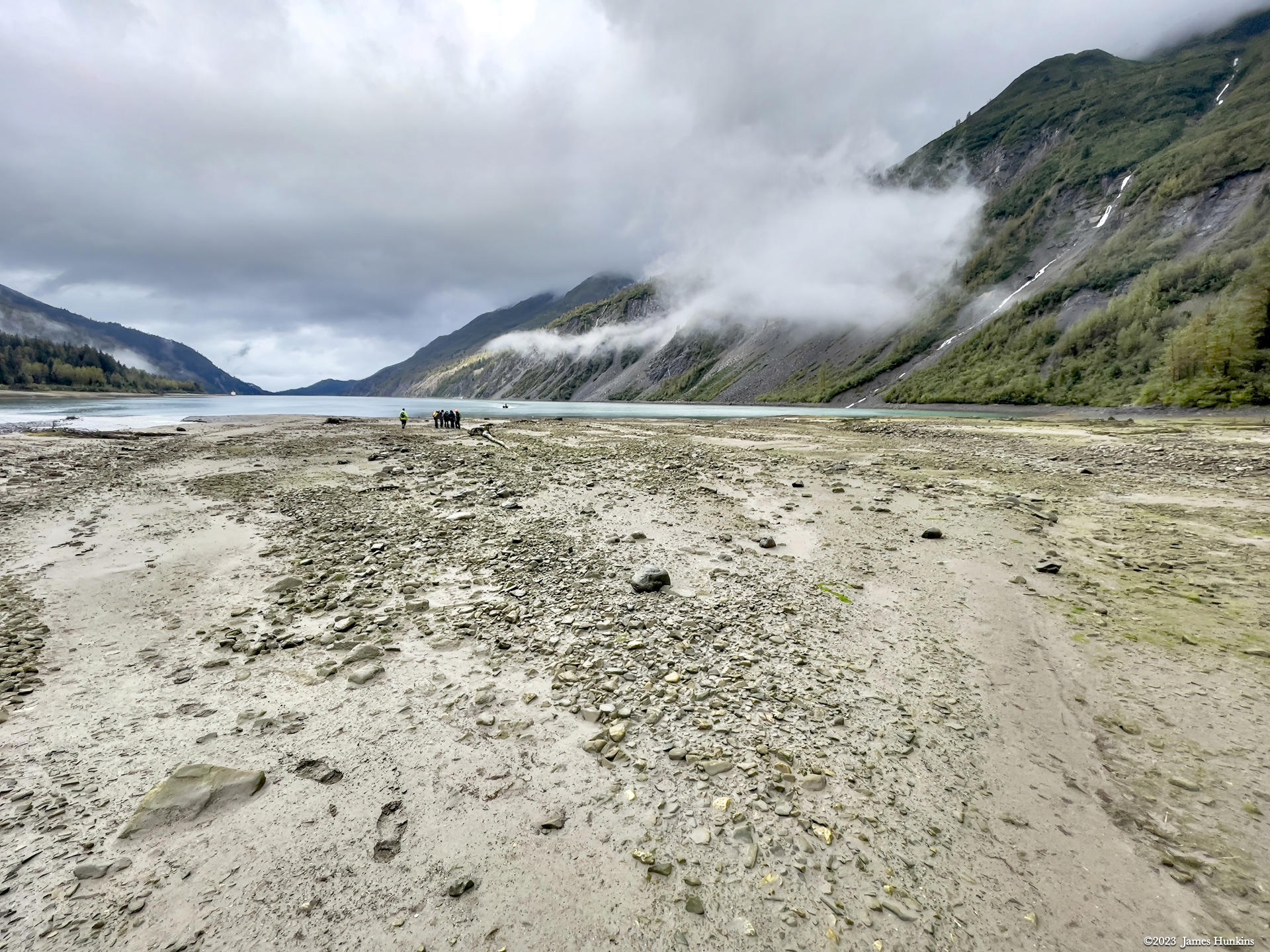
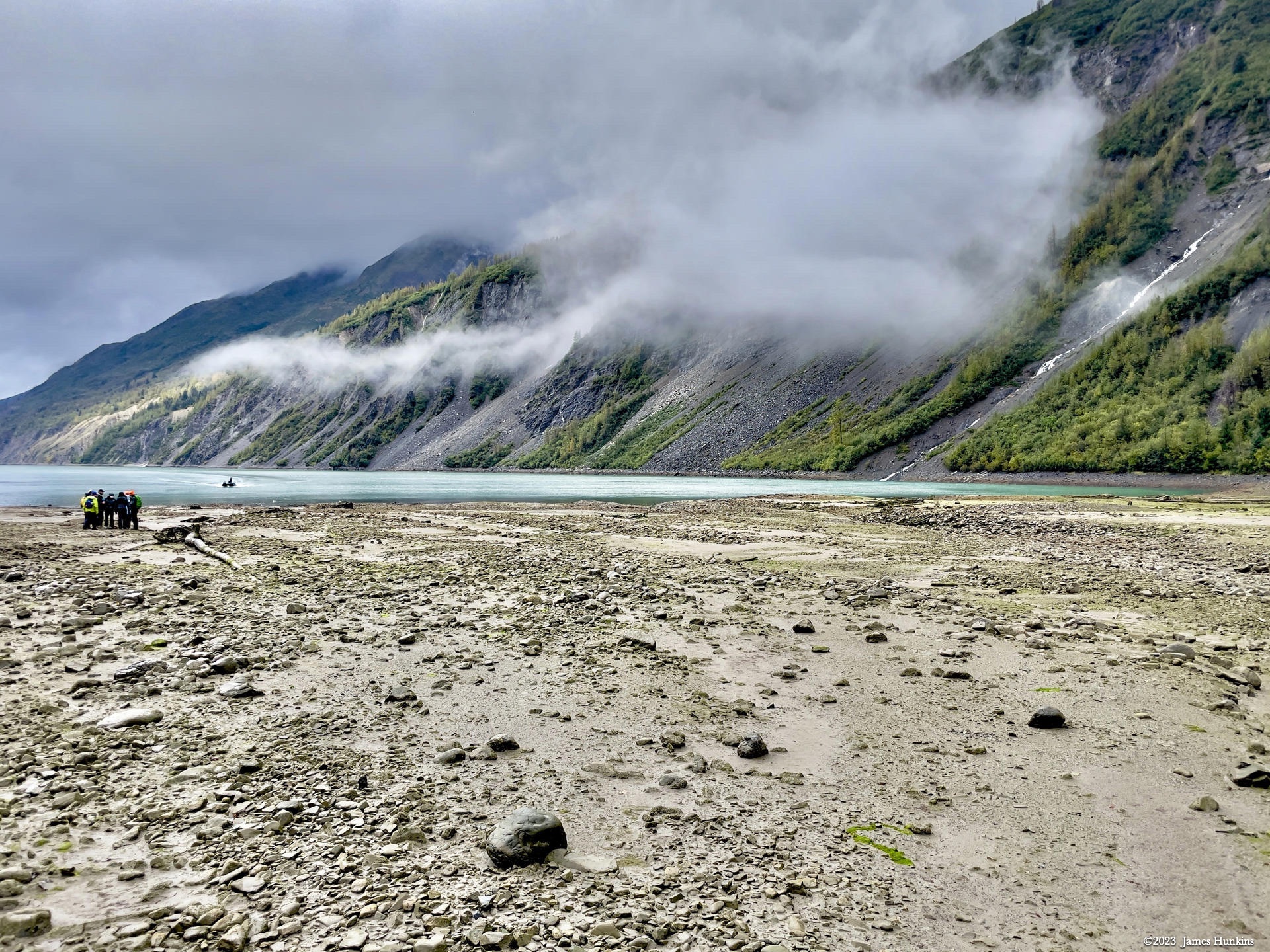
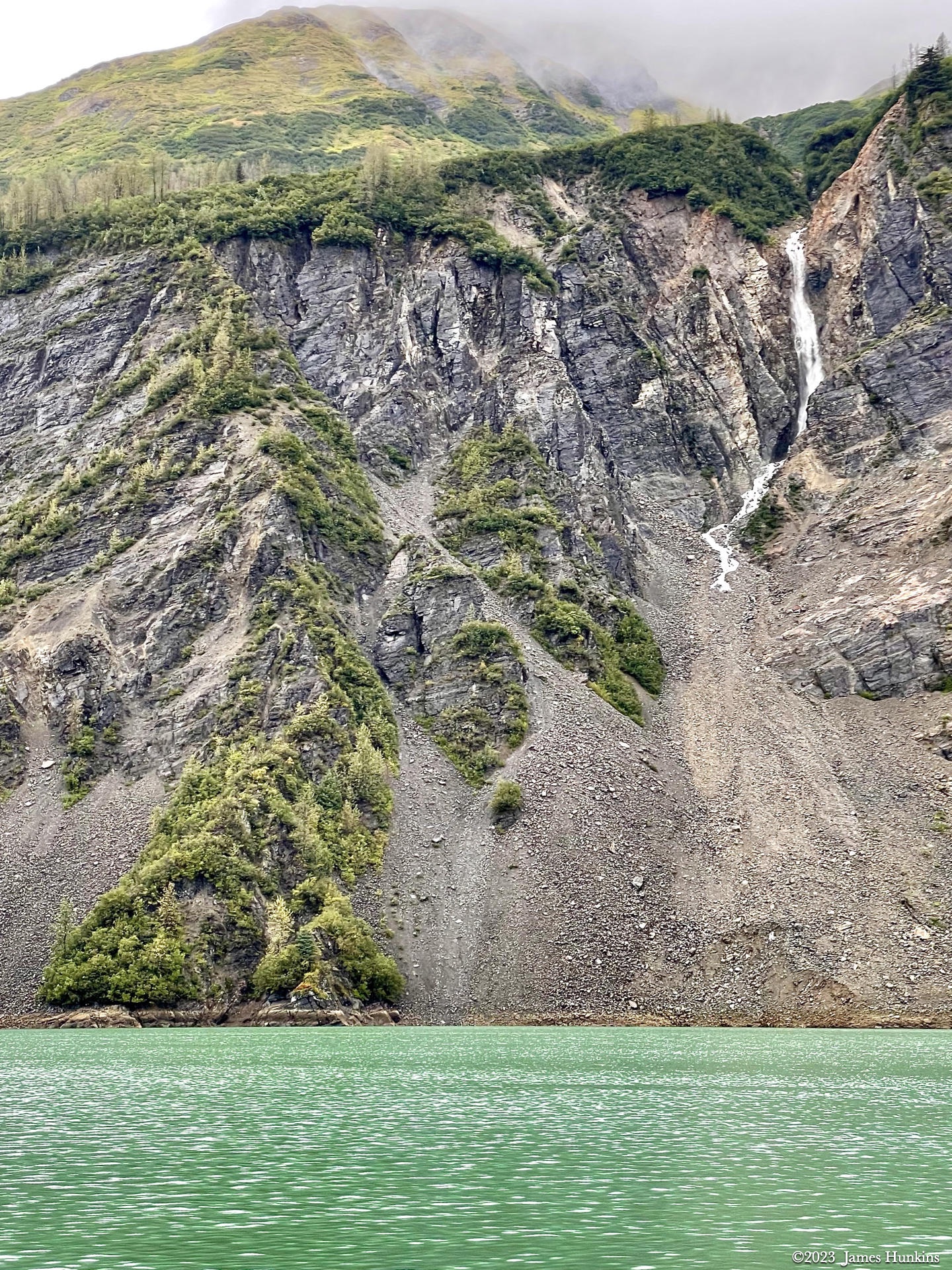
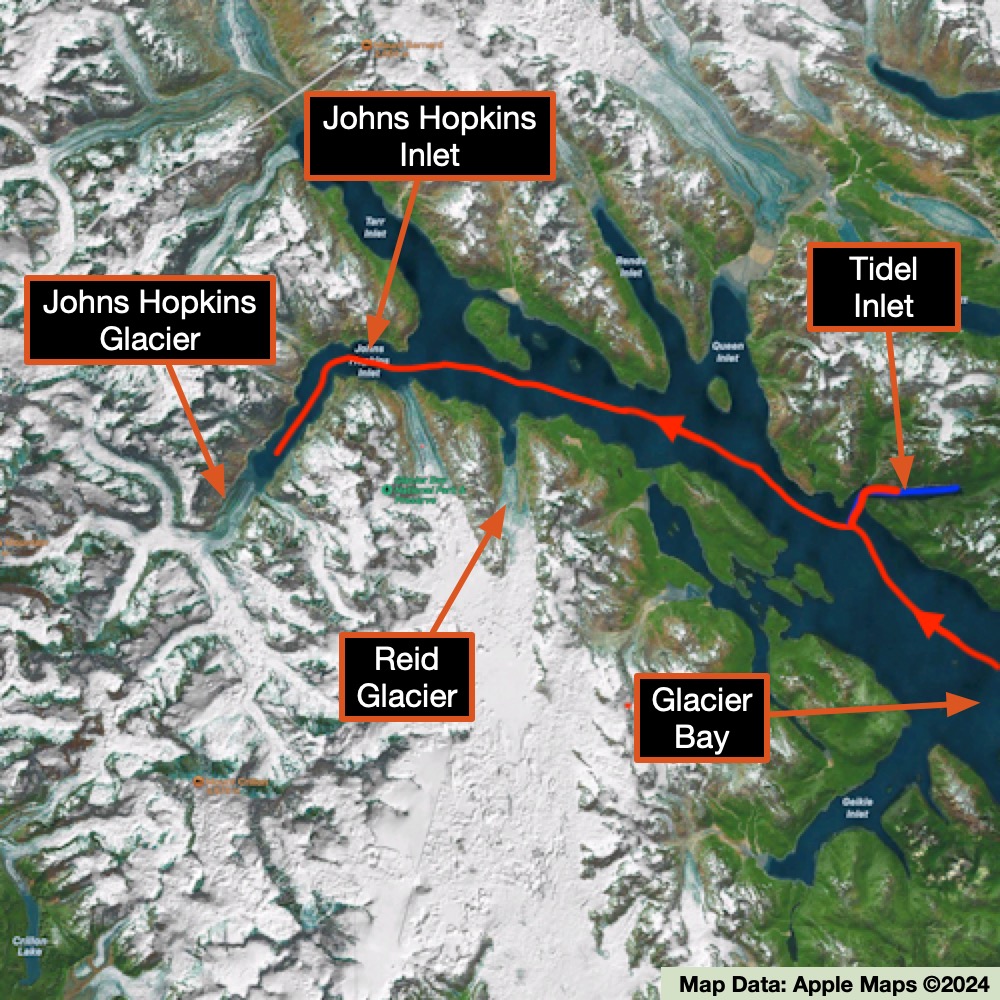
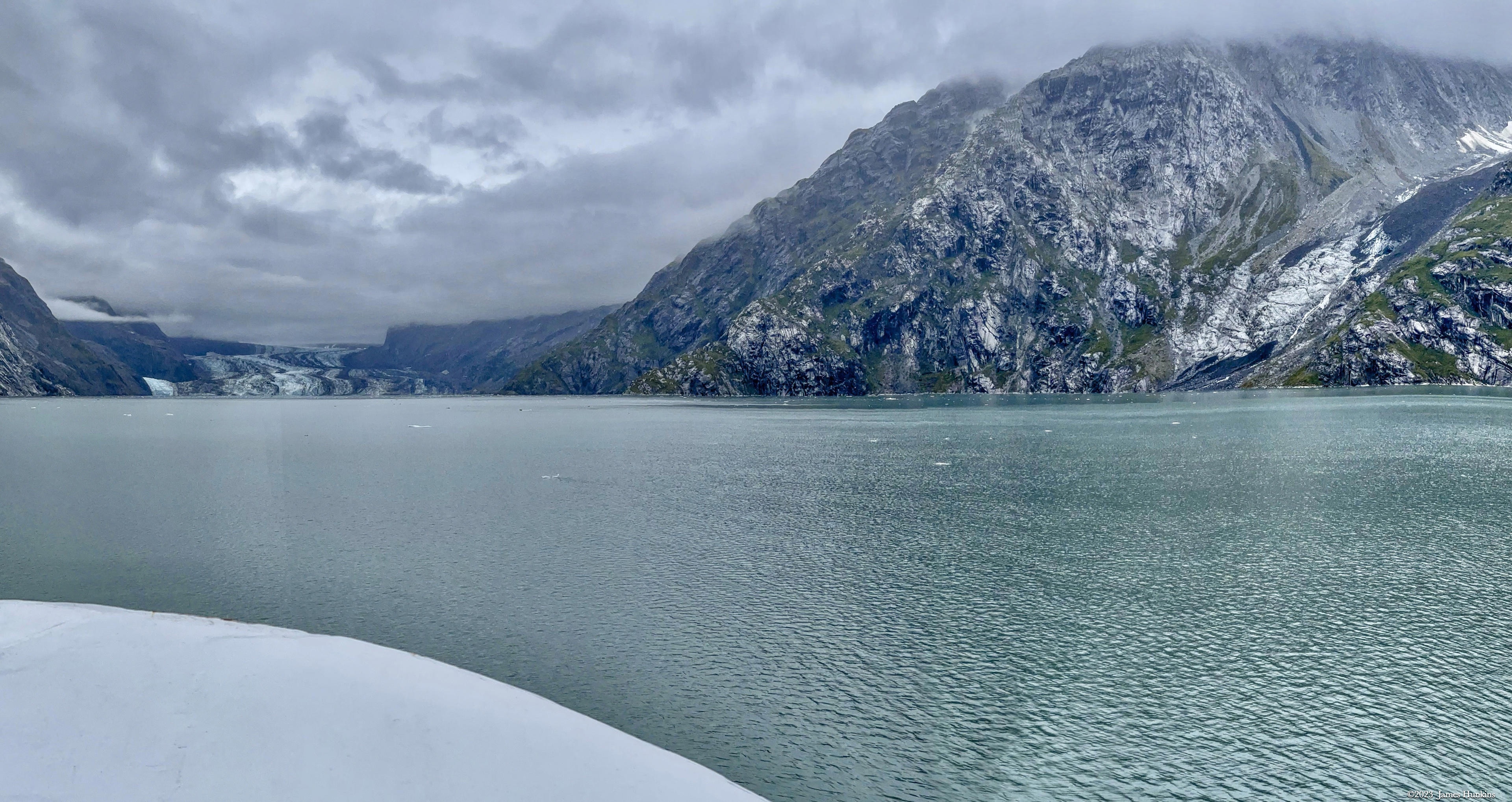
We started by heading up the Tidal Inlet. This inlet is known for a massive slow-moving slide on one of its steep slopes that has the potential if triggered by an earthquake, large snowfalls, or torrential rains, of collapsing into the water and potentially creating a wave that could travel at speeds of 45-50 m/s (148-164 ft/s) and reach heights up to 76 m (250 ft), running up to 200 m (656 ft) on the opposite shore of the Tidal Inlet. In other words, not a time to be on the water or anywhere near the shoreline. While this has not happened yet in this location, it has happened in other cliff sides in the region.
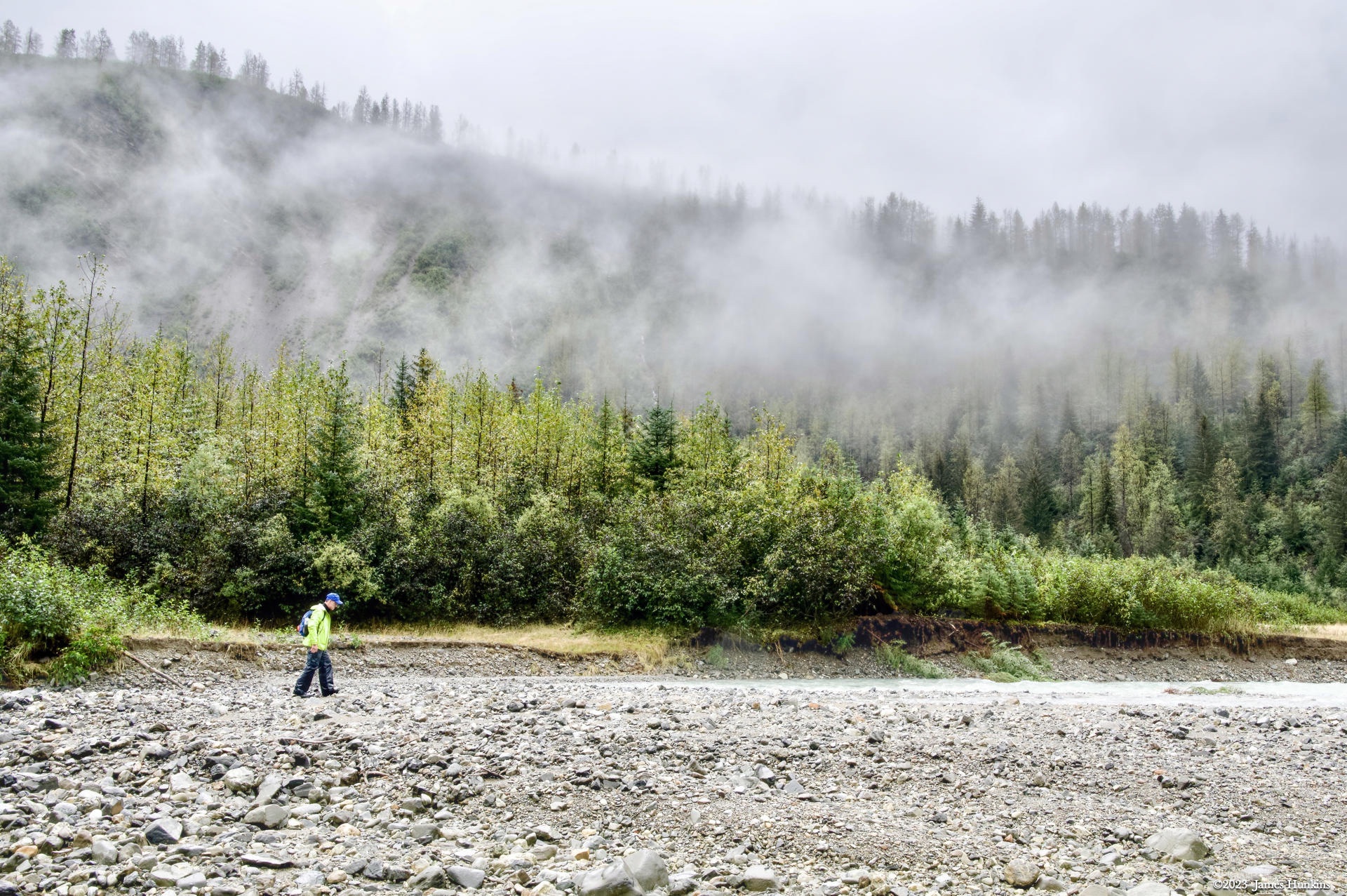
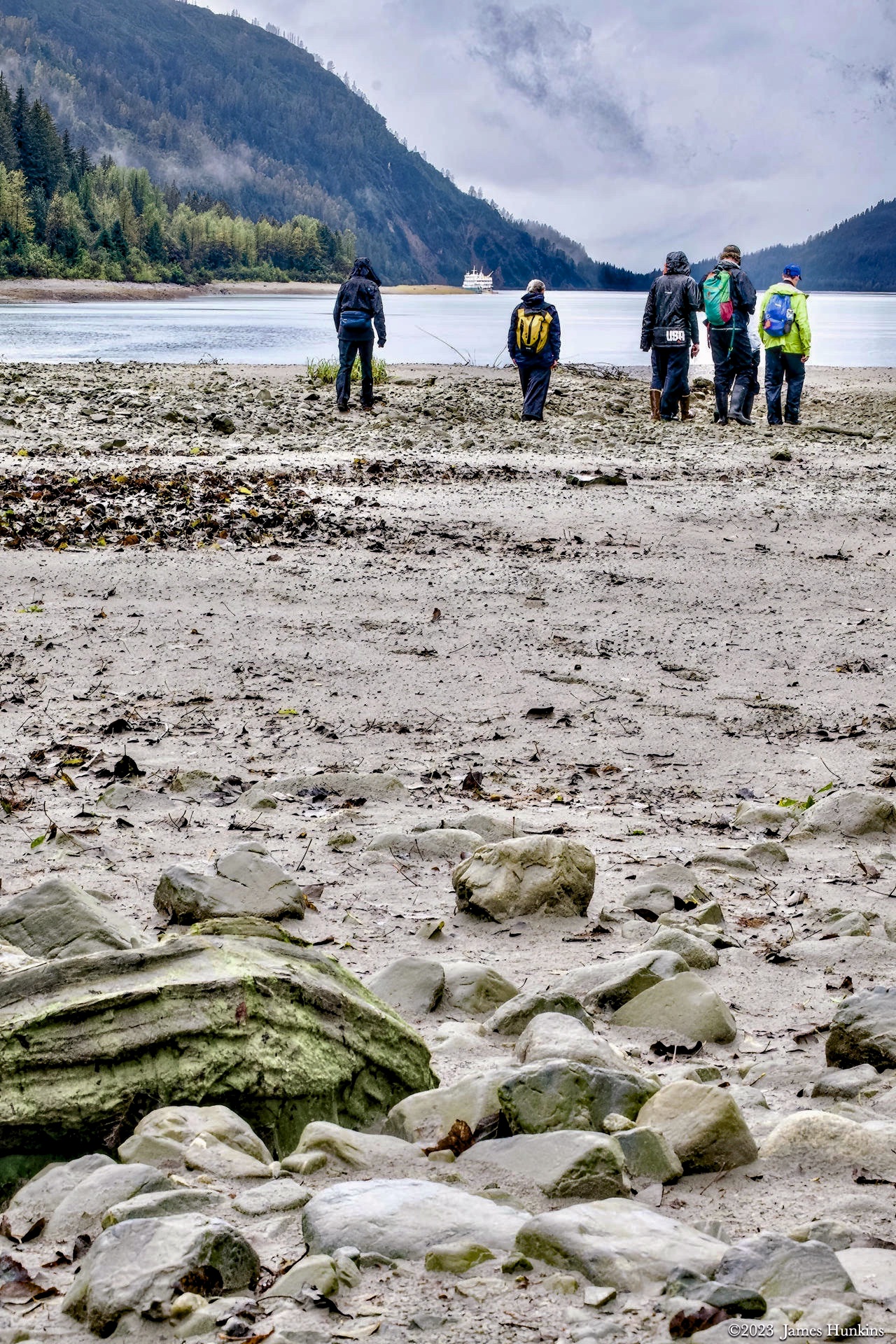
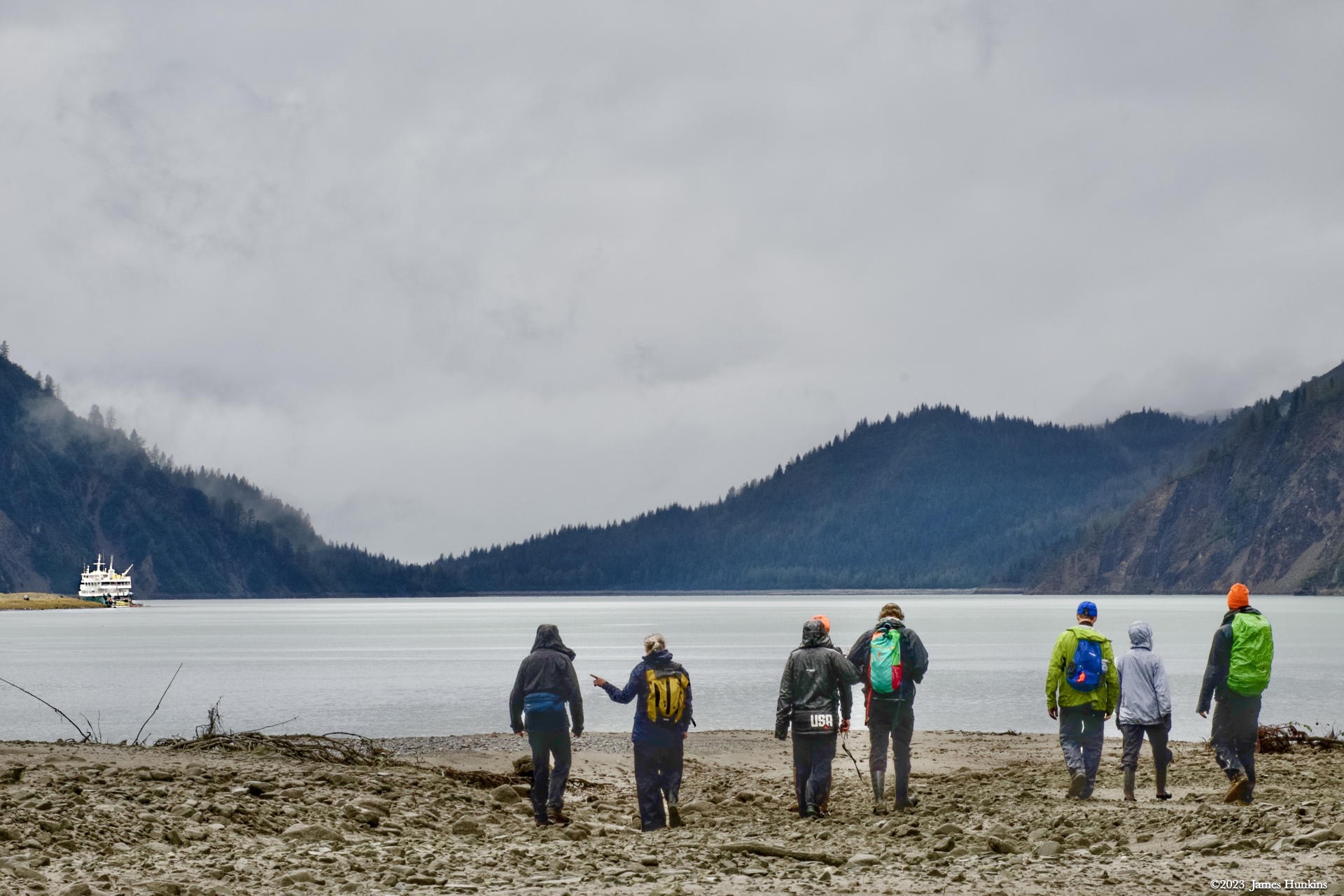
With that in mind, our skiff took us up to the top of the inlet where we started our first real bushwhacking into the Alaskan forest. While there isn’t a lot of topsoil, there is a lot of rain. And therefore a lot of plants and water (running and pooled). While most of the plant life is non-threatening, a quick lesson is that when you start sliding on the wet ground, look to see what you are grabbing before you grab anything. There is a common plant in this region called Devil’s Club. It is famous for being loaded on all its stems with stiff, small, and very painful spines. If you grab one, you will know it. And then take some time removing all of the small spines. By the way, bears like the berries it produces but they clearly have thicker skin than humans. Our human eyes though only saw the thorny stems - lots of them!
With that said, the bushwhacking was awesome. No trails, slippery ground, standing and running water, all types of mushrooms, and dense forest and ground cover. This was nature in its purest form! Oh yes, the rain boots and rain gear were critical. Even when it wasn’t raining, the vegetation was happy to share its abundant moisture with us.
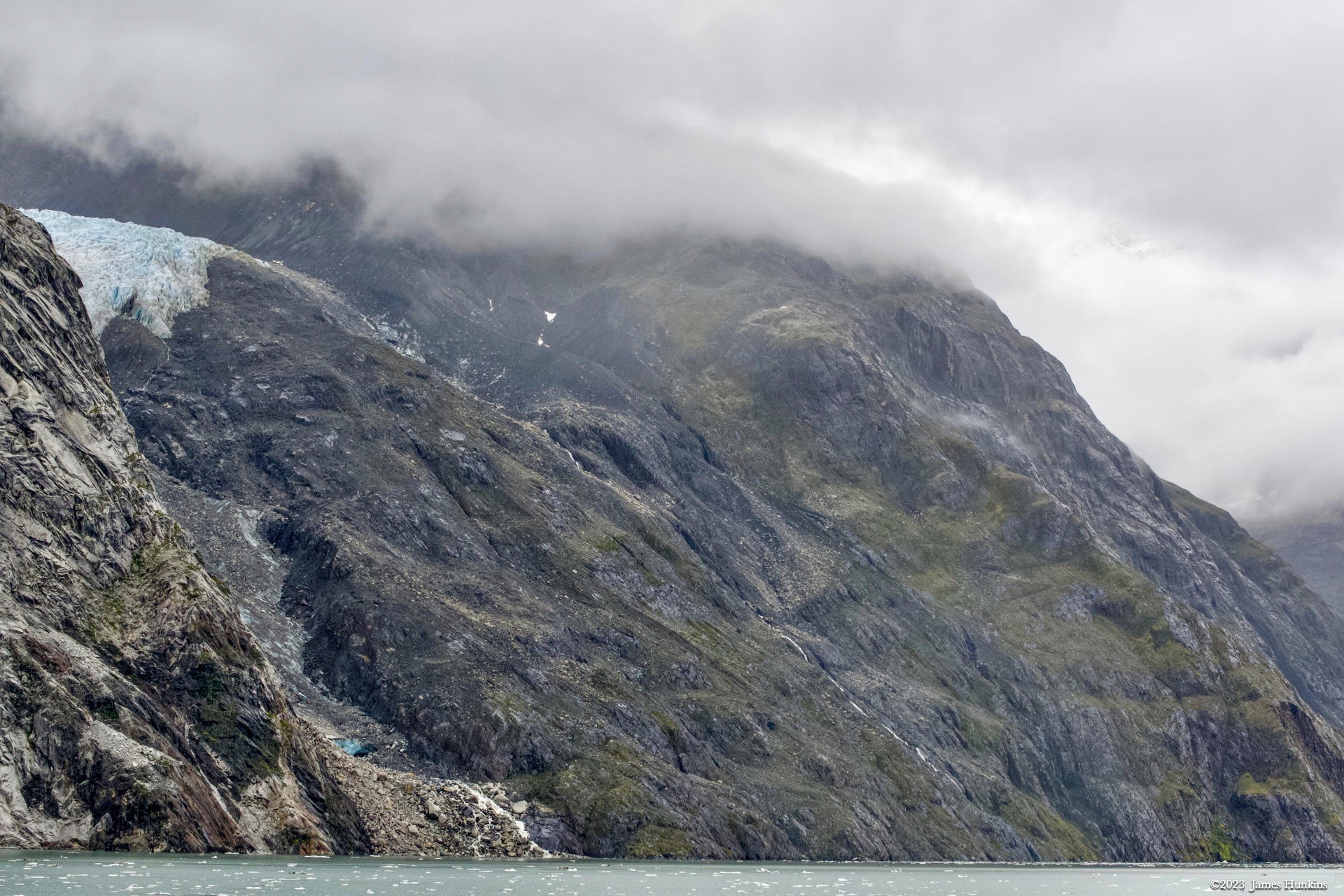
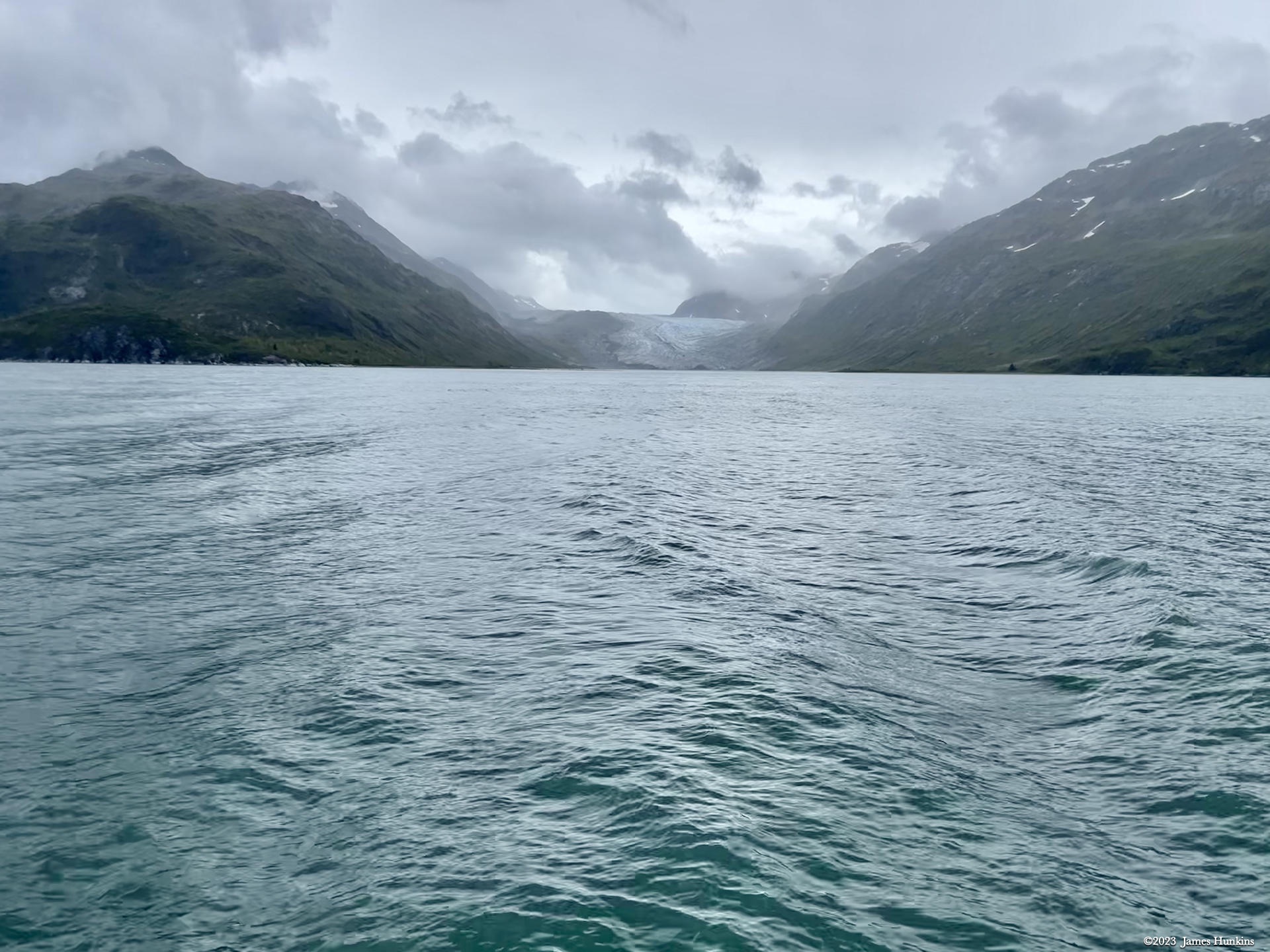
Once we reboarded our ship, we headed up towards Johns Hopkins Glacier. On the way, we passed Reid Glacier along with a few smaller glaciers poking out from the cliffs above us, ending abruptly without reaching the shore or waterline.
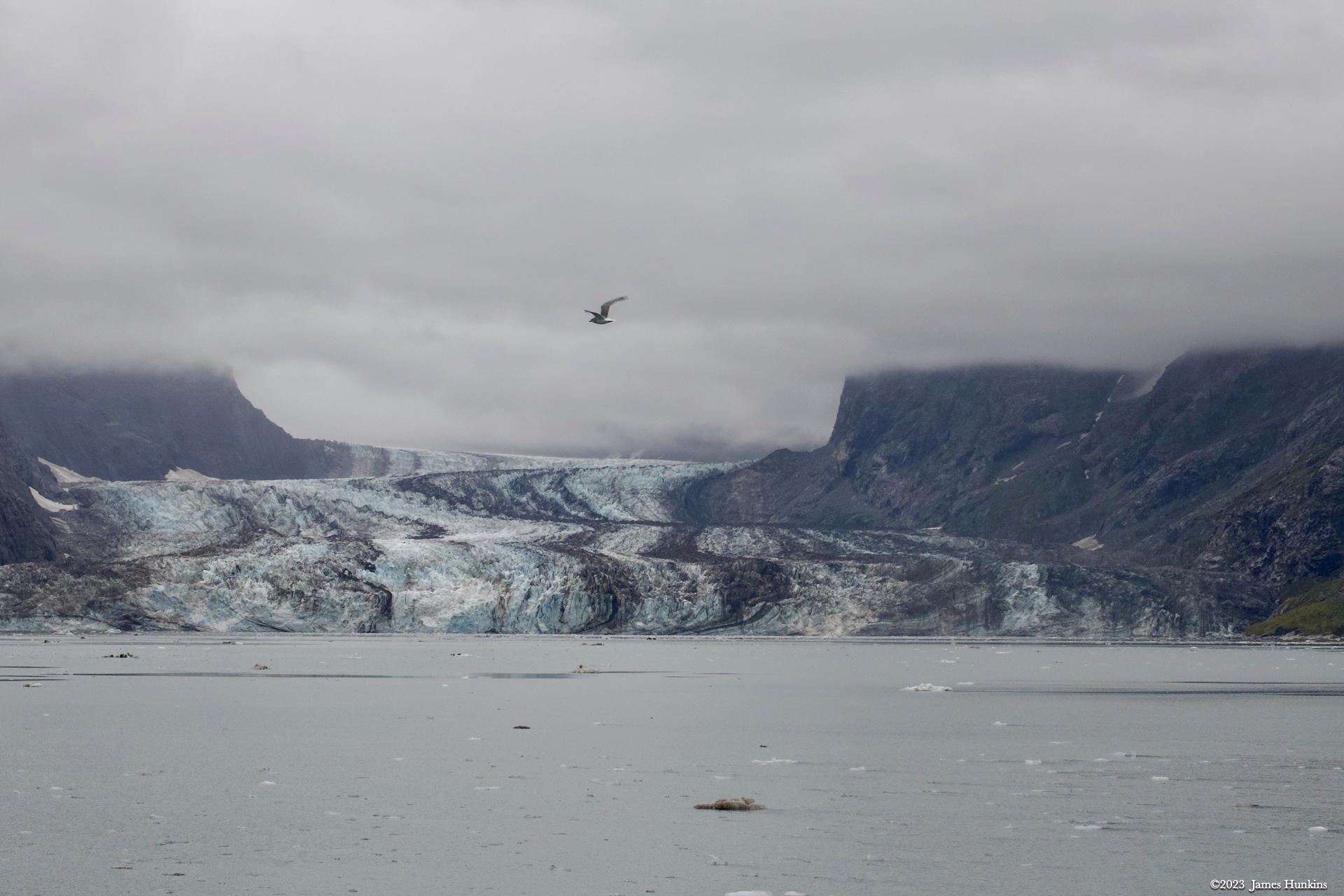
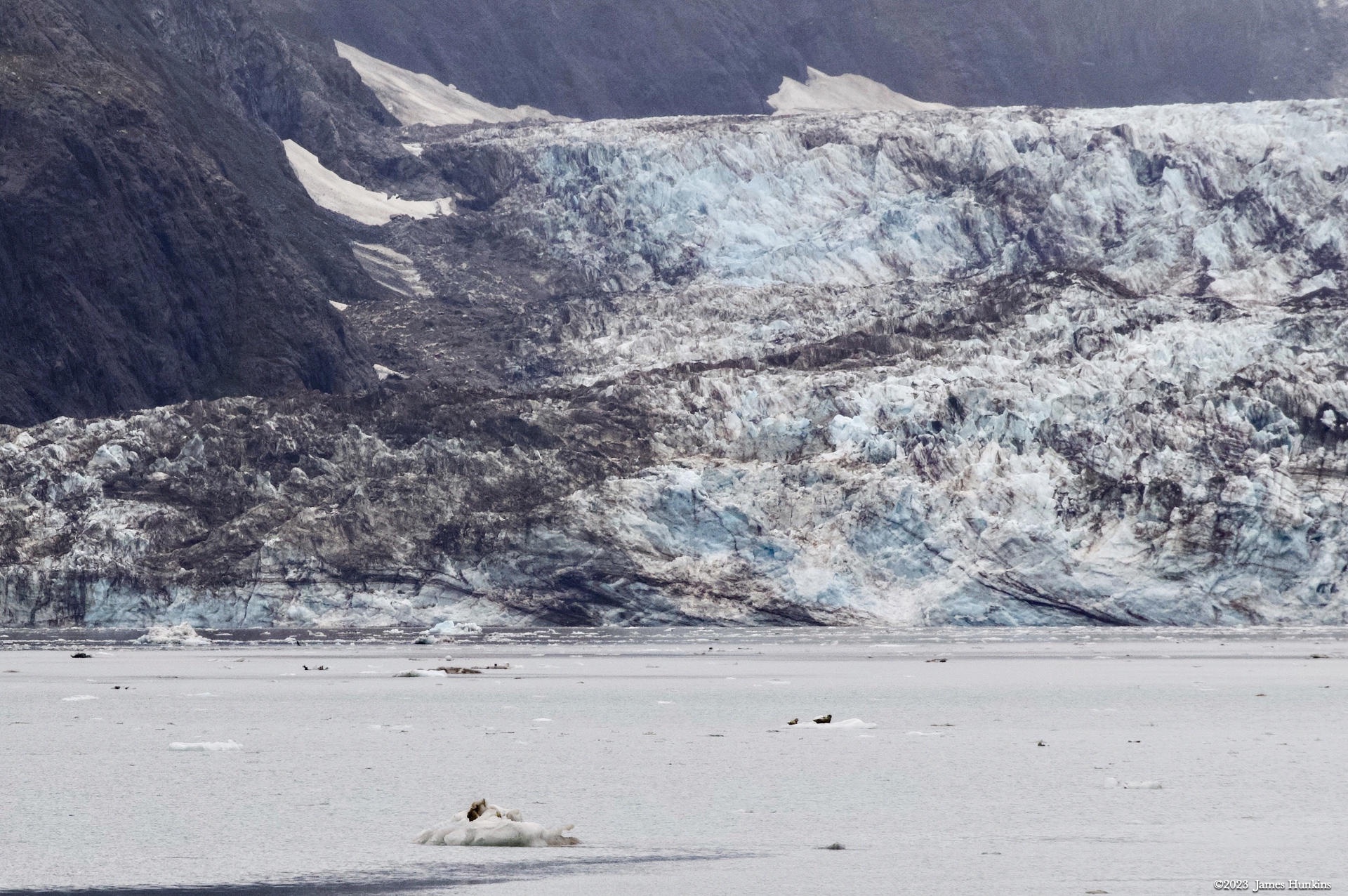
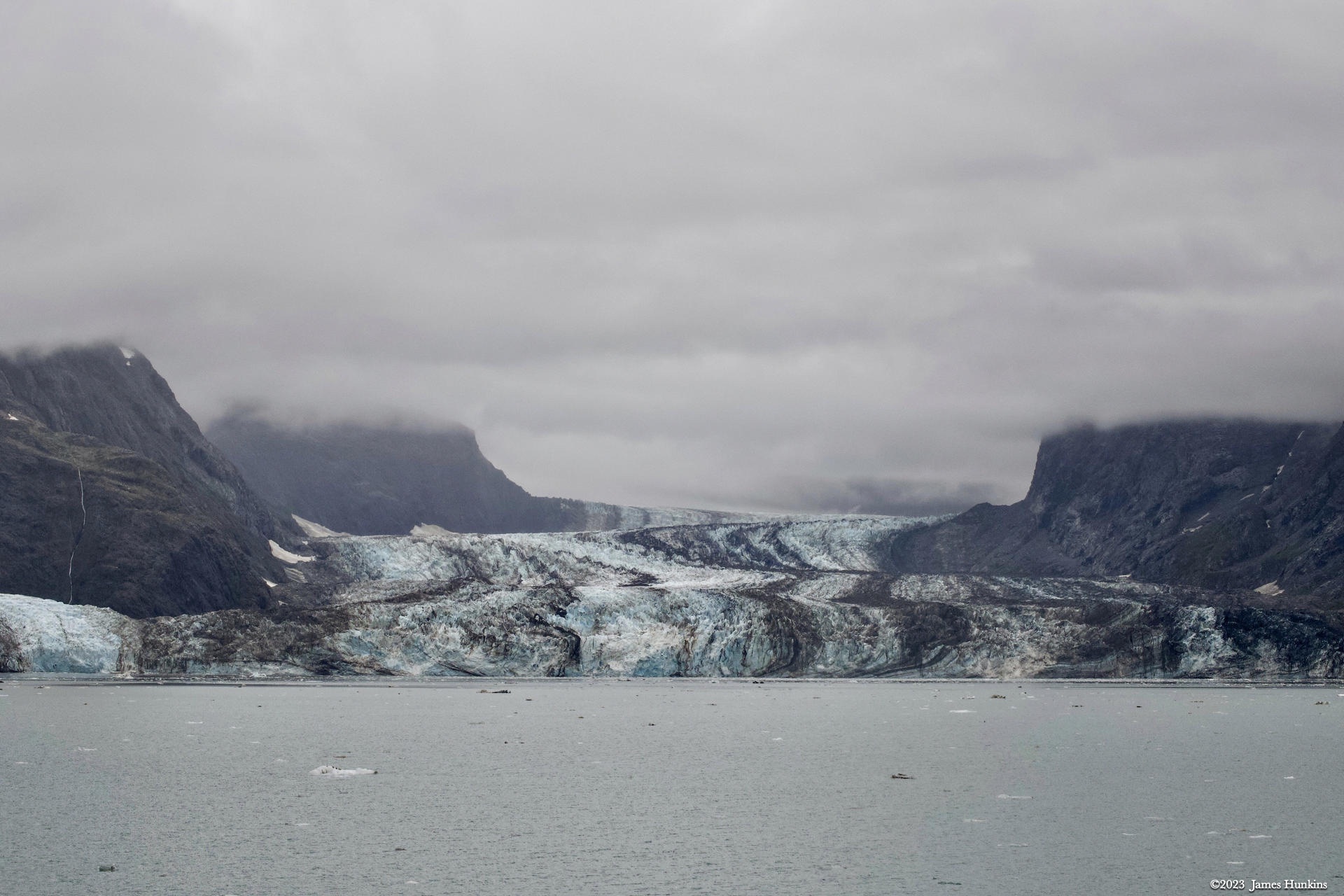
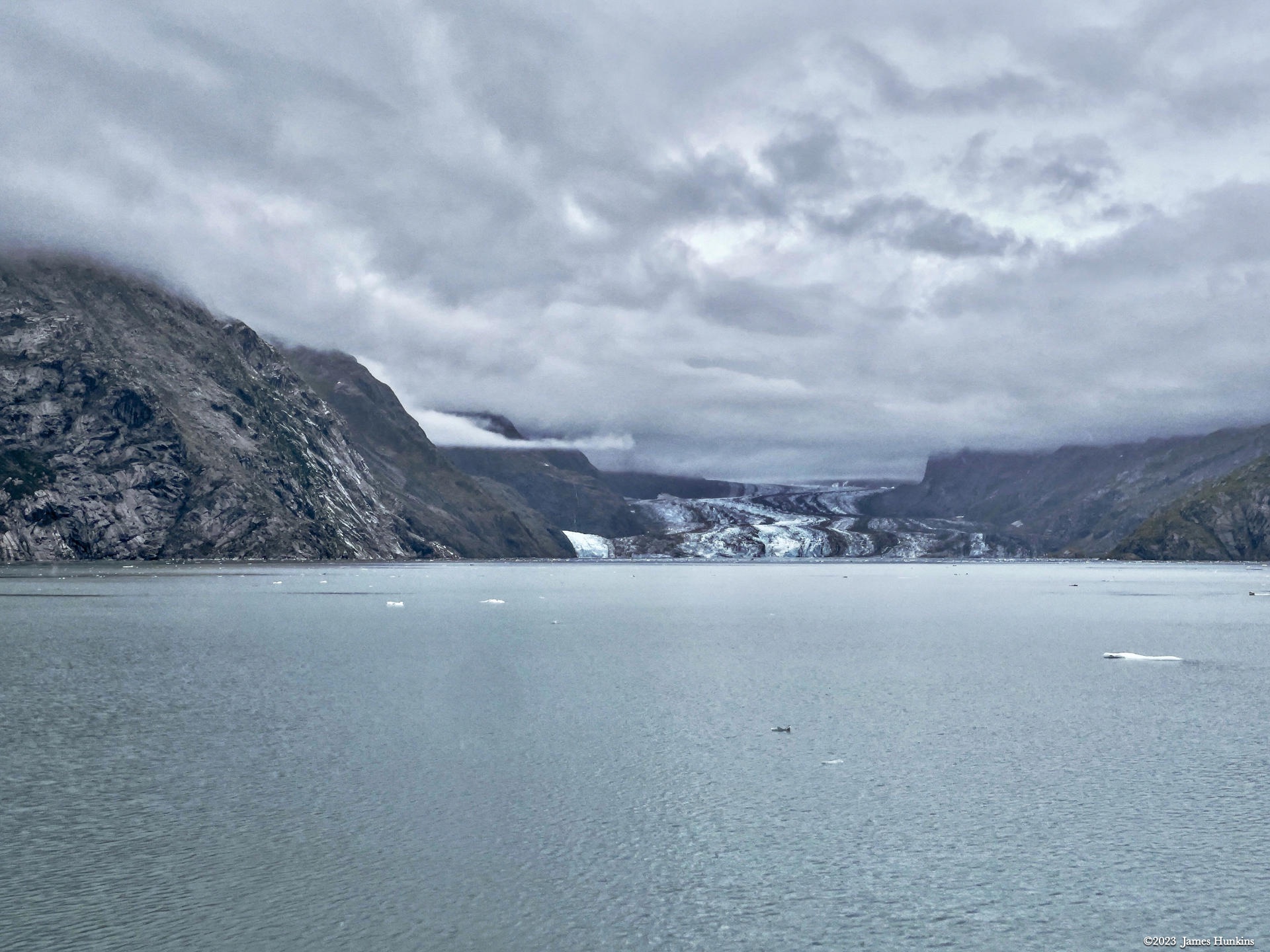
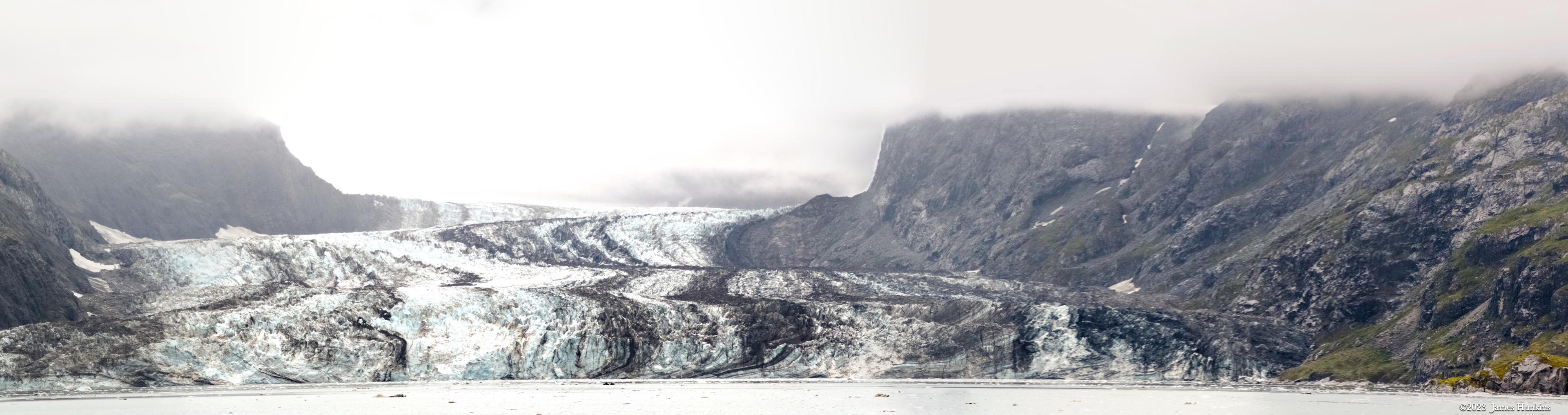
Johns Hopkins Glacier itself is amazing. It runs about 19 km (12 miles) from the source in the Fairweather Mountain peaks. Tributary glaciers feed it with ice and massive rocks. It is most interesting as you can see streaks of dark running down the ice flow, called medial moraines. These carry the debris and rock being fed into this massive glacier.
Where the glacier enters the ocean, it is about 1.6 km (1 mile) wide and can reach 76 m (250 feet) high. The ice extends under the sea level to as deep as 61 m (200 feet). An underwater moraine protects the glacier’s end point under water ice from the warmer ocean currents which decreases the ice melt. The glacier has the typical drainage but in this case, the water flows into the ocean underwater, completely out of sight.
The massive ice wall at the water line is constantly calving (chunks breaking off and falling into the water). You could hear occasionally boom sounds as pices broke off and fell into the water. We did barely catch a glance at one ice chunk as it collapsed, forming new icebergs where it hit the water.
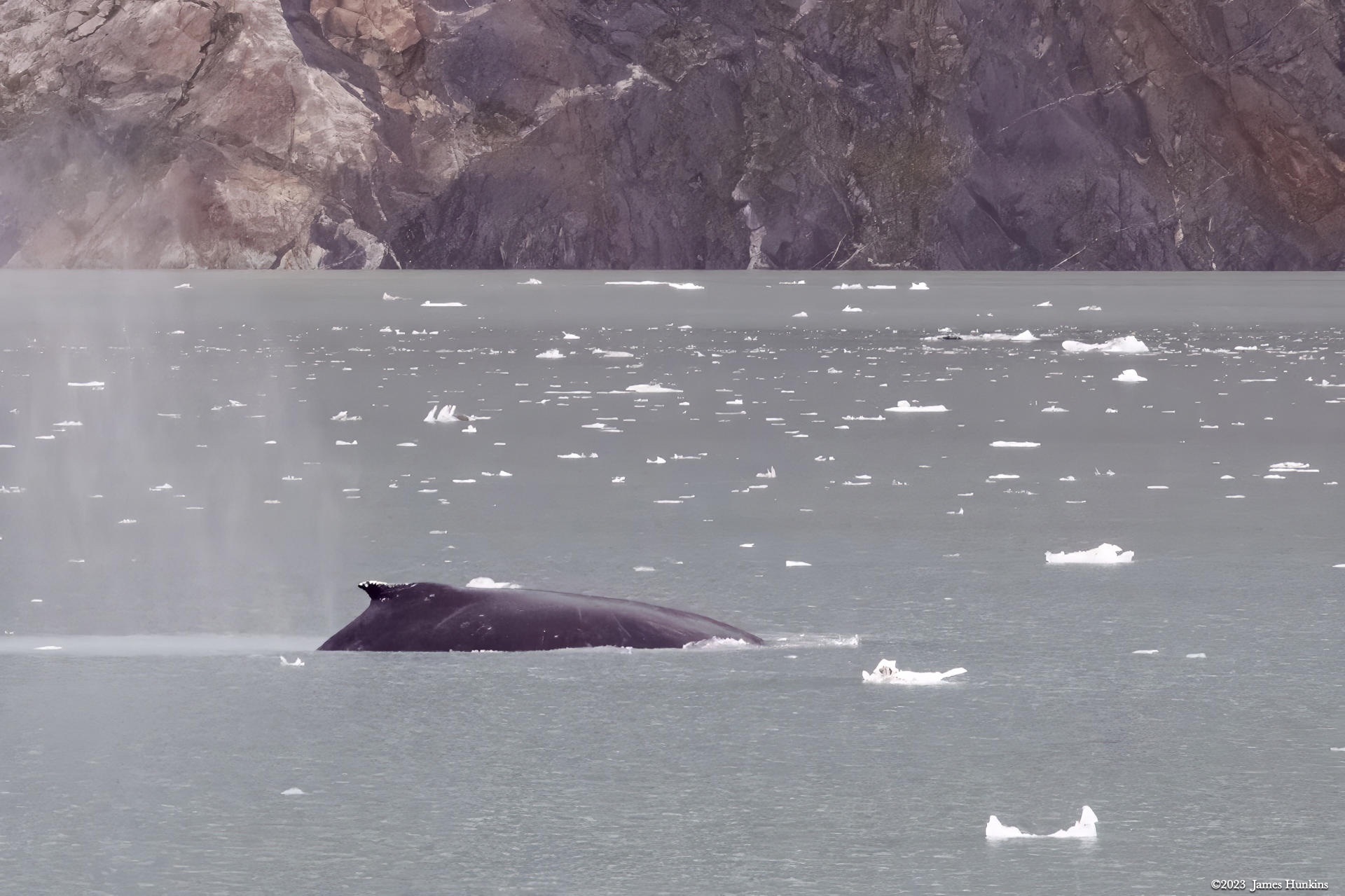
Small icebergs were all around our ship which carefully made its way into the area. We were also allowed the pleasure of viewing several of the local waterborne wildlife. I have included a picture of a harbor seal cruising by, along with a few humpback whales breaching near our ship.
VIEWING HELP
To close this window, click the X in the upper right hand corner. Or click anywhere outside of this window's area.
Photos from each day are shown in thumbnail (small) form. Panoramas are either wide or tall images, while normal photos are small rectangles. All photos shown in the PHOTO SHOWCASE section can be enlarged for better viewing. Photos will enlarge to fit your browser window width. Therefore, to view them at larger sizes simply make your browser window wider.
If there is any issue or the need to inquire/comment about an image, please refer to the Image ID label (see below) of the specific image along with the trip name found at the top of the browser window.
Video Clips
Depending on the browser, some of the controls may not always be supported.
Most videos will start playing automatically. Sound is automatically off even if included with a video. See D, E below for sound control.
A few small videos are set to loop endlessly, while most just play to the end.
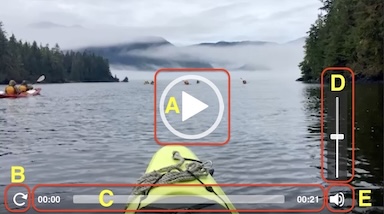
- A: To start or stop a video, click in this area (even if the symbol is not visible)
- B: If a browser shows this symbol, clicking on it will restart the video from the beginning
- C: Progress bar - will display total video time on the right.
- D, E: This seems to have the most variants between browsers. If the video description says 'w/ sound’, you can adjust the volume with this control
If neither is visible, move the cursor to the E area and either E and/or D will be visible
If E is visible but not D, click on E
Once D is visible, slide the bar up or down to adjust the volumn
Panoramas
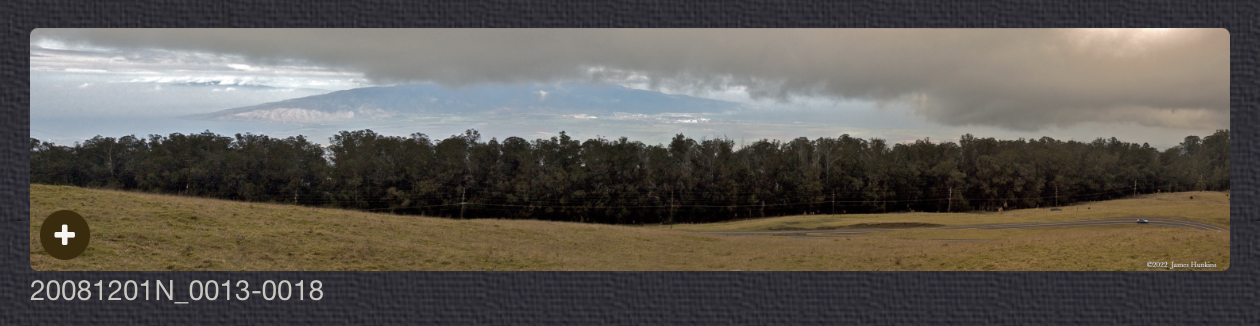
Clicking anywhere on a panorama thumbnail will cause the image to expand to fill the browser width. Clicking again anywhere in the browser window or scrolling the browser window will cause the expanded image to shrink back to its smaller thumbnail size.
The Image ID and description is found just below the thumbnail image on the left side.
Individual Photographs
If you click on any photo thumbnail, it will open a larger viewer which can be used to walk through all of the standard photos on the page. Once open, to go forward click on the > on the right side of the enlarged image. To scan backwards, click on the < on the left side. To close the larger images either click on the X in the upper right hand corner of the browser window or anywhere outside of the enlarged image.
The Image ID label can be found by hovering a cursor over the thumbnail image (may not be available on some tablets/phones) or, once enlarged, from the lower left hand side just under the image.
Additionally, in the same area as the Image ID (or the upper left corner for newer/updated sites) a count showing the current image number versus the total number of images available for viewing.

For newer or updated sites (look for the orange checkbox in the header of a sites main page), additional buttons have been added when viewing a full size image. From left to right, the buttons are:
- Email: will open an email with information and a link to the current image
- WhatsApp: if WhatsApp is on your system, will open a browser window to open WhatsApp and create a message with information and a link to the current image
- FaceBook: Will open a browser window to open Facebook and create a message with information and a link to the current image
- full screen: will take over the entire display versus just the browser in most systems; ESC returns to the brower only mode
- magnify: enlarges the image within the browser or full screen; if the image is larger than can be displayed it can be scrolled
- exit: will close the large image viewer returning to the thumbnails




Links:
SHORT VIDEO CLIPS
Looking at Reid Glacier while heading to Johns Hopkins Inlet - no sound
PHOTO SHOWCASE
- click on any panoramic image for a larger view
- click on any thumbnail image for a larger view/slideshow
-
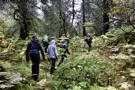 2309180001NBushwhacking at top of Tidal Inlet
 -
 2309180002NOur bushwhacking guide looking towards our ship at start of Tidal Inlet
 -
 2309180004NTop of Tidal Inlet looking back at our ship
 -
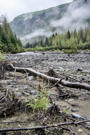 2309180005NLooking inland from the top of Tidal Inlet, bushwhacking was to the left
 -
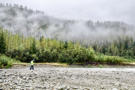 2309180006NLow clouds skimming the mountain sides at the top of Tidal Inlet
 -
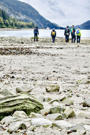 2309180008NBushwhacking team waiting for the skiff back to the ship
 -
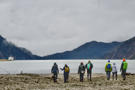 2309180010NBushwhacking team waiting for the skiff back to the ship
 -
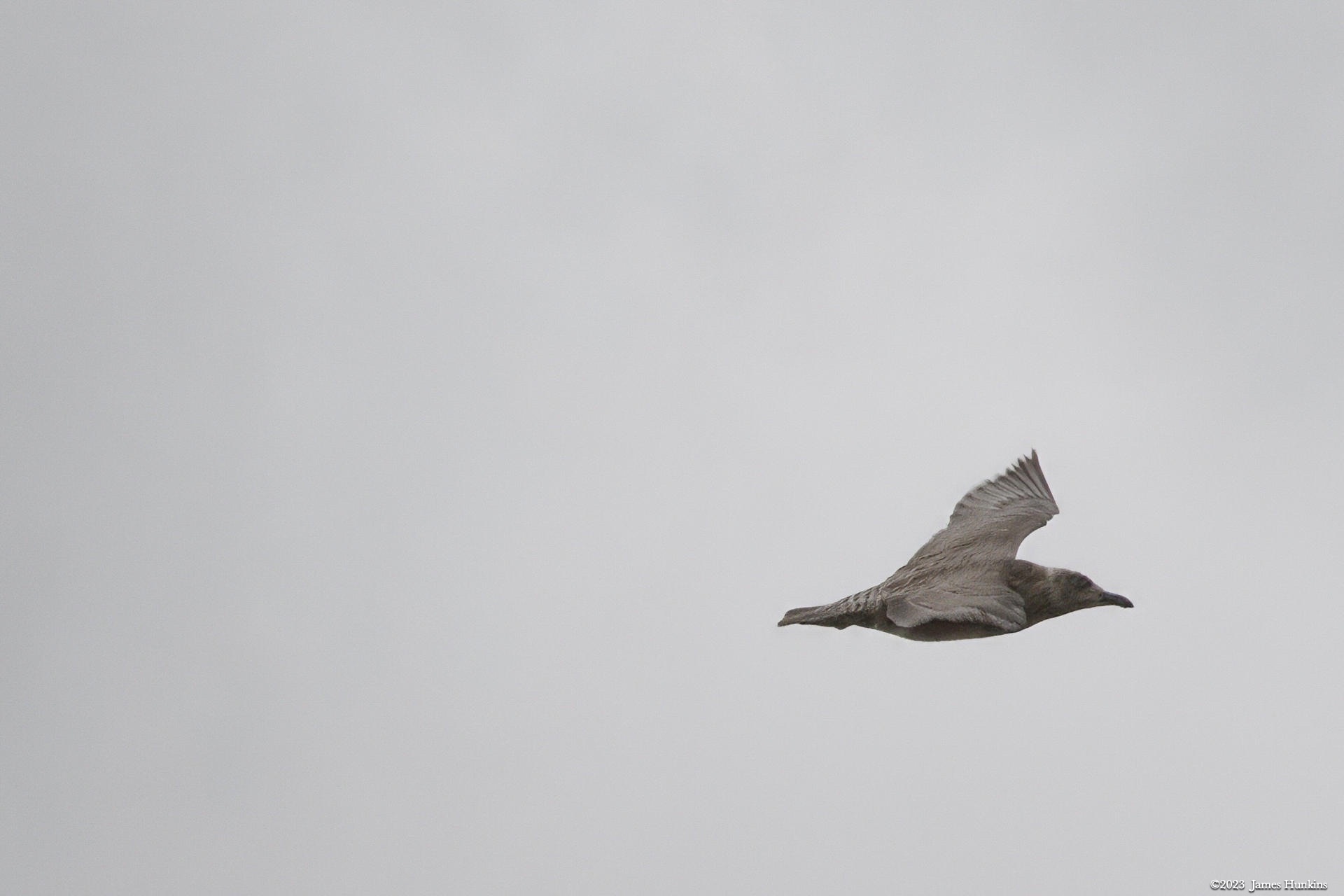
 2309180011NShort-tailed Shearwater (?) flying over the Tidal Inlet
 -
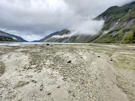 2309180016PWide view looking down Tidal Inlet
 -
 2309180017POur skiff approaches the team while water and clouds cover the cliffs around us
 -
 2309180018POur skiff captain watching ahead while the bushwackers stay warm and enjoy the ride
 -
 2309180021PAnother group of bushwhackers hanging out under cloud layer skirting the shoreline
 -
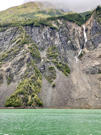 2309180023PWater cascades all along the shoreline of the bay
 -
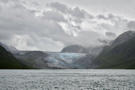 2309180026NJohns Hopkins Glacier
 -
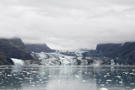 2309180029NJohns Hopkins Glacier
 -
 2309180037NHarper Seal in Johns Hopkins Inlet near glacier
 -
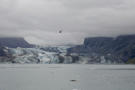 2309180039NJohns Hopkins Glacier
 -
 2309180041NJohns Hopkins Glacier
 -
 2309180057NTip of a glacier not reaching the water, just before Johns Hopkins Glacier
 -
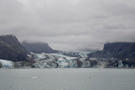 2309180059NJohns Hopkins Glacier
 -
 2309180063PReid Glacier
 -
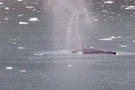 2309180065NHumpback Whale breaching in Johns Hopkins Inlet
 -
 2309180066NHumpback Whale in Johns Hopkins Inlet
 -
 2309180069NHumpback Whale in Johns Hopkins Inlet
 -
 2309180074PDeparting from Johns Hopkins Glacier
 -
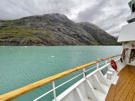 2309180077PRugged glacial carved rock along Johns Hopkins Inlet
 -
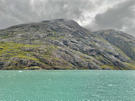 2309180079PRugged glacial carved rock along Johns Hopkins Inlet
 -
 2309180084PLast look of Johns Hopkins Glacier