Alaska 2023
GLACIER BAY, LAMPLUGH GLACIER
DAY 3 : SUNDAY SEPT 17, 2023
Some people worry about getting seasick on a ship. There are ways to avoid this entirely (the ship came prepared with patches, etc if you didn’t bring your own). However in the Inside Passage, most of the area is sheltered narrow channels and not exposed tot the open ocean, where the water was at the most mildly choppy and usually no more than you find on a large lake with a mild wind. So no issues.
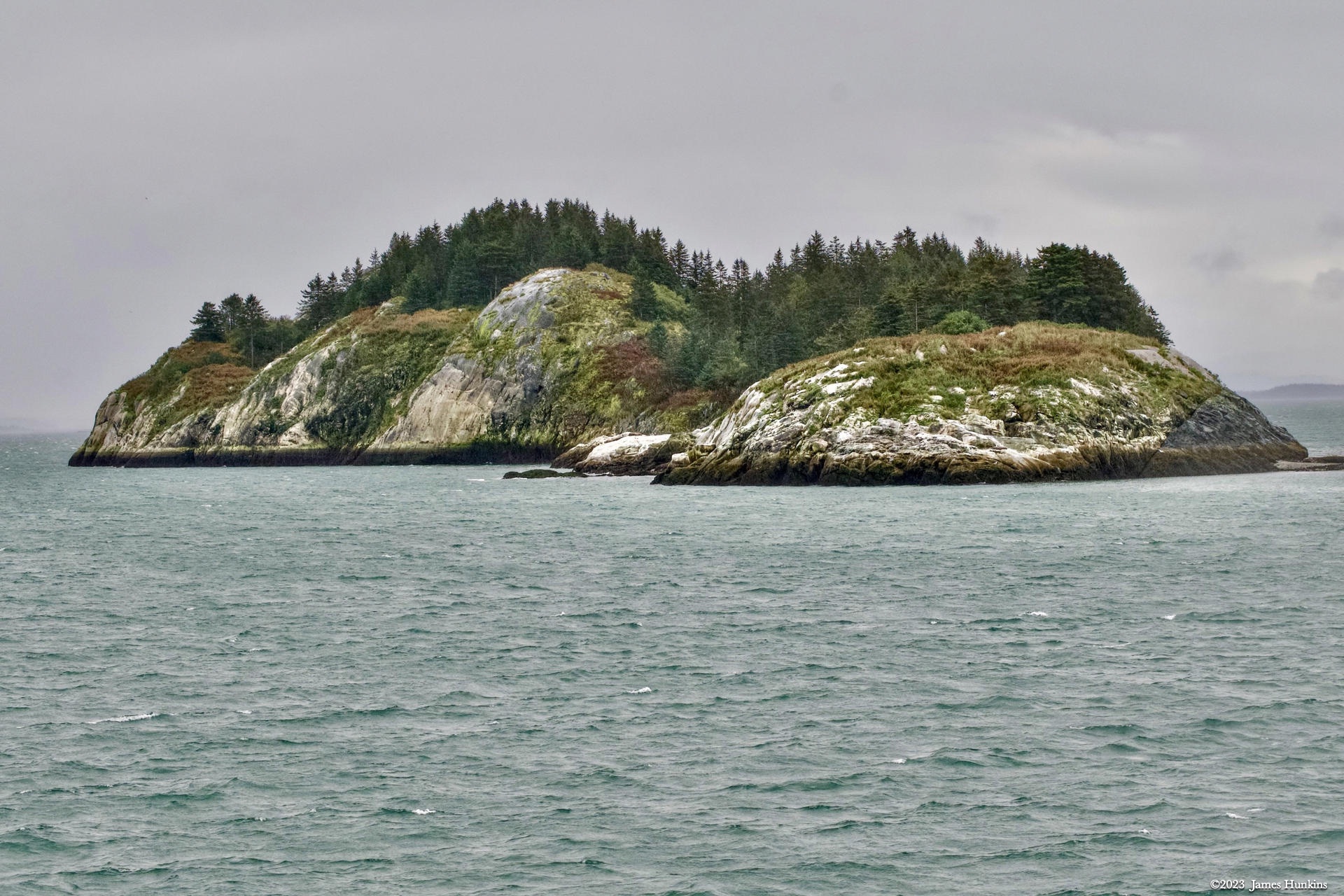
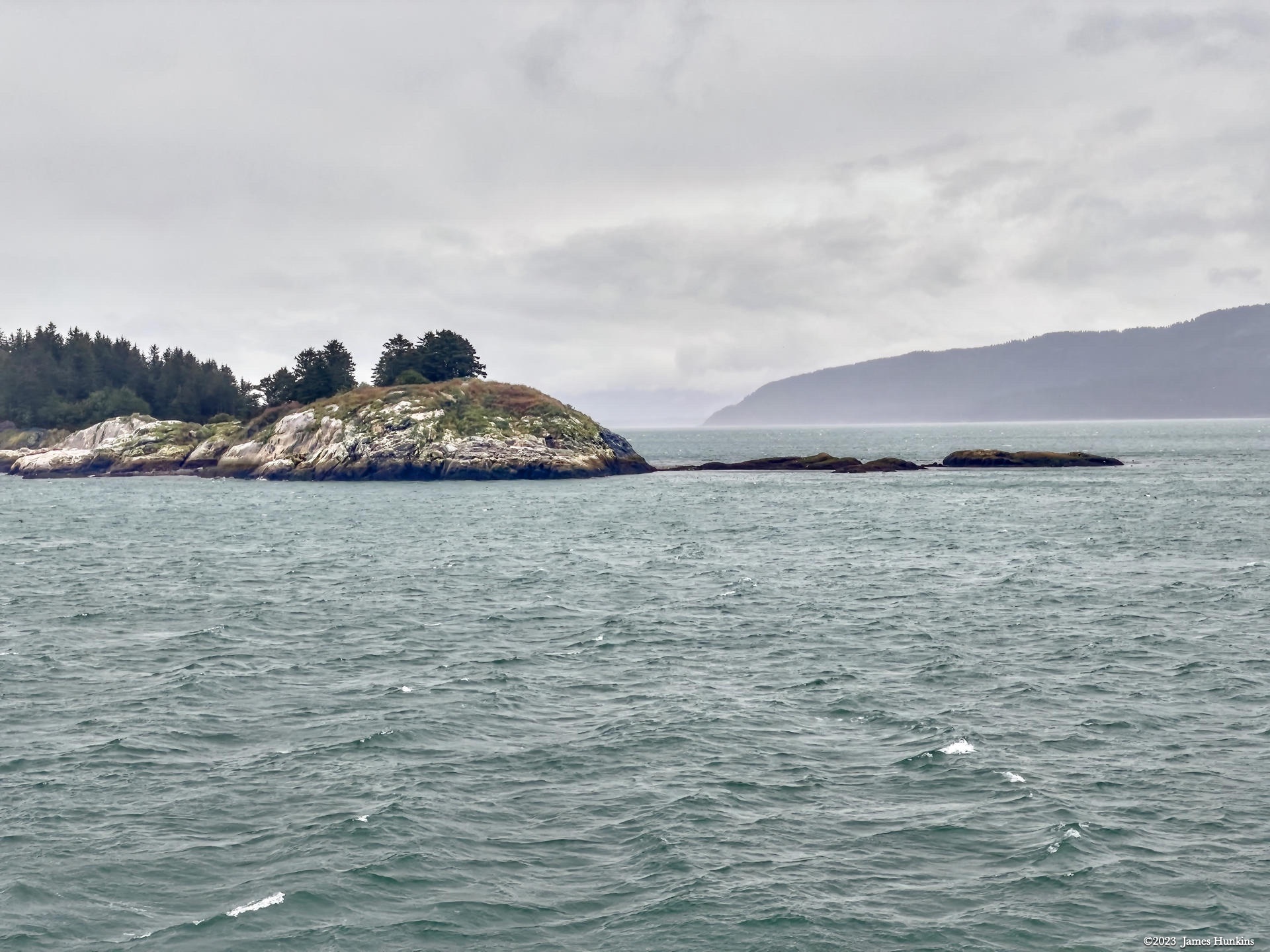
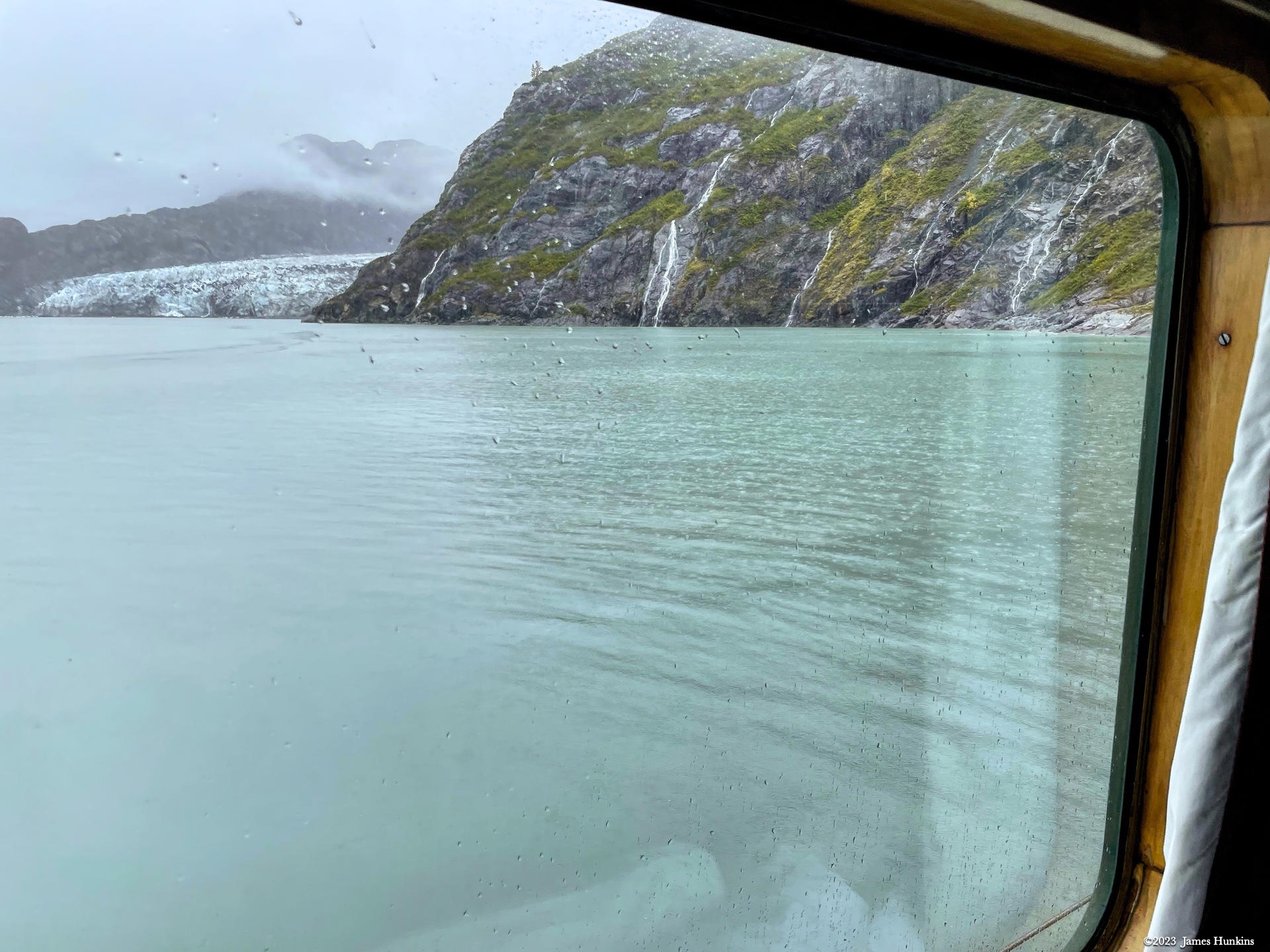
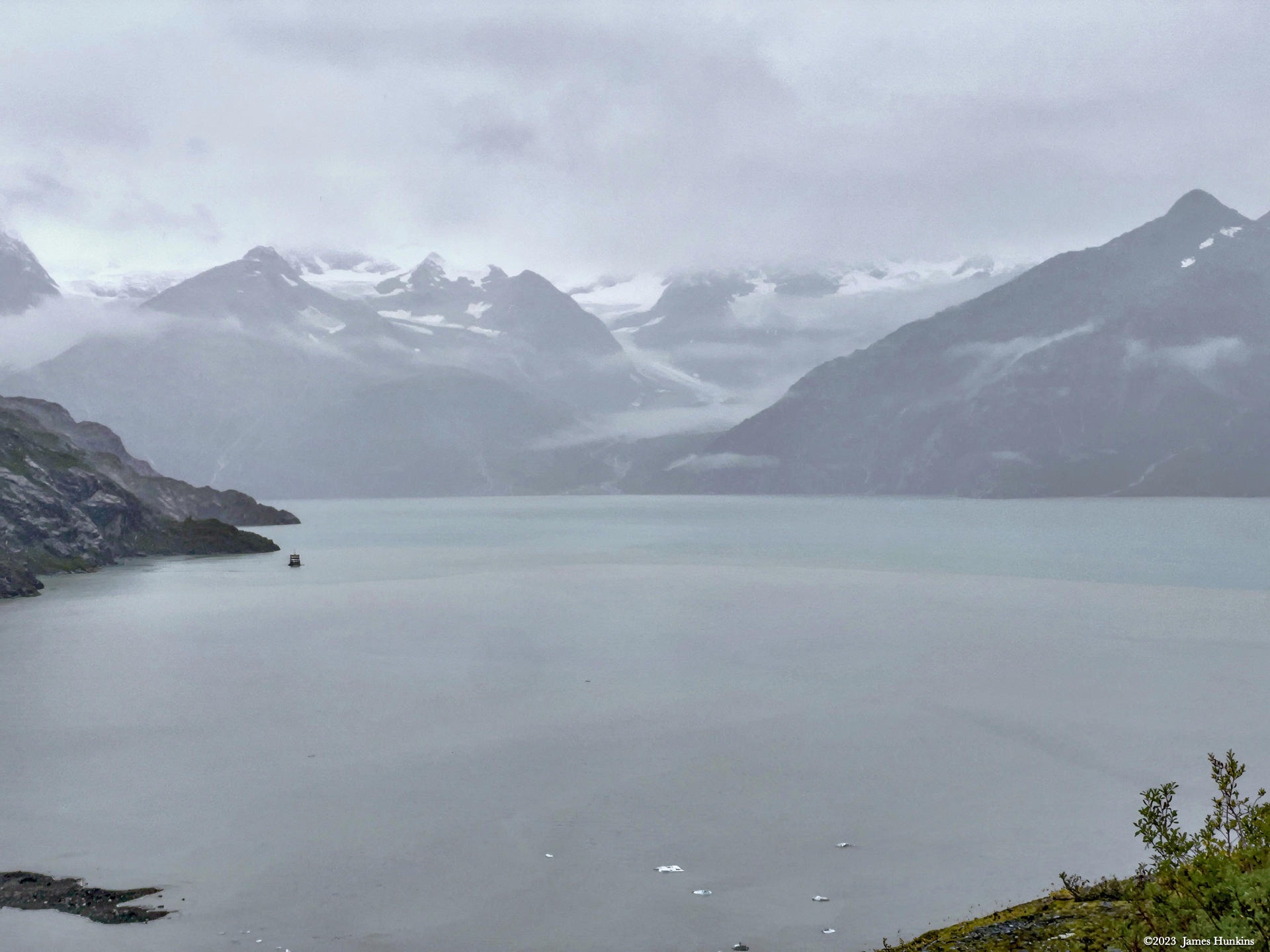
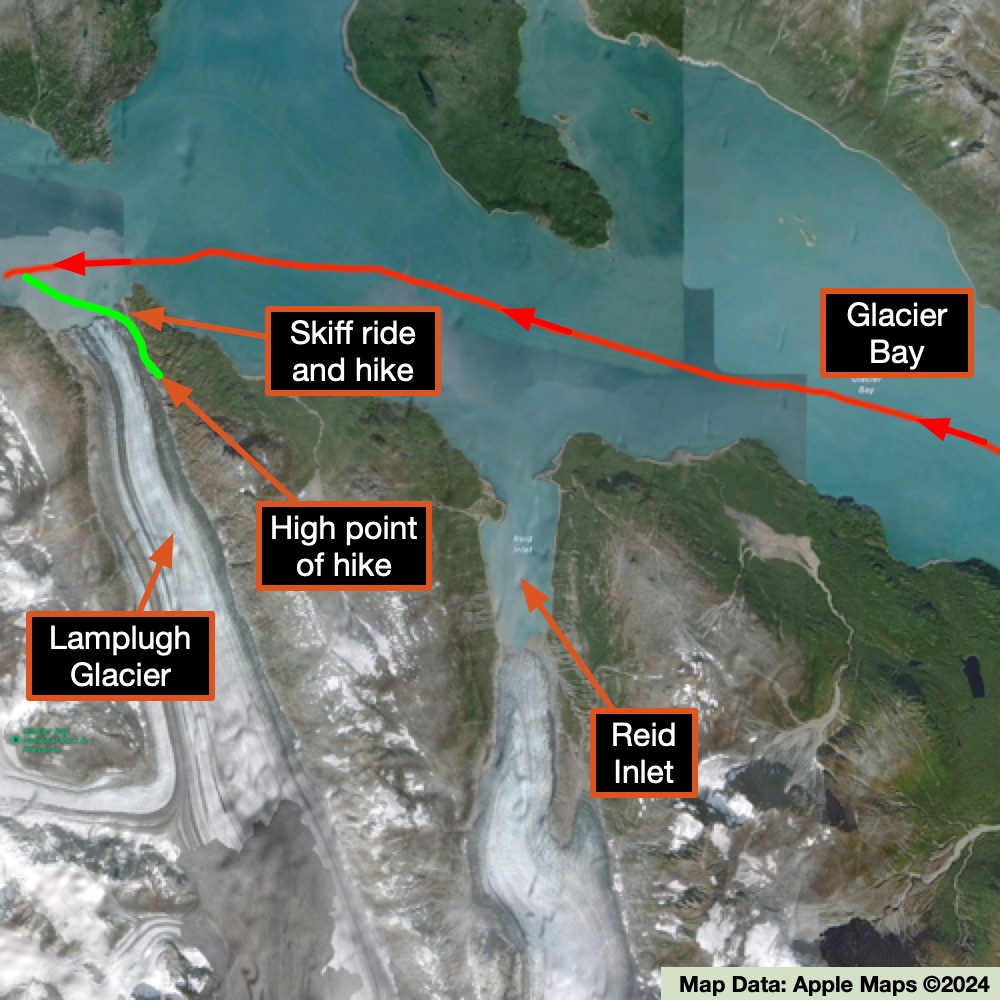
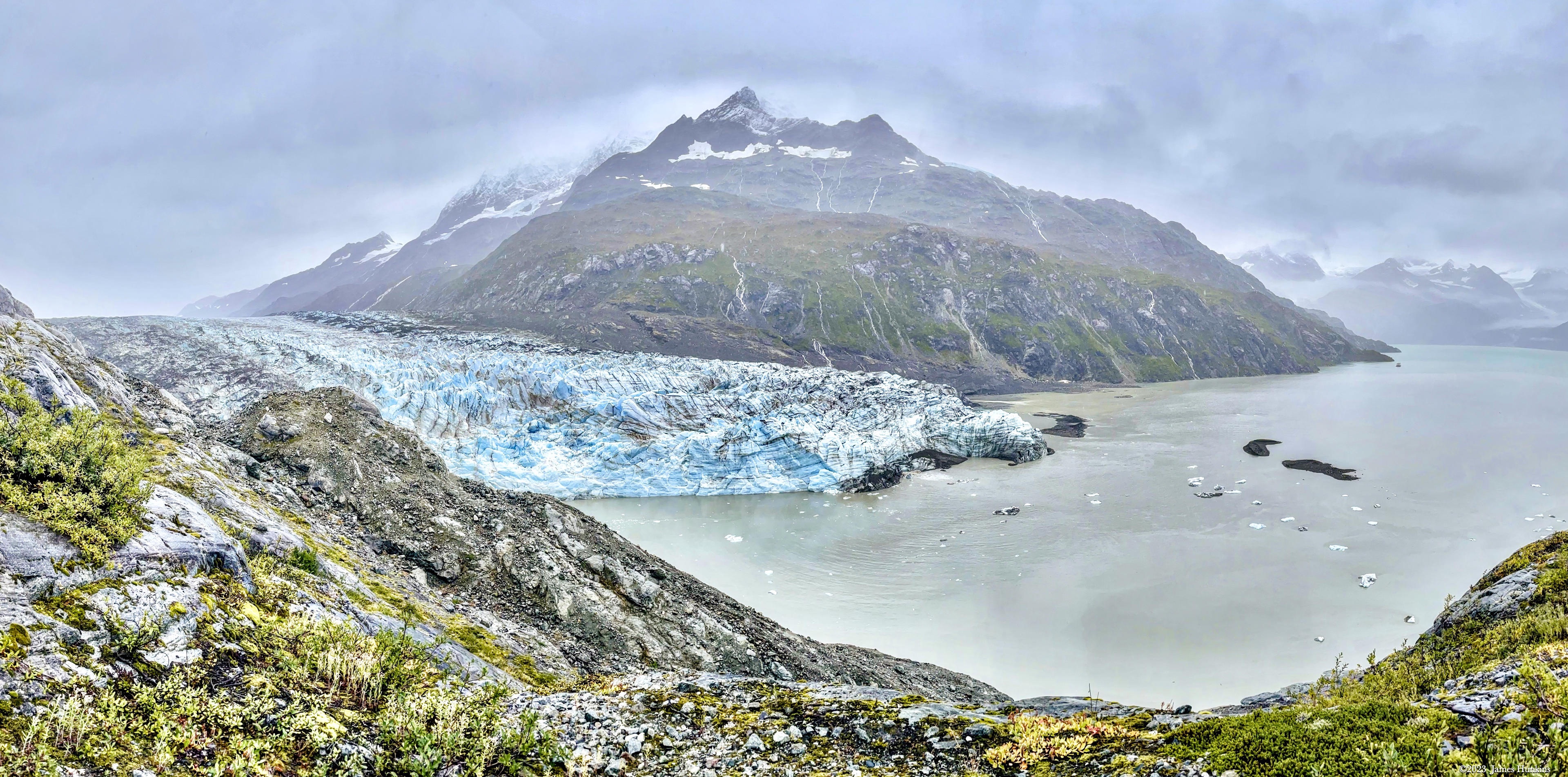
On this day we were heading up Glacier Bay for our first excursions at the Lamplugh Glacier. Along the way the scenery was incredible. It was clear that this area had been glacier-carved with steep, rugged cliffs dropping directly into the bay’s waters. Waterfalls were everywhere from tiny rivulets (some so tiny that they were not visible until you got close) to rushing torrents. I think that I mentioned that it rains here, right? Juneau averages from 137 cm (54 inches) at the airport up to over 229 cm (90 inches) downtown every year.
The group excursions offered could include kayaking, bushwhacking, gentle walks, and on some days, free time to take a kayak or paddle board out on your own.
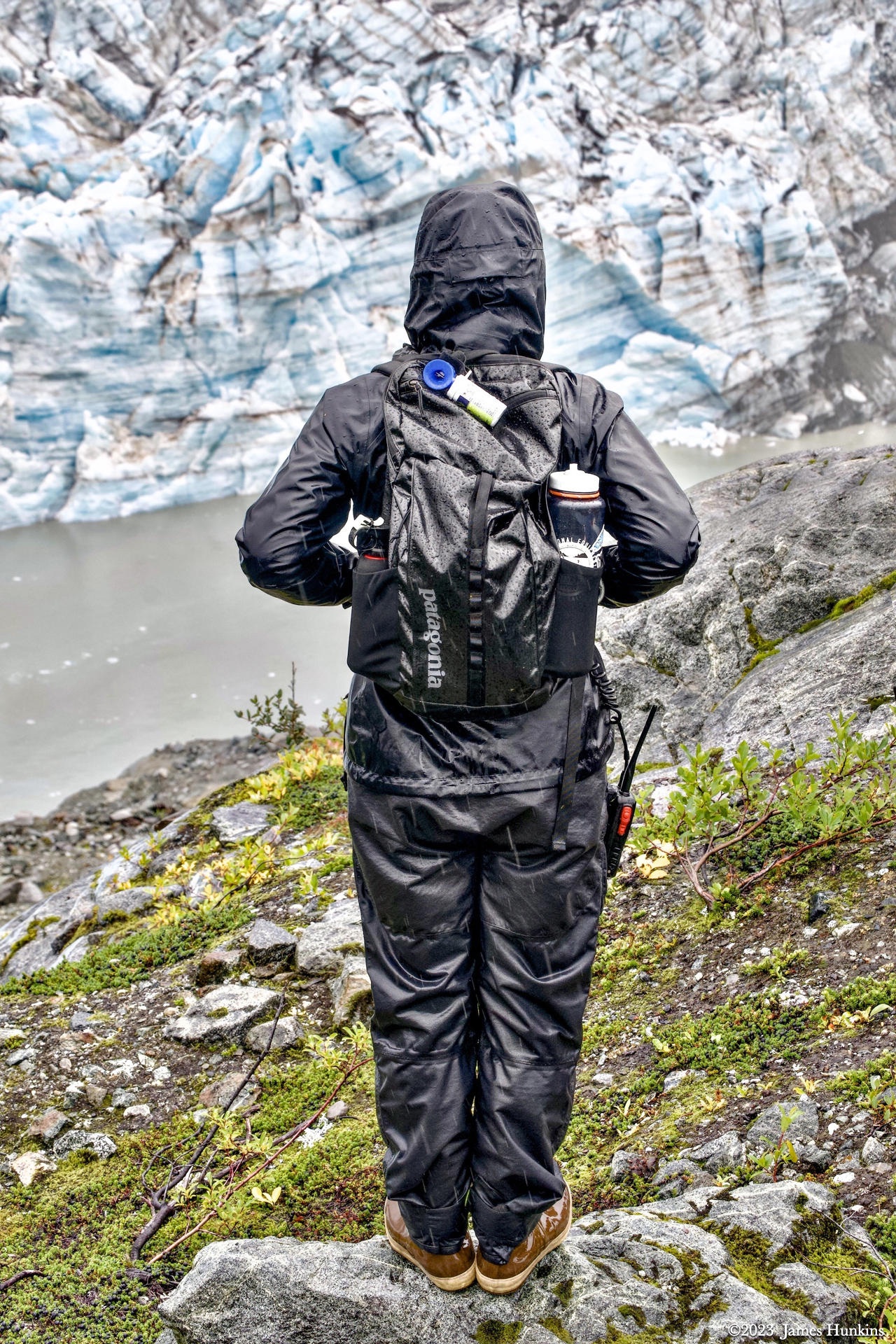
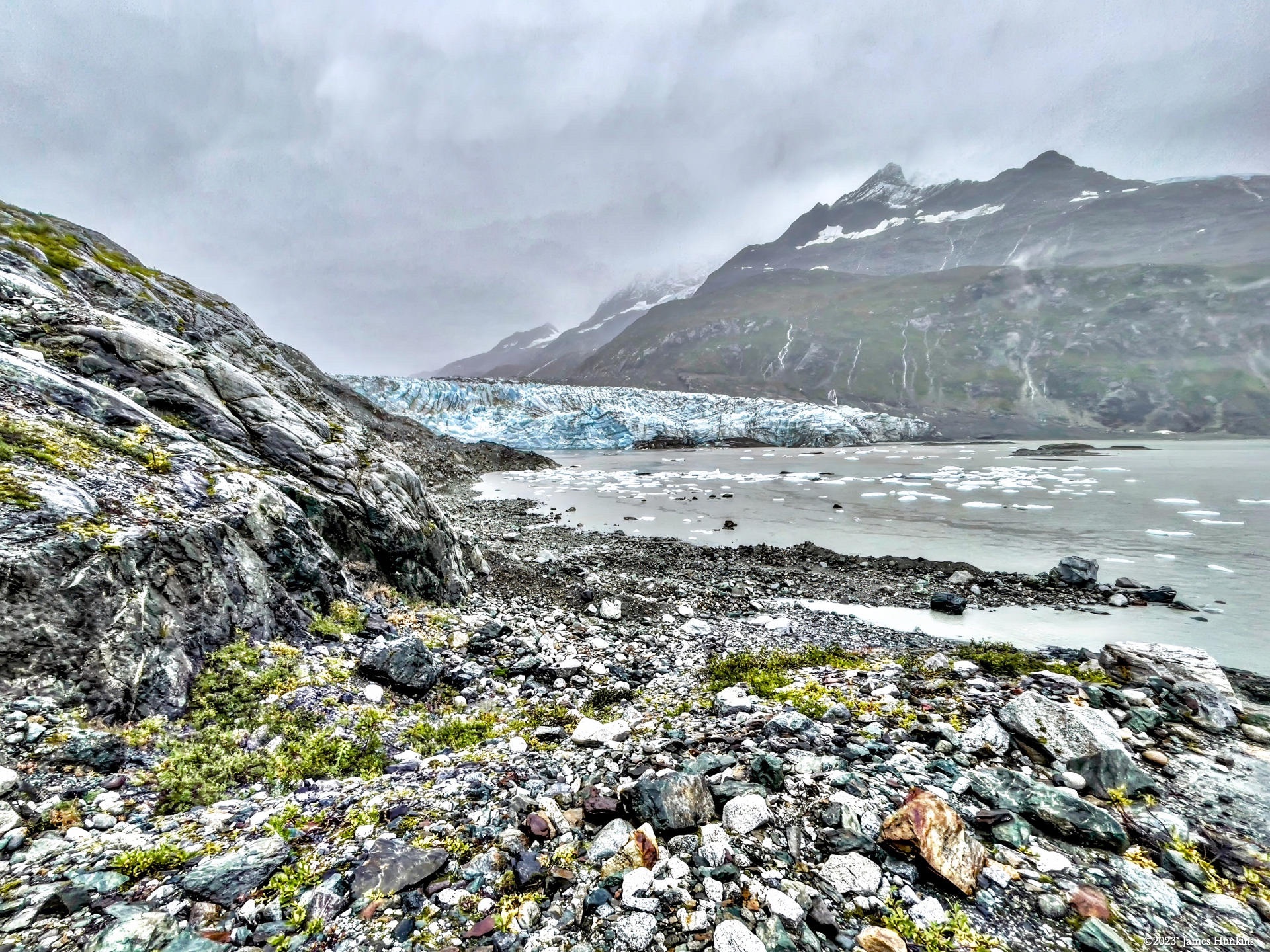
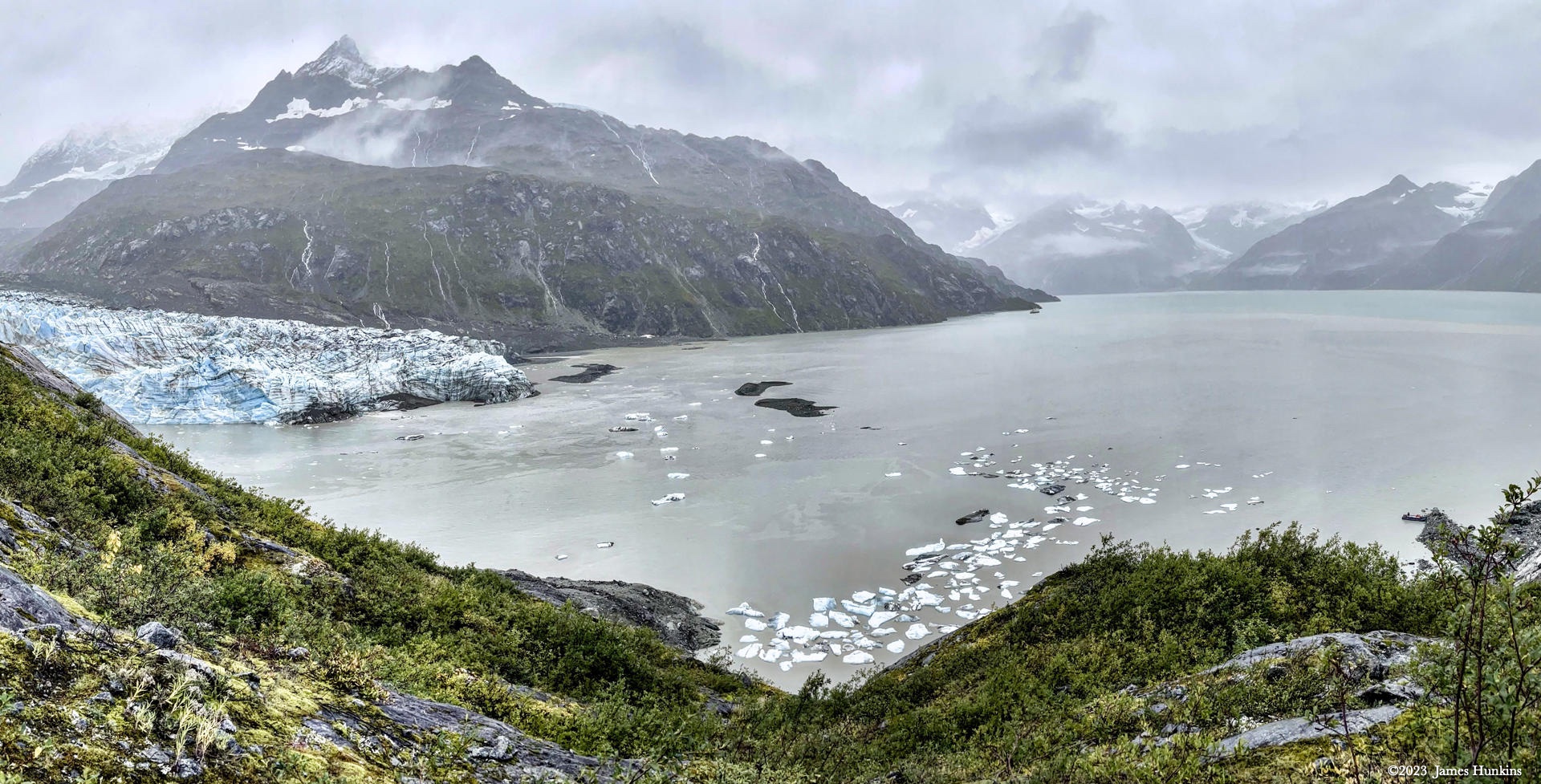
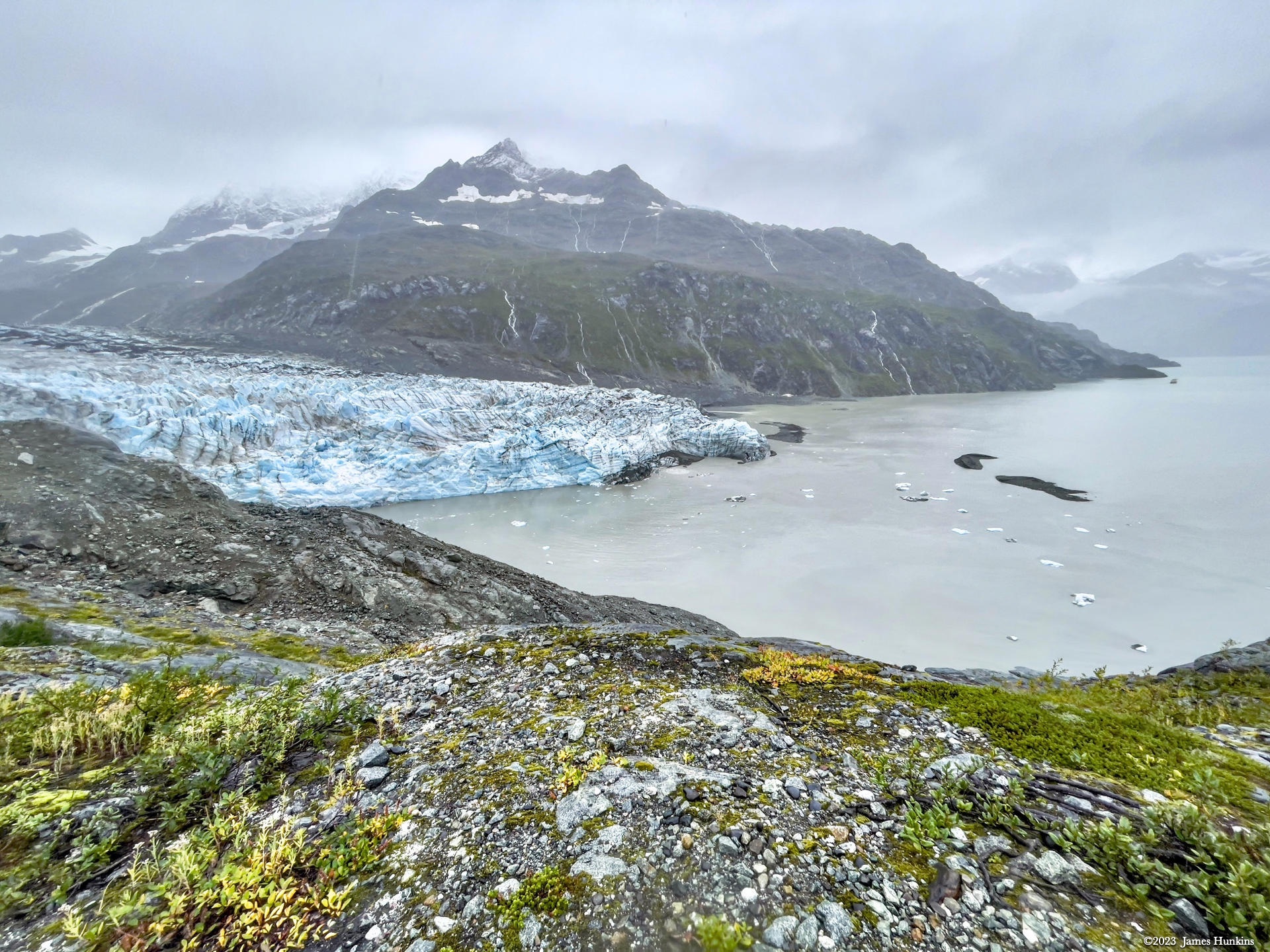
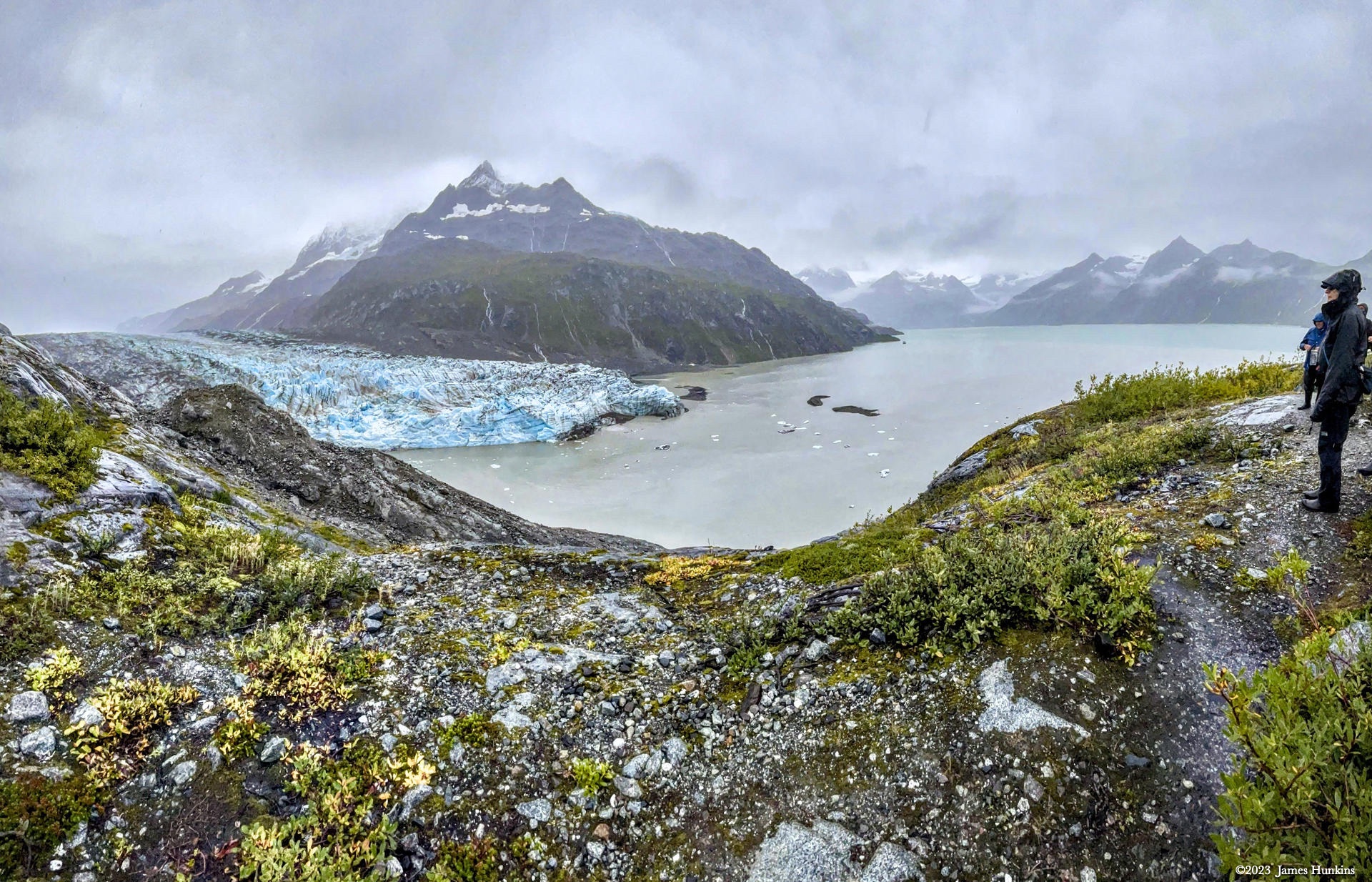
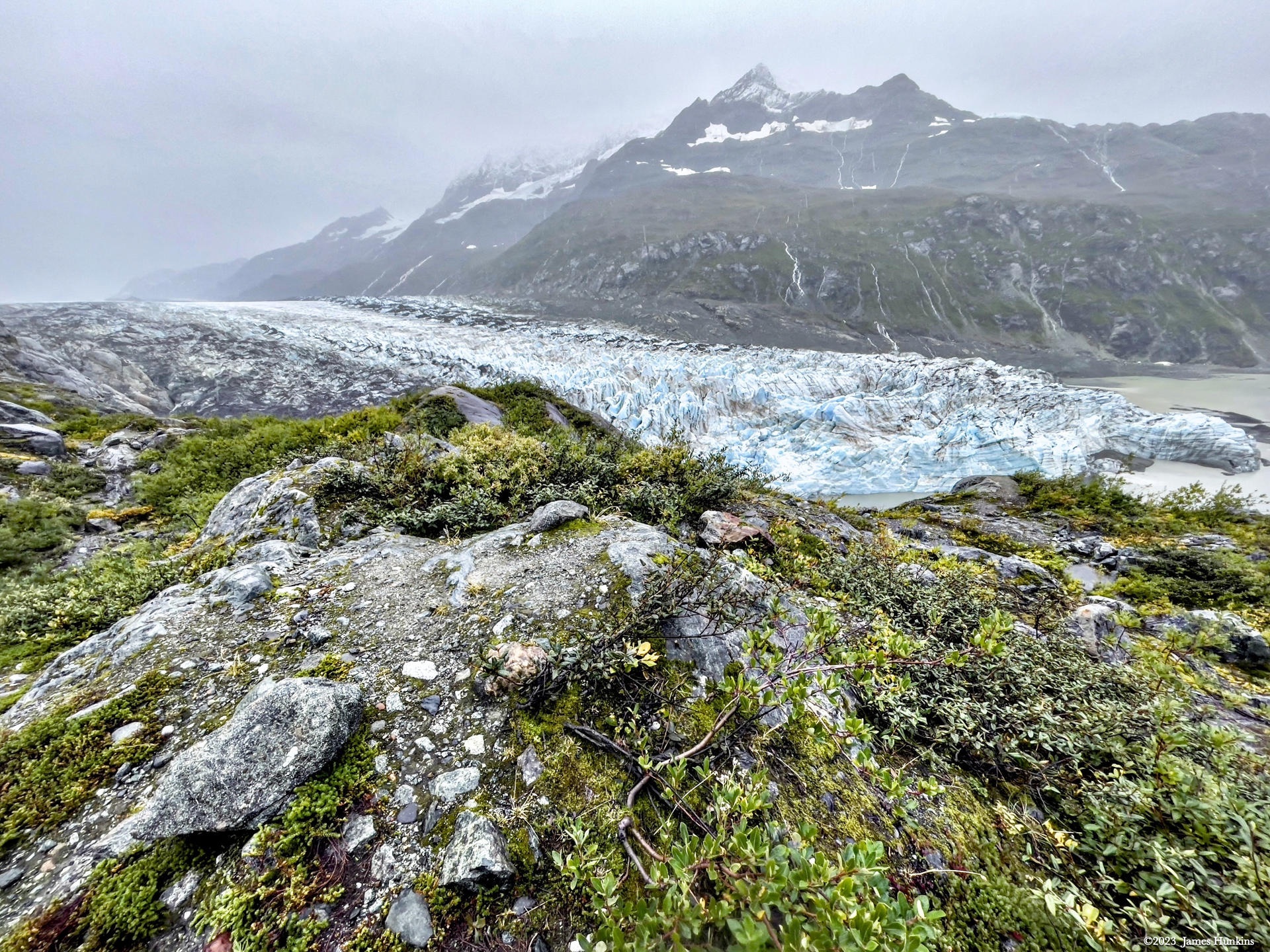
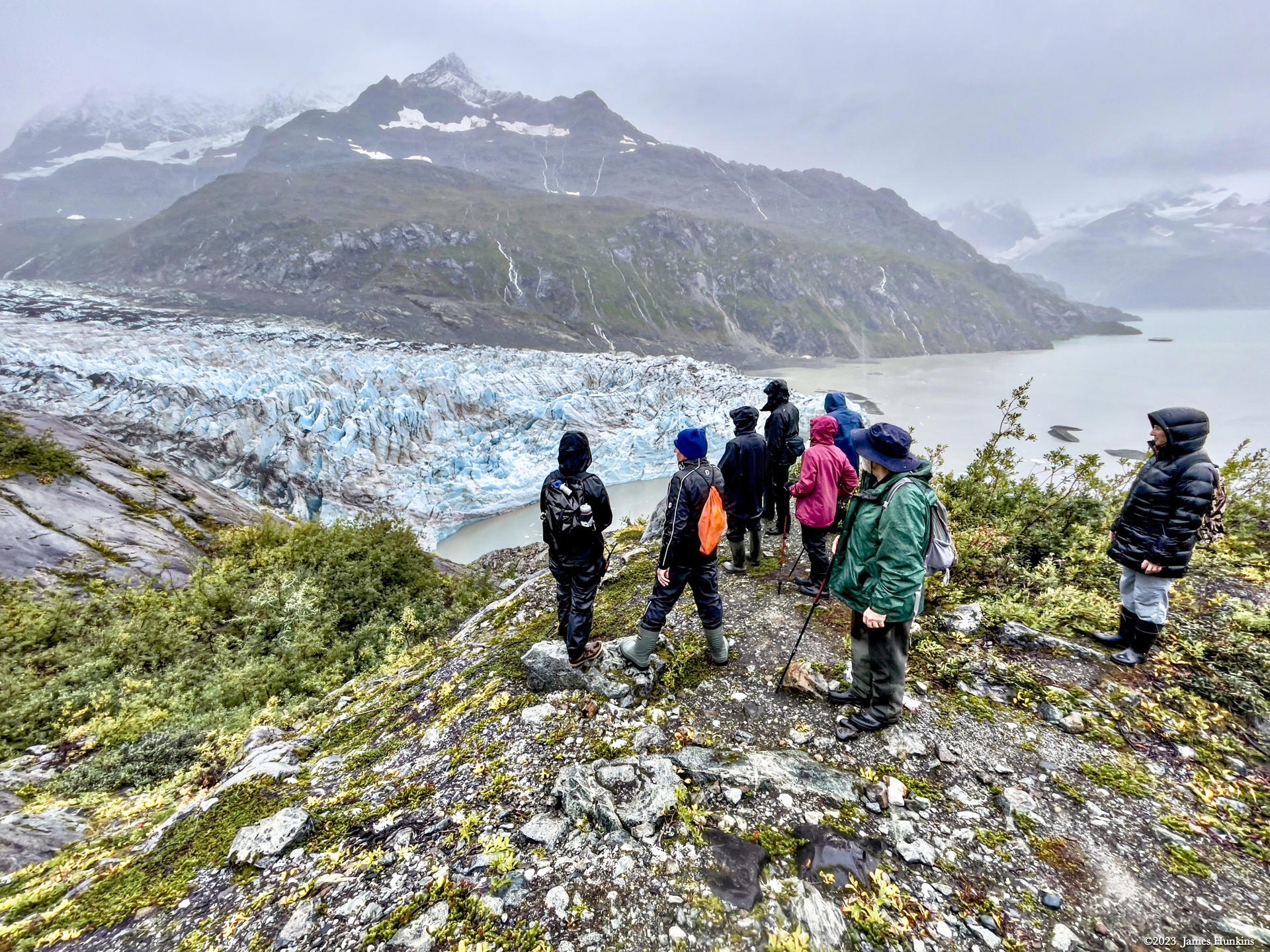
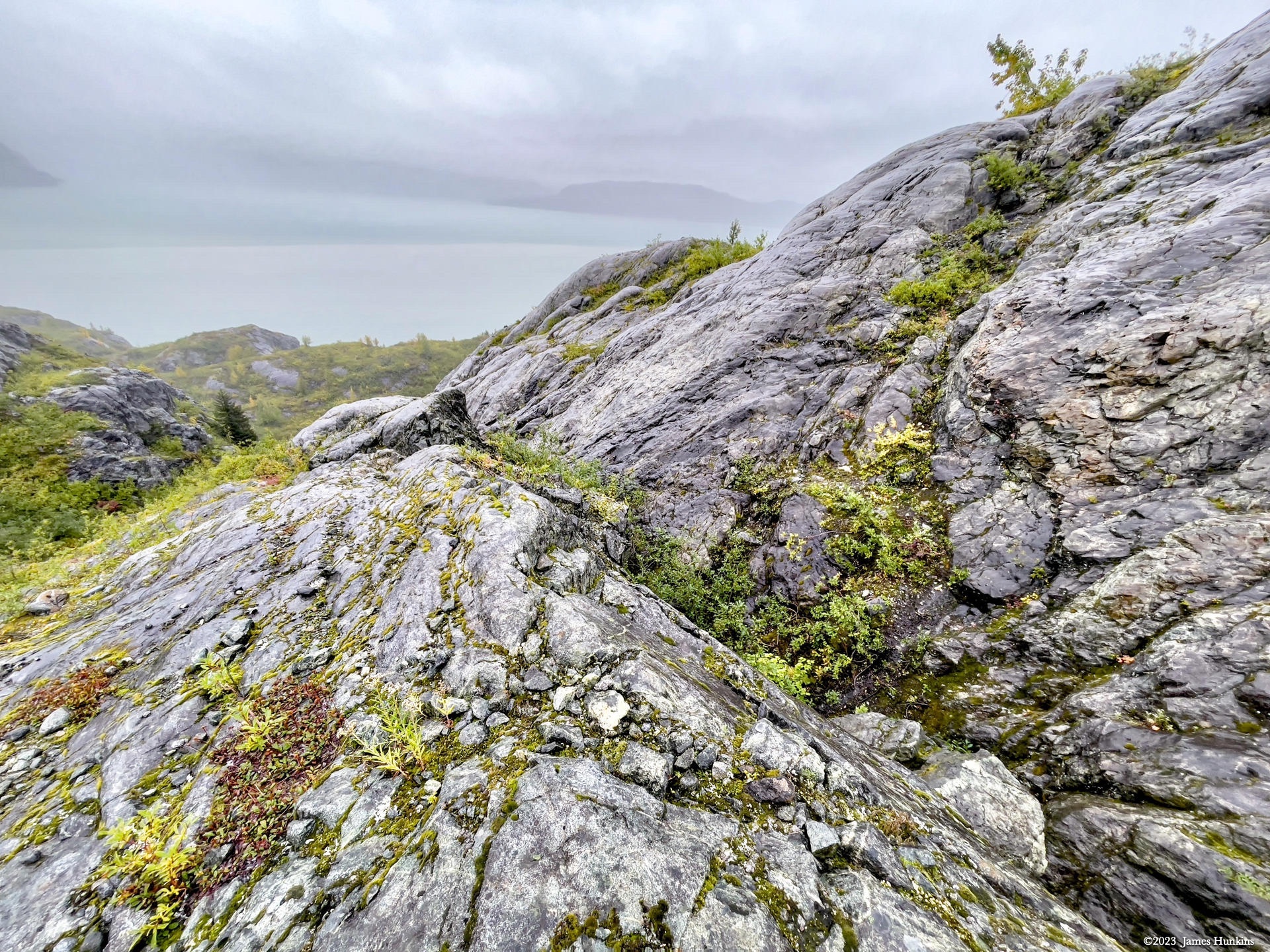
This day, we took a short hike along a rocky edge for a better view of the glacier and the bay. The plant life was very interesting to look at, different from what I am normally exposed to. It clearly was adapted to harsh winters, rocky slopes, minimal topsoil, and a lot of rain but little sun. In other words, very hardy.
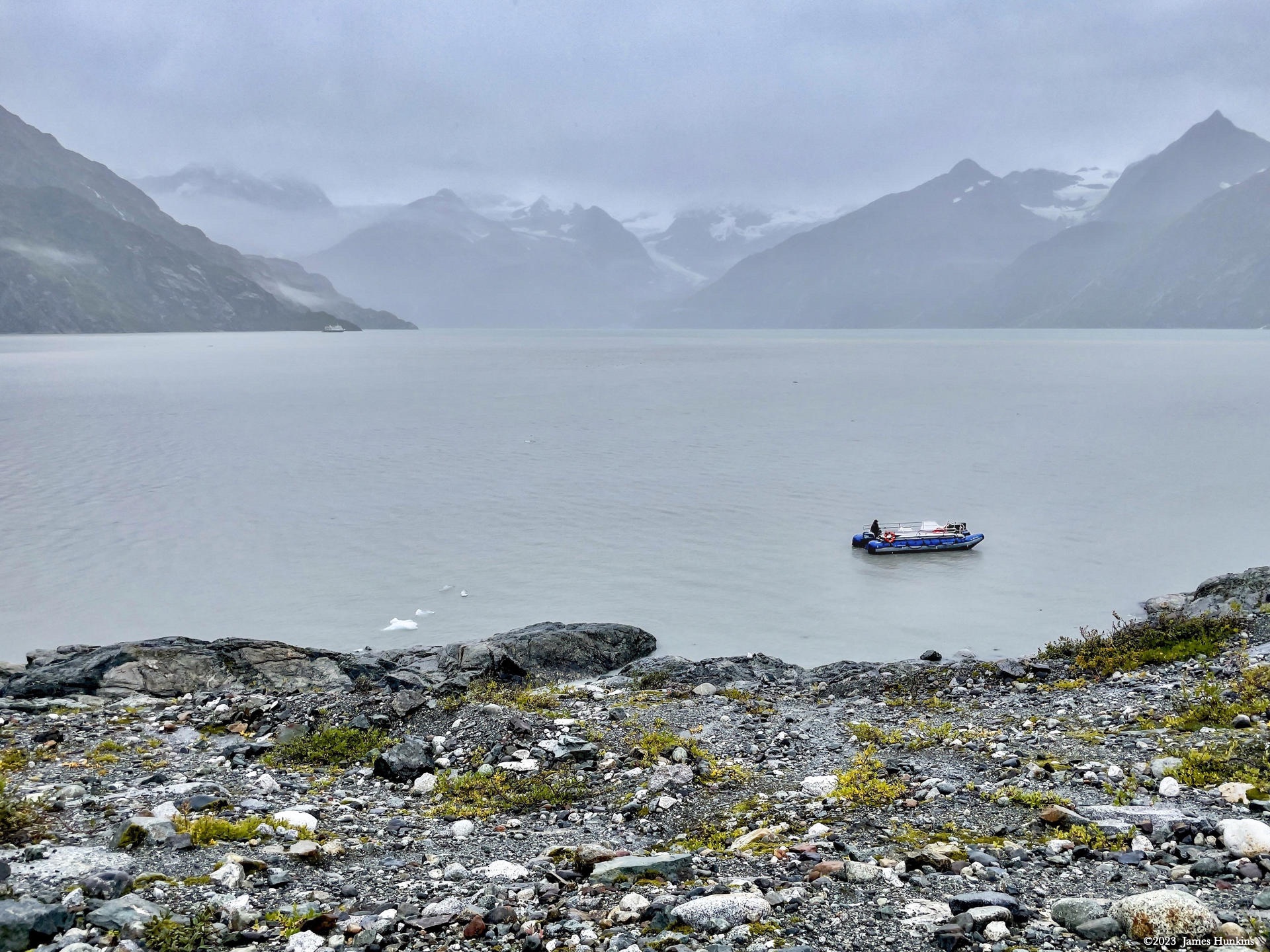
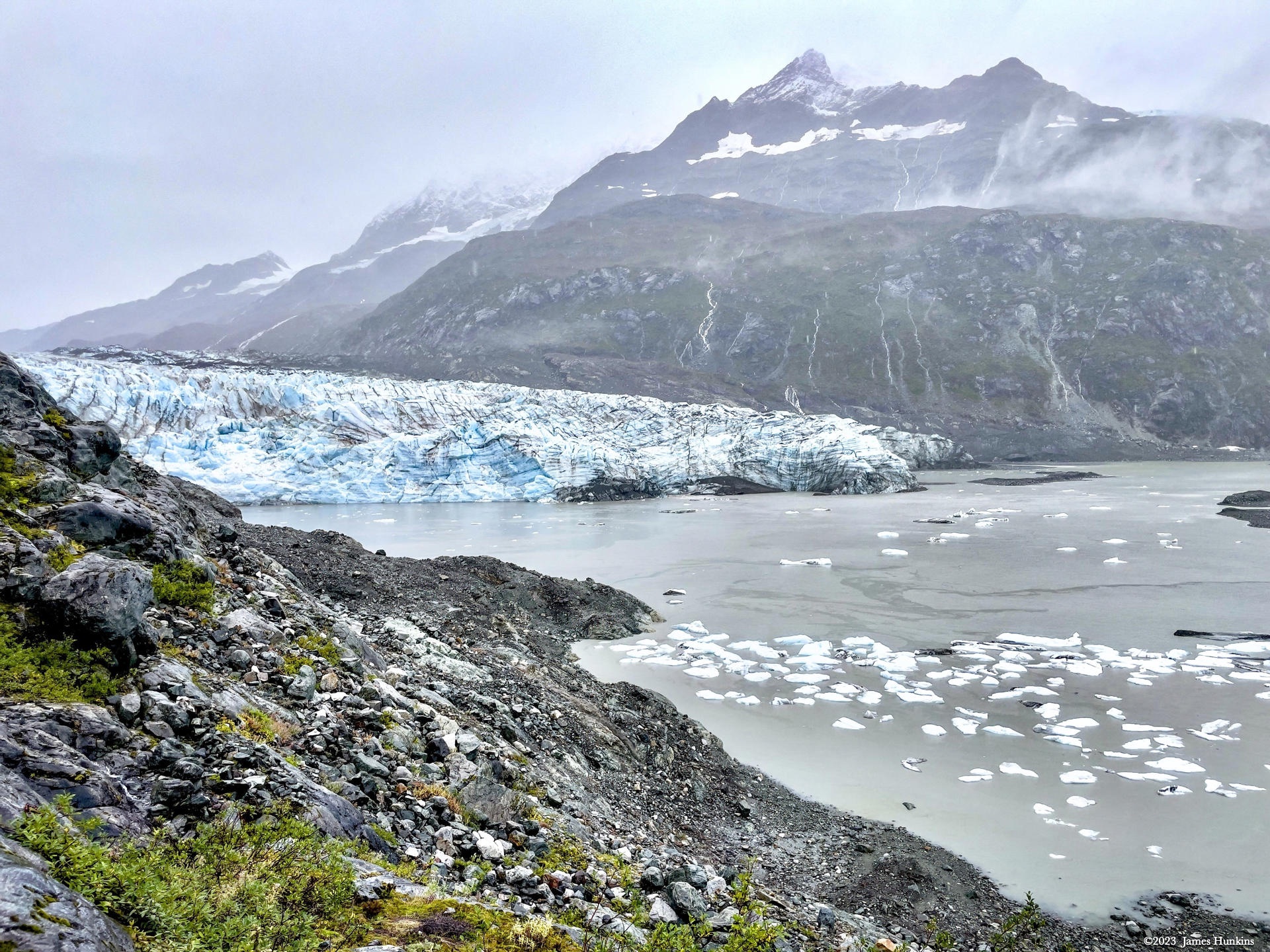
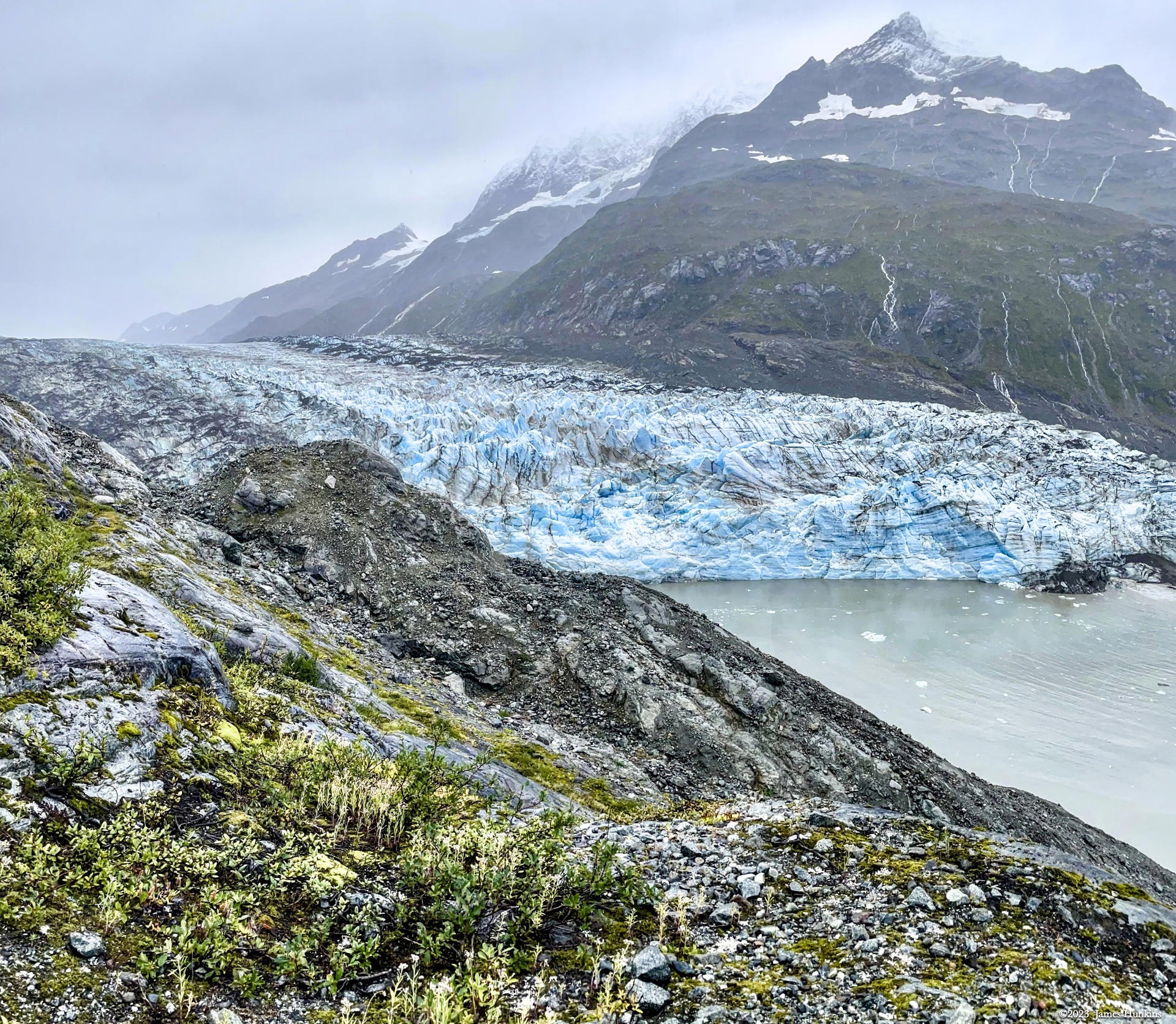
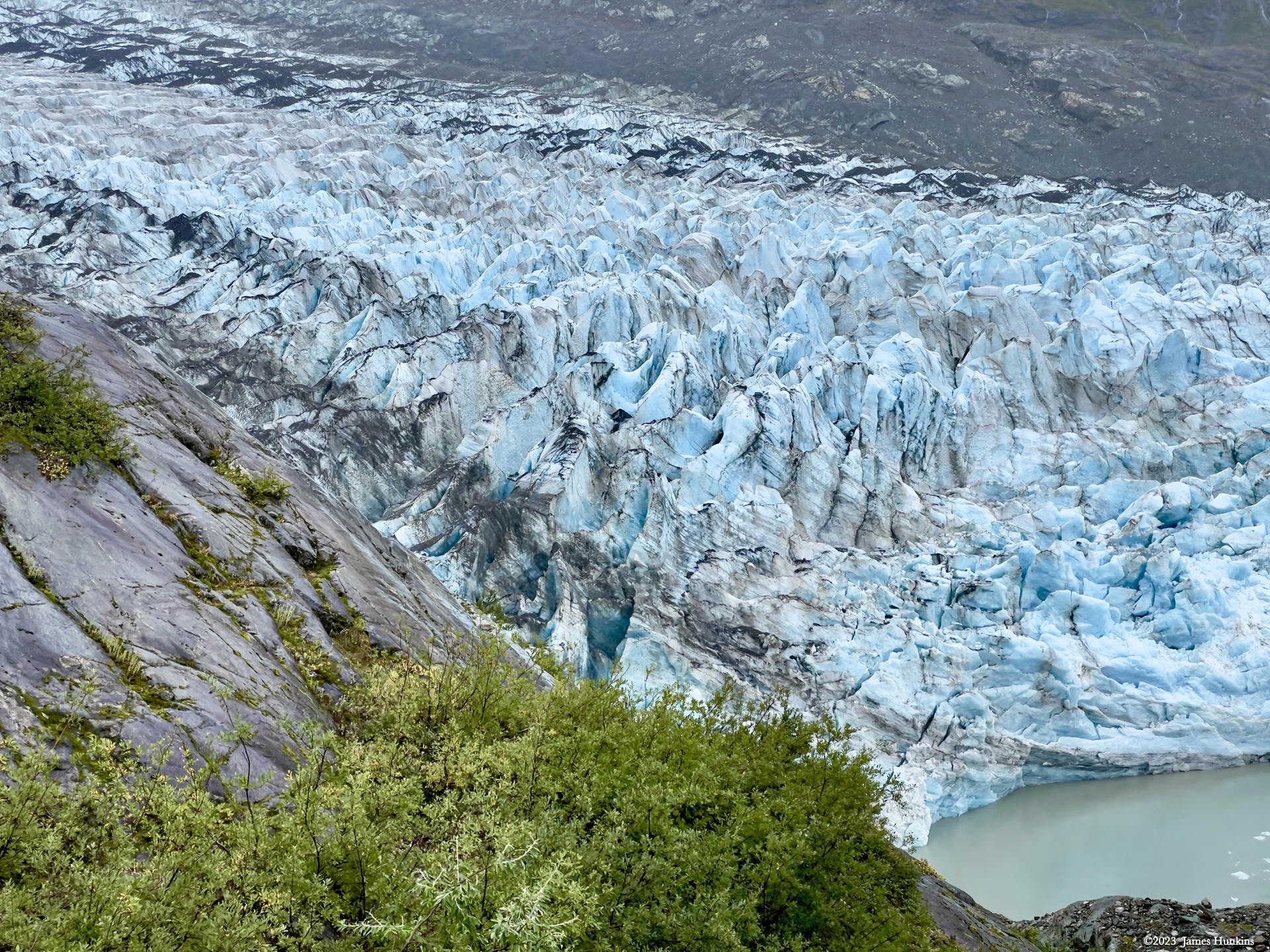
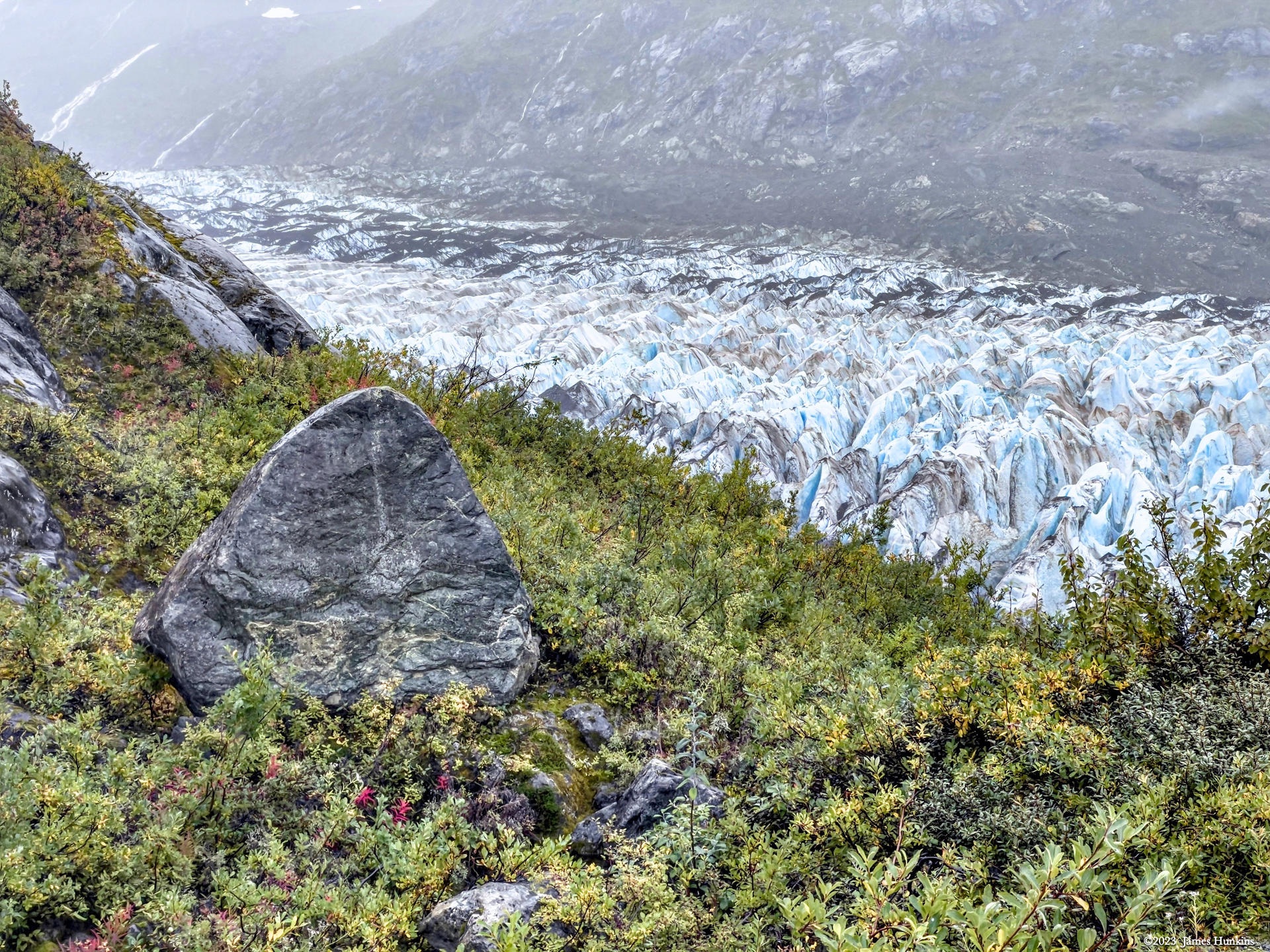
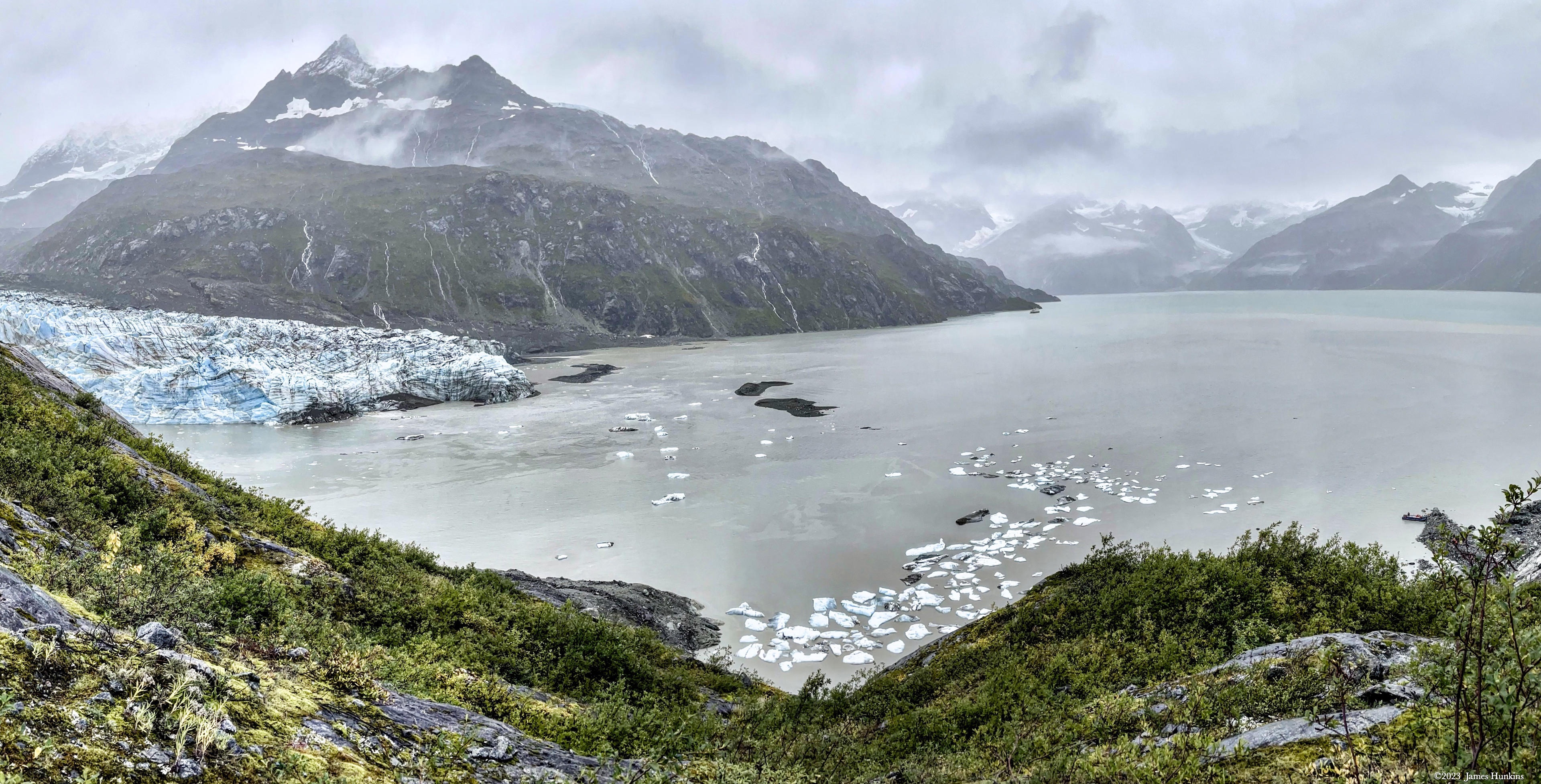
A skiff took us from our ship to the shore at a point near the glacier. We hiked up a path (barely could be called that) where we could look down at the massive glacier below. We had a great view where the ice entered the water directly (called a tide-water glacier; most glaciers in Alaska no longer get to the water as they recede, emptying into streams/rivers that then head down to the bay).
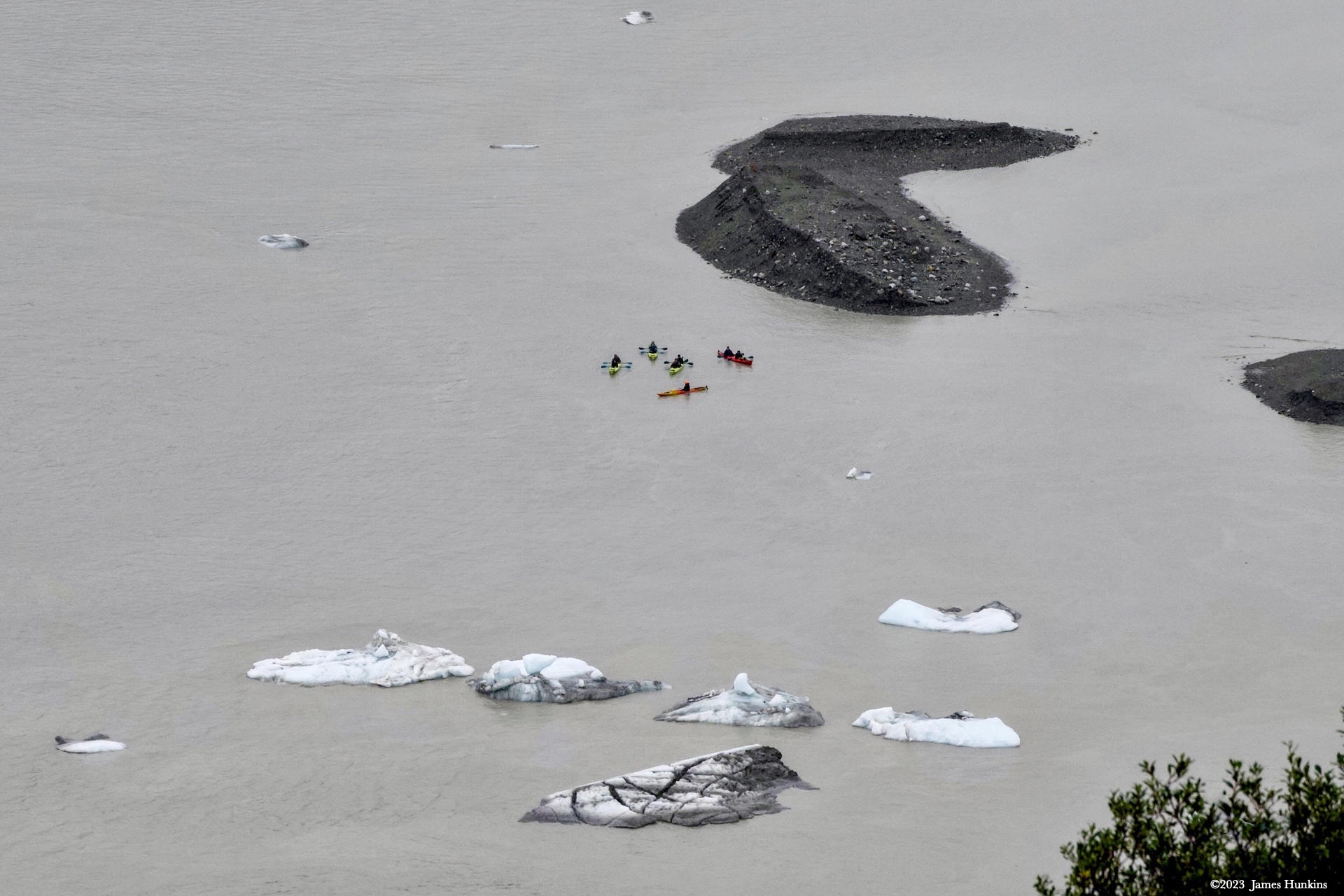
It was beautiful looking out over Glacier Bay with the rugged mountains surrounding us, the glacier entering the water, and even a group of kayakers from our ship out in the bay.
Another interesting fact about the Inside Passage - they have a massive tide. When our skiff came back to pick us up for our return, the tide was going out. Surprise, it went out very fast. Suddenly our skiff wasn’t going anywhere, sitting securely on a newly found rock ledge. No matter how much the skiff captain and our guide pushed and prodded, it would not come loose. Finally, our guide jumped into the water and literally went out nearly up to her head. No wet gear or anything but she managed to pry our skiff loose. A big cheer for her. You would think with all of us with our really nice phone cameras, at least one of us would have captured that on video - nope! We were totally engrossed in watching her brave the cold waters for us (I think that I mentioned Uncruise has great guides?!)
What a great way to start our trip!
VIEWING HELP
To close this window, click the X in the upper right hand corner. Or click anywhere outside of this window's area.
Photos from each day are shown in thumbnail (small) form. Panoramas are either wide or tall images, while normal photos are small rectangles. All photos shown in the PHOTO SHOWCASE section can be enlarged for better viewing. Photos will enlarge to fit your browser window width. Therefore, to view them at larger sizes simply make your browser window wider.
If there is any issue or the need to inquire/comment about an image, please refer to the Image ID label (see below) of the specific image along with the trip name found at the top of the browser window.
Video Clips
Depending on the browser, some of the controls may not always be supported.
Most videos will start playing automatically. Sound is automatically off even if included with a video. See D, E below for sound control.
A few small videos are set to loop endlessly, while most just play to the end.
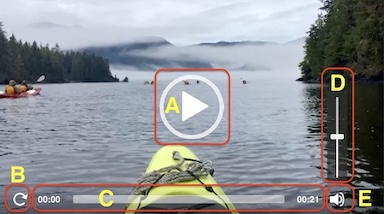
- A: To start or stop a video, click in this area (even if the symbol is not visible)
- B: If a browser shows this symbol, clicking on it will restart the video from the beginning
- C: Progress bar - will display total video time on the right.
- D, E: This seems to have the most variants between browsers. If the video description says 'w/ sound’, you can adjust the volume with this control
If neither is visible, move the cursor to the E area and either E and/or D will be visible
If E is visible but not D, click on E
Once D is visible, slide the bar up or down to adjust the volumn
Panoramas
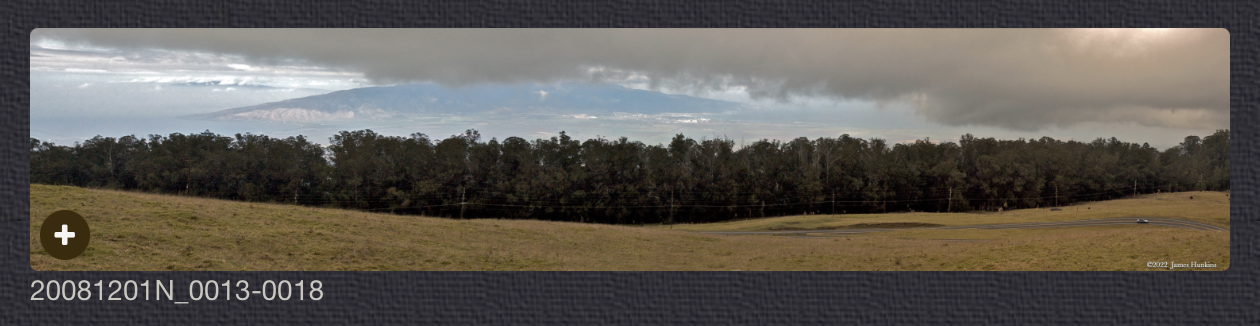
Clicking anywhere on a panorama thumbnail will cause the image to expand to fill the browser width. Clicking again anywhere in the browser window or scrolling the browser window will cause the expanded image to shrink back to its smaller thumbnail size.
The Image ID and description is found just below the thumbnail image on the left side.
Individual Photographs
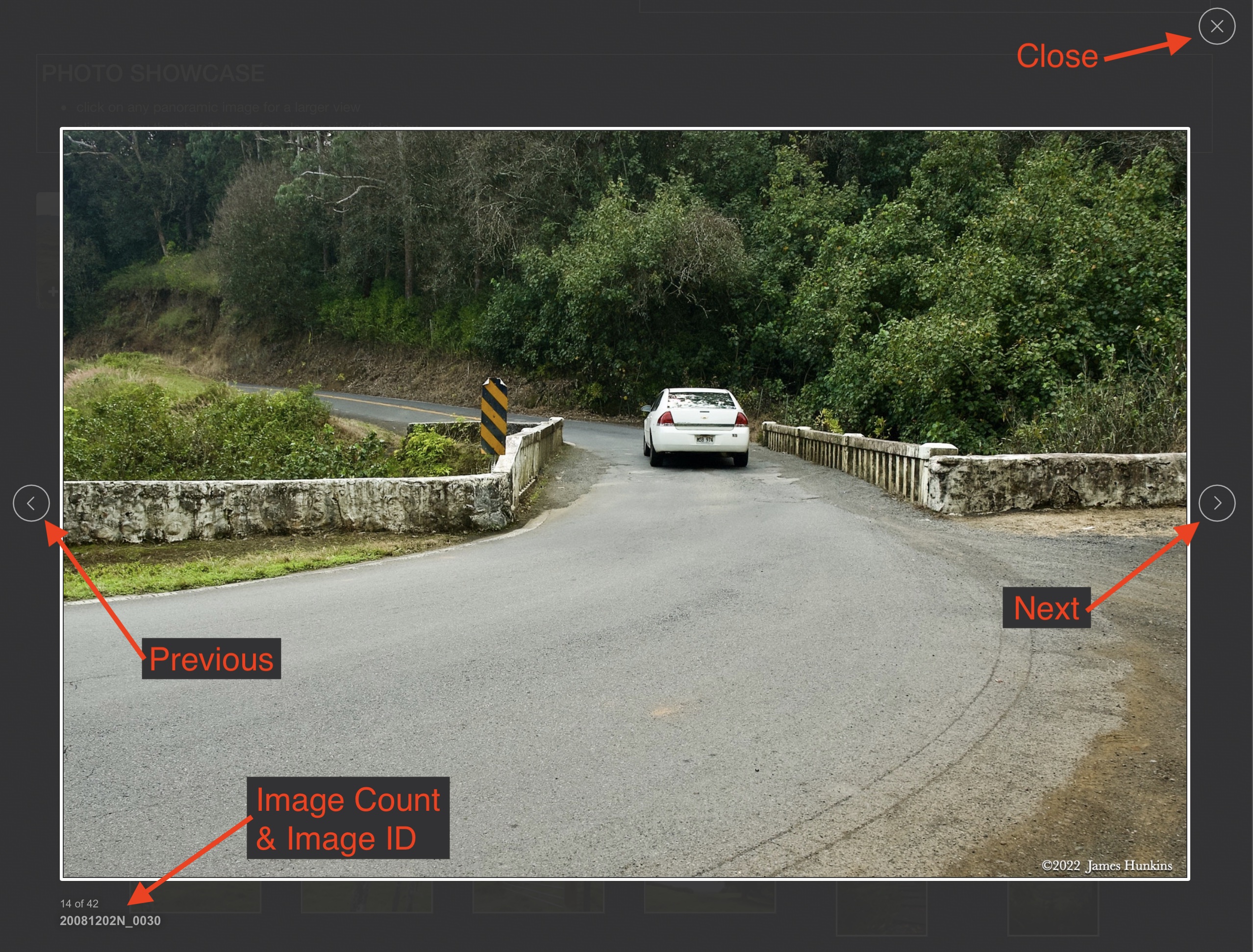
If you click on any photo thumbnail, it will open a larger viewer which can be used to walk through all of the standard photos on the page. Once open, to go forward click on the > on the right side of the enlarged image. To scan backwards, click on the < on the left side. To close the larger images either click on the X in the upper right hand corner of the browser window or anywhere outside of the enlarged image.
The Image ID label can be found by hovering a cursor over the thumbnail image (may not be available on some tablets/phones) or, once enlarged, from the lower left hand side just under the image.
Additionally, in the same area as the Image ID (or the upper left corner for newer/updated sites) a count showing the current image number versus the total number of images available for viewing.

For newer or updated sites (look for the orange checkbox in the header of a sites main page), additional buttons have been added when viewing a full size image. From left to right, the buttons are:
- Email: will open an email with information and a link to the current image
- WhatsApp: if WhatsApp is on your system, will open a browser window to open WhatsApp and create a message with information and a link to the current image
- FaceBook: Will open a browser window to open Facebook and create a message with information and a link to the current image
- full screen: will take over the entire display versus just the browser in most systems; ESC returns to the brower only mode
- magnify: enlarges the image within the browser or full screen; if the image is larger than can be displayed it can be scrolled
- exit: will close the large image viewer returning to the thumbnails




Links:
SHORT VIDEO CLIPS
In Glacier Bay heading towards Lamplugh Glacier - no sound
PHOTO SHOWCASE
- click on any panoramic image for a larger view
- click on any thumbnail image for a larger view/slideshow
-
 2309170001NIsland in Glacier Bay
 -
 2309170002NIsland in Glacier Bay
 -
 2309170004PIsland in Glacier Bay
 -
 2309170007PLooking out my cabin window towards the Lamplugh Glacier
 -
 2309170008NKayaks heading from the ship to the Lamplugh Glacier
 -
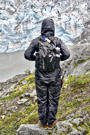 2309170009NOur hiking guide looking towards the glacier
 -
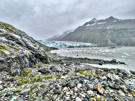 2309170010PHead of Lamplugh Glacier entering Glacier Bay
 -
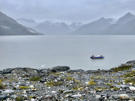 2309170011POur ship in the background (tiny on the left) and the skiff that brought us to the glacier hike
 -
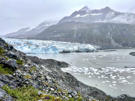 2309170012PHead of Lamplugh Glacier entering Glacier Bay
 -
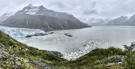 2309170016PHead of Lamplugh Glacier entering Glacier Bay
 -
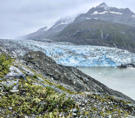 2309170018PHead of Lamplugh Glacier entering Glacier Bay
 -
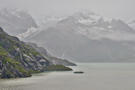 2309170020NOur ship - the Safari Endeavour
 -
 2309170021NKayaks near the Lamplugh Glacier
 -
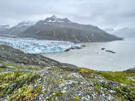 2309170022PHead of Lamplugh Glacier entering Glacier Bay
 -
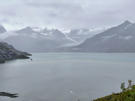 2309170024POur ship near the Lamplugh Glacier
 -
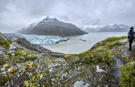 2309170027PLate summer weather in the rugged Glacier Bay, overlooking the Lamplugh Glacier
 -
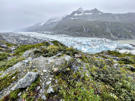 2309170028POverlooking the base of Lamplugh Glacier
 -
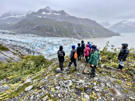 2309170030POur hiking group looking down at the base of Lamplugh Glacier
 -
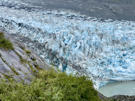 2309170031PRugged ice pieces at the base of Lamplugh Glacier
 -
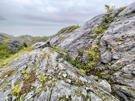 2309170032PLow scrubby plants on the rugged ground and mountains around Glacier Bay
 -
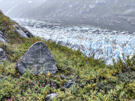 2309170034PLooking down at Lamplugh Glacier