Alaska 2017
ROBERT AND CROWE ISLANDS
DAY 4 : TUESDAY SEPT 26, 2017
It might be good to explain what the Alaska Marine Highway is, as it appears on some of these pages. No, it isn’t an actual highway in the water. Instead, it is a ferry service operated by the state of Alaska. It has 5,600 km (3,500 miles) of routes with 32 terminals throughout Alaska, British Columbia, and Washington. Its primary purpose is to ferry passengers from point to point. It is also the only method of transport between Alaska and the rest of the United States that doesn’t require international customs or immigration.
Now, back to the trip…
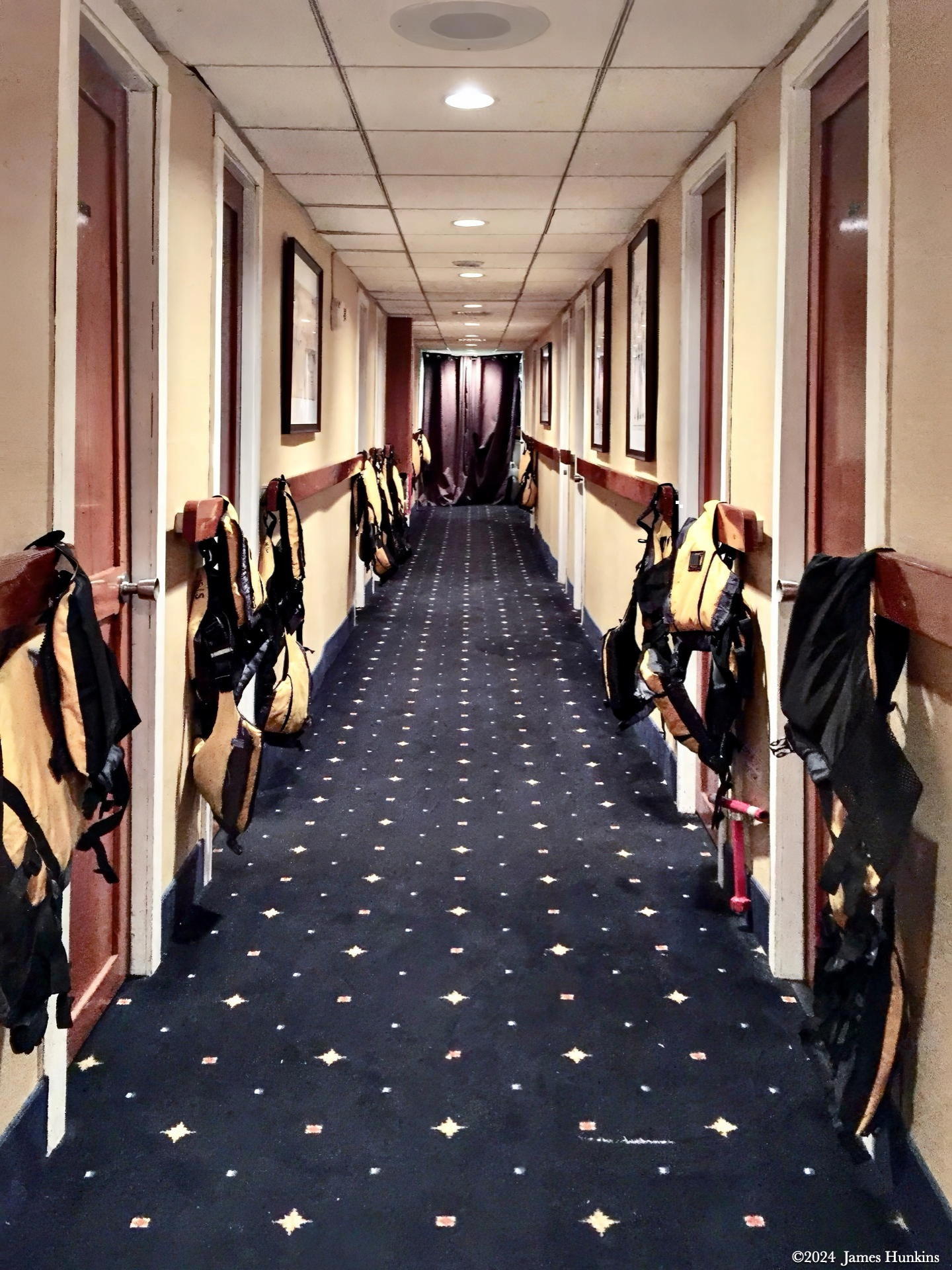
Before I discuss our kayaking for the day, I included a couple of pictures to help give some flavor to our adventures in Alaska. The first is the hallway my room was on. You will see life jackets and some rain gear drying outside of each room. Very critical garb in this country.
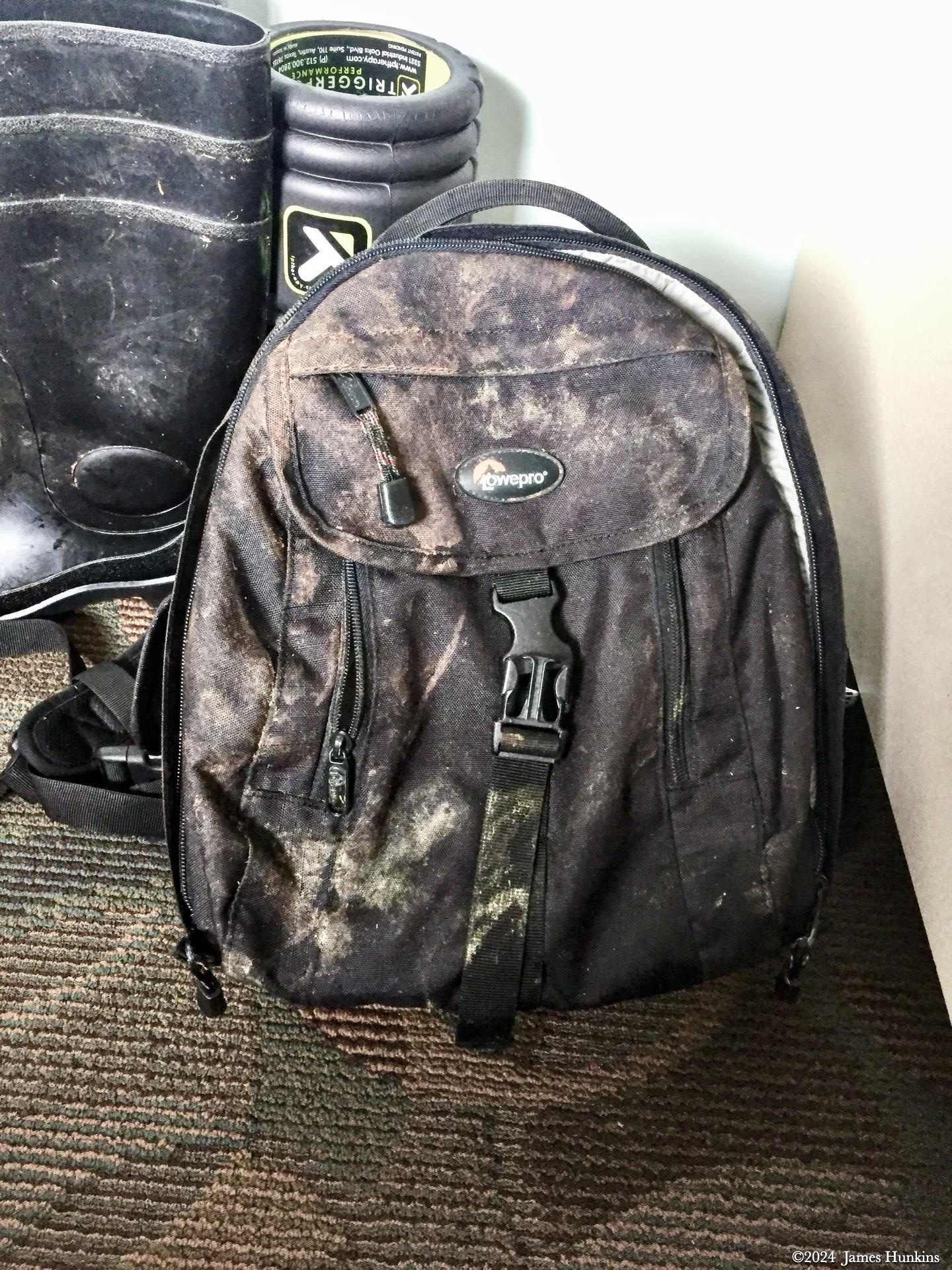
I also included a photo of my camera bag that I took on the land bushwhacking excursions. Simply put, what you see is what dried mud looks like after you have been scrambling through a wet rainforest, across puddles, and under fallen trees. A little water guard goes a long way to keeping the mud and moisture outside of your pack versus inside (gasp) on your valuable camera gear.
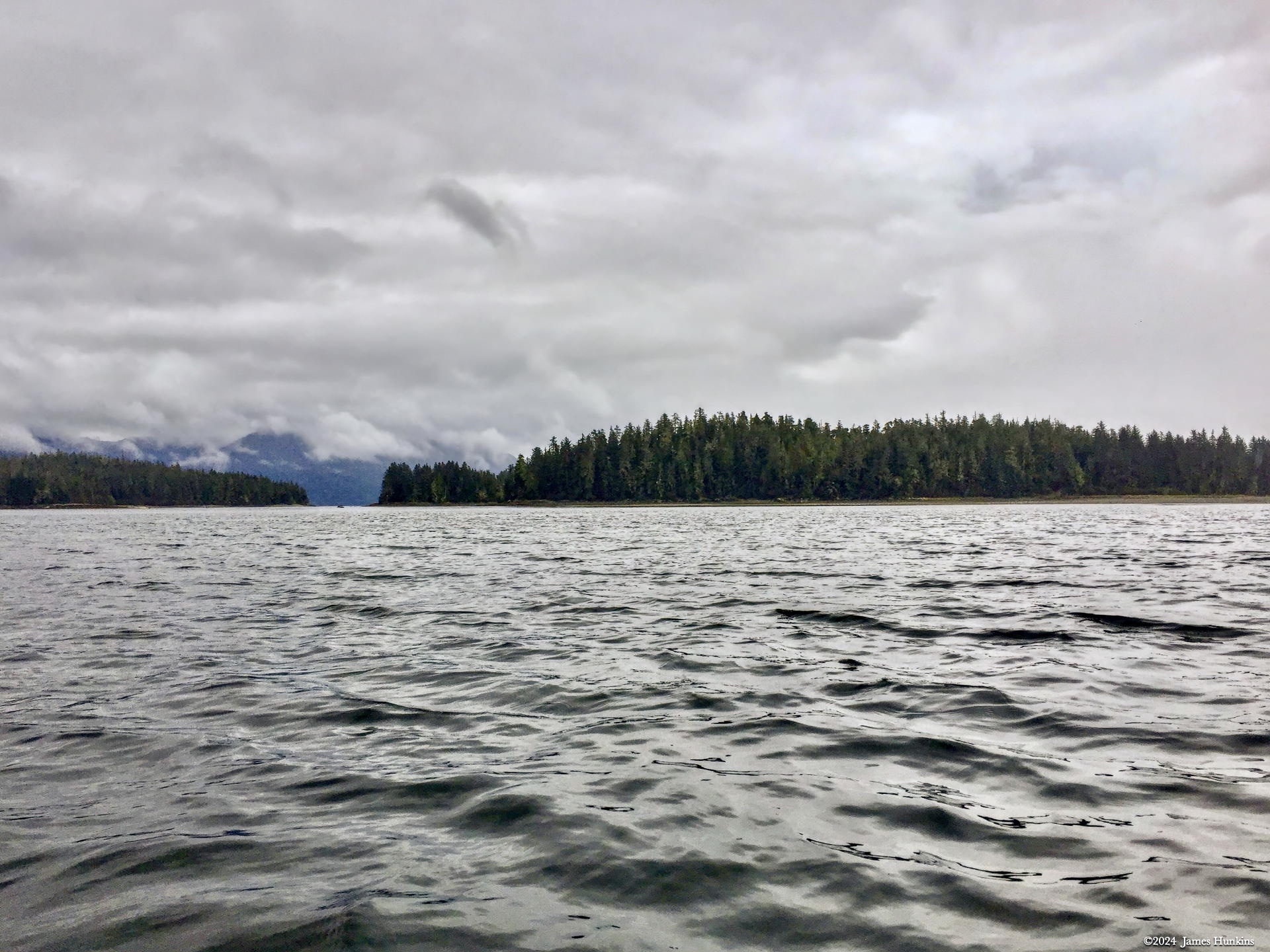
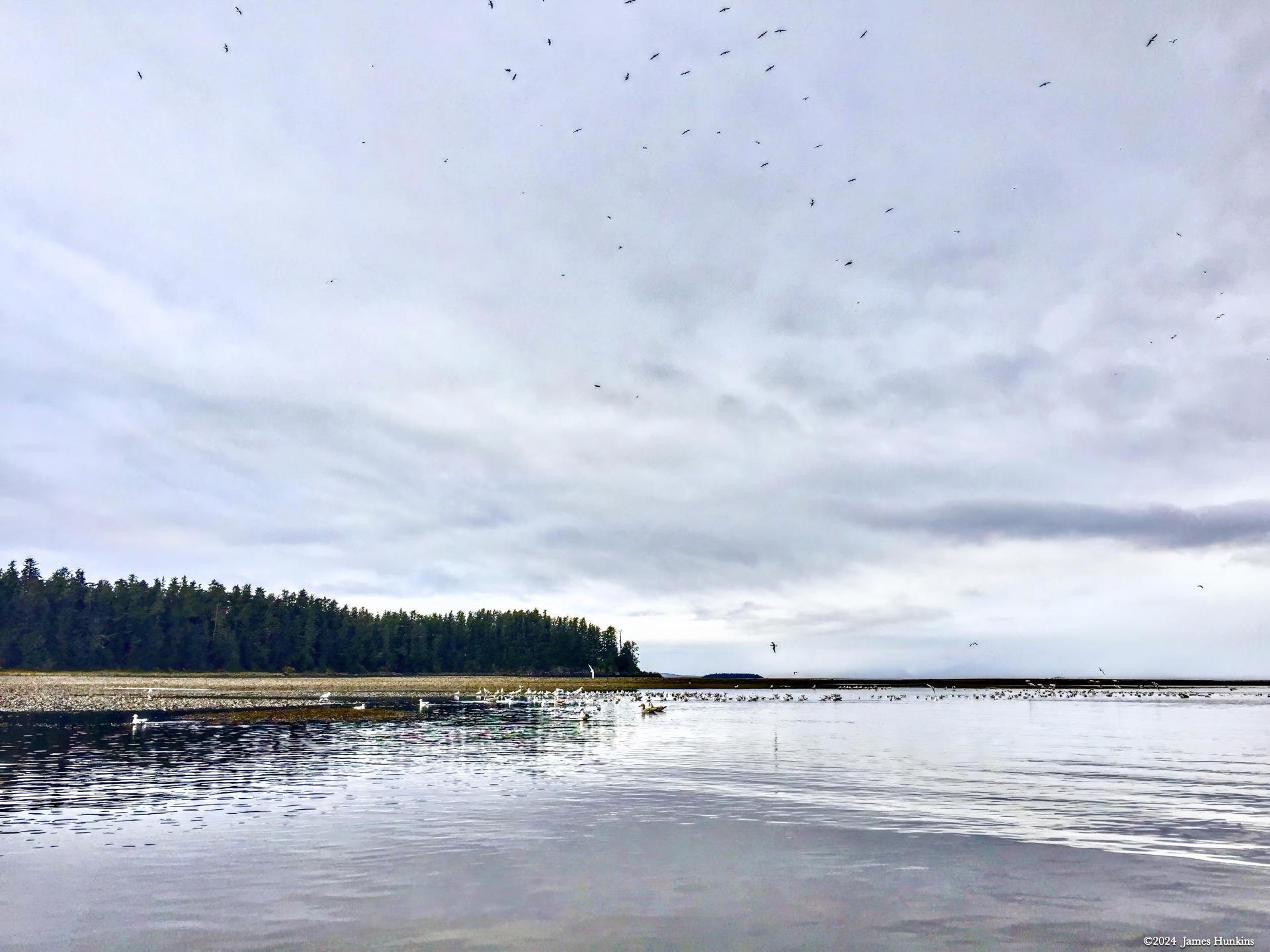
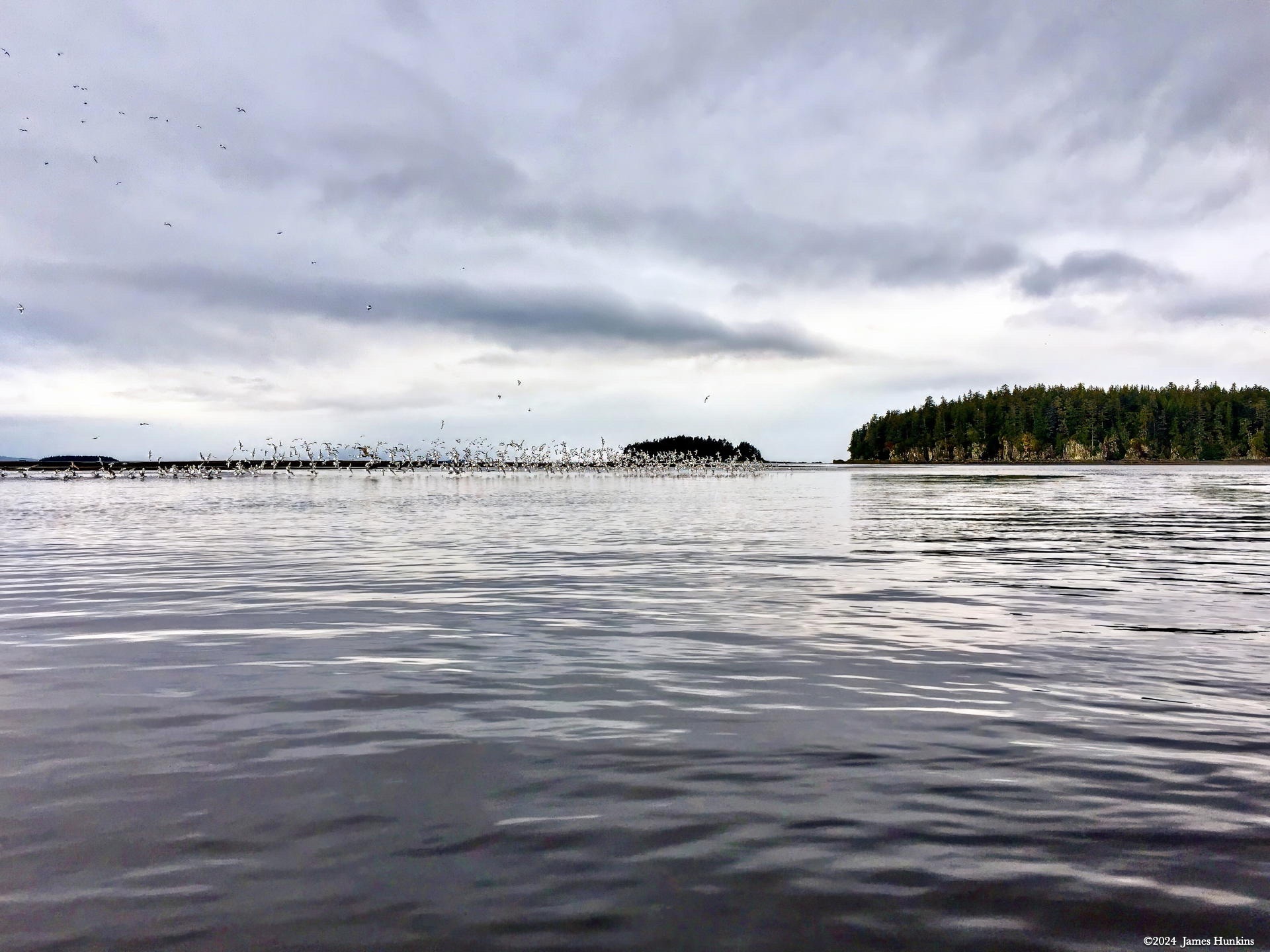
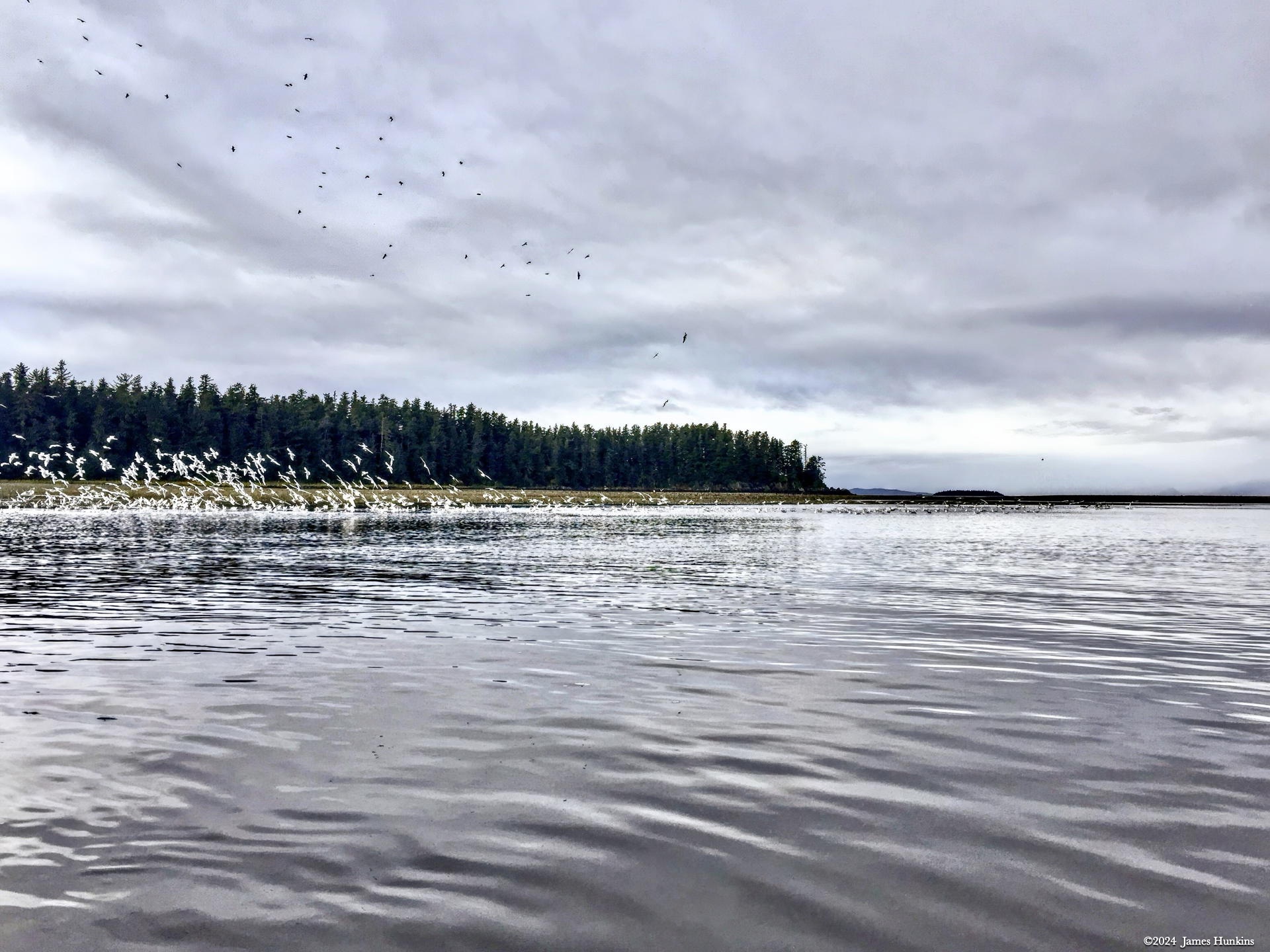
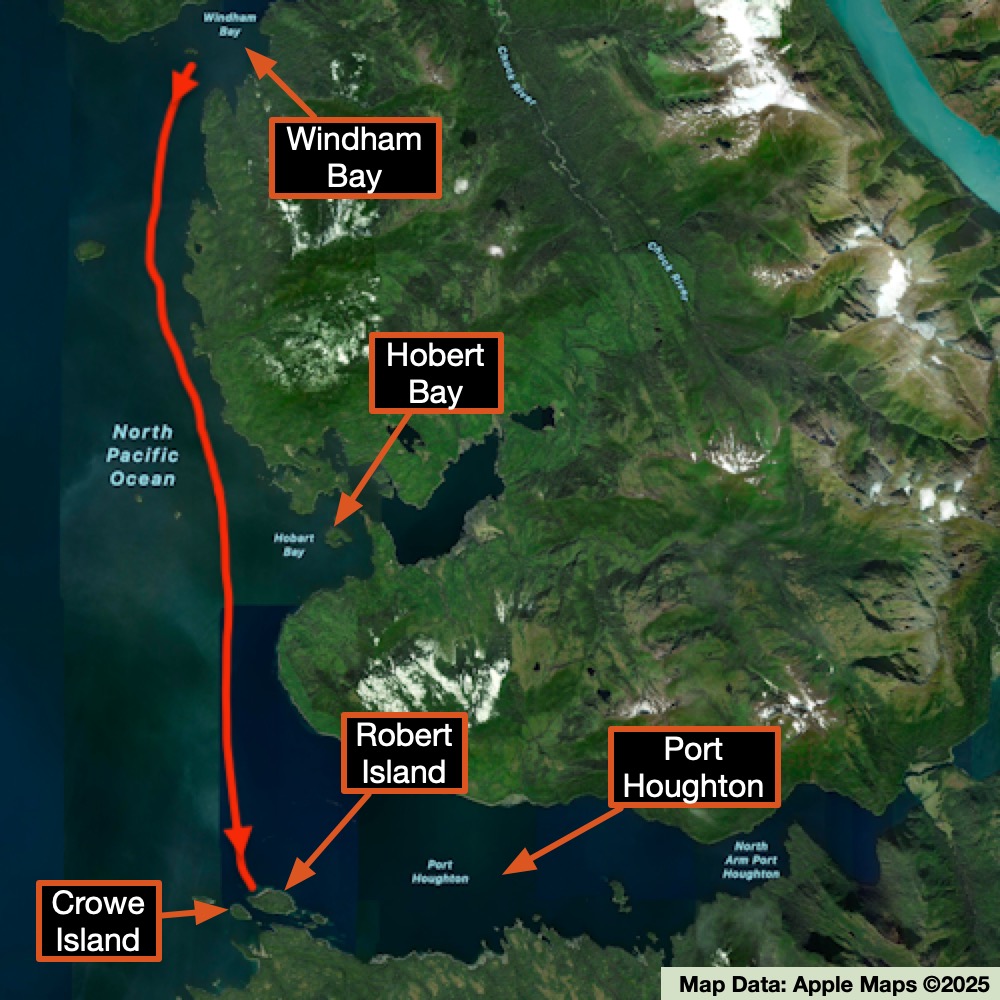
Robert and Crowe Islands are small rainforest-covered islands just outside of the Port Houghton Bay. What stood out for me about the islands, as seen from our kayaks, were the massive flocks of even more seabirds swarming over small juts of sand and gravel. The birds tended to cover the ground with a thick layer of soft white. As we approached, the birds lifted off seemingly as one unit, going from quiet ‘talking’ to a raucous communication. Guess we were not as stealthy of a visitor as we could have been.
We enjoyed watching them fly in tight patterns around while our kayaks bobbed in the gentle swells. Eventually, the birds seemed to decide that we were no threat, beautifully settling back onto the sand to resume their daily social interactions.
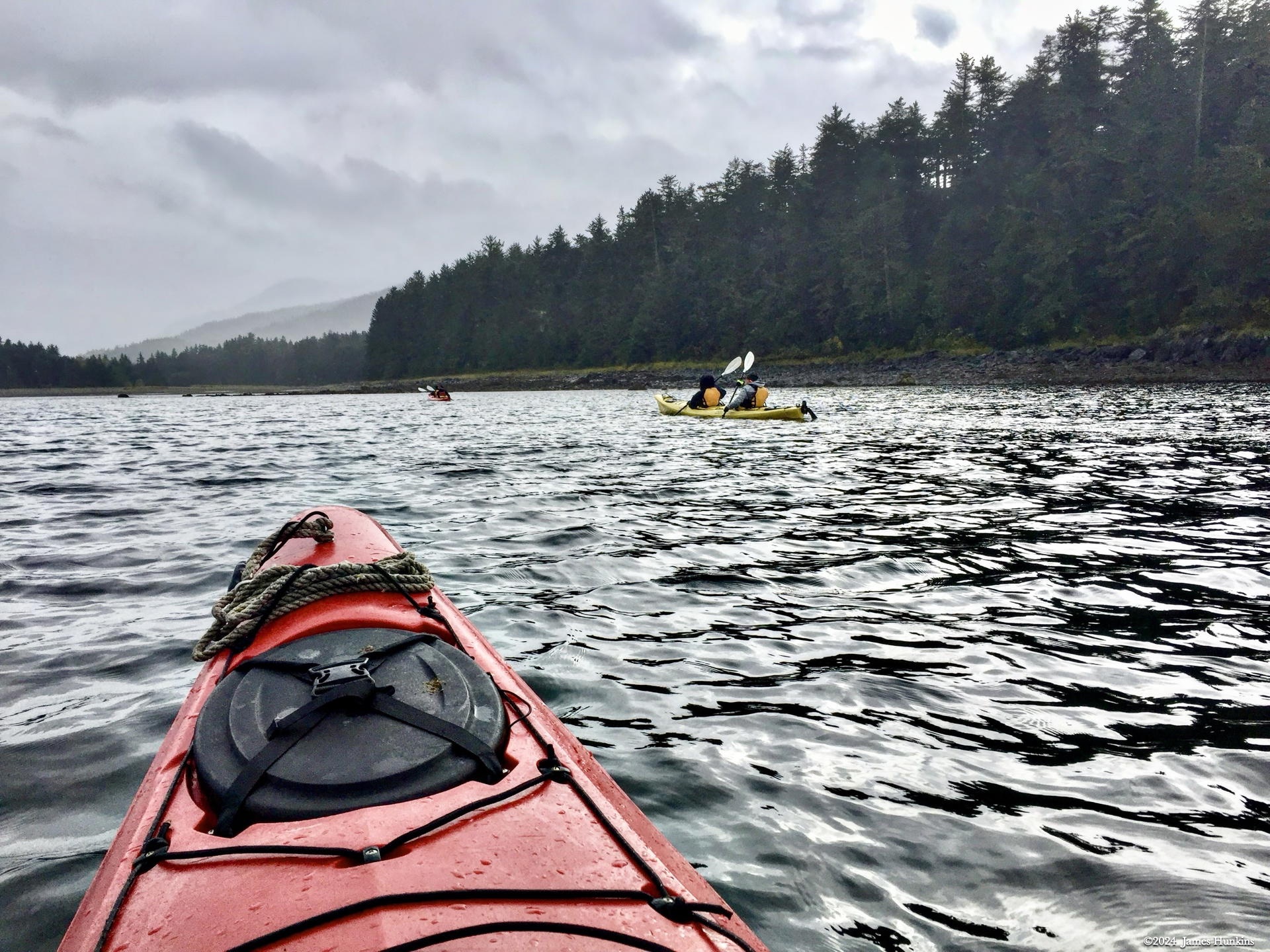
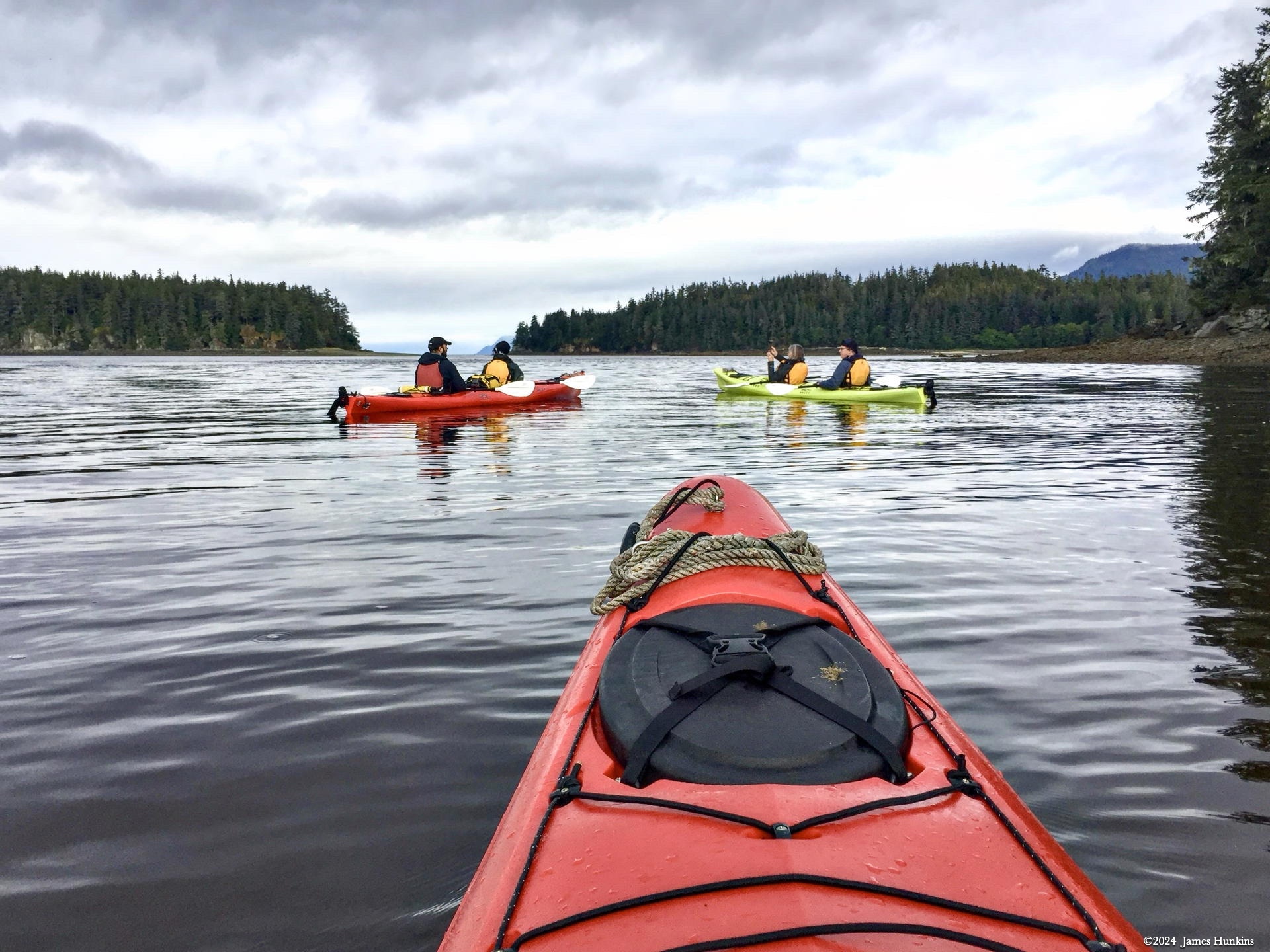
Our group spent most of the morning enjoying kayaking around the islands and watching the birds do their thing.
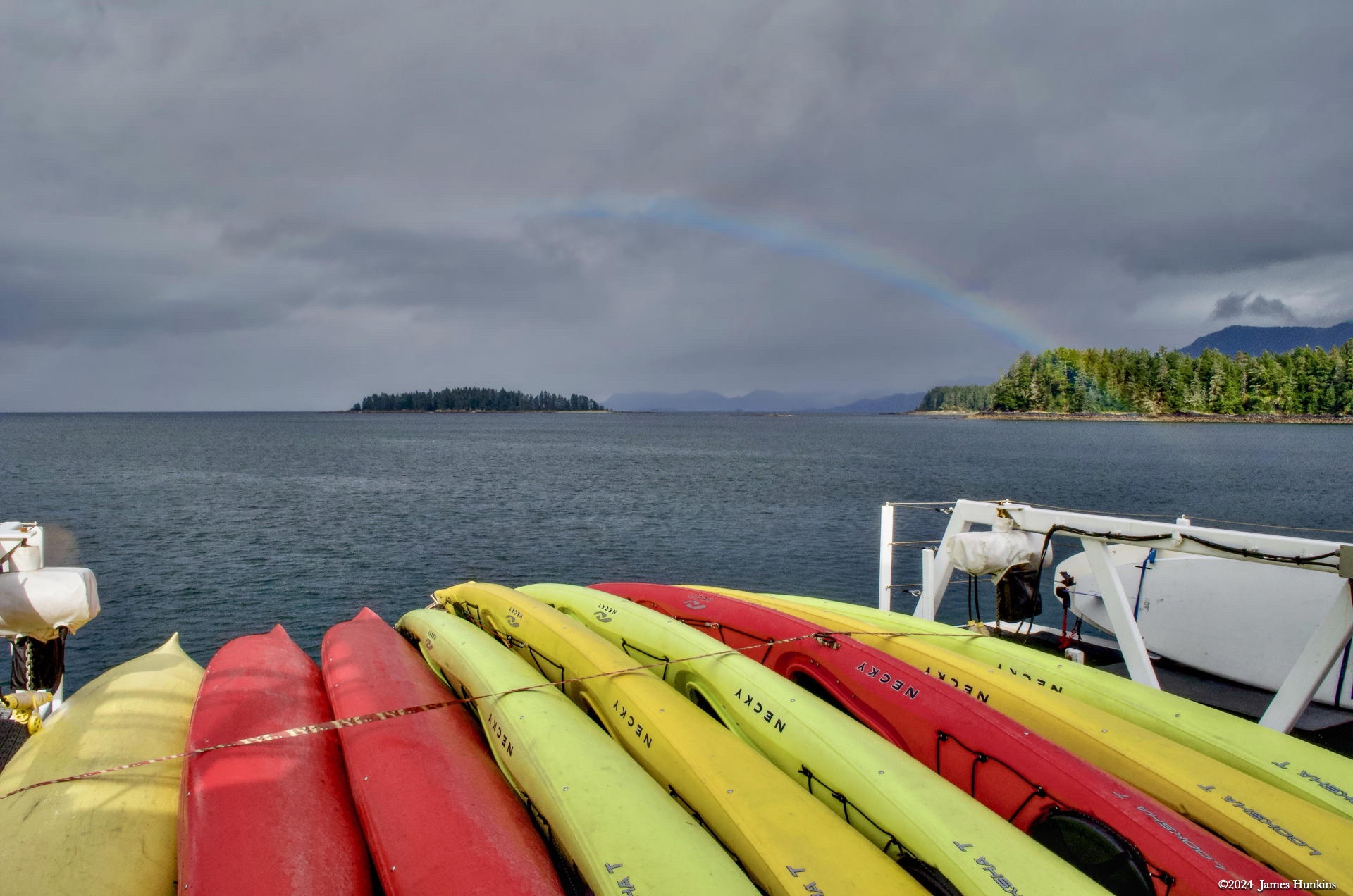
As we wrapped up our kayaking for the day, nature waved to us with a beautiful rainbow, which I captured overlooking the kayaks on our ship’s deck.
Our ship then headed south towards the Narrows on the way to Wrangell (see the next day’s entry for the route map). As we passed by Petersburg around lunchtime, we suddenly had cell phone reception; the first since we left Juneau. Everyone scrambled to get their messages and make quick connections.
This is when I found out that my cat had been taken back to the emergency pet hospital. I ended up going into seclusion for the rest of the day and the next. As mentioned, the crew was super understanding and supportive during this period. Unfortunately, I missed out on some beautiful areas and activities during that period, but everyone took great care of me while I worked through the experience. I have no way to express my appreciation to everyone for their understanding.
Talking with my travel companions and looking at their photos, I was able to reconstruct the part of the trip while I was secluded in my cabin.
For this afternoon, our ship headed down through the Narrows (large ships can’t go through this channel) and docked for the night and most of the next day in Wrangell.
VIEWING HELP
To close this window, click the X in the upper right hand corner. Or click anywhere outside of this window's area.
Photos from each day are shown in thumbnail (small) form. Panoramas are either wide or tall images, while normal photos are small rectangles. All photos shown in the PHOTO SHOWCASE section can be enlarged for better viewing. Photos will enlarge to fit your browser window width. Therefore, to view them at larger sizes simply make your browser window wider.
If there is any issue or the need to inquire/comment about an image, please refer to the Image ID label (see below) of the specific image along with the trip name found at the top of the browser window.
Video Clips
Depending on the browser, some of the controls may not always be supported.
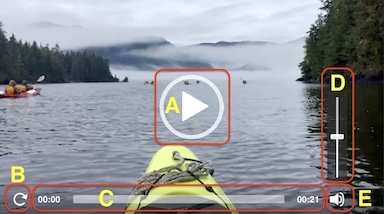
Most videos will start playing automatically. Sound is automatically off even if included with a video. See D, E below for sound control.
A few small videos are set to loop endlessly, while most just play to the end.
- A: To start or stop a video, click in this area (even if the symbol is not visible)
- B: If a browser shows this symbol, clicking on it will restart the video from the beginning
- C: Progress bar - will display total video time on the right.
- D, E: This seems to have the most variants between browsers. If the video description says 'w/ sound’, you can adjust the volume with this control
If neither is visible, move the cursor to the E area and either E and/or D will be visible
If E is visible but not D, click on E
Once D is visible, slide the bar up or down to adjust the volumn
Panoramas
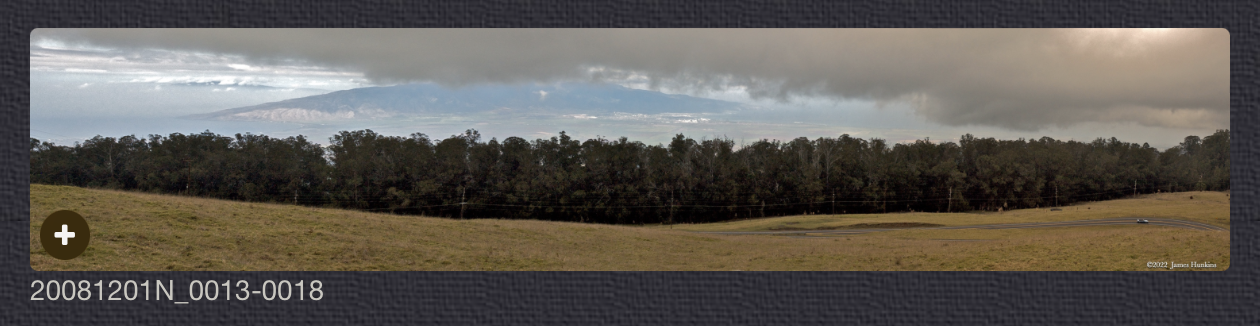
Clicking anywhere on a panorama thumbnail will cause the image to expand to fill the browser width. Clicking again anywhere in the browser window or scrolling the browser window will cause the expanded image to shrink back to its smaller thumbnail size.
The Image ID and description is found just below the thumbnail image on the left side.
Individual Photographs
If you click on any photo thumbnail, it will open a larger viewer which can be used to walk through all of the standard photos on the page. Once open, to go forward click on the > on the right side of the enlarged image. To scan backwards, click on the < on the left side. To close the larger images either click on the X in the upper right hand corner of the browser window or anywhere outside of the enlarged image.
The Image ID label can be found by hovering a cursor over the thumbnail image (may not be available on some tablets/phones) or, once enlarged, from the lower left hand side just under the image.
Additionally, in the same area as the Image ID (or the upper left corner for newer/updated sites) a count showing the current image number versus the total number of images available for viewing.

For newer or updated sites (look for the orange checkbox in the header of a sites main page), additional buttons have been added when viewing a full size image. From left to right, the buttons are:
- Email: will open an email with information and a link to the current image
- WhatsApp: if WhatsApp is on your system, will open a browser window to open WhatsApp and create a message with information and a link to the current image
- FaceBook: Will open a browser window to open Facebook and create a message with information and a link to the current image
- full screen: will take over the entire display versus just the browser in most systems; ESC returns to the brower only mode
- magnify: enlarges the image within the browser or full screen; if the image is larger than can be displayed it can be scrolled
- exit: will close the large image viewer returning to the thumbnails




Links:
SHORT VIDEO CLIPS
Shorebirds disturbed by our kayaks being nearby - w/ sound
PHOTO SHOWCASE
- click on any thumbnail image for a larger view/slideshow
-
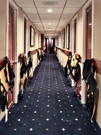 1709250197PShip hallway showing our life vests and other gear drying out
 -
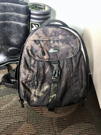 1709260010PThis was a clean camera bag, until a ½ day of bushwhacking
 -
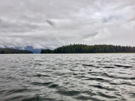 1709260001PLooking at Robert Island with low clouds and mountains in the background
 -
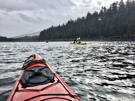 1709260003POur kayaks paddling around Robert Island
 -
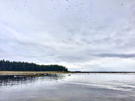 1709260005PFlock of seabirds near the shoreline and in the air
 -
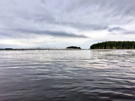 1709260007PFlock of seabirds settling back down in the waters near Robert Island
 -
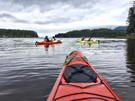 1709260008POur kayaks paddling around Robert Island
 -
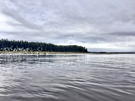 1709260009PFlock of seabirds near the shoreline and in the air
 -
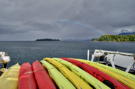 1709260012NWith the kayaks back on our ship, nature treated us to a beautiful rainbow dropping into the water at the edge of Robert Island