Ouray, Colorado
Grey Copper Trail
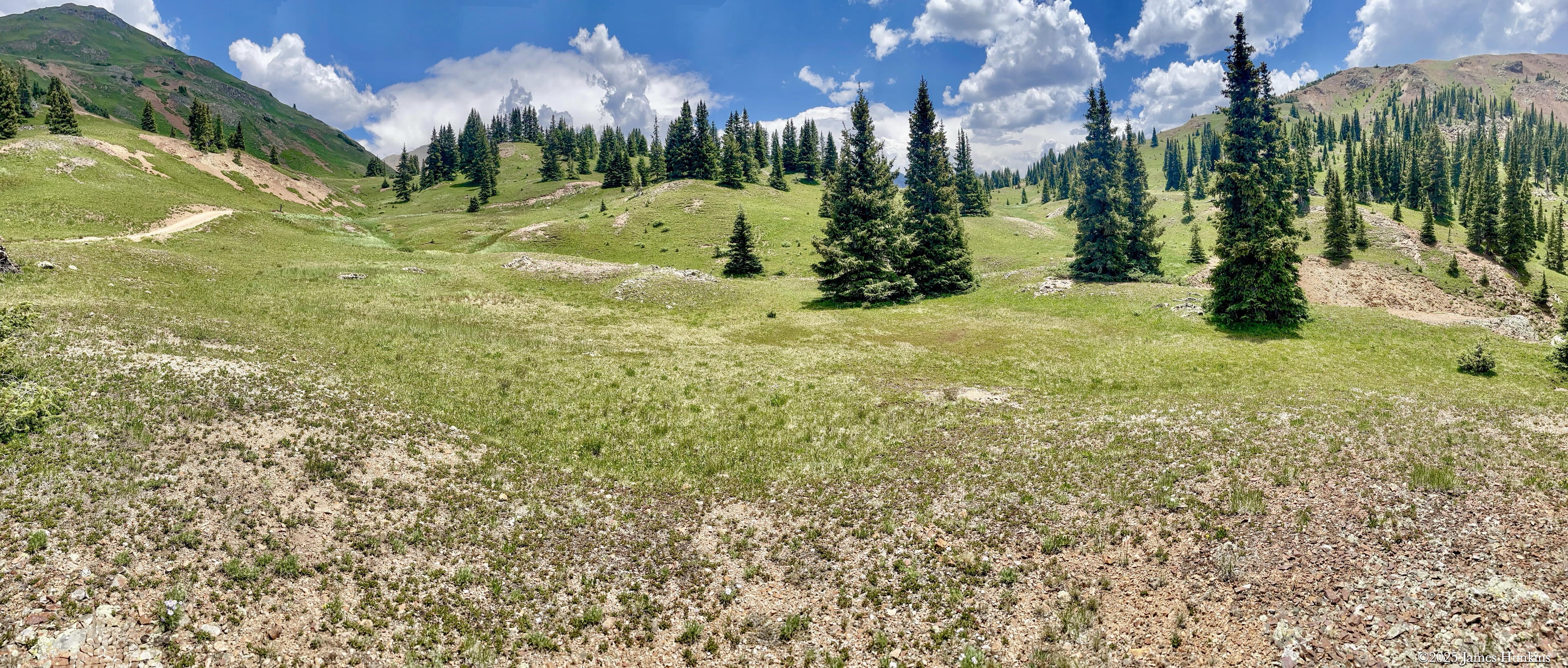
This hike is quite different from the Blue Lakes Pass Hike. It’s easier to get to and doesn’t reach such higher altitudes. You’ll find less bare rock and more trees and shrubs. But don’t worry, it’s still a fantastic hike with some challenging trail sections, lots of wildflowers, amazing views, and abandoned mines.
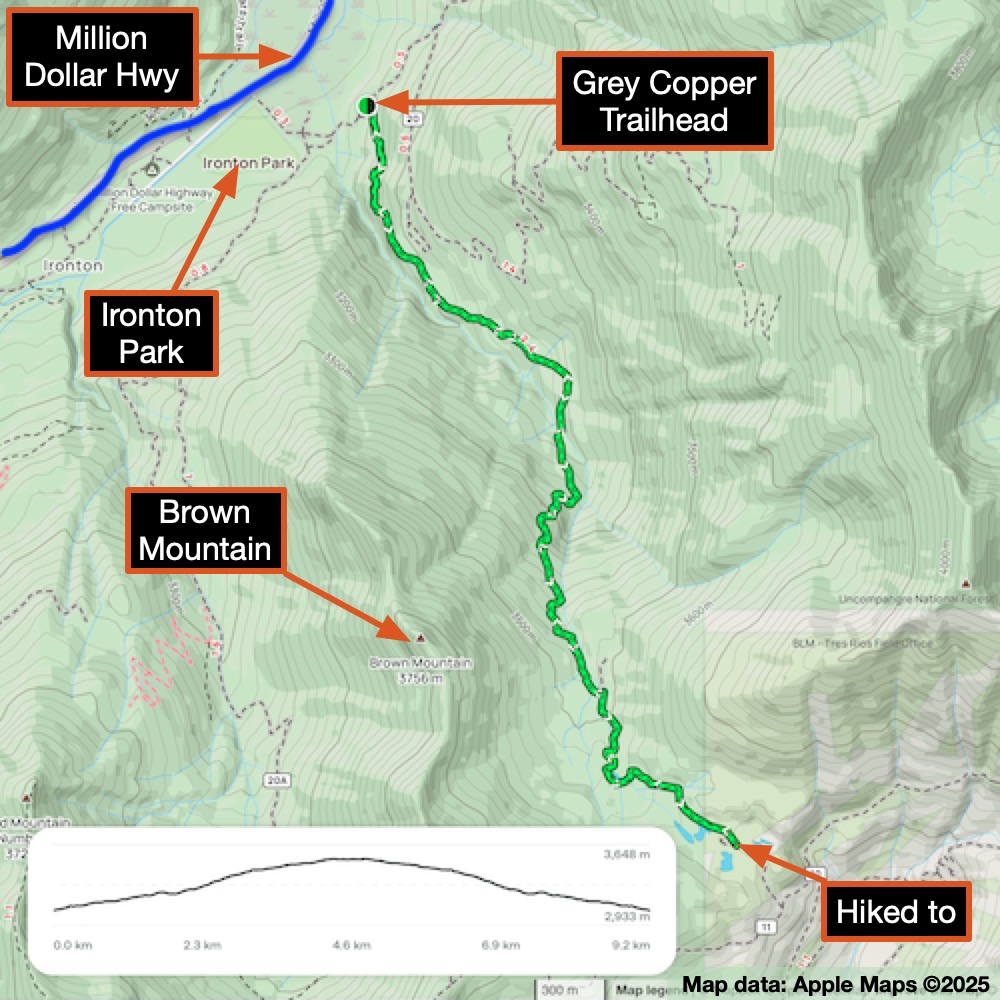
Getting to the hike is much simpler (no need for a four-wheel drive to start!). It’s 9.3 km (5.8 miles) round trip with an elevation gain of 622 m (2,047 ft). You can park by the highway, but you’ll need to walk a bit to the trailhead. I accidentally missed the trailhead on my first pass - the sign was almost completely hidden by the plants. The AllTrails app helped me find it, and I was on my way.
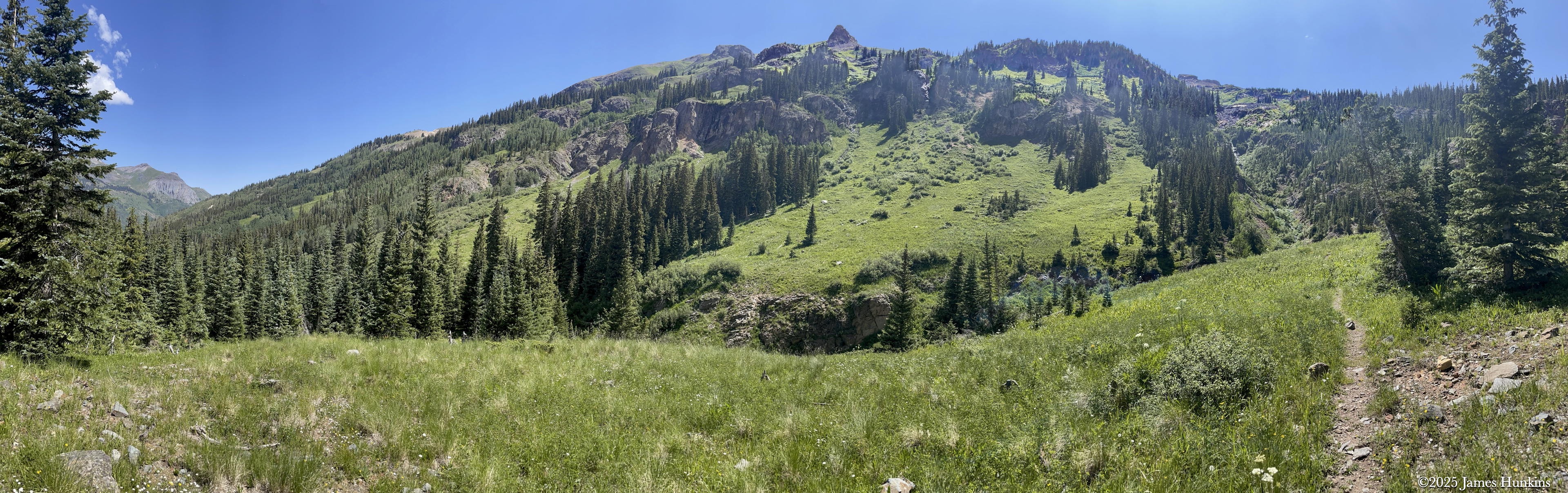
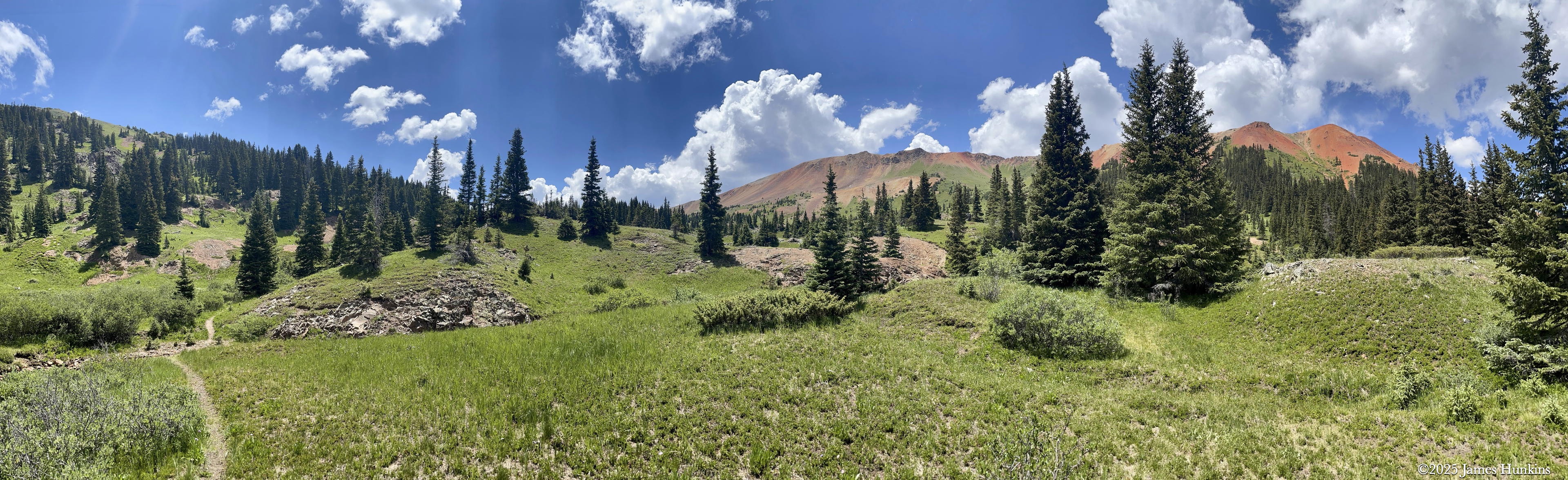
The trail goes under a red mountain (lots of iron ore) and then climbs out of a valley with a fantastic view of water cascading down the other side. I noticed someone in the area has a sense of humour (check out the pictures), at least I hope it was meant to be funny.
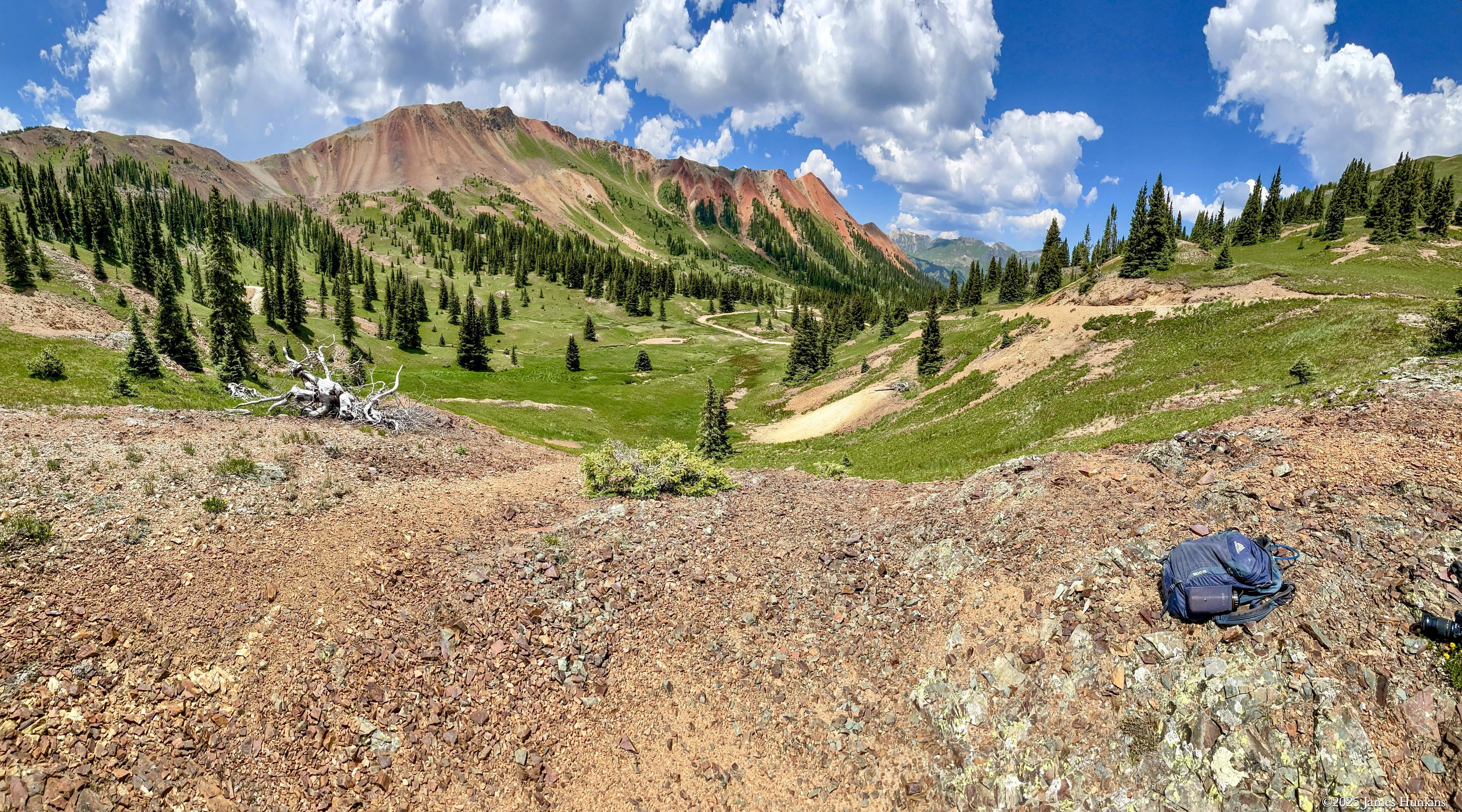
As the trail climbs into an open area near the top, it passes a cool old mine where the creek and rocks are very red, just like the peaks around the valley. Near the top of the trail, you’ll come across some dirt roads. I also noticed that someone had built a home just above the old mine (no trespassing signs, so no worries).
Overall, it was a great day and a wonderful peaceful nature experience!
VIEWING HELP
To close this window, click the X in the upper right hand corner. Or click anywhere outside of this window's area.
Photos from each day are shown in thumbnail (small) form. Panoramas are either wide or tall images, while normal photos are small rectangles. All photos shown in the PHOTO SHOWCASE section can be enlarged for better viewing. Photos will enlarge to fit your browser window width. Therefore, to view them at larger sizes simply make your browser window wider.
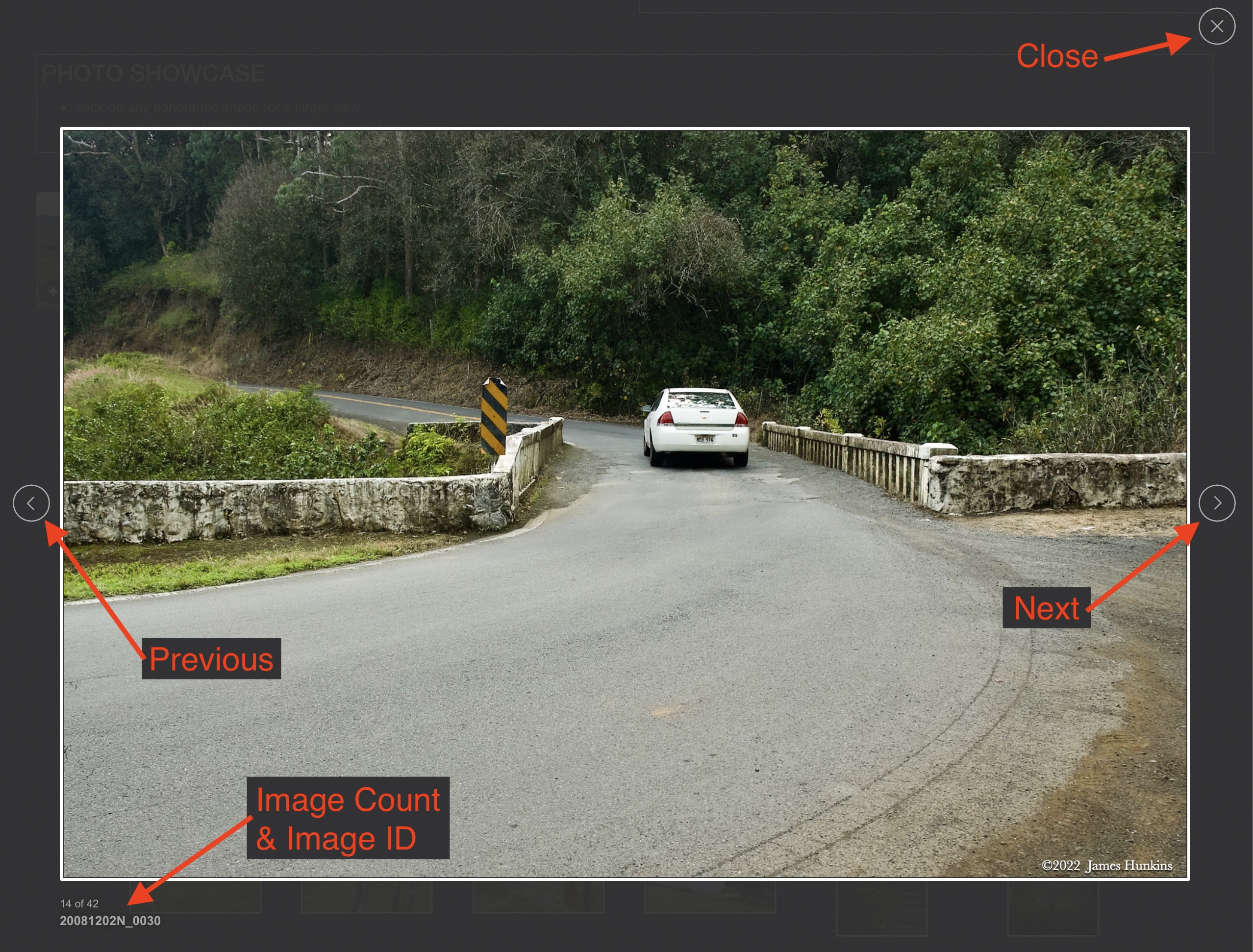
If there is any issue or the need to inquire/comment about an image, please refer to the Image ID label (see below) of the specific image along with the trip name found at the top of the browser window.
Video Clips
Depending on the browser, some of the controls may not always be supported.
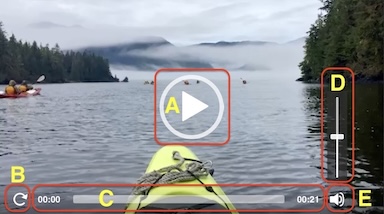
Most videos will start playing automatically. Sound is automatically off even if included with a video. See D, E below for sound control.
A few small videos are set to loop endlessly, while most just play to the end.
- A: To start or stop a video, click in this area (even if the symbol is not visible)
- B: If a browser shows this symbol, clicking on it will restart the video from the beginning
- C: Progress bar - will display total video time on the right.
- D, E: This seems to have the most variants between browsers. If the video description says 'w/ sound’, you can adjust the volume with this control
If neither is visible, move the cursor to the E area and either E and/or D will be visible
If E is visible but not D, click on E
Once D is visible, slide the bar up or down to adjust the volumn
Panoramas
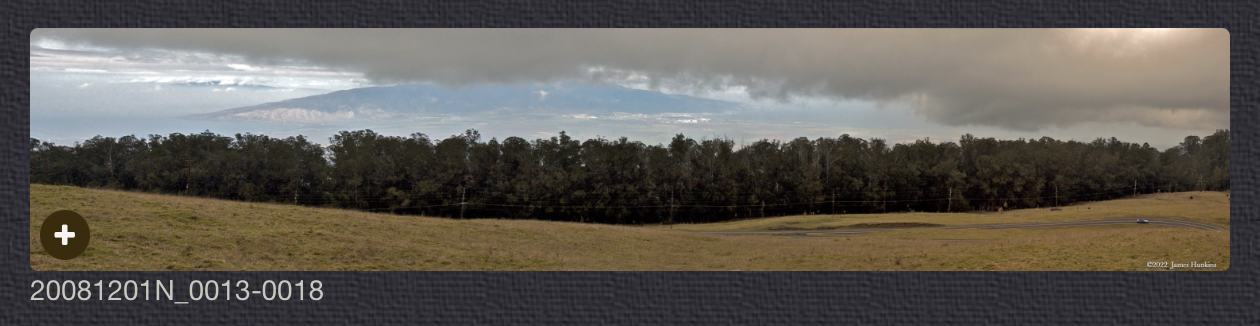
Clicking anywhere on a panorama thumbnail will cause the image to expand to fill the browser width. Clicking again anywhere in the browser window or scrolling the browser window will cause the expanded image to shrink back to its smaller thumbnail size.
The Image ID and description is found just below the thumbnail image on the left side.
Individual Photographs
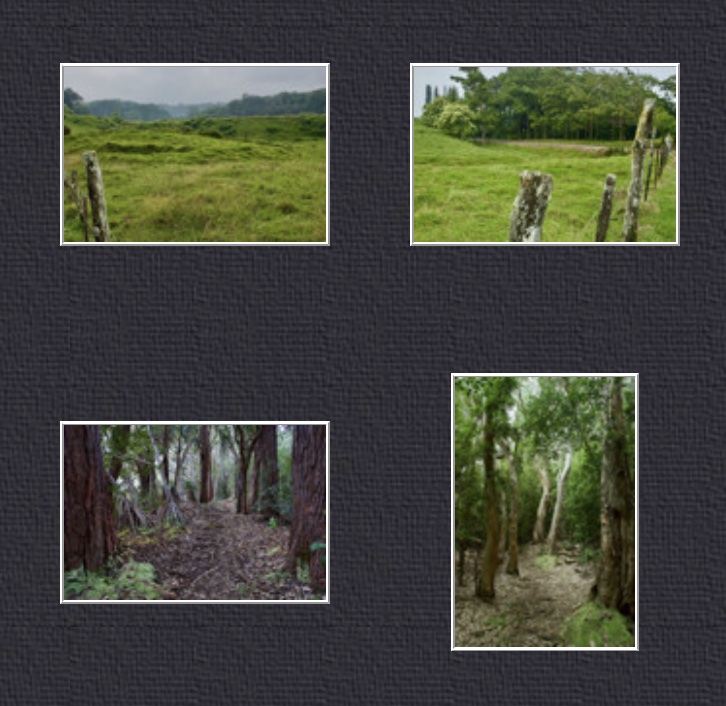
If you click on any photo thumbnail, it will open a larger viewer which can be used to walk through all of the standard photos on the page. Once open, to go forward click on the > on the right side of the enlarged image. To scan backwards, click on the < on the left side. To close the larger images either click on the X in the upper right hand corner of the browser window or anywhere outside of the enlarged image.
The Image ID label can be found by hovering a cursor over the thumbnail image (may not be available on some tablets/phones) or, once enlarged, from the lower left hand side just under the image.
Additionally, in the same area as the Image ID (or the upper left corner for newer/updated sites) a count showing the current image number versus the total number of images available for viewing.

For newer or updated sites (look for the orange checkbox in the header of a sites main page), additional buttons have been added when viewing a full size image. From left to right, the buttons are:
- Email: will open an email with information and a link to the current image
- WhatsApp: if WhatsApp is on your system, will open a browser window to open WhatsApp and create a message with information and a link to the current image
- FaceBook: Will open a browser window to open Facebook and create a message with information and a link to the current image
- full screen: will take over the entire display versus just the browser in most systems; ESC returns to the brower only mode
- magnify: enlarges the image within the browser or full screen; if the image is larger than can be displayed it can be scrolled
- exit: will close the large image viewer returning to the thumbnails




Links:
SHORT VIDEO CLIPS
Small stream beside trail - no sound
PHOTO SHOWCASE
- click on any panoramic image for a larger view
- click on any thumbnail image for a larger view/slideshow
-
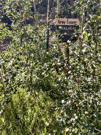 2407120001PThe trailhead sign is nearly hidden in the trees
 -
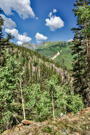 2407120003NNear the start of the trail looking backwards at distant peaks
 -
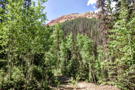 2407120005NThe trail continues with a view of Red Mountain No 1
 -
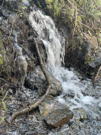 2407120006PA small stream beside the trail
 -
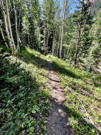 2407120007PThe trail becomes a single track throught the trees
 -
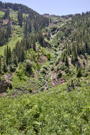 2407120009NAt the top of Grey Copper Gulch, a stream falls down from the mountain side
 -
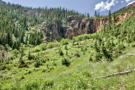 2407120010NAt the end of Grey Copper Gulch, another stream falls over a reddish cliff
 -
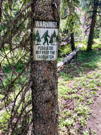 2407120011PSomeone seems to have a sense of humor (hopefullly this is a joke)
 -
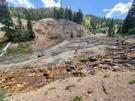 2407120013PRemains of an old copper mine with tailings and colored stream stones
 -
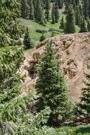 2407120014NA small mine shaft next to the stream
 -
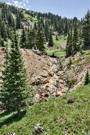 2407120016NThe stream tumbing down over rocks into the mine area
 -
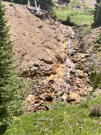 2407120017NThe stream tumbing down over rocks into the mine area
 -
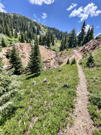 2407120018PThe trail going along above the stream
 -
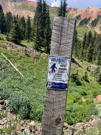 2407120025PAnother funny (?) sign about Bigfoot Breeding Area
 -
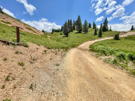 2407120026PThe trail joins a road just above the mine
 -
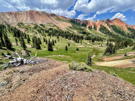 2407120028PLooking back down the valley with Red Mountain No 1 on the left
 -
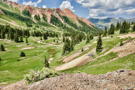 2407120030NLooking back down the valley with Red Mountain No 1 on the left
 -
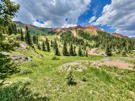 2407120033PLooking up at Red Mountain No 1
 -
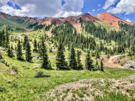 2407120034PLooking up at Red Mountain No 1
 -
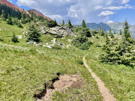 2407120035PHeading back down the trail just before it drops into Grey Copper Gulch
 -
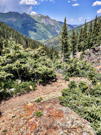 2407120036PThis is the only slippery part of the trail as it drops into Grey Copper Gulch
 -
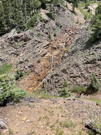 2407120037PAnother small stream tumbing down rock surfaces
 -
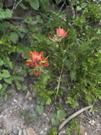 2407120038PNot as many wildflowers on this trail but found several Indian Paintbrush
 -
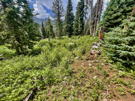 2407120039PA final shot of the forest that the trail goes through