Ouray, Colorado
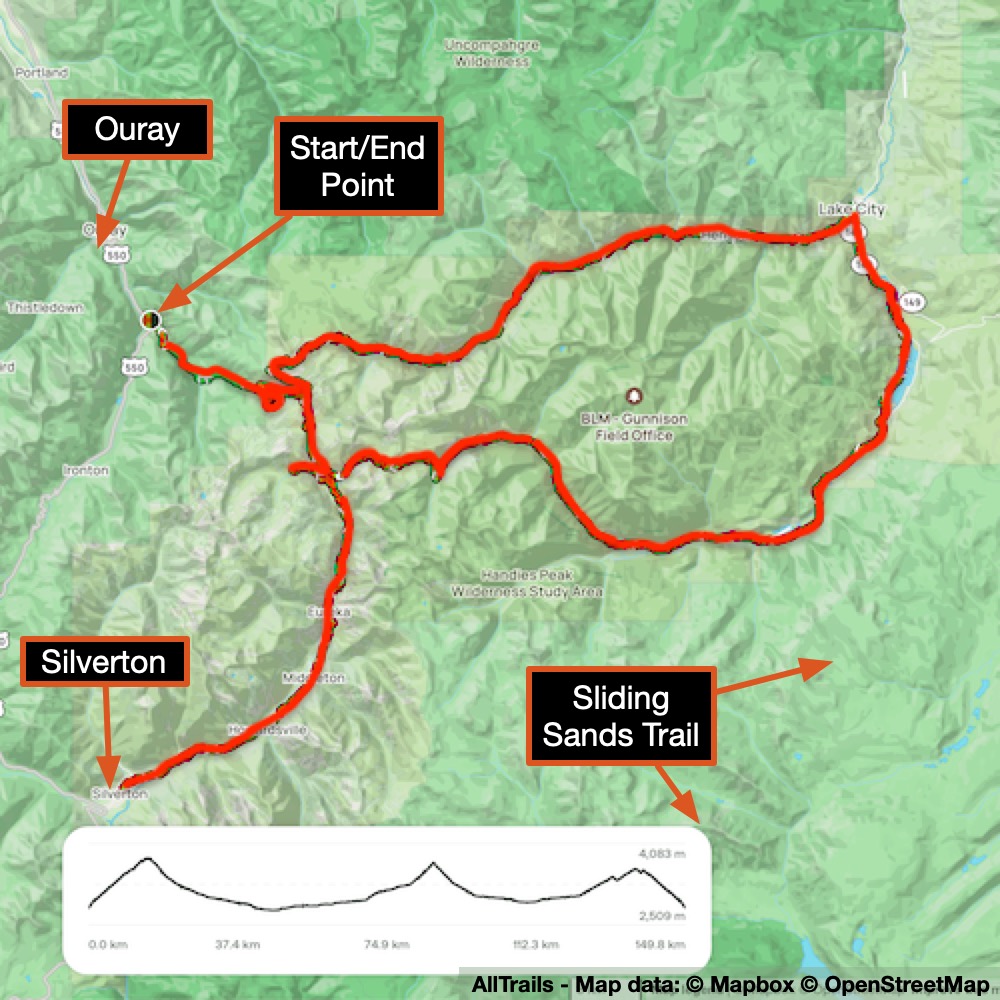
Alpine Loop
As I mentioned before, Ouray is a fantastic place for 4-wheeling! My sister and her husband even had their own 4-wheeler, which they used to explore after dropping me off at my hikes each day.
One of the most popular 4-wheeling routes is the Alpine Loop. A friend of my sister was in a 4-wheeling club and was kind enough to take us along with his club on the Alpine Loop.
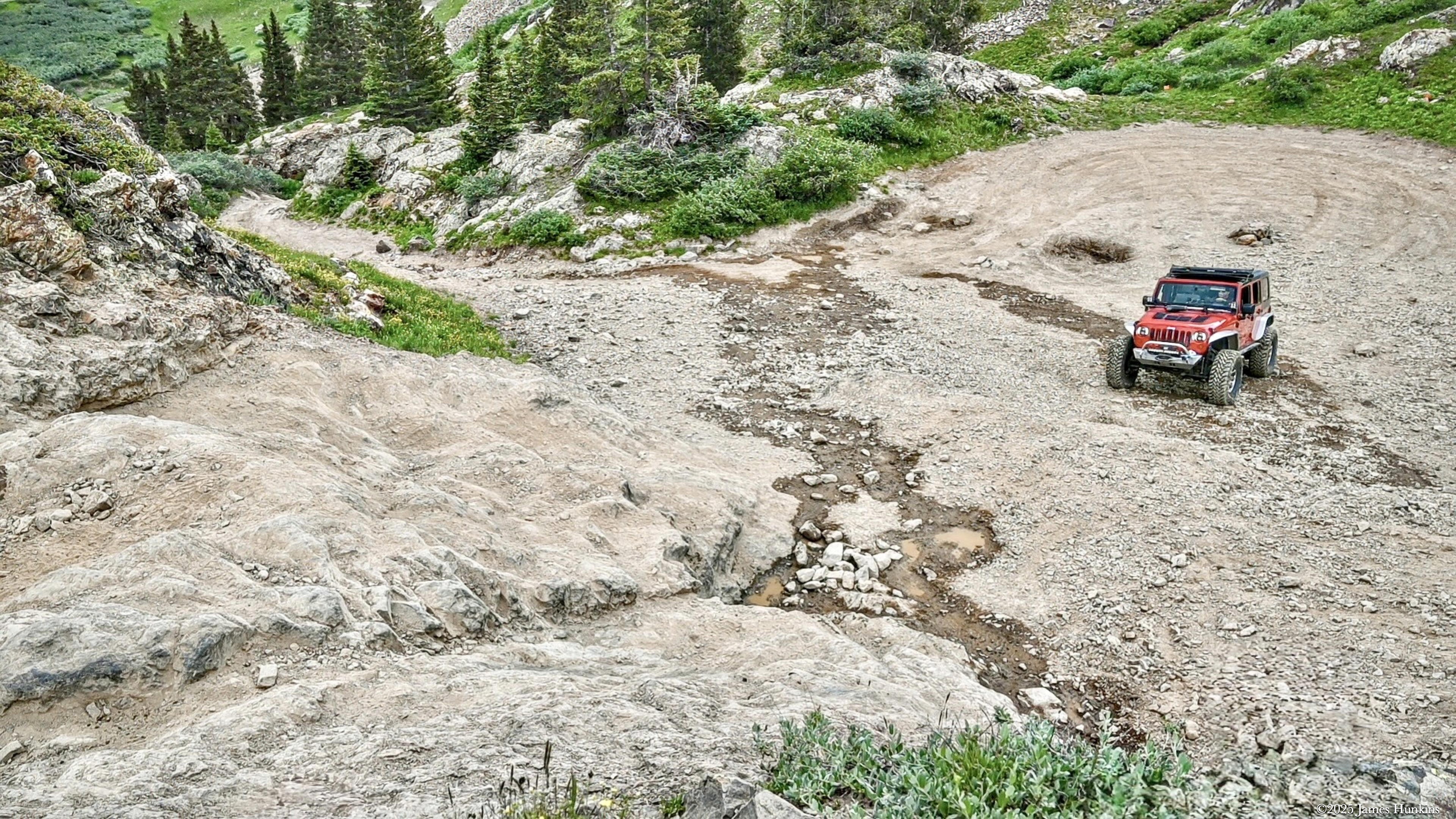
Most of the roads were pretty good (though don’t even think about driving a regular car!), but as 4-wheeler enthusiasts do, they like to find some real challenges. I only spent a few moments in the vehicle during these tougher sections. Even though I’m known for not always taking the smart option, I decided to get out of the vehicle and film their attempts when they took their vehicles literally up rocks. I’ve included some short videos here showing this craziness. Be sure to enable the sound on them (they default with sound off) to get the full experience!
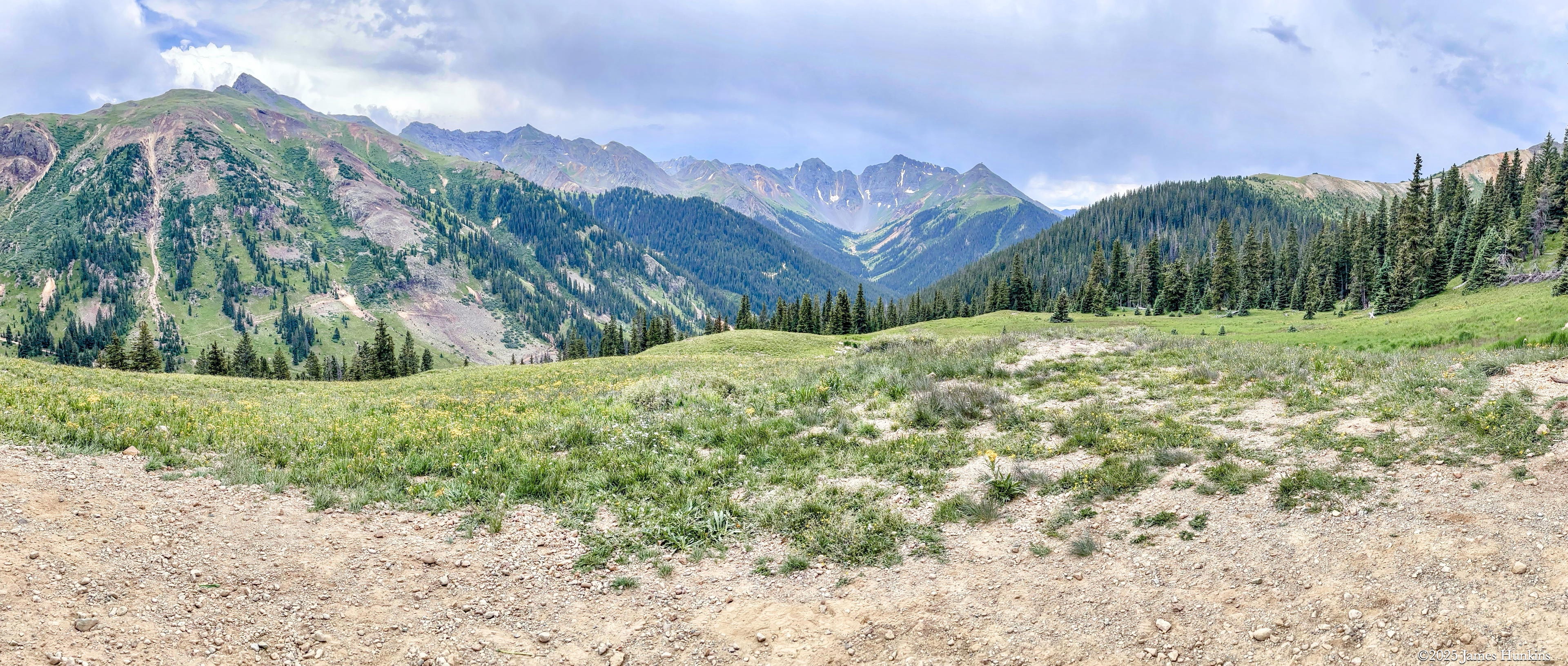
Of course, with everything else we saw in the area, this trip included waterfalls, old mines, beautiful mountain lakes, red mountain peaks, and vast vistas. It was an exciting and wonderful day! Even without my walking everywhere.
VIEWING HELP
To close this window, click the X in the upper right hand corner. Or click anywhere outside of this window's area.
Photos from each day are shown in thumbnail (small) form. Panoramas are either wide or tall images, while normal photos are small rectangles. All photos shown in the PHOTO SHOWCASE section can be enlarged for better viewing. Photos will enlarge to fit your browser window width. Therefore, to view them at larger sizes simply make your browser window wider.
If there is any issue or the need to inquire/comment about an image, please refer to the Image ID label (see below) of the specific image along with the trip name found at the top of the browser window.
Video Clips
Depending on the browser, some of the controls may not always be supported.
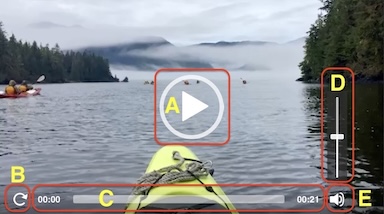
Most videos will start playing automatically. Sound is automatically off even if included with a video. See D, E below for sound control.
A few small videos are set to loop endlessly, while most just play to the end.
- A: To start or stop a video, click in this area (even if the symbol is not visible)
- B: If a browser shows this symbol, clicking on it will restart the video from the beginning
- C: Progress bar - will display total video time on the right.
- D, E: This seems to have the most variants between browsers. If the video description says 'w/ sound’, you can adjust the volume with this control
If neither is visible, move the cursor to the E area and either E and/or D will be visible
If E is visible but not D, click on E
Once D is visible, slide the bar up or down to adjust the volumn
Panoramas
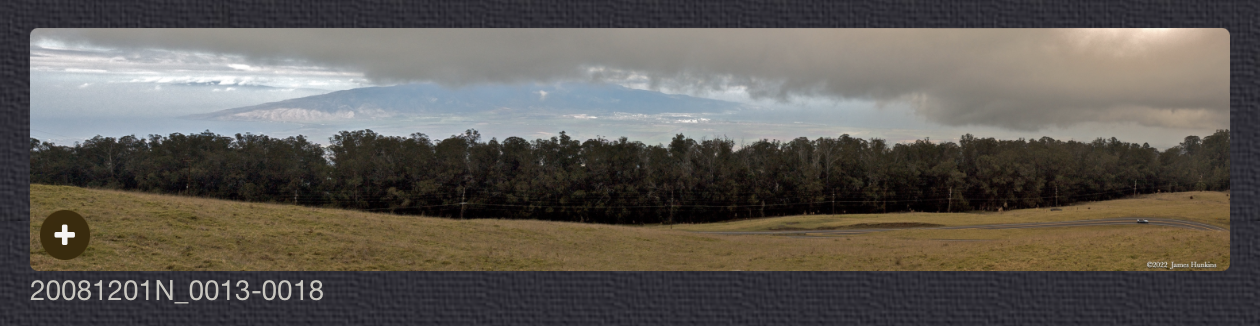
Clicking anywhere on a panorama thumbnail will cause the image to expand to fill the browser width. Clicking again anywhere in the browser window or scrolling the browser window will cause the expanded image to shrink back to its smaller thumbnail size.
The Image ID and description is found just below the thumbnail image on the left side.
Individual Photographs
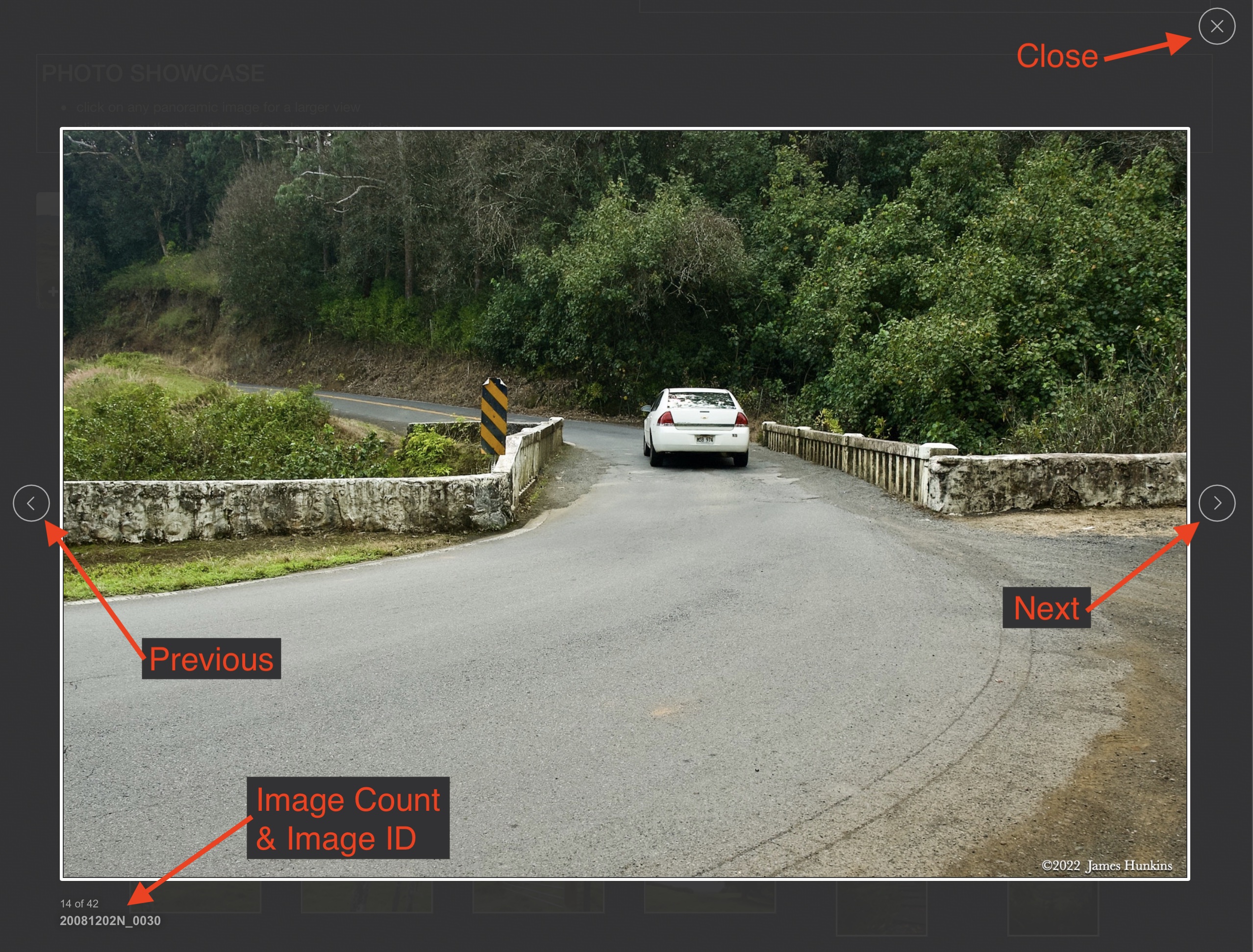
If you click on any photo thumbnail, it will open a larger viewer which can be used to walk through all of the standard photos on the page. Once open, to go forward click on the > on the right side of the enlarged image. To scan backwards, click on the < on the left side. To close the larger images either click on the X in the upper right hand corner of the browser window or anywhere outside of the enlarged image.
The Image ID label can be found by hovering a cursor over the thumbnail image (may not be available on some tablets/phones) or, once enlarged, from the lower left hand side just under the image.
Additionally, in the same area as the Image ID (or the upper left corner for newer/updated sites) a count showing the current image number versus the total number of images available for viewing.

For newer or updated sites (look for the orange checkbox in the header of a sites main page), additional buttons have been added when viewing a full size image. From left to right, the buttons are:
- Email: will open an email with information and a link to the current image
- WhatsApp: if WhatsApp is on your system, will open a browser window to open WhatsApp and create a message with information and a link to the current image
- FaceBook: Will open a browser window to open Facebook and create a message with information and a link to the current image
- full screen: will take over the entire display versus just the browser in most systems; ESC returns to the brower only mode
- magnify: enlarges the image within the browser or full screen; if the image is larger than can be displayed it can be scrolled
- exit: will close the large image viewer returning to the thumbnails




Links:
SHORT VIDEO CLIPS
Waterfall cascading through a pool - no sound
Stream flowing below the waterfall - no sound
Great tires and drivers makes the difference - w/ sound
Not so sure about the sounds coming from the vehicle as it descends - w/ sound
A good example of not giving up as one slides and bounces - w/ sound
PHOTO SHOWCASE
- click on any panoramic image for a larger view
- click on any thumbnail image for a larger view/slideshow
-
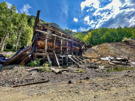 2407130002PRemains of a mining structure on the Alpine Loop above the Uncompahgre River
 -
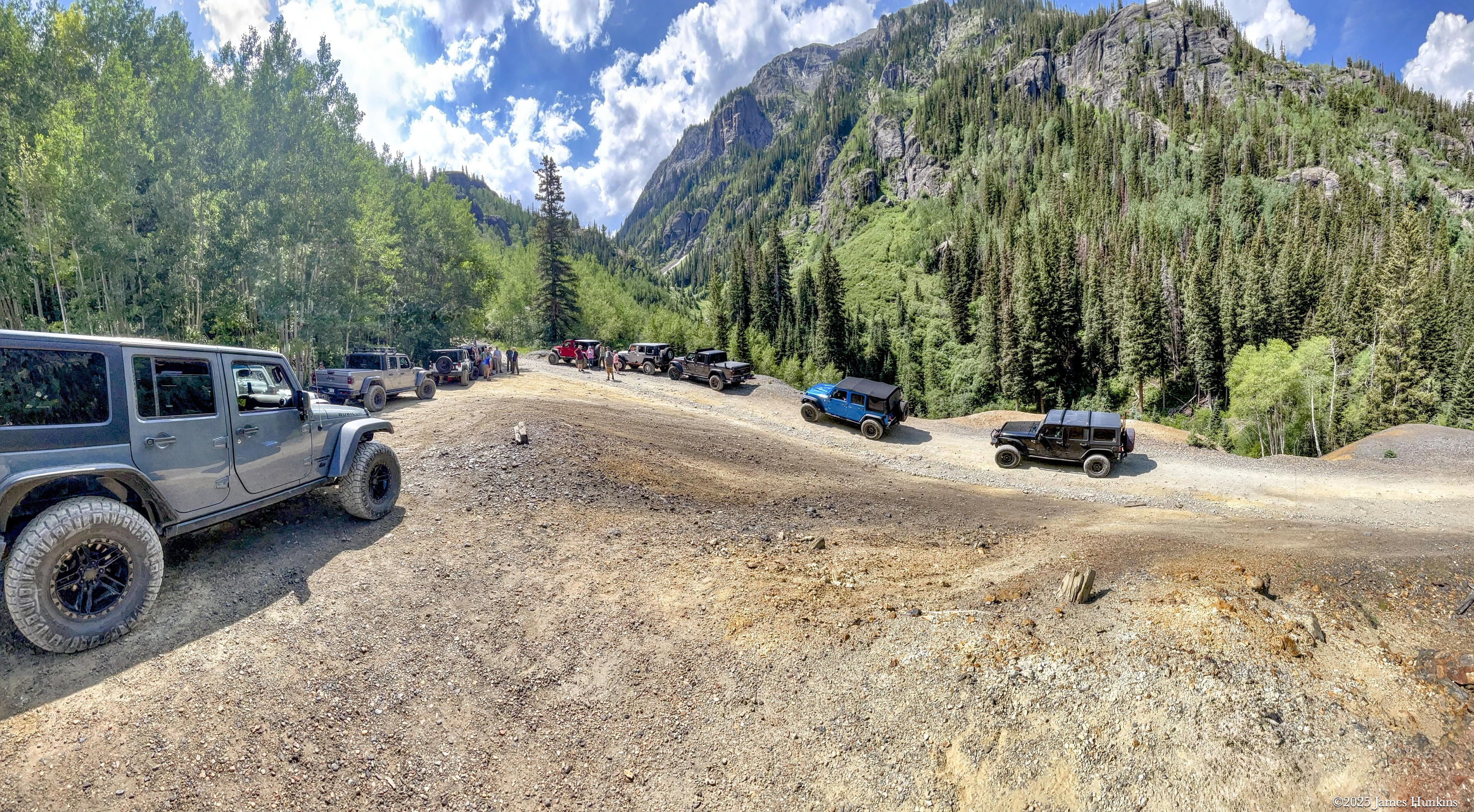
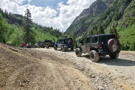 2407130004NSome of the 4-wheelers taking a short break near the start of the Alpine Loop
 -
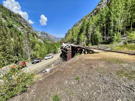 2407130005PRemains of a mining structure on the Alpine Loop above the Uncompahgre River
 -
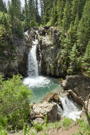 2407130011NA waterfall and pool on a stream heading down to the Uncompahgre River along the Alpine Loop
 -
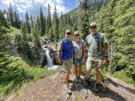 2407130012PThe passengers in our vehicle; Rob, Sandy, and their neighbor (our driver) Chris
 -
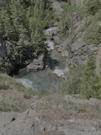 2407130014PThe stream below the waterfall
 -
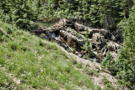 2407130016NBeavers at work along the streams
 -
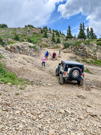 2407130018PInspecting the challenging climb before the first attempt
 -
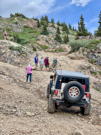 2407130019PInspecting the challenging climb before the first attempt
 -
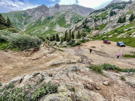 2407130021PLooking back down at the challenging route
 -
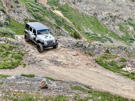 2407130030PWhew, made it to the top of the climb
 -
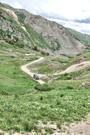 2407130031NA view of the 4-wheel route near the climbing challenge
 -
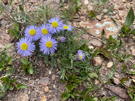 2407130032PFeatherleaf Fleabane - one of many wild flowers at the higher altitudes
 -
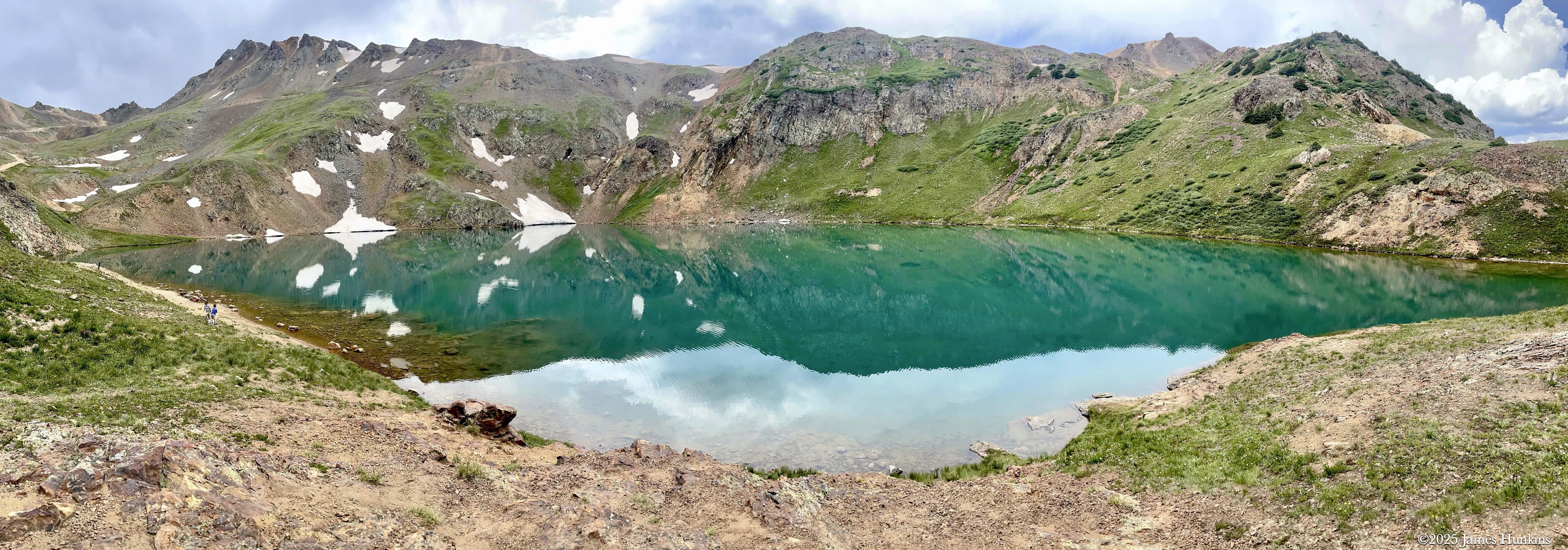
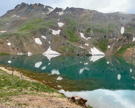 2407130033PLake Como - on the Alpine Loop
 -
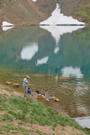 2407130040NLake Como - the dog knows how to really enjoy the water!
 -
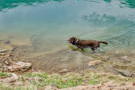 2407130044NThe water can’t be that cold (took the dog’s word for it and didn’t try it myself)
 -
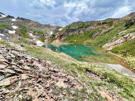 2407130047PLake Como with the Alpine Loop road up on the ridge behind it
 -
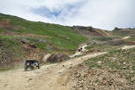 2407130050NThe road departs from Lake Como
 -
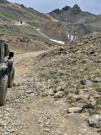 2407130051PContinuing to climb above the lake, we encounter our first patches of remaining snow
 -
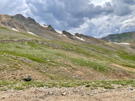 2407130053PThe road continues up the mountain
 -
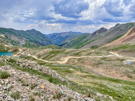 2407130054PLooking back towards Lake Como and the valley below
 -
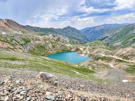 2407130056PLooking back towards Lake Como and the valley below
 -
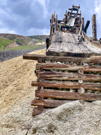 2407130059PMines were all through the area - this structure was near the top of the Alpine Loop drive
 -
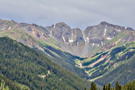 2407130060NThe views from the upper parts of the Alpine Loop are magnificent
 -
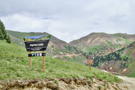 2407130063NIn case one isn’t aware of it, a convenient sign on the road points out the name of the road
 -
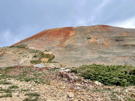 2407130065PThe ritch red of the peaks in the area are from iron ore deposits
 -
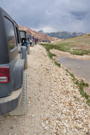 2407130066NAll the club member vehicles are lined up taking a break before starting the descent
 -
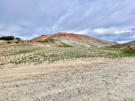 2407130067PThe ritch red of the peaks in the area are from iron ore deposits
 -
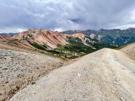 2407130069PThe iron rich peak is in the forground while the granite ridges rise up behind it
 -
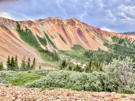 2407130071PThe red ridge and rock slides rise up out of the mountain vegetation
 -
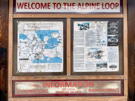 2407130073PInformational sign about the Alpine Loop; looks like we only covered a portion of it