THE WORLD THROUGH MY EYES
VIEWING HELP
To close this window, click the X in the upper right hand corner. Or click anywhere outside of this window's area.
Photos from each day are shown in thumbnail (small) form. Panoramas are either wide or tall images, while normal photos are small rectangles. All photos shown in the PHOTO SHOWCASE section can be enlarged for better viewing. Photos will enlarge to fit your browser window width. Therefore, to view them at larger sizes simply make your browser window wider.
If there is any issue or the need to inquire/comment about an image, please refer to the Image ID label (see below) of the specific image along with the trip name found at the top of the browser window.
Video Clips
Depending on the browser, some of the controls may not always be supported.
Most videos will start playing automatically. Sound is automatically off even if included with a video. See D, E below for sound control.
A few small videos are set to loop endlessly, while most just play to the end.
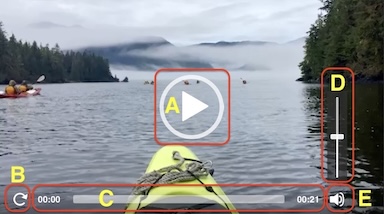
- A: To start or stop a video, click in this area (even if the symbol is not visible)
- B: If a browser shows this symbol, clicking on it will restart the video from the beginning
- C: Progress bar - will display total video time on the right.
- D, E: This seems to have the most variants between browsers. If the video description says 'w/ sound’, you can adjust the volume with this control
If neither is visible, move the cursor to the E area and either E and/or D will be visible
If E is visible but not D, click on E
Once D is visible, slide the bar up or down to adjust the volumn
Panoramas
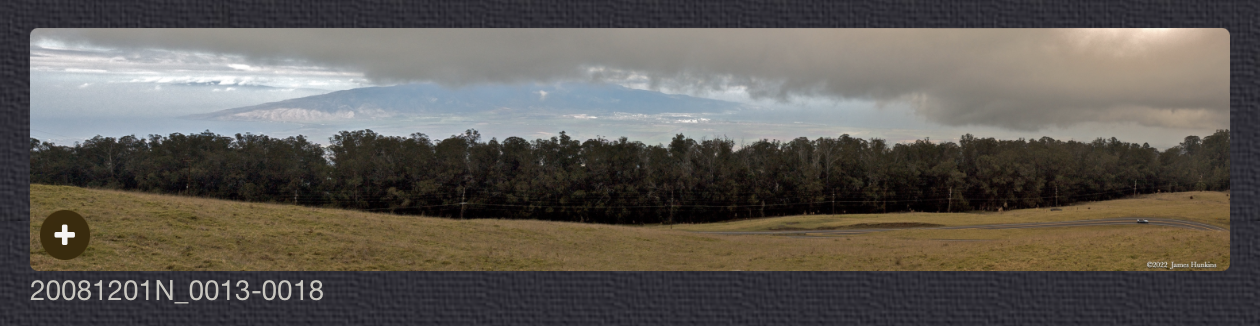
Clicking anywhere on a panorama thumbnail will cause the image to expand to fill the browser width. Clicking again anywhere in the browser window or scrolling the browser window will cause the expanded image to shrink back to its smaller thumbnail size.
The Image ID and description is found just below the thumbnail image on the left side.
Individual Photographs
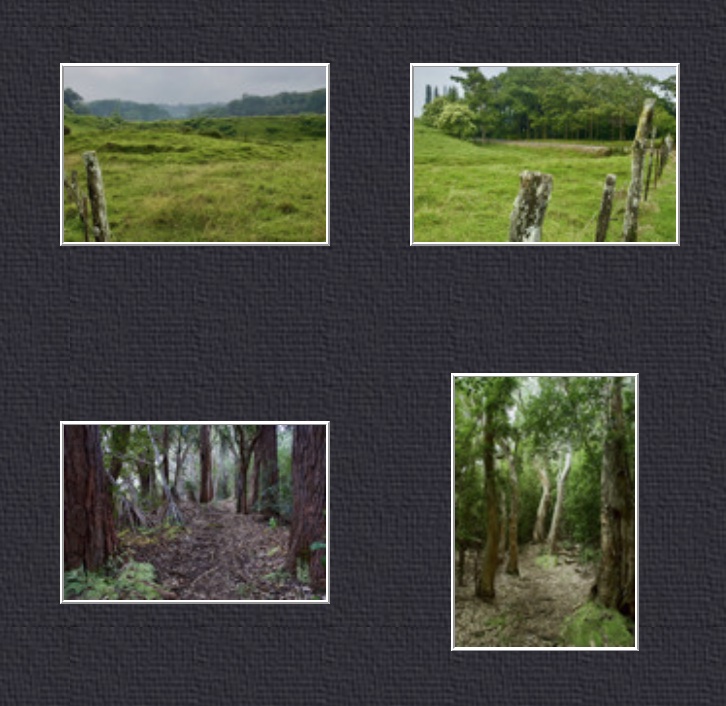
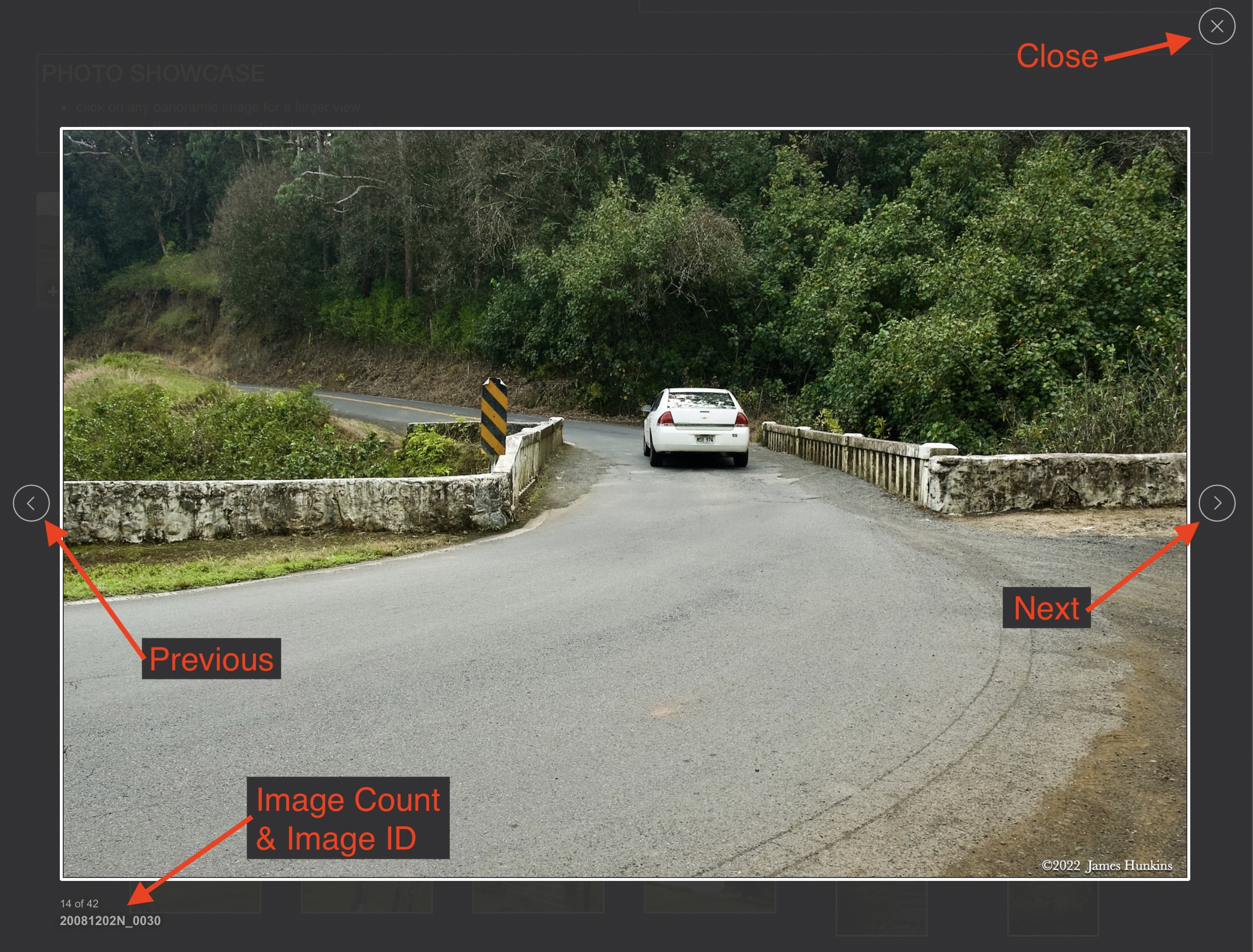
If you click on any photo thumbnail, it will open a larger viewer which can be used to walk through all of the standard photos on the page. Once open, to go forward click on the > on the right side of the enlarged image. To scan backwards, click on the < on the left side. To close the larger images either click on the X in the upper right hand corner of the browser window or anywhere outside of the enlarged image.
The Image ID label can be found by hovering a cursor over the thumbnail image (may not be available on some tablets/phones) or, once enlarged, from the lower left hand side just under the image.
Additionally, in the same area as the Image ID (or the upper left corner for newer/updated sites) a count showing the current image number versus the total number of images available for viewing.

For newer or updated sites (look for the orange checkbox in the header of a sites main page), additional buttons have been added when viewing a full size image. From left to right, the buttons are:
- Email: will open an email with information and a link to the current image
- WhatsApp: if WhatsApp is on your system, will open a browser window to open WhatsApp and create a message with information and a link to the current image
- FaceBook: Will open a browser window to open Facebook and create a message with information and a link to the current image
- full screen: will take over the entire display versus just the browser in most systems; ESC returns to the brower only mode
- magnify: enlarges the image within the browser or full screen; if the image is larger than can be displayed it can be scrolled
- exit: will close the large image viewer returning to the thumbnails

Last Updated: April 2026
Talk to me by clicking on this link to send an email. Please include your correct email address for a proper response.
You can subscribe for updates, report problems, make comments or ask questions.
Several updates to improve the browsing experience have been made on the primary pages and on all the new trip and photo pages. As time allows, previously published trip pages will be updated with the same improvements (look for a checkmark in an orange box on the main trip pages which indicates that the updates have been added). A few of the larger improvements allow for better support for smaller devices and much faster loading of gallery images.
While this site is still best viewed on a desktop or a good tablet, it can be viewed on a phone (recommend landscape orientation); extra horizontal and vertical scrolling may be required for phone viewing).
Please enjoy the images that are ready (the ‘A’ available green markers) and feel free to send comments (Contact Me button). Corrections and requests are welcome and appreciated.
I will continue to add not only new trips but also prior trips along with regional photo collections including those photographed with my older film cameras. I have a minimum target of 2 per year but hopefully will add many more.
Important - if you want to receive notifications of major content additions, please subscribe with the ‘Contact Me’ button.
Click on ‘Site in progress’ button above or anywhere on this text to close this box.



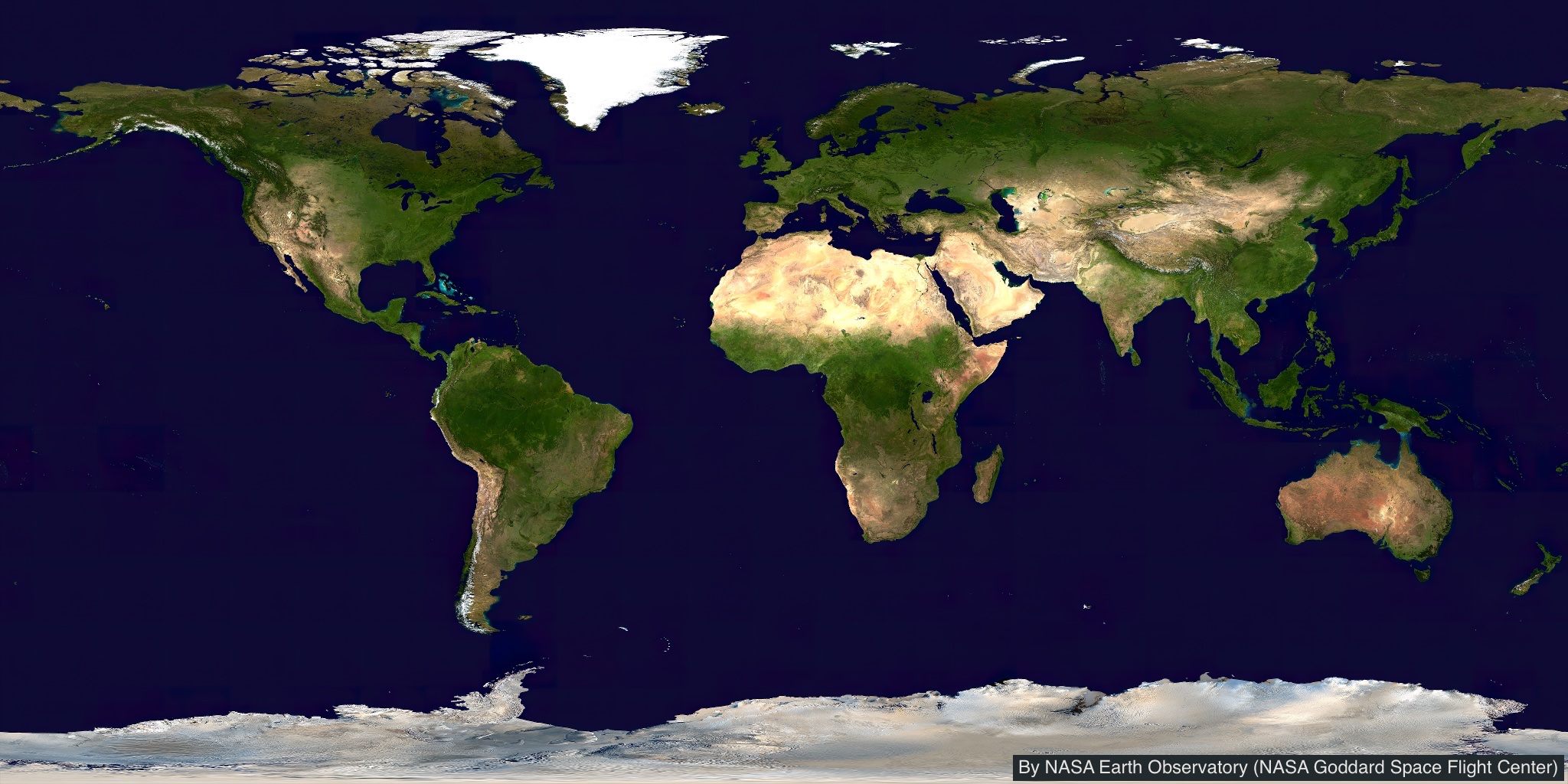
As I look back, I realize that I really have gone quite a few places around the world. With typically 1000-2000 pictures per trip, I thought that it would be a worthwhile project to share some of my experiences.
The more recent photos were all done with digital cameras. Earlier trips were done with film SLR cameras and scanned in digitally.
I will continue to work on this project as I take new trips and bring in older trips and regional photo collections. I hope you enjoy the ride!
INSTRUCTIONS FOR USE
There are now both trip and photo collections (see below for Map Pin Usages).
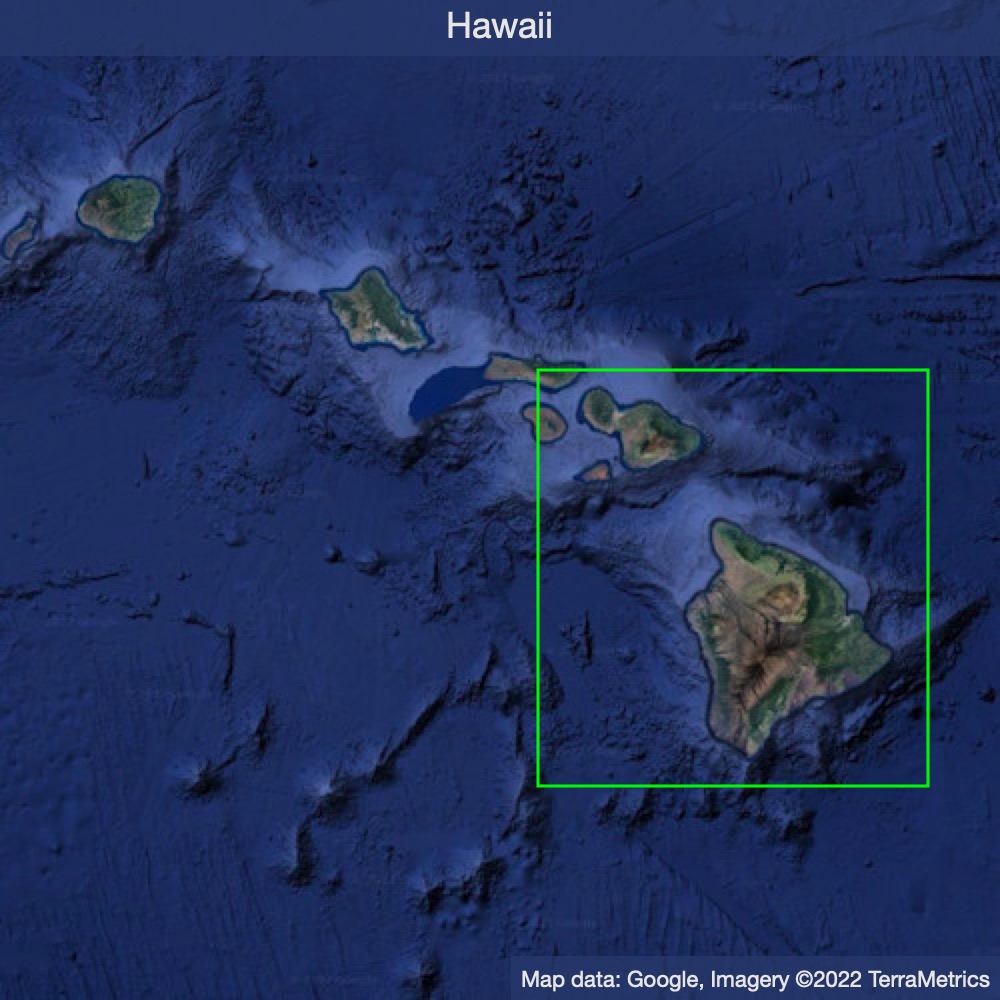
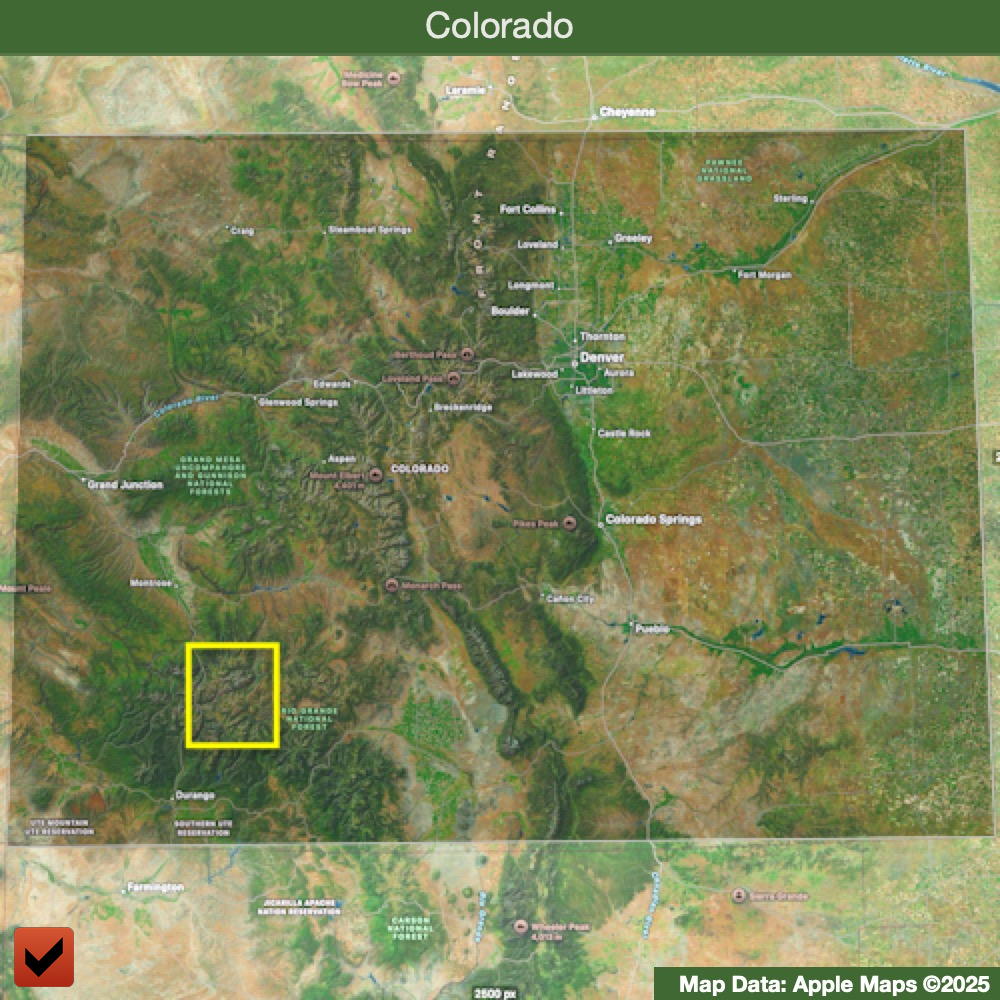
Click on any green pin on the world map and a regional map will open centered in the World Map. Then click on any green pin on the regional map to go to the associated trip or photo collection page.
Alternately, you can use the Trip Links (ALT) or Photo Links (ALT) pages that have direct links for each trip or photo collection.
For assistance in viewing photos and panoramas, select 'Viewing Help' from the top menu bar.


Map Pin Usages
Trips - T:


Photo Collectons - P:
Difference from trip markers
- pin shape is squared off
- letter is italicized
- highlight (upper left corner) is more defined


Copyright Notice: ©2022-2026 James Hunkins
All photographs on this page and pages in the same user domain are created and copyrighted by James Hunkins, unless otherwise marked on each picture or noted on the page’s text. Usage or duplication without written permission is strictly prohibited.
A few photos were contributed by other trip members and can be noted as their file name ends in ‘G’. The copyright on those photos stays with the original photographer.
Pictures marked with iStockphoto were purchased from the iStock website and are under their original copyrights. Other images are under Creative Commons Licensing, or as marked.