Switzerland 2023
HIKE DOWN FROM GORNERGRAT
DAY 2 : TUESDAY JULY 04, 2023
Key Hike Data
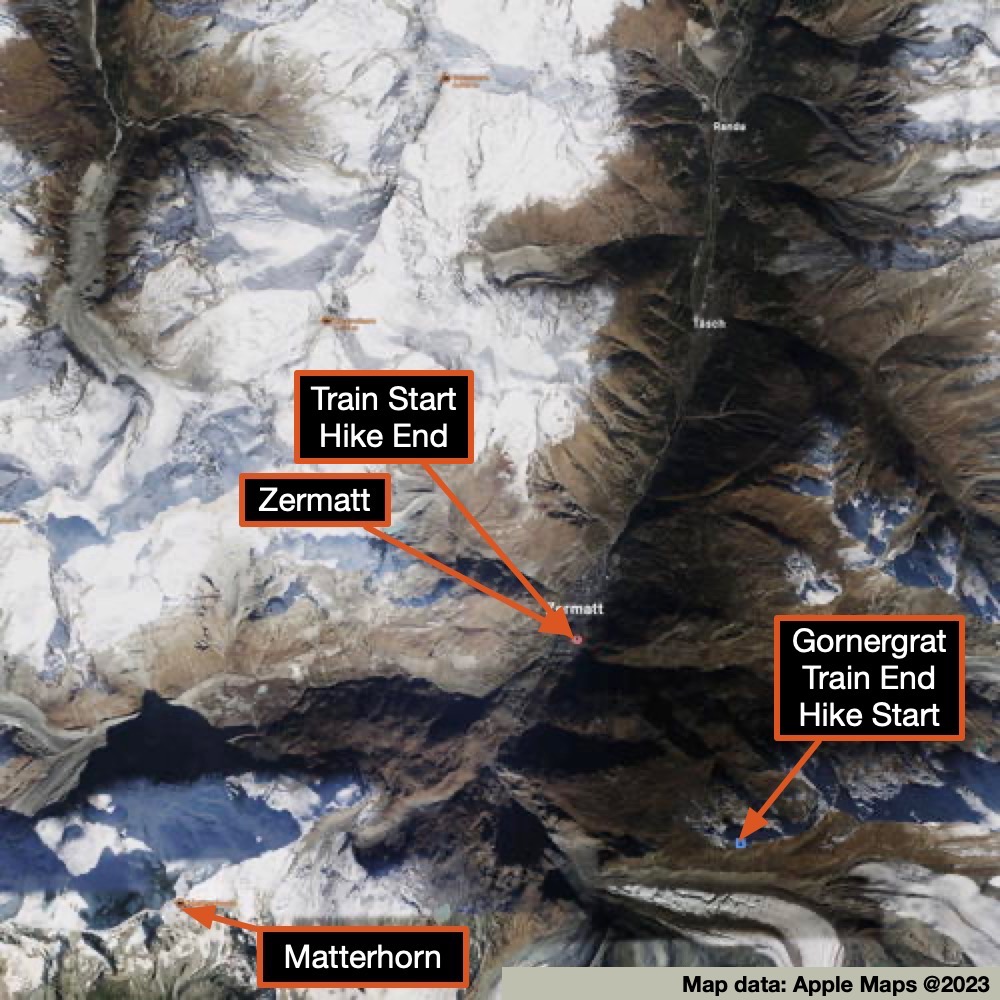
- Lowest Elevation - Zermatt: 1,620 m / 5,315 ft
- Highest Elevation - Gornergrat: 3,089 m / 10,135 ft
Restaurants
- Lunch: Vis-à-vis Restaurant - Gornergrat
- Dinner: Information to be added
One of the things I find fascinating about the Zermatt area is that you don’t have to hike to get up to the higher altitudes. Instead, you hop onto a train, lift, gondola, or funicular, which will take you up to your preferred hiking starting point. After that, you can hike at altitude, go higher, and/or hike back down (or alternately ride back down). With my engineering background, I marvel at the massive efforts they have put into their transport systems. They are primarily built for the skiers during ski season (some lifts are shut down during the off-season), but the options sure make it nice for hikers and regular tourists both!
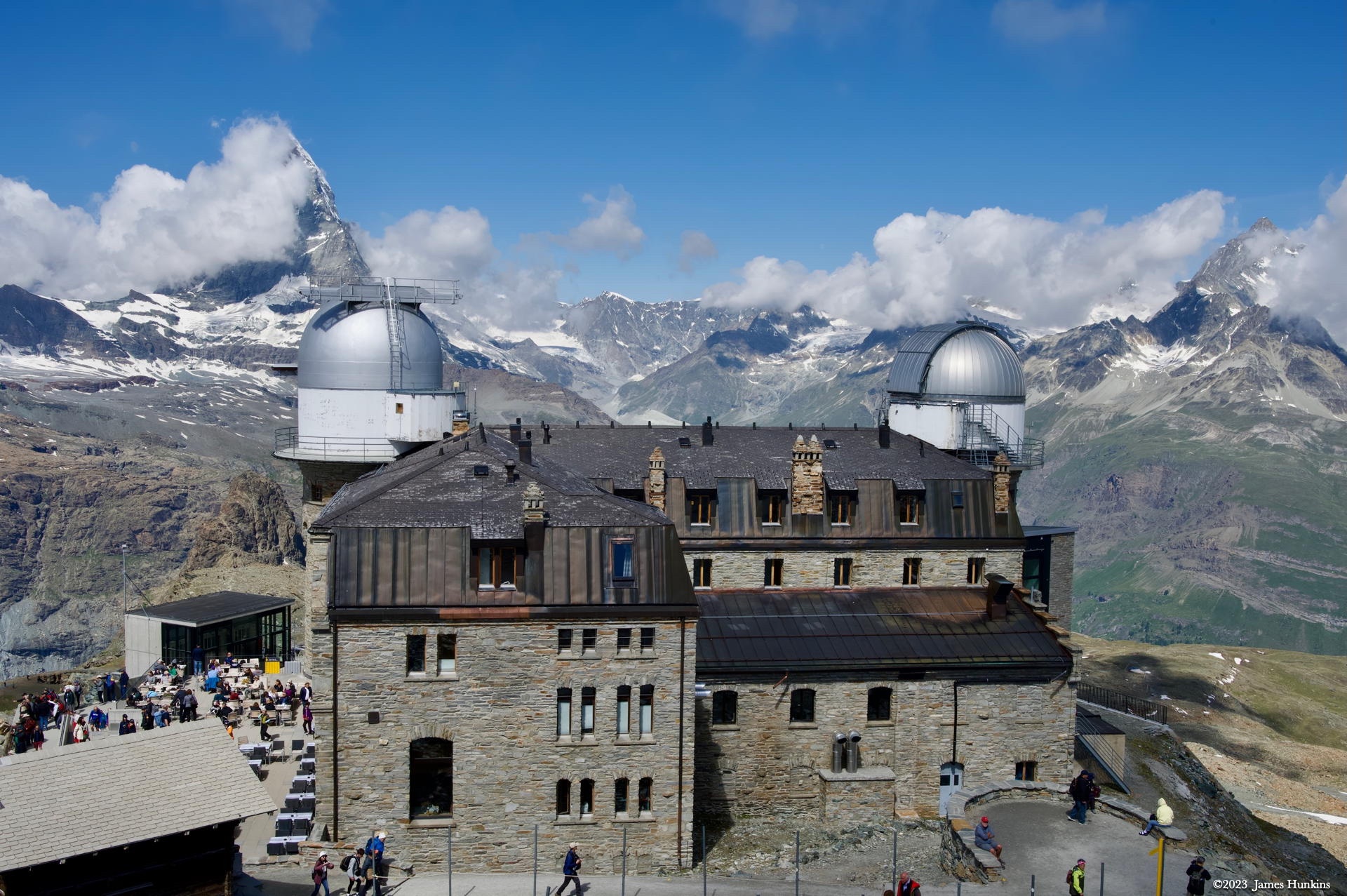
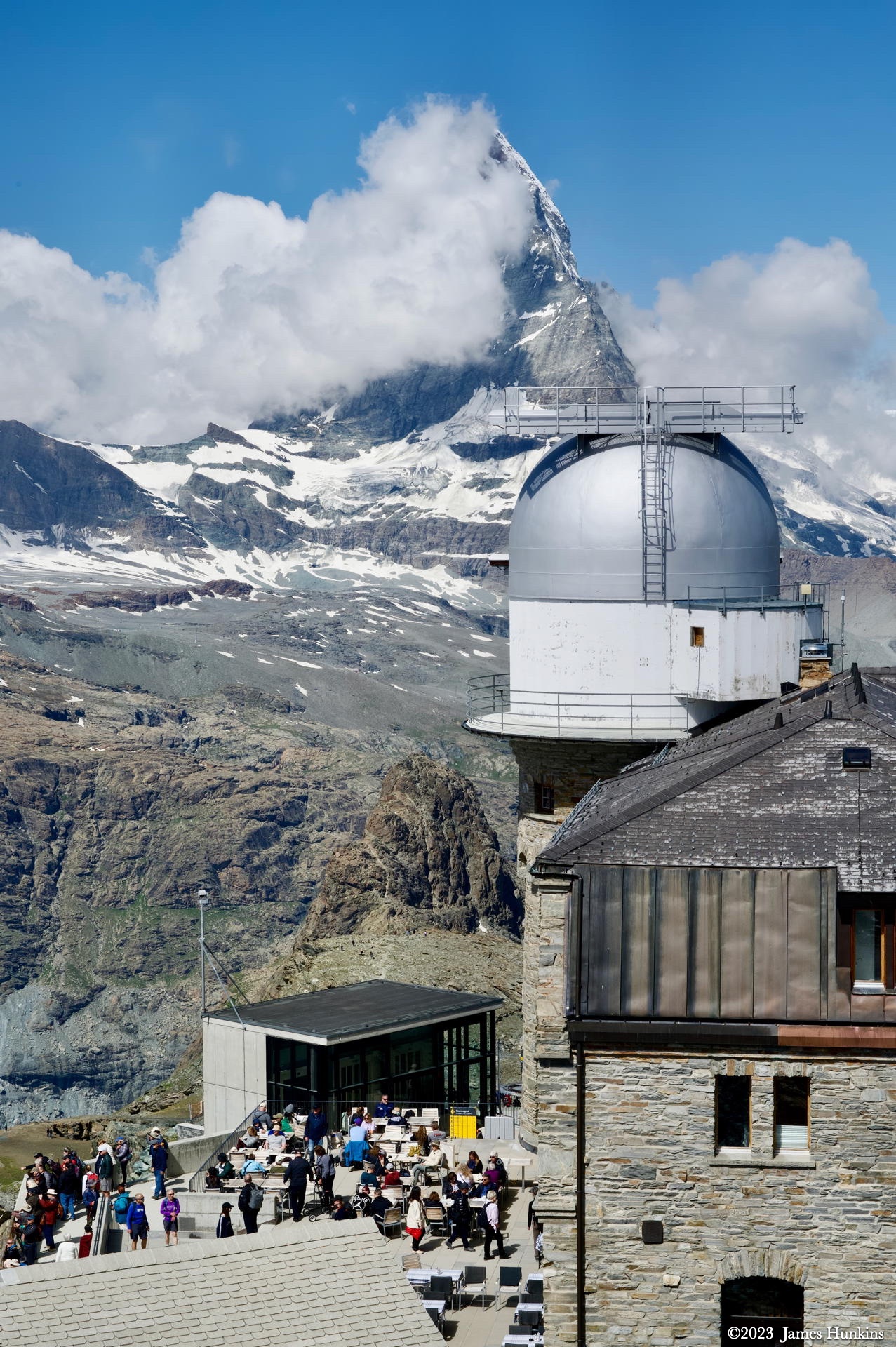
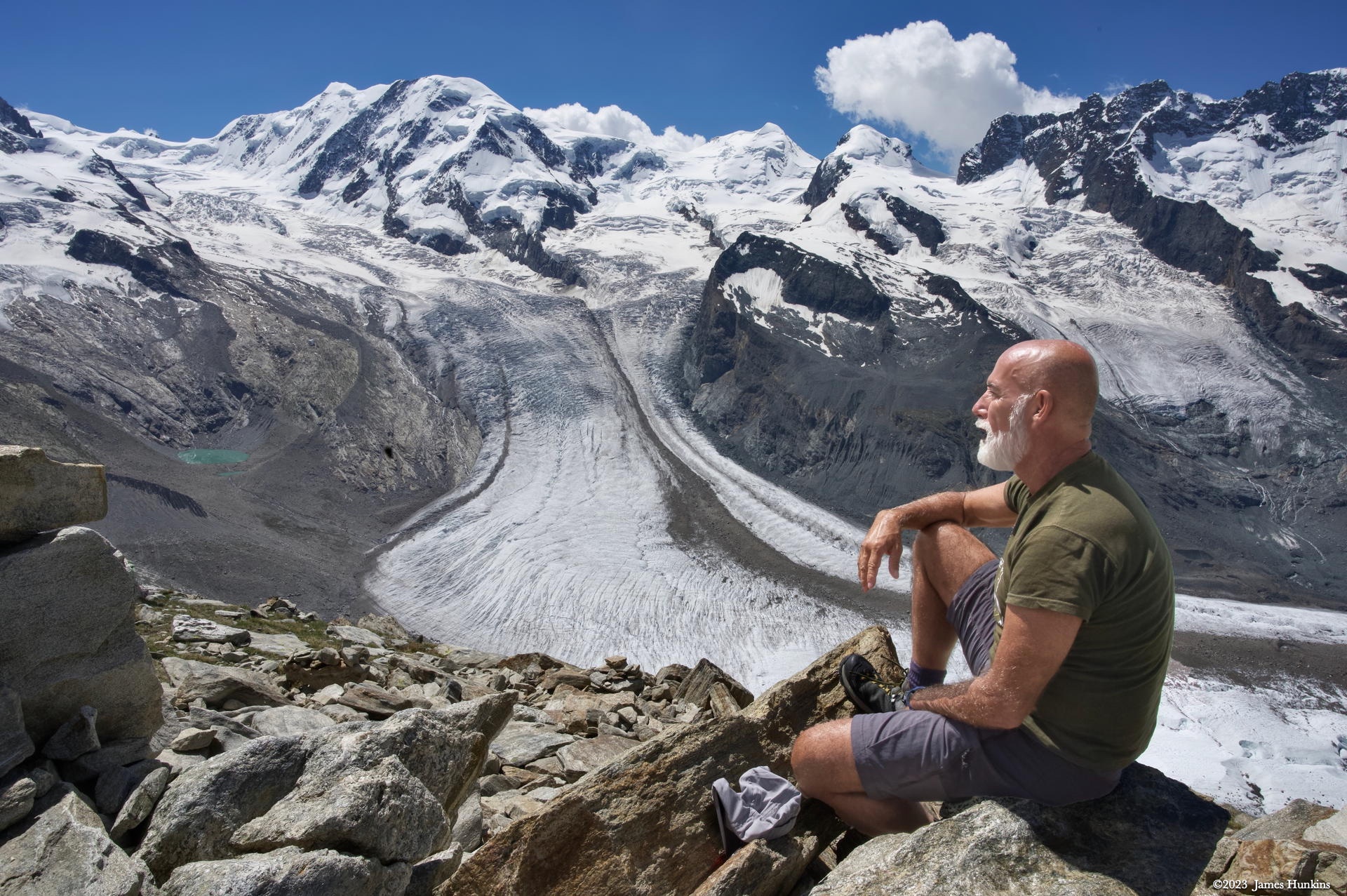
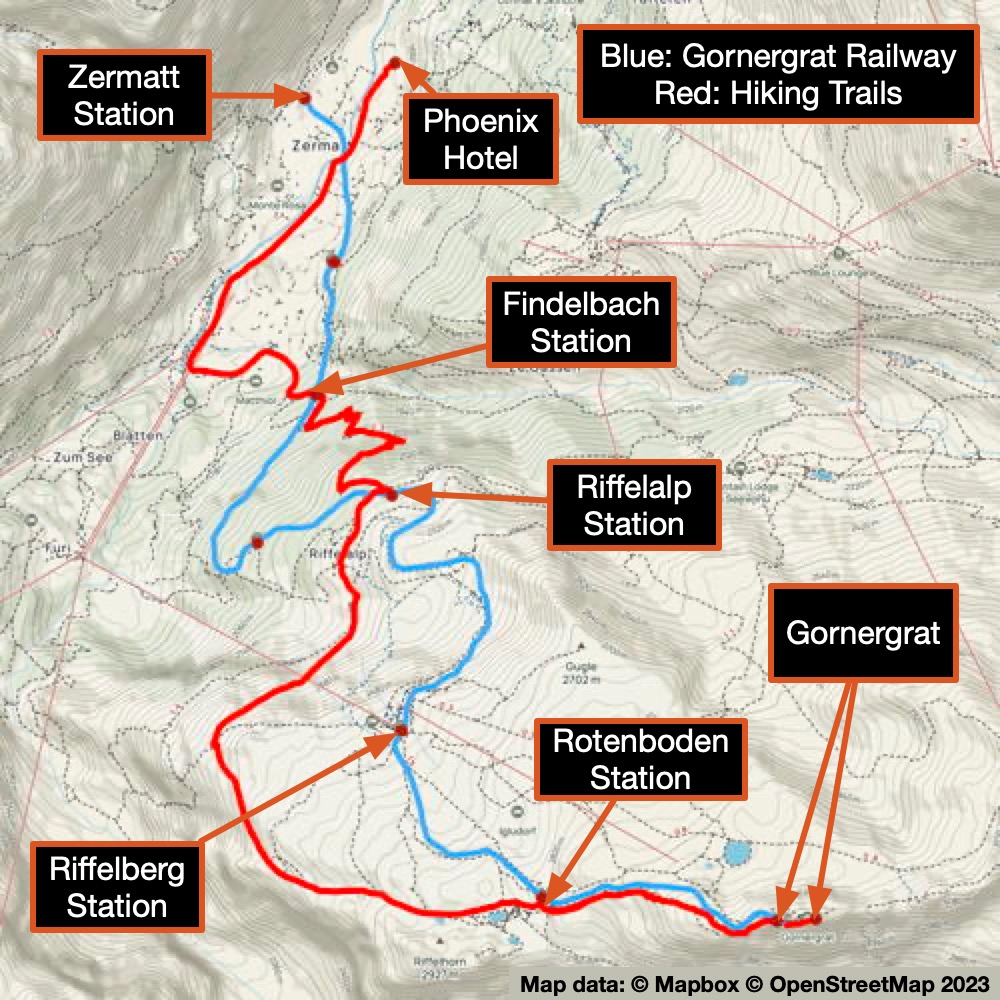
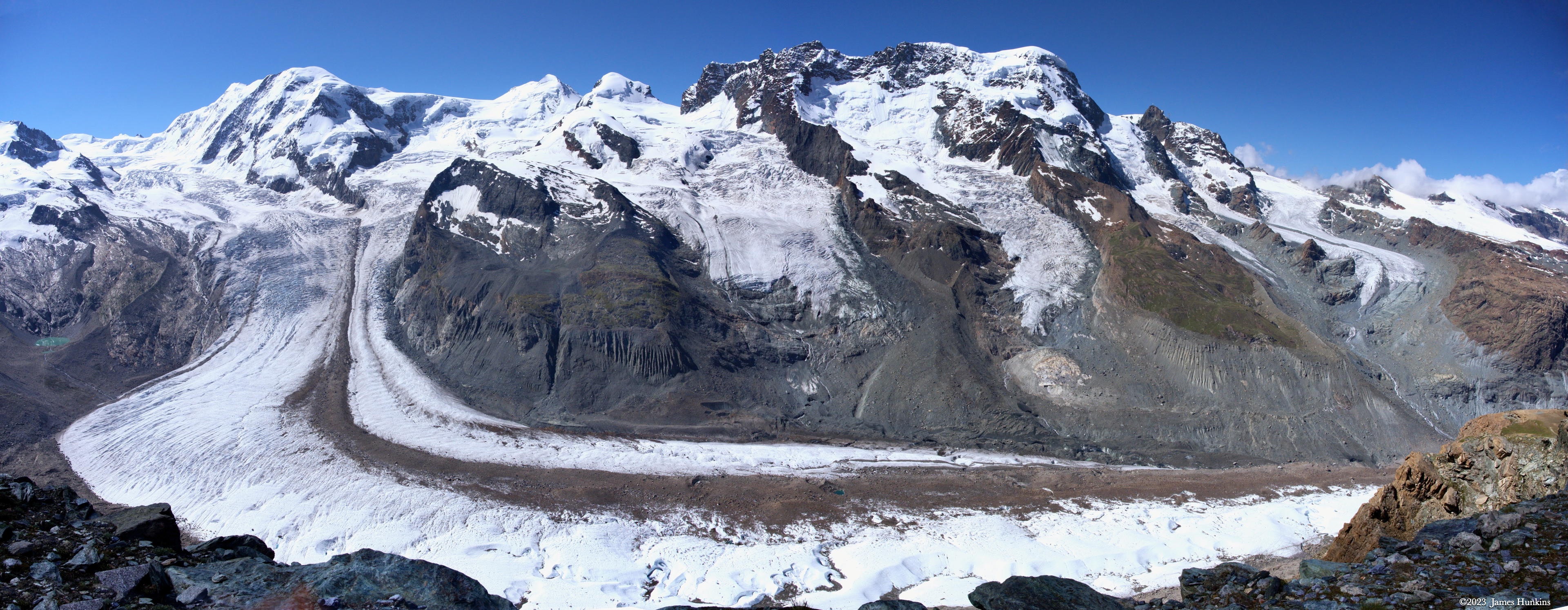
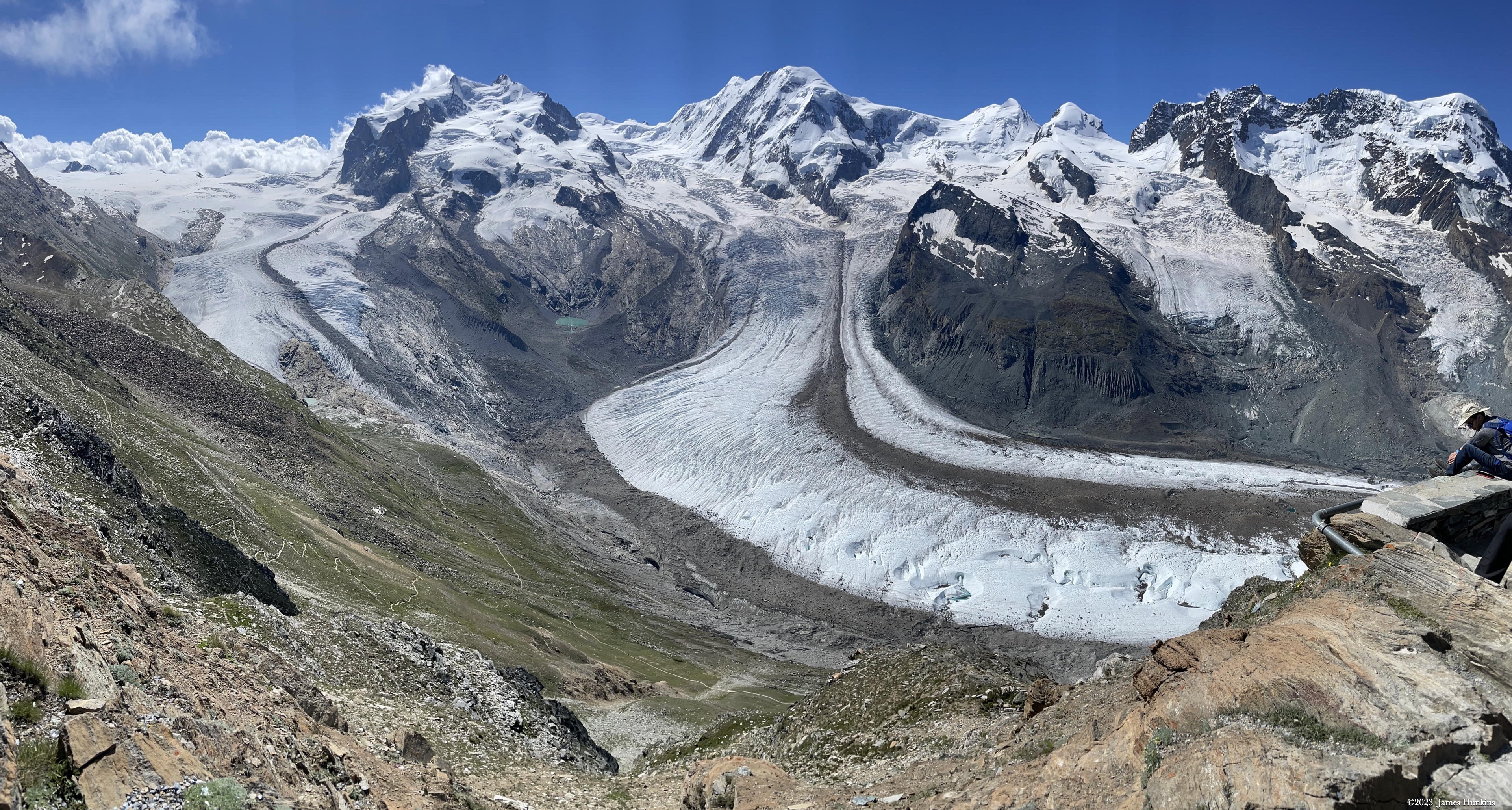
Today, we jumped onto the Gornergrat cog railway to take us up to the Gornergrat station, taking only just over 30 minutes to get there (1,469 m / 4,820 ft elevation change). At the station, we were surrounded by 29 peaks above 4,000 meters / 13,123 ft, including the Matterhorn and Dufourspitze, along with the third-longest glacier in the Alps.
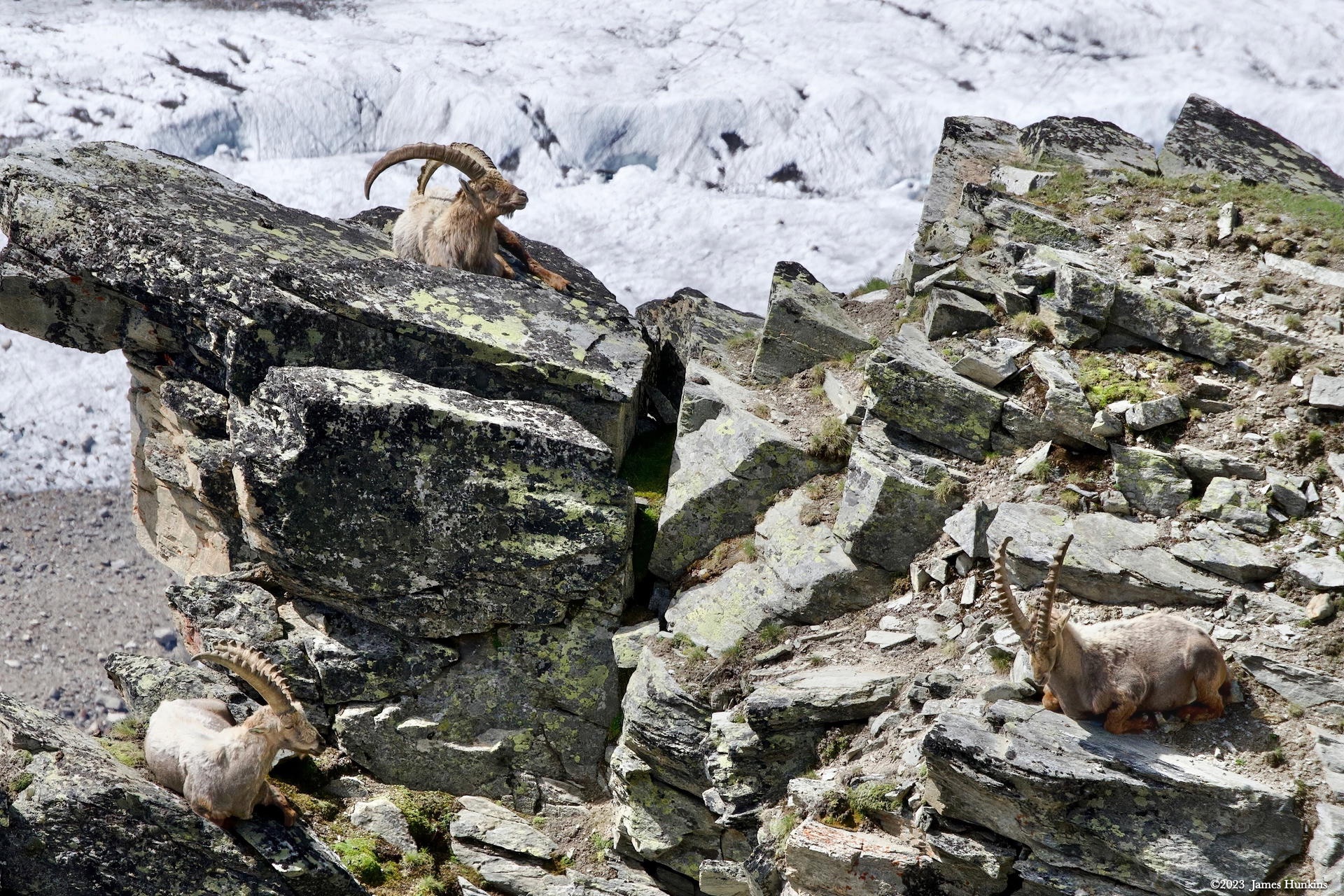
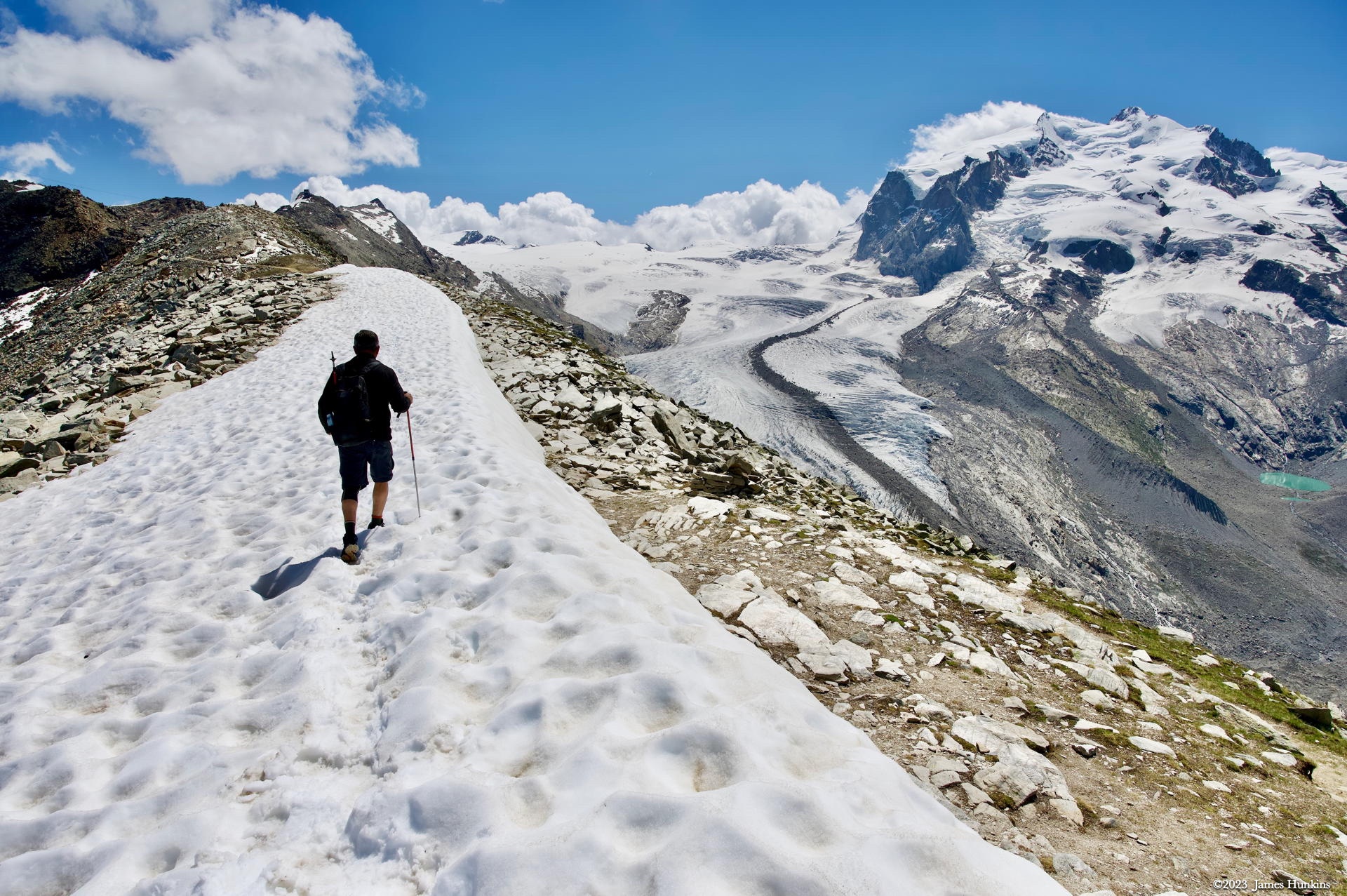
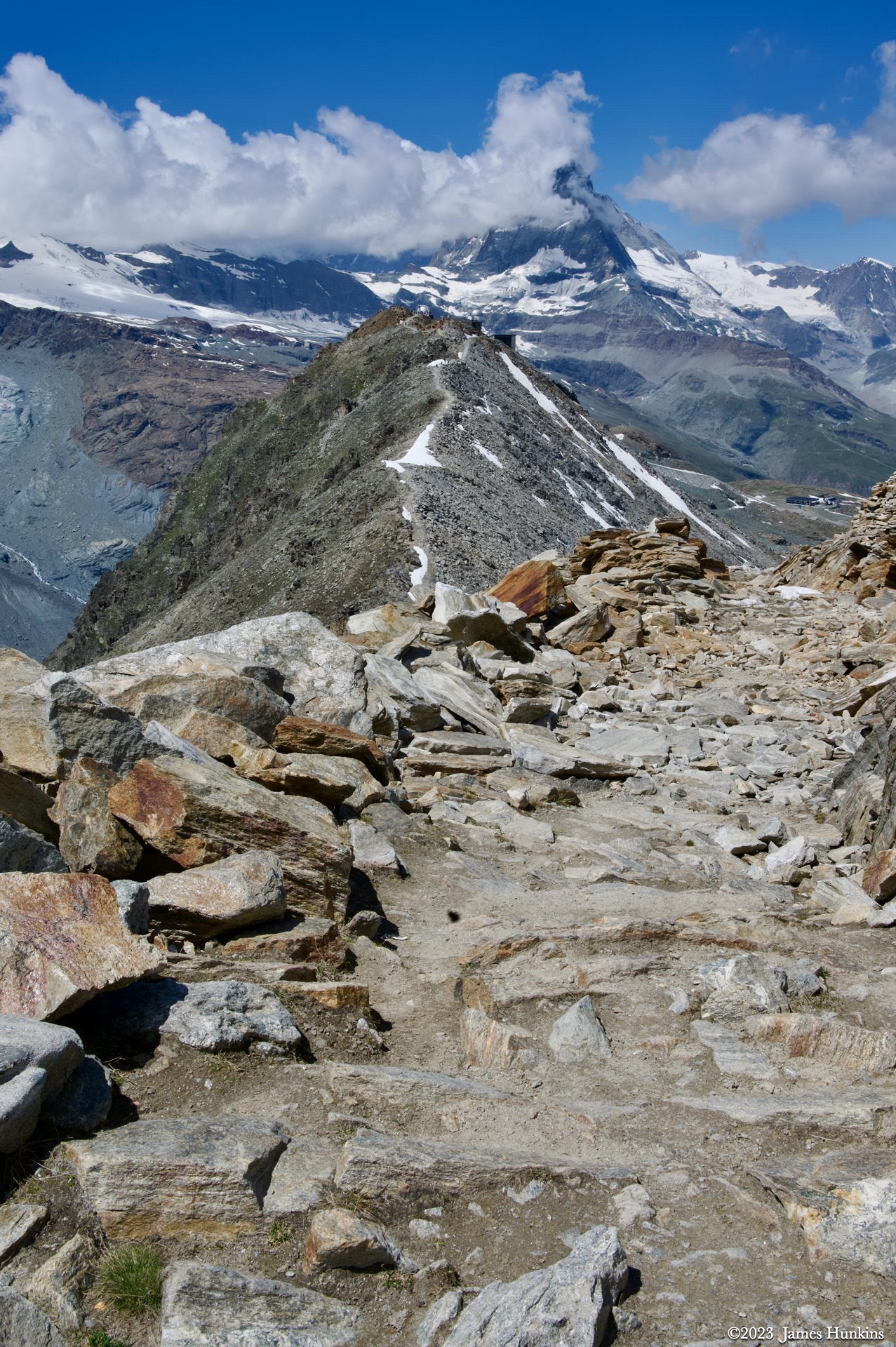
From the Gornergrat station, we took a short hike out along a ridge capped with snow, overlooking the glaciers. Walking back to the station, just below the trail, we found three Alpine Ibex enjoying the afternoon sunshine. Their horns were massive - I didn’t mind the distance between them and us.
Inside the station, they had a huge cafeteria. While not bad food, it felt very much like my old work cafeteria. Nothing to write home about, but it was definitely filling, which was important before we started down the mountain on foot.
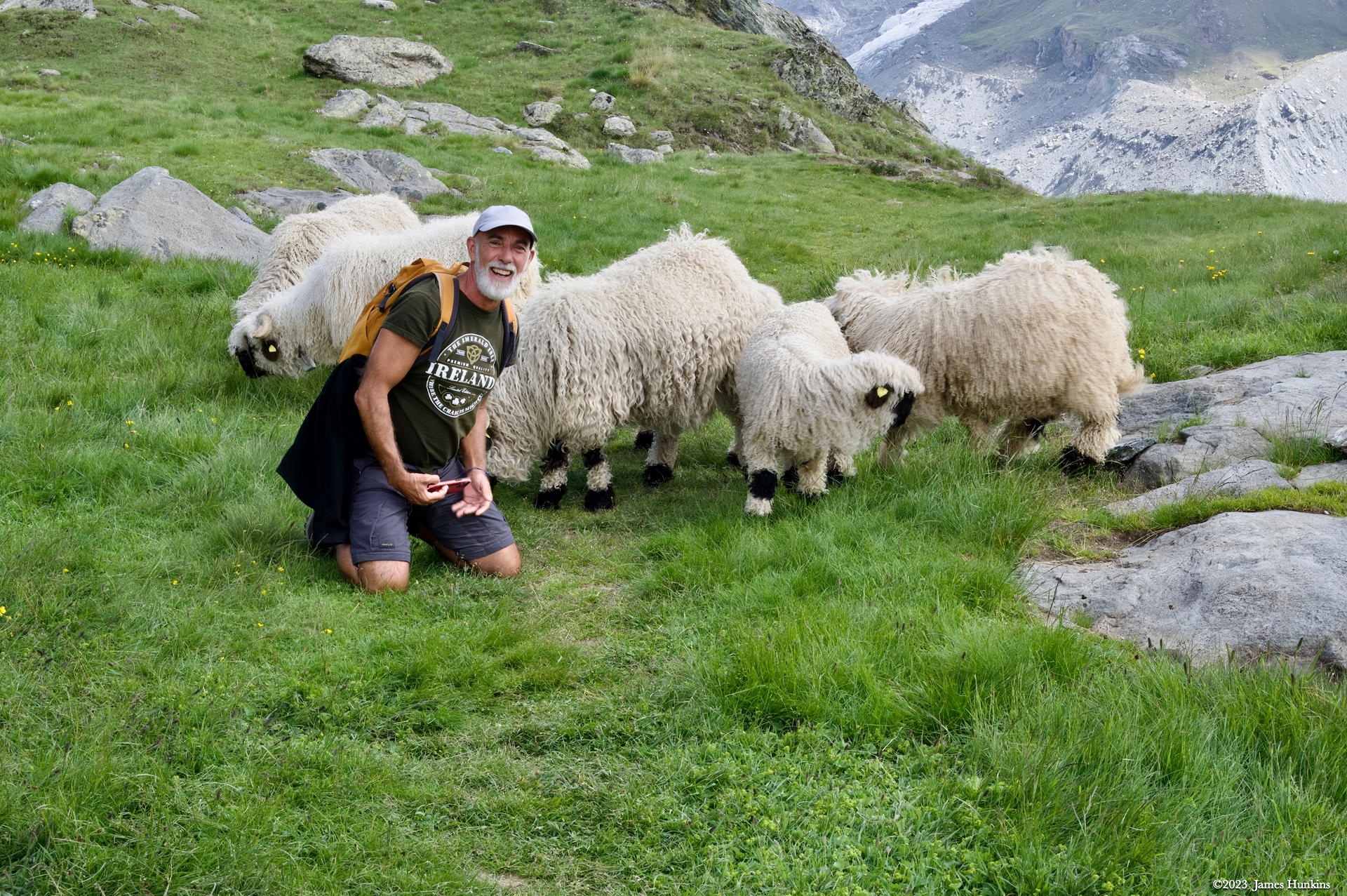
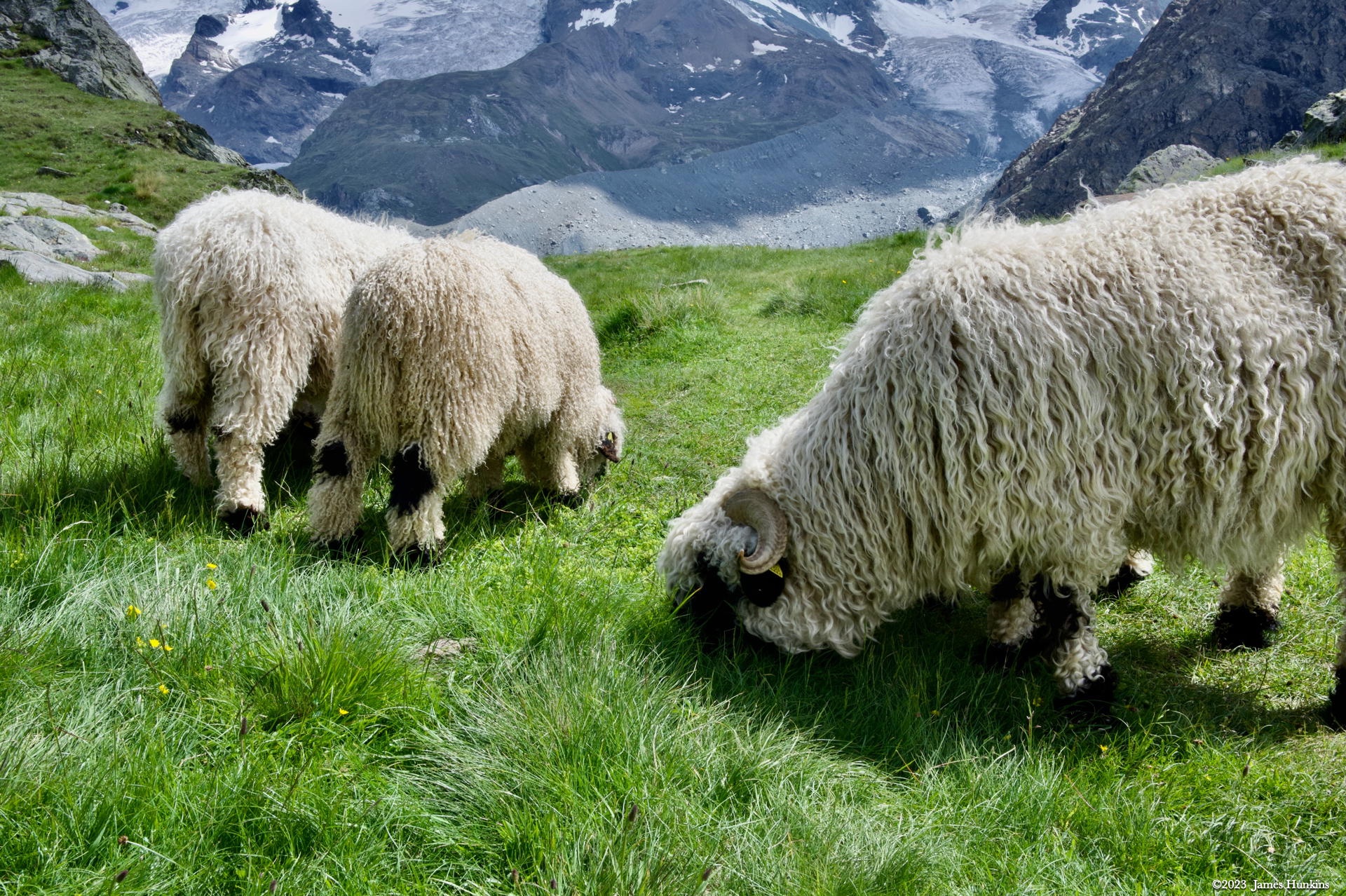
Just before we arrived at Riffelalp Station, we ran into a flock of beautiful white woolly sheep with very cool black faces. They were munching away on the grass or lying about taking naps, many of which were parked right on the trail. As you can see in a couple of photos, they were very friendly, especially with our guide, Pierre. Perhaps with his white beard and dark-tanned face, they thought he might be a close relative?
We chatted with the shepherdess (Deborah) for this flock. This particular breed (Valais Blacknose sheep) is very different from the typical skittish sheep in the area (with off-white single-color coats). These characters just didn’t seem to have a care in the world! If you are in the area, you can find out where the sheep are as they have GPS units in their collars. The website ‘Meet The Sheep’ (link provided) will give you their location for that day.
I tend to love to hike, so any chance I can get some extra footage in, especially in areas like this, I take it. When we arrived at the Riffelalp Station, Pierre agreed to hike the rest of the way down to Zermatt with me while our other two companions took the train back to town. No problems at all - everyone was happy. Except we did have dinner reservations at a specific time and, as usual, it took longer to get back to our hotel than we expected.
In Zermatt, the restaurants seem to have just a few times in the evening that they like to take reservations for. If you are late, you might have to wander around to find someone with an open table. Luckily in this case, despite our fast pace going down, we were late, but a call by Pierre was able to get an exception and move our reservation back just enough for us to get cleaned up and get there. Not sure if the food was really as good as I remember or if I was just starved after that much time on the trail; regardless - it was awesome.
VIEWING HELP
To close this window, click the X in the upper right hand corner. Or click anywhere outside of this window's area.
Photos from each day are shown in thumbnail (small) form. Panoramas are either wide or tall images, while normal photos are small rectangles. All photos shown in the PHOTO SHOWCASE section can be enlarged for better viewing. Photos will enlarge to fit your browser window width. Therefore, to view them at larger sizes simply make your browser window wider.
If there is any issue or the need to inquire/comment about an image, please refer to the Image ID label (see below) of the specific image along with the trip name found at the top of the browser window.
Video Clips
Depending on the browser, some of the controls may not always be supported.
Most videos will start playing automatically. Sound is automatically off even if included with a video. See D, E below for sound control.
A few small videos are set to loop endlessly, while most just play to the end.
- A: To start or stop a video, click in this area (even if the symbol is not visible)
- B: If a browser shows this symbol, clicking on it will restart the video from the beginning
- C: Progress bar - will display total video time on the right.
- D, E: This seems to have the most variants between browsers. If the video description says 'w/ sound’, you can adjust the volume with this control
If neither is visible, move the cursor to the E area and either E and/or D will be visible
If E is visible but not D, click on E
Once D is visible, slide the bar up or down to adjust the volumn

Panoramas
Clicking anywhere on a panorama thumbnail will cause the image to expand to fill the browser width. Clicking again anywhere in the browser window or scrolling the browser window will cause the expanded image to shrink back to its smaller thumbnail size.
The Image ID and description is found just below the thumbnail image on the left side.
Individual Photographs
If you click on any photo thumbnail, it will open a larger viewer which can be used to walk through all of the standard photos on the page. Once open, to go forward click on the > on the right side of the enlarged image. To scan backwards, click on the < on the left side. To close the larger images either click on the X in the upper right hand corner of the browser window or anywhere outside of the enlarged image.
The Image ID label can be found by hovering a cursor over the thumbnail image (may not be available on some tablets/phones) or, once enlarged, from the lower left hand side just under the image.
Additionally, in the same area as the Image ID (or the upper left corner for newer/updated sites) a count showing the current image number versus the total number of images available for viewing.

For newer or updated sites (look for the orange checkbox in the header of a sites main page), additional buttons have been added when viewing a full size image. From left to right, the buttons are:
- Email: will open an email with information and a link to the current image
- WhatsApp: if WhatsApp is on your system, will open a browser window to open WhatsApp and create a message with information and a link to the current image
- FaceBook: Will open a browser window to open Facebook and create a message with information and a link to the current image
- full screen: will take over the entire display versus just the browser in most systems; ESC returns to the brower only mode
- magnify: enlarges the image within the browser or full screen; if the image is larger than can be displayed it can be scrolled
- exit: will close the large image viewer returning to the thumbnails




Links:
SHORT VIDEO CLIPS
TIny fish (minnows?) swimming near the shore of one of the lakes on the trail - no sound
PHOTO SHOWCASE
- click on any panoramic image for a larger view
- click on any thumbnail image for a larger view/slideshow
-
 2307040014NGornergrat Station - Vis-à-vis Restaurant
 -
 2307040015NGornergrat Station with the Matterhorn peaking out from behind its clouds
 -
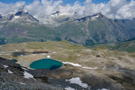 2307040016NGreat views from Gornergrat Station
 -
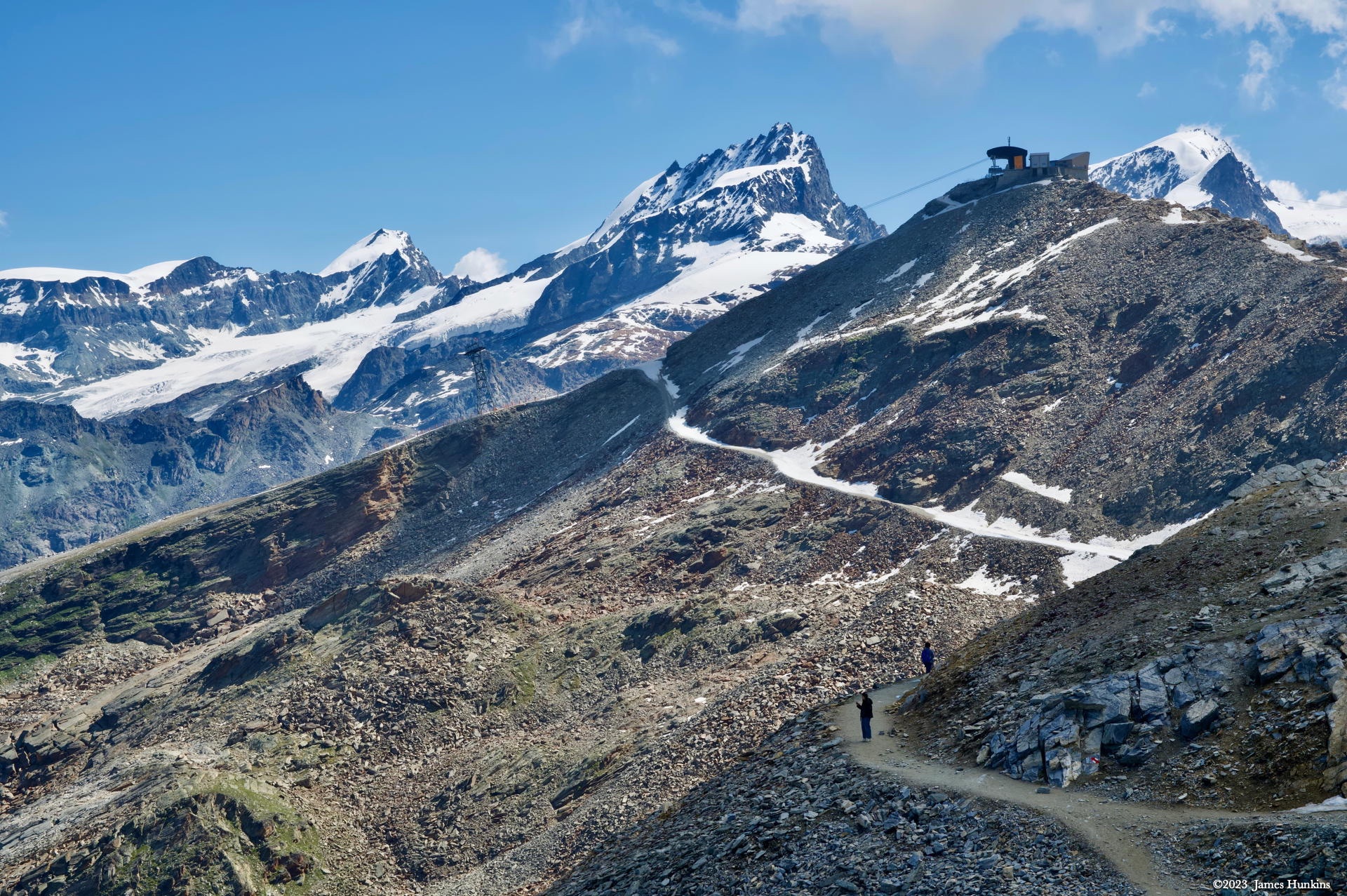
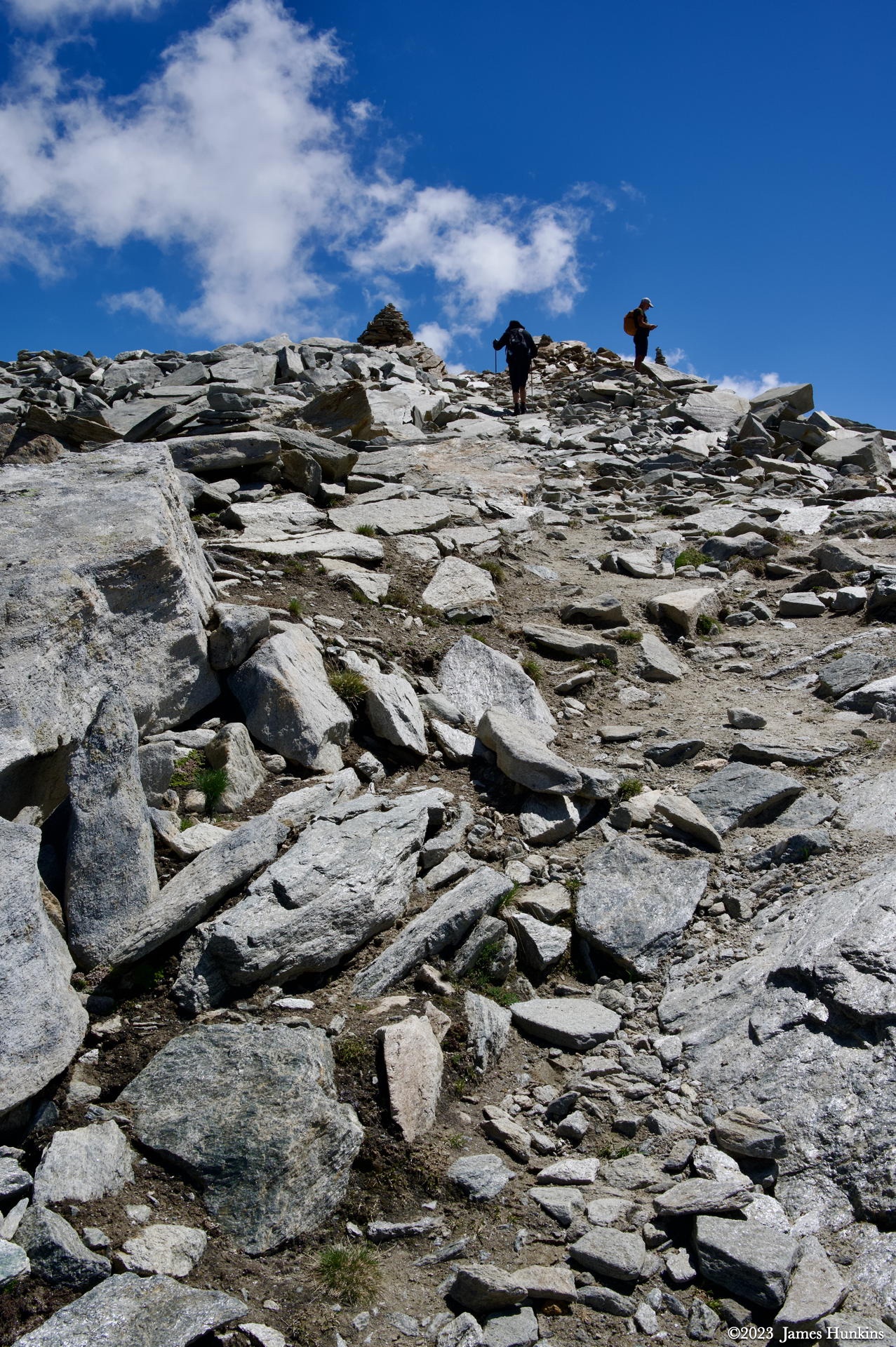
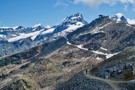 2307040017NTrail going up past Gornergrat
 -
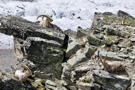 2307040023NAlpine Ibex sunning just below the trail
 -
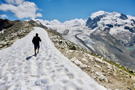 2307040025NTrail continues with a snow bank along the ridge, glacier in the background
 -
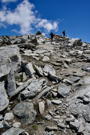 2307040028NNever enough up for a good trail to follow
 -
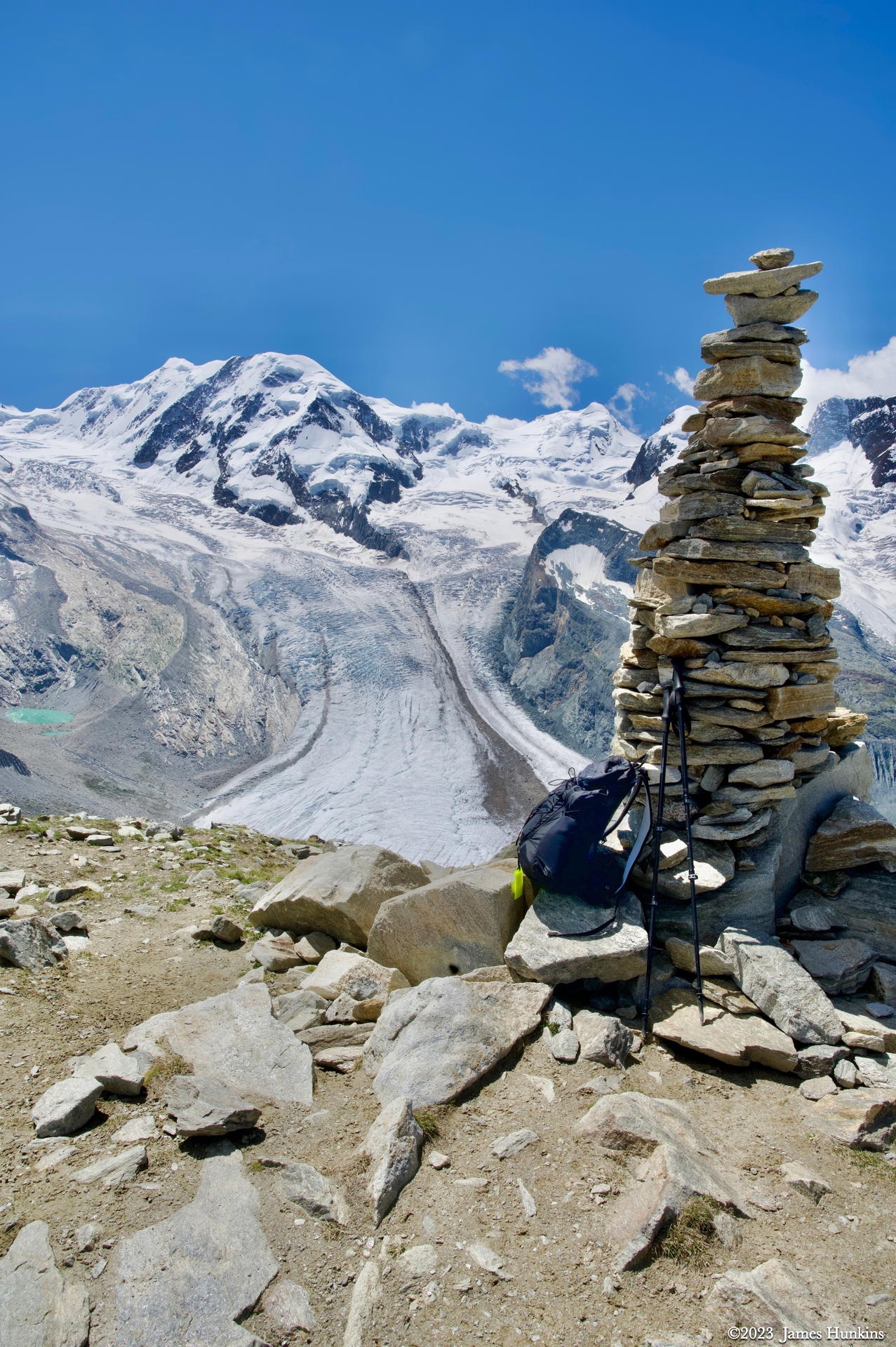
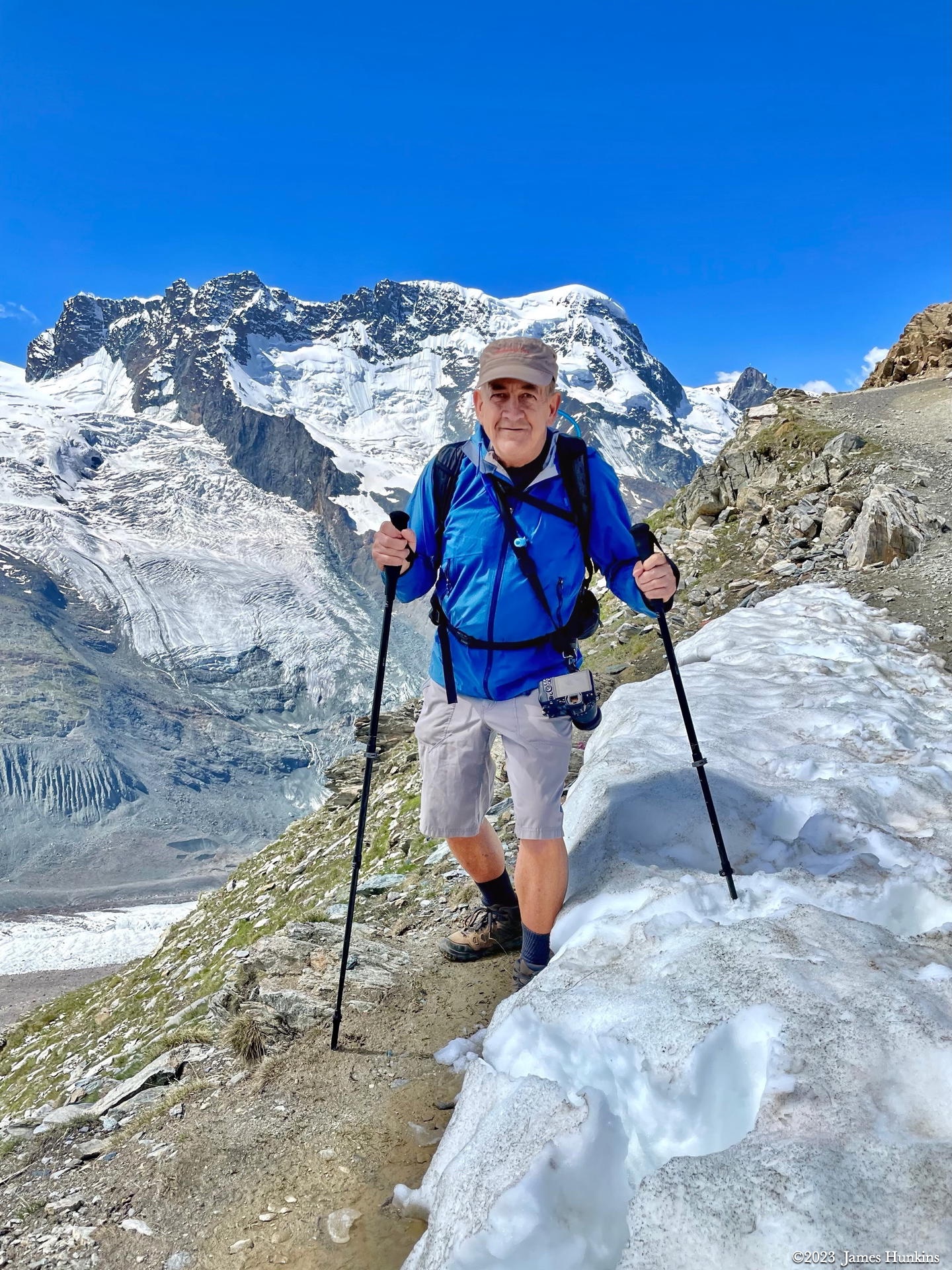
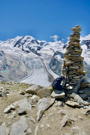 2307040029NMy traditional backpack / hiking poles / marker photo
 -
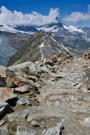 2307040030NLooking back down the trail towards Gornergrat
 -
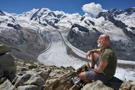 2307040031NTime to contemplate just about anything with a massive glacier spread out beside you
 -
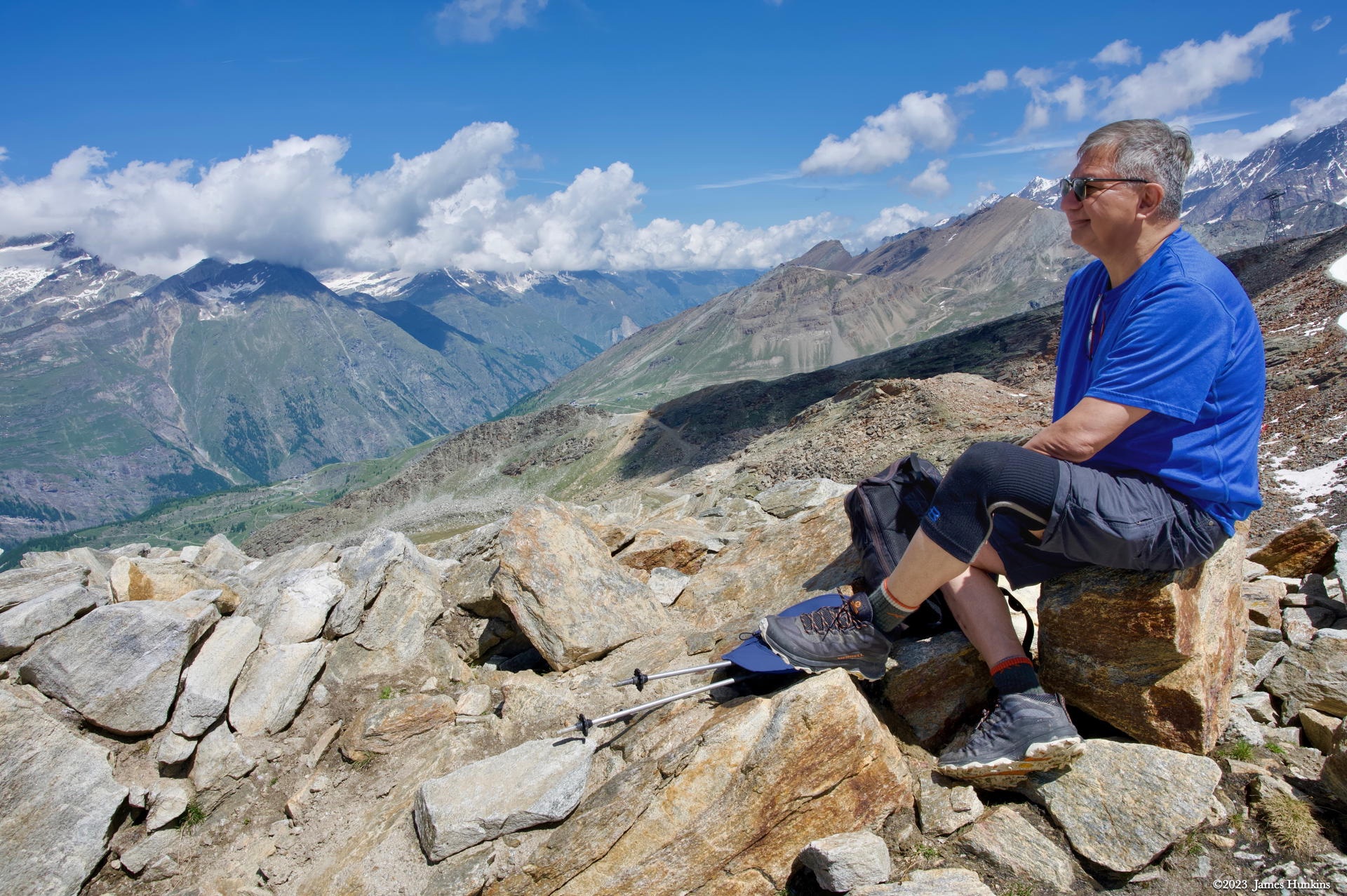
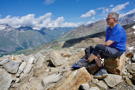 2307040034NOr one could just rest and look out into nothing (everything)
 -
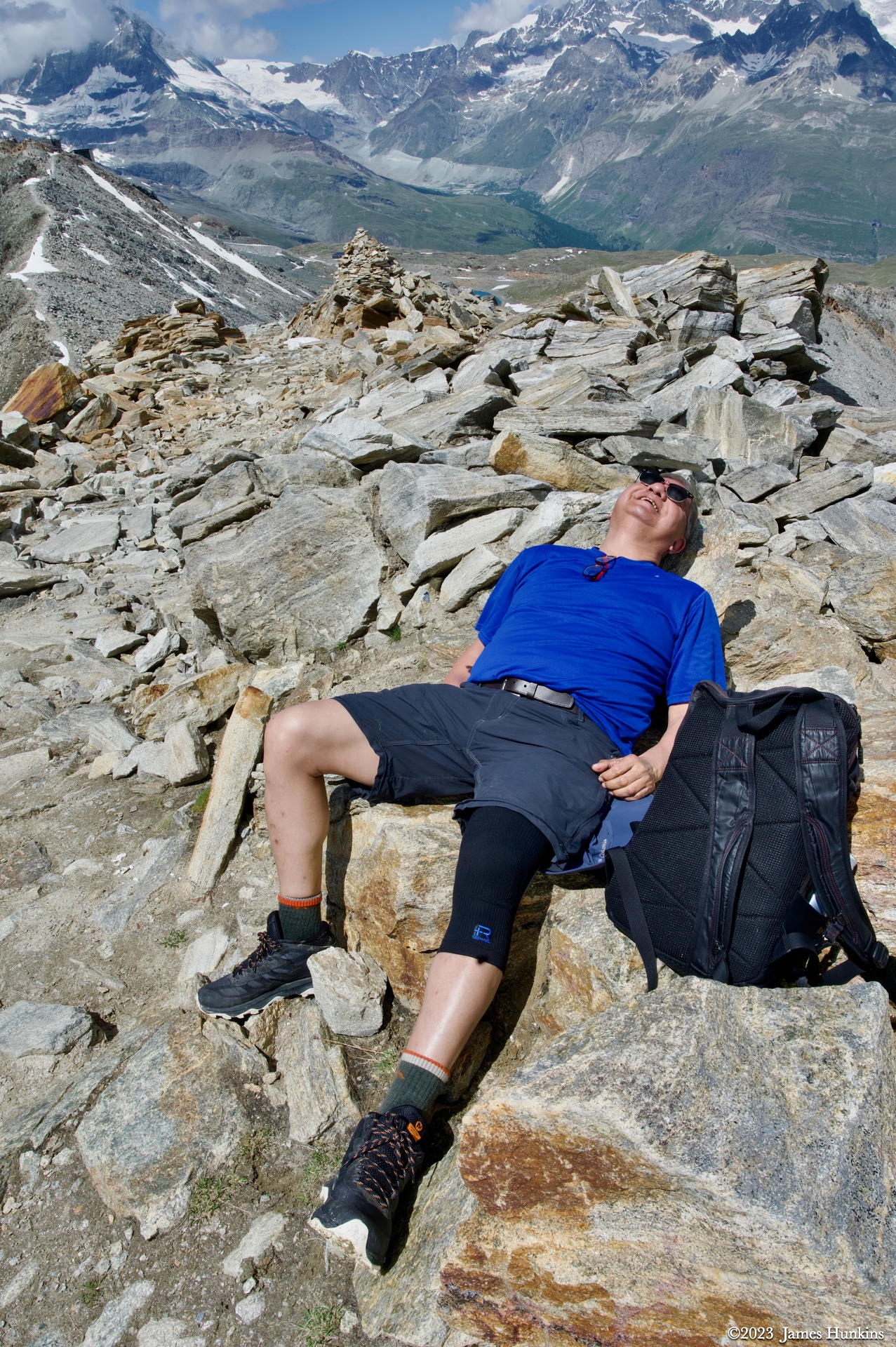
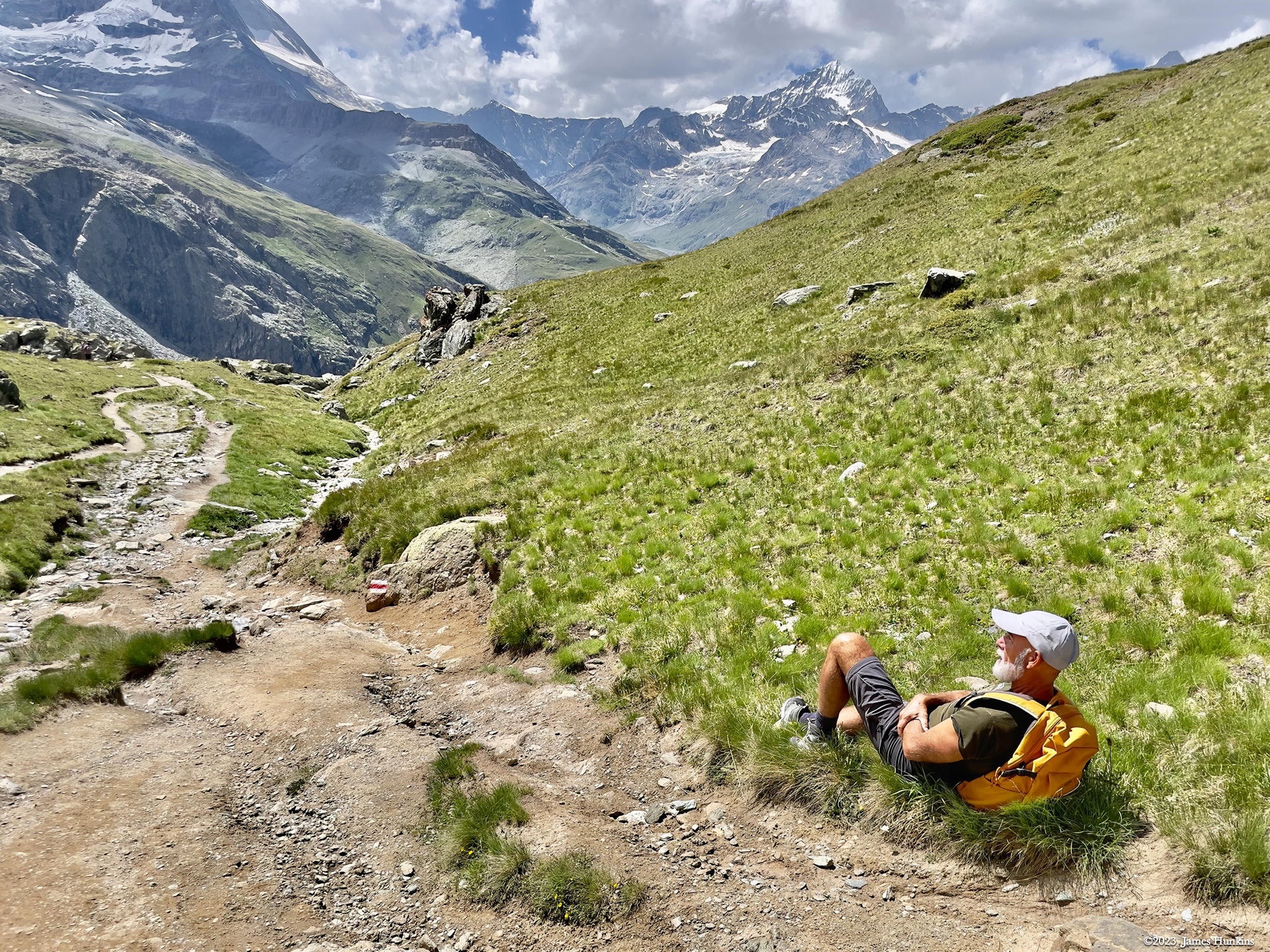
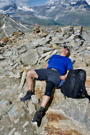 2307040036NA well deserved nap on the trail - perfect!
 -
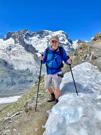 2307040037PSorry - somehow a photograph of me (the photographer) got in here!
 -
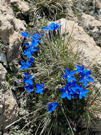 2307040039PNature’s wonders always find a way to show their beauty
 -
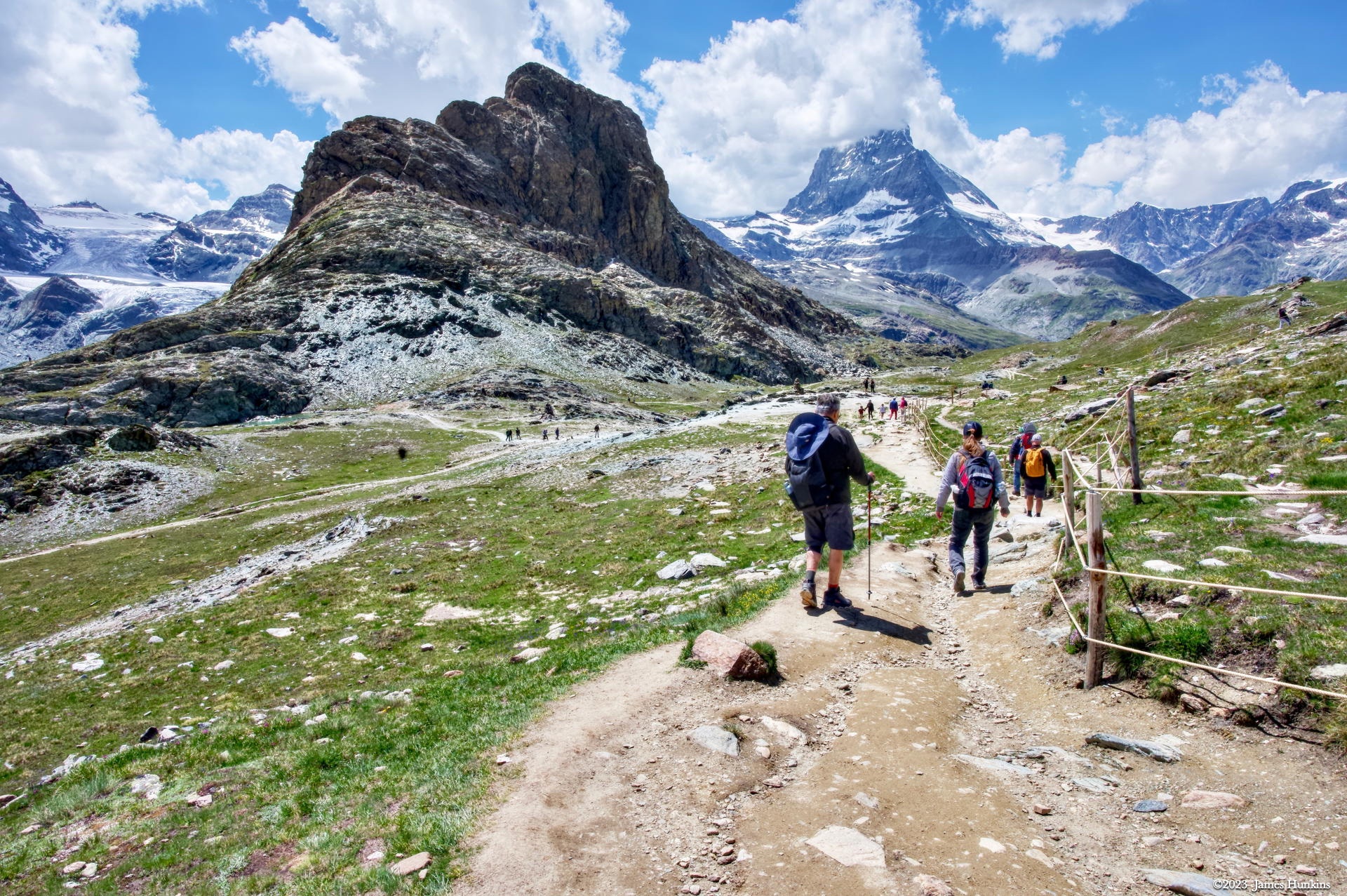
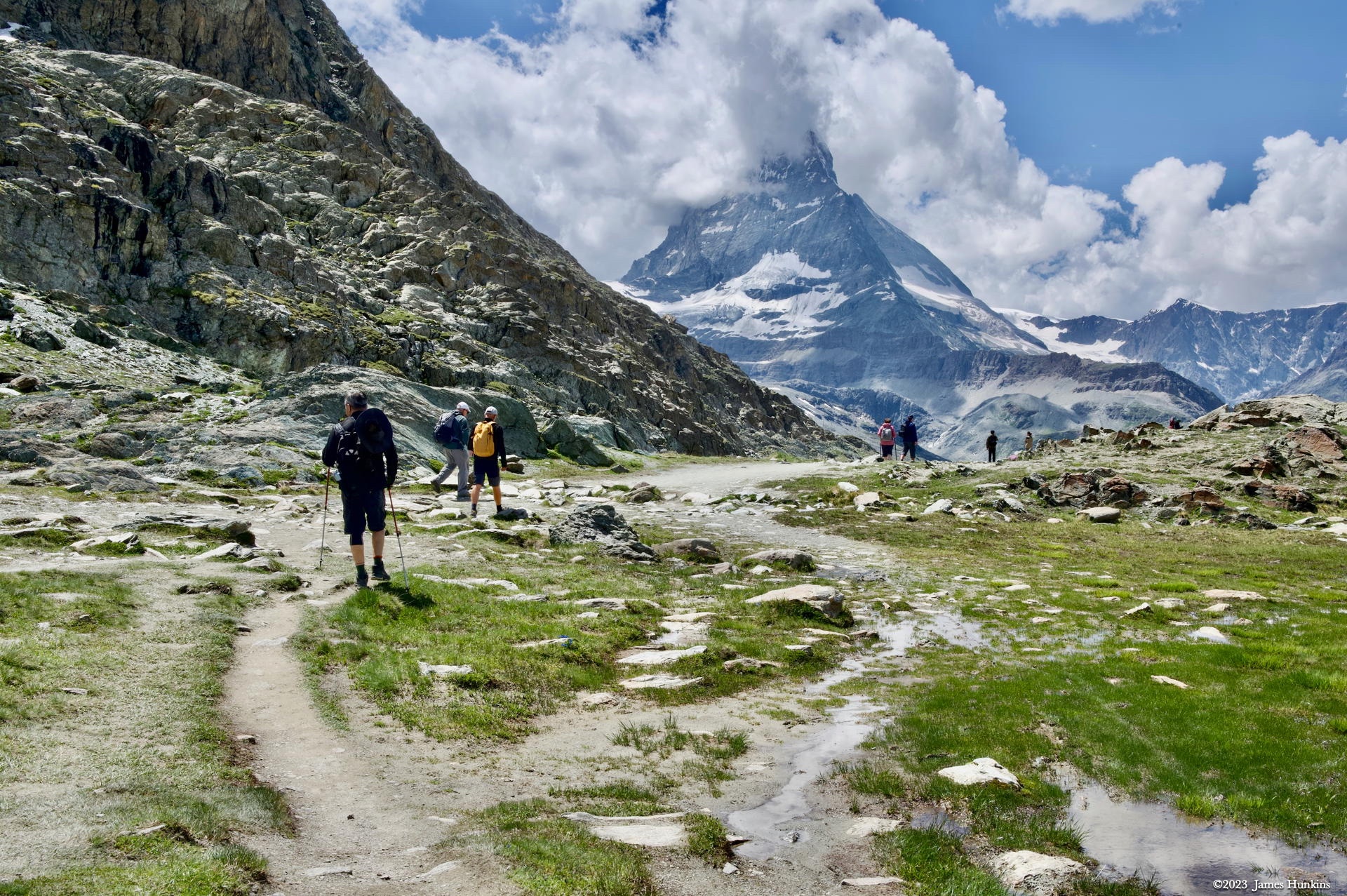
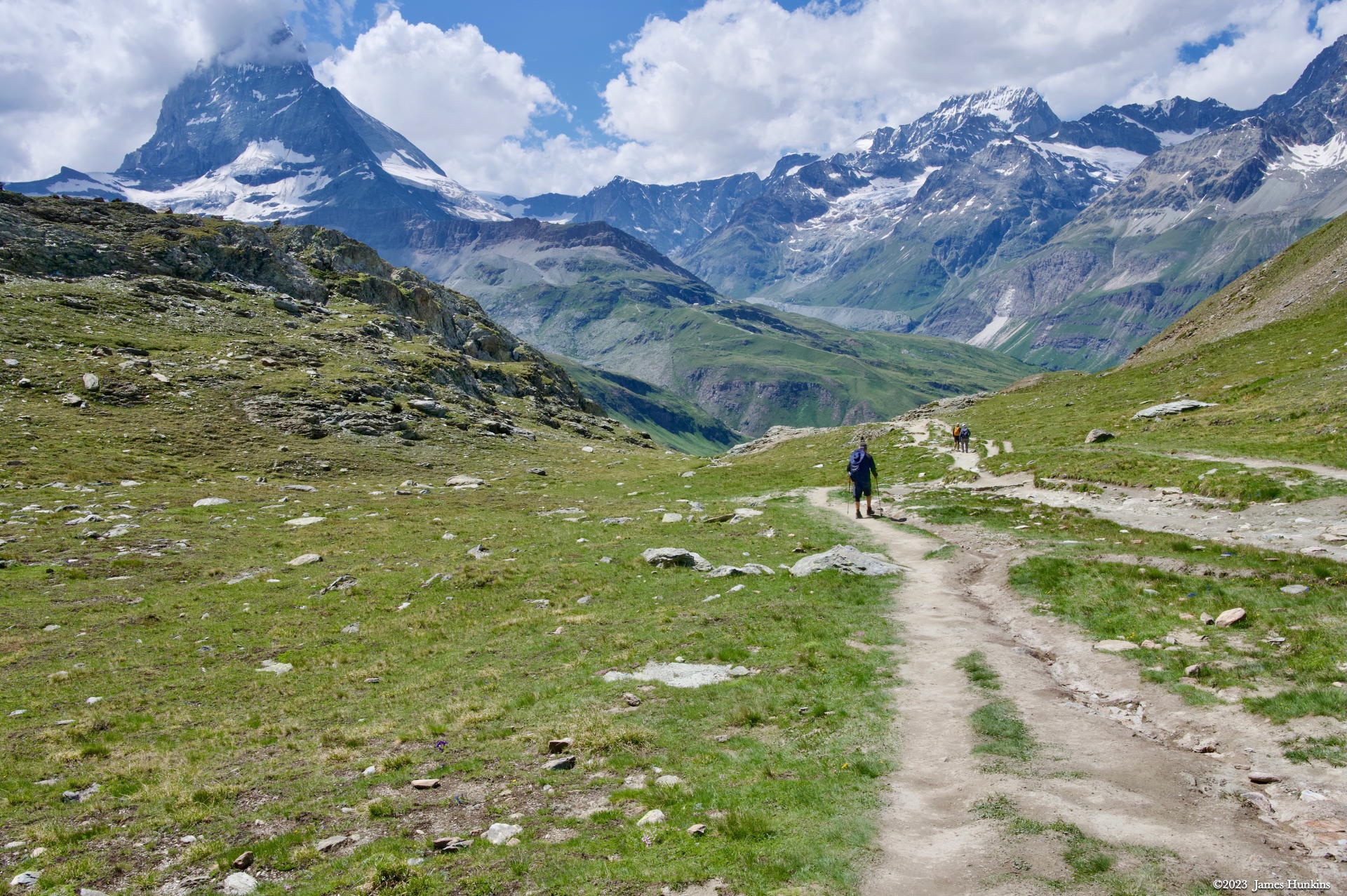
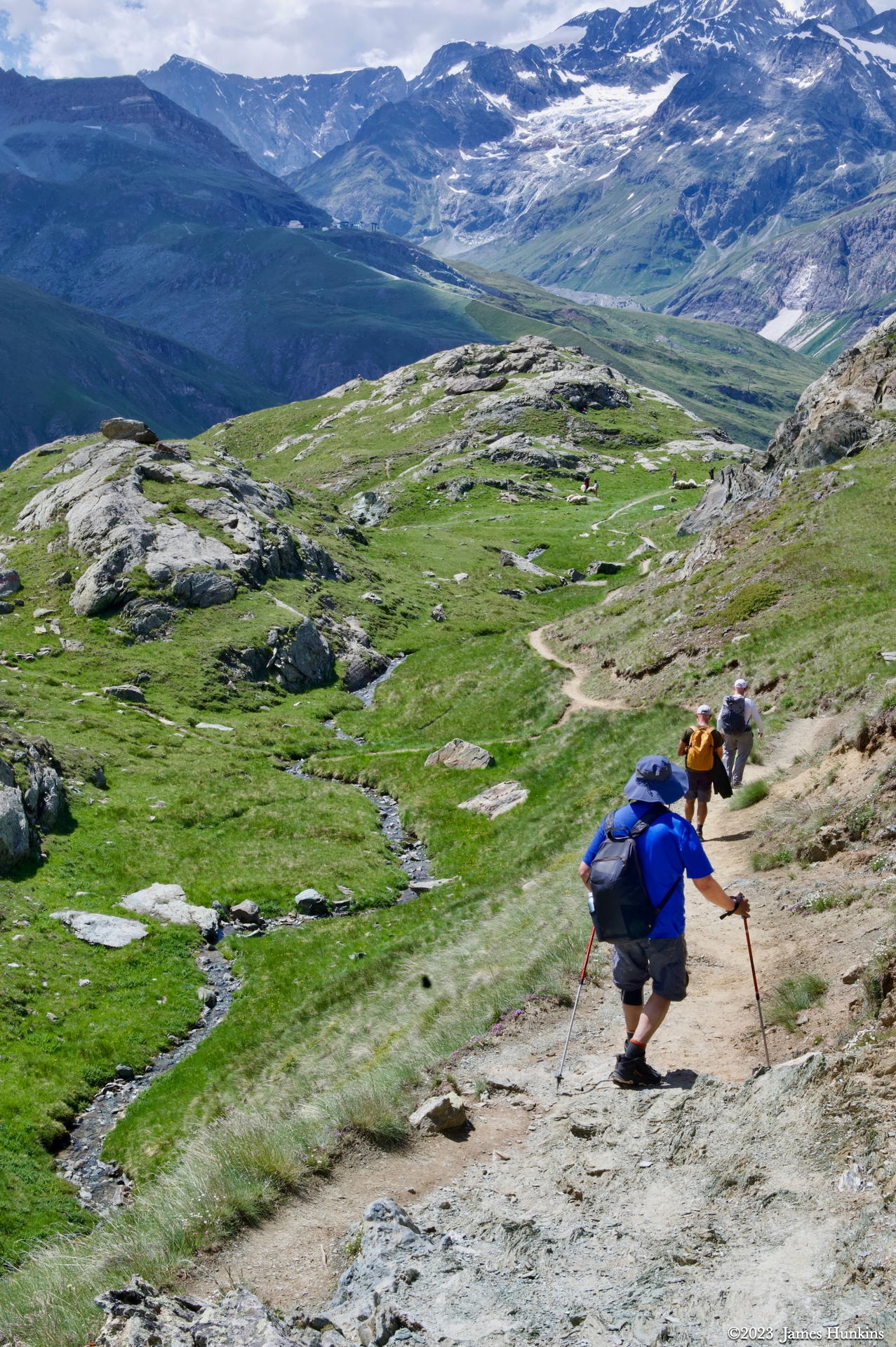
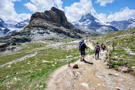 2307040040NHiking down one of the trails below Gornergrat towards Zermatt
 -
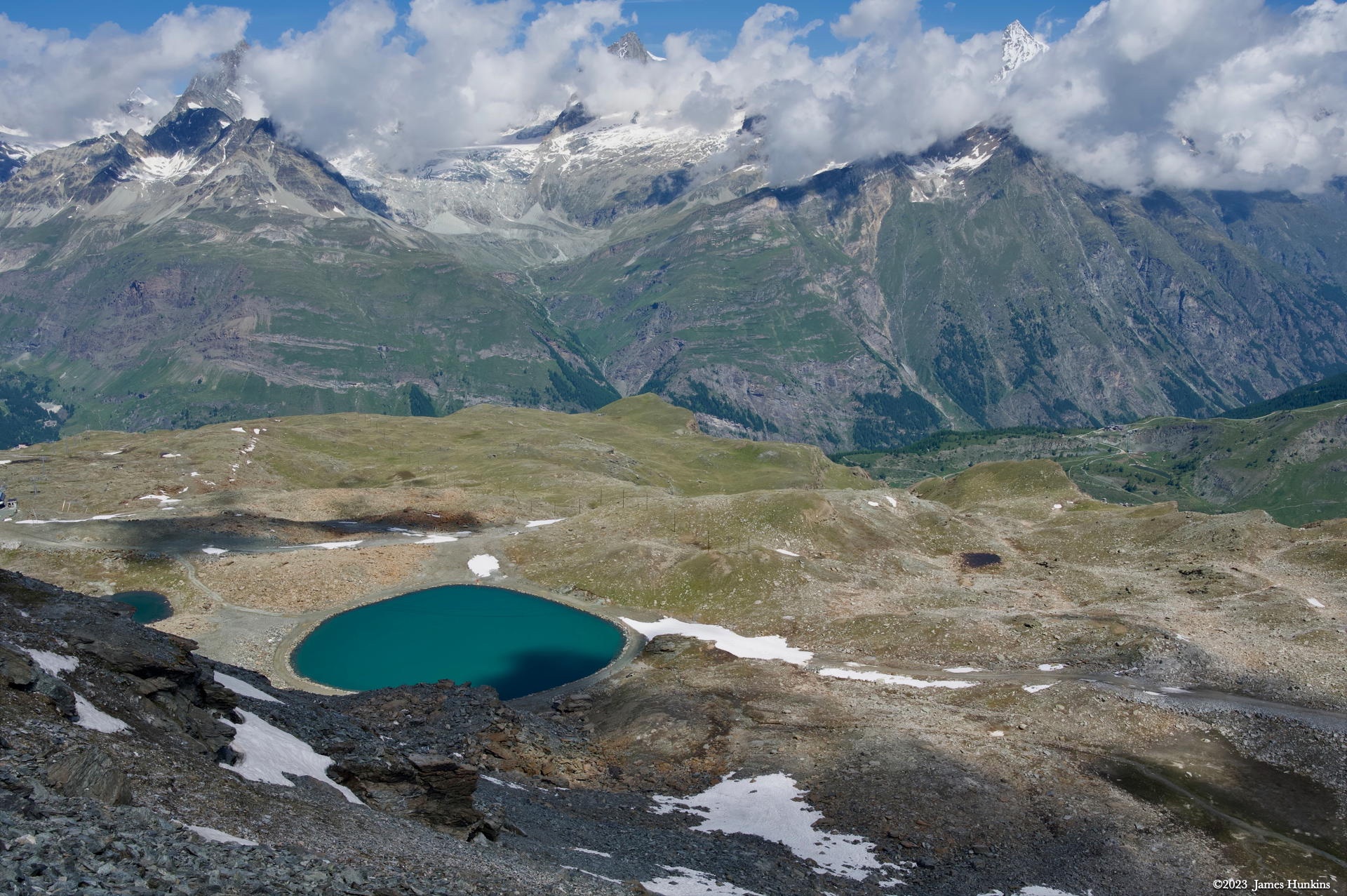
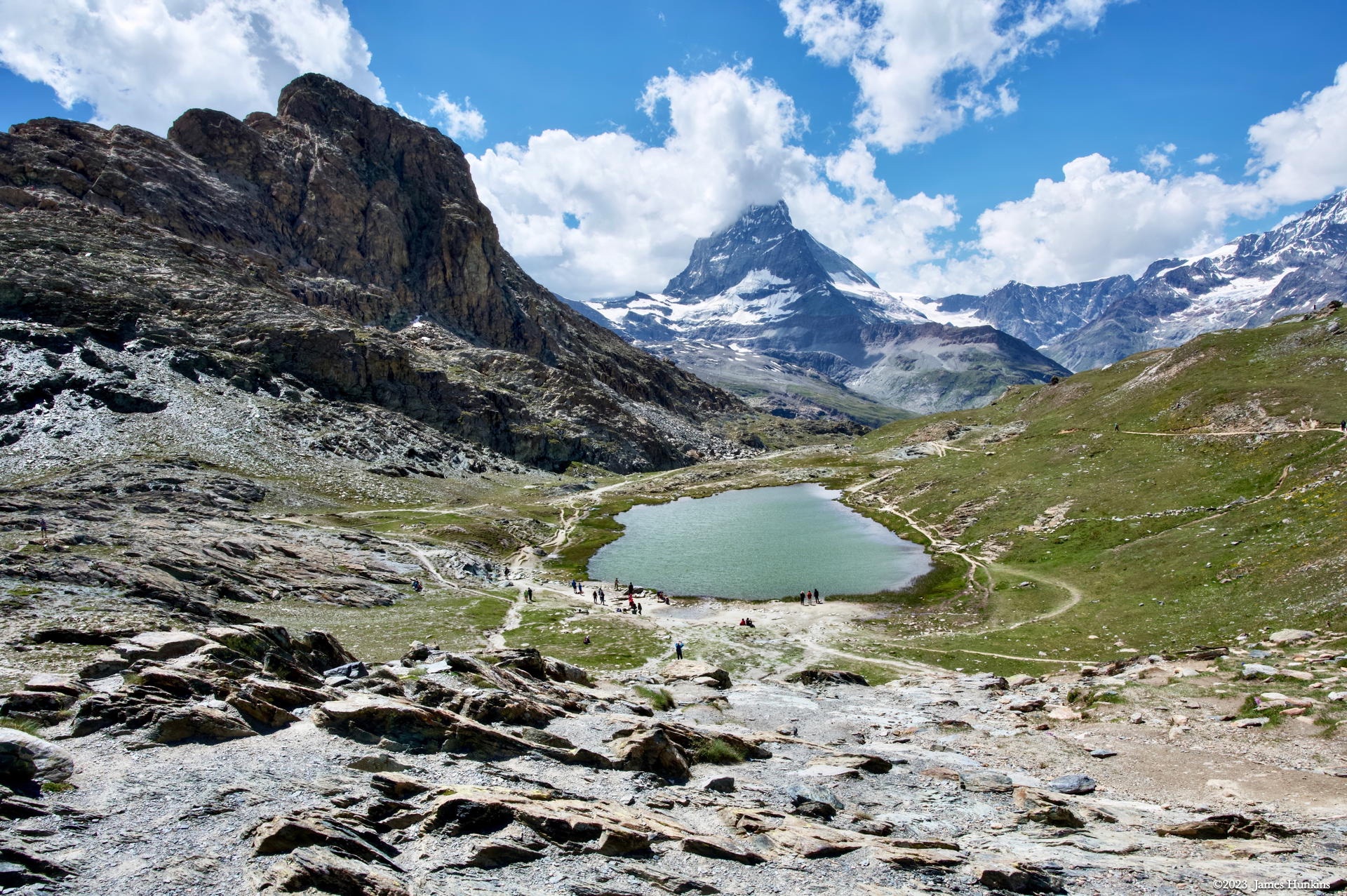
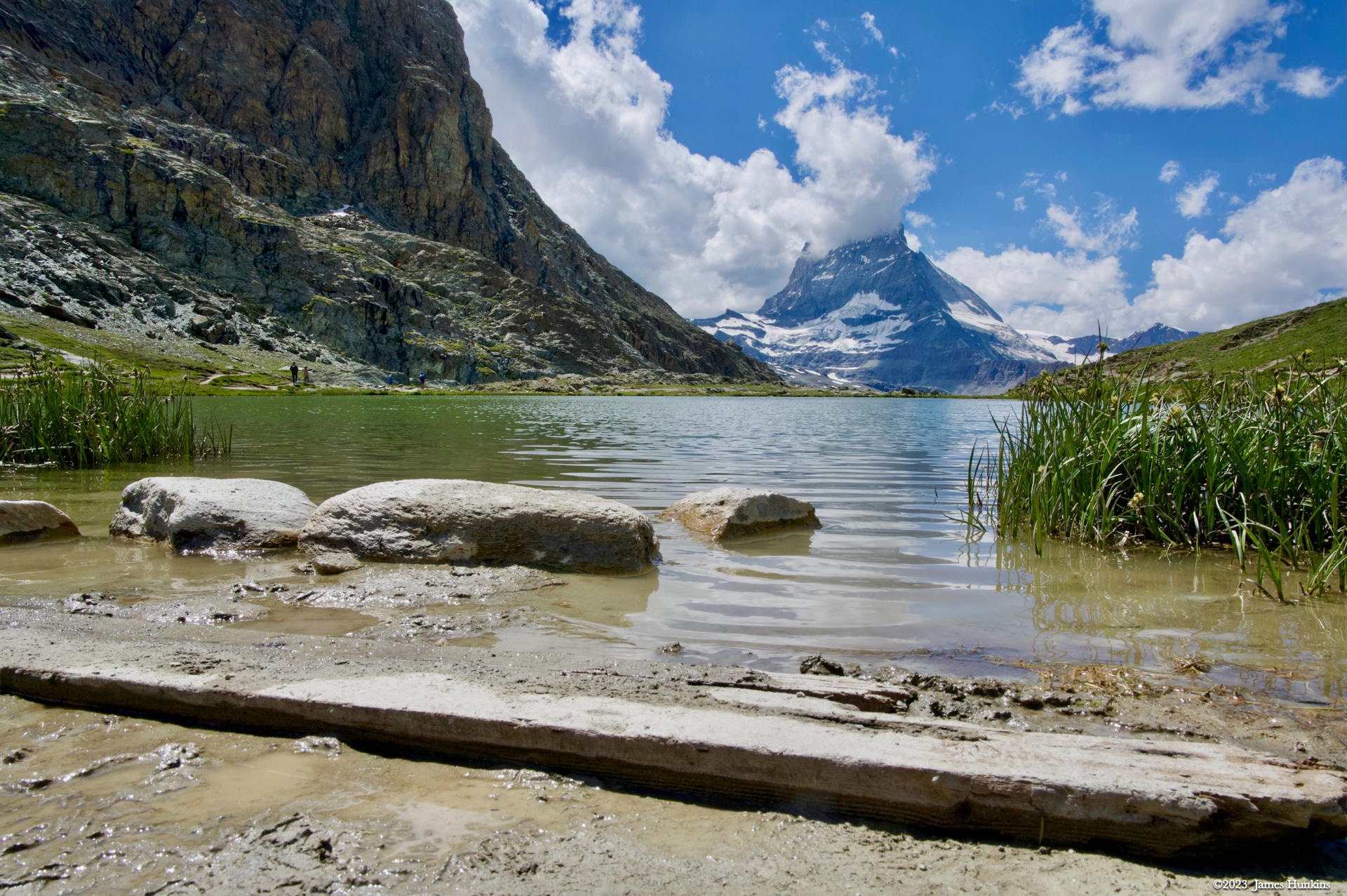
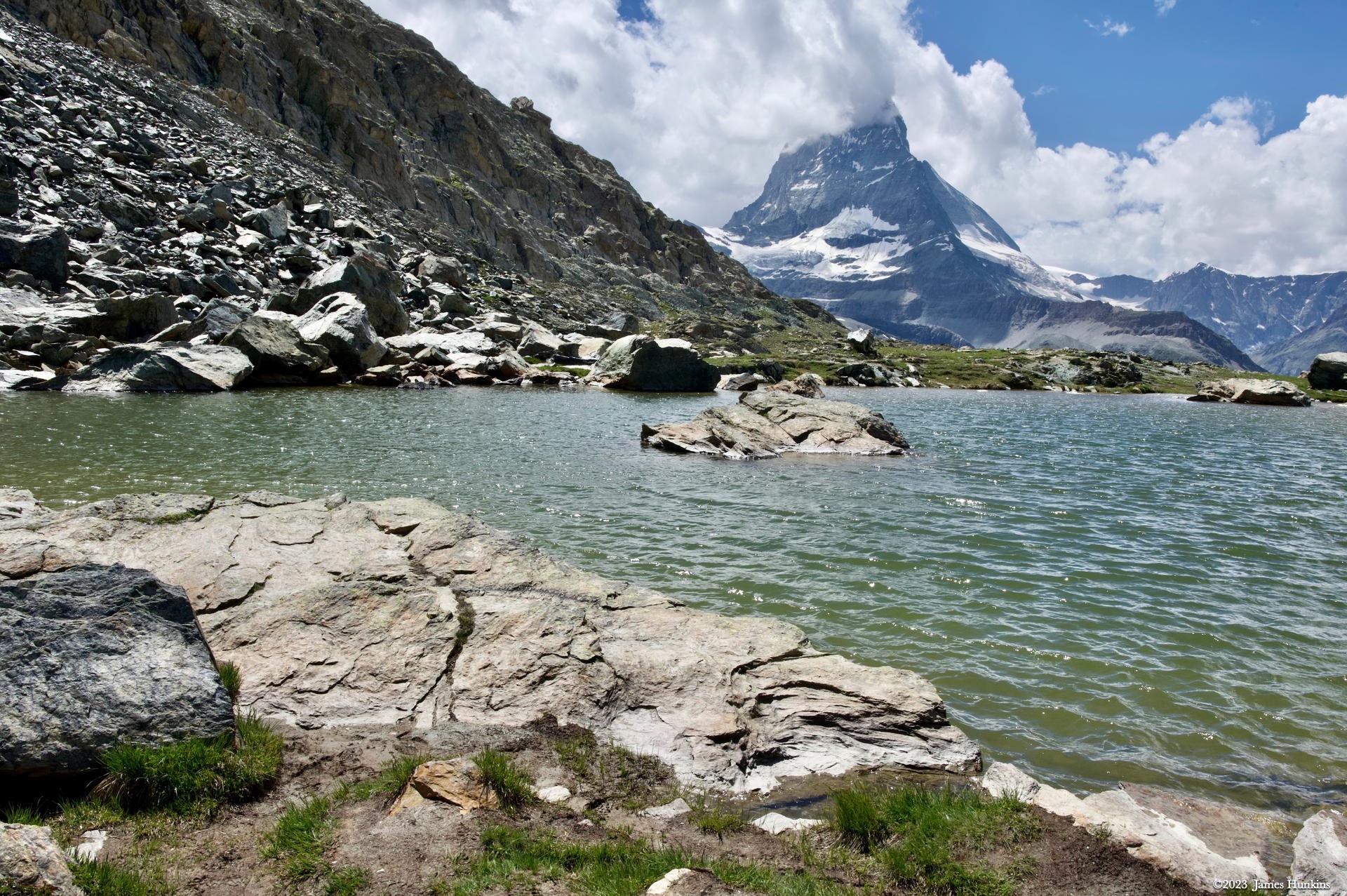
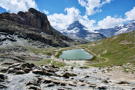 2307040041NMatterhorn watching over one of many lakes on the trail
 -
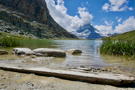 2307040044NLake side looking up at the Matterhorn
 -
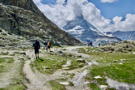 2307040045NTrail continues down from the lake with the Matterhorn watching over the hikers
 -
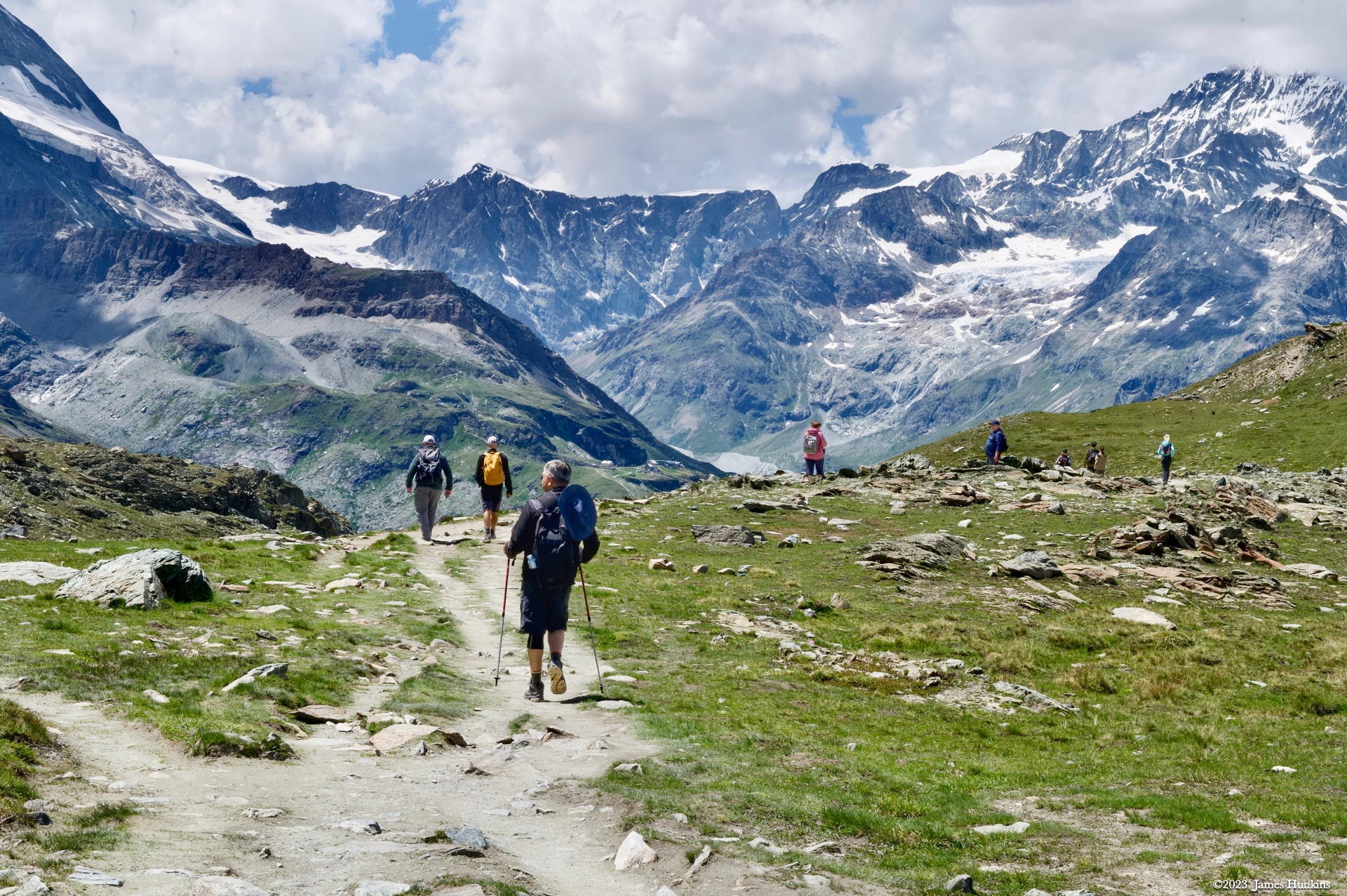
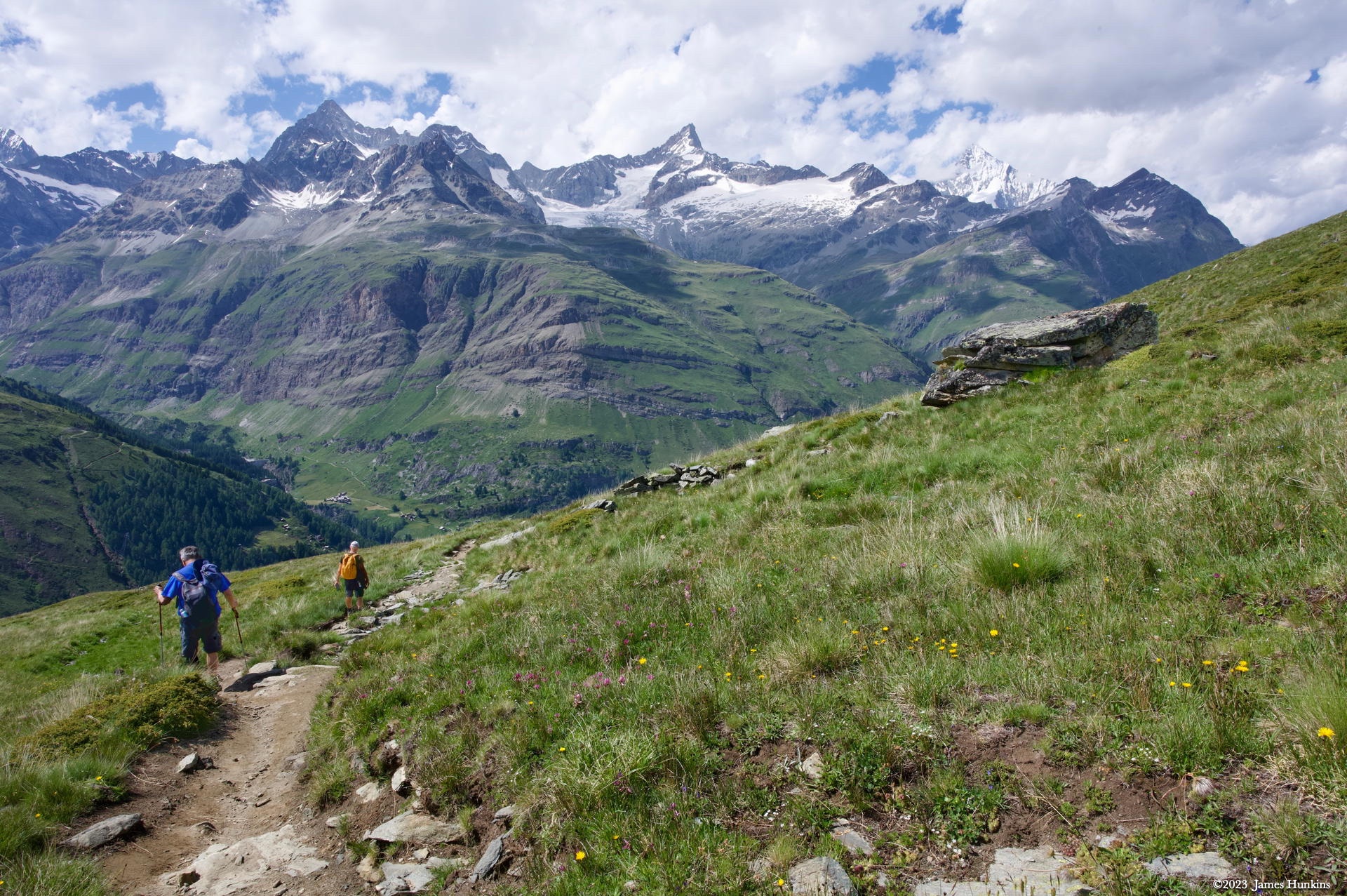
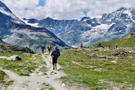 2307040046NHikers on the trail just before it drops down into the valley below
 -
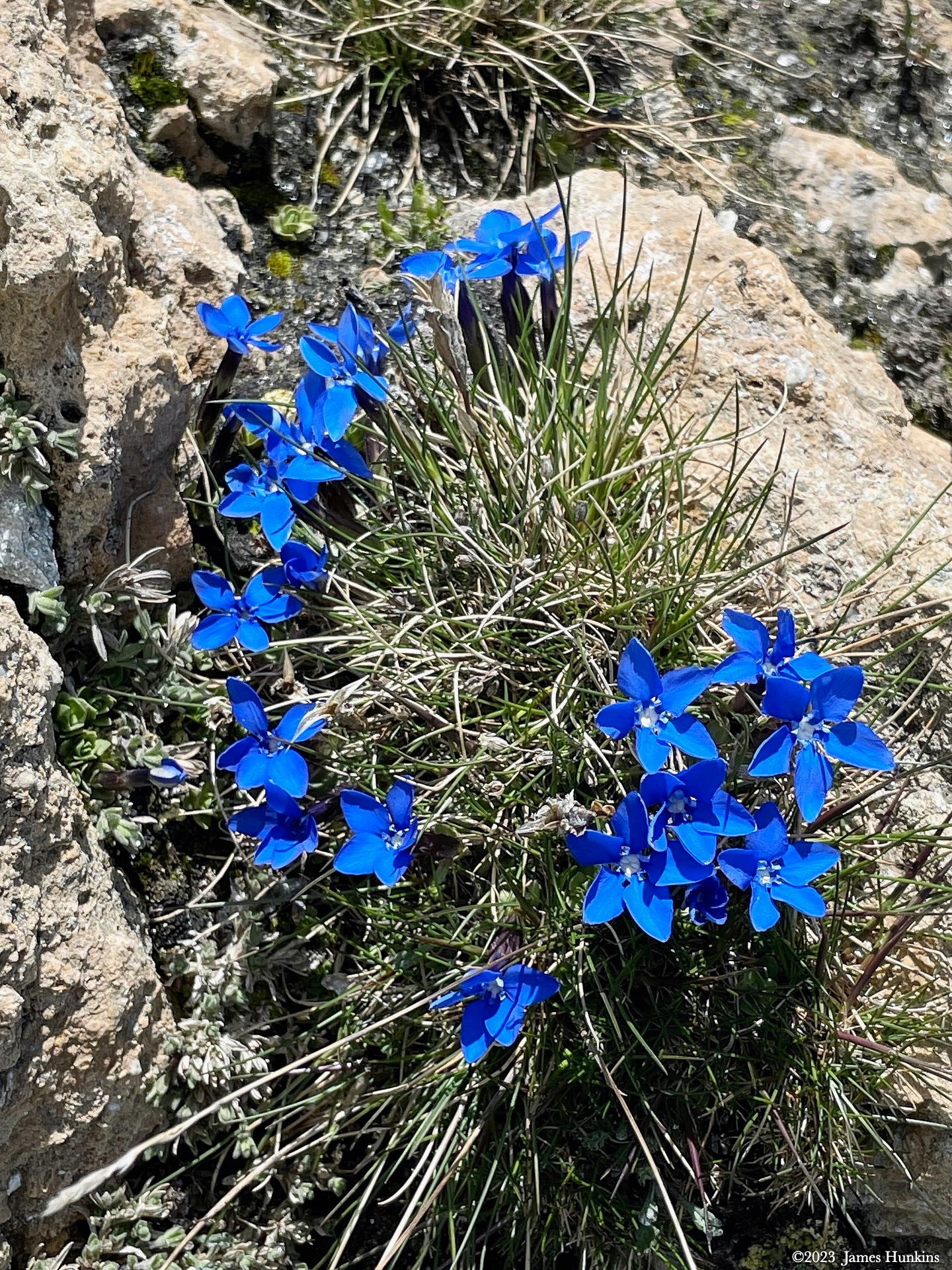
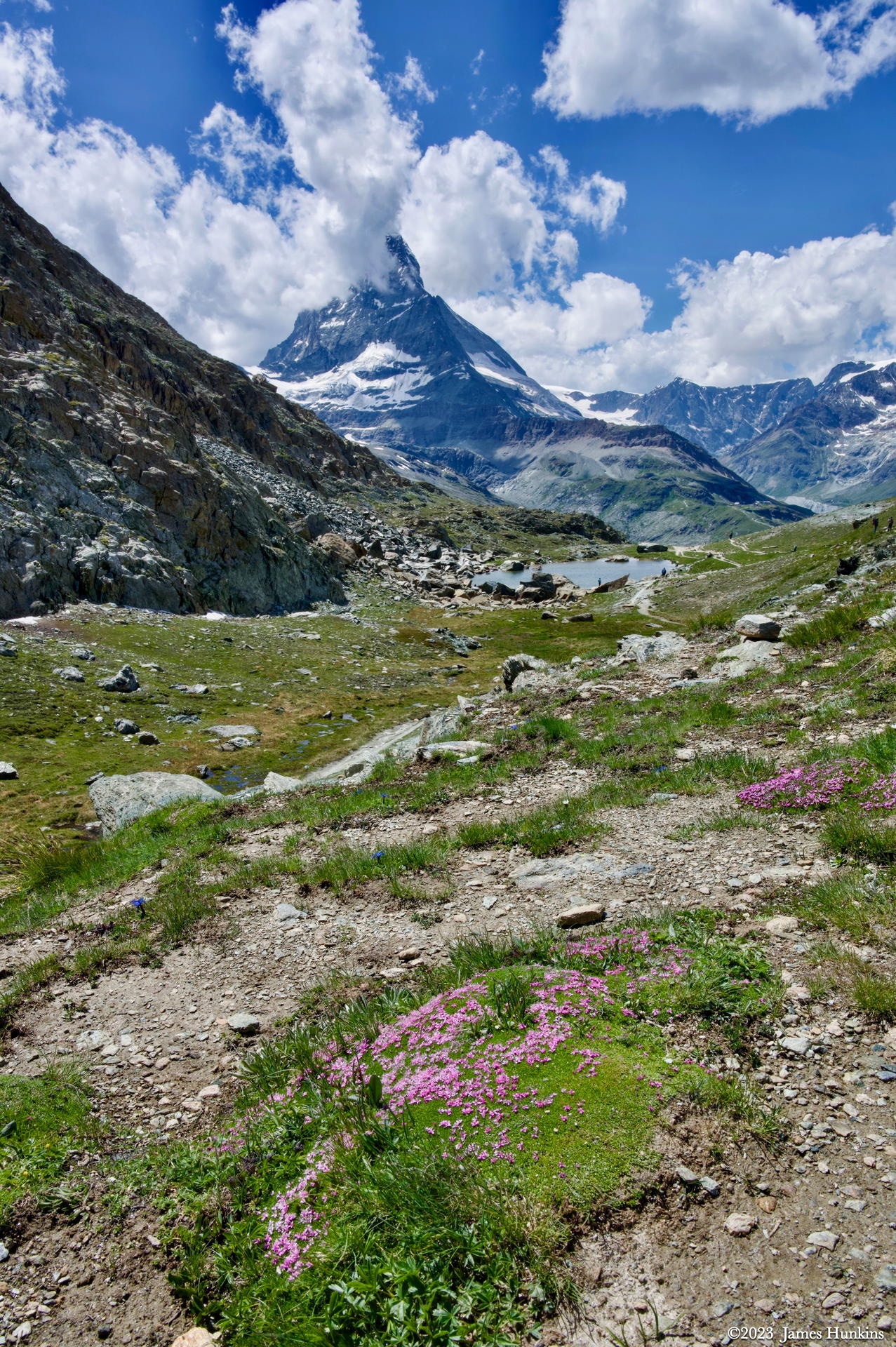
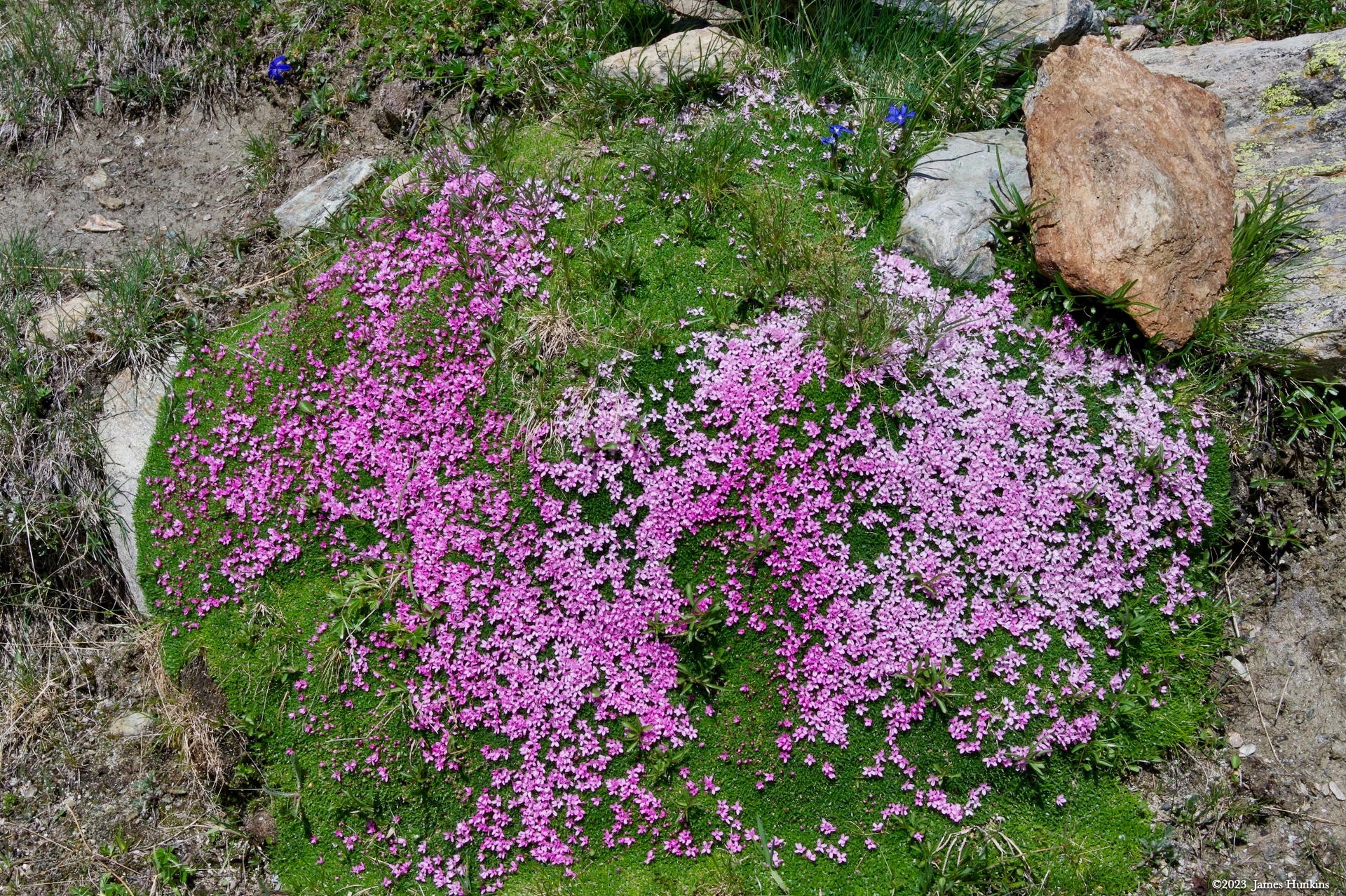
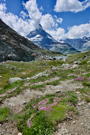 2307040049NGroups of tiny bright wild flowers adorn the trail
 -
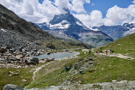 2307040050NAnd yet another lake!
 -
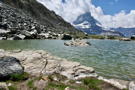 2307040053NLake side looking up at the Matterhorn
 -
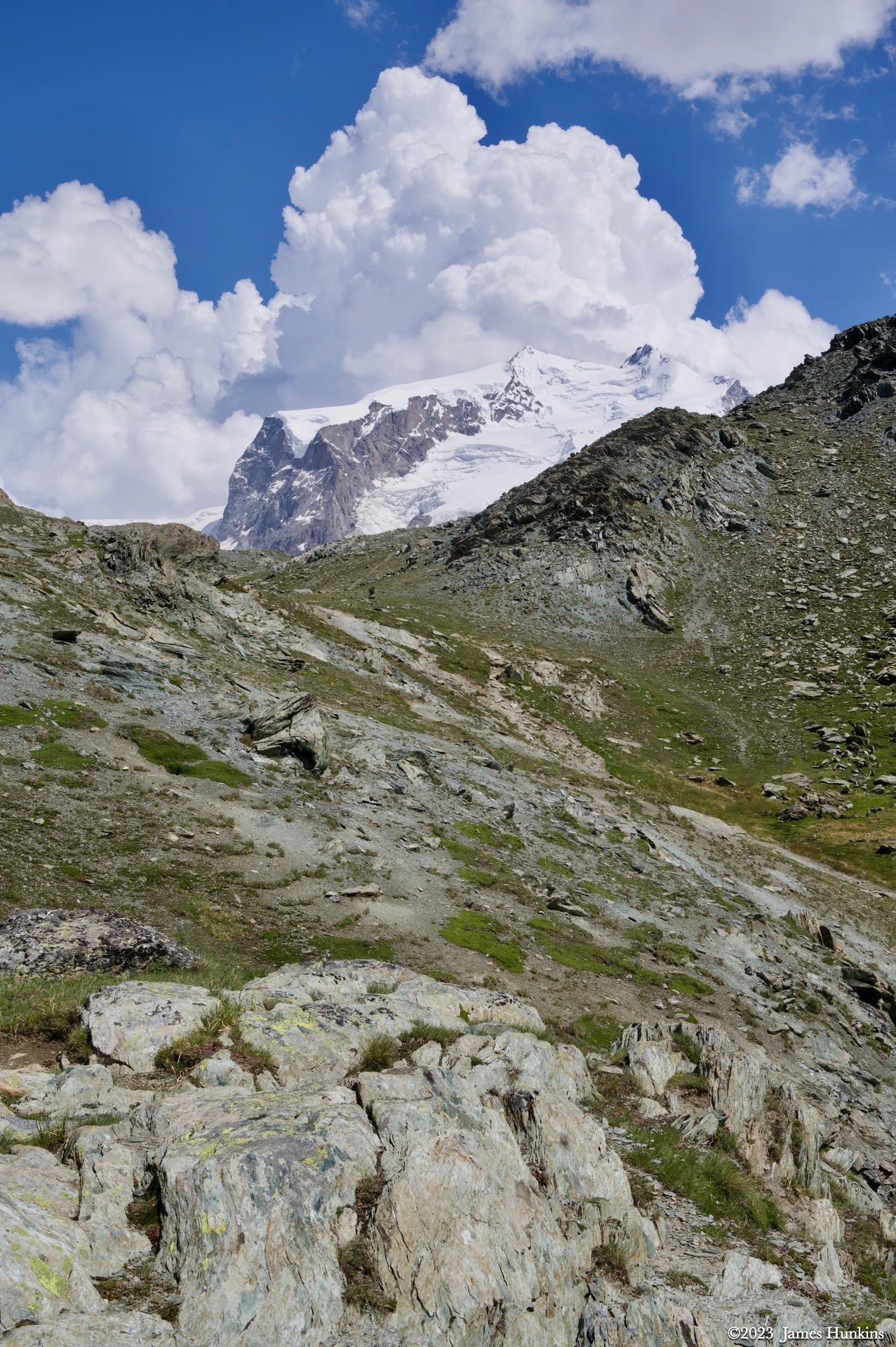
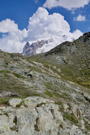 2307040052NLooking back from where the trail had descended with glacier clad mountain behind
 -
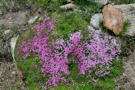 2307040055NThese tiny flowers endure extreme weather
 -
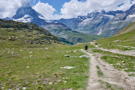 2307040056NTrail continues into the valley with the Matterhorn in the distance
 -
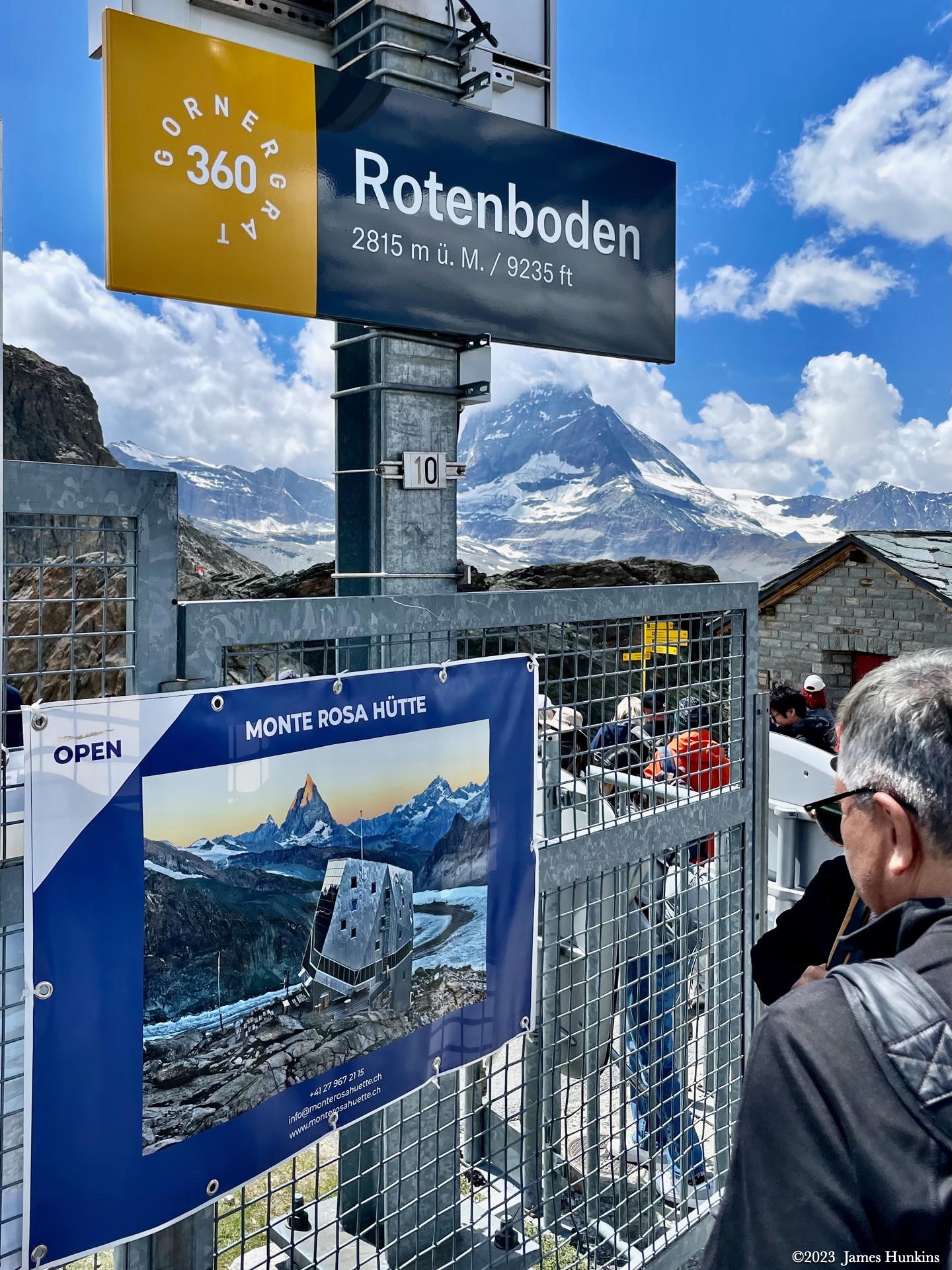
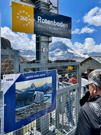 2307040057PTrail crosses the Rotenboden train station
 -
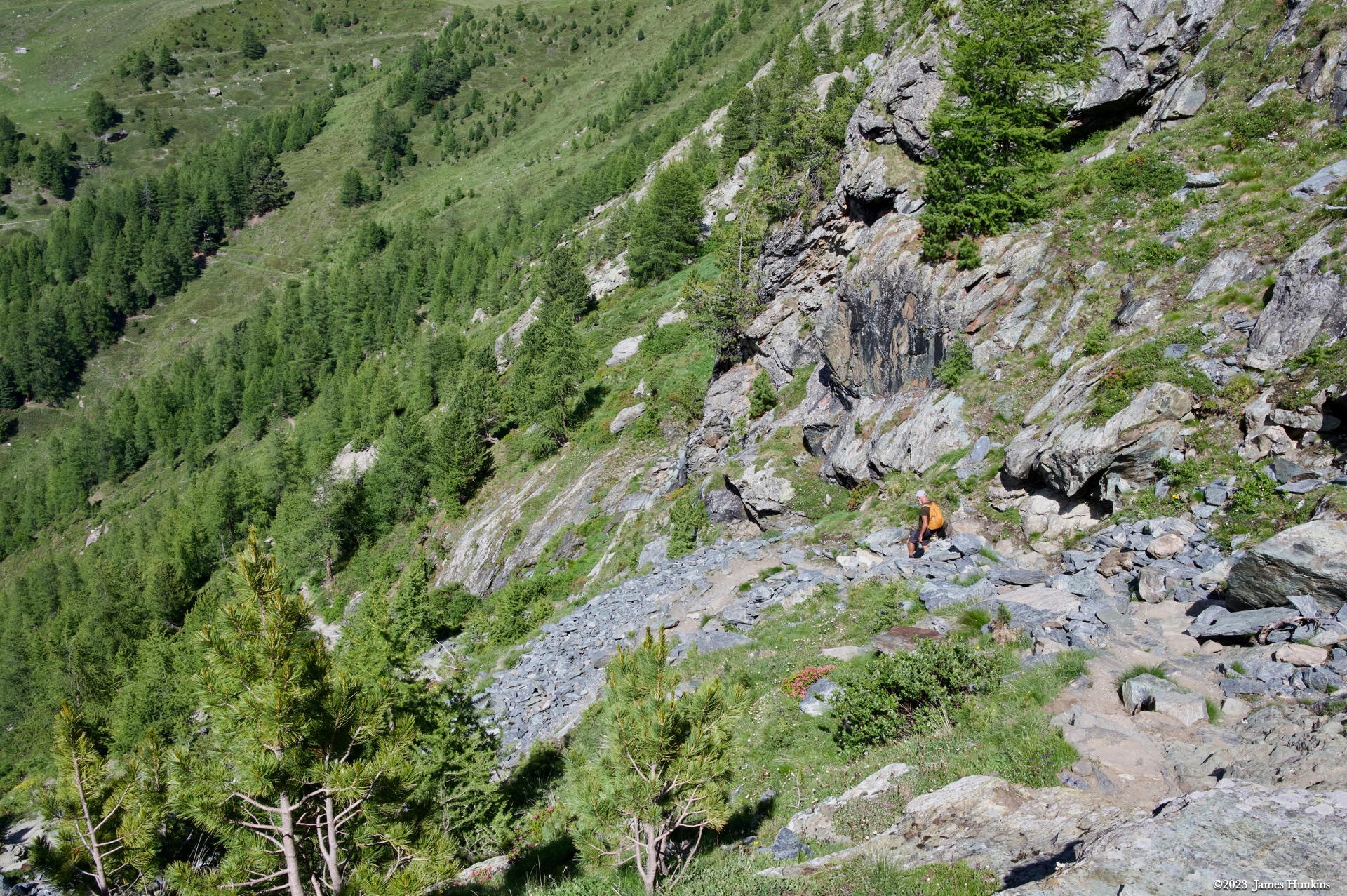
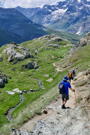 2307040060NThe trail continues its steep descent
 -
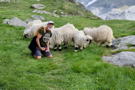 2307040062NOur guide Pierre meeting his new friends, the Valais Blacknose sheep
 -
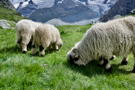 2307040064NValais Blacknose sheep doing their thing
 -
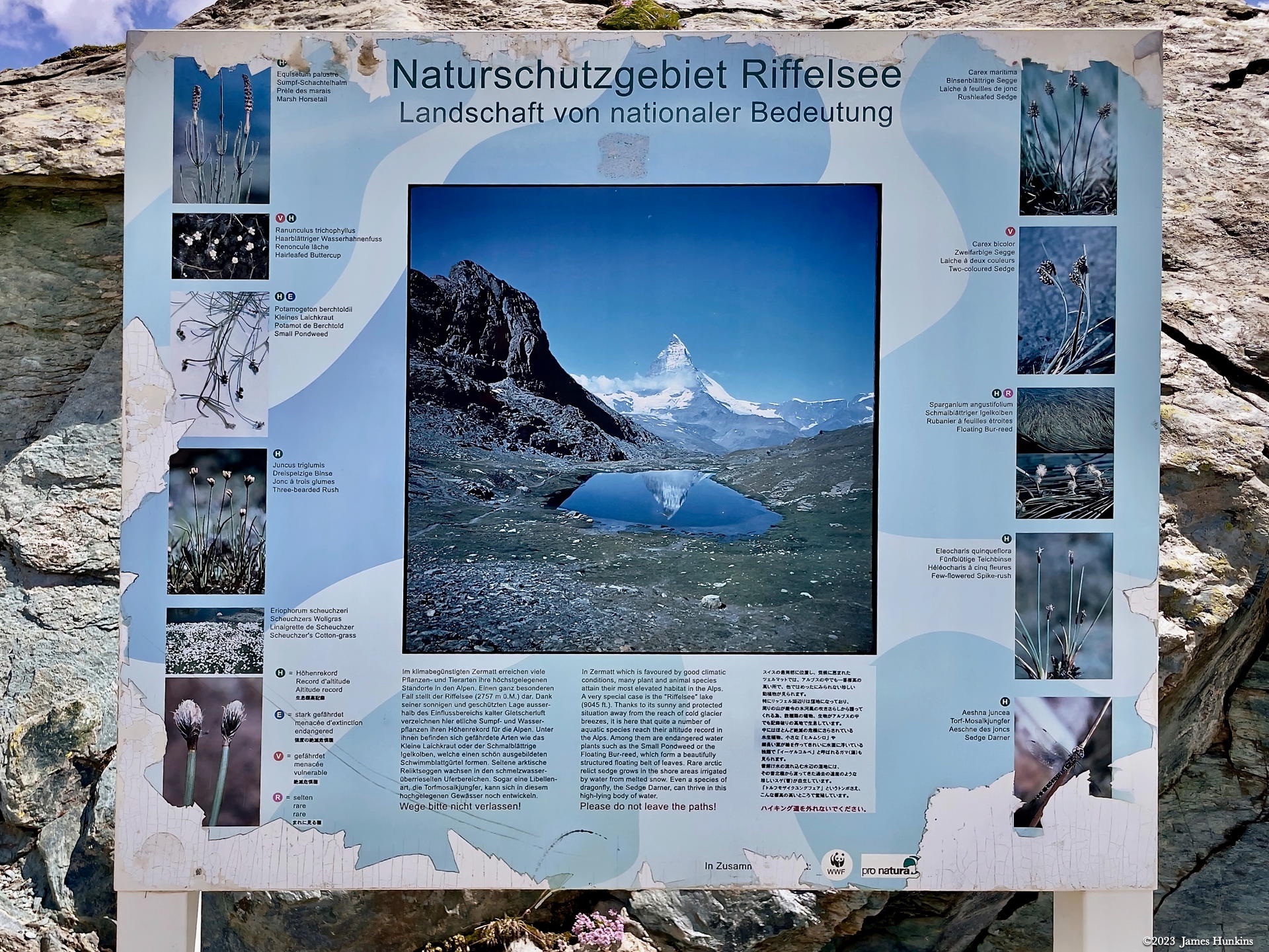
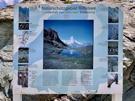 2307040068PRiffelsee Nature Reserve information sign on the trail
 -
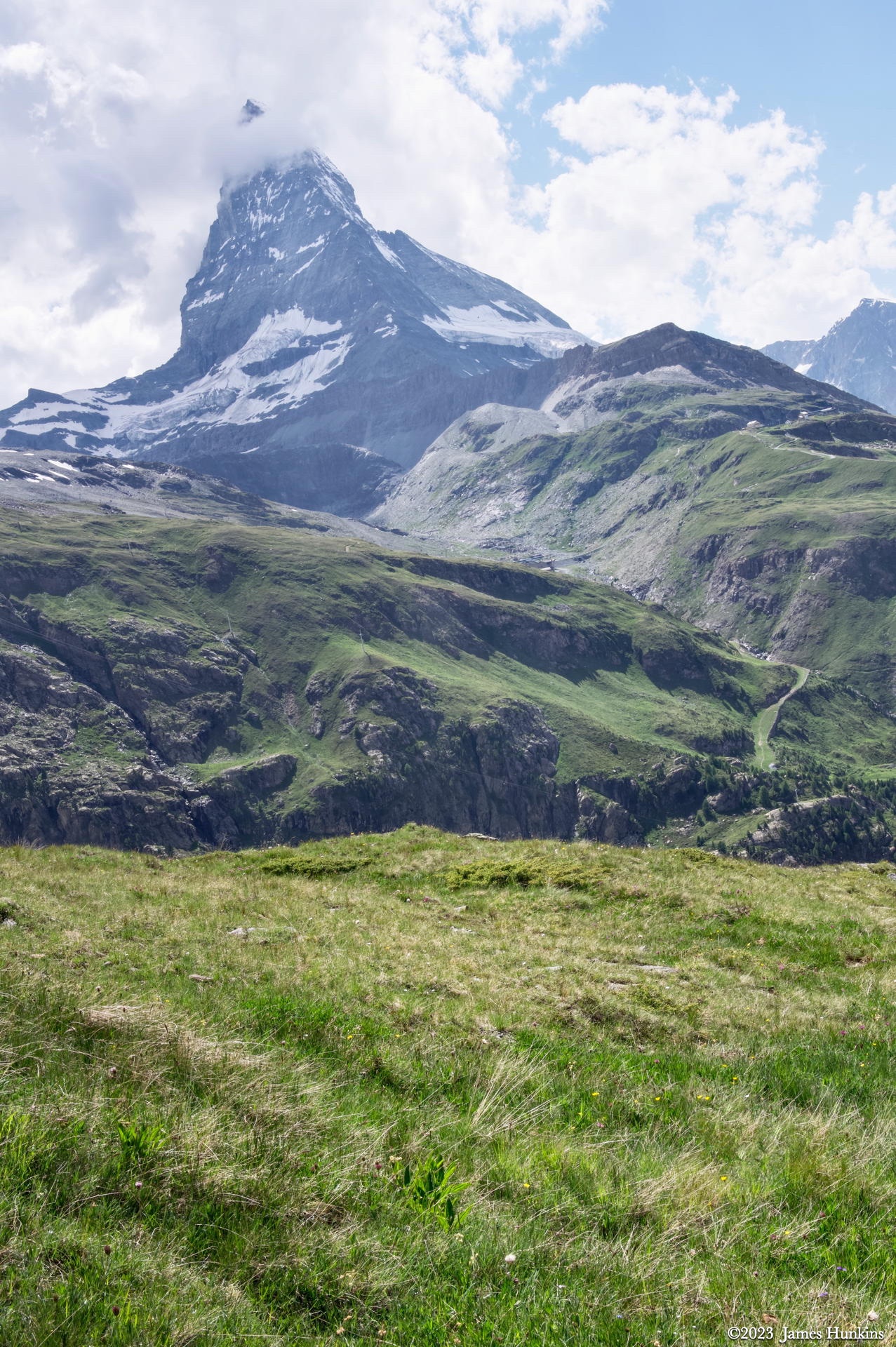
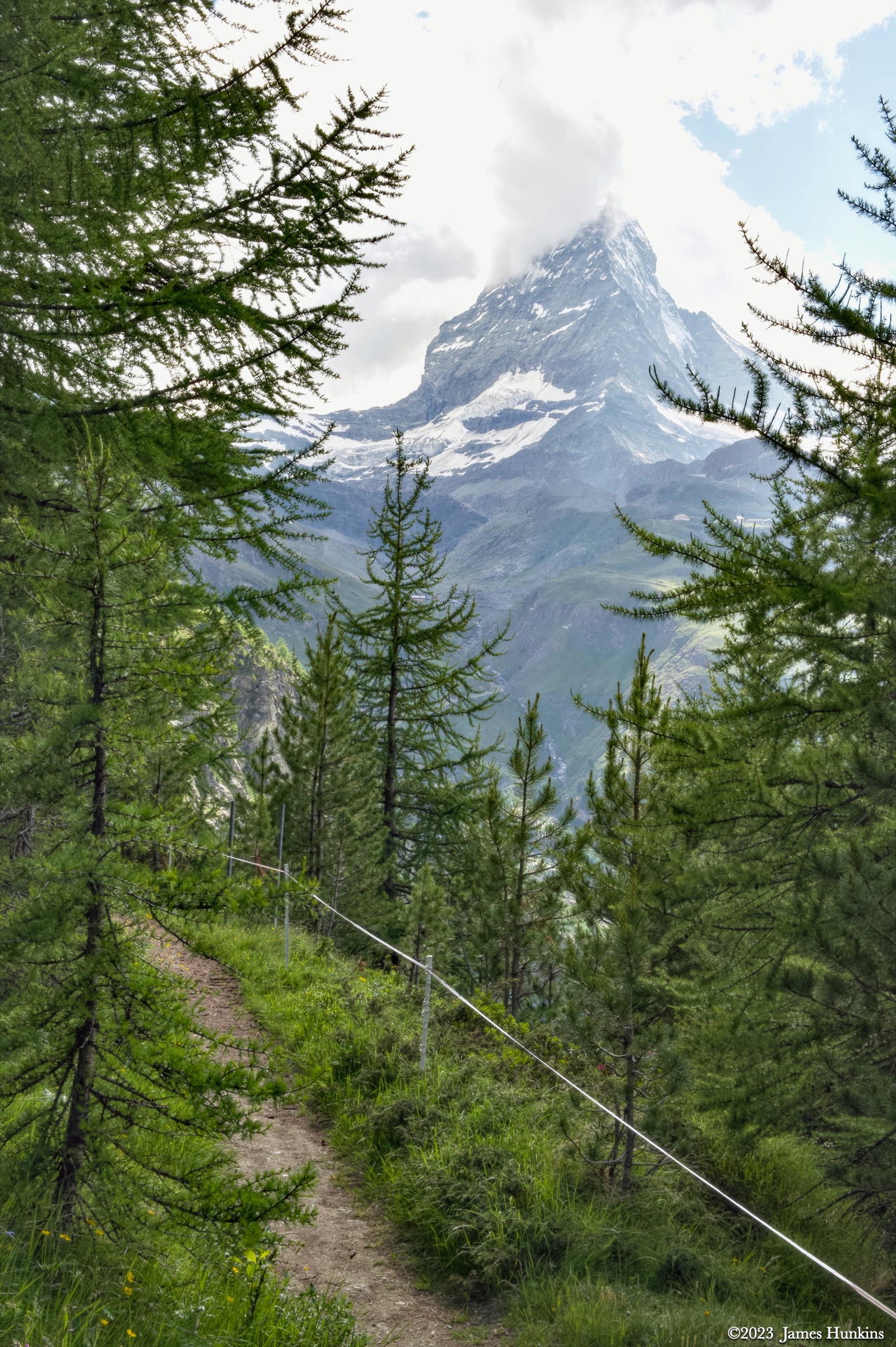
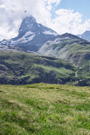 2307040069NThe Matterhorn seems to be everywhere you look
 -
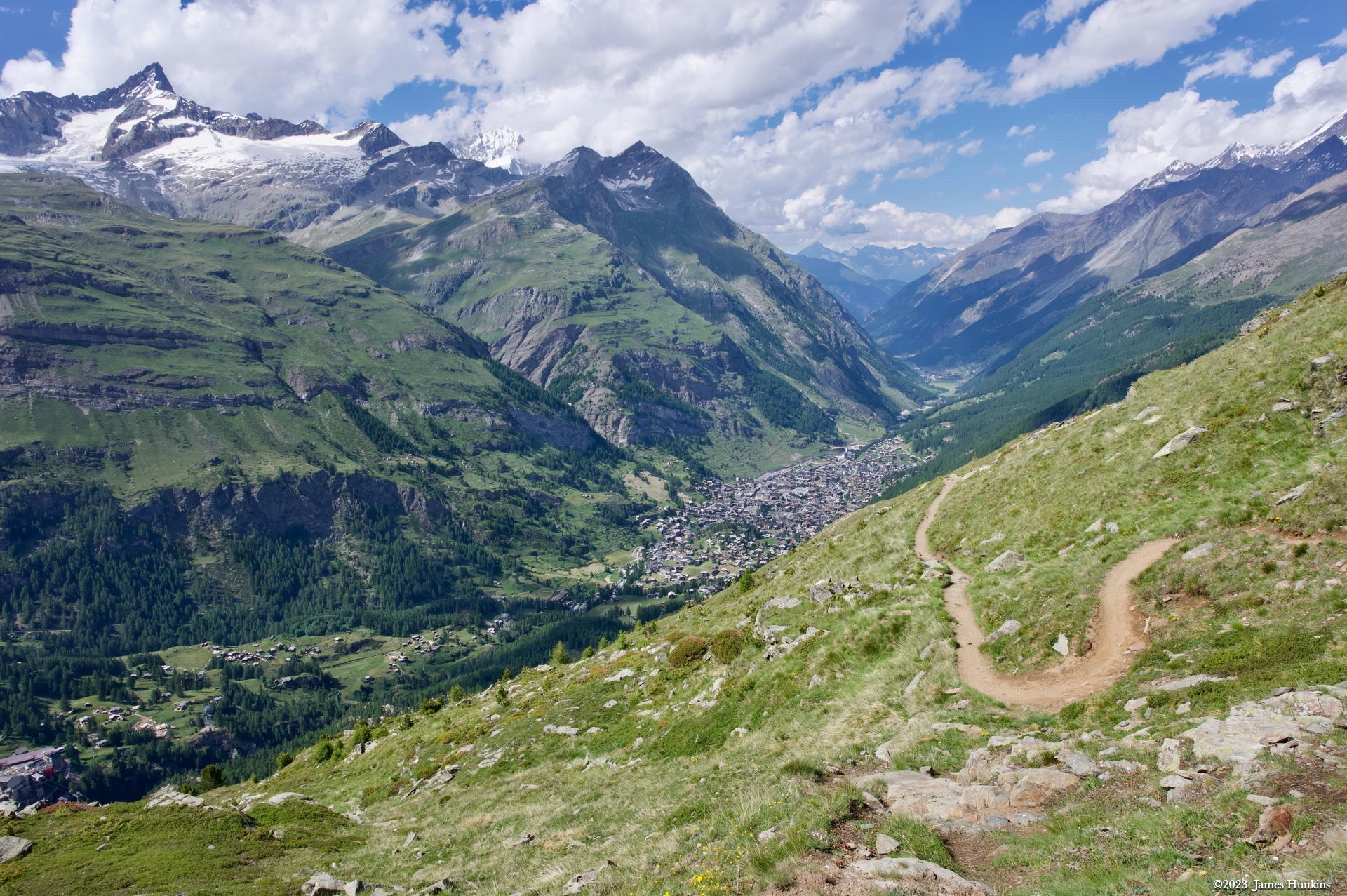
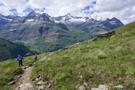 2307040070NThe trail continues down with the valley floor finally in sight (in the distance)
 -
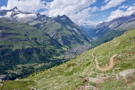 2307040071NAfter dropping the other guys at the train station, Pierre and I continue on the trail back to town
 -
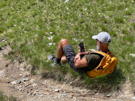 2307040072PQuick check of the phone (sad)
 -
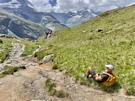 2307040073PThat’s much better - back to nature!
 -
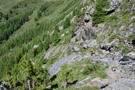 2307040074NFinal steep section close to Zermatt
 -
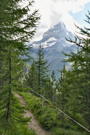 2307040076NLooking back at the Matterhorn as we enter the edges of town