Iceland 2009
LAST WALKTHROUGH OF REYKJAVIK
DAY 8 : SUNDAY AUGUST 16, 2009
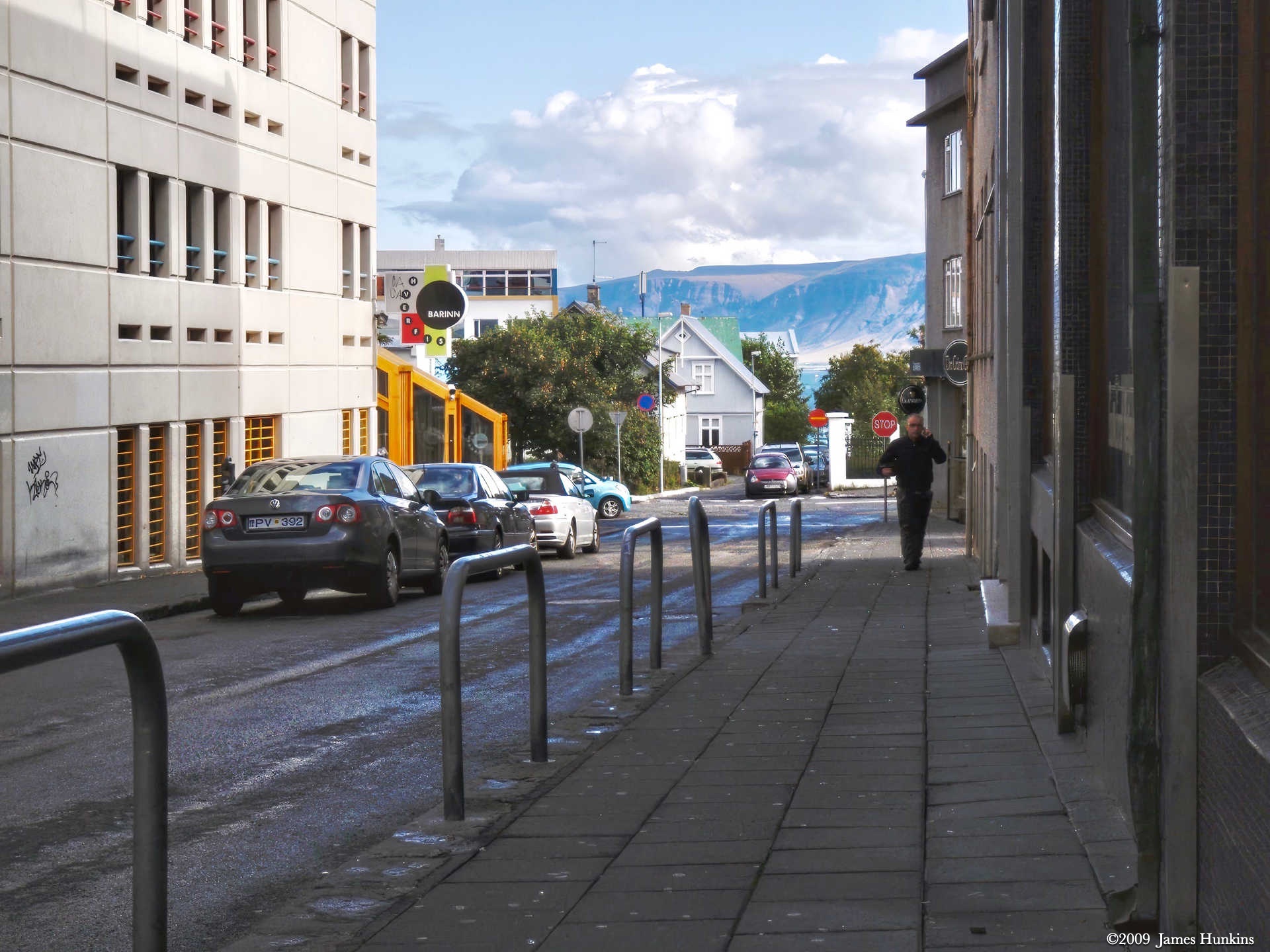
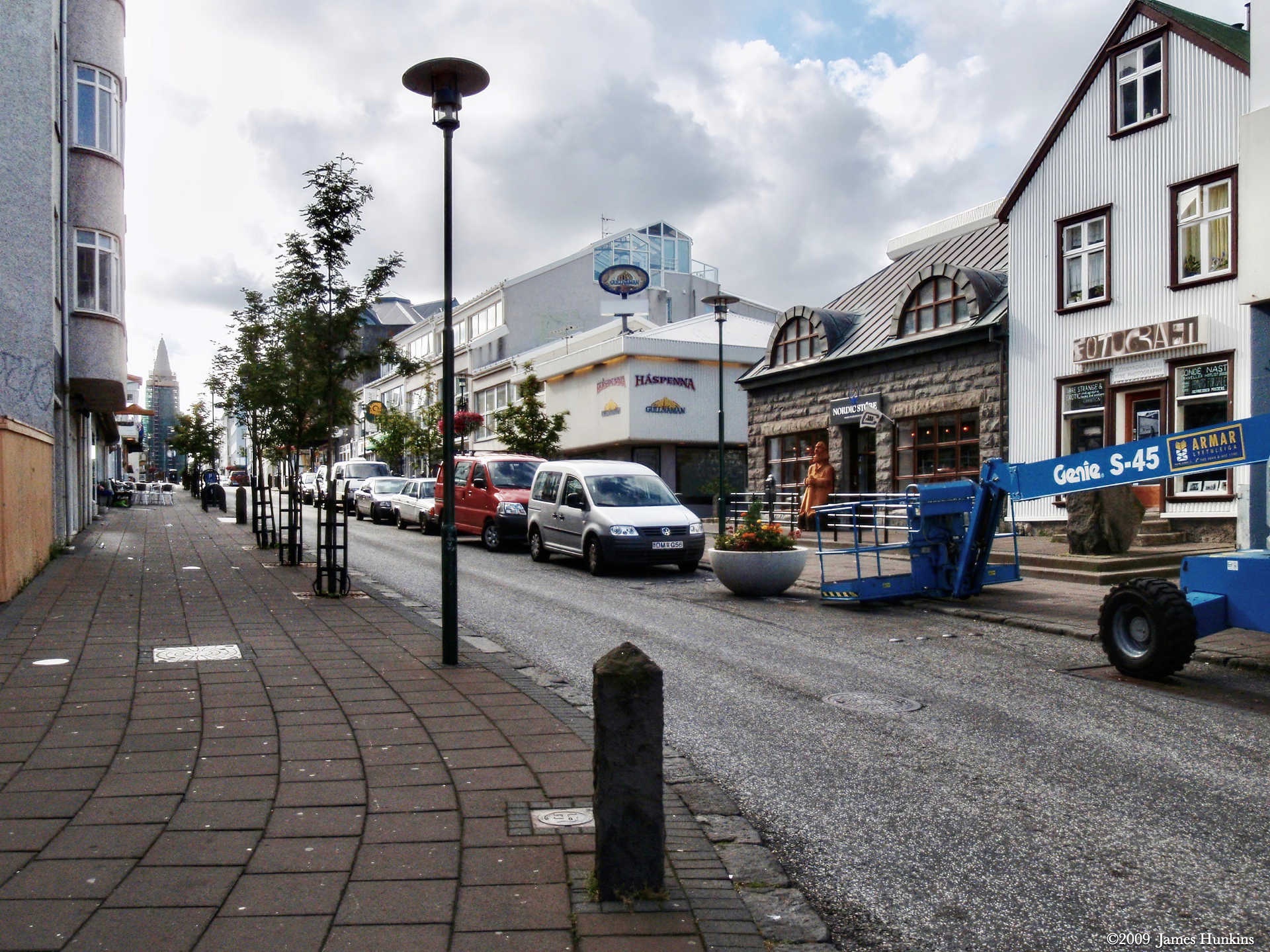
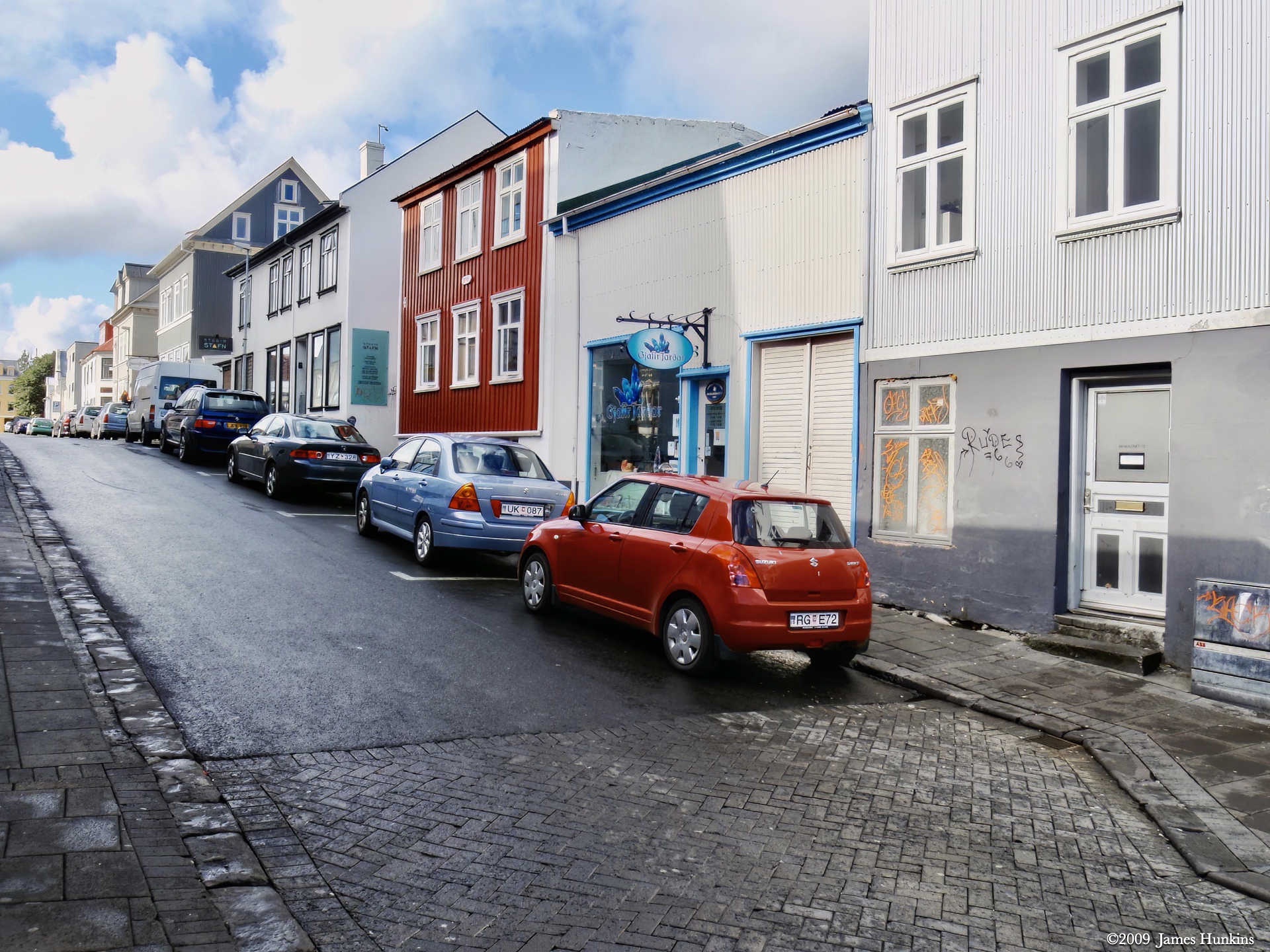
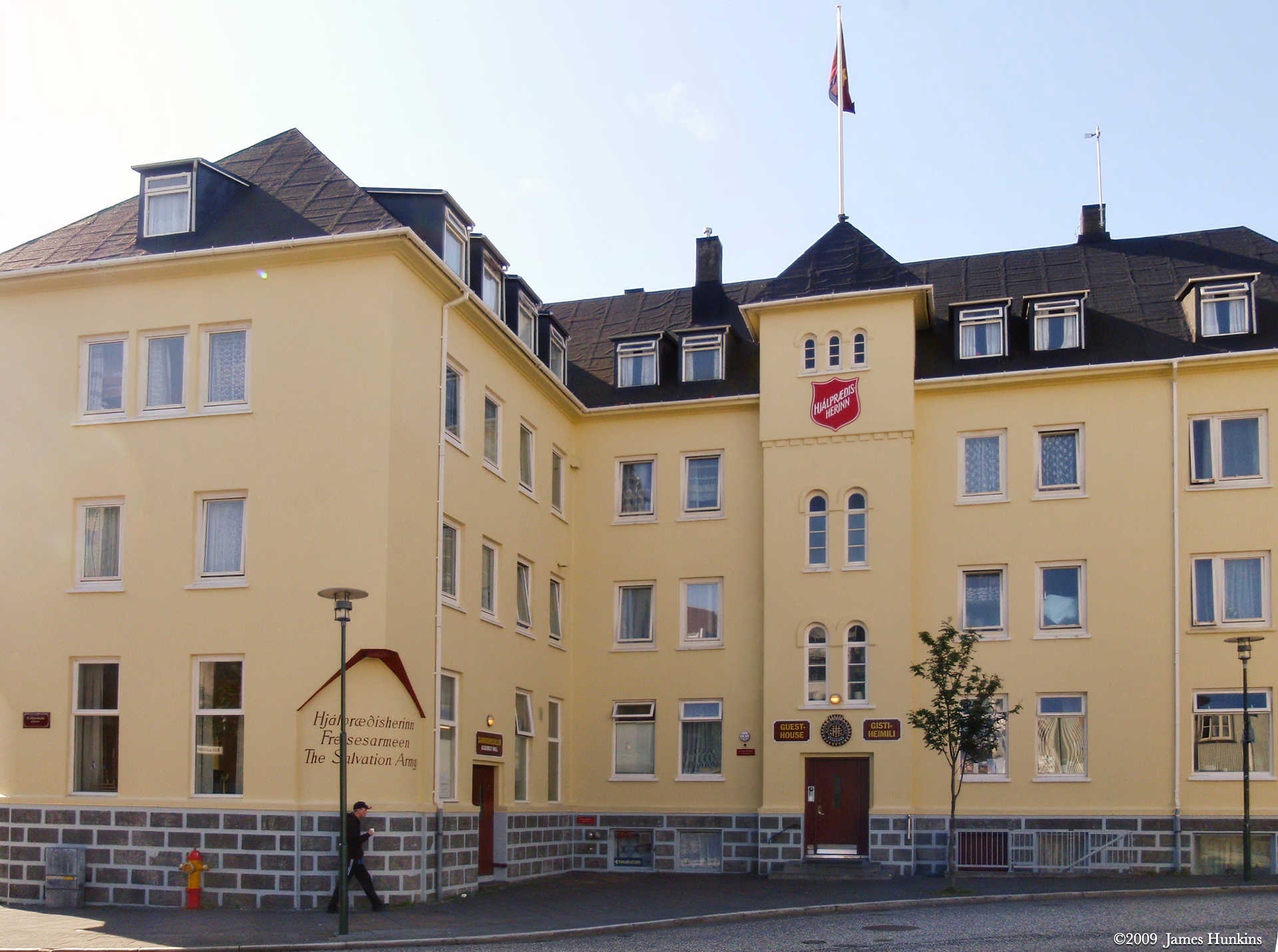
Our last afternoon was spent wandering around town and along the harbor front. You can definitely see the Scandinavian and other European influences.
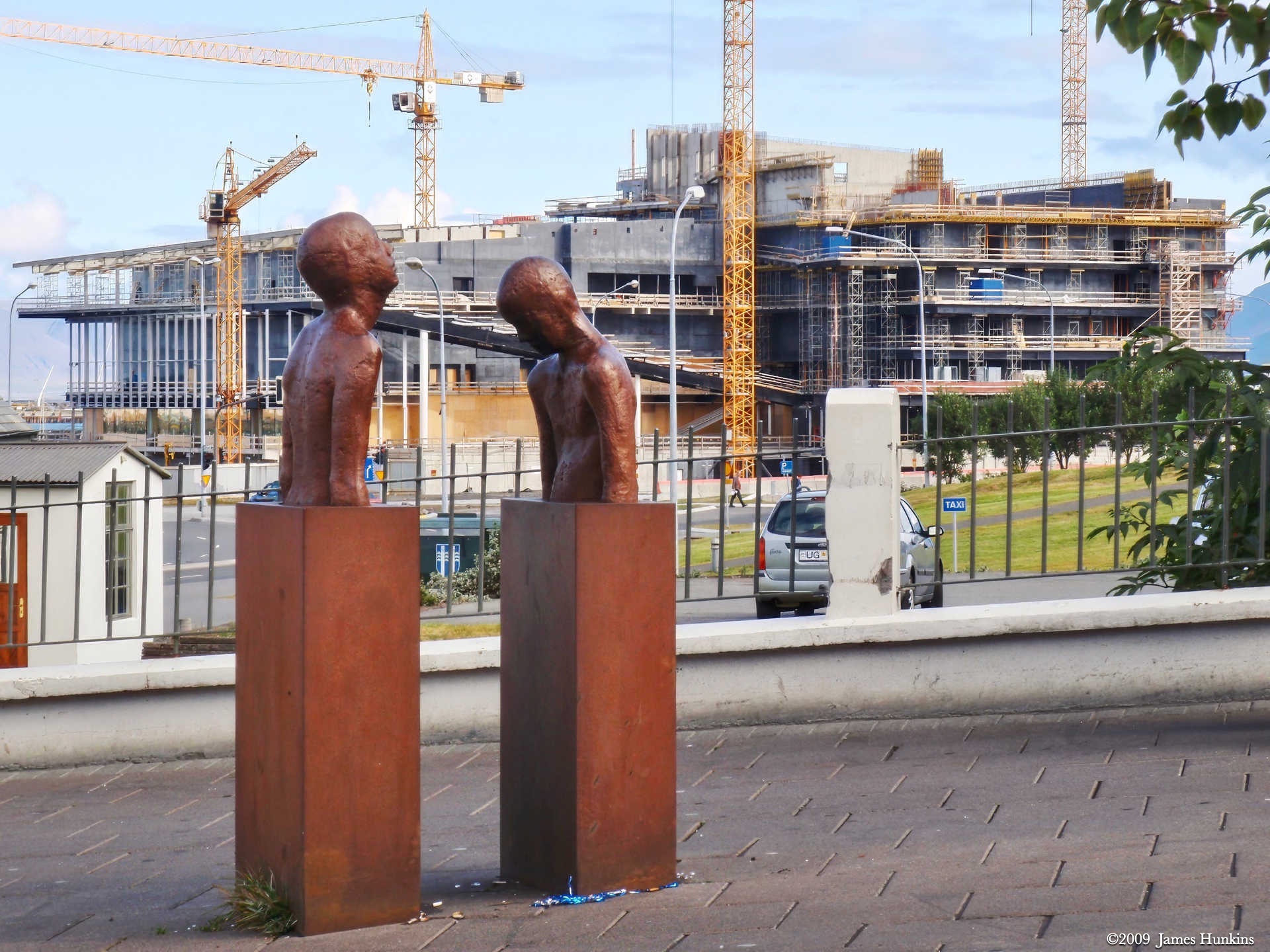
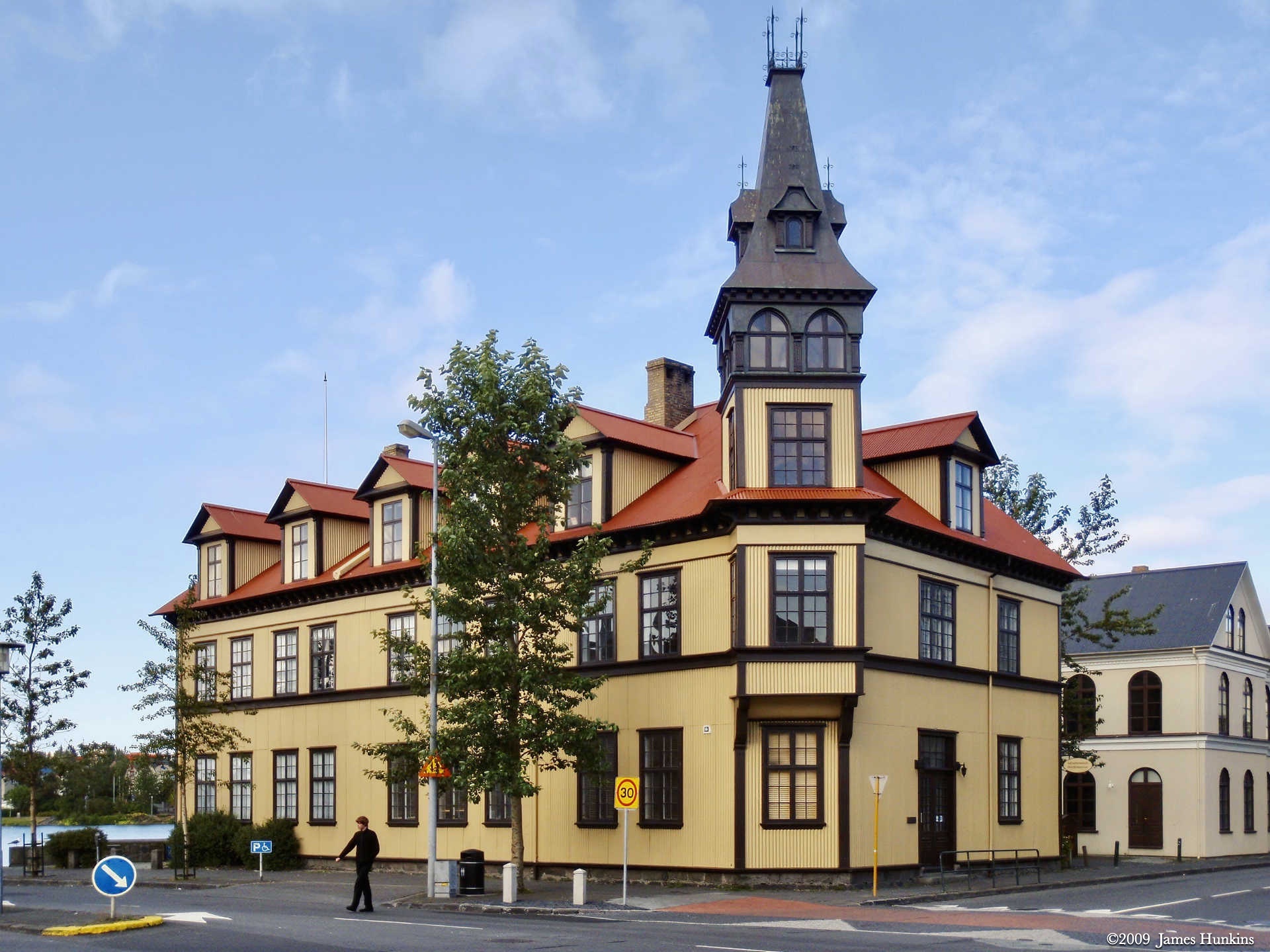
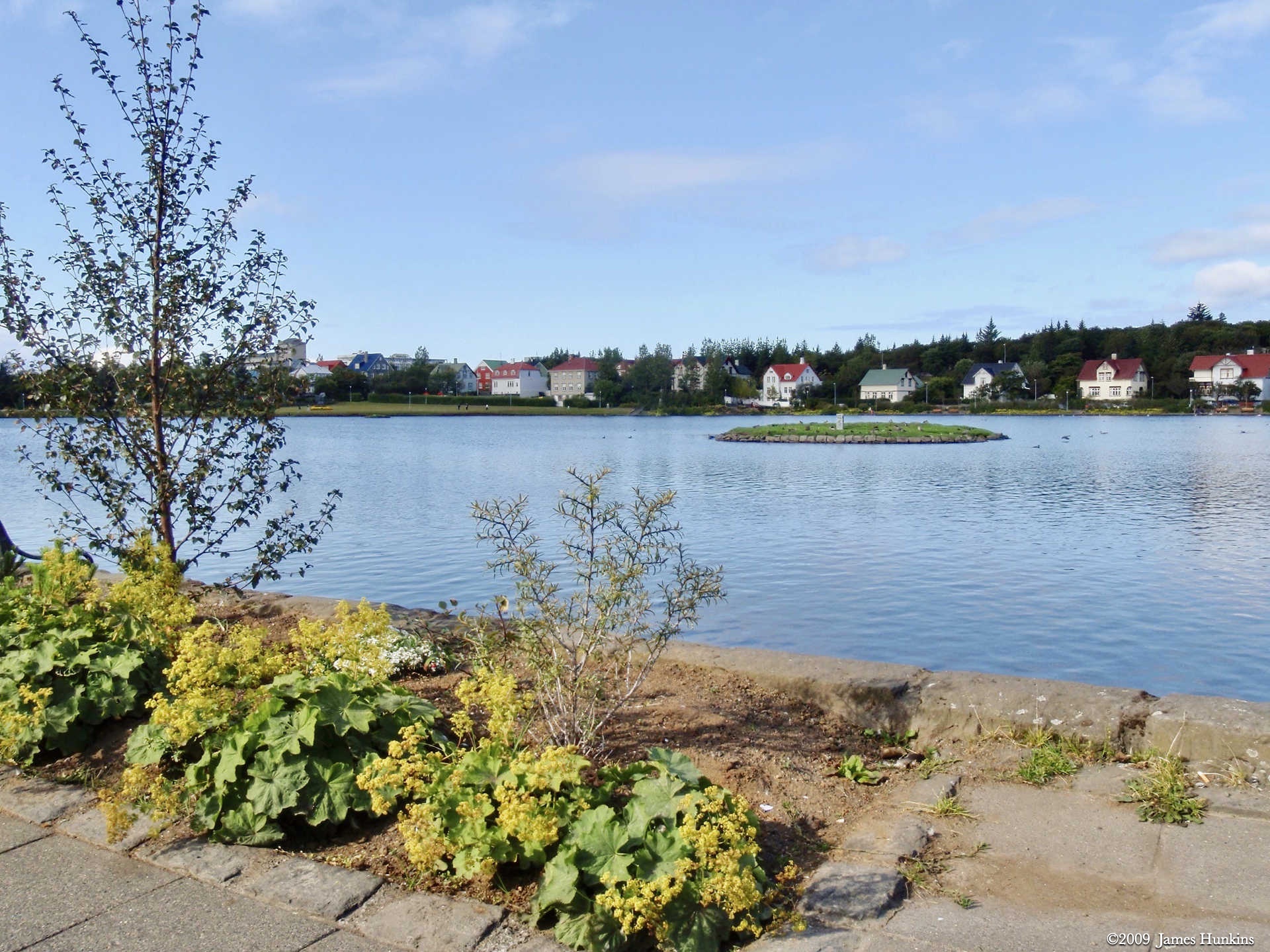
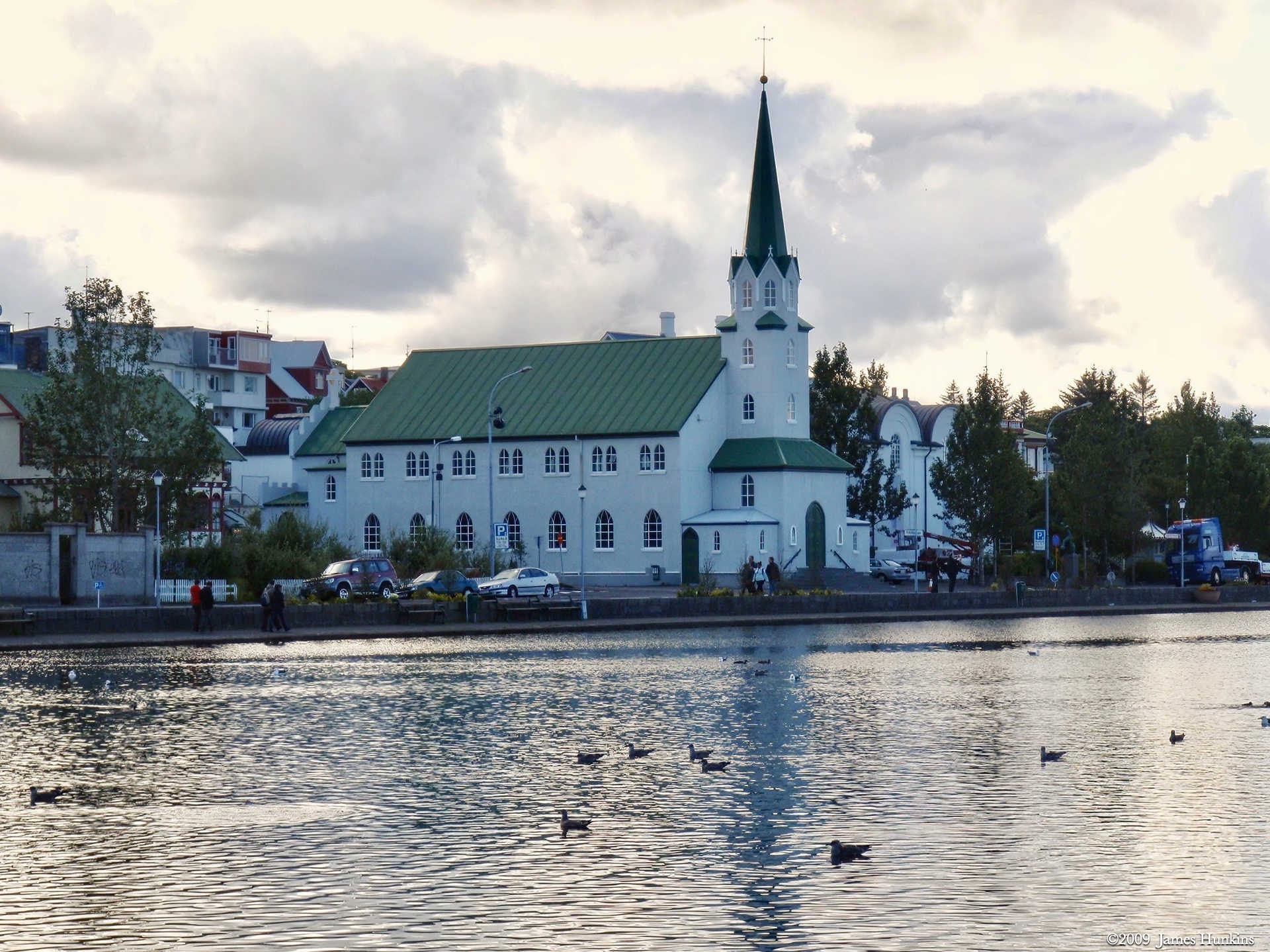
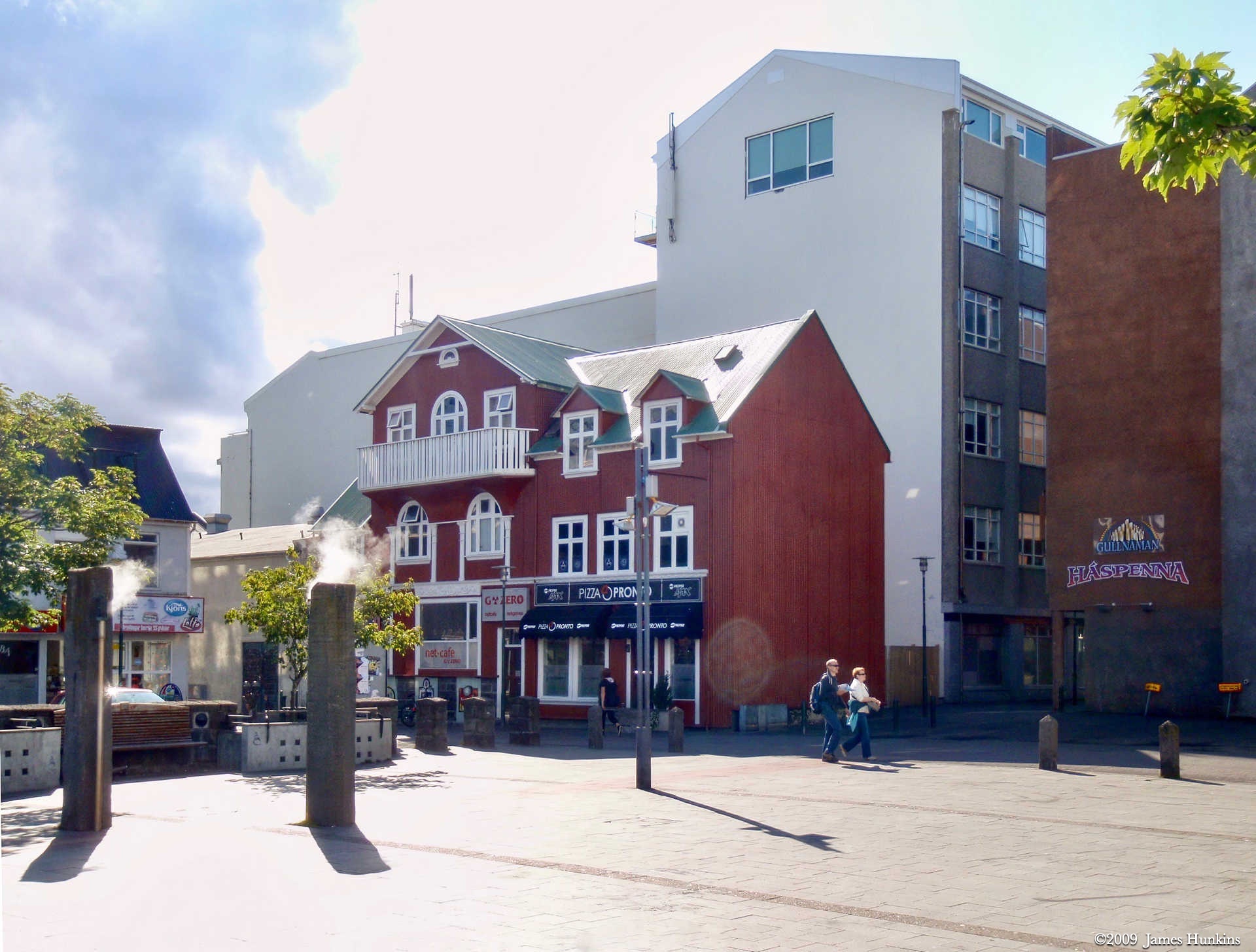
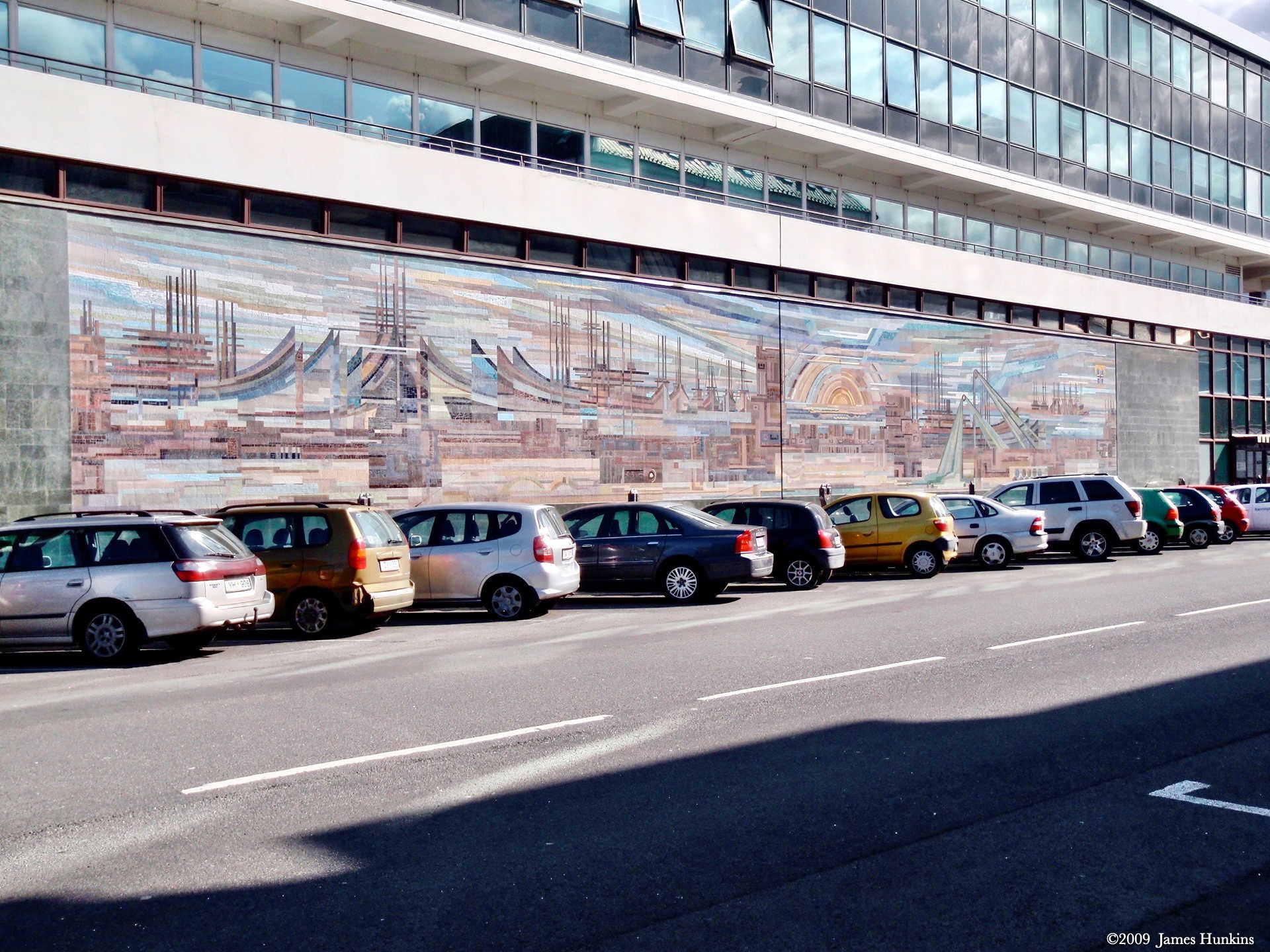
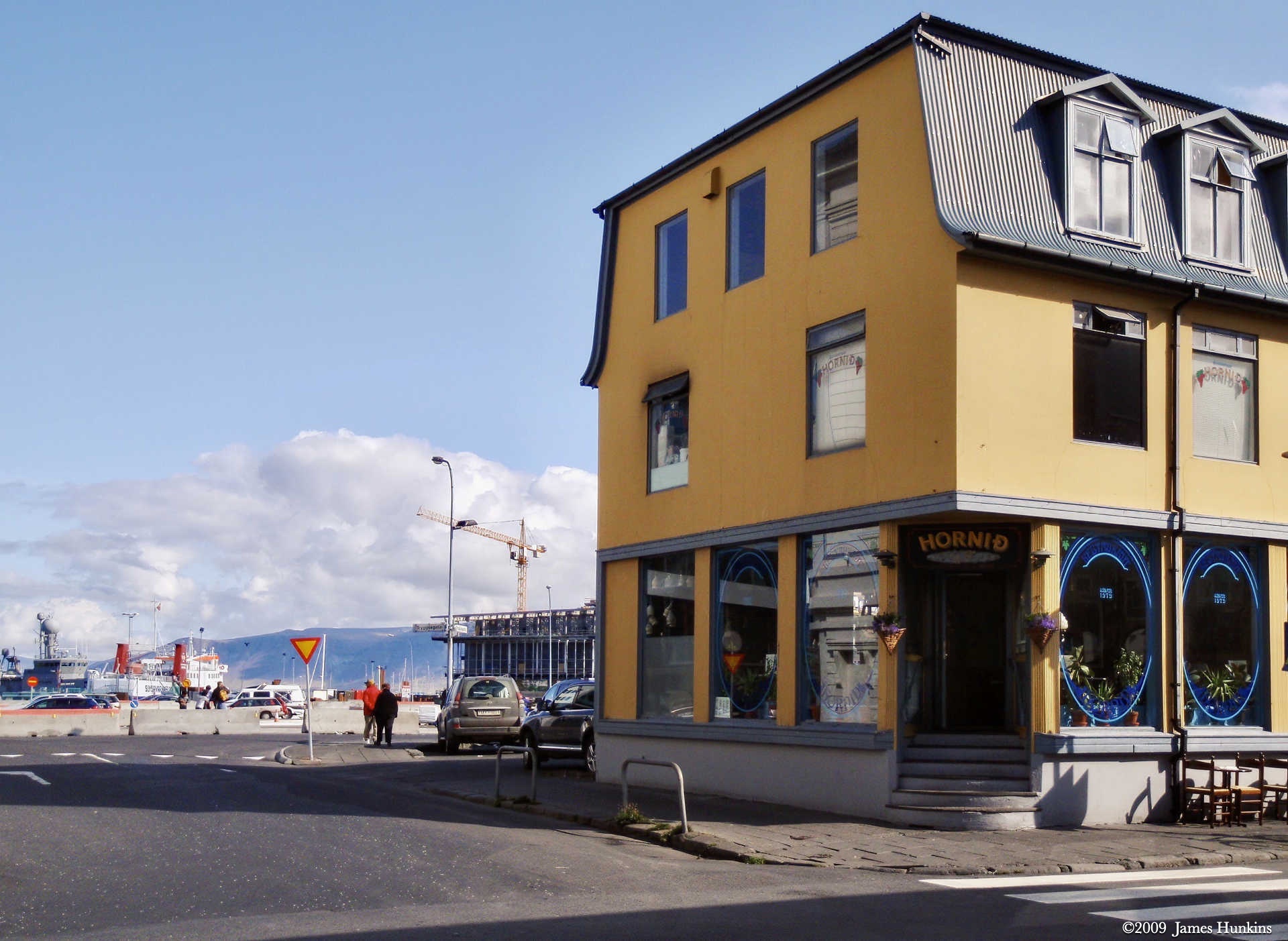
With sculptures and wall murals scattered throughout the city, mix in some bright color on some of the buildings, narrow streets, a mix of modern buildings, and of course more water and sea birds, and you have a quick snapshot of Reykjavík during the day.
While we did see and do quite a bit during our week in Iceland, we just barely started to explore. There is much more to Reykjavík and much more to Iceland.
If you happen to be going to or returning from Europe, Icelandic Air is more than happy to let you stop over in Iceland for a visit - the last I checked there were no additional charges. Something that I will have to seriously think about taking advantage of in the future.
VIEWING HELP
To close this window, click the X in the upper right hand corner. Or click anywhere outside of this window's area.
Photos from each day are shown in thumbnail (small) form. Panoramas are either wide or tall images, while normal photos are small rectangles. All photos shown in the PHOTO SHOWCASE section can be enlarged for better viewing. Photos will enlarge to fit your browser window width. Therefore, to view them at larger sizes simply make your browser window wider.
If there is any issue or the need to inquire/comment about an image, please refer to the Image ID label (see below) of the specific image along with the trip name found at the top of the browser window.
Video Clips
Depending on the browser, some of the controls may not always be supported.
Most videos will start playing automatically. Sound is automatically off even if included with a video. See D, E below for sound control.
A few small videos are set to loop endlessly, while most just play to the end.
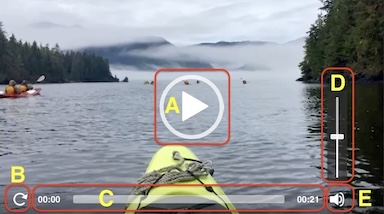
- A: To start or stop a video, click in this area (even if the symbol is not visible)
- B: If a browser shows this symbol, clicking on it will restart the video from the beginning
- C: Progress bar - will display total video time on the right.
- D, E: This seems to have the most variants between browsers. If the video description says 'w/ sound’, you can adjust the volume with this control
If neither is visible, move the cursor to the E area and either E and/or D will be visible
If E is visible but not D, click on E
Once D is visible, slide the bar up or down to adjust the volumn
Panoramas
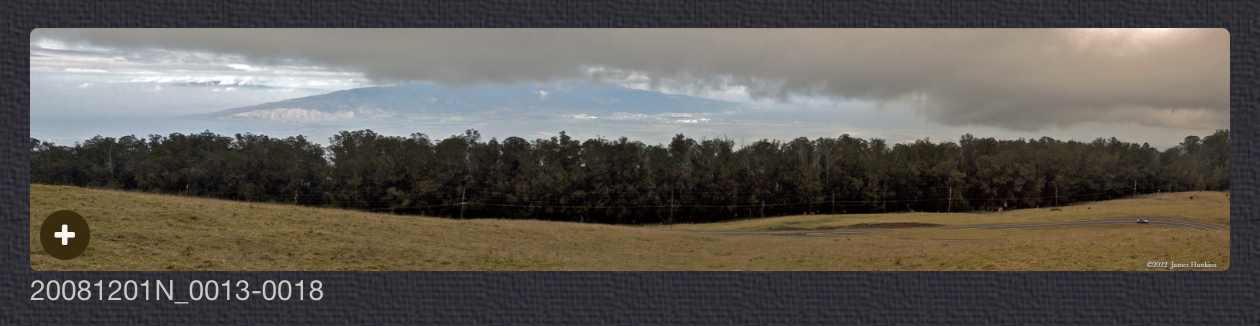
Clicking anywhere on a panorama thumbnail will cause the image to expand to fill the browser width. Clicking again anywhere in the browser window or scrolling the browser window will cause the expanded image to shrink back to its smaller thumbnail size.
The Image ID and description is found just below the thumbnail image on the left side.
Individual Photographs
If you click on any photo thumbnail, it will open a larger viewer which can be used to walk through all of the standard photos on the page. Once open, to go forward click on the > on the right side of the enlarged image. To scan backwards, click on the < on the left side. To close the larger images either click on the X in the upper right hand corner of the browser window or anywhere outside of the enlarged image.
The Image ID label can be found by hovering a cursor over the thumbnail image (may not be available on some tablets/phones) or, once enlarged, from the lower left hand side just under the image.
Additionally, in the same area as the Image ID (or the upper left corner for newer/updated sites) a count showing the current image number versus the total number of images available for viewing.

For newer or updated sites (look for the orange checkbox in the header of a sites main page), additional buttons have been added when viewing a full size image. From left to right, the buttons are:
- Email: will open an email with information and a link to the current image
- WhatsApp: if WhatsApp is on your system, will open a browser window to open WhatsApp and create a message with information and a link to the current image
- FaceBook: Will open a browser window to open Facebook and create a message with information and a link to the current image
- full screen: will take over the entire display versus just the browser in most systems; ESC returns to the brower only mode
- magnify: enlarges the image within the browser or full screen; if the image is larger than can be displayed it can be scrolled
- exit: will close the large image viewer returning to the thumbnails

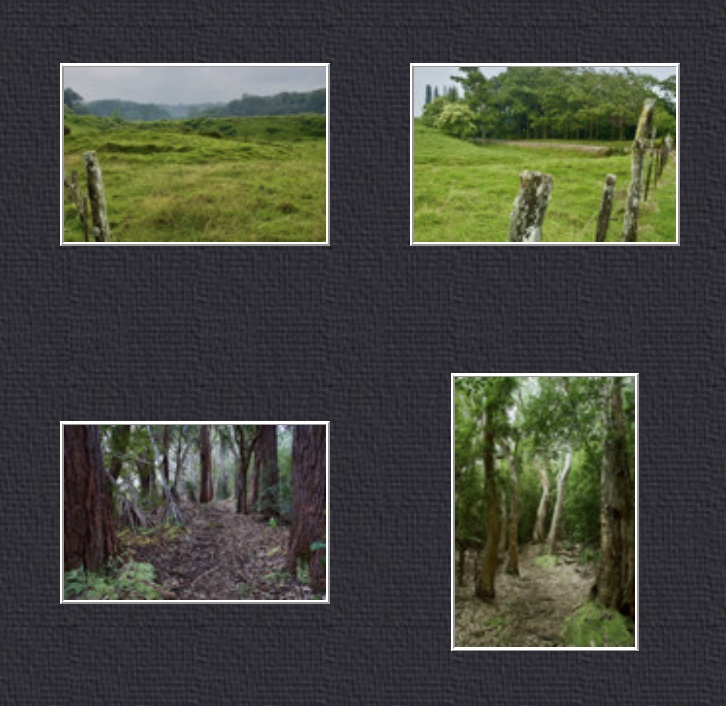

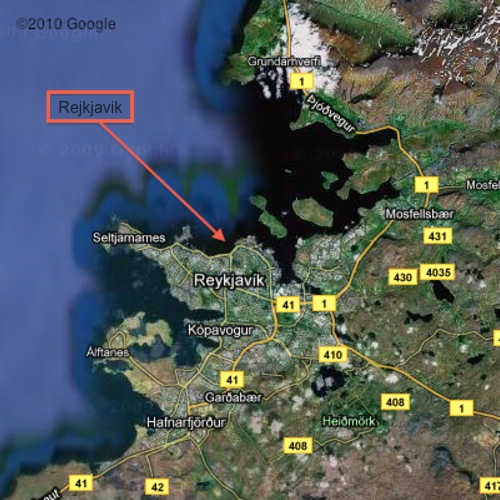


PHOTO SHOWCASE
- click on any thumbnail image for a larger view/slideshow
-
 090816_0001OStreet in Reykjavík
 -
 090816_0002OStreet in Reykjavík with a variety of architecture
 -
 090816_0003OStreet in Reykjavík
 -
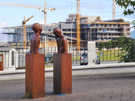 090816_0004OStreet sculpture near Opera House under construction - Roots (2000) by Steinunn Thórarubsdóttir
 -
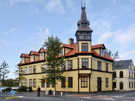 090816_0005OYellow building in Reykjavik
 -
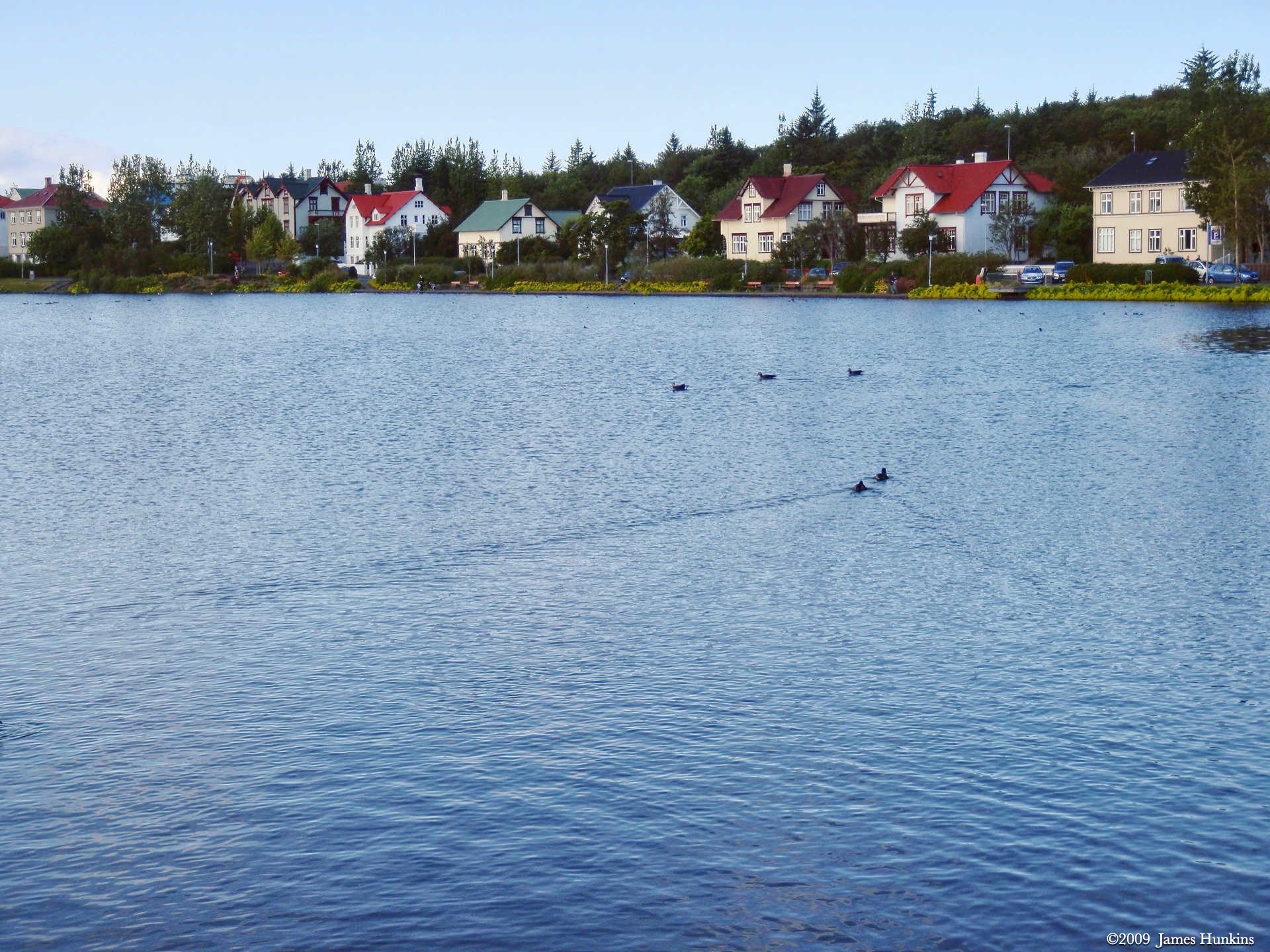
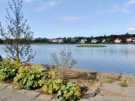 090816_0007OResidential neighborhood bordering a pond with a small island in the middle
 -
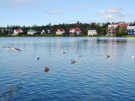 090816_0008OSeabirds on a pond in front of a residential neighborhood
 -
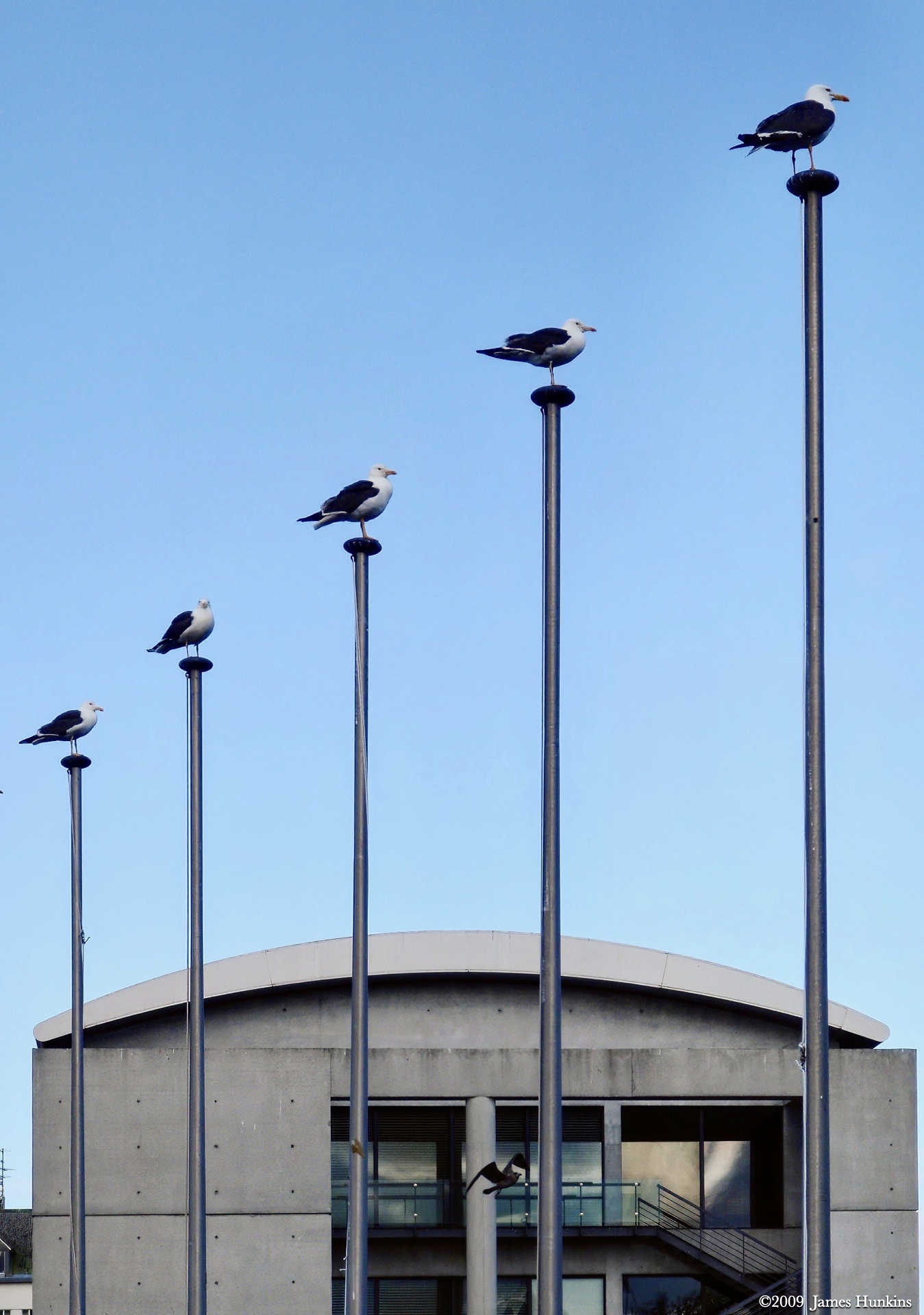
 090816_0011OSeagulls as lookouts
 -
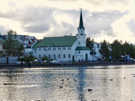 090816_0012OFríkirkjan (The Free Church) next to the pond in Reykjavik’s center
 -
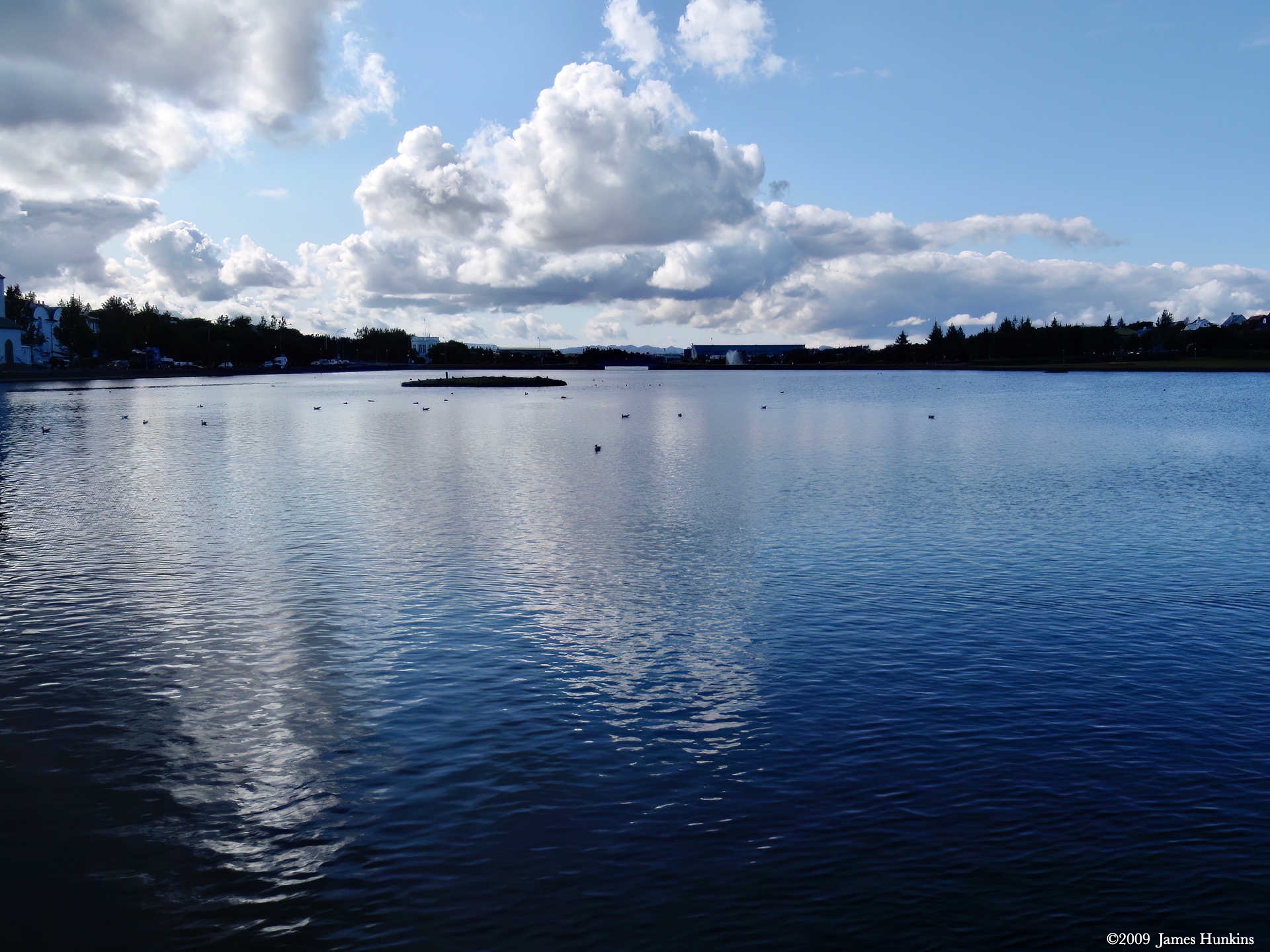
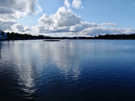 090816_0013OPond in Reykjavik’s center with small island in the middle
 -
 090816_0014OSeabirds on a pond in front of a residential neighborhood
 -
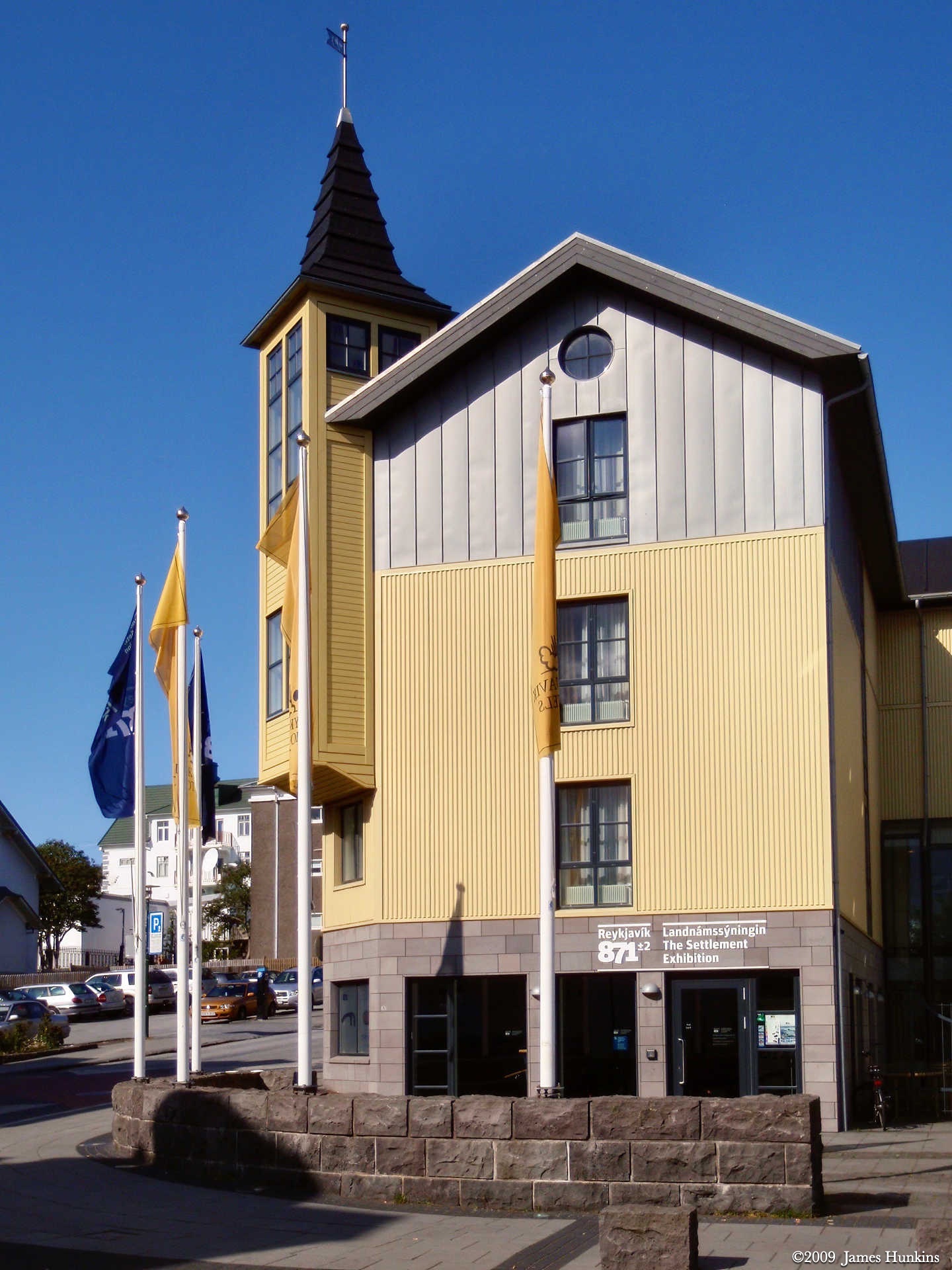
 090816_0015OThe Settlement Exhibition history museum
 -
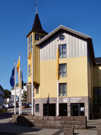 090816_0017OThe Settlement Exhibition history museum
 -
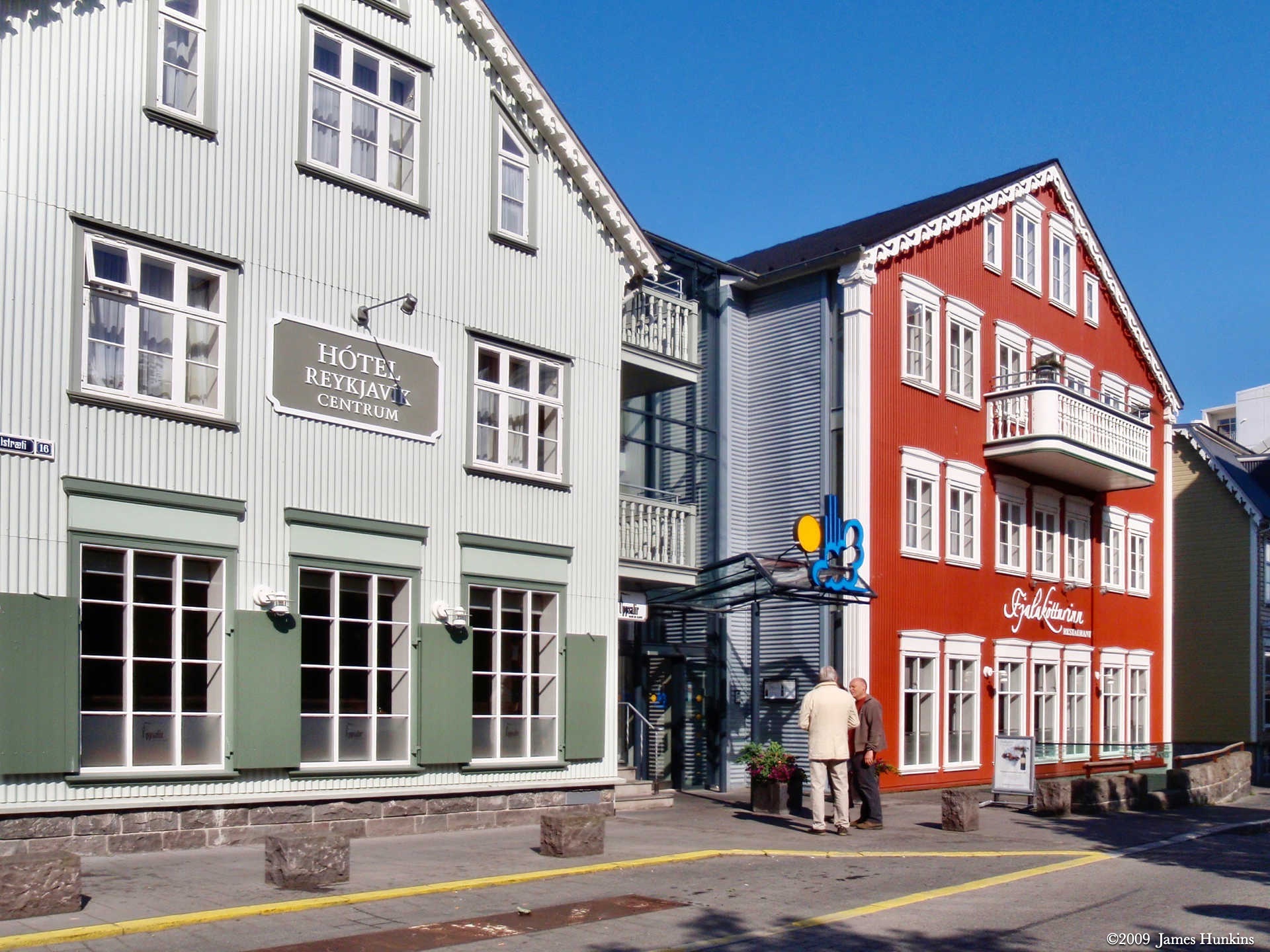
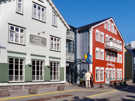 090816_0018OClassic colorful buildings in Reykjavik
 -
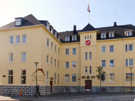 090816_0019OClassic colorful building in Reykjavik
 -
 090816_0020OStandard colourful building with larger ‘more modern’ building behind
 -
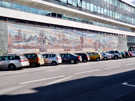 090816_0022OOne of many wonderful murals in Reykjavik
 -
 090816_0023OClassic buildings in Reykjavik
 -
 090816_0025OColorful building next to Reykjavik harbor
 -
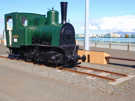 090816_0026OSmall train engine from Iceland’s past
 -
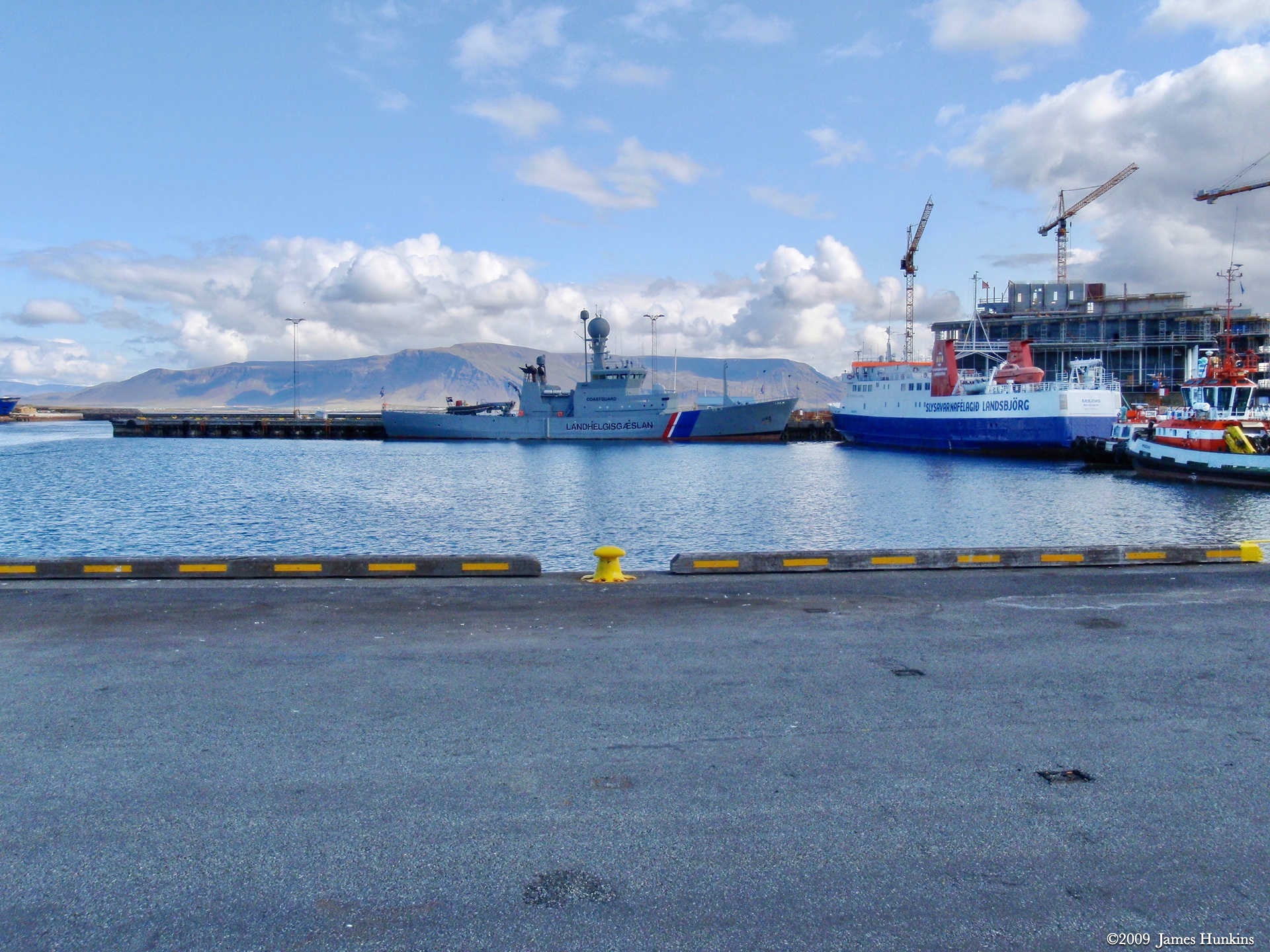
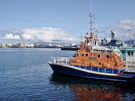 090816_0027OVariety of ships and boats in Reykjavik’s harbor
 -
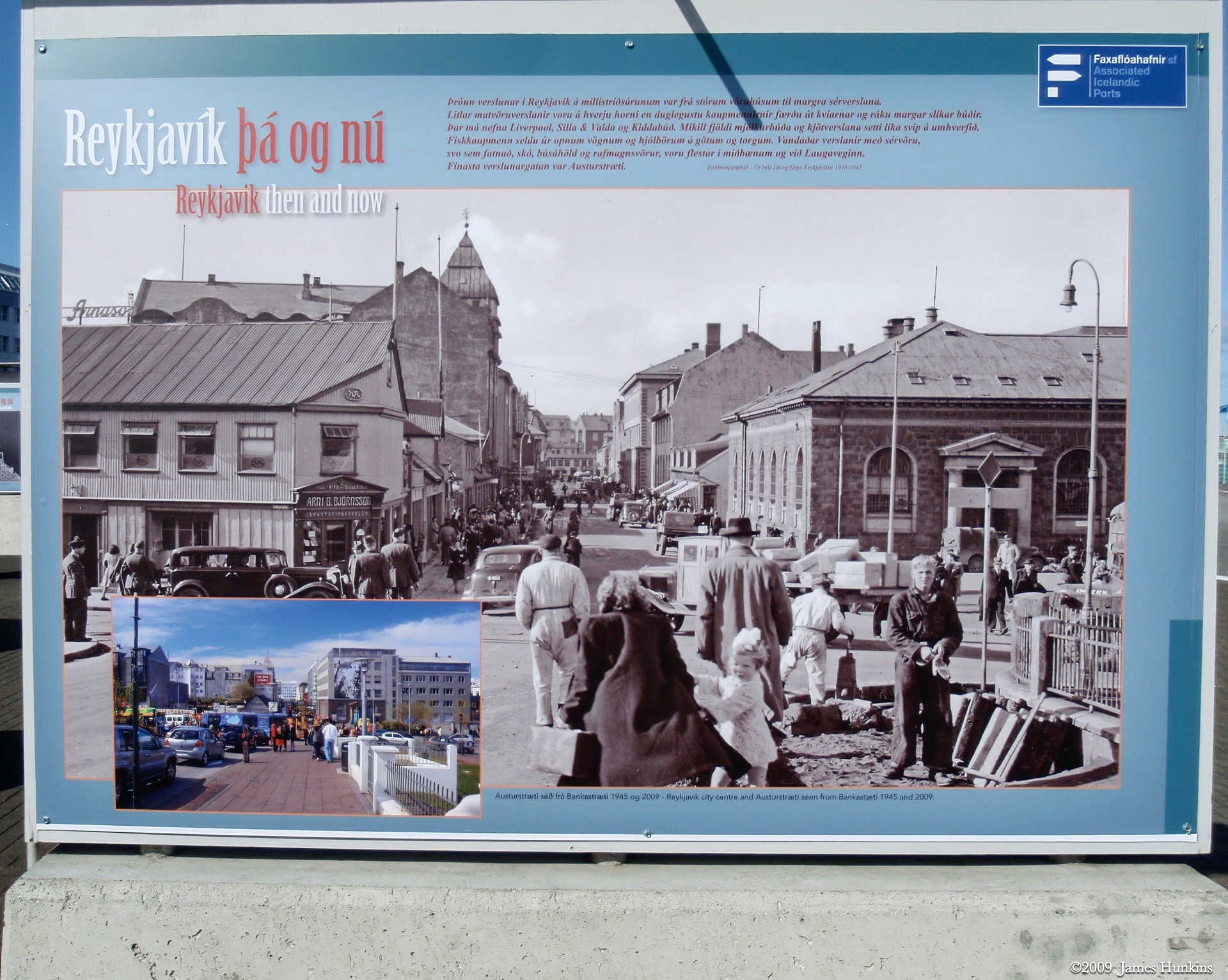
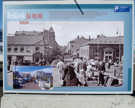 090816_0030OSign at Reykjavik’s harbor front showing then and now
 -
 090816_0031OVery large ships in Reykjavik’s harbor
 -
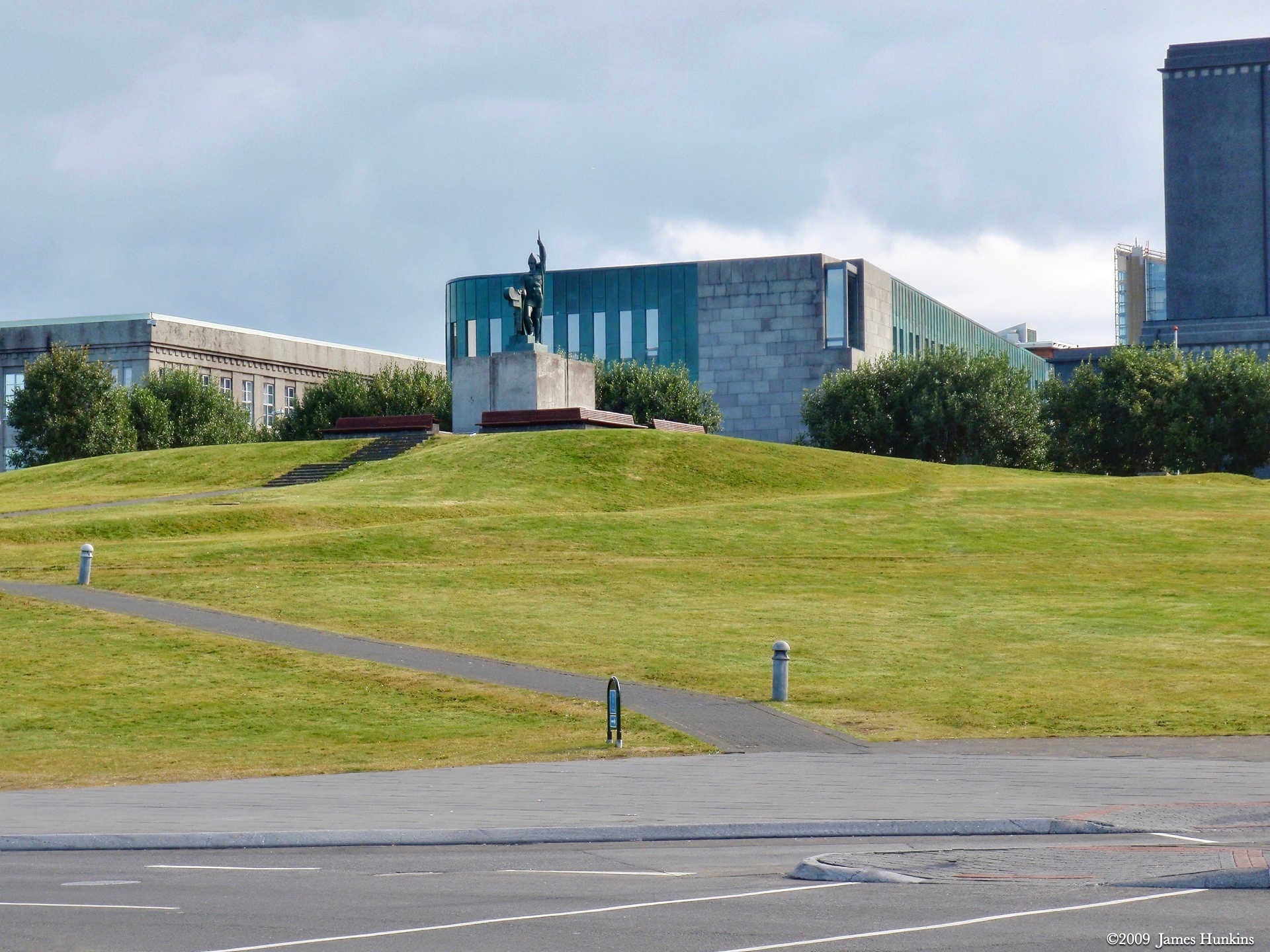
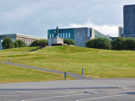 090816_0033OSupreme court building in Reykjavik
 -
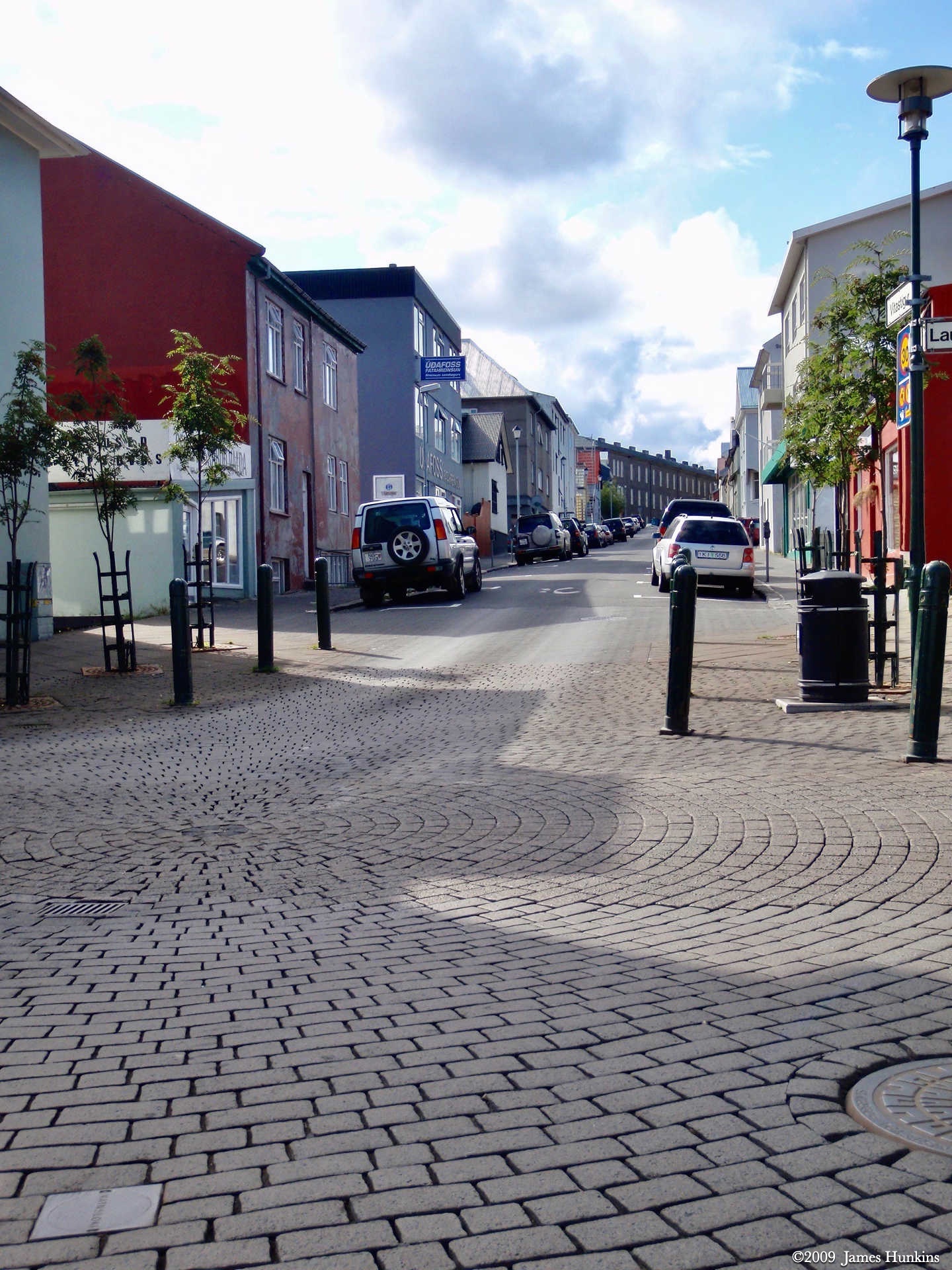
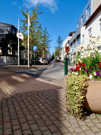 090816_0034OTypical narrow, pleasant street in Reykjavik
 -
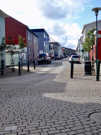 090816_0035OCobblestones are seen on some of the Reykjavik streets
 -
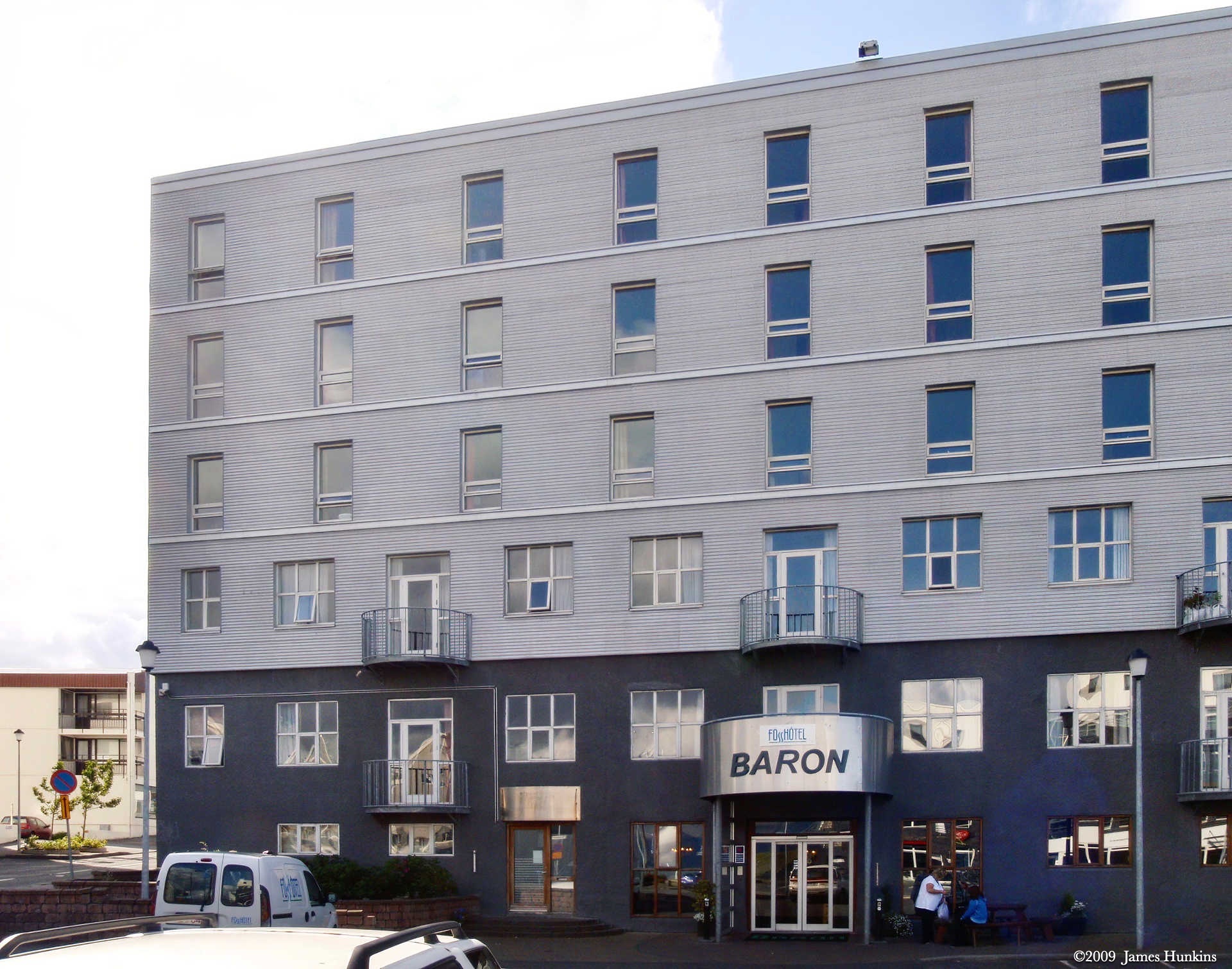
 090816_0036OThe Baron hotel our travel group stayed in