Alaska 2017
SHRIMP AND KLU BAYS
DAY 6 : THURSDAY SEPT 28, 2017
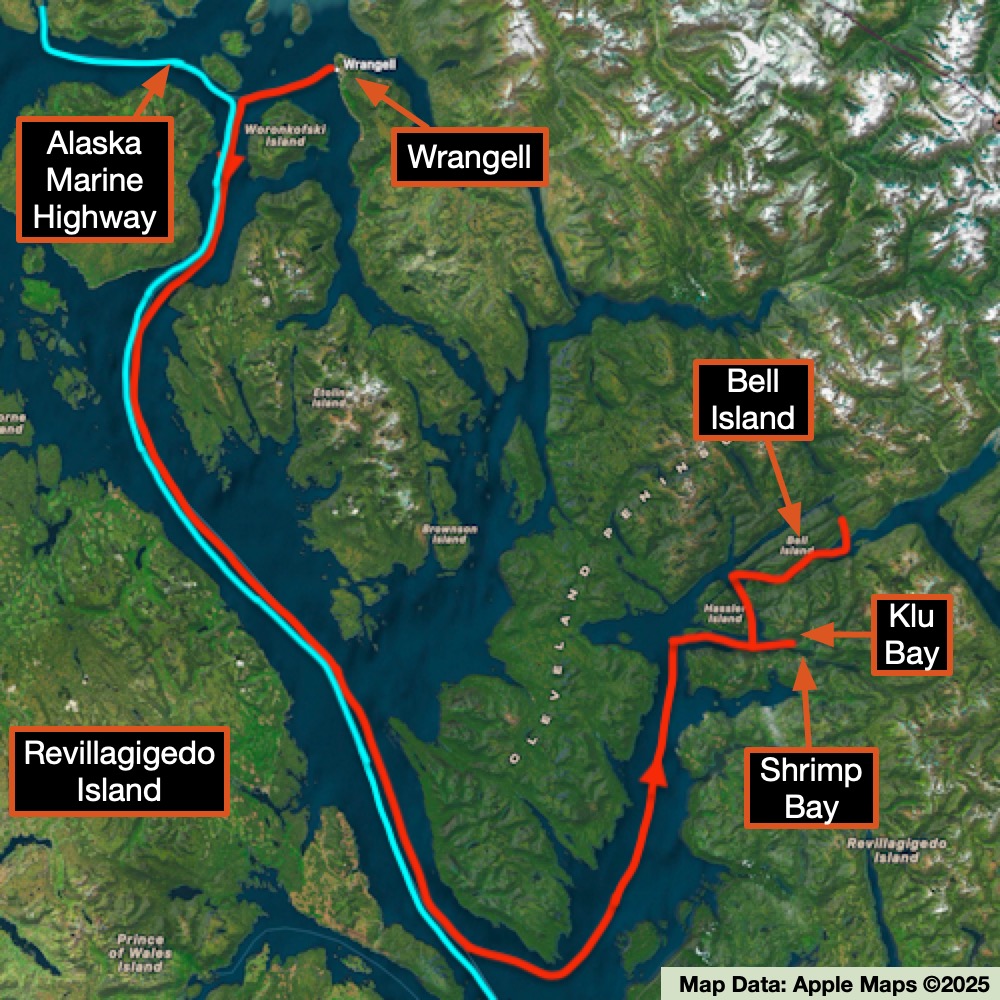
Our ship cruised south past the massive Revillagigedo Island before turning and heading up towards Shrimp and Klu Bays. Revillagigedo Island is huge, consisting of 2,754,835 sq km (1,063,647 sq miles). It is the 12th largest island in the United States and the 170th largest in the world. With all that land, it only has 13,950 people (2000 census), primarily residing in the towns of Ketchikan and Saxman. We didn’t spend any time on the island until our final stop in Ketchikan on our last day.
For now, we headed up towards the bays. In researching this area, I discovered that Bell Island also had hot springs. The article that I included in the links gives some interesting insight into how things used to be done and how they progressed/regressed in the area.
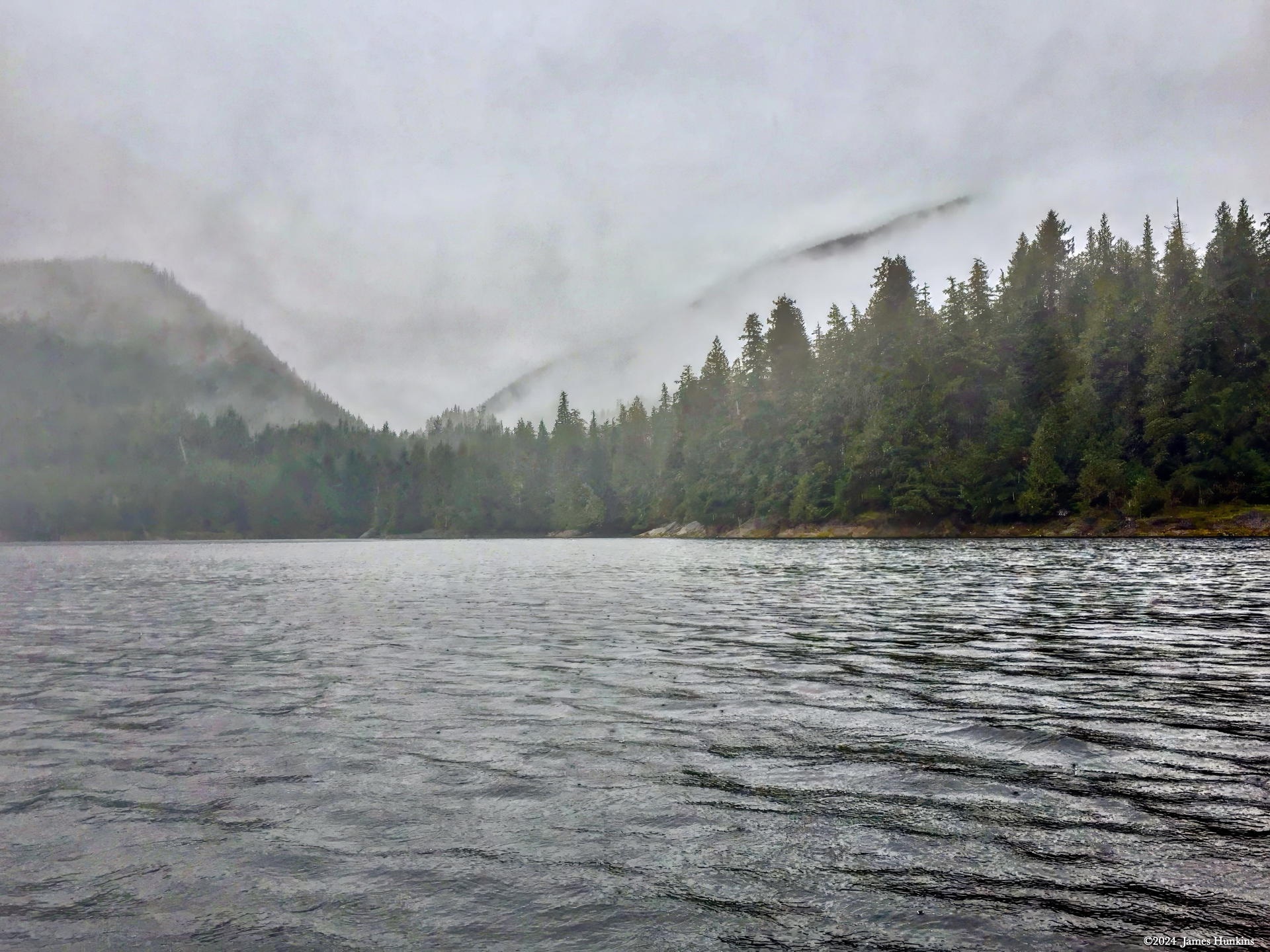
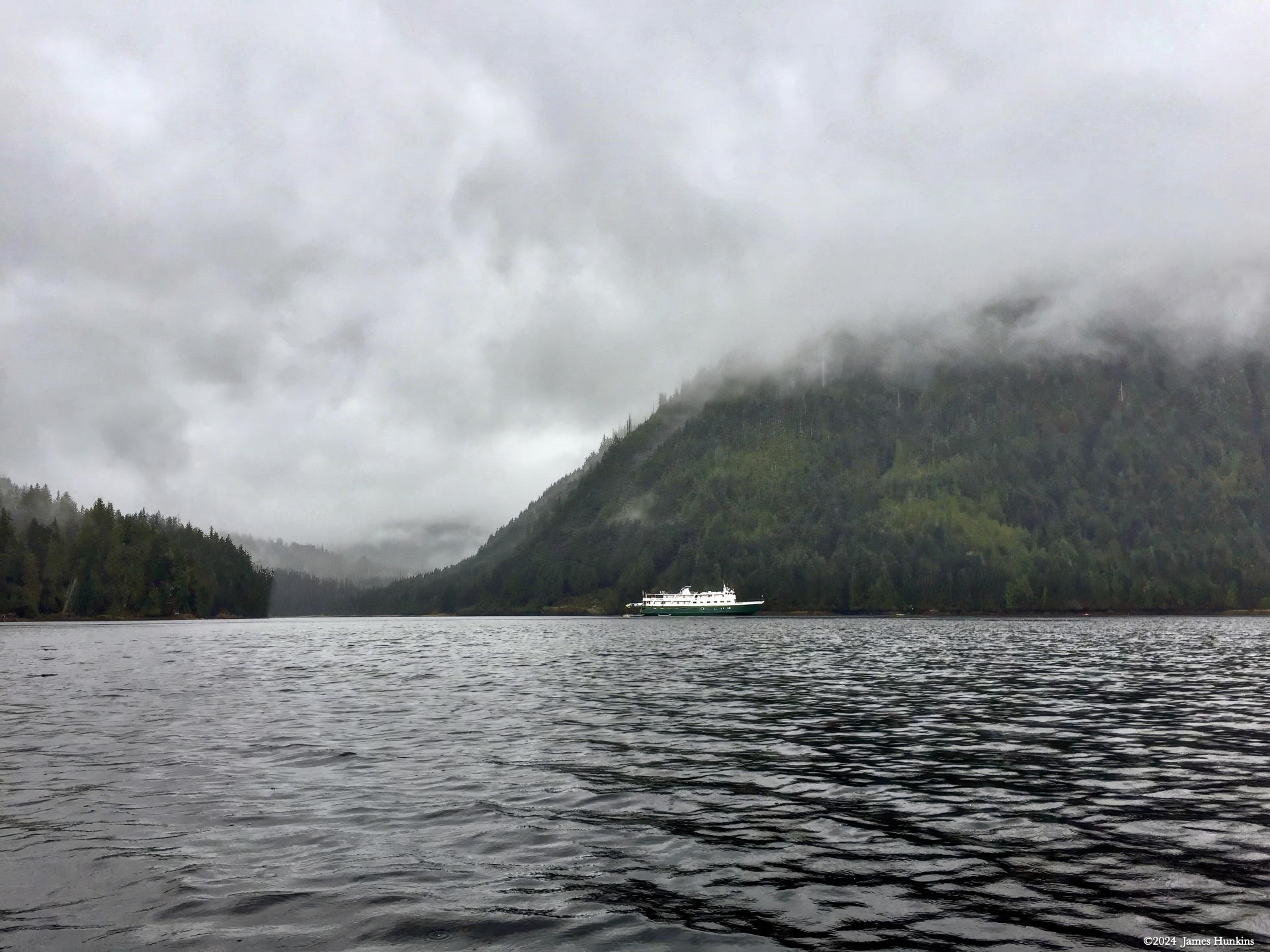
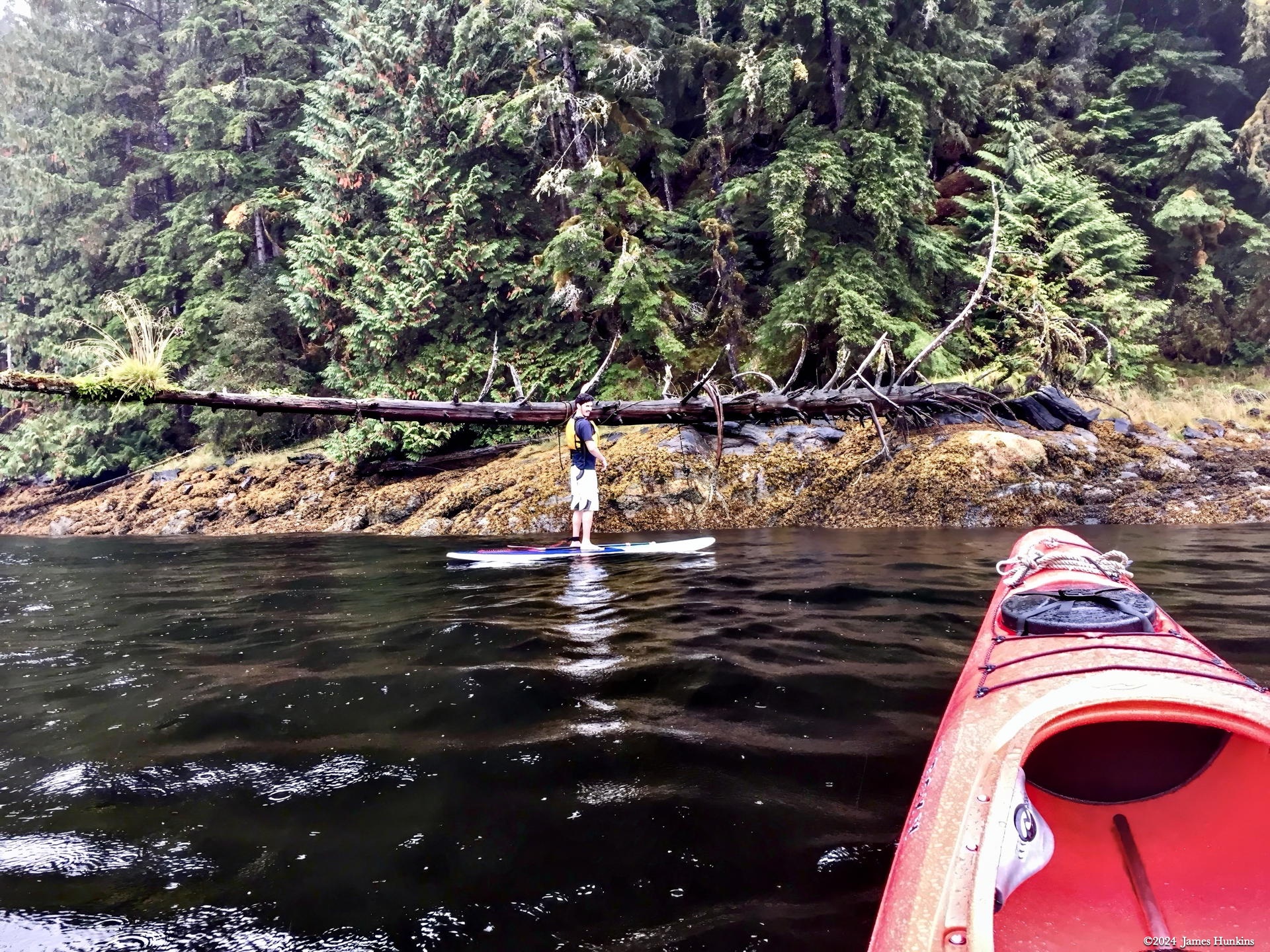
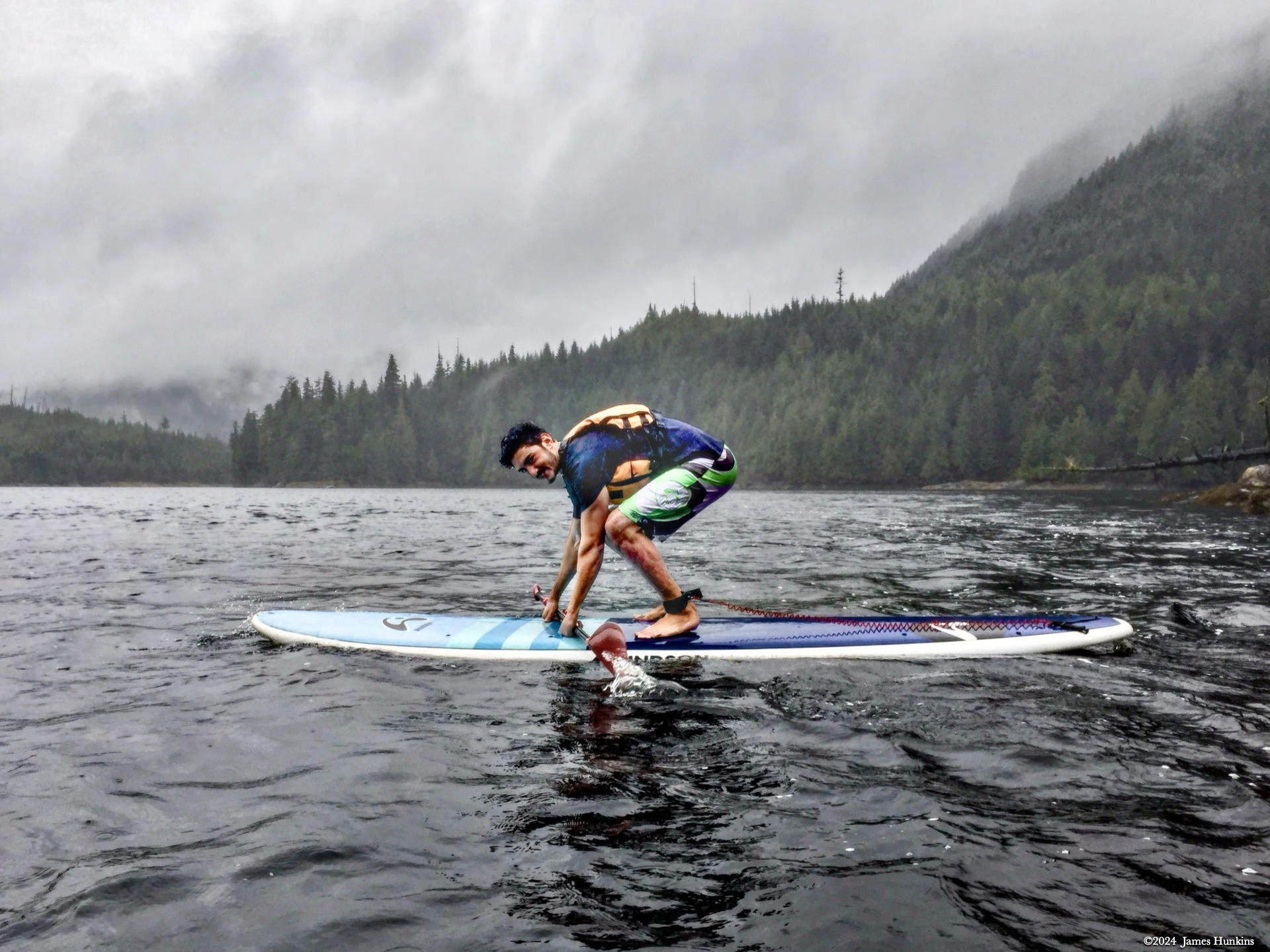
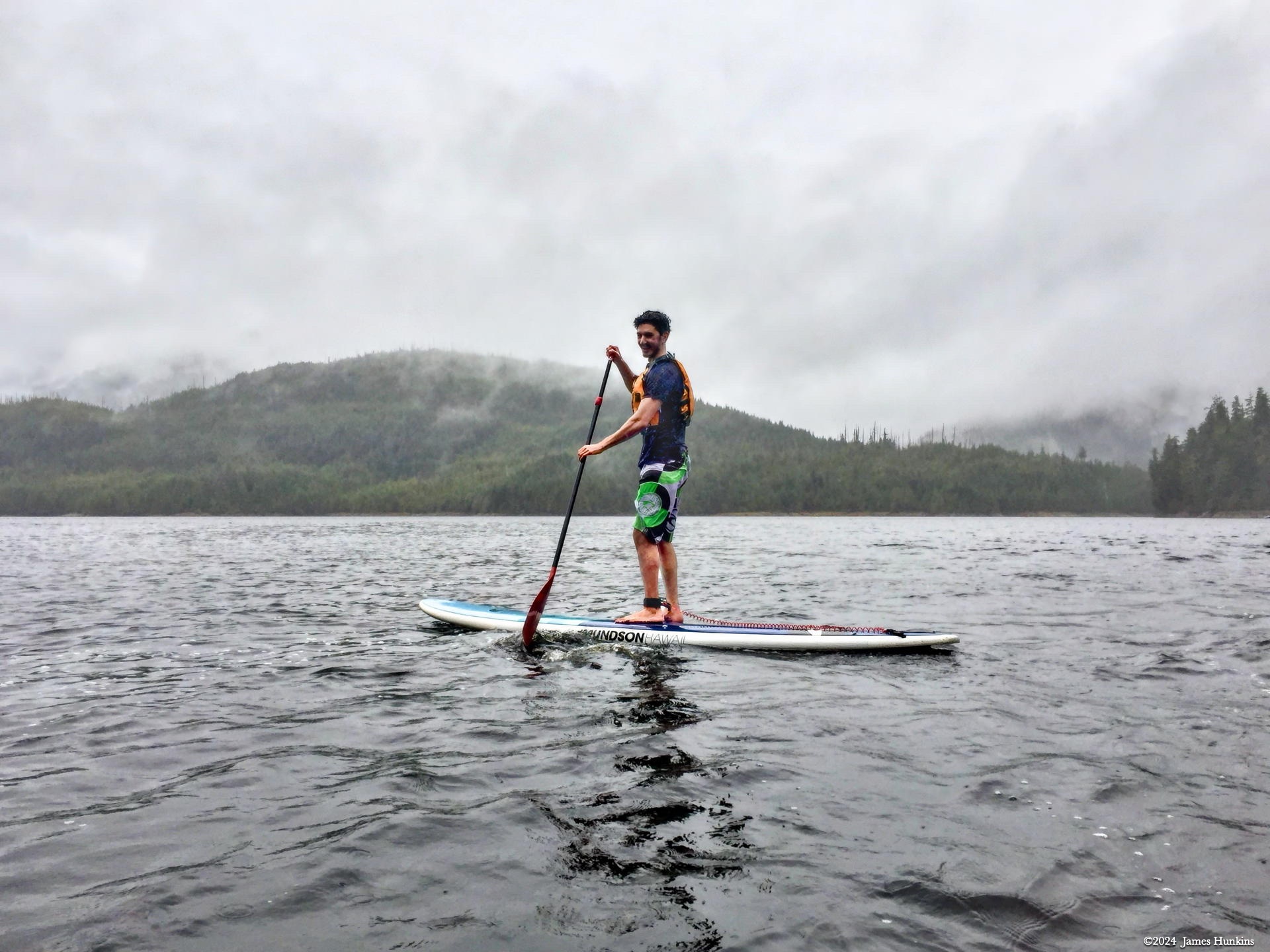
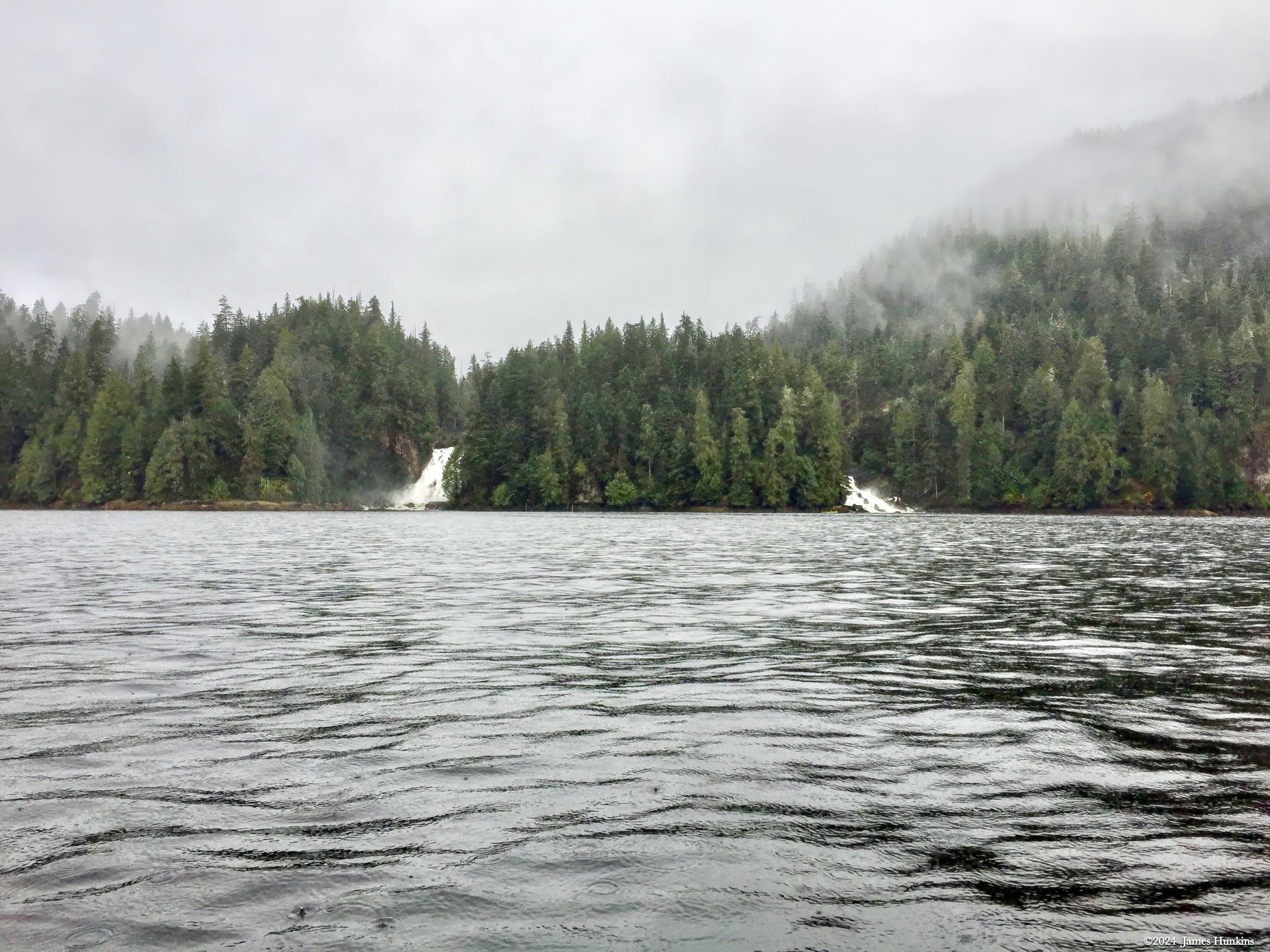
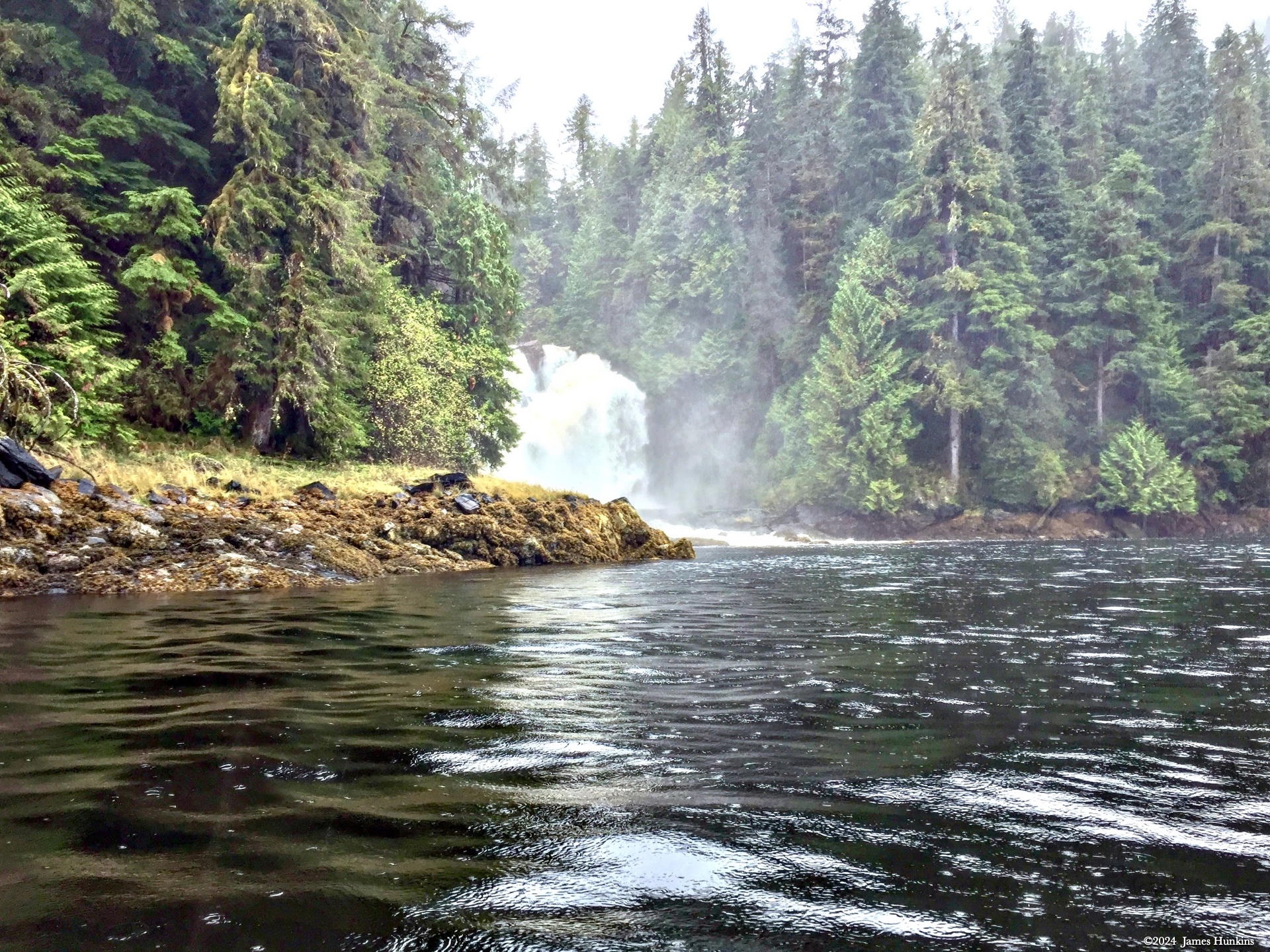
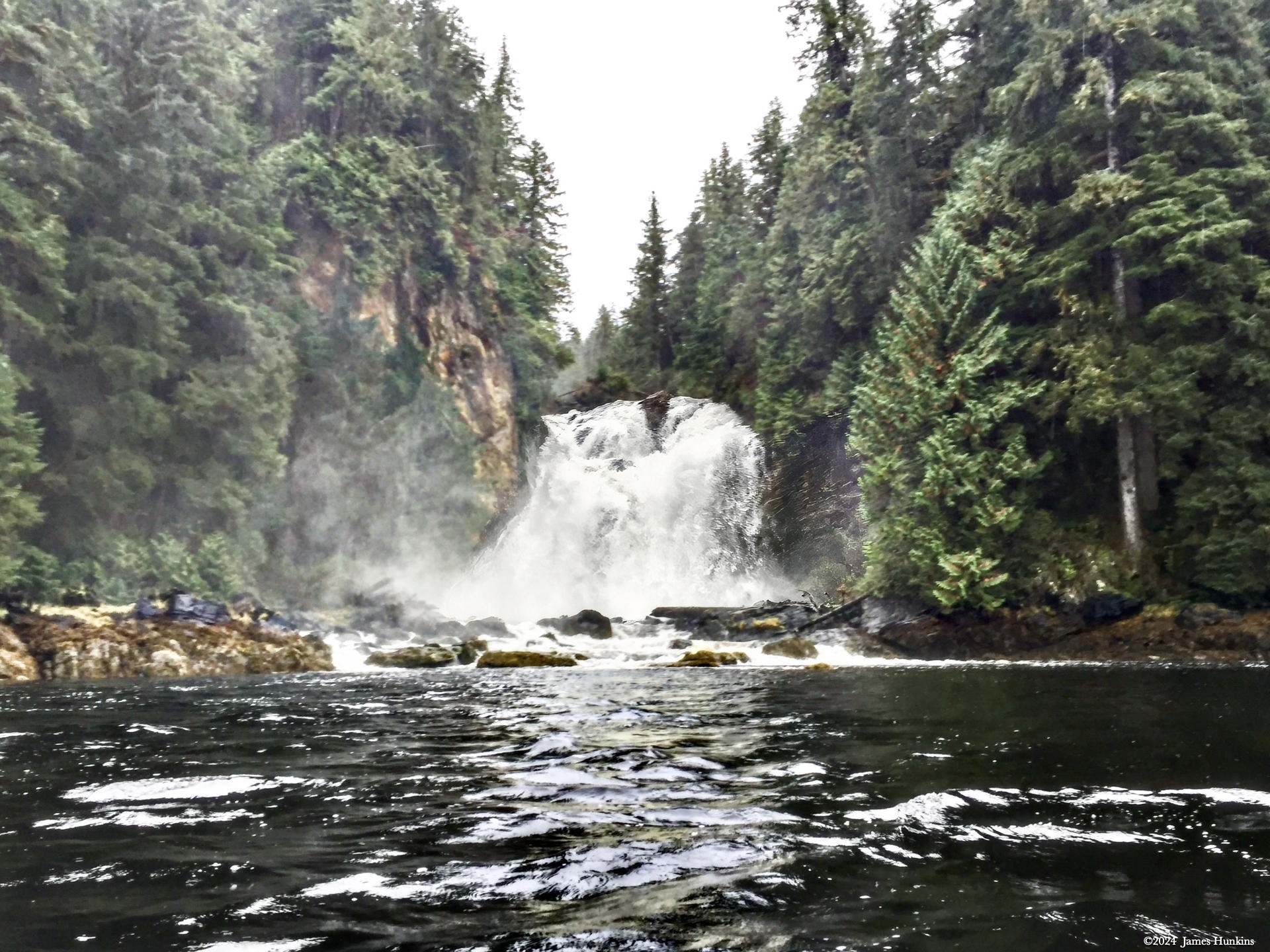
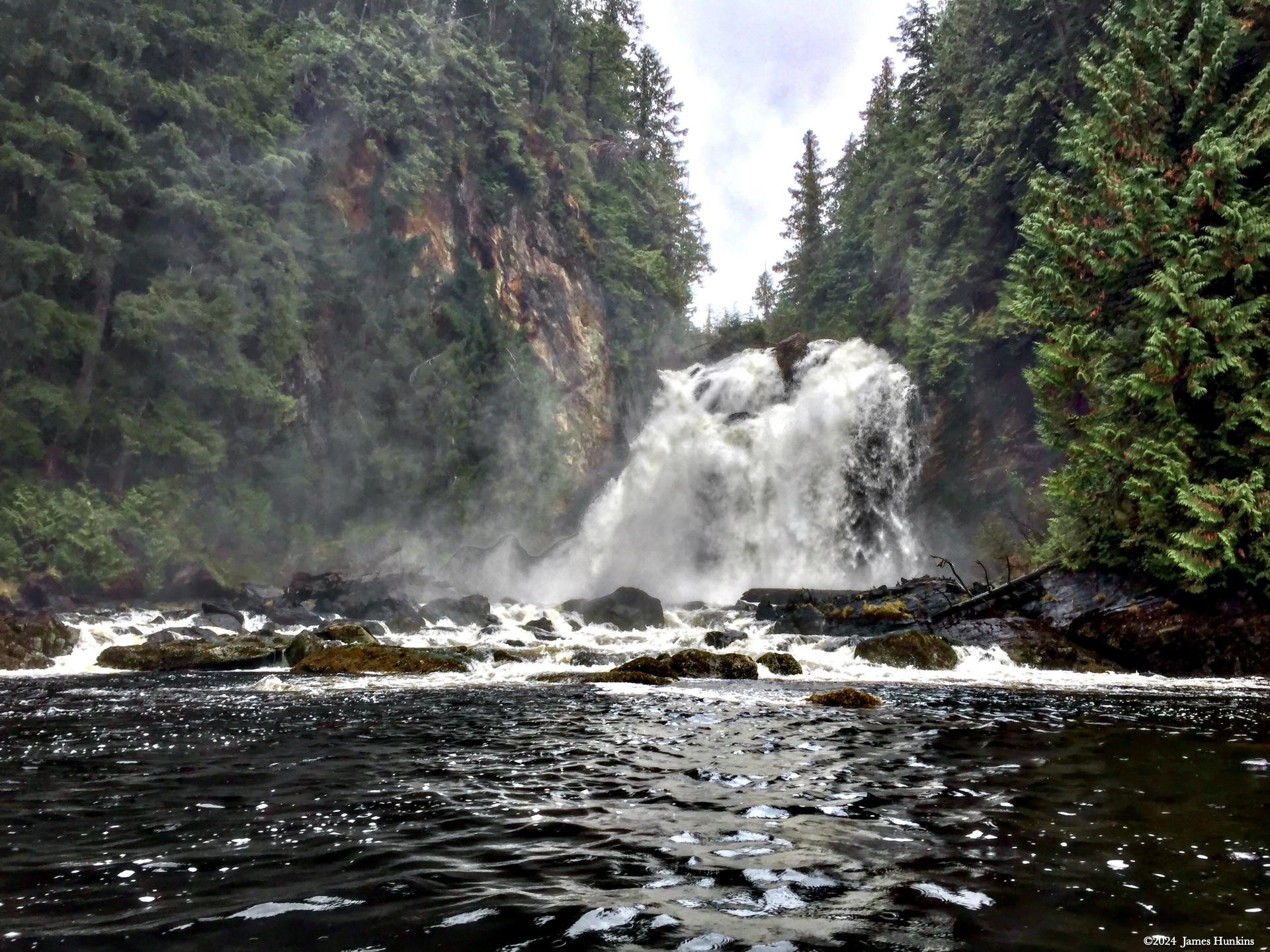
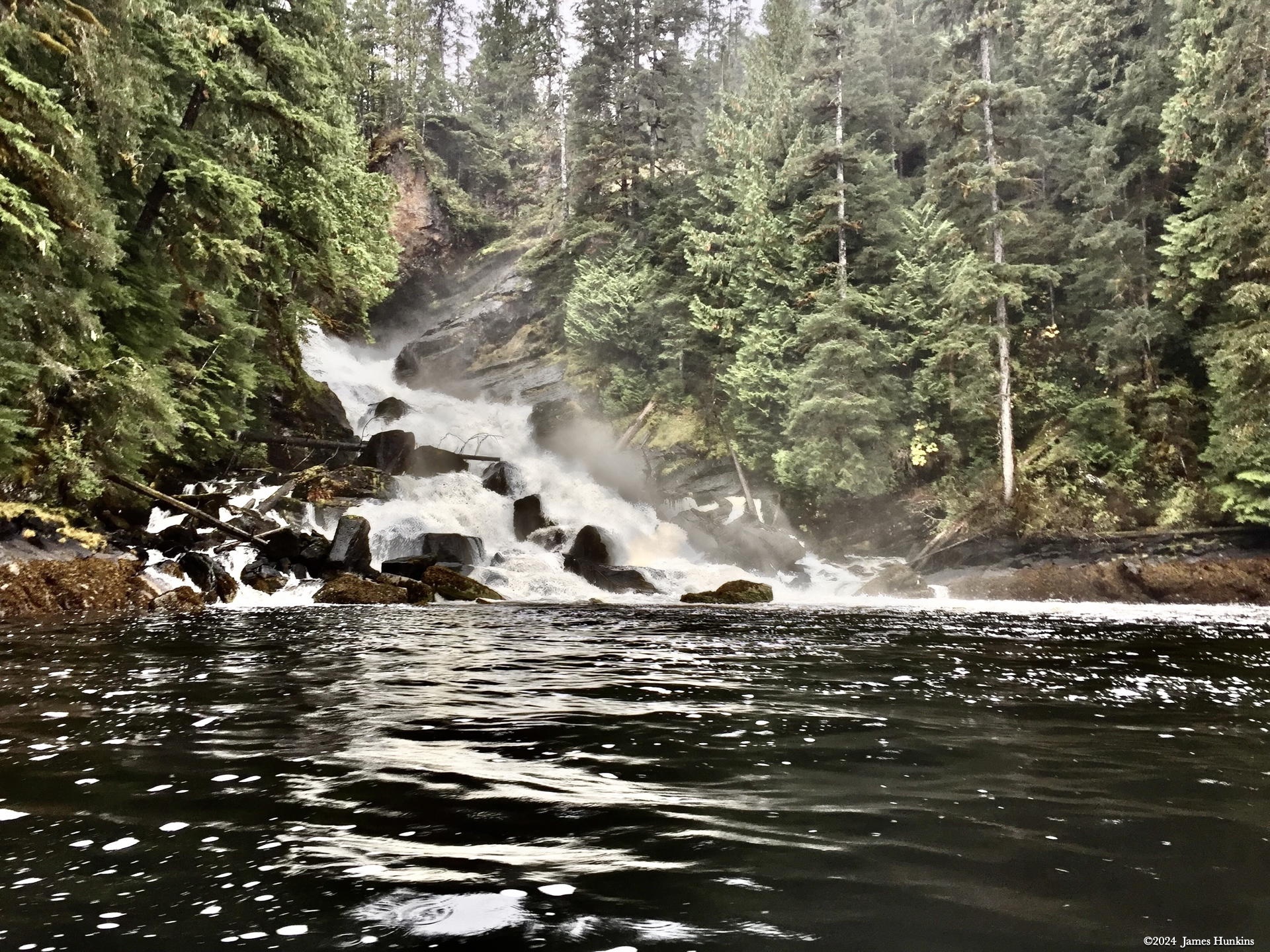
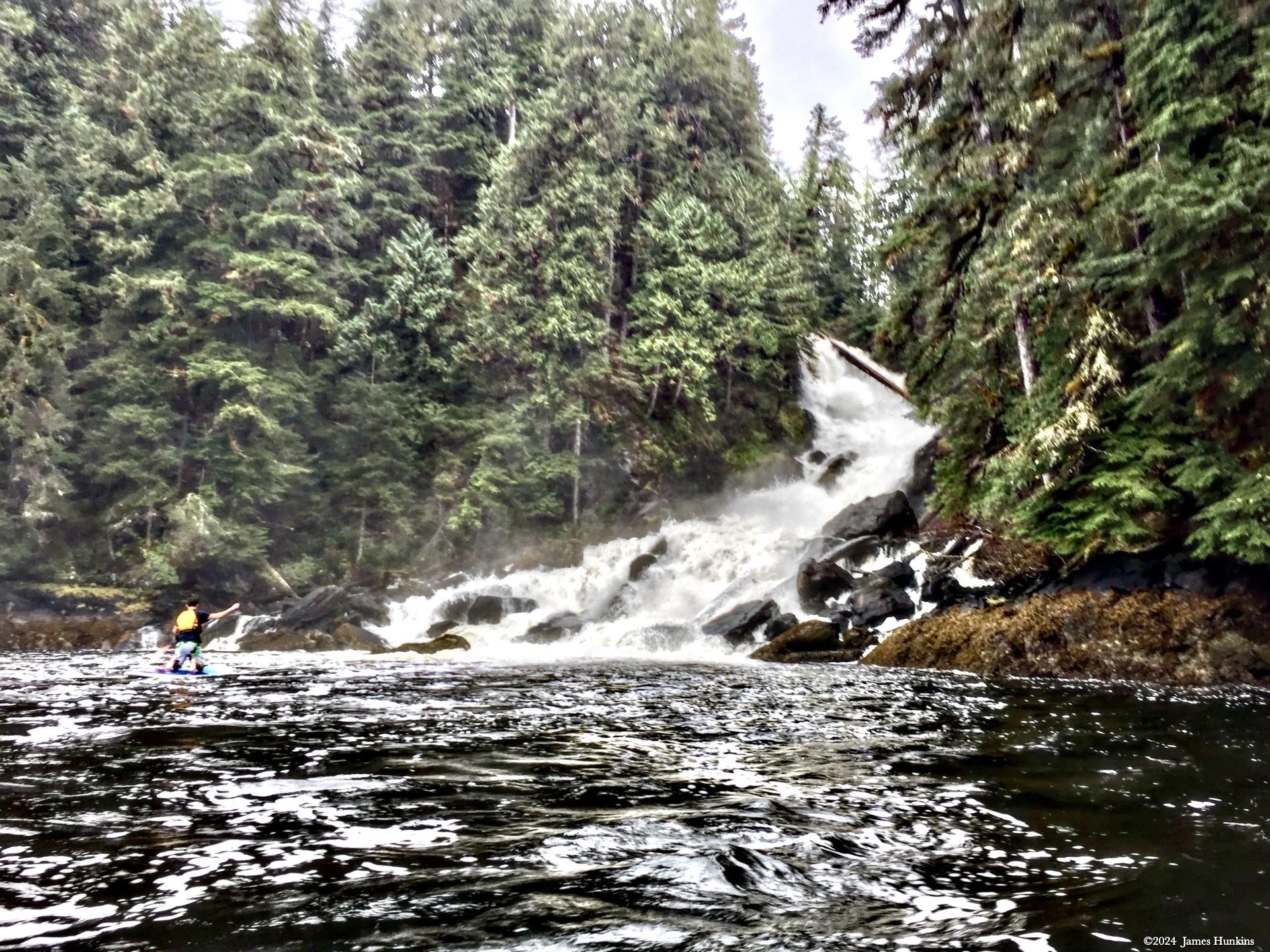
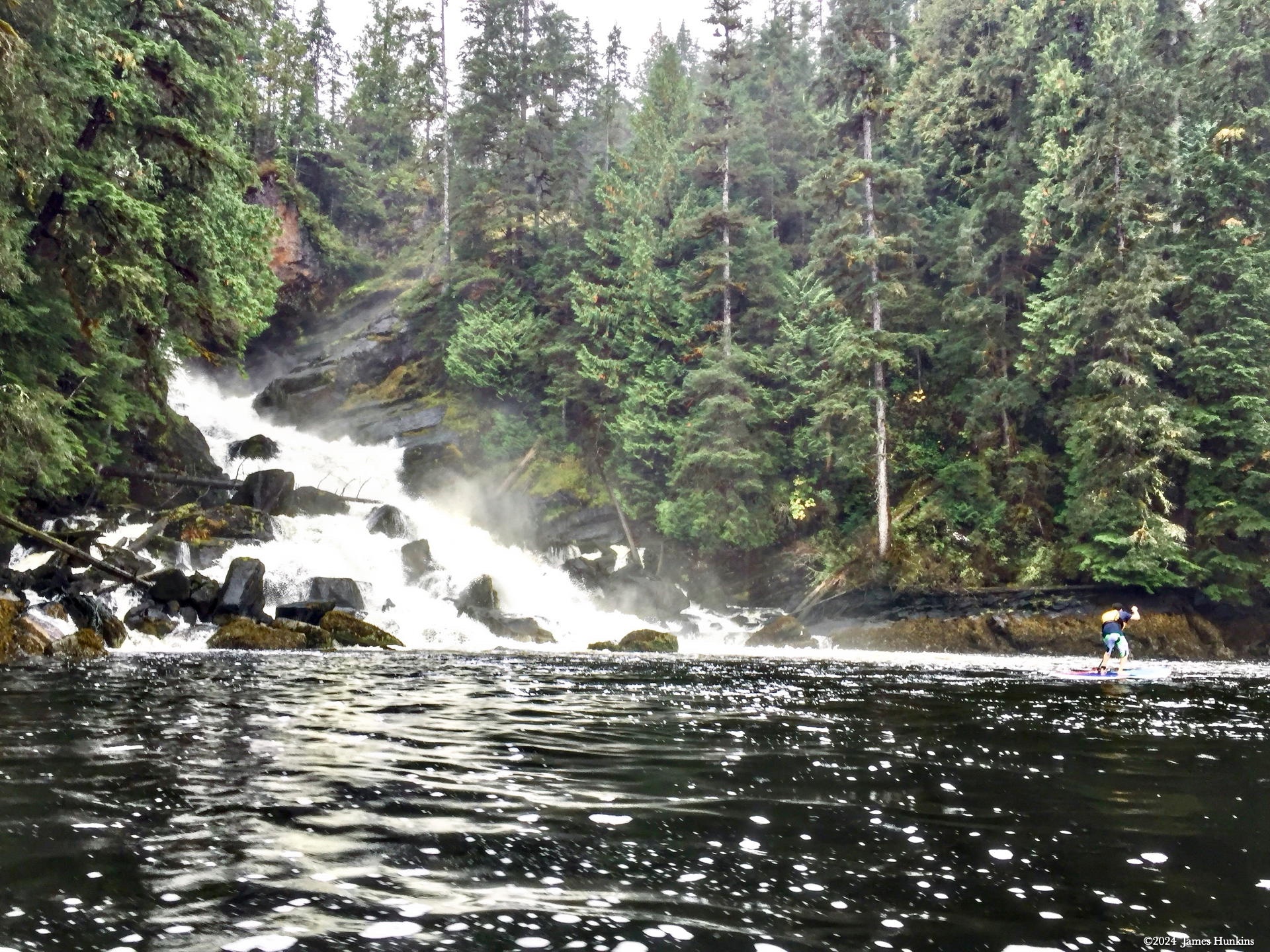
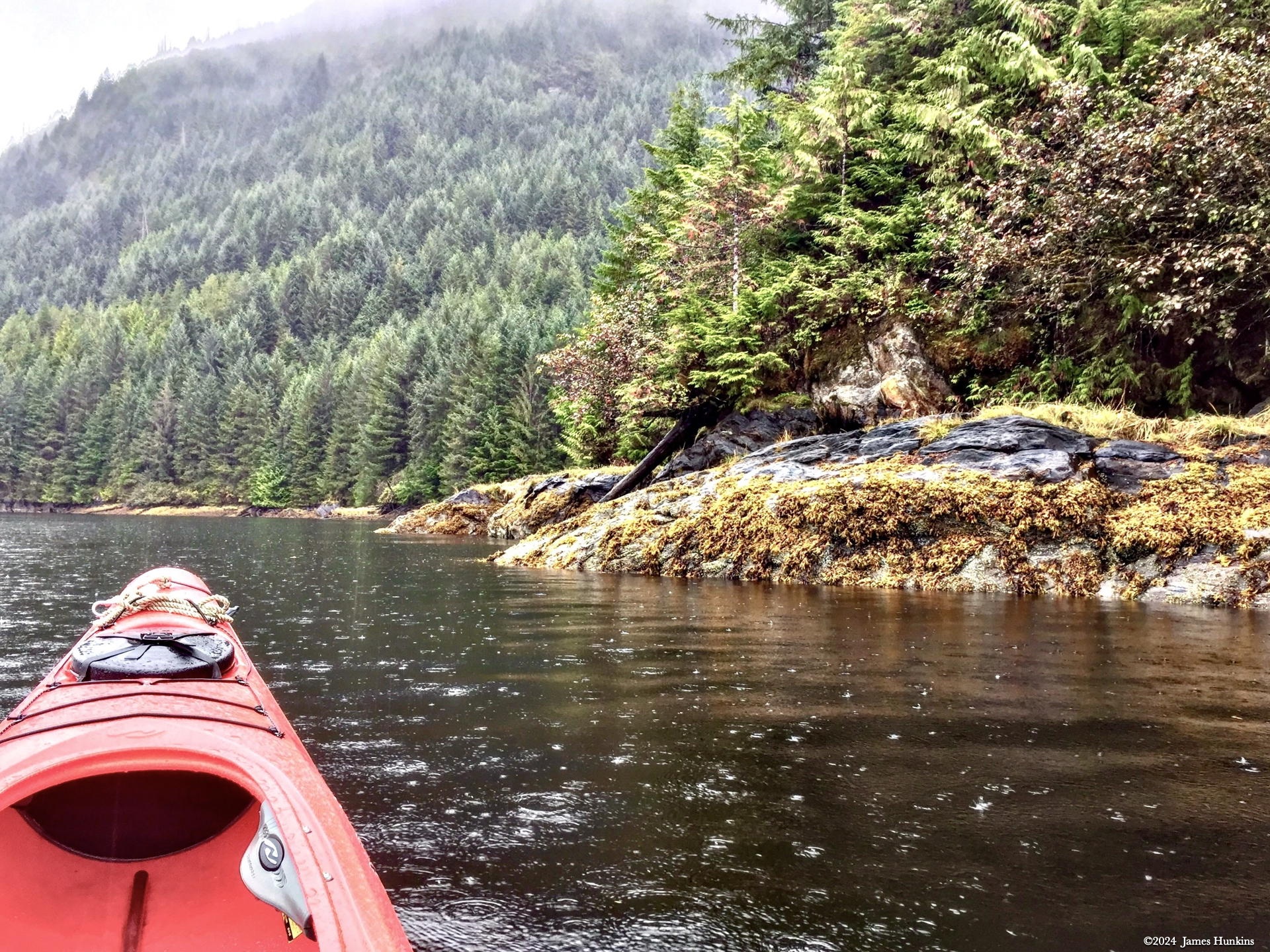
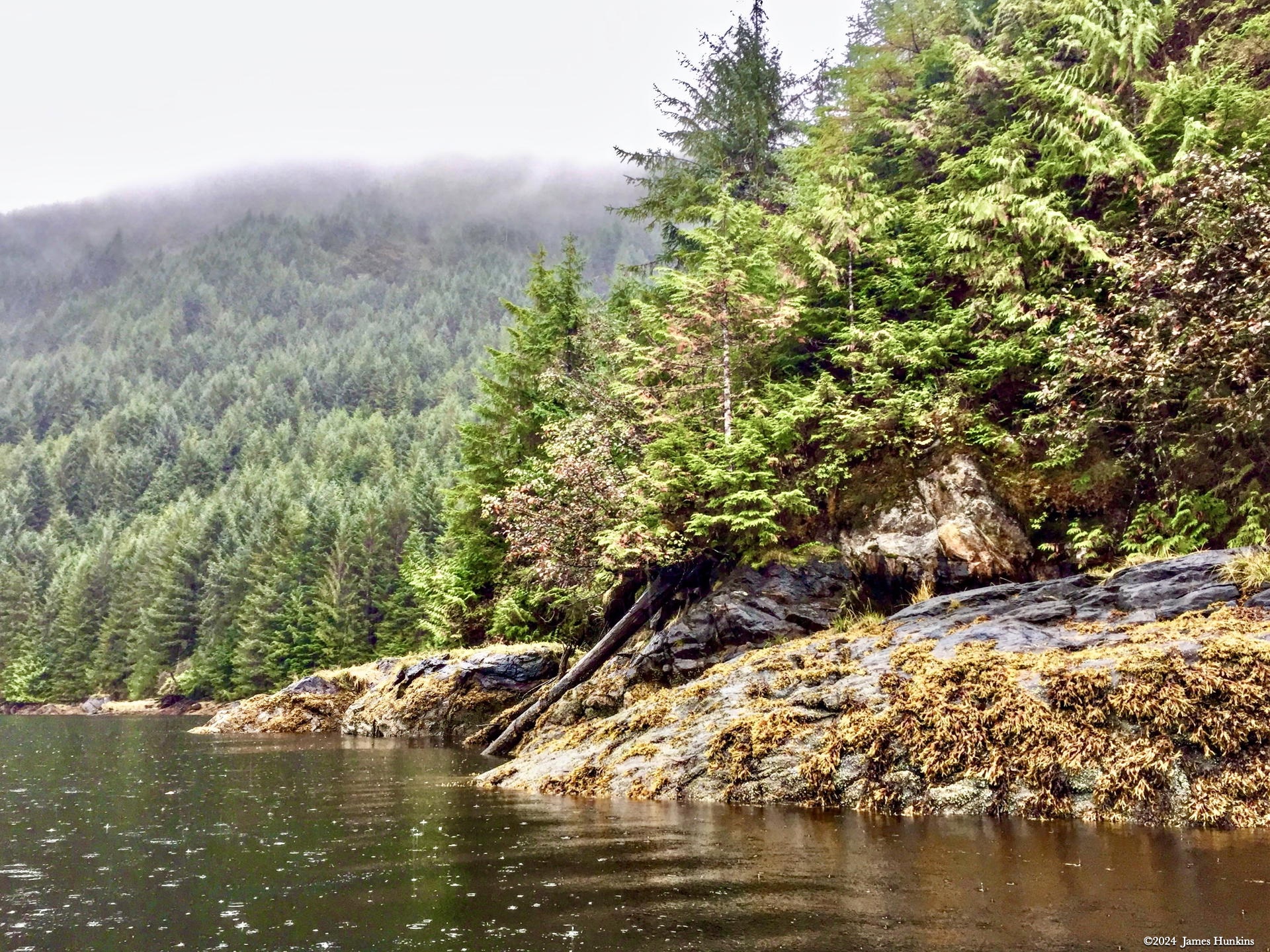
My experience here was pretty much an open day where I took off in a kayak accompanied by a new friend (one of our bartenders) on a standing paddle board, launching directly from our ship. The day gave lots of opportunity to explore along the water’s edge, look-backs at our ship in the distance, some fun racing between a kayak and paddle board (OK, my kayak had the advantage in the open water), and then some close-up fun trying to see how far up into the lower parts of the waterfall we could both get.
In case you are wondering, trying to go up against nature’s raging waters at the base of a waterfall is very hard. It is amazing just how much force the rushing water had. Mix in the swirling current around all the rocks, which is trying to rotate your boat so that the boat’s broadside is being hit directly by the water. Let’s just say, my standing board friend won that one hands down (and he didn’t fall once, which was amazing with the crazy currents).
I found out later that some of the crew from our ship had been watching us, somewhat nervous that we might get hurt. After a while, it seems they were convinced that we knew enough about what we were doing and had enough experience. Or perhaps the crew just gave up and figured they would be ready with first aid. No comments from my side on what was true here. 😀
VIEWING HELP
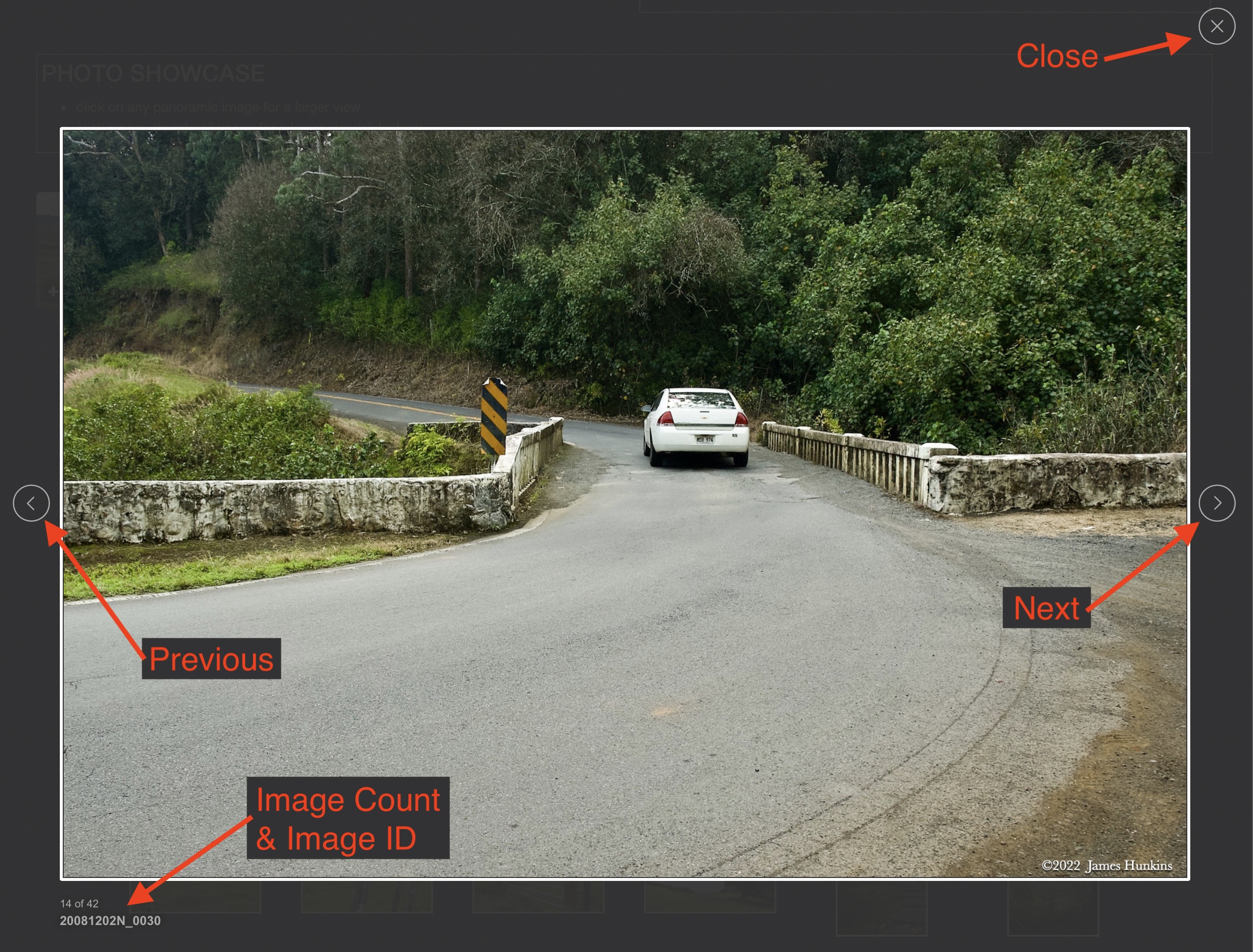
To close this window, click the X in the upper right hand corner. Or click anywhere outside of this window's area.
Photos from each day are shown in thumbnail (small) form. Panoramas are either wide or tall images, while normal photos are small rectangles. All photos shown in the PHOTO SHOWCASE section can be enlarged for better viewing. Photos will enlarge to fit your browser window width. Therefore, to view them at larger sizes simply make your browser window wider.
If there is any issue or the need to inquire/comment about an image, please refer to the Image ID label (see below) of the specific image along with the trip name found at the top of the browser window.
Video Clips
Depending on the browser, some of the controls may not always be supported.
Most videos will start playing automatically. Sound is automatically off even if included with a video. See D, E below for sound control.
A few small videos are set to loop endlessly, while most just play to the end.
- A: To start or stop a video, click in this area (even if the symbol is not visible)
- B: If a browser shows this symbol, clicking on it will restart the video from the beginning
- C: Progress bar - will display total video time on the right.
- D, E: This seems to have the most variants between browsers. If the video description says 'w/ sound’, you can adjust the volume with this control
If neither is visible, move the cursor to the E area and either E and/or D will be visible
If E is visible but not D, click on E
Once D is visible, slide the bar up or down to adjust the volumn
Panoramas
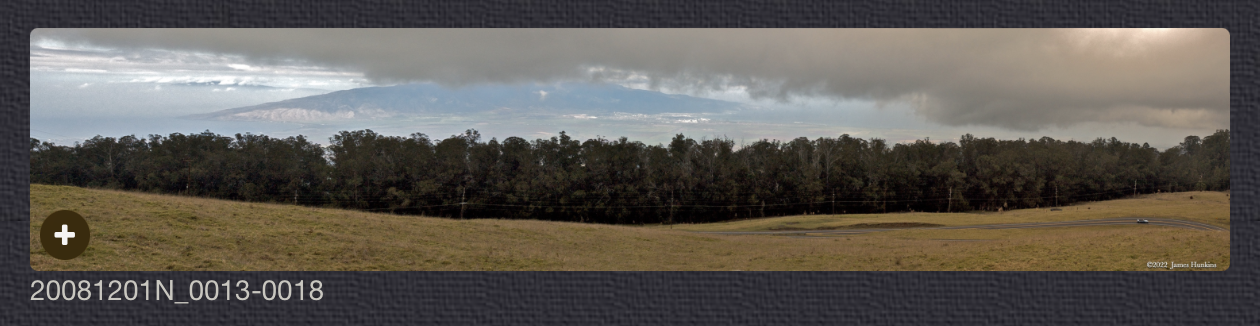
Clicking anywhere on a panorama thumbnail will cause the image to expand to fill the browser width. Clicking again anywhere in the browser window or scrolling the browser window will cause the expanded image to shrink back to its smaller thumbnail size.
The Image ID and description is found just below the thumbnail image on the left side.
Individual Photographs
If you click on any photo thumbnail, it will open a larger viewer which can be used to walk through all of the standard photos on the page. Once open, to go forward click on the > on the right side of the enlarged image. To scan backwards, click on the < on the left side. To close the larger images either click on the X in the upper right hand corner of the browser window or anywhere outside of the enlarged image.
The Image ID label can be found by hovering a cursor over the thumbnail image (may not be available on some tablets/phones) or, once enlarged, from the lower left hand side just under the image.
Additionally, in the same area as the Image ID (or the upper left corner for newer/updated sites) a count showing the current image number versus the total number of images available for viewing.

For newer or updated sites (look for the orange checkbox in the header of a sites main page), additional buttons have been added when viewing a full size image. From left to right, the buttons are:
- Email: will open an email with information and a link to the current image
- WhatsApp: if WhatsApp is on your system, will open a browser window to open WhatsApp and create a message with information and a link to the current image
- FaceBook: Will open a browser window to open Facebook and create a message with information and a link to the current image
- full screen: will take over the entire display versus just the browser in most systems; ESC returns to the brower only mode
- magnify: enlarges the image within the browser or full screen; if the image is larger than can be displayed it can be scrolled
- exit: will close the large image viewer returning to the thumbnails




Links:
PHOTO SHOWCASE
- click on any thumbnail image for a larger view/slideshow
-
 170928P0001POur ship has arrived in Shrimp Bay with the typical clouds and forests
 -
 170928P0009PMy kayak approaches a small stream entering the bay hidden by the undergrowth, logs and rocks
 -
 170928P0012PLooking back at our ship with orange low plants covering the rocks at the waters edge
 -
 170928P0013POur ship waits for our return with clouds and forests in the background
 -
 170928P0017PMy bartender friend on his paddle board near the shoreline
 -
 170928P0025PMy bartender friend on his paddle board working to stand up without falling in the cold waters
 -
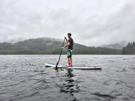 170928P0026PPaddling on his paddle board in Shrimp Bay
 -
 170928P0043PLooking at two waterfalls entering Shrimp Bay from nearby Orchard Lake
 -
 170928P0019PApproaching one of the waterfalls from Orchard Lake
 -
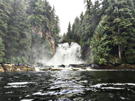 170928P0023PA better view of the same waterfall
 -
 170928P0028PA better view of the same waterfall
 -
 170928P0034PThe other waterfall is more of a cascade down through the rocks
 -
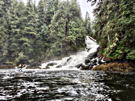 170928P0042PMy paddle board friend examining ways to get near the base of the cascade
 -
 170928P0031PGetting ready to push into the rushing water, my friend positions himself on his paddle board to start paddling like crazy
 -
 170928P0048PDone with the cascade, rowing along the shore as it starts to rain
 -
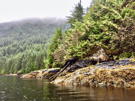 170928P0051PDone with the cascade, rowing along the shore as it starts to rain
 -
 170928P0054PHeading back to the ship on the the other side of the bay