Alaska 2017
JUNEAU
DAY 1 : SATURDAY SEPT 23, 2017
Juneau is the capital of Alaska but only has a formal population of 32,255 as of the 2020 census, making it the third-largest city in Alaska. In reality, Juneau has a daily influx of 21,000 or more additional people from visiting cruise ships between May and September, making it a bustling place.
Due to the rugged terrain, there are no connecting roads to the rest of the state or the contiguous United States. Therefore, all goods and access are by plane or boat.
Downtown Juneau is sandwiched between water on one side with tides averaging 16 ft (5 m) and steep mountains on the other side up to 4,000 feet (1,200 m) above sea level. On top of these mountains sits the Juneau Icefield from which about 30 glaciers descend.
While waiting for our ship’s departure, we had a pleasant morning exploring the waterfront and did some shopping downtown, finishing off with a nice lunch. Afterwards, we headed to the UnCruise offices to check in. After a time, we were escorted to our cabins on our ship, the Wilderness Explorer. My friends had a nice cabin on an upper deck which had a door to an outdoor walkway. Myself, I went for an indoor cabin which turned out to be on a lower deck and just before the crew cabins.
The ship was built in 1976 and at the time of our cruise, at least my lower deck cabin had much of the ship’s original flavor. The bed was basically built along a wall with a window just above it. The room was toned with lots of darker wood. To be honest, my being tall made the room feel a bit tiny and cramped. In retrospect, it was actually more cozy than cramped. I appreciated the space, however, as it felt very real for an ocean-going vessel versus a more modern cruise ship cabin. Each cabin had a pair of binoculars, a small shower/bathroom, a small TV to keep us updated (no satellite TV in those days), and reasonable storage space.
The rest of our ship felt more modern. The lounge was very comfortable and warm (not to mention it had a very nice bar) with a hot tub on the deck just in front of it. The dining area was roomy, and the upper deck even had a small workout area. The upper deck was also used as a staging area for our expeditions to the shore or out onto the water. If you check out the link on this page for the ship, you will see that all the cabins have been refurbished with a lighter, more modern feel. While the ship keeps the same comfortable dining and lounge areas that I remember.
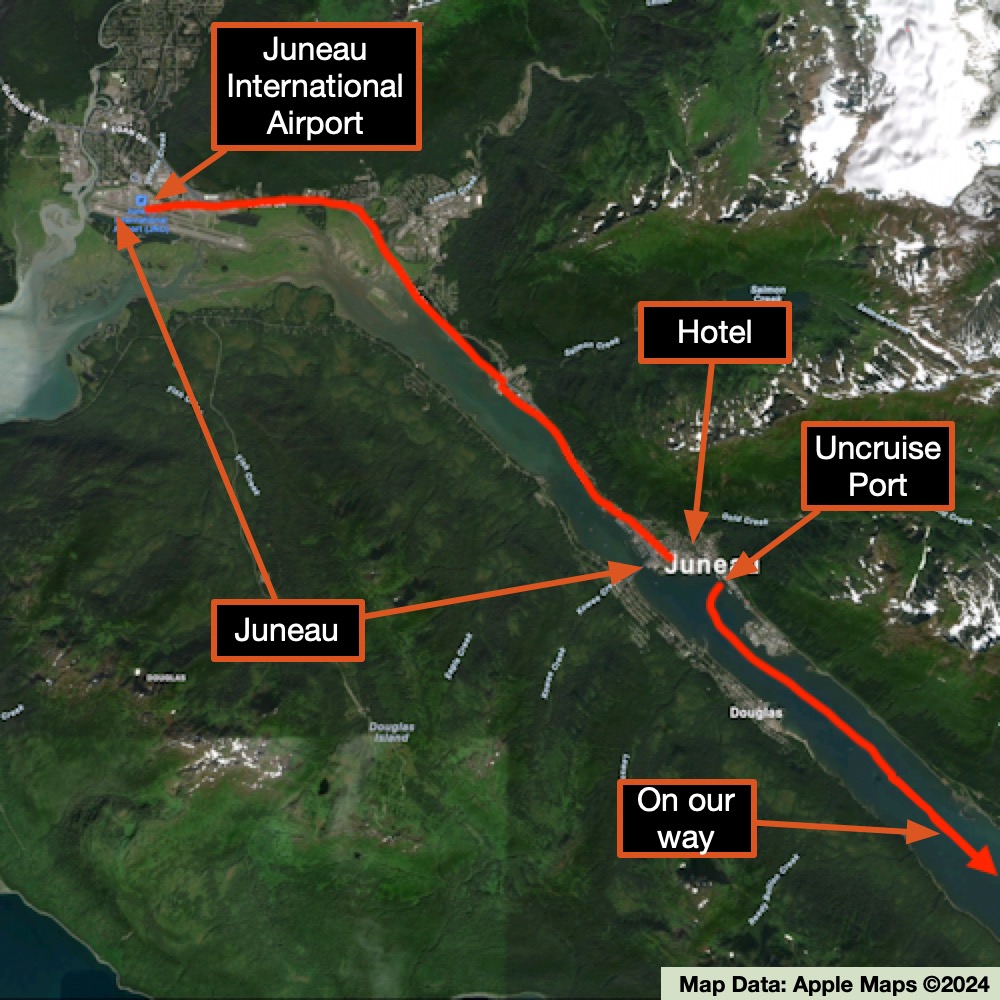
We ate our first meal on board that evening, after which we enjoyed our first lecture of the trip as we headed south along the channel.
VIEWING HELP
To close this window, click the X in the upper right hand corner. Or click anywhere outside of this window's area.
Photos from each day are shown in thumbnail (small) form. Panoramas are either wide or tall images, while normal photos are small rectangles. All photos shown in the PHOTO SHOWCASE section can be enlarged for better viewing. Photos will enlarge to fit your browser window width. Therefore, to view them at larger sizes simply make your browser window wider.
If there is any issue or the need to inquire/comment about an image, please refer to the Image ID label (see below) of the specific image along with the trip name found at the top of the browser window.
Video Clips
Depending on the browser, some of the controls may not always be supported.
Most videos will start playing automatically. Sound is automatically off even if included with a video. See D, E below for sound control.
A few small videos are set to loop endlessly, while most just play to the end.
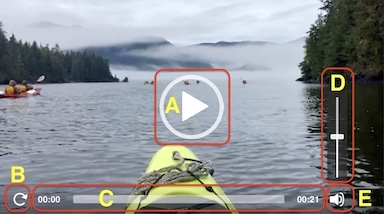
- A: To start or stop a video, click in this area (even if the symbol is not visible)
- B: If a browser shows this symbol, clicking on it will restart the video from the beginning
- C: Progress bar - will display total video time on the right.
- D, E: This seems to have the most variants between browsers. If the video description says 'w/ sound’, you can adjust the volume with this control
If neither is visible, move the cursor to the E area and either E and/or D will be visible
If E is visible but not D, click on E
Once D is visible, slide the bar up or down to adjust the volumn
Panoramas
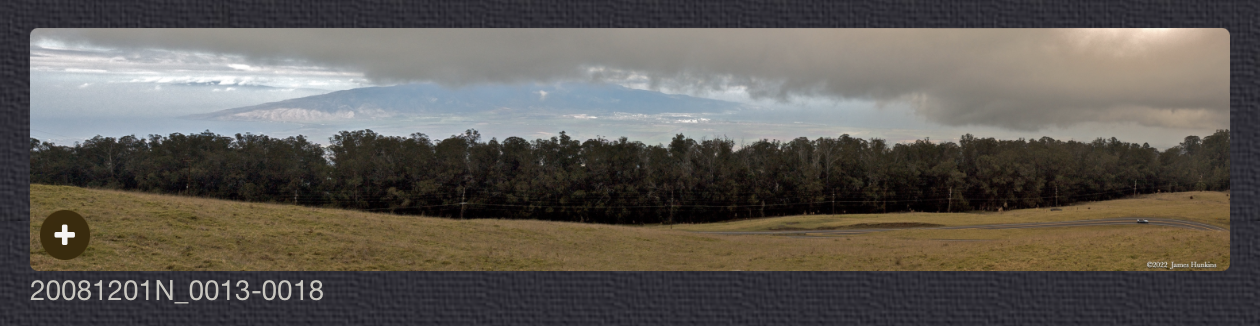
Clicking anywhere on a panorama thumbnail will cause the image to expand to fill the browser width. Clicking again anywhere in the browser window or scrolling the browser window will cause the expanded image to shrink back to its smaller thumbnail size.
The Image ID and description is found just below the thumbnail image on the left side.
Individual Photographs
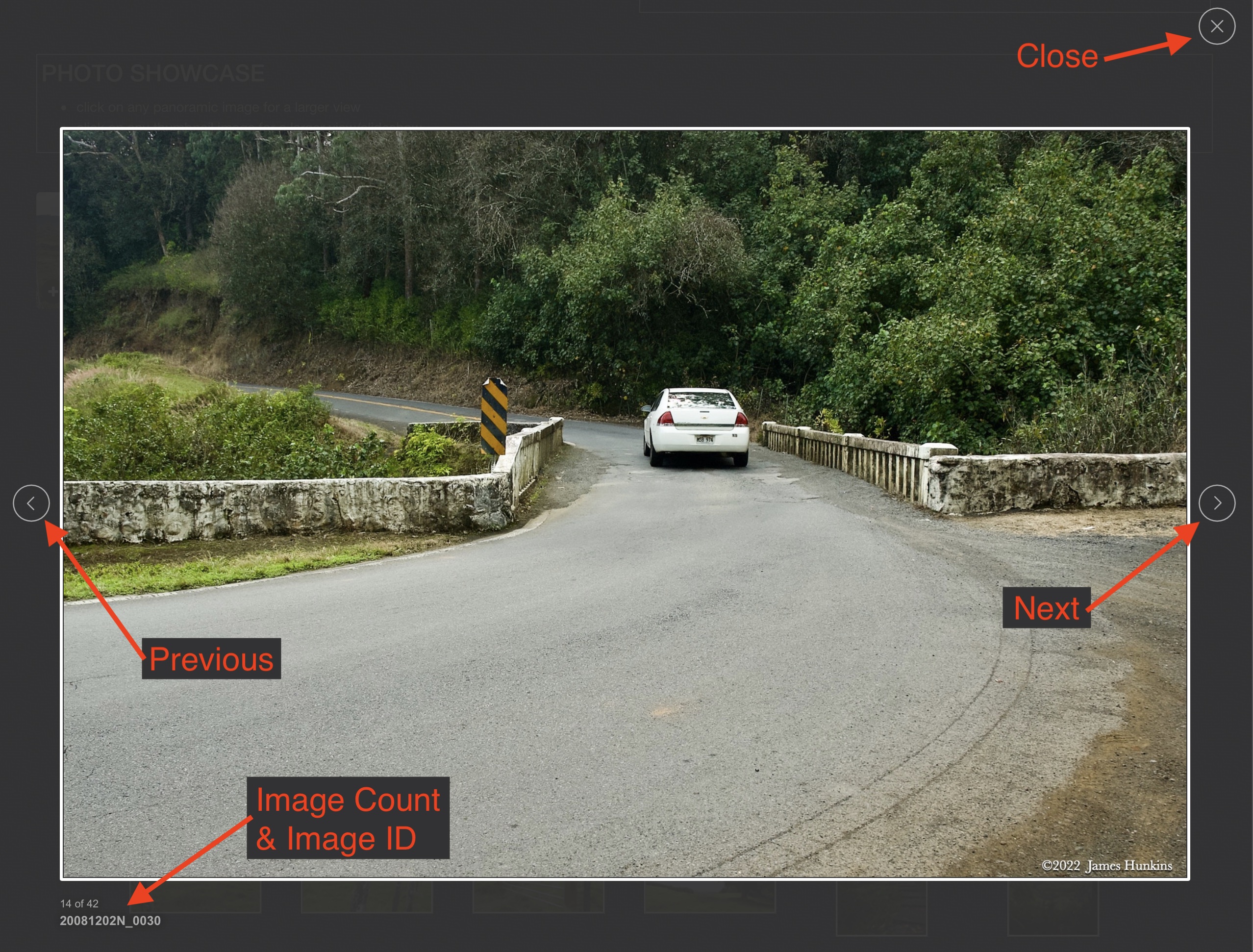
If you click on any photo thumbnail, it will open a larger viewer which can be used to walk through all of the standard photos on the page. Once open, to go forward click on the > on the right side of the enlarged image. To scan backwards, click on the < on the left side. To close the larger images either click on the X in the upper right hand corner of the browser window or anywhere outside of the enlarged image.
The Image ID label can be found by hovering a cursor over the thumbnail image (may not be available on some tablets/phones) or, once enlarged, from the lower left hand side just under the image.
Additionally, in the same area as the Image ID (or the upper left corner for newer/updated sites) a count showing the current image number versus the total number of images available for viewing.

For newer or updated sites (look for the orange checkbox in the header of a sites main page), additional buttons have been added when viewing a full size image. From left to right, the buttons are:
- Email: will open an email with information and a link to the current image
- WhatsApp: if WhatsApp is on your system, will open a browser window to open WhatsApp and create a message with information and a link to the current image
- FaceBook: Will open a browser window to open Facebook and create a message with information and a link to the current image
- full screen: will take over the entire display versus just the browser in most systems; ESC returns to the brower only mode
- magnify: enlarges the image within the browser or full screen; if the image is larger than can be displayed it can be scrolled
- exit: will close the large image viewer returning to the thumbnails




Links:
PHOTO SHOWCASE
- click on any thumbnail image for a larger view/slideshow
-
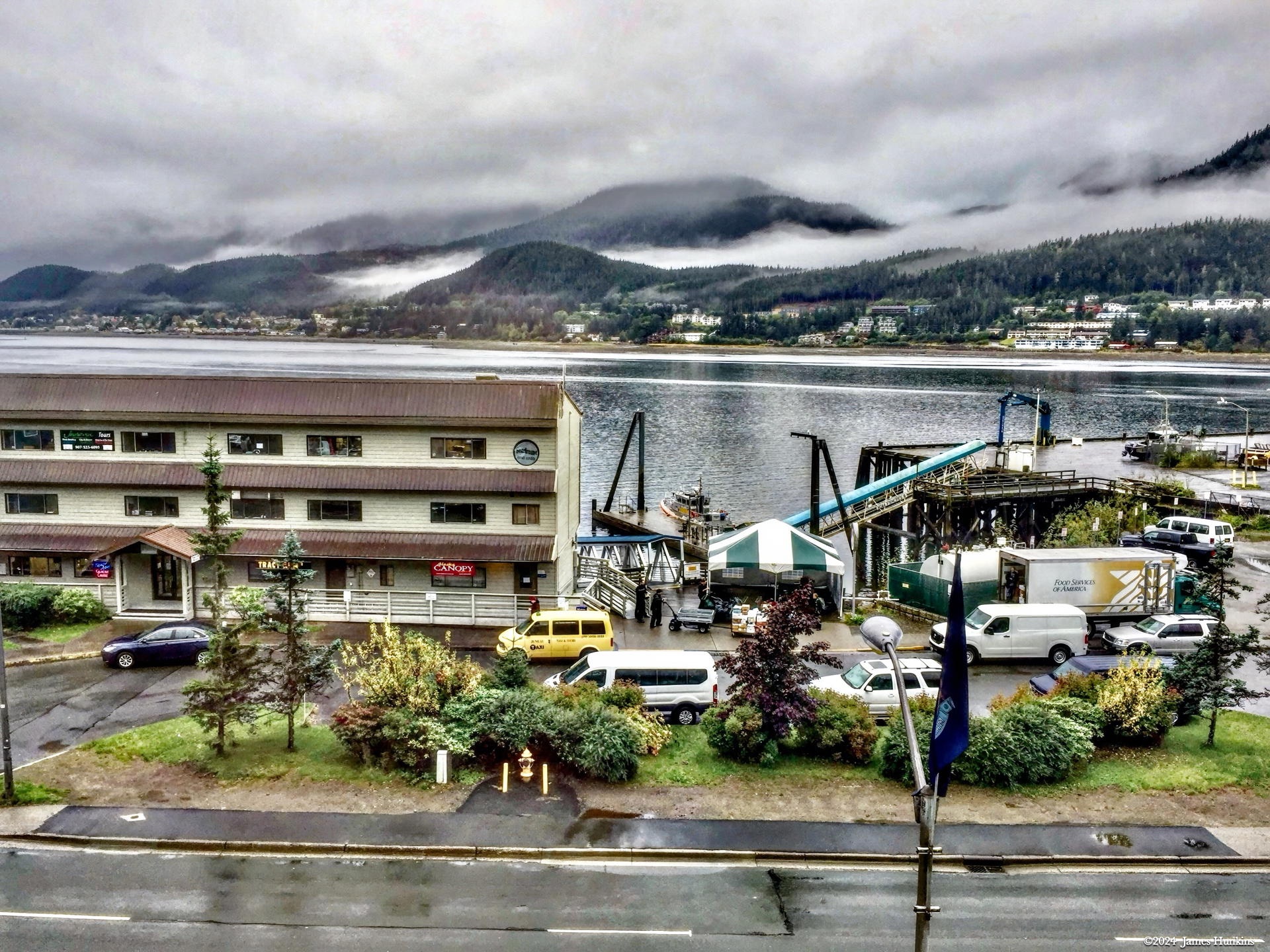
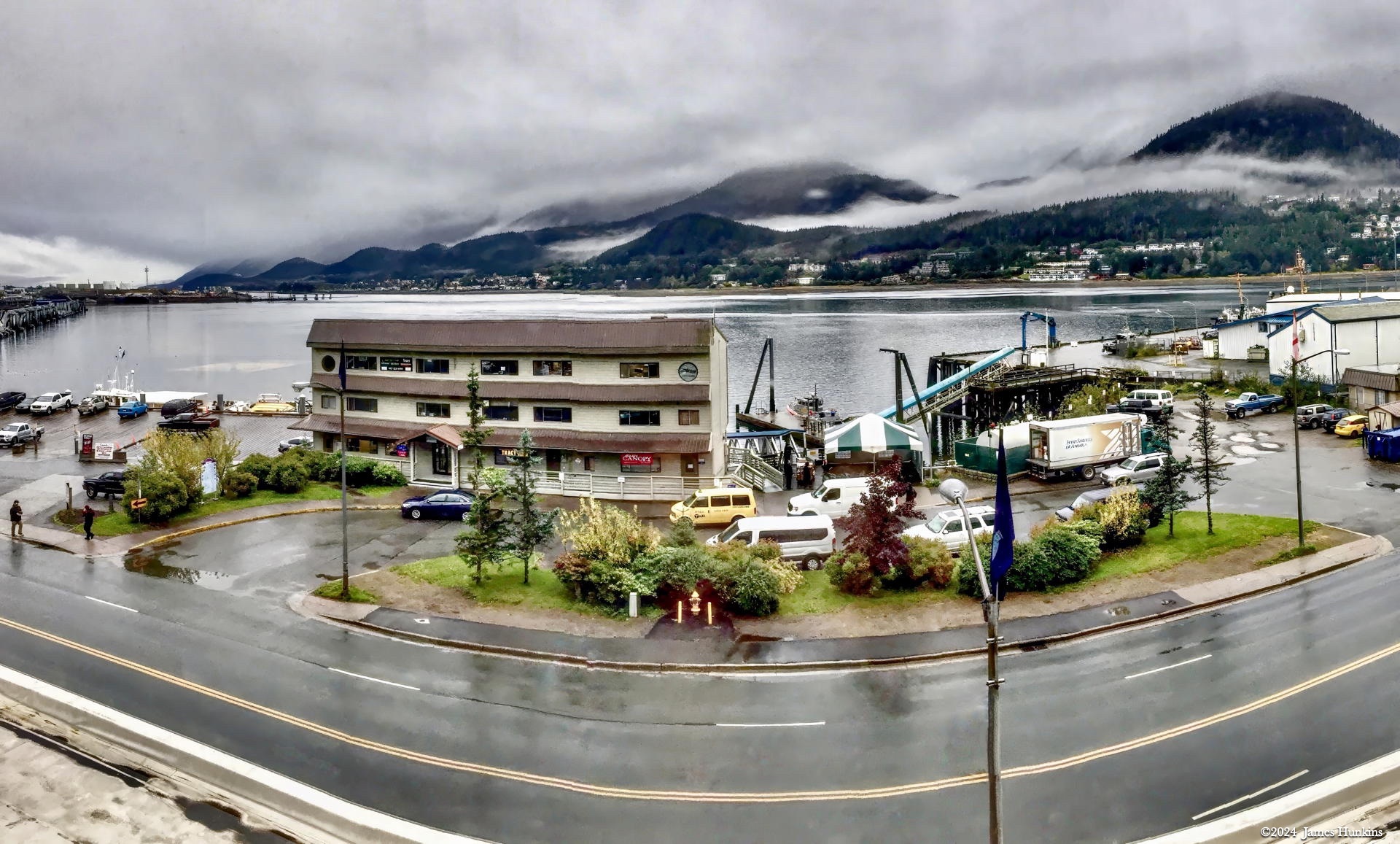
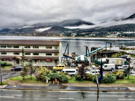 170923P0001Dock used by Uncruise ships in Juneau in the Gastineau Channel
 -
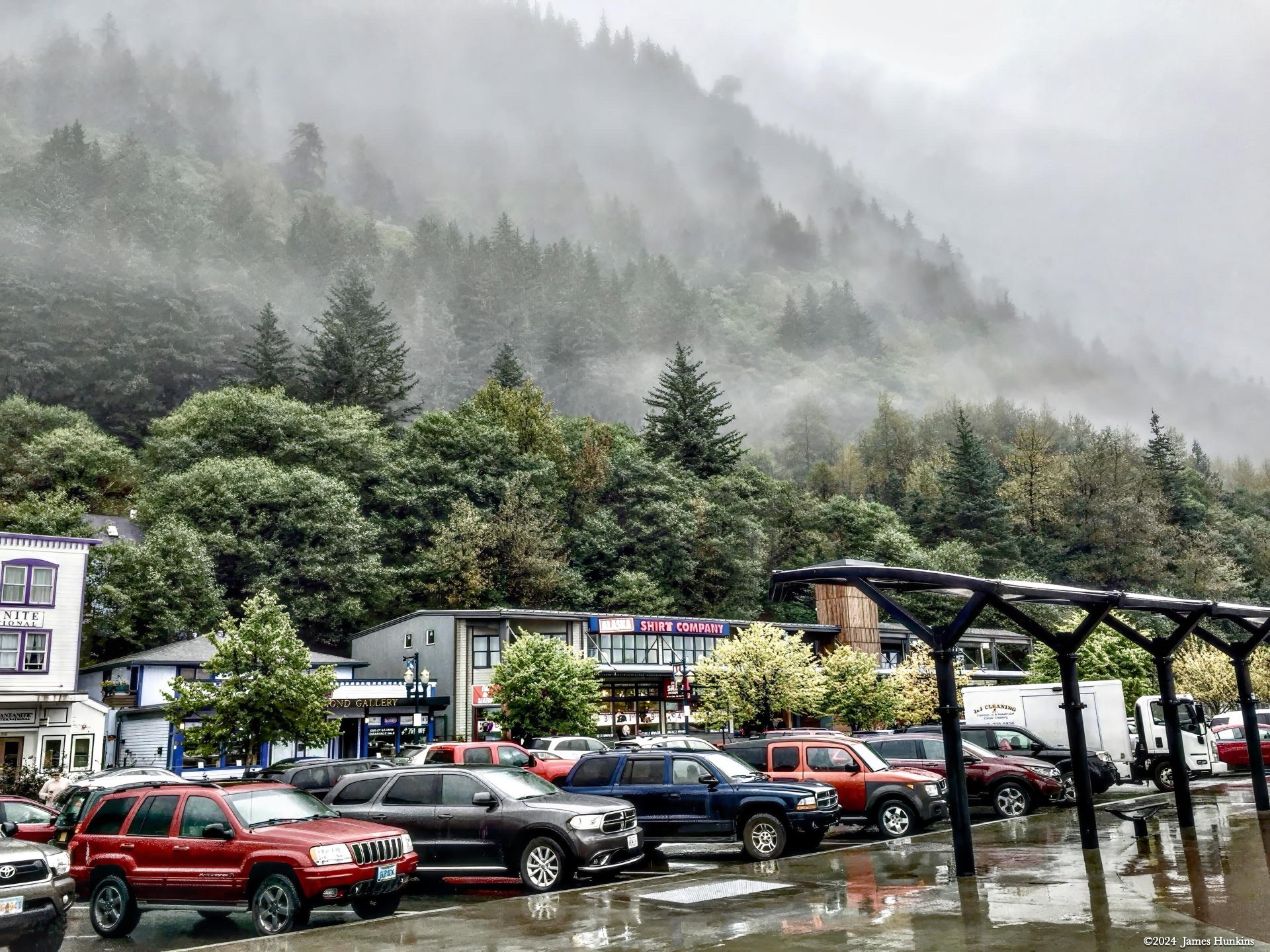
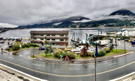 170923P0003Juneau is nestled at the base of forested mountains, often shrouded in low clouds
 -
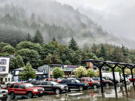 170923P0005Juneau is nestled at the base of forested mountains, often shrouded in low clouds